
Top YouTube Content Creation Tools to Boost Your Channel
Creating compelling YouTube content is more than just hitting 'record.' From my experience, it's a multi-stage process that requires a strategic blend of creativity, efficiency, and optimization. From brainstorming viral ideas and scripting your narrative to editing, captioning, and promoting your final video, the right tools can make all the difference. This guide is built on direct experience, offering a complete look at the best YouTube content creation tools that support every step of your workflow. We'll move beyond generic feature lists to provide a clear, actionable overview of how each tool fits into a practical production pipeline, helping you save time, improve quality, and grow your channel.
This resource is designed to solve a critical problem for creators: finding the right software for a specific task without endless trial and error. Whether you're a beginner looking for free options or a seasoned professional needing advanced features, this list has you covered. We will explore powerful platforms for ideation, recording, editing, and even repurposing your content across social media. To help you navigate the myriad options available, consider consulting guides on the best video editing software for content creators, which can offer valuable comparisons and recommendations.
Each entry below includes a quick summary, key features, pros and cons, and a "best for" use case to help you make an informed decision quickly. We also provide direct links and screenshots, so you can see the tools in action and get started immediately. From industry-standard editors like Adobe Premiere Pro to AI-powered transcription with Whisper AI and all-in-one solutions like Descript, you'll find everything needed to build a more effective and efficient content creation system.
1. Whisper AI
Whisper AI stands out as a powerful, multi-purpose assistant for creators who need to move from raw audio and video to actionable text content quickly. It's more than a simple transcription service; it's a complete workflow tool designed to extract value from spoken words. From my own use, the ability to transcribe from a public link to a YouTube video or social clip is a game-changer. It removes the friction of downloading and re-uploading content, making it a standout choice for repurposing existing material or analyzing competitor content.
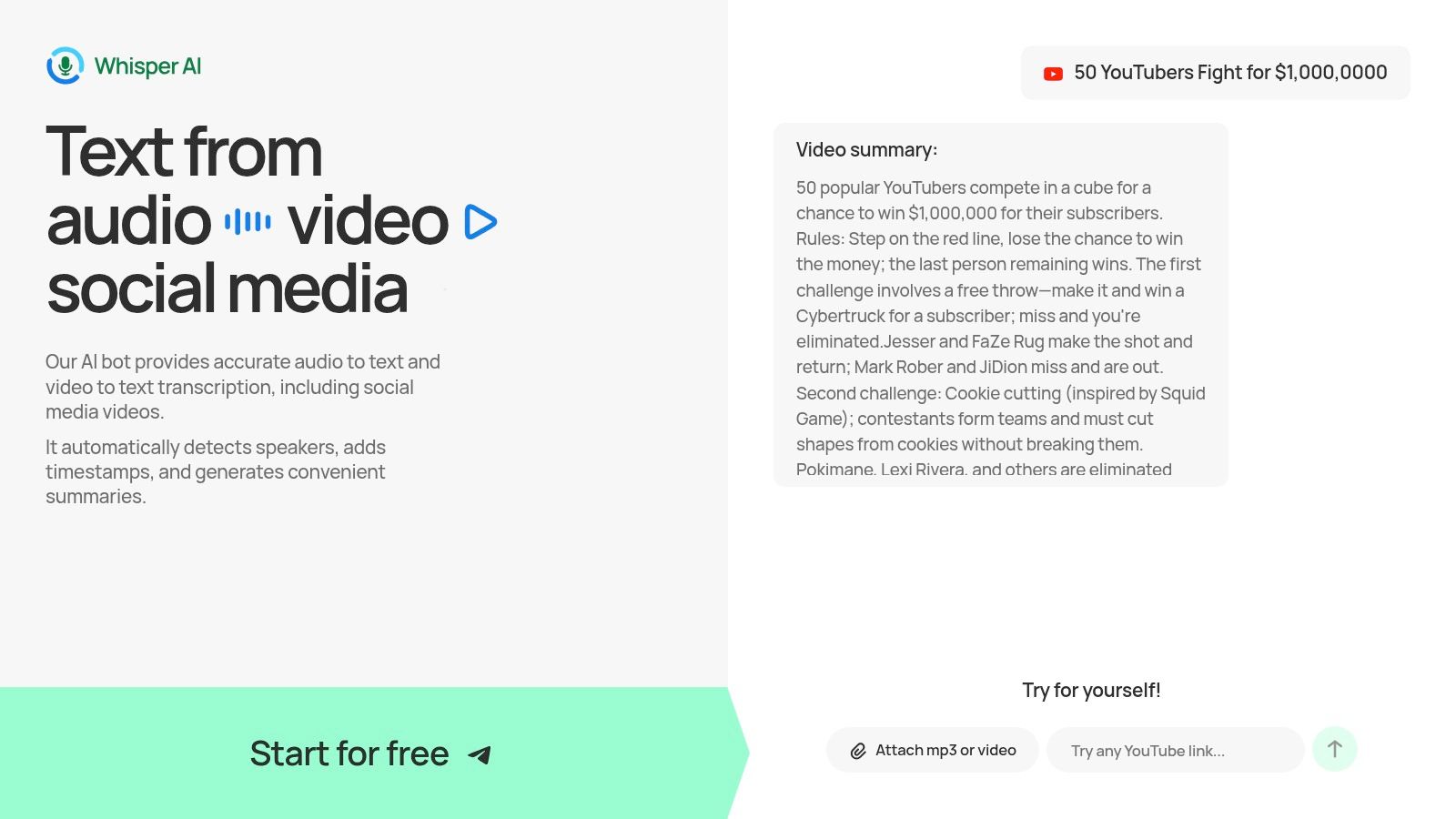
The platform’s real strength lies in what it does after transcription. It automatically identifies different speakers and adds precise timestamps, which is critical for editing video captions or creating show notes. I've found the automated summaries and bullet-point highlights exceptionally useful for generating YouTube video descriptions, blog post outlines, or social media posts directly from a long-form video. This feature alone can save creators hours of manual work. For a deeper dive into its capabilities, you can explore their guide on using an AI tool to transcribe YouTube videos.
Key Features & Use Cases
| Feature | Best For |
|---|---|
| Link-Based Transcription | Quickly transcribing competitor videos for research or repurposing social media clips without downloading files. |
| Automated Summaries & Highlights | Instantly creating YouTube descriptions, email newsletters, and social media captions from a video transcript. |
| Interactive Q&A | Asking the transcript specific questions like "What were the main action items?" to generate meeting notes or to-do lists. |
| Speaker Detection & Timestamps | Editing accurate video captions (SRT files) or finding specific quotes for highlight reels and shorts. |
| Multi-Language Support (92+) | Creating accessible content for a global audience by transcribing and translating non-English videos. |
Pros:
- Fast, accurate transcription with robust post-processing features like summarization and speaker labels.
- Incredibly flexible input options, accepting direct uploads and public URLs.
- Multiple export formats (Google Docs, Word, PDF, TXT) and an interactive chat to refine outputs.
- Strong focus on user privacy; files are processed securely and not stored after the task is complete.
Cons:
- Pricing for heavy or team-based use requires signing up to see the full plans, though a free tier is available for initial testing.
- Like any AI, accuracy can dip with poor audio quality, heavy background noise, or dense, specialized terminology.
Access: Visit the website to sign up for a free account.
Visit Whisper AI
2. Adobe Premiere Pro
Adobe Premiere Pro stands as the industry-standard video editor for a reason, offering a depth of control that serious YouTubers and professional creators depend on. My experience with it has shown that it moves beyond template-based editing to provide a multi-track timeline where every element—from video clips and audio layers to text and graphics—can be manipulated with precision. This makes it an exceptional tool for creators whose content demands complex edits, custom animations, or detailed color grading to establish a specific visual mood.
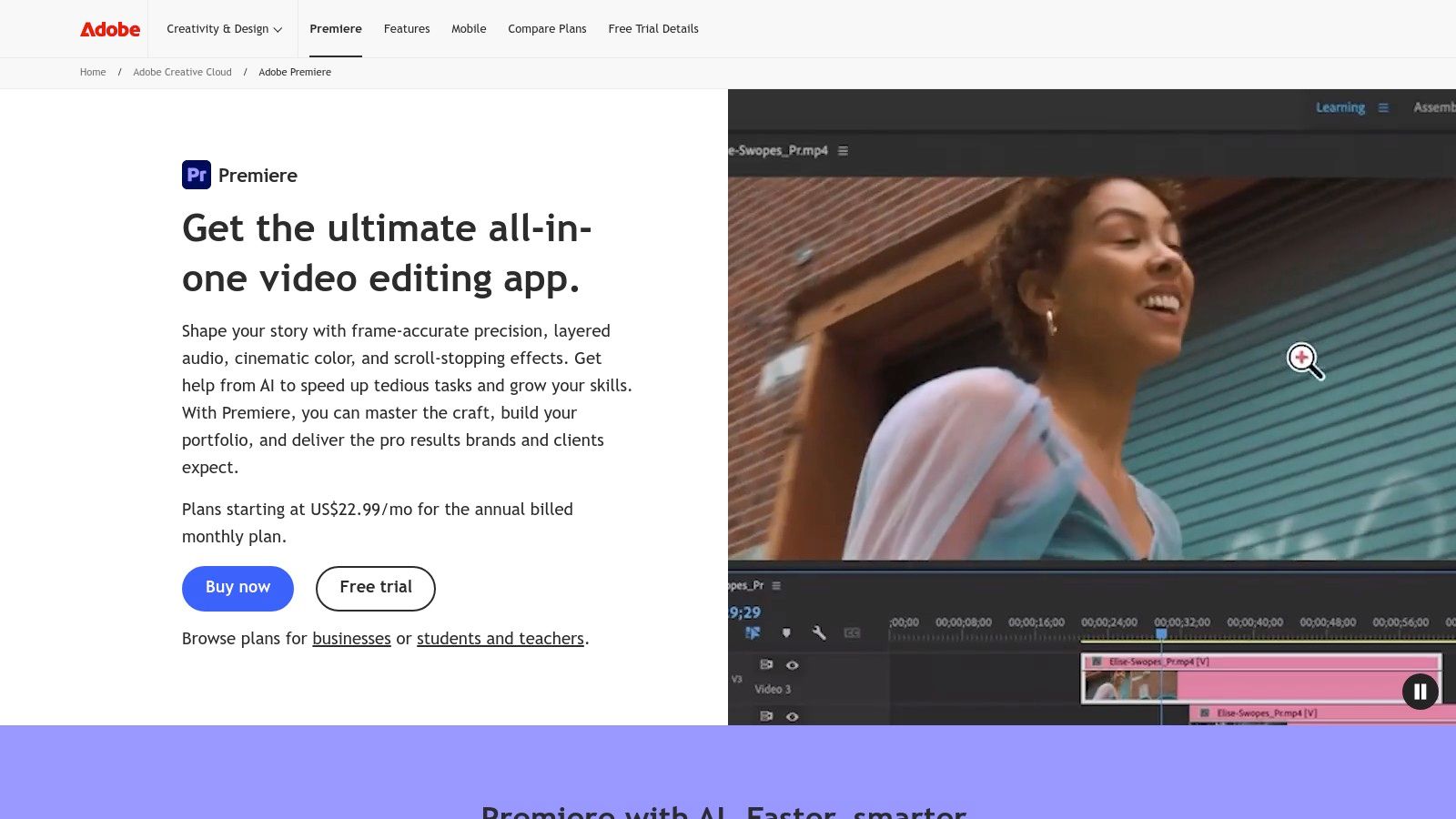
Its strength lies in the cohesive Adobe Creative Cloud ecosystem. You can create motion graphics in After Effects, clean up audio in Audition, and design thumbnails in Photoshop, with all assets seamlessly linking back to your Premiere Pro project. The recent integration of Frame.io is a significant benefit for collaborative teams, allowing for time-stamped comments and feedback directly on the video draft. While its subscription cost and learning curve are notable, no other tool provides this level of professional integration, making it one of the most powerful YouTube content creation tools available for those who need it.
| Feature | Details |
|---|---|
| Best For | Established creators, documentary-style content, and anyone needing deep creative control over video and audio. |
| Key Features | Advanced timeline editing, Lumetri Color panel, Essential Sound panel, Frame.io integration, native export presets for YouTube. |
| Pricing | Subscription-based, available as a single app ($22.99/mo) or part of the Creative Cloud All Apps plan ($59.99/mo). |
| Pros | Unmatched professional features, deep integration with other Adobe apps, extensive third-party plugins and templates. |
| Cons | Steep learning curve for beginners, subscription-only model, requires a powerful computer for smooth performance. |
| Website | https://www.adobe.com/products/premiere.html |
For those comparing different editing platforms, our detailed guide on video editing software for YouTube offers further insights into how Premiere Pro stacks up against its competitors.
3. Final Cut Pro
For creators embedded in the Apple ecosystem, Final Cut Pro offers a uniquely powerful and optimized video editing experience. It distinguishes itself with the Magnetic Timeline, which intelligently rearranges clips to avoid collisions and sync issues. In my experience, this allows for faster, more fluid assembly of your YouTube videos, simplifying complex projects and significantly speeding up the editing workflow, especially for long-form content.
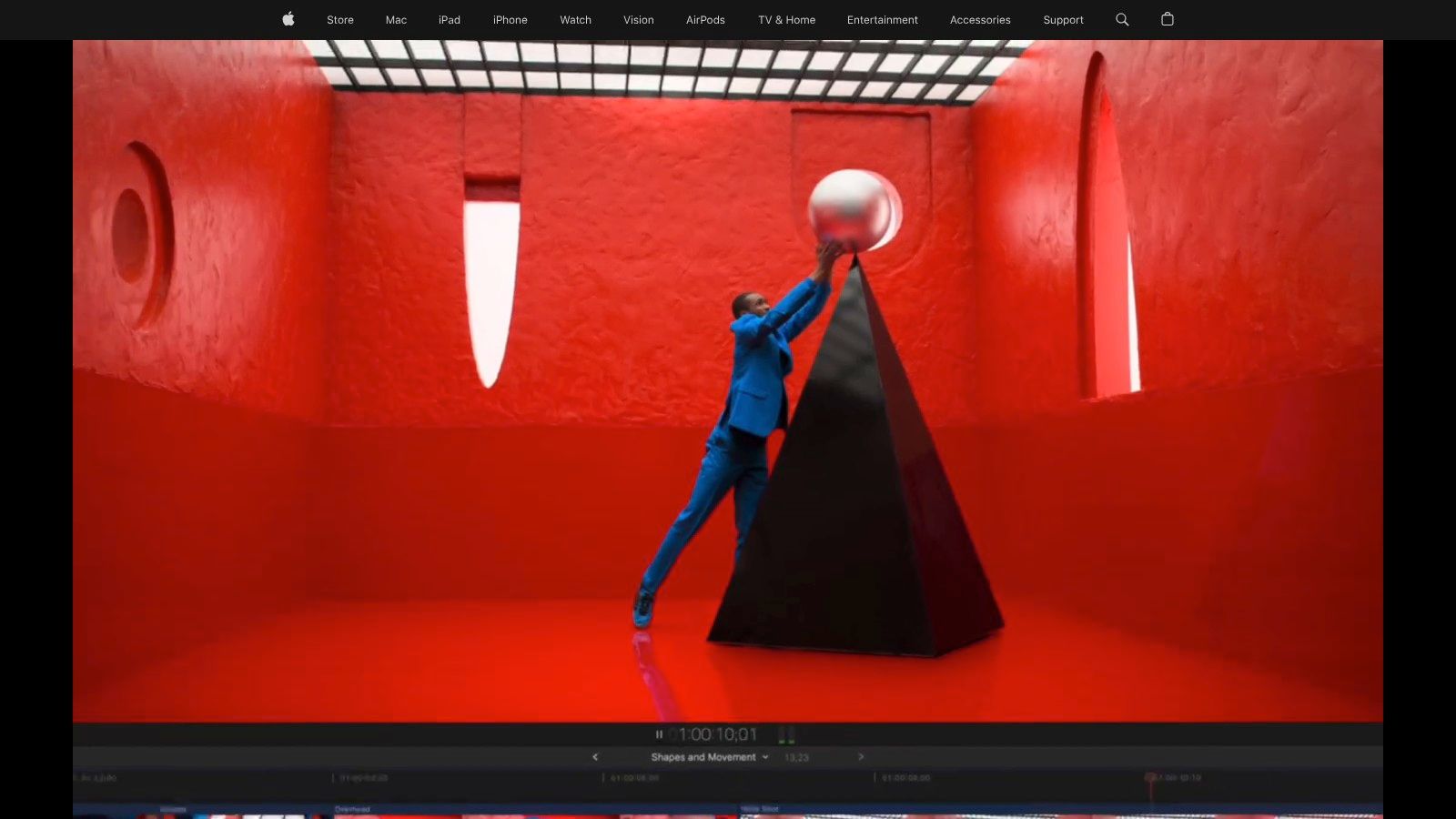
The performance on Apple silicon is a major advantage, delivering exceptionally fast rendering and smooth playback even with high-resolution 4K footage. Recent updates have introduced smart, AI-assisted features like Transcript Search, which lets you find specific moments in your footage by searching for spoken words. This makes it one of the most efficient YouTube content creation tools for content-heavy channels. While its biggest limitation is being exclusive to macOS, the one-time purchase option presents a compelling value proposition for Mac-based creators looking to avoid monthly subscription fees.
| Feature | Details |
|---|---|
| Best For | Mac-based creators, vloggers, and anyone prioritizing editing speed and stability for long YouTube videos. |
| Key Features | Magnetic Timeline, AI-assisted Transcript Search, optimized performance for Apple silicon, advanced color grading and audio tools. |
| Pricing | One-time purchase of $299.99. |
| Pros | Extremely fast and stable on Macs, intuitive Magnetic Timeline for quick edits, attractive one-time purchase model. |
| Cons | Exclusive to macOS, limiting cross-platform workflows; different editing paradigm can be a hurdle for users coming from other NLEs. |
| Website | https://www.apple.com/finalcutpro/ |
4. DaVinci Resolve Studio
DaVinci Resolve Studio offers a complete post-production solution, bundling professional-grade editing, color correction, visual effects, and audio mixing into a single application. While its free version is incredibly capable for most creators, the paid Studio version introduces powerful AI tools and advanced features that set it apart. Based on professional use, it’s particularly celebrated for its unparalleled color grading tools, making it the top choice for creators who prioritize a cinematic look and feel for their content.
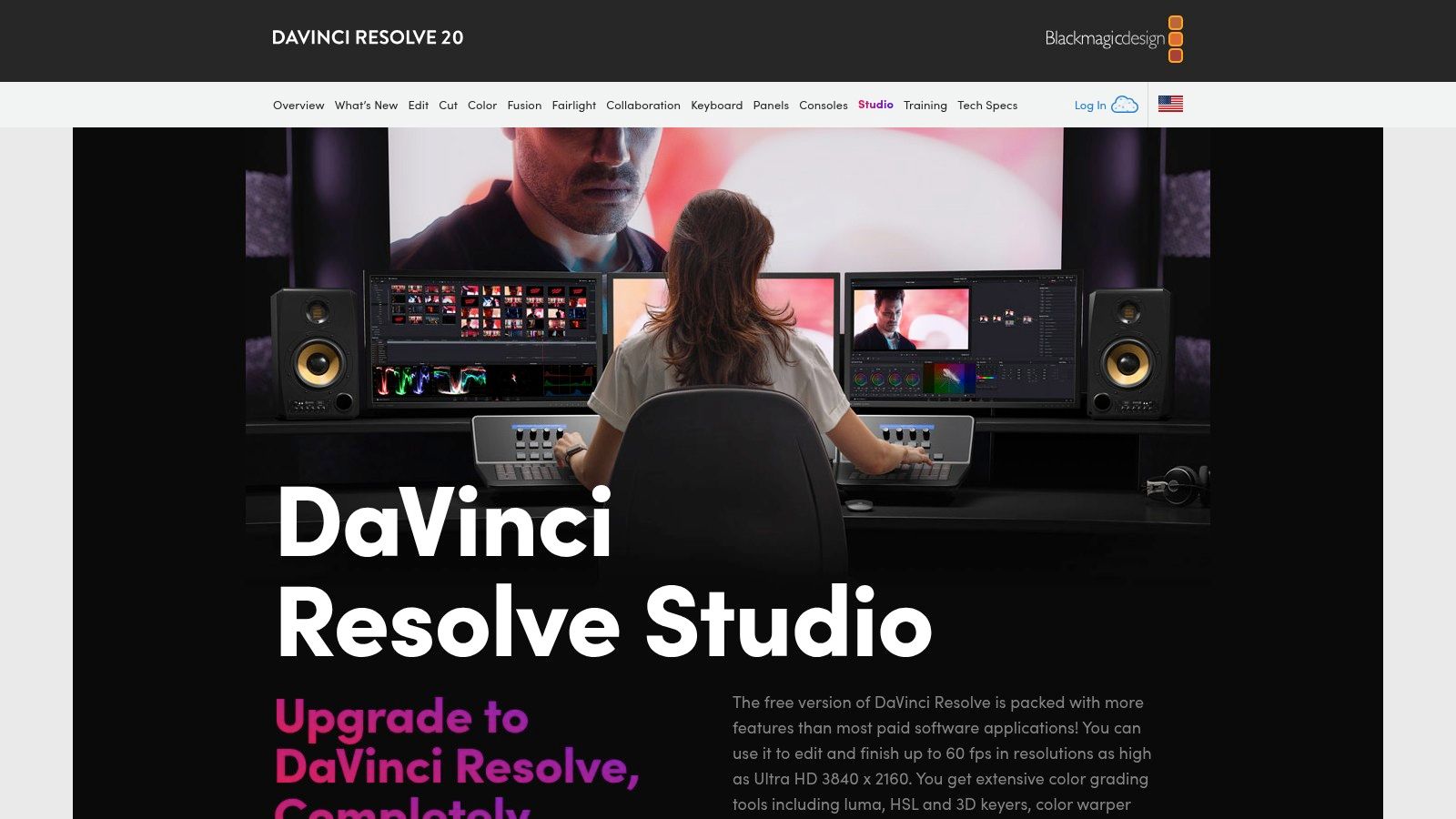
The workflow is organized into dedicated "Pages" for different tasks, allowing you to move from editing to color to audio without ever leaving the program. The Studio version's DaVinci Neural Engine enables time-saving features like Magic Mask for rotoscoping and Smart Reframe for automatically resizing videos for different social platforms. Unlike subscription-based models, DaVinci Resolve Studio is available for a one-time fee, which presents significant long-term value. This combination of powerful features and a creator-friendly pricing model makes it one of the most compelling YouTube content creation tools for serious producers.
| Feature | Details |
|---|---|
| Best For | Creators focused on cinematic quality, advanced color grading, and anyone wanting a professional, non-subscription editing suite. |
| Key Features | Unified Edit, Color, Fusion, and Fairlight pages, DaVinci Neural Engine AI tools (Magic Mask, Smart Reframe), advanced HDR workflows. |
| Pricing | A powerful free version is available. The Studio version is a one-time purchase of $295. |
| Pros | Industry-leading color correction tools, a remarkably feature-rich free version, and a perpetual license model (no recurring subscription). |
| Cons | Steeper learning curve compared to simpler editors, requires the paid Studio version for certain advanced codecs and AI features. |
| Website | https://www.blackmagicdesign.com/products/davinciresolve/studio |
5. CapCut
CapCut has rapidly become a go-to video editor for creators focused on speed and social media trends, particularly for YouTube Shorts. Its major strength is a powerful suite of AI-driven features that automate tedious tasks. Functions like one-click background removal, automatic captions with animations, and filler-word detection allow creators to produce clean, engaging content in a fraction of the time it would take in more traditional editors. This makes it an ideal platform for producing high-volume content without a steep learning curve.
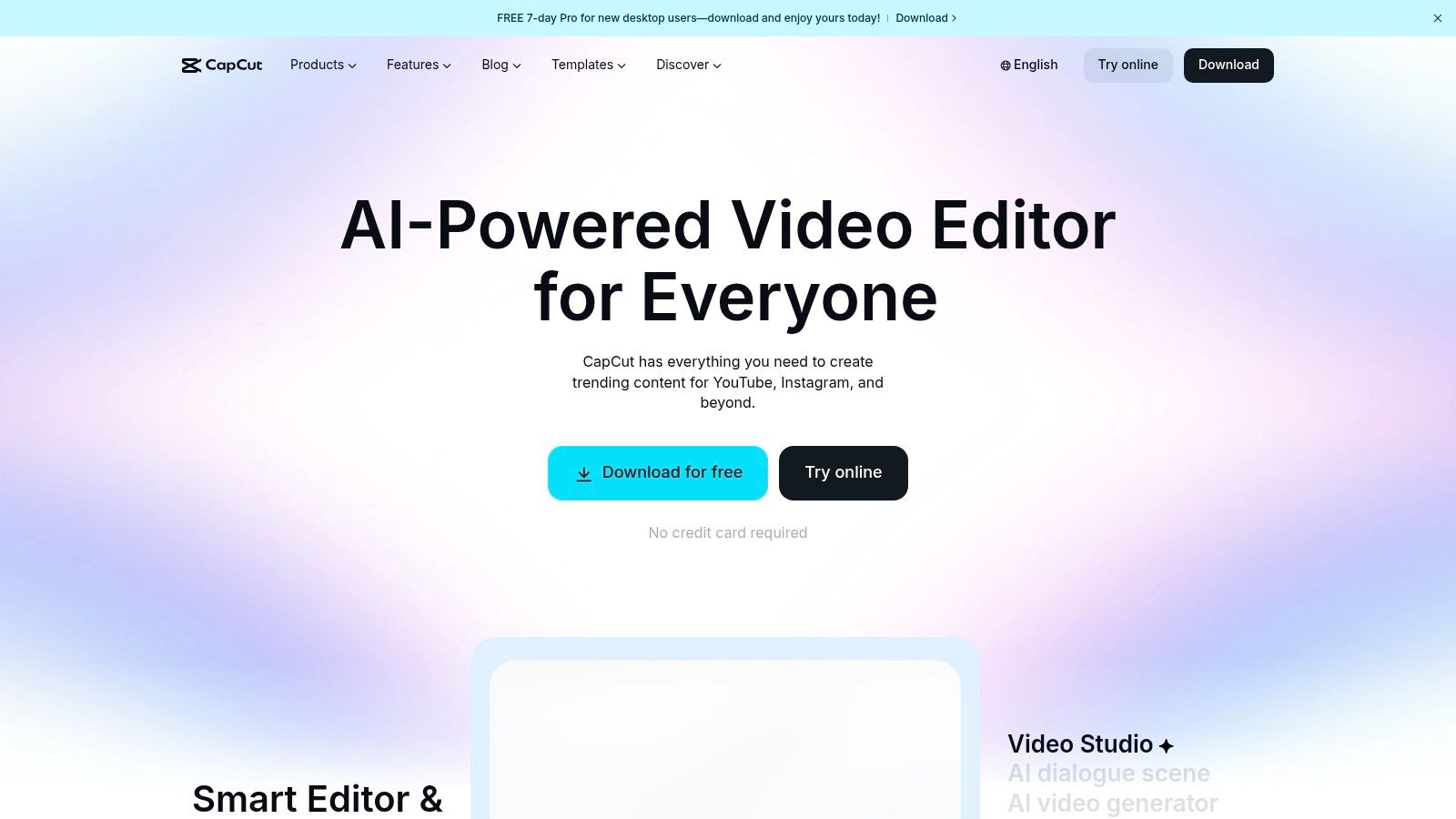
The platform’s cross-device availability is a significant advantage. You can start a project on your phone, refine it on a desktop, and make final tweaks in a web browser, with all changes synced via the cloud. This flexibility supports a modern, on-the-go workflow. While it lacks the deep, granular control of professional software like Premiere or Resolve, its rich library of templates, effects, and sounds provides more than enough creative fuel for most social-first content. For creators who need to publish polished videos quickly, CapCut is one of the most efficient YouTube content creation tools available.
| Feature | Details |
|---|---|
| Best For | YouTube Shorts creators, quick-turnaround videos, and anyone wanting powerful AI features without a complex interface. |
| Key Features | AI-powered auto captions, filler-word removal, background remover, text-to-speech, vast template library, cross-platform cloud sync. |
| Pricing | Free version available with watermarks and limited features. Pro plan pricing varies by region and platform (approx. $7.99/mo). |
| Pros | Extremely fast workflow from concept to final video, excellent for Shorts, great built-in assets and AI tools with minimal setup. |
| Cons | Lacks the deep controls of professional NLEs, Pro pricing and feature access can be inconsistent across different platforms. |
| Website | https://www.capcut.com/ |
6. Descript
Descript offers a fundamentally different approach to video editing by treating your media like a text document. Instead of manipulating clips on a timeline, you edit the auto-generated transcript, and the corresponding video and audio cuts are made for you. In my experience, this makes it incredibly fast for creators whose content is primarily talk-driven, such as tutorials, commentary videos, or podcast recordings. The workflow integrates screen recording, editing, and captioning into a single, intuitive application.
Its power lies in its AI-driven features. "Studio Sound" enhances audio quality with a single click, while the "Remove Filler Words" function can instantly delete every "um" and "uh" from your recording. For creators looking to repurpose long-form videos, Descript excels at finding key moments and generating short, socially-optimized clips with templates. While traditional video editors may prefer a standard NLE, Descript's unique text-based process makes it one of the most efficient YouTube content creation tools for scripted and dialogue-heavy content.
| Feature | Details |
|---|---|
| Best For | Podcasters, educators, tutorial creators, and anyone making scripted or talk-heavy videos. |
| Key Features | Text-based video/audio editing, Overdub (AI voice cloning), Studio Sound, multicam screen recording, filler word removal, automatic captions. |
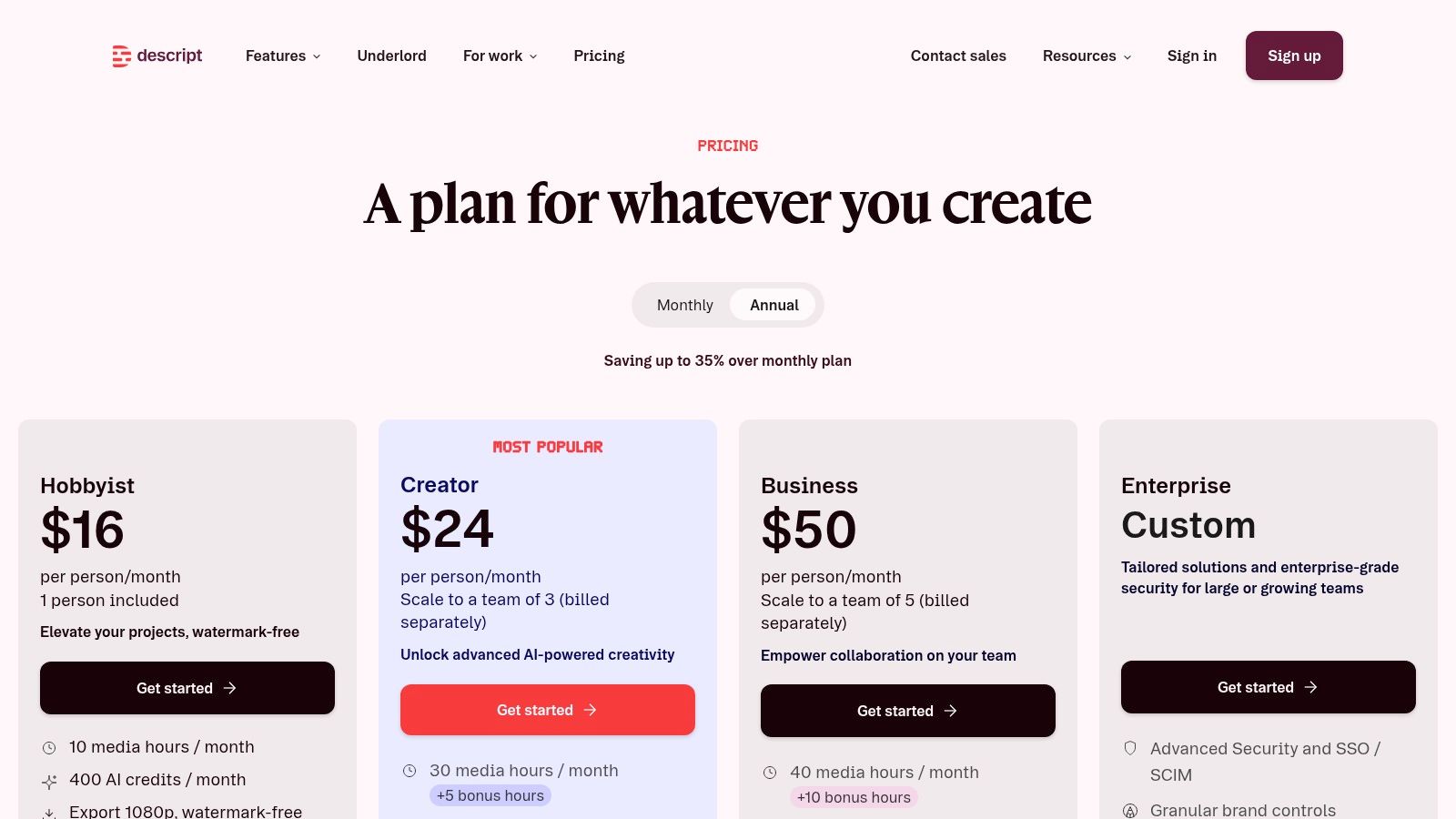
| Pricing | Free plan with limited features. Paid plans start at $12/month (Creator) and $24/month (Pro), offering more transcription hours and advanced AI tools. |
| Pros | Exceptionally fast workflow for talk-driven content, bundles recording, editing, and captions in one app, powerful AI features simplify complex tasks. |
| Cons | Less suited for action-heavy or highly cinematic editing, AI and cloud-based features have usage limits based on the plan. |
| Website | https://www.descript.com/pricing |
7. TubeBuddy
TubeBuddy integrates directly into your YouTube interface, operating as a browser extension that supercharges your channel management and optimization workflow. Instead of being a separate platform, it overlays powerful data and tools onto the YouTube Studio you already use. Based on hands-on use, this provides real-time insights for keyword research and competitor analysis, making it a practical tool for making data-driven decisions without constantly switching dashboards. Its strength is in simplifying complex analytics and providing actionable steps for growth.
For creators managing a large catalog of videos, TubeBuddy's bulk processing tools are a significant time-saver, allowing for mass updates to cards, end screens, and descriptions. A standout feature is its A/B testing capability, which lets you experiment with different thumbnails and titles to see which ones achieve a better click-through rate. While the most impactful features are behind a subscription, the free version offers enough value for new creators to get started. It's one of the most accessible YouTube content creation tools for understanding and improving channel performance directly within the YouTube environment.
| Feature | Details |
|---|---|
| Best For | Growth-focused YouTubers, channel managers, and creators who want to optimize their video SEO and workflow efficiency. |
| Key Features | Keyword Explorer for SEO, A/B testing for titles and thumbnails, Best Time to Publish, bulk metadata processing tools, competitor tracking. |
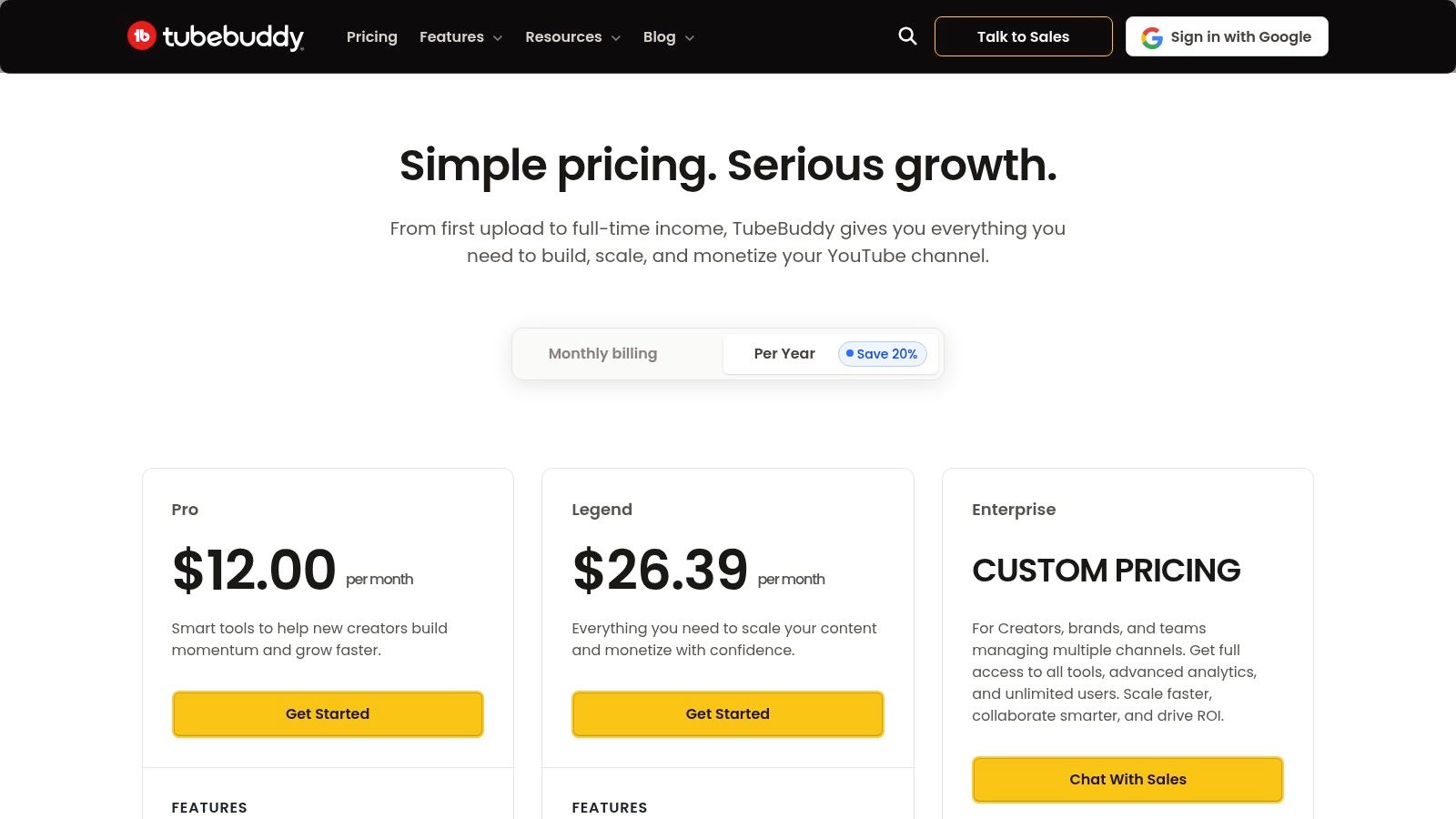
| Pricing | Freemium model. Paid plans (Pro, Star, Legend) unlock more advanced features, with pricing often discounted for smaller channels. |
| Pros | Proven time-saver for busy upload schedules, data-driven A/B testing can concretely improve CTR, integrates directly into the YouTube UI. |
| Cons | The most useful features are part of the paid plans; data can be overwhelming for absolute beginners. |
| Website | https://www.tubebuddy.com/pricing |
8. vidIQ
vidIQ serves as a powerful YouTube analytics and growth co-pilot, designed to demystify the platform's algorithm and guide creators toward smarter content decisions. It integrates directly into your YouTube experience via a browser extension, providing real-time data and suggestions as you browse. Its core strength is turning raw channel data into actionable insights. In my experience, it helps you discover high-demand, low-competition keywords, analyze what makes competitor videos successful, and get topic ideas aligned with audience interest.
The platform’s AI Coach is a standout feature, acting as a brainstorming partner to generate video titles, descriptions, and even scripts based on proven formats. This makes it an invaluable asset for creators who struggle with ideation or want to ensure their content is optimized from the start. While many of its most potent features are reserved for paid tiers, the free version offers enough functionality to get a solid feel for its data-driven approach. For creators looking to move beyond guesswork, vidIQ is one of the most effective YouTube content creation tools for strategic growth.
| Feature | Details |
|---|---|
| Best For | Creators focused on data-driven growth, SEO optimization, and competitive analysis. |
| Key Features | Real-time keyword suggestions, AI Coach for content ideation, competitive channel tracking, thumbnail preview tool, channel audit tool. |
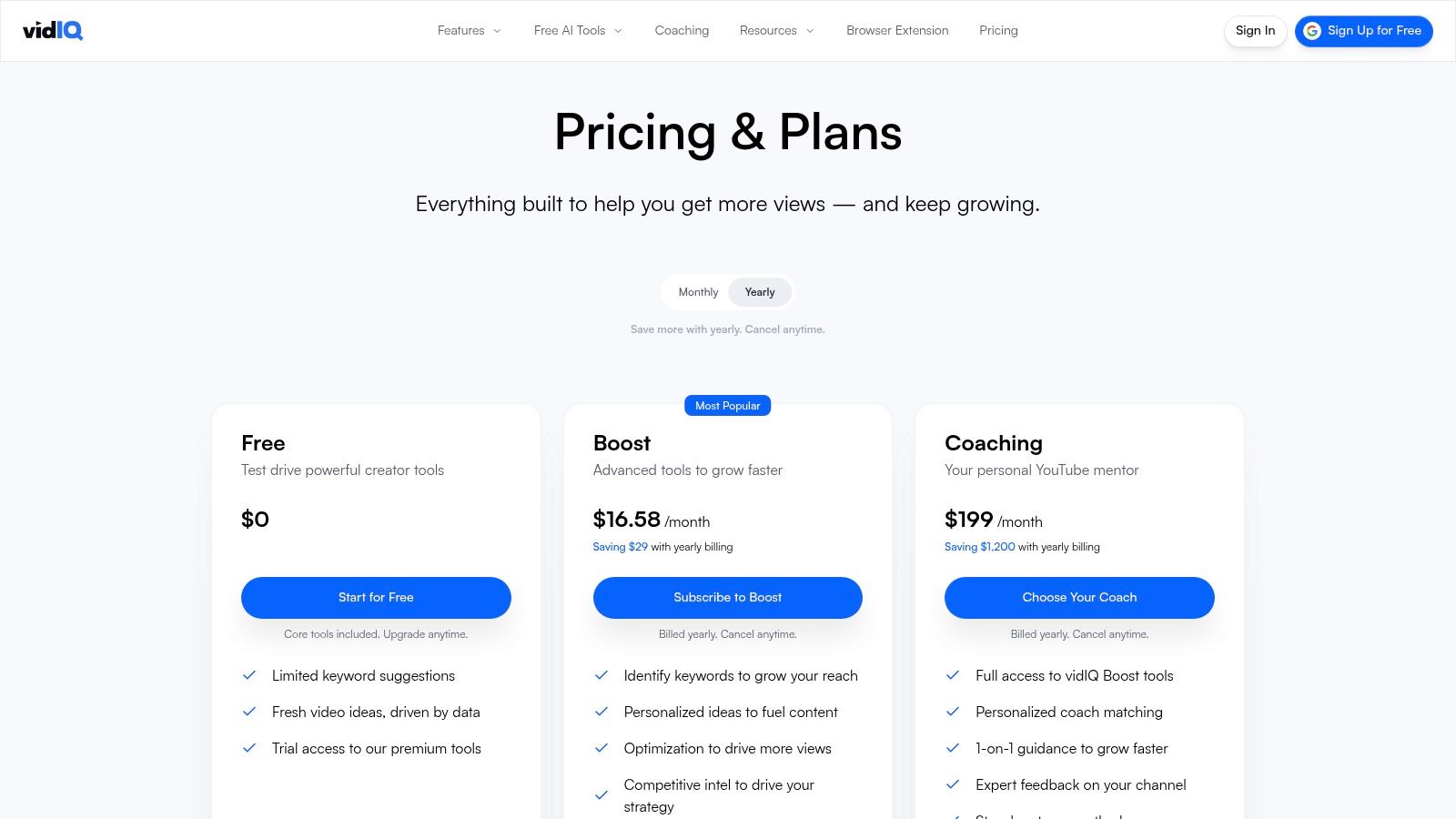
| Pricing | Free plan available. Paid plans include Pro ($7.50/mo), Boost ($39/mo), and Max ($79/mo) with more features and AI credits. |
| Pros | Provides clear, actionable SEO suggestions, direct integration into the YouTube interface, strong competitor analysis features. |
| Cons | The most valuable features require a subscription, and its data-heavy approach can encourage chasing trends over brand-aligned content. |
| Website | https://vidiq.com/plans/ |
Using a tool like vidIQ is a fundamental step, but truly mastering discoverability involves a deeper understanding of the algorithm. Our guide on YouTube SEO best practices offers a detailed look into the strategies that complement these tools.
9. Canva
Canva has become the go-to design platform for creators who need professional-looking visuals without the steep learning curve of advanced photo editors. Its primary strength for YouTubers is in creating compelling thumbnails, which are critical for attracting clicks. With an enormous library of templates specifically designed for YouTube, you can produce a high-quality, on-brand thumbnail in minutes—a process that might take much longer in more complex software. This speed allows for efficient A/B testing of different thumbnail designs to see what resonates most with your audience.
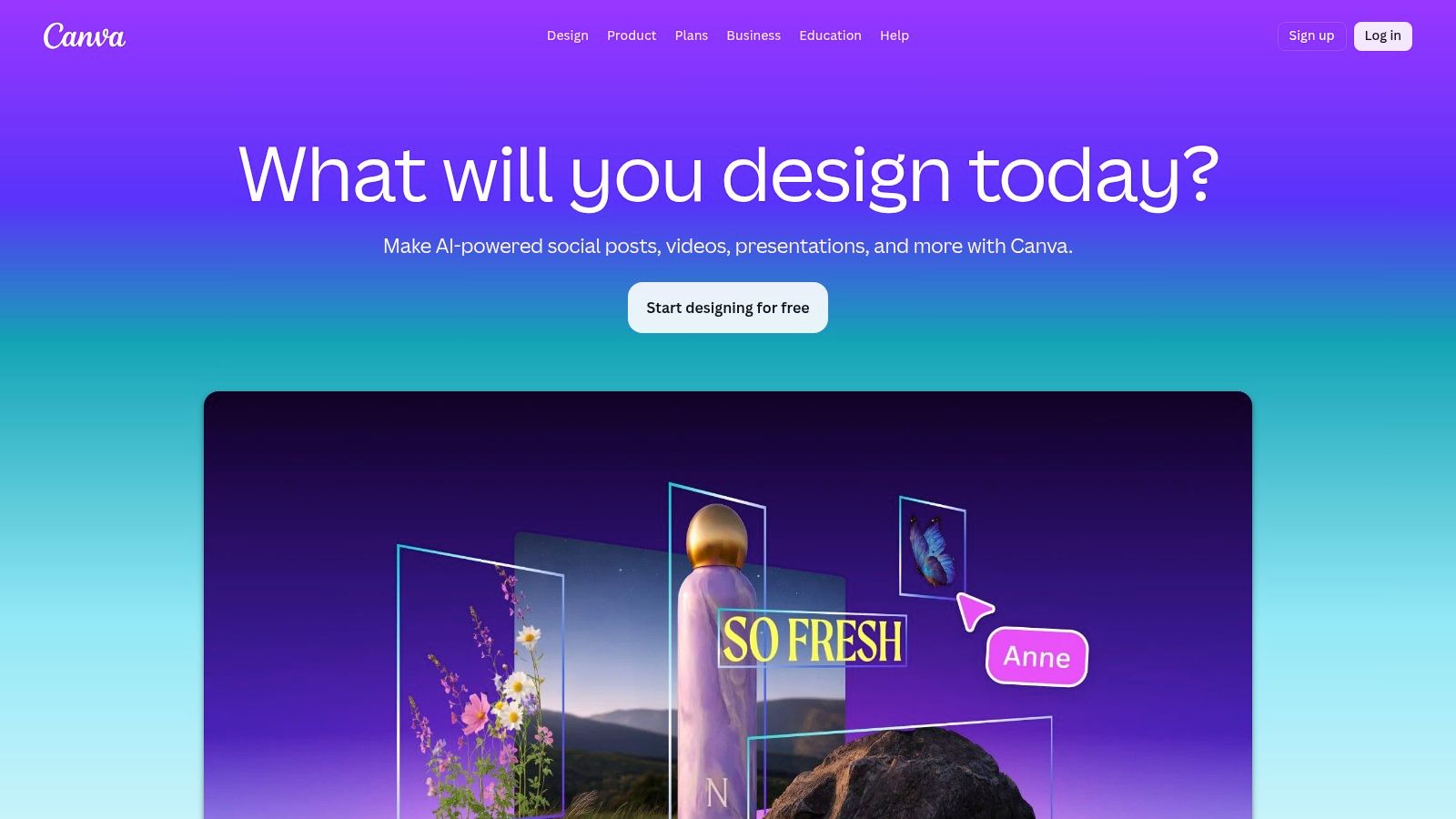
Beyond thumbnails, Canva is excellent for maintaining a consistent brand identity across your channel art, end screens, and social media posts. The Brand Kit feature (available in Pro) stores your logos, color palettes, and fonts for easy access, ensuring every piece of content you produce looks cohesive. Recent additions like Magic Studio introduce AI-powered tools that can help generate design variations or remove backgrounds with a single click. For creators who prioritize speed and consistency over intricate graphic design, Canva is one of the most effective YouTube content creation tools for managing a channel's visual presence.
| Feature | Details |
|---|---|
| Best For | Creators of all levels needing fast, high-quality thumbnails, channel art, and social media graphics without deep design skills. |
| Key Features | Ready-made YouTube thumbnail templates, Brand Kits, one-click Background Remover, Magic Studio AI tools, simple animation features. |
| Pricing | Free plan available with good core features. Canva Pro starts at $14.99/mo for one person, with team plans available. |
| Pros | Very user-friendly, massive template and asset library, quick for testing thumbnail variants, excellent for brand consistency. |
| Cons | Some advanced AI features and premium assets require a Pro subscription; design capabilities are less powerful than dedicated photo editors. |
| Website | https://www.canva.com |
10. OBS Studio
OBS (Open Broadcaster Software) Studio is the definitive free, open-source tool for live streaming and high-quality screen recording. It empowers creators to build professional-looking scenes by combining multiple sources, including gameplay, webcams, screen captures, and pre-recorded media. Its real power comes from the ability to compose and switch between these scenes live, making it a cornerstone for gaming channels, live Q&A sessions, software tutorials, and YouTube Live events that require dynamic presentation.
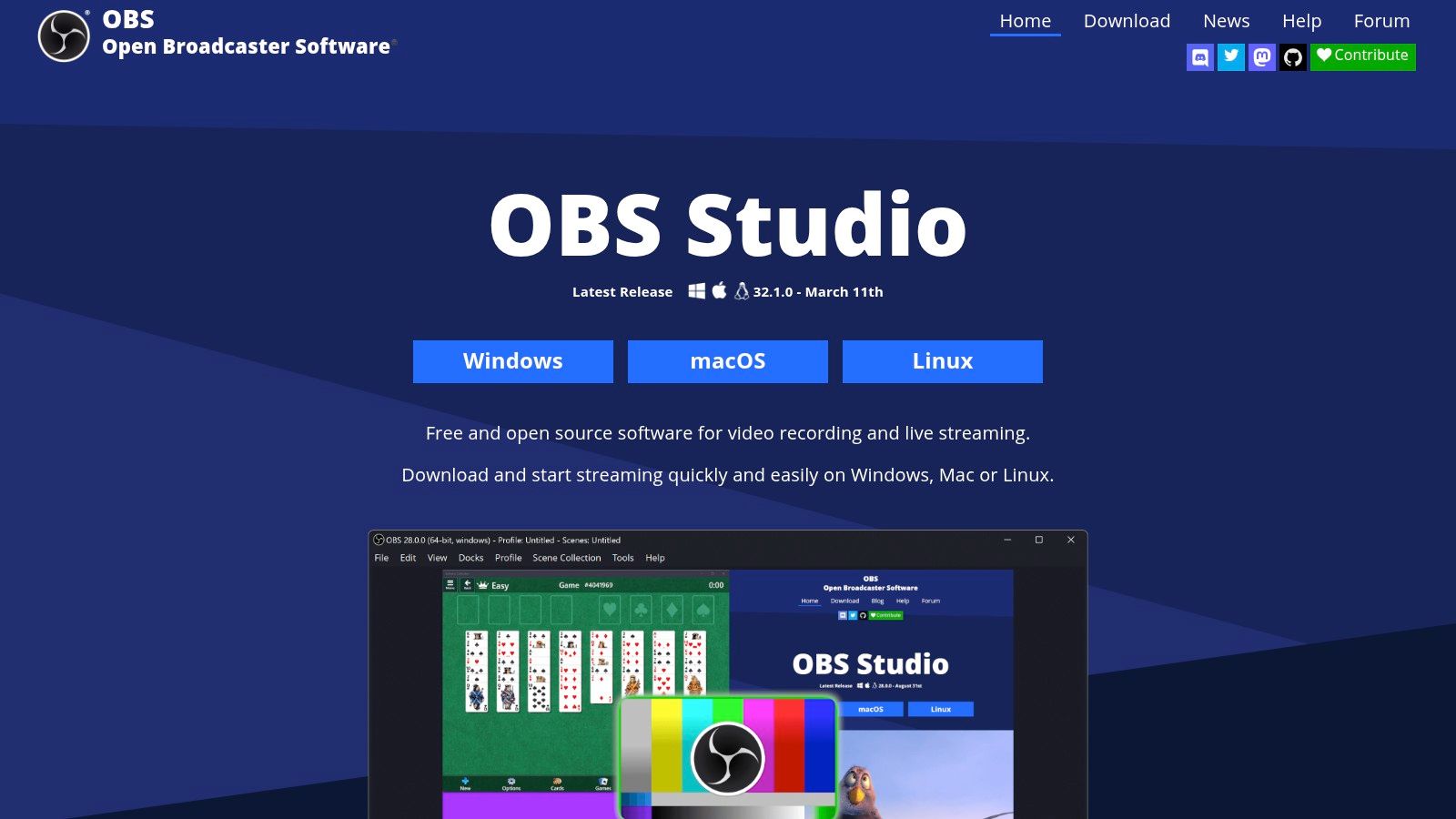
Unlike simple screen recorders, OBS operates like a live video production studio on your desktop. It offers per-source audio controls with filters like noise gates and VST plugin support, giving you granular command over your sound mix. I've found the Studio Mode feature particularly useful, as it allows you to preview and set up your next scene before pushing it live, preventing on-air mistakes. While its initial setup can be more involved than plug-and-play alternatives, its cost-free access to professional-level features makes it one of the most essential YouTube content creation tools for anyone serious about live production or creating complex video recordings.
| Feature | Details |
|---|---|
| Best For | Live streaming, gameplay recording, creating complex video tutorials, and any creator needing to mix multiple video sources. |
| Key Features | Unlimited scene composition, high-performance real-time capture, Studio Mode for scene preview, advanced audio mixer with VST plugin support. |
| Pricing | Completely free and open-source. |
| Pros | No cost for professional-level control, large support community, extensive customization via plugins and scripts, cross-platform. |
| Cons | Steeper learning curve for beginners, can be CPU intensive, requires plugins for features like multi-streaming or guest interviews. |
| Website | https://obsproject.com/ |
11. Riverside
Riverside has become the gold standard for YouTubers who need to record high-quality remote interviews and podcasts. Its core strength is recording separate, local audio and video tracks for each participant, sidestepping the glitches common with platforms like Zoom. This means that even if a guest has a poor internet connection, the final recording remains crisp because it’s captured directly on their device. Based on my tests, it provides a browser-based studio that is simple for guests to join, requiring no software installation on their part.
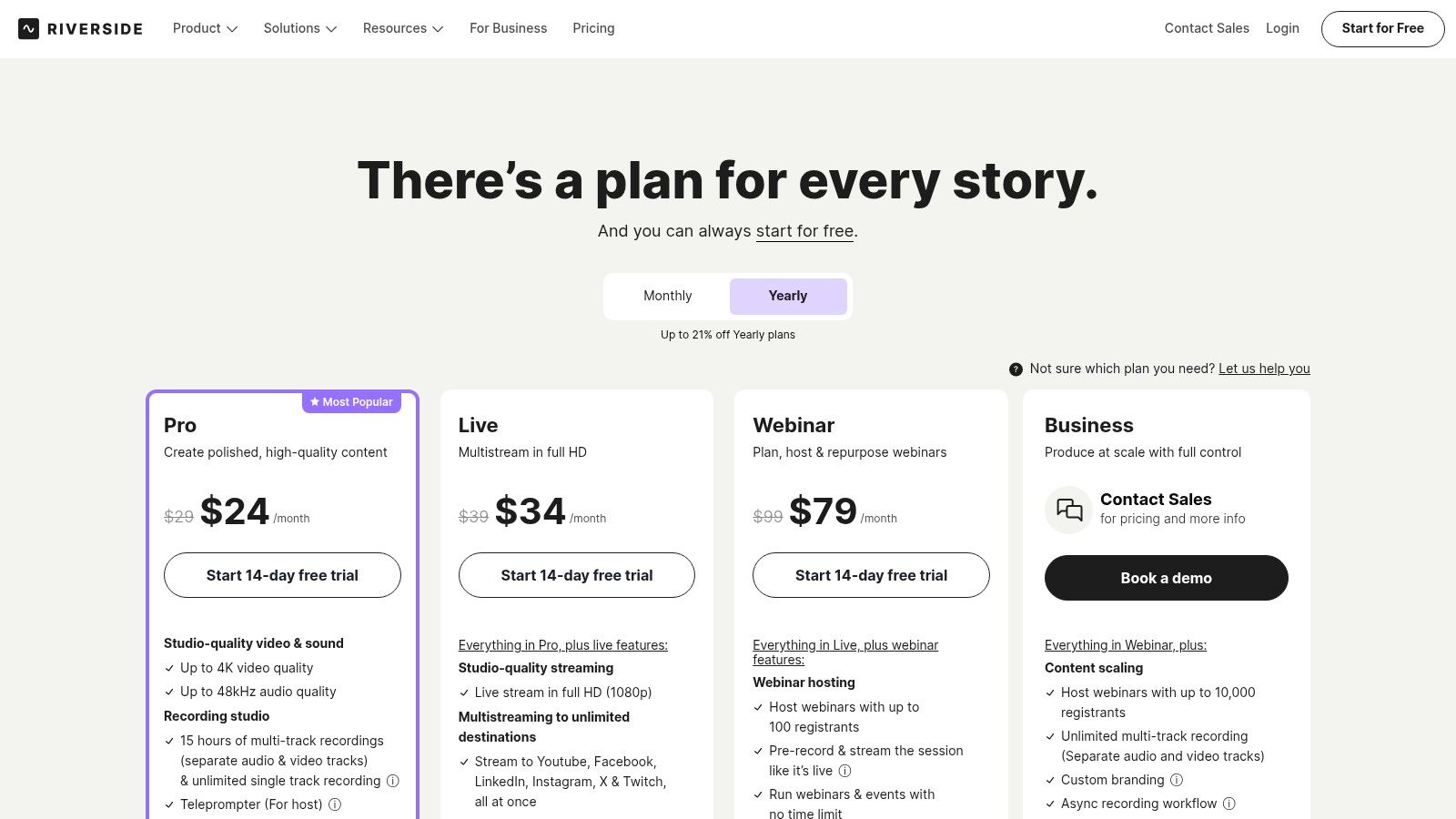
Beyond just recording, Riverside is an excellent YouTube content creation tool because it integrates features that speed up post-production. It automatically generates a transcript of the conversation, which is valuable for creating captions or finding key moments. The platform’s AI-powered "Magic Clips" feature can identify engaging segments and reformat them into vertical videos, perfect for sharing on YouTube Shorts, TikTok, or Instagram Reels. This combination of pristine remote recording and intelligent content repurposing makes it a powerful asset for any creator conducting interviews.
| Feature | Details |
|---|---|
| Best For | Interview-based channels, podcasters, and creators needing reliable, studio-quality remote recordings. |
| Key Features | Separate local audio/video tracks (up to 4K), built-in transcription, AI "Magic Clips" generator, easy guest access via browser. |
| Pricing | Offers a free plan with watermarked exports. Paid plans start at $15/mo (billed annually) for more recording hours and features. |
| Pros | Guarantees high-quality recordings regardless of internet stability, streamlines workflow with built-in transcription and clip creation. |
| Cons | The free tier includes a watermark on all video exports, and the best features are reserved for higher-priced subscription tiers. |
| Website | https://riverside.com/pricing |
12. OpusClip
OpusClip specializes in solving a major pain point for modern creators: repurposing long-form content into engaging short-form videos. This AI-powered tool analyzes a lengthy video, such as a podcast or a detailed tutorial, and intelligently extracts multiple shorter, vertical clips. It identifies the most compelling moments based on keywords and visual cues, assigning each a "virality score" to help you prioritize which clips to post on YouTube Shorts, TikTok, or Instagram Reels.
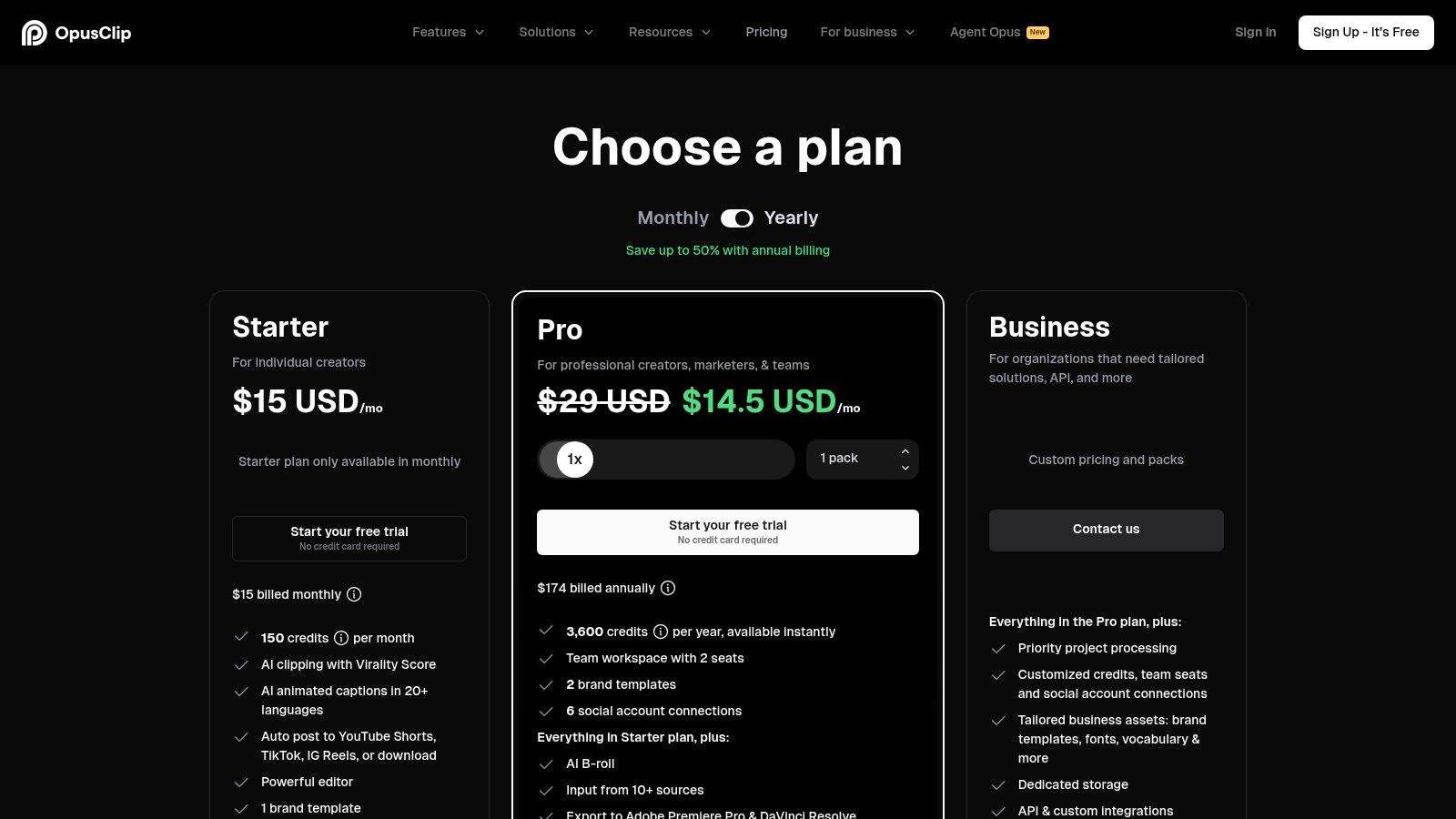
The platform's key strength is its automation. OpusClip automatically reframes the video to a 9:16 aspect ratio, uses AI to keep the active speaker in the frame, and adds stylish, animated captions to make the content more accessible and attention-grabbing. For creators who produce a lot of talk-heavy content, this dramatically reduces the manual editing workload required to maintain a consistent presence on short-form platforms. While manual adjustments are sometimes needed for optimal results and the free tier includes a watermark, it remains one of the most efficient YouTube content creation tools for scaling your content strategy.
| Feature | Details |
|---|---|
| Best For | Podcasters, interviewers, and creators looking to quickly repurpose long videos into multiple short clips for social media. |
| Key Features | AI-powered clip selection with virality scoring, automatic speaker detection and reframing, animated caption styles, multi-language support. |
| Pricing | Free tier with a watermark. Paid plans start at $9/mo for more upload minutes and brand customization features. |
| Pros | Exceptionally fast for creating a high volume of Shorts, good default caption styles reduce editing time, intuitive interface. |
| Cons | Free plan adds a watermark to videos, works best with dialogue-focused content, manual fine-tuning is often still beneficial. |
| Website | https://www.opus.pro/pricing |
Top 12 YouTube Content Creation Tools Comparison
| Tool | Best For | Key Features | My Take | Price |
|---|---|---|---|---|
| Whisper AI | Content Repurposing & Accessibility | AI transcription from links, automated summaries, speaker detection. | A massive time-saver for turning video/audio into text for captions, descriptions, and blog posts. | Freemium |
| Adobe Premiere Pro | Professional & Complex Edits | Advanced timeline, color grading, seamless Adobe ecosystem integration. | The industry standard for a reason, but has a steep learning curve and subscription cost. | Subscription |
| Final Cut Pro | Mac Users Prioritizing Speed | Magnetic Timeline, optimized performance on Apple silicon, AI transcript search. | Unbeatable performance on Macs. The one-time purchase is a huge plus for budget-conscious pros. | One-time Fee |
| DaVinci Resolve | Cinematic Color & All-in-One | Hollywood-level color grading, integrated VFX and audio post-production. | The free version is unbelievably powerful. The best choice for creators focused on a high-end look. | Freemium |
| CapCut | YouTube Shorts & Social Video | AI auto-captions, templates, one-click background removal, cross-device sync. | The fastest way to create trendy, engaging short-form videos with minimal effort. | Freemium |
| Descript | Talk-heavy & Scripted Content | Text-based video editing, AI filler-word removal, Studio Sound audio enhancement. | A revolutionary workflow. If you edit by cutting up a script, this will change your life. | Freemium |
| TubeBuddy | In-YouTube SEO & Optimization | Keyword explorer, A/B thumbnail testing, bulk processing tools. | Excellent for making data-driven improvements without ever leaving the YouTube Studio interface. | Freemium |
| vidIQ | Growth Strategy & Ideation | AI Coach for ideas, competitor analysis, real-time SEO score. | A great "co-pilot" for finding new content angles and understanding what's working for others. | Freemium |
| Canva | Thumbnails & Channel Branding | Huge template library, Brand Kits, easy background remover. | The easiest and fastest way for non-designers to create professional-looking thumbnails. | Freemium |
| OBS Studio | Live Streaming & Screen Recording | Scene composition, multiple source mixing, high-quality capture. | The undisputed king of free streaming software. Powerful and flexible, but requires some setup. | Free |
| Riverside | Remote Interviews & Podcasts | Local recording of separate audio/video tracks, browser-based, AI clips. | Guarantees high-quality remote recordings, eliminating internet-related glitches. | Freemium |
| OpusClip | Repurposing Long Videos to Shorts | AI clip finder with virality score, auto-reframing and captions. | A "content multiplier." Turns one long video into ten potential Shorts with very little work. | Freemium |
Building Your Ultimate YouTube Toolkit
Navigating the extensive world of YouTube content creation tools can feel overwhelming, but finding the right software is about building a personalized system, not acquiring every popular app. Throughout this guide, we've explored a variety of options, from industry-standard video editors like Adobe Premiere Pro and DaVinci Resolve Studio to agile, AI-powered platforms such as Descript and CapCut. The goal isn't to master them all; it's to strategically select the ones that solve your most significant challenges.
The perfect set of tools is a stack that aligns directly with your content style, budget, and technical comfort level. A creator focused on cinematic travel vlogs has different needs than one producing daily commentary shorts. Your decision-making process should be grounded in self-awareness. Are you a solo creator who values speed above all else? Or are you part of a team that requires robust collaboration features? Answering these questions is the first step toward building an efficient, sustainable workflow.
Key Takeaways for Assembling Your Stack
Remember that your toolkit is a living system that should evolve with you. What works for your first 1,000 subscribers might need an upgrade by the time you reach 100,000.
- Prioritize Your Bottlenecks: Don't just buy a tool because it's popular. Identify the single biggest friction point in your current process. Is it the tediousness of editing? The struggle to generate ideas? The time it takes to create thumbnails? Start by solving that one problem.
- Embrace Specialization: No single tool does everything perfectly. A powerful combination often involves using specialized software for each stage. For instance, you might use OBS Studio for recording, Final Cut Pro for editing, Canva for thumbnails, and vidIQ for optimization. This modular approach allows you to use the best-in-class tool for each specific job.
- Recognize the Power of AI Integration: The most significant shift in modern content creation is the integration of artificial intelligence. A foundational tool like Whisper AI can act as a force multiplier for your entire operation. By generating highly accurate transcripts from your video files, you instantly unlock a treasure trove of possibilities. This single output can be used for accurate captions, detailed show notes, blog post drafts, social media snippets, and even summaries for your community. It turns one piece of content into ten, drastically improving your efficiency and reach.
Your Actionable Next Steps
Instead of feeling pressured to adopt a dozen new apps at once, take a measured and strategic approach. This will prevent burnout and ensure you get a real return on your investment of time and money.
- Conduct a Workflow Audit: Map out your current content creation process from idea to publication. Pinpoint exactly where you spend the most time or feel the most frustration.
- Start with One New Tool: Based on your audit, choose a single tool from this list that addresses your biggest pain point. If your editing is slow and clunky, consider Descript. If your channel growth has stalled, implement TubeBuddy.
- Commit to Mastery: Dedicate a few weeks to learning that one tool inside and out. Watch tutorials, use it on your next two or three videos, and integrate it fully before even thinking about adding another. A tool you know how to use well is far more valuable than three you barely understand.
Ultimately, the best YouTube content creation tools are the ones that get out of your way, allowing your creativity and message to shine. They should feel less like a chore and more like a natural extension of your creative vision. By making intentional, experience-based choices, you can build a software toolkit that supports your growth, saves you time, and empowers you to create content that truly connects with your audience.
Ready to supercharge your workflow with the power of AI? Start by turning your video and audio into accurate, actionable text with Whisper AI. Create captions, generate summaries, and repurpose content faster than ever before by trying Whisper AI today.


























































































