
The 12 Best AI Tools to Transcribe YouTube Videos in 2025
Manually transcribing YouTube videos is a time-consuming task that drains resources better spent on creating content. Whether you're a YouTuber wanting to add accurate captions, a marketer repurposing video content for blogs, or a researcher analyzing interviews, you need an efficient and reliable solution. This is where an AI tool to transcribe YouTube videos becomes essential, automating the process and unlocking new potential for your content.
This guide eliminates the guesswork by reviewing the top 12 transcription platforms available today. My team and I have spent time with each service to provide an honest, experience-based assessment of their strengths, weaknesses, and ideal use cases. You'll find detailed breakdowns covering crucial features like accuracy, speaker identification, timestamp precision, and multi-language support. By leveraging AI to transcribe YouTube videos, you can significantly enhance your content's reach, aligning with broader strategies for AI for social media marketing.
This listicle provides practical insights, pricing comparisons, and clear steps for each tool, including open-source options like Whisper AI. My goal is straightforward: to help you quickly identify the best platform that fits your specific needs and budget, so you can transform your video content into accessible, searchable, and multipurpose assets.
1. Whisper AI
Whisper AI stands as a premier ai tool to transcribe youtube videos, offering a comprehensive suite that extends far beyond simple text conversion. It is engineered for users who require not just accuracy but also actionable insights from their video content. By simply pasting a YouTube link, the platform initiates a powerful workflow that handles transcription, speaker identification, and timestamping with remarkable precision.
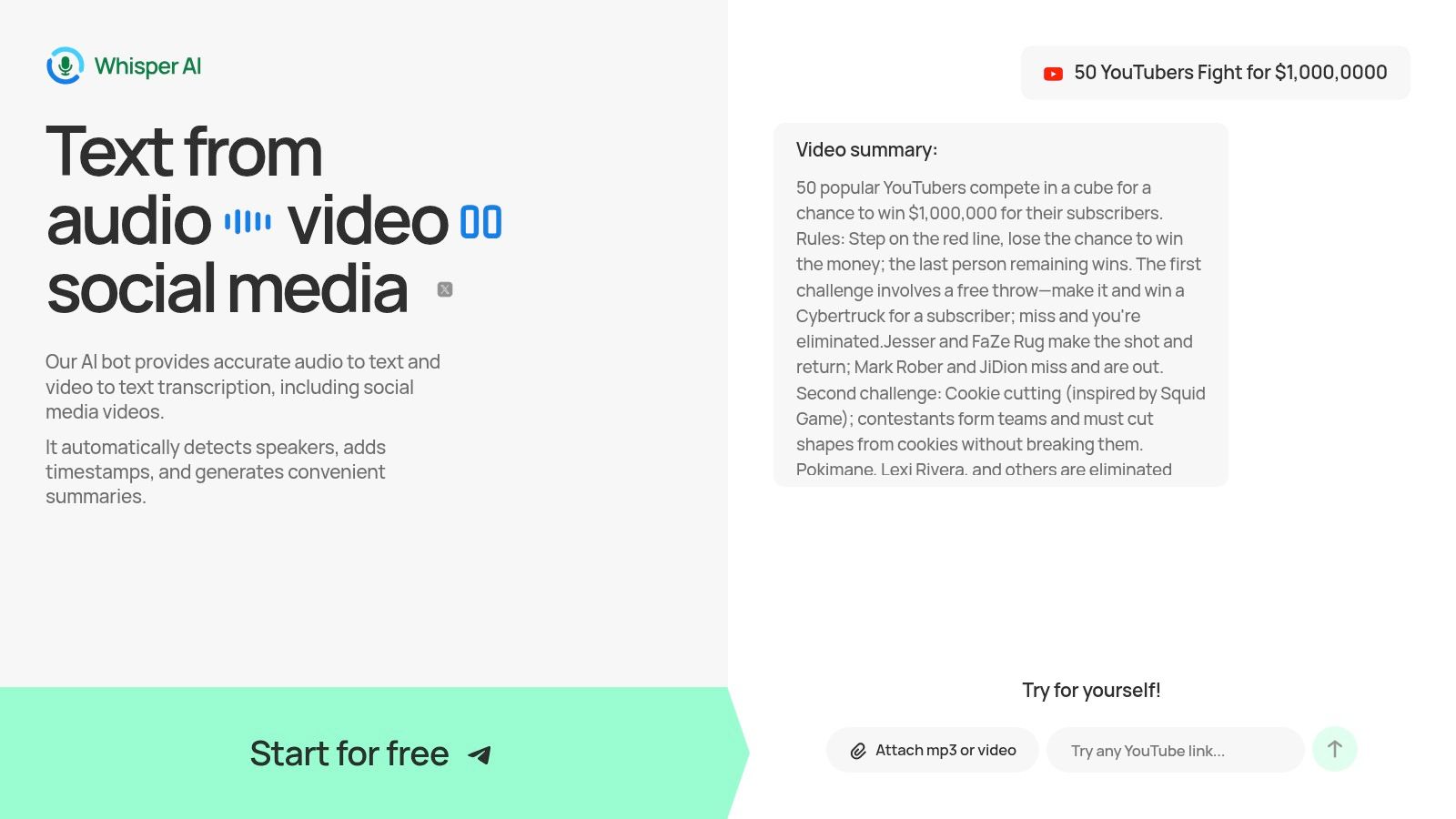
What truly sets Whisper AI apart is its post-transcription intelligence. The tool automatically generates concise summaries and bullet-point highlights, allowing content creators, journalists, and researchers to grasp key takeaways instantly. This eliminates the need to sift through lengthy transcripts, saving significant time.
Key Strengths & Use Cases
The platform excels with its interactive Q&A feature, which lets you "chat" with your transcript to extract specific information, clarify points, or generate action items. This transforms a static document into a dynamic research assistant.
- Content Repurposing: Marketers can instantly pull quotes, generate show notes, or create social media captions directly from a video transcript.
- Academic Research: Students and educators can quickly summarize lectures or interviews, using the Q&A to find specific data points for their studies.
- Enhanced Accessibility: Creators can produce accurate subtitles and downloadable transcripts, making their content accessible to a wider audience.
Platform Details
While automated accuracy is high, users should note that complex audio with background noise or heavy accents may require minor edits for publication-ready quality. However, for speed, depth of features, and turning video into usable knowledge, Whisper AI is a top-tier solution.
Website: https://whisperbot.ai
2. Descript
Descript positions itself as more than just an AI tool to transcribe YouTube videos; it's a comprehensive, all-in-one audio and video editor built around the transcript. Its standout feature is text-based video editing, which allows you to edit your video simply by deleting words or sentences from the automatically generated transcript. This unique workflow makes it incredibly intuitive for content creators who are more comfortable with text documents than complex video timelines.
This platform is ideal for podcasters and YouTubers who need to create clips, remove filler words, and generate captions within a single, streamlined process. Instead of downloading a video, you can simply paste a YouTube URL to import and transcribe it directly. For those looking to repurpose their content, Descript’s integrated publishing workflow is a major time-saver. You can learn more about its powerful captioning features from our guide on how to caption YouTube videos with AI.
Key Features & Use Case
- Direct YouTube Import: Paste a link to import and transcribe videos, eliminating download steps.
- Text-Based Video Editing: The core feature that lets you edit media by editing its transcript.
- Speaker Detection: Automatically identifies and labels different speakers in your video.
- Integrated Publishing: Export captions or publish edited videos directly to YouTube.
Best for: Content creators who want a unified solution for transcribing, editing, and captioning their video content without juggling multiple applications.
Website: https://www.descript.com
3. Otter.ai
Otter.ai is primarily known as an AI meeting assistant, but its powerful transcription engine makes it a solid choice for content creators who have already downloaded their YouTube videos. While it doesn't offer direct YouTube URL imports, its strength lies in creating highly accurate, searchable, and collaborative transcripts from audio or video files. This makes it an excellent AI tool to transcribe YouTube videos for teams needing to review, annotate, and repurpose content.
The platform automatically identifies different speakers, adds timestamps, and generates summary keywords, which simplifies the process of finding key moments in an interview or lecture. For podcasters or educators who record sessions and later publish them to YouTube, Otter.ai's workflow is particularly effective. You can upload the original recording, get a clean transcript, and then use that text as a basis for video descriptions, blog posts, or captions.
Key Features & Use Case
- File Imports: Upload pre-downloaded YouTube videos or audio recordings for transcription.
- Automatic Speaker Identification: Differentiates and labels multiple speakers in the transcript.
- Searchable Transcripts: Easily search the entire text for specific keywords or phrases.
- Collaboration Tools: Invite team members to view, comment on, and edit transcripts.
Best for: Teams, podcasters, and educators who need a collaborative platform for transcribing pre-existing video files and creating detailed, searchable notes.
Website: https://otter.ai
4. Rev
Rev offers a unique hybrid approach, positioning itself as a premium transcription provider that lets users choose between rapid AI-generated transcripts and 99% accurate human-powered services. Its key differentiator is a native YouTube integration that simplifies the entire captioning workflow. You can directly connect your YouTube account, pull in videos for transcription, and push the completed captions back to your videos with just a few clicks.

This platform is the perfect AI tool to transcribe YouTube videos when accuracy is non-negotiable, such as for legal, academic, or professional content. The ability to start with a fast AI draft and then upgrade to a human-polished version provides valuable flexibility. Rev's clear per-minute pricing and transparent turnaround times make it easy to budget for projects, whether you need a quick automated transcript or a professionally verified one.
Key Features & Use Case
- Native YouTube Integration: Directly import videos from and export captions back to your YouTube channel.
- Hybrid Transcription Model: Choose between fast, affordable AI transcription or 99% accurate human transcription.
- Clear Pricing Structure: Transparent per-minute rates for both AI and human services, with optional subscription plans.
- Guaranteed Turnaround Times: Provides estimated delivery times for human transcripts, ensuring reliability for deadlines.
Best for: Creators and professionals who require either maximum accuracy through human review or a streamlined workflow for adding captions directly to YouTube.
Website: https://www.rev.com
5. Temi
Temi offers a straightforward, no-subscription approach as an AI tool to transcribe YouTube videos. Backed by the transcription giant Rev, it provides a simple, low-cost service with a pay-as-you-go pricing model. This makes it a perfect fit for users who need occasional transcriptions and want to avoid committing to a monthly plan. Its strength lies in its simplicity and rapid delivery of accurate text files.
Unlike all-in-one editors, Temi focuses solely on the core task of transcription. To transcribe a YouTube video, you must first download the audio or video file and then upload it to the platform. While this adds a step, the service compensates with its quick turnaround and easy-to-use interface, delivering a transcript with speaker labels and timestamps that you can edit directly in their web-based editor.
Key Features & Use Case
- Pay-As-You-Go Pricing: At just $0.25 per audio minute, it's highly cost-effective for one-off projects.
- Multiple Export Formats: Download transcripts as SRT, VTT, DOC, or PDF files for versatile use.
- Quick Turnaround: Automated system delivers transcripts in minutes for most standard-length files.
- Zapier Integration: Automate workflows, such as sending a YouTube file directly to Temi for transcription.
Best for: Occasional users, students, or small creators who need a fast, affordable, and reliable transcription service without the complexity of a full editing suite.
Website: https://www.temi.com
6. Sonix
Sonix is a powerful and efficient AI tool to transcribe YouTube videos, recognized for its speed and high accuracy across many languages. Its primary appeal lies in a straightforward workflow: users can simply paste a YouTube link (public or unlisted) to get a time-stamped, editable transcript within minutes. The platform is designed for professionals who need fast turnarounds without sacrificing quality.
The platform’s in-browser editor is a key highlight, allowing for quick corrections, speaker labeling, and note-taking directly on the transcript. With flexible pricing that includes both pay-as-you-go and subscription options, Sonix caters to a wide range of users, from one-off projects to ongoing content creation needs. New users can test the service with 30 free transcription minutes.
Key Features & Use Case
- Direct YouTube Link Import: Transcribe public or unlisted YouTube videos by pasting a URL.
- Multi-Language Support: Delivers highly accurate transcripts in over 38 languages.
- Speaker Diarization: Automatically identifies and labels different speakers in the audio.
- Flexible Pricing: Offers both subscription plans and per-hour, pay-as-you-go billing.
Best for: Journalists, researchers, and global content creators who need fast, accurate, multi-language transcriptions with an easy-to-use editor.
Website: https://sonix.ai
7. Happy Scribe
Happy Scribe is a versatile transcription and subtitling service designed to streamline content workflows. It stands out by offering both automated AI and human-powered transcription services, giving users a choice between speed and maximum accuracy. Its direct integrations with platforms like YouTube, Vimeo, and Dropbox make it an excellent AI tool to transcribe YouTube videos, especially for creators managing multiple videos or entire channels.
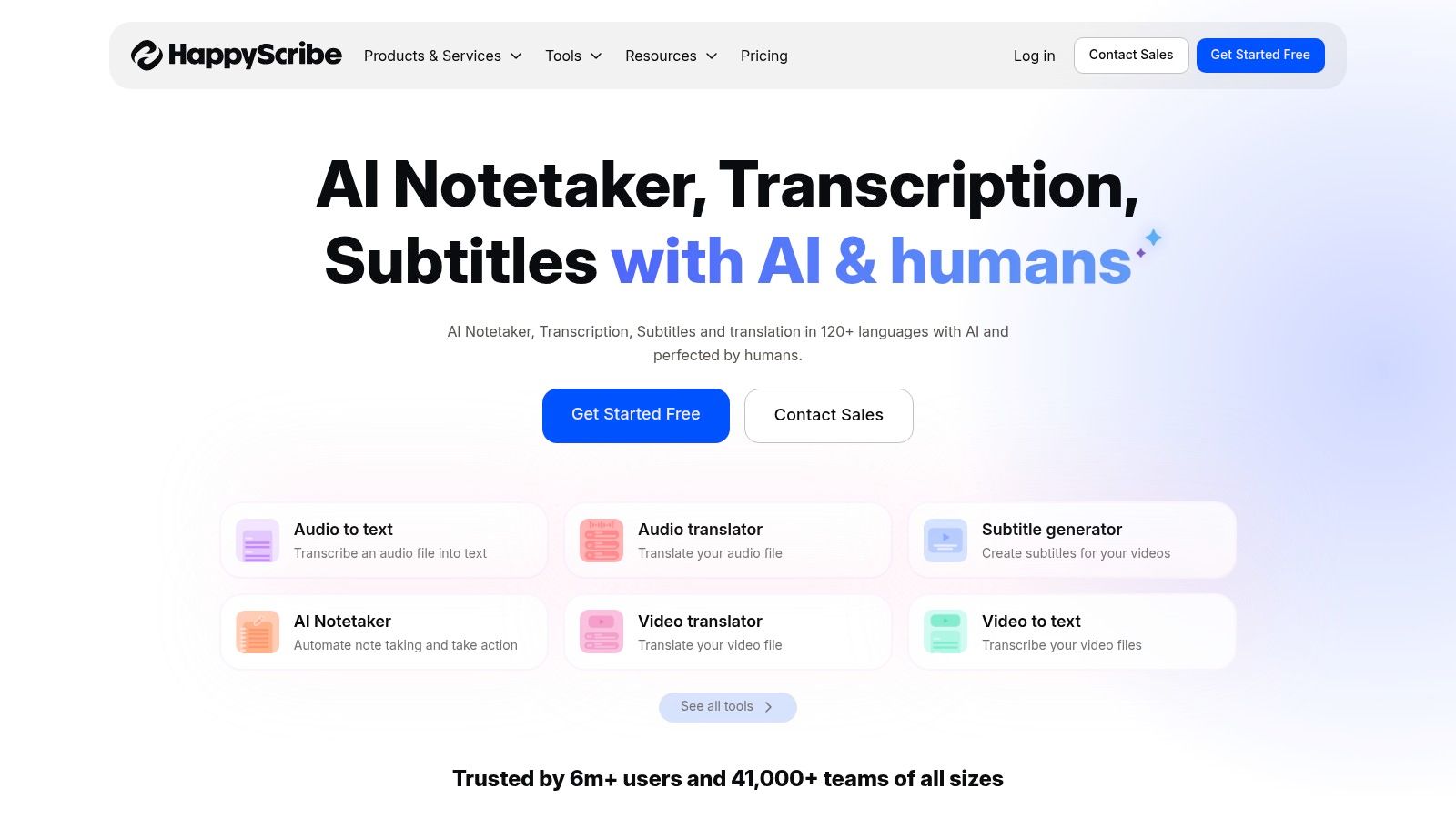
The platform is built for collaboration and subtitle production, featuring a user-friendly editor that allows teams to review and perfect transcripts together. With extensive language support and flexible export formats, Happy Scribe is a powerful solution for creators aiming to produce high-quality, accessible content for a global audience. The availability of both subscription plans and pay-as-you-go minutes offers flexibility for different usage levels.
Key Features & Use Case
- Direct YouTube Integration: Connect your YouTube channel or paste links for easy, bulk video imports.
- Dual Service Model: Choose between fast AI transcription or a highly accurate human-powered service.
- Extensive Language Support: Transcribe and subtitle content in over 60 different languages.
- Collaborative Editor: Invite team members to proofread, edit, and finalize transcripts and subtitles.
Best for: Creators and organizations needing a flexible solution for both quick AI transcriptions and high-accuracy, human-verified subtitles for their YouTube content.
Website: https://www.happyscribe.com
8. Notta
Notta presents itself as a highly efficient, multi-platform AI tool to transcribe YouTube videos, accessible via web, mobile apps, and a Chrome extension. It excels at converting public YouTube videos and even Shorts into text with a simple URL paste. This makes it an excellent choice for users who need quick, on-the-go transcriptions for creating notes, summaries, or content outlines from video lectures, interviews, or tutorials.
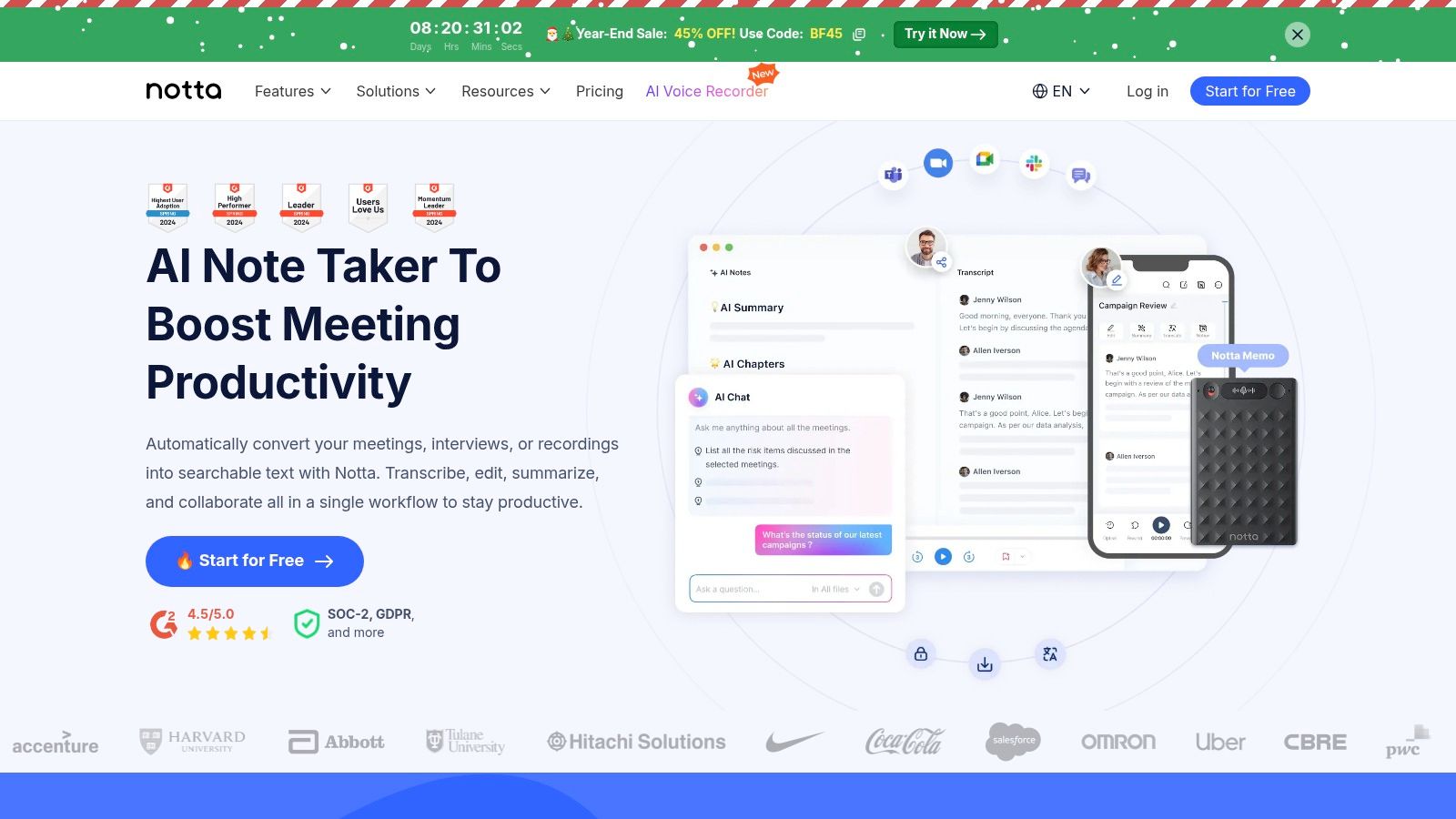
The platform is designed for productivity, offering not just transcription but also AI-powered summaries, action items, and translation features. This suite of tools is particularly beneficial for students, researchers, and small teams looking to quickly distill key information from video content. With its cross-platform availability, you can start a transcription on your desktop and review it on your phone, ensuring a seamless workflow.
Key Features & Use Case
- Direct YouTube URL Import: Transcribe any public video or Short by pasting its link.
- AI Summarizer: Automatically generates concise summaries and action points from transcripts.
- Multi-Platform Access: Use Notta via its web app, iOS/Android apps, or Chrome extension.
- Multiple Export Formats: Download transcripts as DOCX, SRT, PDF, and other file types.
Best for: Students, professionals, and teams needing a fast, cross-device solution for transcribing and summarizing YouTube videos for study, research, or meeting notes.
Website: https://www.notta.ai
9. Kapwing
Kapwing is a powerful online video editor where AI transcription is a core part of a much larger creative suite. Rather than focusing solely on transcription, it integrates auto-subtitling directly into its video editing workflow. Users can paste a public YouTube URL to import content, after which the platform quickly generates subtitles that can be edited, styled, or translated, making it an excellent AI tool to transcribe YouTube videos for creators who need more than just a text file.
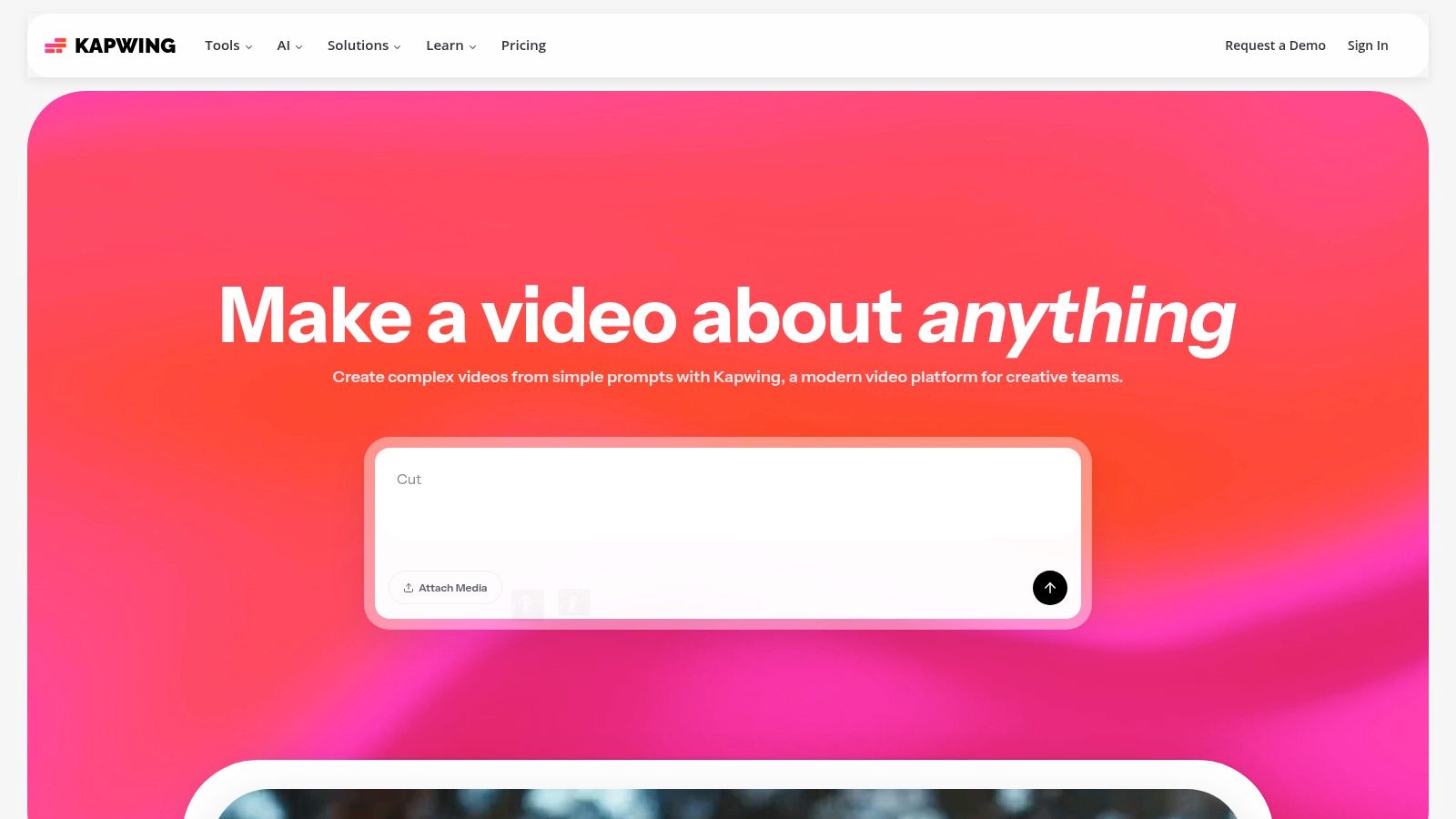
This platform is particularly useful for social media managers and YouTubers who want to create visually engaging content with burned-in captions or need to generate separate SRT/VTT files for uploading. The credit-based system allows for flexibility, though it may require some planning for users with fluctuating needs. For those looking for step-by-step guidance, you can learn more about its practical applications from our guide on how to transcribe YouTube videos.
Key Features & Use Case
- Direct URL Import: Paste a YouTube link directly into the editor to begin the transcription and editing process.
- Auto-Subtitling and Translation: Generates subtitles automatically and offers tools to translate them into different languages.
- Multiple Export Options: Download transcripts as SRT/VTT files or burn captions directly onto the video.
- Integrated Video Editor: Access a full suite of editing tools to trim, add text, and enhance your video alongside the transcript.
Best for: Content creators and marketers who need an integrated solution to not only transcribe videos but also edit, style, and publish them with subtitles.
Website: https://www.kapwing.com
10. VEED.IO
VEED.IO is a browser-based video editor that excels as an AI tool to transcribe YouTube videos, with a strong focus on creating and styling captions. Its primary strength lies in its streamlined workflow for generating subtitles, translating them, and either exporting them as a file or burning them directly into the video. This makes it a go-to choice for creators aiming to make their content more accessible and engaging across various social media platforms.
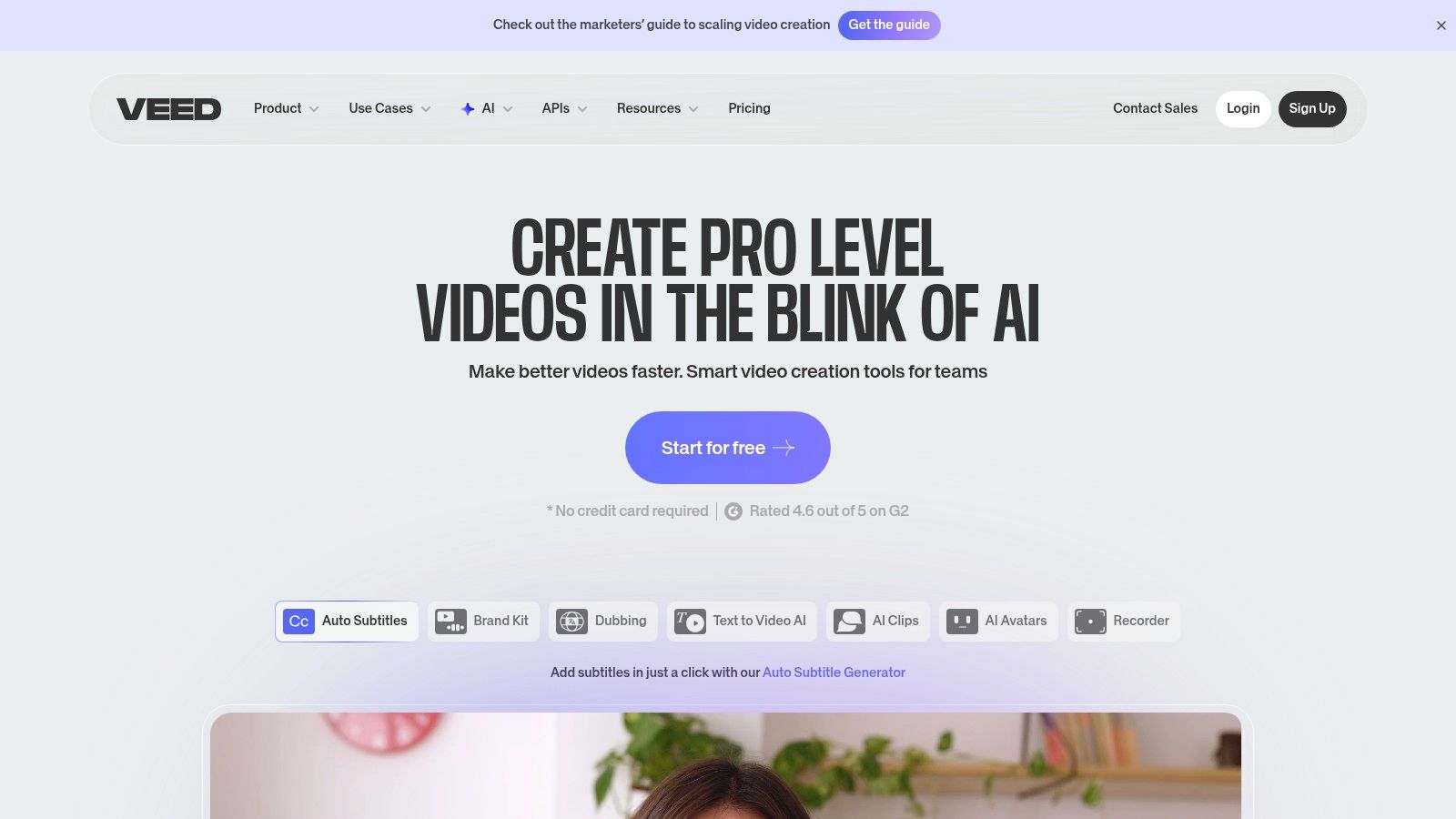
The platform is designed for social media managers and YouTubers who need to quickly repurpose long-form video into shareable clips like YouTube Shorts or TikToks. Its user-friendly interface allows for easy styling of subtitles, ensuring captions match brand aesthetics. For those managing multilingual audiences, the automatic translation feature is a significant advantage, helping to broaden content reach with minimal extra effort.
Key Features & Use Case
- Auto-Subtitle & Translation: Automatically generates captions and offers one-click translation into multiple languages.
- Subtitle Styling Tools: Provides extensive options to customize caption font, color, size, and position.
- Export Flexibility: Allows users to download transcripts as SRT/VTT files or export videos with hard-coded subtitles.
- Web & Mobile Workflows: Enables captioning and editing on both desktop and mobile for content repurposing on the go.
Best for: Social media managers and content creators focused on quickly adding stylish, translated captions to videos for maximum engagement.
Website: https://www.veed.io
11. AssemblyAI
AssemblyAI is not a direct consumer-facing application but a powerful, developer-focused Speech-to-Text API. It’s engineered for teams that need to build automated transcription pipelines at scale, making it a robust back-end for custom applications. Instead of a simple interface, it offers a suite of AI models for transcription, speaker diarization, summarization, and topic detection that can be integrated into any workflow.
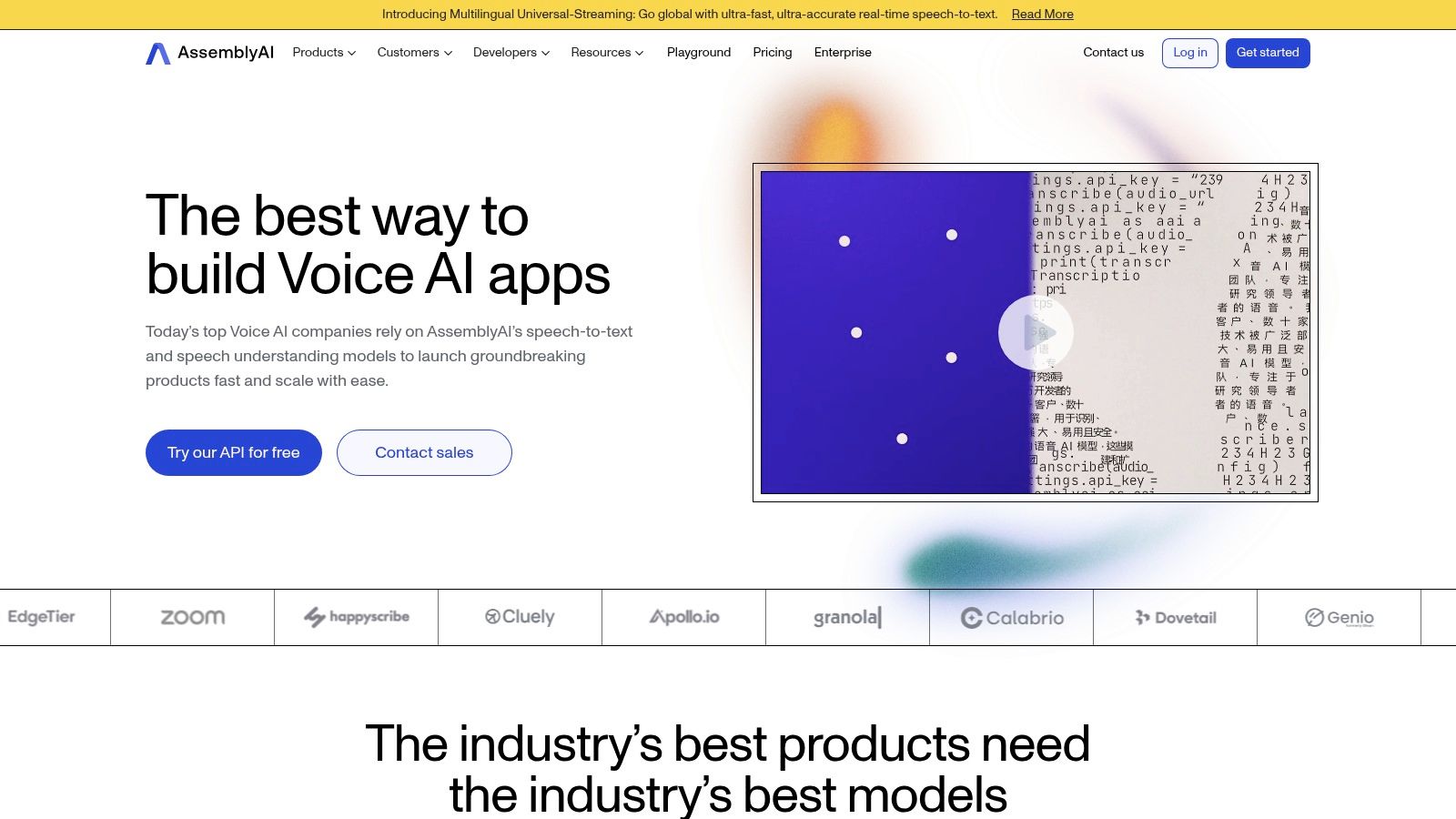
This platform is the ideal choice for businesses and developers creating their own AI tool to transcribe YouTube videos or those needing to process large volumes of content programmatically. You have to handle the YouTube video ingestion yourself, but in return, you get unparalleled control and access to advanced audio intelligence. The usage-based pricing model and generous free credits make it an accessible starting point for developers. You can find out more about how APIs like this work in our guide on how AI can transcribe video to text.
Key Features & Use Case
- Developer-First API: Offers a flexible and powerful API for building custom transcription solutions.
- Advanced Audio Intelligence: Includes add-on models for summarization, topic detection, and speaker labeling.
- Universal Language Model: Supports over 99 languages with high accuracy.
- Usage-Based Pricing: Pay-as-you-go model with free credits for developers to start experimenting.
Best for: Engineering teams and developers building applications that require scalable, automated, and intelligent video transcription capabilities.
Website: https://www.assemblyai.com
12. Deepgram
Deepgram offers a powerful, developer-first approach to transcription, positioning itself as a core engine for building custom applications rather than a standalone consumer tool. It provides a robust speech-to-text API that supports both real-time streaming and pre-recorded batch processing. This makes it a go-to AI tool to transcribe YouTube videos for developers and businesses needing to integrate high-quality, scalable transcription into their own platforms or workflows.
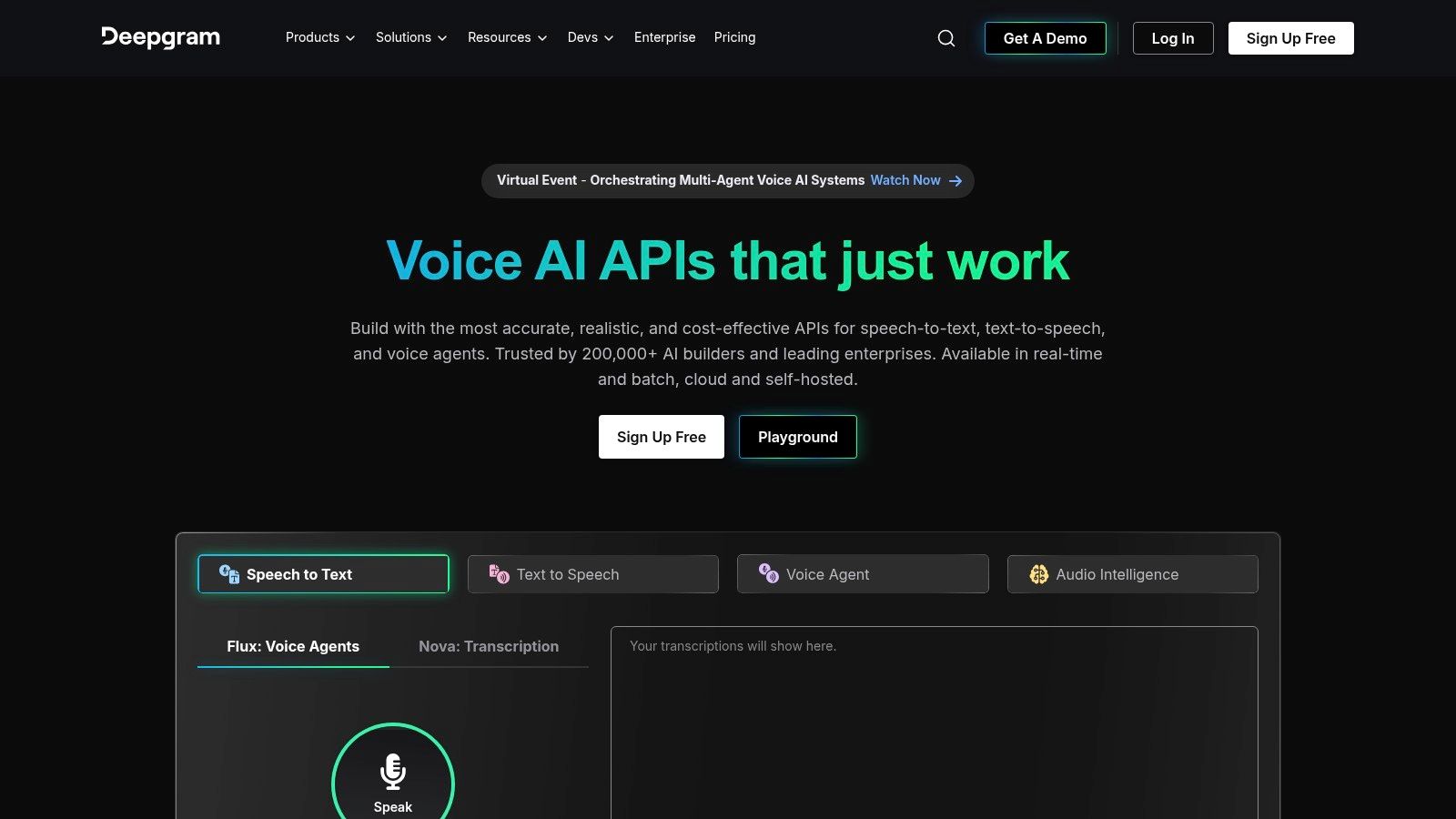
Unlike all-in-one platforms, Deepgram requires technical know-how to use. You must handle downloading the YouTube video yourself and then send the audio file to its API for transcription. The platform shines with its flexible pricing, multiple speech-to-text models for different use cases (like nova-2), and extensive SDKs. This is ideal for enterprises or startups building their own media processing pipelines where control and scalability are paramount.
Key Features & Use Case
- API-First Design: Provides developer SDKs for Python, Node.js, and more for custom integrations.
- Multiple STT Models: Access to different models tailored for speed, accuracy, or cost-effectiveness.
- Streaming & Batch Transcription: Supports both live transcription and processing of pre-recorded audio files.
- High Concurrency: Built to handle a large volume of transcription requests simultaneously, perfect for scaling.
Best for: Developers and businesses that need a highly accurate and scalable transcription engine to build custom applications or internal tools.
Website: https://deepgram.com
Comparison of 12 YouTube AI Transcription Tools
Choosing the Right AI Tool for Your YouTube Workflow
Navigating the landscape of AI transcription services can feel overwhelming, but the right tool is out there to perfectly match your specific needs. We've explored a dozen powerful options, from the open-source flexibility of Whisper AI and the all-in-one editing suite of Descript to the enterprise-grade power of AssemblyAI and Deepgram. The central takeaway is clear: the best AI tool to transcribe YouTube videos is the one that seamlessly integrates into your unique creative or professional process.
Your final decision hinges on a few key factors. If you're a content creator looking for a video editor and transcriber rolled into one, platforms like Descript, Kapwing, and VEED.IO offer incredible value. For journalists or researchers who prioritize the highest possible accuracy and human-in-the-loop verification, services like Rev and the human-perfected option from Temi are industry benchmarks. Meanwhile, for those needing real-time transcription for meetings or live events, Otter.ai and Notta stand out as dedicated solutions.
Key Factors in Your Decision
Before you commit, take a moment to weigh these critical elements against your goals:
- Primary Use Case: Are you transcribing for subtitles, content repurposing (like blog posts), meeting notes, or detailed research? Your primary goal will steer you toward either a video-centric tool or a pure transcription service.
- Accuracy vs. Speed: Do you need a near-perfect transcript immediately, or are you willing to invest a few minutes cleaning up a highly accurate but not flawless AI-generated text? This will determine if you need a service with a human review option or if a pure AI model like those from Happy Scribe or Sonix is sufficient.
- Budget and Scalability: Your needs can range from a single, one-off transcription to a high-volume, continuous workflow. Evaluate the pricing models carefully, from pay-as-you-go options to monthly subscriptions, to find what aligns with your budget and anticipated usage.
- Workflow Integration: The most effective tool is one that reduces friction, not adds to it. Consider how each platform fits with your existing software. Does it offer direct integrations, an API for custom solutions, or simple export formats that work with your editing software?
Ultimately, leveraging an AI tool to transcribe YouTube videos is no longer a luxury; it's a strategic advantage. It unlocks accessibility through captions, boosts SEO by making your video content indexable, and multiplies your content's value by making it easy to repurpose. AI transcription is just one piece of the modern creator's toolkit. To understand how AI transcription fits into the broader landscape of digital production, explore a comprehensive list of the best AI tools for content creators in 2025.
The power to transform spoken words into valuable, versatile text is now more accessible than ever. By carefully considering your specific requirements, you can select a tool that not only saves you hours of manual work but also opens up new possibilities for how you create, share, and analyze content.
Ready to experience the power of cutting-edge, open-source transcription? Get started with Whisper AI, the foundation for many of the top services, and see how its remarkable accuracy can transform your YouTube content into perfectly transcribed text. Try the simple, user-friendly interface at Whisper AI today.


























































































