
12 Essential Social Media Content Management Tools for 2026
Choosing the right social media content management tools can feel overwhelming. With countless platforms promising to simplify scheduling, analytics, and collaboration, it's difficult to know which one truly fits your specific workflow, team size, and budget. This guide is designed to cut through the marketing noise and provide a clear, experience-based breakdown of the top options available.
We've gone hands-on with 12 of the most popular and innovative platforms, from established giants like Hootsuite and Sprout Social to specialized tools like Later and SocialBee. Instead of just listing features, we provide a deep-dive analysis into what makes each tool unique. You'll find detailed comparisons, honest pros and cons, and specific use-case scenarios tailored for content creators, social media managers, and business teams. Each review includes screenshots and direct links to help you evaluate the user interface and experience for yourself.
This comprehensive resource will help you identify the ideal platform for your needs, whether you're a podcaster looking to repurpose audio content or an agency managing complex client approvals. We'll also explore how integrating AI tools like Whisper can fundamentally change your content strategy by transcribing audio and video, allowing you to create captions, blog posts, and dozens of social updates from a single source file. To streamline your workflow and boost growth, explore a comprehensive guide on the best social media management tools for growth. By the end of this article, you will have a practical roadmap for selecting the tool that will save you time, enhance your content quality, and drive meaningful results.
1. Whisper AI
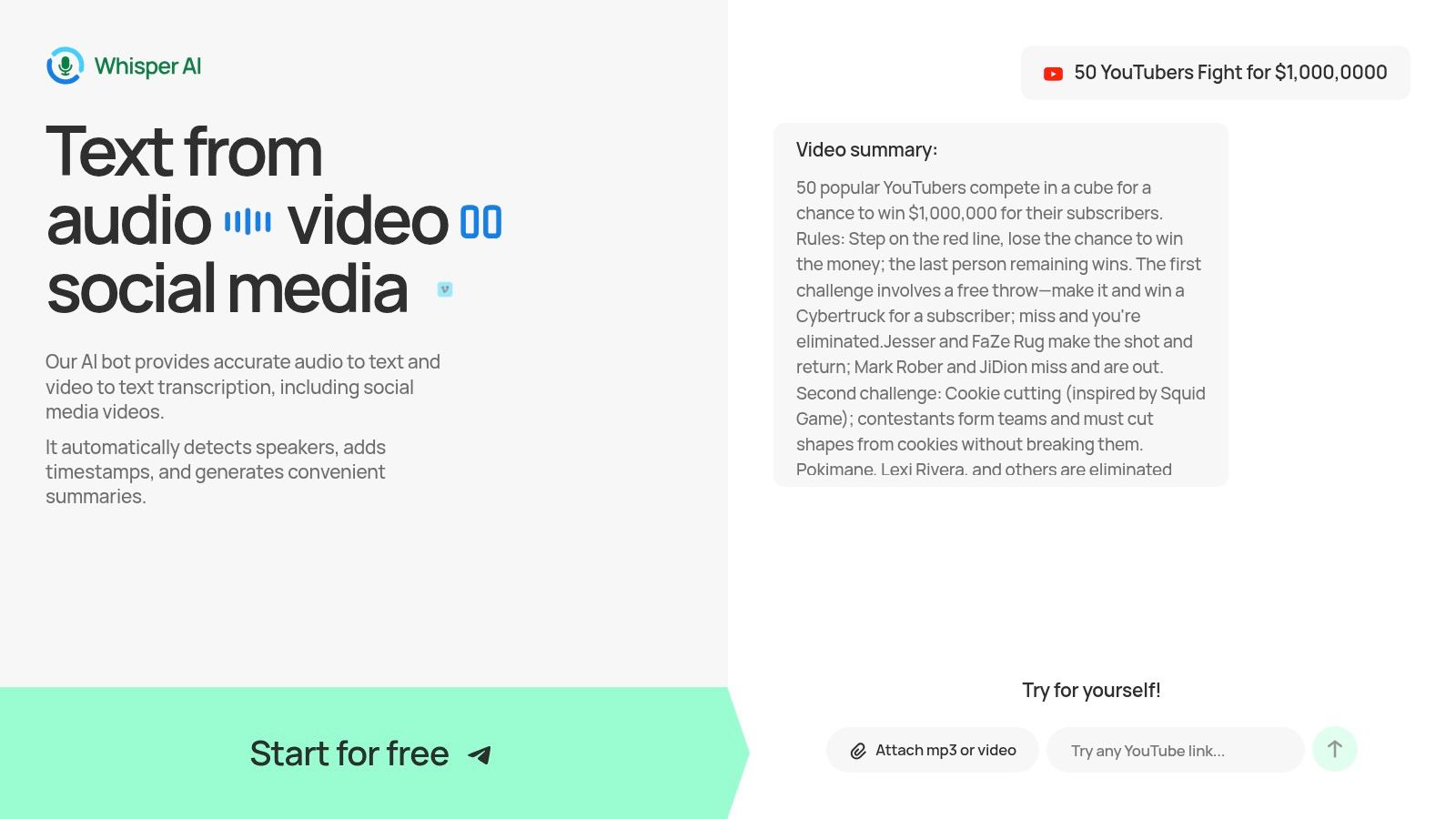
While not a traditional scheduling platform, Whisper AI has carved out an indispensable role in the modern content ecosystem, establishing itself as a premier tool for transforming spoken media into actionable, written content. It’s an essential first step in the content repurposing workflow, allowing teams to efficiently convert audio and video from podcasts, webinars, and social clips into accurate, searchable text. This function is foundational for any robust social media content management strategy, turning hours of raw media into a library of potential posts, articles, and marketing assets.
The platform excels by automating the most tedious parts of this process. It ingests virtually any media file or public social link and returns a highly accurate transcript complete with speaker detection and timestamps. This core function alone saves creators and social media managers countless hours.
Why It Stands Out as a Featured Choice
Whisper AI’s true power lies in its advanced summarization and interactive features, which elevate it from a simple transcription service to a strategic content-generation tool.
- Intelligent Content Distillation: Beyond a full transcript, the service automatically generates concise summaries, key takeaways in bullet points, and even potential action items. This allows a social media manager to quickly scan an hour-long interview and immediately pull out five compelling quotes for Twitter, a key theme for a LinkedIn post, and a bulleted list for an Instagram carousel.
- Interactive Q&A and Refinement: Users can ask follow-up questions directly to the transcript, treating it like a database of information. For instance, you could ask, "What were the main points about Q4 marketing strategy?" and receive a synthesized answer, perfect for crafting a detailed caption or blog post.
- Seamless Workflow Integration: With one-click exports to Google Docs, Word, PDF, and Markdown, moving from transcript to draft is frictionless. This makes it easy to hand off refined content to other team members or plug it directly into your scheduling tool.
- Privacy and Scalability: For teams handling sensitive internal meetings or pre-release content, Whisper AI’s privacy-first approach is critical. Files are processed securely and not retained, ensuring confidentiality. Having processed over 500,000 files, its infrastructure is proven to handle high volumes of long-form media reliably.
Pricing and Access
Whisper AI offers a free trial to let users experience its capabilities firsthand. For ongoing use, paid plans are available, though specific pricing is not published on the website. Prospective users must initiate the onboarding process or contact their sales team for detailed plan information and enterprise terms.
Practical Use Case
A marketing team can upload a 60-minute product webinar to Whisper AI. Within minutes, they receive a full transcript, a five-point summary, and a list of customer questions asked during the Q&A. The social media manager uses the summary to write a LinkedIn article, pulls three key quotes for Twitter, and uses the Q&A to create an Instagram Stories series answering common questions. The entire process of creating a week's worth of content is reduced from hours of manual viewing to just 30 minutes of refinement.
Beyond specific social media management platforms, new AI tools are constantly emerging to enhance content creation and workflow. For another perspective on AI applications, consider looking into lunabloomai.
Pros and Cons
Website: https://whisperbot.ai
2. Hootsuite
Hootsuite is one of the most established and comprehensive social media content management tools available, functioning as a full-stack platform for scheduling, engagement, analytics, and team collaboration. It's built to scale, making it a viable option for solo content creators, growing marketing teams, and large enterprises that require robust, data-driven social media management.
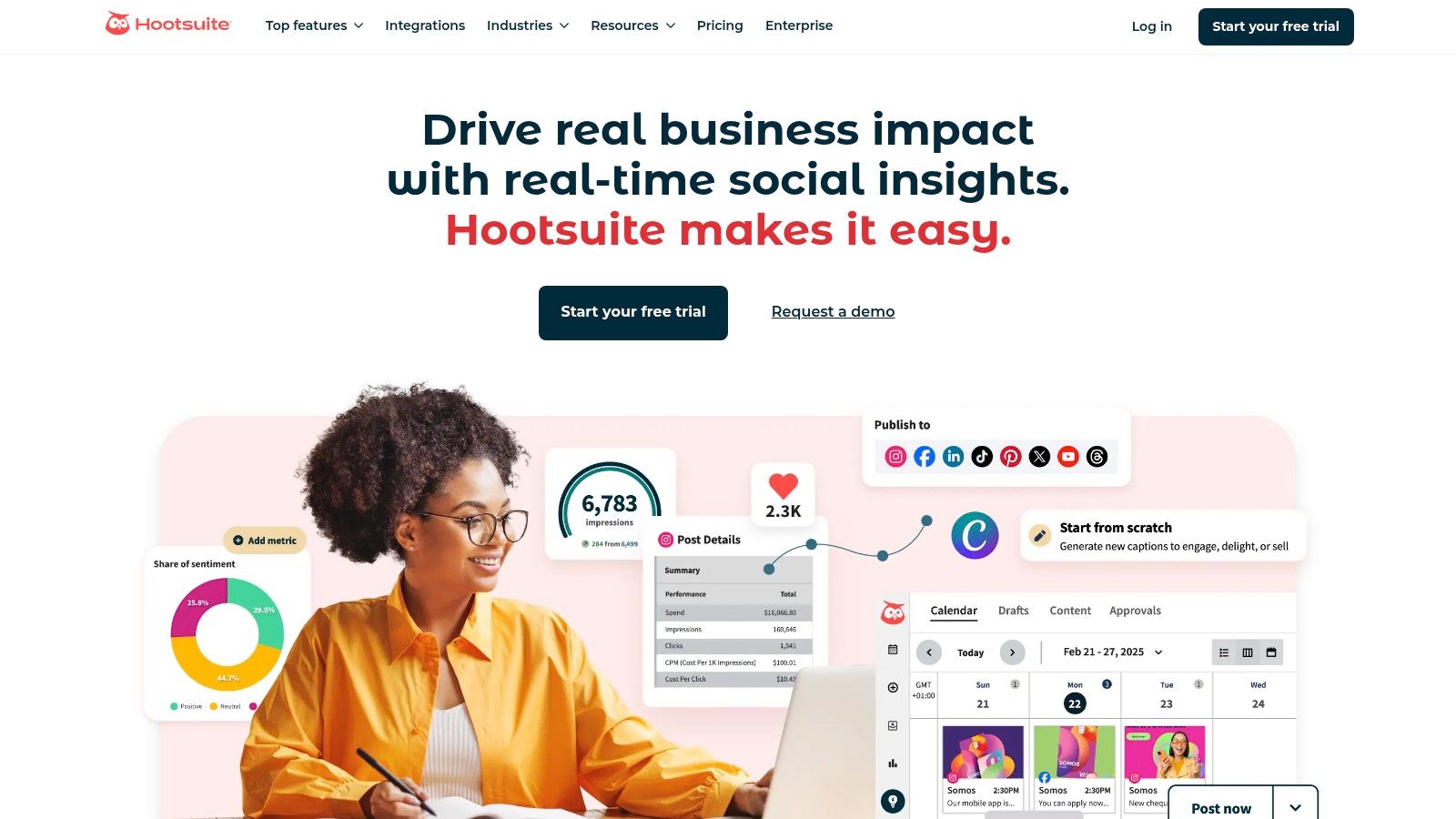
What sets Hootsuite apart are its mature and powerful analytics and social listening capabilities. While many tools focus primarily on scheduling, Hootsuite provides deep insights into performance metrics, competitive benchmarking, and real-time sentiment analysis, allowing users to track brand mentions and industry trends proactively. This makes it an excellent choice for marketers who need to justify ROI and adapt their strategy based on hard data.
Key Features & Use Case
Hootsuite’s feature set is designed for integrated campaign management. The centralized inbox (Hootsuite Inbox) allows teams to manage DMs, comments, and mentions from one place, with automation and assignment features to streamline workflows. Its AI assistant, OwlyWriter, helps generate captions and find the best times to post, saving significant time.
Practical Tip: Use Hootsuite’s analytics to create custom reports that track metrics specific to your campaign goals. For podcasters and YouTubers, this means you can directly correlate post engagement with new episode downloads or video views, providing clear performance data to stakeholders or sponsors.
- Best For: Teams and enterprises needing deep analytics, social listening, and integrated campaign management alongside robust scheduling.
- Pricing: Plans start at $99/month for the Professional tier. A generous 30-day free trial is available for paid plans, though specific pricing for higher tiers may require contacting their sales team.
- Pros: Highly scalable, powerful analytics and listening tools, excellent for team collaboration.
- Cons: Can become expensive quickly, and its most powerful features are locked behind higher-priced plans.
3. Sprout Social
Sprout Social is a premium, all-in-one social media content management tool designed for teams that prioritize sophisticated reporting and customer care. It combines publishing, engagement, analytics, and social listening into a cohesive platform with a user-friendly interface. It's built for organizations that view social media not just as a marketing channel but as a core component of their business intelligence and customer service strategy.
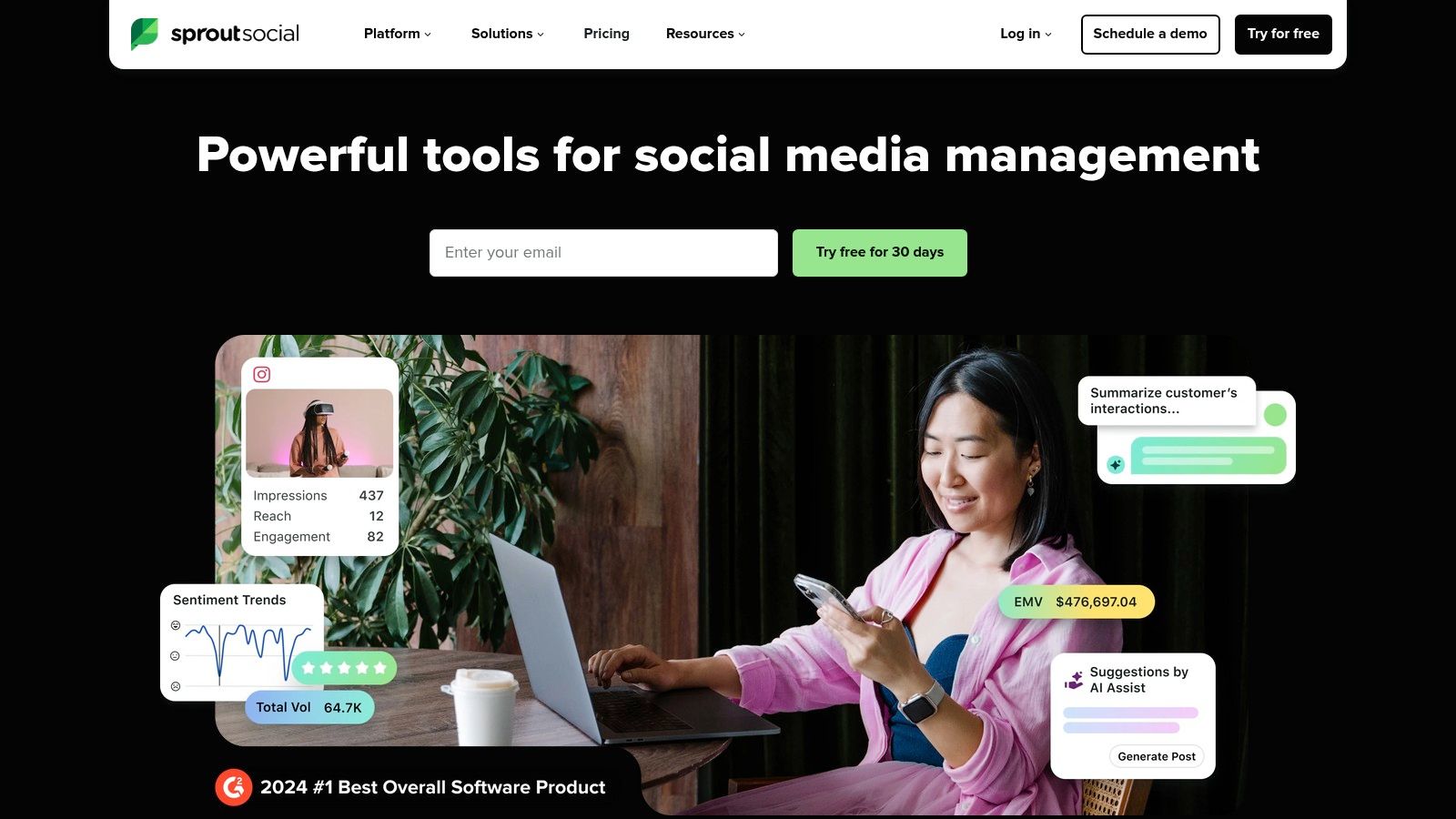
What truly distinguishes Sprout Social is its powerful analytics suite and its focus on team-based workflows. The platform excels at generating presentation-ready reports that clearly demonstrate the ROI of social media efforts, covering both organic and paid activities. This makes it an ideal choice for agencies and marketing departments that need to provide clear, actionable insights to stakeholders and justify their strategies with concrete data.
Key Features & Use Case
Sprout Social's feature set is geared towards efficiency and deep analysis. Its patented ViralPost® technology analyzes audience engagement patterns to suggest the optimal times to publish content, maximizing reach. The unified Smart Inbox allows teams to manage all incoming messages, comments, and mentions collaboratively with custom tags and routing rules, ensuring no customer interaction is missed. This is crucial for brands aiming to increase their social media engagement through responsive communication.
Practical Tip: For podcasters, use Sprout Social's message tagging in the Smart Inbox to categorize audience feedback by episode topic or guest. This creates a searchable database of audience sentiment that can be repurposed into future content ideas, Q&A segments, or even testimonials for promotional materials.
- Best For: Agencies, mid-to-large businesses, and teams requiring advanced reporting, collaboration tools, and a unified customer care workflow.
- Pricing: Plans start at $249/month for the Standard plan. A full-featured 30-day free trial is available.
- Pros: Exceptional reporting and analytics, streamlined team collaboration features, and an intuitive user interface.
- Cons: The per-user pricing model can become expensive for larger teams, and key features like advanced listening are sold as add-ons.
4. Buffer
Buffer is a highly regarded social media content management tool known for its user-friendly interface and transparent pricing, making it a favorite among creators, small businesses, and startups. It excels at simplifying the core tasks of social media management: planning, scheduling, and publishing content without overwhelming users with overly complex features.
What sets Buffer apart is its simplicity and focus on core scheduling functionalities. While other platforms bundle extensive features that drive up costs, Buffer offers a straightforward, intuitive experience that allows users to get started in minutes. Its clean visual calendar and per-channel pricing model provide clarity and predictability, which is invaluable for individuals and small teams managing a tight budget.
Key Features & Use Case
Buffer’s feature set is built for efficient content delivery. The platform includes a visual content calendar, a simple post composer with an AI assistant for generating ideas, and a "first comment" feature for Instagram, which is perfect for adding hashtags without cluttering your caption. The shared inbox helps teams manage comments and DMs, ensuring timely community engagement.
Practical Tip: Use Buffer’s queue to create a "set it and forget it" posting schedule. For podcasters, this means you can bulk-upload evergreen clips transcribed with a tool like Whisper AI, set your preferred posting times for each day, and let Buffer automatically publish them over weeks or months, ensuring consistent channel activity.
- Best For: Individuals, creators, and small businesses who need an affordable, easy-to-use tool for scheduling and basic analytics.
- Pricing: Offers a generous free plan for up to 3 channels. Paid plans start at just $6/month per channel, with team plans offering more collaboration features.
- Pros: Very affordable with clear per-channel pricing, exceptionally intuitive interface, and a robust free tier.
- Cons: Advanced analytics and team approval workflows are locked behind higher-priced plans, and the per-channel model can become costly for agencies managing many profiles.
5. Later
Later began as a dedicated Instagram scheduler and has evolved into a powerful visual-first social media content management tool. It excels at helping brands, creators, and marketers plan, schedule, and analyze content for visually-driven platforms like Instagram, TikTok, and Pinterest, though it also supports Facebook, X, LinkedIn, and YouTube. Its intuitive drag-and-drop calendar is a standout feature, making content planning feel more like curating a visual feed.

What sets Later apart is its laser focus on the visual content creation workflow. Features like the Visual Planner for Instagram, Best Time to Post suggestions, and an integrated Link in Bio tool are designed specifically for creators looking to optimize engagement on these key platforms. This makes it less of an all-in-one corporate tool and more of a specialized asset for teams where visual storytelling is paramount.
Key Features & Use Case
Later's feature set is built to streamline the content lifecycle from creation to conversion. It offers auto-publishing, a centralized social inbox for Instagram and Facebook comments, and an AI Caption Writer to help overcome creative blocks. For teams, its collaboration and approval workflows ensure content remains on-brand before going live, preventing errors and maintaining a consistent voice.
Practical Tip: Use Later's Linkin.bio feature to create a clickable, shoppable landing page that mirrors your Instagram or TikTok feed. For podcasters or YouTubers, this means you can link each visual post directly to a specific episode, full video, or resource page, driving traffic from social media directly to your long-form content.
- Best For: Creators, e-commerce brands, and marketing teams who prioritize visual platforms like Instagram, TikTok, and Pinterest.
- Pricing: A free plan is available with limitations. Paid plans start at $25/month for the Starter tier, with a 14-day free trial offered for paid plans.
- Pros: Excellent visual planner and intuitive interface, strong focus on Instagram and TikTok features, useful Link in Bio tool is included.
- Cons: In-depth analytics are reserved for higher-priced plans, and its capabilities are less robust for text-heavy platforms like X or LinkedIn.
6. Loomly
Loomly is a social media content management tool designed specifically for collaboration and structured approval workflows. It excels at helping agencies and brand teams organize their entire content process, from brainstorming and creation to client review and final scheduling, all within a clear, calendar-based interface. It’s built for teams that prioritize process over pure power-user features.
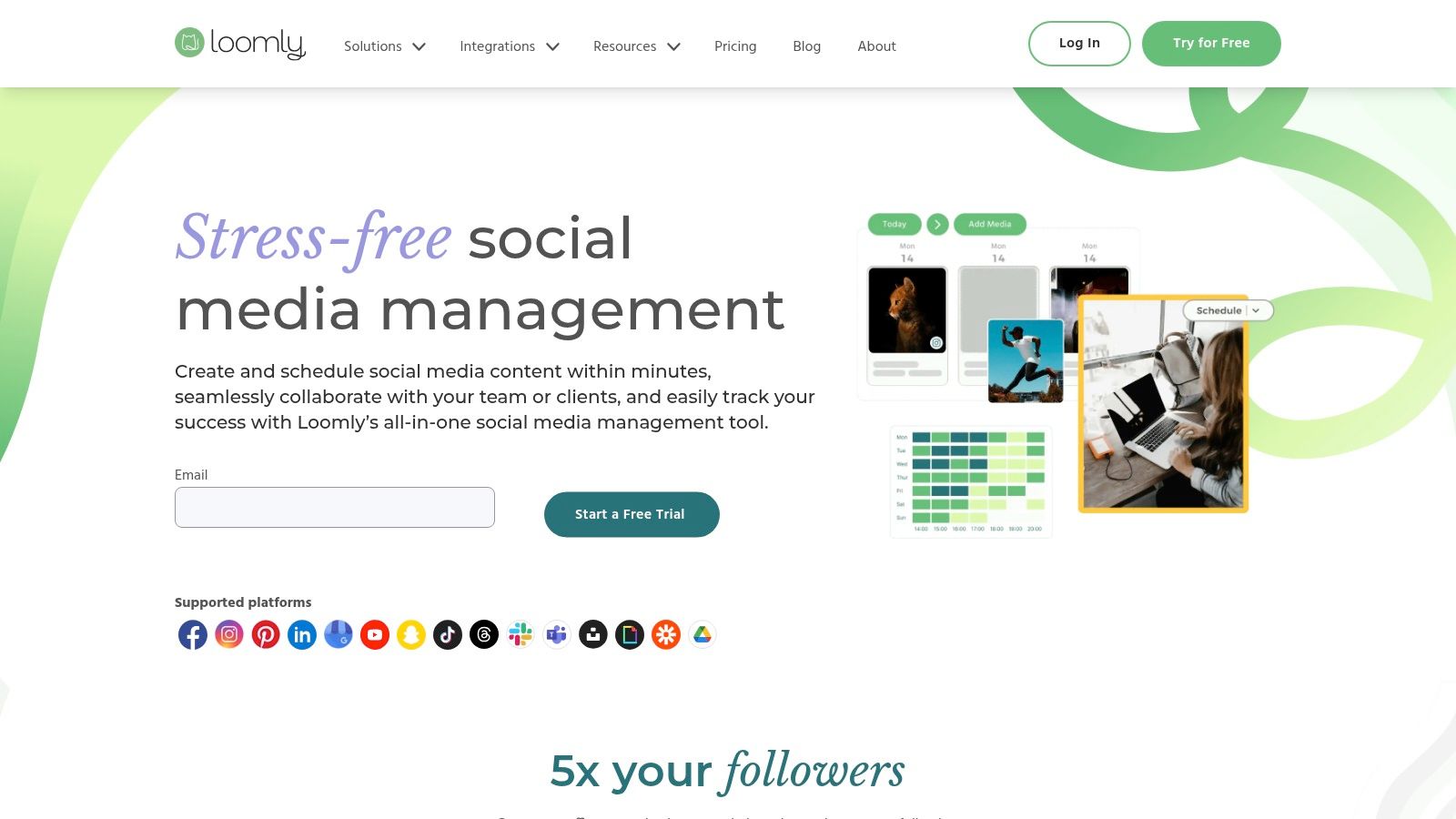
What sets Loomly apart is its highly structured, step-by-step content creation and approval system. Instead of just a scheduler, it guides users through drafting, asset management, post-mockups, and multi-level approvals (e.g., from manager to client). This makes it an invaluable asset for agencies managing multiple client accounts or internal teams needing to maintain strict brand consistency and compliance. Its built-in content optimization tips and idea library further streamline the creative process.
Key Features & Use Case
Loomly’s feature set focuses on making team collaboration transparent and efficient. The platform provides role-based access, ensuring that team members and clients only see and do what they’re supposed to. Its content library acts as a central hub for media assets, while the direct Canva integration allows for seamless creative workflows without leaving the platform. Notifications via Slack and Microsoft Teams keep everyone in the loop.
Practical Tip: For podcasters or YouTubers working with a team, use Loomly’s custom workflow to manage content repurposing. An editor can upload a transcribed clip from Whisper AI, a writer can draft captions, and a social media manager can get final approval from the primary creator, all within one trackable post.
- Best For: Marketing agencies, brand teams, and non-profits needing a streamlined, approval-centric workflow and client collaboration tools.
- Pricing: Plans start at $32/month for the Base plan. A 15-day free trial is available, and a generous 50% lifetime discount is offered for non-profits.
- Pros: Smooth client collaboration and approvals, broad channel coverage, and useful workflow integrations like Canva.
- Cons: Some users have reported pricing changes, and occasional analytics mismatches versus native platform data have been noted.
7. Agorapulse
Agorapulse has carved out a strong position among social media content management tools by offering a balanced, all-in-one platform that excels in publishing, engagement, and reporting without being overly complex. It's often praised for its user-friendly interface and robust features that cater exceptionally well to agencies and small-to-medium-sized business teams who need a reliable, integrated solution.

What truly makes Agorapulse stand out is its unified social inbox and powerful ROI tracking capabilities. The inbox consolidates comments, ad comments, and DMs into a single stream with smart automations, making community management highly efficient. Furthermore, its ability to track campaign ROI with UTM parameters provides clear, actionable data on which social activities are driving conversions, a crucial feature for performance-focused marketers.
Key Features & Use Case
Agorapulse is built for efficient team collaboration and streamlined publishing. Its feature set includes a shared content calendar, bulk publishing options, and a content library for evergreen posts. The platform’s ad comment moderation is a standout, allowing teams to manage and hide spam or negative comments on Facebook and Instagram ads directly from the inbox, protecting brand reputation.
Practical Tip: For podcasters and creators, use Agorapulse’s ROI and UTM tracking to measure how effectively your social posts drive listeners to your podcast platform or viewers to your latest YouTube video. This provides concrete evidence of your social media impact for sponsors or monetization partners.
- Best For: Marketing agencies and SMBs that need a powerful, unified inbox and clear ROI reporting in an easy-to-use package.
- Pricing: Plans start at $49/user/month (billed annually). A 30-day free trial is available, and discounts for non-profit organizations are offered.
- Pros: Comprehensive feature set for the price, strong and responsive user support, excellent ROI and reporting tools.
- Cons: Per-user pricing can become costly for larger teams, and the X/Twitter API add-on may introduce additional costs.
8. Sendible
Sendible is a social media content management tool designed specifically with marketing agencies and small to medium-sized businesses (SMBs) in mind. Its structure is built around managing multiple clients or brands from a single dashboard, offering features like individual content calendars, client approval workflows, and a shared content library, which streamlines the agency-client relationship and enhances team productivity.
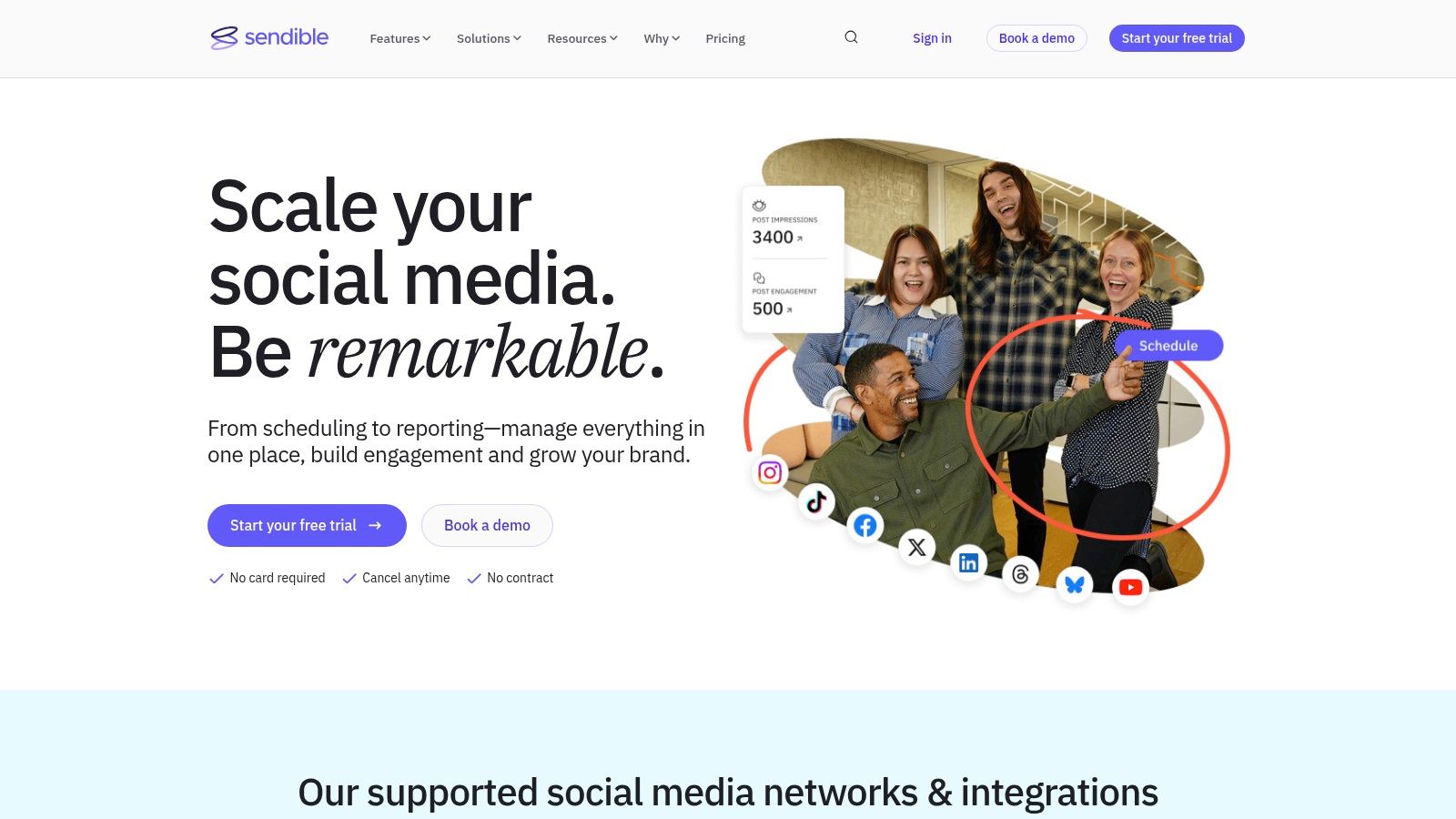
What sets Sendible apart is its generous allocation of user seats and social profiles even in its lower-tier plans, making it an incredibly cost-effective solution for teams. While other platforms charge significantly more for additional users, Sendible’s pricing model scales more predictably with an agency's growth. Its focus on collaboration is evident in features like the Priority Inbox, which consolidates all social messages and comments into one stream for efficient engagement.
Key Features & Use Case
Sendible’s feature set is tailored for efficiency and client management. The platform includes smart compose tools, content queues for evergreen posts, and bulk scheduling with UTM tracking. Its integrations with Canva, Google Drive, and Dropbox simplify creative workflows, allowing teams to design and import assets directly. For agencies, the ability to create client-specific dashboards and generate automated, white-labeled reports is a significant advantage.
Practical Tip: Agencies can leverage Sendible's content library and approval workflows to create a seamless content creation process. Store pre-approved assets and captions in the library, schedule posts for a client, and then send them for review directly through the platform. This eliminates back-and-forth emails and keeps all communication centralized.
- Best For: Marketing agencies and SMBs managing multiple brands who need a scalable, all-in-one platform with strong client management features.
- Pricing: Plans start at $29/month for the Creator tier. A 14-day free trial is available without requiring a credit card.
- Pros: Plans map well to team sizes and client volume, useful integrations for creative workflows, excellent client management and reporting tools.
- Cons: The user interface has a broad feature set, which may require some onboarding for new users to fully utilize its advanced capabilities.
9. SocialBee
SocialBee is a budget-friendly social media content management tool that excels at automation and content recycling. It's designed for solo creators, small businesses, and agencies who need an efficient way to maintain a consistent online presence without dedicating hours each day to manual posting. Its core strength lies in its category-based evergreen content queues.
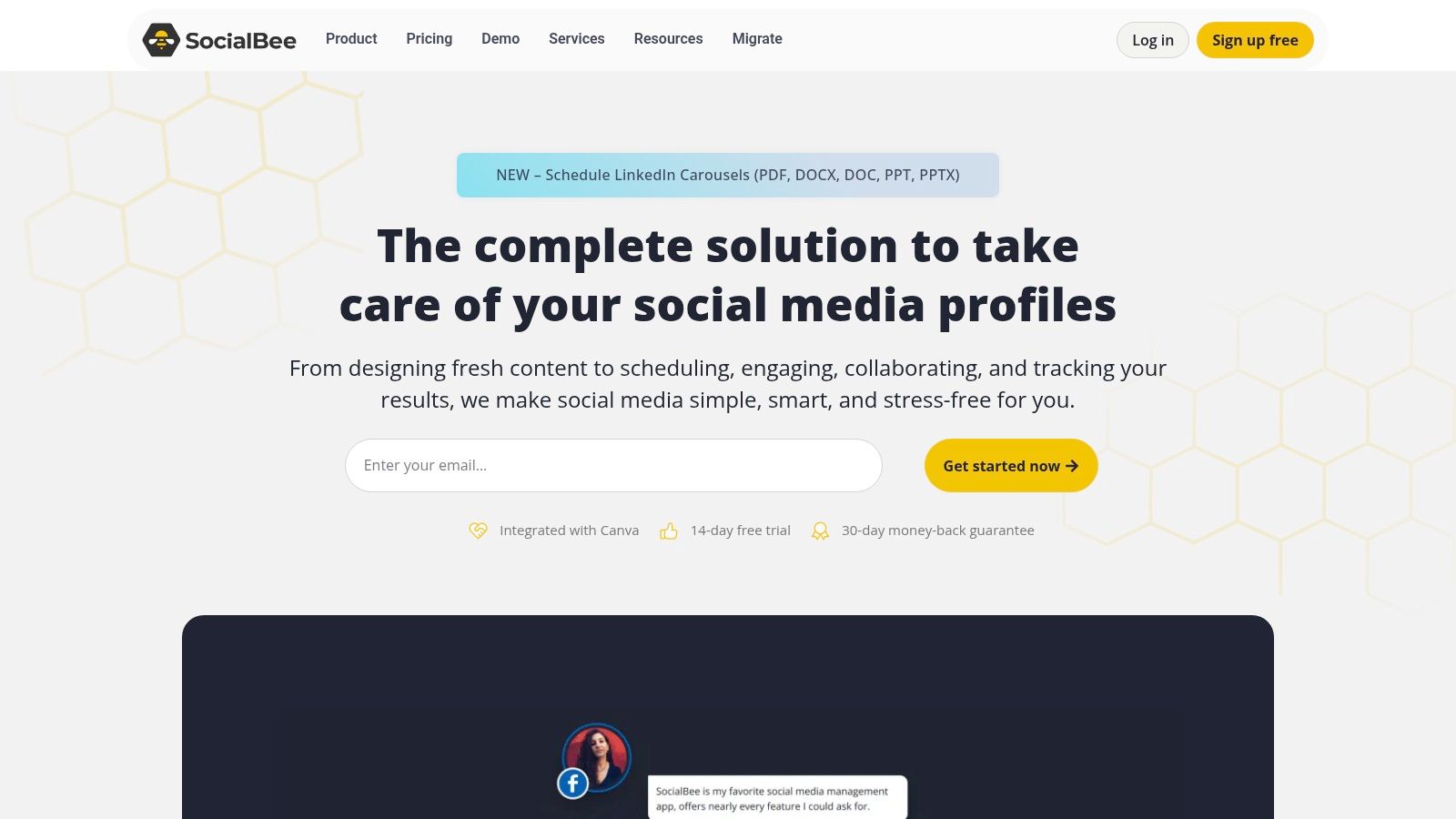
What sets SocialBee apart is its intuitive approach to content organization. Users can sort posts into different categories (like "Blog Posts," "Promotions," or "Industry News") and set a schedule for each category. SocialBee then automatically pulls from these queues to fill the content calendar, recycling evergreen posts to maximize their lifespan and reach. This "set-it-and-forget-it" system is a major time-saver for content-heavy creators.
Key Features & Use Case
SocialBee's feature set is geared toward workflow efficiency and automation. The platform’s AI assistant helps generate post variations and captions, while its multi-workspace support allows agencies or managers to handle multiple brands from a single dashboard. Analytics are straightforward, providing clear performance data with up to two years of history on higher-tier plans.
Practical Tip: For podcasters, create a content category specifically for "Episode Snippets." Use a tool like Whisper AI to transcribe your audio, then pull compelling quotes and summaries to load into your SocialBee evergreen queue. This ensures your back catalog is continuously promoted to new audiences without extra effort.
- Best For: Solo creators, bloggers, and small teams who want to automate posting with a focus on evergreen content recycling.
- Pricing: Plans start at $29/month for the Bootstrap tier. A 14-day free trial is available, along with a 30-day money-back guarantee.
- Pros: Strong value for multi-profile management, easy-to-use evergreen and queue workflows, generous trial and guarantee.
- Cons: The interface and analytics are simpler than enterprise tools, and advanced collaboration features require higher-priced plans.
10. Zoho Social
Zoho Social is a powerful contender among social media content management tools, especially for businesses already invested in the Zoho ecosystem. It offers a comprehensive suite of features covering publishing, monitoring, and analytics, all while maintaining a user-friendly interface that simplifies complex workflows. Its key strength lies in its seamless integration with other Zoho products like Zoho CRM and Zoho Desk.
What sets Zoho Social apart is its excellent value proposition and its deep integration capabilities. While other tools operate as standalone platforms, Zoho Social acts as a native component of a much larger business operating system. This allows for a unified customer view, where social media interactions can be directly linked to CRM records or support tickets, creating a single source of truth for customer engagement and data.
Key Features & Use Case
Zoho Social is packed with intelligent features designed for efficiency. Its SmartQ engine suggests the optimal times to post for maximum engagement, while the CustomQ and repeat posting options offer granular control over content scheduling. For teams, the platform supports multi-brand management with specific roles and approval workflows on higher-tier plans, ensuring brand consistency. It also extends its channel coverage to include Google Business Profile and YouTube.
Practical Tip: If your podcast or YouTube channel generates customer support queries or sales leads, use the Zoho Desk and CRM integrations. You can convert social media comments and DMs into support tickets or CRM leads with one click, ensuring no opportunity is missed and tracking the entire customer journey from social engagement to conversion.
- Best For: Businesses using the Zoho suite, and SMBs looking for a powerful, well-priced tool with CRM and customer support integrations.
- Pricing: A free forever plan is available after the trial. Paid plans start at a competitive price point, with Standard, Professional, Premium, and Agency tiers available. Note that pricing tables can be region-specific.
- Pros: Tight integration with the Zoho ecosystem, competitive feature set for the price, and a free forever plan for basic needs.
- Cons: Some advanced features like WhatsApp and Telegram support are locked behind higher-tier plans, and pricing can be confusing due to regional variations.
11. CoSchedule (Social Calendar)
CoSchedule is a marketing-first platform where the calendar is the undisputed star. It’s designed for content creators and marketers who plan campaigns visually, providing a unified view of all social media posts, blog articles, and email newsletters in one cohesive timeline. This calendar-centric approach makes it one of the most intuitive social media content management tools for long-term strategic planning.
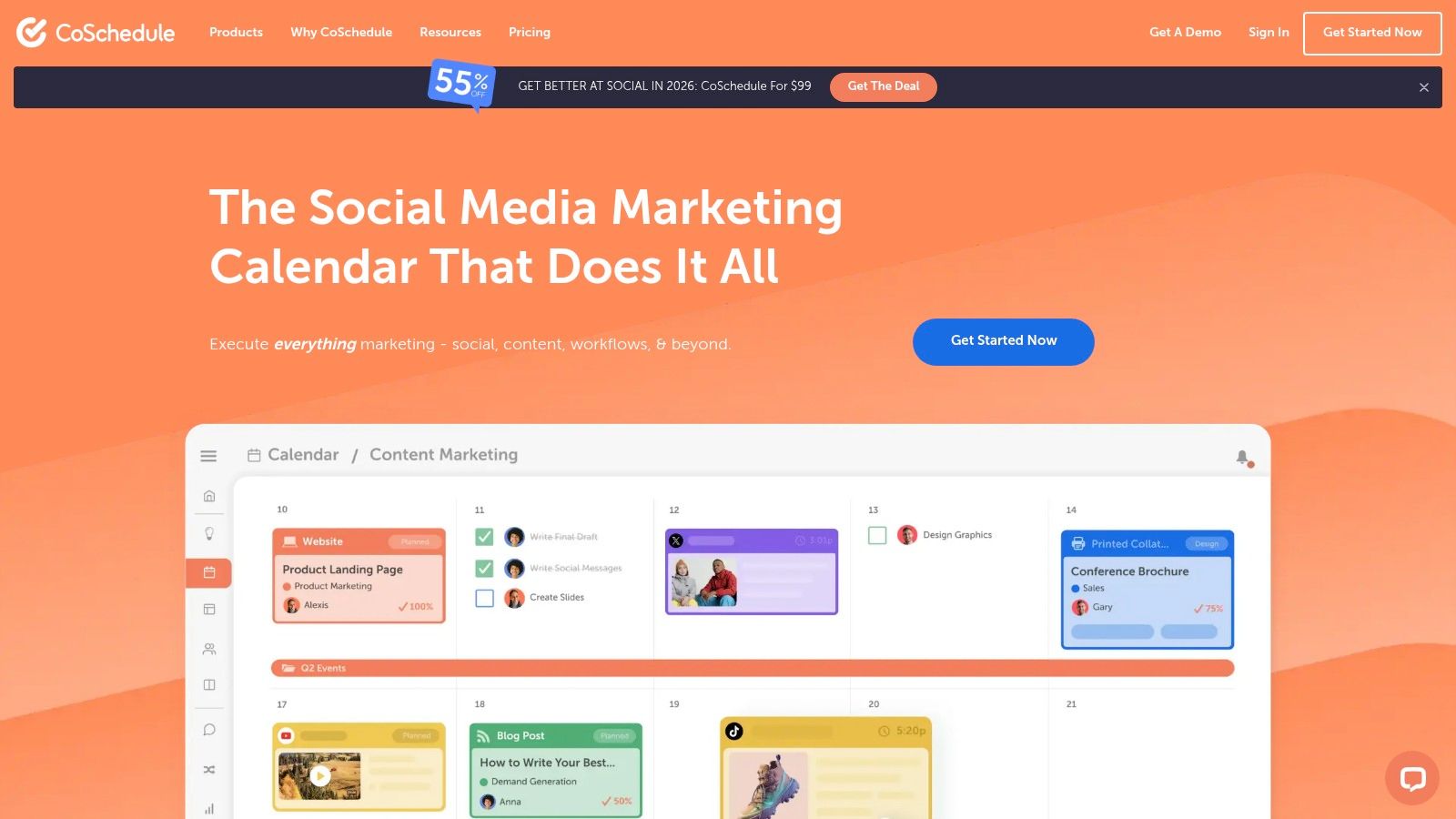
What sets CoSchedule apart is its seamless integration of content creation and social promotion. Unlike tools that only handle scheduling, CoSchedule’s Marketing Calendar encourages users to map out entire campaigns, from the initial blog post to every subsequent social share. Its ReQueue feature intelligently re-shares your best evergreen content automatically, ensuring your content calendar never runs dry and maximizing the lifespan of each asset.
Key Features & Use Case
CoSchedule’s core strength lies in its organizational prowess. Features like color-coding, project templates, and drag-and-drop rescheduling simplify complex content workflows. The platform also includes an AI Social Assistant that can write multiple social messages from a single prompt, which is a massive time-saver for generating variations of a post across different networks.
Practical Tip: Use CoSchedule's calendar to plan your content repurposing efforts. After transcribing a podcast with Whisper AI, you can schedule the full transcript as a blog post, then use the calendar to visually map out and schedule dozens of social media posts linking back to it over the next several months. Learn more about what is content repurposing and how to apply this strategy.
- Best For: Solo creators and marketing teams who need a powerful, visual-first calendar to manage social media alongside other content marketing activities.
- Pricing: The Social Calendar plan starts at $29/month per user. A free plan with limited features is available, along with a 14-day free trial for paid tiers.
- Pros: Exceptional calendar UX for campaign planning, clear and transparent pricing, and a helpful nonprofit discount.
- Cons: X/Twitter profiles are billed as a separate add-on, and advanced marketing suite features require more expensive plans.
12. Meta Business Suite (Facebook & Instagram)
For creators and businesses focused primarily on the Meta ecosystem, the native Meta Business Suite is an essential, zero-cost starting point. It provides a surprisingly robust set of tools for managing Facebook Pages and Instagram accounts from a single, unified dashboard, eliminating the need for a paid third-party tool if your strategy doesn't extend beyond these platforms.
What makes Meta Business Suite a valuable part of this list is its direct integration and native functionality. Since it’s built by Meta, it often gets access to new features like Reels templates or specific sticker types before third-party apps do. This makes it an indispensable tool for anyone who wants to ensure their content leverages the latest native features without compatibility issues. It serves as a powerful baseline among social media content management tools.
Key Features & Use Case
The platform consolidates content planning, scheduling, and community management. Its planner offers a calendar view for posts, stories, and Reels, complete with optimal posting time suggestions based on your audience’s activity. The unified inbox combines comments and DMs from both Facebook and Instagram, allowing for streamlined responses and engagement tracking.
Practical Tip: Use the A/B testing feature within Meta Business Suite to experiment with different captions, images, or headlines for your Facebook posts. For podcasters promoting new episodes, you can test a question-based caption against a quote-based one to see which drives more clicks to your audio link, optimizing your promotional strategy without any extra cost.
- Best For: Individuals and small teams whose social media strategy is centered exclusively on Facebook and Instagram and who need a free, effective management solution.
- Pricing: Completely free to use.
- Pros: 100% free and natively integrated, unified inbox is highly efficient, often receives new content formats first.
- Cons: Limited to only Facebook and Instagram, and some users report occasional glitches or reliability hiccups with scheduling.
Top 12 Social Media Management Tools — Feature Comparison
Making Your Final Choice and Integrating Your New Tool
Navigating the extensive landscape of social media content management tools can feel overwhelming, but the journey to finding the perfect platform is a strategic investment in your brand's future. As we've explored, the "best" tool is not a one-size-fits-all solution. It's the one that aligns perfectly with your specific workflow, team size, budget, and content strategy.
From the enterprise-grade analytics of Sprout Social to the visual-first planning of Later, each platform offers a unique approach to solving the core challenges of social media management. Your final decision hinges on a clear understanding of your own operational needs and growth objectives.
Key Takeaways for Selecting Your Tool
Making an informed choice requires moving beyond feature lists and considering the practical application of a tool within your daily routine. Remember these core principles:
- Team Size and Workflow Matter Most: A solo creator's needs are vastly different from a multi-client agency. Tools like Buffer or SocialBee excel for individuals and small teams with their streamlined interfaces, while platforms like Agorapulse and Sendible are built for the complexities of agency collaboration and client reporting.
- Budget vs. ROI: While free tools like Meta Business Suite offer a solid starting point, investing in a paid platform often yields a significant return through time savings, advanced analytics, and workflow automation. Calculate the hours you'll save and the potential for improved content performance when evaluating pricing tiers.
- Prioritize Your Primary Channels: Not all tools are created equal across all platforms. If Instagram and TikTok are your bread and butter, a visually-focused tool like Later is a strong contender. If you need robust LinkedIn and Twitter management, a platform like Sprout Social or Hootsuite might be a better fit.
- Integration is Power: The most effective social media content management tools don't operate in a vacuum. Consider how your chosen platform will connect with your other essential software, like design tools (Canva), communication apps (Slack), and, crucially, content creation aids like Whisper AI for repurposing audio and video.
Your Actionable Next Steps
Theory is helpful, but hands-on experience is where clarity is found. Don't commit to a subscription without putting the software through its paces.
- Shortlist Your Top 2-3 Contenders: Based on our detailed comparisons, select the platforms that seem to best match your team's profile and primary goals.
- Sign Up for Free Trials: Nearly every tool we've covered offers a free trial or a freemium plan. This is your single most valuable evaluation resource. Don't skip this step.
- Run a Real-World Test: Connect your actual social media accounts. Schedule a week's worth of real content, from ideation to posting. Involve your team members to test the collaboration features and approval workflows.
- Evaluate the User Experience (UX): Does the interface feel intuitive or clunky? Can you find the features you need without digging through menus? The tool that feels most natural to use is the one you'll stick with long-term.
- Assess the Analytics: After your test posts go live, dive into the reporting dashboards. Are the insights actionable? Do they provide the data you need to prove ROI and refine your strategy?
Ultimately, the right social media content management tool acts as a force multiplier. It should eliminate tedious tasks, provide clarity through data, and free you up to focus on what truly matters: creating engaging content and building a meaningful community. By thoughtfully assessing your needs and conducting practical tests, you can confidently select a platform that will not just manage your content, but elevate your entire social media presence.
Ready to revolutionize your content repurposing workflow? Integrate Whisper AI to automatically transcribe, summarize, and transform your video and audio clips into ready-to-publish social posts, captions, and show notes. Stop manually creating content from your recordings and start automating it by visiting Whisper AI today.


























































































