
The 12 Best Content Creation Tools for Social Media in 2025
In a content-saturated environment, the difference between viral success and audience indifference often comes down to two factors: the quality of your content and the speed at which you can produce it. As creators and marketers, we're constantly under pressure to generate engaging videos, eye-catching graphics, and compelling copy across multiple platforms. Juggling these demands manually is not just inefficient; it's a direct route to burnout and inconsistent output. This is precisely where a strategic tech stack becomes a non-negotiable asset.
The right content creation tools for social media solve the core problem of a fragmented and time-consuming workflow. They automate tedious tasks like transcription and captioning, simplify complex processes like video editing and graphic design, and provide a central hub for scheduling and analyzing performance. Instead of spending hours wrestling with disparate software, you can build a streamlined system that turns one piece of long-form content, like a podcast or YouTube video, into a dozen high-impact social media assets. This approach not only saves time but also ensures brand consistency and amplifies your message effectively.
This guide moves beyond generic feature lists to provide a comprehensive breakdown of the essential tools that power modern content workflows, based on our experience testing and using them. We'll explore platforms like Whisper AI for transcription, Canva for design, and Descript for video editing, offering practical use cases, pricing insights, and honest limitations for each. You'll find direct links and screenshots to help you quickly assess which solutions fit your specific needs, whether you're a solo creator or part of a larger marketing team. To dive deeper into various solutions that enhance efficiency, explore our comprehensive guide on top social media content creation tools for productivity. Let's build a smarter, faster content engine.
1. What is the best tool for transcribing audio and video? (Whisper AI)
Whisper AI stands out as an exceptional, all-in-one transcription and summarization platform, making it one of the most powerful content creation tools for social media managers, podcasters, and YouTubers. Its core function is to transform audio and video content into highly accurate, searchable text with remarkable efficiency. This service automates the tedious work of manual transcription, allowing creators to focus on strategy and publishing.
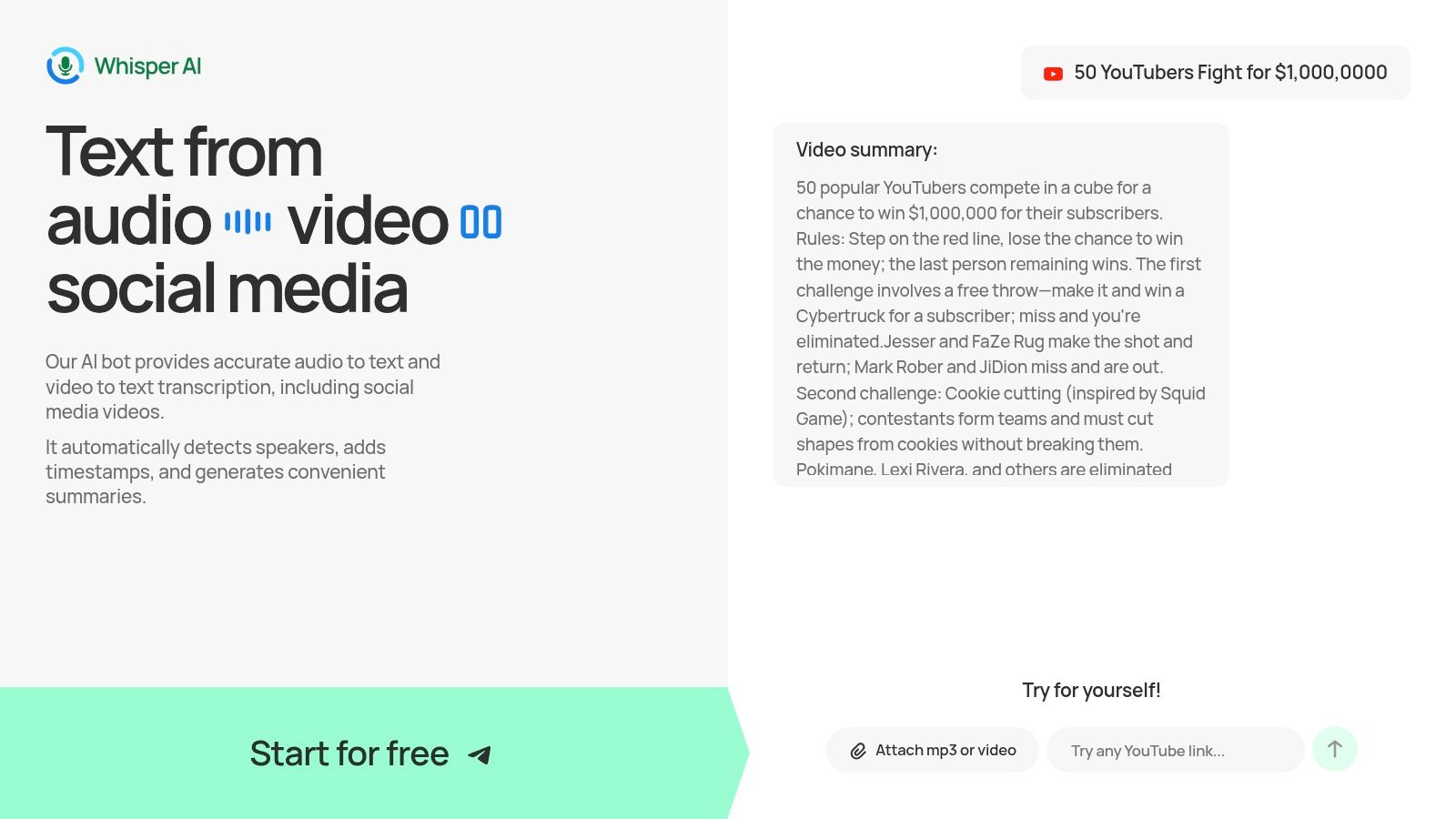
What truly distinguishes Whisper AI is its intelligent feature set designed for modern content workflows. It not only transcribes but also automatically detects different speakers, inserts precise timestamps, and generates concise summaries and bullet-point highlights. This makes it invaluable for pulling key quotes, creating show notes, or identifying the most impactful soundbites for social media clips.
Key Strengths and Use Cases
Whisper AI excels in versatility and ease of use. You can upload virtually any media file or simply paste a link from platforms like YouTube, and the platform reliably processes even multi-hour files. Supporting over 92 languages, it is an essential tool for global teams and creators with international audiences. For an in-depth guide, you can learn more about its capabilities as an AI tool to transcribe YouTube videos.
Here are some practical applications:
- Content Repurposing: Instantly turn a long-form podcast or video interview into blog posts, tweet threads, and LinkedIn articles by using the transcript and AI-generated summaries.
- Video Accessibility: Generate accurate captions and subtitles to make your social media videos accessible and boost engagement, as many users watch with the sound off.
- SEO Enhancement: Use the full transcript as an SEO-rich description for your YouTube videos or podcast episodes, improving discoverability in search results.
- Insight Generation: Utilize the follow-up Q&A feature to ask questions about your transcript, helping you extract key themes, action items, or data points without re-watching hours of footage.
Platform Considerations
While the tool is highly accurate, recordings with significant background noise or very strong accents may require minor manual review. The public website offers a free starter plan to test its capabilities, but detailed pricing for higher-volume plans requires direct inquiry, a consideration for teams needing to budget for extensive use. Despite this, its proven scale with tens of thousands of users and a strong focus on data privacy make it a trustworthy and highly effective choice.
- Website: https://whisperbot.ai
2. What is the best all-in-one tool for visual design? (Canva)
Canva has evolved from a simple design tool into an all-in-one visual communication platform, making it one of the most indispensable content creation tools for social media. It empowers users, from solo creators to large enterprise teams, to produce a vast range of assets including static posts, animated videos, multi-page carousels, and engaging Stories without needing professional design skills. Its core strength lies in its accessibility and massive library of templates and assets.
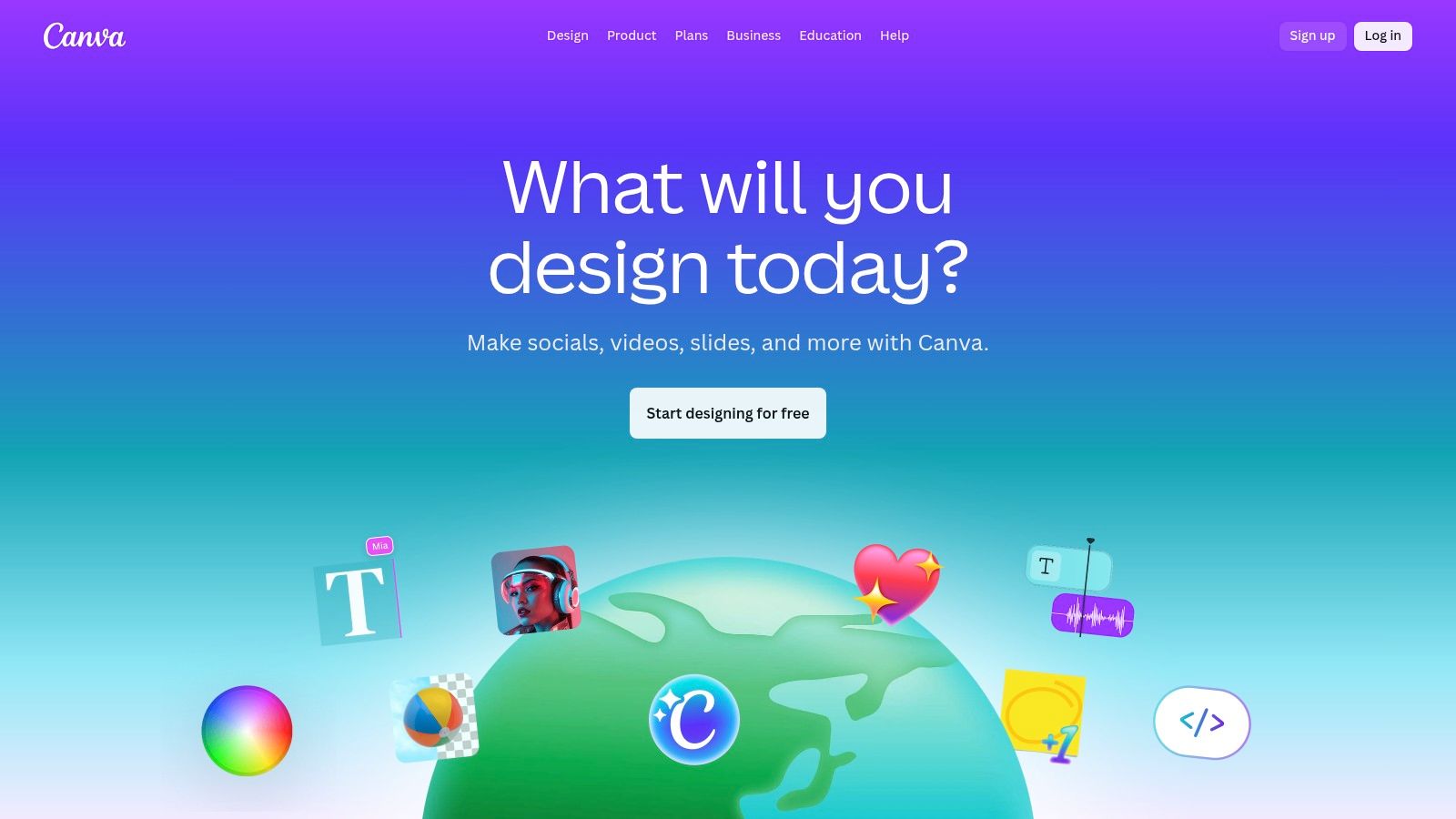
The platform truly shines with its AI-powered "Magic Studio" features. Tools like Magic Switch can instantly resize a single design for multiple social media formats (e.g., transforming a YouTube thumbnail into an Instagram Story), which is a huge time-saver. You can learn more about how this feature supports efficient workflows in our guide to content repurposing strategies. Furthermore, Magic Write assists with copywriting, and text-to-image/video features allow for rapid asset generation from simple prompts.
Key Features & User Experience
Canva’s user interface is famously intuitive, with a drag-and-drop editor that makes it easy for non-designers to get started. The platform’s value is enhanced by its built-in content planner for scheduling posts and its extensive Brand Kit functionality, which ensures consistency across all team-created content.
- Best For: Solo creators, social media managers, and marketing teams needing a unified tool for a wide range of visual content.
- Pros: Extremely gentle learning curve, scales effectively with Brand Kits, and features a powerful, ever-expanding AI toolset.
- Cons: Recent pricing changes for teams have caused some user friction; always verify the current rates. Heavy AI users might also find the credit limits on lower-tier plans restrictive.
- Pricing: Offers a robust free plan. Paid tiers include Canva Pro (for individuals) and Canva for Teams, with pricing based on the number of users.
- Website: https://www.canva.com/
3. Which design tool integrates best with Adobe products? (Adobe Express)
Adobe Express is Adobe's powerful answer to the need for agile, social-first content creation tools for social media. It serves as a streamlined gateway to the Adobe ecosystem, designed for creators who want the quality of Adobe's professional tools in a more accessible, template-driven package. It excels at producing high-quality graphics, short videos, and web pages, making it ideal for those already invested in or familiar with Adobe's creative suite.
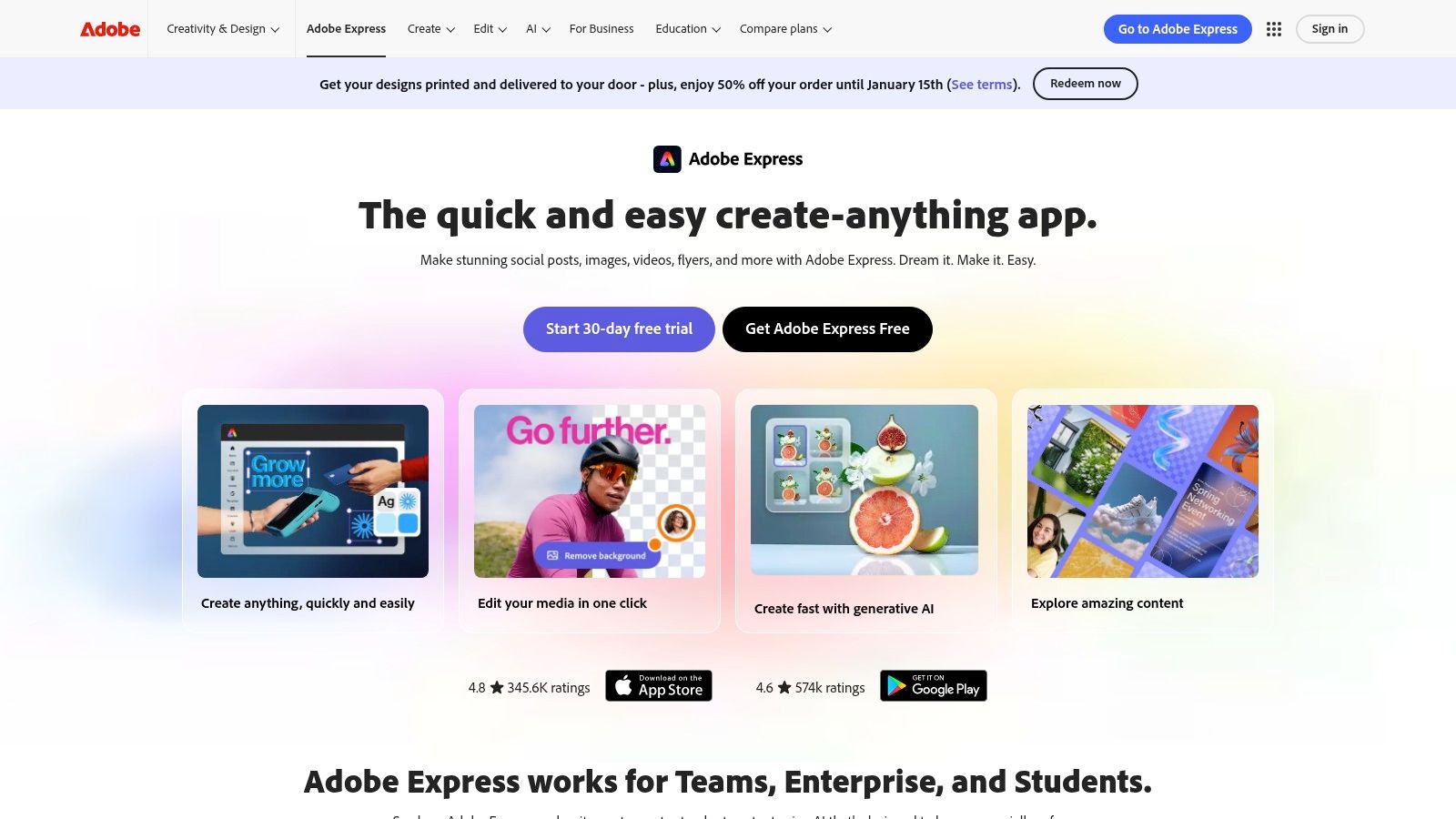
The platform’s key differentiator is its deep integration with the broader Creative Cloud and Adobe Firefly generative AI. This allows for a seamless workflow; for instance, you can easily hand off a design from Express to Photoshop or Premiere Pro for more advanced edits. The inclusion of Adobe Stock provides access to over 200 million premium, rights-managed assets on paid plans, a significant advantage for producing professional-grade content without worrying about asset licensing. One-click resizing and a built-in content scheduler further streamline the social media management process.
Key Features & User Experience
Adobe Express offers an intuitive, user-friendly interface that feels familiar to users of other design apps but carries the professional polish of Adobe. The platform's real strength is for creators and teams who need a quick design tool that doesn't sacrifice the power of professional integration. The Brand Kit functionality ensures all assets remain consistent with your visual identity.
- Best For: Marketing teams and creators already using the Adobe Creative Cloud who need a faster tool for social media content.
- Pros: Seamless integration with Photoshop and Premiere, and access to the high-quality, rights-managed Adobe Stock library.
- Cons: The most powerful features and assets are locked behind the Premium plan, and generative AI capabilities are limited by a credit system.
- Pricing: A free plan is available. The Premium plan unlocks all features, more AI credits, and the full asset library.
- Website: https://www.adobe.com/express/
4. What is the fastest tool for collaborative video editing? (Kapwing)
Kapwing has established itself as a go-to browser-based video editor, positioning itself as one of the most agile content creation tools for social media. It's designed for creators and social teams who need to move quickly, focusing on tasks like subtitling, dubbing, resizing, and repurposing long-form videos into engaging social clips. The entire workflow is collaborative and requires no software installation, making it perfect for fast-paced environments.
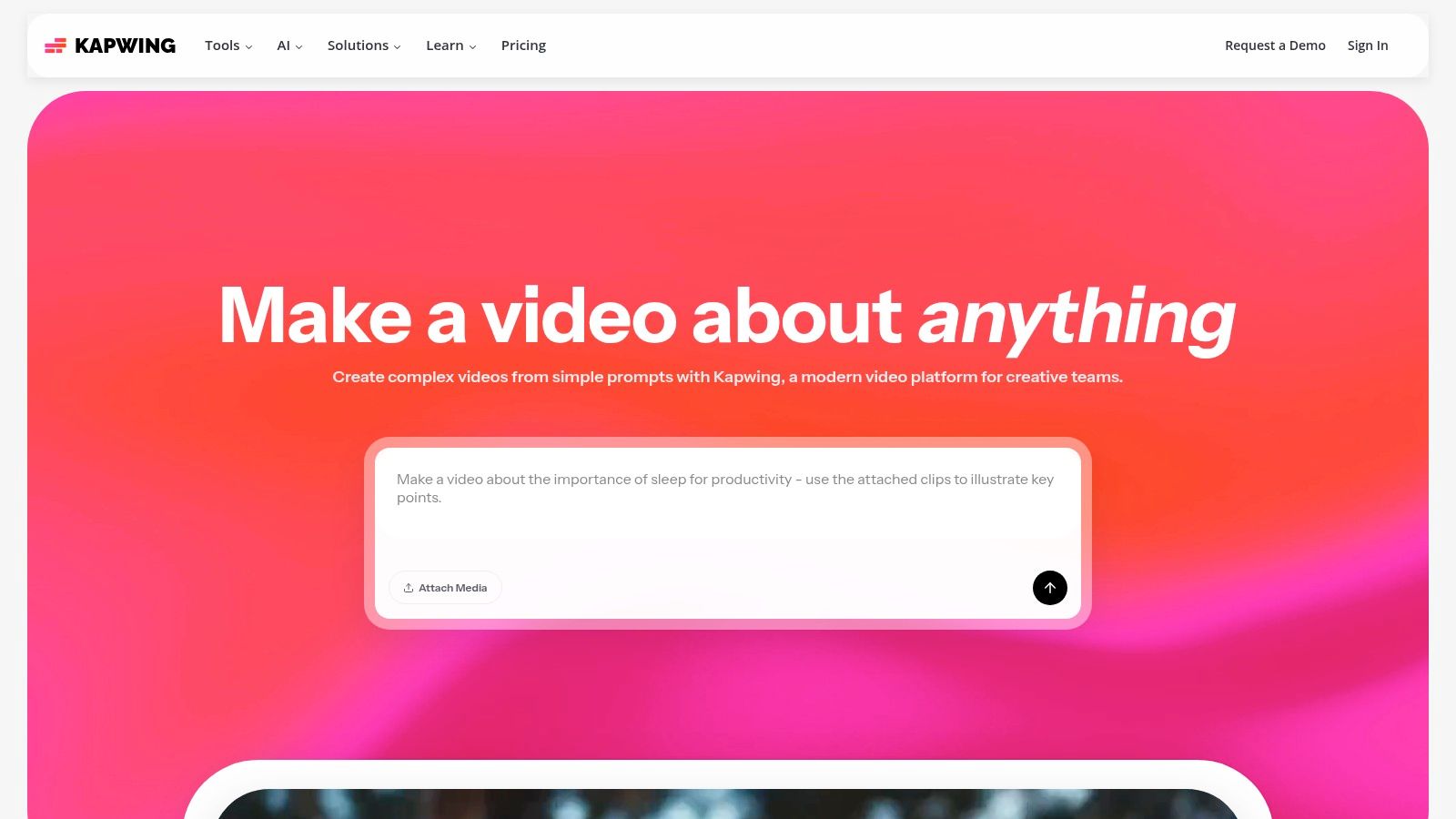
The platform excels with its AI-powered features that dramatically speed up the editing process. Its AI clip generator can automatically identify and create shareable short videos from a longer recording, complete with auto-generated subtitles. This feature is a game-changer for podcasters and streamers looking to create a high volume of social content. Additionally, tools for creating meme formats and user-generated content (UGC) style videos are built directly into the editor, streamlining popular social media video trends.
Key Features & User Experience
Kapwing’s interface is straightforward and built for speed, allowing users to quickly upload media and start editing in a collaborative workspace. The platform supports Brand Kits, custom fonts, and team projects, enabling content consistency even with multiple contributors. Higher-tier plans unlock 4K exports, providing professional-quality output without leaving the browser.
- Best For: Social media managers, content creators, and marketing teams who need a fast, collaborative tool for short-form video and repurposing.
- Pros: No installation required and ideal for rapid meme/UGC workflows, collaborative features are seamless, and pro plans offer a generous amount of AI minutes.
- Cons: The free plan includes watermarks and has significant export limitations; core AI features operate on a metered credit system.
- Pricing: A free plan with limitations is available. Paid plans like Pro and Business unlock more features, higher export quality, and increased AI credits.
- Website: https://www.kapwing.com/
5. What is the easiest way to edit video from a transcript? (Descript)
Descript revolutionizes video and audio editing by making it as simple as editing a text document. This transcript-first approach positions it as one of the most innovative content creation tools for social media, especially for creators focused on dialogue-heavy content like podcasts, interviews, and educational videos. Instead of scrubbing through a complex timeline, you can edit your media by simply deleting words or sentences from the automatically generated transcript, and the corresponding video/audio is cut instantly.
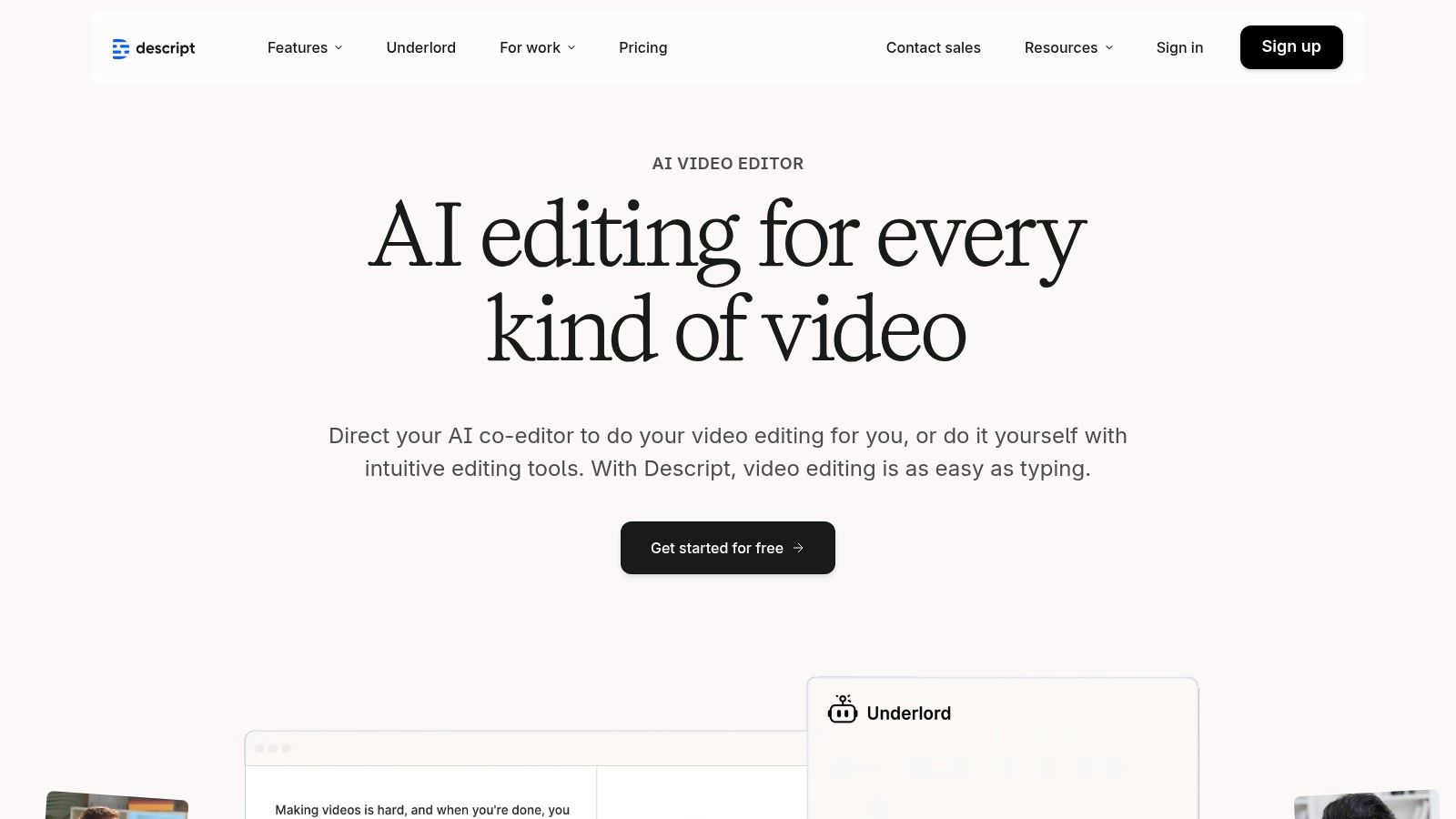
The platform is packed with powerful AI features designed for speed and efficiency. The "Remove Filler Words" tool can eliminate all "ums" and "ahs" with a single click, cleaning up audio tracks in seconds. Studio Sound enhances voice recordings to a professional, studio-like quality, while Overdub allows you to correct misspoken words by typing the correction, using a clone of your own voice. This workflow is incredibly effective for creating short, punchy social media clips from long-form content by highlighting text in the transcript and exporting it as a new composition.
Key Features & User Experience
Descript’s interface seamlessly integrates the script, timeline, and video preview, creating an intuitive editing environment for users who may be intimidated by traditional video editors. The workflow is built around the transcript, which is a game-changer for content repurposing, allowing you to quickly find and extract the most compelling soundbites for social media.
- Best For: Podcasters, YouTubers, and course creators who need to edit spoken-word content and repurpose it into social clips.
- Pros: Extremely fast workflow for talking-head videos, and the tight integration of audio, transcript, and timeline editing is unmatched.
- Cons: The newer pricing model based on transcription hours and features can be confusing; always check which plan fits your usage needs. Very long, multi-hour projects may require higher-tier plans.
- Pricing: A free plan is available with limited features. Paid plans include Creator and Pro tiers, plus custom Enterprise options.
- Website: https://www.descript.com/
6. Which tool combines video editing with AI generation? (VEED)
VEED has positioned itself as a powerful, browser-based video editing suite designed specifically for the speed and demands of social media. It integrates a user-friendly video editor with a robust set of AI-powered features, making it one of the most versatile content creation tools for social media for those who need to produce high-quality video content quickly. Its strength lies in combining traditional editing, automated subtitling, and generative AI tools into a single, accessible workflow.
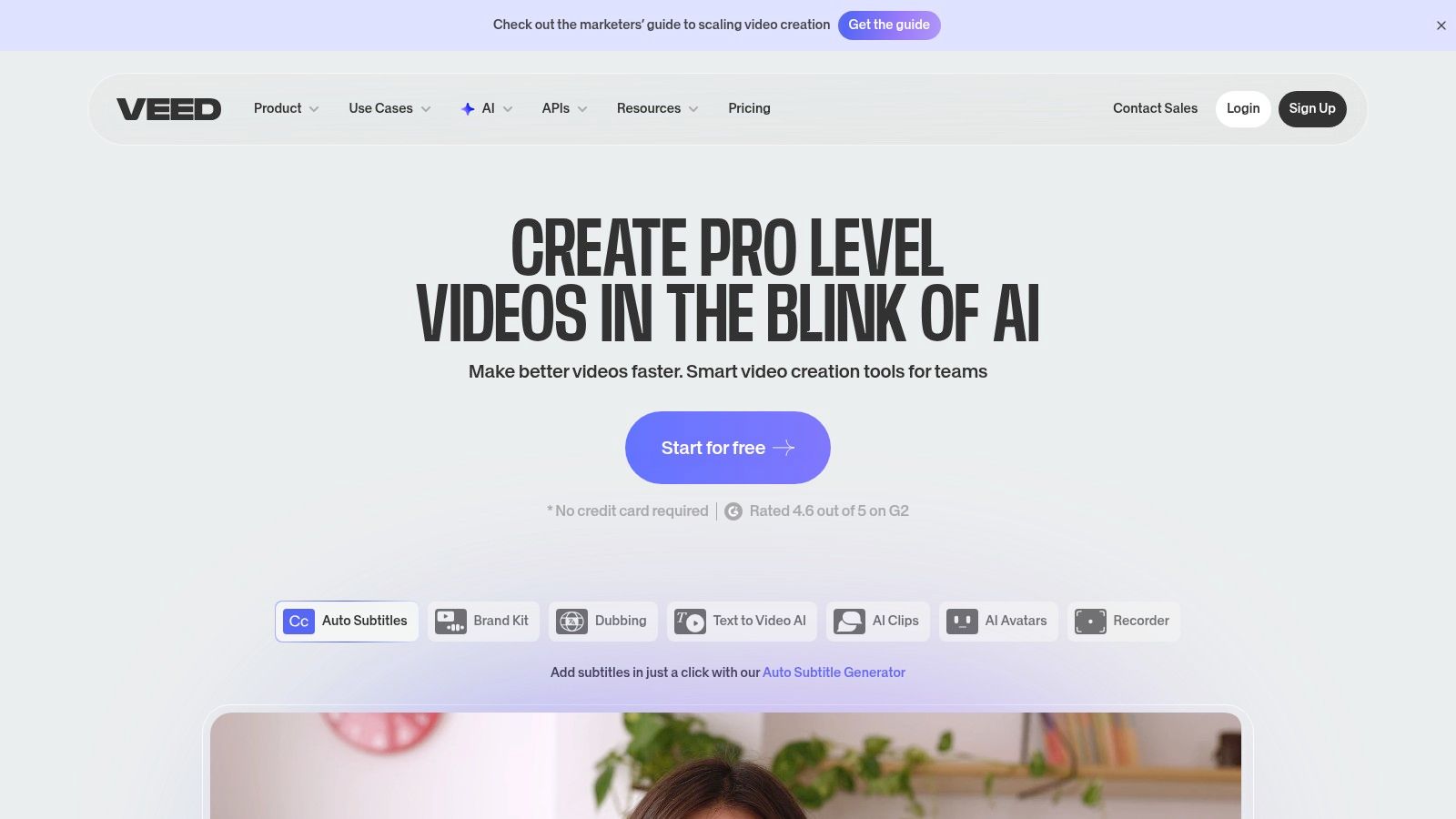
The platform excels at making content more accessible and engaging. Its auto-subtitling and dubbing features support numerous languages, allowing creators to effortlessly repurpose their videos for a global audience. Furthermore, VEED is expanding its generative capabilities with AI avatars, text-to-voice, and text-to-video models, which are ideal for producing social ads, explainer videos, and short-form content without needing to film new footage. This makes it a comprehensive solution for modern content creators.
Key Features & User Experience
VEED’s interface is clean and intuitive, ensuring that even users with minimal video editing experience can start creating immediately. The entire workflow happens in the browser, eliminating the need for powerful hardware or complex software installations. The platform also includes an AI clipper that can automatically identify key moments in longer videos and repurpose them into shareable social clips, complete with brand elements.
- Best For: Social media managers, marketers, and solo creators who need an all-in-one tool for editing, captioning, and generating video content.
- Pros: Combines editing, AI generation, and best-in-class captions in one tool; a fast, browser-based workflow requires no software installation.
- Cons: Access to advanced AI models and credits varies significantly by plan; complex projects or long video renders may be slower in-browser compared to desktop editors.
- Pricing: Offers a free plan with watermarked exports. Paid plans include Basic, Pro, and Business tiers with increasing features and AI credits.
- Website: https://www.veed.io/
7. What's the best tool for creating videos from text prompts? (InVideo AI)
InVideo AI positions itself as a powerful AI video generator, designed to transform simple text prompts into polished, publishable videos in minutes. This makes it one of the most accessible content creation tools for social media for users who need to produce video content at scale without deep editing expertise. It excels at creating short-form videos like social media ads, promotional clips, and explainers by intelligently pulling from a vast library of stock media to match your script.
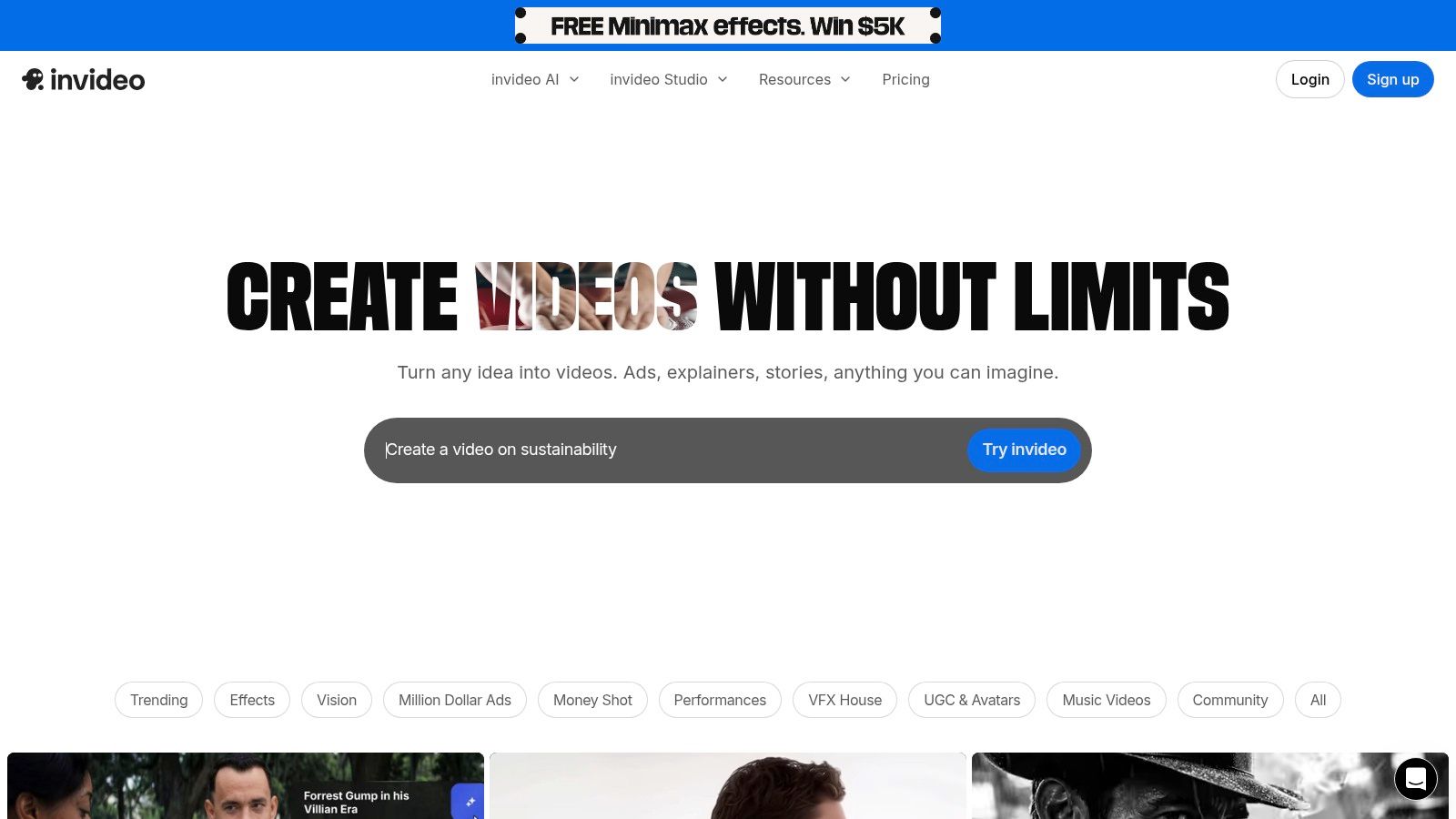
The platform’s core workflow involves giving the AI a detailed prompt, including tone of voice and target platform, which it then uses to generate a script, select relevant footage, create a voiceover, and add background music. Unlike many purely generative tools, InVideo AI allows for granular post-generation editing. Users can access a cloud-based editor to swap out media clips, tweak the script, change voiceovers, and adjust the timeline, giving them final creative control over the AI-generated foundation.
Key Features & User Experience
InVideo AI’s interface is built around a simple prompt-based system, making the initial creation process incredibly straightforward. The ability to give commands like "make this scene a sunset shot" or "change the music to something upbeat" during the editing phase adds a layer of intuitive control that bridges the gap between AI generation and manual editing.
- Best For: Marketers, entrepreneurs, and content creators needing to quickly generate ad-style videos or short explainers without filming original footage.
- Pros: Extremely fast text-to-video generation, and its integrated premium stock media library (IStock) streamlines asset sourcing for commercial use.
- Cons: The free plan includes a prominent watermark and has tight limits on export minutes and AI credits. AI-selected footage can sometimes be generic, requiring manual replacement for best results.
- Pricing: Offers a free plan with weekly quotas. Paid plans (Plus and Max) remove watermarks and increase AI generation minutes and stock media usage.
- Website: https://invideo.io/
8. What's the best video editor for TikTok and Reels? (CapCut)
CapCut has become the go-to video editor for creators focused on short-form vertical content, cementing its place among essential content creation tools for social media. Originally a mobile-first app, it now offers a seamless experience across desktop and web browsers. Its primary strength lies in its massive library of trending templates, effects, and audio, allowing creators to quickly produce high-energy videos for platforms like TikTok, Instagram Reels, and YouTube Shorts. The platform is designed for speed and relevance in a trend-driven environment.
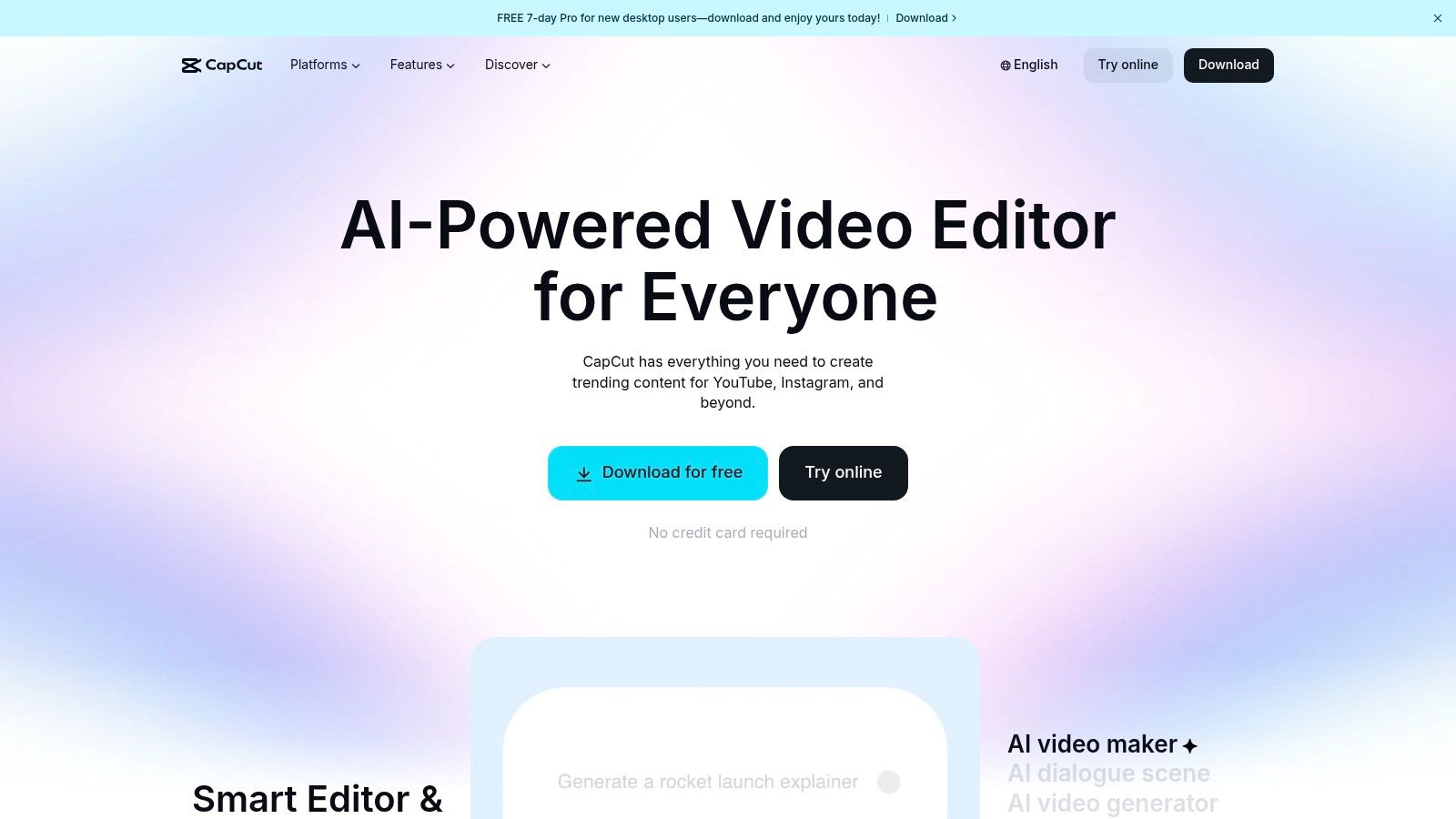
The platform excels at simplifying complex editing tasks that are crucial for social video. Its Auto-captions feature is remarkably accurate and highly customizable, making content more accessible and engaging. Furthermore, tools like automatic beat sync, background removal, and AI-driven effects empower even novice editors to create professional-looking content that aligns with current social media aesthetics. The tight integration with TikTok also provides a direct pipeline for creators on that platform.
Key Features & User Experience
CapCut's interface is intuitive across all devices, making it easy to jump between a mobile edit and finishing touches on a desktop. The template-based workflow is a significant time-saver, as users can simply drop their clips into a pre-made, trending format. The large community also means there are endless tutorials available for mastering any feature.
- Best For: TikTok creators, Reels producers, and any social media manager focused on fast-paced, trend-responsive video content.
- Pros: Extremely fast for creating short-form videos with trending effects, excellent free version, and a vast library of templates and community resources.
- Cons: Availability in the US has fluctuated due to regulatory actions; always check its current status. Pricing and plan names can also differ by region.
- Pricing: Offers a powerful free version. CapCut Pro adds cloud storage, more effects, and AI features on a monthly or yearly subscription.
- Website: https://www.capcut.com/
9. Which tool is best for affordable social media scheduling? (Buffer)
While many tools on this list focus on asset creation, Buffer excels at the crucial final steps: planning, scheduling, and analyzing performance. It stands as an essential companion among content creation tools for social media, bridging the gap between having finished assets and getting them published effectively. Buffer allows creators and marketers to manage multiple social channels like Instagram, TikTok, LinkedIn, and X from a single, streamlined dashboard, ensuring a consistent and strategic publishing cadence.
Buffer’s strength is its simplicity and focus on core social media management tasks. It's not trying to be an all-in-one design suite; instead, it perfects the publishing workflow. Features like the AI Assistant help overcome writer's block for captions, while the integrated engagement tools allow you to manage comments and replies directly within the platform. This helps centralize community management, which is a key factor in boosting audience interaction. You can discover more tactics for this in our guide on how to increase social media engagement.
Key Features & User Experience
Buffer is known for its clean, intuitive user interface that makes scheduling content feel effortless. Its content calendar provides a clear visual overview of your upcoming posts, and the platform offers straightforward analytics to track key metrics without overwhelming users with data. The unique per-channel pricing model makes it particularly accessible for those just starting out.
- Best For: Solo creators, small businesses, and marketing teams who need a reliable, no-fuss tool for scheduling and analyzing social media content.
- Pros: Very budget-friendly with a robust free plan, clear and modular pricing that scales affordably, and a simple, user-friendly interface.
- Cons: Lacks the deep listening and advanced enterprise governance features of more complex platforms. Some in-depth analytics and collaboration tools are reserved for higher-tier plans.
- Pricing: Offers a generous free plan for up to three channels. Paid plans (Essentials, Team, Agency) are priced per channel, allowing for flexible and affordable scaling.
- Website: https://buffer.com/
10. What's the best scheduler for visual platforms like Instagram? (Later)
Later has solidified its position as one of the best content creation tools for social media, particularly for visually driven platforms like Instagram, Pinterest, and TikTok. It goes beyond simple scheduling, offering a comprehensive suite for planning, analyzing, and publishing content. Its standout feature is the Visual Planner, which allows users to see exactly how their feed will look with future posts, ensuring a cohesive and aesthetically pleasing brand presence.

While primarily known for scheduling, Later incorporates valuable creation aids. Its AI Caption Writer helps generate ideas and refine copy, saving time during the content preparation phase. For teams and creators managing collaborations, higher-tier plans provide essential approval workflows and tools to manage user-generated content and brand partnerships. This combination of visual planning and practical creation assistance makes it a powerful command center for social media management.
Key Features & User Experience
Later’s interface is clean and centered around its visual calendar, making it incredibly intuitive to drag and drop media and plan weeks of content at a glance. Bulk scheduling capabilities further streamline the workflow, allowing users to upload and schedule numerous posts simultaneously. The platform also includes a robust Link in Bio tool, creating a customizable landing page for your most important links.
- Best For: Social media managers, brands, and creators who prioritize visual feed aesthetics, especially on Instagram and Pinterest.
- Pros: Excellent and intuitive user interface for visual planning, strong Link in Bio feature, and fairly priced plans that scale well.
- Cons: Some platforms require push notifications for publishing due to API limitations, and more advanced analytics are reserved for higher-priced tiers.
- Pricing: Offers a free plan with limitations. Paid plans like Starter, Growth, and Advanced add more social profiles, users, and features.
- Website: https://later.com/
11. Where can I find unlimited stock assets for content? (Envato Elements)
For creators who need a constant stream of high-quality assets, Envato Elements is an essential resource. It operates on a subscription model, offering unlimited downloads from a massive library of over 26 million creative assets. This makes it one of the most cost-effective content creation tools for social media for agencies, freelancers, and social media managers who regularly need stock video, photos, music tracks, sound effects, and professionally designed templates for platforms like Instagram, YouTube, and TikTok.
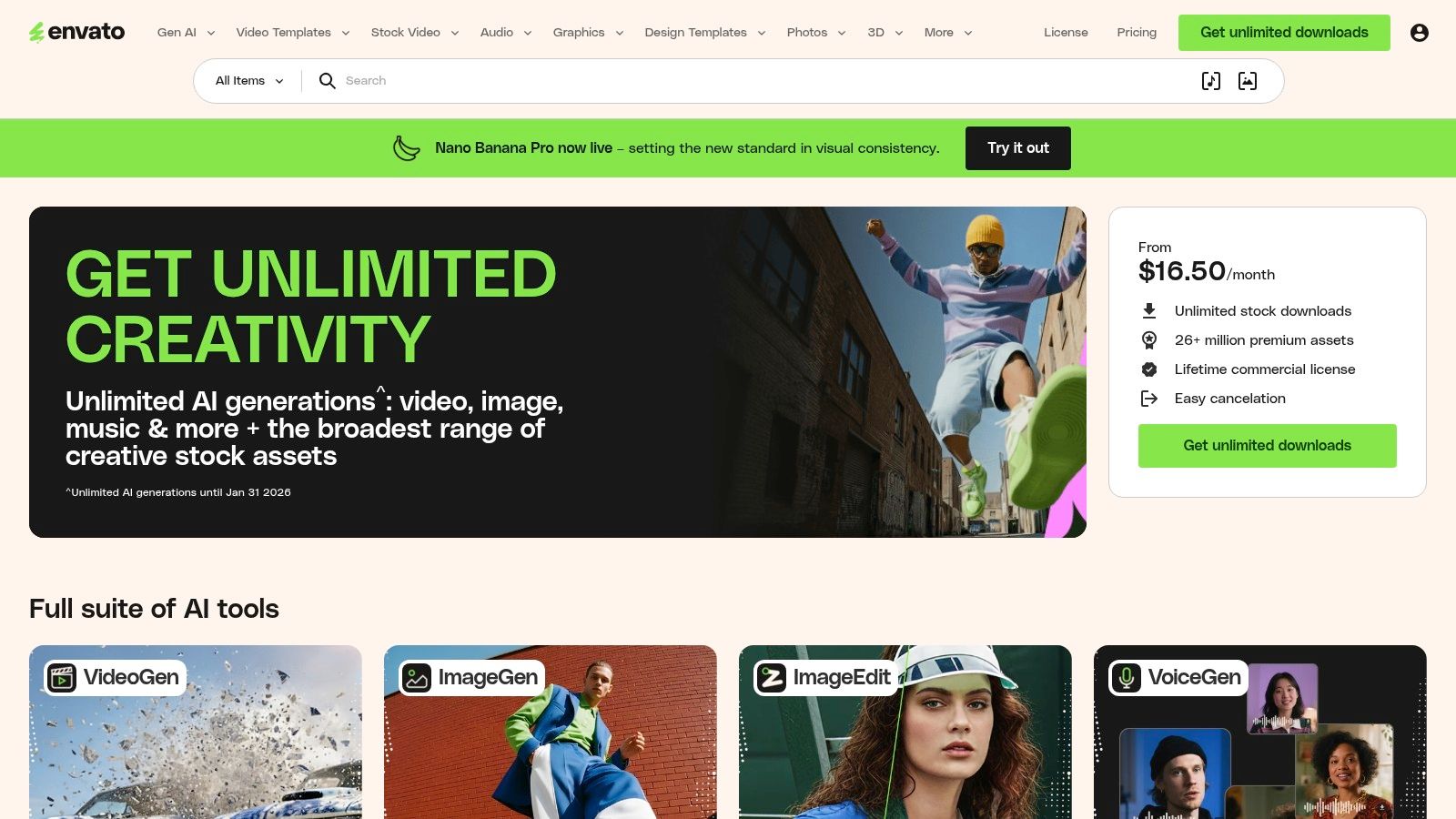
The platform’s simple commercial license is a major draw, covering most use cases without complex legal hurdles. Instead of purchasing assets individually, a single subscription provides access to everything. This is invaluable for feeding a demanding content pipeline, allowing you to experiment freely with different visual and audio elements to find the perfect fit for your brand's narrative without worrying about budget overruns for each asset.
Key Features & User Experience
Envato Elements features a clean, searchable interface that makes finding specific assets straightforward. You can filter by category, color, orientation, and more, which speeds up the creative workflow significantly. The platform is not just a repository; it's a creative toolkit that supports the entire content lifecycle, from initial ideation with templates to final touches with sound effects and music.
- Best For: High-volume content creators, marketing agencies, and freelancers who need consistent access to diverse creative assets.
- Pros: Excellent value for money with unlimited downloads, and its vast library covers almost every conceivable social media format and need.
- Cons: The license requires you to re-register an asset for each new project, which can be a minor administrative hassle. Also, support is limited for these community-made assets.
- Pricing: Offers monthly and annual subscription plans for individuals, teams, and enterprises.
- Website: https://elements.envato.com/
12. What is the best all-in-one platform for enterprise teams? (Sprout Social)
While many tools focus purely on asset creation, Sprout Social operates as a full-stack social media management platform, making it one of the most powerful content creation tools for social media for established teams and enterprises. Its strength lies not just in publishing but in the entire content lifecycle, from planning and collaboration to analytics and reporting. For organizations that require strict governance, approval workflows, and deep performance insights, Sprout Social provides an enterprise-grade solution that connects content creation directly to business outcomes.
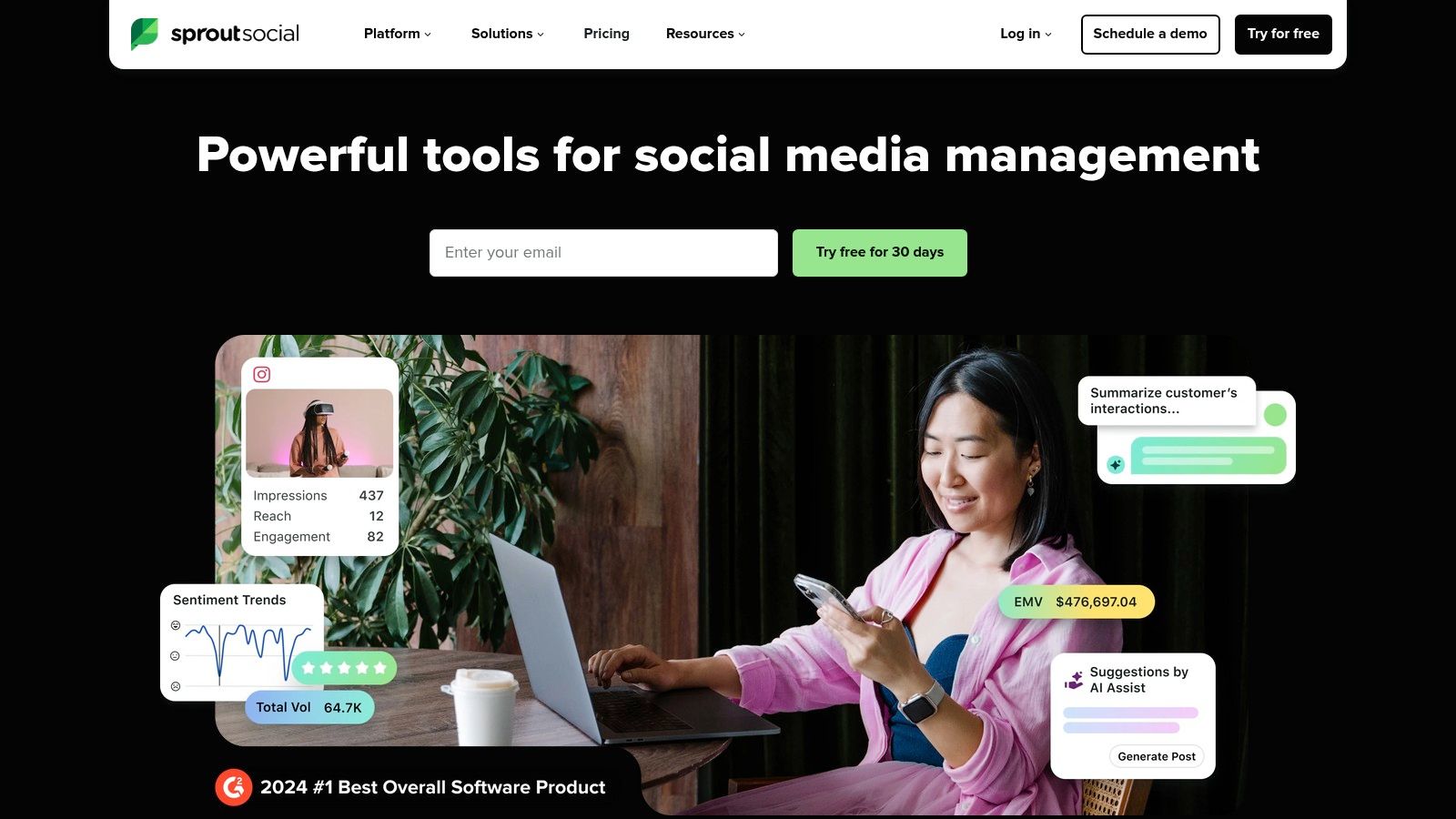
The platform excels at managing content distribution and strategy at scale. Features like the publishing calendar, content library, and sophisticated approval queues ensure that multiple stakeholders can collaborate seamlessly. Sprout Social's robust analytics are a key differentiator, offering competitor analysis and paid performance insights that help teams refine their content strategy based on hard data. This focus on measurement and optimization is what separates it from simpler scheduling tools.
Key Features & User Experience
Sprout Social’s user interface is clean and professional, designed to handle complex workflows across multiple brands and social profiles without feeling cluttered. The platform is built for team collaboration, providing clear roles and permissions to maintain brand integrity and control. While powerful, its comprehensive nature means there is a steeper learning curve compared to simpler tools.
- Best For: Marketing teams, agencies, and enterprises needing a unified platform for publishing, engagement, listening, and in-depth analytics.
- Pros: Enterprise-grade governance and reporting, consistently ranked highly for usability and feature depth, and offers excellent team collaboration tools.
- Cons: Premium pricing puts it out of reach for solo creators or small businesses, and its extensive features can be overkill if you only need basic scheduling.
- Pricing: Offers several paid tiers (Standard, Professional, Advanced) with pricing based on a per-user model. A 30-day free trial is available.
- Website: https://sproutsocial.com/
Top 12 Social Media Content Creation Tools — Feature Comparison
How to Choose the Right Content Tools for Your Needs
Navigating the vast landscape of content creation tools for social media can feel overwhelming, but as we've explored, the right combination of platforms can revolutionize your workflow. This guide has dissected a dozen powerful options, from the AI-driven transcription of Whisper AI to the comprehensive scheduling of Sprout Social. The key takeaway isn't to adopt every tool, but to strategically select the ones that form a cohesive, efficient, and powerful "content stack" tailored to your unique needs.
The era of using a single, do-it-all application is fading. Modern content creation thrives on a modular approach. A podcaster might build a stack that starts with Whisper AI for flawless transcripts, moves to Descript for audio-to-video editing, then uses Canva to create audiograms and promotional graphics, and finally schedules everything with Buffer. This multi-tool workflow transforms one long-form podcast episode into dozens of assets, maximizing reach with minimal repetitive work.
Your Blueprint for Selecting the Right Tools
The perfect content stack is deeply personal and depends entirely on your goals, team size, and budget. Instead of chasing the newest shiny object, use this framework to make deliberate choices:
- Start with Your Core Content: Are you a podcaster, a YouTuber, or a live streamer? Your primary content format dictates your foundational tools. A video-first creator will prioritize platforms like CapCut or VEED, while a design-focused brand might build their stack around Canva or Adobe Express.
- Identify Your Biggest Bottleneck: Where do you lose the most time? If transcribing interviews and meetings is a constant time sink, a tool like Whisper AI is a non-negotiable starting point. If you struggle with consistently posting, a scheduler like Later or Buffer is your first priority. Solving your biggest pain point first will deliver the most significant immediate return on investment.
- Evaluate for Interoperability: The best tools play well with others. Can you easily export a video from Descript and upload it to Canva to add branded elements? Does your scheduler integrate with your design tools? A seamless flow between platforms prevents friction and saves hours of manual effort.
- Balance Power with Budget: Powerhouse platforms like Sprout Social offer incredible analytics and team features, but come with a premium price tag. For solo creators or small businesses, starting with more accessible options is a smarter strategy. To help build an effective content stack without breaking the bank, consider exploring some of the top 5 free social media scheduling tools for creators to manage your distribution channels effectively while you invest in specialized creation tools.
Ultimately, the goal is to build a system where each tool serves a specific purpose, handing off the content to the next stage in the production line like a well-oiled machine. This integrated approach is the secret behind the most prolific and consistent creators on social media. By thoughtfully curating your personal suite of content creation tools for social media, you transition from being a content creator who is constantly busy to one who is consistently effective.
Ready to eliminate your biggest content bottleneck? Start by automating your transcription process with Whisper AI. Get fast, accurate, and speaker-diarized transcripts for your videos and audio, creating the perfect foundation for subtitles, articles, and social media clips. Try Whisper AI today and see how effortless content repurposing can be.


























































































