
Top 12 Social Media Content Creation Tools to Elevate Your Workflow
Creating standout social media content can feel like a full-time job. Between designing graphics, editing videos, writing compelling captions, and analyzing performance, the workload for creators and marketers is often overwhelming. The right tools don't just save you time; they unlock new creative possibilities and help you produce higher-quality content, faster. We've spent hours working with dozens of apps to find the ones that actually deliver on their promises.
This guide cuts through the noise to give you a comprehensive, experience-based look at the best social media content creation tools available today. We'll move beyond generic feature lists to provide a detailed breakdown of what makes each platform unique. You will find practical use-case scenarios, honest assessments of their limitations, and clear implementation guidance to help you integrate them into your workflow immediately.
We've organized the tools into clear categories to help you find what you need: graphics, video editing, captioning, and stock media. Each entry includes screenshots, direct links, and a transparent look at pricing to help you make an informed decision without guesswork. You'll learn which tools are best for specific tasks, from creating professional-looking Reels with CapCut to generating flawless transcriptions with Whisper AI. However, just having the tools isn't enough; you also need a cohesive plan. Learn how to build A Modern Social Media Content Strategy That Works to ensure your efforts drive meaningful results. This resource is designed so you can stop juggling platforms and start creating with confidence.
1. Whisper AI
Whisper AI distinguishes itself as a premier, all-in-one transcription and content repurposing engine, solidifying its position as a top-tier choice among social media content creation tools. It moves beyond simple transcription by integrating intelligent summarization, speaker detection, and interactive Q&A into a single, cohesive workflow. This platform is engineered to ingest virtually any audio or video content—from local files to public links from YouTube, TikTok, and Instagram—and rapidly transform it into accurate, structured text.
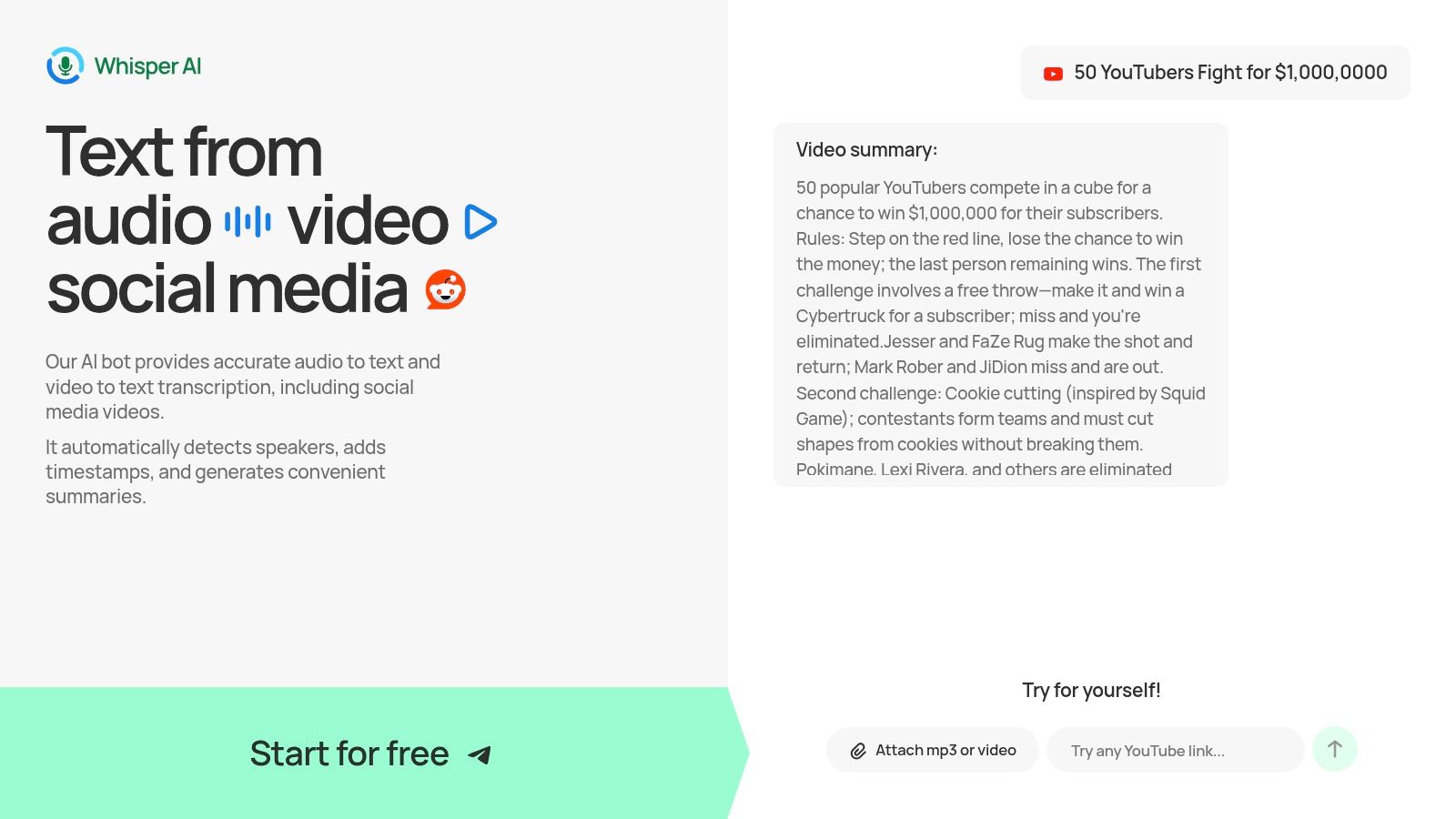
The platform’s real strength lies in how it accelerates content production. Instead of just delivering a wall of text, it automatically generates concise summaries and bullet-point highlights, allowing creators to grasp the core message of long-form content instantly. This functionality is invaluable for social media managers turning hour-long podcasts into bite-sized Twitter threads or for YouTubers creating detailed show notes and video descriptions. For a deeper dive into its capabilities, you can explore how it functions as an effective AI tool to transcribe YouTube videos.
Key Features & Use Cases
Whisper AI’s feature set is designed for efficiency and versatility, serving everyone from podcasters and researchers to corporate teams.
- Comprehensive Transcription Suite: The tool automatically identifies different speakers and adds timestamps. This is crucial for creating accurate interview transcripts, meeting notes, or easily navigable podcast episodes.
- Multi-Format Support: It supports over 92 languages and accepts a vast range of file formats and public URLs. Users can then export the final text to Google Docs, Word, PDF, TXT, or Markdown, ensuring seamless integration with existing workflows.
- Intelligent Summarization & Q&A: Beyond transcription, you can ask follow-up questions to refine insights, generate action items, or produce repurposed content drafts directly within the platform. This turns a static transcript into a dynamic, interactive asset.
- Privacy-First Architecture: Files are processed securely and are not retained long-term, making it a reliable choice for sensitive business meetings, confidential interviews, and proprietary content.
Pricing & Access
Whisper AI offers a "Start for free" tier, which allows users to test its core functionality without commitment. This is an excellent way to evaluate its accuracy and workflow on your own content. For high-volume users or teams requiring advanced capabilities, paid plans are available, though specific pricing details require signing up or contacting their team.
Pros and Cons
Website: https://whisperbot.ai
2. Adobe Express
Adobe Express is an all-in-one design and video creation tool that streamlines the process of making professional-looking social media content. It bundles many of Adobe's powerful features into a user-friendly web and mobile interface, making it an excellent choice for creators who need to produce high-quality graphics, stories, and short-form videos like Reels or Shorts quickly.
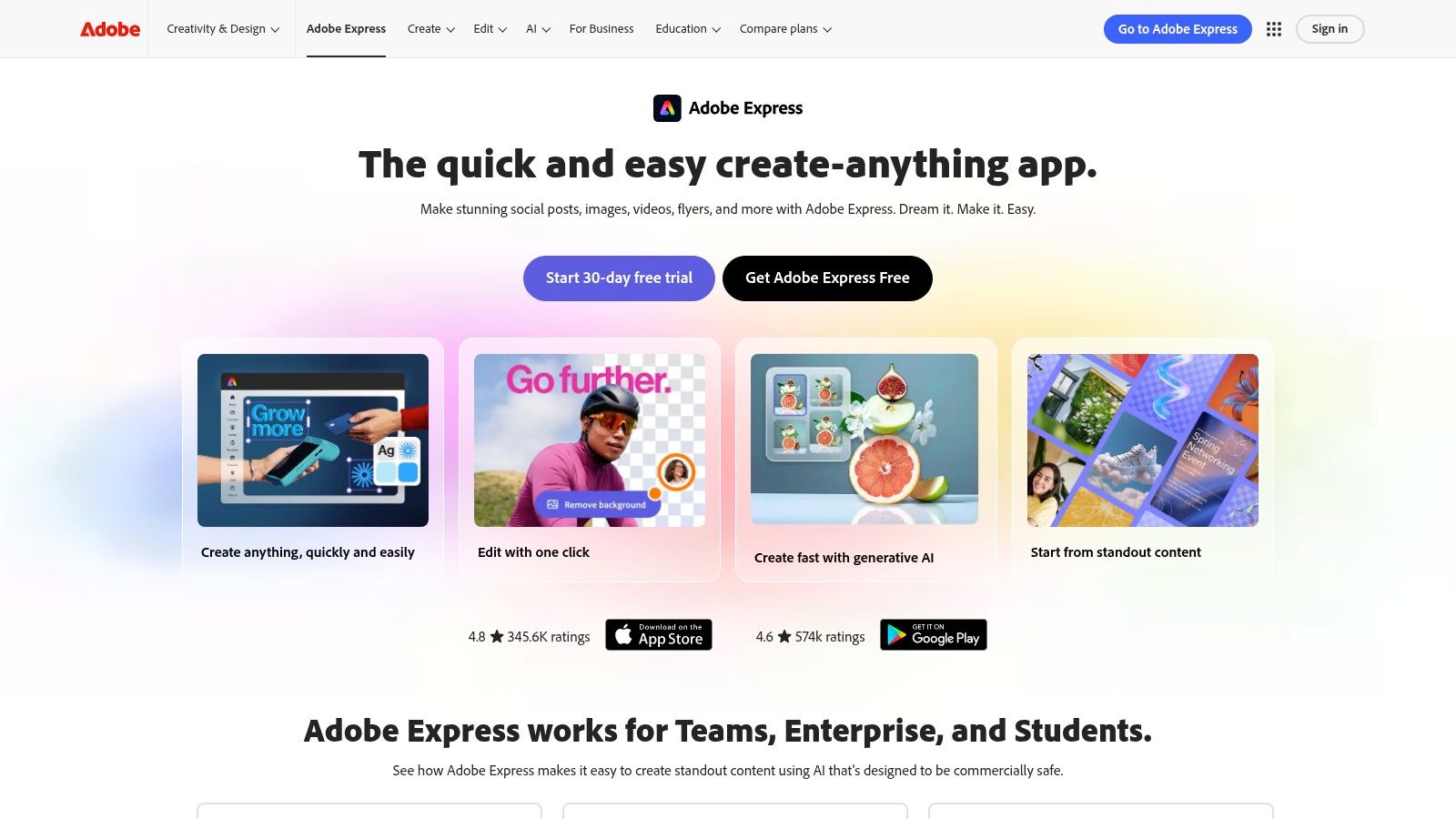
Unlike other template-based tools, its key strength lies in its deep integration with the Adobe ecosystem. Users get access to a massive library of Adobe Stock assets and Adobe Fonts, significantly reducing the risk of content takedowns due to licensing issues. This makes it a standout among other social media content creation tools for brands and professionals who prioritize compliance. The built-in social media scheduler also allows you to design and publish directly from one platform.
Key Features & Use Cases
- Template Library: Access thousands of templates for posts, stories, and thumbnails, with one-click resizing to adapt content for different platforms.
- Asset Integration: Utilizes licensed assets from Adobe Stock and Adobe Fonts, ensuring your content is commercially safe.
- Built-in Scheduler: Schedule and publish content directly to Instagram, Facebook, X (formerly Twitter), Pinterest, LinkedIn, and TikTok.
- Generative AI: The premium plan includes generative AI credits for features like "Text to Image" and "Generative Fill," enabling unique visual creations.
- Starter Workflow: A great workflow involves using a template to create a core graphic for a YouTube video thumbnail, then using the resize feature to quickly adapt it for an Instagram post and a LinkedIn update. This is a simple but effective part of many content repurposing strategies.
Pros:
- High-quality, commercially licensed assets via Adobe Stock.
- Intuitive interface that feels familiar to Adobe users.
- Brand kit support helps maintain content consistency.
Cons:
- More advanced photo or video editing still requires Photoshop or Premiere Pro.
- Adobe’s pricing structure across its full suite can be complex to navigate.
Website: https://www.adobe.com/express
3. Canva
Canva is a dominant force in the design world, known for its incredibly user-friendly, drag-and-drop interface that empowers non-designers to create stunning visuals. It's a comprehensive suite for producing everything from social media graphics and carousels to short-form videos and presentations, making it an essential tool for creators who need to work quickly and efficiently.
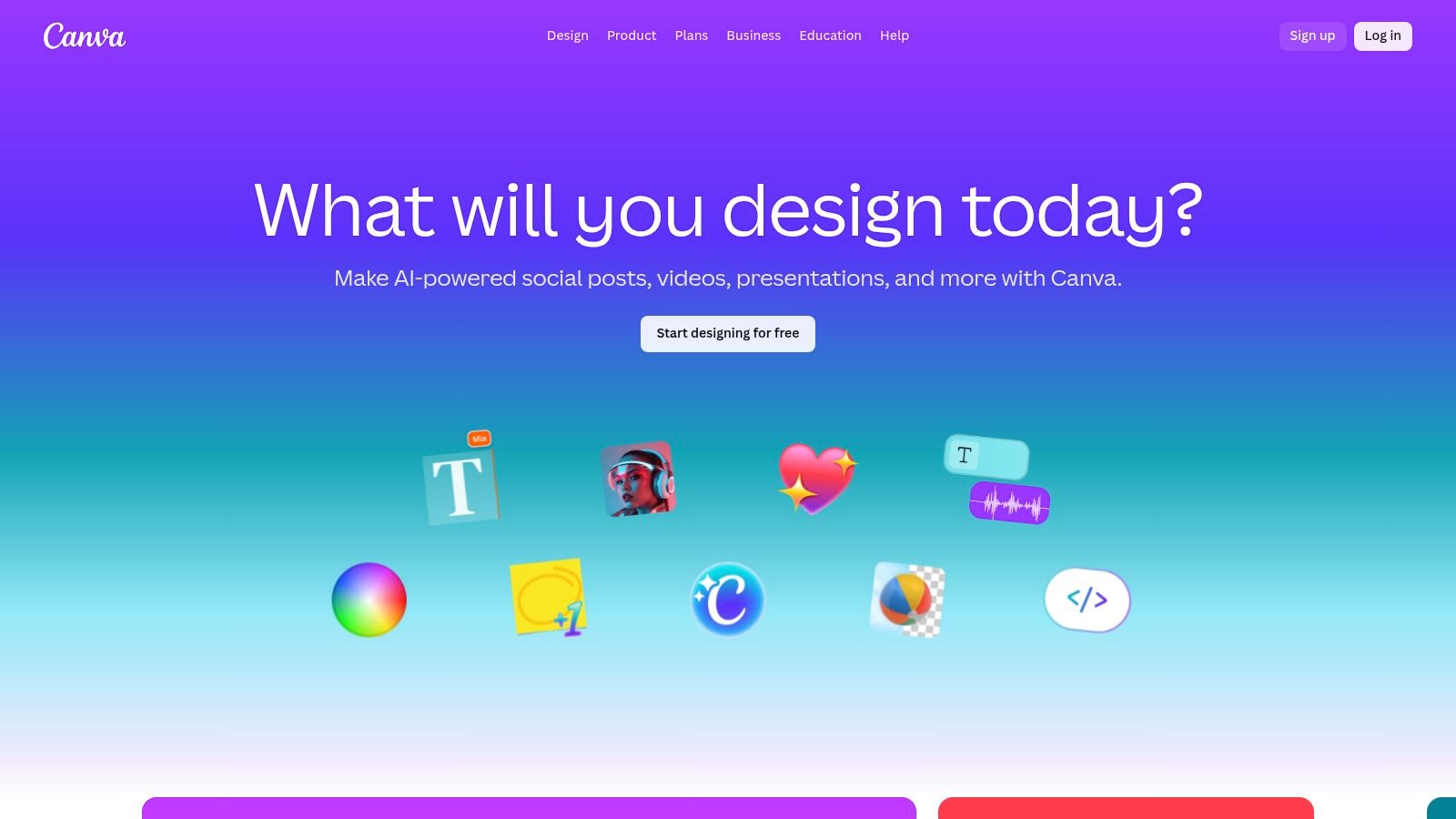
Its core strength lies in its accessibility and massive library of templates, which serve as a launchpad for nearly any project. Unlike more complex software, Canva prioritizes speed and collaboration, allowing teams to work together on designs in real-time. The addition of its "Magic Studio" AI tools further streamlines workflows, automating tasks like background removal and content generation, solidifying its place among the top social media content creation tools.
Key Features & Use Cases
- Massive Template Library: Provides millions of templates for Instagram stories, Facebook posts, YouTube thumbnails, and more, making it easy to start designing.
- Magic Studio AI: A suite of AI-powered tools, including Magic Write for copy, Magic Design for instant presentations, and a one-click Background Remover.
- Brand Kits: Store logos, color palettes, and fonts to maintain brand consistency across all your designs, crucial for building a recognizable online presence.
- Content Planner & Scheduler: Design and schedule posts directly to platforms like Instagram, Facebook, and LinkedIn from within the Canva interface.
- Starter Workflow: A social media manager can use a brand kit to batch-create 10 quote graphics for Instagram. They can then use the "Magic Switch" feature to resize them for Facebook and schedule the entire batch using the Content Planner, a great method to increase social media engagement through consistent posting.
Pros:
- Extremely fast to learn, making it perfect for beginners and teams.
- Rich template ecosystem supported by a large community and countless tutorials.
- Excellent collaboration features for real-time team feedback and editing.
Cons:
- Pricing for teams can become expensive as you add more users.
- The most powerful AI features and best assets are gated behind the Pro plan.
Website: https://www.canva.com
4. CapCut
CapCut has become the go-to video editor for creators focused on short-form content, largely due to its tight integration with TikTok and its vast library of trending effects and sounds. Available on mobile, desktop, and web, it provides a surprisingly powerful editing suite that makes producing professional-looking Reels, Shorts, and TikToks incredibly fast and intuitive, establishing it as a key player among social media content creation tools.
Its core strength lies in its simplicity and direct alignment with social media trends. Features like one-tap background removal, auto-captions, and a massive library of templates allow creators to replicate popular video styles with minimal effort. The cross-device sync is a major advantage, letting users start a project on their phone and finish it on a desktop for more precise edits.
Key Features & Use Cases
- Template Library: A massive, constantly updated library of templates with trending audio, effects, and text animations for TikTok and Reels.
- Auto-Captions & Audio Tools: Generates synchronized captions with one click and includes a "clean-audio" feature to reduce background noise.
- AI-Powered Effects: Features like background removal, video upscaling, and various filters are built directly into the workflow.
- Cross-Device Sync: Start editing on your mobile device and seamlessly continue on the desktop or web app with cloud project storage.
- Starter Workflow: A powerful workflow is to use the auto-caption tool to generate subtitles, then customize the font and add a text animation from the template library. From there, use the clean-audio tool to improve voice clarity before exporting.
Pros:
- Excellent for rapid short-form video editing and trend replication.
- Deeply aligned with TikTok effects, sounds, and formats.
- The auto-caption and audio cleanup tools are powerful and easy to use.
Cons:
- Pricing and subscription models can vary significantly between mobile app stores and the web version.
- Users have reported inconsistencies in feature availability across different platforms.
Website: https://www.capcut.com
5. Descript
Descript revolutionizes video and audio editing by making it as simple as editing a text document. It's an AI-powered editor designed for podcasters, YouTubers, and marketers who need to quickly repurpose long-form content like interviews or webinars into engaging social media clips. The platform transcribes your media, allowing you to edit the video or audio by simply deleting words or sentences from the text.
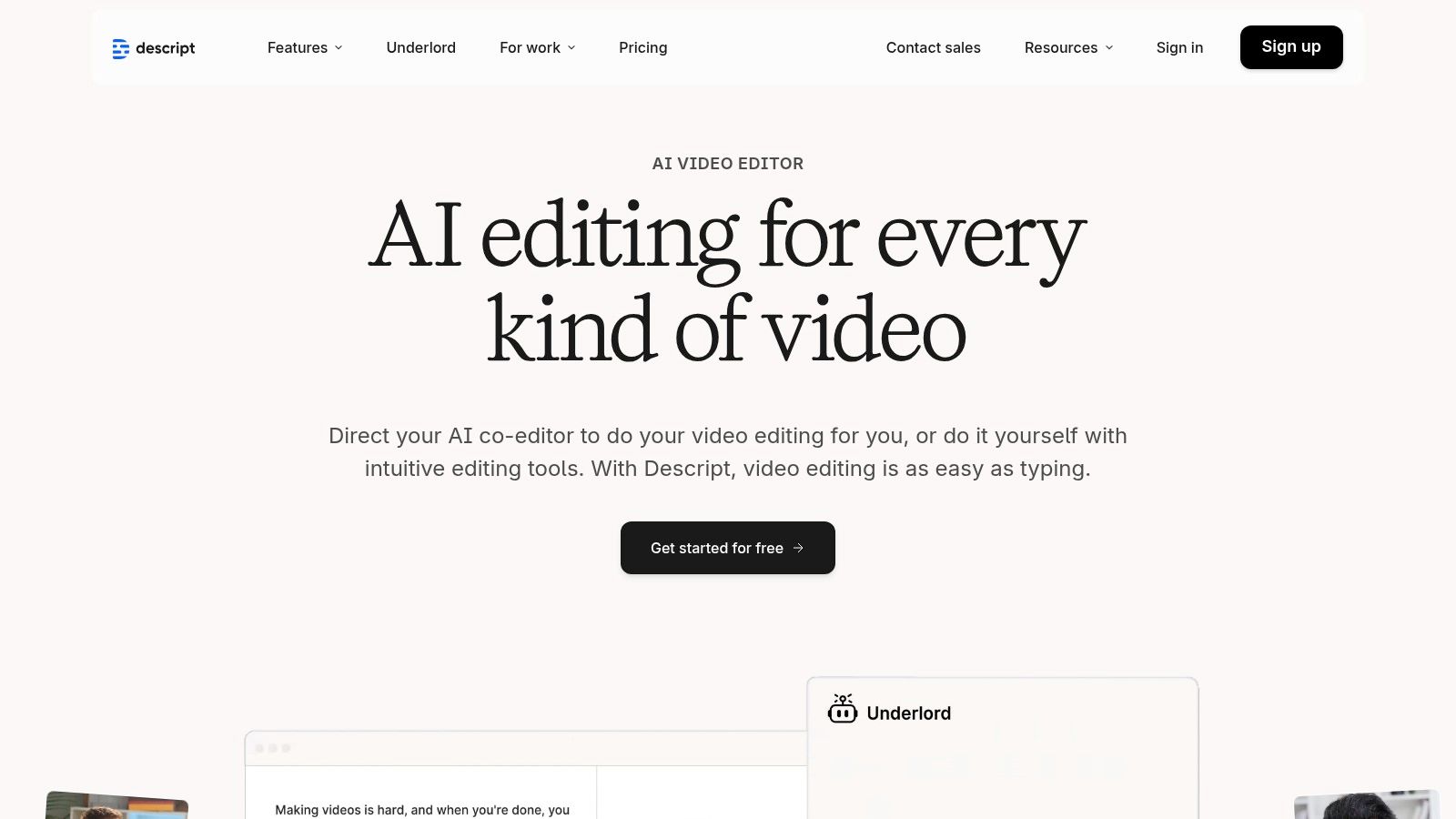
Its core strength is the text-based editing workflow, which dramatically speeds up the process of finding and creating shareable highlights. Instead of scrubbing through timelines, you can search the transcript for key phrases and instantly create a new clip. This makes Descript one of the most efficient social media content creation tools for creators focused on dialogue-driven content, and its workflow pairs naturally with high-accuracy transcription services.
Key Features & Use Cases
- Text-Based Video Editing: Edit video by editing the transcript. Removing text automatically removes the corresponding video and audio segments.
- AI-Powered Tools: Features include Studio Sound for audio enhancement, filler word removal ("um," "uh"), and Overdub for voice cloning and correction.
- Clip Generation: Highlight text in the transcript and click a button to instantly generate a new, shareable video clip with dynamic captions.
- Auto-Captioning: Generate and customize transcriptions and captions with various styles suitable for platforms like TikTok, Instagram Reels, and YouTube Shorts.
- Starter Workflow: Upload a full podcast episode, use the "Find good clips" AI feature to identify potential viral moments, and export three separate 9:16 video clips with animated captions for social media.
Pros:
- Extremely fast workflow for creating clips from long-form content.
- High-quality, customizable captions and social export presets.
- Powerful AI features like Studio Sound significantly improve audio quality.
Cons:
- The desktop app can be resource-intensive with very long or complex projects.
- Advanced AI voice and cloning features require careful management of credits.
Website: https://www.descript.com
6. VEED
VEED is a powerful, browser-based video editor designed specifically for social media creators who need to produce polished videos quickly. It packs advanced features like automatic subtitles, translations, and AI-powered tools into an intuitive interface, making it an ideal choice for users who want professional results without the steep learning curve of traditional video editing software.
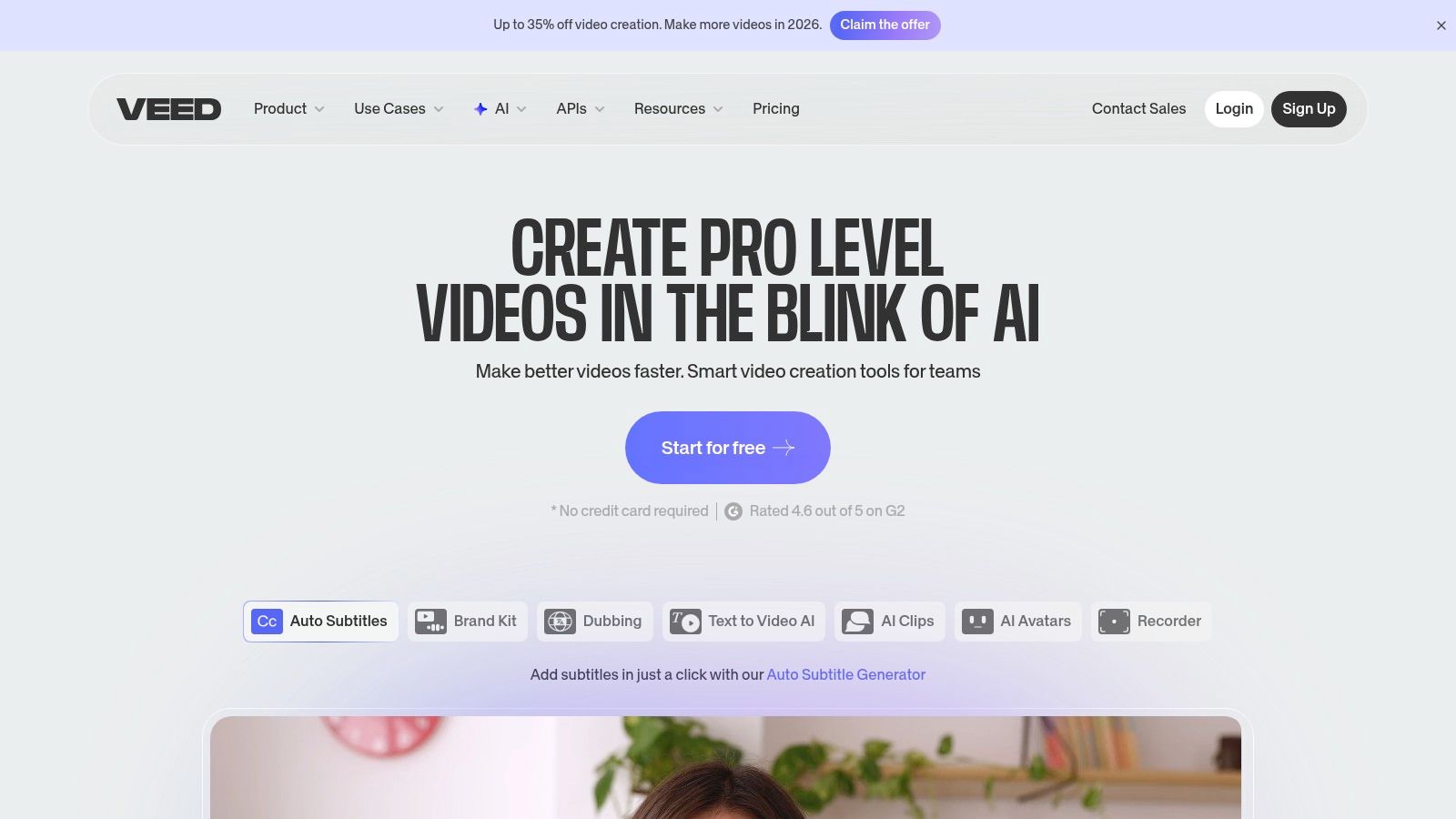
Its primary strength lies in its comprehensive suite of AI-driven features that simplify complex tasks. From generating accurate captions in seconds to creating AI avatars and correcting eye contact, VEED automates time-consuming aspects of video production. This focus on speed and accessibility makes it one of the most efficient social media content creation tools for teams and individuals aiming to boost their video output without compromising on quality.
Key Features & Use Cases
- Auto-Subtitles & Translation: Automatically generate captions for your videos and translate them into multiple languages to expand your audience reach.
- AI Video Tools: Utilizes features like text-to-speech, AI avatars, voice cloning, and eye-contact correction to enhance video presence and accessibility.
- Templates & Brand Kits: Access a library of video templates and maintain brand consistency with custom fonts, colors, and logos.
- Team Collaboration: The browser-based editor allows for real-time collaboration, making it easy for teams to work on projects together from anywhere.
- Starter Workflow: Record a product demo, use the auto-captioning feature to add subtitles, and then leverage the translation tool to create versions for different international markets. Host the final videos on VEED's branded pages for a professional sharing experience.
Pros:
- Excellent auto-captioning and localization tools are perfect for social platforms.
- Lightweight, browser-based experience is great for teams and collaboration.
- Wide range of AI tools accelerates the editing process significantly.
Cons:
- Pricing page and credit limits are dynamic; always confirm current limits in-app.
- Managing different AI minute and credit buckets requires careful monitoring.
Website: https://www.veed.io
7. InVideo AI
InVideo AI is a generative video tool that transforms text prompts, scripts, or even existing web page URLs into complete, social-ready videos in minutes. It automates the entire creation process, from scriptwriting and scene creation to adding stock footage, voiceovers, and captions, making it ideal for creators who need to produce high volumes of content like video listicles, short ads, or faceless informational shorts.
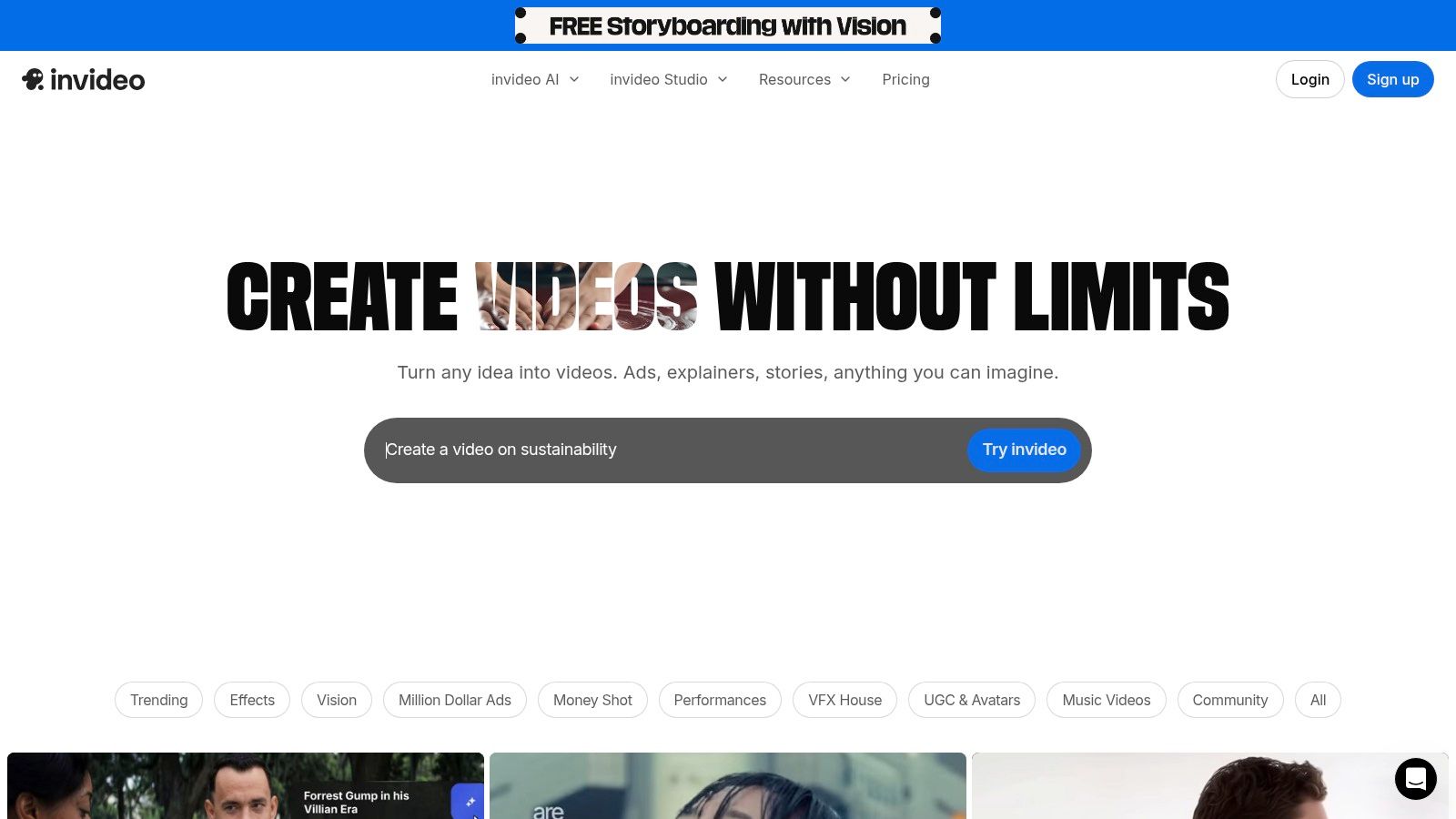
Its core strength is speed, allowing you to go from a simple idea to a fully produced first draft almost instantly. While it may not replace a dedicated video editor for complex projects, it serves as an excellent starting point or a primary tool for simple, narrative-driven content. The platform's ability to pull from a massive library of stock media and pair it with an AI-generated script makes it one of the most efficient social media content creation tools for rapid ideation and testing.
Key Features & Use Cases
- AI Text-to-Video: Generate a complete video with scenes, stock footage, voiceover, and music from a single text prompt.
- URL-to-Video: Convert articles and blog posts into engaging summary videos by simply pasting a link.
- Integrated Stock Media: Access a large library of standard stock footage, with options to use premium iStock media on higher-tier plans.
- AI Scripting & Voiceover: Let the AI write the video script and generate a human-like voiceover in multiple languages and accents.
- Starter Workflow: A great workflow is to provide a detailed prompt like "Create a 60-second TikTok about the top 3 benefits of hydration," then let InVideo generate the initial video. From there, you can use the editor to swap out specific clips, adjust the voiceover tone, or change the background music before exporting.
Pros:
- Extremely fast for turning ideas into first-cut videos.
- Beginner-friendly interface requires no video editing experience.
- The AI model and template library are frequently updated.
Cons:
- AI minute quotas and pricing plans can change, so it's wise to verify at checkout.
- Final creative control is less granular than traditional video editors.
Website: https://invideo.io
8. Kapwing
Kapwing is a collaborative, browser-based video editor built for the speed of social media. It excels at the repetitive, time-consuming tasks involved in content repurposing, such as adding subtitles, resizing videos for different platforms, and creating shareable clips from longer recordings. Its toolset is specifically designed for teams and creators who need to produce a high volume of short-form content efficiently.
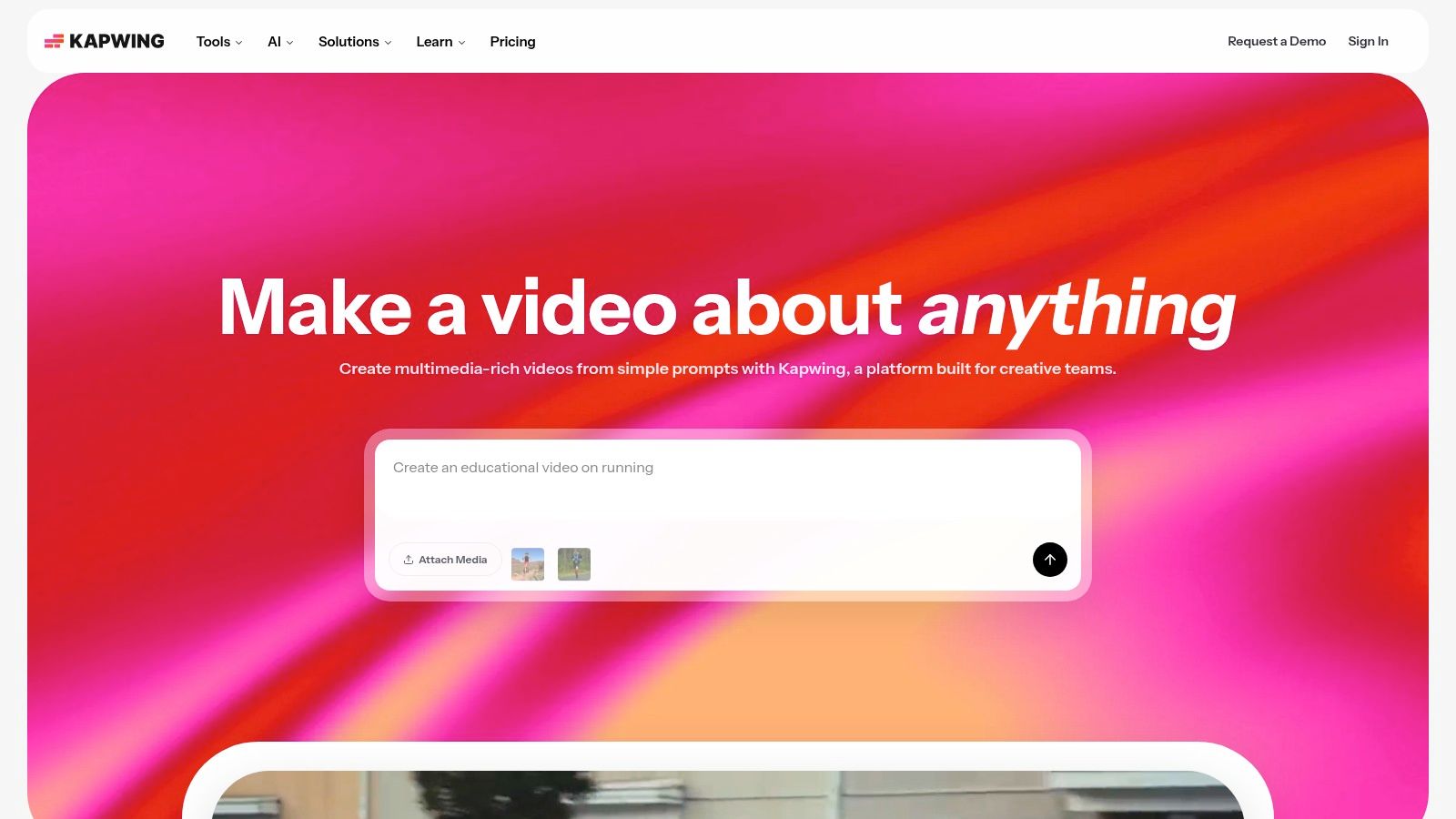
What makes Kapwing stand out among other social media content creation tools is its remarkable simplicity and focus on practical AI features. Tools like auto-subtitling, AI-powered dubbing, and smart clipping ("Find Clips with AI") drastically reduce manual editing time. The platform’s clear, credit-based system for AI usage and transparent pricing also makes it easy for teams to manage costs without unexpected fees.
Key Features & Use Cases
- AI-Powered Editing: Features automated subtitling, transcription, and an "AI video editor" that can find compelling clips from long videos or remove silences.
- Team Collaboration: Offers shared workspaces, folders, and commenting, making it ideal for content teams to review and approve videos.
- Brand Kit Support: Upload logos, fonts, and brand colors to maintain visual consistency across all video assets.
- Repurposing Tools: Easily resize videos with smart cropping, add text overlays, and generate clips perfect for TikTok, Reels, and Shorts.
- Starter Workflow: Upload a full-length podcast video, use the "Find Clips with AI" tool to identify several viral-worthy moments, add auto-generated captions to each clip, apply your brand kit, and export them in 9:16 format for social media.
Pros:
- Extremely low learning curve; intuitive for non-video editors.
- Fast and efficient for batch tasks like subtitling and resizing.
- Transparent credit system and clear pricing plans.
Cons:
- Heavy use of generative AI features will consume monthly credits quickly.
- The free tier includes a noticeable watermark on all exported videos.
Website: https://www.kapwing.com
9. Runway
Runway is a pioneering AI video and imaging platform that empowers creators to generate entirely new visual content from text or image prompts. It excels at producing unique, eye-catching B-roll, conceptual videos, and animated visuals for social media, offering a creative edge that traditional stock footage cannot match. This makes it an indispensable tool for brands and creators looking to produce standout content without a full production crew.

Its core strength lies in its powerful generative models, such as Gen-2, which can transform simple text prompts or static images into dynamic video clips. Unlike other video editors, Runway is built for creation from scratch, not just editing existing footage. The platform operates on a transparent credit system, allowing users to clearly understand the cost of each generation, which is crucial for budgeting social media campaigns.
Key Features & Use Cases
- AI Video Generation: Use text-to-video and image-to-video models to create short, cinematic clips perfect for social ads, Reels, or Shorts.
- Advanced AI Magic Tools: Features like background removal, motion tracking, and inpainting allow for complex edits within a simple web interface.
- Credit-Based System: Provides a clear and predictable way to manage costs, with each generation or tool usage deducting a specific number of credits.
- Commercial Licensing: Paid plans offer a commercial license for generated assets, making it safe for business and brand accounts to use the content.
- Starter Workflow: A social media manager could use the text-to-video feature to generate a 4-second abstract background clip, then overlay their brand’s text and logo using the in-platform editor for a quick, compelling Instagram Story.
Pros:
- High-quality AI video generation that can create truly unique social visuals.
- Intuitive interface for accessing complex AI tools without technical expertise.
- Transparent credit system helps in managing and predicting creation costs.
Cons:
- Credits can be consumed very quickly, especially with high-resolution or longer generations.
- The technology is still evolving, so results can sometimes be unpredictable.
Website: https://runwayml.com
10. Envato Elements
Envato Elements is an unlimited-download subscription service that acts as a creative treasure chest for social media managers and agencies. Instead of purchasing assets individually, a single subscription provides access to millions of social media templates, stock videos, photos, music, sound effects, and fonts, making it one of the most cost-effective social media content creation tools for high-volume creators.
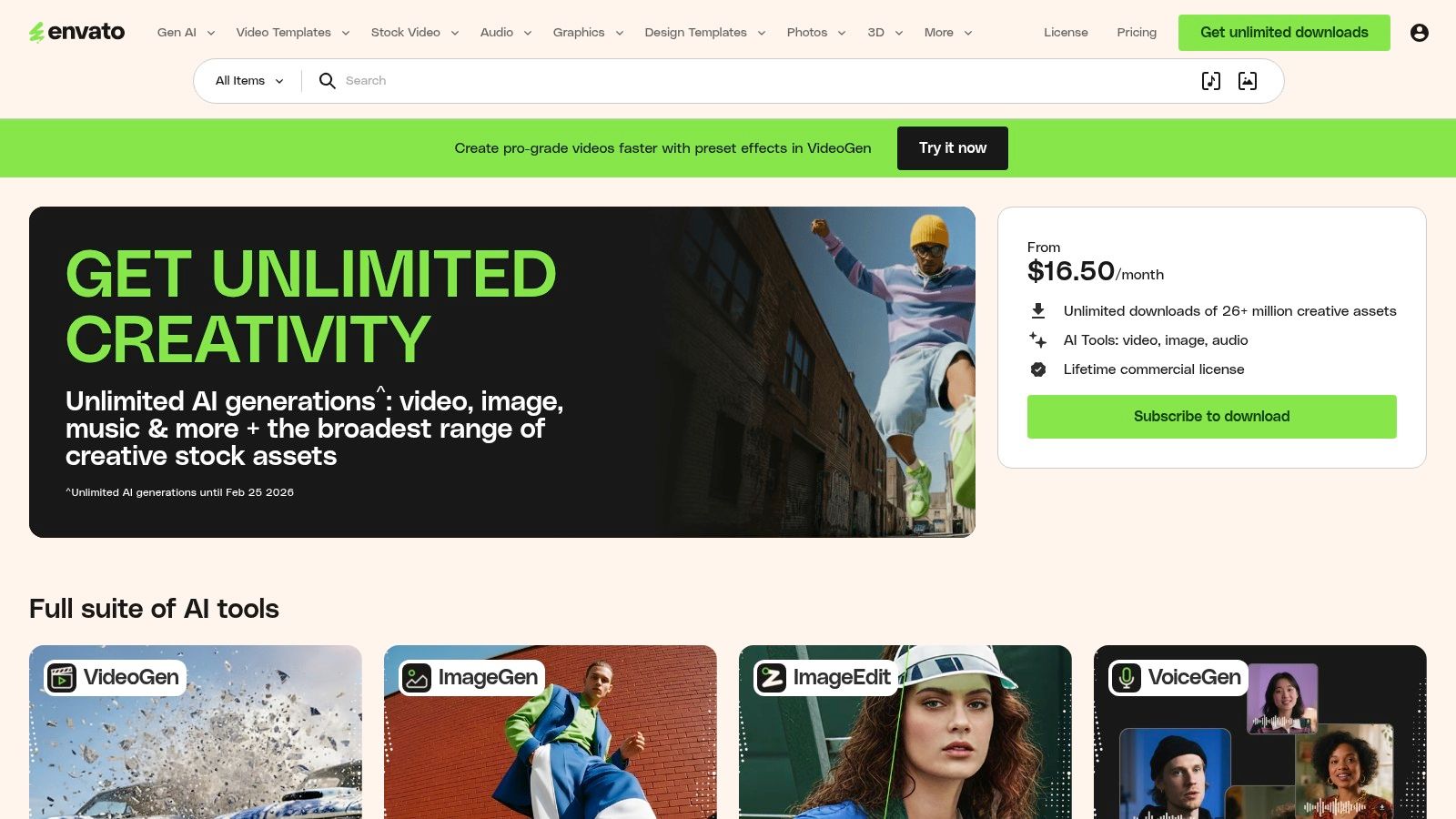
Its key differentiator is the sheer breadth and value of its library. Where other services focus on just one asset type, Envato Elements bundles everything together. This allows a creator to download a video template for an Instagram Reel, find a matching background track, add custom graphics, and use a unique font, all from the same platform and covered by one commercial license. This streamlines workflow and budget management significantly.
Key Features & Use Cases
- Unlimited Downloads: Download as many assets as needed under one simple subscription, ideal for agencies and teams with constant content demands.
- Massive Template Library: Access a vast collection of templates for Instagram Stories, TikTok videos, YouTube end screens, and social media posts.
- All-in-One Asset Hub: Provides stock video, audio tracks, sound effects, graphics, presentation templates, and fonts in a single subscription.
- Simple Commercial Licensing: Every asset downloaded comes with a broad commercial license for peace of mind. To remain compliant, understanding best practices for preventing copyright violations is essential when using any stock media.
- Starter Workflow: A social media manager can start by downloading a pack of 20 animated Instagram story templates, then search for a trending audio track from the music library. Finally, they can grab a few stock video clips to customize the templates, creating a full month's worth of varied content from a single source.
Pros:
- Excellent value for creators who need a high volume and variety of assets.
- A single subscription covers nearly every creative need, from video to graphics.
- Straightforward licensing simplifies commercial use.
Cons:
- Quality can be inconsistent since assets are created by a diverse community of authors.
- Finding the perfect asset can sometimes be time-consuming due to the sheer size of the library.
Website: https://elements.envato.com
11. Storyblocks
Storyblocks is a stock media library built with video creators and social media managers in mind, offering unlimited downloads of high-quality footage, motion graphics templates, music, and sound effects. Its primary appeal is its straightforward, all-access subscription model, which eliminates per-clip pricing and simplifies budgeting for creators who produce a high volume of content for platforms like YouTube, TikTok, and Instagram.
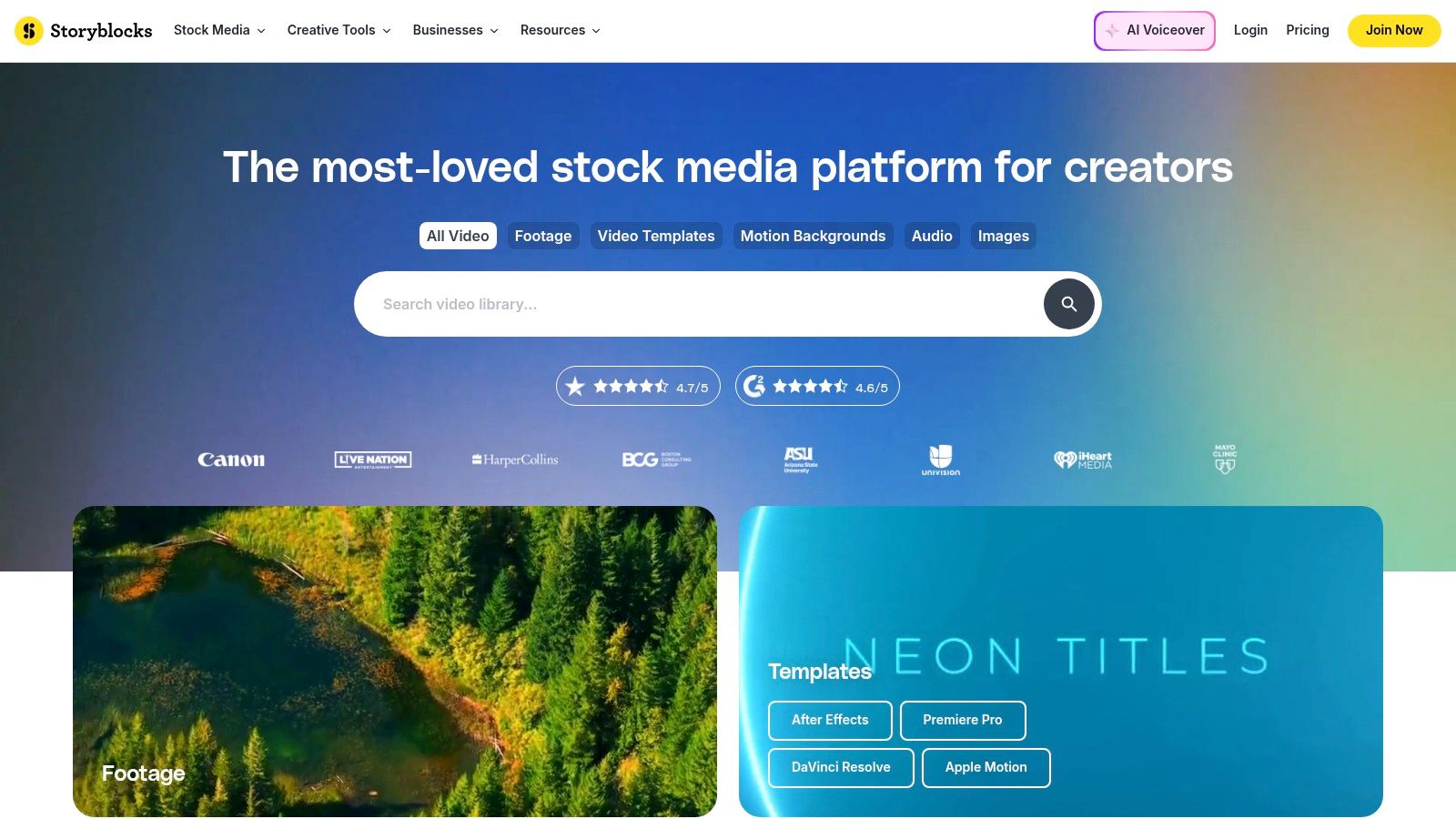
Unlike many stock services that have complex licensing, Storyblocks provides a simple, royalty-free license that covers worldwide, perpetual use for both commercial and personal projects. This clear-cut approach makes it one of the most reliable social media content creation tools for frequent producers who need peace of mind. The platform also integrates directly with Adobe Premiere Pro and After Effects, allowing editors to access the library without leaving their workflow.
Key Features & Use Cases
- Unlimited Downloads: The core offering allows users to download as much 4K footage, music, and templates as they need from a library of over one million assets.
- Simple Licensing: A single, royalty-free license covers most commercial and social media use cases, reducing legal complexity for creators.
- AI Toolkit: Includes AI-powered features for generating script ideas, images, and voiceovers using a credit-based system.
- Adobe & DaVinci Resolve Plugins: Access the entire Storyblocks library directly within major video editing software to streamline post-production.
- Starter Workflow: A powerful workflow is to find a set of visually consistent video clips for a Reel, pair them with a trending-style track from the audio library, and then use a motion graphics template for animated text overlays, all sourced from one platform.
Pros:
- Excellent value with unlimited downloads for high-volume creators.
- Straightforward licensing removes ambiguity for social and online usage.
- Strong integration with professional video editing software.
Cons:
- The AI Toolkit's credit system adds a layer of usage tracking on top of the subscription.
- The overall library size is smaller than some top-tier competitors like Adobe Stock or Getty.
Website: https://www.storyblocks.com
12. Epidemic Sound
Epidemic Sound is a leading royalty-free music and sound effects platform designed specifically for content creators. It provides a massive library of high-quality audio assets that can be used across social media platforms like YouTube, Instagram, and TikTok without the fear of copyright claims or demonetization, making it an essential tool for video-centric creators.
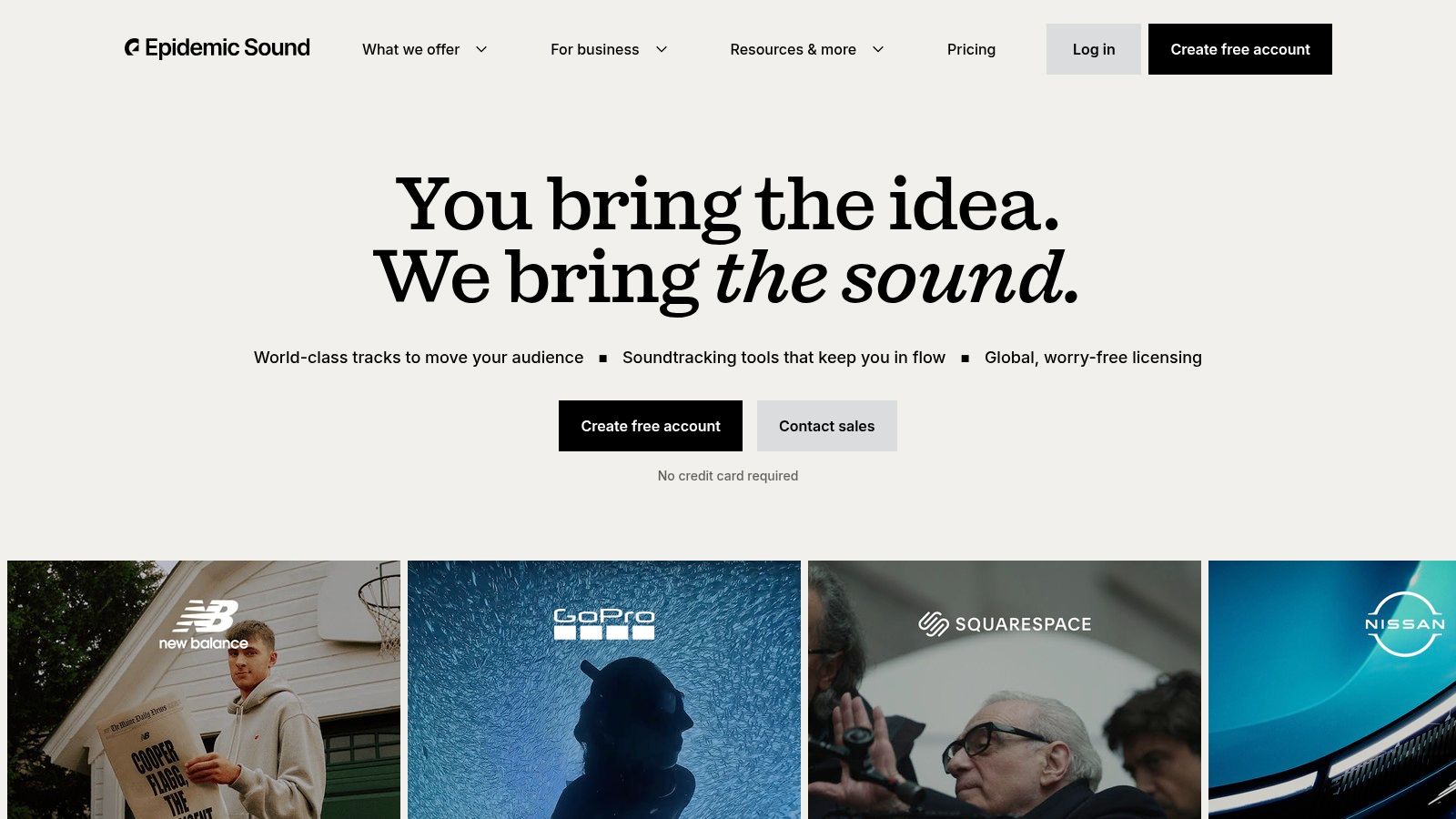
The platform's key strength lies in its straightforward licensing model. With a subscription, creators can link their social channels, and any content published during that time remains cleared forever, even if the subscription is canceled later. This peace of mind is a significant advantage over other music libraries and makes it one of the most reliable social media content creation tools for avoiding legal headaches.
Key Features & Use Cases
- Extensive Library: Access over 50,000 music tracks and 200,000 sound effects, with new additions weekly.
- Social-Safe Licensing: Clear and simple licensing protects your content on YouTube, TikTok, Instagram, Facebook, and other platforms.
- Channel Safelisting: Connect your channels directly to your account to automatically clear all content using their assets.
- AI Voice Generator: The "Voices" feature provides text-to-speech generation, with monthly credits included in paid plans for creating voiceovers.
- Starter Workflow: A creator can find a trending-style track for a new YouTube video, download stems (like vocals or drums only) for custom editing, and then use the same track in a promotional Instagram Reel, ensuring brand consistency and legal compliance across platforms.
Pros:
- Clear and simple social media licensing removes copyright worries.
- Content published during a subscription stays cleared forever.
- High-quality, curated library that is easy to search and filter.
Cons:
- Subscription pricing can be a significant cost for new creators.
- Single-track license costs can vary widely depending on the intended use.
Website: https://www.epidemicsound.com
Top 12 Social Media Content Creation Tools — Comparison
Stop Working Harder, Start Working Smarter
Navigating the landscape of social media content creation tools can feel overwhelming. We've explored a comprehensive suite of platforms, from the AI-powered video editing prowess of Descript and VEED to the vast creative libraries of Envato Elements and the intuitive design interfaces of Canva and Adobe Express. Each tool offers a unique solution designed to streamline your workflow, elevate your content quality, and reclaim your most valuable asset: time. The central theme connecting all these powerful resources is the shift from manual, labor-intensive processes to a smarter, more efficient system.
The era of spending hours on a single piece of content is over. The modern creator's advantage lies not in grinding harder but in building a strategic 'tech stack' that automates, simplifies, and enhances their creative output. The tools detailed in this guide are not just software; they are force multipliers. They empower a solo creator to produce at the level of a small team and allow marketing teams to scale their strategies without scaling their headcount or budget.
Building Your Personal Content Creation Engine
The key takeaway is that there is no single "best" tool for everyone. The ideal setup is a personalized ecosystem of platforms that work in harmony to address your specific needs and bottlenecks. To build your perfect content creation engine, start with a simple audit of your current process.
- Identify Your Biggest Bottleneck: Where do you spend the most time for the least return? Is it video editing? Graphic design? Finding the right music? Writing captions? Pinpointing this primary pain point is your first step. If editing is your time sink, tools like CapCut or Descript are your answer. If design is the hurdle, Canva is your starting point.
- Start Small and Integrate: Don't try to adopt ten new tools at once. Select one or two from this list that directly solve your most significant bottleneck. Master them. Integrate them into your daily routine until they feel like a natural extension of your creative process.
- Create a Workflow, Not Just a Toolbox: Think about how these tools connect. A powerful workflow might start with Whisper AI to transcribe a long-form video. That transcript then moves to Descript to create edited clips. Those clips are polished in CapCut with music from Epidemic Sound and branded graphics from Canva. This interconnected system is where true efficiency is born.
Key Considerations for Implementation
As you begin integrating these platforms, remember that the goal is to reduce friction, not add complexity. Prioritize tools with intuitive interfaces that you genuinely enjoy using. A powerful tool that you dread opening is ultimately useless. Pay close attention to integration capabilities; a tool that seamlessly connects with others in your stack will save you countless hours of manual exporting and importing.
Ultimately, the right social media content creation tools empower you to focus on what truly matters: your message, your creativity, and your audience. By offloading the repetitive, technical tasks to these specialized platforms, you free up mental and creative energy. You can experiment more, publish more consistently, and avoid the burnout that plagues so many creators. This strategic approach transforms content creation from a daunting chore into a sustainable and rewarding endeavor.
Ready to eliminate your biggest transcription and captioning bottleneck? Start building your smarter workflow with Whisper AI. It provides fast, incredibly accurate transcriptions that serve as the foundation for repurposing all your audio and video content. Get started with Whisper AI for free and see how effortless content creation can be.


























































































