
The 12 Best AI Note-Taker Apps (Hands-On Review)
In the constant stream of meetings, interviews, lectures, and webinars, manually taking notes has become a real challenge. Trying to capture every critical detail while staying engaged in the conversation is a frustrating balancing act. This often leads to incomplete notes, missed information, and a poor understanding of what was actually discussed. The time spent afterward trying to decipher scribbles or re-listen to long recordings is a drain on productivity that none of us can afford.
An AI note-taker app solves this problem by acting as your dedicated assistant for conversations. These tools automatically join your meetings or process your audio and video files to generate accurate transcriptions, concise summaries, and organized action items. Instead of frantically typing, you can focus completely on the discussion, confident that a detailed record is being created for you. This allows for more meaningful participation, better retention of information, and a significant reduction in post-meeting admin work.
I've put this guide together to help you navigate the crowded market and find the perfect AI note-taker app for your specific needs. I've gone beyond the marketing copy to provide a detailed, hands-on analysis of the top 12 platforms available. For each tool, you'll find a breakdown of its core features, honest pros and cons from my experience, practical use-case examples, and clear pricing information. I've compared everything from transcription accuracy to integrations, giving you the insights needed to make an informed choice. Whether you're a podcaster, a project manager, a student, or a researcher, this list will direct you to the solution that best fits your workflow.
1. Whisper AI
Best For: All-in-one content ingestion and repurposing.
From my experience, Whisper AI is a powerful and exceptionally versatile ai note-taker app, engineered to process a vast spectrum of audio and video content. Its core strength lies in its ability to handle almost any file format or public link, from local video files to YouTube clips and social media snippets. This flexibility makes it an indispensable tool for content creators, researchers, and marketing teams who need to quickly extract value from diverse media sources without worrying about compatibility issues.
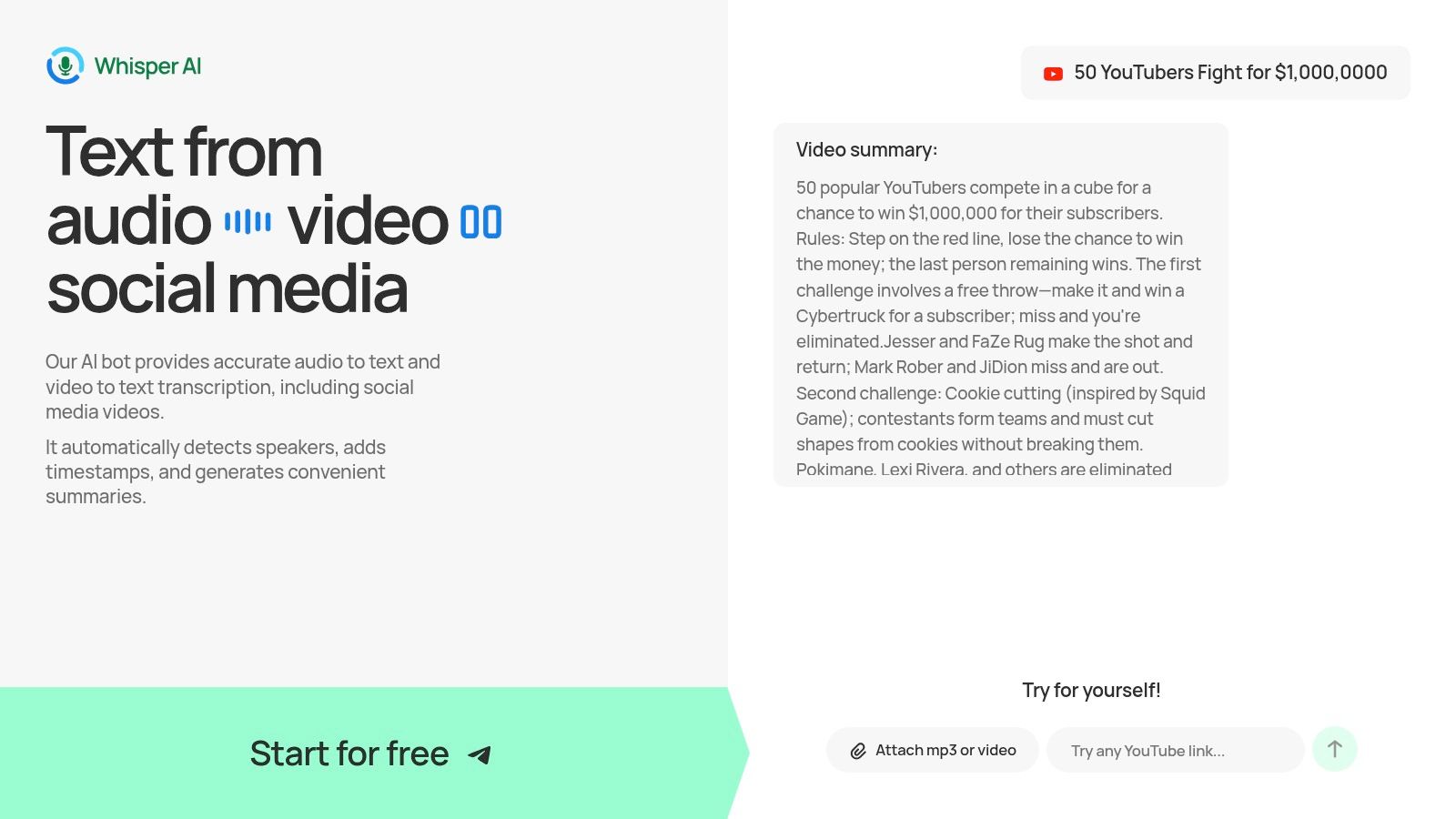
The platform goes beyond simple transcription by delivering a rich, structured output. I found features like automatic speaker detection and precise timestamps crucial for reviewing interviews. Furthermore, the AI-generated summaries and bullet-point highlights provide immediate, actionable takeaways, saving hours of manual review. For social media managers, the ability to ask follow-up questions to a transcript is a game-changer, allowing them to instantly generate tweet threads, video descriptions, or blog post outlines from a single piece of content.
Key Features and Use Cases
- Versatile Ingestion: Accepts nearly any audio/video file and links from platforms like YouTube, making it ideal for repurposing long-form content.
- Rich, Actionable Output: Generates not just transcripts, but also concise summaries, bulleted highlights, and clear speaker labels.
- Interactive Q&A: Users can "chat" with their transcripts to refine insights or generate specific content like action items or social media posts.
- Global Language Support: With support for over 92 languages, it serves global teams and creators working with international content.
Pricing and Access
Whisper AI offers a free starter tier, allowing users to test its core functionality. However, the platform does not publish its full pricing structure publicly. To access paid tiers with higher limits and advanced features, you'll typically need to sign up or contact their sales team for a customized plan. This approach often caters to business teams with specific volume and compliance needs.
Website: https://whisperbot.ai
2. Otter.ai
Otter.ai is one of the most established and widely recognized names in the AI meeting assistant space. It excels at integrating directly into your workflow, connecting with Zoom, Google Meet, and Microsoft Teams to provide real-time transcription and automated summaries. Its maturity makes it an excellent AI note-taker app for teams and professionals who need a reliable, feature-rich solution that works right out of the box.
Its core strength is its ecosystem. Beyond live transcription, Otter generates "Automated Meeting Notes" which include a concise summary, outlines, and identified action items. This transforms a raw transcript into a usable asset without manual effort. The mobile apps for iOS and Android are also best-in-class, allowing you to record and transcribe conversations on the go, a key advantage for journalists or researchers conducting field interviews.

Key Features and Use Cases
- Live Meeting Assistant: The OtterPilot automatically joins scheduled meetings, records audio, and provides a live transcript that attendees can follow, comment on, or highlight in real-time.
- AI-Powered Summaries: Otter's AI Chat can answer questions about the meeting, generate follow-up emails, and create customized summaries based on your prompts.
- Team Collaboration: Shared workspaces, custom vocabulary for industry-specific terms, and speaker identification make it easy for teams to collaborate on meeting notes and ensure transcript accuracy.
- Use Case for Teams: A project manager can use Otter to capture all stakeholder feedback during a virtual kickoff meeting. The AI-generated action items can be directly assigned to team members, ensuring nothing falls through the cracks.
Pricing and Limitations
Otter.ai operates on a freemium model. The free Basic plan is great for testing the platform but is limited to 300 transcription minutes per month (30 minutes per conversation).
The Pro plan ($16.99/month) increases limits significantly, while the Business plan ($35/user/month) adds team-focused features like custom vocabulary and admin controls. A major limitation on lower tiers is the cap on minutes and the number of file imports, which can be restrictive for power users like podcasters or researchers with large backlogs of audio to transcribe. Advanced AI features are also gated behind the more expensive plans.
Website: https://otter.ai
3. Fireflies.ai
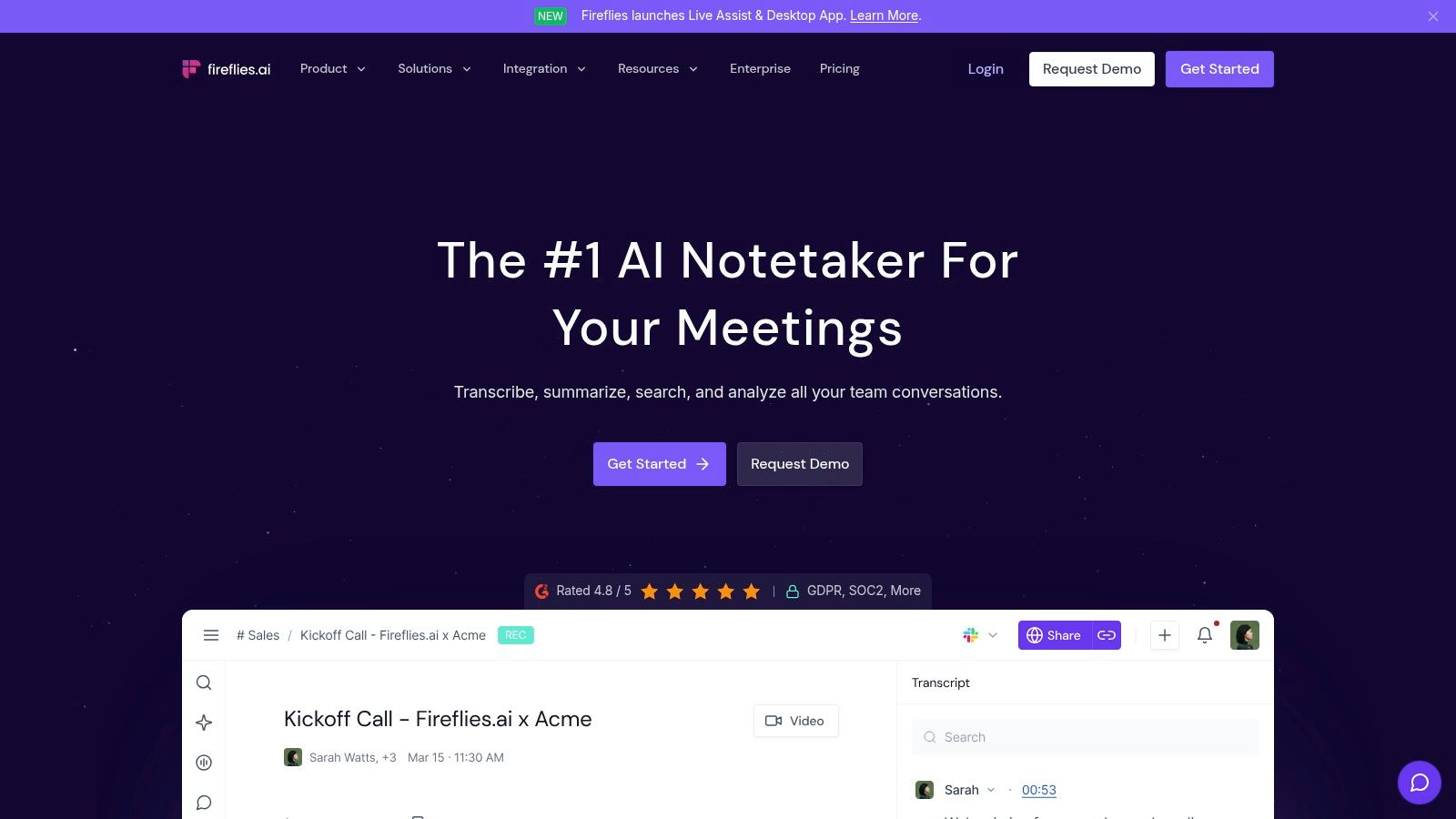
Fireflies.ai positions itself as more than just a transcription service; it's a "conversation intelligence" platform. It shines in business environments where meetings aren't just for notes, but for data. By connecting directly with your calendar and dialers, its AI assistant, Fred, can automatically join and record calls across platforms like Zoom, Google Meet, and Microsoft Teams, turning conversations into searchable, actionable insights. This makes it an indispensable AI note-taker app for sales teams, recruiters, and managers.
Its key differentiator is the depth of its integrations and analytics. Fireflies can push meeting notes, action items, and conversation highlights directly into CRMs like Salesforce, project management tools like Asana, and communication platforms like Slack. This automated workflow saves significant time and ensures that valuable information from calls is immediately logged in the systems where teams do their work.
Key Features and Use Cases
- Automated Meeting Capture: The AI bot can join scheduled meetings, or users can use a Chrome extension to capture audio, providing flexibility for different meeting types.
- Conversation Intelligence: Analyzes meetings for metrics like speaker talk time, sentiment, and topic trends, providing managers with data-driven insights into team performance.
- Extensive Integrations: Offers a wide range of native and Zapier integrations, allowing seamless workflows that push meeting data into CRMs, collaboration hubs, and other business software.
- Use Case for Sales Teams: A sales manager can use Fireflies to review their team's discovery calls. The platform can automatically log call notes into the CRM, identify customer objections, and track how often key value propositions are mentioned.
Pricing and Limitations
Fireflies has a free tier with limited transcription credits and storage, which is suitable for individual testing. The Pro plan ($18/user/month) offers 8,000 minutes of storage, and the Business plan ($29/user/month) provides unlimited storage and transcription.
A notable limitation is that some advanced AI features, like custom topic trackers, are gated behind higher tiers. While transcription is unlimited on the Business plan, the AI Super Summaries and other AI credits operate on a separate system, which could add to the cost for heavy users. Video recording is also exclusive to the top-tier Enterprise plan.
Website: https://fireflies.ai
4. Fathom
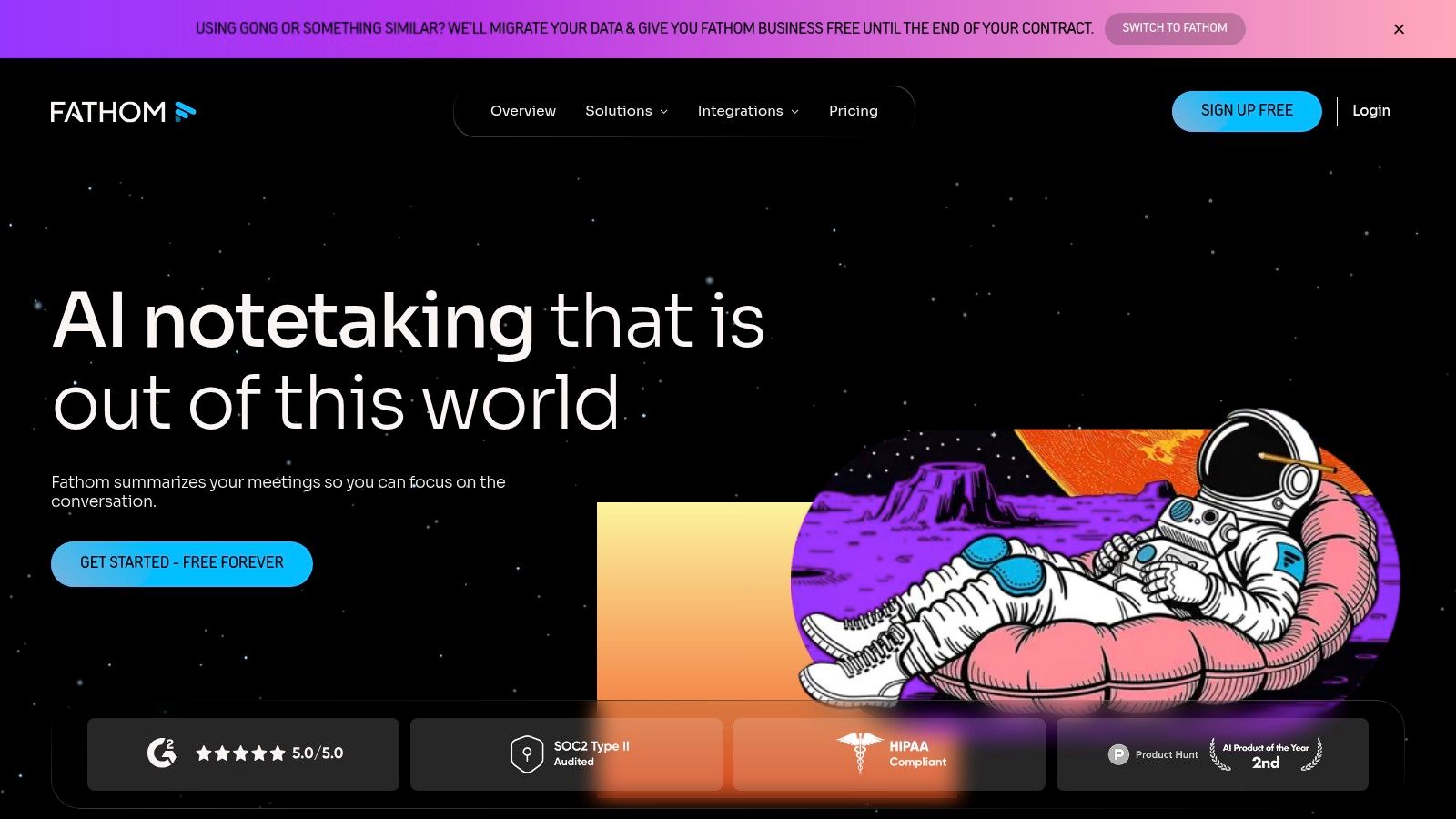
Fathom is a uniquely compelling AI note-taker app, primarily because of its generous free tier. It offers unlimited recording, transcription, and storage for meetings on Zoom, Google Meet, and Microsoft Teams without charging a cent. This makes it an incredibly attractive option for individuals, freelancers, and small teams who need reliable meeting capture but may not have the budget for a premium subscription.
The platform is designed to be effortlessly simple. Once set up, it automatically joins and records your calls, generating a full transcript available in over 25 languages. While the free plan provides basic summaries, the paid tiers unlock Fathom's more powerful AI features, transforming it from a simple recorder into a proactive assistant capable of generating detailed follow-up emails and answering specific questions about your meeting content.
Key Features and Use Cases
- Generous Free Plan: Its standout feature is the completely free offering for individuals, which includes unlimited meeting recordings, transcriptions, and cloud storage.
- Automated Summaries and Playbooks: Paid plans generate advanced AI summaries and allow users to create templates ("Playbooks") to standardize note-taking for recurring meeting types like sales calls or interviews.
- CRM Integration: Fathom automatically syncs call notes, highlights, and action items directly to CRMs like HubSpot and Salesforce, streamlining post-meeting workflows for sales teams.
- Use Case for Sales Professionals: A sales representative can use Fathom to record a client demo. The platform automatically logs the call and its key takeaways into the company's CRM, saving significant administrative time.
Pricing and Limitations
Fathom's pricing is straightforward. The Free plan is robust for individuals. The Team Edition ($32/user/month) adds advanced AI summaries, CRM integration, team-wide call analytics, and centralized billing.
The primary limitation of the free plan is that the advanced, high-quality AI summaries are capped after your first few calls each month, reverting to a more basic version. For power users or teams who rely heavily on AI-driven insights and CRM synchronization, upgrading to the paid plan is essential.
Website: https://fathom.video
5. Avoma
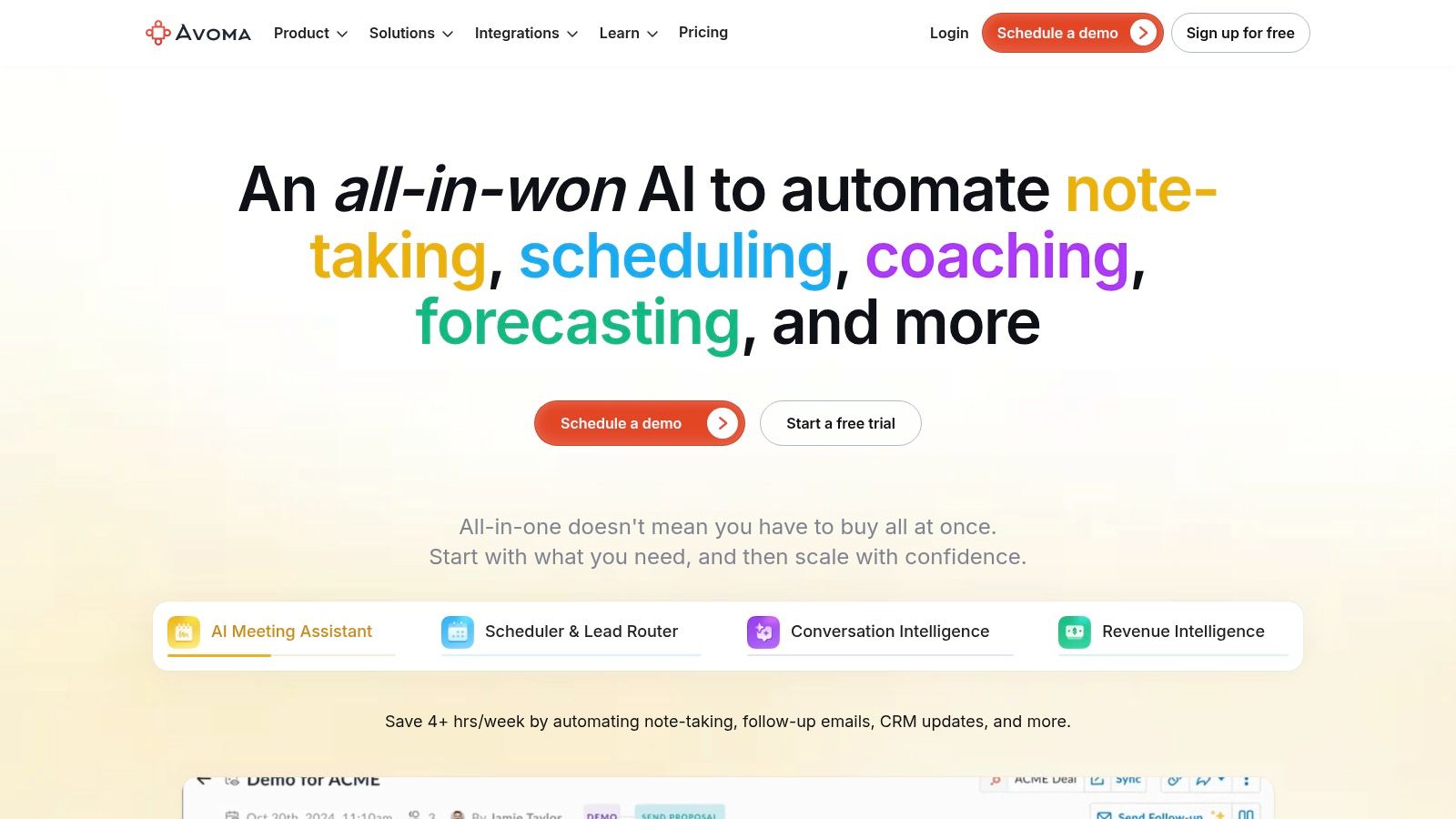
Avoma stands out as a modular AI note-taker app that scales with your needs, from individual meeting assistance to comprehensive revenue intelligence. It's designed for businesses that want a flexible solution, allowing them to start with core note-taking features and add advanced capabilities as they grow. This modular approach makes it an excellent choice for teams that need more than just a transcript but aren't ready for a monolithic platform from the start.
Its unique strength is its licensing model. Instead of paying for every user, Avoma's pricing is based on "recorder" seats, while allowing unlimited free collaborator seats. This makes it incredibly cost-effective for larger teams where only a few members need to record meetings, but everyone needs to access and review the notes. This structure promotes widespread adoption without a prohibitive cost barrier.
Key Features and Use Cases
- AI Meeting Assistant: Provides automated recording, transcription, and detailed AI-generated notes for meetings across Zoom, Google Meet, and Microsoft Teams.
- Modular Intelligence: Offers optional add-ons for Conversation Intelligence (analyzing talk patterns, topics) and Revenue Intelligence (deal health, pipeline analysis).
- Collaborative Platform: Free collaborator seats enable non-recording team members to view transcripts, listen to recordings, and search for key moments without needing a paid license.
- Use Case for Sales Teams: A sales manager can use the core AI note-taker for coaching junior reps. By adding the Revenue Intelligence module, they can then correlate conversation topics with deal outcomes in their CRM to identify what works.
Pricing and Limitations
Avoma offers a 14-day free trial that includes all features. The Starter plan ($24/user/month) is ideal for individuals and small teams needing core transcription and note-taking.
The pricing structure becomes more complex with add-ons. The Plus plan ($59/user/month) includes Conversation Intelligence, while the Business plan ($89/user/month) adds more advanced analytics. The main limitation is that to unlock the full suite of features, you must stack multiple paid add-ons, which can make the final cost less straightforward. However, the flexibility to pay only for what you need is a significant advantage.
Website: https://www.avoma.com
6. Sembly AI
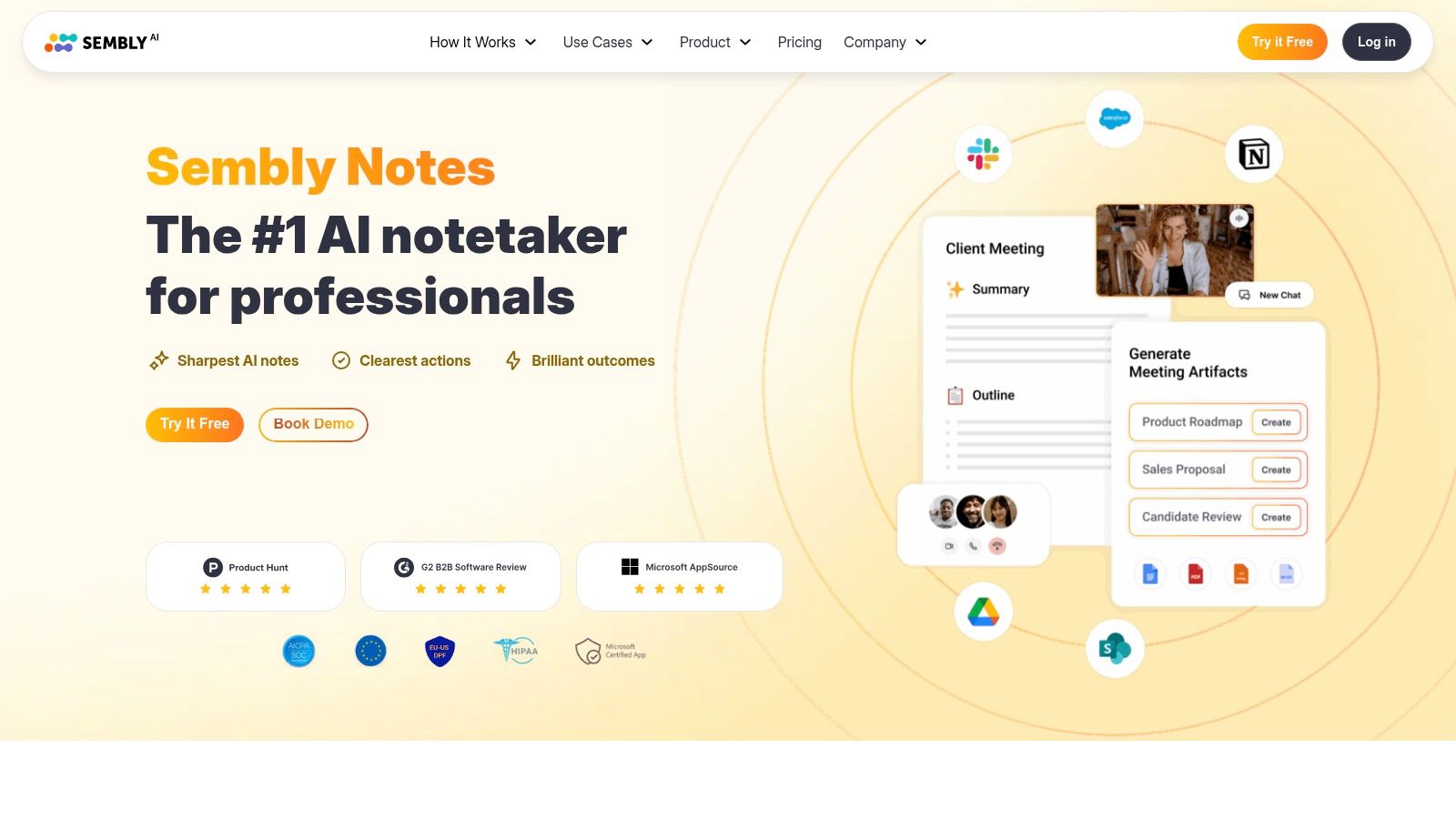
Sembly AI is a professional, team-centric AI meeting assistant designed for structured analysis and compliance. It connects with major platforms like Zoom, Google Meet, and Microsoft Teams to record, transcribe, and, most importantly, analyze conversations. This makes it an ideal AI note-taker app for organizations that need more than just a summary; they need actionable data, risk identification, and robust administrative controls.
Its key differentiator is the ability to generate highly structured outputs. Sembly AI doesn't just produce a transcript; it uses its "Semblian" agent to create "GlanceView" summaries that include key items, identified risks, issues, and specific tasks with assignees. This analytical depth is complemented by the option to choose a US or EU data-hosting region during signup, a significant benefit for businesses concerned with GDPR.
Key Features and Use Cases
- Structured Meeting Analysis: Beyond standard notes, Sembly automatically extracts tasks, issues, and risks from conversations, providing a clear, actionable overview.
- AI Meeting Chat: Users can interact with "Semblian," Sembly's AI chat, to ask specific questions about meeting content, generate emails, or create custom summaries on the fly.
- Compliance and Team Control: Features like workspace analytics and the choice of data-hosting region make it suitable for regulated industries or international teams.
- Use Case for Project Teams: A compliance officer can use Sembly to monitor project meetings for potential risks. The AI’s automatic risk extraction flags potential issues for review, creating a documented trail without requiring manual oversight of every call.
Pricing and Limitations
Sembly AI offers a free Personal plan with 4 hours of live recording and one upload per month. The Professional plan ($10/month) significantly increases these limits.
The Team plan ($20/user/month) is where its core strengths lie, unlocking workspace features, advanced analytics, and centralized billing. While the pricing for team-oriented plans is higher than some entry-level competitors, it reflects the platform’s focus on structured data output and administrative control.
Website: https://www.sembly.ai
7. Supernormal
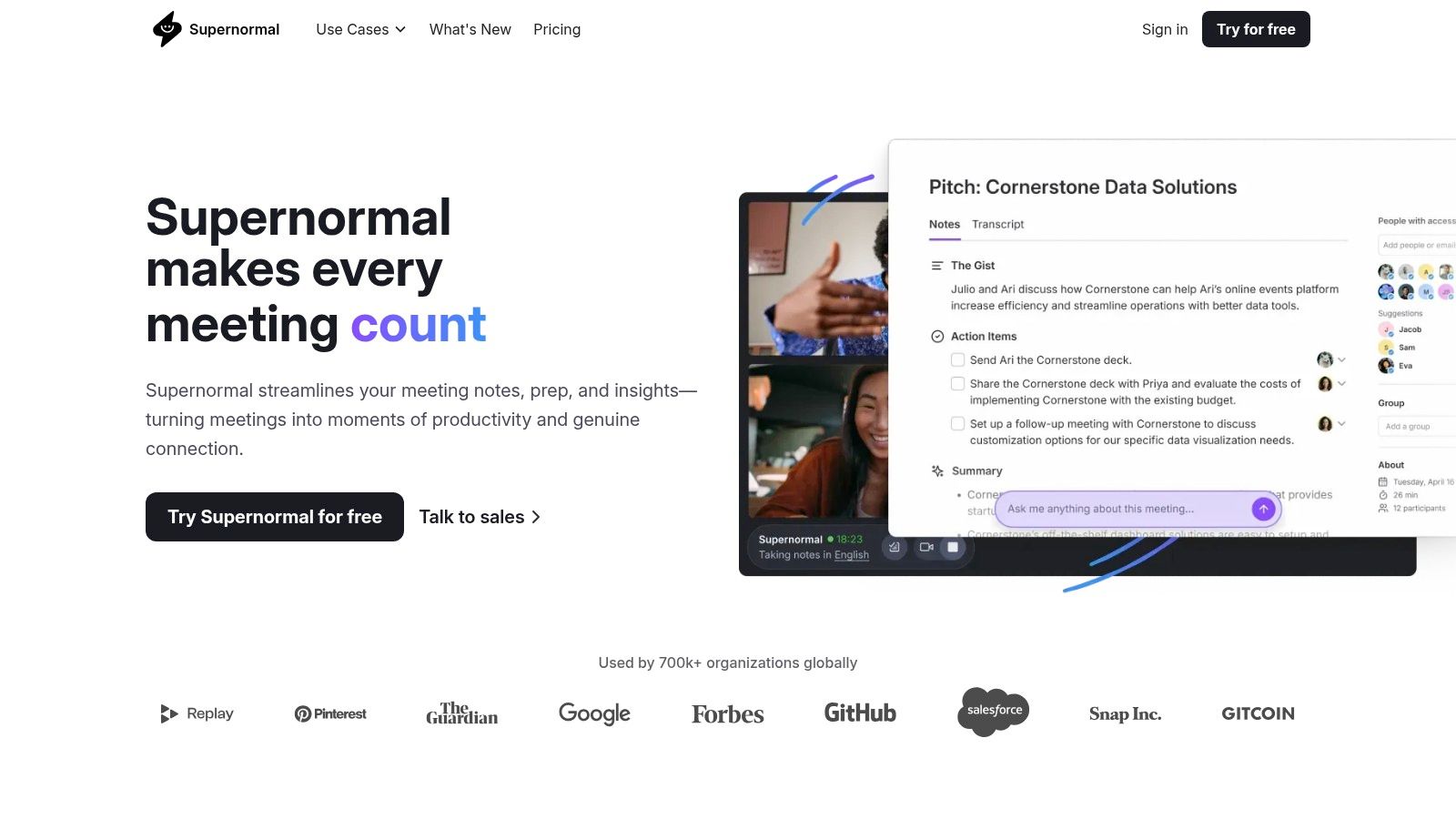
Supernormal is a fast and focused AI note-taker app designed for teams that prioritize immediate value and simple setup. Its AI assistant, "Norma," automatically joins meetings on platforms like Zoom and Google Meet, delivering highly structured, automated notes moments after the call ends. The platform's major differentiator is its generous offering of unlimited meeting notes and summaries, even on its entry-level paid plan.
This makes Supernormal an excellent choice for fast-moving teams and startups that need a reliable note-taking solution without complex feature gates or per-meeting costs. It excels at turning conversations into actionable outputs, automatically identifying tasks, decisions, and key takeaways. The ability to push these notes directly into tools like Slack, Notion, or HubSpot streamlines post-meeting workflows.
Key Features and Use Cases
- Instant Meeting Notes: Supernormal delivers notes immediately after a meeting concludes, formatted with summaries, action items, and a full transcript.
- Actionable Templates: Users can apply different templates (e.g., 1-on-1, Sales Discovery, Interview) to guide the AI in generating notes structured for specific meeting types.
- Workflow Integrations: Notes and action items can be automatically sent to collaboration tools like Slack, Notion, HubSpot, and Pipedrive to keep projects moving.
- Use Case for Sales Teams: A sales representative can use Supernormal to record a client demo. The AI automatically extracts customer pain points and action items, which can then be instantly synced to the CRM to prepare a follow-up proposal.
Pricing and Limitations
Supernormal offers a free Starter plan which includes 30 minutes of recording for the first month and 10 minutes thereafter, perfect for trial runs.
Its paid Pro plan is very competitive at $19/user/month, offering unlimited meetings and notes. The Business plan ($49/user/month) adds advanced features like the GPT-4 model for higher-quality notes, team-wide templates, and deeper CRM integrations. A key limitation is that many of the advanced administrative controls are reserved for the highest-tier plan, which may be a consideration for larger enterprises.
Website: https://supernormal.com
8. Read.ai
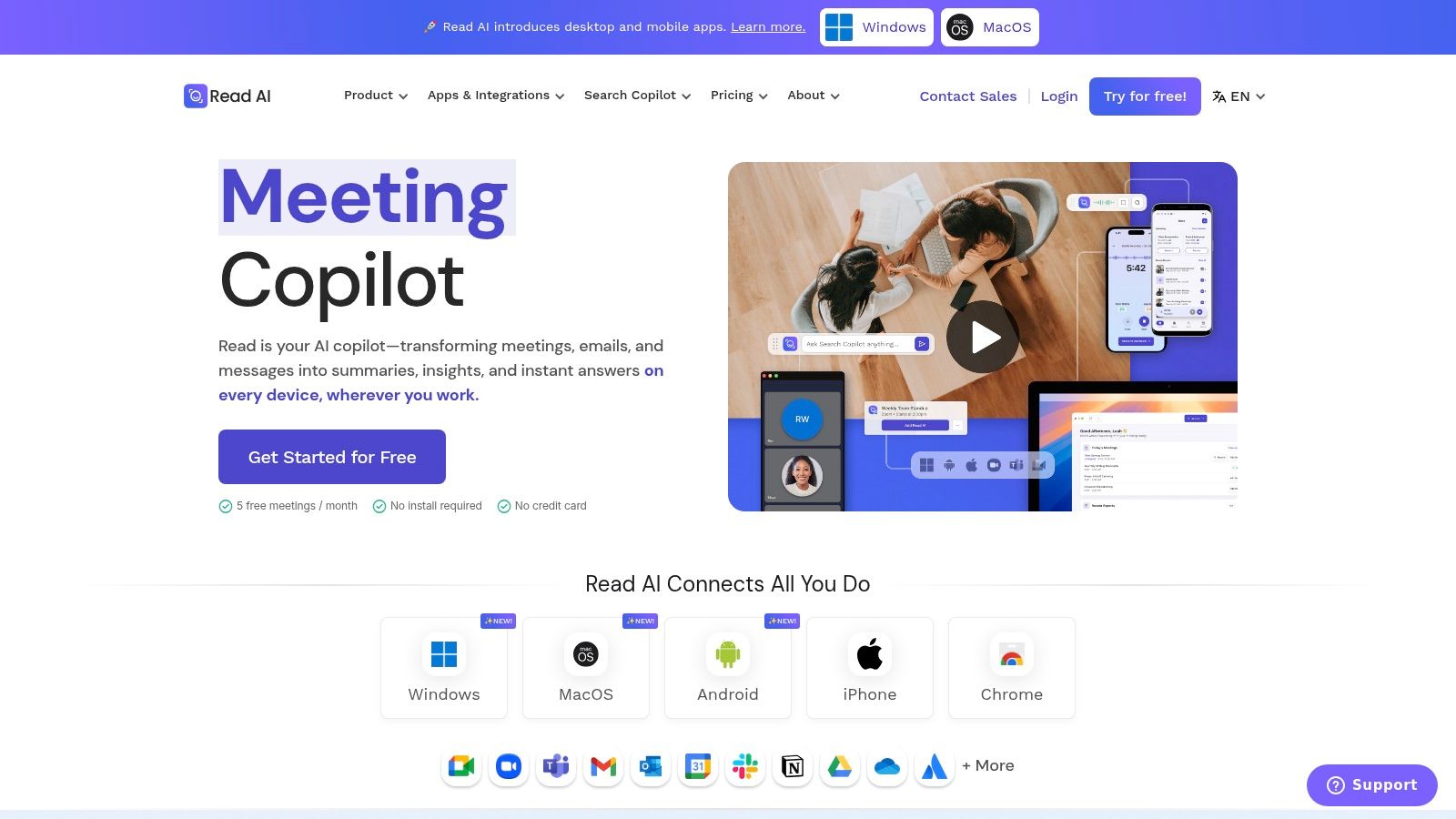
Read.ai is more than just an AI note-taker app; it's a comprehensive meeting intelligence platform. It focuses not only on what was said but also on the dynamics of the conversation, providing analytics on talk time, sentiment, and engagement. This unique blend of transcription, summarization, and meeting coaching makes it ideal for teams who want to improve their meeting effectiveness, not just document them.
The platform generates a detailed post-meeting report that includes a summary, transcript, action items, and key questions. However, its standout feature is the metrics. Read.ai scores your meetings, highlights topics, and even provides a personalized coaching feed to help participants become better communicators. This analytical depth is what sets it apart from more traditional transcription tools.
Key Features and Use Cases
- Meeting Metrics and Coaching: Provides detailed analytics on participant engagement, sentiment, and talk time, along with personalized tips to improve meeting quality.
- Automated Summaries and Topic Highlights: Instantly generates concise summaries, key takeaways, and action items, allowing users to quickly grasp the essential outcomes.
- Deep Integrations: Connects seamlessly with CRM and project management tools like Salesforce, HubSpot, Jira, and Notion, pushing key meeting data directly into existing workflows.
- Use Case for Sales Teams: A sales manager can use Read.ai to analyze their team's discovery calls, using the sentiment analysis and coaching features to identify areas for improvement in communication and pitch delivery.
Pricing and Limitations
Read.ai offers a free plan that is limited to five meetings per month, which is suitable for casual users or for testing the platform's core functionality.
For more frequent use, the Pro plan ($19.99/month) unlocks unlimited meetings and reports, while the Enterprise plan adds advanced features like custom analytics. A key limitation is that some of the more advanced playback and highlighting capabilities are reserved for the Enterprise tier. However, its competitive pricing and special discounts for educational users make its powerful analytical features accessible.
Website: https://www.read.ai
9. MeetGeek
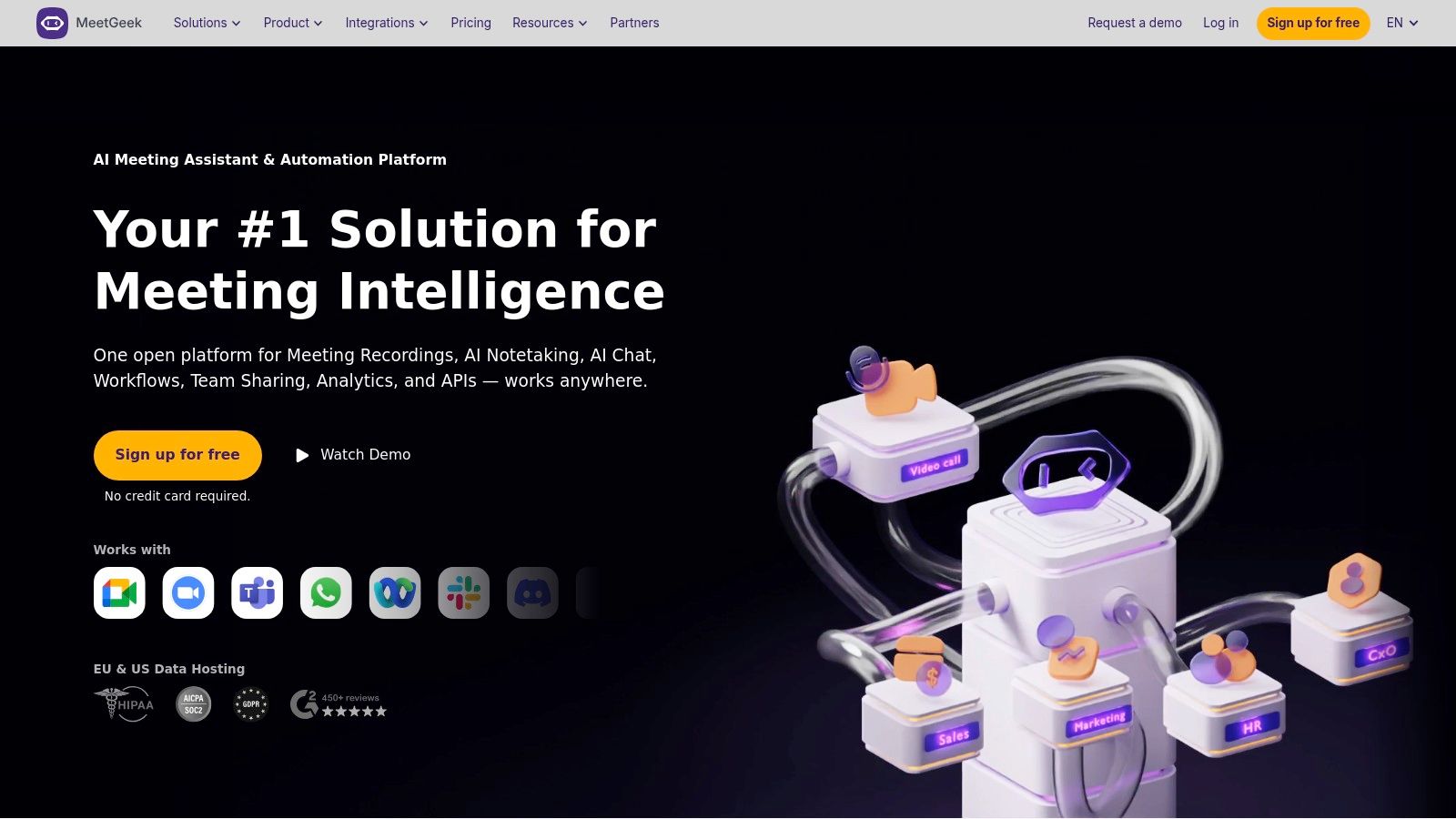
MeetGeek is an AI meeting assistant designed for teams that prioritize structured workflows and deep automation. It integrates with your calendar and video conferencing tools to automatically join, record, and transcribe meetings, but its true strength lies in what it does afterward. MeetGeek excels at creating customizable meeting templates, automatically sharing summaries, and connecting to thousands of other apps via Zapier, Make, and n8n integrations.
This focus on automation makes it a powerful AI note-taker app for teams looking to build efficient, repeatable processes around their meetings. Instead of just getting a transcript, users can set up rules to automatically push action items to a project management tool or sync key decisions to a CRM. The platform also offers high-definition video recording, a key differentiator for teams that need to retain visual context.
Key Features and Use Cases
- Workflow Automation: Connect MeetGeek to tools like Asana, Trello, or Slack to automatically create tasks from action items, send summaries to specific channels, or log meeting details.
- Meeting Templates & Highlights: Create and apply templates to different meeting types (e.g., sales calls, team syncs) to ensure consistent note-taking and highlight specific keywords automatically. For more details on how this works, you can learn how to summarize a meeting effectively with AI.
- Team Analytics: Gain insights into team performance with metrics on meeting attendance, talk time distribution, and topic engagement, helping managers optimize collaboration.
- Use Case for Sales Teams: A sales manager can use MeetGeek to enforce a consistent discovery call template. The AI summary and key highlights are then automatically pushed to the company's CRM, ensuring every team member follows the same process.
Pricing and Limitations
MeetGeek offers a free Basic plan, but it's quite limited, with only 5 hours of transcription per month and 3 months of storage. This makes it suitable for very light individual use.
The paid plans are more generous. The Pro plan ($19/user/month) offers 20 hours/month, and the Business plan ($39/user/month) provides unlimited transcription and storage. A key limitation is that some of the most advanced AI features are reserved for the highest-tier Business and Enterprise plans, which may be a barrier for smaller teams.
Website: https://meetgeek.ai
10. Zoom (AI Companion)
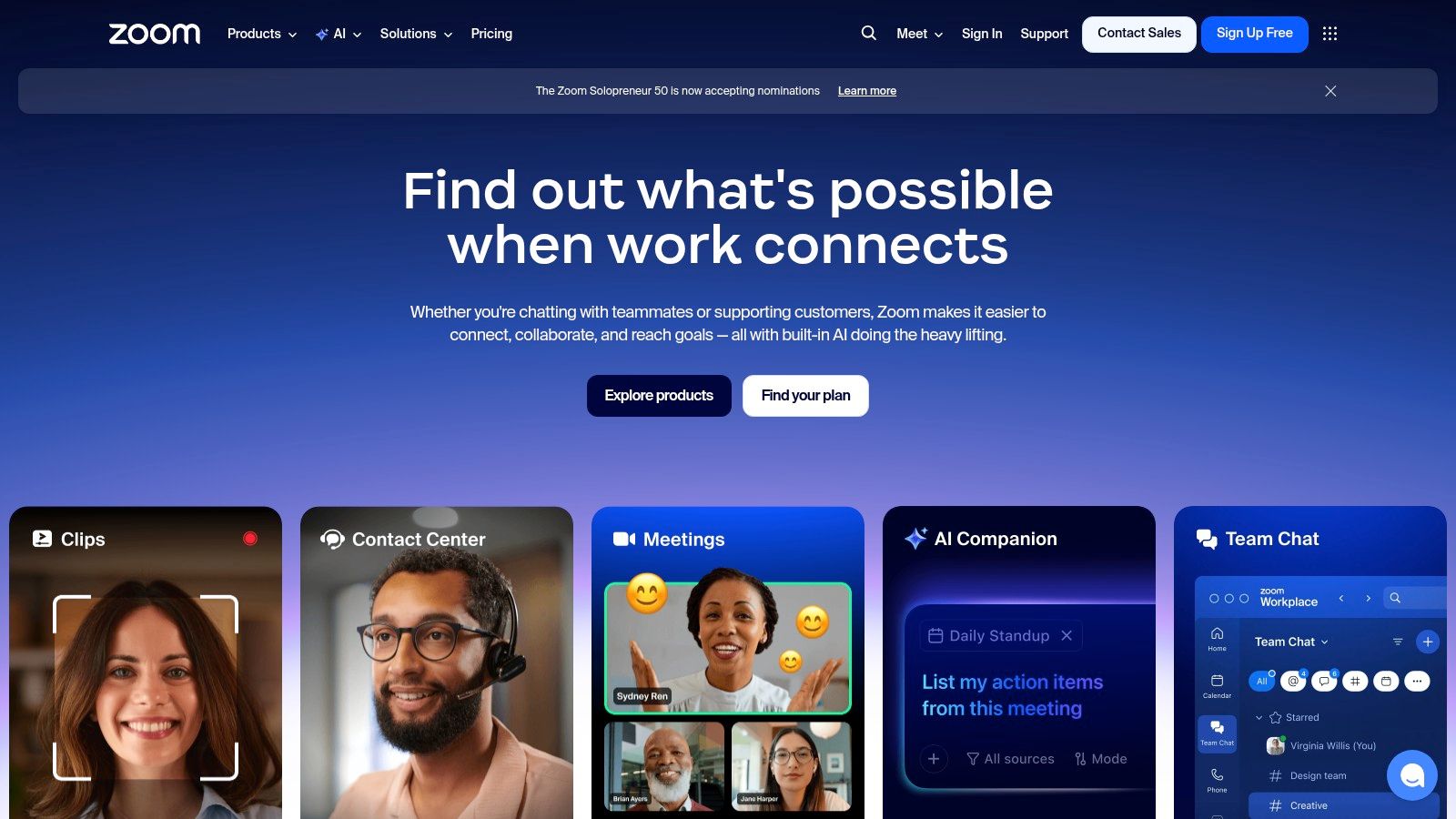
For organizations already deep in the Zoom ecosystem, the native AI Companion is a game-changer. Rather than using a third-party service, this AI note-taker app is built directly into the platform, providing zero-friction meeting summaries, action items, and live highlights within the familiar Zoom interface. It's the path of least resistance for teams who want instant AI capabilities without managing another subscription.
The core advantage is its seamless workflow. AI Companion can be enabled to automatically generate a summary after a meeting ends, identify key tasks, and even organize chapters for easy review of the recording. This tight integration ensures that meeting intelligence is captured and distributed effortlessly, making it ideal for fast-paced corporate environments. For those needing a refresher, understanding the different methods of how to transcribe Zoom meetings can maximize its utility.
Key Features and Use Cases
- In-Meeting Intelligence: AI Companion provides automated, smart chapters for recordings, highlights key moments, and creates a concise summary with next steps and action items.
- Integrated Workflow: Because it's part of Zoom, there is no need to add a bot to meetings or manage separate accounts. All notes and summaries are tied directly to the meeting event.
- Expanding Capabilities: Zoom is rapidly expanding its AI features, including an upcoming mobile voice recorder for in-person capture and custom add-ons.
- Use Case for Corporations: An enterprise team can use AI Companion to ensure all meeting outcomes are documented and shared automatically. A manager can quickly review the AI summary of a meeting they missed and see the action items assigned to their team.
Pricing and Limitations
A significant benefit is that AI Companion is included at no additional cost with paid Zoom Workplace plans (starting from the Pro plan at $15.99/user/month). This makes it an incredibly cost-effective option for existing customers.
The primary limitation is its platform dependency; its features are designed to work almost exclusively within Zoom meetings, offering little for conversations on other platforms or for transcribing standalone audio files. While core features are included, more advanced custom capabilities will likely require purchasing a custom AI Companion add-on.
Website: https://zoom.us
11. Microsoft Teams Premium (Intelligent Recap)
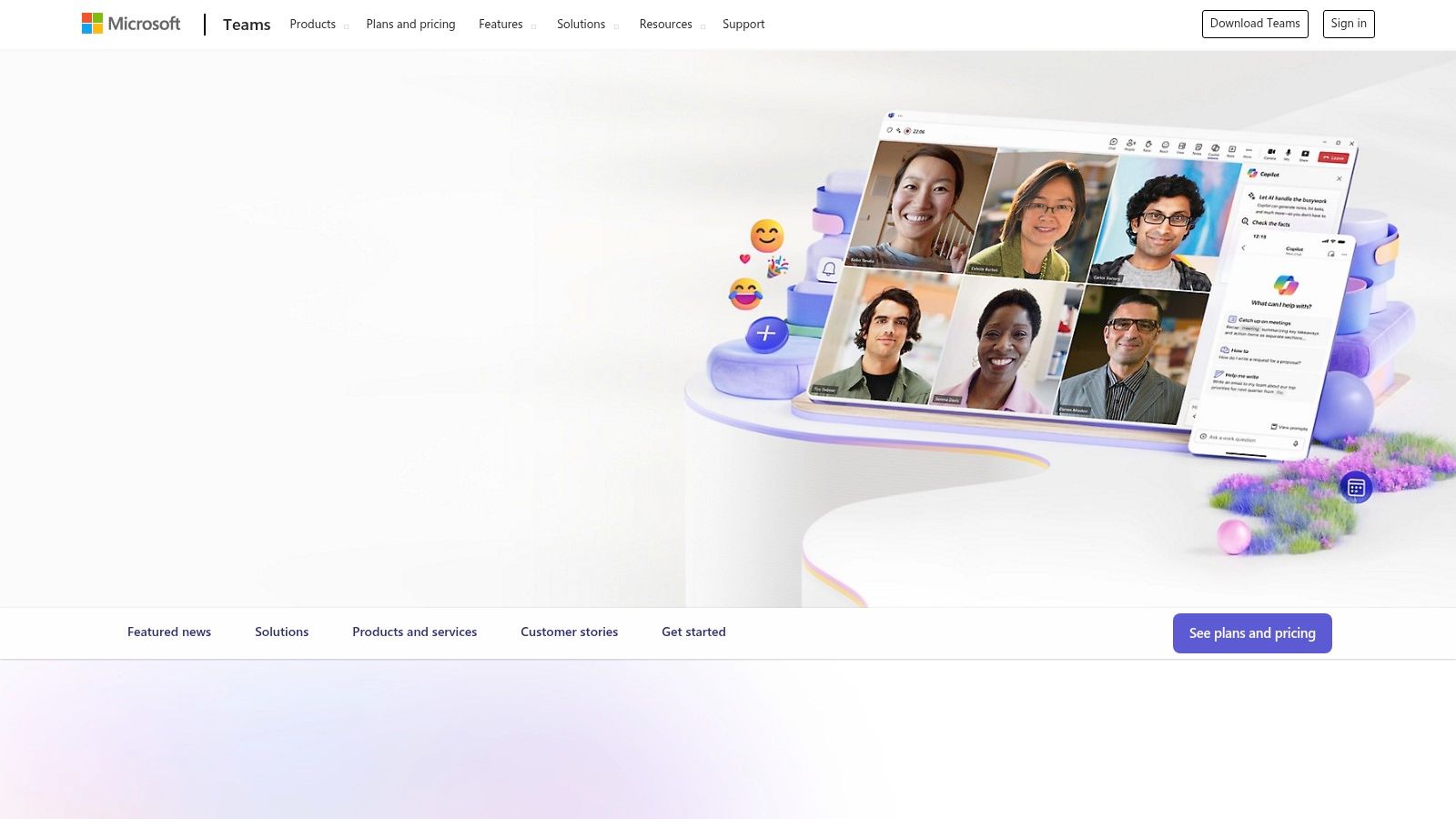
For organizations embedded in the Microsoft 365 ecosystem, Teams Premium offers an AI note-taker app that feels like a native upgrade. Its "Intelligent Recap" feature is designed to live directly where you work, generating AI-powered notes, tasks, and personalized highlights from your Teams meetings. This tight integration is its greatest strength, eliminating the need to manage another third-party app and its associated security reviews.
Instead of just a transcript, Intelligent Recap provides a structured overview. It creates chapters based on the conversation, lists key topics discussed, and automatically suggests action items. Speaker timeline markers allow you to jump directly to the moments when specific people spoke, which is incredibly useful for reviewing contributions without re-watching an entire meeting.
Key Features and Use Cases
- Intelligent Recap: Automatically generates meeting notes, outlines key topics, and suggests tasks directly within the Teams interface after a meeting concludes.
- AI-Generated Chapters and Topics: Divides recordings into easy-to-navigate sections, helping users quickly find the most relevant parts of a discussion.
- Speaker Timeline Markers: Visually marks who was speaking and when, making it simple to find and review specific contributions from participants.
- Use Case for Corporate Teams: A marketing team can use Intelligent Recap to automatically document a brainstorming session. The AI notes capture all ideas, and suggested tasks can be instantly converted into Planner items for the project lead to assign.
Pricing and Limitations
Intelligent Recap is not a standalone product but a feature of Microsoft Teams Premium, which is an add-on license. It is currently priced at $7.00 per user per month (with an introductory offer) and requires a commercial Microsoft 365 or Office 365 subscription. This can be more cost-effective than adding a separate AI note-taker for every user in a large organization.
The primary limitation is its dependency on the Microsoft ecosystem. Its value diminishes significantly if your organization uses other platforms like Slack or Google Workspace. The features are powerful but are exclusively available for meetings recorded within Microsoft Teams.
Website: https://www.microsoft.com/microsoft-teams
12. Notta
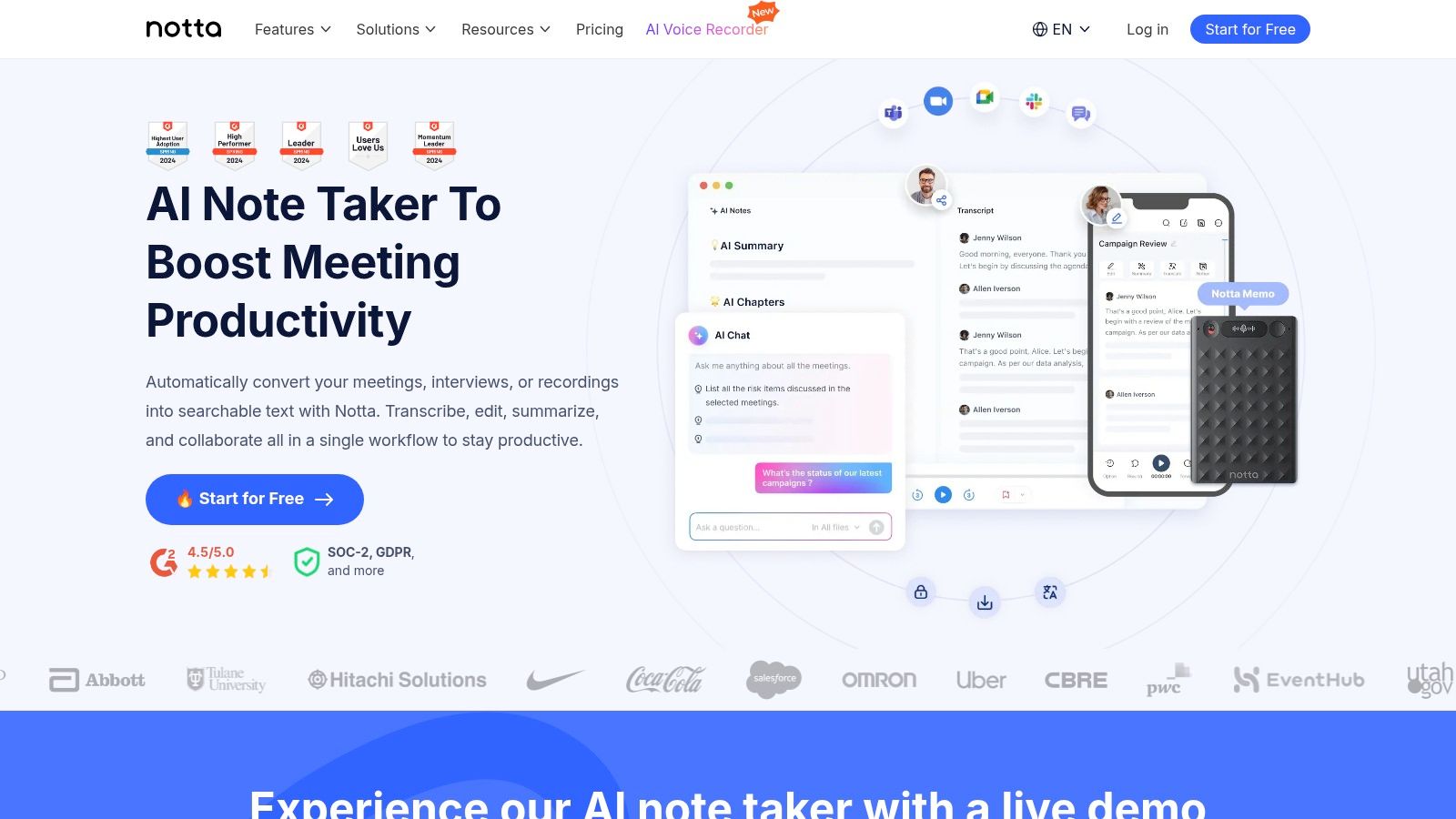
Notta is a versatile AI note-taker app that balances a rich feature set with a straightforward, user-friendly interface. It's designed for both individuals and teams who need reliable transcription and summarization across multiple platforms, including web, mobile, and a handy Chrome extension for capturing audio from any tab. Its generous monthly transcription allowances on paid plans make it a strong contender for users with high-volume needs.
The platform excels at simplifying the process of turning conversations into structured notes. Notta handles both live meeting transcription and audio/video file uploads with effective speaker identification and accurate timestamps. This cross-platform accessibility ensures you can capture insights whether you're in a formal meeting, watching a webinar, or conducting an interview on the go.
Key Features and Use Cases
- Cross-Platform Accessibility: With a web app, mobile apps (iOS/Android), and a Chrome extension, Notta allows you to record and transcribe audio from virtually anywhere.
- AI Summary and Action Items: Notta generates concise summaries, chapters, and action items from transcripts, helping you quickly digest key information.
- Translation Support: Notta can transcribe and translate audio and video files into multiple languages, a significant advantage for global teams.
- Use Case for Content Creators: A YouTuber can use the Chrome extension to transcribe a competitor's video for research, then use the AI summary to quickly identify key topics and content strategies.
Pricing and Limitations
Notta offers a free plan with 120 minutes per month, which is great for light use. The Pro plan is competitively priced at $13.99 per month, offering a substantial 1,800 minutes, making it an excellent value for power users. The Business plan ($59/user/month) adds team collaboration features.
One limitation is that advanced features, such as team-wide custom vocabulary and in-depth analytics, are reserved for the higher-tier Business and Enterprise plans. However, by using a tool like this, you will definitely see an improvement in your workflow and how to improve note taking skills.
Website: https://www.notta.ai
Top 12 AI Note-Taker Apps — Feature Comparison
Choosing the Right AI Note-Taker App for Your Needs
Navigating the crowded market of AI note-takers can feel overwhelming, but finding the perfect tool is easier than you think. As we've explored, each app offers a unique blend of transcription accuracy, summarization intelligence, and workflow integrations. The journey from spoken word to structured, actionable knowledge has never been more accessible, whether you're a podcaster refining an interview, a student capturing a lecture, or a project manager ensuring no detail from a client call is lost.
There is no single "best" ai note-taker app for everyone. The ideal choice depends entirely on your specific needs, priorities, and budget. For instance, while enterprise-level tools like Avoma and Fireflies.ai excel in providing deep sales analytics and CRM integration, their complexity and cost might be excessive for a solo creator. Conversely, a free tool might offer excellent transcription but lack the collaborative features a large organization requires.
Key Takeaways and Actionable Next Steps
To move from analysis to action, start by mapping out your primary use case. Are you recording in-person meetings, virtual calls on Zoom, or simply transcribing existing audio files? This will immediately narrow your options.
Next, consider these critical factors we've discussed:
- Transcription Accuracy as Your Foundation: Your primary goal is a reliable record. Tools built on advanced engines like OpenAI's Whisper often provide superior accuracy, reducing the time you spend on manual corrections. This is a non-negotiable starting point.
- The Intelligence Layer: How do you need to use the transcript? If you just need a searchable log, basic transcription is fine. But if your goal is to extract key topics, action items, and concise summaries, prioritize the quality of the AI-generated insights. Test how well a tool can distinguish between a casual mention and a critical task.
- Workflow and Integration: An ai note-taker app should eliminate friction, not create it. Evaluate how seamlessly a tool fits into your existing ecosystem. Does it integrate with Slack, Notion, Asana, or your CRM? The best tool is one that delivers information where you already work.
- User Experience and Accessibility: Don't underestimate the power of a clean, intuitive interface. A tool that is difficult to navigate can quickly negate its time-saving benefits. Look for features like simple file uploads, clear speaker labeling, and easy-to-use editing tools.
Making Your Final Decision
Your best path forward is to leverage the free trials and freemium plans offered by most of these services. Select two or three top contenders from this list that align with your budget and core needs. Run the exact same audio or video file through each one and compare the results side-by-side.
Look closely at transcription errors, the relevance of the AI summary, and the clarity of the action items identified. This hands-on comparison is the most effective way to see which AI model and user interface works best for you. For those who want to understand the broader landscape of digital note-taking, beyond just AI-driven tools, exploring the best iPad note-taking apps can provide a wider perspective on how different tools can complement each other.
Ultimately, adopting an AI note-taker is about reclaiming your most valuable asset: your attention. It’s about being fully present in conversations, confident that the details are being captured accurately. By thoughtfully selecting the right tool, you empower yourself to focus on connection, creativity, and strategic thinking, leaving the meticulous task of note-taking to your new intelligent assistant.
If your priority is best-in-class transcription accuracy, a simple user interface, and an affordable price point, look no further. Whisper AI leverages OpenAI's powerful engine to deliver exceptionally precise transcripts, making it the ideal starting point for anyone serious about converting speech to text. Experience the difference for yourself and start transcribing with confidence at Whisper AI.


























































































