What's a Transcription and How Does It Actually Work?
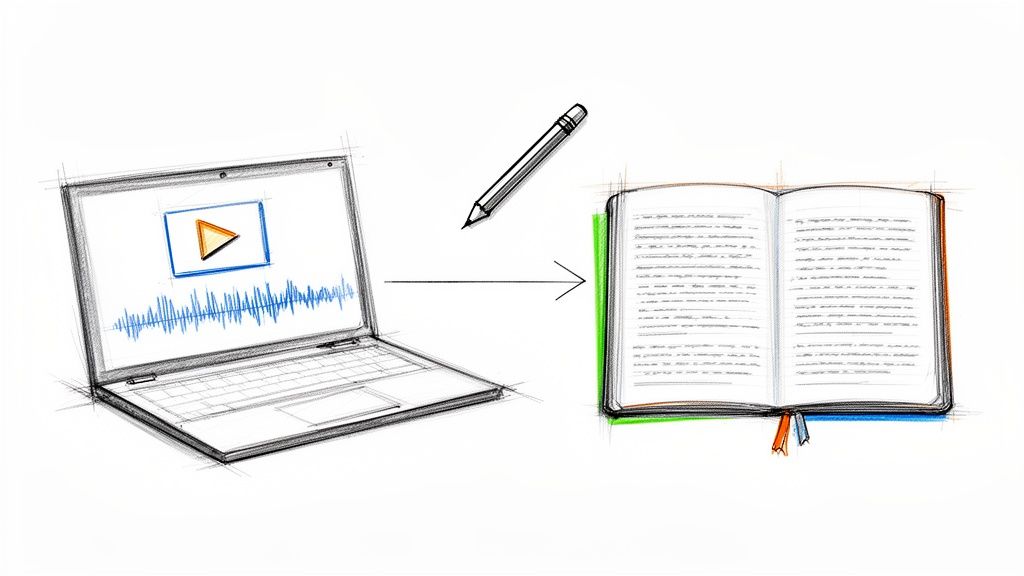
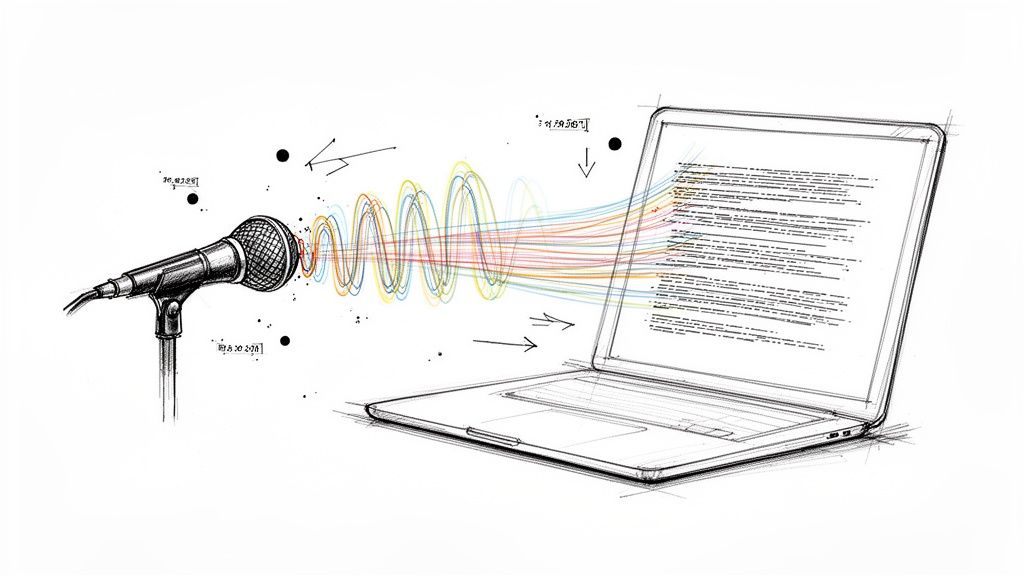
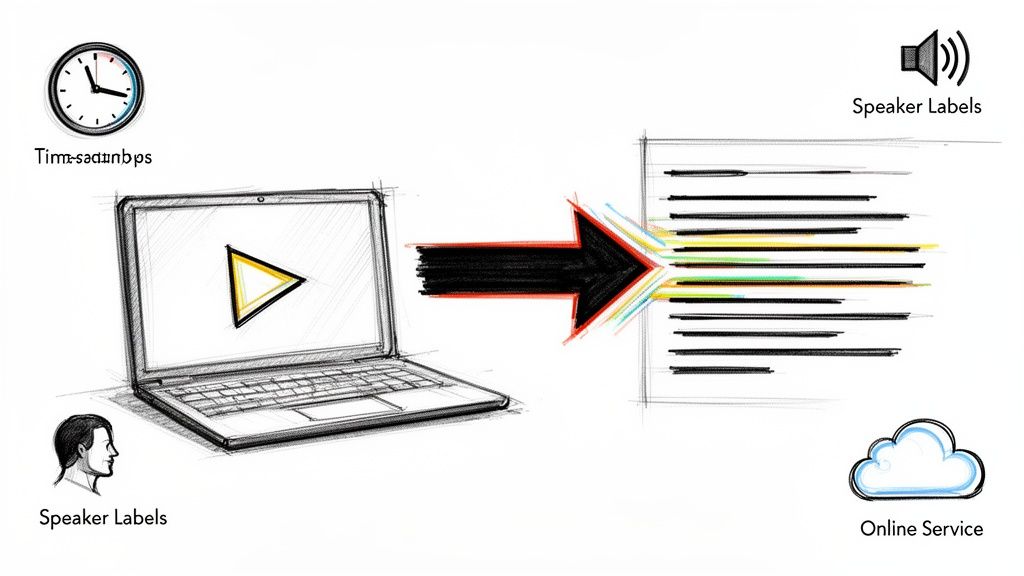
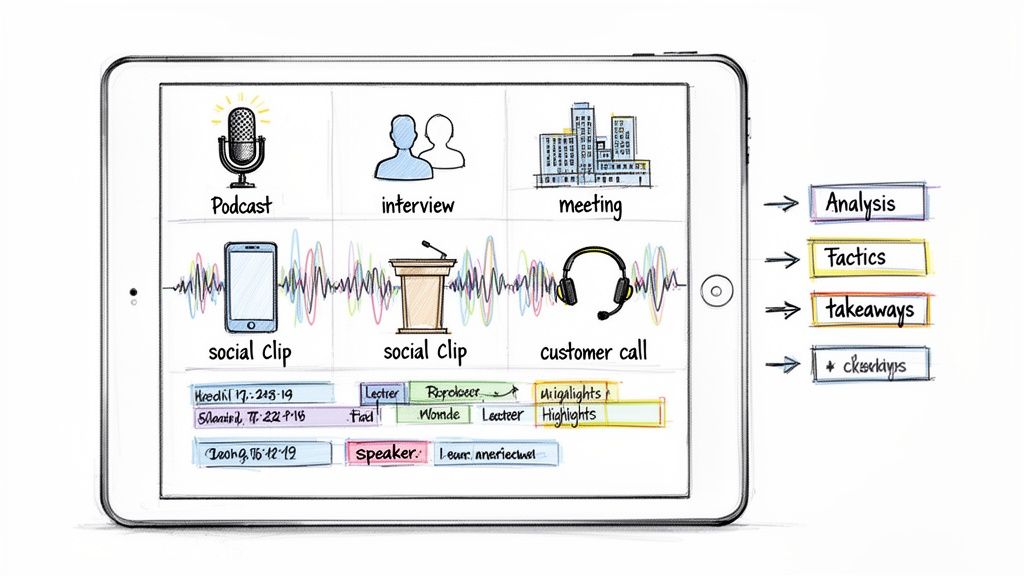
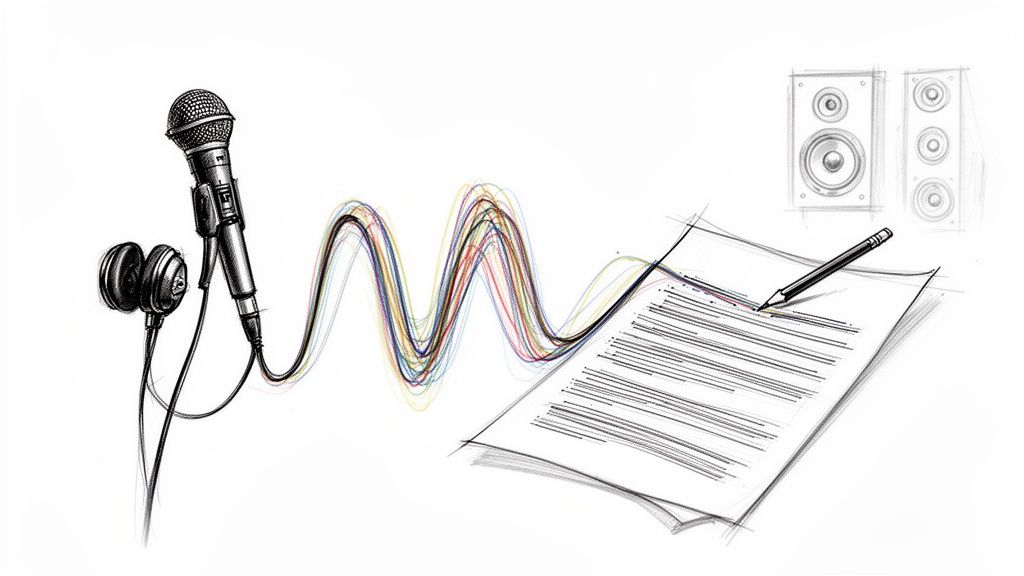
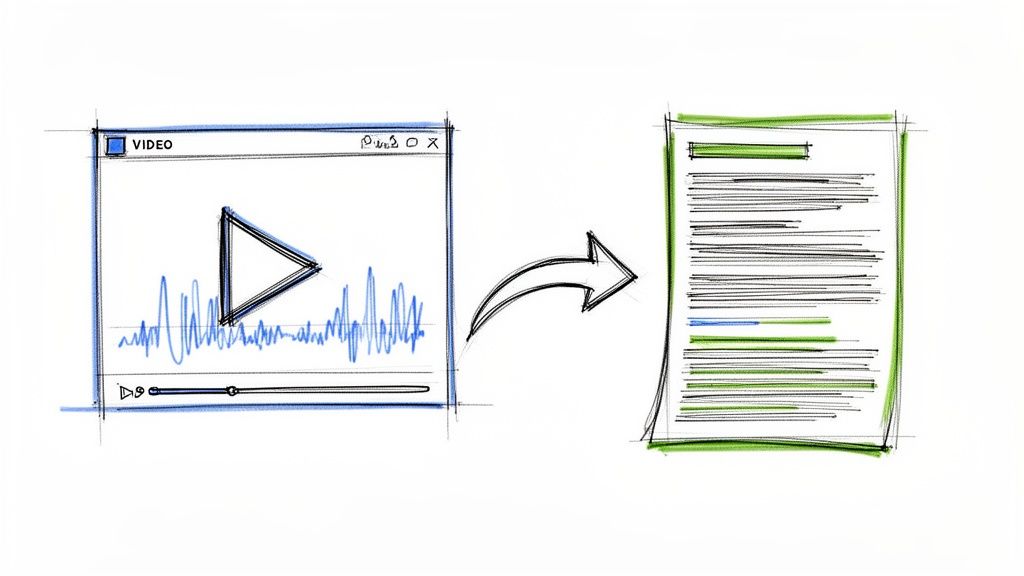
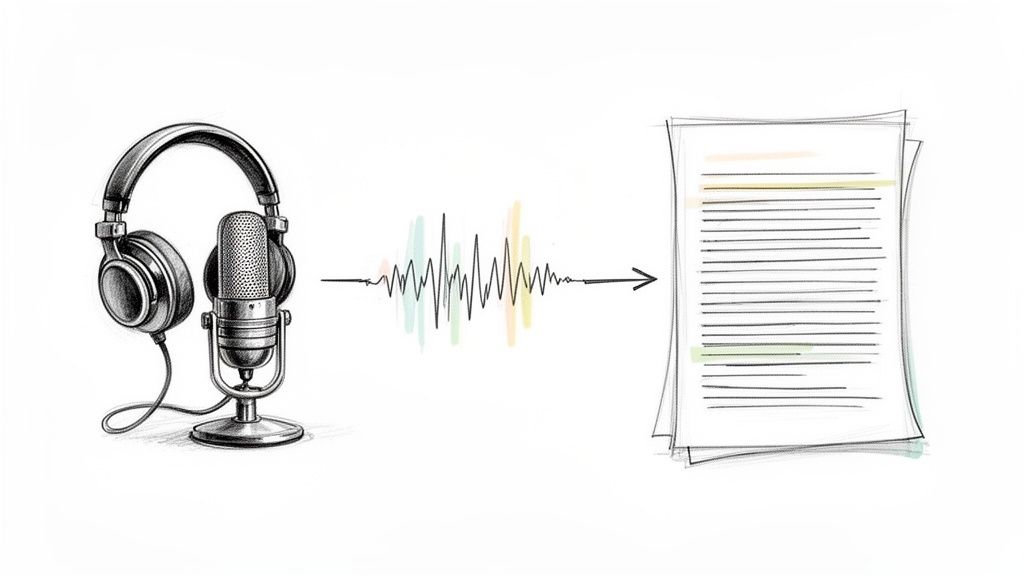
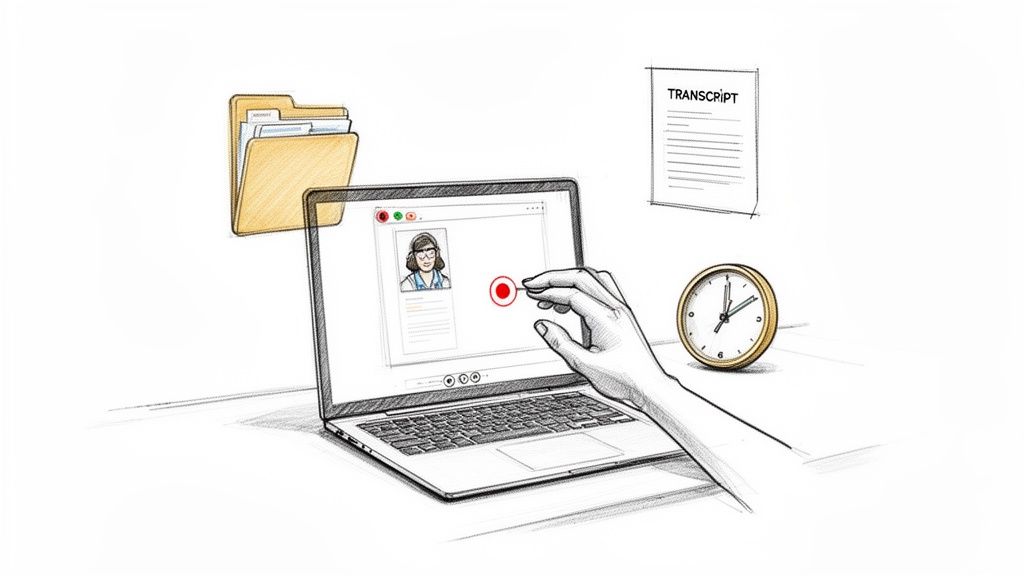
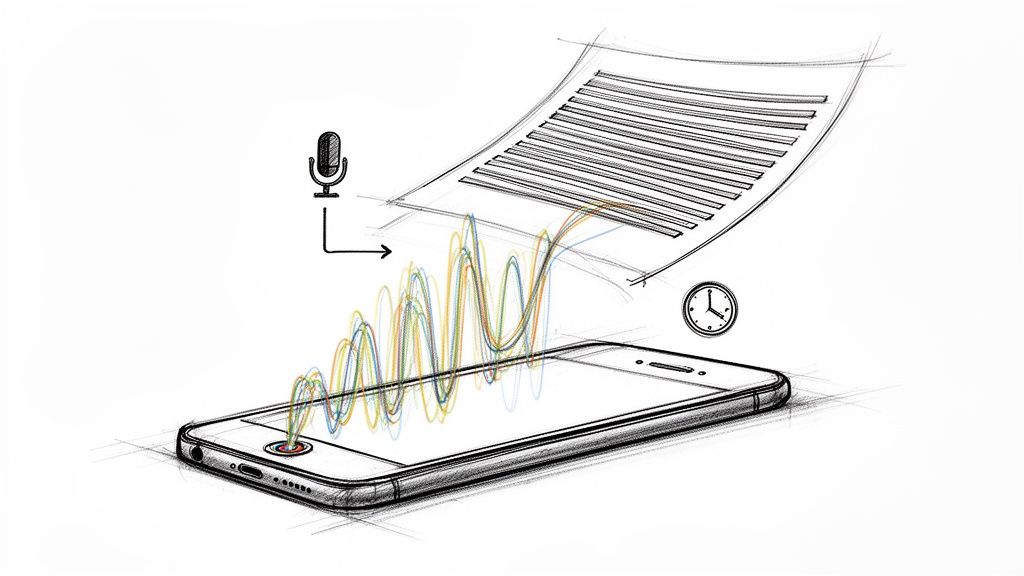
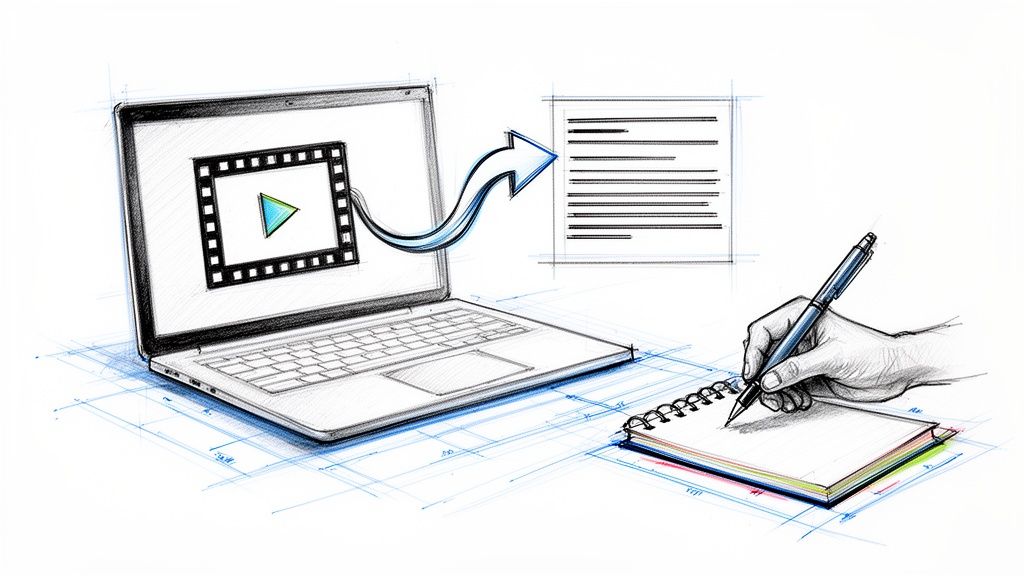
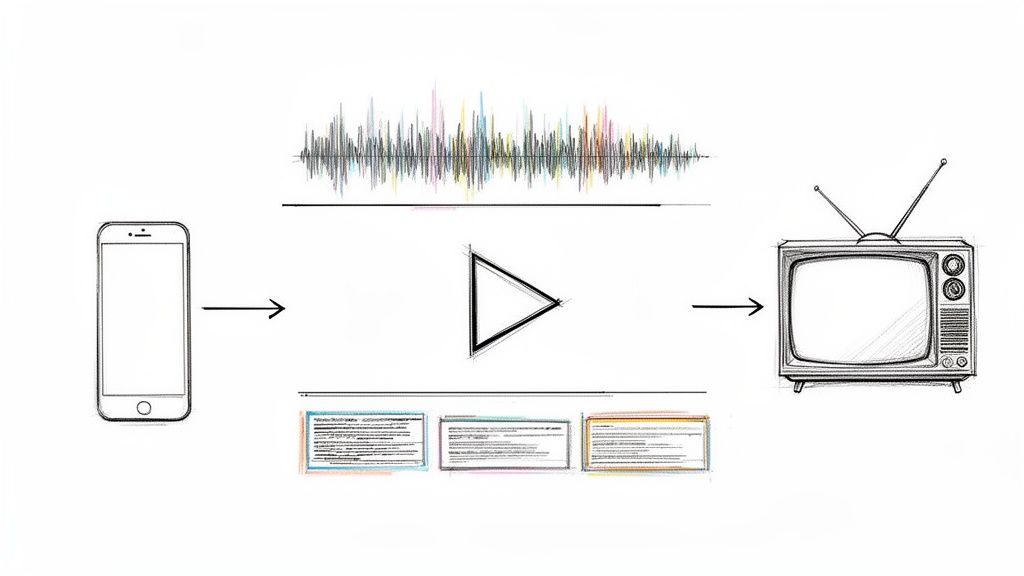
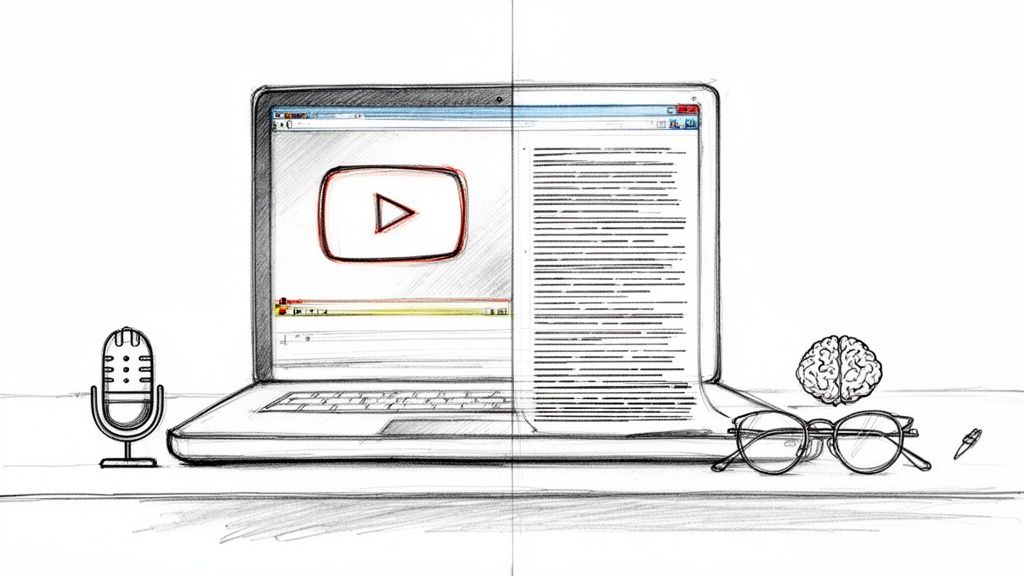
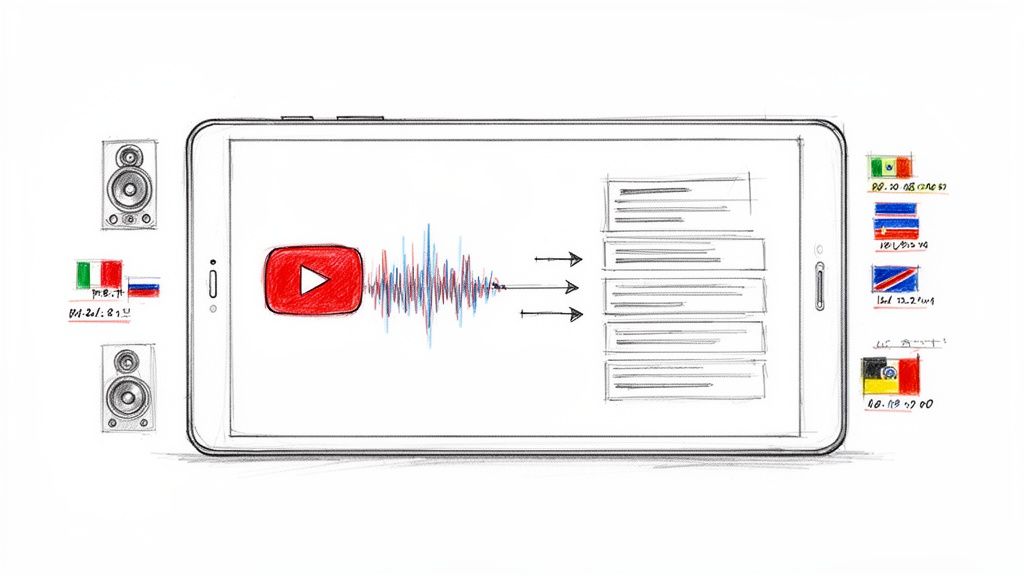
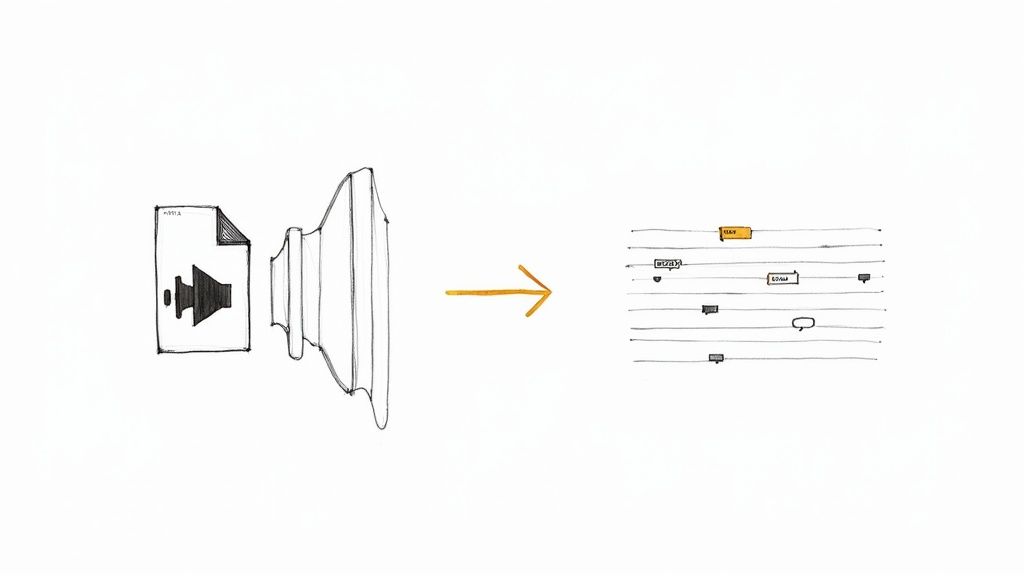
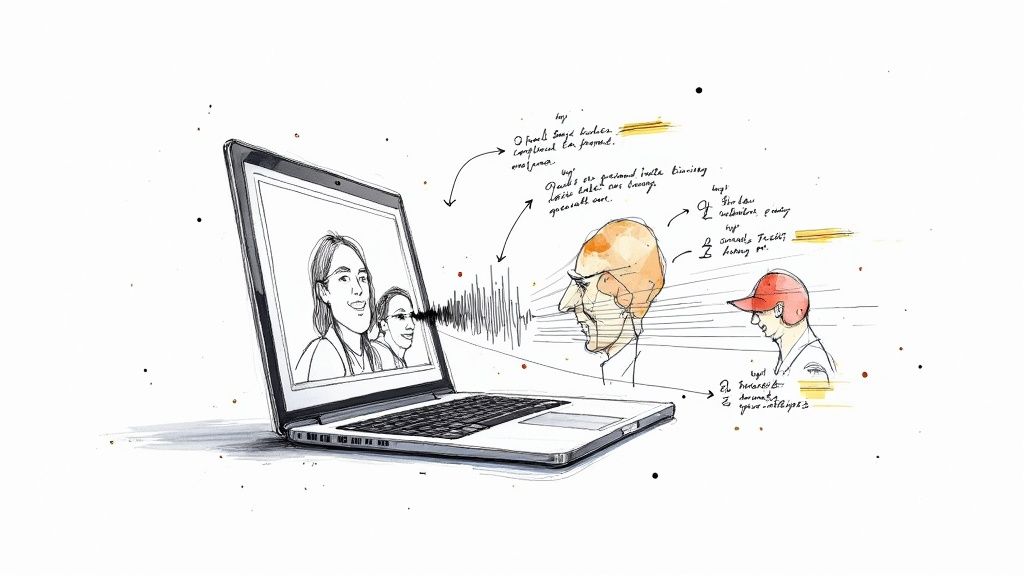
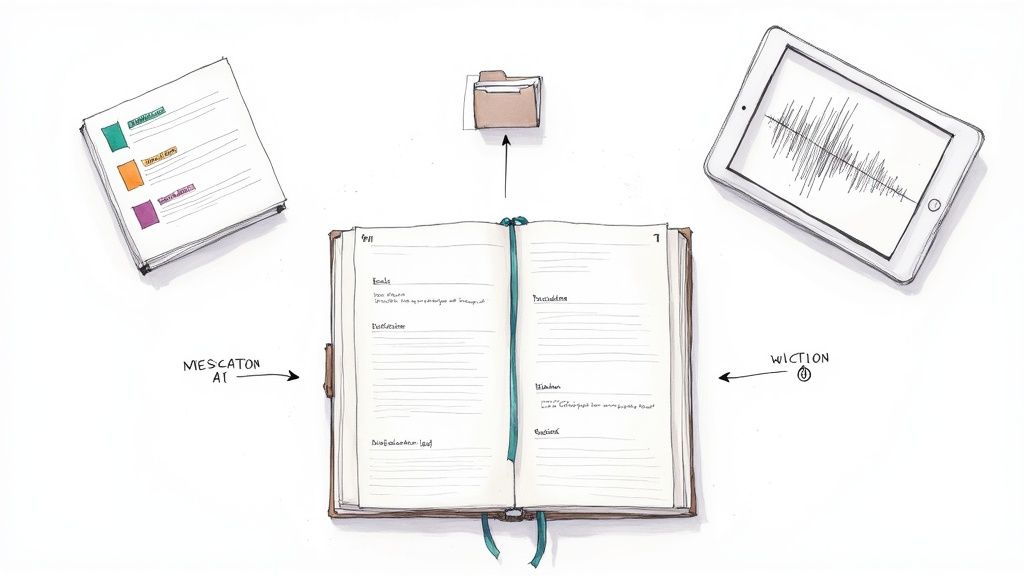
At its most basic, a transcription is the process of converting spoken words from an audio or video file into written text. Think of it as creating a script from a conversation, giving you a tangible record you can read, search, and share long after the sound has faded.
What Is a Transcription in Simple Terms?
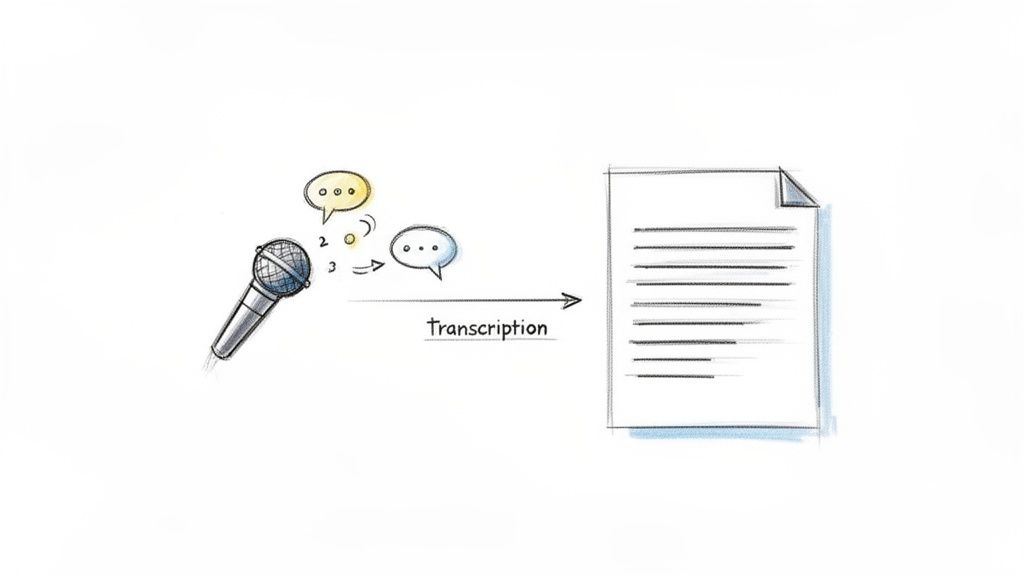
Simply put, transcription turns something you can only hear into something you can use. It’s not just about typing out what was said; it’s about creating a permanent, practical record of vital conversations, interviews, podcasts, or lectures. This process unlocks all the value trapped inside your audio and video files, making them accessible and actionable.
The demand for this service is booming. The global transcription market hit a massive USD 21.6 billion in 2022 and is expected to climb even higher over the next decade. This surge is driven by a growing need for accurate records in fields like healthcare, media, and law. Digging into these industry trends reveals just how widespread the need has become.
Why Is Transcription So Important?
So, what's the big deal about turning audio into text? The benefits are surprisingly powerful, especially for content creators, researchers, and busy professionals. Instead of scrubbing through hours of a recording to find that one specific quote, you can just hit Ctrl+F on a text document and find it in seconds.
To really see why this is so valuable, let’s look at what a good transcript does for you.
Core Benefits of Transcription at a Glance
This table breaks down the main advantages of turning spoken words into text.
Each of these benefits transforms how you interact with your own content.
A transcription isn’t just a document; it’s a tool that unlocks potential. It transforms a one-time live event into a timeless asset you can analyze, share, and build upon.
Understanding what a transcription is—and what it can do—is the first step toward making your spoken content work much, much harder for you.
Exploring the Different Types of Transcription
So, you know what a transcription is. But here’s the thing: not all transcripts are created equal. The right one for you depends entirely on what you plan to do with it. Are you dissecting every last word of a legal deposition, or are you just trying to turn a podcast episode into a readable blog post?
Figuring this out upfront will save you a world of editing headaches down the road. Let's walk through the four main styles you’ll come across so you can nail it from the start.
Full Verbatim Transcription
Think of Full Verbatim as the most raw and unfiltered version of a transcript. It captures everything.
- Filler words? "Um," "ah," "like," "you know"—they're all in there.
- Stutters, false starts, and repeated words? You bet.
- Even non-verbal stuff like laughter, long pauses, and background noise gets noted.
This is the director's cut of your audio, and it's absolutely essential for legal proceedings or deep psychological research where how something was said is just as important as what was said. For most other purposes, though, it can be a real slog to read.
Clean Verbatim Transcription
This is where most people land. Clean Verbatim (sometimes called intelligent verbatim) strikes the perfect balance between accuracy and readability, making it the workhorse of the transcription world.
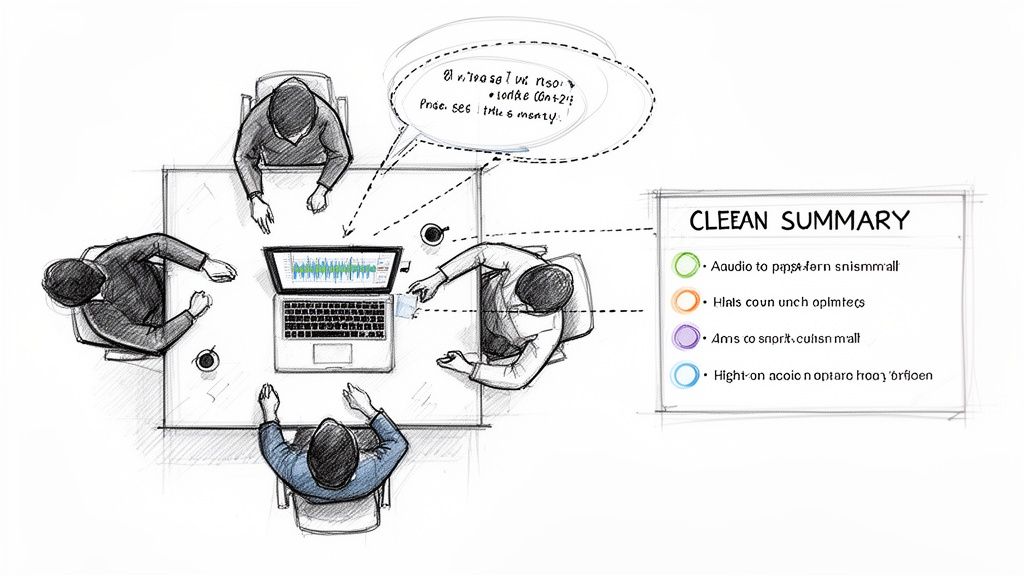
It’s a lightly edited version that gets rid of all the distracting tics and stumbles from a full verbatim transcript, cleaning up the text to be professional and clear without changing the speaker's original meaning. The result is a polished document you can use for articles, website copy, or meeting notes.
This style focuses on what was said, not how it was said. It provides a transcript that is immediately ready for publishing or sharing, making it the go-to choice for 95% of business and media projects.
Timestamped Transcription
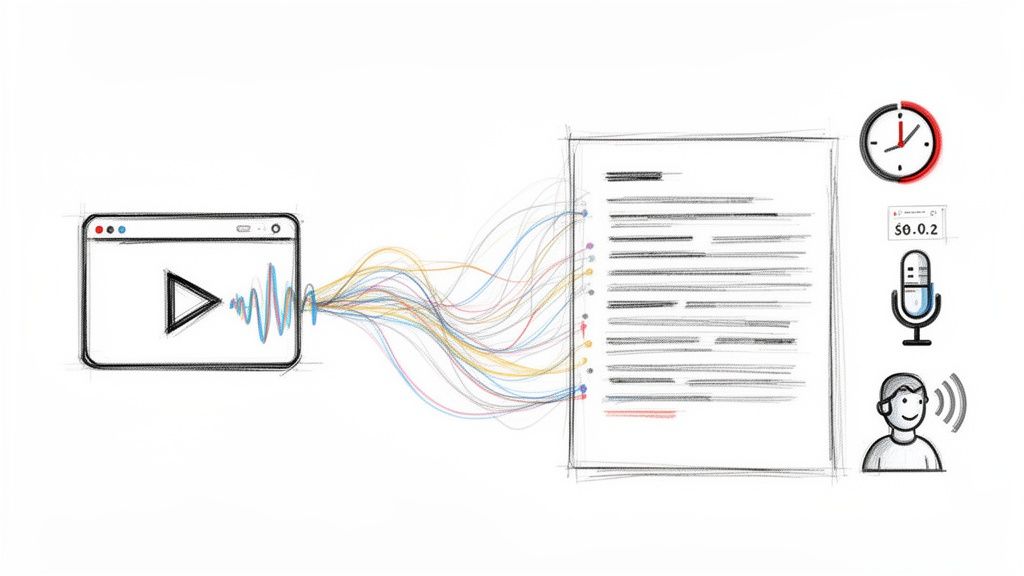
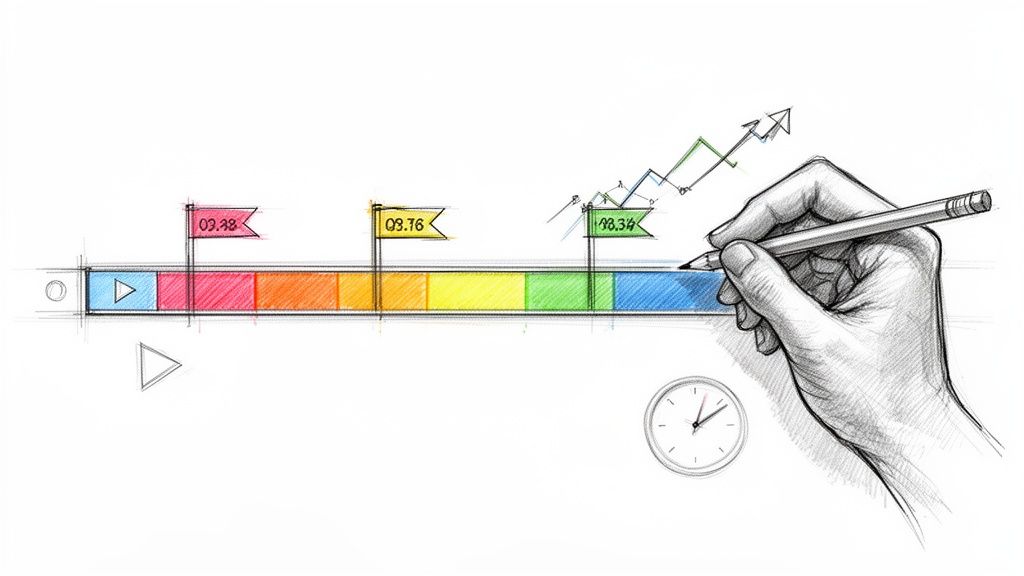
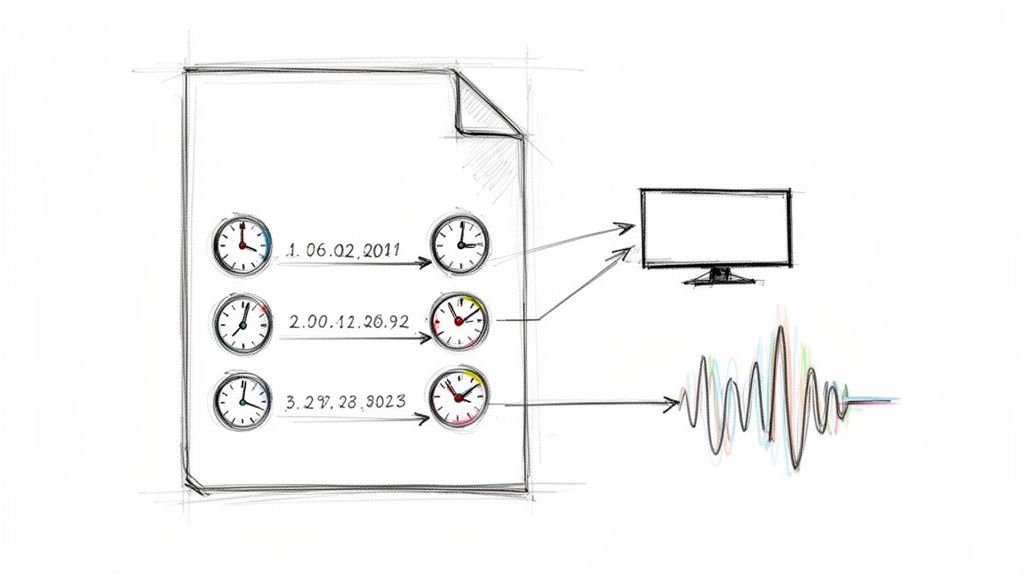
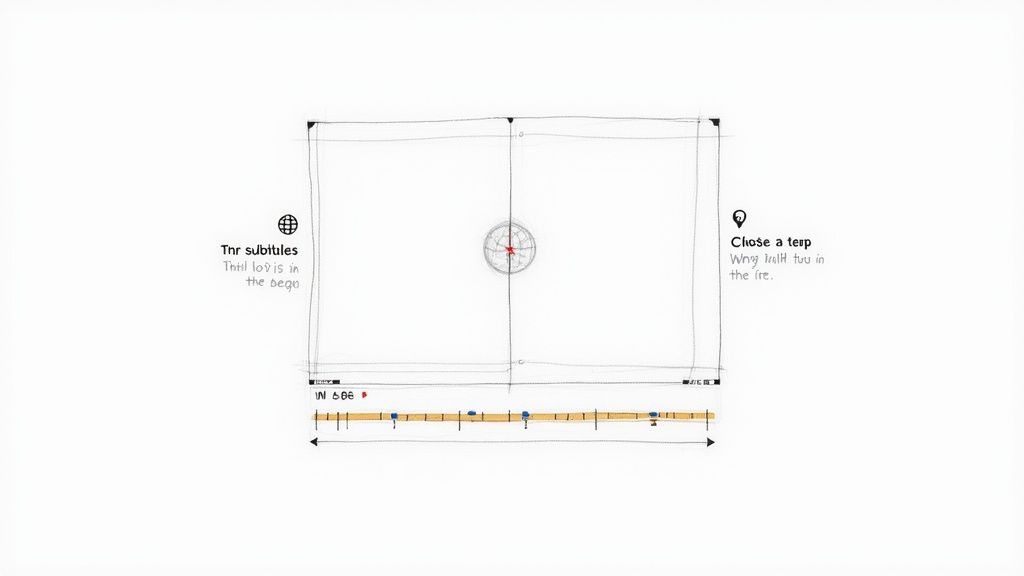
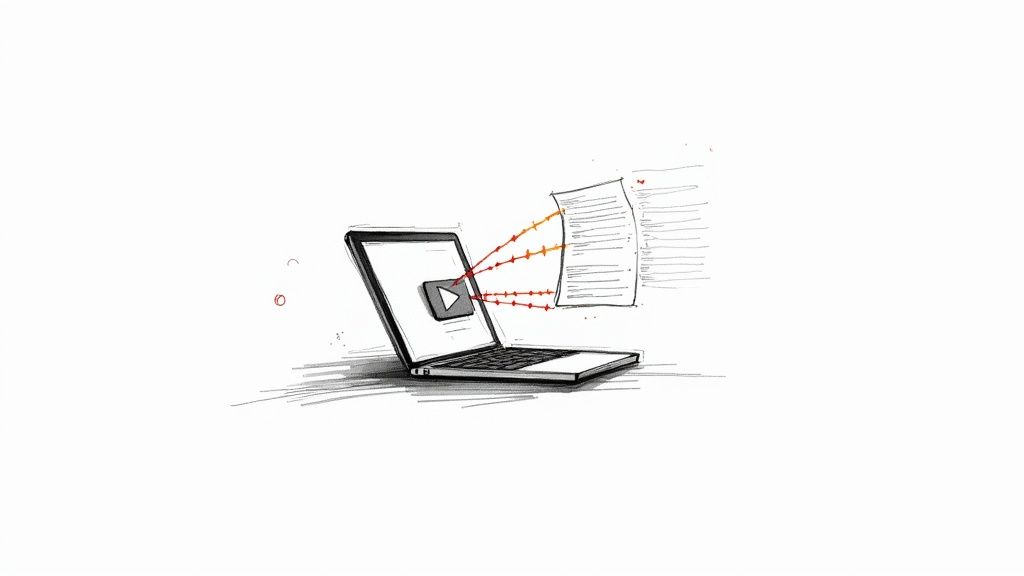
A Timestamped Transcription is exactly what it sounds like: a transcript with time markers dropped in periodically. These sync the text directly to a specific point in the audio or video file, maybe every 30 seconds or at the start of a new paragraph.
This is an absolute lifesaver for video editors, podcasters, and researchers. Instead of endlessly scrubbing through a recording to find that one perfect quote, you just look at the timestamp, jump to that exact spot, and you're golden.
Speaker Labeled Transcription
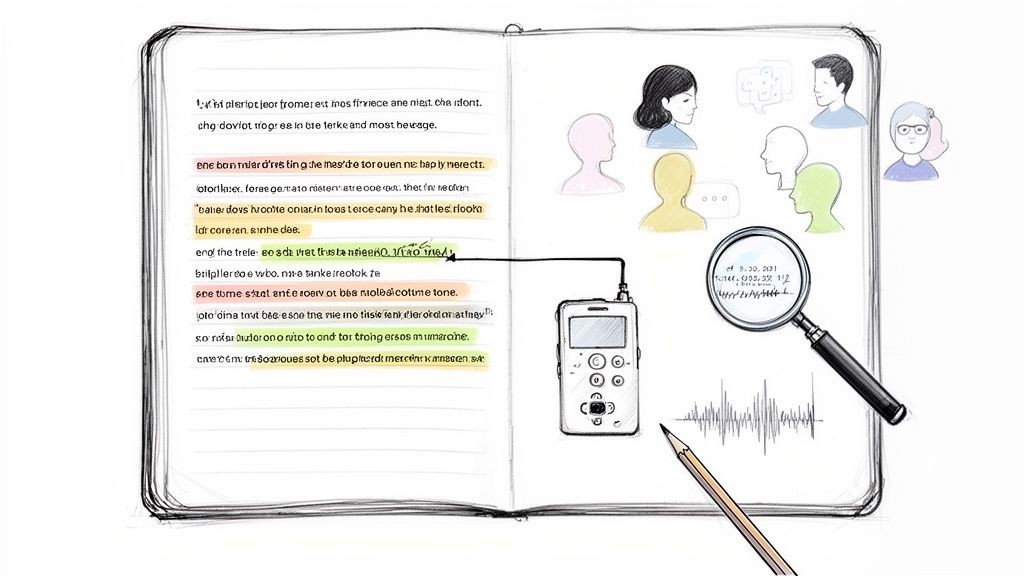
When you have more than one person in a recording, a Speaker Labeled Transcription is non-negotiable. This format simply identifies who is speaking at any given time, whether it's "Interviewer" and "Dr. Smith" or just "Speaker 1" and "Speaker 2."
This is fundamental for interviews, focus groups, panel discussions, or any meeting with multiple participants. Without clear speaker labels, a conversation just turns into a confusing wall of text where it's impossible to track who said what. This simple addition brings order to the chaos.
Manual vs. Automated AI Transcription
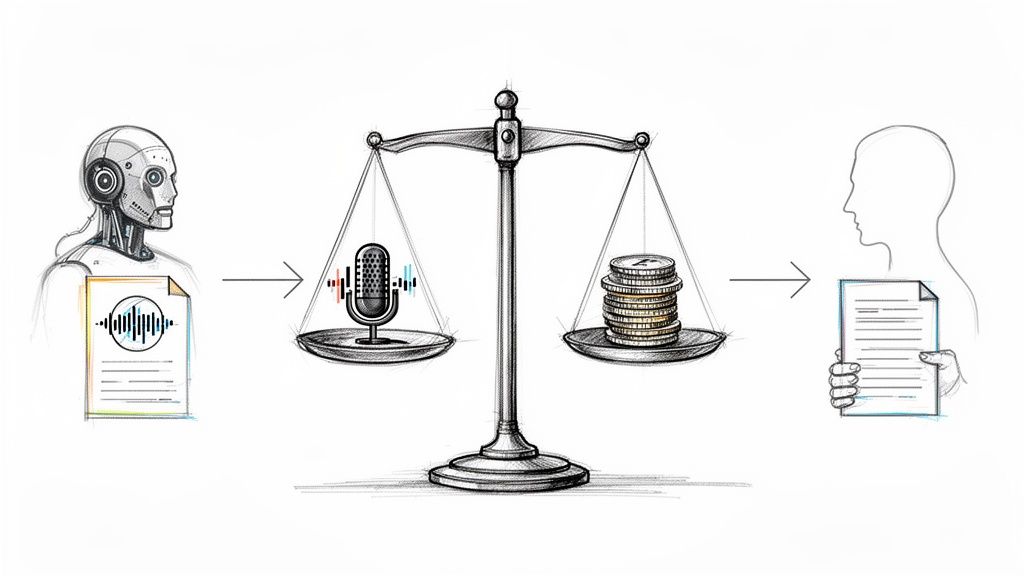
When you need audio turned into text, you're standing at a crossroads. Down one path is the traditional, human-powered approach; down the other, the modern, AI-driven one. It’s a bit like choosing between a master craftsperson who carves every detail by hand and a state-of-the-art factory that produces precision parts at incredible speed.
Neither is inherently better—the right choice hinges entirely on what you need for your specific project. It all comes down to balancing accuracy, cost, and how quickly you need it done.
The Human Touch: Manual Transcription
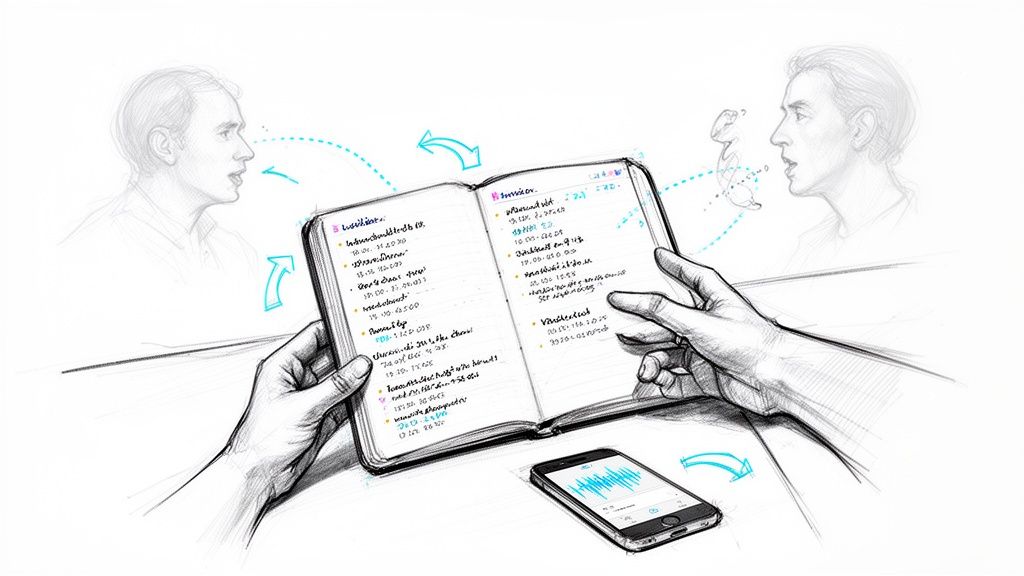
Manual transcription is the classic method. A trained professional sits down, listens intently to your audio, and types everything out. This is the gold standard for accuracy because a human ear can pick up on nuance that a machine might miss—things like thick accents, overlapping speakers, or subtle shifts in tone.
But that meticulous attention to detail comes at a cost. It’s slow work; a single hour of audio can take a professional several hours to transcribe. It's also expensive. The high cost of labor makes it a tough sell for anyone with a lot of content or a tight budget.
The Modern Solution: Automated AI Transcription
This is where automated transcription changes the game. Using powerful artificial intelligence, tools like Whisper AI convert speech to text in a fraction of the time it takes a human. We’re talking about processing hours of audio in just minutes.
This approach offers a fast, affordable, and incredibly scalable solution. And don't think you're sacrificing quality for speed. Today’s best AI models can achieve up to 99% accuracy, putting them on par with human transcribers for any audio that's reasonably clear.
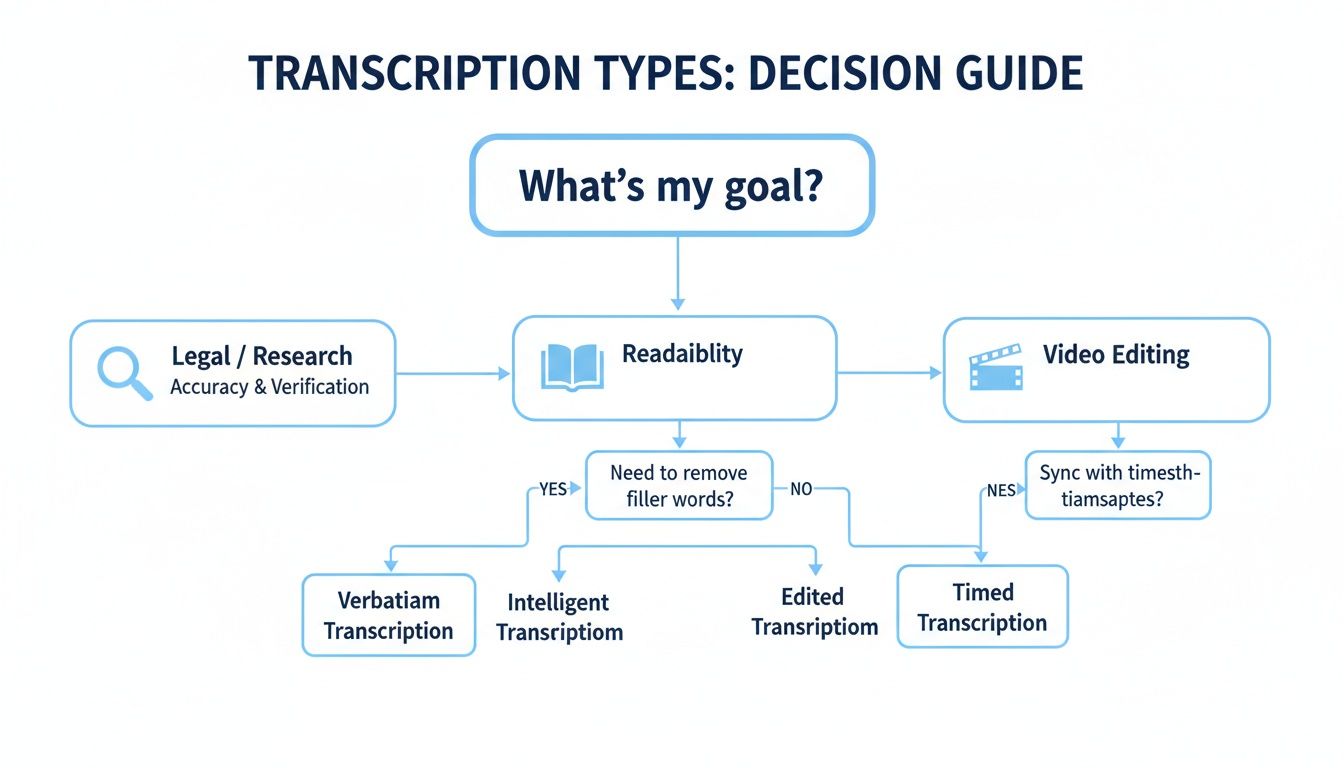
The key takeaway here is to let your end goal drive your decision. Are you preparing evidence for a legal case, or do you just need a readable script for a podcast? The right transcription style depends on the job.
The rise of AI has been a massive win for content creators. YouTubers and podcasters can now get near-perfect transcripts at 10x the speed while cutting costs by up to 80% compared to manual services. This shift is reflected in the market itself—the U.S. transcription industry hit a value of $30.42 billion in 2024, with media and entertainment leading the charge. You can see the full scope of this trend by exploring the transcription market's impressive growth.
The question isn't which method is "better," but which one is better for your task. For creating and analyzing content at scale, AI is the clear winner.
To make the choice even clearer, let's put them head-to-head. And for an even deeper dive, check out our guide on the best automated transcription software.
Manual vs. Automated AI Transcription: A Head-to-Head Comparison
This table breaks down the key differences to help you decide which method best fits your project's needs, whether you're prioritizing speed, budget, or pinpoint accuracy.
Ultimately, while manual transcription still holds its place for highly sensitive or complex audio, the speed, affordability, and ever-improving accuracy of AI make it the go-to choice for the vast majority of modern transcription needs.
Who Uses Transcription and Why It Matters
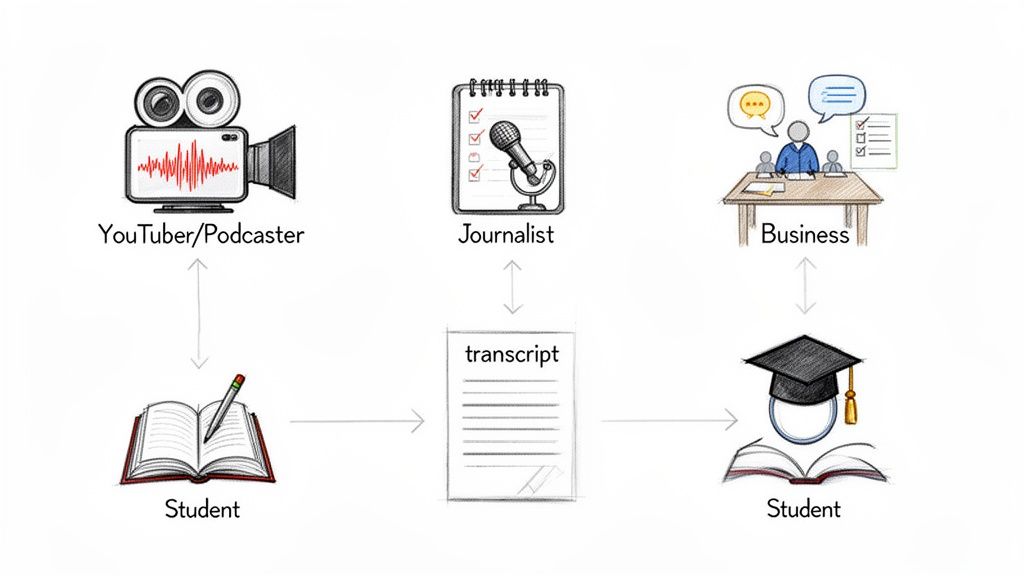
Transcription isn't just a technical process; it's a practical tool that people in all sorts of professions use every single day. It helps them save time, reach more people, and pull valuable insights out of spoken conversations. Whether you're a YouTuber filming in a spare bedroom or a researcher in a high-tech lab, turning audio into text opens up a world of possibilities. It’s all about making spoken words more useful.
The applications are everywhere. Take the medical field, where a single mistake can have serious consequences. The market for medical transcription software is on track to jump from $3.01 billion in 2025 to a massive $13.69 billion by 2035. That growth is fueled by things like the switch to electronic health records, which just goes to show how vital accurate text records are in high-stakes fields.
But you don't have to be a doctor to see the benefits.
For YouTubers and Podcasters
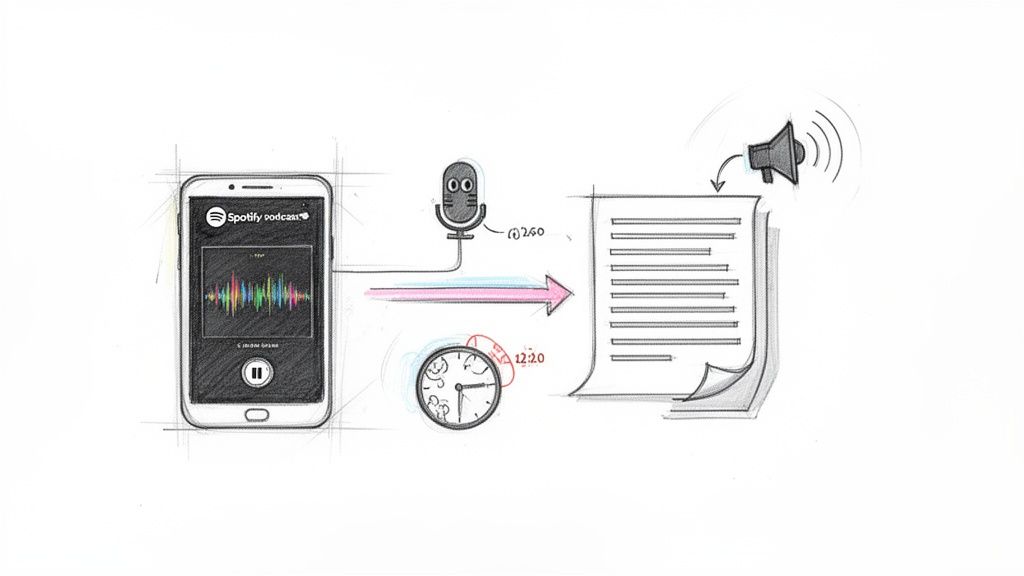
If you're a content creator, your audio and video files are your bread and butter. When a podcaster gets their latest episode transcribed, they're instantly making it visible to search engines like Google, which can't "listen" to audio but can absolutely read text. This gives their SEO a huge boost, pulling in new listeners who are searching for the very topics they discussed.
At the same time, that transcript can be repurposed into captions. Now, the show is accessible to people who are deaf or hard of hearing, not to mention anyone watching on their phone with the sound off. It's a simple step that leads to a much bigger, more engaged audience.
Transcription transforms a one-dimensional piece of media into a multi-purpose asset. It’s no longer just a video; it’s now a blog post, a set of social media quotes, and an SEO magnet.
For Journalists and Researchers
Picture a journalist on a tight deadline, working on a big investigative piece. They've conducted hours of interviews. Instead of re-listening to every recording to find that one perfect quote, they can just search the transcripts. What would have taken hours now takes seconds.
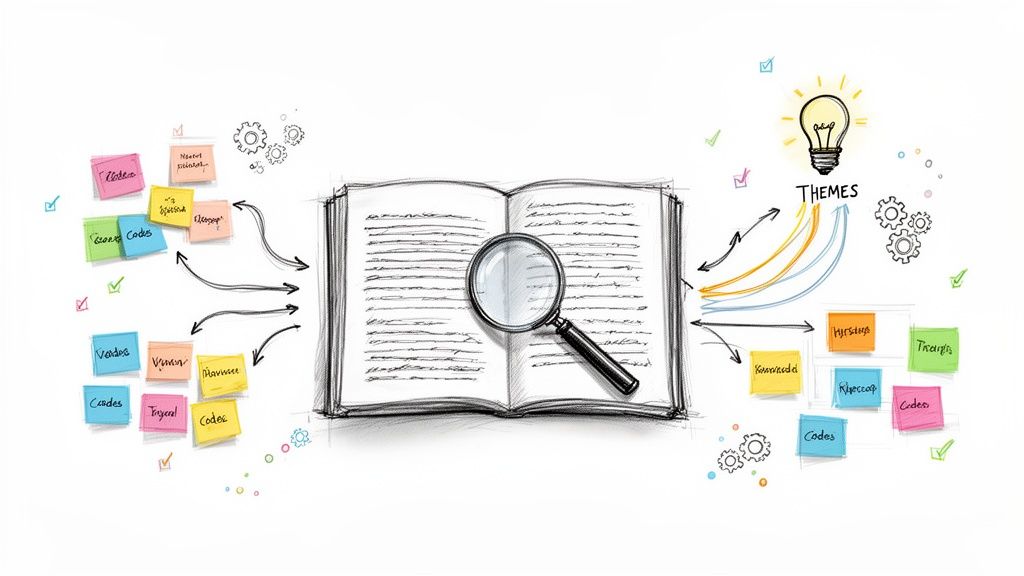
This process builds a searchable, organized library of source material. For a researcher studying focus group data, having transcripts with speaker labels means they can follow who said what, track different lines of thought, and spot key themes without getting lost in the noise.
For Business Teams and Professionals
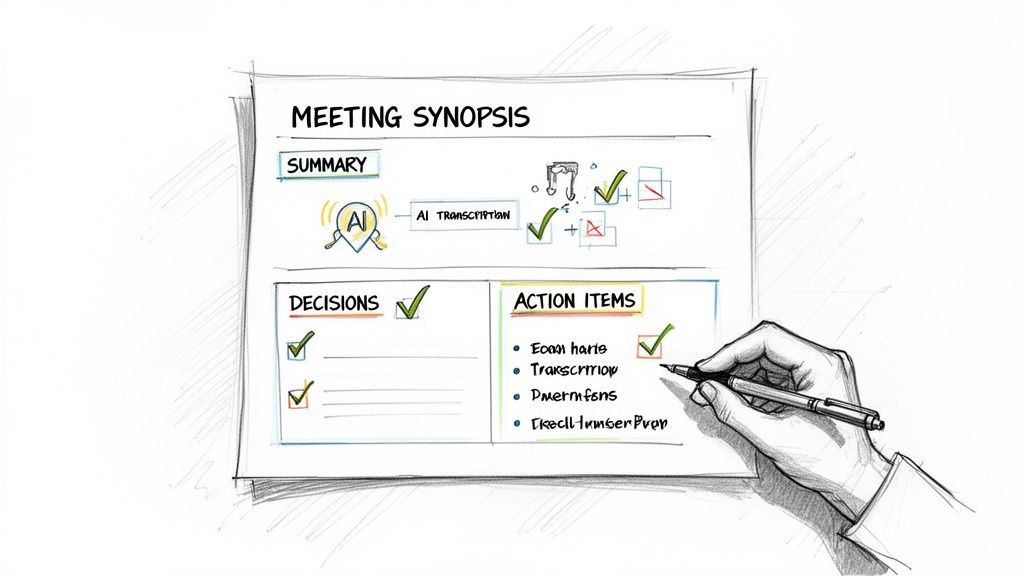
Think back to your last important team meeting. Big decisions were made and tasks were handed out, but a week later, is everyone still clear on who's doing what? A transcript of that meeting acts as the official record.
It becomes the single source of truth everyone can go back to, making sure the whole team is on the same page and holding each other accountable. That kind of clarity is what keeps projects from getting derailed by simple misunderstandings.
For Students and Educators
Transcription is also a fantastic learning aid. It can seriously improve listening comprehension, especially when you're trying to grasp complex topics or learn a new language. A student can transcribe a lecture and instantly have a detailed study guide to review at their own pace.
An instructor can provide transcripts for their video lessons, making sure every student has equal access to the material, no matter their learning style or hearing ability. It makes the entire educational experience more flexible, inclusive, and ultimately, more effective.
How to Get the Most Accurate Transcription
Whether you're using a human transcriptionist or a powerful AI, the accuracy of your final transcript hinges on one thing: the quality of your original audio.
It’s like trying to develop a photograph. If you start with a blurry, out-of-focus picture, even the best editing software can’t magically make it sharp. Audio works the exact same way.
The old programming mantra, "garbage in, garbage out," is the golden rule here. While modern AI tools are trained on vast amounts of data to handle different accents and complex jargon, feeding them clean audio is the single best thing you can do to get a near-perfect result. You have more control over the final outcome than you might realize.
Prepare Your Recording for Success
To capture the best possible audio, you need to pay attention to your recording environment. A few simple tweaks can make a world of difference in the final transcript.
- Find a Quiet Space: Record in a room with minimal background noise and echo. That means closing the windows, shutting off fans, and steering clear of humming refrigerators or air conditioners. A closet filled with clothes can actually work as a great makeshift sound booth in a pinch.
- Use a Decent Microphone: Your laptop's built-in mic might work for a quick call, but it's not ideal for transcription. An external USB or lavalier mic will capture your voice with much more clarity, making the words far easier for any software to decipher.
- Speak Clearly and Pace Yourself: Try not to mumble and aim for a natural, consistent speaking speed. If you have multiple speakers, make it a ground rule not to talk over each other. This is one of the biggest culprits of messy transcripts.
The cleaner your audio, the faster and more accurate your transcript will be. A few minutes of prep before hitting "record" can save you hours of tedious corrections later on.
Provide Context When Possible
Does your audio include a lot of niche terminology, company acronyms, or unusual names? Giving your transcription tool a heads-up can work wonders.
If you’re using a service that allows it, provide a glossary of these specialized terms. This gives the AI or human transcriber a reference point for words they might otherwise misinterpret.
Even with the best audio and context, a quick review is always a good idea. To learn more about nailing this final step, check out our guide on the importance of proofreading in transcription.
What AI Transcription Tools Like Whisper AI Bring to the Table
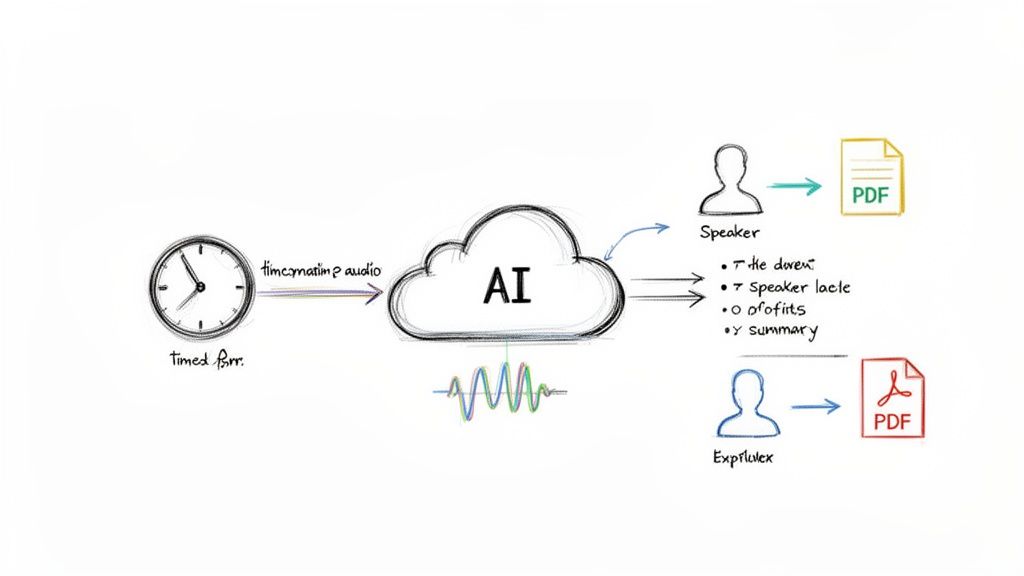
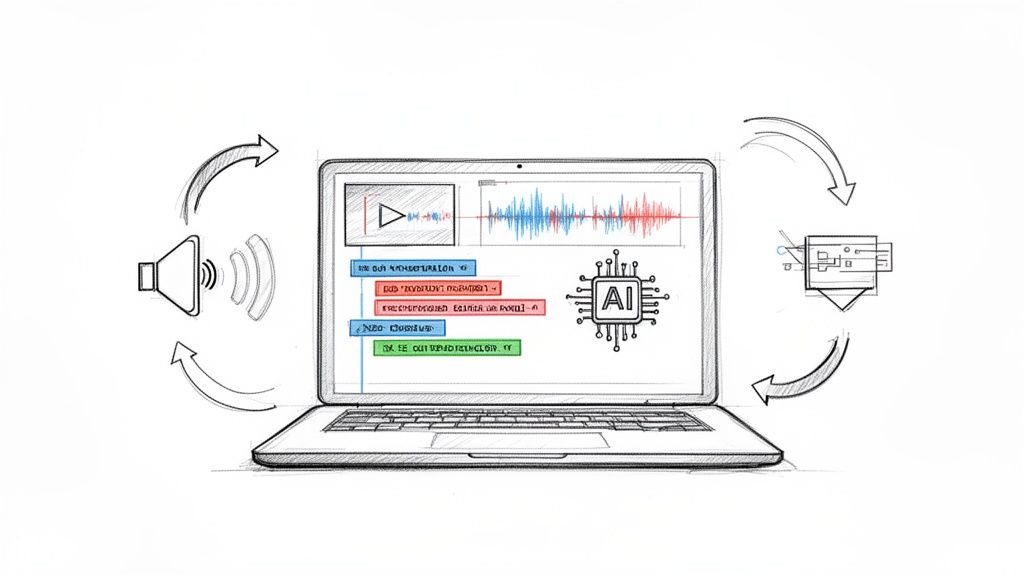
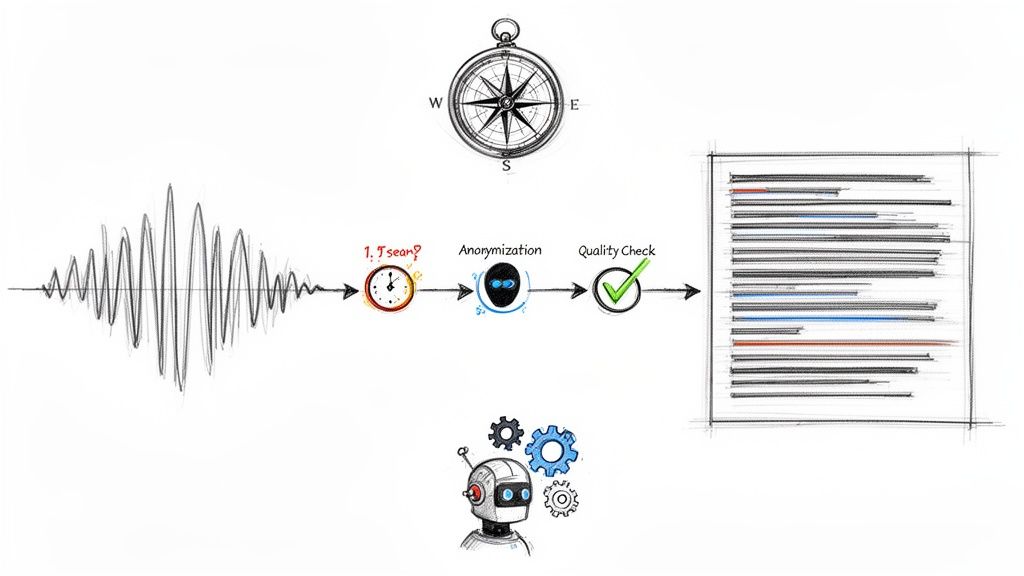
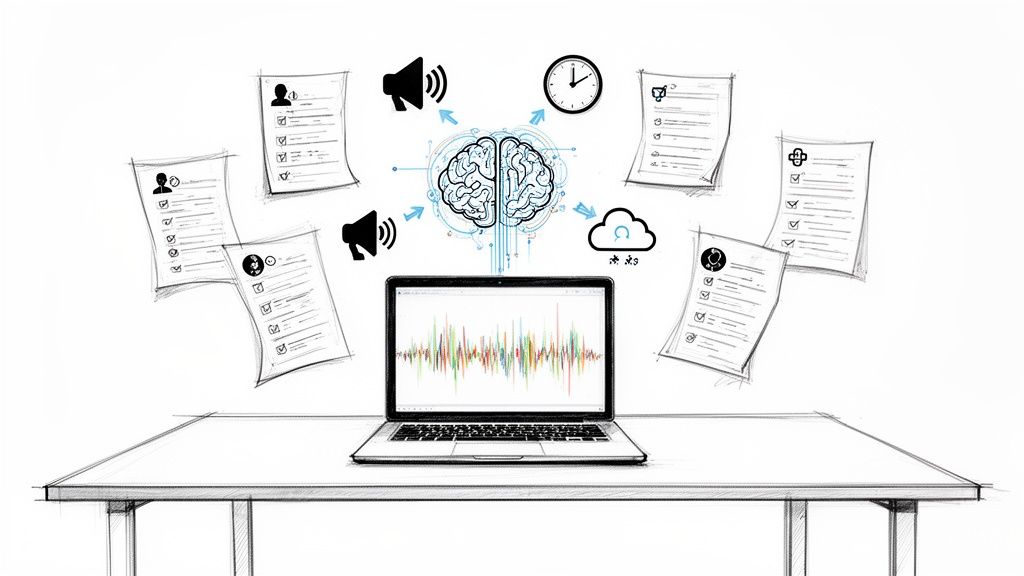
A standard transcription is great, but modern AI tools have pushed way beyond just turning speech into text. Platforms like Whisper AI are more like content intelligence systems. They take your raw audio and transform it into something you can actually use—full of insights and ready to go, saving you a ton of manual effort.
These tools don't just hand you a script; they help you understand what’s inside it, almost instantly.
This evolution is happening fast. The AI transcription market is expected to jump from $4.5 billion in 2024 to an incredible $19.2 billion by 2034. You can dig into more stats on AI's impact on the transcription industry to see just how big this shift is.
More Than Just a Wall of Text
The real magic of today’s AI tools is in the extra features that make your whole workflow smoother. Instead of getting a giant block of text, you receive a structured, organized document that’s easy to scan and ready for whatever you need to do next.
This is where you graduate from basic transcription to genuine content analysis. The AI takes care of the grunt work, which frees you up to focus on the creative, strategic tasks that really move the needle.
Modern AI transcription isn’t about replacing people; it's about making them more effective. The goal is to get from raw audio to a final, usable insight as quickly and painlessly as possible.
Key Features of Advanced AI Platforms
So what does an advanced tool like Whisper AI actually do that a simple transcriber can’t? It comes down to smart automation and flexible outputs.
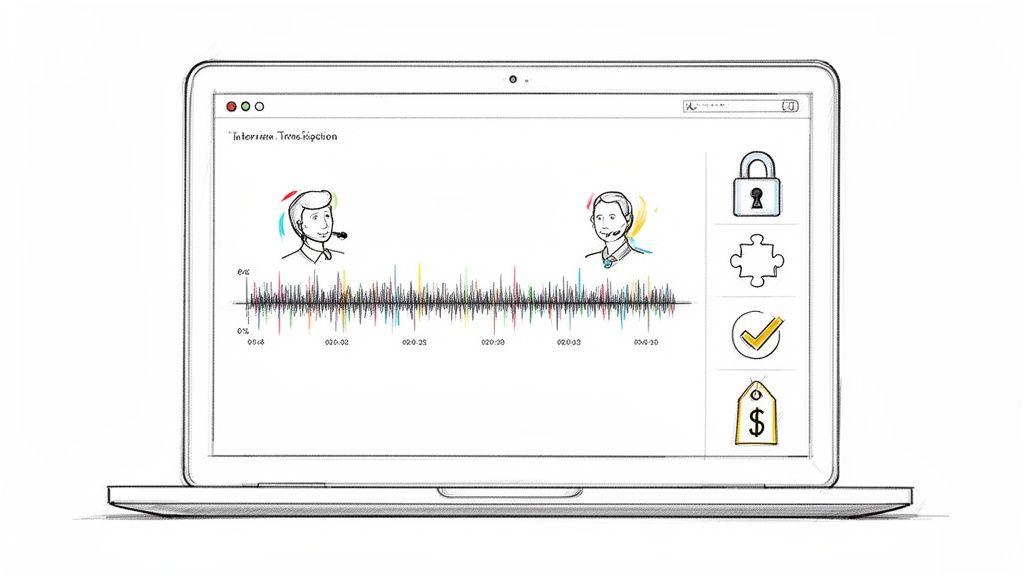
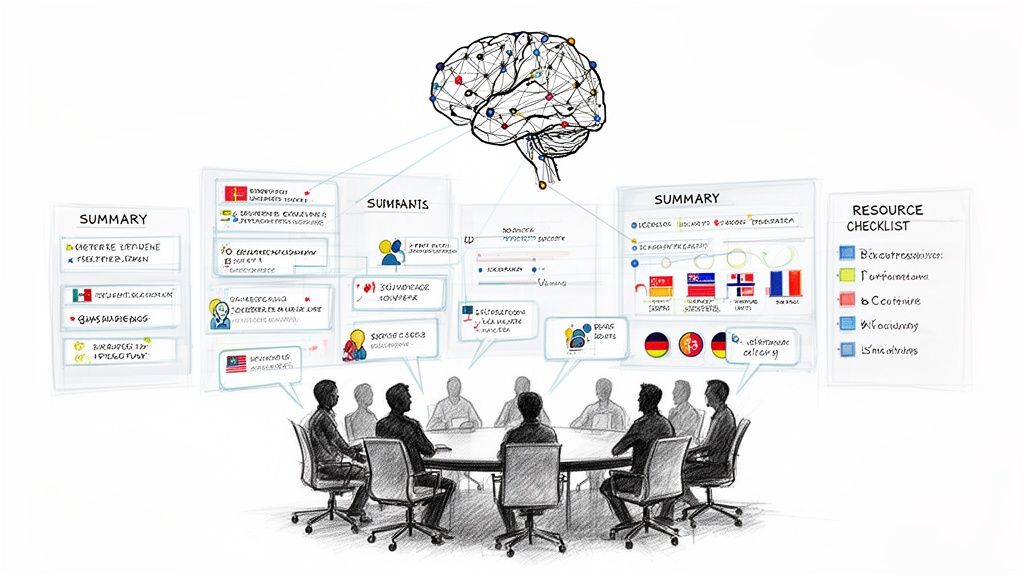
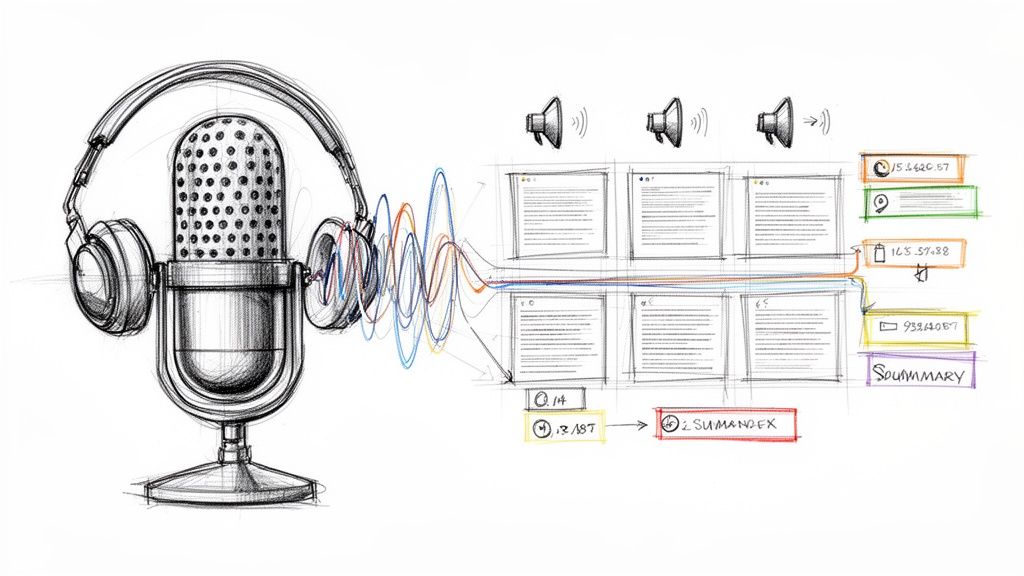
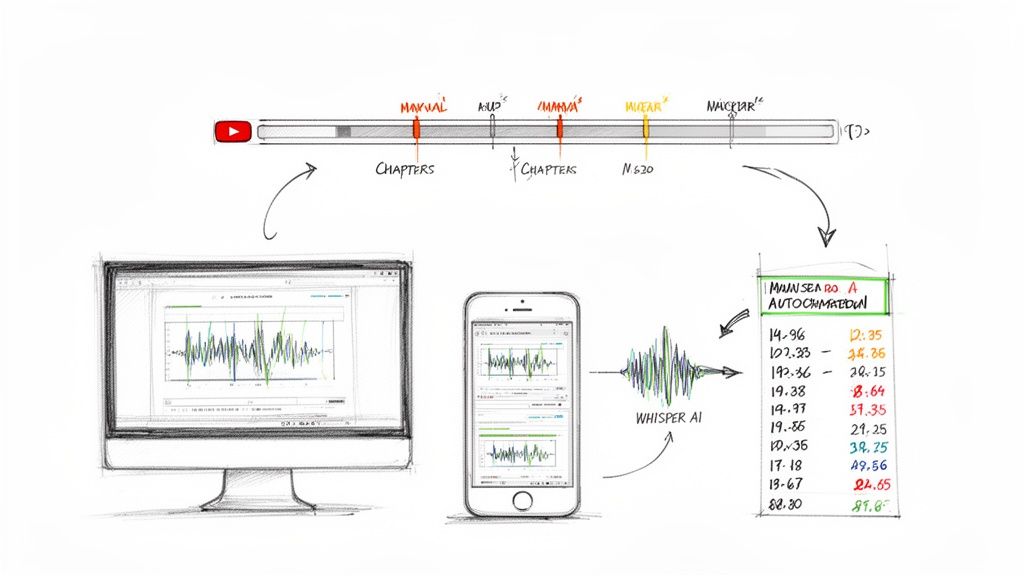
- Automatic Speaker Detection and Timestamps: The system figures out who is speaking and when, which is a lifesaver for editing podcasts or reviewing who said what in a meeting.
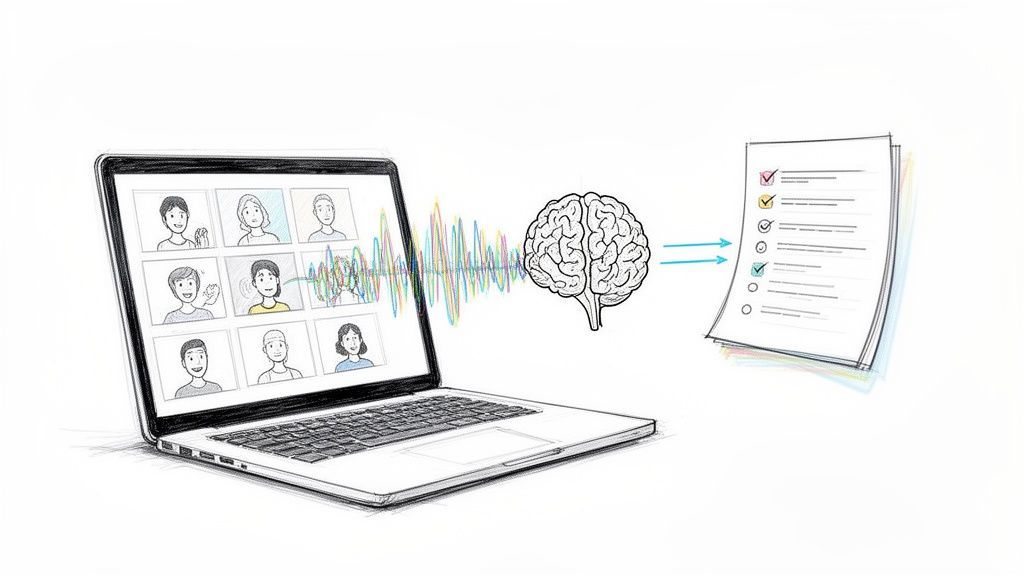
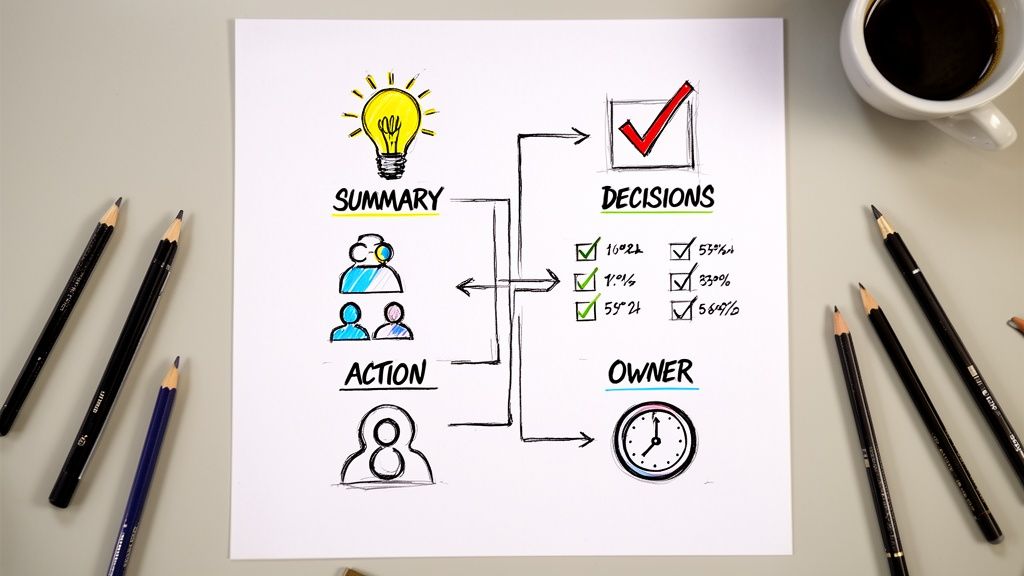
- Instant Summaries and Highlights: It can pull out the main points of an hour-long recording and give you a short summary or a bulleted list. You get the gist in minutes, not hours.
- Multi-Format Exports: Need your transcript in a Google Doc, PDF, or a simple TXT file? You can export it in various formats to fit right into how you already work.
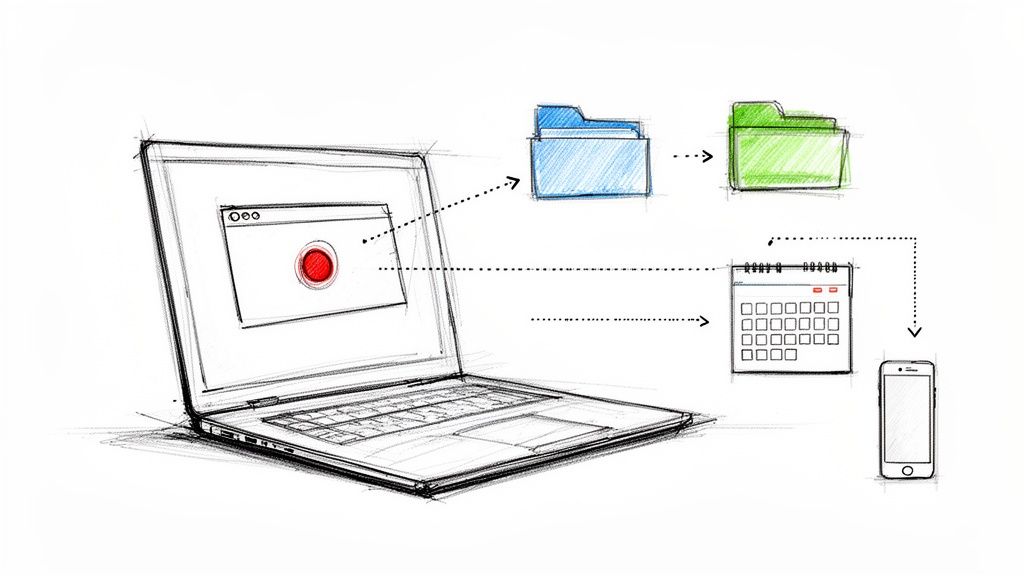
- Direct Link Ingestion: Instead of downloading a huge file, you can just paste a link from YouTube or another platform to get the transcription started. You can learn more about Whisper AI's capabilities in our deep dive.
And, crucially, privacy is built-in. Your files are processed securely and are never stored on a server, which is a huge relief when you're working with sensitive conversations. These kinds of features make modern AI platforms a must-have for anyone who regularly works with audio or video.
FAQ
Once you've got the basics of transcription down, a few practical questions almost always pop up. Let's tackle some of the most common ones so you can dive into your next project with confidence.
How Long Does It Take to Transcribe One Hour of Audio?
This is a classic "it depends" question, but the difference between the options is staggering.
If you hand an hour of audio to a professional human transcriber, you can expect it to take them anywhere from four to six hours to get it done right. That's assuming the audio is crystal clear. Throw in some background noise, multiple speakers talking over each other, or thick accents, and that time can easily double.
Now, compare that to AI. A modern AI transcription tool can chew through that same hour of audio and spit out a surprisingly accurate transcript in just five to ten minutes. This isn't just a small improvement; it completely changes the economics and speed of working with audio content.
Simply put, AI transforms a task that used to take up most of a workday into something you can finish before your coffee gets cold. This means you can get from recording to a usable text almost instantly.
Is AI Transcription Accurate Enough for Professional Use?
Yes, for most professional work, the answer is a resounding yes. The best AI tools today can hit up to 99% accuracy on clean audio, which is right up there with what skilled human transcribers can achieve. For tasks like creating video captions, drafting meeting summaries, or turning a podcast into a blog post, that's more than accurate enough.
But—and this is an important "but"—there are times when you'll still want a human to give it a final once-over. Think of high-stakes situations like legal depositions or critical medical notes where a single misplaced word could have serious consequences. For those cases, using AI to create the first draft and then having a person polish it is the perfect combination of speed and precision.
What Is the Best File Format for a Transcription?
There’s no single "best" format—the right one really depends on what you plan to do with the text next. Think of it like choosing the right tool for a job.
Here are the most common options and when to use them:
- .txt (Plain Text): The simplest of the bunch. Choose this when you just need the raw, unformatted words. It's universally compatible and great for pasting into other applications.
- .docx (Word Document): Your go-to for editing. If you're going to be turning the transcript into a report, an article, or detailed notes that need formatting and collaboration, this is the format you want.
- .pdf (Portable Document Format): This is for creating a final, read-only version. Use a PDF when you need to archive a transcript or send it as official, un-editable documentation.
- .srt (SubRip Subtitle File): This one is purpose-built for video. An SRT file contains not just the text but also the exact start and end times for each line, ensuring your captions sync perfectly with the on-screen action. It's essential for anyone producing video content.
Ready to see how fast and accurate AI can be? Stop waiting hours for transcripts and turn your audio and video into searchable, summarized text in minutes. Get started with Whisper AI today!