
The 12 Best Transcription Software for Interviews in 2024
Manually transcribing interviews is a painstaking task that steals hours from creators, researchers, and journalists. The right transcription software for interviews automates this process, turning hours of audio into searchable, editable text in minutes. But the market is crowded, and choosing the wrong tool can lead to inaccurate transcripts, frustrating editing sessions, and wasted money. Finding the best fit for your specific needs is crucial.
This guide is designed to help you make an informed decision without the fluff. We've tested and analyzed the top transcription platforms, moving beyond marketing claims to provide a practical, hands-on comparison. You'll get a detailed look at how each tool performs on key features like speaker identification, timestamp accuracy, export options, and data privacy. We'll also examine how each platform integrates into different workflows, whether you're a podcaster using Descript, a qualitative researcher relying on NVivo, or a journalist on a deadline needing the speed of Trint.
Throughout this resource, we break down pricing, highlight the genuine pros and cons of each service, and offer direct links and screenshots so you can see the software in action. We'll compare specialized tools like Fireflies.ai for automated meeting notes against high-accuracy human-hybrid services like Rev, and see how the powerful, open-source Whisper AI model stacks up against these commercial options. By the end of this article, you'll have a clear understanding of the transcription software for interviews that will save you the most time and best support your projects.
1. Whisper AI
Whisper AI presents a powerful, all-in-one solution for anyone who needs more than just a raw transcript. It stands out by integrating high-accuracy transcription with automated summarization, making it an exceptional piece of transcription software for interviews where speed and insight are critical. The platform ingests a vast range of audio and video file formats and even accepts public links from social media, streamlining the initial step of getting your content ready for processing.
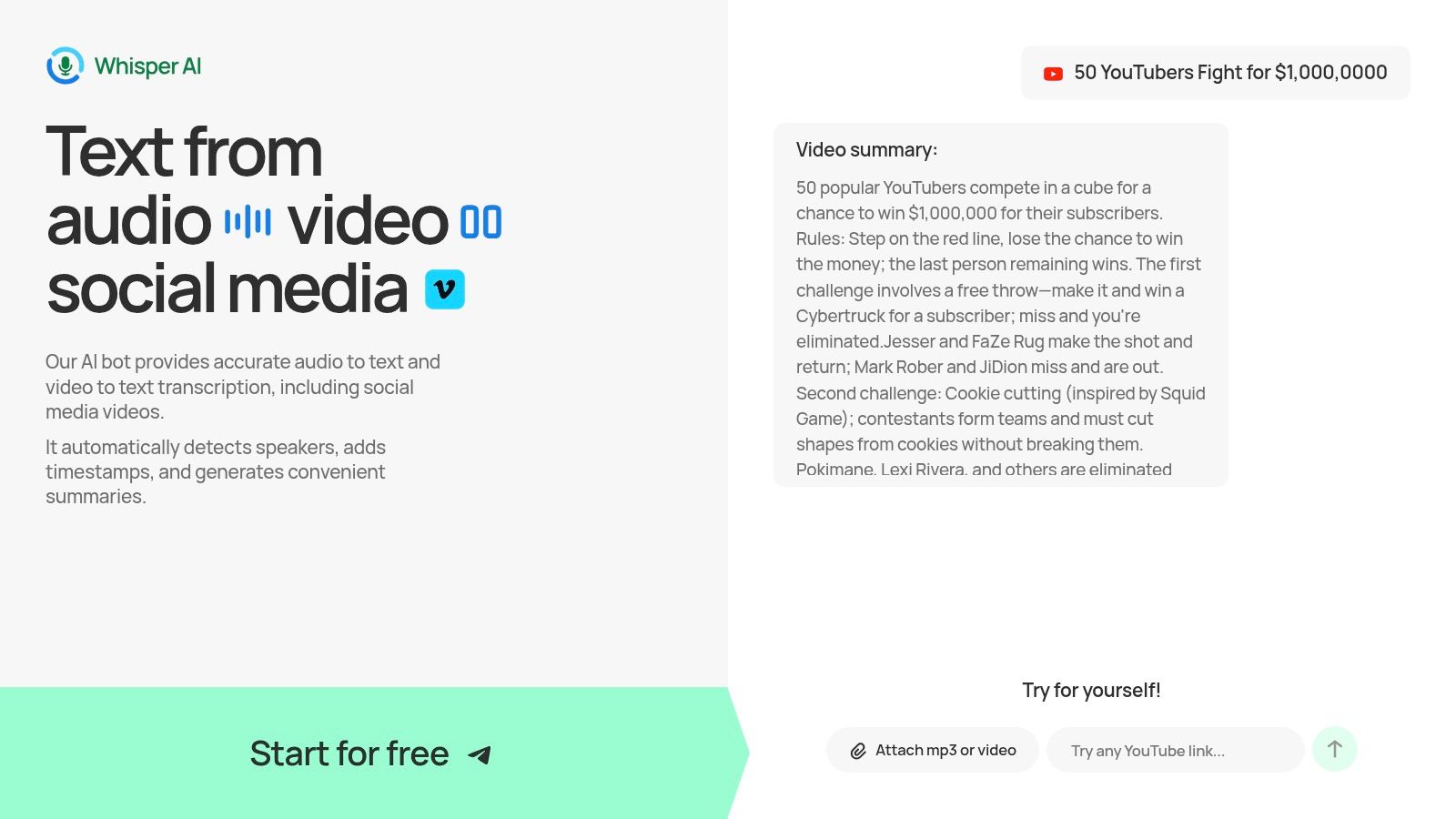
This tool is particularly effective for content creators, researchers, and business teams who need to quickly extract key takeaways. Instead of just converting speech to text, it automatically identifies different speakers, adds precise timestamps, and generates both a concise summary and a bullet-point list of highlights. This end-to-end workflow means you can go from a long interview recording to actionable notes or social media captions in a fraction of the time it would take manually. Its ability to support over 92 languages also makes it a strong contender for global projects.
Core Strengths & Use Cases
Whisper AI’s combination of features serves multiple professional needs. Podcasters and YouTubers can quickly generate show notes and video descriptions, while journalists can use the interactive Q&A feature to ask follow-up questions directly to the transcript, helping locate key quotes without re-listening.
- Multi-Format Ingestion: Accepts nearly any audio/video file or a social media link, removing conversion headaches.
- Intelligent Outputs: Provides not only a transcript but also summaries and highlights, accelerating content repurposing.
- Privacy-Focused: Files are processed securely and are not retained after the task is complete, a crucial detail for sensitive interviews.
- Broad Export Options: Easily move your transcript into Google Docs, Word, PDF, or plain text formats.
Potential Limitations
While powerful, the platform's public website is not entirely transparent about its pricing structure or plan limitations; users may need to sign up to understand the full cost for high-volume needs. Additionally, like all AI-based transcription, accuracy can be affected by poor audio quality, heavy background noise, or highly specialized terminology, meaning a final manual review is still recommended for mission-critical work. For a deeper dive into best practices, the company provides a guide on how to transcribe interviews for optimal results.
Best for: Journalists, podcasters, and researchers who need to quickly process interviews and extract key insights without a multi-tool workflow.
2. Otter.ai
Otter.ai positions itself as an AI meeting assistant, but its core strength lies in providing excellent, real-time transcription software for interviews, meetings, and lectures. Its main advantage is the tight integration with popular calendar and video conferencing tools like Zoom, Google Meet, and Microsoft Teams. This allows the OtterPilot AI agent to automatically join, record, and transcribe meetings, delivering a summary and full transcript moments after the call ends. For journalists or researchers conducting back-to-back remote interviews, this automation is a significant time-saver.
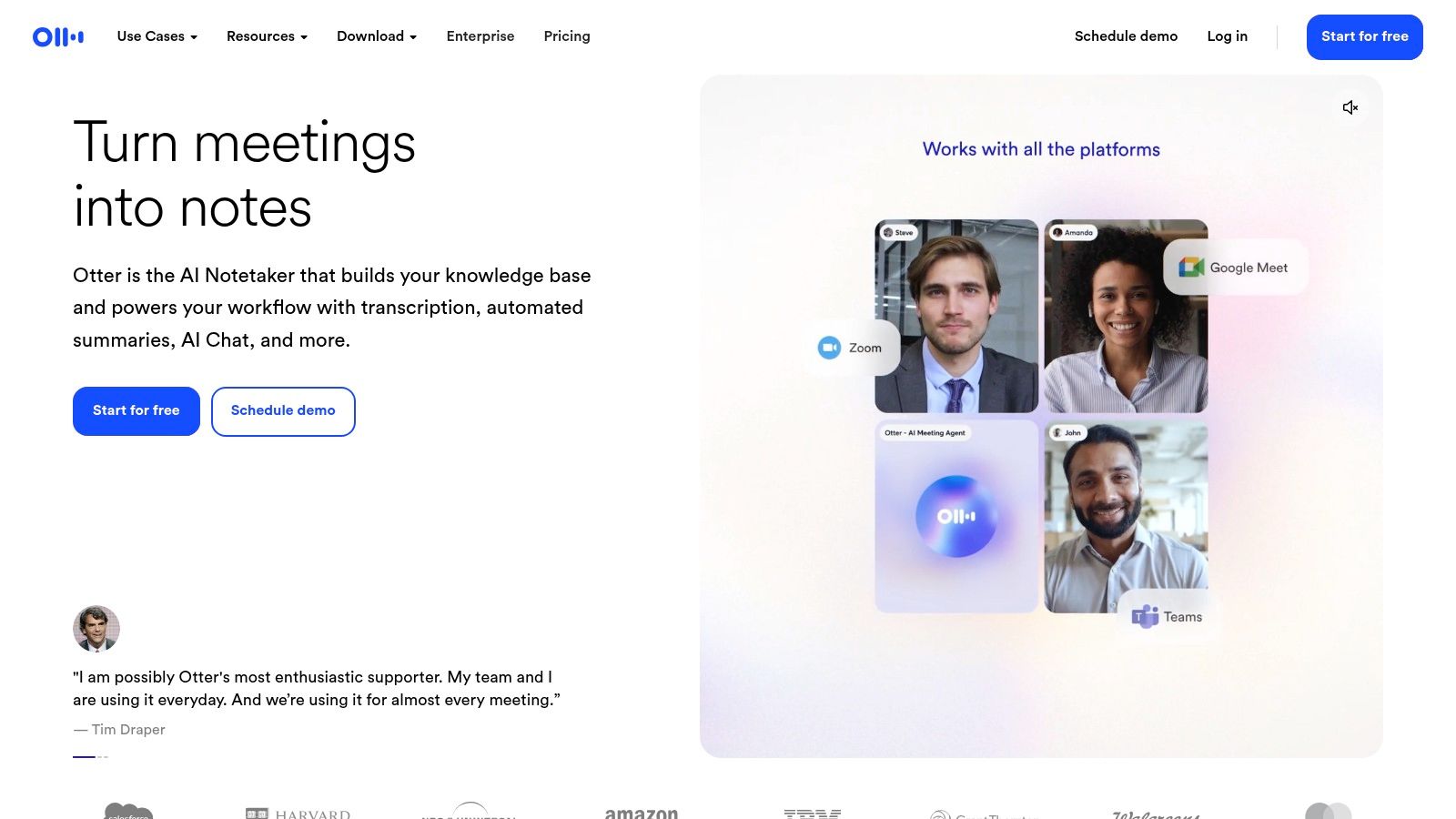
The platform’s web and mobile apps feature a collaborative editor where you can correct the transcript, highlight key quotes, and add comments. Speaker identification is generally reliable with distinct voices, automatically labeling who said what. This makes reviewing interview recordings much faster than scrubbing through audio.
Key Features and Use Case
- Best For: Journalists, researchers, and business teams who need automated transcription for live virtual interviews and meetings.
- Live Transcription: Captures conversations in real-time directly within the meeting.
- Speaker Diarization: Automatically detects and labels different speakers in the conversation.
- OtterPilot AI: An AI bot that can join your scheduled meetings to record and transcribe for you.
- Collaboration: Allows team members to edit, highlight, and comment on transcripts.
The free plan is quite restrictive, offering limited transcription minutes per month and capping individual recording lengths. To get the most out of Otter.ai, a paid plan is necessary, with tiers starting at $16.99/month for more minutes and longer sessions. For those just starting, exploring some of the best free transcription software options might be a better first step.
Website: https://otter.ai
3. Rev
Rev offers a hybrid model that sets it apart, providing both automated AI-driven transcription and a premium human transcription service. This makes it a strong contender when accuracy is non-negotiable or when dealing with challenging audio, such as interviews with heavy background noise, multiple overlapping speakers, or strong accents. While its AI service is fast and affordable, the ability to escalate a file to a professional human transcriber for near-perfect accuracy is its key advantage.
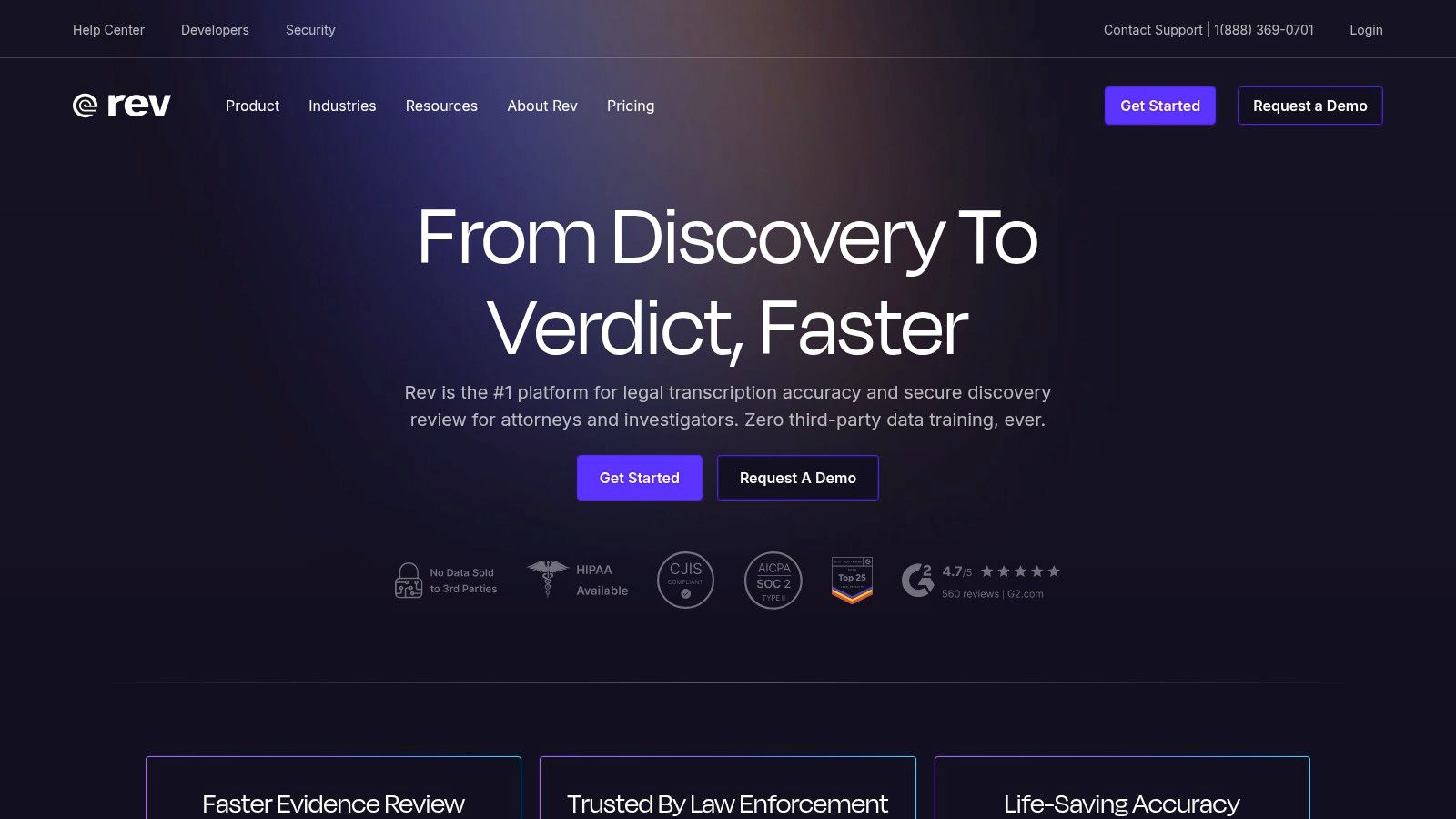
The platform includes a meeting notetaker for Zoom, Google Meet, and Microsoft Teams, providing instant summaries and transcripts after calls. Rev also features a mobile app for recording interviews on the go, which simplifies the workflow by allowing you to record and submit for transcription from a single device. This dual approach provides flexibility, letting you choose the right tool for each specific interview's needs.
Key Features and Use Case
- Best For: Podcasters, journalists, and legal professionals who need maximum accuracy for difficult audio and can justify the cost for human services.
- Hybrid Model: Offers both AI-generated transcripts (starting at $0.25/minute) and human-powered transcripts (starting at $1.50/minute) for 99% accuracy.
- Captions and Subtitles: Provides services for creating video captions and foreign language subtitles, ideal for content creators.
- Meeting Notetaker: Integrates with major video conferencing platforms to automatically record, transcribe, and summarize virtual interviews.
- Mobile App: A dedicated app for iOS and Android allows users to record audio and order transcripts directly.
While the AI service is competitive, the human transcription can become expensive for users with a high volume of interviews. The free trial for its AI service is also quite limited. However, for crucial interviews where every word matters, Rev's human-backed service provides a level of quality and reliability that automated transcription software for interviews often cannot match.
Website: https://www.rev.com
4. Trint
Trint is built from the ground up for professional storytellers, particularly journalists and media production teams. Its platform goes beyond simple transcription, offering a full suite of tools for collaborative editing, content verification, and creating narratives from interview audio or video. The system is designed to handle the fast-paced, multi-stakeholder workflows common in newsrooms, allowing teams to transcribe, edit, highlight, and share key quotes from interview recordings in a secure, shared workspace.
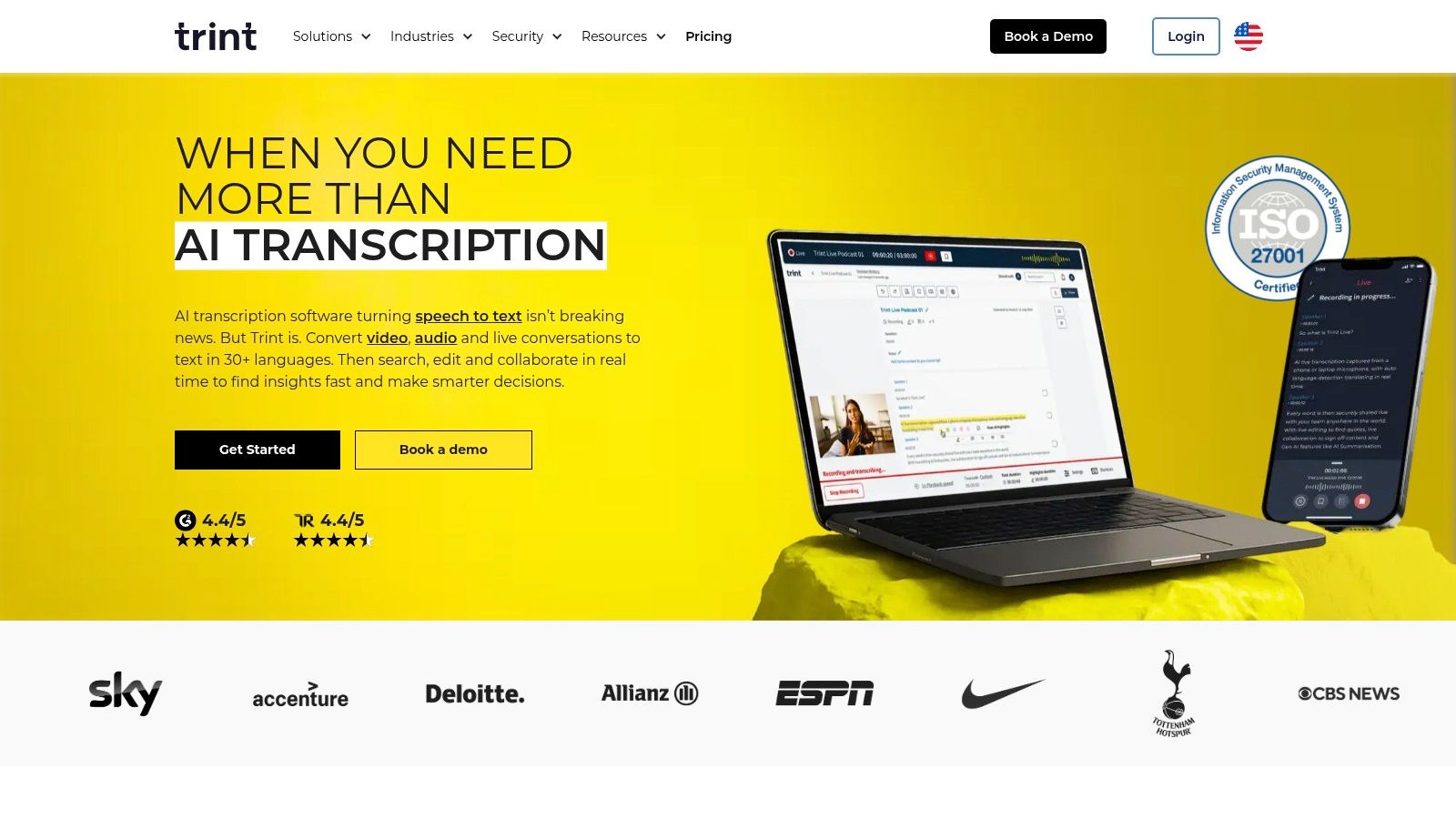
A key differentiator is its focus on security and enterprise needs. Trint offers ISO 27001 certification and data residency options, which are critical for organizations handling sensitive or confidential interview content. The platform's powerful search can instantly locate specific moments across hours of recordings, and its AI assistant helps generate summaries and pull out important quotes, greatly speeding up the post-interview process for content creators.
Key Features and Use Case
- Best For: Media organizations, newsrooms, and production teams needing a secure, collaborative transcription software for interviews and documentary work.
- Live Transcription: Capture and edit transcripts in real-time with multiple collaborators.
- Multilingual Support: Transcribe in over 40 languages and translate transcripts into more than 50 languages.
- AI Assistant: Quickly find key quotes, themes, and summaries from your transcribed interviews.
- Security and Compliance: ISO 27001 certified with available data residency options for enterprise clients.
Trint's pricing is premium, reflecting its focus on professional and enterprise markets. Plans are priced per user, which can become costly for larger teams. The pricing structure is not always transparent on their website and can vary by region and feature set, often requiring a direct sales inquiry for a custom quote.
Website: https://trint.com
5. Descript
Descript approaches transcription from a unique angle, integrating it directly into an all-in-one audio and video editor. This makes it an exceptional tool not just for transcribing interviews, but for editing them into polished content. Instead of scrubbing through a traditional timeline, you edit the media by simply editing the text of the transcript. Deleting a sentence in the transcript automatically cuts the corresponding audio or video clip, making the editing process remarkably fast and intuitive for content creators.
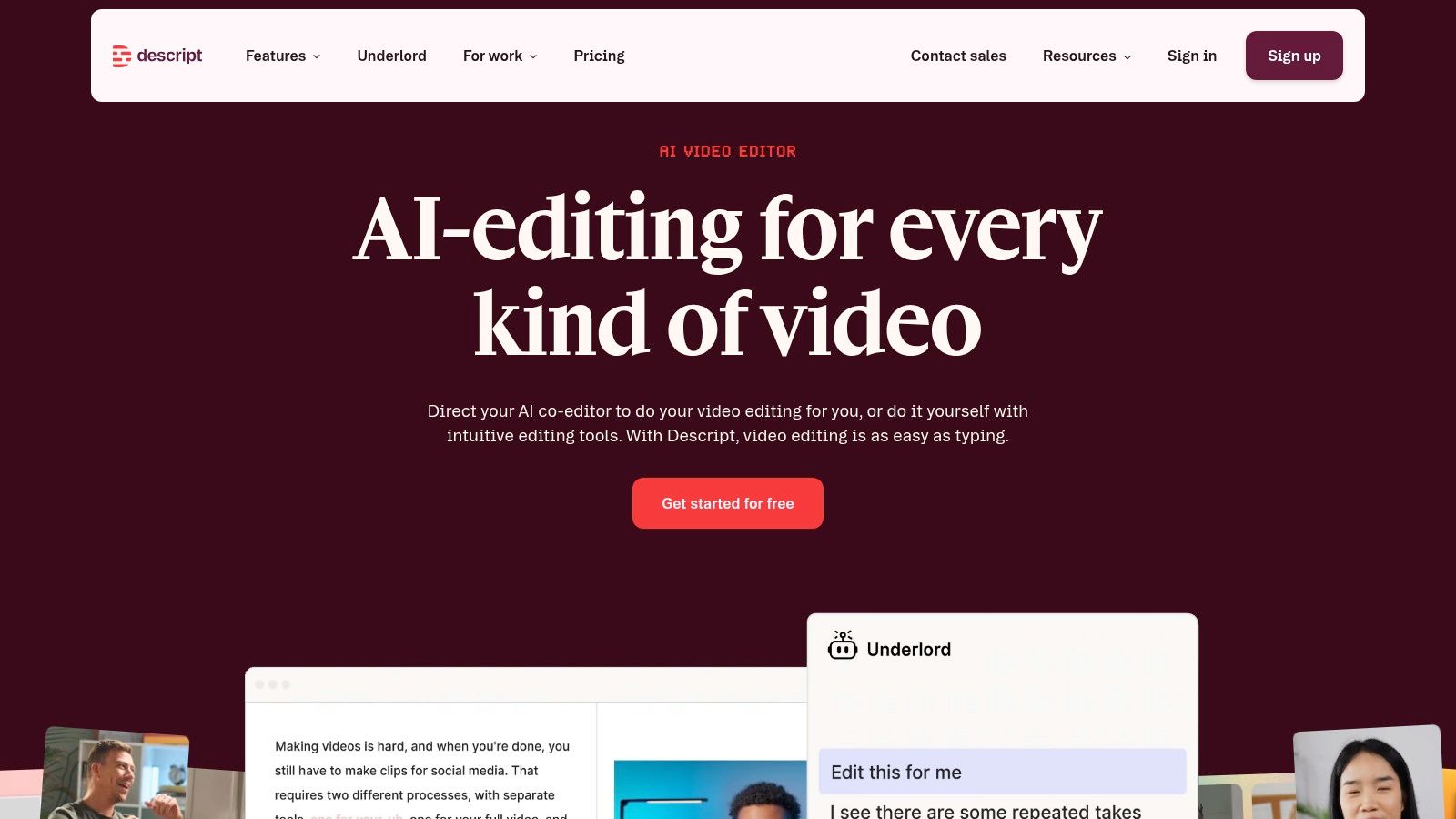
The platform is packed with powerful AI features that are perfect for podcasters and video producers. Tools like "Studio Sound" can make a poorly recorded interview sound like it was captured in a professional studio, and the filler word removal feature can clean up "ums" and "ahs" with a single click. While its transcription accuracy is solid, the true value of Descript is revealed when you need to turn your raw interview recording into a final, publishable product.
Key Features and Use Case
- Best For: Podcasters, video creators, and journalists who need to edit recorded interviews for publication.
- Text-Based Editing: Edit your audio and video files by simply editing the automatically generated transcript.
- AI Audio Enhancement: Features like Studio Sound improve audio quality, while filler-word removal cleans up the conversation.
- Overdub: Correct mistakes or add new words by typing them, using an AI-generated clone of your voice.
- Multi-track Collaboration: Work with a team on a shared project timeline, ideal for complex productions.
Descript’s pricing can be more complex than standard transcription services, as it is based on media hours and includes AI feature credits. This model can be overkill if you only need a plain text transcript without any media editing. However, for those who regularly produce content from interviews, it saves an enormous amount of time. Plans start with a free tier and paid options begin at $15/month.
Website: https://www.descript.com
6. Sonix
Sonix is a powerful AI transcription platform that excels in creating polished, publish-ready transcripts from interview recordings. It stands out with its in-browser editor that features precise, word-by-word timestamps, allowing users to click on any word and hear the corresponding audio. This level of detail is invaluable for academic researchers, journalists, and video editors who need to verify quotes or pinpoint exact moments in an interview with accuracy.
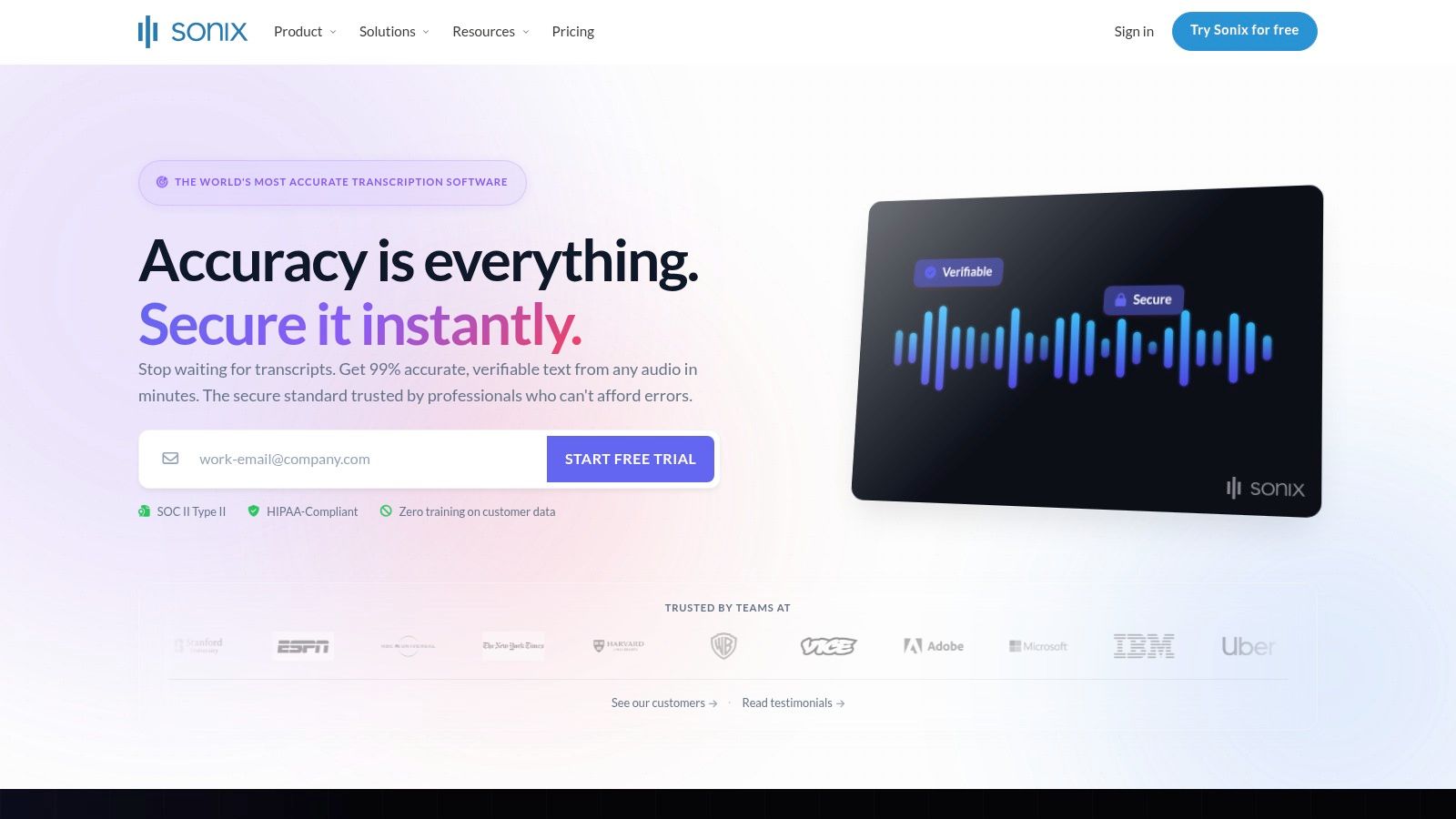
The platform supports over 50 languages and includes robust translation and subtitling tools, making it an excellent choice for content creators looking to repurpose interview content for a global audience. The editor allows for easy speaker labeling, highlighting, and commenting, which aids collaborative review processes. Its flexible export options are a key benefit, supporting formats like DOCX, TXT, and subtitle files (SRT, VTT) directly.
Key Features and Use Case
- Best For: Podcasters, video journalists, and researchers who need highly accurate, time-stamped transcripts for editing, citation, or content repurposing.
- Word-level Timestamps: Provides extremely granular timestamps for precise audio navigation and editing.
- Speaker Labeling and Search: Differentiates speakers and allows you to search the entire transcript for specific words or phrases.
- Translation and Subtitle Tools: Built-in features to translate transcripts and export them in common subtitle formats.
- Team Collaboration: Enables multiple users to work on, comment, and share transcripts securely.
Sonix operates on a pay-as-you-go model starting at $10 per hour or a subscription plan starting at $22 per user/month (which lowers the per-hour rate to $5). While the per-hour pricing provides flexibility, costs can accumulate quickly for users with high volumes of interviews, making a subscription more economical for frequent use.
Website: https://sonix.ai
7. Temi
Temi offers a straightforward, no-frills approach to AI-powered transcription, focusing on simplicity and speed for pre-recorded audio files. It is an excellent choice for users who need a quick and inexpensive transcript from an interview recording without committing to a monthly subscription. The process is direct: upload your audio or video file, and Temi’s automated engine processes it, delivering a transcript in minutes. This makes it a go-to for one-off projects or for those who only occasionally need transcription software for interviews.
The platform provides a simple web-based editor where you can play back the audio synced with the text, correct any errors, and adjust speaker labels. Timestamps are included, which helps in referencing specific moments in the conversation. Once you are satisfied with the edits, you can export the final transcript in several useful formats, including Word, PDF, and caption files like SRT and VTT. This flexibility is great for researchers needing documents or creators who need captions for video content.
Key Features and Use Case
- Best For: Individuals like freelancers, students, or podcasters who need fast, affordable transcription for single audio files on an infrequent basis.
- Fast AI Transcripts: Delivers automated transcripts for uploaded audio and video files within minutes.
- Web Editor: Features an interactive editor with synchronized playback, timestamps, and editable speaker labels.
- Multiple Export Formats: Supports exports in Word, PDF, TXT, SRT, and VTT for various uses.
- Pay-As-You-Go Pricing: Operates on a transparent, per-minute pricing model without requiring a subscription.
Temi's primary limitation is that it does not offer live transcription, making it unsuitable for real-time applications. Its collaboration tools are also minimal compared to more team-oriented platforms. The cost is a flat $0.25 per audio minute, providing a clear and predictable expense for any project size.
Website: https://www.temi.com
8. Happy Scribe
Happy Scribe serves a global audience with a platform focused on both AI-driven and human-powered transcription and subtitling. Its standout feature is its extensive language support, making it an excellent choice for researchers, journalists, and content creators conducting multilingual interviews. The service allows users to choose between a fast automated transcript or a more accurate one perfected by human professionals, providing flexibility based on budget and precision needs.
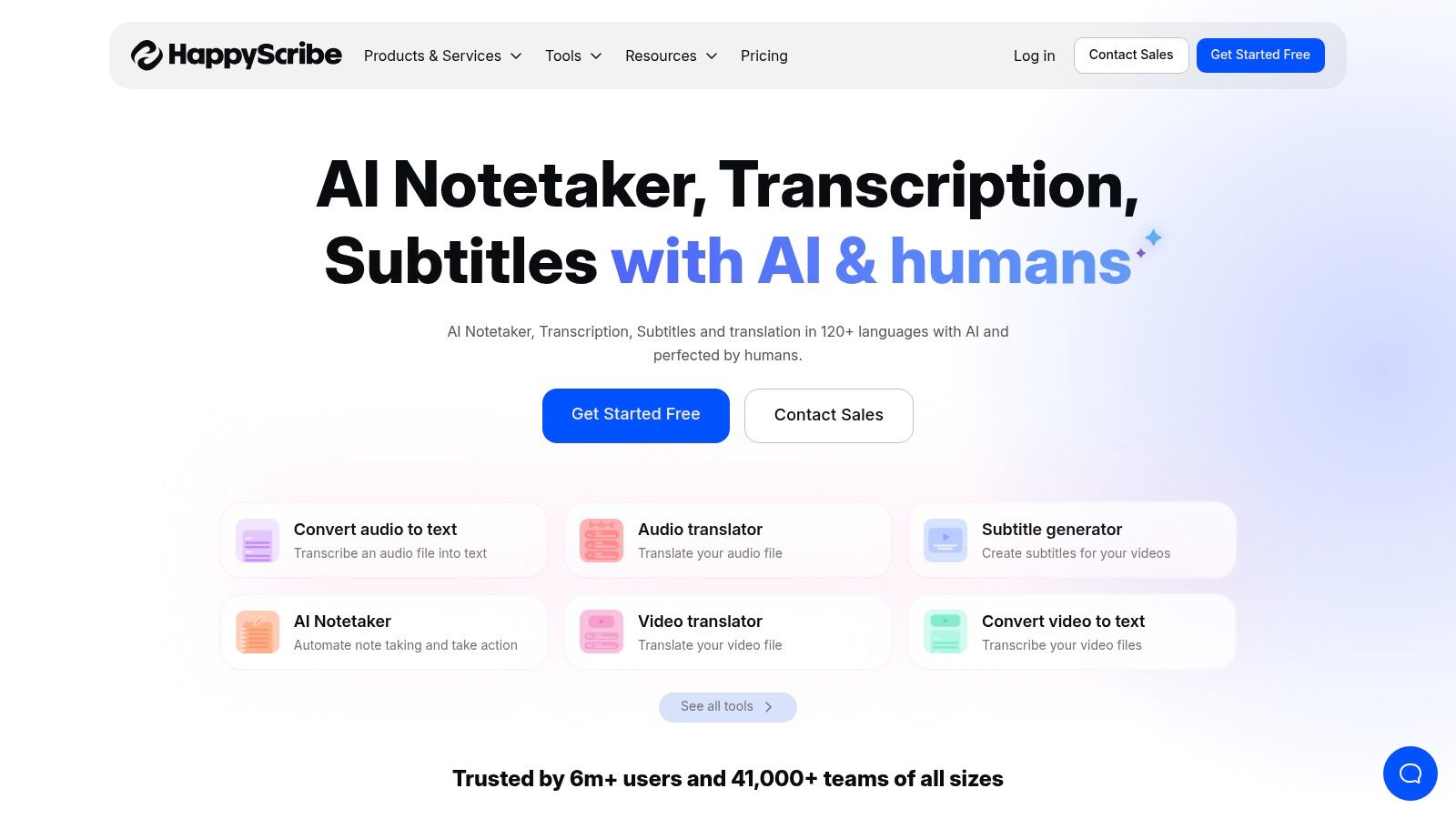
The platform features a mature interactive editor where you can polish the AI transcript, correct speaker labels, and fine-tune timestamps. For teams working on consistent branding or technical content, the ability to create a custom dictionary or glossary ensures specific names, jargon, and acronyms are transcribed correctly every time. This makes it a dependable piece of transcription software for interviews where terminology is key.
Key Features and Use Case
- Best For: Multilingual projects, academic researchers, and video producers who need both transcription and subtitling capabilities with high accuracy.
- AI & Human Services: Offers both automated transcription for speed and human-verified transcription for maximum accuracy.
- Broad Language Support: Transcribes and translates content in over 120 languages and accents.
- Custom Vocabulary: Allows users to add custom words and names to a glossary to improve AI accuracy for specific topics.
- Multiple Export Formats: Exports transcripts and subtitles in various formats, including SRT, VTT, TXT, and Word, suitable for publishing.
Happy Scribe’s pricing for AI transcription starts with a free trial, followed by a pay-as-you-go model or subscription plans beginning around $17/month for 120 minutes. Human transcription is priced per minute, with costs varying based on language and desired turnaround time, so it's important to verify current rates for your specific needs.
Website: https://www.happyscribe.com
9. Fireflies.ai
Fireflies.ai operates as an AI meeting assistant designed to automatically record, transcribe, and summarize your conversations. Its strength for interview workflows lies in its "set it and forget it" automation. By connecting to your calendar, the Fireflies bot can automatically join scheduled interviews on platforms like Zoom, Google Meet, or Webex, providing a full transcript and AI-generated summary shortly after the call concludes. This is particularly useful for recruiters, user researchers, or anyone conducting frequent remote interviews.
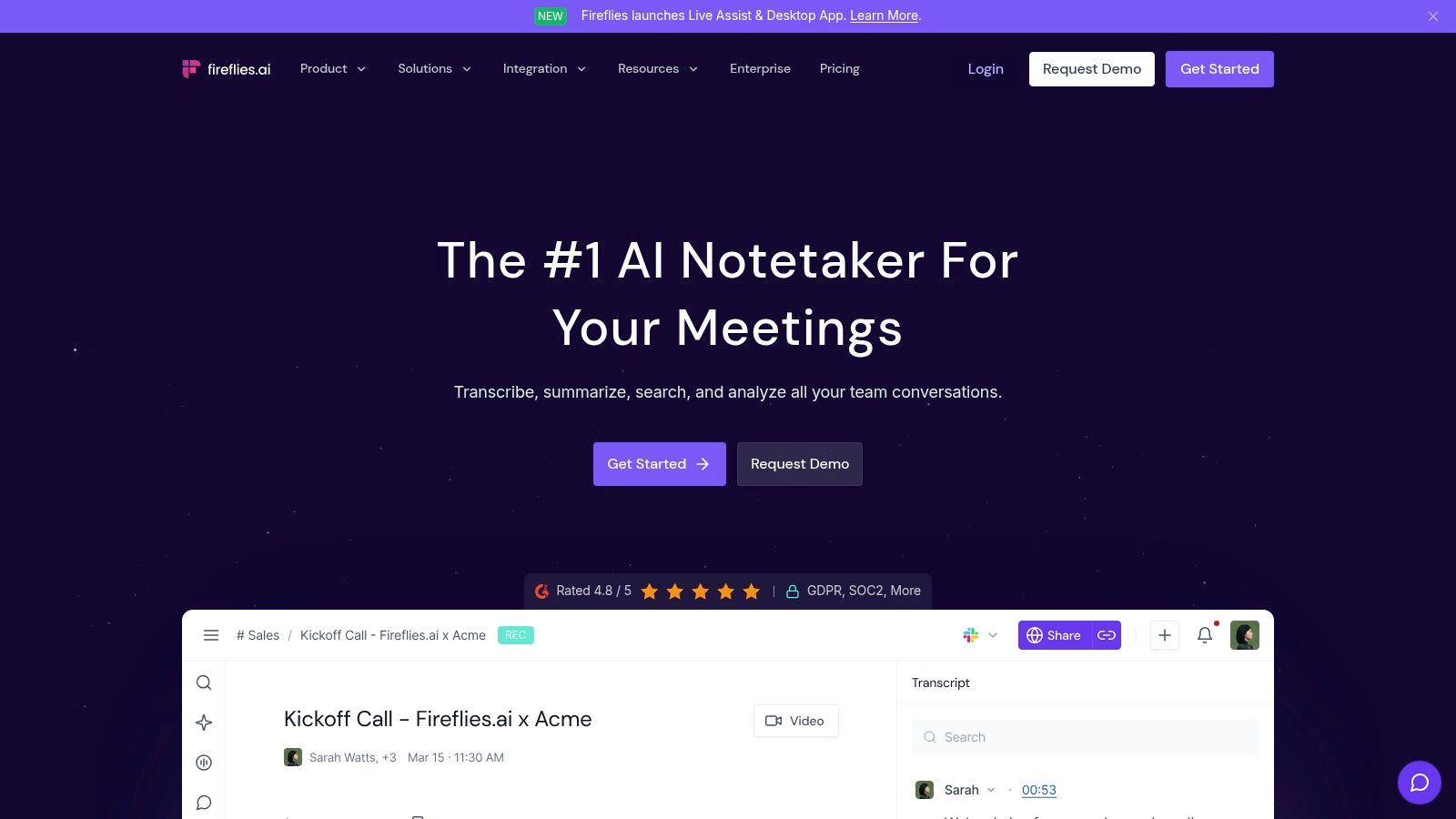
The platform goes beyond simple transcription by offering "conversation intelligence." It identifies action items, key topics, and allows you to search for specific information across all your recorded interviews. This makes it a powerful tool for analyzing interview data over time. Its wide range of integrations with CRMs and project management tools also allows teams to push key interview insights directly into their existing workflows.
Key Features and Use Case
- Best For: Teams and individuals who need fully automated recording and transcription for back-to-back virtual interviews.
- Automatic Meeting Capture: A bot joins your calls to record and transcribe, removing the need for manual setup.
- AI Summaries & Insights: Generates summaries, action items, and other analytics from the conversation.
- Broad Integrations: Connects with dozens of popular CRMs, collaboration tools, and video conferencing platforms.
- Multi-language Support: Provides transcription in over 100 languages, making it suitable for global interviews.
Fireflies.ai offers a limited free tier, but the bot-joining approach might require you to inform interviewees beforehand for privacy reasons. Paid plans, starting at $18/seat/month, unlock unlimited transcription and more advanced features. However, users should review the specific storage and AI credit limits for each tier to ensure they meet their needs.
Website: https://fireflies.ai
10. Notta
Notta presents itself as a lightweight yet capable transcription tool, ideal for individuals needing reliable transcription without the complexity of enterprise-level platforms. It's a strong contender for students, solo researchers, or journalists who need a straightforward way to turn audio and video into text. The service handles both live transcription from meetings and transcription from uploaded audio/video files, making it a versatile choice for various interview scenarios.
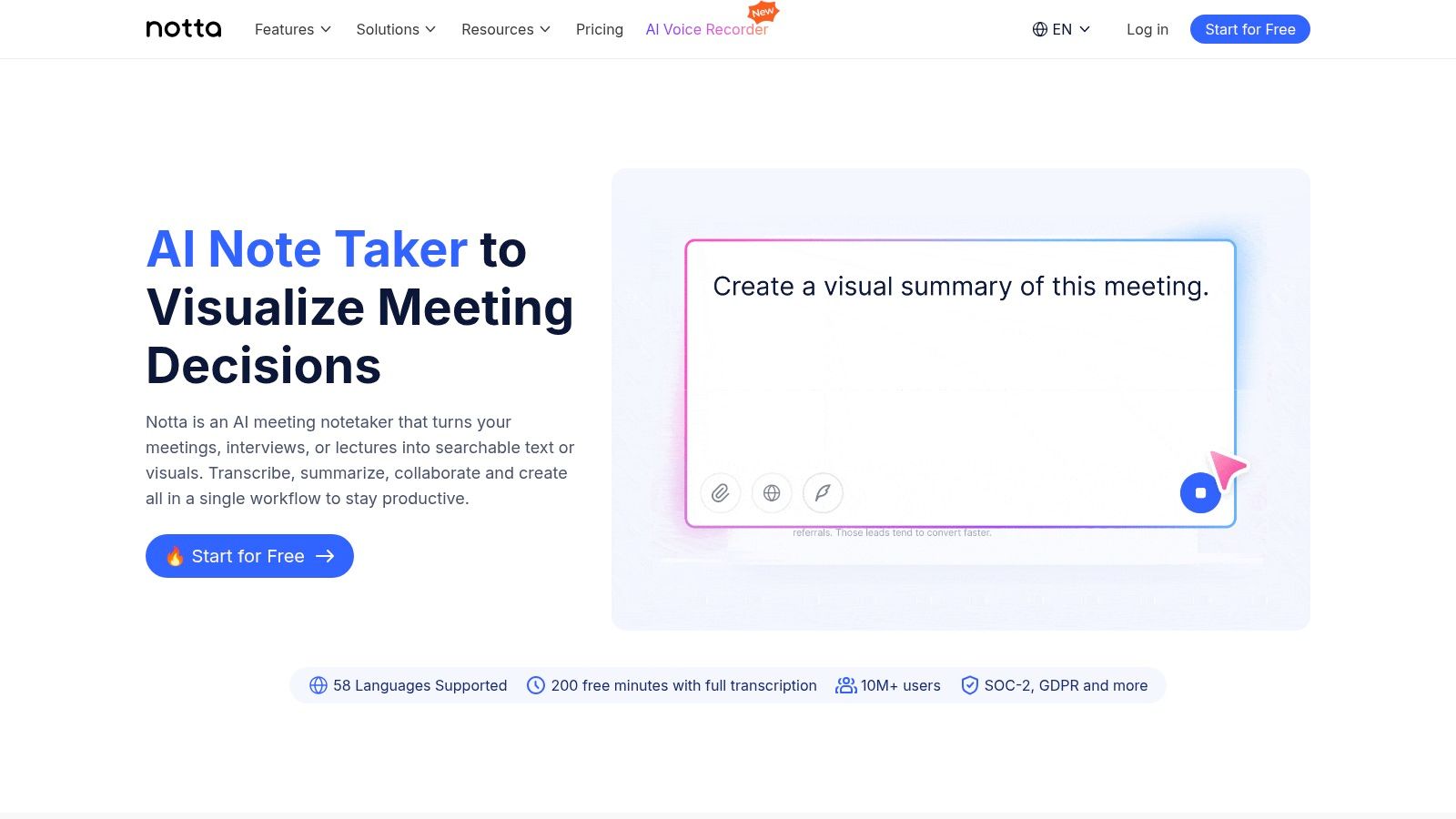
Its clean user interface, available on the web and as a Chrome extension, simplifies the process of capturing and reviewing transcripts. Notta’s AI can generate summaries, identify different speakers, and even translate the final text into multiple languages. This makes it a practical tool for those working with international interview subjects or analyzing content in a different language.
Key Features and Use Case
- Best For: Students, freelance journalists, and solo podcasters looking for a budget-friendly option with generous transcription minutes.
- Live and File Transcription: Transcribes live meetings from Zoom, Meet, and Teams, as well as pre-recorded audio/video files.
- Speaker Identification: Differentiates between speakers to create a clear, readable dialogue.
- AI Summaries & Translation: Generates concise summaries of long interviews and can translate transcripts into other languages.
- Chrome Extension: Allows for easy capture of audio from any browser tab, perfect for web-based interviews or webinars.
While the free plan offers a starting point, the paid Pro plan is where Notta shines, starting at $13.99/month for a substantial amount of monthly minutes. However, users should note that lower-tier plans have per-conversation duration limits, and the tool's security and team features are less robust compared to more corporate-focused transcription software for interviews.
Website: https://www.notta.ai
11. NVivo Transcription (Lumivero)
NVivo Transcription is an automated service specifically designed for qualitative researchers who already use or plan to use the NVivo data analysis software. Its primary strength is the seamless workflow it creates between transcription and analysis. Researchers can upload audio or video files directly to the platform, receive an automated transcript, and then use the built-in browser editor to make corrections, tag speakers, and add notes before importing the finished text directly into their NVivo projects. This integration saves considerable time by eliminating the need to manually format and import files from separate transcription software for interviews.
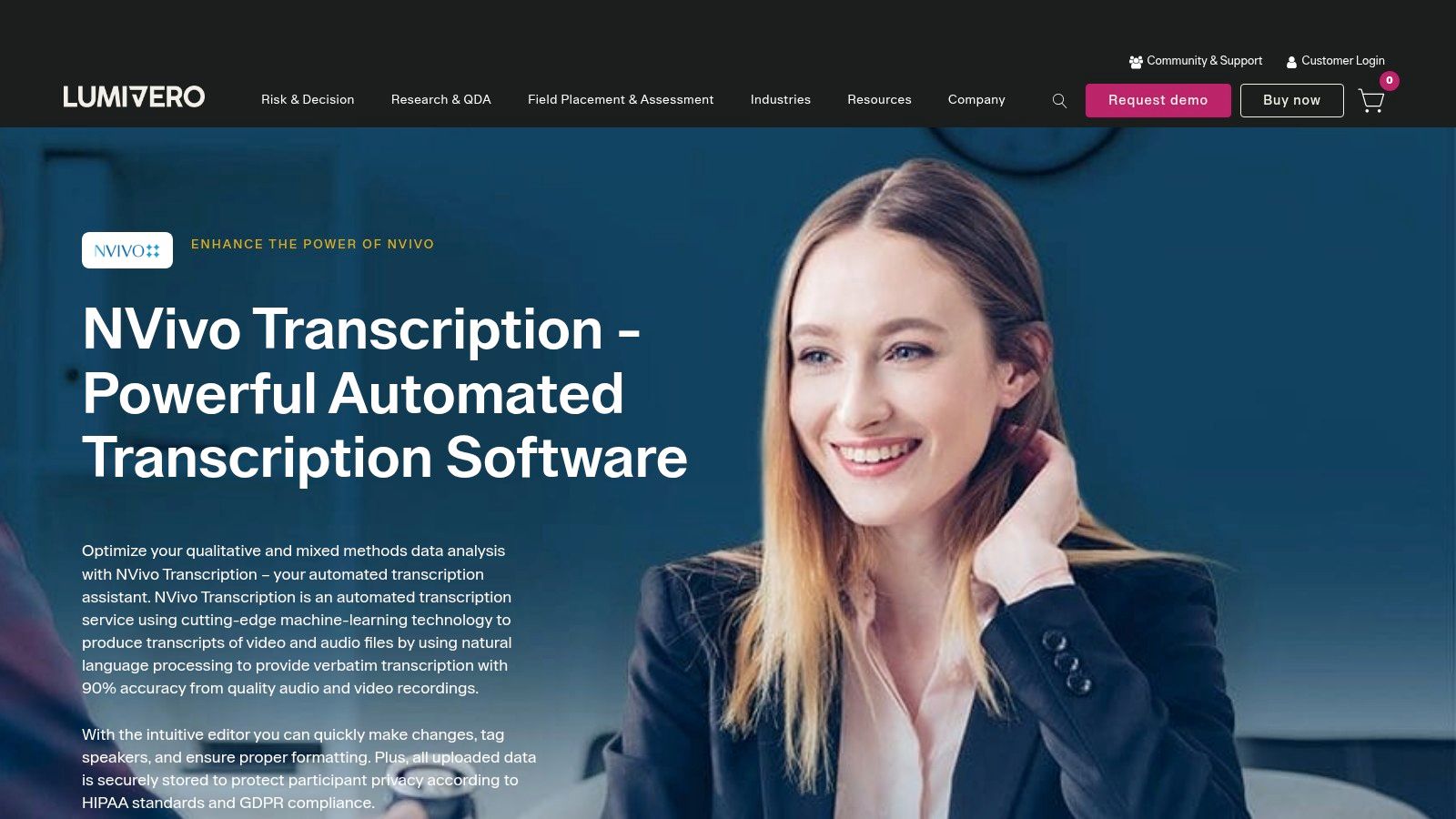
The service is built with the researcher’s workflow in mind, handling files up to four hours long and providing clear controls over data storage and retention policies. While it offers standard text format exports, its value is maximized when used as a direct pipeline into NVivo for coding and thematic analysis. This focus makes it less of a general-purpose tool and more of a specialized component within a larger research ecosystem.
Key Features and Use Case
- Best For: Academic researchers, students, and qualitative analysts who use NVivo for coding interview data.
- Direct NVivo Integration: Transcripts can be sent directly to an NVivo project, streamlining the data analysis process.
- Browser-Based Editor: Allows for cleanup, speaker tagging, and timestamp adjustments before finalizing the transcript.
- Data Security Controls: Offers regional data storage options and clear policies on media retention and deletion.
- Large File Support: Transcribes audio and video files up to 4 GB or approximately four hours in length.
NVivo Transcription operates on a pay-as-you-go credit system, where you purchase hours of transcription time. The pricing can vary depending on region and reseller, so it's best to check the official site for current rates. Because its main advantage is the NVivo connection, individuals who don't use that specific analysis software may find other options on this list to be more cost-effective.
Website: https://lumivero.com/products/nvivo-transcription/
12. Scribie
Scribie takes a different approach to transcription by combining automated AI with manual human verification to ensure high accuracy. This hybrid model makes it a strong choice when the precision of your interview transcript is critical, such as for legal proceedings, academic research, or broadcast-quality content. Instead of instant AI-generated text, you upload your audio or video file and choose a turnaround time, with a human transcriber reviewing and correcting the initial automated draft.
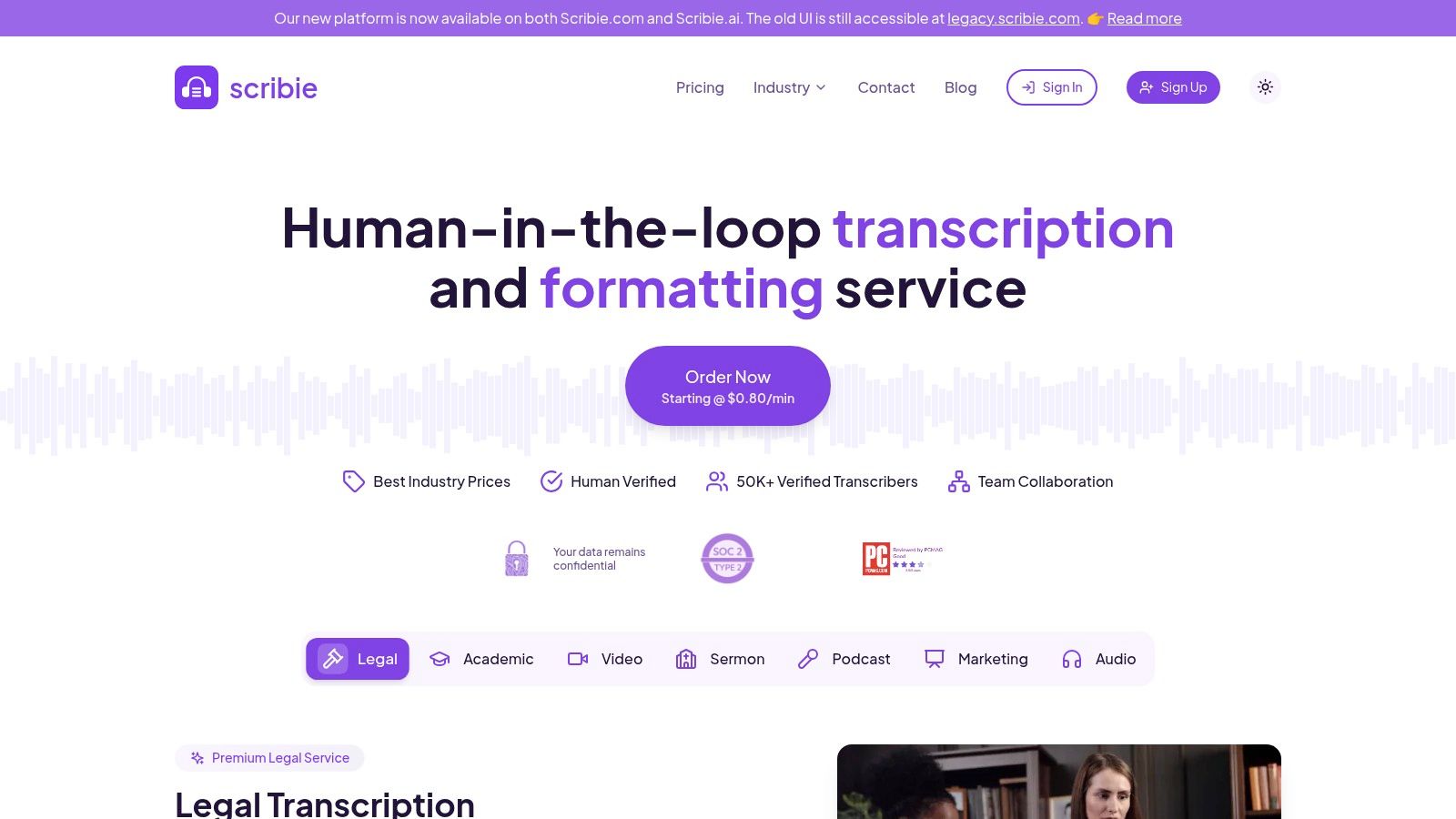
This process is particularly useful for interviews with poor audio quality, heavy accents, or complex technical jargon that often trip up purely automated transcription software. Scribie's interface is straightforward: upload a file, select your options like strict verbatim or speaker tracking, and place your order. The final document is delivered with a guaranteed accuracy rate of 99% for clear audio, providing confidence in the final output. This level of detail is essential for anyone learning how to analyze interview data effectively.
Key Features and Use Case
- Best For: Academics, legal professionals, and journalists who need maximum accuracy for challenging or high-stakes interview recordings.
- Human-Verified Transcripts: A four-step process involving AI and multiple human checks to guarantee at least 99% accuracy.
- Flexible Turnaround: Options range from 12 hours to 5 days, allowing you to balance speed and cost.
- Specific Add-ons: Services include strict verbatim transcription (including stutters and false starts), time coding, and handling of accented speakers.
- Confidentiality: Scribie has a clear confidentiality agreement in place to protect sensitive interview content.
Scribie's pricing starts at $1.25 per audio minute for the manual transcription service, with costs increasing for faster turnaround or specific add-ons. While it lacks the real-time features of AI-only tools, it excels where absolute precision is non-negotiable.
Website: https://scribie.com
Interview Transcription Software — 12-Tool Comparison
How to Choose the Right Transcription Software for Your Interviews
We've explored a wide range of transcription software for interviews, from the open-source power of Whisper AI to the enterprise-grade features of Trint and the specialized research tools of NVivo. The central lesson is clear: there is no single "best" tool for everyone. Your specific needs, budget, and workflow will ultimately determine the most effective solution for turning your spoken words into written text.
To make the best choice, consider these three critical factors: accuracy, workflow integration, and cost.
- What is my primary use case? A podcaster editing an episode (Descript), a journalist on a tight deadline (Trint, Otter.ai), a researcher coding qualitative data (NVivo), or a team documenting meetings (Fireflies.ai) all have different priorities.
- How important is speaker identification? For multi-person interviews, automated and accurate speaker detection is a non-negotiable feature. Test how well a service handles speaker diarization with a sample of your own audio.
- What does my budget look like? Your financial constraints will immediately narrow the field. Determine if a pay-as-you-go model (Temi, Rev) or a monthly subscription (Otter.ai, Sonix) makes more sense for your volume of work. Don't forget to consider free tiers for low-volume needs.
- What are my data privacy and security requirements? If your interviews contain sensitive or confidential information, scrutinize each provider's privacy policy and security certifications (like SOC 2 compliance). This is where self-hosted models like Whisper offer a distinct advantage.
Ultimately, the goal of any transcription software is to save you time and help you extract value from your audio content. The best way to make a final decision is to take advantage of the free trials offered by nearly every service on this list. Upload a real-world interview file—one with background noise, multiple speakers, and industry-specific jargon. This real-world test will reveal more about a tool's capabilities than any marketing copy ever could.
Ready to experience the raw power of one of the most accurate transcription models available? Whisper AI offers a simple, privacy-focused way to use OpenAI's Whisper technology without needing any technical expertise. Get started today and see how our clean, efficient interface can transform your interview workflow at Whisper AI.


























































































