
12 Best Ways to Transcribe Audio to Text Free in 2025
Transforming spoken words into written text is essential for content creators, students, and professionals alike. The challenge often lies in finding a reliable way to transcribe audio to text free without compromising on accuracy or features. Whether you're a podcaster creating show notes, a journalist documenting an interview, or a student reviewing lecture materials, the right tool can save you hours of manual work. This guide cuts through the noise to provide a detailed, experience-based look at the best free transcription solutions available.
We will explore a curated list of powerful platforms, from cloud-based AI services with generous free tiers to versatile open-source models you can run on your own machine. For each option, we provide direct links, screenshots, and step-by-step guidance to get you started quickly. We also analyze the practical trade-offs, highlighting specific use cases, accuracy levels, and privacy considerations to help you select the perfect tool for your needs.
Before diving in, remember that transcription accuracy begins with clean audio. Poor recording quality with significant background interference can hinder even the most advanced AI. If your files need a bit of cleaning up, learning how to remove background noise for clear audio can make a substantial difference in your final results. Let's explore the tools that will transform your audio into actionable text.
1. Whisper AI
Whisper AI presents a powerful and polished solution for users who need to transcribe audio to text free with a suite of advanced features. This platform distinguishes itself by not just converting speech to text, but also by generating concise summaries and bullet-point highlights automatically. This multi-layered approach transforms raw audio or video into structured, actionable information, making it an invaluable tool for creators, researchers, and business teams. It efficiently processes diverse media formats, including direct links from social platforms like YouTube, handling long-form content with impressive accuracy.
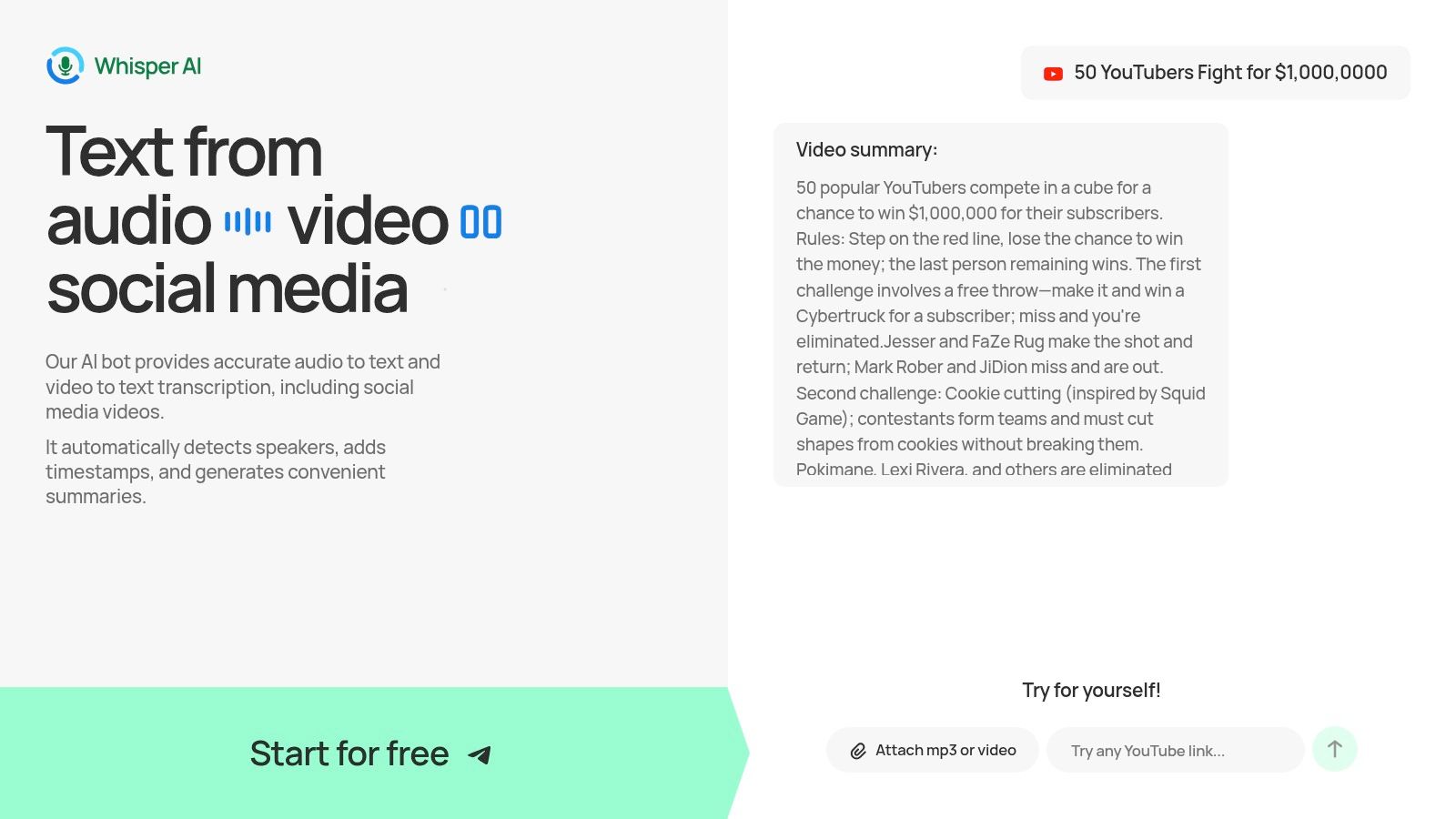
The platform supports over 92 languages and includes essential features like automatic speaker detection and timestamps, which significantly reduce manual editing time. Its user interface is clean and intuitive, simplifying the upload and transcription process. While Whisper AI offers a free starter option to get you started, detailed pricing for higher-volume use is not publicly listed, requiring users to sign up or inquire for specific plan limits.
Key Strengths & Use Cases
- Intelligent Summarization: Go beyond basic transcription with AI-generated summaries and highlights. This is ideal for students reviewing lectures or professionals needing quick meeting recaps.
- Broad Format Support: Transcribe directly from audio files, video uploads, or social media links. Podcasters and social media managers can save time by pasting a link and getting a full transcript.
- Actionable Exports: Easily export your work into multiple formats like Google Docs, Word, PDF, and Markdown. This flexibility streamlines workflows for journalists and content marketers creating derivative content.
The platform emphasizes secure processing and does not retain files long-term, addressing key privacy concerns. For those new to the service, the official blog offers helpful guidance on how to use Whisper AI effectively to maximize its capabilities.
Website: https://whisperbot.ai
2. Otter.ai
Otter.ai is a well-known name in automated transcription, particularly for those needing to document meetings, lectures, and interviews. It excels at turning spoken conversations into smart, searchable notes complete with speaker identification. The platform's strength lies in its ecosystem; you can record directly in the browser or mobile app, import existing audio files, or connect it to Zoom, Google Meet, and Microsoft Teams for live transcriptions. This makes it an excellent choice if you want to transcribe audio to text free for collaborative or organizational purposes.
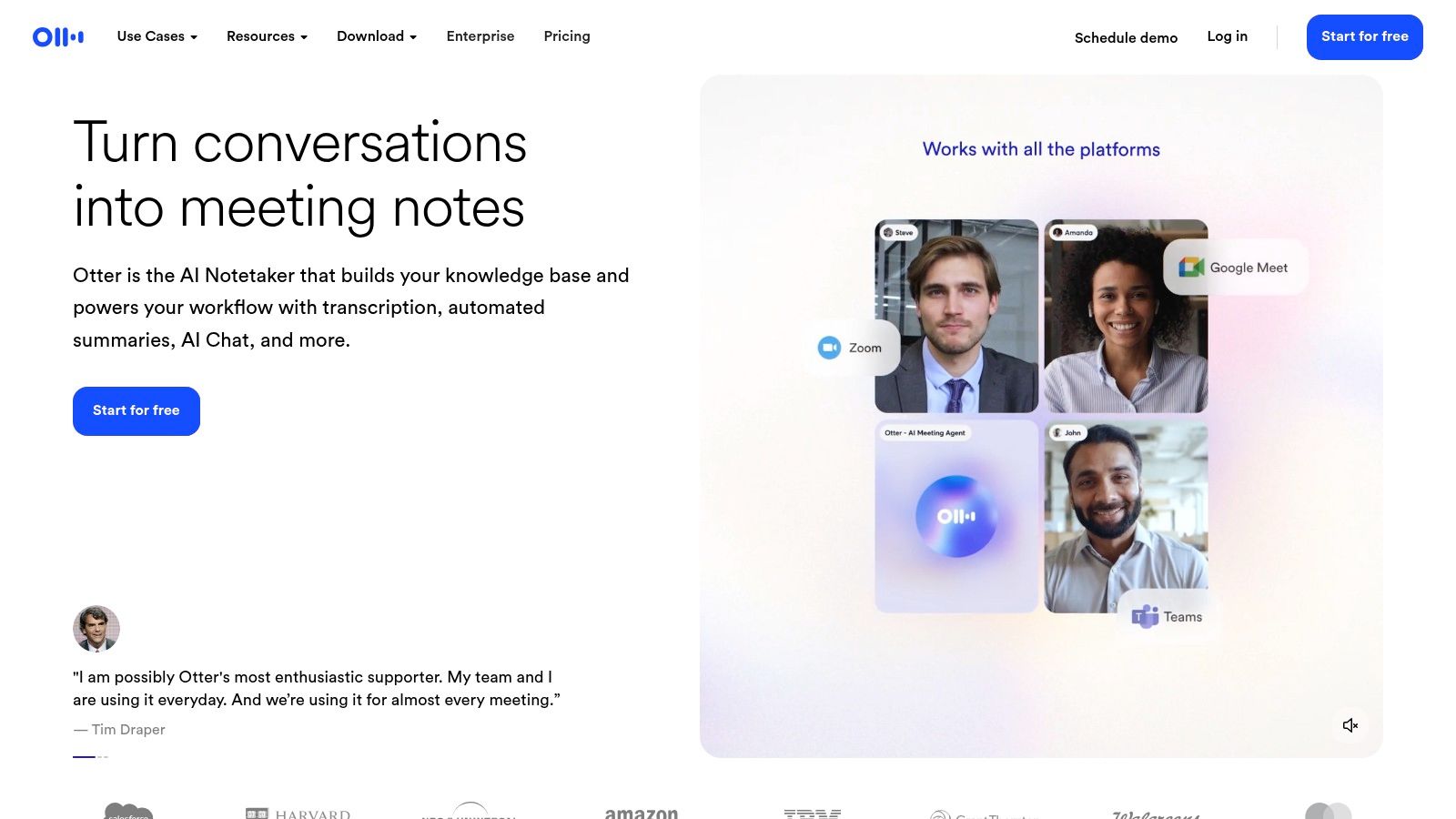
The user experience is clean and focused on note-taking, allowing you to highlight key points, add comments, and share transcripts with team members. Otter's free "Basic" plan is designed for light personal use, offering a set number of transcription minutes per month and a limit on the duration of each imported file. While its accuracy is strong with clear audio, it can struggle with heavy accents or background noise. The free tier is a fantastic starting point for students or professionals who need to transcribe occasional meetings, though heavy users will quickly need to upgrade.
- Best For: Students recording lectures, professionals capturing meeting minutes, and journalists transcribing interviews.
- Key Limitation: The free plan limits users to 30 minutes per transcription and 3 lifetime audio/video imports.
- Pro Tip: Before a meeting, add custom vocabulary (like names and specific jargon) to Otter's dictionary to improve transcription accuracy.
- Website: https://otter.ai
3. YouTube Studio
An often-overlooked yet powerful method to transcribe audio to text free is built directly into YouTube. For content creators, podcasters, or anyone willing to upload their audio as a simple video file (e.g., audio with a static image), YouTube’s platform provides a surprisingly accurate and completely free transcription service. Shortly after a video is processed, the platform automatically generates captions and a full, time-stamped transcript. This makes it an excellent choice for creators who are already part of the YouTube ecosystem and want to add accessibility and repurpose content without extra cost.
The primary advantage is its scalability; there are no minute limits or file caps to worry about, unlike many dedicated transcription services. Users can easily access the full transcript from the video's watch page and copy the text for use in blog posts, show notes, or social media content. While the user interface for accessing transcripts can occasionally change, the core functionality remains a reliable and cost-effective solution. It is not a direct audio-to-text converter, but this simple workaround offers immense value for those already producing video or audio content.
- Best For: Podcasters and YouTubers needing captions, content marketers repurposing video scripts, and anyone needing to transcribe long recordings for free.
- Key Limitation: Requires uploading audio as a video file, which is an extra step compared to direct transcription tools.
- Pro Tip: After YouTube generates the initial transcript, use the "Subtitles" editor in YouTube Studio to quickly correct any errors in names, brands, or specific jargon for a more polished result.
- Website: https://studio.youtube.com
4. Google Cloud Speech-to-Text
For developers or tech-savvy users looking to build transcription capabilities directly into their own applications, Google Cloud Speech-to-Text is an enterprise-grade powerhouse. Instead of a ready-to-use interface, it offers a powerful API that can process both pre-recorded audio files and real-time audio streams with high accuracy. While not a simple drag-and-drop tool, it’s a way to transcribe audio to text free within its generous monthly free tier, making it ideal for custom projects or integrating into existing workflows.
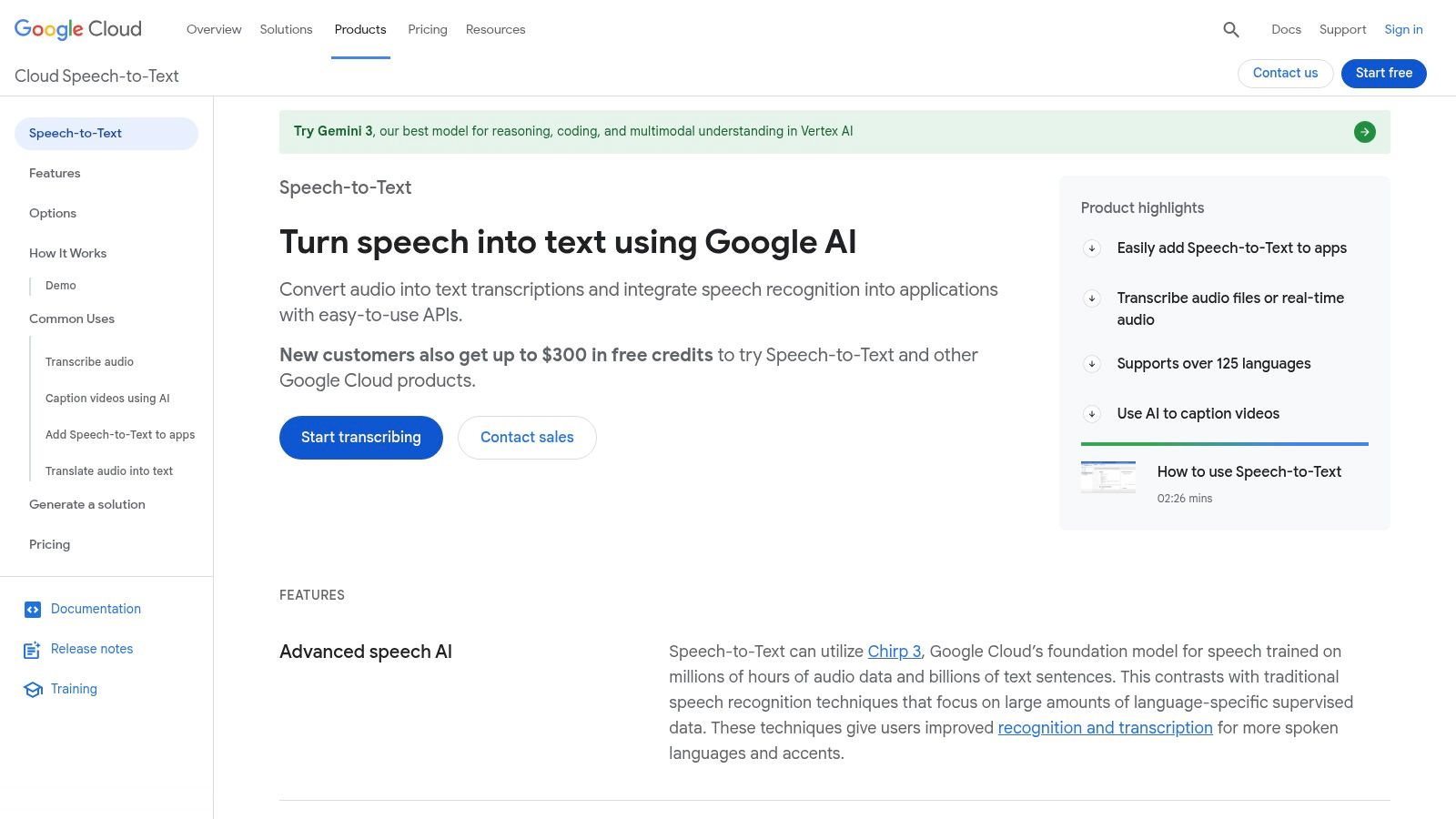
The platform supports over 125 languages and provides advanced features like speaker diarization, automatic punctuation, and model selection for specific audio types (e.g., phone calls, video). The initial setup requires creating a Google Cloud project and enabling billing, which can be a hurdle for casual users. However, for those needing to automate transcription at scale, the control and precision it offers are unmatched. The free plan provides 60 minutes of audio processing per month, which is enough for small-scale development and testing. If you want a deeper understanding of the technology behind this process, you can explore more about what audio transcription is.
- Best For: Developers integrating transcription into apps, businesses with custom workflow needs, and technical users needing high accuracy.
- Key Limitation: Requires a technical setup with a Google Cloud account and billing information, which is complex for non-developers.
- Pro Tip: Use Google's model adaptation features by providing context clues and common phrases to significantly boost accuracy for specialized vocabulary.
- Website: https://cloud.google.com/speech-to-text
5. Amazon Transcribe
Amazon Transcribe is the cloud giant's powerful Automatic Speech Recognition (ASR) service, aimed at developers and those comfortable within the AWS ecosystem. While not a simple upload-and-go tool like others on this list, it offers a robust way to transcribe audio to text free as part of a larger workflow. It excels at processing audio files stored in Amazon S3 and can be triggered automatically, making it ideal for scalable, automated transcription pipelines. Its strengths include features like speaker diarization (channel separation) and personally identifiable information (PII) redaction.
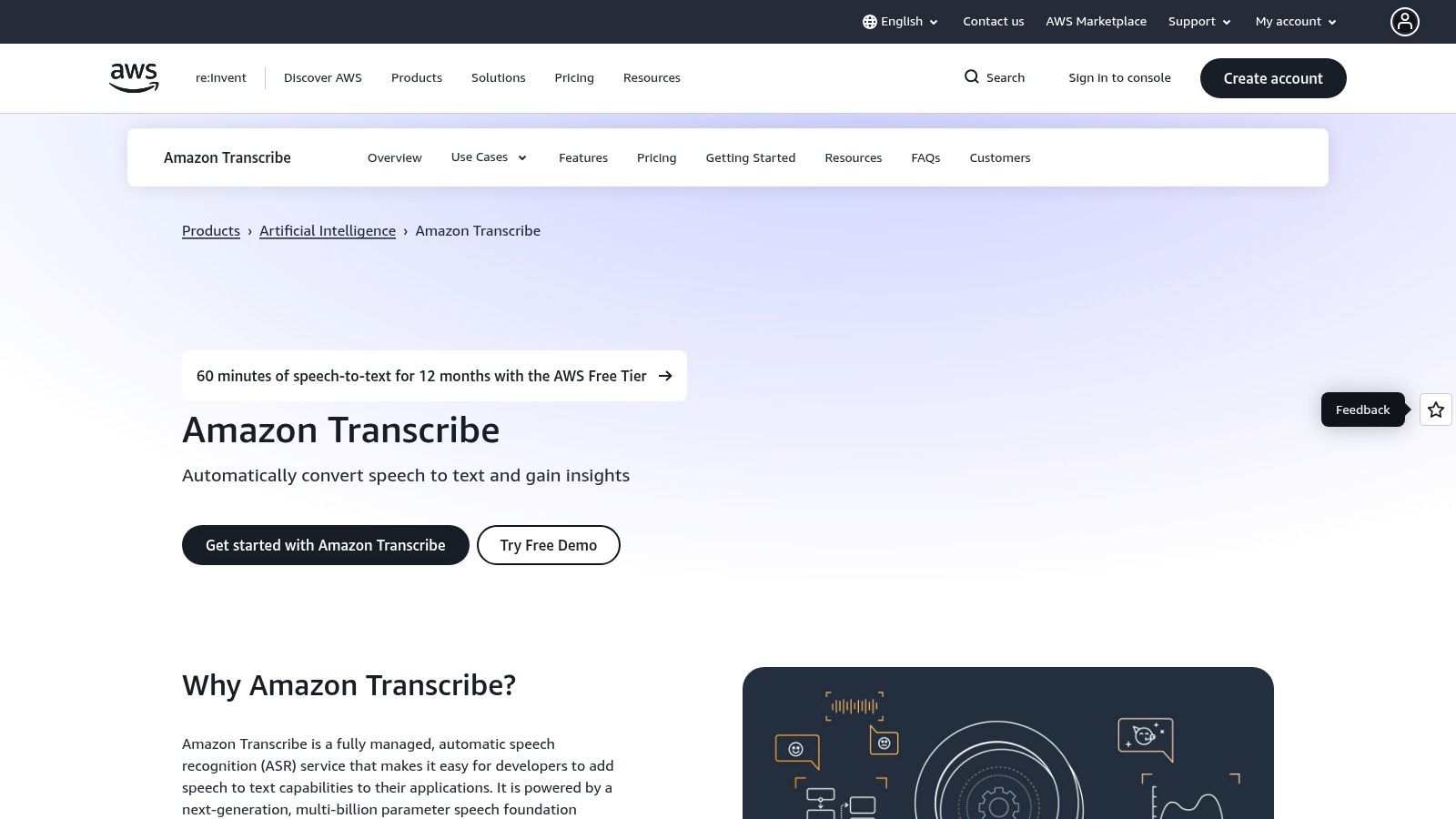
The initial experience is managed through the AWS Console, which provides a straightforward interface for creating and monitoring transcription jobs. The free offering is part of the broader AWS Free Tier, which includes 60 minutes of transcription per month for the first 12 months after signing up. After this period, it shifts to a pay-as-you-go model. This makes it a great option for developers testing an application or users with modest, short-term needs who want to leverage enterprise-grade accuracy and features without an initial investment.
- Best For: Developers building applications with transcription features, businesses automating media workflows, and technical users needing advanced options like PII redaction.
- Key Limitation: The free tier is limited to 60 minutes/month and only lasts for the first 12 months of an AWS account. Setup requires an AWS account.
- Pro Tip: Use the "Custom Vocabulary" feature to teach Amazon Transcribe specific product names, technical jargon, or unique names to significantly boost its accuracy for your specific use case.
- Website: https://aws.amazon.com/transcribe
6. Microsoft Azure AI Speech (Speech to Text)
For developers or tech-savvy users comfortable with cloud platforms, Microsoft's Azure AI Speech service offers a powerful, enterprise-grade engine. It provides both real-time and batch transcription, complete with advanced features like speaker diarization and language identification. While it's a developer-focused API, it’s an excellent way to transcribe audio to text free for pilot projects or applications that require a robust backend and tight integration with the Microsoft and Windows ecosystem.

The primary appeal for free use is Azure's perpetual "F0" tier, which provides a monthly allocation of transcription hours at no cost. This makes it ideal for testing integrations or handling light, consistent transcription needs without a subscription. The setup process is more involved than consumer-facing tools, requiring an Azure account and some familiarity with APIs or SDKs. However, for those building custom transcription workflows or needing enterprise-level security and compliance, the free tier is an unmatched starting point.
- Best For: Developers building applications, tech-savvy users with custom workflows, and businesses testing transcription integrations.
- Key Limitation: The Azure setup process can be complex and intimidating for non-developers.
- Pro Tip: Use the Azure Speech Studio, a web-based UI tool, to test transcription models and features without writing any code first.
- Website: https://azure.microsoft.com/pricing/details/cognitive-services/speech-services/
7. Deepgram
Deepgram is a powerful, developer-focused speech-to-text API known for its speed and accuracy. While it’s primarily a paid service for businesses, it earns its spot on this list due to its exceptionally generous free starting credit. New users receive $200 in credits with no credit card required, which can be used to transcribe audio to text free for a significant volume of content. This makes it an ideal choice for developers or technically savvy users who have a one-off large project or want to test high-quality transcription before committing to a paid plan.
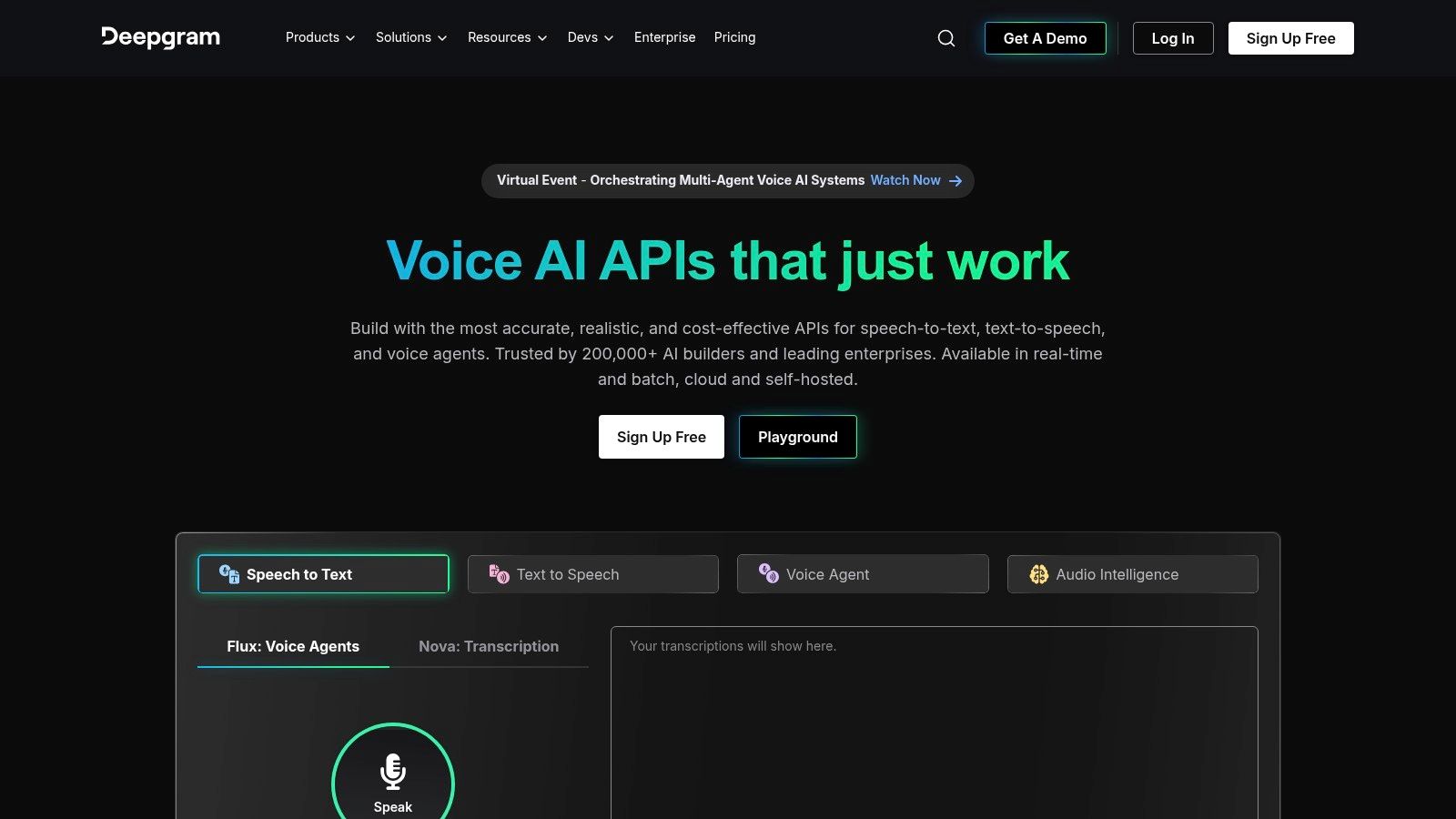
The platform offers advanced features like real-time streaming, speaker diarization, and audio intelligence tools like summarization and topic detection. The user experience is tailored for developers working with an API, not a drag-and-drop interface, so it requires some technical comfort. Once the one-time credits are used, you move to a competitive pay-as-you-go model. For those needing to process many hours of audio for free initially with a professional-grade engine, Deepgram's trial is one of the best available.
- Best For: Developers, tech-savvy users with large initial transcription needs, or those testing API integrations.
- Key Limitation: The $200 in credits is a one-time offer; it's not a recurring free plan for ongoing use.
- Pro Tip: Use the Deepgram API Playground to test your audio files and configure settings like model type and smart formatting without writing any code.
- Website: https://deepgram.com
8. OpenAI Whisper (open-source)
For those with technical comfort who prioritize privacy and control, OpenAI's Whisper offers a powerful, self-hosted solution. Unlike cloud-based services, Whisper is an open-source model you run on your own computer or server. This means your data never leaves your machine, making it ideal for sensitive content. Its standout feature is its exceptional accuracy across a vast range of languages and accents, often rivaling or exceeding paid services, especially with its larger model sizes. It’s the ultimate way to transcribe audio to text free if you’re willing to handle the setup.
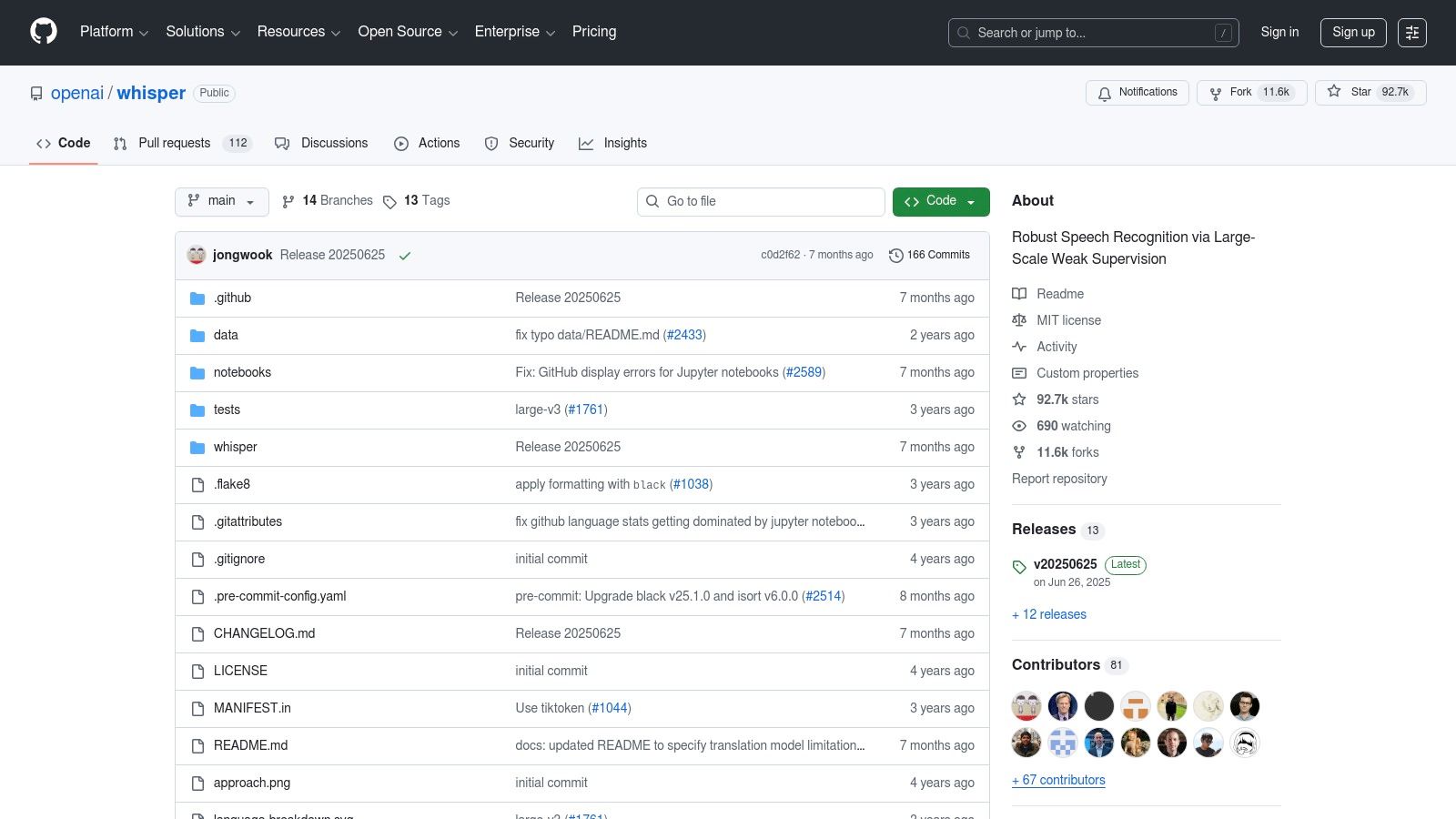
The user experience requires some command-line knowledge or the use of a community-built graphical interface (GUI). The trade-off for its unmatched privacy and cost-free nature is the need for local computing resources; transcription can be slow on older computers without a powerful graphics card (GPU). However, for researchers, developers, or journalists handling confidential audio, the control and accuracy Whisper provides are unparalleled. It represents a different approach: a tool, not a service, giving you complete autonomy.
- Best For: Developers, researchers, journalists with sensitive data, and hobbyists wanting maximum control and accuracy.
- Key Limitation: Requires technical setup and sufficient local computing power (CPU or preferably GPU) for reasonable performance.
- Pro Tip: Explore community-built user interfaces like "WhisperUI" or "Buzz" on GitHub to use Whisper without needing to run command-line scripts.
- Website: https://github.com/openai/whisper
9. whisper.cpp
For those with a bit of technical know-how who prioritize privacy and offline processing, whisper.cpp is a powerhouse. This is a high-performance C/C++ port of OpenAI's Whisper model, optimized to run efficiently on standard consumer hardware, including laptops with Apple Silicon or Intel/AMD CPUs. It allows you to transcribe audio to text free directly on your own machine without sending any data to the cloud. This makes it the ultimate solution for handling sensitive or confidential audio securely.
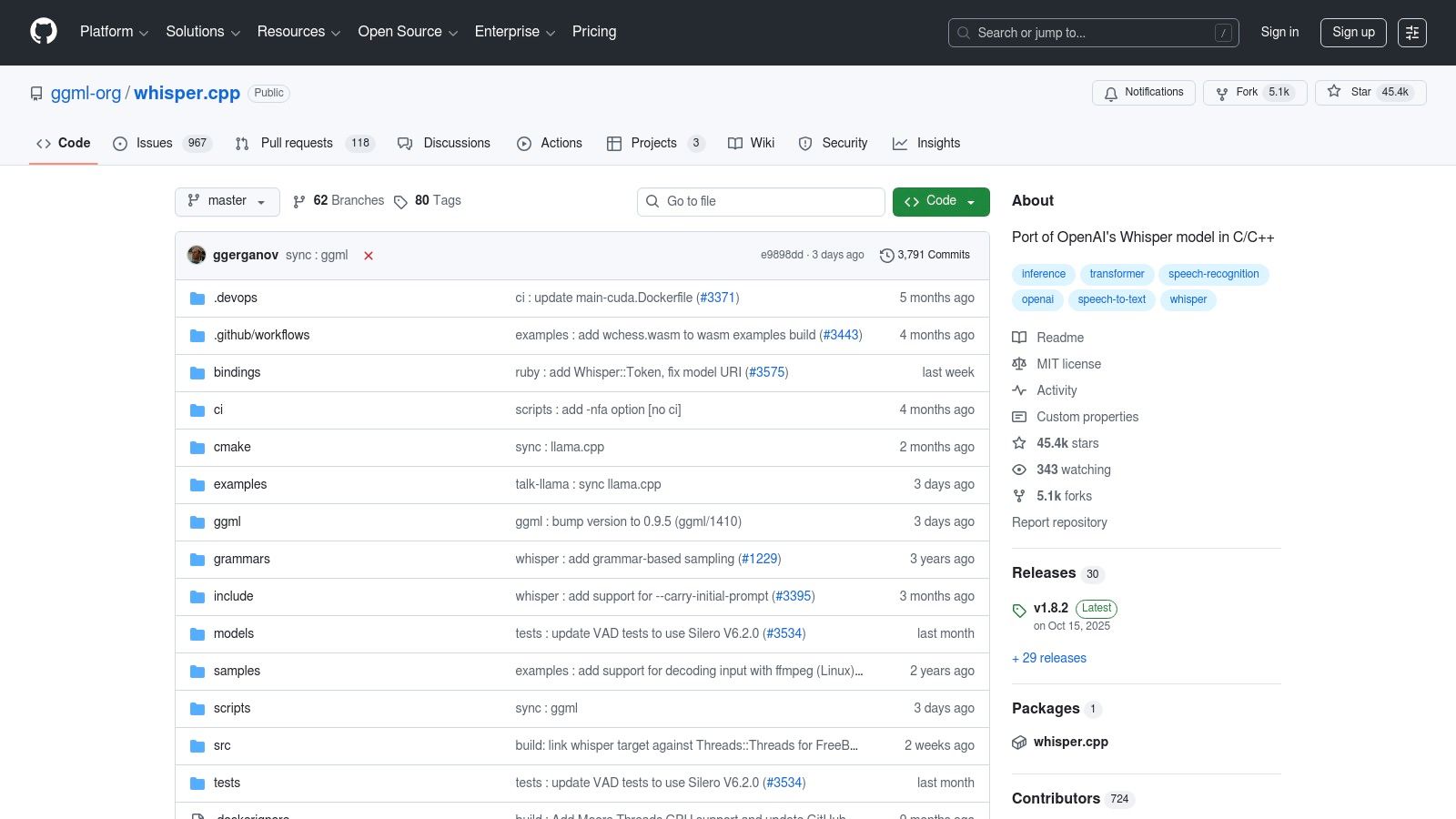
Unlike web-based platforms, whisper.cpp is a command-line tool, requiring you to download models and run transcriptions from your terminal. While this setup process is more involved, the payoff is unparalleled control, speed, and privacy. Quantized models allow it to run quickly even on low-memory devices, delivering exceptional accuracy without needing a powerful GPU. It's a fantastic open-source project for developers, researchers, or anyone comfortable with basic command-line operations who needs a robust, local transcription engine without recurring costs or privacy trade-offs.
- Best For: Technically-inclined users, developers, and anyone needing to transcribe sensitive audio offline with high accuracy.
- Key Limitation: Requires setup via the command line and manual management of models; not a user-friendly, point-and-click interface.
- Pro Tip: Use a smaller, quantized model (like 'base' or 'small') for initial testing or less critical tasks to get faster results on older hardware.
- Website: https://github.com/ggml-org/whisper.cpp
10. Notta.ai
Notta.ai is a sleek and versatile transcription tool that operates directly in your browser or through its mobile app, making it incredibly accessible for quick tasks. It shines in its ability to handle both live recordings and imported audio/video files, synchronizing them across your devices. For users who frequently need to capture content from the web, its Chrome extension is a standout feature, allowing for direct transcription of YouTube videos, podcasts, or online meetings. This makes it a powerful option if you need to transcribe audio to text free without installing bulky software.
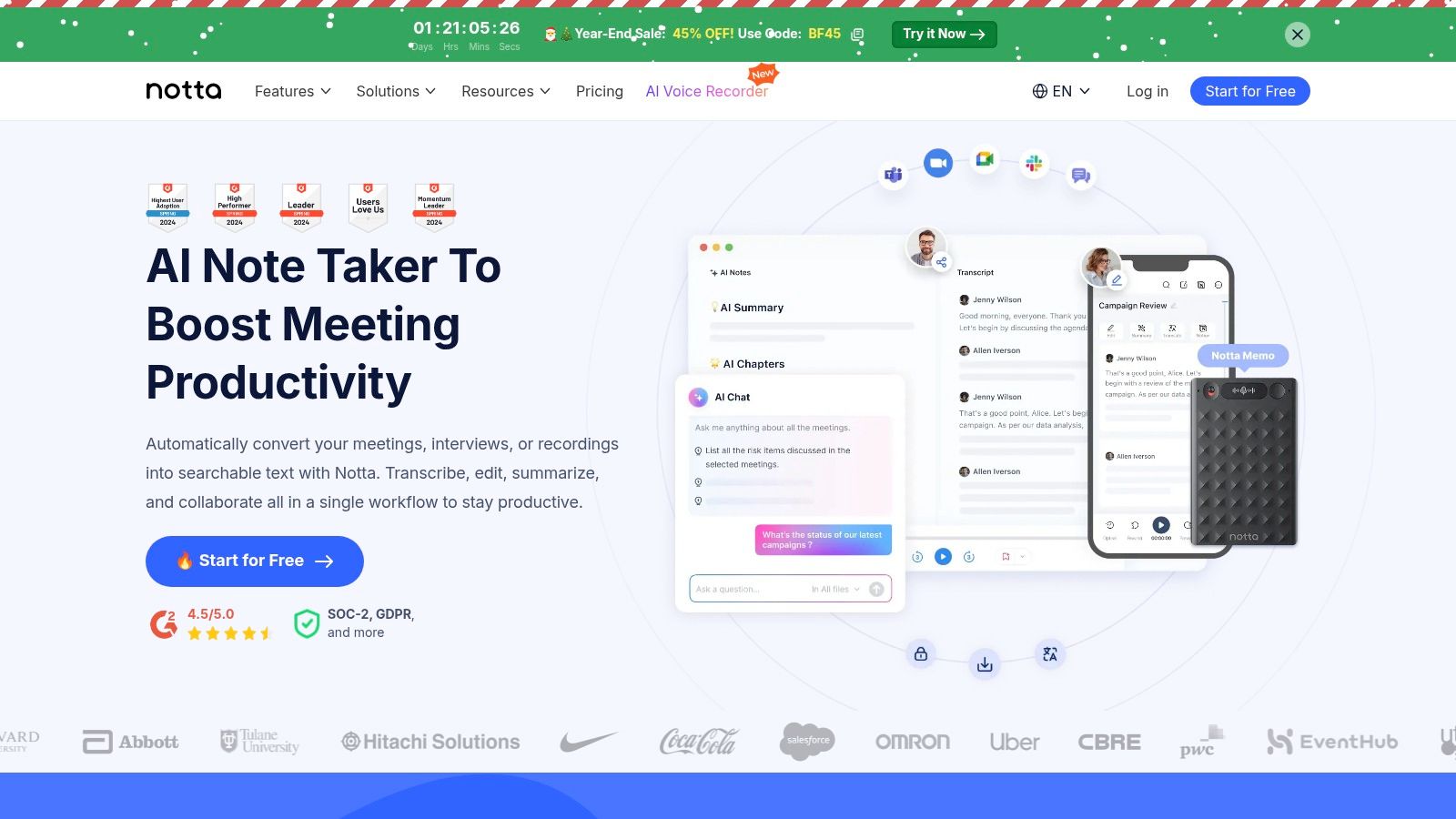
The platform presents a clean user interface that simplifies the process of managing and editing transcripts. While its more advanced features like AI summaries and translation are reserved for paid tiers, the free plan offers a generous monthly allowance of transcription minutes. This is often sufficient for students, content creators, or professionals with light transcription needs. The primary constraint is the per-recording time limit, which means longer files must be split or you'll need to upgrade. Overall, Notta provides a frictionless experience for immediate transcription needs with useful cross-platform functionality.
- Best For: Content creators transcribing web-based audio, students recording lectures, and professionals needing to quickly capture meeting notes.
- Key Limitation: The free plan caps imported files at 3 minutes and live recordings at 5 minutes per session.
- Pro Tip: Use the Notta Chrome extension to start transcribing a YouTube video or Google Meet call with a single click, saving you the step of downloading and re-uploading the file.
- Website: https://www.notta.ai
11. Kapwing
Kapwing is a powerful web-based video editor that doubles as a highly effective tool for creators who need to transcribe audio to text free. While its primary function is video editing, its AI-powered auto-subtitle generator is a standout feature for generating accurate transcripts. This makes it an ideal all-in-one solution for content creators who need to create video captions and then repurpose the text for show notes, blog posts, or social media content without switching platforms. The workflow is entirely browser-based, requiring no software installation.
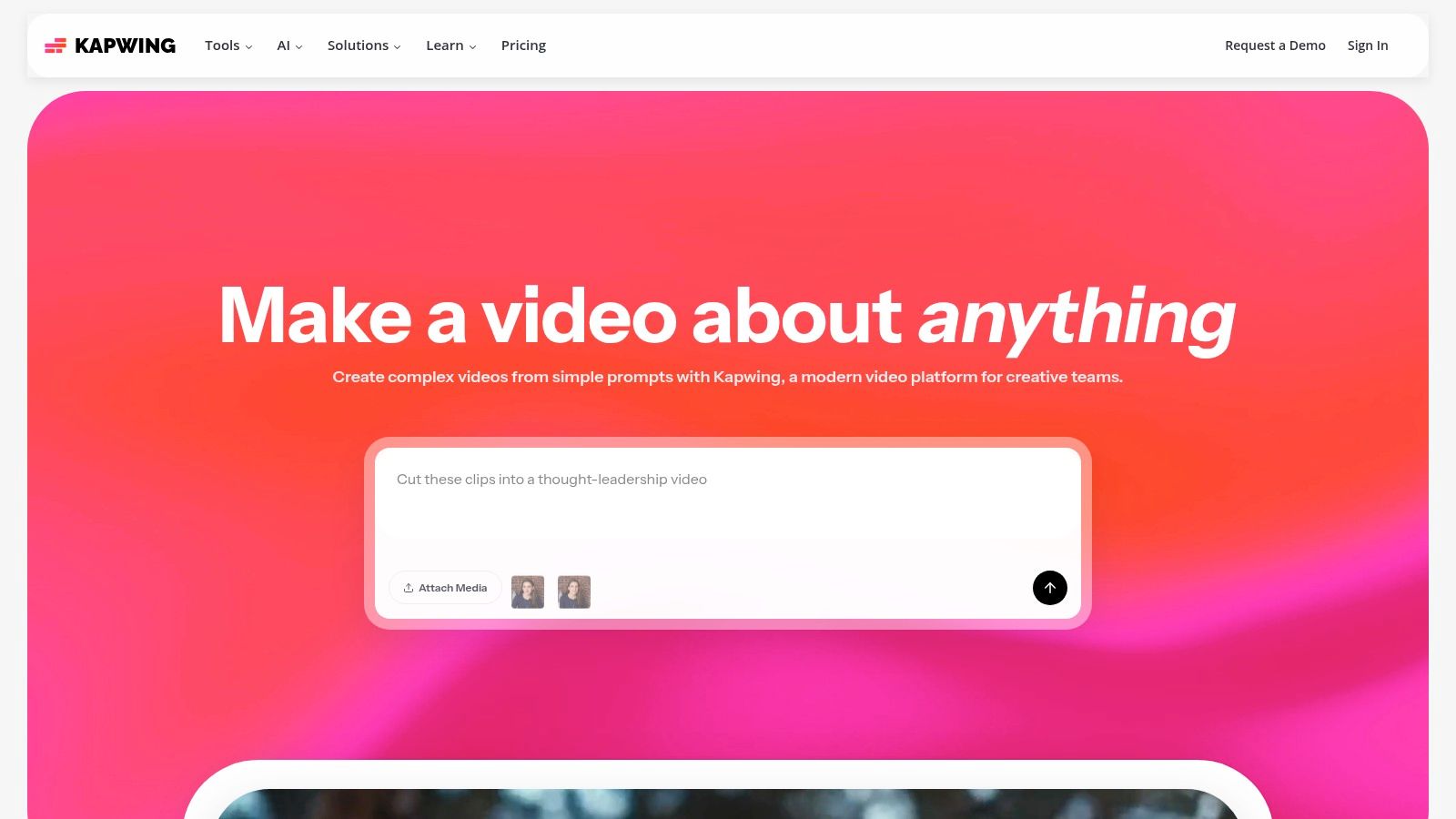
The platform is designed with social media in mind. After generating subtitles, you can easily download the transcript as a TXT, SRT, or VTT file for use on platforms like YouTube or Vimeo. The free plan offers a generous amount of transcription credits, but users should be aware that exported videos will contain a Kapwing watermark. This makes the free tier perfect for drafting and small projects, but professional creators may need to upgrade to remove the branding and access more features. The interface is intuitive, making it easy for beginners to get started quickly.
- Best For: Video creators, YouTubers, and social media managers who need to generate subtitles and export transcripts simultaneously.
- Key Limitation: The free plan adds a watermark to exported videos and has a limited number of transcription credits per month.
- Pro Tip: After generating your transcript, use Kapwing's text editor to quickly correct any minor errors before exporting the final TXT or SRT file.
- Website: https://www.kapwing.com
12. Descript
Descript revolutionizes the transcription process by turning it into an interactive media editor. Primarily aimed at podcasters and video creators, its standout feature is "text-based editing," where deleting words in the transcript automatically cuts the corresponding audio or video. This unique approach allows you to transcribe audio to text free and then edit your media as easily as you would a document. It’s a powerful workflow for anyone who needs to refine spoken content, from removing filler words to restructuring entire conversations.
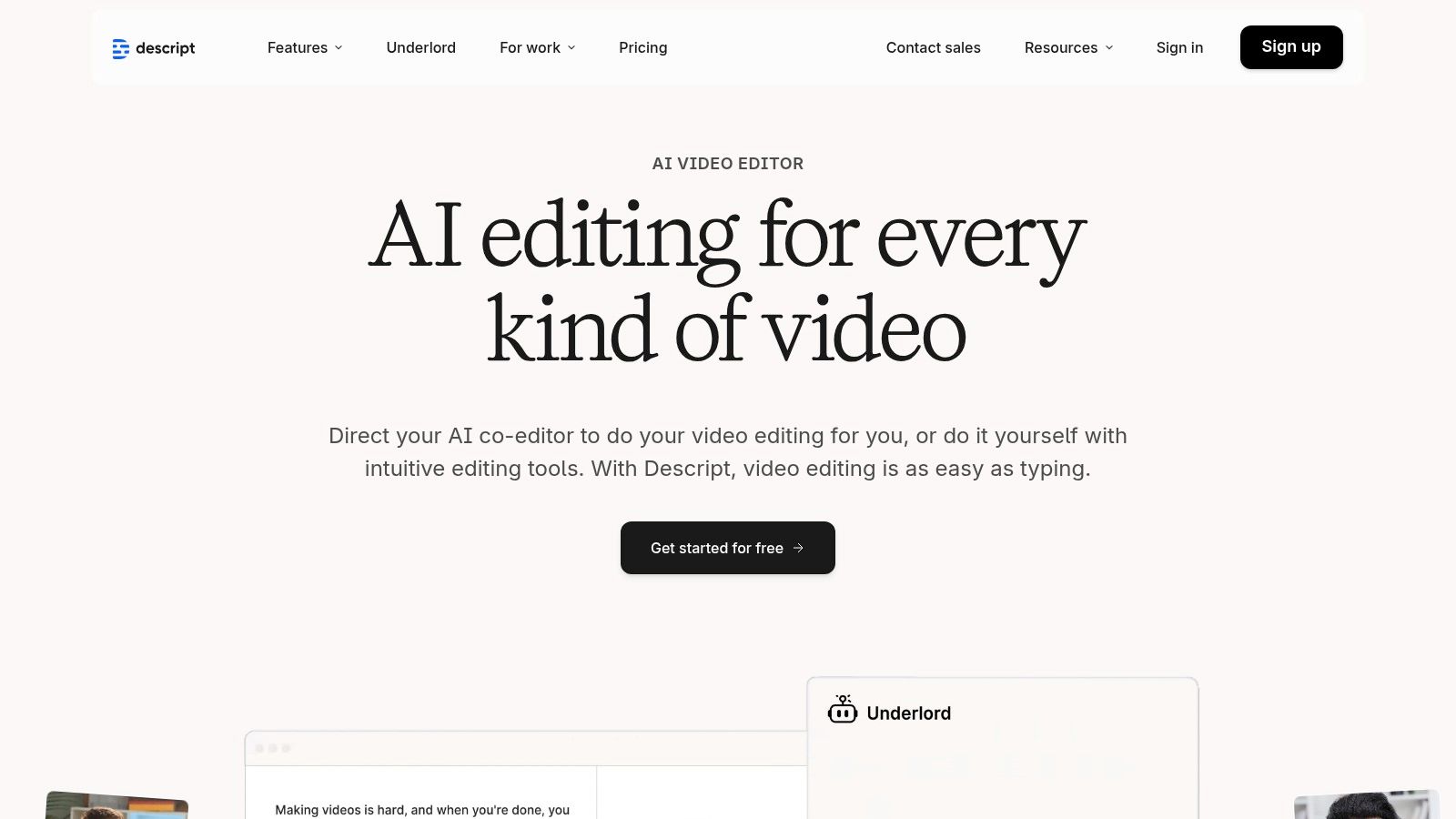
The platform is more than a simple transcriber; it's a full-fledged creative suite. The user interface feels like a collaborative document editor combined with a video timeline, making it intuitive for content creation. Descript's free plan provides a monthly allowance of transcription minutes, which is perfect for trying out its core features or handling short projects. While the most advanced AI tools, like its impressive "Studio Sound" for background noise removal, are reserved for paid tiers, the free offering is an exceptional tool for creators looking to streamline their editing workflow.
- Best For: Podcasters, YouTubers, and content creators who need to edit audio/video directly from the transcript.
- Key Limitation: The free plan has a monthly transcription limit (typically 1 hour/month) and watermarks on video exports.
- Pro Tip: Use the "Find filler words" feature to quickly identify and remove "ums" and "ahs" from your transcript and audio in just a few clicks.
- Website: https://www.descript.com
Top 12 Free Audio-to-Text Tools Comparison
Choosing Your Ideal Transcription Workflow
The landscape of tools available to transcribe audio to text free has expanded dramatically, moving beyond simple dictation to offer sophisticated, AI-driven solutions. As we've explored, the "best" free tool is not a one-size-fits-all answer. Instead, the ideal choice hinges on a clear understanding of your specific project requirements, technical comfort level, and priorities regarding privacy, speed, and collaboration.
The key takeaway from this comprehensive list is the importance of matching the tool's core strengths to your primary use case. There is no longer a single path to accurate transcription; there are multiple, each with distinct advantages. Your task is to identify which path aligns most closely with your workflow.
Making the Right Choice: A Needs-Based Approach
To select the perfect free transcription tool, consider these critical factors:
- For Quick, One-Off Tasks: If you just need a transcript from a video you own, leveraging YouTube Studio's built-in transcription feature is incredibly efficient. Similarly, for transcribing live speech or short recordings during a study session, the voice typing feature in Google Docs is a readily available and surprisingly effective option.
- For Collaborative Meeting Notes: When working in a team environment where meetings are frequent, Otter.ai's free tier is purpose-built for this scenario. Its ability to identify different speakers and generate shareable, real-time notes makes it an invaluable asset for business teams and students in group projects.
- For Maximum Privacy and Control: For journalists handling sensitive interviews or developers who need full command over their data, nothing beats a self-hosted, open-source solution. Running a model like whisper.cpp on your local machine ensures that your audio files never leave your computer, offering unparalleled privacy and customization.
- For High-Accuracy Content Creation: Podcasters, video creators, and marketers who require a high degree of accuracy for subtitles, show notes, or blog content should look toward platforms built on advanced models. While many services offer free tiers, evaluating their accuracy on a short sample of your typical content is a crucial step.
Integrating Transcription into Your Broader Workflow
Remember that transcription is often just one step in a larger content creation process. For professionals, thinking about how this text will be used downstream is vital. Understanding the broader landscape of media creation, especially how a post-production studio workflow manages audio and text assets, can refine your approach to integrating transcription into larger projects. The goal is to find a tool that not only provides an accurate transcript but also exports it in a format that seamlessly fits into your editing software, content management system, or research database.
Ultimately, the power to transcribe audio to text free is at your fingertips. The tools we've covered represent a significant leap forward in accessibility and capability. We encourage you to experiment with two or three options that seem most promising for your needs. By testing them with your own audio, you'll quickly discover which solution best empowers you to transform spoken words into valuable, actionable, and searchable text.
Ready to experience transcription that combines cutting-edge accuracy with a powerful, intuitive platform? Whisper AI leverages the best of AI technology to deliver fast, precise, and secure transcriptions, complete with summaries and editing tools. See how it can streamline your workflow by trying Whisper AI today.


























































































