
The 12 Best AI Meeting Summary Tool Options for 2024
The endless cycle of back-to-back meetings is a notorious productivity killer. The pressure to actively participate while simultaneously capturing every crucial detail, action item, and decision is overwhelming. Manually transcribing and summarizing these discussions consumes valuable time that could be dedicated to more impactful work. This is the exact problem an ai meeting summary tool is designed to solve. These platforms automatically join your calls, record audio, generate accurate transcripts, and deliver concise summaries with key takeaways.
But with a flood of options on the market, choosing the right one feels like a project in itself. This guide cuts through the noise. We've gone hands-on with 12 of the top platforms, from open-source powerhouses like Whisper AI to integrated solutions like Zoom AI Companion and Otter.ai. We compare them on the features that truly matter: transcription accuracy, speaker identification, language support, integration capabilities, and overall user experience. The emergence of these powerful tools is a testament to the rapid advancements in artificial intelligence and automation, fields continually pushed forward by specialists such as an artificial intelligence automation agency.
Whether you're a podcaster transcribing interviews, a manager tracking team progress, or a researcher analyzing qualitative data, this comprehensive resource will help you find the perfect tool. Each review includes direct links and screenshots to give you a clear view of the platform in action, helping you make a confident decision and reclaim your focus.
1. Whisper AI
Whisper AI presents a powerful and versatile solution, establishing itself as a premier AI meeting summary tool for a wide array of users, from content creators to business teams. Its core strength lies in combining high-accuracy transcription with intelligent, actionable summaries. The platform processes audio and video files-or even direct social media links-and transforms them into searchable text complete with automatic speaker detection and precise timestamps.
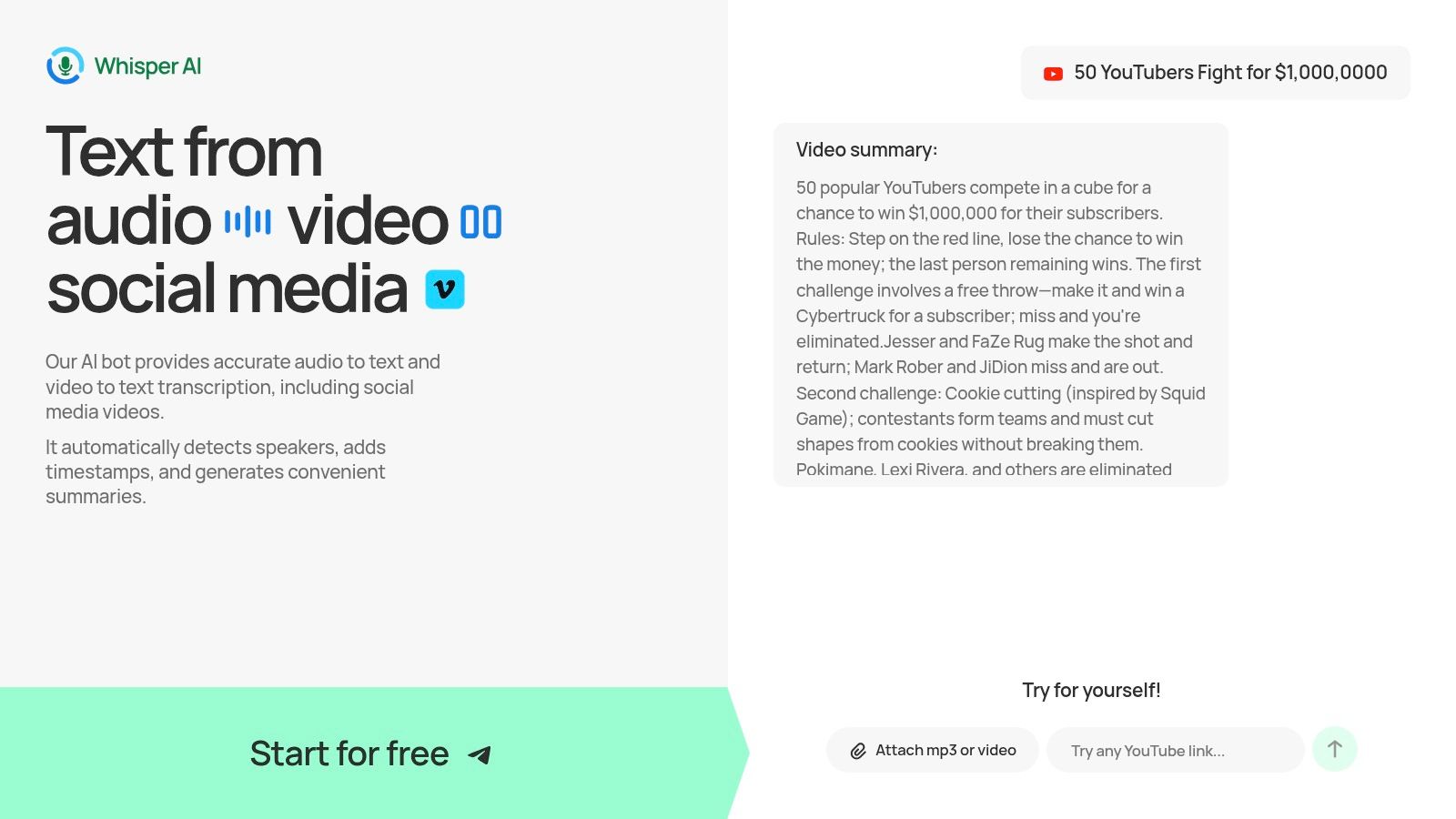
What sets Whisper AI apart is its ability to go beyond basic transcription. It generates concise summaries with clear, bullet-point highlights, allowing you to grasp key takeaways in seconds. Furthermore, its interactive Q&A feature enables you to ask follow-up questions about the content, effectively turning a lengthy recording into a conversational knowledge base for refining insights or creating action items.
Key Strengths and Use Cases
Whisper AI excels in its flexibility and privacy-conscious approach. Supporting over 92 languages and a vast range of file formats, it’s a global tool for diverse needs.
- For Content Creators: YouTubers and podcasters can rapidly generate transcripts for captions, show notes, and repurpose content for blogs or social media.
- For Business Teams: The platform is an excellent tool for documenting meetings, generating summaries for absentees, and ensuring all action items are captured accurately.
- For Researchers and Journalists: Quickly transcribe interviews and lectures, making it easy to search for key quotes and analyze qualitative data efficiently. The technology’s broad capabilities are also being adapted for specialized niches; for instance, a dedicated sermon transcription service can leverage similar AI to help ministries distribute their messages more widely.
The platform emphasizes a "privacy-first" model, stating that files are not stored beyond the transcription and summarization task, a critical consideration for sensitive business or research data. While specific plan details require signing up, the availability of a free starter option makes it accessible to try. However, for high-stakes legal or medical use, users should always verify the output, as accuracy can be affected by poor audio quality or specialized jargon. To explore its technology further, you can learn more about Whisper AI on their blog.
Website: whisperbot.ai
2. Otter.ai
Otter.ai is a veteran in the AI meeting assistant space, known for its robust live transcription and real-time summary capabilities. It integrates seamlessly with major video conferencing platforms like Zoom, Google Meet, and Microsoft Teams by sending a notetaker bot directly into your meetings. This bot transcribes the conversation as it happens, allowing participants to follow along and even collaborate on the notes in real-time.
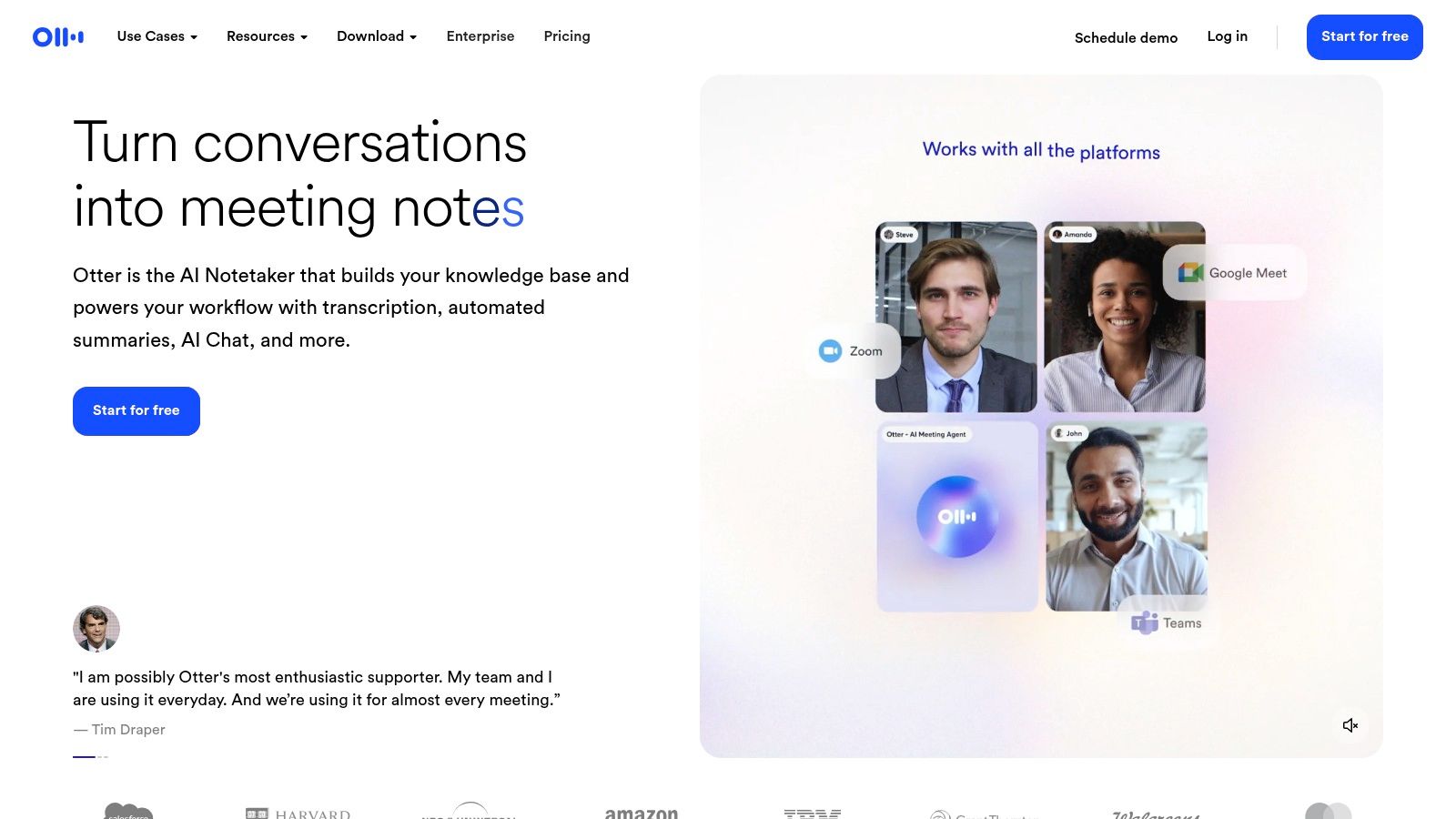
The platform's strength lies in its mature ecosystem, which includes polished web and mobile apps, making it an excellent ai meeting summary tool for users who need access to their notes on the go. The "AI Chat" feature is particularly useful, letting you ask specific questions about the meeting content (e.g., "What were the deadlines mentioned?") and receive instant answers drawn directly from the transcript.
Key Features & Use Cases
Otter excels at providing a live, interactive meeting experience. Its automated slide capture feature saves presentation content alongside the transcript, creating a rich, multimedia record of the discussion.
- Best for: Students recording lectures, business teams needing instant meeting recaps, and journalists conducting interviews where live note-taking is crucial.
- Live Notetaker: The "OtterPilot" automatically joins your calendar events, providing a hands-off recording and transcription experience.
- AI Chat: Query your meeting transcripts to quickly find key decisions, action items, or data points without rereading the entire text.
- Rich Export Options: Export summaries, full transcripts, or audio in various formats to fit your workflow.
However, a key limitation is that the Otter bot must join as a visible participant. Some organizations have security policies that restrict external bots, which can be a barrier. Additionally, the free and lower-priced tiers have strict limits on transcription minutes and the number of meetings you can import, making paid plans almost necessary for regular users.
Website: https://otter.ai
3. Fireflies.ai
Fireflies.ai is a comprehensive AI meeting assistant designed to automate the entire note-taking and summary process. Similar to other tools, it dispatches its bot, "Fred," to join your meetings on platforms like Zoom, Google Meet, and Microsoft Teams. It records, transcribes, and then processes the conversation to deliver detailed AI summaries directly to your inbox or integrated apps like Slack and Asana.
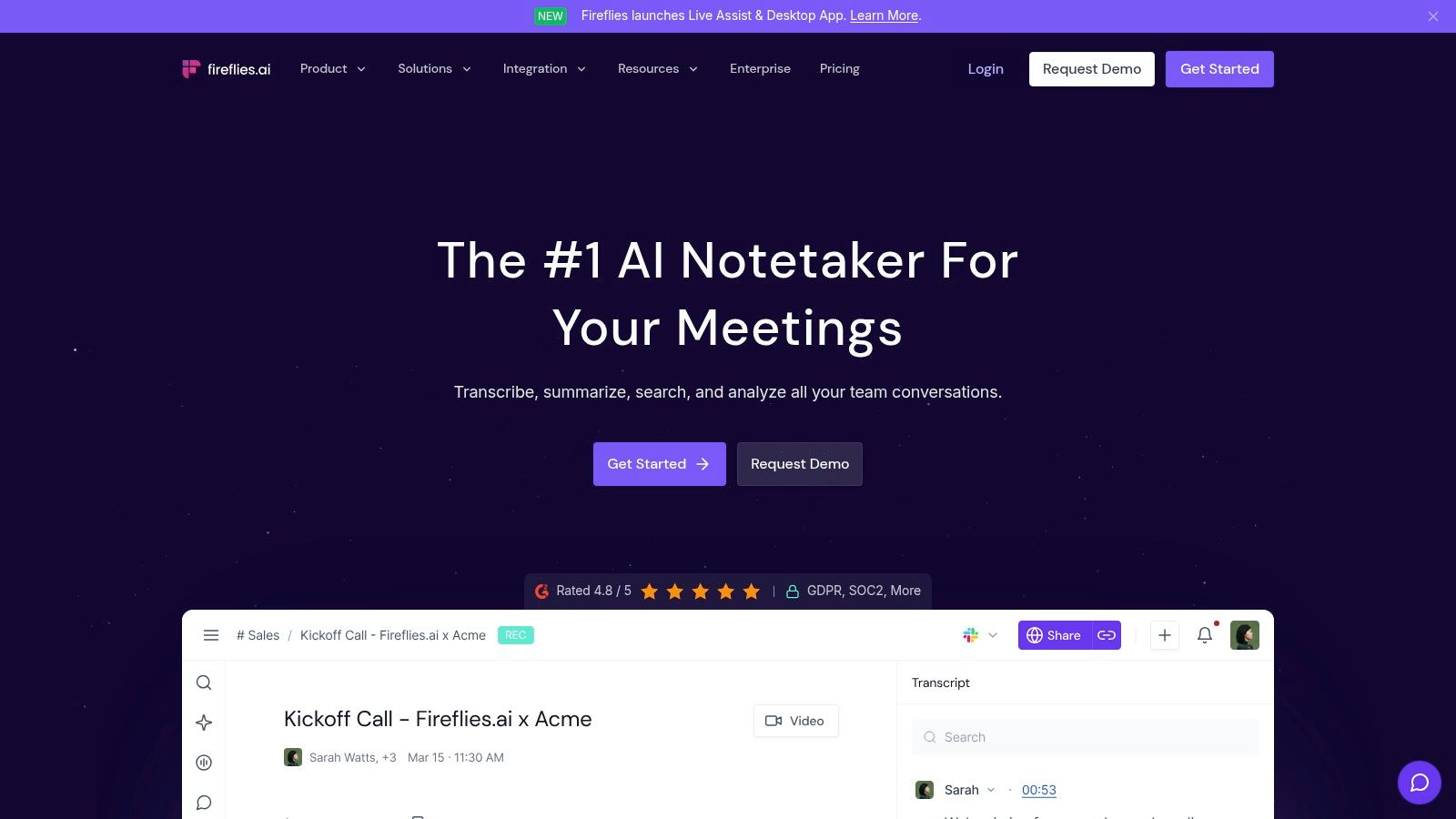
The platform differentiates itself with its deep analytical capabilities and extensive language support, transcribing in over 100 languages. Its "AskFred" feature allows users to chat with their meetings, asking questions to quickly surface key information. For organizations focused on performance, Fireflies provides conversation analytics that can track metrics like talk-to-listen ratios and sentiment, making it a powerful ai meeting summary tool for sales and customer success teams.
Key Features & Use Cases
Fireflies shines in its ability to not just summarize, but also analyze and integrate meeting data into existing business workflows. The automatic detection of action items is particularly robust, helping ensure that next steps are never missed. For more details on structuring these outputs, explore this meeting action items template.
- Best for: Sales teams wanting to analyze calls, global teams requiring multi-language transcription, and project managers tracking action items across platforms.
- Conversation Intelligence: Provides analytics on speaker talk time, sentiment, and other key metrics to help improve meeting performance.
- Extensive Integrations: Connects with dozens of CRM, project management, and collaboration tools to automatically log call notes and tasks.
- AskFred Assistant: A conversational AI that can answer questions about your meetings, generate reports, and create content based on the transcript.
One potential hurdle is that, like other bot-based assistants, Fireflies requires administrative permissions or specific settings to join meetings in some corporate environments. While its free tier is useful for trial, heavy users will find the Pro and Business plans, which offer unlimited transcription and summaries, to be a necessity for regular use.
Website: https://fireflies.ai
4. Fathom
Fathom is a powerful meeting assistant that excels in generating fast, high-quality notes and summaries for Zoom, Google Meet, and Microsoft Teams. It's particularly well-regarded for its user-friendly interface that makes it simple to highlight key moments during a live call, which are then instantly compiled into shareable clips and playlists. This functionality is a major draw for sales and user research teams who need to share specific customer feedback.
The platform stands out by automatically sending a full summary to your inbox moments after a call ends, complete with action items and a full transcript. Fathom's strength as an ai meeting summary tool lies in its deep integrations with CRMs like Salesforce and HubSpot, along with workflow tools like Slack and Zapier. This allows for seamless data transfer, automatically logging call notes and action items to the right records.
Key Features & Use Cases
Fathom is built for teams that rely on meeting insights to drive their work, offering structured and easily digestible outputs that save significant time on post-call admin tasks. Its template feature lets you pre-define summary structures for different meeting types, ensuring consistency.
- Best for: Sales teams logging client calls, user researchers capturing feedback, and managers who need to quickly share meeting highlights with stakeholders.
- Instant Summaries: Receive structured email summaries with key takeaways and action items immediately after your meeting concludes.
- Highlight Clips & Playlists: Click a button during your meeting to mark important moments, which can be shared as video clips or compiled into playlists.
- CRM & Slack Integration: Automatically sync call notes, summaries, and action items to platforms like Salesforce, HubSpot, and Slack to streamline workflows.
A significant advantage is Fathom's generous free tier, which offers unlimited recordings and transcriptions for individual users. However, advanced features like customizable summary templates and team-wide analytics require upgrading to a paid plan, which is a necessary step for collaborative business use.
Website: https://fathom.video
5. Sembly AI
Sembly AI positions itself as an enterprise-ready AI team assistant, focusing on robust security features and advanced analytics that span multiple conversations. It integrates with all major platforms, including Zoom, Google Meet, Microsoft Teams, and Webex, by sending a dedicated agent to record, transcribe, and analyze your meetings, turning unstructured discussions into structured, actionable insights.
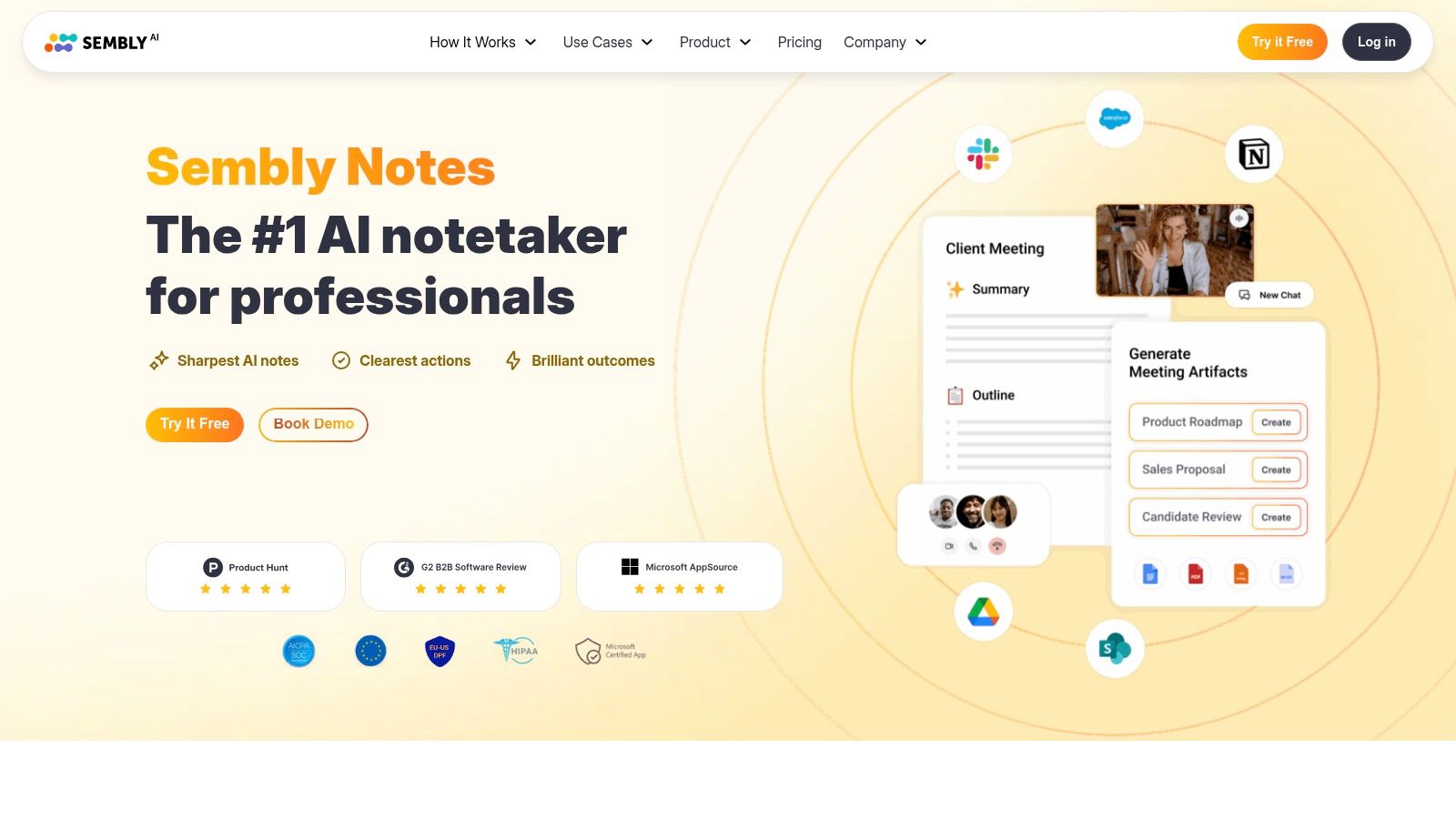
The platform’s key differentiator is its ability to perform multi-meeting analysis. Sembly doesn't just summarize individual calls; it helps you connect dots across projects, teams, and timelines. This makes it an excellent ai meeting summary tool for managers and executives looking for high-level operational intelligence. Its compliance with SOC 2 and GDPR, along with options for US/EU data residency, provides peace of mind for privacy-conscious organizations.
Key Features & Use Cases
Sembly excels at transforming meeting data into a searchable knowledge base, allowing teams to track progress and identify trends without manual effort. The ability to upload offline audio or video files adds flexibility for summarizing pre-recorded content.
- Best for: Enterprise teams needing cross-meeting analytics, project managers tracking milestones, and organizations with strict security and data residency requirements.
- Multi-Meeting Chat: Ask questions like "What are the latest updates on Project Phoenix?" and Sembly will synthesize answers from all relevant meetings.
- AI-Generated Tasks: Automatically identifies and assigns action items from the conversation, which can be synced with tools like Asana, Trello, and Jira.
- Enterprise-Grade Security: Offers SOC 2 Type 2 compliance and data residency options, making it suitable for regulated industries.
A potential downside is that its plan structure can feel complex, with many of the advanced analytics and multi-meeting features reserved for higher-priced tiers. This makes the entry-level plans less powerful for users specifically seeking deep, cross-functional insights.
Website: https://www.sembly.ai
6. Avoma
Avoma is a multifaceted platform that blends an AI meeting assistant with sophisticated conversation and revenue intelligence. It's designed for teams that need more than just notes, offering deep insights into sales cycles, coaching opportunities, and pipeline health. Avoma integrates directly with conferencing tools and CRMs, automating administrative work while uncovering valuable business data from every conversation.
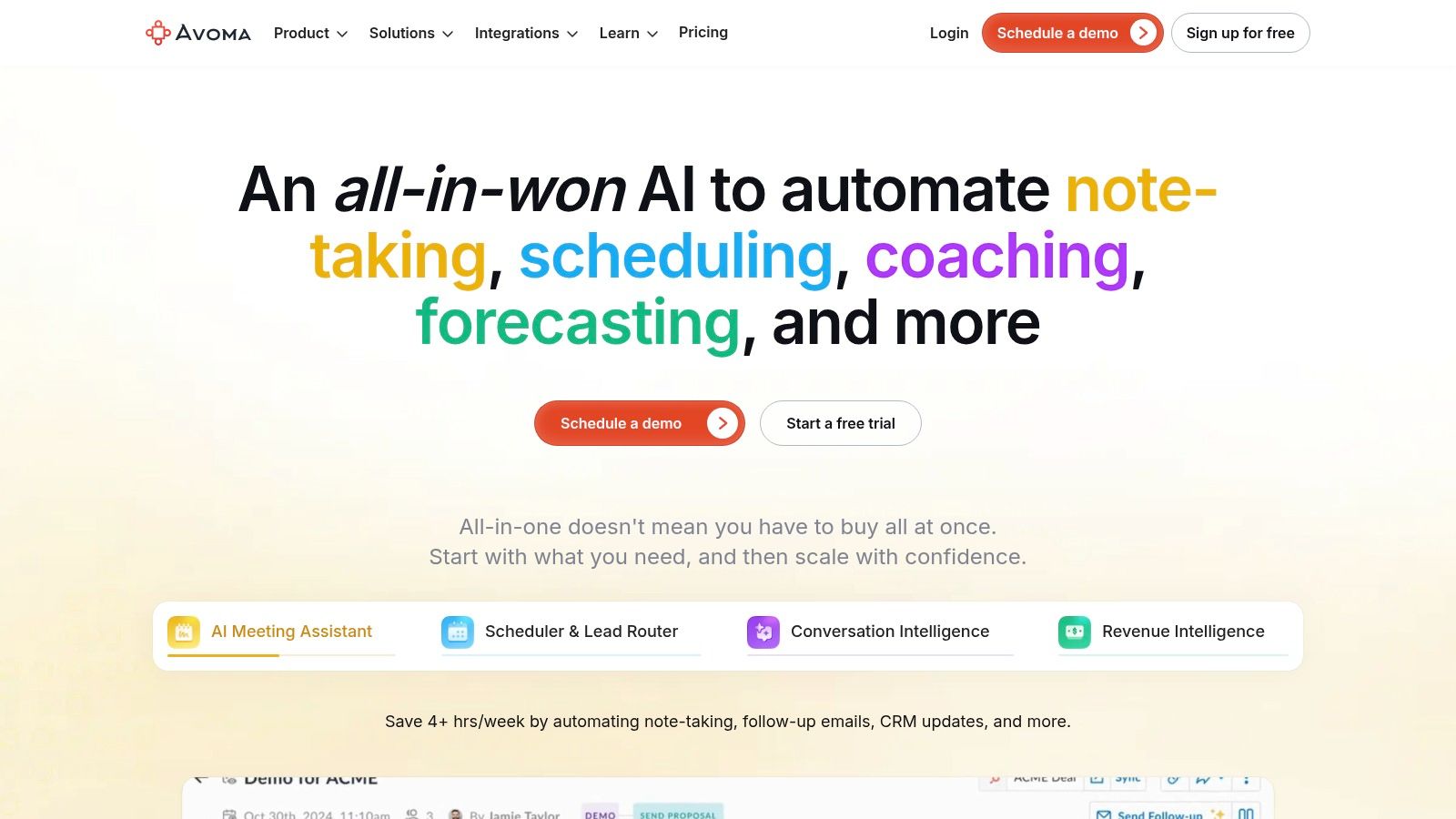
The platform stands out by automatically updating CRM records with notes structured around sales methodologies like MEDDIC or SPICED. This makes it an exceptional ai meeting summary tool for revenue-focused teams. Its modular pricing and generous collaboration model, which allows unlimited free "view-only" seats, make it a scalable solution for growing organizations looking to democratize meeting insights without a linear increase in cost.
Key Features & Use Cases
Avoma shines in sales and customer-facing environments where meeting outcomes are directly tied to revenue. It helps managers coach reps, analyze deal risks, and ensure playbook adherence by analyzing the content of conversations at scale.
- Best for: Sales teams, customer success managers, and RevOps leaders who need to connect meeting data with business outcomes and CRM records.
- Conversation Intelligence: Optional add-ons provide deep analytics on talk-time, topic trends, and competitor mentions to inform strategy.
- Automated CRM Updates: Automatically pushes structured notes and key intelligence directly into your CRM, saving significant administrative time.
- Flexible Licensing: A key advantage is its pricing, where you primarily pay for "recorder" licenses while allowing the entire team to view and collaborate on notes for free.
The primary drawback is its complexity and cost structure. While flexible, the need for add-ons to access deeper analytics means the total cost can be higher than simpler tools. It may be overkill for individuals or teams who only need basic transcription and summarization.
Website: https://www.avoma.com
7. Supernormal
Supernormal positions itself as a streamlined, efficient AI notetaker that integrates with Google Meet, Zoom, and Microsoft Teams to automate meeting notes. Its primary goal is to turn conversations into structured, shareable documentation with minimal effort. The platform automatically joins your calls, records them, and generates polished notes based on pre-set or custom templates.
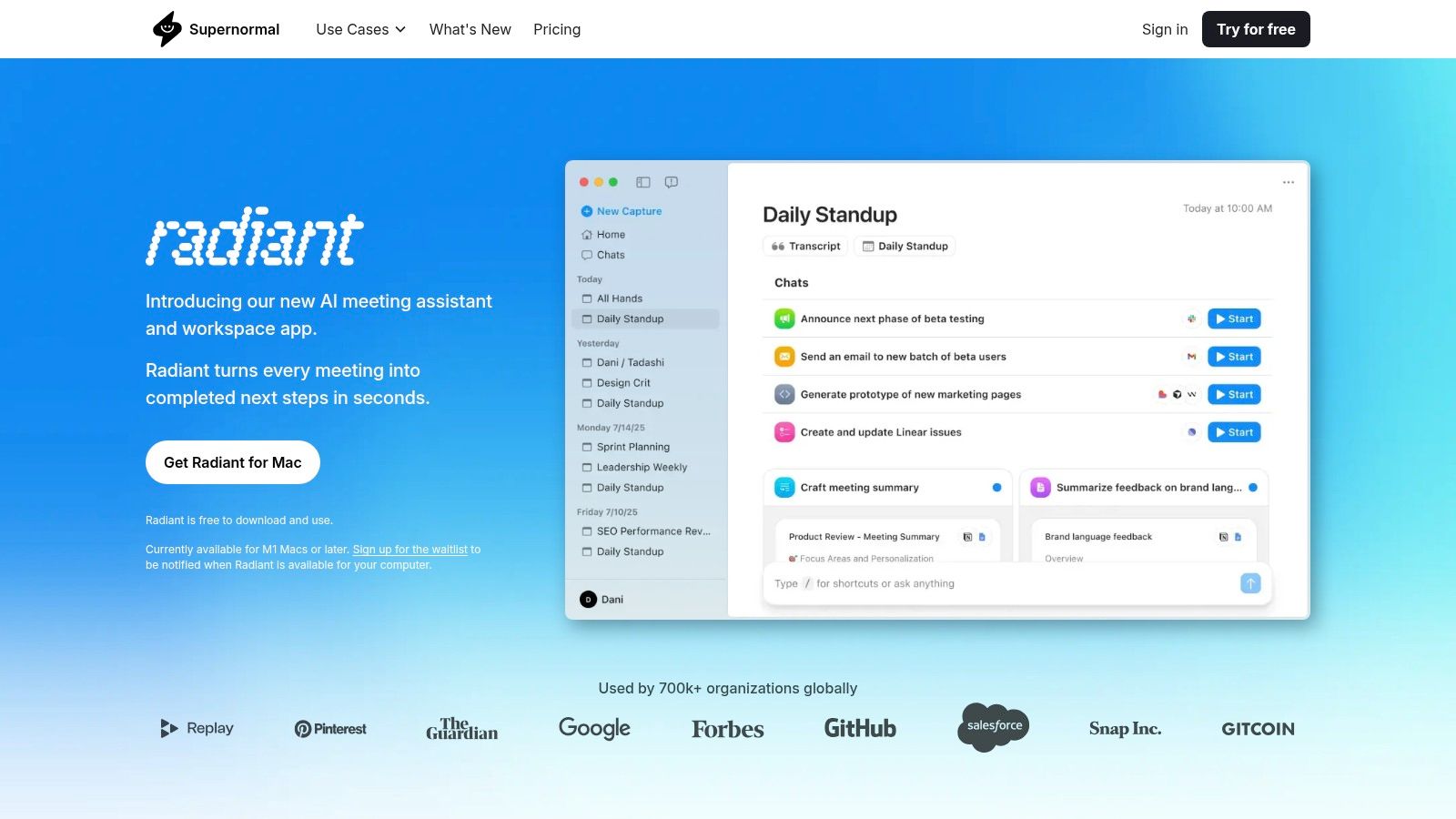
The standout feature of Supernormal is its emphasis on templates. Users can define specific sections they want in their summary, such as "Key Decisions," "Action Items," or "Main Objections," guiding the AI to produce consistent and relevant output for different meeting types like sales calls or project syncs. This makes it a powerful ai meeting summary tool for teams that require standardized note-taking across their organization.
Key Features & Use Cases
Supernormal excels at creating fast, well-organized notes that can be shared instantly across other platforms. Its deep integrations with tools like Slack, HubSpot, and Salesforce allow meeting outcomes to flow directly into your existing business workflows.
- Best for: Sales teams needing to log call notes in a CRM, project managers tracking action items, and businesses that rely on template-driven documentation.
- Template-Driven Notes: Create and reuse templates to ensure every meeting summary captures the exact information your team needs.
- Workflow Integrations: Automatically push meeting summaries, key decisions, and action items to platforms like Asana, HubSpot, Salesforce, and Slack.
- Generous Paid Tiers: The Pro and Business plans offer unlimited meeting summaries, which is a significant advantage for high-volume users.
A limitation to consider is that some advanced administrative features, security controls, and deeper template customizations are reserved for the higher-tier Business plan. Additionally, while it has a strong web interface, its mobile app is less of a focus compared to some competitors, which might affect users who frequently need to review notes on the go.
Website: https://www.supernormal.com
8. tl;dv
tl;dv stands out in the crowded AI notetaker space with one of the most generous free plans available, offering unlimited meeting recordings and transcriptions. It integrates with Google Meet, Zoom, and Microsoft Teams, focusing not just on individual meetings but on providing insights across multiple conversations. This makes it an excellent choice for teams looking to analyze trends or track long-term projects.
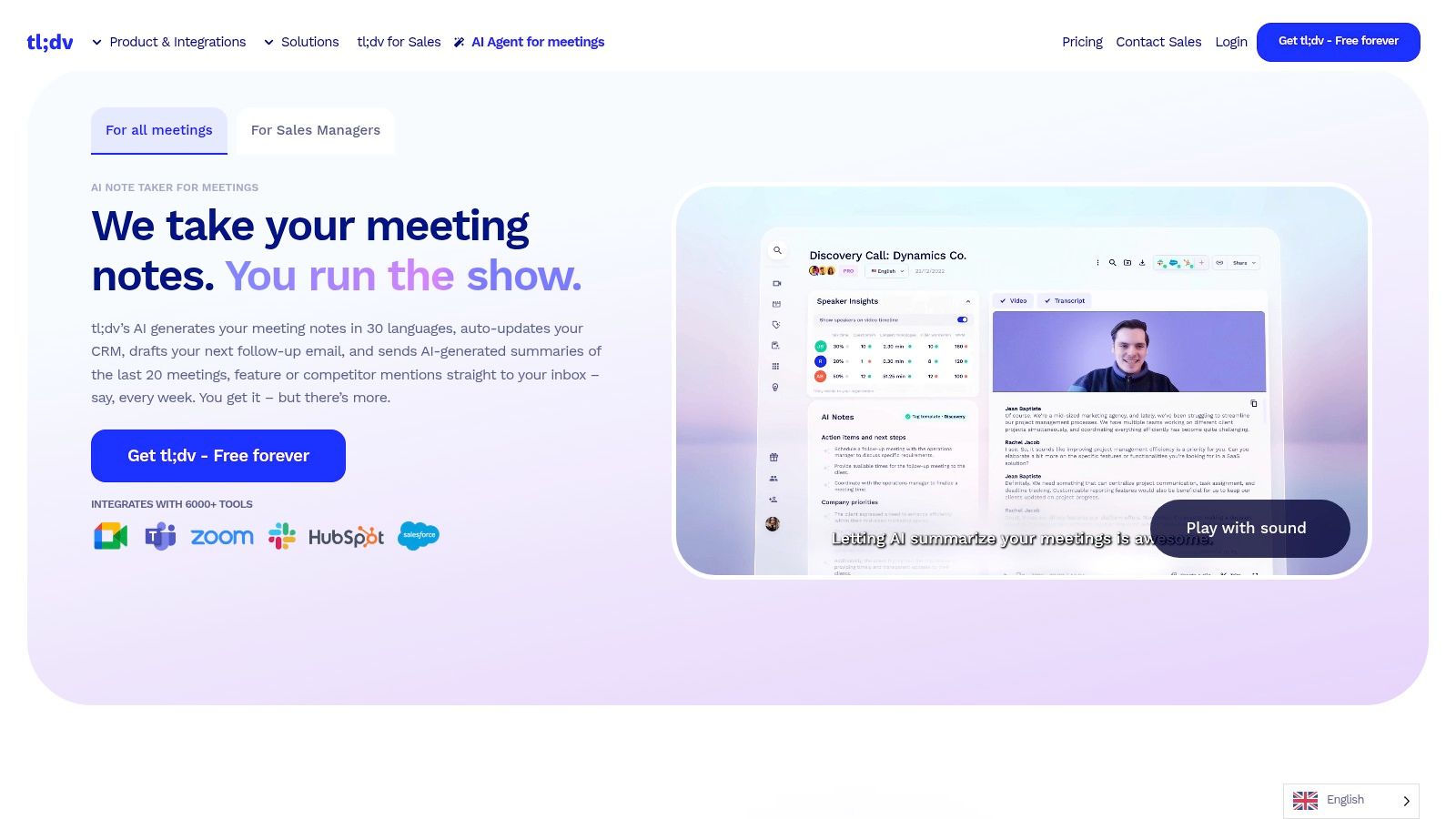
The platform’s strength is its combination of accessibility and power. With support for over 30 languages and massive integration potential via Zapier, tl;dv is a versatile ai meeting summary tool that can fit into nearly any workflow. It allows you to create clips, tag colleagues at specific timestamps, and generate summaries, all within a clean and user-friendly interface.
Key Features & Use Cases
tl;dv is built for teams that need to scale their meeting intelligence without immediately hitting a paywall. Its multi-meeting AI reports (available on paid plans) can synthesize information from various calls to give you a high-level overview of project progress or customer feedback.
- Best for: Startups and SMBs wanting a scalable free solution, user researchers analyzing customer interviews, and global teams needing multilingual support.
- Generous Free Plan: Record and transcribe an unlimited number of meetings, a key differentiator from most competitors.
- Broad Integrations: Connects to over 5,000 tools through Zapier, allowing you to automatically push meeting data to your CRM, project management software, or database.
- Multi-Meeting Insights: Paid plans offer the ability to ask the AI questions across your entire meeting repository, identifying patterns and key themes over time.
A primary drawback is the lack of a native mobile application, although its auto-recording feature for calendar events works on mobile. Additionally, while the free tier is excellent, the pricing for advanced features like multi-meeting reports can be less transparent compared to some alternatives.
Website: https://tldv.io
9. MeetGeek
MeetGeek is a versatile AI meeting assistant that offers exceptional flexibility in how you capture conversations. It supports the standard notetaker bot for major platforms like Zoom and Google Meet, but also provides no-bot options through browser extensions and desktop apps, making it ideal for organizations with strict security policies that block external participants. This multi-faceted approach ensures you can record and summarize nearly any meeting, including in-person discussions via its mobile app.
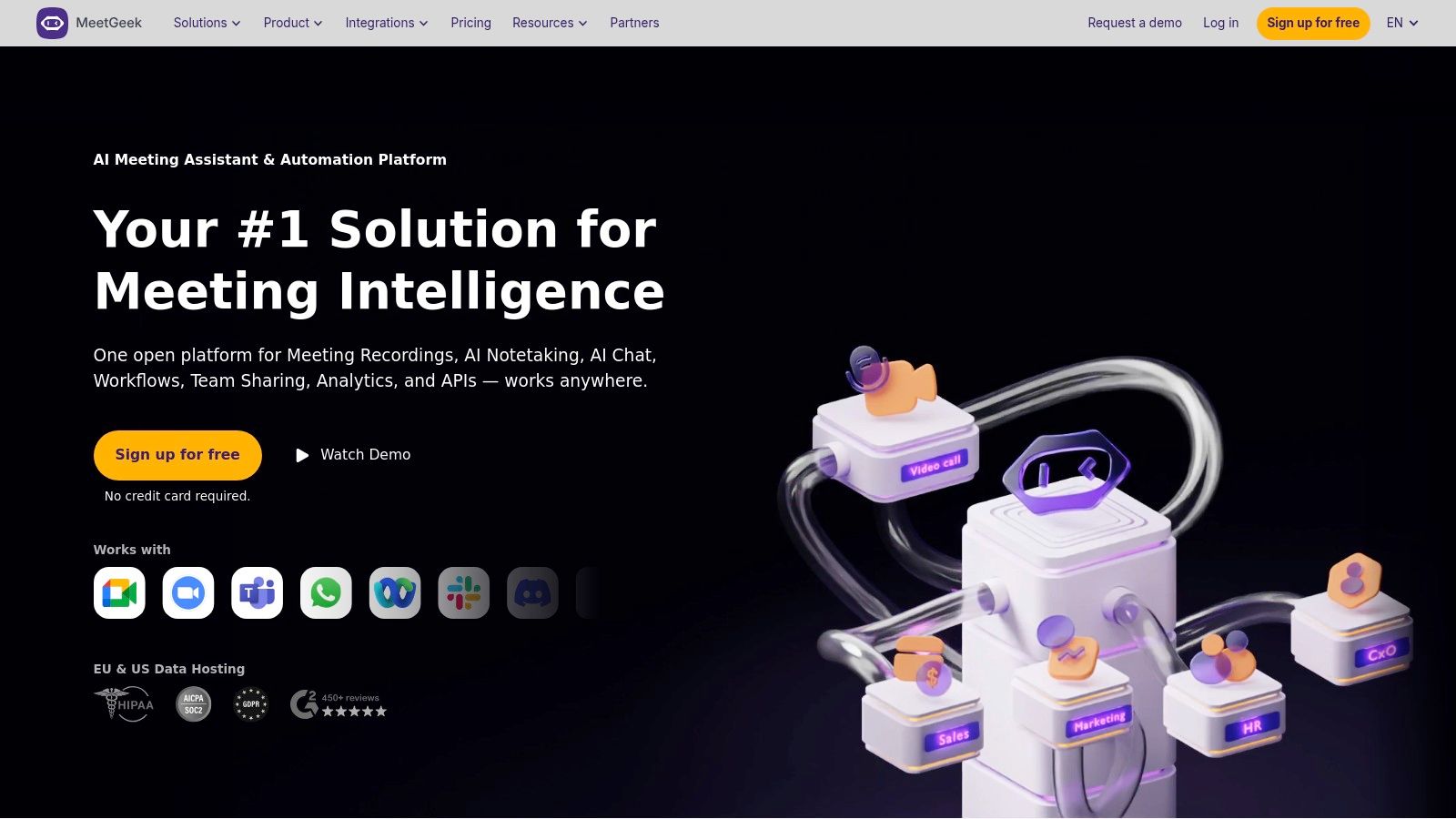
The platform distinguishes itself with powerful organizational features, including customizable summary templates and clear data hosting controls, with options for both US and EU servers. For teams looking to analyze past conversations, MeetGeek allows users to upload existing audio or video files for transcription and summary. This makes it a strong ai meeting summary tool for centralizing both new and historical meeting knowledge in one searchable place.
Key Features & Use Cases
MeetGeek is built for teams that require control and flexibility over their meeting data and capture methods. Its detailed meeting analytics provide insights into speaking time, engagement, and other key metrics to help improve meeting culture.
- Best for: Teams in regulated industries needing data hosting control, companies with policies restricting bots, and users who want to analyze a backlog of recorded meetings.
- Flexible Capture: Choose between an AI bot, a browser extension, a desktop app, or a mobile app for offline and in-person recording.
- AI Summary Templates: Customize the structure of your AI-generated summaries to focus on the information most relevant to your team, such as decisions, risks, or project updates.
- Data Hosting Options: Select between US or EU data centers to comply with regional data privacy regulations like GDPR.
A key drawback is that its Pro tier has hourly transcription caps and charges overage fees, which can lead to unpredictable costs for heavy users. While its integration ecosystem is solid, it is slightly smaller than more established competitors like Otter.ai or Fireflies.ai, which might be a consideration for teams with highly specific workflow needs.
Website: https://meetgeek.ai
10. Zoom AI Companion
For teams already embedded in the Zoom ecosystem, Zoom AI Companion offers a powerful and deeply integrated solution. Rather than relying on a third-party bot, this feature is built directly into the platform, providing meeting summaries, action items, and smart chapters with a single click. It leverages the context of your conversation to deliver relevant recaps and follow-ups without any extra setup or integration hassle.
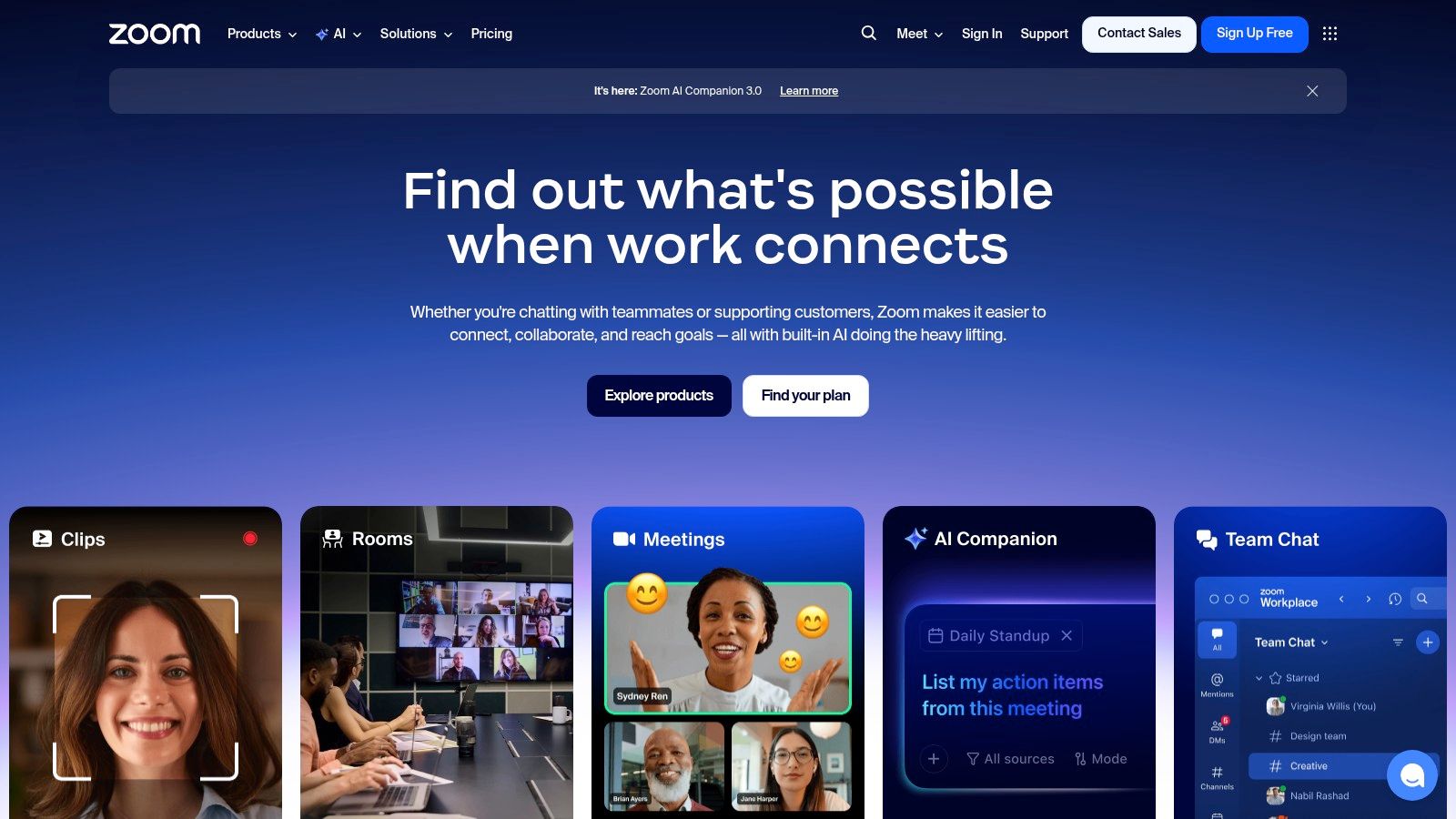
The primary advantage of this ai meeting summary tool is its seamless, native experience. Core features are included at no additional cost for users on paid Zoom Workplace plans, making it an incredibly accessible option. The AI Companion is also expanding beyond meetings into other parts of the platform like Chat and Whiteboard, positioning it as a comprehensive workplace assistant. For those needing a deeper dive into the specifics of recording and transcribing, you can learn more about how to transcribe Zoom meetings.
Key Features & Use Cases
Zoom AI Companion excels at reducing friction for existing Zoom users, automating post-meeting tasks directly within the application where the meeting took place. Its ability to let you ask questions about the meeting you missed in real-time is a standout feature.
- Best for: Businesses and teams heavily reliant on the Zoom platform for daily communications who want a built-in, no-fuss summary solution.
- Native Integration: No need to install third-party apps or manage bot permissions; the summary feature is a native part of the meeting experience.
- Included with Paid Plans: The core AI summary and chat features are bundled with eligible paid Zoom accounts, offering significant value.
- Catch-Up Questions: If you join a meeting late, you can ask the AI Companion to summarize what you've missed without interrupting the flow.
The main limitation is that its full potential is locked within the Zoom ecosystem, offering little value for meetings held on other platforms. While the core features are included with paid plans, advanced capabilities and personalization require an additional paid add-on, the Custom AI Companion.
Website: https://zoom.us
11. Microsoft Teams Intelligent Recap (Teams Premium / Microsoft 365 Copilot)
For organizations deeply embedded in the Microsoft ecosystem, Intelligent Recap offers a powerful, native AI meeting assistant directly within Microsoft Teams. Rather than a standalone tool, it's a feature set available through either a Teams Premium or Microsoft 365 Copilot license. This integration provides a seamless experience, automatically generating summaries, tasks, and notes from meetings without needing a third-party bot to join.
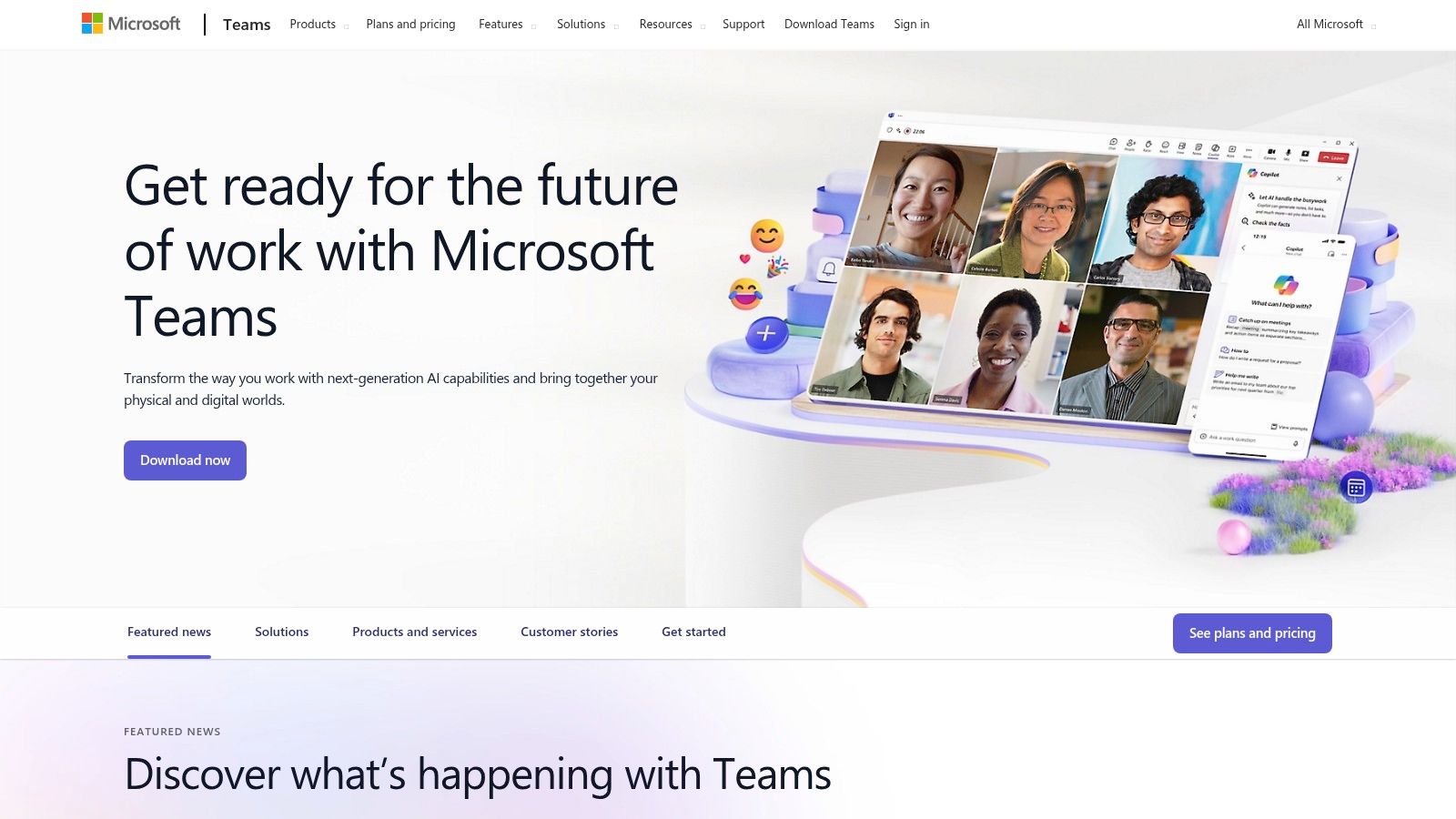
The primary advantage is its deep integration with the broader Microsoft 365 suite and centralized administration. As a built-in ai meeting summary tool, it adheres to your organization's existing security and compliance policies, a critical factor for enterprise users. The feature works across standard meetings, webinars, and large-scale town halls, creating a consistent post-meeting workflow for the entire company.
Key Features & Use Cases
Intelligent Recap shines by keeping all meeting data and summaries within a familiar, secure environment. It automatically organizes the meeting playback into smart chapters and highlights key moments, such as when your name was mentioned.
- Best for: Businesses and enterprises heavily invested in the Microsoft 365 ecosystem that need a compliant, fully integrated summarization tool.
- AI-Generated Notes & Tasks: Automatically creates a summary with assigned tasks, which can then be managed within Microsoft Planner and To Do.
- Speaker Attribution: The recap clearly identifies "who said what" and organizes the transcript by speaker, making it easy to follow the conversation flow.
- Centralized Admin Controls: IT administrators can manage and enforce policies for AI recaps, ensuring it aligns with company governance.
A significant hurdle can be navigating the licensing requirements. The feature is not available in standard Teams and requires either a Teams Premium add-on or the more comprehensive (and expensive) Microsoft 365 Copilot license. Furthermore, its functionality is contingent on having transcription enabled, which might be restricted by internal IT policies.
Website: https://www.microsoft.com/microsoft-teams
12. Google Meet with Gemini (Workspace)
For teams already embedded in the Google ecosystem, Gemini for Workspace transforms Google Meet into a powerful native AI assistant. Rather than adding a third-party tool, this integration builds AI capabilities directly into the familiar Meet interface. Its standout feature, "take notes for me," automatically generates and distributes meeting notes, summaries, and action items, deeply integrating with Docs and your calendar.
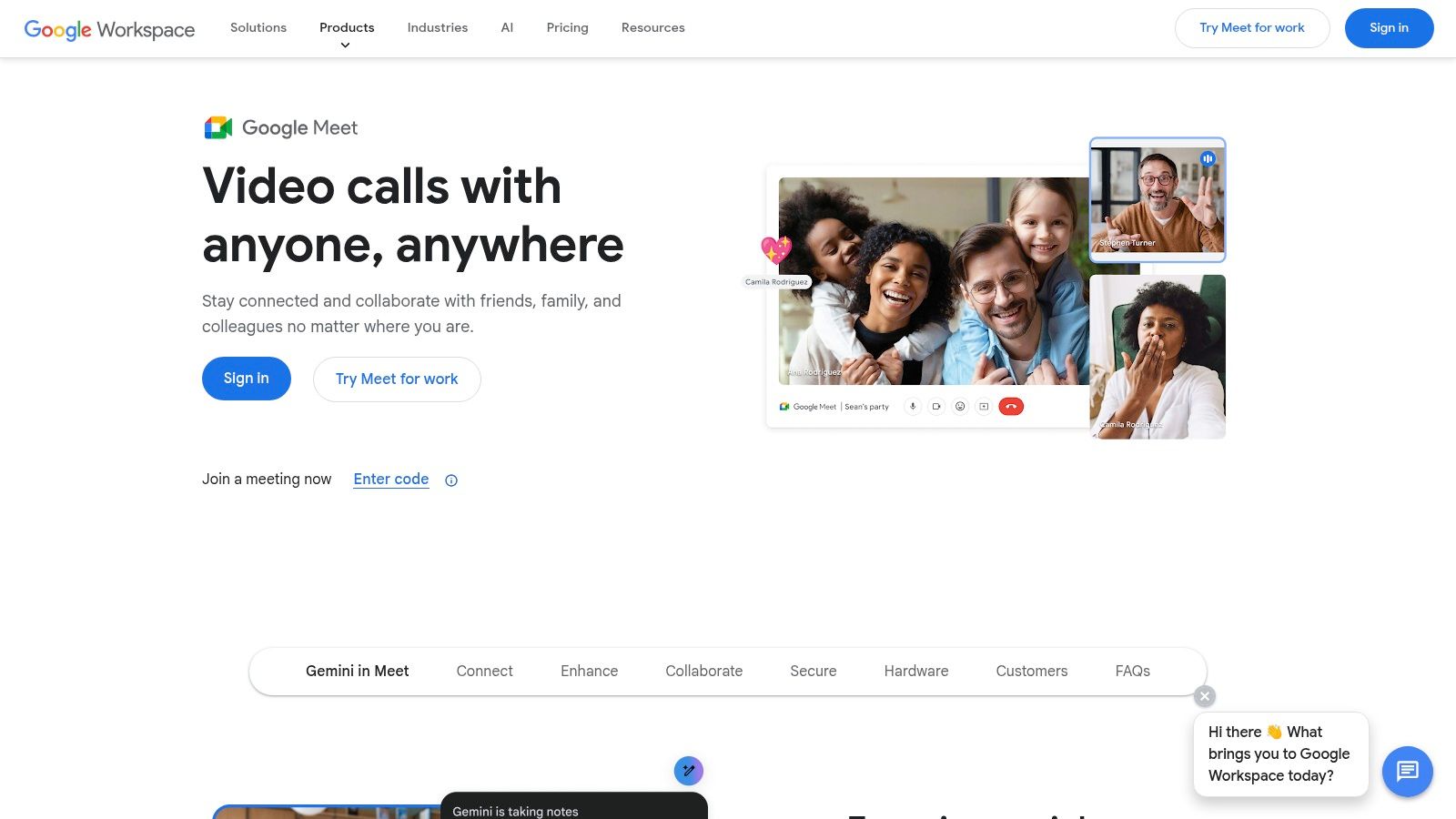
The platform's strength is its seamless unification with other Google apps like Gmail, Docs, and Sheets. This makes it an ideal ai meeting summary tool for organizations seeking a consolidated, secure solution governed by existing Workspace admin controls. The AI assistance extends beyond meetings, allowing you to use Gemini to draft emails or analyze data, creating a cohesive and efficient workflow across all your productivity tools.
Key Features & Use Cases
Google Meet with Gemini excels at providing a secure, all-in-one collaboration environment. Its value is not just in summarizing meetings but in connecting those insights directly to the rest of your digital workspace.
- Best for: Businesses heavily invested in Google Workspace, teams needing enterprise-grade security and admin controls, and users who want AI assistance across all their work apps.
- "Take notes for me": Automatically captures key points, decisions, and action items from your meetings and saves them to a Google Doc.
- Deep Integration: AI features are available across the entire Workspace suite, from summarizing email threads in Gmail to creating presentations in Slides.
- Enterprise-Grade Security: Leverages Google's robust security and compliance posture, which is a critical consideration for many organizations.
A significant consideration is that these advanced AI features are only available in higher-tier paid Google Workspace plans, such as Business and Enterprise editions. Furthermore, the rollout and availability of specific Gemini features can vary by plan and region, requiring some patience as the platform evolves.
Website: https://workspace.google.com/products/meet/
Top 12 AI Meeting Summary Tools — Feature Comparison
Making Your Final Decision: Which Tool Is Best for You?
Navigating the crowded landscape of AI meeting summary tools can feel overwhelming, but the journey to finding the perfect solution is about matching specific features to your unique needs. We've explored a dozen powerful platforms, from native integrations like Zoom AI Companion to sales-focused powerhouses like Avoma and versatile assistants like Otter.ai. The key takeaway is that the "best" tool is not a one-size-fits-all answer; it's the one that seamlessly integrates into your existing workflow and solves your most significant pain points.
Your decision hinges on a few critical questions. Are you primarily dealing with live, internal meetings within a specific ecosystem like Google Workspace or Microsoft Teams? If so, the native tools are often the most frictionless starting point. Are you a sales professional who lives in a CRM? Platforms like Fireflies.ai and Fathom, with their deep integration capabilities, are built for you. However, if your needs extend beyond the boardroom into content creation, research, or handling diverse audio and video files, your criteria for an ai meeting summary tool must evolve.
A Quick Recap: Matching Tools to Your Core Needs
To simplify your choice, let's distill our findings into a decision-making framework based on primary use cases:
- For Maximum Flexibility and Content Creators: If you work with pre-recorded audio, podcasts, YouTube videos, or various video file formats, your priority should be a tool that isn't tethered to a live meeting platform. Whisper AI is our top recommendation here due to its exceptional accuracy, extensive language support, robust privacy controls, and ability to handle virtually any audio or video file you provide.
- For Corporate Teams and Live Meetings: If your world revolves around back-to-back Zoom, Google Meet, or Teams calls, a dedicated meeting assistant is invaluable. Otter.ai, Sembly AI, and tl;dv offer excellent real-time transcription, speaker identification, and collaborative features designed to make live meetings more productive.
- For Sales and Customer-Facing Roles: Professionals who need to analyze calls, track action items, and update CRMs will find the most value in tools like Avoma and Fathom. Their ability to extract sales intelligence and automate data entry provides a clear return on investment.
- For Budget-Conscious Individuals and Small Teams: If you're just starting out, leverage the generous free tiers offered by tools like Fathom, Supernormal, or MeetGeek. They provide a fantastic way to experience the core benefits of an AI assistant without an initial financial commitment.
Final Implementation Checklist
Before you commit to a subscription, make sure you've considered the practical side of implementation. The right ai meeting summary tool should not only have great features but also fit your operational requirements.
- Run a Real-World Test: Don't rely on demo videos. Use the free trial to process your own content. Test it with recordings that have background noise, multiple speakers with different accents, and industry-specific jargon. This is the only way to truly gauge its accuracy and usefulness for your work.
- Evaluate the Workflow: How easily can you get summaries and transcripts into the tools you use every day, like Slack, Notion, or your project management software? A tool with powerful features is useless if it creates more manual work.
- Review Privacy and Security Policies: Who owns your data? Where is it stored? If you handle sensitive client information or confidential internal discussions, this is not a step to skip. Look for tools that offer robust security protocols and clear data ownership policies.
Ultimately, the goal is to transform information into action. Whether that's turning a two-hour podcast into a shareable blog post, a client call into actionable CRM entries, or a team brainstorm into a clear project plan, the right AI tool makes it happen. By aligning your primary needs with the strengths of the platforms we've reviewed, you can confidently choose a solution that saves you time, enhances collaboration, and unlocks the hidden value in your spoken content.
Ready to experience the power of a truly versatile transcription and summarization tool that works with your content, not just your calendar? Try Whisper AI to get accurate, secure, and insightful summaries from any audio or video file. Start summarizing for free today at Whisper AI.


























































































