
The 12 Best Collaboration Tools for Remote Teams in 2025
The shift to remote and hybrid work isn't just a temporary adjustment; it's the new operational standard for high-performing teams globally. Success in this environment, however, depends entirely on the digital toolkit that connects them. With a saturated market of applications all claiming to be the ultimate solution, finding the right combination of platforms for chat, project management, and creative work can be a significant challenge. This guide is designed to cut through that noise and provide clarity.
We have moved beyond marketing claims to deliver an experience-based breakdown of the best collaboration tools for remote teams, meticulously organized by their core function. You won’t find generic feature lists here. Instead, this is a definitive, actionable roundup created to help you build a tech stack that minimizes friction and maximizes impact, regardless of where your team members are located.
For teams prioritizing innovation and joint creative efforts, understanding the specific needs and best practices for their workflow is paramount. You can explore relevant discussions in these FAQs for Creative Collaboration Teams to supplement your decision-making process.
In this resource, we'll dive deep into each tool, covering:
- Standout features and practical use cases.
- Honest assessments of limitations and ideal user profiles.
- Actionable workflows, including how to integrate powerful AI tools like Whisper AI for transcription and summarization.
Each entry includes screenshots and direct links, so you can evaluate the options for yourself. Our goal is to empower you to select the right platforms to solve your team's specific communication and productivity challenges.
1. Slack
Slack is the quintessential channel-based messaging platform that has become the central nervous system for countless remote teams. More than just a chat app, it serves as a digital headquarters, organizing conversations, files, and key apps into dedicated channels for specific projects, topics, or teams. This structure creates a searchable archive of all communication, drastically reducing reliance on cluttered email inboxes and making it one of the best collaboration tools for remote teams seeking organized, context-rich discussions.
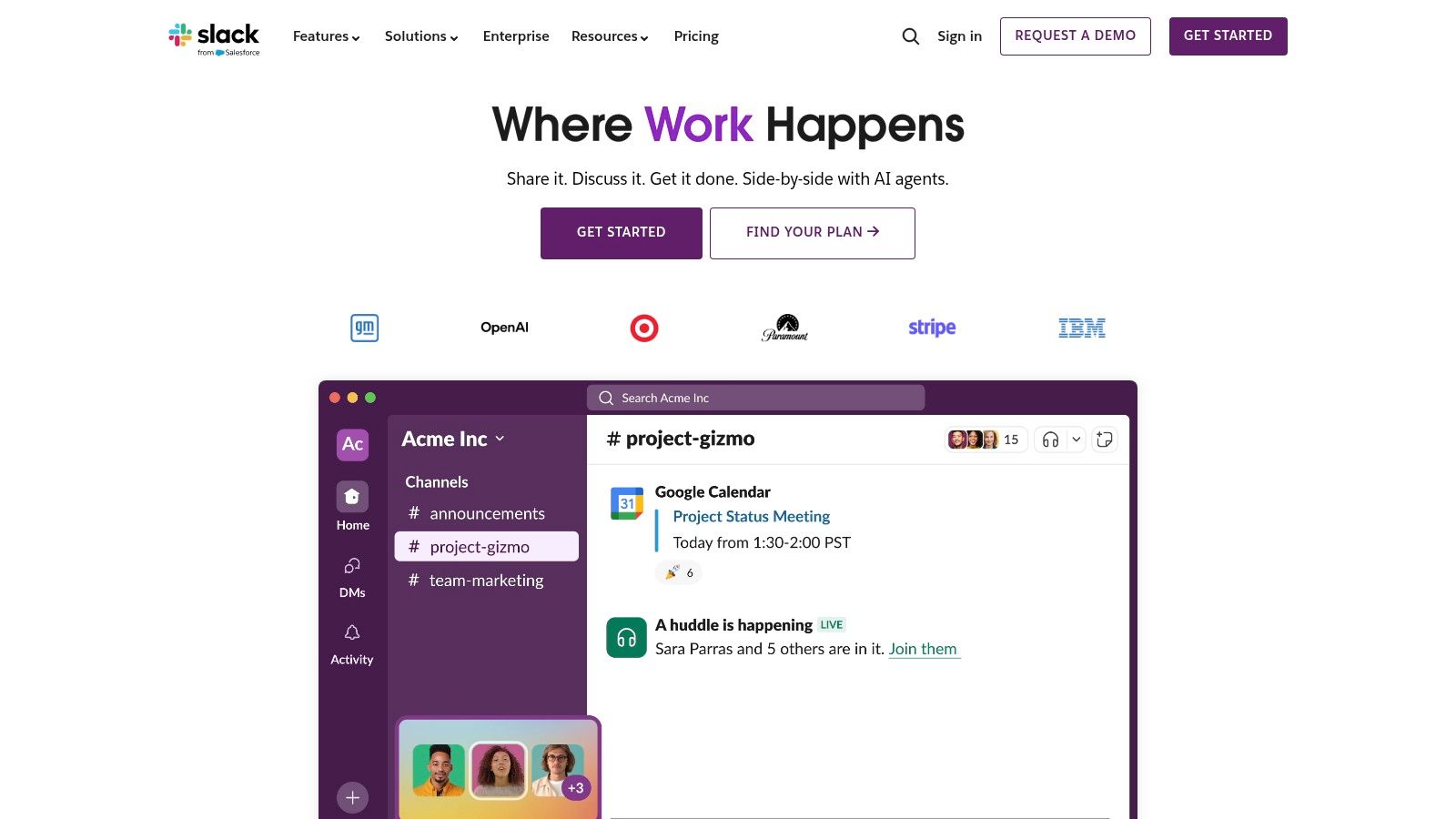
Its true power lies in its deep integration capabilities and features designed for hybrid work. The vast app directory connects natively with tools like Google Drive, Asana, and Salesforce, bringing notifications and actions directly into your workflow. Features like Huddles offer lightweight audio/video calls for quick syncs, while Clips allow for async video messages, perfect for updates across different time zones. Built-in AI on paid plans can summarize threads and provide search answers, boosting productivity.
Key Features & Ideal Use Cases
- Channels & Slack Connect: Organize internal conversations and securely collaborate with external clients or partners in dedicated spaces.
- Workflow Builder: Automate routine tasks like daily stand-ups, new request submissions, or team announcements without writing any code.
- Integrations & AI: Connects with over 2,600 apps and offers AI-powered search and summaries, making it a powerful hub for marketing, sales, and development stacks.
Slack is ideal for fast-moving teams that need a central hub for synchronous and asynchronous communication, especially those heavily reliant on a diverse SaaS stack.
Website: https://slack.com
2. Microsoft Teams
Microsoft Teams is the all-in-one collaboration hub for organizations deeply embedded in the Microsoft 365 ecosystem. It combines persistent chat, video meetings, file storage, and application integration into a single platform, serving as the central workspace for teams using tools like Outlook, SharePoint, and OneDrive. This tight integration makes it one of the best collaboration tools for remote teams that require seamless co-authoring of documents and a unified, enterprise-grade environment.
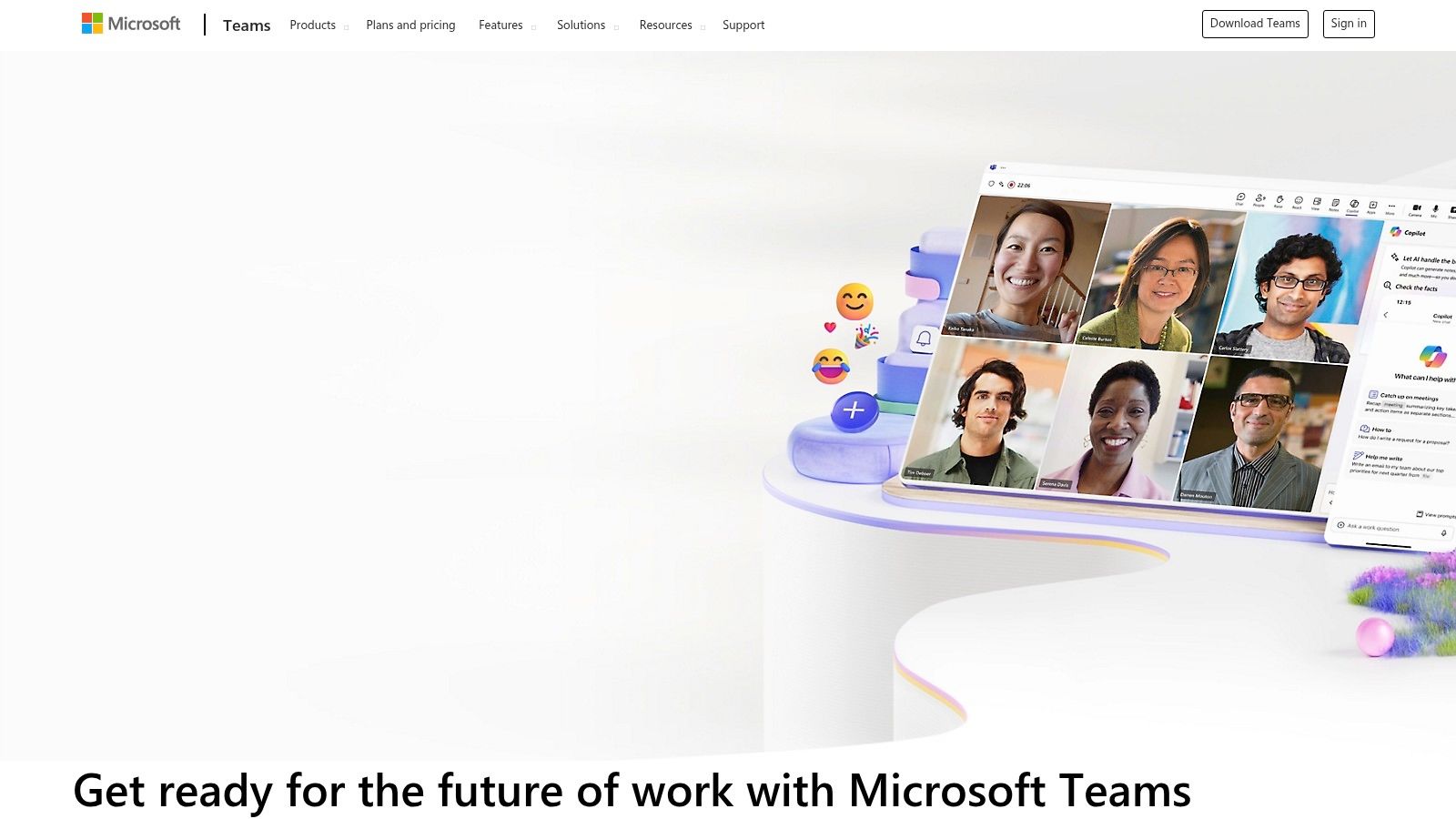
Its strength lies in leveraging the full power of Microsoft 365, allowing users to collaborate on Word documents, Excel spreadsheets, and PowerPoint presentations in real-time directly within a conversation or meeting. Features like live meeting transcripts, captions, and robust administrative controls make it a go-to for regulated industries. Add-ons like Teams Premium introduce advanced AI capabilities, while Teams Phone offers a complete cloud-based telephony solution.
Key Features & Ideal Use Cases
- Deep Microsoft 365 Integration: Co-author and share files from Word, PowerPoint, and Excel with built-in version control via SharePoint and OneDrive.
- Team Channels & Meetings: Host secure meetings with features like together mode, live transcripts, and robust presenter controls for structured collaboration.
- Enterprise-Grade Security & Compliance: Leverage advanced security, compliance, and information protection policies inherited from the Microsoft 365 framework.
Microsoft Teams is ideal for large organizations and enterprises standardized on Microsoft's software suite that need a single, secure platform for chat, video, and file collaboration.
Website: https://www.microsoft.com/en-us/microsoft-teams/group-chat-software
3. Zoom
Zoom is the ubiquitous video-first communications platform that set the standard for remote and hybrid work. While known for its reliable HD video meetings, its evolution into Zoom Workplace has made it a comprehensive collaboration suite. It offers a centralized solution for synchronous communication, including meetings, team chat, a digital whiteboard, and a VoIP phone system, making it one of the best collaboration tools for remote teams that prioritize real-time, face-to-face interaction.
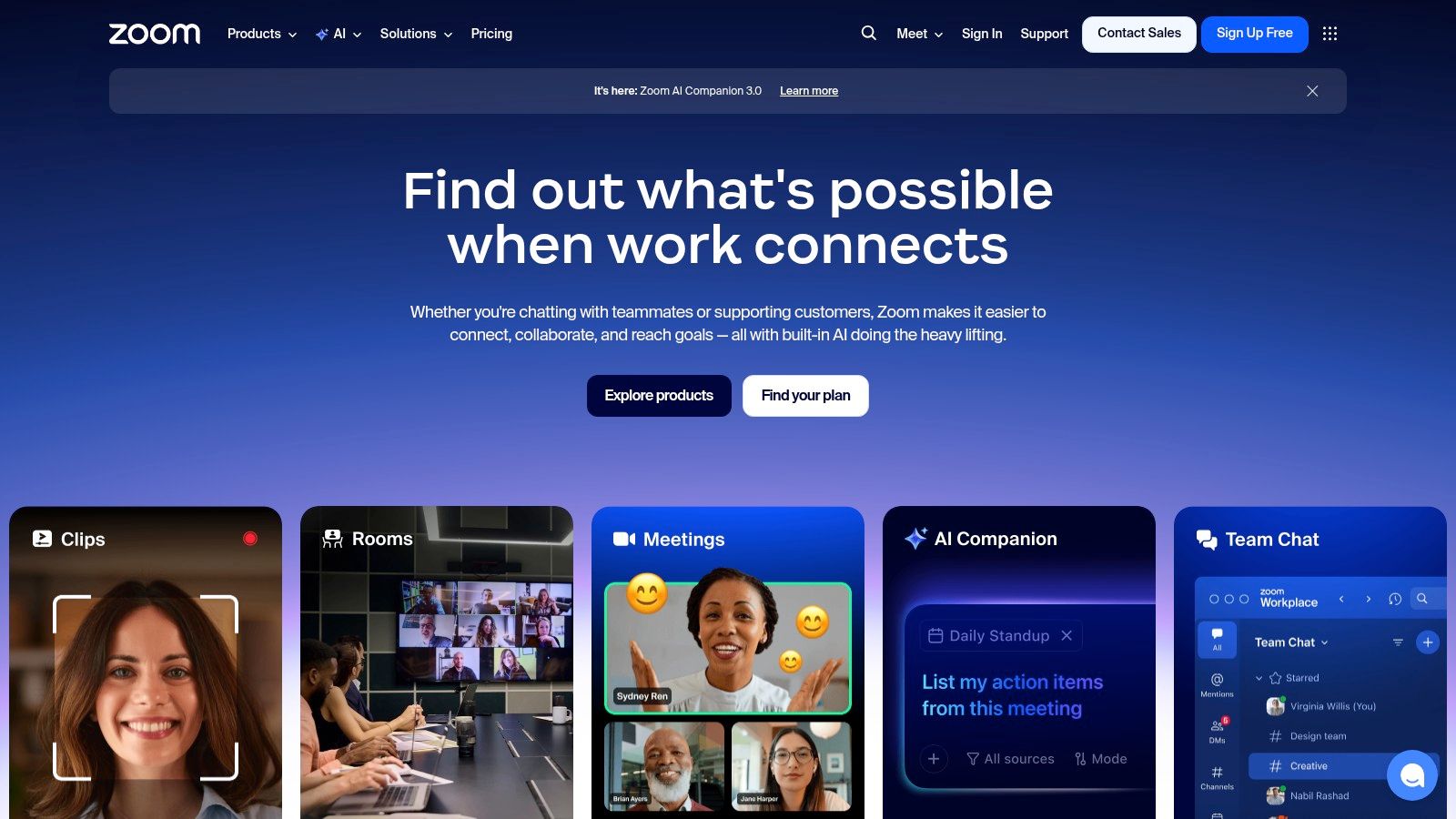
Its core strength is its unparalleled ease of use and consistent performance, even with low bandwidth. This simplicity allows anyone, from tech-savvy developers to external clients, to join a meeting with a single click. Features like Breakout Rooms facilitate smaller group discussions within a larger call, while native cloud recording and AI-powered features provide accessible post-meeting resources. For teams looking to streamline their note-taking, it's worth exploring tools for Zoom meeting transcription to create searchable records of every conversation.
Key Features & Ideal Use Cases
- HD Meetings & Webinars: Industry-leading video conferencing with support for up to 1,000 interactive participants and webinars for up to 50,000 attendees.
- Zoom Whiteboard: A persistent digital canvas for brainstorming and collaboration that can be accessed before, during, or after meetings.
- App Marketplace: Integrates with over 2,500 apps like Asana, Slack, and Salesforce to bring workflows directly into the meeting experience.
Zoom is perfect for organizations that need a highly reliable, scalable, and intuitive platform for video meetings, large-scale virtual events, and client-facing communication.
Website: https://zoom.us
4. Google Workspace
Google Workspace is a deeply integrated suite of productivity and collaboration tools that leverages the familiarity of apps like Gmail, Docs, and Drive to create a seamless collaborative ecosystem. It moves beyond individual apps to offer a unified platform where teams can co-create documents, manage shared storage, and communicate in real-time. For organizations already invested in Google's ecosystem, it stands out as one of the best collaboration tools for remote teams by centralizing document management, communication, and scheduling into a single, cohesive environment.
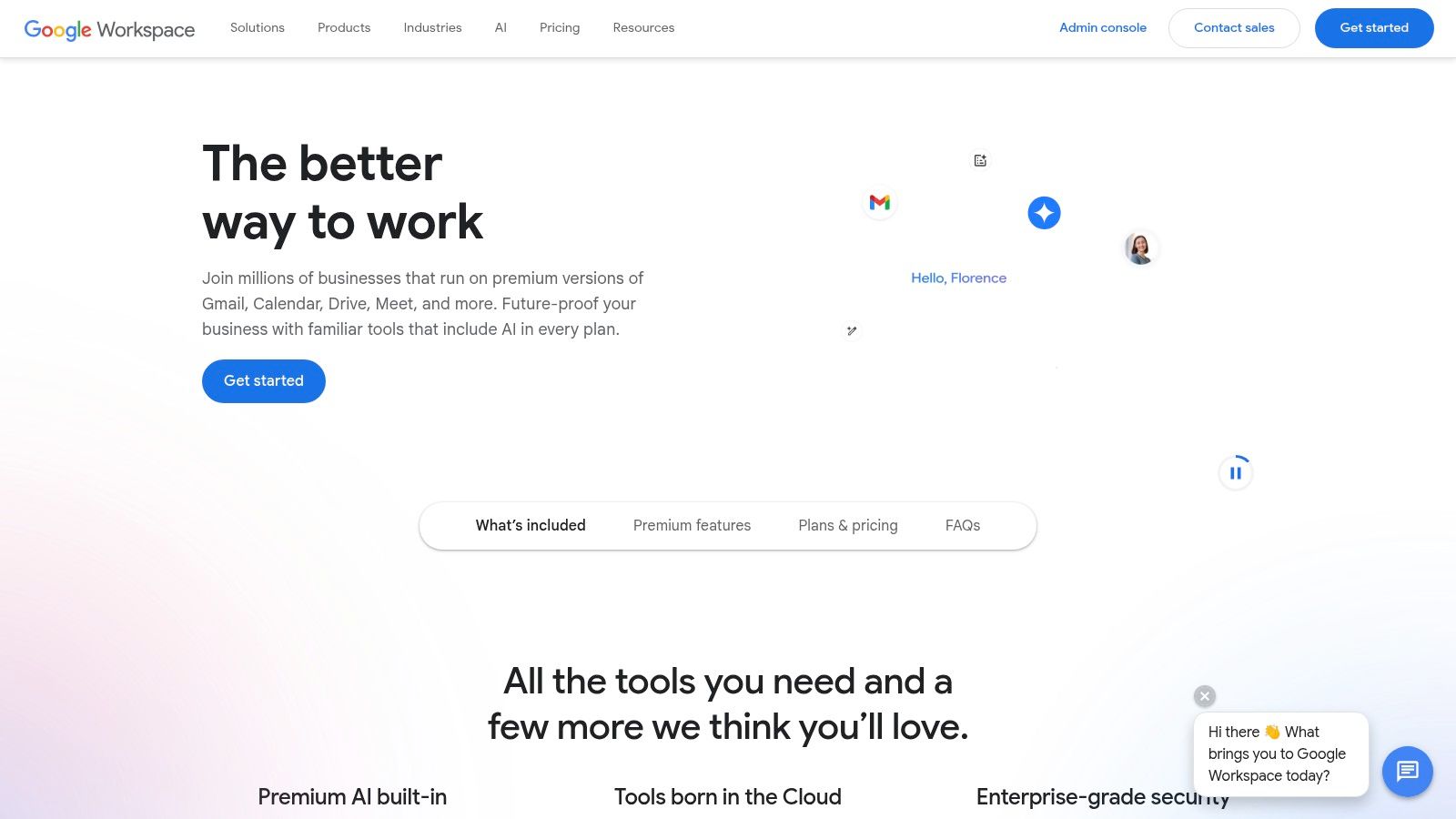
Its core strength is the powerful, real-time co-authoring capability within Docs, Sheets, and Slides, allowing multiple users to edit and comment simultaneously. This is complemented by Google Meet for high-quality video conferencing, which includes features like noise cancellation and integrated captions. More recently, the integration of Gemini AI across the suite provides intelligent assistance for drafting emails, summarizing documents, and generating meeting notes, automating routine tasks directly within the workflow.
Key Features & Ideal Use Cases
- Real-time Co-authoring: Simultaneously edit documents, spreadsheets, and presentations with tracked changes and comment threads.
- Google Meet: Host secure video meetings with features like recording, breakout rooms, and live transcription for easy review and action item tracking.
- Integrated Gemini AI: Use AI to draft content in Docs and Gmail, generate summaries in Chat, and create background images in Meet.
Google Workspace is perfect for teams that need a unified, all-in-one solution for document creation, communication, and file storage, especially those who value intuitive real-time editing.
Website: https://workspace.google.com
5. Notion
Notion is the all-in-one workspace that blends documents, wikis, and project management into a uniquely flexible canvas. It acts as a central knowledge base where remote teams can create, organize, and share everything from project briefs and editorial calendars to detailed company handbooks. By combining text pages with powerful, interconnected databases, Notion eliminates the need to jump between separate tools for documentation and task tracking, making it one of the best collaboration tools for remote teams building a single source of truth.
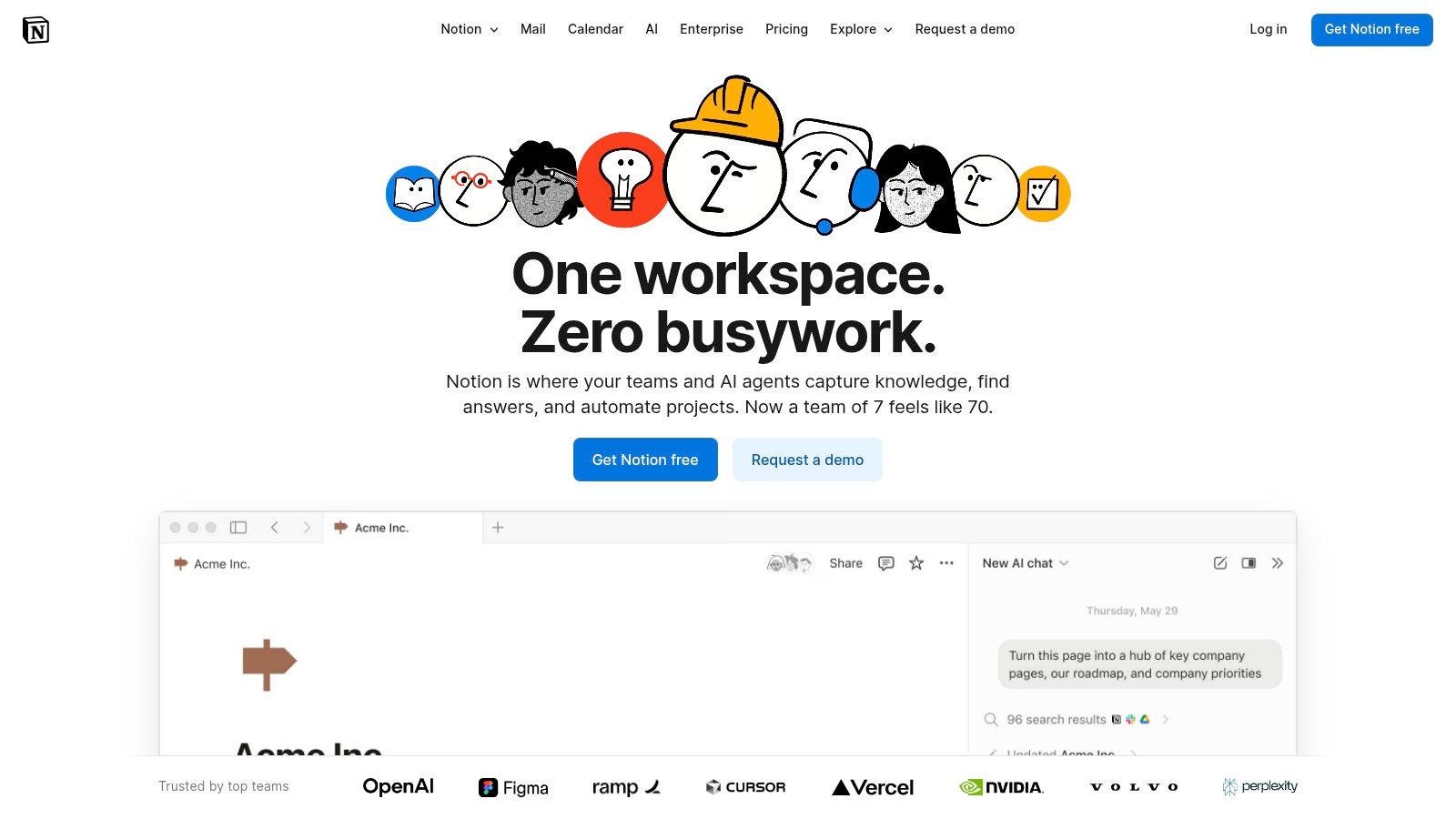
Its strength lies in its modular, block-based system that allows teams to build custom workflows without writing code. You can start with a simple page and add databases with different views (like Kanban boards, calendars, and timelines), creating a highly visual and interconnected environment. With the recent addition of Notion AI, teams can now summarize long documents, extract action items from meeting notes, and auto-populate tables, further streamlining content creation and knowledge management processes.
Key Features & Ideal Use Cases
- Databases & Views: Create powerful, relational databases for anything from a CRM to a content calendar, and visualize the data in multiple formats.
- Teamspaces & Wikis: Build a comprehensive and easily navigable knowledge hub, which is foundational for effective knowledge management best practices.
- Notion AI: Automate summaries, generate first drafts, and identify key takeaways from meeting notes or research documents directly within your workspace.
Notion is ideal for teams that need a customizable central hub for documentation, light project management, and cross-functional knowledge sharing, especially creative, marketing, and product teams.
Website: https://www.notion.so
6. Asana
Asana is a comprehensive work management platform that excels at orchestrating complex projects and aligning distributed teams around shared objectives. It moves beyond simple task lists to provide a structured environment for managing everything from content pipelines to multi-stage marketing campaigns. By organizing work into projects, tasks, and subtasks, Asana creates clarity and accountability, making it one of the best collaboration tools for remote teams needing a single source of truth for who is doing what, by when.
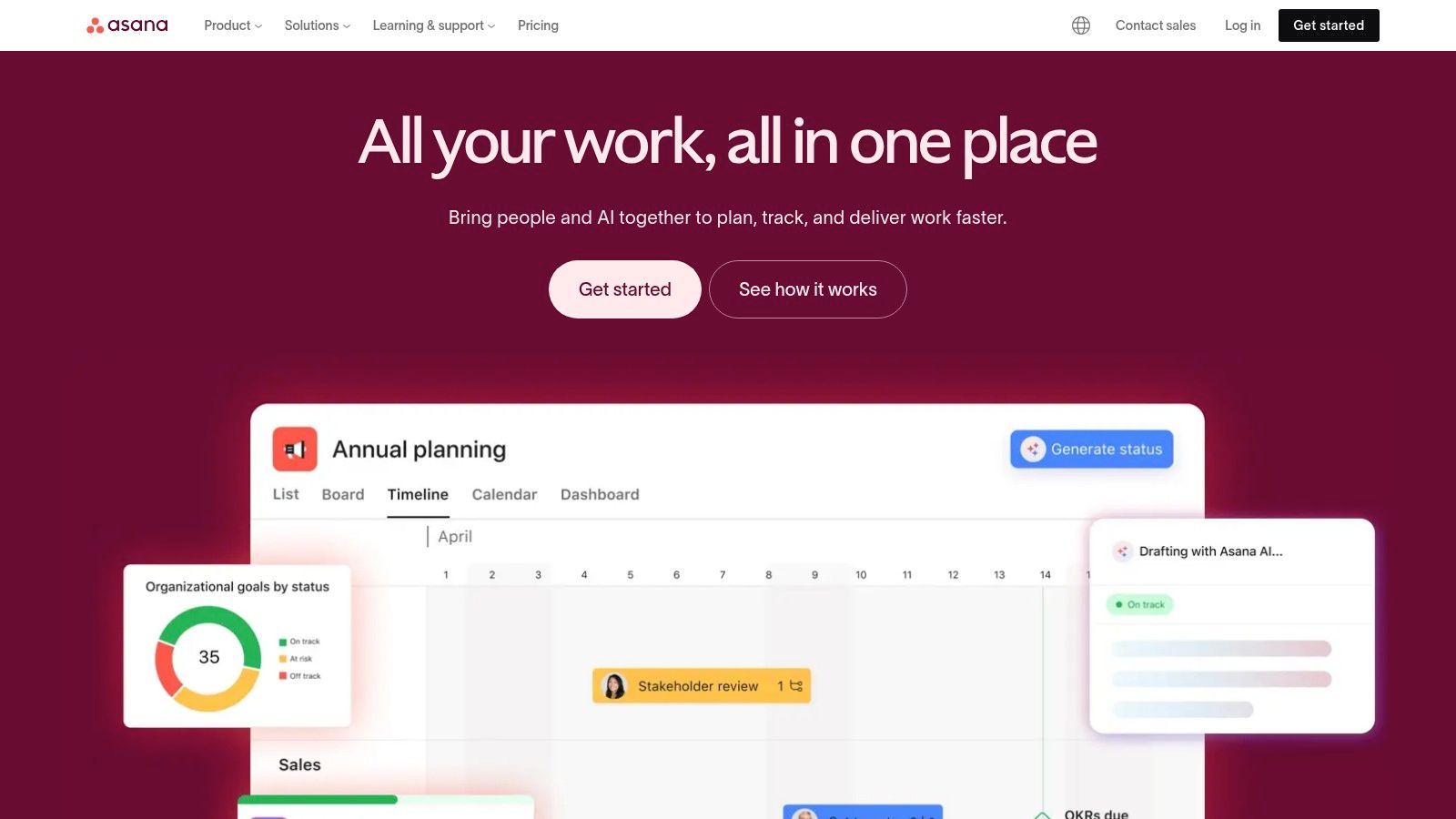
Its strength lies in its flexibility and powerful planning features that cater to cross-functional collaboration. Teams can visualize work in multiple ways, including lists, Kanban boards, and Timelines (Gantt charts), accommodating different workflow preferences. For strategic alignment, Portfolios and Goals provide leadership with a high-level overview of project health and progress toward company-wide targets, ensuring everyone is pulling in the same direction, regardless of physical location.
Key Features & Ideal Use Cases
- Multiple Project Views: Switch between List, Board, Timeline, and Calendar views to manage and visualize work in the most effective way for your team.
- Automation & Rules: Automate routine processes like assigning tasks, updating statuses, or moving work through stages to save time and reduce manual effort.
- Portfolios & Workload: Get a real-time, bird's-eye view of all your projects in one place and manage team capacity to prevent burnout.
Asana is ideal for marketing, operations, and product teams that require a structured system for managing complex, multi-stakeholder projects with clear deadlines and dependencies.
Website: https://asana.com
7. Trello
Trello is the visual powerhouse of project management, bringing the intuitive Kanban board method to remote teams everywhere. Its simple yet powerful structure of boards, lists, and cards allows teams to visualize workflows, track progress, and manage tasks with a satisfying drag-and-drop interface. This visual clarity makes it one of the best collaboration tools for remote teams, especially for managing content calendars, sales pipelines, or agile development sprints where process visibility is key.
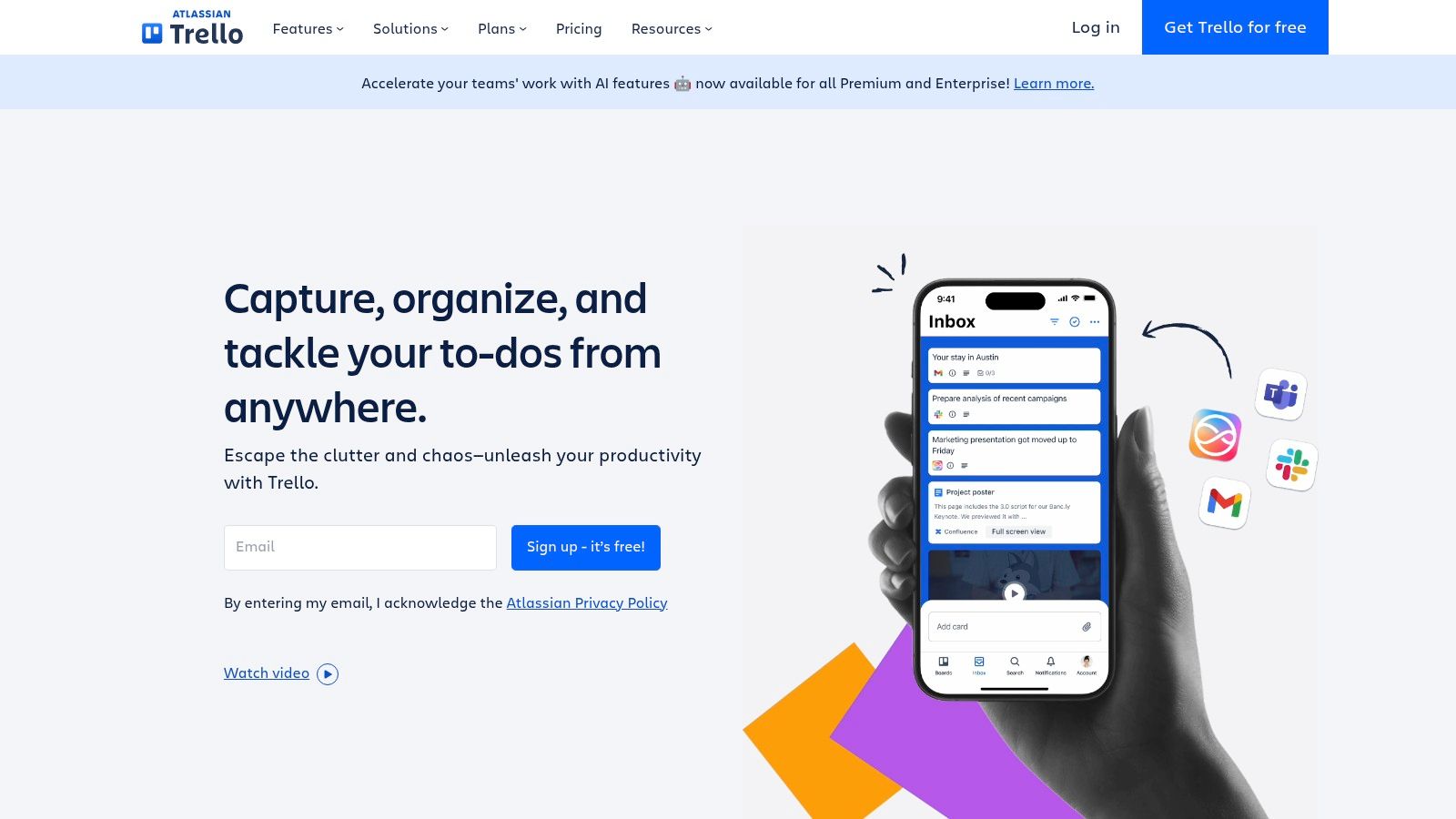
While known for its simplicity, Trello scales with powerful features beneath the surface. Butler, its built-in automation engine, can create rules, schedule commands, and trigger actions to handle repetitive tasks, freeing up your team to focus on more strategic work. With multiple views like timeline, calendar, and dashboards, teams can look at the same data from different perspectives, while its growing suite of AI-powered helpers assists with task creation and summarization.
Key Features & Ideal Use Cases
- Boards, Lists, and Cards: Provides an intuitive, drag-and-drop system for visualizing and managing any workflow, from onboarding new hires to planning marketing campaigns.
- Automation (Butler): Automate processes like moving cards, assigning members, and adding checklists when certain triggers are met, reducing manual administration.
- Multiple Views & Power-Ups: Extend functionality with integrations (Power-Ups) for tools like Slack and Google Drive, and switch between timeline, calendar, or table views to suit your needs.
Trello is perfect for creative, marketing, and project teams that thrive on visual organization and need a flexible, low-friction tool that's easy for everyone, including external collaborators, to adopt.
Website: https://trello.com
8. Miro
Miro is a collaborative online whiteboard that acts as a visual workspace for distributed teams to ideate, design, and strategize in real-time. It moves beyond simple brainstorming by offering an infinite canvas where teams can build complex diagrams, user story maps, and strategic plans. This visual-first approach makes it one of the best collaboration tools for remote teams needing to replicate the energy and creativity of an in-person workshop or whiteboarding session.
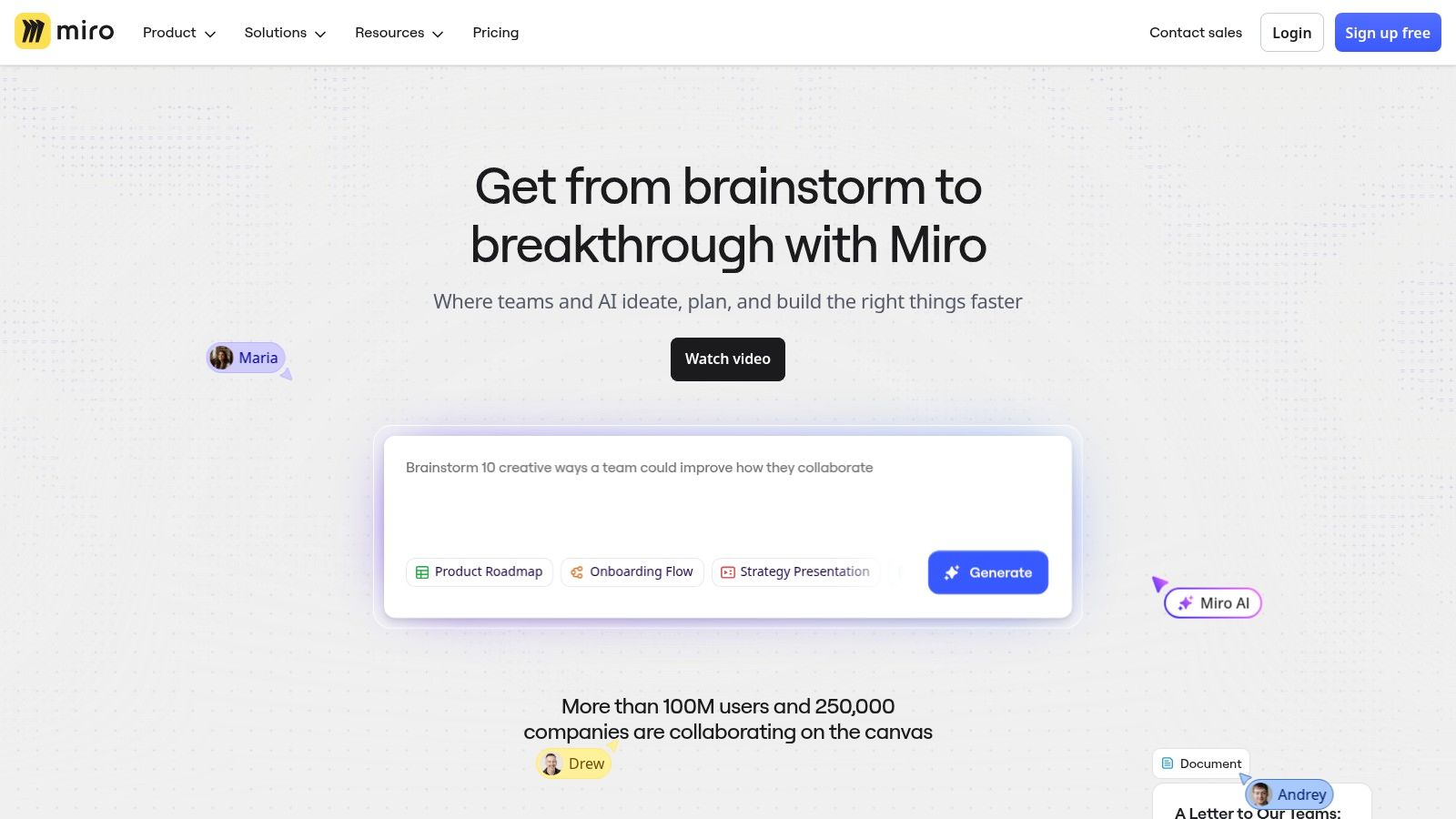
Its real value shines in its vast library of templates and facilitation tools designed for specific agile ceremonies, design sprints, and strategic planning. Features like built-in timers, voting, and private ideation modes empower facilitators to run structured, engaging workshops with teams across the globe. By centralizing visual information, from rough sketches to polished diagrams, Miro ensures everyone is literally on the same page, reducing ambiguity in complex projects.
Key Features & Ideal Use Cases
- Infinite Canvas & Templates: Provides a flexible space with pre-built templates for everything from retrospectives and journey maps to PI planning.
- Advanced Diagramming: Create professional-grade flowcharts, mind maps, and system architecture diagrams with robust toolsets.
- Workshop Facilitation Tools: Engage participants with features like voting, timers, and "bring everyone to me" to guide focus during live sessions.
Miro is perfect for product, design, and engineering teams that rely on visual collaboration for ideation, planning, and mapping out complex processes or user flows.
Website: https://miro.com
9. monday.com
monday.com is a highly visual and flexible Work OS that goes beyond traditional project management. It empowers remote teams to build custom workflows for nearly any process, from content operations and campaign tracking to CRM and development cycles. Its strength lies in its modular, color-coded interface where boards, dashboards, and automations come together, making it one of the best collaboration tools for remote teams who need a single, adaptable platform for diverse business functions.
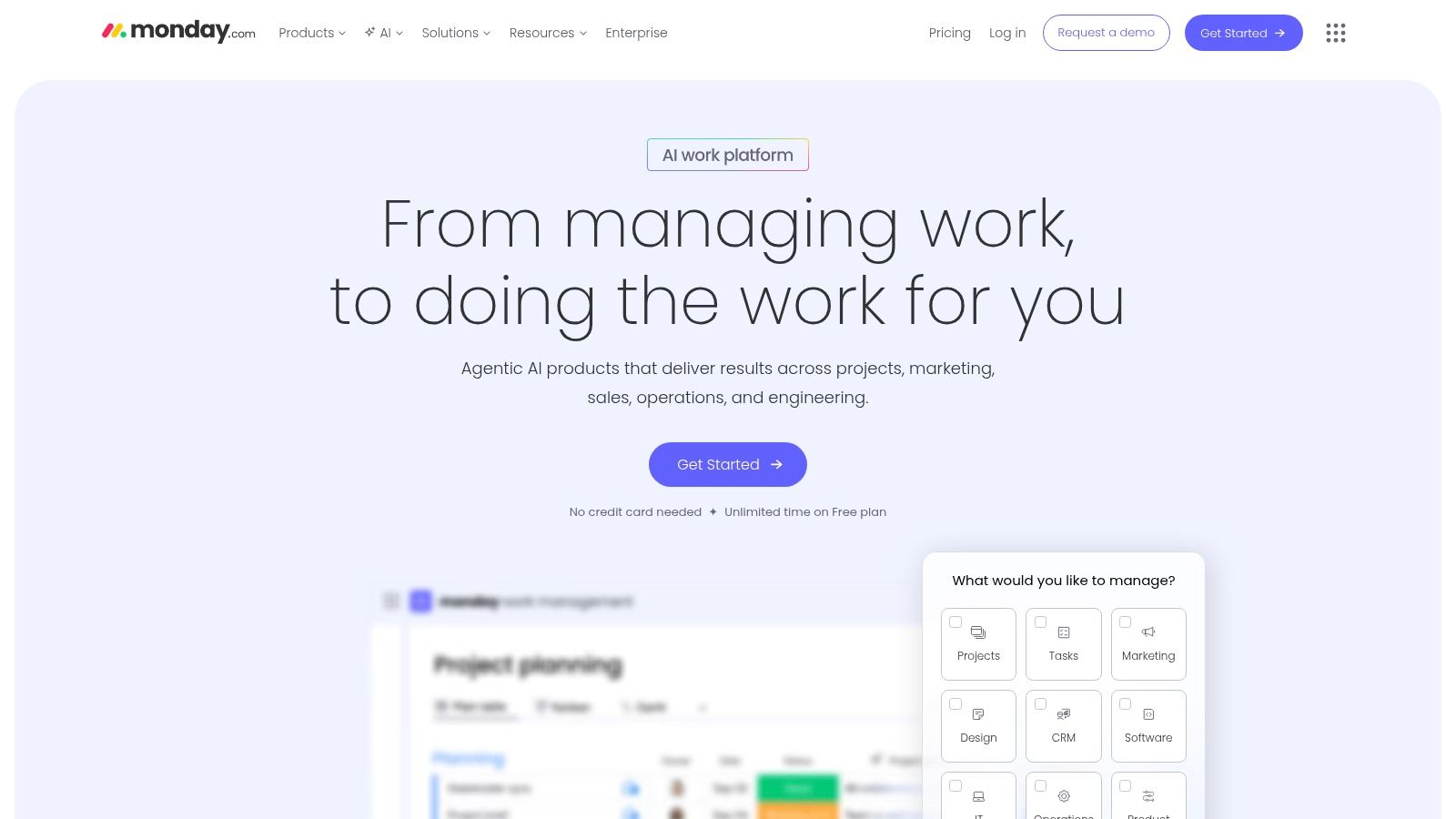
The platform is designed for clarity and transparency, allowing managers to track progress with rich visualizations and team members to see how their tasks fit into the bigger picture. Its powerful automation engine handles repetitive tasks, sending notifications and updating statuses across different boards, which is a massive time-saver for distributed teams. With its modular products like Work Management, CRM, and Dev, it can serve multiple departments without them feeling constrained by a one-size-fits-all solution.
Key Features & Ideal Use Cases
- Customizable Boards & Dashboards: Build visual project plans, content calendars, or sales pipelines with multiple views (Kanban, Gantt, Calendar) and aggregate data into high-level dashboards.
- Automations & Integrations: Create "if this, then that" automation recipes to reduce manual work and connect with tools like Slack, Google Drive, and Jira.
- Templates & AI Assistant: Accelerate workflow creation with hundreds of pre-built templates and leverage AI credits to generate tasks, summarize updates, or create formulas.
monday.com is perfect for remote marketing, sales, and operations teams that require a highly visual and customizable platform to manage complex, cross-functional projects.
Website: https://monday.com
10. ClickUp
ClickUp positions itself as the "one app to replace them all," an all-in-one work hub that consolidates tasks, documents, whiteboards, goals, and chat into a single interface. For remote teams aiming to reduce subscription fatigue and streamline their tech stack, this unified approach is a significant advantage. It allows teams to manage complex projects from initial brainstorming on a whiteboard to tracking progress with detailed tasks and reporting on high-level goals without ever leaving the platform.
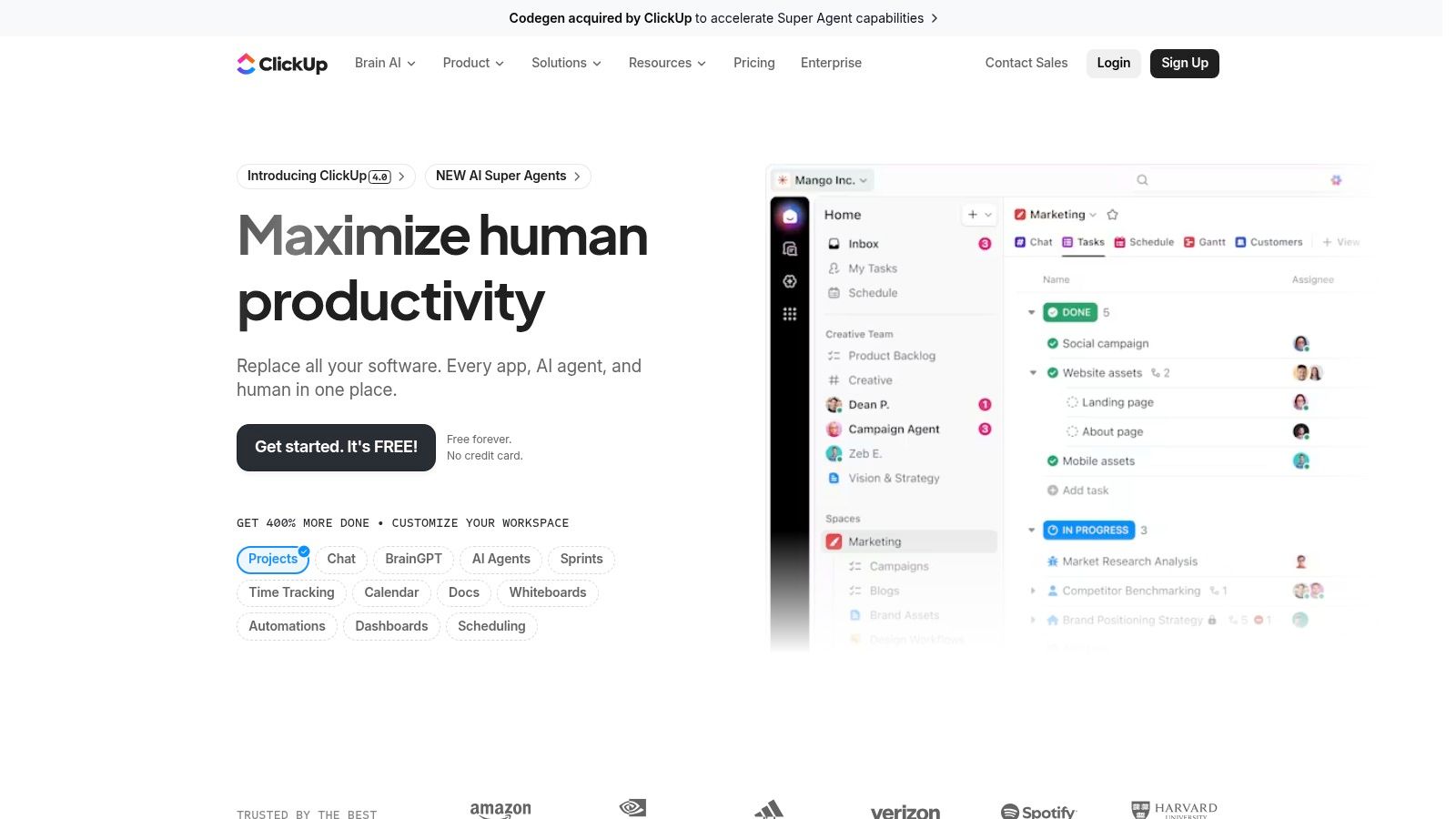
Its core strength is its extreme customizability, which makes it one of the best collaboration tools for remote teams with unique workflows. You can visualize work in over 15 different ways, including lists, boards, calendars, and Gantt charts. The platform also offers native time tracking and a powerful document editor, further reducing the need for separate tools. With optional AI features to assist with writing and task generation, ClickUp is built for productivity from the ground up.
Key Features & Ideal Use Cases
- Multiple Views: Switch between List, Board, Gantt, and Calendar views to manage projects in the format that best suits the task or team preference.
- Integrated Docs & Whiteboards: Connect documents and collaborative whiteboards directly to tasks for seamless context and brainstorming.
- Goals & Portfolios: Track high-level objectives and get a bird's-eye view of project progress across multiple teams and initiatives.
ClickUp is perfect for budget-conscious remote teams that need a powerful, highly customizable project management tool and want to consolidate their software subscriptions.
Website: https://clickup.com
11. Loom
Loom is the premier asynchronous video messaging platform that empowers remote teams to communicate with clarity and context, effectively replacing status update meetings. It allows users to easily record their screen, camera, or both, creating instantly shareable videos for everything from code reviews and product walkthroughs to design feedback. This approach minimizes scheduling conflicts across time zones, making it one of the best collaboration tools for remote teams looking to boost productivity through async work.

The platform's strength is in its built-in AI and editing tools that transform raw recordings into polished, accessible assets. Features like automatic transcriptions, AI-powered summaries, and filler word removal make videos easy to consume and reference. You can find more information on how AI can transcribe video to text to enhance accessibility. Integrations with tools like Slack and Jira embed these video messages directly into existing workflows, allowing context to live where the work happens.
Key Features & Ideal Use Cases
- Screen & Camera Recording: Easily create high-quality product demos, bug reports, or team updates with intuitive recording and editing tools.
- AI Suite: Automatically generate transcripts, closed captions, titles, summaries, and chapters to make videos skimmable and searchable.
- Team Library & Integrations: Build a centralized, searchable video knowledge base and share Looms directly in apps like Notion, Slack, and GitHub.
Loom is perfect for product, engineering, and design teams that need to share complex visual information without a live meeting, fostering a culture of clear, async communication.
Website: https://www.loom.com
Building Your Ultimate Remote Collaboration Stack
Navigating the vast landscape of software to find the best collaboration tools for remote teams can feel overwhelming, but the journey is less about finding a single "perfect" tool and more about building a customized, integrated digital ecosystem. As we've explored, the most effective remote operations don't rely on one platform to do everything. Instead, they strategically combine specialized tools for chat, video conferencing, project management, and asynchronous communication to create a seamless workflow.
The core principle is to build a "stack" where information flows effortlessly between applications, reducing manual data entry and preventing critical details from getting lost in translation. Your team's productivity hinges on this integration. For example, a project update in Asana should be easily shareable in a Slack channel, and a key decision made in a Zoom meeting should be automatically transcribed by Whisper AI and linked within your Notion knowledge base. This interconnectedness is what transforms a collection of good tools into a powerful, unified workspace.
Key Takeaways for Selecting Your Tools
To move from reading this guide to taking decisive action, keep these core principles in mind. They will help you audit your current setup and identify opportunities for improvement.
- Prioritize a "Single Source of Truth": For each core function (e.g., project tasks, internal documentation, client communication), designate one primary tool. This clarity prevents confusion and ensures everyone knows where to find the most current information. A platform like Notion or ClickUp often serves well as a central hub.
- Audit for Overlap and Redundancy: Do you have three different tools that all handle task management? Are teams using both Slack and Microsoft Teams for similar conversations? Consolidating your toolset can reduce subscription costs, simplify onboarding, and decrease cognitive load for your team.
- Focus on Integration Capabilities: Before committing to a new tool, rigorously examine its native integrations and API accessibility. The goal is a "set it and forget it" workflow where manual updates are the exception, not the rule. A powerful project manager like monday.com is only as good as its ability to connect with your communication and documentation apps.
- Embrace Asynchronous Communication: Tools like Loom and robust asynchronous features within platforms like Slack and Teams are not just nice-to-haves; they are essential for global teams. They foster deep work, respect different time zones, and reduce the pressure for constant, real-time availability, mitigating the risk of burnout.
Implementing Your Ideal Remote Stack
Choosing your tools is only the first step. Successful implementation requires a thoughtful strategy that focuses on people and processes, not just technology. Start small by piloting a new tool with a single team or project to gather real-world feedback before a company-wide rollout.
Develop clear guidelines and best practices for how each tool should be used. For instance, establish rules for what constitutes an urgent Slack message versus a non-urgent Asana comment. This documentation is crucial for maintaining order and efficiency as your team grows. To further aid in selecting and combining the right software for your setup, you can also review a comprehensive list of the 12 Best Remote Team Communication Tools for 2025 which offers additional perspectives on building a cohesive communication strategy.
Ultimately, the goal is to create a digital environment that empowers every team member, supports diverse work styles, and makes collaboration feel intuitive and frictionless. By thoughtfully selecting, integrating, and implementing the right set of tools, you can build a resilient, efficient, and highly productive remote team poised for success in the modern workplace.
Ready to reclaim hours lost to manual note-taking and unlock the full value of your team meetings? Integrate Whisper AI into your collaboration stack to get instant, accurate transcriptions, AI-powered summaries, and actionable insights from every conversation. Try Whisper AI today and make your meetings more productive than ever before.


























































































