
Top 12 Video Editing Software for YouTube Creators in 2024
Choosing the right video editing software for YouTube is a critical step that defines your entire content creation workflow. The market is filled with options, from free, browser-based tools ideal for quick edits to professional desktop suites used by industry veterans. This saturation creates a challenge for creators: how do you find the perfect tool that aligns with your specific needs, skill level, and budget without wasting countless hours on trial and error?
This guide is designed to solve that exact problem. I've gone hands-on with the leading software to provide a comprehensive, experience-based resource. Forget generic marketing copy; we’re diving deep into what makes each platform tick for the modern YouTuber. Whether you're producing long-form documentaries, fast-paced vlogs, educational tutorials, or viral YouTube Shorts, the right editor is waiting for you in this list.
Inside this resource, you will find:
- Detailed breakdowns of 12 top-tier editing platforms, including Adobe Premiere Pro, DaVinci Resolve, Final Cut Pro, and accessible options like CapCut and Clipchamp.
- Practical insights into each software's best use case, highlighting who it's truly for, from absolute beginners to seasoned professionals.
- Honest pros and cons based on real-world testing, focusing on performance, learning curve, and feature sets that actually matter for YouTube content.
- Clear information including pricing, operating system compatibility, and direct links to get started, complete with screenshots to guide you.
My goal is to equip you with the clarity needed to make a confident decision, saving you time and helping you focus on what's most important: creating compelling videos that connect with your audience. Let's find the best video editing software for your YouTube channel.
1. Adobe Premiere Pro
Adobe Premiere Pro is the industry-standard non-linear editor (NLE) for a reason, making it one of the best choices for serious creators looking for powerful video editing software for YouTube. It provides a comprehensive ecosystem that scales from simple vlogs to complex, multi-layered productions. The platform excels with its tight integration into the Adobe Creative Cloud, allowing seamless workflows with After Effects for motion graphics, Audition for advanced audio mixing, and Photoshop for graphics.
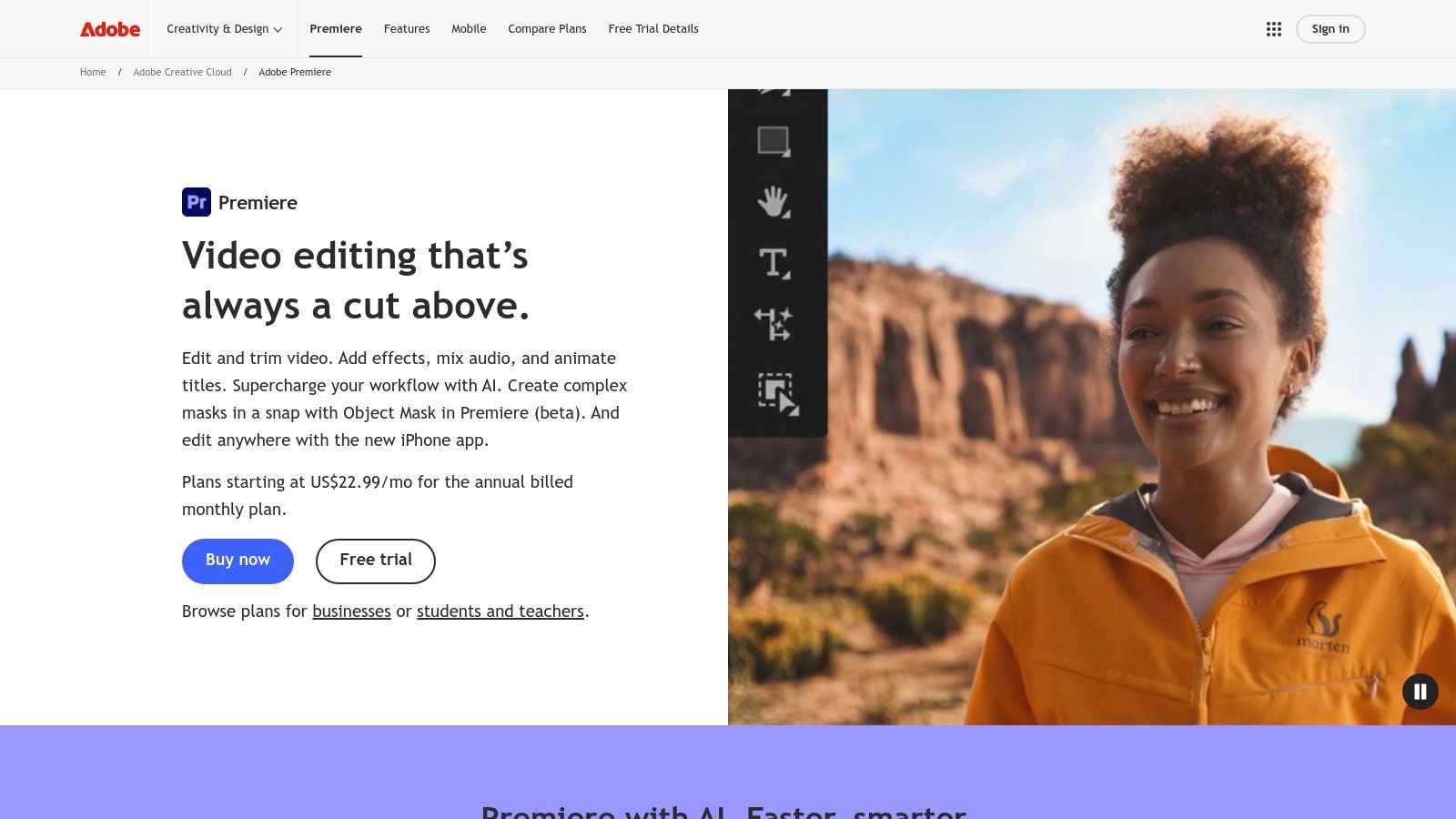
For YouTubers, features like Text-Based Editing, where you can edit your video by simply editing a transcript, and the AI-powered Auto Reframe for vertical formats are massive time-savers. The native YouTube export presets ensure your video meets platform specifications, and the auto-captioning tool is crucial for accessibility and engagement. The built-in Frame.io integration simplifies collaboration, allowing for time-stamped comments and reviews directly within the editor.
Key Details & Access
- Best For: All-around professional YouTube production, from long-form documentaries to cinematic vlogs.
- Pricing: Subscription-based, available through Adobe Creative Cloud plans (starting around $22.99/month for Premiere Pro alone).
- Compatibility: macOS, Windows.
- Pros: Industry-standard tool with deep features, extensive third-party plugin support, and excellent learning resources.
- Cons: Steep learning curve for absolute beginners and a recurring subscription cost that can be a significant investment.
The software's robust color grading and audio tools provide a professional finish that can elevate your channel's production value, a key factor in growing an audience. By leveraging these advanced features, you can enhance the overall quality and improve the discoverability of your videos; you can also improve your channel's visibility with these YouTube SEO best practices.
Website: https://www.adobe.com/products/premiere.html
2. DaVinci Resolve (Blackmagic Design)
DaVinci Resolve has become a powerhouse in the post-production world, offering an all-in-one solution that combines professional editing, color grading, audio post, and visual effects. It is a formidable choice for creators seeking excellent video editing software for YouTube without a subscription. The platform is renowned for its industry-leading color correction tools, allowing YouTubers to achieve a cinematic look that stands out.
For YouTube content, Resolve’s "Cut Page" is designed for fast-turnaround editing, making it ideal for vlogs and reaction videos. The integration of the Fairlight audio suite provides advanced tools for cleaning up dialogue and mixing sound, while the Fusion page offers node-based compositing for complex visual effects. The free version is incredibly robust, providing more than enough power for the vast majority of YouTube channels, while the Studio version adds advanced AI tools and enhanced performance.
Key Details & Access
- Best For: Color-critical work, one-time purchase preference, and creators wanting an all-in-one post-production suite.
- Pricing: A remarkably powerful free version is available. DaVinci Resolve Studio is a one-time purchase (around $295).
- Compatibility: macOS, Windows, Linux.
- Pros: The free version is arguably the most capable on the market, and the Studio version is a perpetual license, avoiding recurring fees.
- Cons: The learning curve can be steep for the advanced Fairlight and Fusion pages, and some app store versions have limitations.
The software’s integrated workflow prevents the need to switch between different applications for editing, color, and sound. Once your edit is complete, it's easy to add accessibility features; you can find detailed instructions on how to caption YouTube videos to complement Resolve's powerful export tools. This makes it an efficient, budget-friendly option for serious creators.
Website: https://www.blackmagicdesign.com/products/davinciresolve
3. Final Cut Pro
Final Cut Pro is Apple's flagship professional non-linear editor, renowned for its incredible performance and optimization on macOS. As a top-tier choice for video editing software for YouTube, it appeals to creators who value speed, efficiency, and a clean interface. Its unique Magnetic Timeline streamlines the editing process by automatically snapping clips together and eliminating gaps, which can dramatically speed up assembly for vlogs and tutorials.
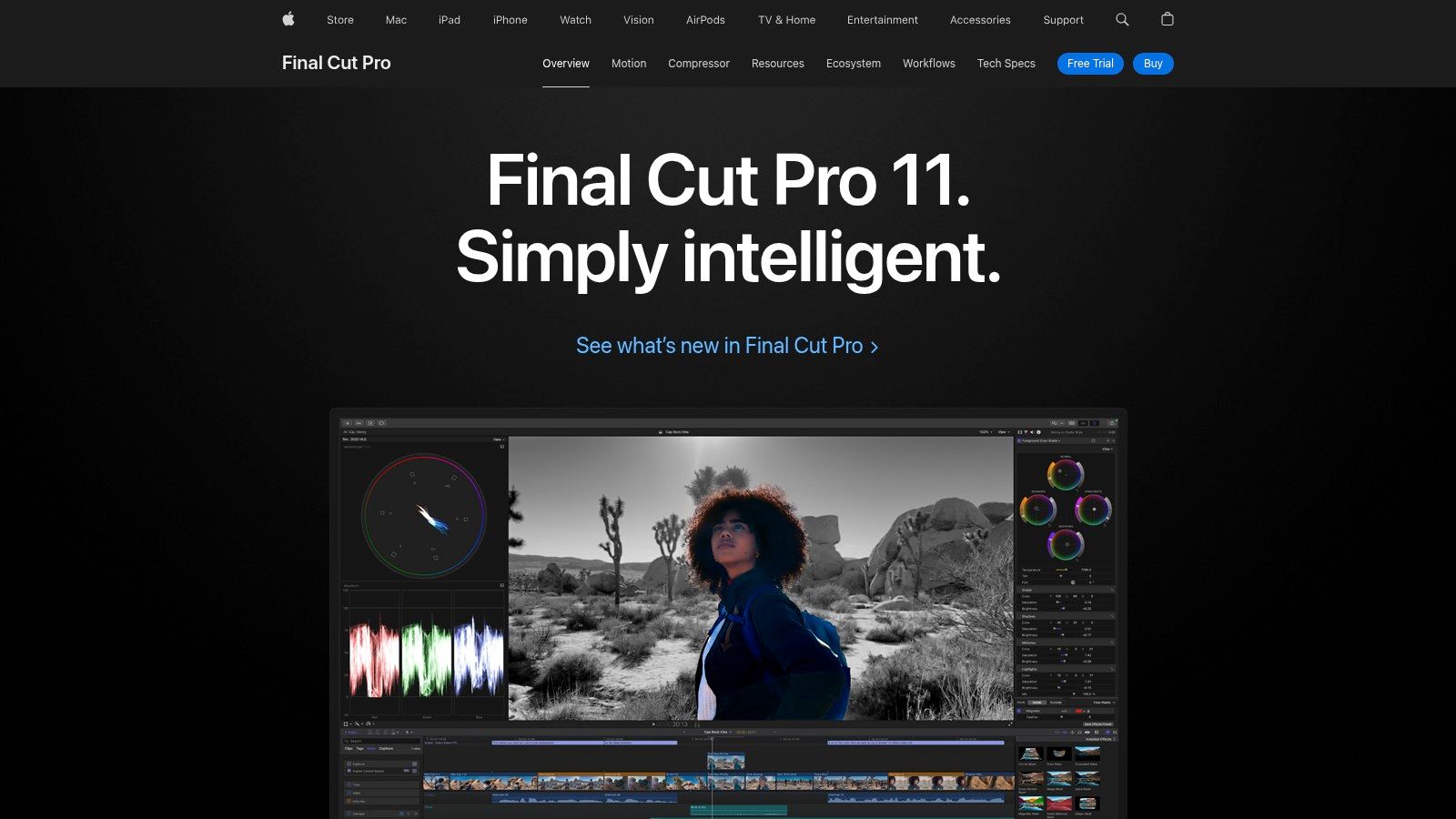
For YouTubers, the software's performance on Apple silicon (M-series chips) is a game-changer, offering lightning-fast rendering and export times. Features like built-in voice isolation, proxy workflows for handling large 4K files smoothly, and deep integration with companion apps like Motion for graphics and Compressor for advanced exports create a powerful, self-contained production suite. The one-time purchase model also makes it an attractive long-term investment for dedicated Mac users.
Key Details & Access
- Best For: Mac-based YouTubers seeking professional-grade performance, speed, and media organization without a subscription.
- Pricing: One-time purchase of $299.99 from the Mac App Store.
- Compatibility: macOS only.
- Pros: Exceptional performance and stability on Apple hardware, intuitive Magnetic Timeline, and no recurring subscription fees.
- Cons: Exclusive to macOS, limiting collaboration with Windows users, and a smaller third-party plugin ecosystem compared to Premiere Pro.
The efficiency of Final Cut Pro makes it excellent for creators who publish frequently and need to turn content around quickly. Its speed allows for rapid iteration, a key component of effective content repurposing strategies for your channel.
Website: https://www.apple.com/finalcutpro/
4. CapCut
CapCut has rapidly become a go-to choice for creators seeking fast, intuitive, and feature-rich video editing software for YouTube, especially for short-form content. Its strength lies in a user-friendly interface that simplifies complex tasks, offering powerful tools like one-click background removal and highly accurate auto-captioning. The platform is designed for the social media age, providing a vast library of trending templates, effects, and sounds that make producing engaging YouTube Shorts incredibly efficient.
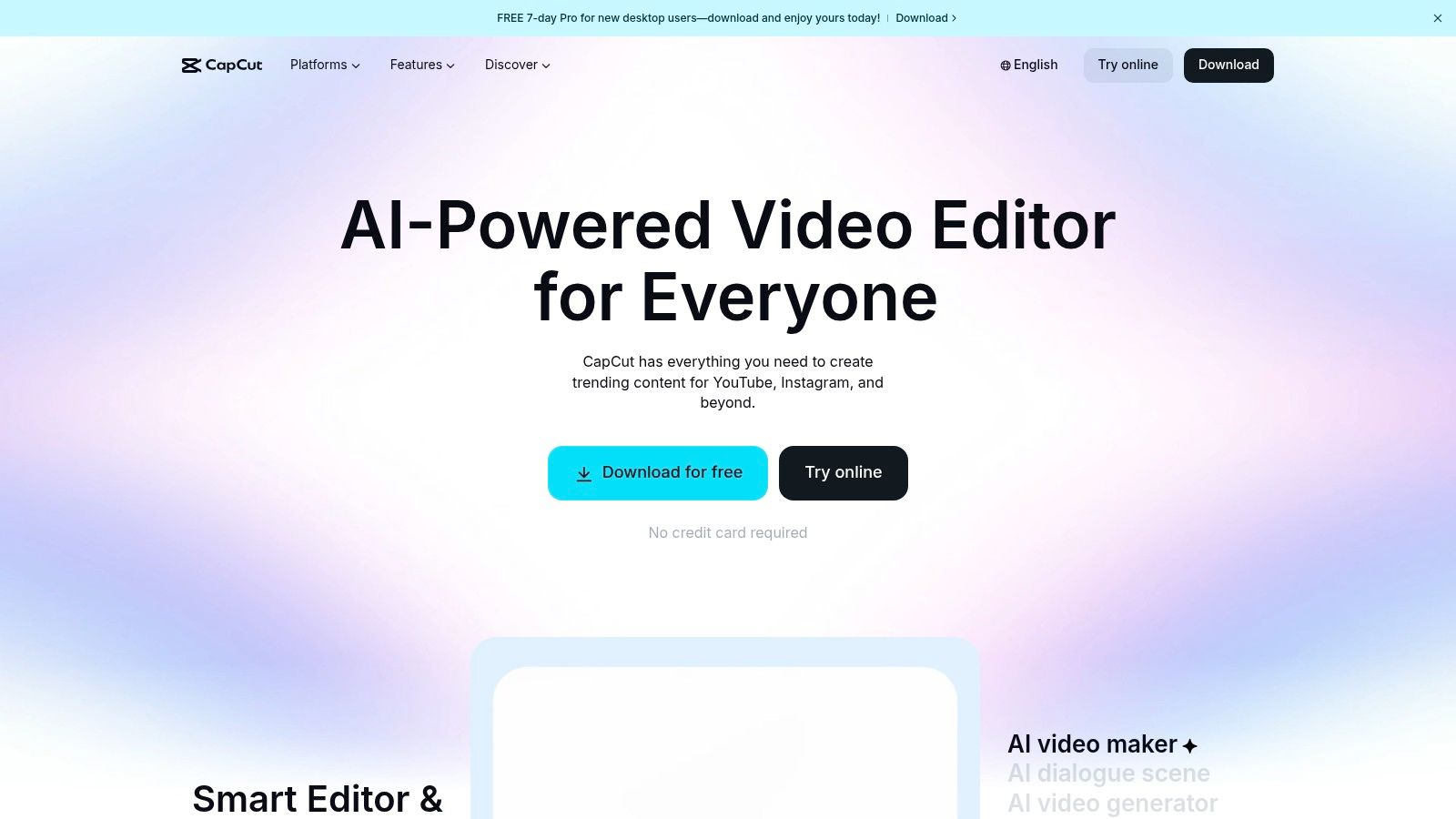
For YouTubers, the cross-device workflow is a standout feature, allowing you to start a project on your phone and finish it on the desktop or web editor seamlessly. This flexibility is perfect for creators who are always on the move. The generous free tier provides access to most essential tools, making it one of the most accessible yet powerful editors available for creators who need to produce high-quality content quickly and without a significant upfront investment.
Key Details & Access
- Best For: YouTube Shorts, quick vlogs, and creators focused on a mobile-first or cross-device workflow.
- Pricing: A robust free version is available; CapCut Pro subscription unlocks premium features and assets (pricing varies by region).
- Compatibility: macOS, Windows, iOS, Android, Web.
- Pros: Very easy to learn with broad device support, excellent auto-captioning, and a huge library of free templates and effects.
- Cons: Fewer advanced color grading and audio mixing tools compared to professional NLEs; subscription pricing can be confusing across platforms.
The software's template-driven approach helps creators stay on top of trends, a crucial element for discoverability in the fast-paced world of YouTube Shorts. By leveraging its AI features and social-ready presets, you can significantly speed up your content creation pipeline, allowing you to post more consistently and grow your channel.
Website: https://www.capcut.com/
5. Microsoft Clipchamp
Microsoft Clipchamp offers a surprisingly capable and accessible entry point into the world of video editing software for YouTube, especially for beginners or those already invested in the Microsoft ecosystem. As a browser-based editor that's also integrated into Windows 11, it eliminates installation hurdles and allows you to start editing from anywhere. Its strength lies in its simplicity, offering an intuitive drag-and-drop timeline and presets optimized for YouTube, TikTok, and other social platforms.
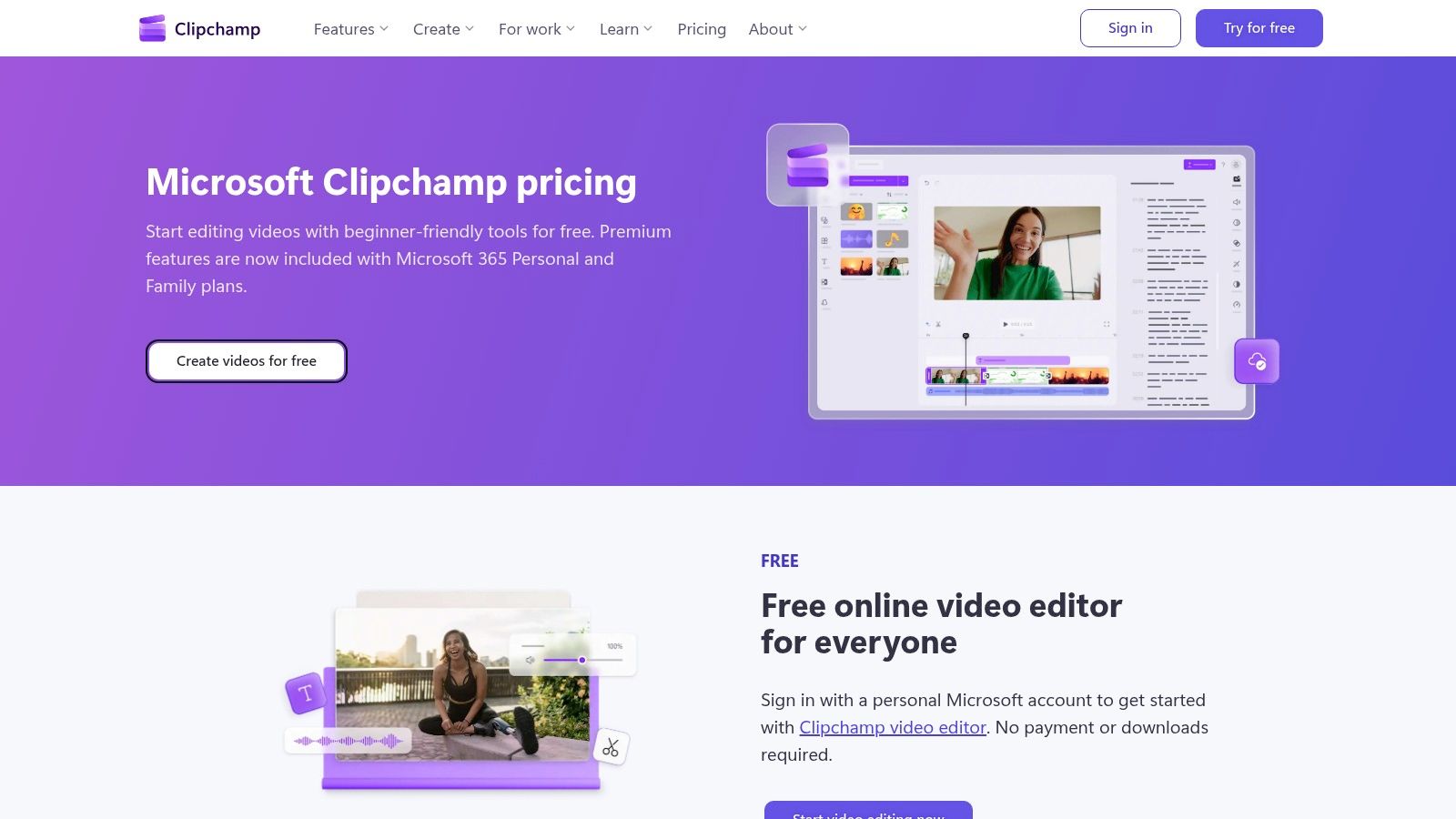
For YouTubers, the free plan's inclusion of 1080p exports is a major advantage, providing high-quality output without an initial investment. Clipchamp also integrates AI-powered features like auto-subtitles, text-to-speech voiceovers, and automatic silence removal, which can dramatically speed up the editing process for content like tutorials and vlogs. The integration with OneDrive simplifies file management, allowing for easy access to your media assets across devices.
Key Details & Access
- Best For: Beginners, casual creators, and Microsoft 365 users looking for a fast, web-based editor for quick social media videos.
- Pricing: A robust free plan with 1080p exports; premium features (like 4K exports and brand kits) are included with Microsoft 365 subscriptions or via a paid plan.
- Compatibility: Web browser (cross-platform), Windows.
- Pros: Highly accessible with no installation required, generous free tier, and great value for existing Microsoft 365 subscribers.
- Cons: Limited advanced features like in-depth color grading or complex visual effects, and some premium stock assets require a subscription.
While it won't replace a professional NLE for complex projects, Clipchamp is an excellent tool for creators who need to produce polished content efficiently. Its straightforward interface and helpful AI tools remove many of the technical barriers associated with video editing, making it an ideal choice for getting your YouTube channel off the ground quickly.
Website: https://clipchamp.com/en/pricing/
6. Wondershare Filmora
Wondershare Filmora strikes an excellent balance between user-friendliness and powerful features, making it a top contender for new and intermediate creators seeking effective video editing software for YouTube. It bypasses the intimidating complexity of professional-grade editors while offering a rich library of templates, effects, and AI-powered tools. This approach allows YouTubers to produce polished, engaging content without a steep learning curve.
For YouTube creators, Filmora's streamlined workflow is its greatest asset. The software includes built-in AI tools for speech-to-text captions, object removal, and text-to-speech voiceovers, which significantly speed up the editing process. Its massive Filmstock library provides access to countless royalty-free music tracks, sound effects, and video templates, perfect for crafting quick explainers, tutorials, or dynamic vlogs. The simple timeline and direct YouTube export presets ensure your final video is optimized for the platform with minimal hassle.
Key Details & Access
- Best For: Beginners and YouTubers who need to create high-quality content quickly with templates and AI assistance.
- Pricing: Offers both subscription plans (starting around $29.99 quarterly) and a perpetual license (around $79.99).
- Compatibility: macOS, Windows, iOS, Android.
- Pros: Very easy to learn, affordable perpetual license option, and a vast library of built-in effects and templates.
- Cons: Free trial exports are watermarked, and some users find the pricing plans and add-on purchases slightly confusing.
The availability of both a one-time purchase and subscription gives creators flexibility in how they invest in their software. Filmora’s straightforward interface means you can spend more time on your creative vision and less time navigating complicated menus, helping you consistently produce content for your channel.
Website: https://filmora.wondershare.com/
7. CyberLink PowerDirector
CyberLink PowerDirector strikes an impressive balance between consumer-friendly design and professional-grade features, making it a powerful contender for video editing software for YouTube. It has long been a favorite for creators who need robust tools like 4K support and multi-cam editing without the steep learning curve or high subscription cost of top-tier professional software. The platform is packed with creative assets, including a vast library of transitions, titles, and video effects to help your content stand out.
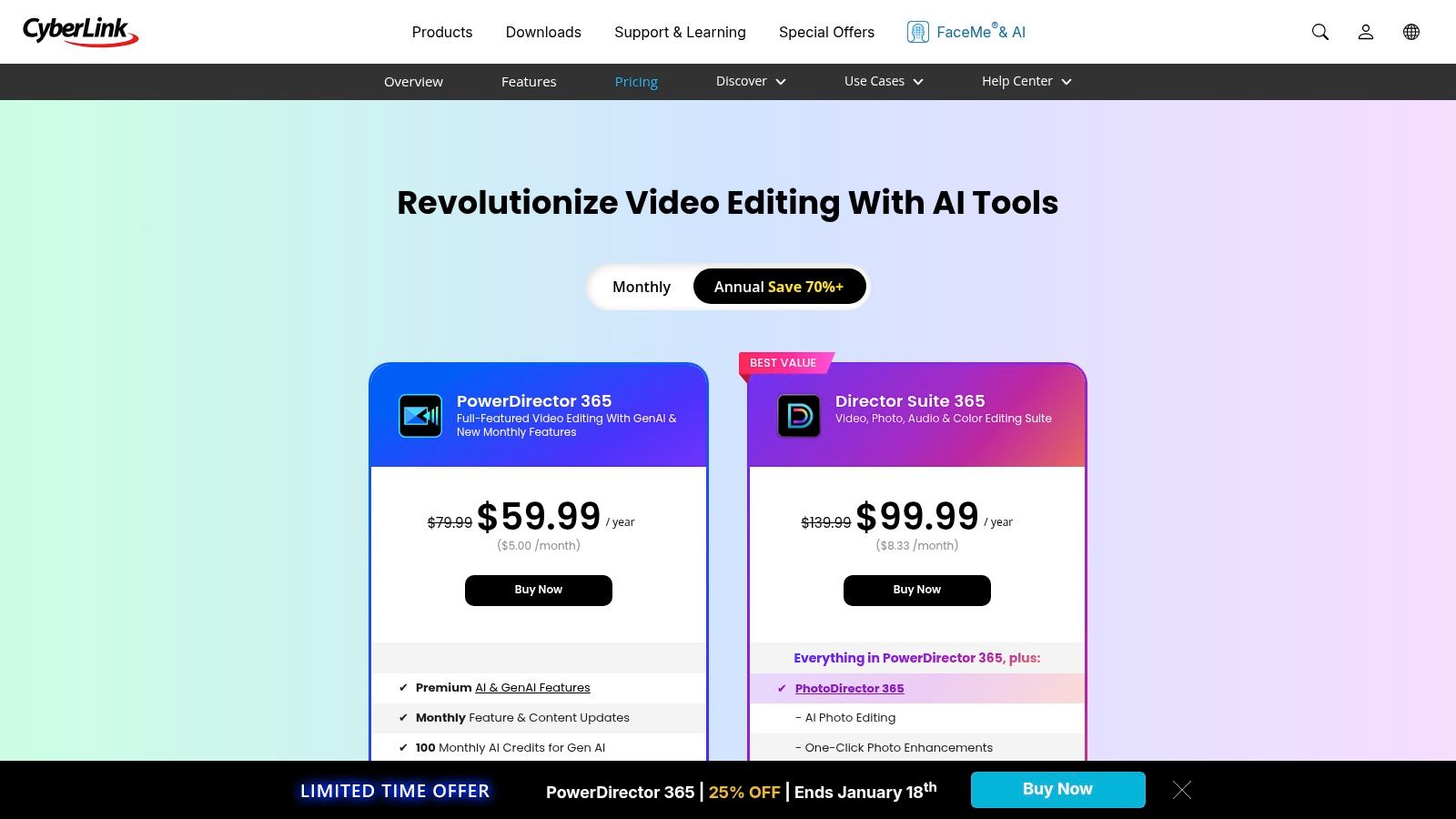
For YouTubers, PowerDirector's speed and efficiency are key selling points. Its AI-assisted tools can handle tasks like sky replacement, object detection, and speech enhancement, saving significant editing time. The PowerDirector 365 subscription model is particularly valuable, offering continuous updates with new features, generative AI tools, and regular content packs that include stock video, images, and music. This ensures you always have fresh assets to keep your channel's look current and engaging.
Key Details & Access
- Best For: Intermediate YouTubers wanting advanced features, effects, and AI tools without a professional price tag.
- Pricing: Flexible options with both a lifetime license (perpetual) and a PowerDirector 365 subscription (starting around $5.83/month).
- Compatibility: Primarily Windows; macOS support varies by edition.
- Pros: Feature-rich for the price with ample tutorials, and it offers both perpetual license and subscription choices for flexibility.
- Cons: Primarily Windows-focused, and the pricing page can sometimes display regional promotions or non-US currencies, causing minor confusion.
The software's intuitive interface makes it accessible for creators ready to move beyond basic editors, allowing them to produce high-quality videos with a professional finish. The combination of performance, a rich feature set, and flexible pricing makes PowerDirector a smart and sustainable choice for a growing YouTube channel.
Website: https://www.cyberlink.com/products/powerdirector-video-editing-software/pricing.html
8. VEGAS Pro (VEGAS Creative Software)
VEGAS Pro stands out as a powerful, Windows-exclusive choice for creators seeking professional-grade video editing software for YouTube without being tied to a subscription. It is well-regarded for its fast, intuitive timeline editing, robust audio toolchain, and excellent performance with high-resolution formats. For YouTubers who prioritize audio quality, such as podcasters, interviewers, or musicians, VEGAS Pro's deep integration with tools like SOUND FORGE makes it a compelling all-in-one production suite.
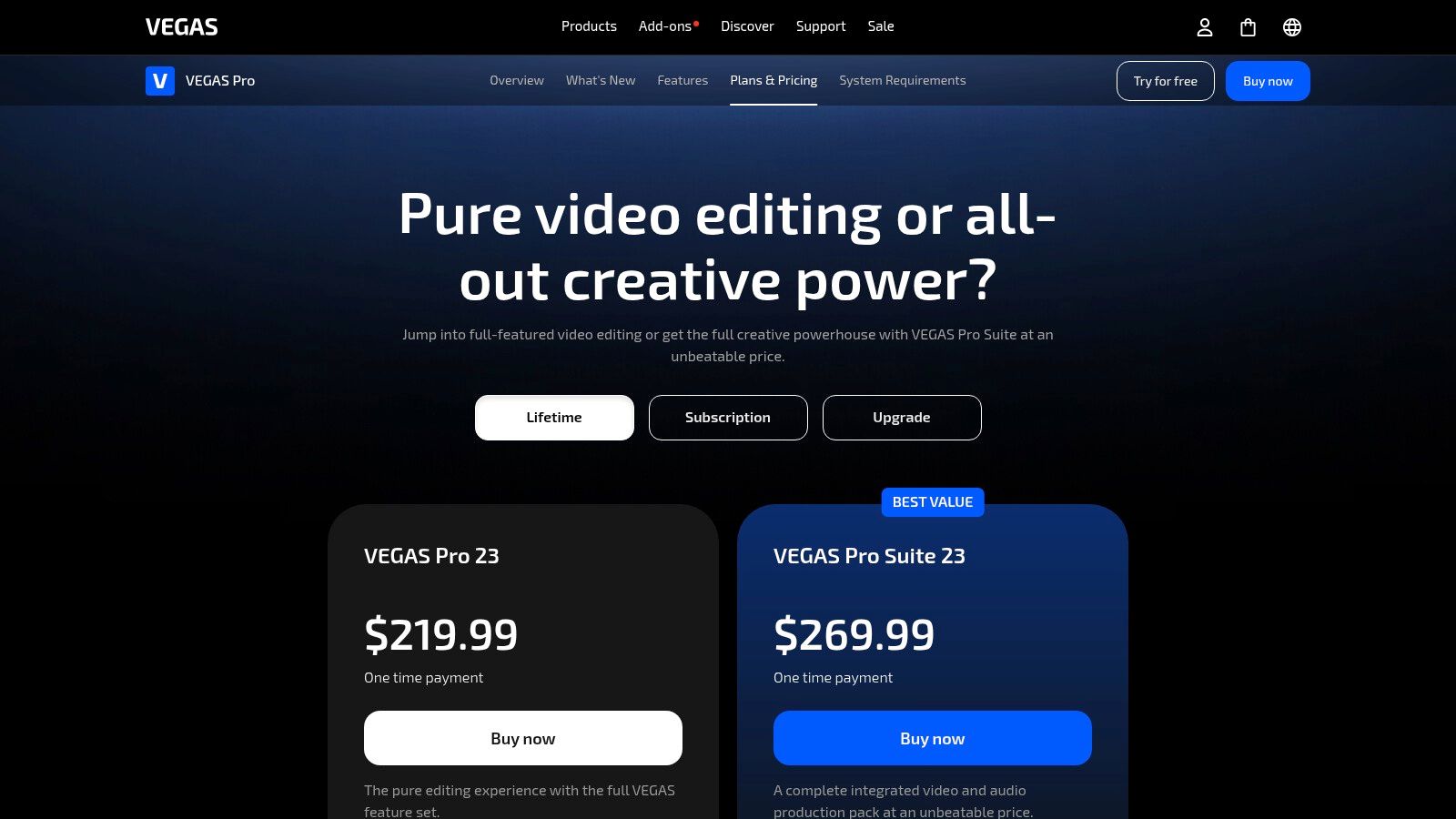
The platform supports up to 8K footage and HDR, providing the technical headroom for creators aiming for the highest visual fidelity. Its advanced color grading tools allow for precise control over the look and feel of your content, helping your videos stand out. The biggest differentiator is its business model, offering both subscriptions and a perpetual license, which appeals to users who prefer to own their software outright rather than pay a recurring monthly fee.
Key Details & Access
- Best For: Windows users and YouTubers who want strong audio tools and the option of a perpetual license.
- Pricing: Available via subscription (starting around $12.99/month) or one-time perpetual license purchase (often with sale pricing).
- Compatibility: Windows only.
- Pros: Perpetual license availability offers great long-term value, and its strong audio integration is perfect for voice-first channels.
- Cons: Not available for macOS, and its unique user interface has a learning curve with fewer mainstream tutorials compared to rivals.
For creators looking to invest in a long-term editing solution on a PC, VEGAS Pro presents a competitive package, especially when bundled with effects packs and other creative software. The combination of high-end video features and professional audio capabilities makes it a versatile tool for producing polished YouTube content.
Website: https://www.vegascreativesoftware.com/us/vegas-pro/pricing/
9. Corel (Alludo) VideoStudio
Corel VideoStudio, now part of the Alludo brand, offers a powerful yet approachable entry point into video editing software for YouTube, particularly for those on Windows who prefer a one-time purchase. It balances ease of use with a surprisingly deep feature set, allowing new creators to grow without immediately hitting a functional wall. The software provides both storyboard and traditional timeline editing, catering to different workflow preferences and skill levels.
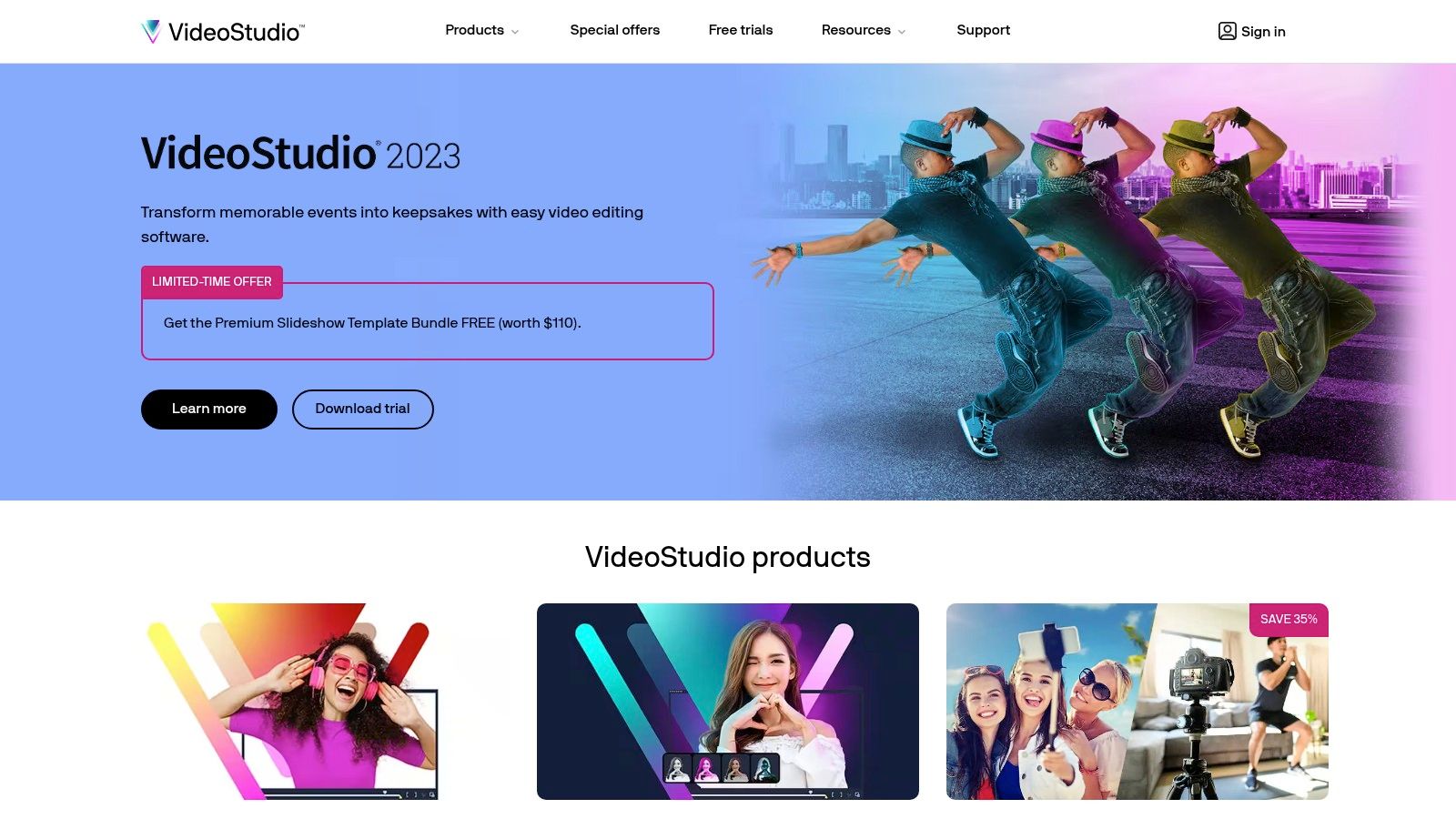
For YouTubers, standout features include built-in screen recording, which is perfect for creating tutorials or gaming content, and robust multicam editing for projects with multiple camera angles. VideoStudio also includes tools like motion tracking for applying effects to moving objects and a solid set of color grading controls to enhance the visual appeal of your videos. The straightforward interface and collection of templates help accelerate the editing process, letting creators focus more on content than on complex software.
Key Details & Access
- Best For: Beginners and hobbyists on Windows looking for an affordable, feature-rich editor without a subscription.
- Pricing: Perpetual license, with VideoStudio Pro starting around $79.99 and the more feature-complete Ultimate version at $99.99.
- Compatibility: Windows only.
- Pros: Budget-friendly one-time purchase model, intuitive user interface with ample templates, and includes useful extras like screen capture.
- Cons: Limited to the Windows operating system, lacks the advanced professional features of competitors, and major version upgrades require a new purchase.
The perpetual license model is a significant draw for creators wary of ongoing subscription costs, making it a sustainable long-term investment. While it may not have the expansive ecosystem of an industry giant, its focused toolset provides everything a new or intermediate YouTuber needs to produce polished and engaging videos.
Website: https://www.videostudiopro.com/
10. Movavi
Movavi positions itself as a powerful yet highly accessible tool, making it an excellent choice for creators looking for user-friendly video editing software for YouTube. It bridges the gap between basic, free editors and complex professional suites. The platform is designed for speed and simplicity, allowing YouTubers to quickly produce content like tutorials, product reviews, and vlogs without getting bogged down in technical details.
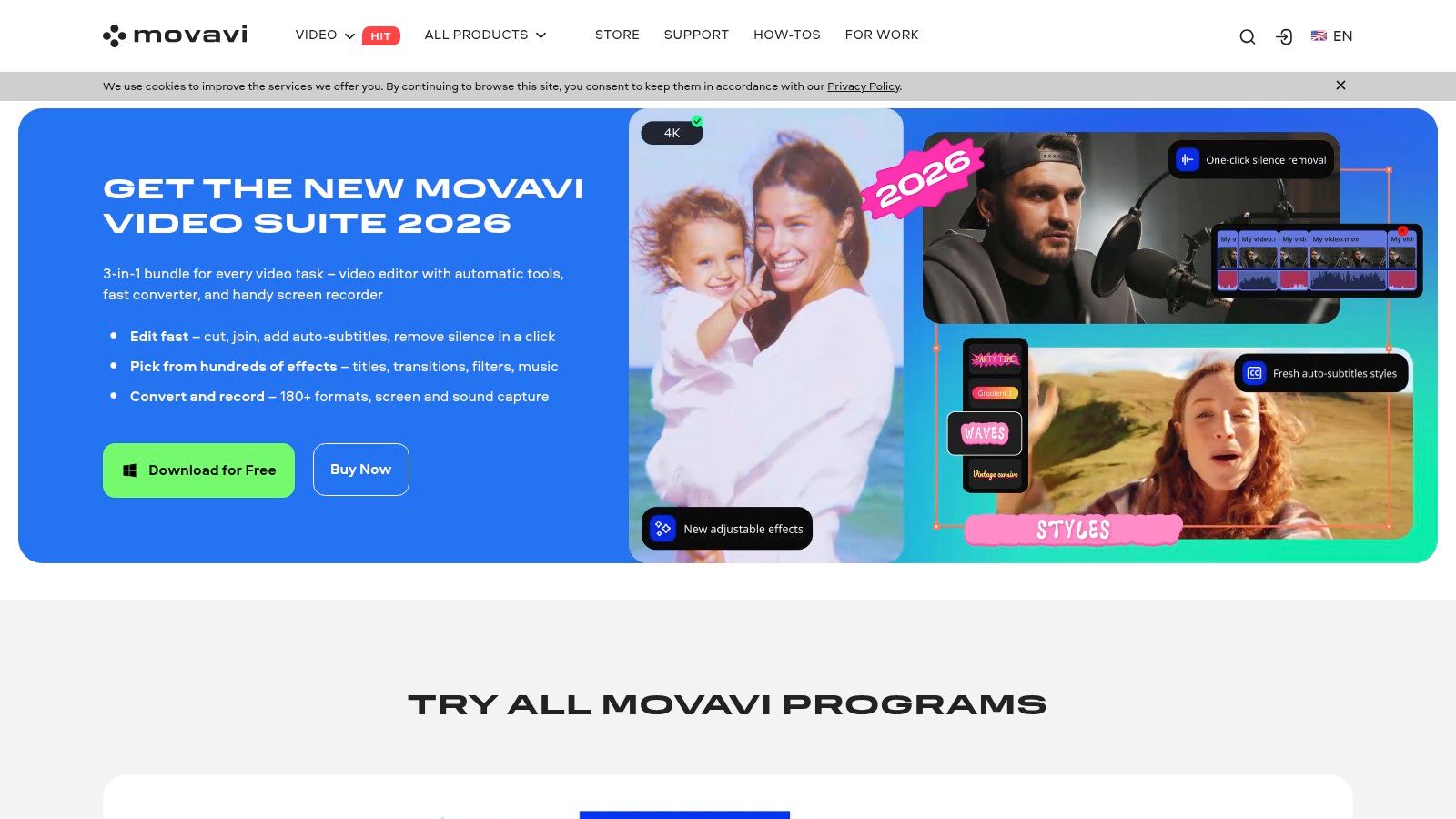
For the modern YouTube workflow, Movavi includes a suite of AI-powered features that streamline common tasks. Tools like automatic background removal, noise removal, and motion tracking are built directly into the interface. Its quick social media export presets ensure your videos are perfectly formatted for YouTube, TikTok, and other platforms, while the simple drag-and-drop timeline and vast library of built-in effects and transitions help creators produce polished content with minimal effort.
Key Details & Access
- Best For: Beginners and intermediate creators making tutorials, intros, and straightforward social media content.
- Pricing: Offers lifetime licenses and annual subscriptions. The Video Editor starts around $54.95/year or a one-time fee. Bundles are also available.
- Compatibility: macOS, Windows.
- Pros: Very approachable for newcomers, fast rendering speeds, and frequent discounts with bundled software offers.
- Cons: Trial version exports are watermarked, and some users find the checkout process has confusing add-on purchase suggestions.
The software’s focus on a simple workflow makes it ideal for YouTubers who need to maintain a consistent upload schedule without a steep learning curve. By offering a Video Suite that combines the editor with a screen recorder and video converter, Movavi provides a complete, budget-friendly toolkit for creators who produce a variety of content formats.
Website: https://www.movavi.com/
11. iMovie
For newcomers to the Apple ecosystem, iMovie is the quintessential starting point and a fantastic free piece of video editing software for YouTube. It comes pre-installed on most Apple devices, offering an intuitive drag-and-drop interface that makes the editing process accessible to absolute beginners. Despite its simplicity, iMovie packs a surprising number of features that help new creators produce polished content without feeling overwhelmed.
YouTubers can leverage features like creative trailer templates, storyboards for planning video structure, and a simple green-screen tool for basic special effects. The platform also provides built-in music, sound effects, and easy-to-use title animations. Its direct sharing feature simplifies the process of uploading finished videos to YouTube, and the seamless project handoff to Final Cut Pro allows creators to start a project on iMovie and move to a more advanced editor as their skills grow.
Key Details & Access
- Best For: Beginners on Apple devices, creating quick vlogs, family videos, or simple tutorials.
- Pricing: Free with Apple devices (macOS, iOS, iPadOS).
- Compatibility: macOS, iOS.
- Pros: Completely free, incredibly easy to learn, and offers seamless integration across the Apple ecosystem.
- Cons: Exclusive to Apple devices, lacks advanced color grading, multi-cam editing, and third-party plugin support.
While it won't replace a professional NLE, iMovie provides all the fundamental tools needed to cut clips, add audio, and export a high-quality video. Its streamlined workflow empowers creators to focus on storytelling rather than getting bogged down by technical complexities, making it an ideal first step into video production.
Website: https://www.apple.com/imovie/
12. Best Buy (Video Editing Software category)
While not a software developer itself, Best Buy's online storefront serves as a valuable resource for U.S.-based YouTubers looking to purchase perpetual licenses for popular editing software. Instead of navigating multiple developer websites, you can browse a centralized selection from brands like Adobe, Corel, and MAGIX. This makes it a great place to find and compare consumer-level video editing software for YouTube, often with the benefit of retailer-specific sales and promotions.
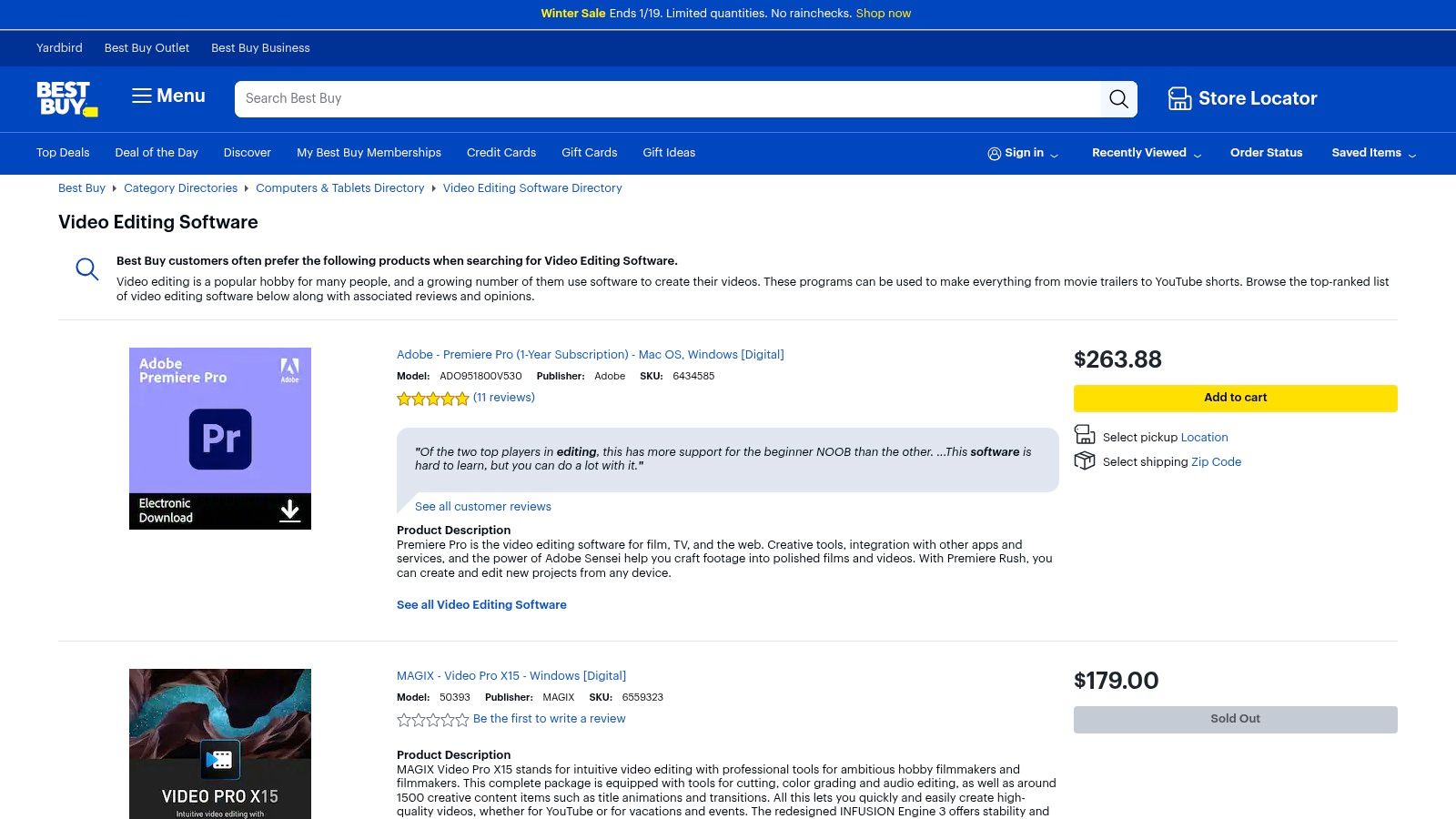
For creators who prefer a one-time purchase over a recurring subscription, Best Buy is an excellent option. The platform offers both physical boxed software and, more conveniently, digital downloads where a license key is emailed to you shortly after purchase. The user reviews on product pages provide real-world feedback, and you get the peace of mind of Best Buy's established customer support and return policies, which can be simpler to deal with than some software developers directly.
Key Details & Access
- Best For: U.S. creators looking to purchase perpetual software licenses from a trusted retailer with potential discounts.
- Pricing: Varies by product; includes one-time purchases for software like Adobe Premiere Elements or Corel VideoStudio.
- Compatibility: Varies by software (macOS, Windows).
- Pros: Centralized shopping for multiple brands, frequent retailer sales, and reliable customer support with clear return policies.
- Cons: Selection is focused on consumer/prosumer software; fewer professional subscription options and limited availability outside the U.S.
When browsing, be sure to verify the software version and year, as offerings can change. The platform’s biggest advantage is turning a software purchase into a familiar retail experience, allowing you to potentially use gift cards, rewards points, or take advantage of major sales events like Black Friday to acquire your next editing tool at a significant discount.
Website: https://www.bestbuy.com/site/shop/video-editing-software
Top 12 YouTube Video Editors — Feature Comparison
How to Choose the Right Editor for Your Channel
Navigating the crowded landscape of video editing software can feel complex, but the journey to finding the perfect tool for your YouTube channel is a crucial one. We've explored a wide range of options, from industry powerhouses like Adobe Premiere Pro and DaVinci Resolve to accessible, mobile-first editors like CapCut. The single most important takeaway is that there is no universal "best" software; there is only the best software for your specific needs, budget, and creative workflow.
Your final decision should reflect your channel's goals. If you're building a brand based on cinematic vlogs or high-production documentaries, investing time and money into professional-grade software like Premiere Pro or Final Cut Pro will pay dividends. For creators focused on long-form interviews or educational content, DaVinci Resolve offers an unparalleled free version that can handle demanding projects without a subscription.
Key Factors to Weigh Before You Decide
Before committing, take a moment to honestly assess your priorities. The ideal video editing software for YouTube creators often comes down to a balance of these critical factors:
- Budget vs. Features: Can you invest in a monthly subscription like Adobe's Creative Cloud, or do you need a powerful one-time purchase like Final Cut Pro or a robust free option like DaVinci Resolve? Don't underestimate free tools; they are more capable now than ever before.
- Learning Curve vs. Speed: How much time can you realistically dedicate to learning new software? A tool like Filmora or Movavi is designed for rapid onboarding, allowing you to edit and upload faster. In contrast, mastering VEGAS Pro or Premiere Pro is a longer-term investment that unlocks a higher ceiling of creative control.
- Content Type: Your primary content format should heavily influence your choice. If your channel is dominated by YouTube Shorts, a mobile-centric editor like CapCut is optimized for vertical video and quick trend-based edits. For traditional 16:9 long-form content, a desktop editor is almost always superior.
- Your Computer's Power: Professional non-linear editors (NLEs) can be demanding. Ensure your chosen software is compatible with your operating system and that your machine meets the recommended specifications to avoid frustrating lag and long render times, especially when working with 4K footage.
Your Actionable Next Step: The Hands-On Test
Reading reviews and comparing feature lists is essential, but it can only take you so far. The most effective way to make your final choice is to put your top contenders to the test. Nearly every paid software on our list offers a free trial, and tools like Resolve, CapCut, and iMovie are free to start.
Choose one short, simple video project—perhaps a 30-second Short or a two-minute vlog segment. Edit that same project in your top two or three software choices. This practical exercise will reveal more than any article can. You'll discover which timeline feels the most intuitive, which interface clicks with your brain, and which tool empowers you to bring your creative vision to life with the least friction. This hands-on experience is the final, definitive step in selecting the video editing software for YouTube that will become a true partner in your content creation journey.
Once you've edited your masterpiece, don't let your hard work get lost due to poor accessibility. Elevate your content and expand your reach by adding accurate captions and a searchable transcript with Whisper AI. Our advanced transcription service integrates seamlessly into your post-production workflow, ensuring every viewer can engage with your YouTube videos. Try Whisper AI today to make your content more discoverable and inclusive.


























































































