
Mastering the Art of Taking Minutes of Meeting
Learning how to effectively take minutes of a meeting isn't about frantically transcribing every word spoken. From my experience, it's a strategic skill that combines careful preparation, active listening, and clear communication. The goal is to create a reliable record that saves your team time, clarifies decisions, and ensures discussions lead to tangible actions.
Why Great Meeting Minutes Are a Game-Changer
We've all been in back-to-back meetings, trying to recall what was decided in each one. While some see taking minutes as a thankless task, I've found it to be a crucial discipline that brings clarity, accountability, and momentum to any project.
Let's be honest: the volume of meetings can be overwhelming. In the US, there are up to 56 million meetings every single day, with executives often spending nearly 23 hours a week in them. This means a significant portion of the workforce dedicates over 30% of their week just to meetings.
The real problem? 65% of workers report that these meetings prevent them from completing their actual work. This isn't just a source of frustration; it's estimated to cost the US economy $37 billion annually.
This is precisely where effective minute-taking proves its value. It cuts through the noise, turning a lengthy discussion into a focused, actionable summary—a single source of truth for the entire team. A well-crafted set of minutes is your best defense against repetitive meetings where the same topics are debated without resolution.
To master this, I break the process down into four essential stages.
The Four Pillars of Effective Minute Taking
This framework removes the guesswork, ensuring you cover all your bases from start to finish.
The Real Purpose of Meeting Minutes
Good minutes are much more than simple notes. They serve several vital functions that keep projects moving and teams aligned. They provide a clear, objective history that can resolve disagreements and ensure everyone is on the same page about what was decided.
At its core, taking minutes is about achieving four things:
- Creating a Record of Decisions: This is the official log of all final decisions, motions, and actions the group agreed upon.
- Clarifying Action Items: It specifies what needs to be done, who is responsible, and when it's due, eliminating ambiguity.
- Promoting Accountability: With tasks documented and assigned, it's easier to track progress and ensure nothing falls through the cracks.
- Informing Absentees: It provides a concise and accurate summary for anyone who couldn't attend.
The true value of taking minutes of a meeting lies not in capturing the conversation, but in capturing the commitments. It’s the bridge between discussion and execution.
This guide provides a complete roadmap to improve your approach. We’ll break down each stage with practical tips and real-world advice. For a deeper dive into the note-taking part of the process, you can also explore our related guide on how to take effective meeting notes.
Set Yourself Up for Success Before the Meeting
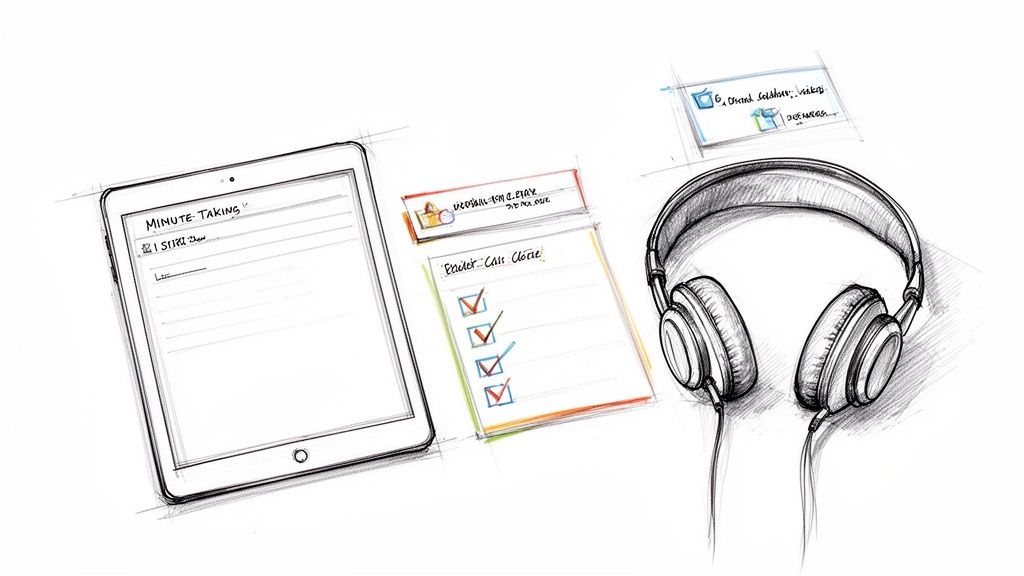
The secret to great minutes doesn't start when the meeting does; it begins with preparation. I've learned from experience that entering a meeting unprepared is like trying to build furniture without instructions—you might end up with something, but it will likely be unstable. A little planning allows you to listen to the conversation instead of scrambling to keep up.
This involves more than a quick glance at the agenda. Effective preparation means understanding the purpose of the meeting and anticipating the flow of conversation. When you do this groundwork, the act of taking minutes of meeting transforms from a reactive chore into a focused, strategic activity.
Design a Smarter Minutes Template
Don't start with a blank page. A well-designed template is your best tool for staying organized and ensuring clarity. Instead of a generic document, create a custom layout that helps you capture what's important.
At a minimum, your template should include clearly labeled sections for:
- The Basics: Meeting title, date, time, and location (or virtual link).
- The Roster: A list of attendees and those who were absent.
- Decisions Made: A dedicated section for final, approved decisions to ensure they aren't lost in discussion notes.
- Action Items: A simple table with three columns: the task, the owner, and the deadline.
Having this structure ready allows you to plug in information as it happens, guaranteeing you won't miss critical outcomes and making the post-meeting cleanup much faster.
Have a Quick Chat with the Meeting Host
This is a simple step that many people overlook, but it's a game-changer. Take a moment before the meeting to connect with the organizer. This quick check-in provides crucial context that an agenda alone often lacks.
My go-to move is to align with the host beforehand. I’ll ask them, "What are the one or two critical outcomes you absolutely need from this meeting?" Their answer instantly tells me where to focus my energy.
Knowing their priorities helps you distinguish important signals from background noise during the discussion. You'll know which topics require your full attention for decision-making and which are for general awareness. This collaboration ensures the final minutes accurately reflect the meeting's purpose.
Finally, prepare your digital workspace. Whether you're using a simple notes app or a tool like Whisper AI for a transcript, have it open and ready. If the meeting is virtual, test your microphone. Close distracting tabs. This simple ritual ensures you're ready to go without any last-minute technical issues.
Capture What Matters, Not Every Single Word
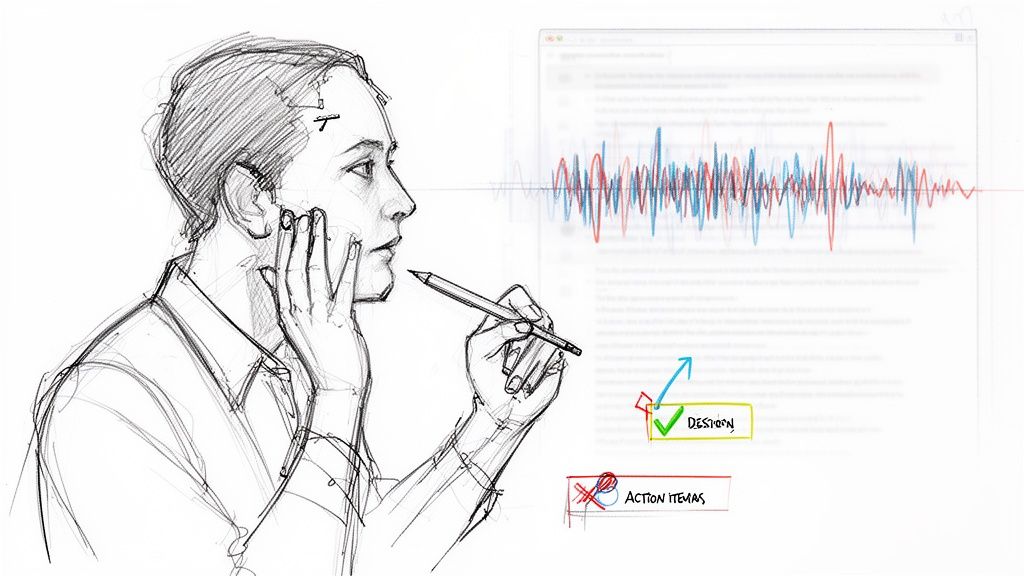
Once the meeting begins, the biggest mistake is trying to act like a court reporter. Your job isn't to create a word-for-word transcript but to capture the essence of the conversation—the key outcomes that remain important long after the meeting ends.
Attempting to document every detail is a losing battle. You'll become so focused on typing that you miss the bigger picture. The art of taking minutes of meeting lies in shifting from passively recording to actively filtering for what is important.
Focus on Outcomes, Not the Conversation
Your attention should be laser-focused on a few key elements. These are the building blocks of effective minutes; everything else is secondary.
- Final Decisions: What did the team agree on? Document the final resolution, not the entire debate that led to it.
- Motions and Votes: In formal settings, record official motions, who seconded them, and the outcome of the vote.
- Action Items: This is the most critical part. Who committed to doing what, and by when?
By concentrating on these elements, you avoid the impossible task of transcribing everything. This allows you to listen, understand the nuances, and be fully present.
Use Technology as Your Assistant
Trying to capture everything manually is challenging, especially given the number of meetings today. The data is clear: in North America, 55% of meetings last between 30 and 60 minutes, and 40% run longer.
The rise of remote work has intensified this. Virtual meetings increased from 48% to 77% of all meetings between 2020 and 2022. With 83% of employees spending up to a third of their week in meetings, manual note-taking alone is often insufficient.
This is where technology can be a significant advantage. A tool like Whisper can run in the background, creating an accurate transcript for you. It's not a replacement for your judgment but a safety net.
The best approach is a hybrid one: your human insight backed by AI's accuracy. Let the tech handle the raw transcription so you can focus on synthesis and pulling out what’s truly important.
This method provides the best of both worlds. You can focus your energy on strategic listening and capturing key outcomes, knowing you have a complete record to reference if you need to verify a quote or detail. You're no longer just a typist—you're a curator of valuable information. Honing this skill is key, and you can dive deeper with our guide on how to improve note-taking skills.
Turn Your Raw Notes into a Polished Record
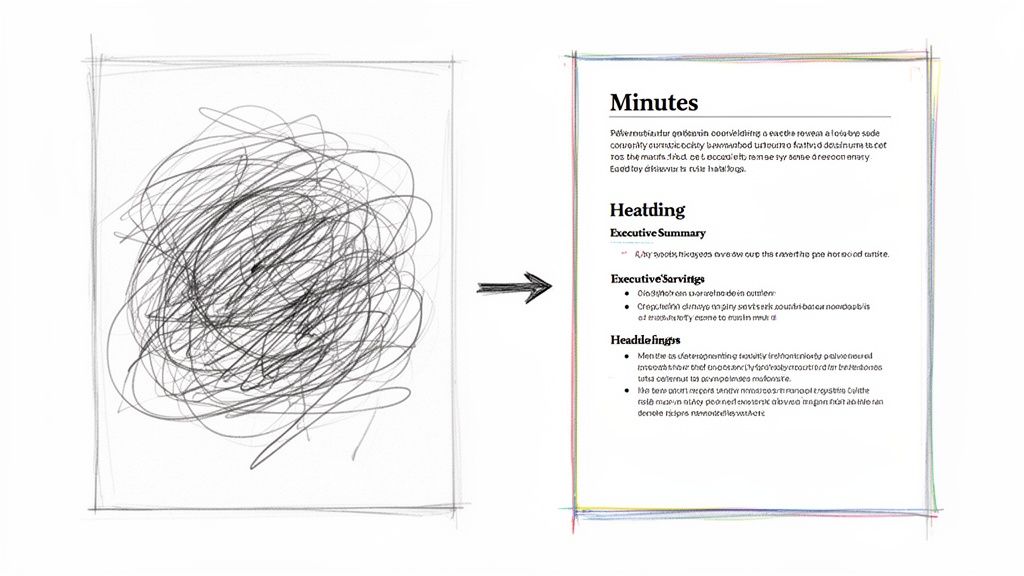
The meeting may be over, but your most important work is just beginning. Your raw notes are the starting point, not the final product. Now it's time to transform them into a clear, permanent record that provides real value.
The goal isn't just fixing typos; it's about structuring your notes so that a stakeholder can understand the key outcomes in 60 seconds. This is where you demonstrate your value as the meeting's scribe.
Start with a Punchy Executive Summary
Before diving into details, begin with a concise executive summary. This is arguably the most critical part of the document. It should immediately answer two questions for any reader:
- What were the most important decisions we made?
- What are the main next steps we committed to?
Think of it as the "TL;DR" (too long; didn't read) for the meeting. I've found that placing this at the top ensures even the busiest executives grasp the key takeaways, even if they don't read further.
Your executive summary is your 30-second elevator pitch for the meeting's value. Nail this, and you've already delivered 80% of the document's impact for most readers.
This simple step transforms your minutes from a passive record into an active communication tool.
Structure for Scannability, Not for Reading
After the summary, bring order to your notes. Busy people don't read meeting minutes from start to finish; they scan for what's relevant to them. Your formatting should make this effortless.
Using a pre-made meeting minutes template is a great shortcut, as it provides a ready-made structure.
Here’s the simple workflow I follow to get from rough draft to polished document:
- Group by Agenda Item: I rearrange my notes under the original agenda topics to provide a familiar structure.
- Use Bold Headings: Each agenda topic becomes a clear, bolded heading, acting as a signpost to guide the reader.
- Bullet Points are Your Best Friend: I convert long paragraphs into concise bullet points, capturing just enough context to understand the decision.
This approach respects everyone's time by eliminating intimidating blocks of text and making key information easy to find.
Use an AI Transcript to Verify the Details
Even when paying close attention, it's easy to miss things—a name, a specific number, or the exact phrasing of a commitment. An AI-generated transcript is an invaluable tool for ensuring accuracy.
Before distributing the minutes, I quickly scan the transcript to confirm direct quotes, double-check the wording of a decision, or fill in any gaps. With 36-56 million meetings happening daily in the US, manual capture is prone to error. And since 65% of professionals feel meetings without solid notes are a waste of time, getting it right is crucial.
A quick check against the transcript ensures every detail is correct.
Finally, give your action items one last review. Make sure each one is crystal clear and unambiguous. We have a whole guide on this, and you can find more tips for defining action items on meeting minutes here.
Common Minute Taking Mistakes and How to Fix Them
Even experienced minute-takers can fall into common traps. These mistakes may seem minor, but they can lead to confusion, missed deadlines, and a cycle of follow-up emails.
The good news is that these errors are easy to fix once you know what to look for. By avoiding these common blunders, you can ensure your minutes are accurate, objective, and useful.
Mistake 1: Vague and Unactionable Tasks
This is one of the most damaging mistakes: writing down action items that are unclear and lack a clear owner. A vague task is likely to be forgotten because no one knows who is responsible.
We’ve all seen notes like, "Sarah to look into the budget." This is a dead end. Which Sarah? Which budget? What does "look into" mean, and what is the deadline? It's no wonder that while 86% of meeting participants say minutes were taken, only 54% feel the action items were actually tracked.
The Fix:
Be specific. Every action item needs a designated owner, a clear task, and a deadline.
- Weak: Sarah to look into the budget.
- Strong: ACTION: Sarah Jones to analyze the Q4 budget variance report and present findings at the weekly sync on May 28th.
This small change turns a suggestion into a concrete, trackable commitment.
An action item without an owner and a due date is just a suggestion. Vague language is the enemy of accountability, so your primary job is to eliminate it from your minutes entirely.
Mistake 2: Injecting Personal Bias or Opinions
Meeting minutes should be an objective record of events, not your personal commentary. Adding subjective language or your own interpretations undermines the document's credibility as a source of truth.
Phrases like "heated debate" or "reluctantly agreed" introduce a subjective layer that may not reflect everyone's experience. Your role is to document, not to editorialize.
The Fix:
Stick to the facts. Use neutral, objective language and focus on the outcome of the discussion, not the emotional journey.
- Biased: After a lengthy and frustrating argument, the team finally gave in and approved the new marketing slogan.
- Objective: Following discussion, the team reached a consensus and approved "Connect & Create" as the new marketing slogan.
This simple shift keeps the minutes professional and trustworthy. For formal meetings, such as those of a board, these documents are official legal records, so capturing intentions and actions clearly is critical.
Got Questions About Taking Minutes? Here Are Some Answers
Even with a good system, taking meeting minutes can present challenges. Here are answers to some of the most common questions I'm asked.
How Detailed Should My Meeting Notes Be?
This is a common question, and the answer is usually that less is more.
Your goal is to capture outcomes, not the entire conversation. For most meetings, like daily stand-ups or project check-ins, a summary of key discussion points, a list of decisions, and a clear breakdown of action items is sufficient. The aim is to create a useful record, not a lengthy narrative.
However, context matters. For a formal board meeting, you'll need more precision, including recording specific motions, who seconded them, and final vote counts. A good rule of thumb is to ask yourself: "If someone missed this meeting, could they read my notes and know exactly what was decided and what they need to do next?" If the answer is yes, you've succeeded.
What's the Best Template for Meeting Minutes?
The best template is not the most complex one; it's the one that keeps you organized and is easy for others to read. Simplicity and consistency are key.
A solid template should always include these three components:
- The Basics: Meeting name, date, and a list of attendees.
- Decisions Made: A separate section, distinct from discussion notes, that lists only final decisions.
- Action Item Table: This is essential. It needs columns for the task, the owner, and the due date.
This simple structure makes it easy to track accountability and helps everyone find the most important information quickly.
How Can AI Tools Actually Help Me Take Better Minutes?
AI tools have been a significant help, primarily by automating the most tedious part of the job: transcription. An AI assistant that generates a word-for-word transcript during the meeting frees you from constant typing.
Instead of just being a stenographer, you get to be a strategist. You can actually listen, participate, and focus your attention on pulling out the most important decisions and next steps.
After the meeting, the AI transcript serves as a perfect source of truth. If you missed a detail or need to confirm phrasing, you can simply search the transcript. It's an excellent way to ensure your minutes are both concise and accurate.
Stop drowning in manual transcription and start capturing what truly matters. Whisper AI provides instant, accurate transcripts and summaries from your meetings, freeing you to focus on decisions and actions. Join over 50,000 users who are transforming their workflow. Try Whisper AI for free today!


























































































