12 Best Closed Captioning Software Tools for Accessible Content
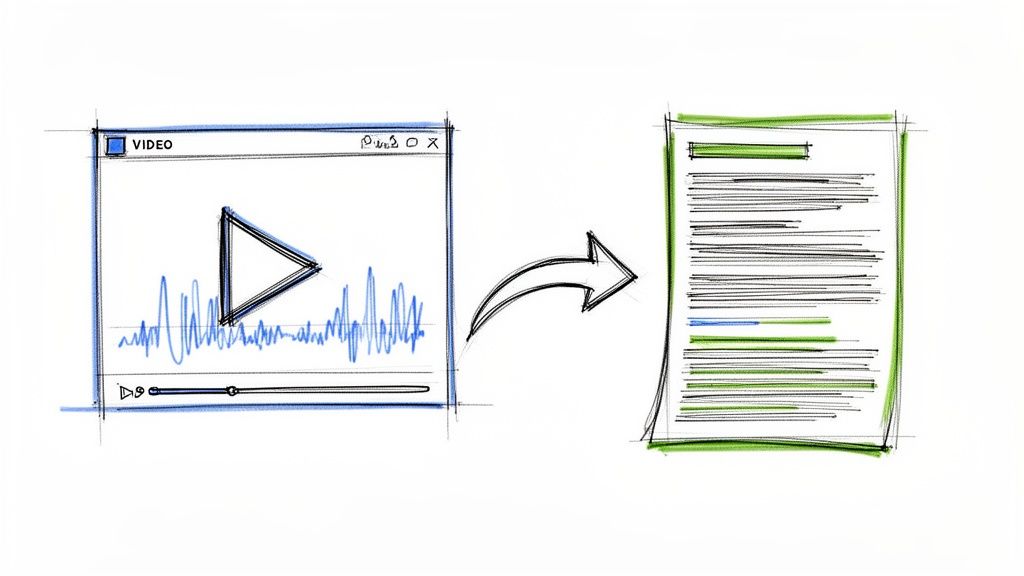
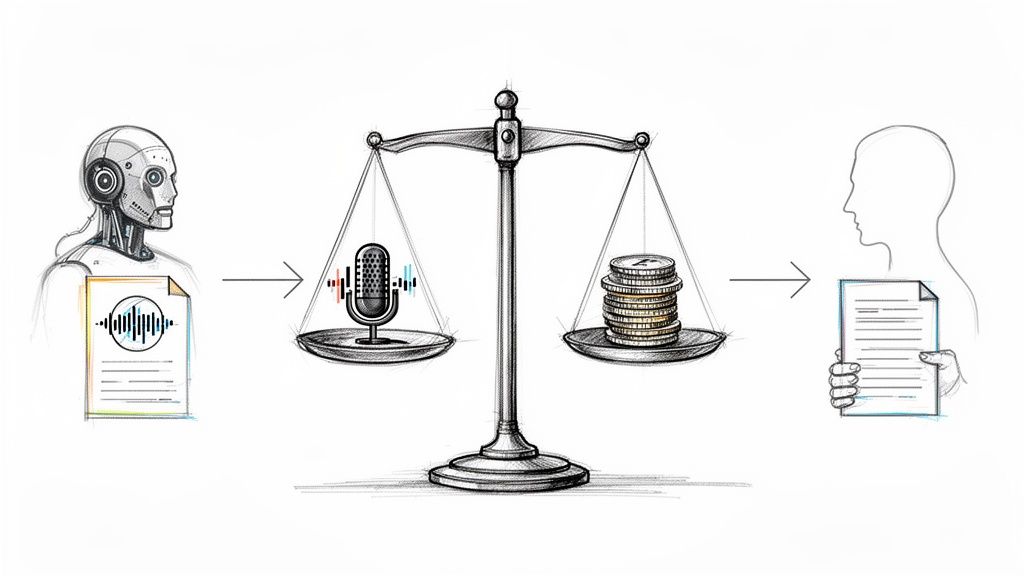
In an increasingly visual and global world, making your video content accessible isn't just a compliance checkbox—it's a critical strategy for engagement, reach, and inclusivity. From my own experience creating video content, I know that manually transcribing and timing captions is a painstaking process that can consume hours. This is where dedicated closed captioning software transforms the workflow, turning a laborious task into something that takes minutes, not days.
Whether you're a YouTuber chasing broader audiences, a business ensuring ADA compliance, or an educator creating accessible course materials, the right tool makes all the difference. Choosing the wrong one can lead to inaccurate transcripts, frustrating editing interfaces, and a wasted budget. This guide is designed to prevent that by offering an experience-based look at the 12 best options available today, helping you find the right fit for your specific project.
I've moved beyond marketing claims to give you a direct, honest assessment based on hands-on evaluation. For each platform, you'll find:
- Real-world performance: How does it actually work in practice?
- Specific use cases: Is it better for quick social clips or long-form interviews?
- Honest pros and cons: I'll highlight both the strengths and the hidden limitations.
- Pricing and workflow: A clear breakdown of costs and a quick look at the user interface, complete with screenshots and direct links.
This article provides the clarity you need to select the most effective closed captioning software for your projects. Instead of sifting through dozens of websites, use this curated resource to find the perfect fit for your workflow and budget quickly. Let's dive into the platforms that will help you create more accessible and engaging content.
1. Whisper AI
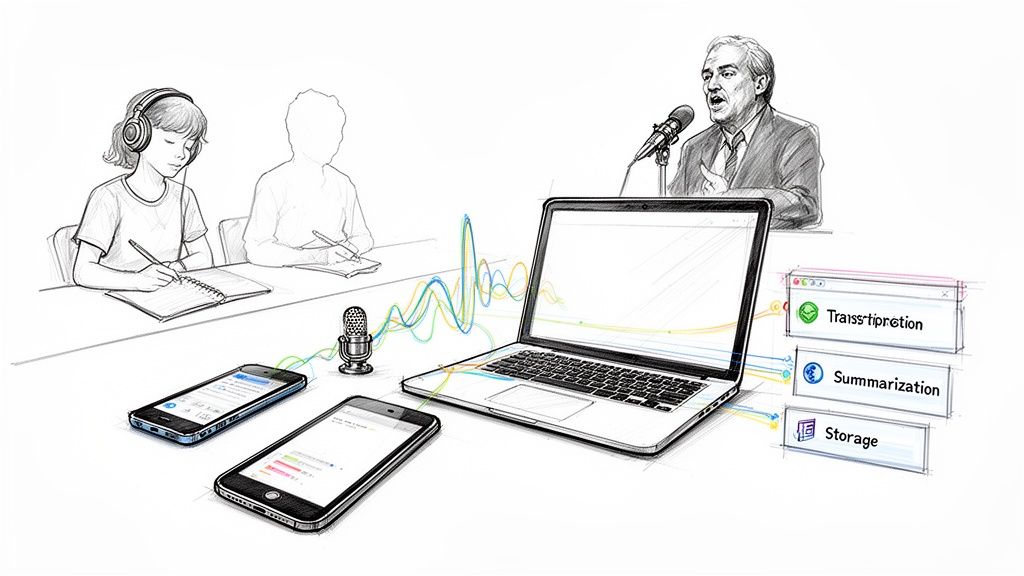
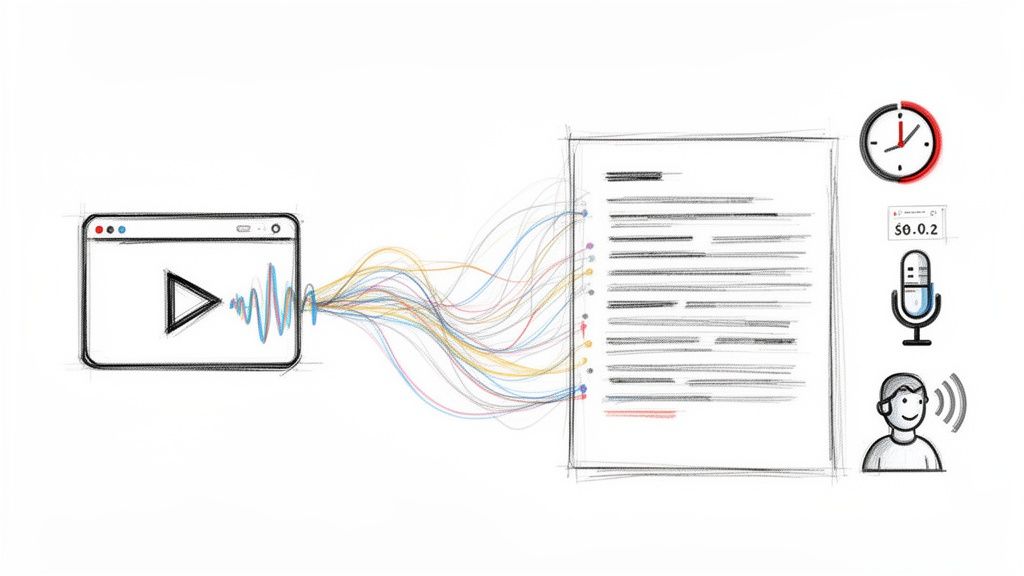
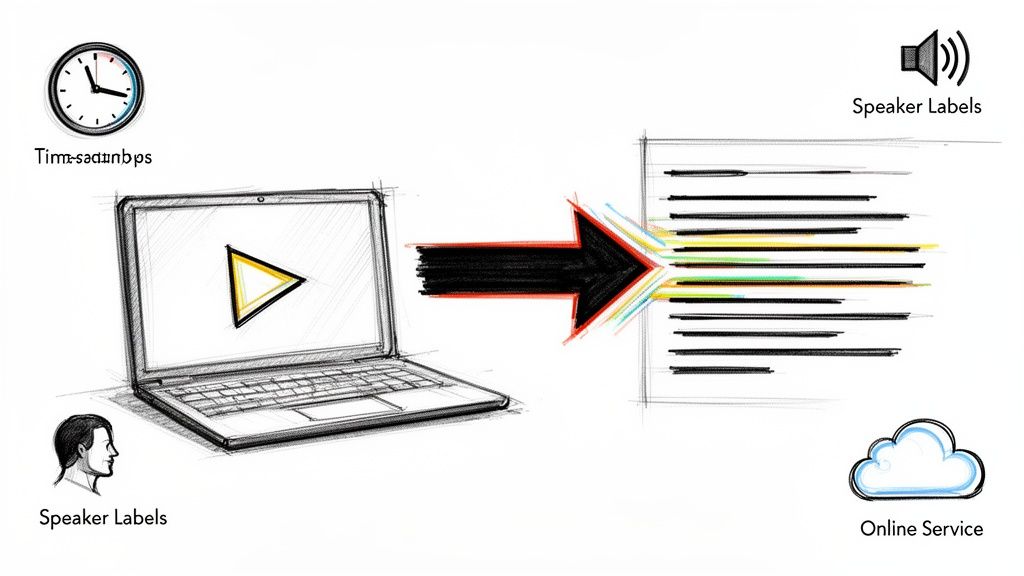
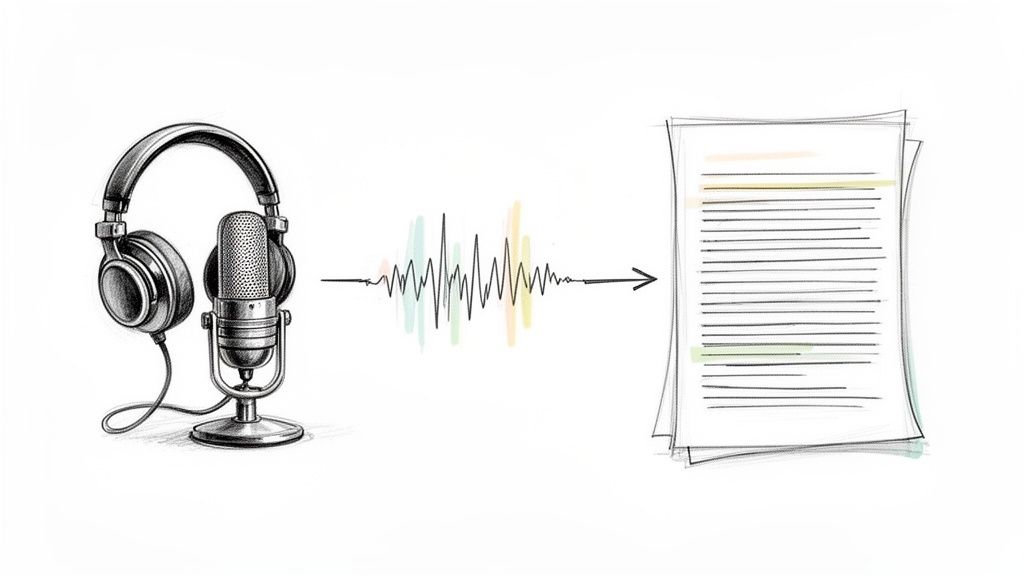
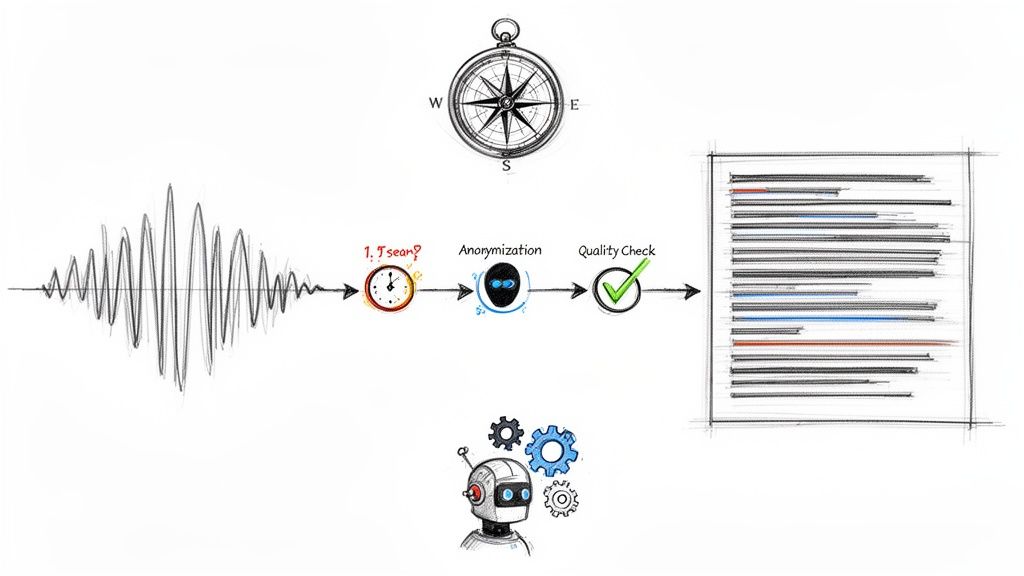
Whisper AI presents a powerful, all-in-one solution that moves beyond basic transcription to become a full-fledged content repurposing assistant. While many tools focus solely on generating text from audio, Whisper AI automates the entire workflow from ingestion to export, making it a standout choice for creators and professionals who need both speed and depth. Based on my testing, its ability to automatically detect different speakers, insert accurate timestamps, and handle over 92 languages positions it as a remarkably versatile platform for generating high-quality closed captions and transcripts.
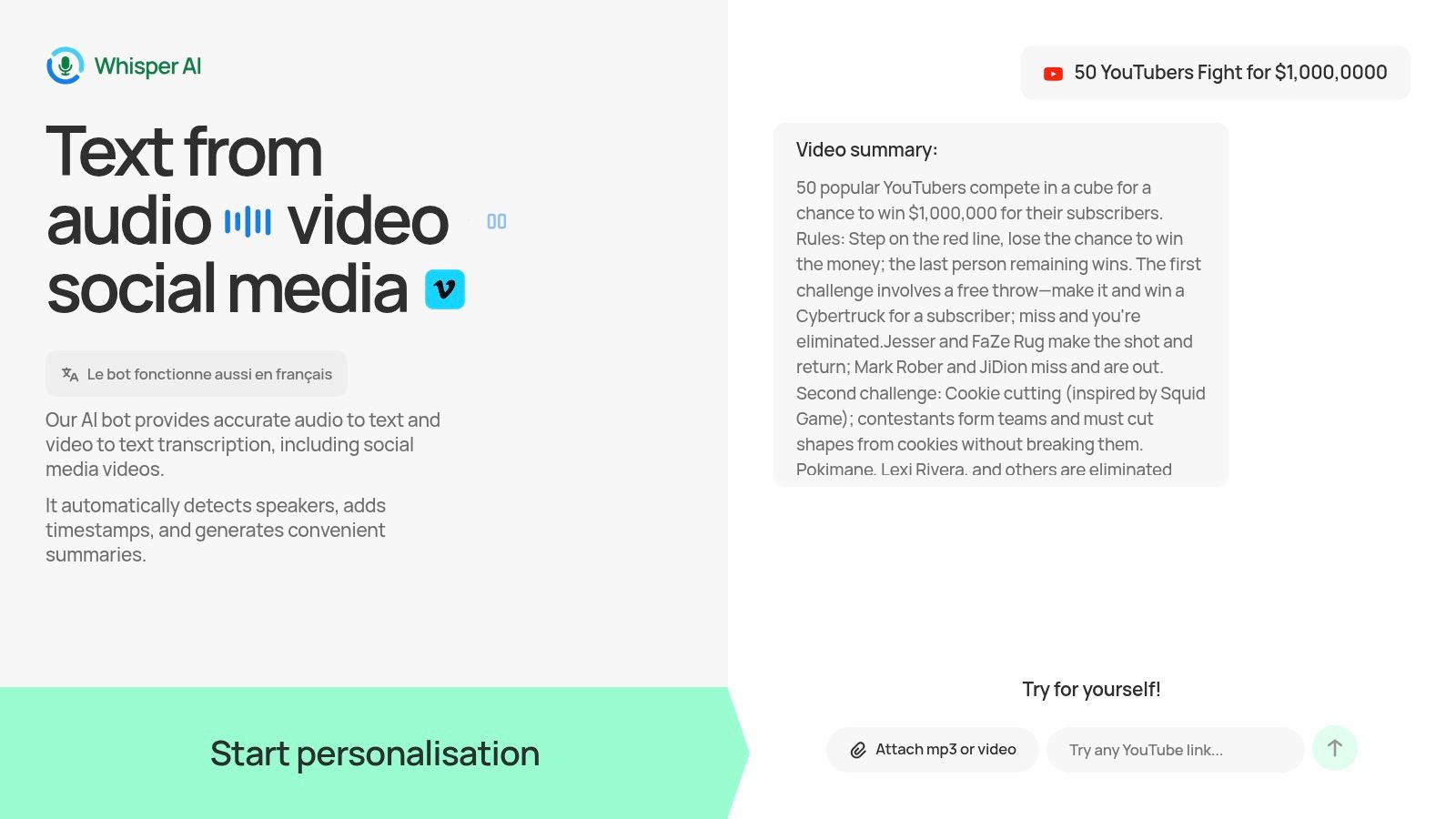
The platform’s real strength lies in its flexible ingestion methods. You can upload almost any audio or video file directly or simply paste a link from a social media platform like YouTube. This feature is a significant time-saver for social media managers, journalists, and podcasters who need to quickly document or repurpose content without downloading large files first.
What are the key features of Whisper AI?
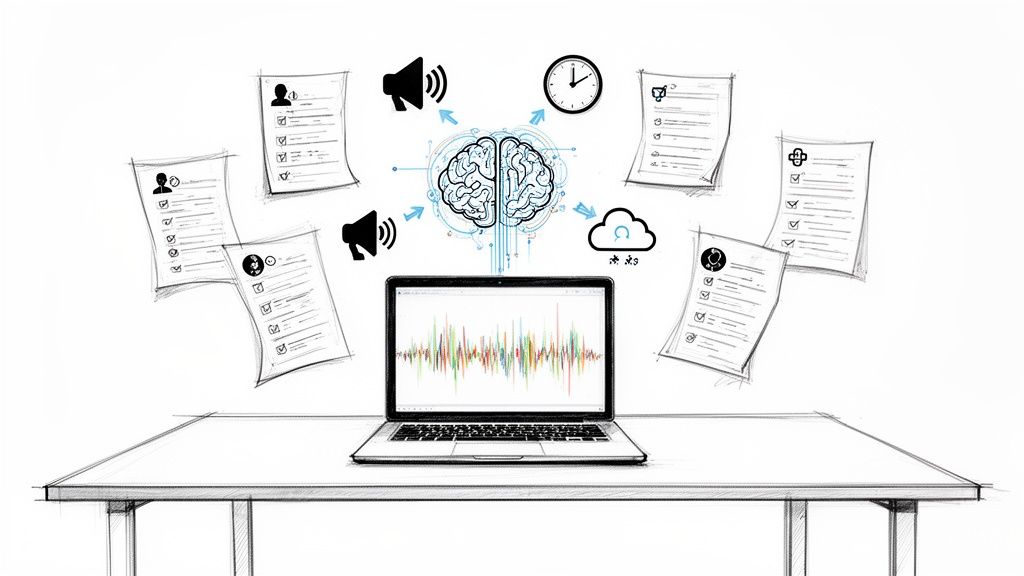
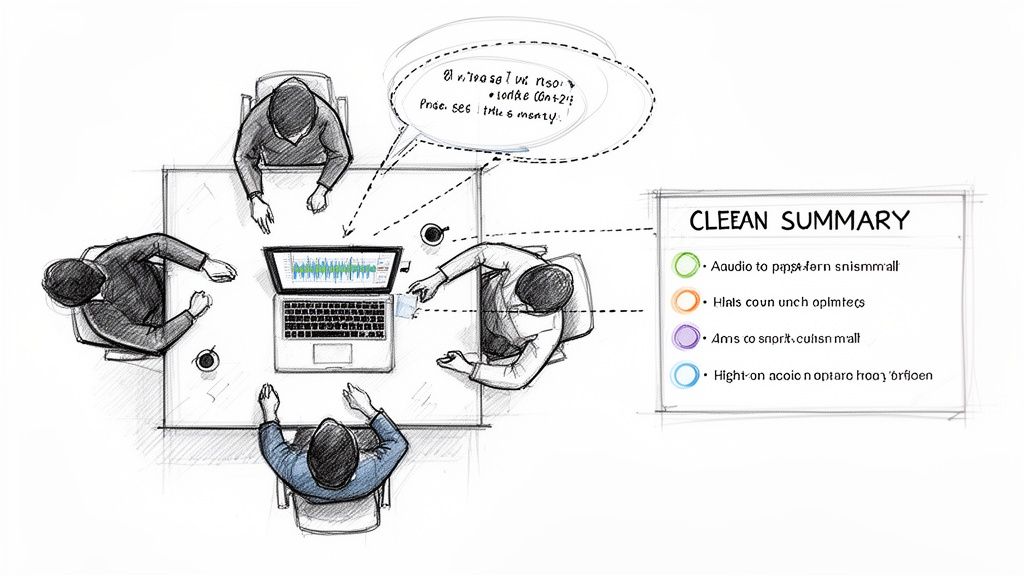
Whisper AI is more than just closed captioning software; it's a productivity engine. After processing your media, it provides not only a searchable transcript but also concise summaries and bullet-point highlights. This makes it ideal for extracting key takeaways from long meetings, interviews, or lectures. For instance, a business team can turn a one-hour project call into a set of actionable items and a summary for stakeholders in minutes. You can even ask follow-up questions to the transcript to sharpen insights.
The platform emphasizes a secure and private process. Files are processed for the task at hand and are not retained, which is a critical consideration for users handling sensitive or proprietary information. While it excels at creating accurate text for pre-recorded media, it’s important to note that it doesn't currently offer real-time or live transcription. Beyond specific captioning solutions leveraging AI, content creators can explore a variety of other innovative AI tools such as loveable ai for different creative and marketing tasks.
Best For: YouTubers, podcasters, journalists, and business teams needing to transcribe and repurpose long-form content efficiently.
Pros:
- Complete Workflow: A single tool for transcription, speaker detection, summaries, and highlights.
- Flexible Ingestion: Accepts most audio/video formats plus direct social media links.
- Privacy-Focused: Files are not stored, ensuring confidentiality.
Cons:
- Opaque Pricing: No clear pricing structure for heavy or team usage is publicly available.
- No Live Transcription: Not suitable for live events or real-time captioning needs.
Website: Whisper AI
2. Rev
Rev offers a powerful hybrid approach to closed captioning, blending the speed of AI with the precision of human experts. This makes it an excellent choice for a wide range of users, from YouTubers needing quick turnarounds to enterprises requiring captions that meet strict FCC and ADA compliance standards. Its core strength lies in providing a dependable, full-service solution that scales.
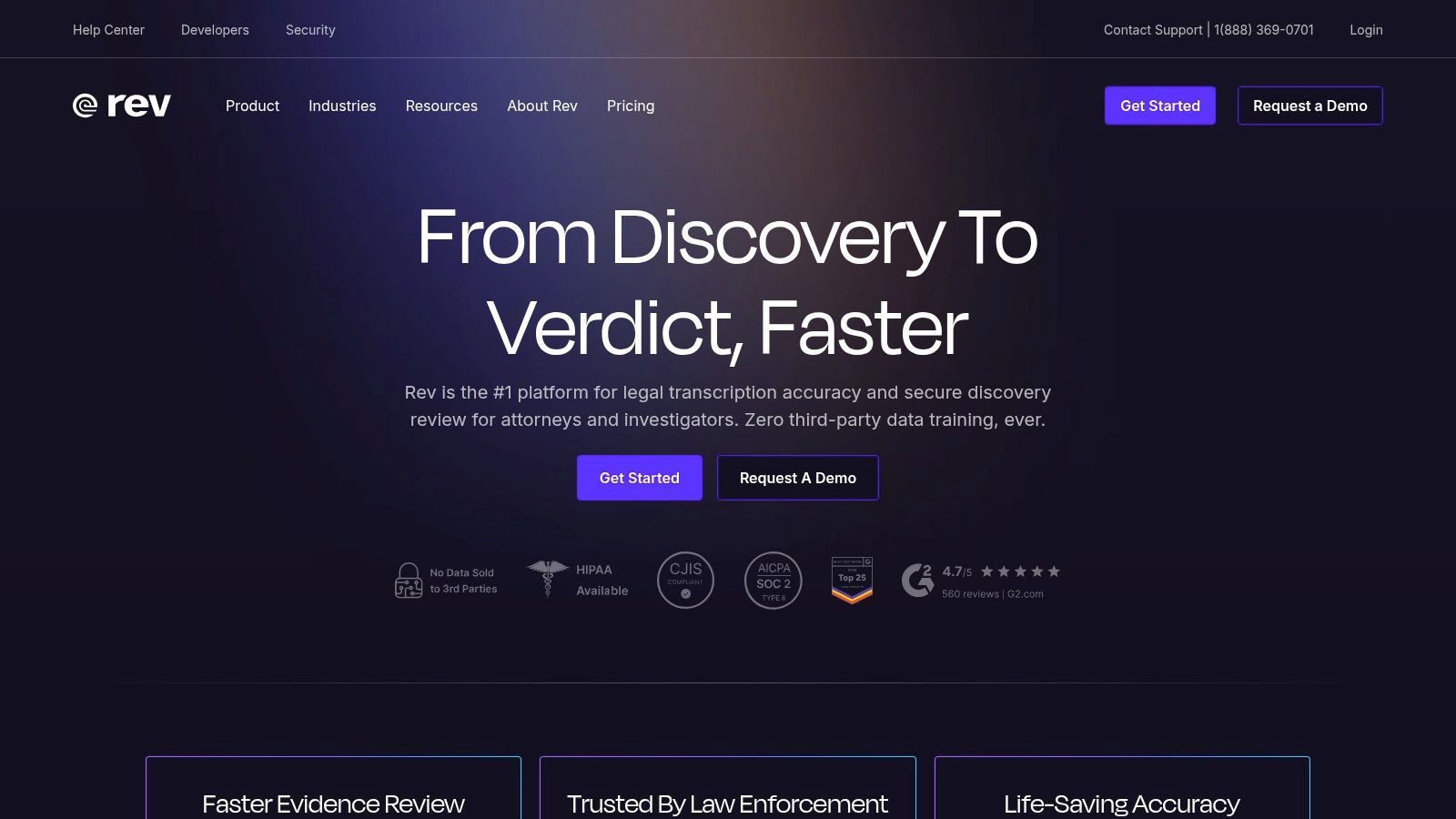
The platform’s user experience is straightforward: upload your video or audio file, or connect your YouTube, Vimeo, or cloud storage account, and choose your service. Human-powered captions, while more expensive at around $1.50 per minute, guarantee 99% accuracy and are typically delivered within 24 hours. The AI-generated captions, part of their subscription or available pay-as-you-go, are a fast and affordable alternative for less critical content, with accuracy starting at 90%.
What is Rev best for?
- Human Captions: Ideal for professional broadcasts, educational content, and any video where accessibility compliance is mandatory.
- AI Captions: Best for social media clips, internal meetings, or initial drafts where speed is more important than perfect accuracy.
- In-Browser Editor: A standout feature allowing you to review and perfect captions, adjusting timing and wording before exporting.
- Team Plans: Provides businesses with pooled AI minutes and discounts on human services, making it a manageable solution for organizational use.
What are the pricing considerations for Rev?
Rev operates on a transparent, per-minute pricing model for its primary services, with subscriptions available for frequent users. While the human transcription is a premium cost compared to pure AI tools, its reliability and accuracy justify the price for professional applications. The main drawback is that advanced features and the best AI minute rates are tied to higher-tier team plans.
Website: https://www.rev.com
3. 3Play Media
3Play Media stands out as an enterprise-grade accessibility solution, widely trusted within the education, government, and corporate sectors. It goes beyond basic closed captioning software, offering a complete platform for captions, subtitles, audio descriptions, and translations. Its primary strength lies in its deep integrations and managed services, making it a perfect fit for organizations with large video catalogs that require strict compliance with FCC and ADA standards.
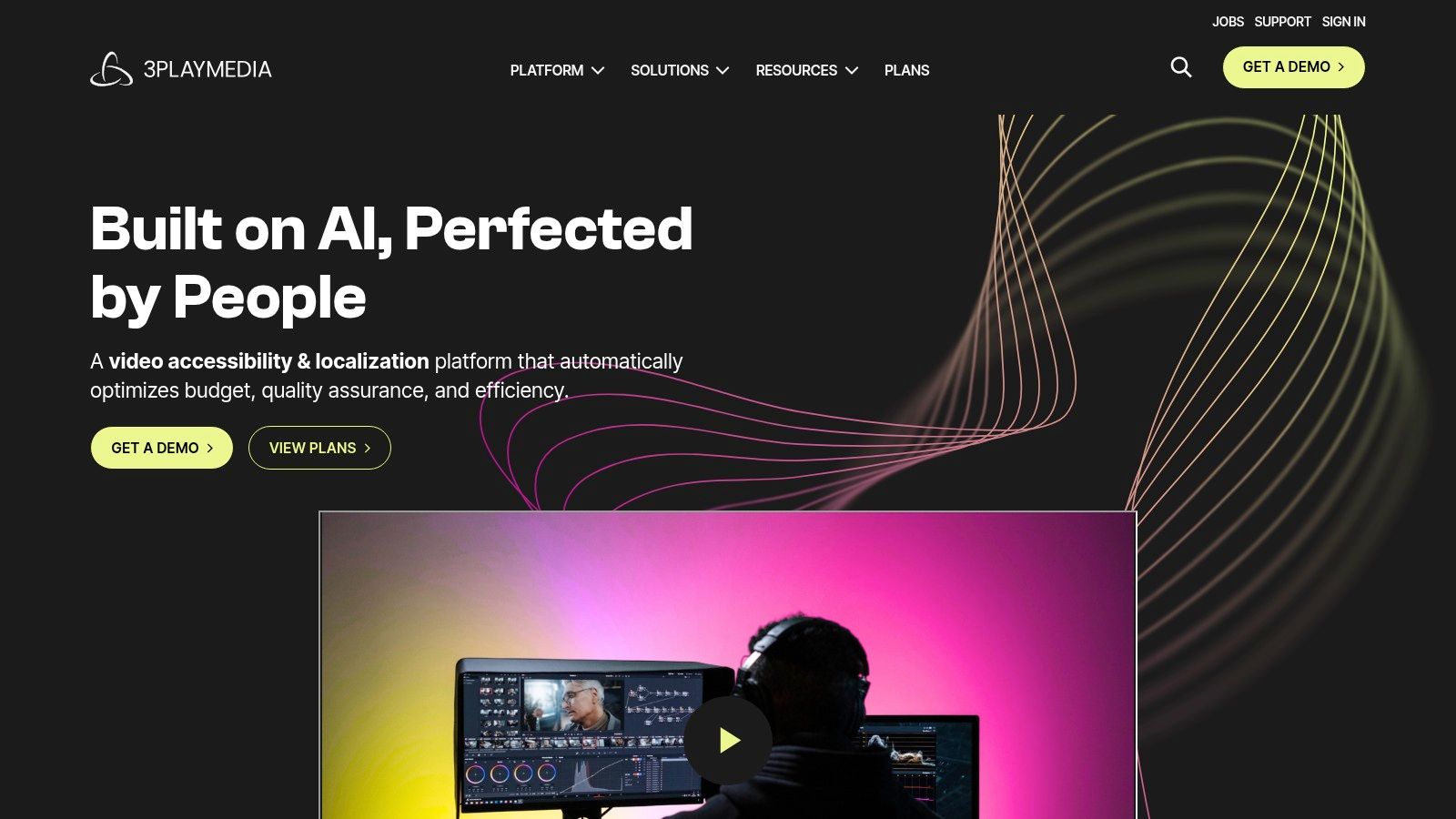
The platform is designed around automated workflows. Users can connect their video hosting platforms, like Kaltura, Brightcove, or Panopto, and set rules for automatic captioning. This "set it and forget it" approach, combined with multiple service levels for turnaround time and accuracy, provides a scalable system for institutions that can’t manage captioning on a per-video basis.
What is 3Play Media best for?
- Deep Platform Integrations: Ideal for universities and large companies needing to automate captioning across existing video libraries on platforms like YouTube, Vimeo, and enterprise video players.
- Compliance-Driven Workflows: Essential for broadcasters and public sector organizations that must meet legal accessibility requirements and provide documentation.
- Audio Description: A key service for making video content accessible to visually impaired audiences, often a requirement for public-facing media.
- Localization & Translation: Best for global organizations looking to subtitle their content in over 50 languages to reach international audiences.
What are the pricing considerations for 3Play Media?
3Play Media’s pricing is typically quote-based and tailored to organizational needs, requiring contact with their sales team. Pay-as-you-go rates are available but vary based on contract volume and service levels. This model is less suited for individual creators or small businesses looking for straightforward, per-minute pricing. Its focus on compliance, security, and managed services positions it as a premium, high-touch solution for large-scale operations.
Website: https://www.3playmedia.com
4. Descript
Descript offers a unique, text-first approach to video editing that integrates closed captioning directly into the workflow. It's an all-in-one platform for creators, podcasters, and teams who want to edit media as easily as a text document. This makes it an incredibly fast tool for moving from recording to publishing, complete with dynamic, stylable captions perfect for social media.
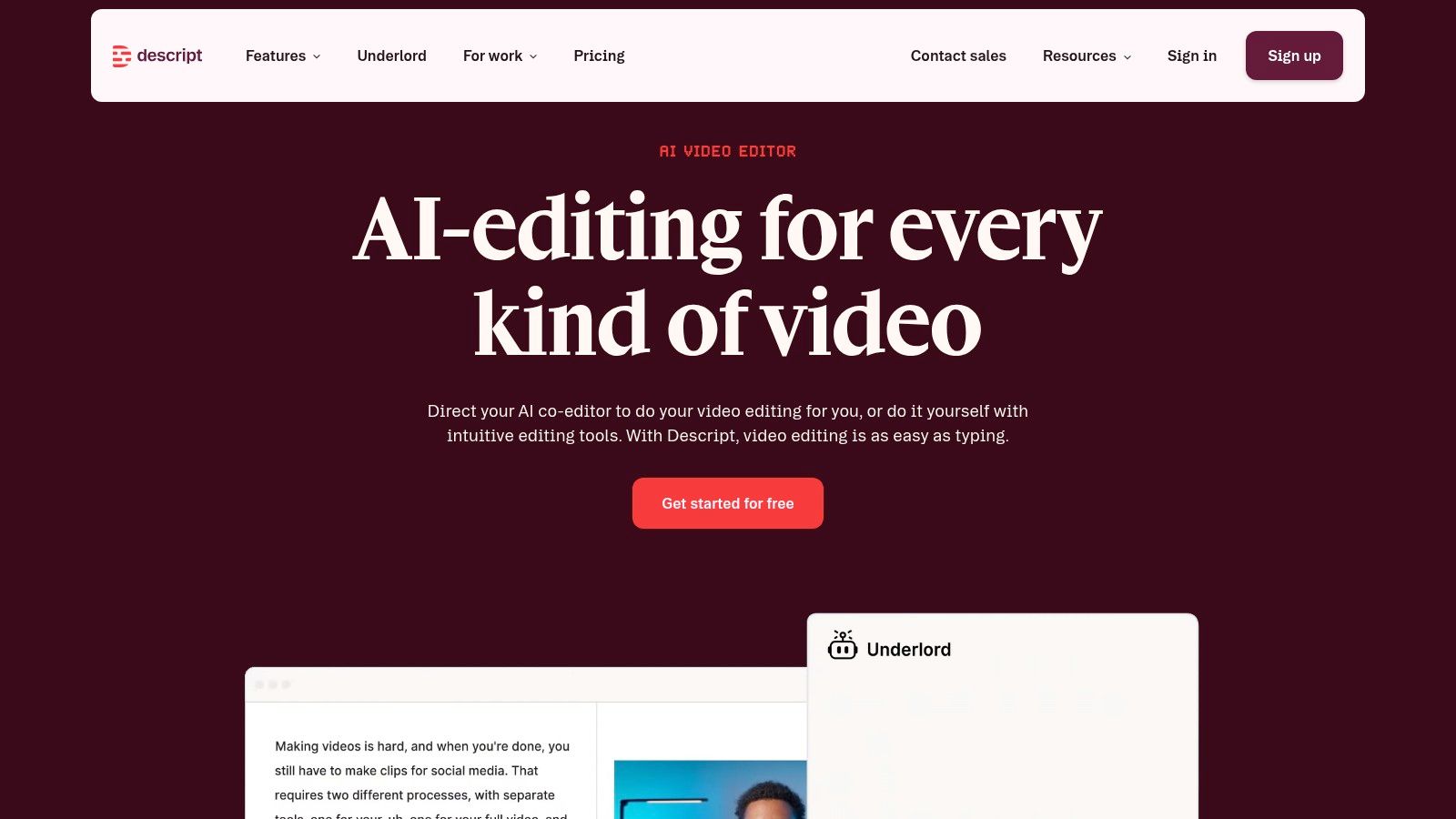
The platform’s core function is its powerful automatic transcription, which becomes the foundation for all editing. Once your video is transcribed, you can generate captions with a single click. From there, you can choose to export a standard SRT/VTT file or burn the captions directly into your video, with extensive styling options like word-by-word highlighting to create engaging clips for platforms like TikTok and Instagram Reels.
What is Descript best for?
- Text-Based Editing: Ideal for podcasters and video creators who want to quickly cut and edit recordings by deleting transcribed words and phrases.
- Dynamic Captions: Perfect for social media managers creating short-form content. You can fully customize caption appearance and animation.
- One-Click Transcription: Automatically transcribes in over 20 languages, serving as the basis for both editing and captioning.
- Collaboration Tools: Allows teams to work on projects together, leaving comments and sharing edits within a single workspace.
What are the pricing considerations for Descript?
Descript uses a subscription model with different tiers, including a free plan with limited transcription hours. The paid plans offer more transcription time and advanced features. Its main advantage is the integrated workflow, but a potential downside is that its plan structures and quotas have changed over time, so users should verify the current limits to ensure they meet their needs, especially for heavy or long-term use.
Website: https://www.descript.com
5. Adobe Premiere Pro (Speech to Text)
For video editors who want to keep their entire workflow within a single application, Adobe Premiere Pro’s built-in Speech to Text feature is an excellent solution. Instead of exporting a video to a separate service and re-importing a caption file, this professional-grade tool automatically transcribes sequences directly on the timeline. This integration makes it a top choice for editors producing everything from social media shorts to broadcast-ready features, eliminating the common friction of round-tripping.
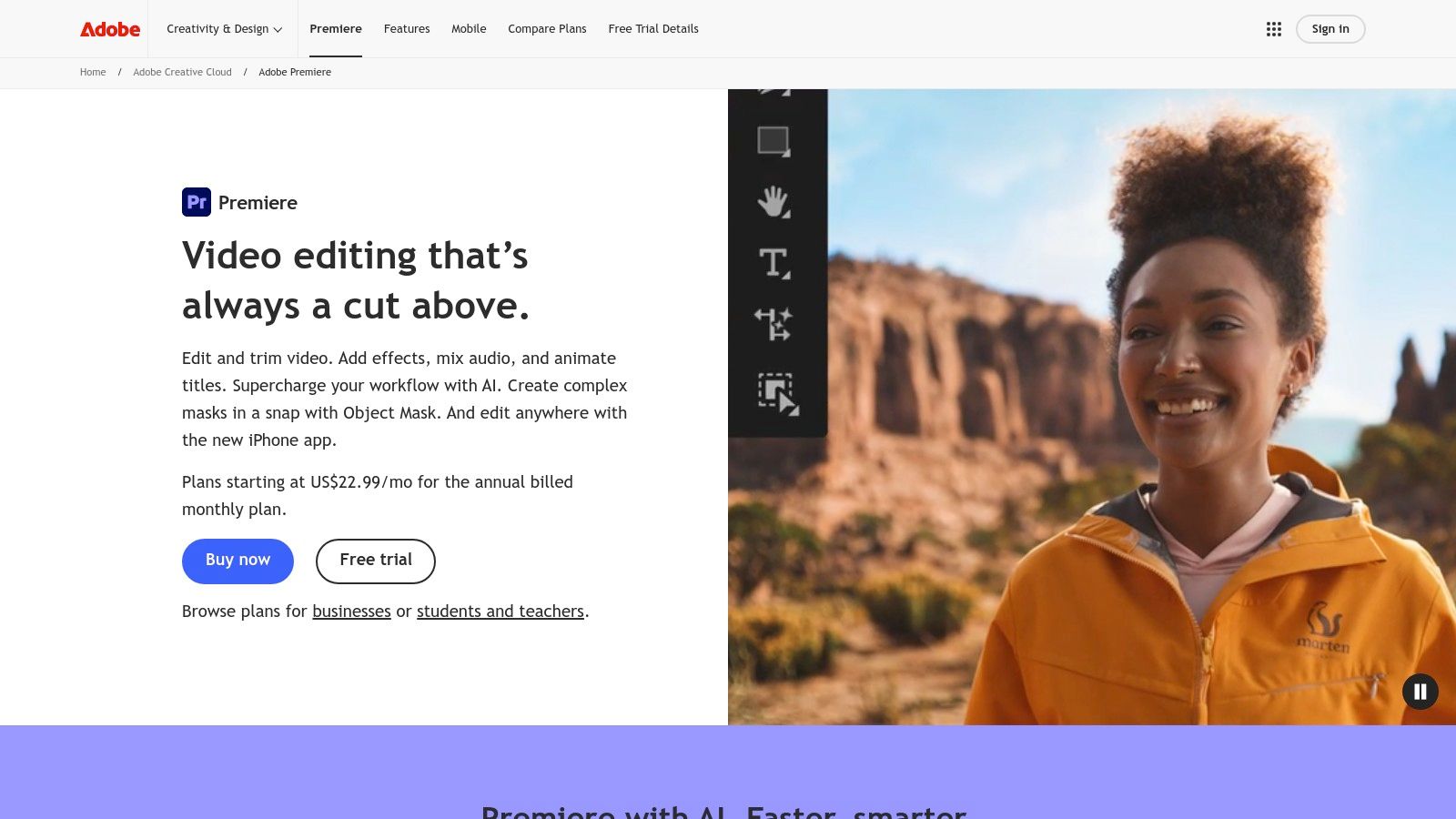
The process is remarkably smooth for those familiar with Premiere. Once your edit is locked, you simply run the transcription function, which generates a full text transcript. From there, the "Auto Captions" tool creates a dedicated caption track, breaking the transcript into timed, editable blocks. These captions can then be styled, repositioned, and corrected with the same precision as any other asset in your project, ensuring they perfectly match your creative vision.
What is Premiere Pro's captioning feature best for?
- Integrated Workflow: The biggest advantage is keeping the entire captioning process inside your main video editor, saving significant time and effort.
- Timeline-Based Editing: Edit caption text, timing, and speaker labels directly on the timeline for granular control.
- Advanced Styling: Use the Essential Graphics panel to customize fonts, colors, backgrounds, and positioning to match your brand or creative look.
- Multiple Formats: Export final captions as burned-in graphics or as standard sidecar files like .SRT for web platforms.
What are the pricing considerations for Premiere Pro?
Speech to Text is included with an Adobe Creative Cloud subscription that bundles Premiere Pro, which is a considerable investment if you only need closed captioning software. However, for editors already using the Adobe ecosystem, it adds immense value at no extra cost. The primary limitation is that it requires a working knowledge of Premiere Pro to use effectively; it's not a standalone, web-based tool for quick, one-off jobs.
Website: https://www.adobe.com/products/premiere.html
6. VEED
VEED is a popular, browser-based video editor that integrates automatic closed captioning software directly into its workflow. Its primary appeal is to social media managers and marketing teams who need to quickly create branded, captioned video content like shorts and reels. Because it runs entirely in a web browser, it eliminates the need for software installation, making it accessible from any device for fast-turnaround projects.
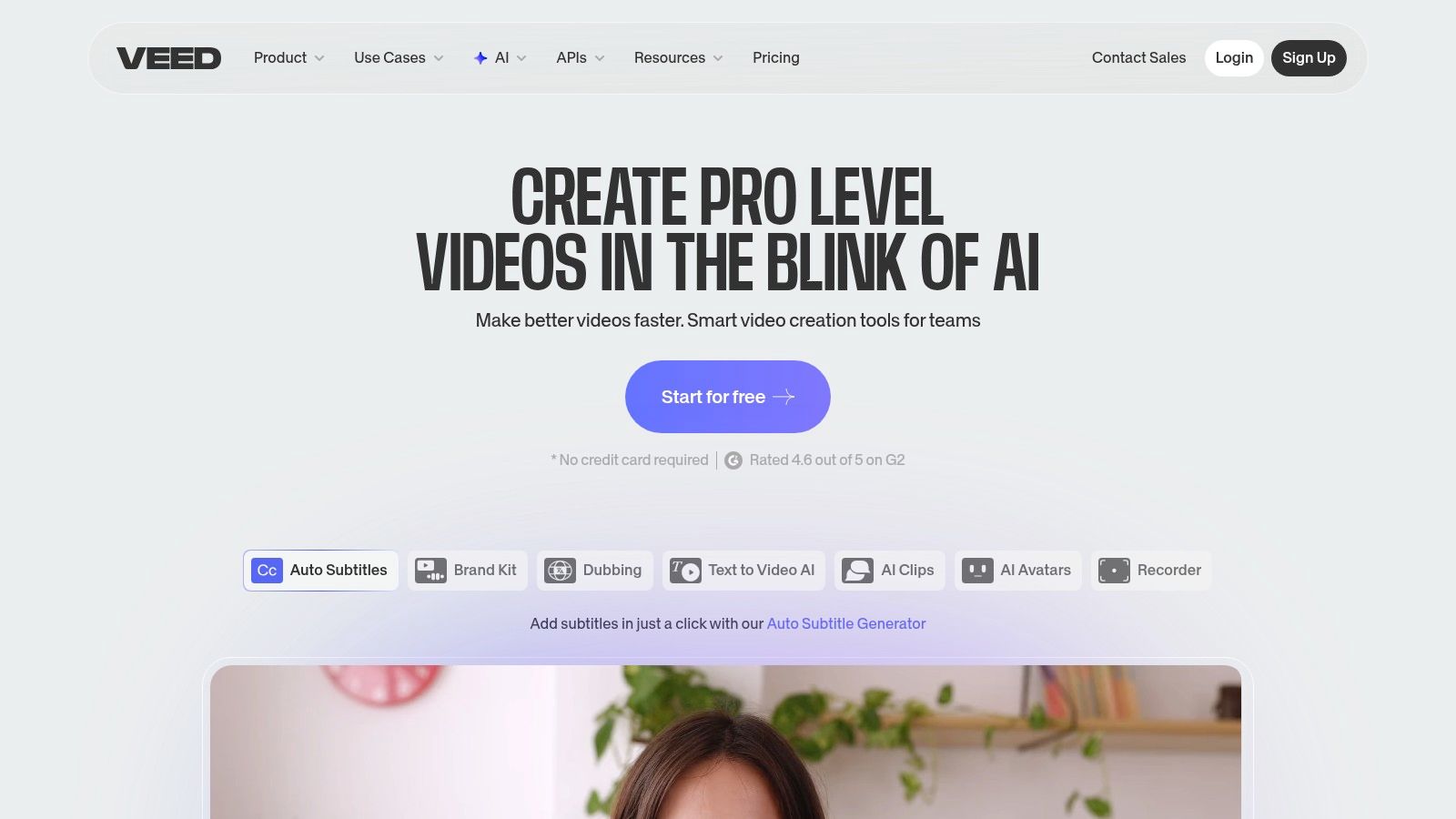
The platform’s strength lies in its simplicity. Users can upload a video, click "Auto-Subtitles," and let the AI generate a transcript. From there, it's easy to edit the text, adjust timing, and either download the captions as a separate SRT/VTT file or "burn" them directly into the video with custom fonts and colors. This dual-export option provides flexibility for different platforms.
What is VEED best for?
- All-in-One Editor: VEED combines captioning with a full suite of video editing tools, stock media, and brand kits, making it a central hub for social content creation.
- Hardcoded & Soft Captions: Offers the choice to burn captions into the video permanently (hardcoded) or export as a standard SRT/VTT file.
- Team Workspaces: Allows marketing teams to collaborate on projects, share assets, and maintain brand consistency across all video outputs.
- Auto-Translation: Captions can be automatically translated into different languages, helping to broaden the reach of your video content.
What are the pricing considerations for VEED?
VEED operates on a tiered subscription model, with a free plan that includes watermarks and limited features. Paid plans unlock more AI transcription minutes, export length, and advanced features like brand kits. A significant consideration is that high-volume users must carefully check the minute limits on their chosen plan, as exceeding them may require an upgrade. The platform is best for short-form content; it may become less performant with very long or complex video projects.
Website: https://www.veed.io
7. Kapwing
Kapwing is a collaborative, web-based video editor that integrates surprisingly accurate AI-powered closed captioning software directly into its workflow. It’s built for social media teams and content creators who need to produce captioned videos quickly without juggling multiple tools. Its strength is its all-in-one nature, combining video editing with a clean and effective subtitling experience.
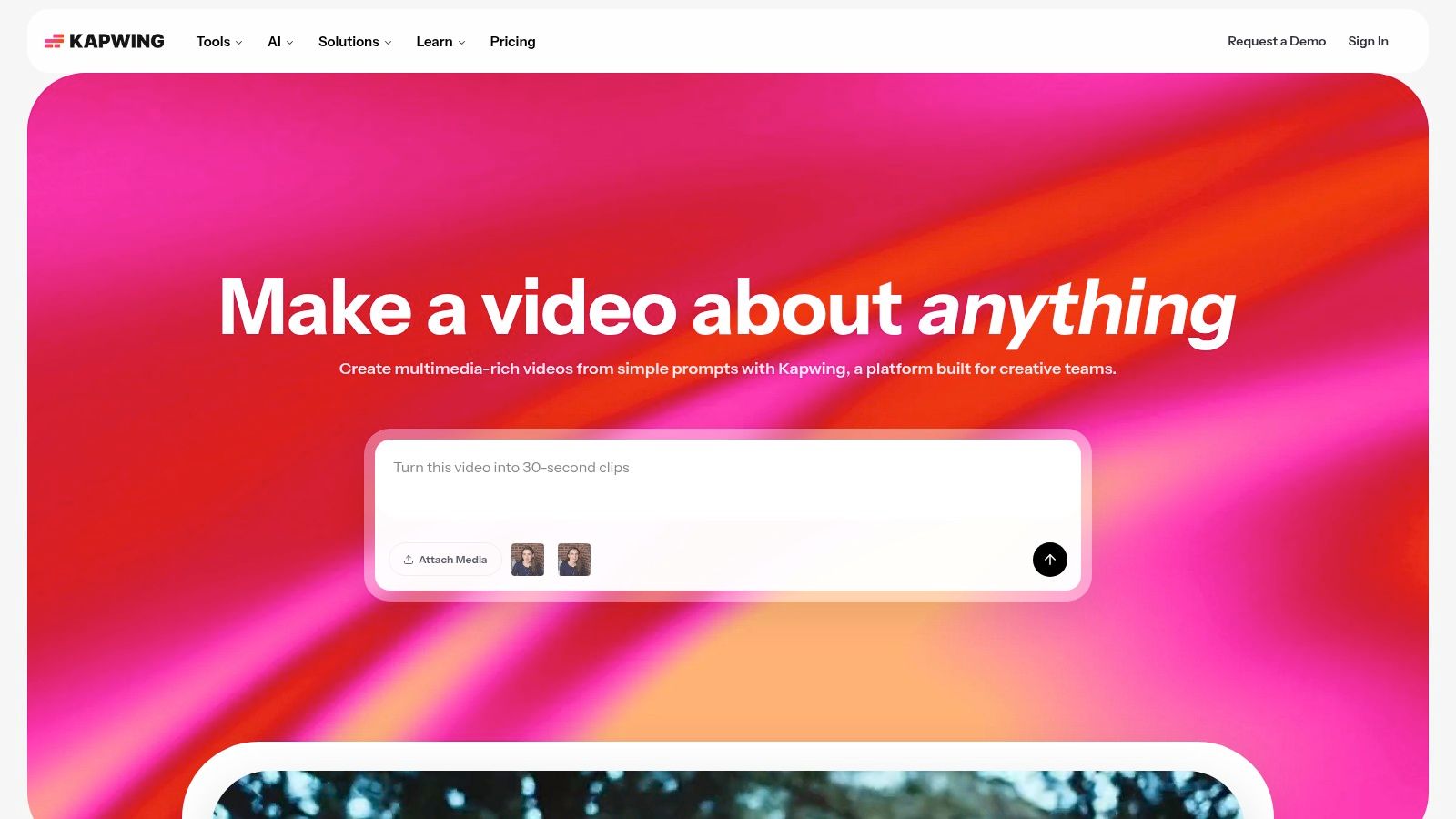
The platform’s process is centered around its main editor. After uploading your video, you can use the "Auto subtitles" feature to generate a transcript in minutes. The transcript appears in a side panel, where you can easily edit text, adjust timing, and correct speaker names. Once finalized, you can either burn the captions directly into the video with customizable styles or export a clean SRT or VTT file for platform-native uploads.
What is Kapwing best for?
- Auto-Subtitling: Ideal for quickly adding accessible captions to social media content, marketing videos, and internal communications.
- Editable Transcript: Allows for fast proofreading and timing adjustments directly alongside the video preview.
- Team Workspaces: Supports collaborative projects, enabling multiple team members to review and edit videos and their captions in one place.
- SRT/VTT Export: Provides the standard file formats needed for uploading captions to platforms like YouTube, LinkedIn, and various video players.
What are the pricing considerations for Kapwing?
Kapwing uses a freemium model with paid tiers that unlock more features and higher usage limits. The free plan is generous but includes a watermark. Paid plans are competitively priced and offer transparent monthly quotas for auto-subtitle minutes, which is a major benefit for budget planning. The main consideration is that users with very high-volume captioning needs may find the minute limits on lower-tier plans restrictive, potentially requiring an upgrade to a more expensive plan for sufficient resources.
Website: https://www.kapwing.com
8. Happy Scribe
Happy Scribe provides a flexible workspace for transcription and subtitling, balancing automated AI services with human-powered refinement. It's a strong contender for teams and individuals who need a mix of quick, machine-generated captions and high-accuracy, human-verified subtitles. The platform’s key advantage lies in its extensive support for different file formats and its collaborative editor, which is useful for teams that need to pass projects between members for quality control.
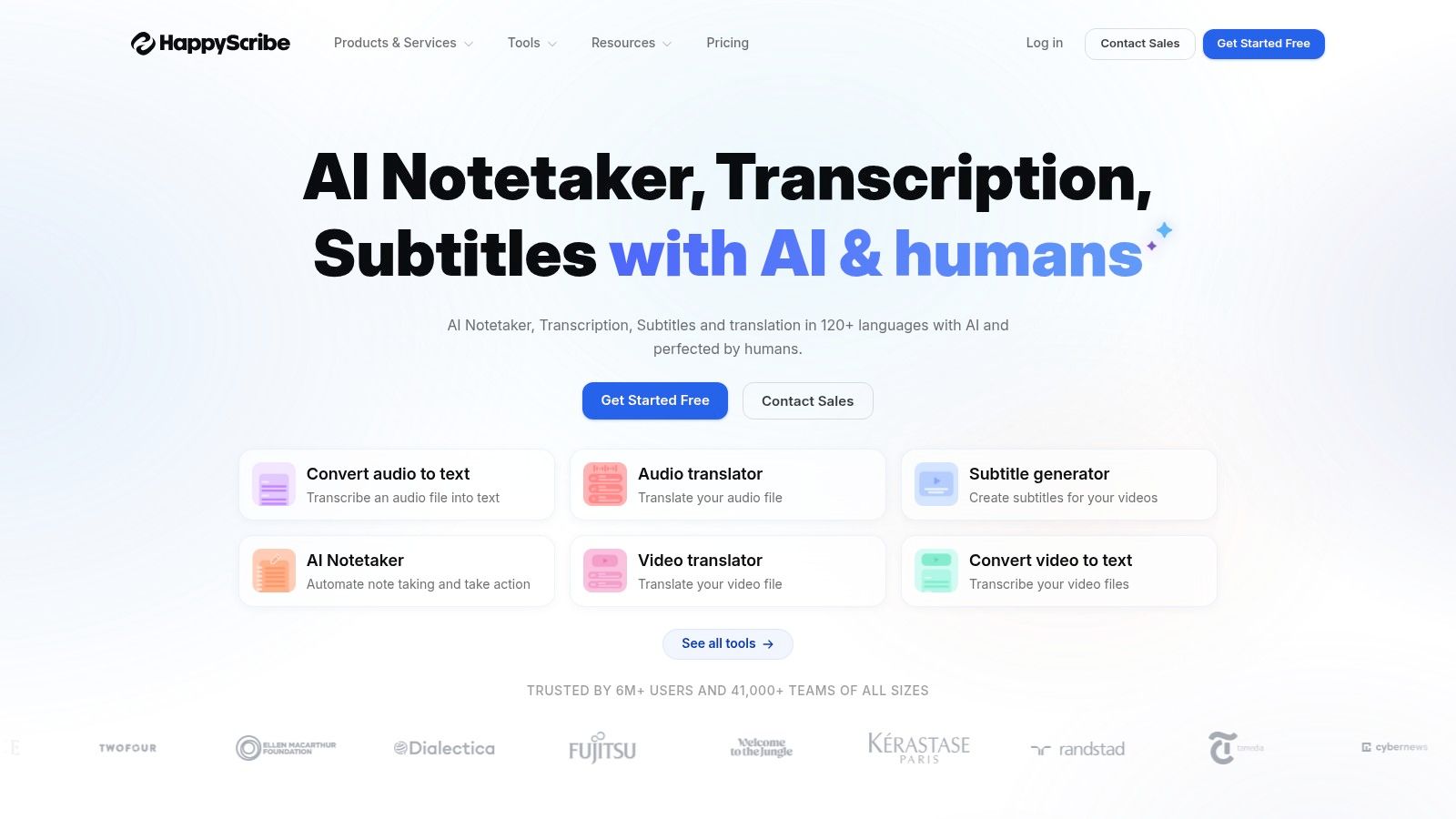
The workflow is designed for efficiency. You can upload files directly or connect to services like YouTube, Vimeo, and Dropbox. The AI transcription is fast and serves as a great starting point, while the human service guarantees a higher level of precision for final deliverables. The built-in editor lets you clean up the AI output, assign speaker names, and adjust timing before finalizing the captions, making it a solid piece of closed captioning software.
What is Happy Scribe best for?
- AI and Human Services: Offers both automated transcription for speed and human-made subtitles for projects requiring near-perfect accuracy.
- Broad Export Format Support: Exports to a wide array of formats beyond the standard SRT and VTT, including STL, XML, FCPXML, and EDL, which is ideal for professional video editing workflows.
- Collaborative Workspaces: Allows teams to share projects, edit transcripts together, and manage billing from a central account.
- Direct Integrations: Connects with popular video platforms and cloud storage, simplifying the process of importing and exporting content.
What are the pricing considerations for Happy Scribe?
Happy Scribe uses a subscription model with tiered plans that include a set number of AI transcription hours per month. Human services are priced separately. A potential drawback is that overages are billed by the minute, so it’s important to monitor usage on smaller plans to avoid unexpected costs. While the mix of services is a major benefit, the cost can increase for heavy users who frequently exceed their plan’s limits.
Website: https://www.happyscribe.com
9. Trint
Trint is an AI-powered transcription and captioning platform designed with a strong editorial focus, making it a favorite among journalists, marketers, and researchers. Its core strength is a dedicated Caption Editor that goes beyond simple text-and-timing adjustments. The platform actively guides users toward creating highly readable and compliant captions by providing real-time feedback on characters per second (CPS) and reading speed, ensuring a comfortable viewing experience for the audience.
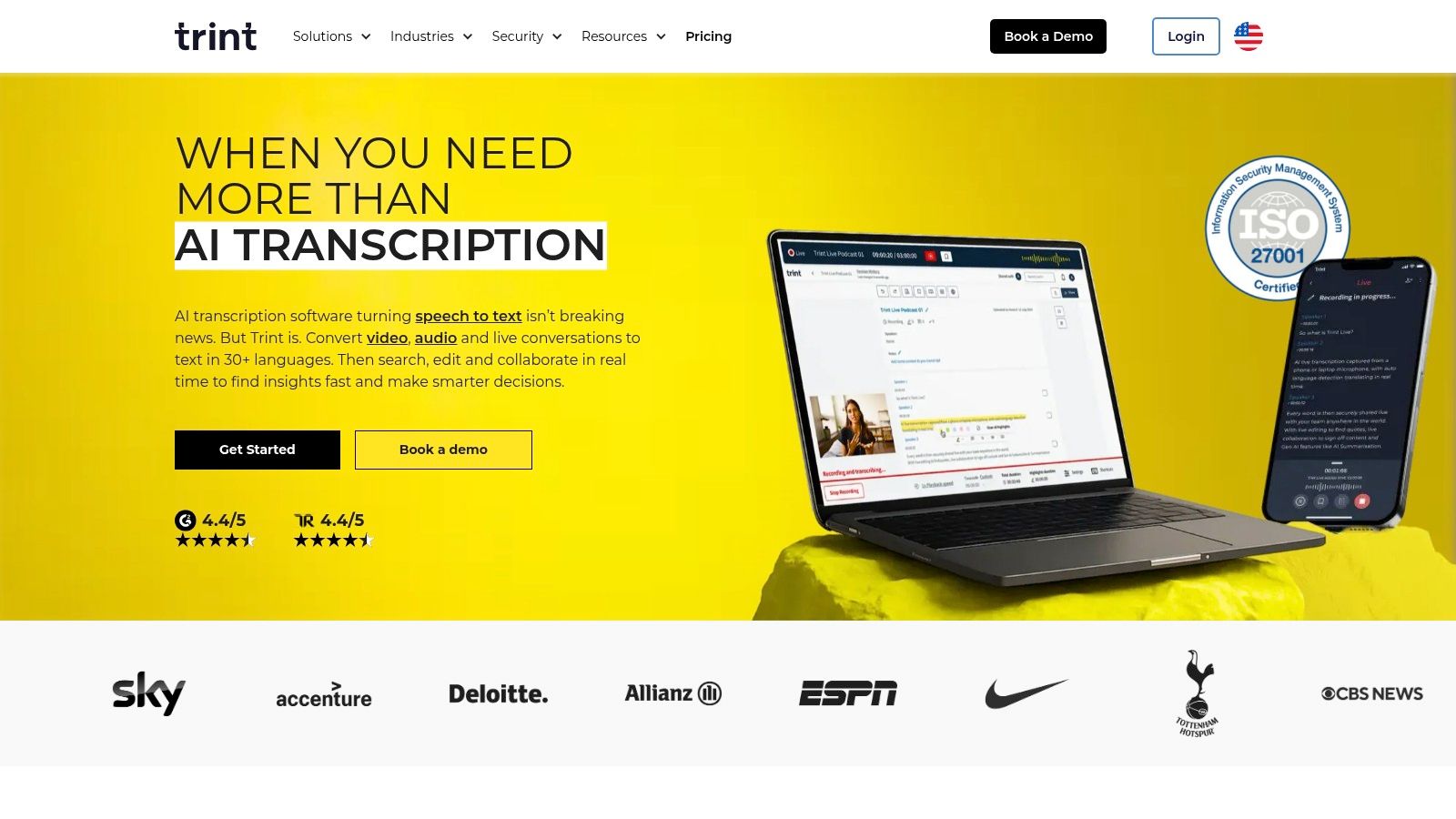
The workflow is built for collaboration and efficiency. After the initial AI transcription, users can jump into the editor to refine the text, assign speakers, and format the captions. This makes Trint excellent closed captioning software for teams needing to produce polished, professional video content. The ability to translate captions into over 50 languages further extends its utility for global content strategies.
What is Trint best for?
- Caption Editor: Provides CPS and reading-speed guidance, ideal for creating captions that meet broadcast and accessibility standards.
- Multi-Format Exports: Easily export files in common formats like SRT, VTT, and STL, ensuring compatibility with most video players and platforms.
- Collaboration Tools: Allows multiple users to work on a transcript or caption file simultaneously, perfect for newsrooms and marketing agencies.
- Language Translation: A powerful feature for reaching international audiences by translating finished captions into dozens of languages.
What are the pricing considerations for Trint?
Trint offers a 7-day free trial that provides access to its advanced features, allowing a thorough evaluation. However, its public pricing is somewhat limited; many of the enterprise and team-focused plans require contacting their sales department for a custom quote. This can be a barrier for smaller creators or businesses looking for transparent, upfront costs. The platform is best suited for professional organizations that can justify the investment for its robust editorial and collaborative capabilities.
Website: https://trint.com
10. Sonix
Sonix excels as a cloud-based transcription and captioning service designed for users who need both speed and editorial control. It is particularly well-suited for podcasters, researchers, and marketers who require flexible exports and a powerful in-browser editor. The platform focuses on turning audio and video into accurate text quickly, with an emphasis on making that text easy to review, edit, and format for various final outputs.
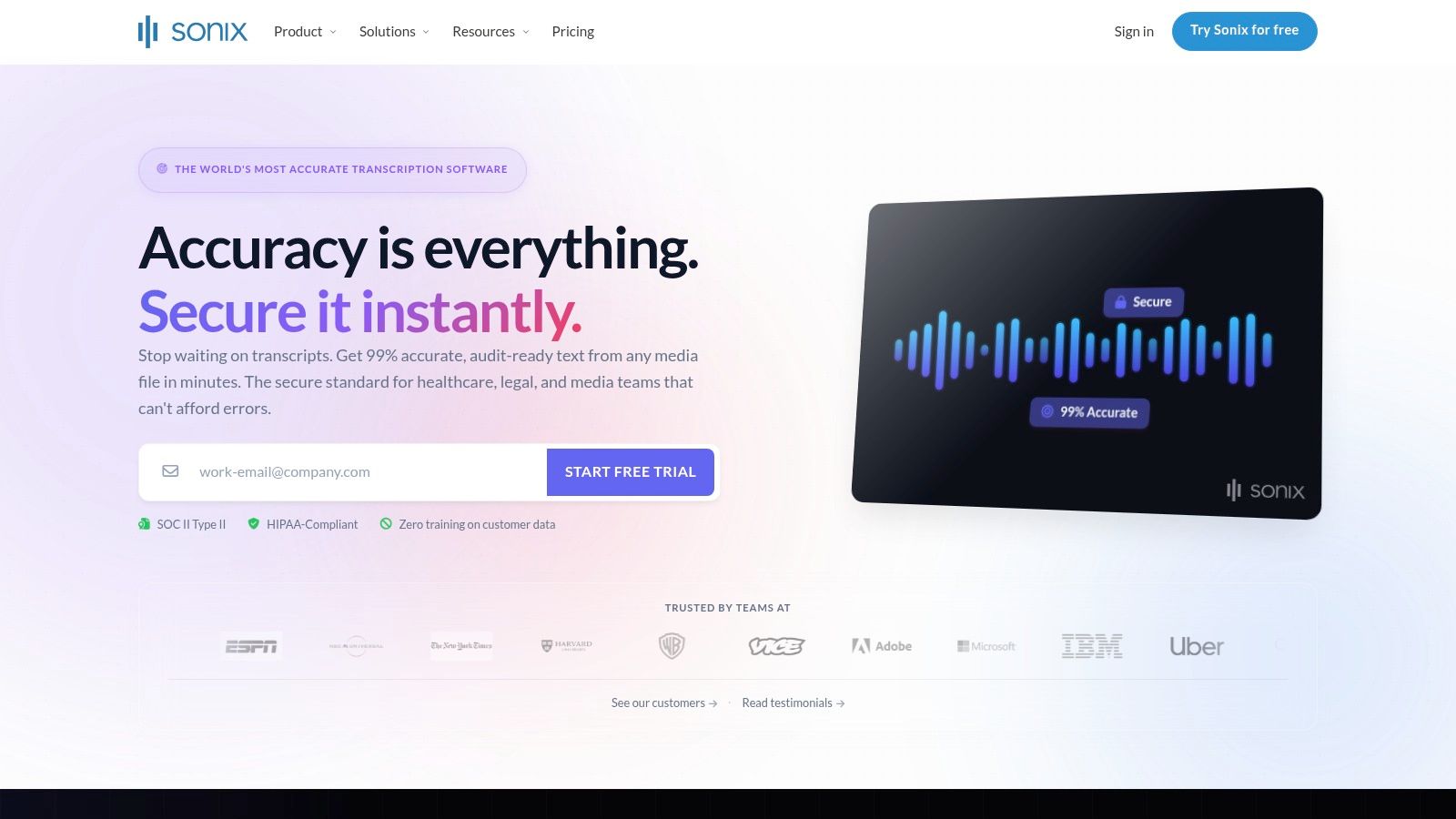
The user experience centers around its unique editor, which aligns the media player directly with the transcribed text. This design allows for fast corrections, as clicking on any word in the transcript instantly jumps the playback to that moment. This makes Sonix a top choice for those who want to polish their automated captions without downloading specialized software. The addition of subtitle translation and burn-in options further extends its utility for global content distribution.
What is Sonix best for?
- Broad Format Support: Ideal for creative and broadcast workflows, Sonix exports to over 15 formats, including SRT, VTT, STL, and professional NLE formats like FCPXML and EDL.
- Styling and Burn-In: Best for social media managers who need to create visually engaging clips with permanently embedded, styled captions directly from the platform.
- Media-to-Text Editor: A strong feature for journalists and researchers who need to quickly locate key quotes and edit transcripts for accuracy.
- Automated Translation: Useful for content creators aiming to reach an international audience by translating their subtitles into dozens of languages.
What are the pricing considerations for Sonix?
Sonix uses a subscription-based model with different tiers offering a set number of processing hours per month. A pay-as-you-go option is also available. The seat-based structure can become more expensive for teams with low, infrequent volume compared to per-minute services. The main drawback is that processing limits and advanced features are tied to the specific plan, so users must choose a tier that aligns with their expected output.
Website: https://sonix.ai
11. Amara (Amara Editor + Amara Plus)
Amara has built a strong reputation as a collaborative, community-driven platform for subtitling and translation. It's particularly well-suited for educational institutions, nonprofits, and volunteer-based projects where multiple people need to work on the same video. The platform combines a free, browser-based subtitle editor with paid tiers (Amara Plus) that add private workspaces and AI captioning features for teams.
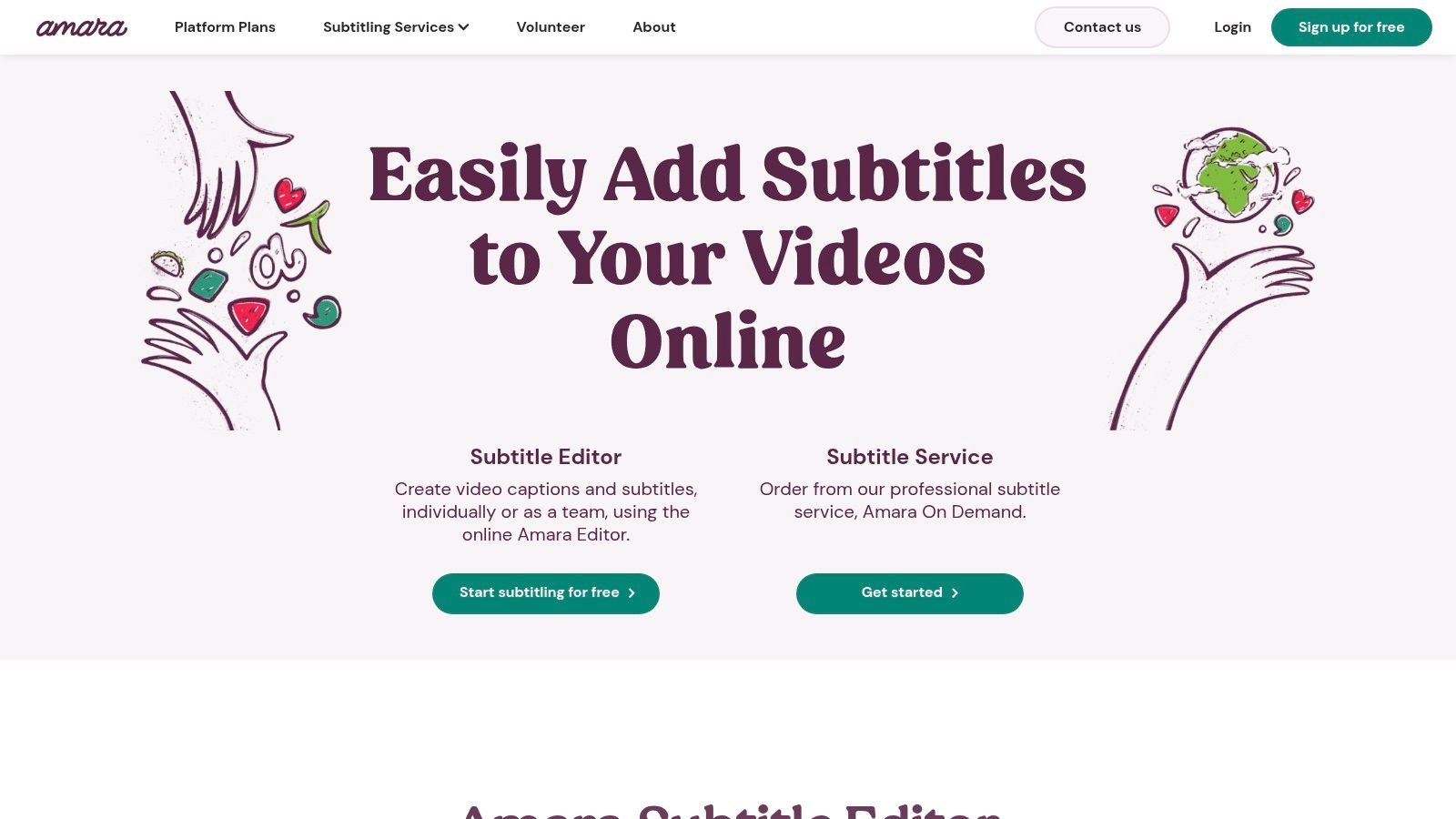
The core strength of Amara is its workflow management for distributed teams. You can create subtitling tasks, assign them to different users, and manage the review and approval process all within the platform. This makes it an effective piece of closed captioning software for coordinating large-scale, multilingual projects. For those needing professional help, Amara also offers on-demand subtitling and translation services, creating a single ecosystem for both DIY and outsourced captioning.
What is Amara best for?
- Collaborative Editor: Ideal for crowdsourced subtitling projects or classroom assignments where students and teachers work together on video accessibility.
- Amara Plus Workspaces: Provides private, secure environments for business and organizational teams to manage captioning workflows with included monthly AI minutes.
- On-Demand Services: A great option for teams who primarily use the DIY tools but occasionally need to outsource complex or high-priority videos to professionals.
- Multi-Format Support: Easily import and export captions in standard formats like SRT, VTT, and others, ensuring compatibility with most video players.
What are the pricing considerations for Amara?
The basic Amara editor is free for public videos. Amara Plus offers subscription plans for private team collaboration, which include a set number of AI-generated captioning minutes per month. While this is a strong value proposition for collaborative projects, the number of included AI minutes and supported languages in lower-tier plans is limited. Pricing for on-demand professional services requires contacting their sales team for a quote, making it less transparent than per-minute competitors.
Website: https://amara.org
12. Telestream CaptionMaker
Telestream CaptionMaker is a heavyweight contender in the closed captioning software space, designed specifically for professional broadcast, post-production, and enterprise workflows. Unlike many cloud-based SaaS tools, CaptionMaker is a robust desktop application built to handle the rigorous technical demands of television, OTT delivery, and media archiving. Its main differentiator is its deep integration with broadcast-level file formats and compliance standards.
This is not a tool for casual YouTubers, but for media organizations that require precise CEA-608/708 caption embedding, MXF or ProRes file manipulation, and strict adherence to accessibility regulations. Users can author, edit, and convert captions across a huge range of professional formats. While it has a modern Timed Text Speech feature for AI-assisted transcription in over 100 languages, its core strength is serving as the final, authoritative step in a professional production chain.
What is Telestream CaptionMaker best for?
- Broadcast-Grade Format Support: Handles everything from SCC and MCC to TTML/DFXP and STL, with direct embedding and extraction for broadcast files.
- Enterprise Automation: The Pro and Enterprise editions offer command-line interface (CLI) and batch processing to automate high-volume captioning workflows.
- Compliance-Focused Editing: Provides tools to ensure captions meet specific legal and technical standards required for public broadcast.
- AI Transcription Acceleration: Incorporates an auto-transcription service to create a first draft of captions, which can then be perfected within the professional editor.
What are the pricing considerations for CaptionMaker?
CaptionMaker is sold through one-time licensing, which represents a significant upfront investment compared to monthly subscription services. This pricing model is typical for enterprise-grade broadcast software. Its feature set comes with a steeper learning curve, making it less suitable for individuals or small teams without a background in video engineering. A major limitation for some production houses is that the software is Windows-only.
Website: https://www.telestream.net/captioning/captioning.htm
Top 12 Closed Captioning Tools — Feature Comparison
How do I choose the right closed captioning software?
Navigating the crowded market of closed captioning software can feel overwhelming, but this guide has illuminated the distinct strengths and ideal use cases for the top contenders. We've explored everything from dedicated, human-powered services like Rev to integrated video editing suites like Adobe Premiere Pro and powerful, standalone AI models like Whisper AI. The core lesson is clear: there is no single "best" tool for everyone. The right choice depends entirely on your specific workflow, budget, compliance needs, and ultimate content goals.
Your decision-making process should begin with a candid assessment of your priorities. Are you a solo creator who needs maximum speed and efficiency? An all-in-one AI-driven editor like Descript or VEED might be your perfect match, combining transcription with video editing to accelerate your production schedule. Or perhaps you're part of a large organization or educational institution where Section 508 or WCAG compliance is non-negotiable. In that case, investing in a high-accuracy, human-in-the-loop service like 3Play Media or Telestream CaptionMaker provides the legal assurance and precision you require.
A Practical Checklist for Your Final Decision
As you weigh the options, consider these critical factors to guide your selection:
- Accuracy vs. Speed: Do you need near-perfect captions for legal or educational purposes (favoring services like Rev or 3Play Media), or is an 85-95% accurate AI transcript that you can quickly edit sufficient for social media engagement (pointing towards VEED, Kapwing, or Whisper AI)?
- Budget and Pricing Model: Are you prepared for a per-minute cost associated with human services, or does a monthly subscription for an AI tool better fit your financial model? Free tools or features, like Premiere Pro's Speech to Text, offer incredible value if you're already in that ecosystem.
- Workflow Integration: Where does captioning fit into your process? Video editors will find immense value in keeping everything inside Adobe Premiere Pro. Content marketers who repurpose video into blogs and social posts may find Trint or Descript's multi-format export capabilities invaluable.
- Language and Speaker Needs: If your content features multiple languages or requires precise speaker identification for interviews and podcasts, you must scrutinize each tool's capabilities. Some AI, like Happy Scribe and Sonix, excel in this area, while others may require significant manual correction.
Ultimately, choosing your closed captioning software is a strategic decision that directly impacts your content's reach, accessibility, and overall professionalism. For many creators, the journey starts with an accessible, high-performing AI tool that provides a foundation for their workflow. The raw speed and quality of models like OpenAI's Whisper, for instance, have dramatically lowered the barrier to entry, making excellent captions achievable without a significant budget.
Remember, the simple act of adding captions is one of the most impactful improvements you can make to your content. It’s a decision that benefits the deaf and hard-of-hearing community, captures the attention of the 85% of social media users who watch videos on mute, and improves your content's SEO discoverability. By making a thoughtful choice based on the detailed reviews in this article, you are not just adding text to a screen. You are actively building a more inclusive and engaging experience for every single viewer.
Ready to see how fast and accurate AI-powered captioning can be? Try Whisper AI, which uses OpenAI's advanced transcription model to generate highly precise captions, summaries, and content highlights in minutes. Start making your content more accessible and discoverable today by visiting Whisper AI.