Apps for recording lectures: Top tools for students and professors
The modern lecture hall moves fast. Between complex theories, rapid-fire data points, and critical side comments from the professor, trying to capture everything with pen and paper alone is a recipe for incomplete notes and missed insights. Simply put, manual note-taking can't always keep up. This is where dedicated apps for recording lectures become an essential part of any student's or researcher's academic toolkit, allowing you to focus on understanding the material in the moment, knowing you can revisit every detail later.
But today’s tools offer far more than a simple audio file. The best apps can transcribe speech into searchable text, integrate audio with your handwritten or typed notes, and even clean up background noise for crystal-clear playback. Choosing the right one depends entirely on your specific needs: Are you a visual learner who needs synced notes? A researcher requiring precise transcriptions? Or a student looking for a simple, free solution for occasional use?
This guide is designed to cut through the noise and provide clear, experience-based analysis to help you find the perfect application. We'll explore 12 of the top options, from powerful transcription services like Otter.ai to integrated note-taking platforms like Notability and Goodnotes. For each app, you’ll find:
- A summary of its core purpose and ideal user.
- Honest pros and cons based on real-world testing.
- Platform availability, key features, and direct links.
- Practical tips for getting the most out of your recordings.
Our goal is to directly answer the question, "What is the best app for recording lectures?" by providing a detailed comparison so you can select the right tool and build a more effective study workflow.
1. Whisper AI
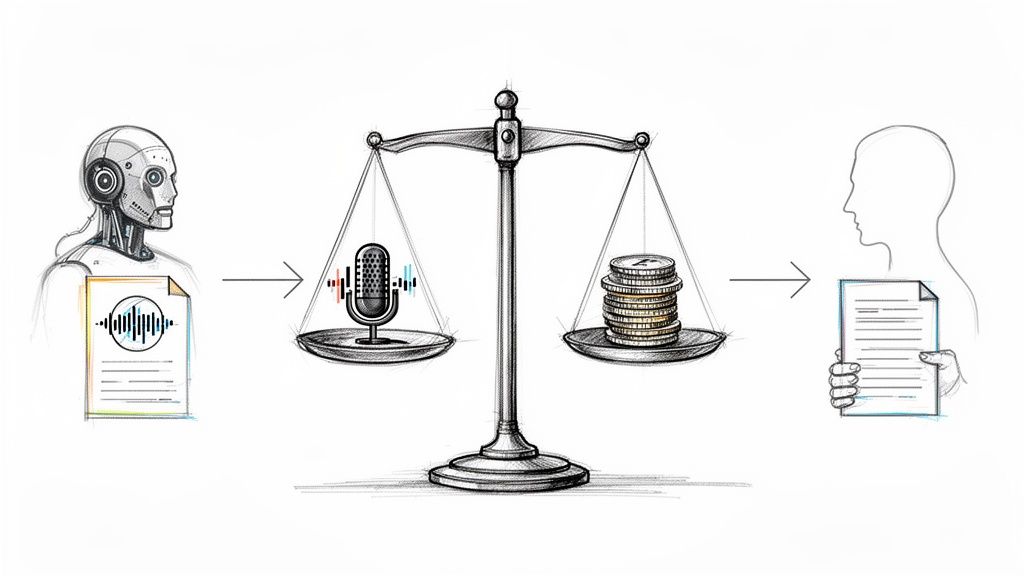
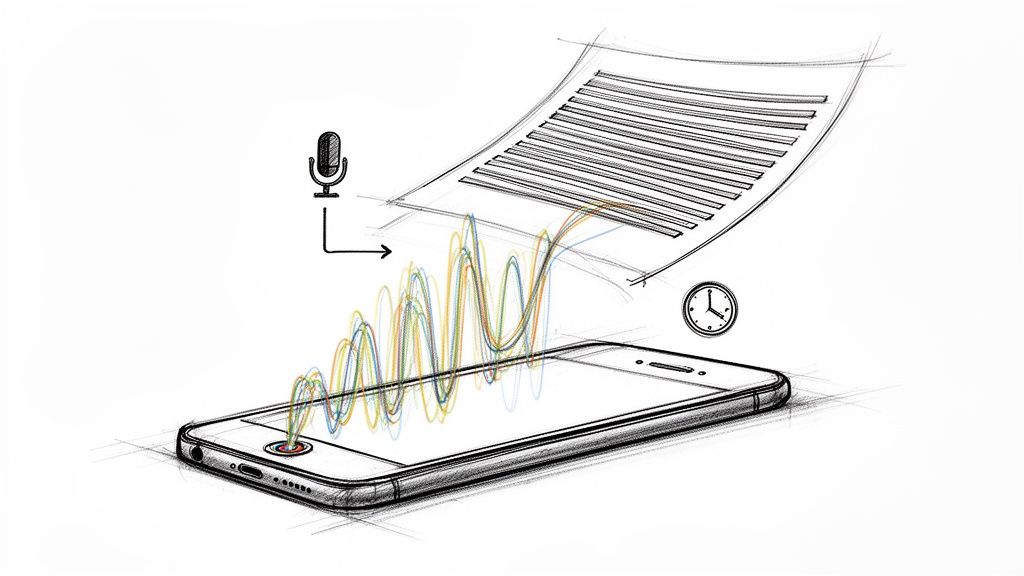
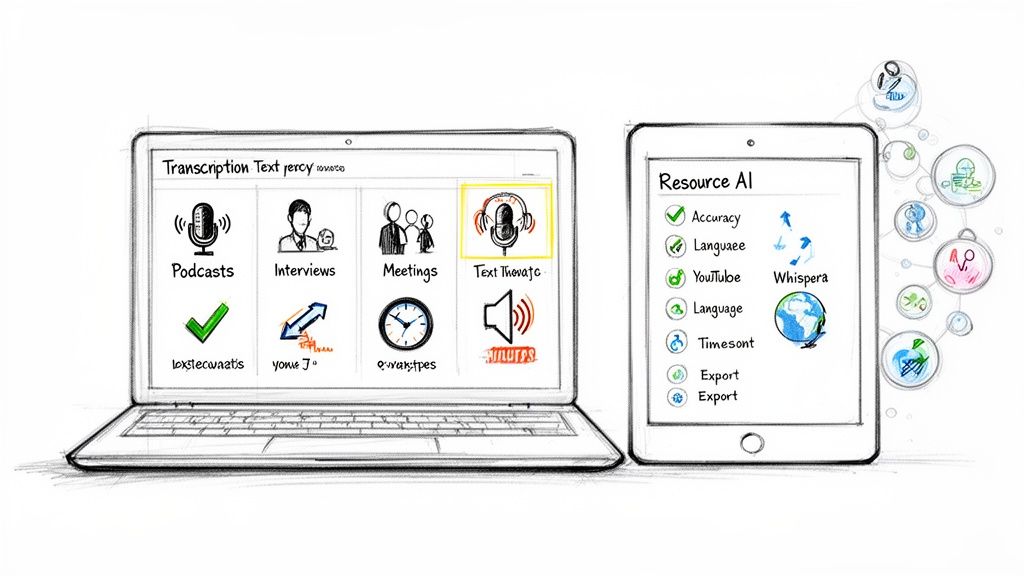
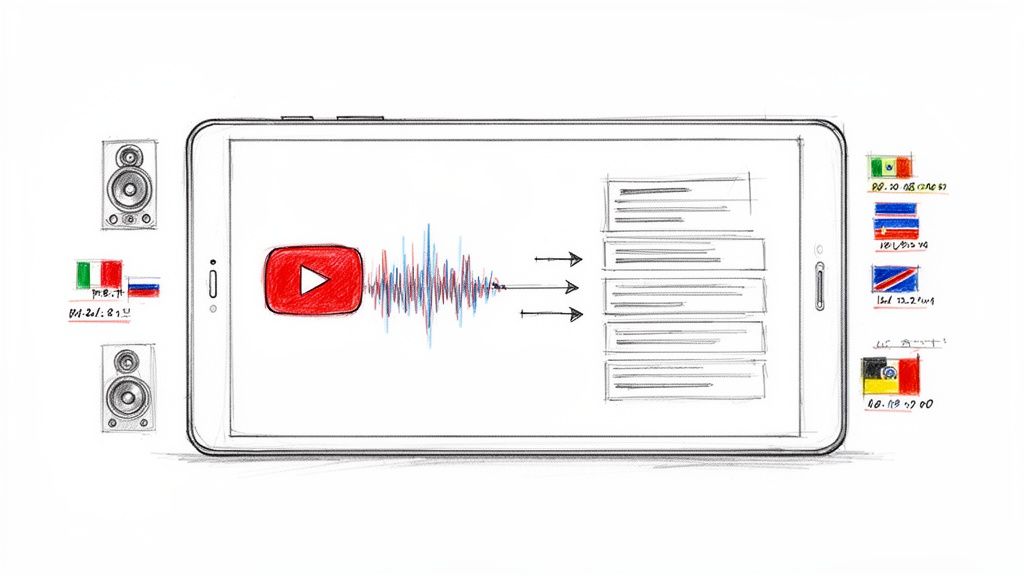
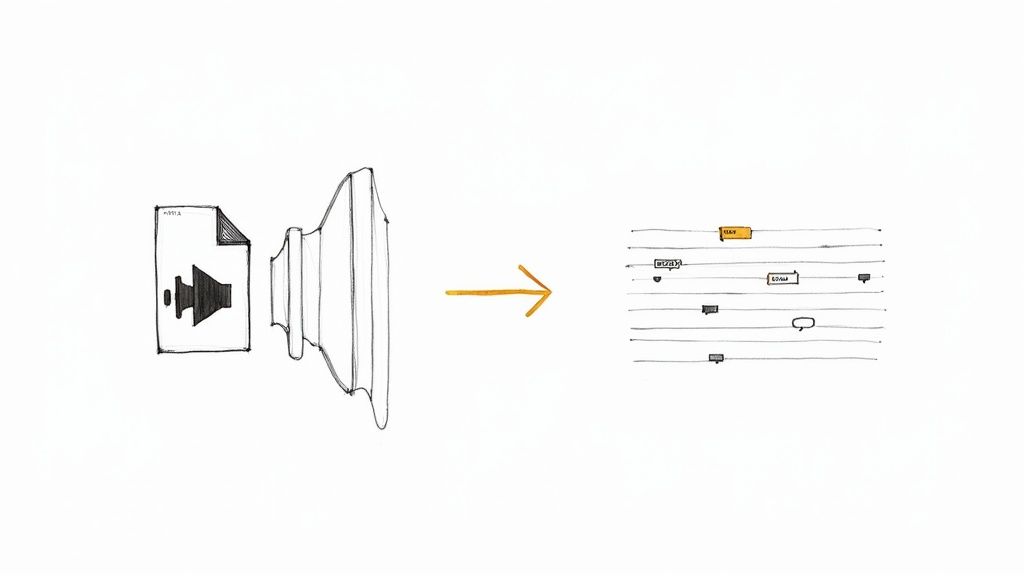
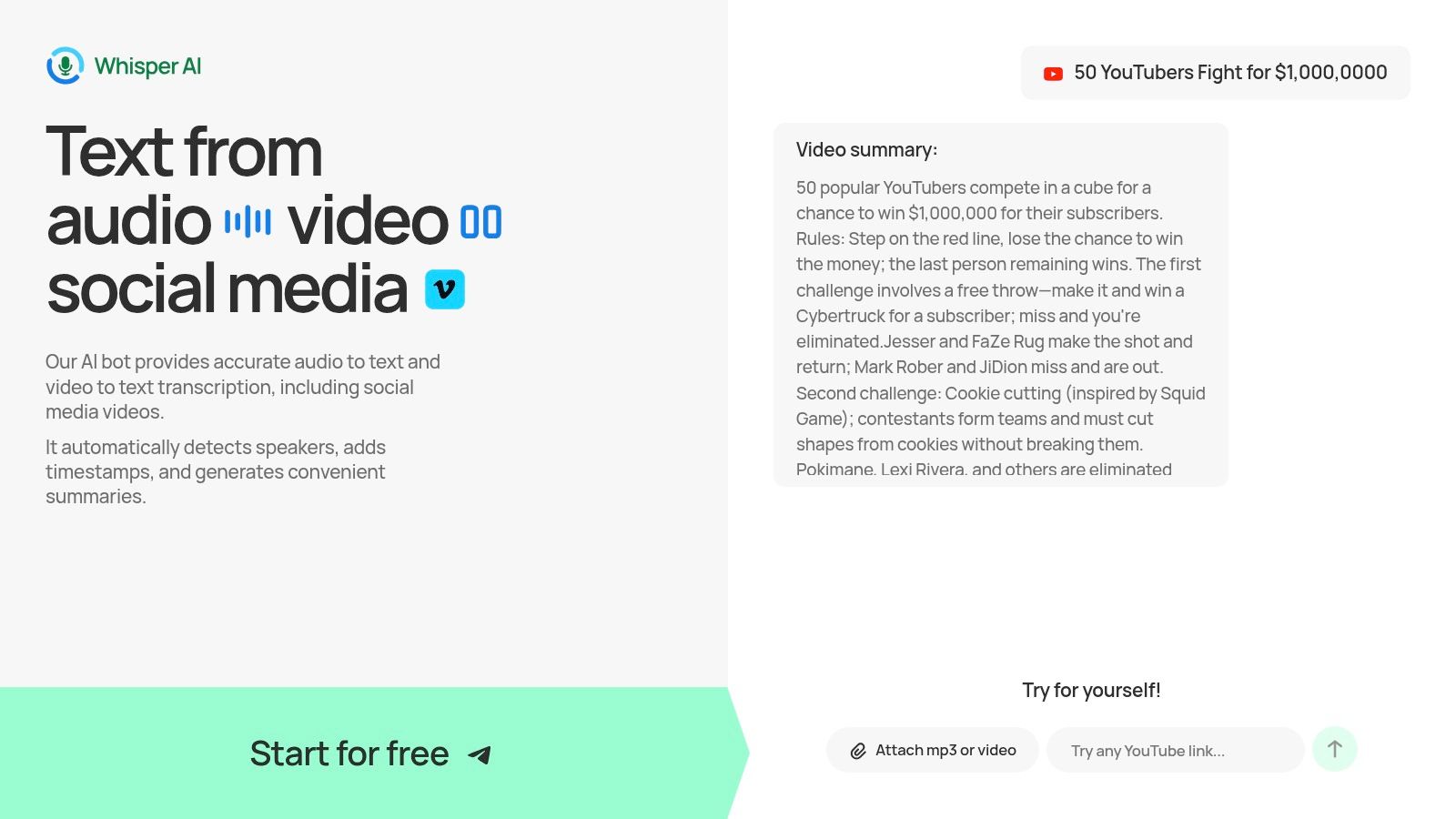
While many tools on this list focus solely on capturing audio, Whisper AI addresses a critical next step: transforming those recordings into usable knowledge. It stands out not as a direct recording application but as a powerful, all-in-one platform for transcribing and summarizing your captured lecture audio and video. This makes it an essential component in a modern academic workflow, turning hours of passive listening into searchable, digestible, and actionable text.
It excels by accepting virtually any audio or video file you throw at it. Whether you've recorded a lecture on your phone, a dedicated recorder, or even have a link to a YouTube video of a guest speaker, Whisper AI can process it. This flexibility removes the friction of converting files or worrying about compatibility.
Why It’s Our Top Choice
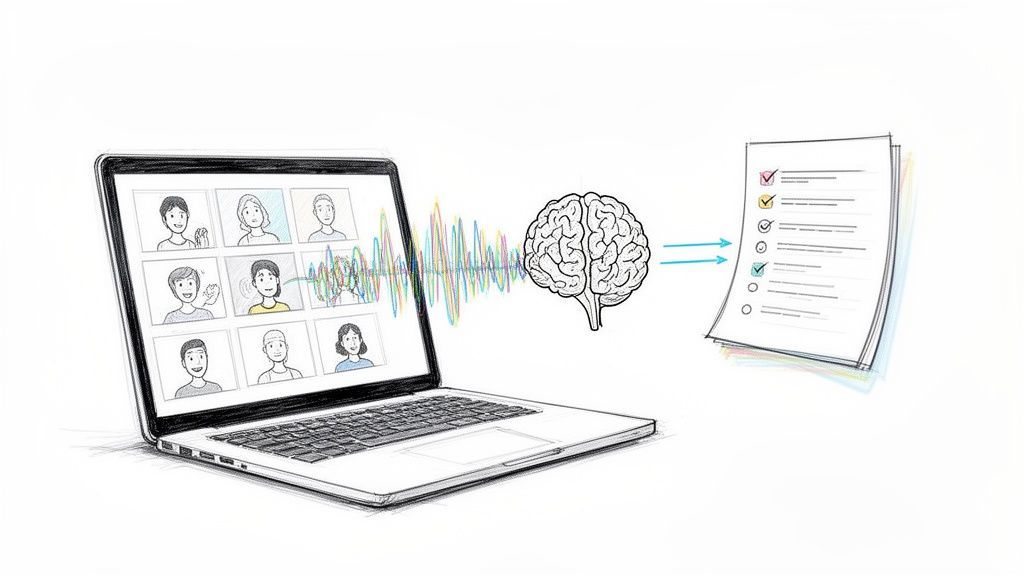
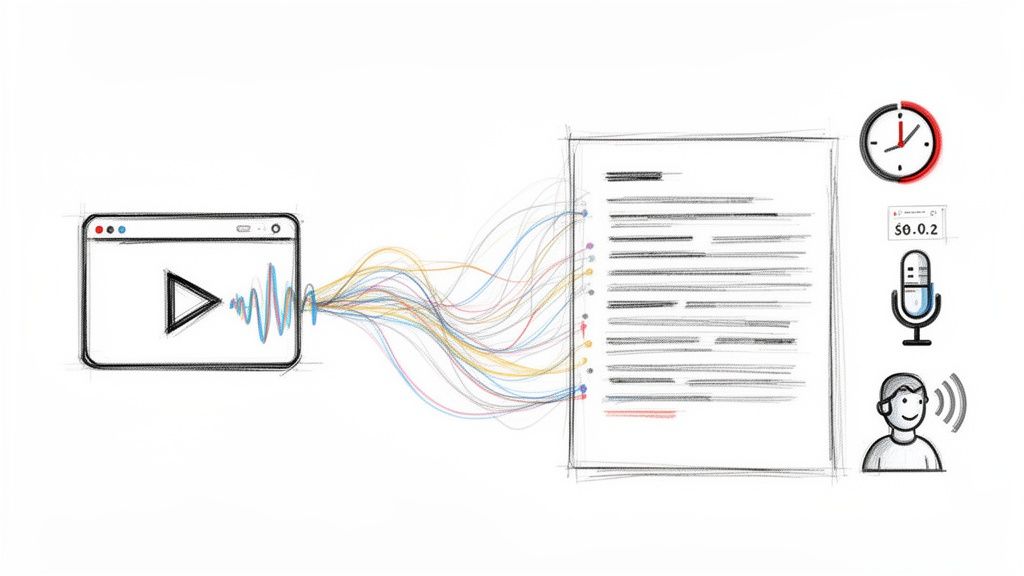
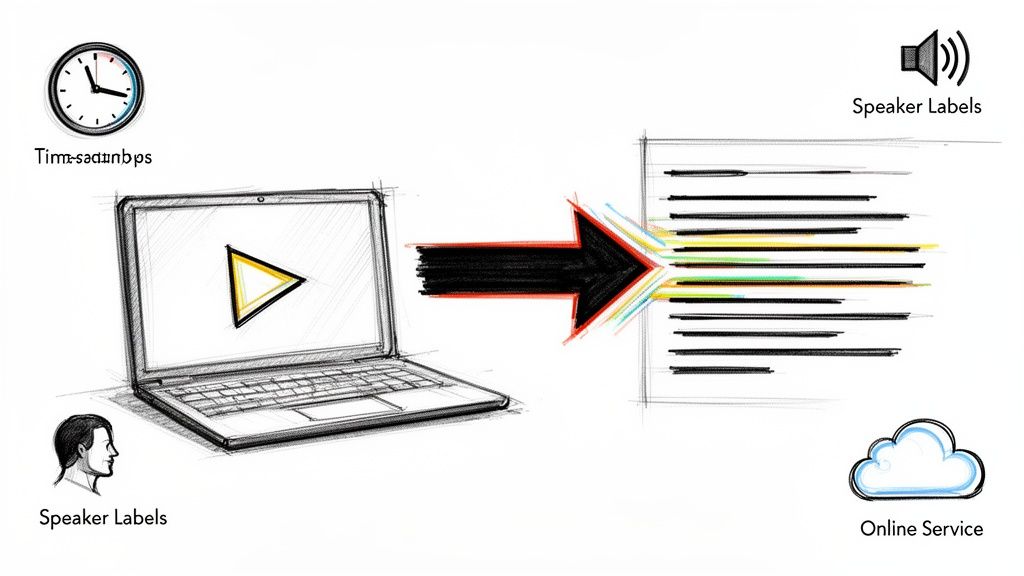
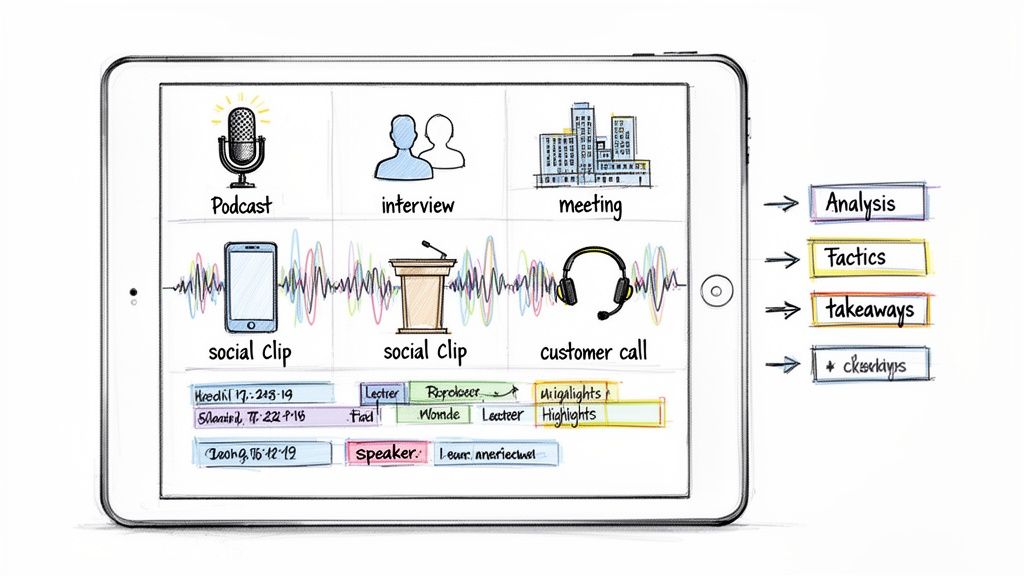
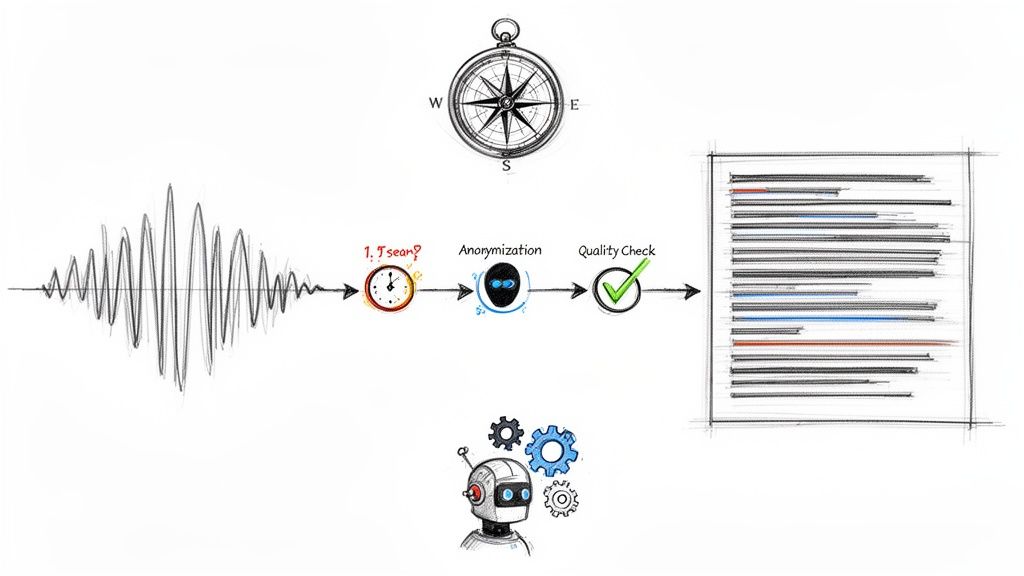
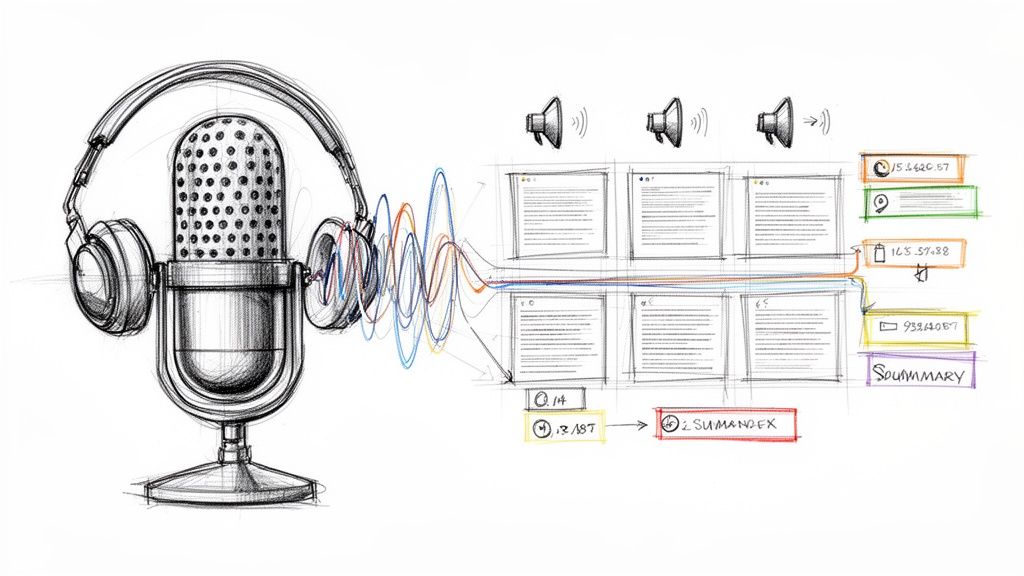
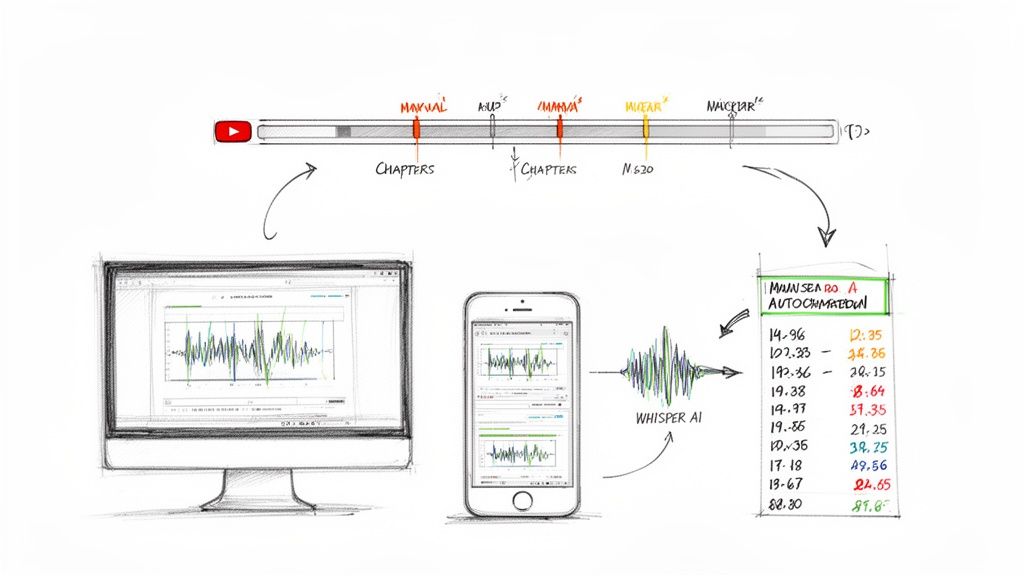
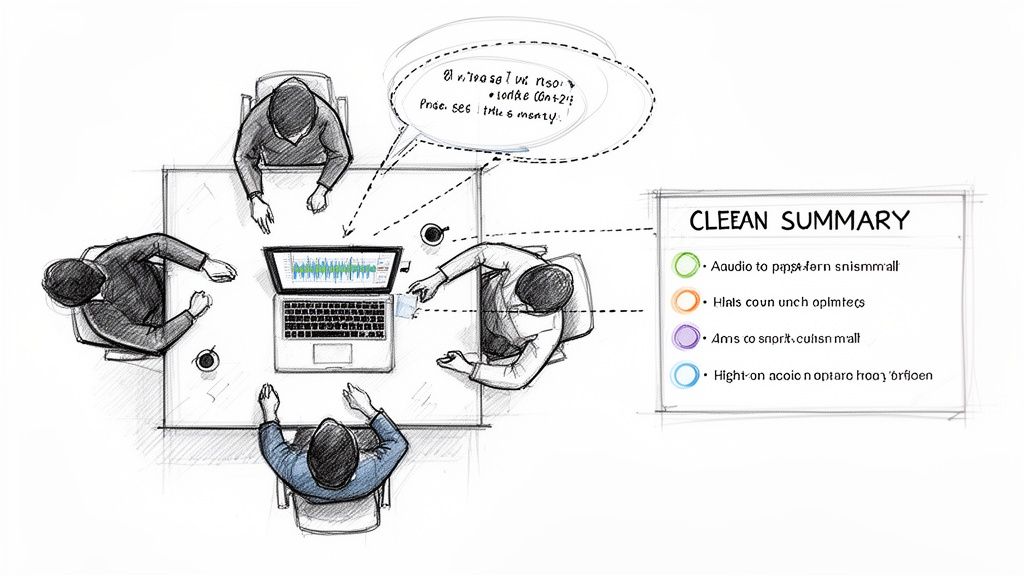
The platform’s strength lies in its intelligent processing. It automatically generates highly accurate transcripts with timestamps and speaker detection, a feature that is invaluable for reviewing complex group discussions or Q&A sessions. More importantly, it creates concise summaries and bullet-point highlights, allowing you to grasp the core concepts of a two-hour lecture in minutes. This is a game-changer for exam preparation and research. The ability to ask follow-up questions to the transcript helps clarify complex topics or generate specific action items.
This advanced post-recording analysis is what separates it from simple recording tools and solidifies its place as our featured choice for students and educators looking for serious apps for recording lectures.
Key Features & Considerations
- Transcription & Summarization: Turns audio/video into accurate text, then distills it into summaries and key points.
- Broad Compatibility: Upload common file types (MP3, M4A, WAV, MP4) or simply paste links from platforms like YouTube.
- Intelligent Analysis: Automatic speaker labeling and timestamps make navigating long files simple.
- Export Flexibility: Easily export your finished work to Google Docs, Word, PDF, or plain text for further study.
- Privacy-Focused: Files are processed securely and are not retained, making it suitable for sensitive research interviews or confidential meetings. To understand the technology better, you can explore the nuances of AI transcription techniques on their blog.
A free tier is available, but specific paid-plan details may require signing up or contacting sales. While highly accurate, the system can struggle with very poor audio quality or heavy, overlapping conversations, which may necessitate some manual correction.
Website: Whisper AI
2. Otter.ai
Otter.ai is more than just a voice recorder; it's a powerful AI note-taker that transcribes audio in real time. This makes it one of the most effective apps for recording lectures, as it simultaneously creates a searchable, time-stamped text document of the entire session. Its core strength lies in turning spoken words into organized, actionable notes with minimal effort.
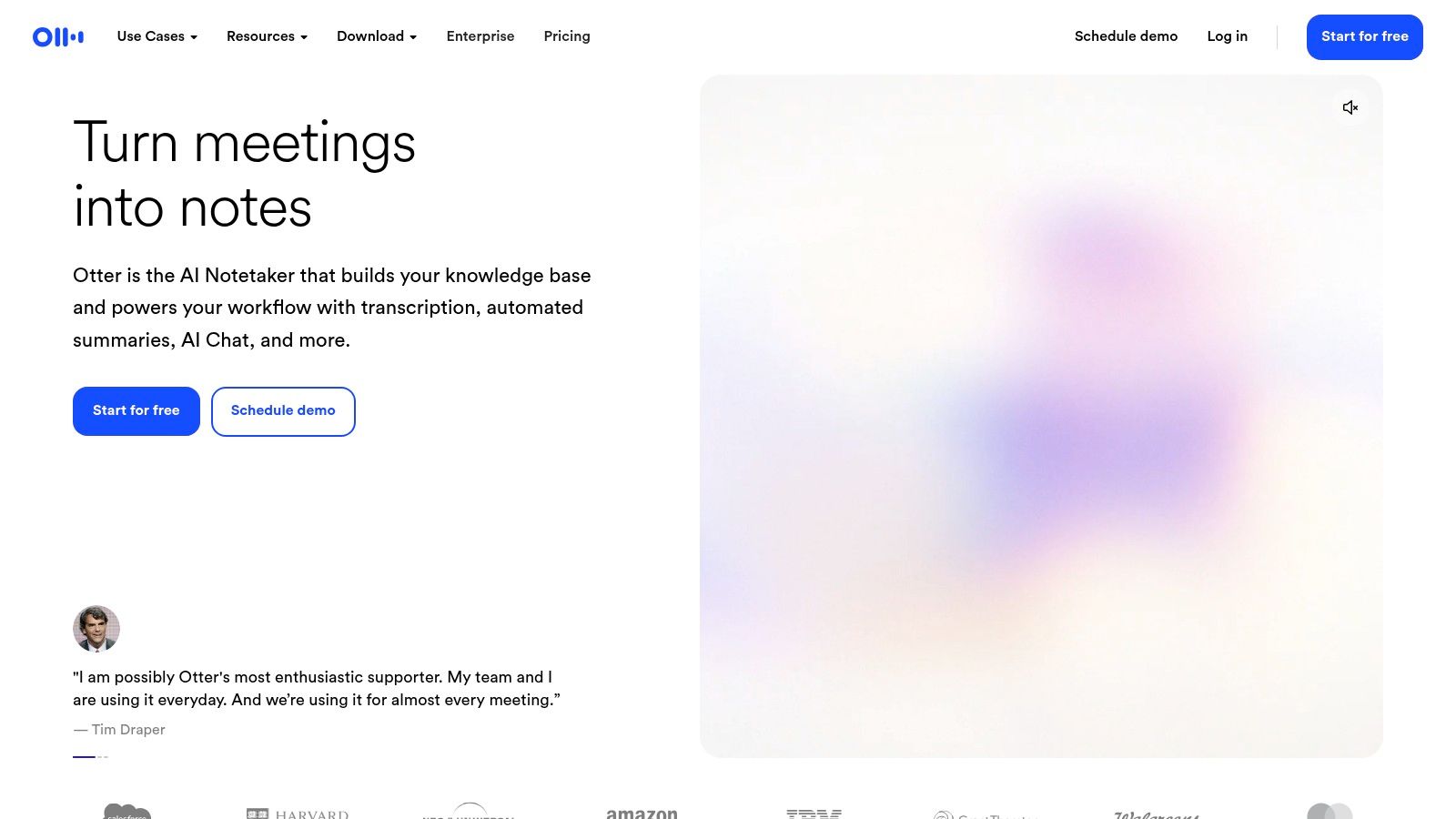
The platform is available on both web and mobile, allowing you to record directly or import existing audio/video files for transcription. Key features like speaker identification and AI-generated summaries help you quickly find who said what and grasp the main points without re-listening to hours of audio.
Key Features and Use Cases
- Live Transcription: Capture lectures as they happen with a running transcript, allowing you to highlight key points in the moment.
- Speaker Identification: Otter automatically distinguishes between different speakers, which is useful for Q&A sessions or group discussions.
- AI Summaries: After the recording, an AI-generated summary provides a concise overview, perfect for quick revision.
- Export Options: You can export transcripts in various formats (TXT, DOCX, SRT), making it easy to create study guides or video captions.
Pricing and Limitations
While a free plan exists, it comes with strict limitations on transcription minutes and per-conversation length. To unlock its full potential, including more generous usage caps and advanced features, a paid plan is necessary. Otter offers an education discount for users with a valid .edu email address, making the premium tiers more accessible for students and educators.
- Pros: Reliable live transcription, searchable notes, multiple export options.
- Cons: The most useful features and higher usage limits require a paid subscription.
Website: https://otter.ai
3. Google Recorder
For Google Pixel users, the built-in Recorder app is a powerful, private, and free tool for capturing audio. Its standout feature is its fast, on-device transcription, which means your lecture recordings are processed directly on your phone without needing an internet connection. This makes it one of the most convenient and secure apps for recording lectures if you are part of the Pixel ecosystem.
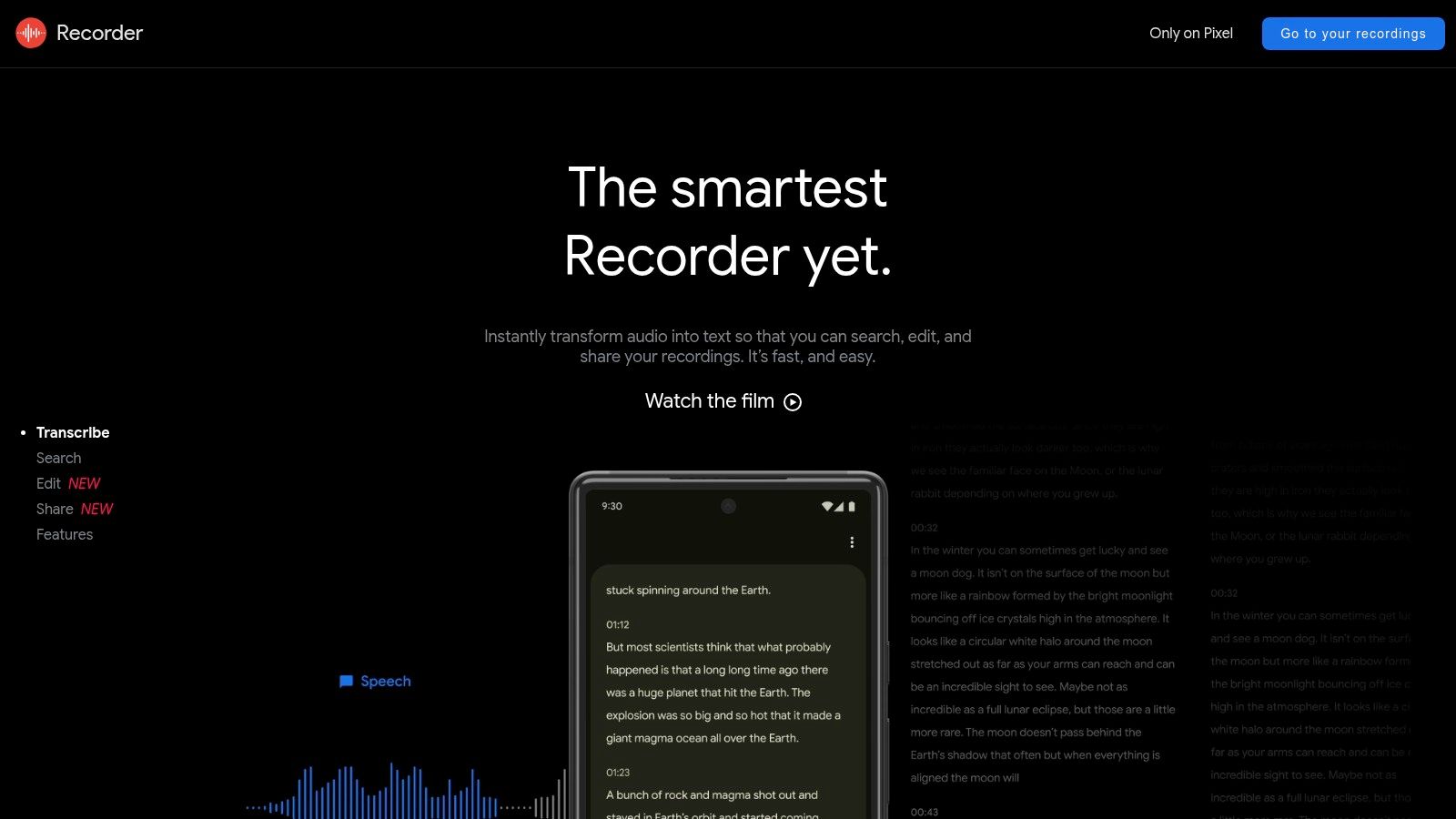
The app's intelligence extends beyond simple recording. On supported Pixel models, it can automatically add speaker labels and even generate smart summaries, condensing long lectures into key points. Recordings and transcripts can be synced to your Google account and accessed via a web interface, allowing for easy searching, editing, and sharing from any device.
Key Features and Use Cases
- On-Device Transcription: Get real-time transcripts that remain private on your device, ensuring confidentiality.
- Speaker Labeling: On Pixel 6 and later, the app automatically identifies and labels different speakers in the transcript.
- AI-Generated Summaries: Supported models can create a concise summary of the recording, perfect for quick review before an exam.
- Cloud Sync and Web Access: Back up recordings to your Google account and review them at recorder.google.com, which offers a robust search function.
Pricing and Limitations
The Google Recorder app is completely free and built into Pixel phones, with no subscription required. However, its biggest limitation is its exclusivity to the Google Pixel line of smartphones. Furthermore, the most advanced features, like speaker labels and summaries, are only available on newer Pixel models, and some users have reported occasional glitches with cloud synchronization.
- Pros: Entirely free with no ads, excellent on-device transcription and search, secure and private.
- Cons: Exclusive to Google Pixel phones, with feature availability varying by model.
Website: https://recorder.google.com
4. Apple Voice Memos
For users within the Apple ecosystem, the built-in Voice Memos app is a deceptively simple yet powerful tool for recording lectures. It excels in its core function: capturing high-quality audio with a single tap, completely offline. Its main advantage is its seamless integration and reliability, offering a zero-cost, no-fuss solution that syncs recordings automatically via iCloud across your iPhone, iPad, and Mac.
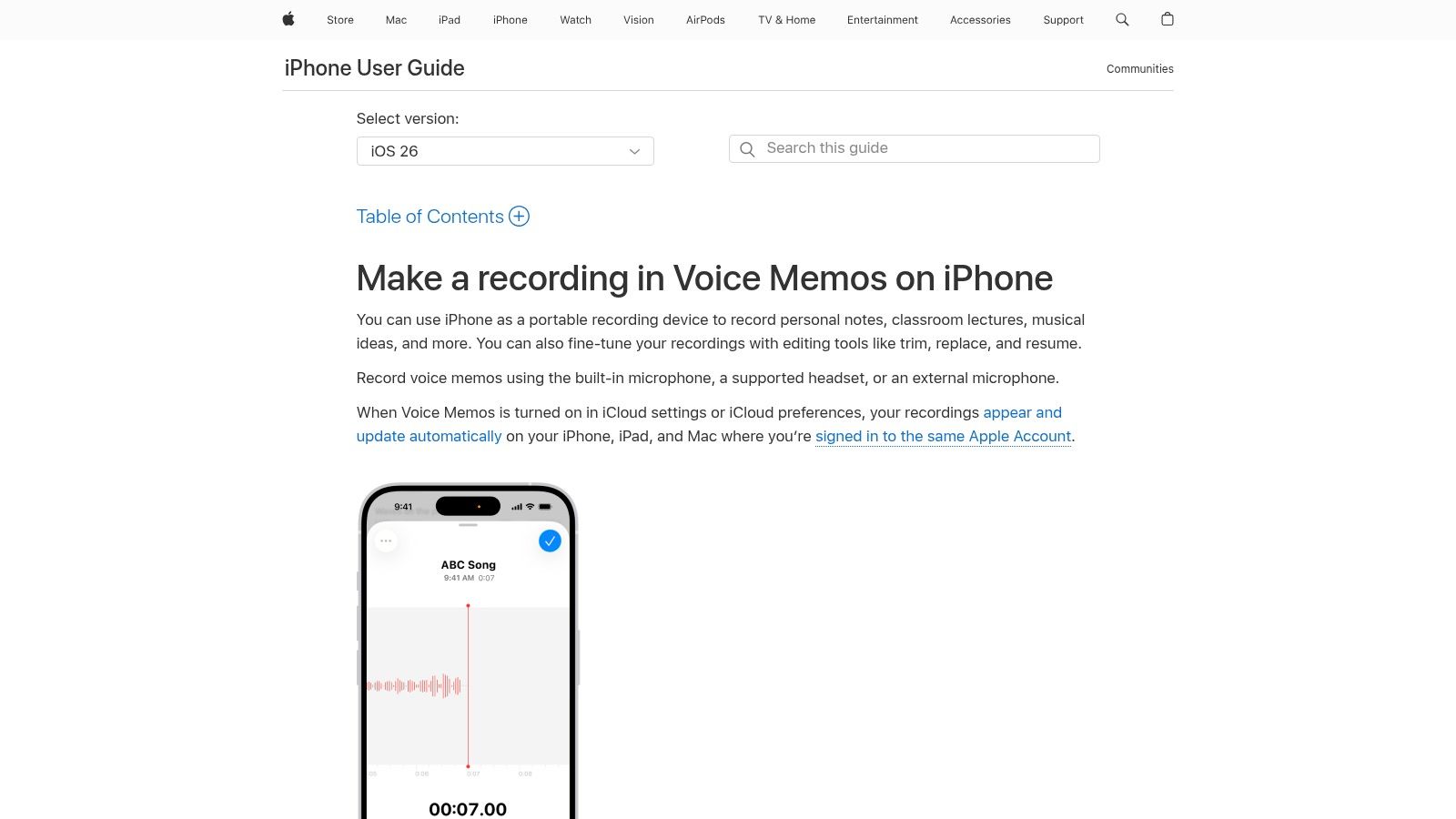
While it lacks the real-time transcription of specialized apps, Voice Memos is an outstanding starting point for raw audio capture. Newer iPhone models are also expected to introduce more advanced audio features, which could allow students to add their own spoken notes or commentary separately from the original lecture audio, creating a more dynamic study aid.
Key Features and Use Cases
- One-Tap Recording: Instantly start recording without navigating complex menus, making it ideal for catching the start of a lecture.
- iCloud Sync: Recordings are automatically available on all your Apple devices, allowing you to record on your iPhone and edit or review on your Mac.
- Basic Editing Tools: Includes simple trim, replace, and resume functions to clean up recordings and remove dead air.
- Enhanced Audio: Recent updates include an "Enhance Recording" feature that reduces background noise and room reverberation with a single tap.
Pricing and Limitations
The Voice Memos app is completely free and pre-installed on all Apple devices, with no hidden costs or feature tiers. Its primary limitation is the absence of native transcription; you will need to export the audio file to a separate service for a text version. Furthermore, advanced features are often restricted to the latest hardware and software versions.
- Pros: Free and native to Apple devices, extremely easy to use, reliable offline recording.
- Cons: No built-in transcription features, advanced tools may be limited to newer iPhones.
Website: https://support.apple.com/guide/iphone/make-a-recording-iph4d2a39a3b/ios
5. Notability
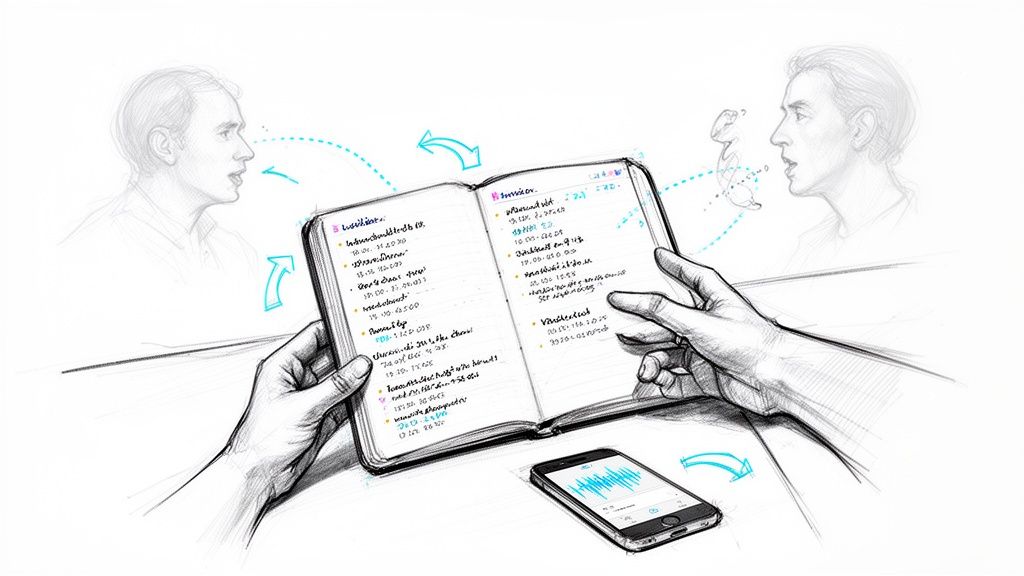
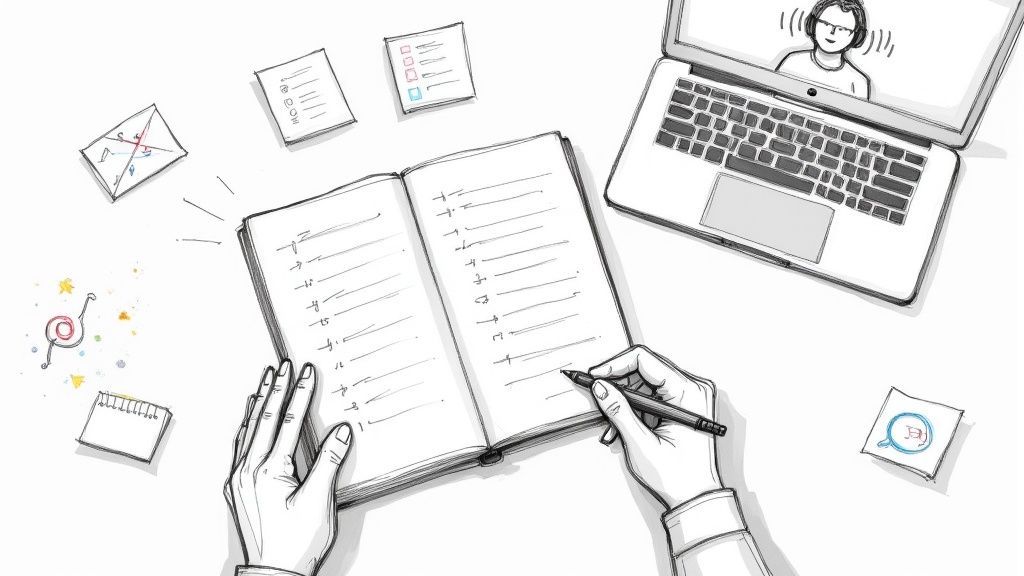
Notability excels by merging audio recording directly with your handwritten or typed notes. Its standout feature is time-synced playback; when you tap on a specific note you wrote, the app plays the audio recorded at that exact moment. This makes it one of the most effective apps for recording lectures, especially for visual learners who need to connect abstract concepts to specific parts of a discussion.
This powerful link between audio and context helps you revisit difficult concepts without scrubbing through hours of audio. The app combines a robust digital notebook with a smart recorder, creating an all-in-one study workspace. This experience-based approach, where you actively engage with the material during the lecture, is a proven method for improving retention.
Key Features and Use Cases
- Audio-Note Syncing: Tap any part of your handwritten or typed notes to hear what was said at that precise moment.
- Handwriting Search & OCR: Your handwritten notes become searchable, making it easy to find key terms from past lectures.
- AI Summaries: Paid tiers offer AI-powered summaries and the ability to convert YouTube videos into notes with transcripts.
- PDF Markup: Import lecture slides or documents as PDFs and annotate them directly while the audio records in the background.
Pricing and Limitations
Notability operates on a freemium model. The free version has limits, while paid tiers unlock the most useful features like full audio transcription, AI tools, and unlimited editing. While it's a top-tier tool, some users have reported occasional audio playback quirks on certain app versions.
- Pros: Best-in-class audio synced to handwriting for lecture review, powerful study features in a single app.
- Cons: Full transcription and advanced AI tools require a paid plan, potential for minor audio playback bugs.
Website: https://notability.com
6. Goodnotes
Goodnotes transforms the digital note-taking experience by integrating audio recording directly with handwritten notes. It's designed for those who prefer the feel of pen and paper but need the power of digital tools. This makes it one of the most compelling apps for recording lectures, especially for visual learners who benefit from drawing diagrams or annotating slides while listening.
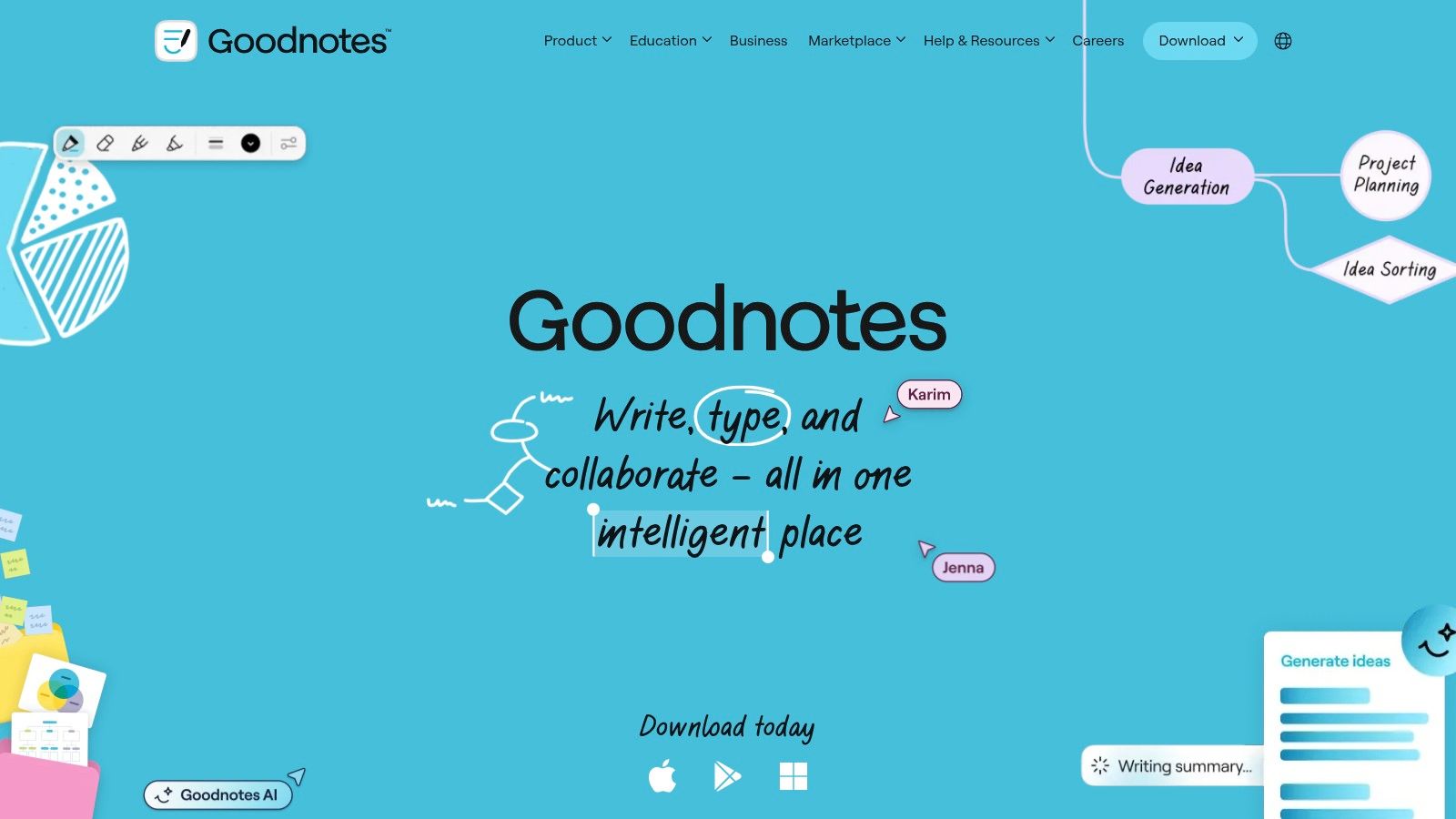
The platform’s standout feature is “Note Replay,” which syncs your handwriting and drawings to the lecture audio. When you play back the recording, you can tap on any part of your notes to jump to the exact moment the audio was recorded. This contextual playback is perfect for understanding why you wrote something down, providing clarity long after the lecture has ended.
Key Features and Use Cases
- Note Replay: Every pen stroke is time-stamped to the audio recording, allowing you to reconstruct the lecture context and your thought process.
- PDF Annotation: Import lecture slides as a PDF and write directly on them while recording, keeping all relevant information in one place.
- Handwriting Search: Goodnotes can search your handwritten text, making it easy to find specific topics or keywords within your notebooks.
- Cross-Platform Sync: Notes and recordings are synced via the cloud, giving you access on your iPad, Mac, and other compatible devices.
Pricing and Limitations
Goodnotes operates on a freemium model. The free version has limits on the number of notebooks you can create and restricts access to certain features like handwriting recognition. A one-time purchase or subscription is required to unlock the full feature set. Some users have reported occasional audio playback lag on certain device models, so testing it during a non-critical lecture first is a good idea.
- Pros: Excellent for visual note-takers, synced audio playback provides powerful context, strong PDF markup tools.
- Cons: Full functionality requires a paid plan, potential for minor performance issues on some devices.
Website: https://www.goodnotes.com
7. Microsoft OneNote
Microsoft OneNote stands out as a digital notebook that integrates audio recording directly into its free-form pages. This makes it one of the most practical apps for recording lectures because it contextually links your audio to your typed or handwritten notes. As you type, OneNote timestamps the audio, allowing you to later click on a line of text and hear exactly what the professor was saying at that moment.
This feature transforms static notes into an interactive study guide. OneNote’s strength lies in its ability to combine various media types - text, ink, images, and audio - on a single canvas, mimicking the flexibility of a physical notebook. Its deep integration with the Microsoft 365 ecosystem and cross-device availability means your notes and recordings are always synced and accessible wherever you study.
Key Features and Use Cases
- Linked Audio Notes: Record audio directly onto a page, and OneNote automatically links your typed notes to the specific point in the recording.
- Mixed Media Canvas: Combine typed text, handwritten annotations (with a stylus), diagrams, and audio recordings all on one page for rich, multi-dimensional notes.
- Microsoft 365 Integration: Seamlessly works with other Microsoft apps, offering a familiar environment for students already using Word, PowerPoint, or Teams.
- Cross-Device Sync: Capture a lecture on your laptop and review the synced notes and audio on your tablet or phone while on the go.
Pricing and Limitations
OneNote is free to use across web, Windows, Mac, iOS, and Android, with storage tied to your free Microsoft account's OneDrive space. While a powerful tool, be aware that some audio feature implementations can differ slightly between platforms. For the best experience, ensure you are using the unified OneNote application, as older versions may have inconsistent support.
- Pros: Completely free with a generous feature set, excellent for combining typed/inked notes with audio, familiar notebook structure.
- Cons: Audio feature consistency can vary across different versions and operating systems.
Website: https://www.microsoft.com/en-us/microsoft-365/onenote/digital-note-taking-app
8. Panopto
Panopto is an enterprise-grade video platform often adopted by universities as their official lecture capture system. Instead of being a simple app on your phone, it’s a robust solution that integrates directly into classroom AV hardware and learning management systems (LMS) like Canvas or Blackboard. Its primary advantage is providing a seamless, automated recording experience for students and faculty when supported by the institution.
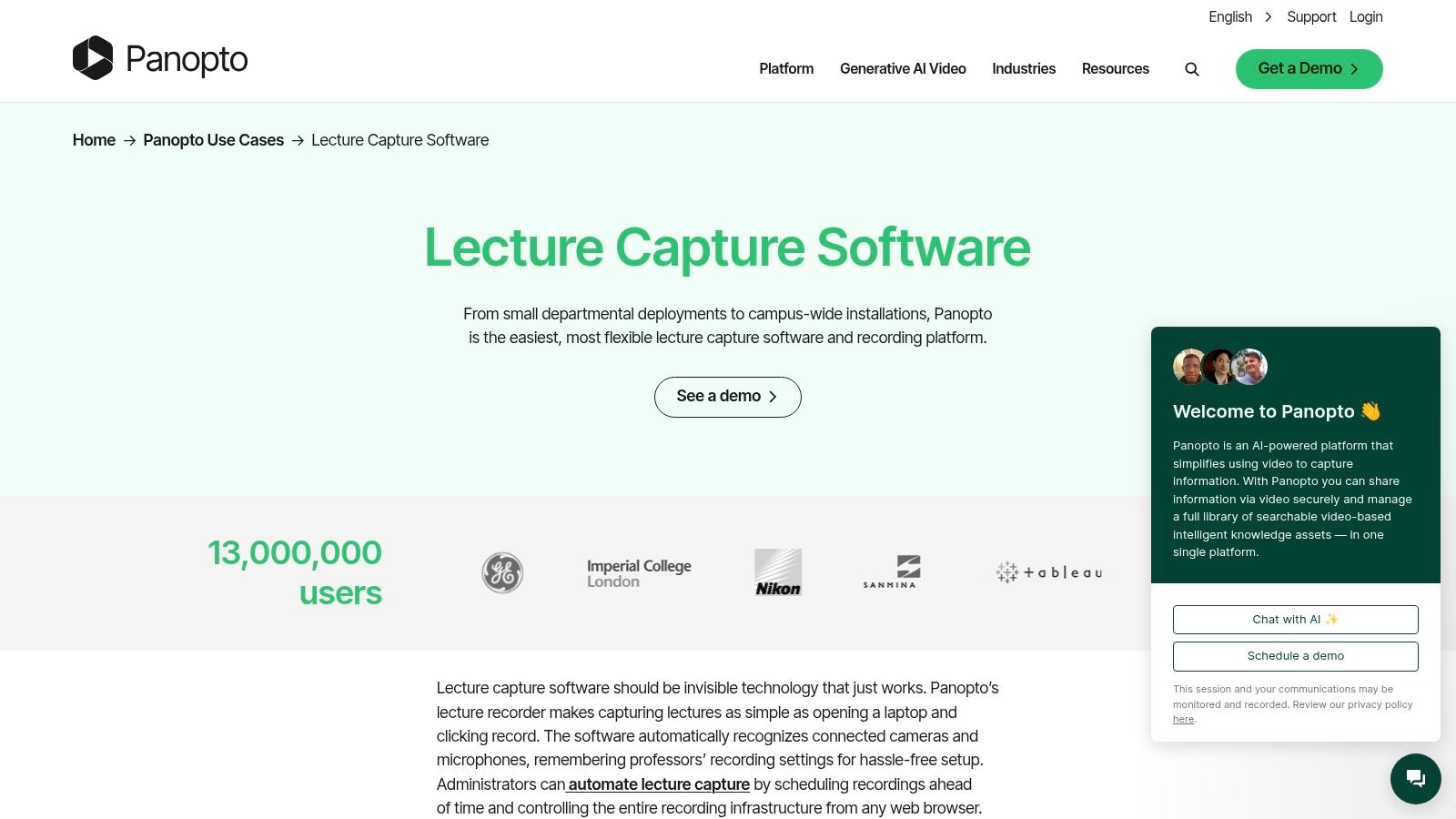
The platform specializes in capturing multiple sources simultaneously, such as a camera feed of the professor, their presentation slides, and a document camera. Videos are processed with AI features that automatically generate a table of contents and searchable captions, making it one of the most powerful apps for recording lectures at an institutional level. Its searchable video library allows you to find specific keywords spoken or shown in any lecture across your courses.
Key Features and Use Cases
- Scheduled Lecture Capture: Recordings are often automated based on class schedules, requiring no action from the professor or students.
- Multi-Source Recording: Captures and synchronizes video of the instructor, screen content, and slides into a single, interactive player.
- In-Video Search: Students can search for any word spoken or shown on-screen and instantly jump to that moment in the video.
- LMS Integration: Videos are typically embedded directly within your course pages, creating a unified learning environment.
Pricing and Limitations
Panopto is not available for individual purchase. It is licensed at an institutional level, meaning its availability depends entirely on whether your university or college has a contract. If your school provides it, access is usually free for all students and faculty. The main limitation is that you cannot use it unless your institution has adopted it campus-wide.
- Pros: Seamless integration with university systems, powerful multi-stream recording, excellent search and accessibility features.
- Cons: Not available for individual purchase; access is entirely dependent on your institution's licensing.
Website: https://www.panopto.com/use-cases/lecture-capture-software/
9. Dolby On
Dolby On is a free audio and video recorder designed to overcome a common challenge in lecture halls: poor acoustics. Its main strength is applying real-time Dolby processing to your phone's microphone, significantly improving sound quality. This makes it one of the best apps for recording lectures when you're sitting far from the speaker or in a noisy room, as it automatically reduces background interference and balances the audio for a clear, loud voice capture.
The app's one-tap recording interface is simple, yet the post-processing is powerful. It applies dynamic EQ, stereo widening, and compression to make recordings sound more professional without requiring any technical knowledge from the user. When evaluating apps that enhance audio, understanding the principles behind sound clarity is helpful. For instance, Dolby On uses algorithms to minimize background noise, which is conceptually similar to how noise cancellation technology works in headphones.
Key Features and Use Cases
- Automatic Audio Processing: Instantly reduces noise, de-esses sibilance, and applies an EQ to make voices stand out.
- One-Tap Recording: The simple interface allows you to start recording high-quality audio or video immediately.
- Lossless Audio Export: You can export your audio in WAV format, preserving the highest quality for archival or further editing.
- Video and Audio Capture: Functions as both a voice recorder and a video camera, applying the same audio enhancements to video recordings.
Pricing and Limitations
Dolby On is completely free to download and use on both iOS and Android, with no hidden costs or feature restrictions. Its primary limitation is its focus; it's purely a recording tool. It lacks built-in transcription, note-taking, or speaker identification features found in dedicated note-taking apps. The automatic audio processing, while excellent, is also a matter of taste and cannot be turned off.
- Pros: Exceptional audio enhancement for free, simple to use, high-quality export options.
- Cons: No transcription or note-linking capabilities, audio processing style is not customizable.
Website: https://www.dolby.com/apps/dolby-on/
10. Easy Voice Recorder
Easy Voice Recorder is a lightweight, reliable audio recorder that excels at one thing: capturing clear, long-form audio without draining your device's resources. It stands out as a low-overhead option for students who simply need a dependable tool for multi-hour lectures. This focus on stability and simplicity makes it a top choice for users who prioritize function over features like live transcription.
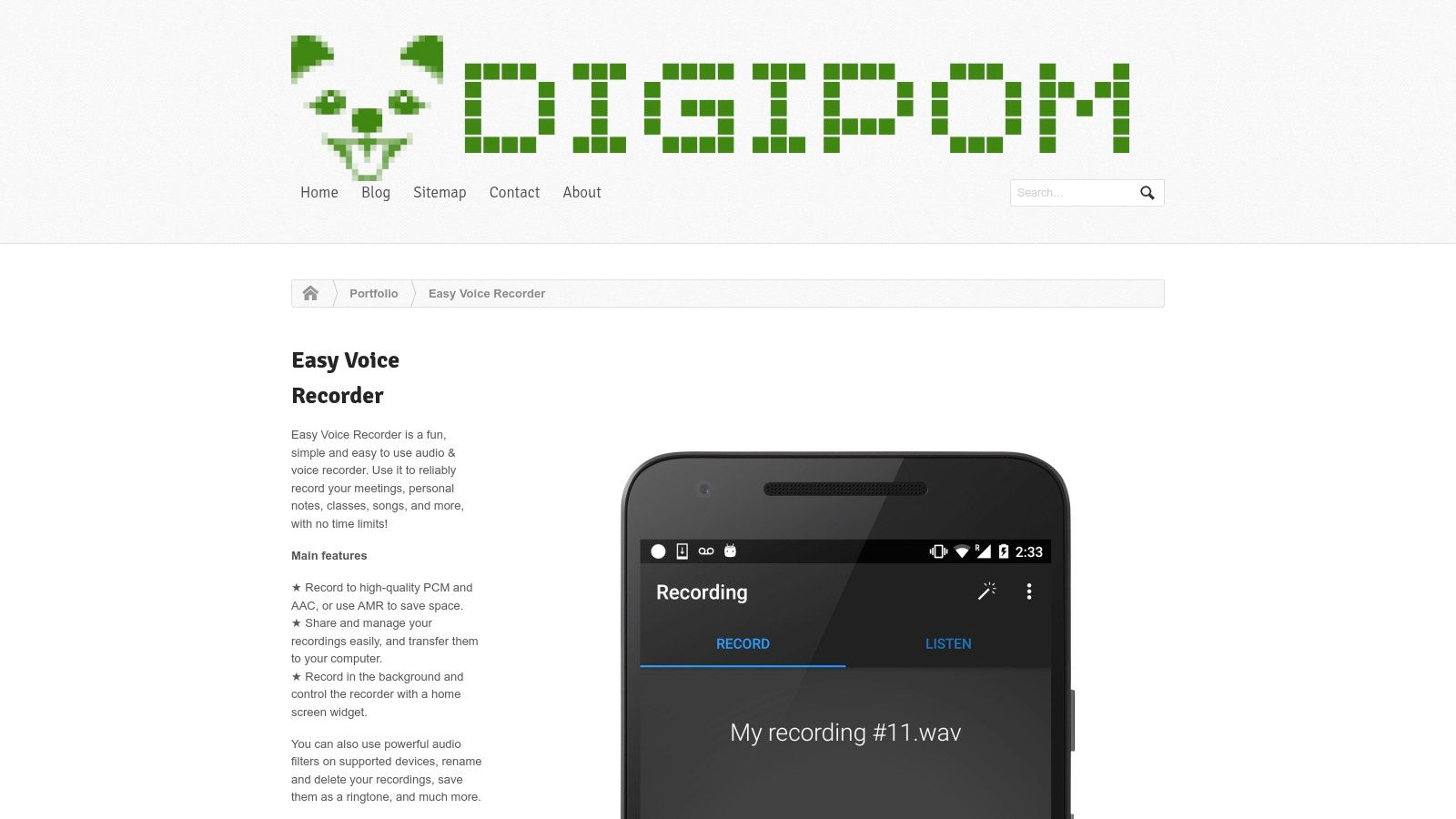
The app is widely recommended in Android communities for its straightforward interface and consistent performance. Its strength lies in being a "set it and forget it" recorder. You can start a recording and trust that it will capture the entire session without crashing or creating a massive, unmanageable file. This makes it an ideal first step in a workflow where you later upload the audio to a separate transcription service.
Key Features and Use Cases
- High-Quality Recording: Choose between different formats, such as high-fidelity WAV for quality or compressed MP3 to save space, giving you control over the final file.
- Long-Form Stability: Engineered to handle recordings that last several hours, making it perfect for lengthy university lectures or all-day seminars.
- Quick Start Widgets: Place a widget on your home screen to start recording with a single tap, ensuring you never miss the opening remarks.
- Simple Organization: Easily manage, rename, and organize your recordings within the app, which is essential for keeping track of multiple classes.
Pricing and Limitations
The free version is highly functional, but a one-time Pro upgrade (also available via Google Play Pass) unlocks additional features like stereo recording, Bluetooth microphone support, and basic editing tools. Its primary limitation is a lack of built-in transcription; it's purely a recording tool. Additionally, like most recorders, it cannot capture phone calls due to Android platform restrictions.
- Pros: Very stable for long recordings, low resource usage, clear and simple pricing.
- Cons: No transcription or AI features, basic editing tools are only in the Pro version.
Website: https://www.digipom.com/portfolio-items/easy-voice-recorder/
11. Rev: Record & Transcribe
Rev offers a unique hybrid approach, combining a free mobile recorder with direct access to both AI and human-powered transcription services. This makes it a versatile choice among apps for recording lectures, scaling from quick, automated notes to publication-ready transcripts. Its main strength is the flexibility to choose the right level of accuracy and cost for your specific needs, all within a single ecosystem.
The platform includes a straightforward voice recorder app for iOS and web-based tools that allow you to record and order transcripts directly. When you need a quick, affordable transcript, the AI service is fast. For critical projects like research, legal depositions, or creating professional captions, you can order a transcript from Rev's human professionals, who guarantee 99% accuracy.
Key Features and Use Cases
- Dual Transcription Options: Choose between fast, low-cost AI transcription for everyday notes or highly accurate human transcription for important files.
- Integrated Mobile Recorder: The iOS app provides a simple way to capture audio on the go and seamlessly order a transcript.
- Professional Services: Beyond basic transcription, Rev offers professional captions, subtitles, and foreign language subtitles, which is ideal for content creators and academic publishing.
- Live Web Recorder: Record lectures directly from your browser and receive a live, AI-generated transcript as you speak.
Pricing and Limitations
The recording app is free, but the transcription services are pay-per-use. AI transcription is priced per minute and is the more affordable option. Human transcription, while exceptionally accurate, also charges per minute and can become expensive for long lectures or frequent use. The mobile app is primarily focused on iOS, so Android users will need to rely on the web platform for recording and ordering.
- Pros: Option for 99% accurate human transcripts, scales from simple notes to professional-grade captions, simple interface.
- Cons: Human transcription is costly for long-form content; the dedicated mobile recording app is iOS-first.
Website: https://www.rev.com
12. Voice Record Pro
Voice Record Pro is a long-standing and dependable iOS recorder favored in educational settings for its reliability during multi-hour lectures. Its primary strength is giving users complete control over the recording process, from audio quality settings to gain controls and flexible export options. It's an excellent choice for those who prioritize capturing high-quality audio and want full authority over how it's stored and shared.
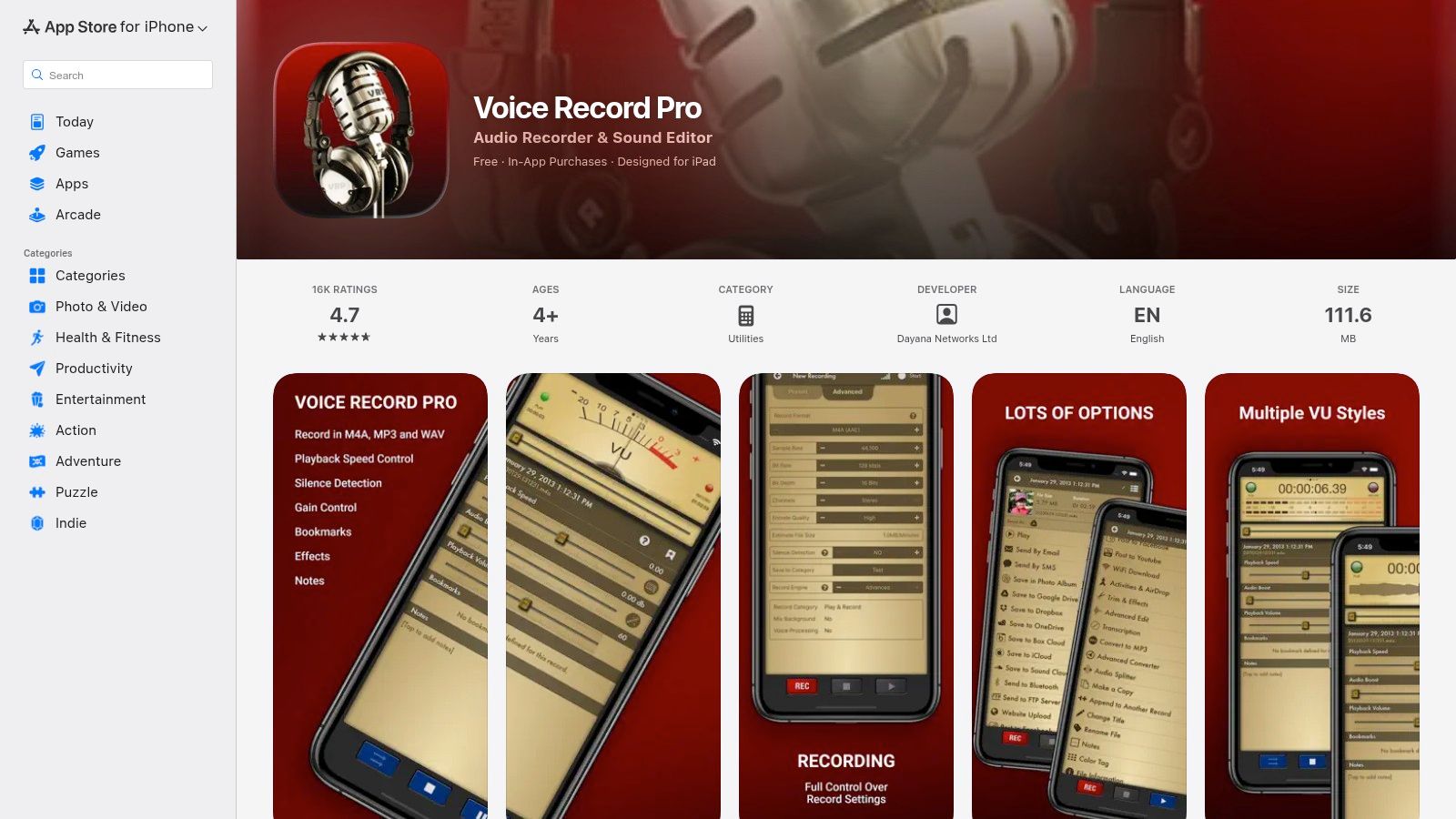
Unlike modern note-taking apps, Voice Record Pro focuses exclusively on the recording function, making it one of the most stable apps for recording lectures without distractions. After capturing a lecture, you can perform basic edits, add metadata, and directly upload the file to various cloud services. This straightforward workflow is perfect for students who want to create a clean audio archive and then use separate transcription tools.
Key Features and Use Cases
- Long-Form Recording: Proven to handle extended sessions reliably, making it ideal for three-hour seminars or all-day conferences.
- Configurable Quality and Gain: Adjust audio settings to balance file size and clarity, and manually control gain to avoid distortion in loud rooms.
- Cloud Export and Sharing: Directly send recordings to Google Drive, Dropbox, OneDrive, and more, for secure backup and easy access.
- Basic Editing and Metadata: Trim unwanted silence from the beginning or end of a recording and add notes or titles for better organization.
Pricing and Limitations
Voice Record Pro is free to download and use, supported by ads. A one-time in-app purchase is available to remove the advertisements, but all core recording and export features are available without payment. The app’s primary limitation is its lack of native transcription or advanced note-taking features; it is a dedicated audio recorder, not an all-in-one study platform.
- Pros: Highly reliable for long recordings, extensive export choices, detailed audio controls.
- Cons: The interface feels dated; no built-in transcription or note-linking capabilities.
Website: https://apps.apple.com/us/app/voice-record-pro/id546983235
12 Lecture Recording Apps: Feature Comparison
The Takeaway: Transform Your Learning with the Right App
We've explored a dozen powerful tools, from dedicated audio recorders to AI-driven transcription services and all-in-one digital notebooks. The central lesson is clear: there is no single "best" app for recording lectures. The right choice depends entirely on your specific role, study habits, and technological ecosystem. Making an informed decision means matching the features on offer to your personal workflow.
Your goal isn't just to capture audio; it's to create a useful, accessible archive of knowledge. For some, that means prioritizing audio clarity above all else. For others, it means having searchable text, and for many, it's about integrating recordings directly with handwritten or typed notes.
How to Choose Your Perfect Lecture Recording App
To cut through the options, ask yourself a few direct questions about your needs. Your answers will point you toward the ideal software for your situation.
- Do you need high-fidelity audio? If you're a podcaster, researcher, or just someone who can't stand muffled sound, look to Dolby On. Its automatic processing is a game-changer for capturing clean, professional-grade audio with just your phone.
- Is synchronized note-taking your main goal? For students who learn visually and want to connect their handwritten notes to specific moments in a lecture, Notability and Goodnotes are the clear winners. Their ability to tap a word and hear the audio from that exact moment is a study superpower.
- Is searchable text the most important output? If your primary objective is to create a fully searchable text database of your lectures, a combination approach is most effective. Use a simple, reliable recorder like Google Recorder or Apple Voice Memos, then process the files through Whisper AI for remarkably accurate, timestamped transcripts.
- Are you looking for an all-in-one solution with AI features? For those who want recording, transcription, and AI summarization in one place, Otter.ai is built for this exact purpose. It’s ideal for business meetings, team collaborations, and students who prefer a single, integrated platform.
From Recording to Retention: Building a Smart Workflow
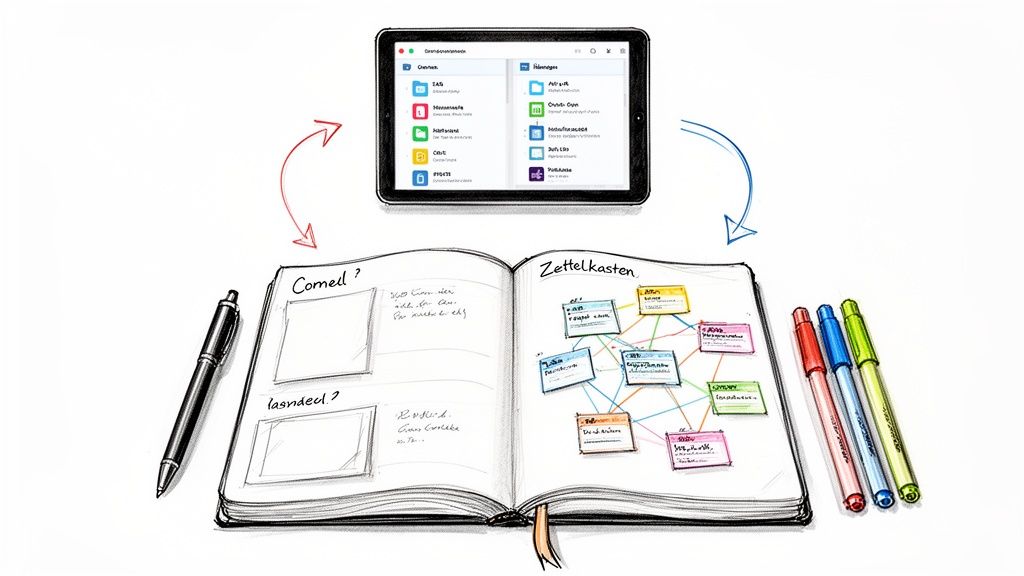
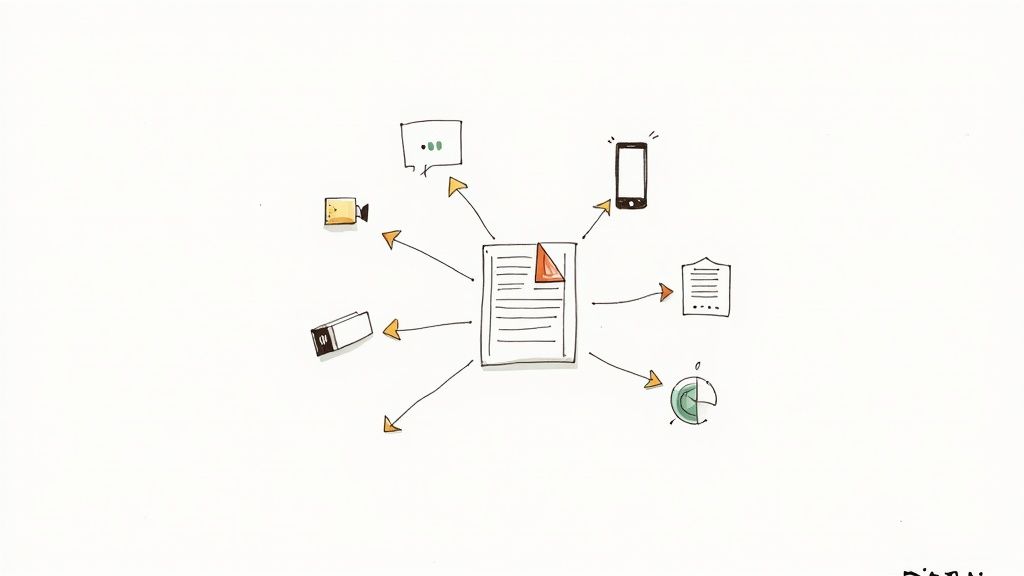
Simply recording a lecture is only the first step. The real academic benefit comes from how you use that recording. An effective workflow turns passive listening into an active learning process. Consider exporting your transcripts into a central knowledge base like OneNote or a research tool. You can then search across all your lectures for specific keywords, themes, or concepts when preparing for exams.
This process of review and consolidation is where deep learning happens. Beyond recording, platforms offering AI Powered Revision can further enhance your study process by helping you consolidate information and prepare for assessments. By integrating these various tools, you build a personal learning system that moves far beyond simple note-taking.
Ultimately, the best apps for recording lectures are the ones that remove friction from your study routine and actively help you engage with the material. Don't be afraid to experiment. Many of the tools listed have free versions or trials. Test one or two that align with your needs. See how it feels to have a perfect, searchable record of every lecture. The right app won't just record what your professor says; it will change how you learn.
Ready to turn your lecture audio into accurate, searchable text? Whisper AI offers industry-leading transcription that you can integrate into your study workflow. Try our free version to see how easy it is to process your recordings and build a powerful knowledge base. Get started with Whisper AI today.