
The 12 Best Podcast Show Notes Template Resources (Free & AI-Powered) for 2026
You’ve finished recording and editing your latest podcast episode. The hard part is over, right? Not quite. Now you're staring at a blank text field, tasked with summarizing hours of conversation into compelling show notes. This final step often feels like a chore, but from my experience, it's one of the most critical, yet overlooked, tools for growing your audience. A great podcast show notes template transforms this task from a tedious obligation into a powerful engine for discoverability and listener engagement.
This guide moves beyond generic advice and provides a curated collection of the best templates and tools to solve this exact problem. Having tested numerous approaches, I've found that combining the right template with a smart workflow is key. We'll explore everything from simple, copy-paste formats for beginners to advanced, SEO-optimized layouts for serious marketers. A well-structured podcast show notes template isn't just about summarizing your episode; it's a foundational element for broader content strategy, including implementing smart content repurposing strategies to maximize your reach.
In this resource list, you will find:
- Downloadable templates from trusted platforms like Buzzsprout, Riverside.fm, and Castos.
- AI-powered workflows showing how to use tools like Whisper AI to auto-generate transcripts, timestamps, and summaries to populate your chosen template.
- Actionable examples and direct links for every resource, so you can immediately see which format best fits your show's needs.
My goal is to help you find the right system to create effective show notes faster, turning them into a consistent asset that works for your podcast long after you hit publish.
1. Whisper AI
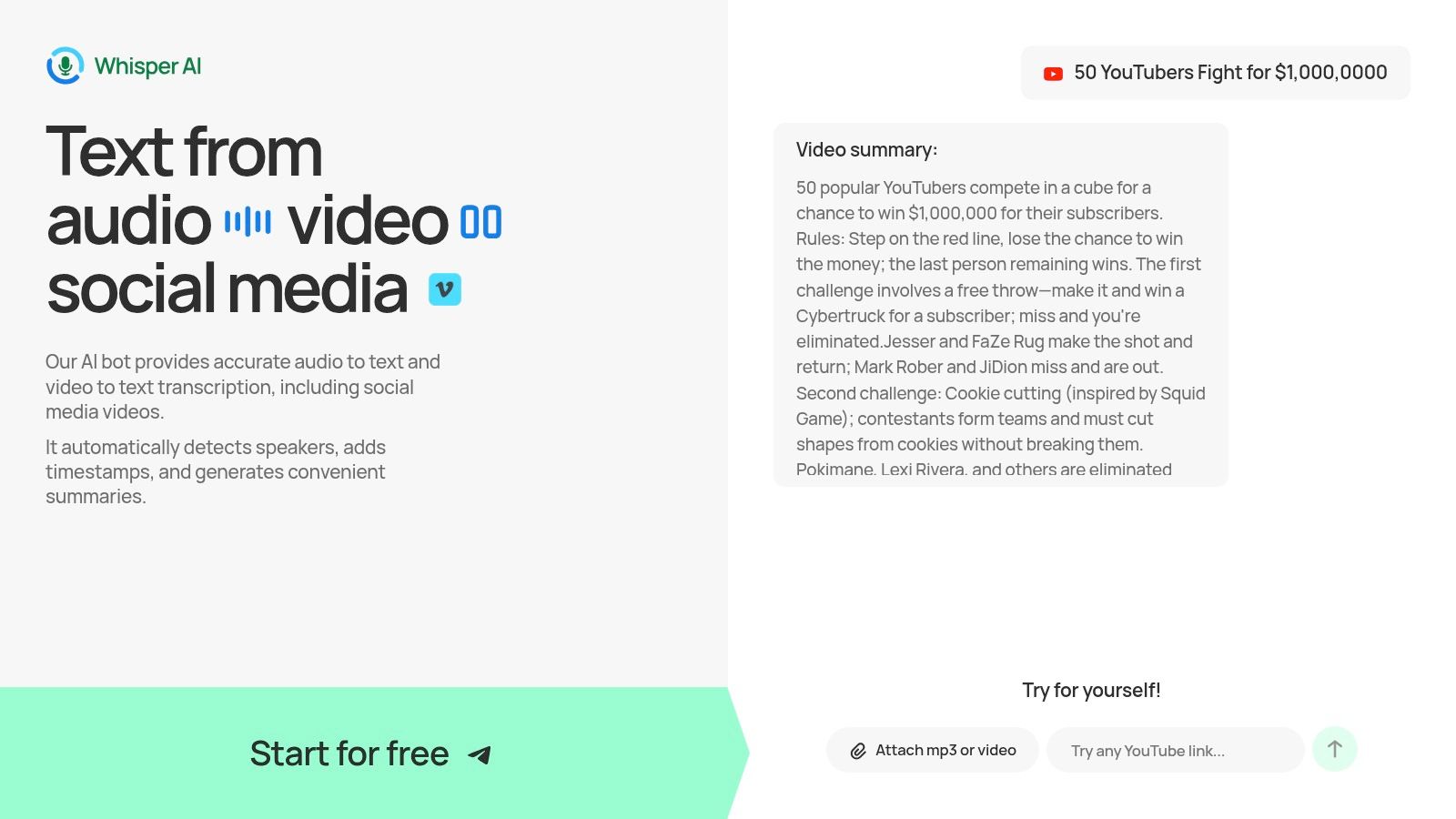
Whisper AI stands as a powerful, all-in-one platform that fundamentally accelerates the creation of detailed podcast show notes. Instead of treating transcription, summarization, and formatting as separate tasks, it integrates them into a single, efficient workflow. This makes it an exceptional starting point for any podcaster looking to build a high-quality podcast show notes template from raw audio or video files.
The platform ingests almost any media format, from direct uploads to links from social media platforms. Once processed, it delivers a highly accurate, timestamped transcript with automatic speaker detection. This transcript becomes the foundation for your show notes, but the true value lies in the platform's ability to automatically generate concise summaries and bullet-point highlights.
Why Whisper AI is a Premier Choice
What sets Whisper AI apart is its model-agnostic approach, which combines multiple top-tier AI models to produce superior results across 92+ languages. This is a significant advantage for creators with a global audience or those working with multilingual content.
My Take: For podcasters, the ability to turn a one-hour interview into a timestamped transcript, a paragraph summary, and a list of key takeaways in minutes is a game-changer. It eliminates the most time-consuming parts of post-production, allowing you to focus on content quality and promotion. You can use its outputs to directly populate any of the templates in this guide.
The outputs are flexible, available in formats like Google Docs, Word, PDF, and Markdown, making it simple to copy and paste the content into your content management system (CMS) or document. For a deeper dive into the technology, you can learn more about Whisper AI and its applications on their blog.
Core Features & Practical Use
Access: Whisper AI offers a free trial to get started, with paid tiers available for higher-volume users and teams.
- Website: https://whisperbot.ai
2. Buzzsprout – How to Write Podcast Show Notes (with 5 ready-to-use templates)
Buzzsprout, a popular podcast hosting service, offers a direct and highly practical resource for creators. Their blog post "How to Write Podcast Show Notes" is less a single downloadable file and more a mini-course on effective show note creation, complete with five distinct copy-and-paste templates. This approach is perfect if you want a reliable, field-by-field structure you can drop directly into your podcast host's episode description editor without needing to open a separate document.
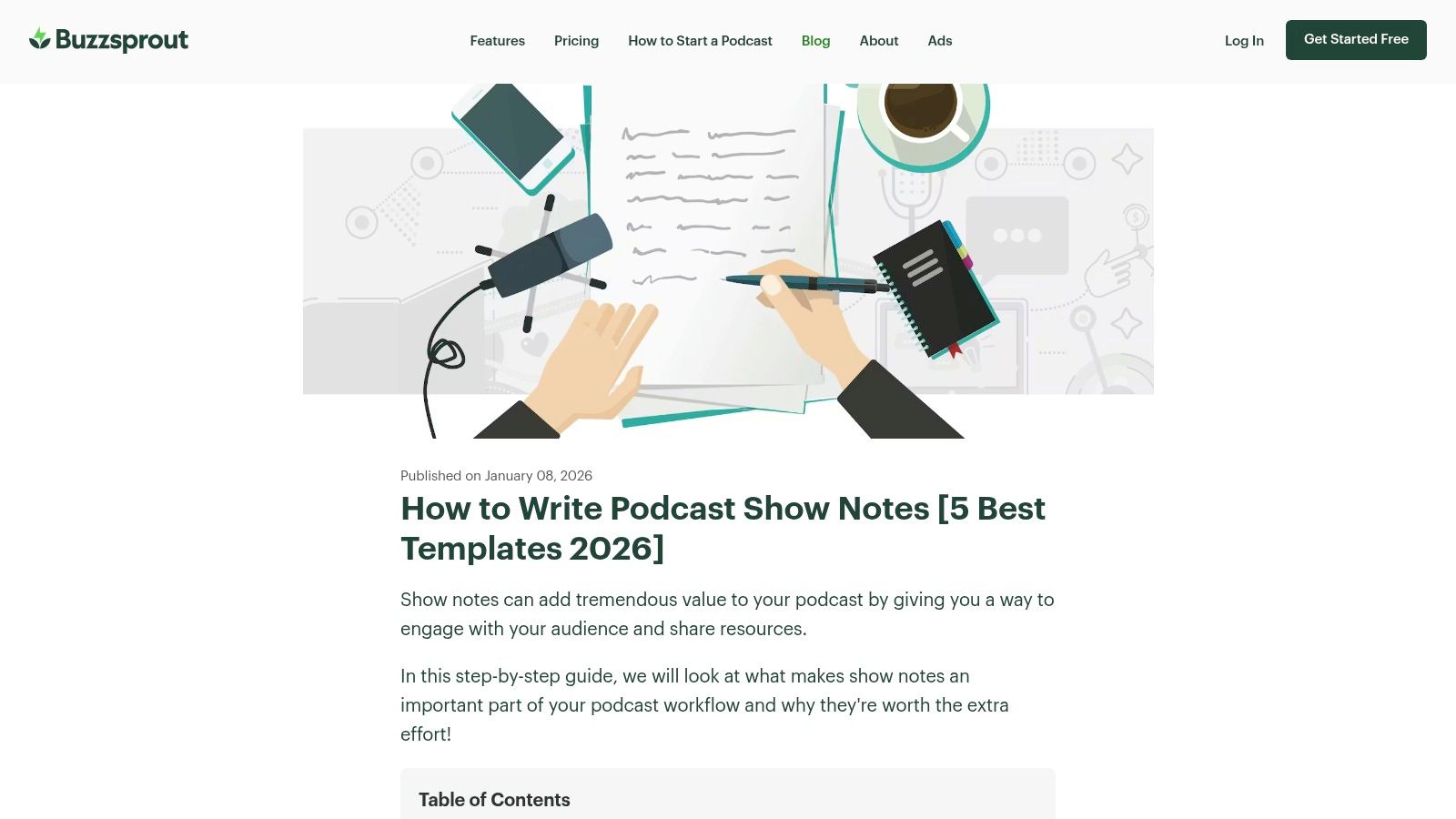
The guide’s real strength lies in its practicality. It presents a simple podcast show notes template for minimalism, an expanded version for more detail, and an SEO-focused format. What makes this resource stand out is the current, real-world advice on how different podcast players like Apple Podcasts and Spotify render text formatting.
Key takeaway: Buzzsprout's guide helps you avoid broken links or jumbled text by explaining the limited HTML support in most podcast apps. This is a crucial detail many other templates overlook, and something I learned the hard way.
While the templates are free and accessible to anyone, their main limitation is the delivery method. You must copy the text directly from the blog post, as there are no separate Google Docs or Word files. Despite this minor inconvenience, the quality of the advice and the clarity of the templates make it an essential bookmark for podcasters who prioritize function and compatibility.
Get the templates from Buzzsprout
3. Riverside.fm – Podcast Show Notes: Full Guide with Templates & Examples
Riverside.fm, a high-quality recording platform, offers an in-depth guide that focuses on creating show notes for both podcast apps and dedicated website posts. Their article is a detailed tutorial providing several copy-and-paste templates, including short summary and full-story formats. This resource is ideal if you want not just a structure, but also the strategic reasoning behind including elements like CTAs, timestamps, and SEO-friendly copy.
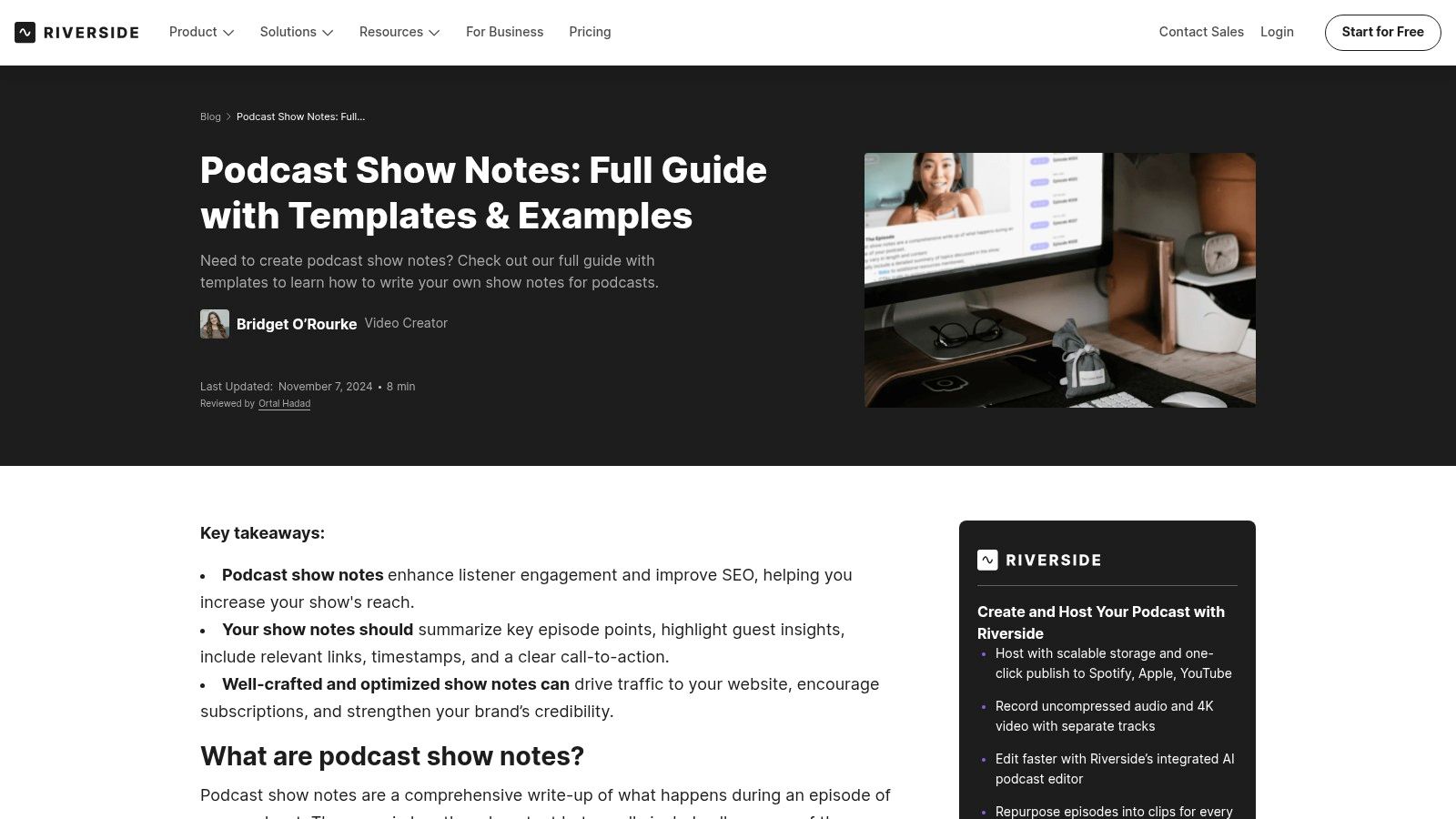
The guide’s value is in its balanced approach, providing advice for maximizing visibility within podcast players while also optimizing for search engines on your own site. It gives example-driven templates for different episode styles, making it easy to adapt the format to an interview, a solo show, or a narrative story. This makes it a great podcast show notes template resource for creators who use their website as a central hub for their content.
Key takeaway: Riverside’s article excels by connecting the dots between your audio content and written marketing, explaining how to repurpose transcripts to accelerate your show notes workflow.
The primary drawback is the same as many blog-based templates: they are embedded directly in the article. You'll need to copy the text or rebuild the structure in your content management system (CMS) or podcast host, as there are no direct download links. Still, the thorough guidance on publishing strategy makes it a standout resource that goes beyond simple formatting.
Get the templates from Riverside.fm
4. Castos – Downloadable Podcast Show Notes Templates (PDF pack)
The podcast hosting service Castos provides a straightforward resource for producers who prefer a tangible, structured starting point. Their offering is a downloadable PDF pack containing several distinct podcast show notes template formats. This approach is ideal for those who plan their content offline or want a standardized layout that can be printed and shared with a team before being transferred into a digital editor like Google Docs or Notion.
The value of the Castos pack lies in its simplicity and structure. It includes layouts for a brief summary with bullet points, a more detailed long-form blog post style, and other variations. The pack is designed to complement their wider educational content on show notes, giving you both the "why" and the "how." Seeing example links helps visualize how these templates translate into a live episode page.
Key takeaway: Castos offers a great solution for standardizing your workflow. If you work with a co-host or a production assistant, having a consistent PDF template ensures everyone is filling out the same fields every time.
The primary limitation is the format itself. Since it's a PDF, you can't directly copy and paste the structure into your podcast host. You will need to manually recreate the template in your preferred text editor or project management tool. While this requires an initial setup step, the clear, organized layouts provide a solid foundation for building a repeatable production process.
5. PodOutline – Free Show Notes Template (plus outlines/scripts library)
PodOutline offers a clean, no-fuss library of templates for podcasters, with a standout podcast show notes template designed for maximum flexibility. This resource is perfect for creators and teams who use different tools in their workflow, as it provides the template in multiple formats right from the start: Google Docs, Notion, PDF, and Markdown. This eliminates the tedious step of reformatting a downloaded document to fit your preferred editor or content management system (CMS).
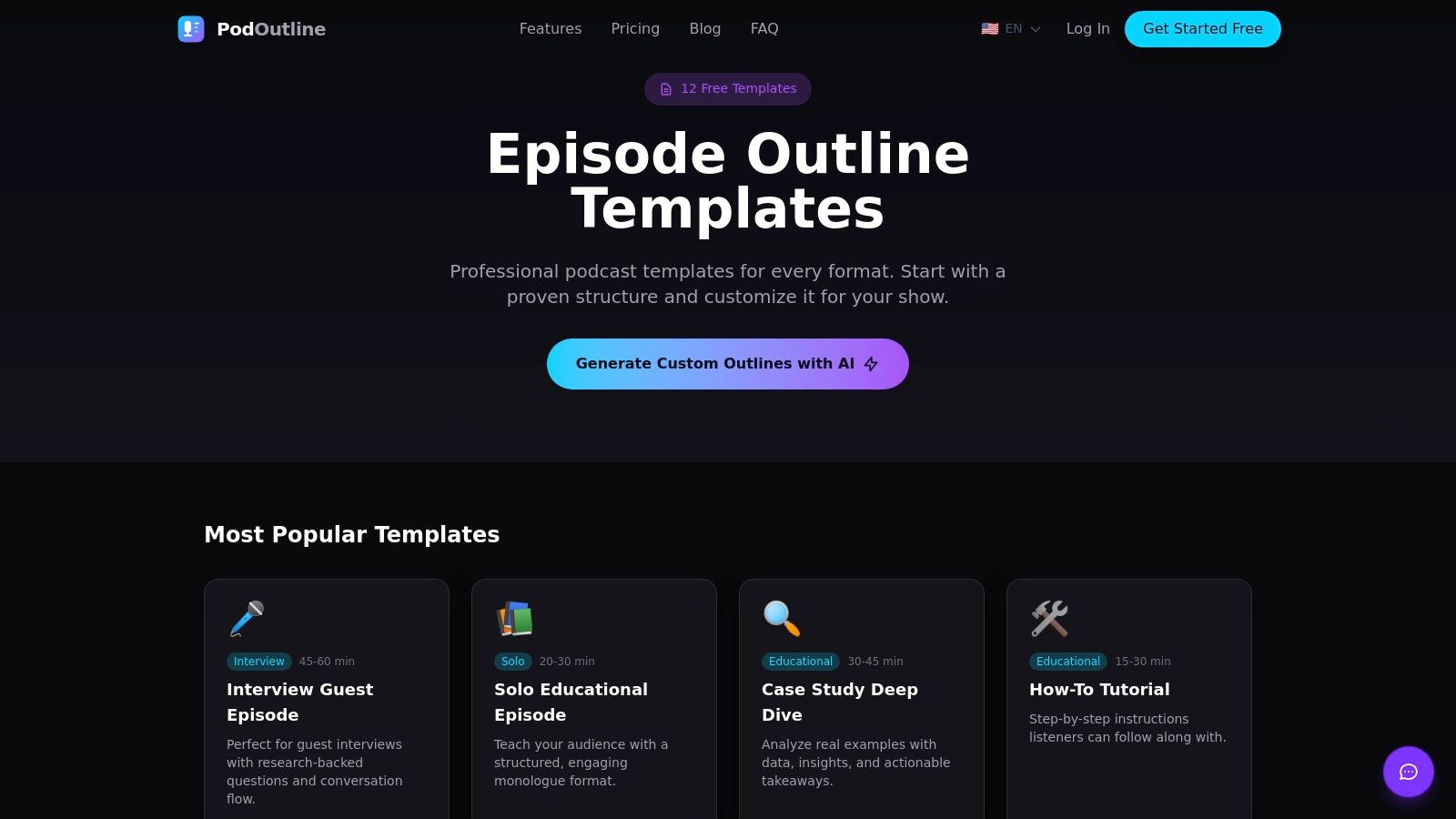
The template itself is straightforward, featuring clear prompts for a summary, key takeaways, guest information, resources, and calls to action. While the core show notes template is a manual-fill resource, PodOutline also offers an optional AI workflow that can generate outlines and scripts. This is a nice bonus if you're looking for ideation help before you even hit record, though the AI is not built to populate the show notes directly.
Key takeaway: PodOutline's multi-format downloads (Google Docs, Notion, Markdown) make it incredibly easy to integrate into your existing workflow without friction, a huge time-saver for busy production teams.
The best part is that the basic templates are completely free and don't require a sign-up, allowing you to grab what you need instantly. The primary limitation is that the AI features are geared more toward pre-production (outlining) than post-production (show note generation). Still, for its accessibility and format variety, PodOutline provides an excellent starting point for any podcaster.
Get the templates from PodOutline
6. The Podcast Space – Free Podcast Episode Show Notes Template
The Podcast Space offers a clean, direct podcast show notes template aimed at creators who want clarity and scannability. This resource is provided as a downloadable Google Doc, making it easy to copy and adapt for each episode. It’s designed for podcasters who publish their notes in two places: the compact description field of their podcast host and a more detailed post on their website.

The template’s structure is its core benefit. It organizes information into logical sections like an engaging hook, a summary, timestamps, key resources, and a call-to-action (CTA). This format guides new podcasters on what information is most important for listeners, encouraging a clean layout that prevents overwhelm. The focus is less on advanced SEO tactics and more on creating a positive, user-friendly experience for your audience.
Key takeaway: This template is excellent for building foundational habits. It teaches you to structure your notes for readability, a skill that directly impacts listener engagement and how professionally your show is perceived.
Its main limitation is its simplicity; seasoned podcasters looking for intricate website publishing strategies or deep SEO integration may find it basic. However, for those who need a straightforward, fill-in-the-blanks format that works well across platforms without complicated setup, this template is an excellent starting point. The access is simple: you provide an email to get the direct Google Doc link.
Get the template from The Podcast Space
7. SoundMadeSeen – Free Podcast Show Notes Template
SoundMadeSeen offers a free resource designed with a specific goal in mind: connecting your audio content with your visual brand. Their downloadable podcast show notes template is oriented toward creators who publish dedicated episode pages on their websites and promote their shows with assets like audiograms or quote graphics. It’s built for promotional readiness and scannability above all else.
The template's main value is its emphasis on clarity and structure for visual mediums. It provides clear fill-in-the-blank fields for a concise summary, guest information, key links, and calls to action (CTAs). This makes it easy to pull snippets for social media posts or to format a clean, readable landing page for your episode that encourages engagement.
Key takeaway: This template's structure is a great starting point if you repurpose show notes for your website, blog, or social media. It guides you to think about how the information will look visually, not just how it reads in a podcast app.
The primary limitation is its focus on web pages rather than the specific formatting rules of podcast players like Apple Podcasts or Spotify. You may need to adjust the formatting for optimal display within those apps. However, as a free download that’s simple to adapt to any podcast host, it provides an excellent framework for podcasters who treat their show notes as a key piece of their marketing content.
Get the template from SoundMadeSeen
8. Notion Template – Podcast Show Notes Generator (Notion Marketplace)
For teams already managing their production workflow in Notion, this free template from the Notion Marketplace is a game-changer. It’s not just a document; it’s a database-driven system designed to organize every piece of episode metadata, from guest bios to final transcripts. This approach centralizes the entire show note creation process, making it an excellent podcast show notes template for collaborative teams seeking consistency and a single source of truth.
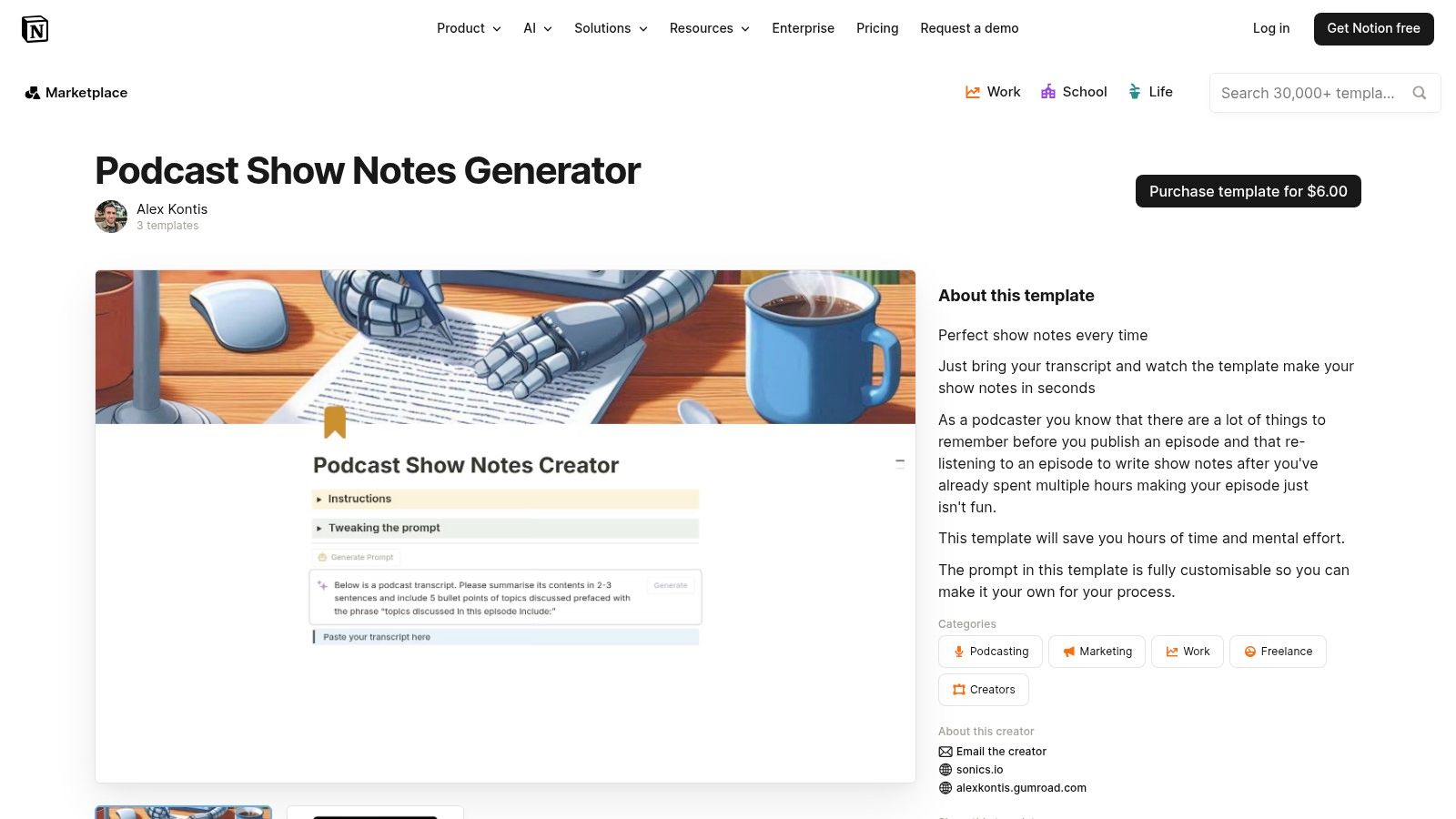
The template's power lies in its structure. Each new episode becomes an entry in a database with pre-built properties for status, recording dates, resource links, and more. You can store research, transcript snippets, and social media copy all in one place, which streamlines handoffs between writers, editors, and marketers.
Key takeaway: The main advantage is its function as a repeatable workflow system. By duplicating the template for each episode, you guarantee that no field is missed and all necessary information is captured consistently every time.
The primary drawback is its reliance on the Notion ecosystem. If your team doesn't use Notion, adopting it just for this template might be overkill. It also requires an extra step to copy the final notes from Notion and paste them into your podcast host. However, for those invested in Notion, its organizational benefits are hard to beat.
Get the template from the Notion Marketplace
9. Transistor – Show Notes Formatting Guide (with reusable placeholders)
Transistor, a well-regarded podcast hosting platform, provides a crucial technical guide disguised as a support article. Their "Show Notes Formatting Guide" is less about creative content and more about the foundational rules of what actually works across different podcast players. It’s an essential reference for podcasters frustrated with broken links, missing bullet points, and inconsistent layouts between Apple Podcasts, Spotify, and Overcast.
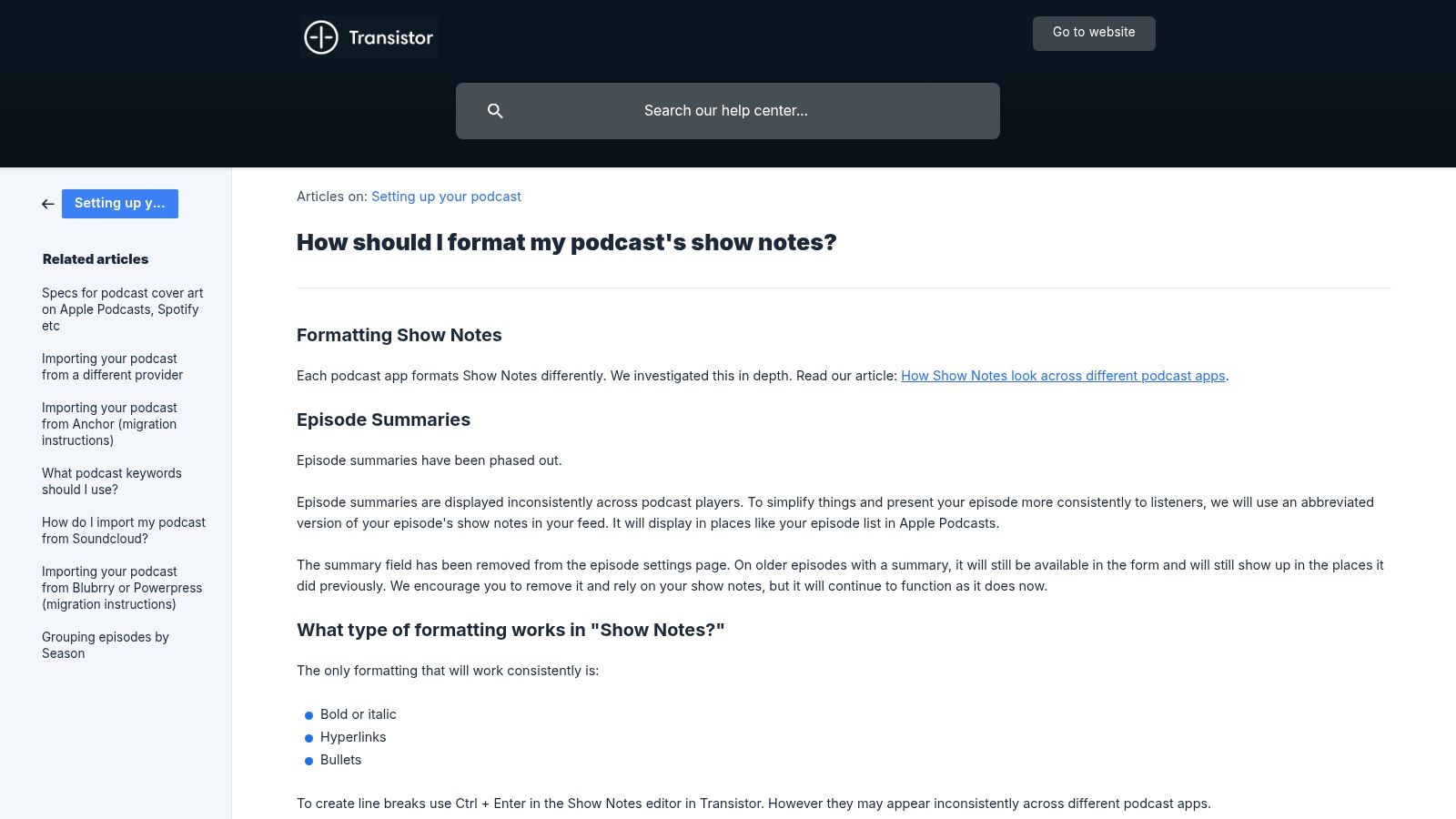
The guide's power comes from its direct, "do/don't" approach to formatting. It clarifies which HTML tags are safe to use (like bold and links) and which to avoid, preventing rendering errors before they happen. Its most practical feature is a placeholder tag system; while designed for Transistor's platform, the concept of using unique text like [GUEST_BIO] or [SPONSOR_LINK] can be adapted as a personal podcast show notes template system on any host.
Key takeaway: This resource is your technical cheat sheet for compatibility. By following Transistor's simple formatting rules, you can create show notes that look clean and professional on every major podcast app, eliminating guesswork.
While it’s not a downloadable file and the placeholder tags are specific to Transistor's service, the universal advice is invaluable. Think of it as the instruction manual for the show notes editor itself. It teaches you the "why" behind formatting choices, making every other template you use more effective. The information is free and accessible to all, serving as a public good for the podcasting community.
10. Castos – AI Content Add-on (Generate episode titles and show notes)
For podcasters already using the Castos hosting platform, the AI Content Add-on presents a deeply integrated solution for show note creation. Rather than a separate template file, this tool builds show note generation directly into your publishing workflow. It analyzes your episode's audio transcript to automatically produce episode titles and a structured summary, which can be applied to your episode description with a single click.
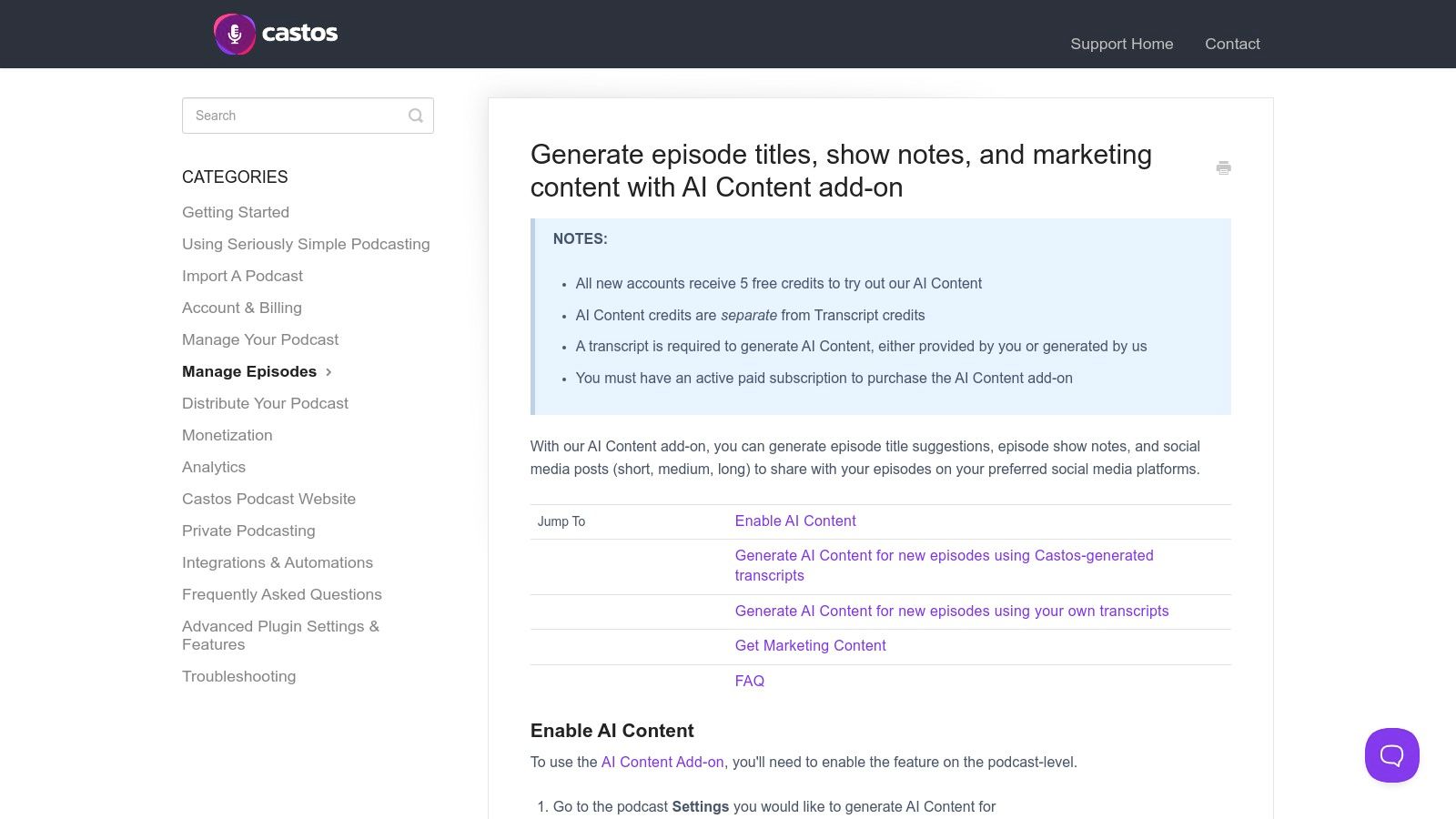
The primary advantage is speed and convenience. It eliminates the manual effort of writing a first draft, giving you a consistent, template-like output every time without leaving your dashboard. This approach is ideal for busy creators who want to reduce the time spent on administrative tasks between recording and publishing. For a broader understanding of how artificial intelligence is transforming content creation and marketing strategies, explore the landscape of AI content marketing tools.
Key takeaway: Castos’s tool is about workflow efficiency. Applying the generated notes directly into the episode editor saves several copy-paste steps, making it one of the most direct ways to get from transcript to published notes.
The main drawback is its exclusivity; access requires a paid Castos hosting plan and the additional paid AI add-on. The output quality is also dependent on the accuracy of your transcript. Still, for those invested in the Castos ecosystem, it offers a powerful way to automate a crucial part of the podcasting process, acting as an on-demand podcast show notes template generator.
Learn about the Castos AI Add-on
11. Podsuite – AI Show Notes (template-driven show notes generator)
Podsuite shifts the focus from a manual podcast show notes template to an automated, AI-driven generator. Instead of providing a downloadable file, this paid SaaS tool ingests your episode audio or transcript and produces a complete content package. It is designed for podcasters who want to streamline post-production by generating not just show notes, but also chapter markers, potential episode titles, SEO keywords, and even social media snippets from a single source.
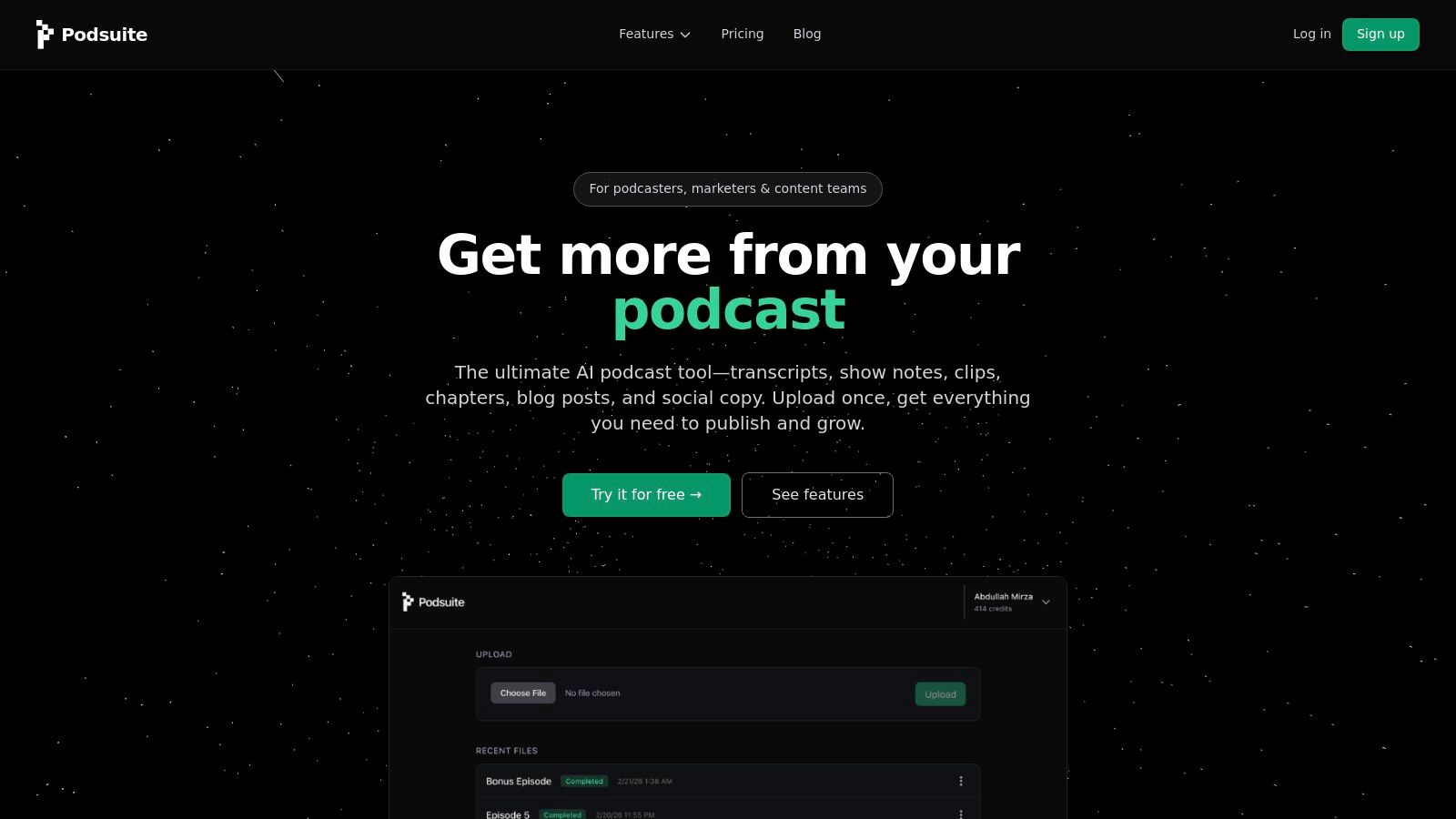
The platform's main advantage is speed and consolidation. It takes the core information from your episode and repurposes it into multiple formats, saving significant time. The quality of the output, however, is directly tied to the clarity of your input audio and the accuracy of the initial transcription. This makes it a powerful but dependent tool; high-quality source material yields publish-ready content, while poor audio may require heavy edits.
Key takeaway: Podsuite's value is in creating a consistent, multi-part content package from one upload, making it ideal for podcasters who need to generate a summary, chapters, and SEO elements simultaneously.
As a paid service, Podsuite is an investment. The cost may be a barrier for hobbyists, but for professional creators or podcasting teams, the time saved can justify the expense. There is no free template to download, as the entire process happens within the platform’s interface. It’s a good fit if your priority is creating a complete set of deliverables rather than just filling in a static document.
12. Podcastools – AI Show Notes Writer (free, minimalist output)
Podcastools offers a specialized, free web-based tool for podcasters who prioritize speed and compatibility above all else. Its AI Show Notes Writer generates clean, professional drafts designed to render perfectly in major podcast players like Apple Podcasts and Spotify. This tool is ideal if you need a quick, no-frills podcast show notes template that you can paste directly into your host's editor without worrying about broken formatting.
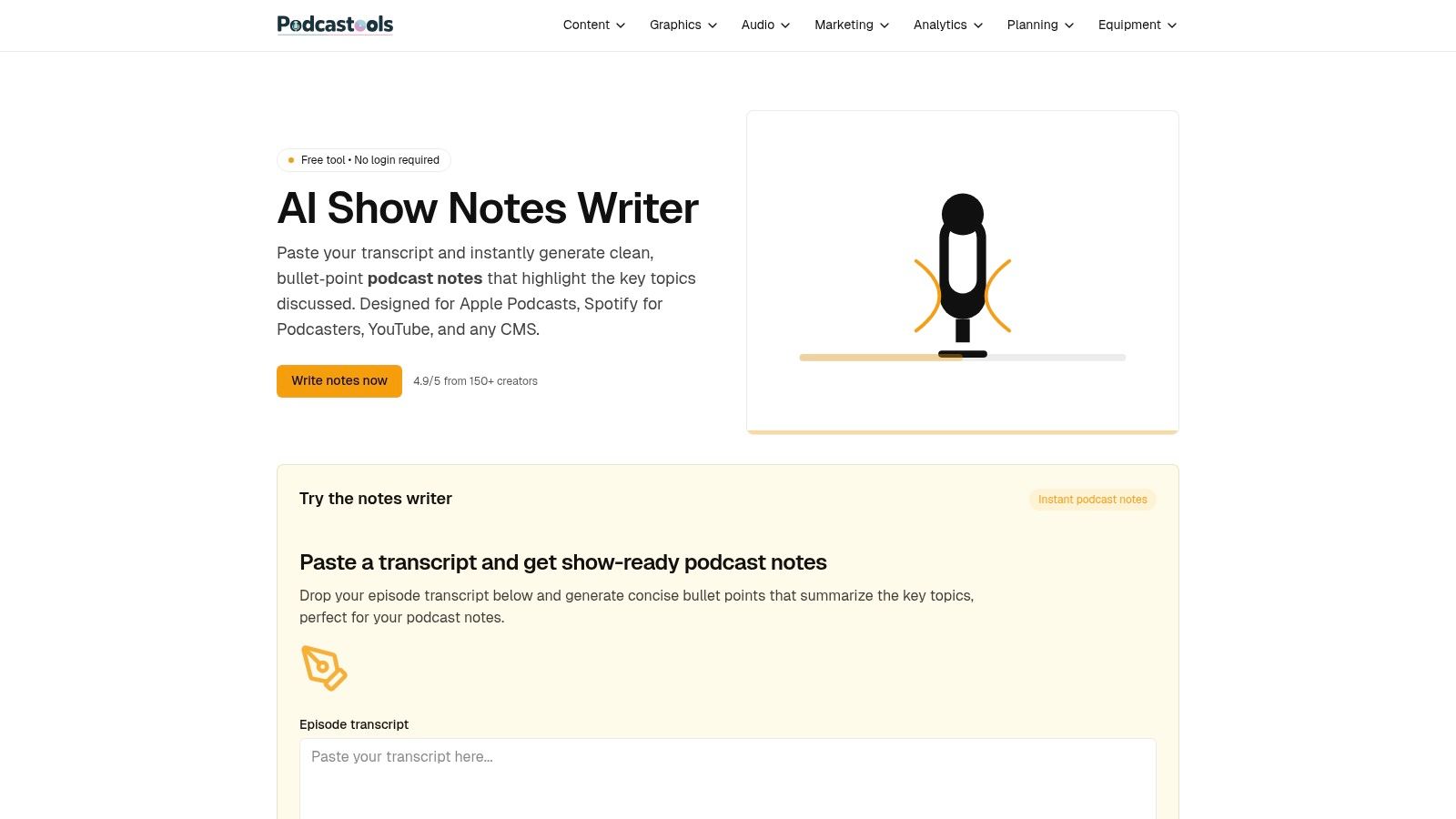
The primary advantage of this generator is its focus on producing "safe" output. It avoids complex HTML that can cause display issues in different apps, giving you a reliable text block that works for podcast hosts, YouTube descriptions, and basic CMS editors. While it doesn't require a full transcript, providing it with key points or a summary helps generate a more accurate first draft. For those looking to streamline this process, you can first transcribe your podcast audio to text and then feed the summary into the tool.
Key takeaway: Podcastools is the fastest way to get a usable, platform-safe draft of your show notes. It’s a minimalist solution for creators who value efficiency and want to avoid technical formatting headaches.
The tool’s simplicity is also its main limitation. It lacks the advanced customization controls or deep SEO features found in more complex software. However, for podcasters who just need a solid starting point to edit or a simple summary to publish quickly, its speed and reliability are hard to beat.
Get the templates from Podcastools
12 Podcast Show Notes Templates & Tools Comparison
Putting Your Template into Action: Final Thoughts on Building a Sustainable Workflow
We've explored a wide array of tools and resources, from simple copy-paste documents to advanced AI-powered generators. The central lesson is clear: the most effective podcast show notes are born from a combination of a solid structure and an intelligent workflow. A great podcast show notes template is not just a document; it's the foundation of a system that saves you time, improves your content's discoverability, and provides immense value to your audience.
Throughout this guide, we've seen how different templates serve distinct purposes. You have the straightforward simplicity of the basic templates from Buzzsprout and Castos, perfect for getting started. Then there are more advanced options like the SEO-optimized and social snippet templates, designed to turn a single episode into a multi-platform marketing asset. The key isn't finding a single "best" template, but identifying the right one for your specific goals and production capacity.
Key Takeaways for an Efficient Show Notes Process
Your primary goal should be to eliminate friction. Every manual step, from typing out quotes to guessing timestamps, is an opportunity for delay and inconsistency. This is where automation becomes your most valuable ally.
- Automation is Your Foundation: Manually transcribing audio and summarizing content is no longer a necessary burden. Integrating a tool like Whisper AI to generate the core components-the full transcript, accurate timestamps, a concise summary, and key highlights-is the single most impactful change you can make to your workflow.
- Templates Provide Structure: With the raw content generated, your chosen template acts as a blueprint. It ensures every episode's notes have a consistent format, making them reliable and easy for your audience to navigate. This consistency builds trust and professionalism.
- Choose Based on Your Goals: Don't just pick the most complex template. If your primary goal is simple accessibility, a timestamped template is perfect. If you're focused on growth, the SEO-optimized or episode landing page templates are better suited. Assess your needs honestly before committing to a format.
Your Actionable Next Step
Theory is helpful, but action creates results. The path forward is to stop thinking and start doing. Choose one podcast show notes template from the list that resonates with your current needs. It doesn't have to be your forever template, just your for-now template.
For your very next episode, commit to using it. Follow the workflow we outlined: record your audio, process it through an AI transcription tool to get your transcript and key points, and then pour that structured information into your new template. This single act will move the concept from an idea in an article to a tangible, time-saving process in your own production schedule.
Ultimately, the goal is sustainability. The right system makes creating high-quality show notes feel less like a chore and more like an automatic, value-adding step in your publishing routine. By pairing an intelligent automation engine with a well-designed template, you're not just writing better show notes; you're building a smarter, more efficient podcasting operation.
Ready to stop manually transcribing and start automating your show notes? Whisper AI can generate the accurate transcripts, summaries, and highlights you need to populate any podcast show notes template in minutes. Try Whisper AI on your next episode and build a workflow that works for you, not against you.


























































































