
Top 10 Free iPhone Call Recorder Options (2026 Guide)
You end a call, put the phone down, and realize the useful parts are already slipping. The exact next step. The budget caveat. The sentence that sounded like approval, or maybe hesitation.
That is why people keep searching for a free iphone call recorder. Apple has historically not addressed this need directly, so iPhone users have spent years piecing together a collection of unreliable workarounds, usually through three-way calling, VoIP routing, or cloud recording services.
The good news is that there are now several workable paths. The trade-off is that they do not solve the same problem. Some methods are built into iPhone. Some depend on conference-call merging. Others work best if your calls already run through a VoIP number like Google Voice. That distinction matters more than the app name, and it is the easiest way to avoid wasting time on tools that were never a fit for how you call.
That is also the angle of this guide. It does more than list apps. It separates native options, 3-way merge services, and VoIP-based recorders, then looks at what happens after the call. Raw audio is only half the job. If you want something useful after the conversation ends, a significant upgrade is turning recordings into searchable transcripts, summaries, and follow-up notes with tools like Whisper AI.
Before recording anything, check the legal rules for recording calls in your area. Consent laws vary by country and state, and that affects which tools are practical. In my testing, the safest options are usually the ones that make disclosure obvious instead of trying to hide it.
1. iPhone built-in call recording (iOS 18.1+)
If your iPhone supports Apple’s newer recording features, start here. It’s the cleanest option because it works inside the Phone app instead of making you dial a third recording line or switch to a separate service.
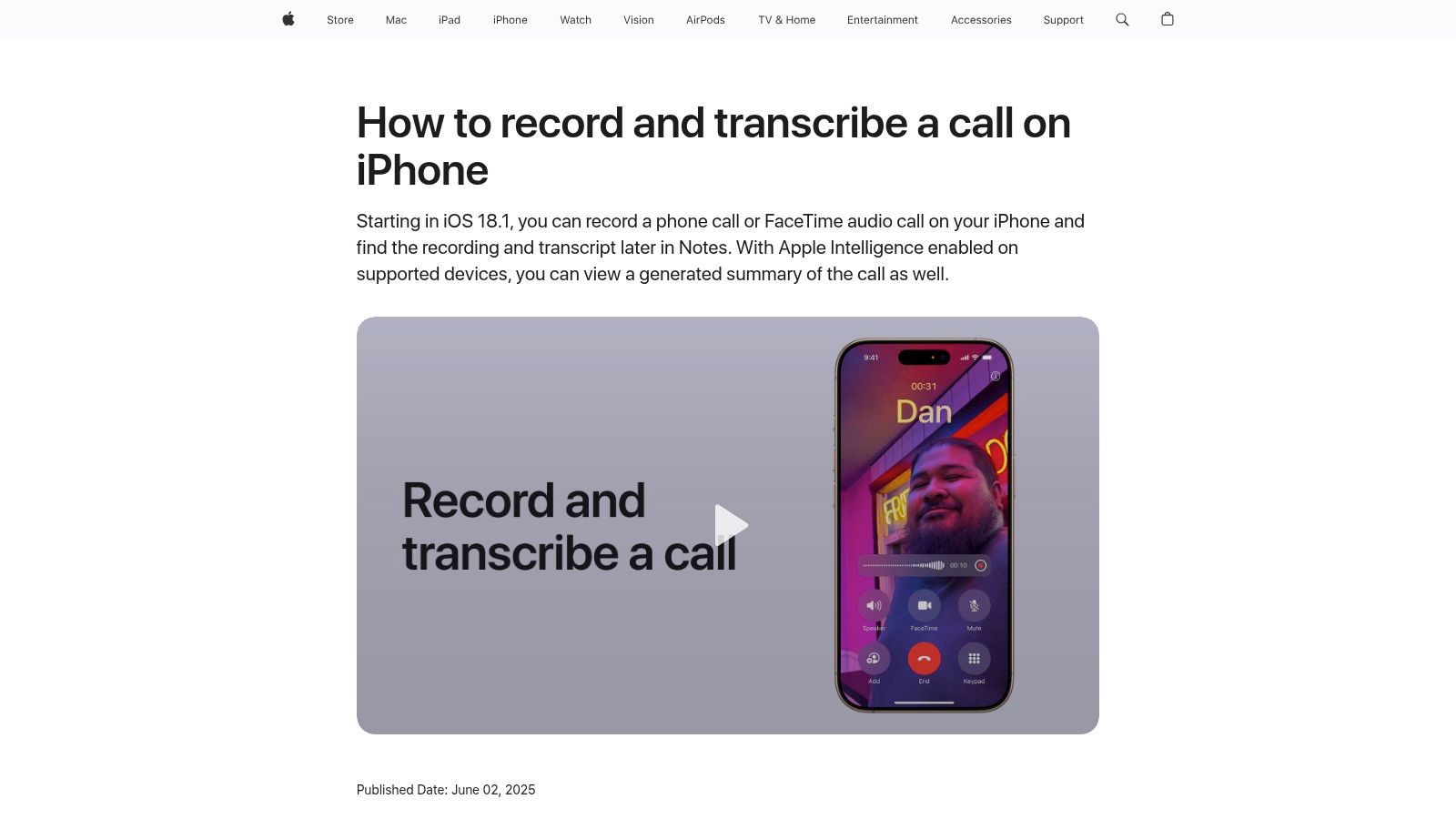
Apple’s own implementation records calls directly from the Phone app on supported devices and saves the audio in Notes with a transcript. Some devices also get AI summaries. The trade-off is obvious: this is designed for compliant, disclosed recording, not stealth capture. Apple plays a disclosure to everyone on the call, and availability varies by region and language according to Apple’s call recording support page.
What works well
For everyday business use, this is the least annoying setup I’ve seen on iPhone. There’s no conference merge, no bridge number, and no “wait, did the recording line connect?” moment.
A few strengths stand out:
- Built into the Phone app: You don’t have to route calls through a third-party dialer.
- Transcript included: Notes gives you a searchable text layer, which is much more useful than a pile of audio files.
- Easy sharing: Exporting from Notes is simpler than digging through some app’s private storage.
Practical rule: If native recording is available on your device and in your region, use it first. Every extra step in the call flow creates friction and failure points.
The limitation is that native doesn’t mean universal. Some features depend on device support, region, and language. If you work across jurisdictions, it’s smart to review the legal basics before relying on any recorder. This guide on whether it’s legal to record calls is a useful primer.
2. Google Voice (personal accounts)
Google Voice is still one of the few options I recommend without hesitation for one specific use case: recording incoming calls to a dedicated number.
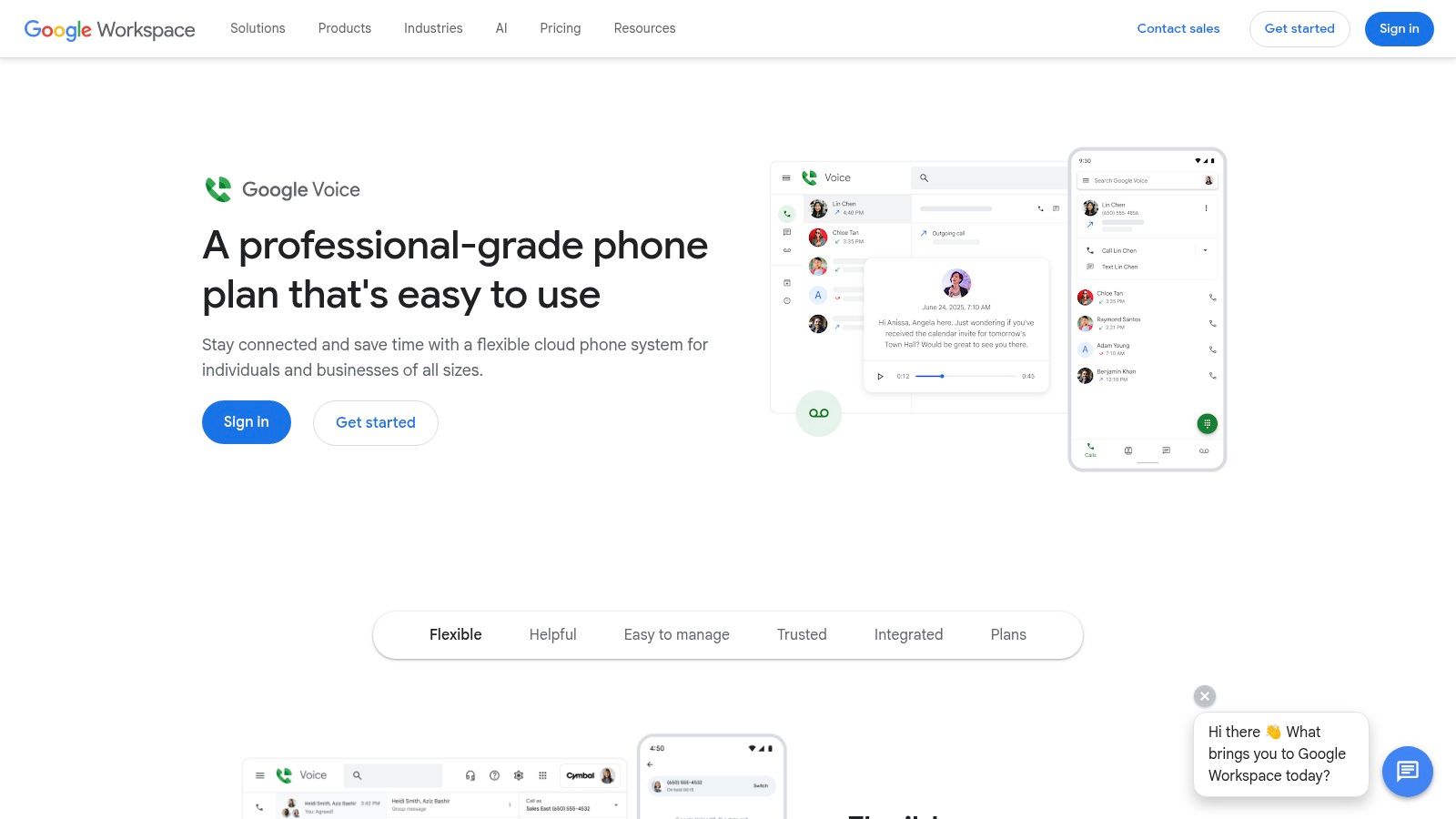
The setup is straightforward. You get a Google Voice number, route calls there, and record inbound calls by pressing “4.” The service announces that recording is in progress, which removes a lot of ambiguity.
Best for inbound calls, not everything
Google Voice is free for personal inbound recording, and that’s its biggest strength. It’s reliable, simple, and doesn’t ask you to wrestle with a three-way merge every time.
But there are sharp limits:
- Incoming only on personal accounts: If you need to record outgoing sales calls, this won’t cover your workflow.
- Different number: Callers need to use your Google Voice number, not your regular cellular number.
- Best in a separate lane: It works best when you intentionally dedicate it to interviews, support callbacks, or intake calls.
I like it for anyone who wants a free iphone call recorder solution without installing a fragile third-party call-merge app. It’s also a practical first step if you’re testing whether you even need recording in your process.
If you want a simple walkthrough for capturing phone audio and turning it into usable notes, this guide on how to record a phone conversation fits well with the Google Voice approach.
3. NoNotes
NoNotes is one of the more useful “free, but limited” options because the free tier is recurring rather than just a one-time trial. For low-volume users, that matters.
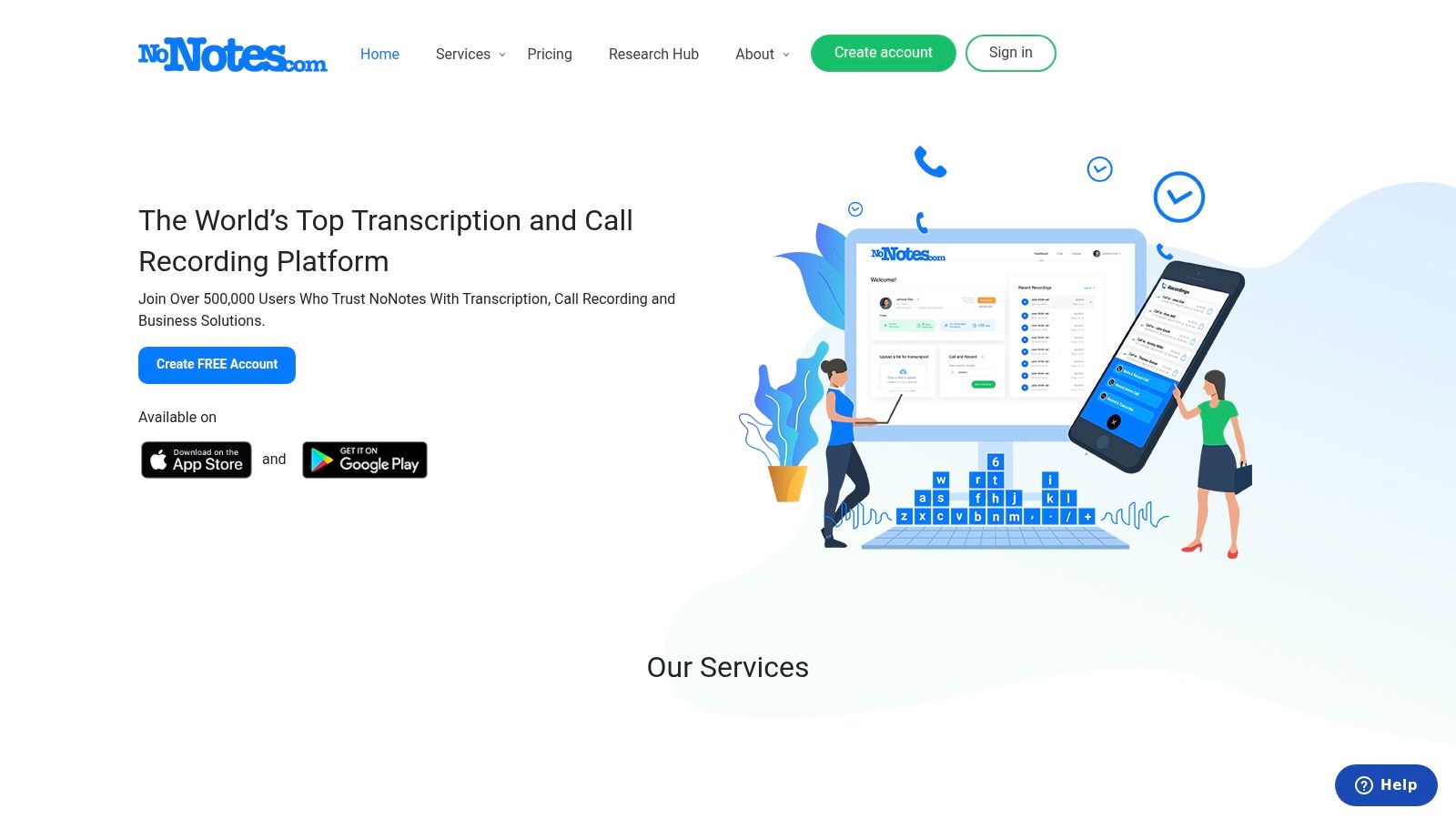
It gives you free recording minutes each month and supports both incoming and outgoing calls through a three-way calling workflow. That means you either dial through the app or add the recording line into an active call.
The trade-off with three-way recorders
Three-way recording services solve Apple’s restrictions by acting like a conference participant. That works, but it’s never as elegant as native recording.
What I like about NoNotes:
- Real free allowance: Good for occasional interviews, legal intake calls, or project check-ins.
- Inbound and outbound support: More flexible than inbound-only tools.
- Web access to files: You can grab MP3s without being trapped in the app.
What gets old fast:
- Merge friction: If your carrier or plan handles conference calling badly, this whole category becomes frustrating.
- Limited free minutes: Fine for light use, not enough for someone who records constantly.
NoNotes makes more sense if you record a handful of important calls each month and want transcripts without buying a full subscription from day one. If your real bottleneck is converting recordings into text, these free audio to text converter options are worth pairing with it.
4. Recordator
Recordator feels different from most App Store-first tools because its workflow is centered around a web dashboard. That’s useful if you prefer managing recordings from a browser instead of from an iPhone app.
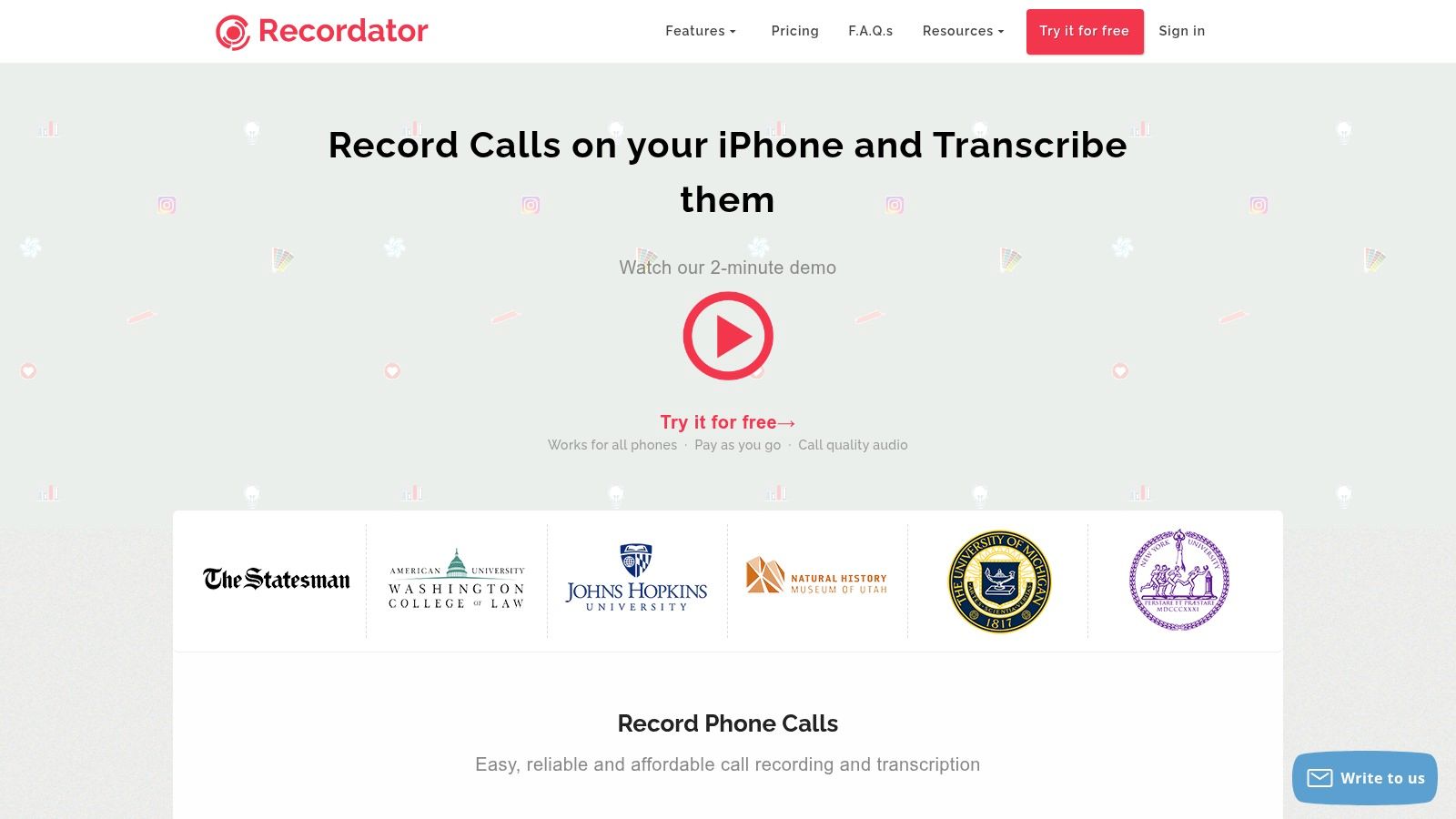
You can place outbound calls with click-to-call, handle inbound recording, and add a recording line to an active call. It also offers downloadable MP3 files and optional transcription.
When pay-as-you-go is better than a subscription
A lot of people searching for a free iphone call recorder don’t need a forever-free app. They need something for a hiring sprint, a reporting project, or a short run of interviews. Recordator is good in that scenario because its paid model is usage-based rather than forcing you into a monthly plan.
That said, the free portion is only enough to test the system. After that, you’re buying minutes.
The best thing about pay-as-you-go call recording is psychological. You don’t keep paying for a feature you only needed for two weeks.
I’d pick Recordator over subscription-heavy apps if your recording needs are irregular. I wouldn’t pick it if you need the fastest possible workflow. Browser-based setup and three-way merging are functional, not elegant.
Use Recordator if flexibility and downloadable files matter more than a polished in-app experience.
5. FreeConferenceCall.com
This is the first option on the list that isn’t pretending to be a direct call recorder. It’s a conference bridge service, and that honesty is part of why it works.
With FreeConferenceCall.com, you host an audio conference, merge your phone call into that bridge, and start recording from the host controls. Participants hear a recording notice, and you can download the resulting files afterward.
Best when “meeting” is close enough to “call”
If you regularly need to record coaching calls, interviews, support escalations, or multi-person conversations, the conference-bridge model is surprisingly practical. It’s less ideal for quick one-to-one calls where speed matters.
The upside is simple:
- Free recording workflow: Useful if you can tolerate the extra setup.
- Downloadable recordings: You’re not locked into a playback-only interface.
- Works across devices: As long as the call can be merged into the bridge, you can capture it.
The downside is call feel. A bridge can add a little latency, and the experience is more “hosted conference” than “native phone call.”
I usually suggest this route for people who care more about capturing the conversation than preserving a smooth caller experience. For routine client calls, it can feel clunky. For scheduled discussions, it’s completely workable.
6. RecMyCalls / Call Recorder for iPhone (Lite)
You finish a call, open the app, and realize the free version only lets you hear the first part of the recording. That defines the RecMyCalls Lite experience. It can confirm whether this style of recorder works on your iPhone and carrier, but it is not a true free long-term option.
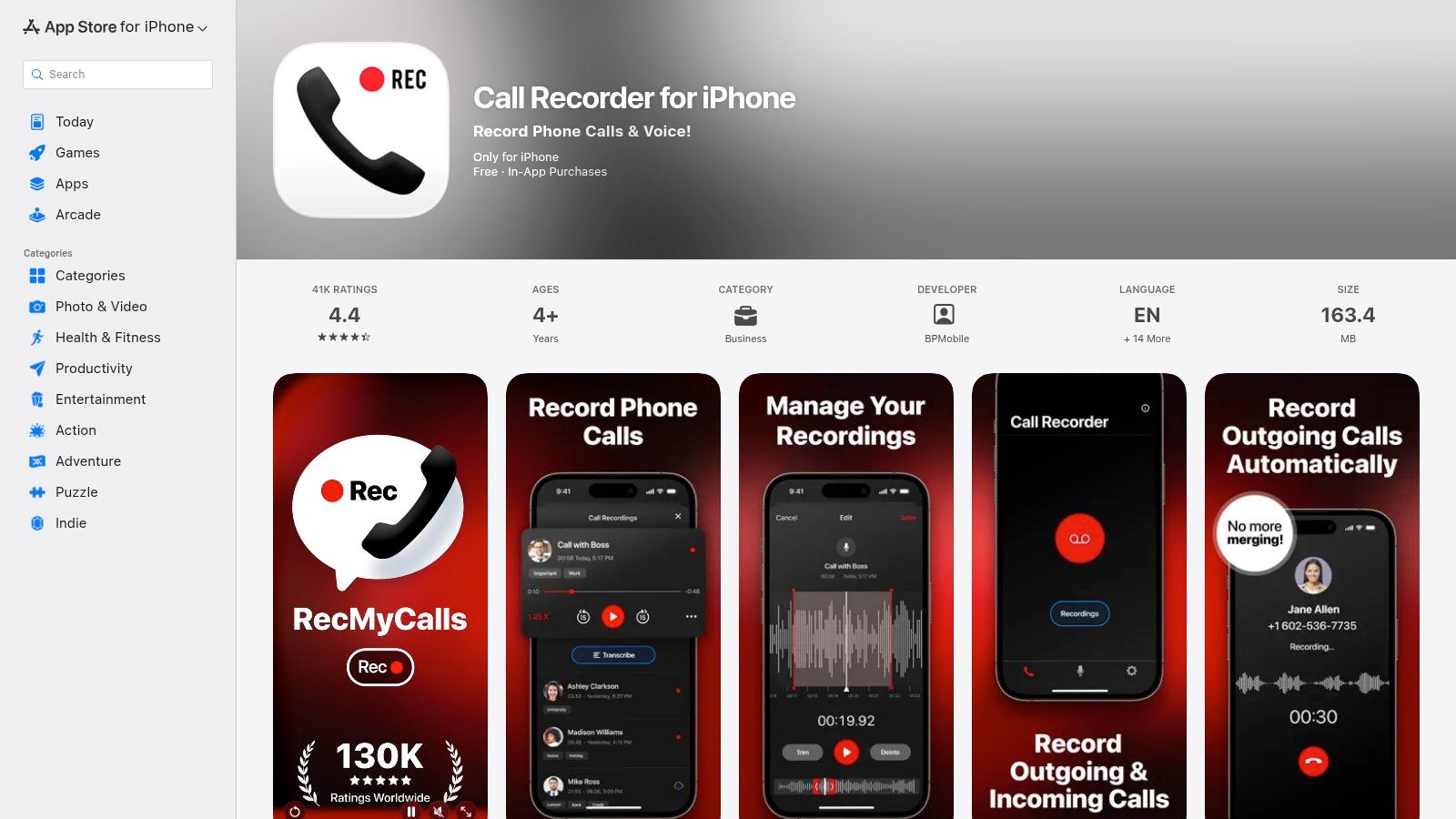
RecMyCalls sits in the classic App Store recorder category. It uses a conference-merge workflow for incoming and outgoing calls, then puts the upgrade prompt on playback. That setup makes it useful for one specific job: testing compatibility before you spend money.
Best used as a trial run for the 3-way merge method
If you are comparing native recording, conference-merge apps, and VoIP-based tools, this app helps you evaluate the middle option with low risk. You can place a few calls, check audio quality, and see whether the merge process feels acceptable for your routine. I have found that this matters more than feature lists. A recorder can look fine in the App Store and still feel too slow or awkward once you use it in real calls.
Analysts at SNS Insider estimated that two iPhone call recorder apps generated a combined USD 600,000 in monthly revenue, according to this SNS Insider market release via GlobeNewswire. That fits what these Lite apps are designed to do. They reduce the risk of trying a recorder, then charge once you want full access.
What you get from the free version is fairly narrow:
- A real compatibility test: Good for checking whether the merge flow works with your carrier and call habits.
- Cloud sharing options: Helpful if you plan to export clips for transcription or notes later.
- A hard playback limit: Fine for validation, frustrating for ongoing use.
Use Call Recorder for iPhone if your goal is to answer one practical question first: does this 3-way merge method work reliably enough for your calls to be worth paying for? If yes, the paid tier may make sense. If no, skip it and move to a VoIP option or Apple’s native recording where available.
7. WePhone
WePhone takes a different path. Instead of trying to record your regular cellular line, it records calls made through its own VoIP environment.
That difference matters. VoIP recording is often smoother because the app controls more of the call path. You’re not asking iOS to permit direct cellular capture, and you’re not relying on a conference merge to patch in a recorder.
Better if you’re willing to change how you call
If you’re already comfortable using a second number for business, creator outreach, or international calls, WePhone is practical. If you insist on recording your everyday iPhone number with no workflow changes, it probably won’t fit.
What stands out:
- Direct in-app recording for VoIP calls: Cleaner than three-way merge in many cases.
- Optional second number: Handy for separating work and personal calls.
- Exportable recordings: Good when you need to archive or transcribe.
What doesn’t:
- Not your native number by default: That’s the biggest adoption hurdle.
- Quality depends on data or Wi-Fi: Bad network conditions will show up in the recording.
- Credits may apply: “Free” often means free install, then low-cost calling.
This is one of the better options for people who treat calling as part of a broader communications stack rather than as a strict cellular habit. If your world already runs through apps, WePhone makes more sense than a merge-based recorder.
8. Cube ACR for iPhone
Someone installs Cube ACR expecting it to capture every iPhone call, then finds out the hard part is not the app. It is iOS.
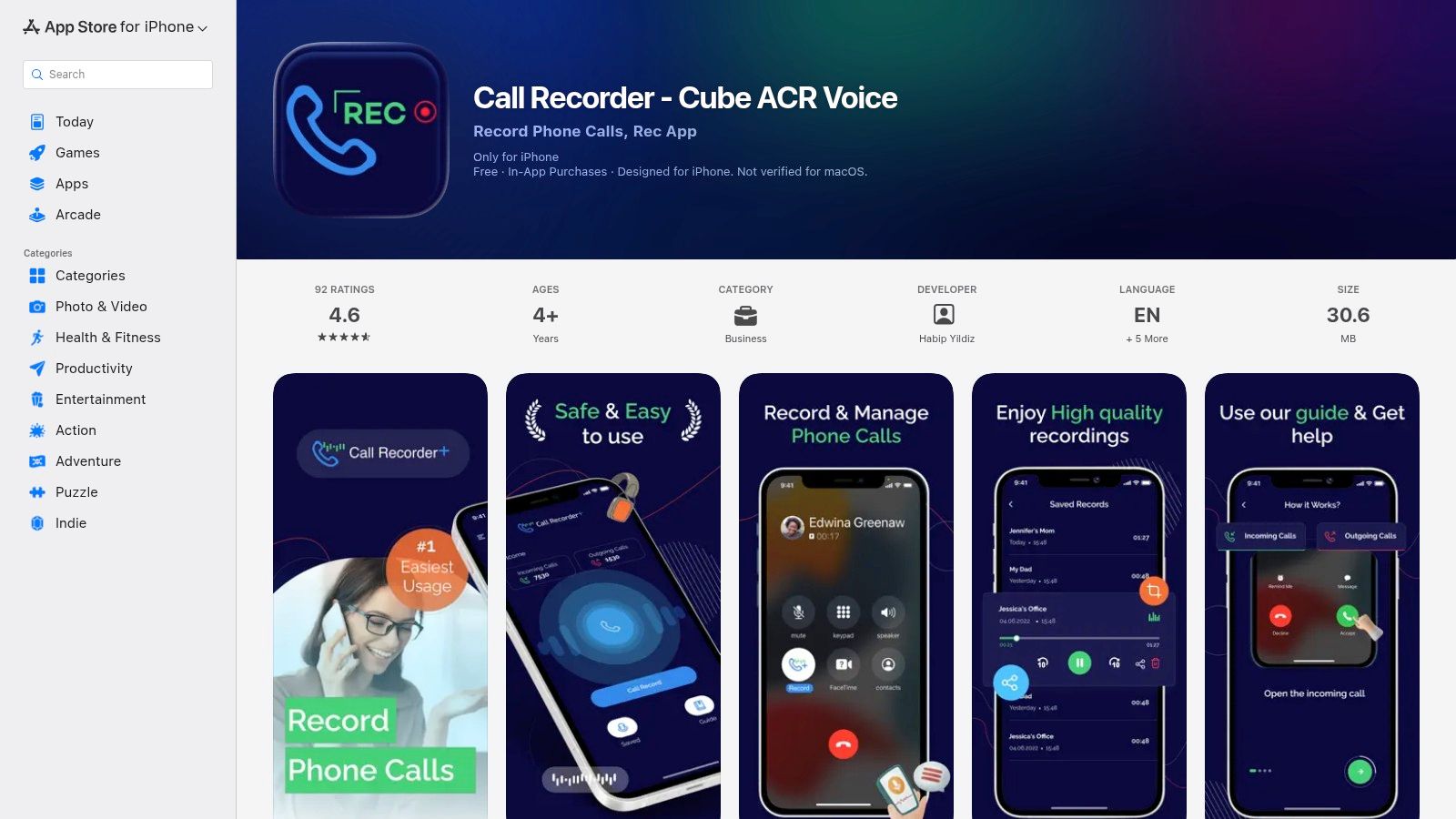
On iPhone, Cube ACR makes more sense as a companion for app-based conversations and voice recording than as a dependable recorder for standard carrier calls. That positioning matters. If your workflow already runs through internet calling apps, it may be useful. If you need consistent recording for your regular iPhone number, other methods in this guide fit better.
Where Cube ACR fits
The brand is familiar, and that alone draws a lot of searches. In practice, the iPhone version is a niche tool. I would only put it on the shortlist for people who already communicate through supported apps and are willing to test their setup before relying on it for anything important.
Here is who gets value from it:
- Users with app-based calling habits: Better fit for conversations happening inside supported communication apps.
- People who also want a recorder for notes or interviews: Useful beyond call capture.
- Anyone comfortable verifying compatibility first: Behavior can change across apps, permissions, and iOS updates.
The trade-off is straightforward. Cube ACR belongs in the VoIP bucket, not the native or three-way merge bucket. That makes it a specific tool, not a general answer.
Choose Cube ACR because your calls already happen in apps it can work with, not because the name is recognizable.
If that matches how you communicate, Cube ACR for iPhone is worth testing. If your goal is to record ordinary carrier calls and then turn those recordings into transcripts or summaries with tools like Whisper, start with a method built for that job.
9. Call Record NOW
Call Record NOW is the kind of app people install when they need recordings quickly and don’t want to spend an hour learning a complicated setup.
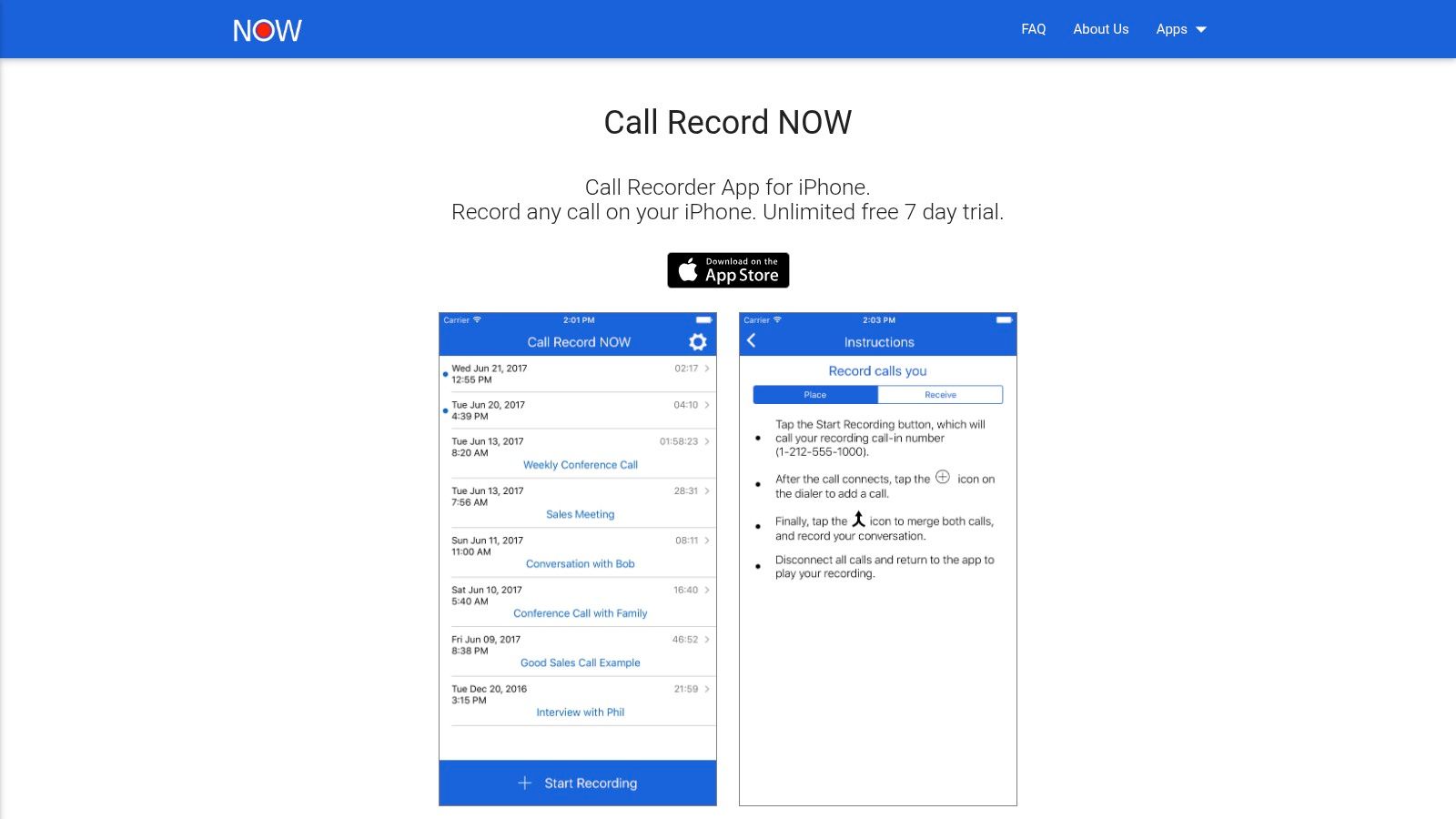
It uses the standard three-way method. You merge in a dedicated recording line, finish the conversation, and access the file inside the app. The main draw is the free trial, which suits short-term projects.
Best for short bursts of need
I’d put this in the “get through this week” category. Maybe you’re recording interviews for a feature, documenting vendor calls during a transition, or preserving a short series of customer conversations.
The upside is speed:
- Quick setup: Getting started is fast.
- Incoming and outgoing support: More versatile than inbound-only tools.
- Instant file access: Good when you need to share right after the call.
The catch is predictable. Once the trial ends, it becomes a subscription product, and the workflow is still merge-based.
For temporary use, Call Record NOW is perfectly reasonable. For long-term daily use, I’d compare its paid cost and reliability against native recording or a VoIP-first system before settling in.
10. FreeConference.com
FreeConference.com sits in the same general family as FreeConferenceCall.com, but the experience feels a bit more meeting-oriented. That can be a positive or a negative depending on your use case.
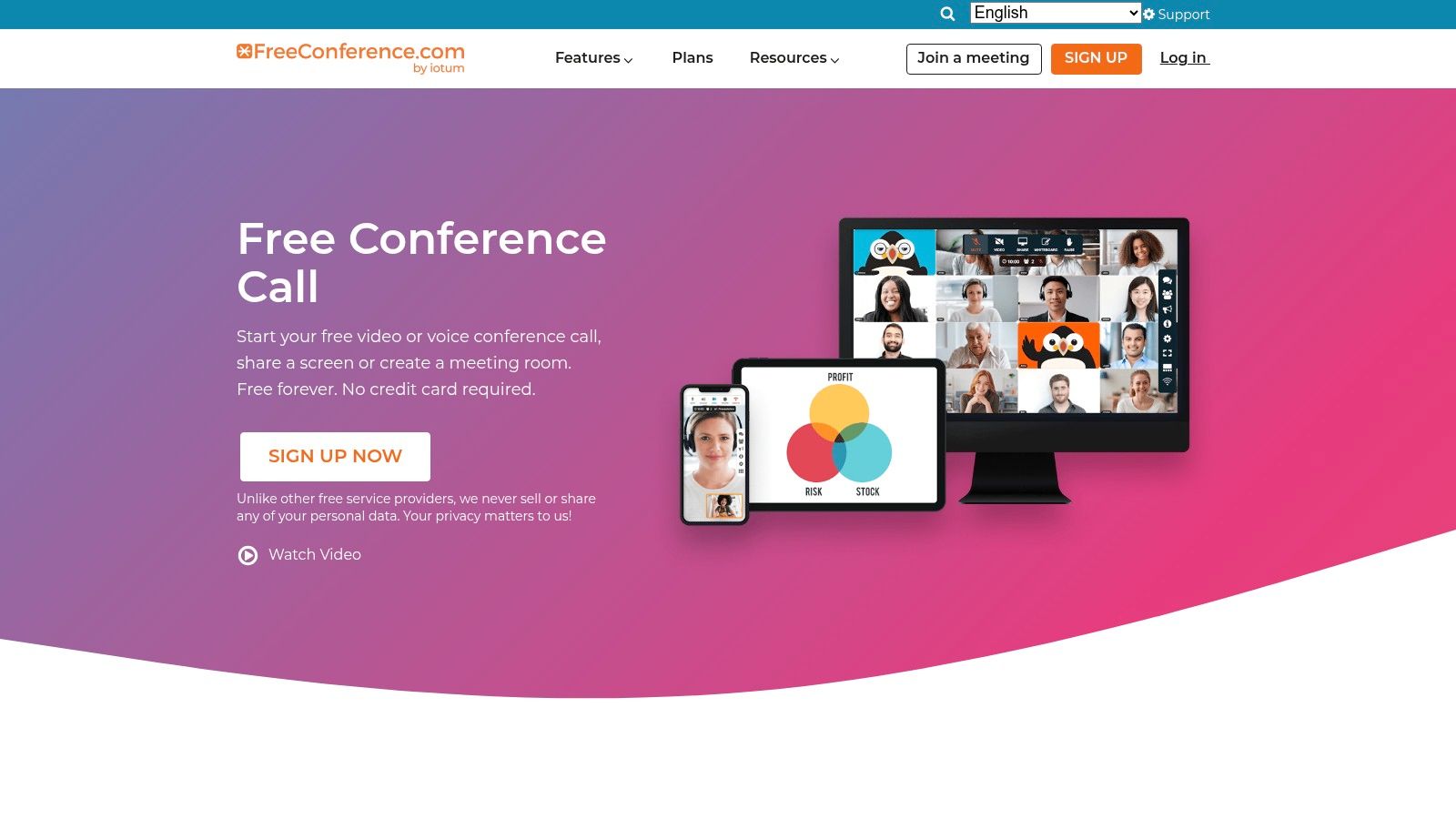
You create a room, join from your iPhone, merge your live call into the conference, and record from there. The end result is usually an MP3 you can store or transcribe.
A practical backup method
I don’t think this is the typical starting point. But I do think it’s worth having in your toolkit if direct call recording options fail, especially on older devices or awkward carrier setups.
This method works well when:
- You schedule calls in advance: Easy to prep a room before the conversation.
- You need downloadable files: That part is straightforward.
- You can tolerate a conference-style flow: It’s not trying to mimic native calling.
The main compromise is user experience. You’re effectively hosting a tiny meeting to record a phone call. Some people won’t mind that at all. Others will hate every extra tap.
Still, for a free option that avoids some App Store recorder weirdness, FreeConference.com is useful to keep around.
Free iPhone Call Recorder Comparison
| Solution | Core features | UX / Quality (★) | Price / Value (💰) | Target audience (👥) | Unique selling point (✨/🏆) |
|---|---|---|---|---|---|
| iPhone built-in call recording (iOS 18.1+) | Native Phone & FaceTime recording, auto-disclosure, Notes transcript & AI summary | ★★★★☆ | 💰 Free, first‑party | 👥 iPhone users, professionals needing native workflow | ✨ Native integration, secure device storage, Apple AI summaries 🏆 |
| Google Voice (personal) | Free US number, one‑tap inbound recording (press “4”), voicemail integration | ★★★★☆ | 💰 Free for inbound recordings | 👥 US-based individuals, simple inbound recording needs | ✨ Truly free inbound recording via VoIP |
| NoNotes | 3‑way call merge, 20 free mins/month, automated transcripts & web MP3 access | ★★★☆☆ | 💰 Free tier (20 mins), paid plans for heavy use | 👥 Low-volume recorders, testers of transcription | ✨ Free recurring minutes + web transcripts |
| Recordator | Web click‑to‑call, add‑call 3‑way, pay‑as‑you‑go minutes, MP3 downloads | ★★★★☆ | 💰 PAYG bundles, no subscription required | 👥 Occasional/outbound callers, pay-per-use users | ✨ Flexible PAYG billing, easy web dashboard |
| FreeConferenceCall.com | Conference bridge recording, host-activated, downloadable MP3s, iOS app | ★★★★☆ | 💰 Free (no published cap) | 👥 Teams, meeting hosts, anyone merging calls | ✨ Always‑free bridge recording, simple controls 🏆 |
| RecMyCalls / Call Recorder (Lite) | 3‑way merge, free/Lite with 60s playback cap, cloud export, transcription add-ons | ★★★☆☆ | 💰 Free Lite (limited), subscription for full features | 👥 Users evaluating 3‑way workflow before subscribing | ✨ Easy trial workflow, established app |
| WePhone | VoIP numbers, in‑app recorder, exportable recordings, credit-based calling | ★★★☆☆ | 💰 Free app + credits or purchases | 👥 VoIP callers, travelers, secondary-number users | ✨ Built-in VoIP recording without carrier merge |
| Cube ACR for iPhone | Records supported VoIP apps & voice memos, manual control, cloud backup IAP | ★★★☆☆ | 💰 Free to install, IAP for advanced features | 👥 VoIP app users, Android-to-iOS Cube users | ✨ Familiar Cube UI, manual record control |
| Call Record NOW | 3‑way dedicated recording line, instant access & sharing, 7‑day free trial | ★★★☆☆ | 💰 7‑day free, then subscription | 👥 Short projects, one‑off recording needs | ✨ Fast setup and instant file access |
| FreeConference.com | One‑tap in-meeting recording, cloud storage, MP3 downloads, mobile app | ★★★★☆ | 💰 Free plan with downloads | 👥 Meeting hosts, conference callers | ✨ Simple meeting-style recording, free downloads |
From Audio to Action: Making Your Recordings Work for You
You finish an important call, save the audio, and then the true challenge begins. Ten recordings later, you are scrubbing through timelines trying to find one promise, one price quote, or one decision someone swears was made.
Recording is only the first half of the job. The better question is what you need the file to do after the call ends.
The method you choose affects that next step. Apple’s built-in recording on supported iPhones is the cleanest starting point because it removes the extra merge step and keeps the workflow simple. Google Voice still makes sense for people who already use a Google number and mainly care about incoming calls. Three-way merge apps such as NoNotes, Recordator, RecMyCalls, and Call Record NOW can still get the job done, but they add friction at the worst moment. I have found that the biggest failure point is not audio quality. It is missing the first few seconds while adding the recording line, or having the other person get confused when the call briefly changes state.
Conference bridge tools and VoIP recorders serve different use cases. FreeConferenceCall.com and FreeConference.com work best when the call is planned and everyone is joining a meeting-style session anyway. WePhone and Cube ACR are more practical if your conversations already happen inside app-based calling rather than through your carrier number. That category-based view matters because there is no single best free iPhone call recorder. There is only the best fit for how you place calls.
Legal compliance deserves more attention than app store descriptions usually give it. US federal law follows one-party consent, but 11 states require all-party consent, and fines can reach up to $2,500 per violation, according to this TapeACall legal overview discussing consent and enforcement context. If you record for interviews, support, operations, or client work, build disclosure into your opening script and make it routine.
Raw recordings are archives. Transcripts are usable records.
That is why post-call processing matters so much. Analysts at Coherent Market Insights say the call recording software market is valued at USD 4.64 billion in 2026 and projected to reach USD 8.16 billion by 2033, with audio call recording holding a 45.9% share in 2026, according to Coherent Market Insights on the call recording software market. The point is not market size for its own sake. It is that recorded conversations become more useful when you can search them, summarize them, and pull out decisions without replaying the whole file.
Whisper AI turns a stored call into something you can work with. Upload the MP3 or other audio file, and you can get a searchable transcript, a concise summary, speaker-separated notes, and action items. For client calls, that usually means faster follow-ups. For interviews, it means easier quote review and theme tagging. For internal operations, it gives teams documentation they can search later instead of another hour-long file sitting in a folder.
If you are already recording calls, do not stop at storage. Whisper AI turns those recordings into searchable transcripts, summaries, timestamps, and action points so you can use what was said. It supports long audio files, speaker detection, exports to common formats, and 92+ languages, which makes it a practical next step for creators, journalists, and teams who need more than a raw recording.


























































































