
How to Record a Phone Conversation (Legally & Clearly)
You’re usually not trying to record a phone call because the call was trivial.
It’s the client who changed the scope halfway through. The source who gave you the exact quote you now can’t reconstruct. The guest who mentioned three books, two names, and one date while you were also trying to keep the conversation moving. Hours later, you’re staring at thin notes and a vague memory, trying to separate what was said from what you think was said.
That’s the reason people search for how to record a phone conversation. Not curiosity. Accuracy.
The better approach isn’t just “save the audio.” It’s to build a repeatable workflow: get consent properly, capture clean sound, store the file in a way you can find later, and turn it into searchable text you can use. That matters for solo creators, but it matters even more for teams. Modern phone systems that track and log calls enable 20 to 30% faster follow-ups on missed calls and can reduce overload by 15 to 25% by showing peak call times for staffing, according to PhoneTracker247’s summary of business call logging. That same source notes a projection of 3.5 billion VoIP lines by 2025, which tells you where the operational side of communication is heading.
A recorded call becomes much more than a memory aid when you treat it like source material. It becomes documentation, training input, evidence of what was agreed, and a searchable archive you can reuse.
Why Simply Remembering Important Calls Is Not Enough
A lot of bad follow-up starts with good intentions.
You finish a call thinking you’ll remember the important parts. Then your next meeting starts. An email comes in. By the afternoon, the details have blurred together. Was the deadline next Thursday or the one after? Did the interview subject say they were comfortable being quoted on that section, or only on background? Did the customer agree to a trial, or just ask for pricing?
Memory is fine for tone. It’s unreliable for specifics.
Notes help, but notes are selective
Handwritten notes and rushed bullet points capture what you noticed in the moment. They don’t capture what you missed. They also tend to flatten nuance. You might write “concern about budget,” but the recording reveals the underlying issue was procurement timing, not price.
That distinction matters when the next step depends on precision.
For journalists and researchers, recordings prevent quote drift. For podcasters, they preserve phrasing you’d never recreate cleanly from memory. For business teams, they stop internal debates about what was promised on the call.
Practical rule: If a conversation affects money, editorial accuracy, project scope, compliance, or reputation, don’t rely on memory alone.
A call record is useful before the audio even matters
There’s another layer people overlook. Even without audio, call records themselves can be operationally valuable.
In legal and business contexts, carriers and systems may maintain call detail records that capture the caller’s number, timing, duration, and related metadata rather than content. The legal framework around those records has been established for years, and they’re routinely used to establish timelines and patterns, as described in this overview of cell phone records as legal evidence.
That doesn’t replace a recording. It shows why a disciplined record of calls matters.
The real upgrade is reuse
The strongest reason to record a phone conversation isn’t that you can replay it. It’s that you can reuse it.
A single conversation can become:
- A reference point for disputes about what was agreed
- A transcript for show notes, articles, or research files
- A coaching asset for sales or support teams
- A searchable archive you can revisit months later
- A source document for summaries, action items, and follow-up emails
People usually start with “I need to record this call.” What they need is a system that makes the call usable after it ends.
Before You Press Record Understanding the Legal Rules
Recording technology is the easy part. Consent law is the part that can create significant damage if you get it wrong.
The baseline issue is simple: some places let one participant consent to recording, while others require everyone on the call to agree. The hard part is that phone calls often cross state lines, and that’s where people make bad assumptions.
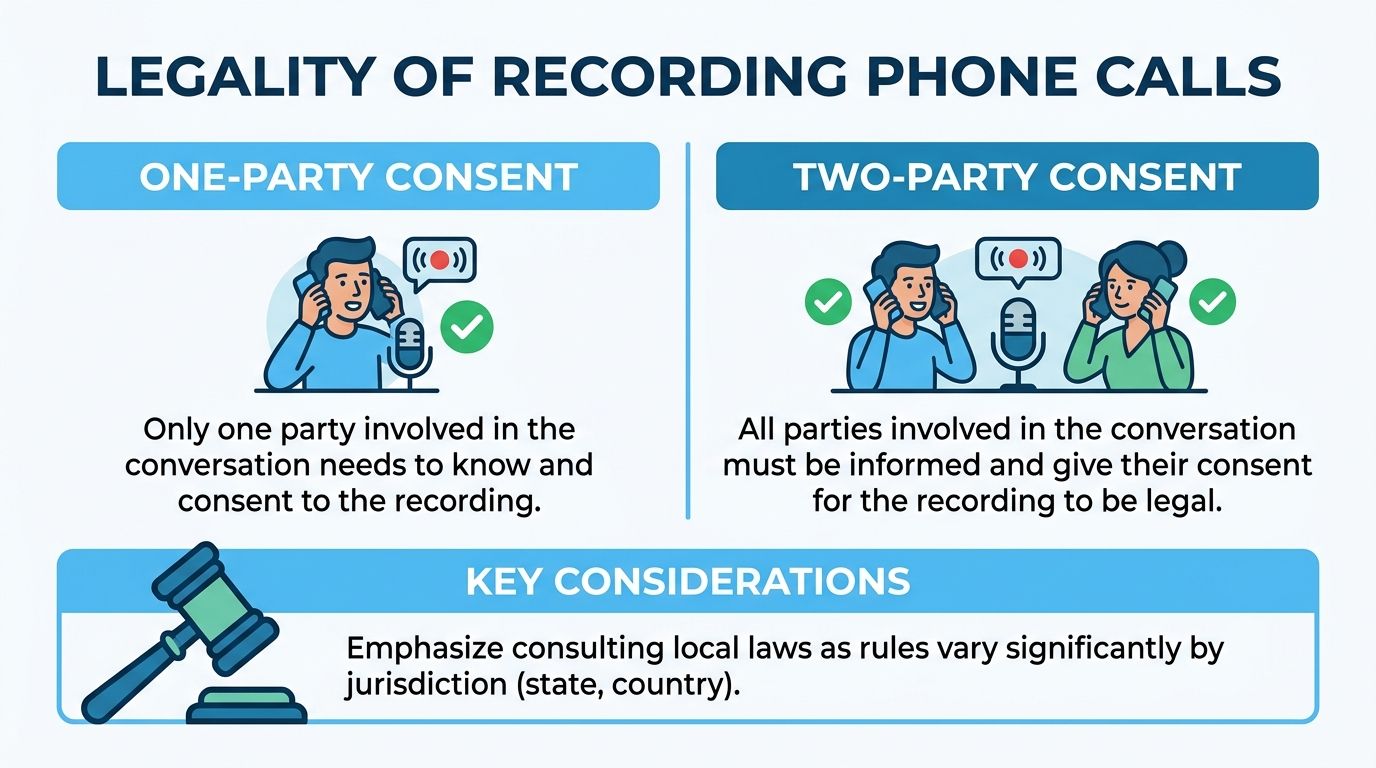
One-party consent and all-party consent
In a one-party consent setting, one participant in the conversation can consent to the recording. If you are that participant, that often means you can record the call.
In an all-party or two-party consent setting, every participant must know about the recording and agree to it before you continue.
That sounds straightforward until your call involves people in different states or countries.
Cross-state calls are where people get exposed
The cleanest example is California. California’s all-party consent rule has been interpreted broadly enough that it can apply even when the other caller is in a one-party state. In Kearney v. Salomon Smith Barney, Inc., California’s rule was held to apply even when only one party was in California, which means recording a Californian from a one-party state like Texas without consent can still be illegal, as summarized in Justia’s survey of recording phone call laws.
That single point changes how I’d handle almost every interstate call. If there’s any chance one participant is in a stricter jurisdiction, assume the stricter rule controls your behavior.
Nevada is another example people miss. Its rules for phone calls are stricter than many people expect, even if they know the state’s broader in-person consent framework.
If you don’t know where every participant is calling from, don’t improvise. Ask, disclose, and get a verbal yes on the recording.
For a more detailed breakdown of edge cases, interstate scenarios, and safer disclosure practices, this guide on is it legal to record calls is a useful companion.
What to say at the start of the call
You do not need a clever script. You need a clear one.
Try one of these:
- Simple version: “Before we start, I’d like to record this call so I can reference it accurately later. Is that okay with you?”
- Group call version: “I’m recording this conversation for notes and accuracy. Can everyone confirm they consent?”
- Interview version: “I’d like to record this so I can quote you accurately. Do I have your permission to continue with recording?”
If someone hesitates, stop there. Don’t start the substantive part of the call and ask again later. Get the answer first.
Document the consent itself
A common mistake is treating consent like a box you check mentally.
Record it in the recording. That means the beginning of the file should include the disclosure and the participant’s agreement. In business setups, an automated notice can do part of that work. In two-party consent jurisdictions, failure to obtain explicit agreement can create serious legal risk. Non-compliant setups have shown failure rates exceeding 70% in legal reviews, and Houzz Inc. faced a $10,000 penalty for undisclosed recordings. The same legal review notes that a simple automated message stating “This call may be recorded” achieves over 95% consent acknowledgment in practice, according to MWL’s discussion of recording business calls.
That’s one reason large systems rely on disclosure at the start, not employee memory.
A safe workflow for podcasters, journalists, and teams
If you need a practical standard that travels well across use cases, use this:
- Identify locations early if the call may be interstate or international.
- Disclose before substance. Don’t bury the notice after the important part begins.
- Ask for an audible yes from each participant.
- State the purpose briefly. Notes, accuracy, quality, documentation. Keep it plain.
- If anyone declines, stop recording and either continue without recording or end the call.
Recording and transcription are not the same legal event
Newer workflows become messy at this stage. Even if the recording itself was lawful, what happens after upload can trigger a separate compliance question. If the audio is going to a cloud service, being shared across a team, or used in AI processing, treat that as a second checkpoint.
For many people, that’s the part they skip. It’s also the part that tends to show up later in complaints, disputes, or policy violations.
Recording Calls on Your Smartphone (iOS & Android Methods)
Smartphones are the most common place people try to record a phone conversation, and they’re also the most frustrating.
The short version is that direct call recording is often restricted at the operating system, carrier, or device-manufacturer level. That’s why the “best app” advice online often feels inconsistent. One method works on one phone, then fails completely on another with the same app installed.
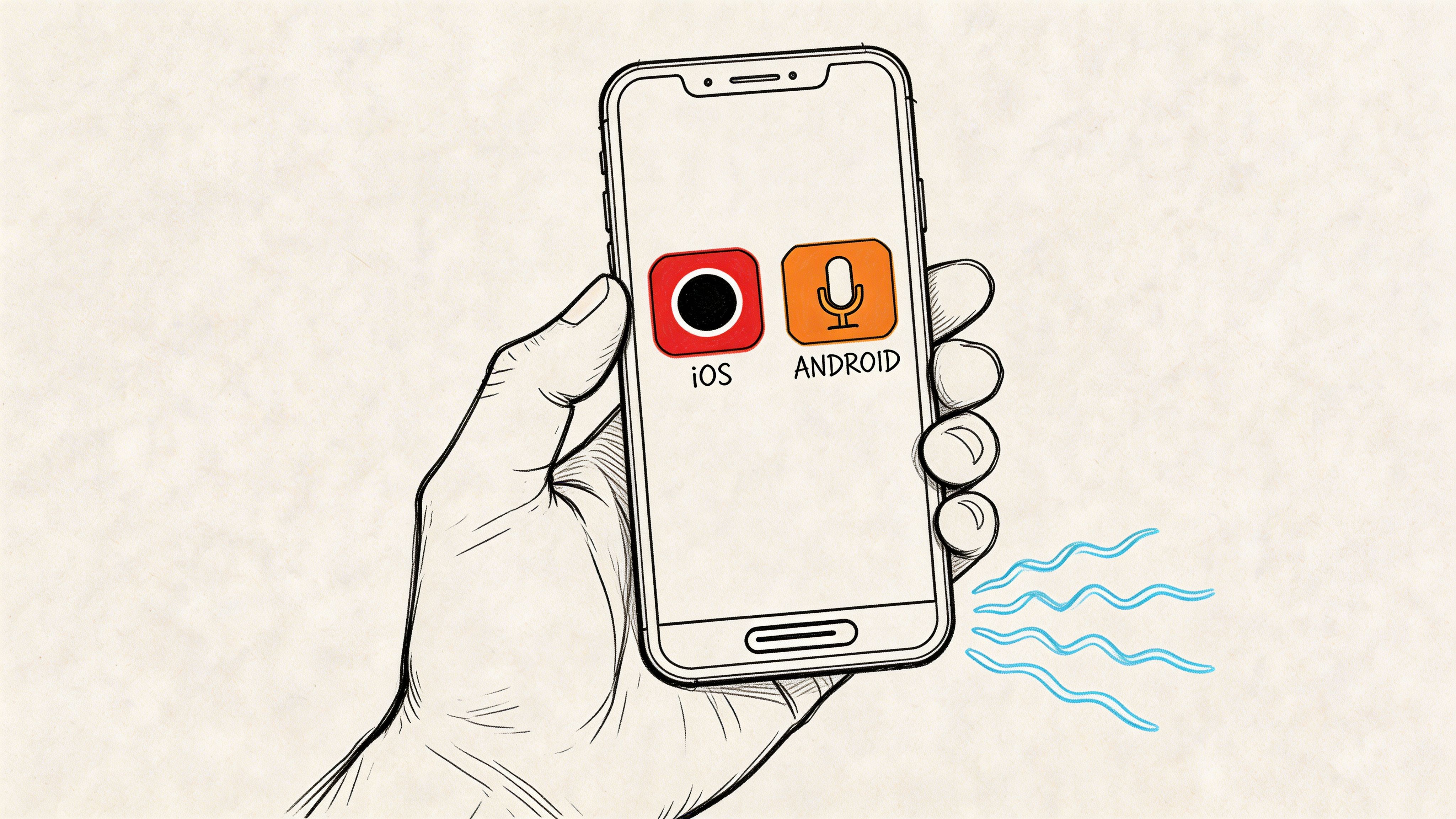
Why phones make this harder than it should be
Phone makers and platform owners restrict in-call audio access for privacy and legal reasons. That’s why native recording may be available in one region, disabled in another, or only work with carrier support.
In practice, smartphone recording usually falls into three categories:
| Method | How it works | Best for | Main drawback |
|---|---|---|---|
| Native phone recording | Built into the phone app | Fastest workflow | Availability varies by device and region |
| Third-party app workaround | Uses conference calling, accessibility tools, or service integration | People who need flexibility | Reliability can change after OS updates |
| Speakerphone plus second device | External recorder captures the call acoustically | Backup option | Lower audio quality and more room noise |
iPhone usually relies on call merging
On iPhone, the most common workaround uses a three-way call merge system. The app calls a recording line, then you merge that line into your live call.
That setup is less elegant than native recording, but it has one advantage. Because the recording happens through a service rather than trying to hook directly into protected iPhone call audio, it can remain viable when direct-access methods are blocked.
What tends to work on iPhone:
- Apps that use conference-call recording. These usually require carrier support for call merging.
- VoIP apps with built-in recording controls. If the call happens inside the app rather than the phone dialer, recording is often easier.
- A second device in a quiet room. It’s not premium, but it’s dependable in a pinch.
What usually doesn’t work well is assuming every App Store recording app can natively capture any live cellular call. Many can’t.
Android is more variable than better
Android users often hear that recording is easier on Android. Sometimes it is. Sometimes it’s not.
Some Android phones include built-in call recording in the Phone app. Others remove or limit it. Third-party apps may rely on accessibility permissions or manufacturer-specific behavior, which means one update can break your entire setup.
When testing Android recording methods, I’d look for three things before trusting any app:
- Whether it records both sides clearly
- Whether it announces recording automatically
- Whether it saves files in a format you can export easily
If the app only captures your voice, it’s not a solution. It’s a false sense of security.
The best smartphone recording setup is the one you test before the important call, not during it.
A lot of users also forget the legal side on mobile because the interface feels informal. That’s a mistake. As noted earlier, undisclosed recording can create legal exposure, and automated notice tends to be the safest path when your tool supports it.
A practical smartphone decision tree
If you need something you can use today, pick based on your actual environment:
- You mostly record interviews from one location. Use a VoIP app or desktop call method instead of relying on your carrier call path.
- You need mobile capture for occasional calls. Try your phone’s native recording first, then a merge-call app second.
- You need fail-safe capture. Put the call on speakerphone and record with a second dedicated device in a quiet room.
- You need polished business records. Skip the phone app layer and move the conversation to a business phone system.
Later in the workflow, file handling matters just as much as capture. Name files clearly when you save them. Date, participant, and topic beat “Call Recording 7.”
Here’s a useful visual overview of the general process and trade-offs on mobile:
What works reliably on smartphones
The methods I trust most are not the flashiest ones.
Reliable options tend to be:
- Native recording built into the phone app, if your device and region support it.
- Three-way merged recording services on iPhone, provided your carrier supports conference calls.
- VoIP-based calling apps where recording is part of the service design.
- External recording with speakerphone when everything else is blocked.
The less reliable path is betting on a random app that promises secret direct recording on every device. Those promises usually outlast the app’s actual compatibility.
Desktop & VoIP Solutions for Recording Professional Calls
If the call matters to your work, desktop and VoIP tools are usually the better place to record it.
The reason is simple. Professional platforms are built around account-level control, participant notices, export options, and predictable storage. Phones are personal devices with inconsistent restrictions. Business calling systems are systems.
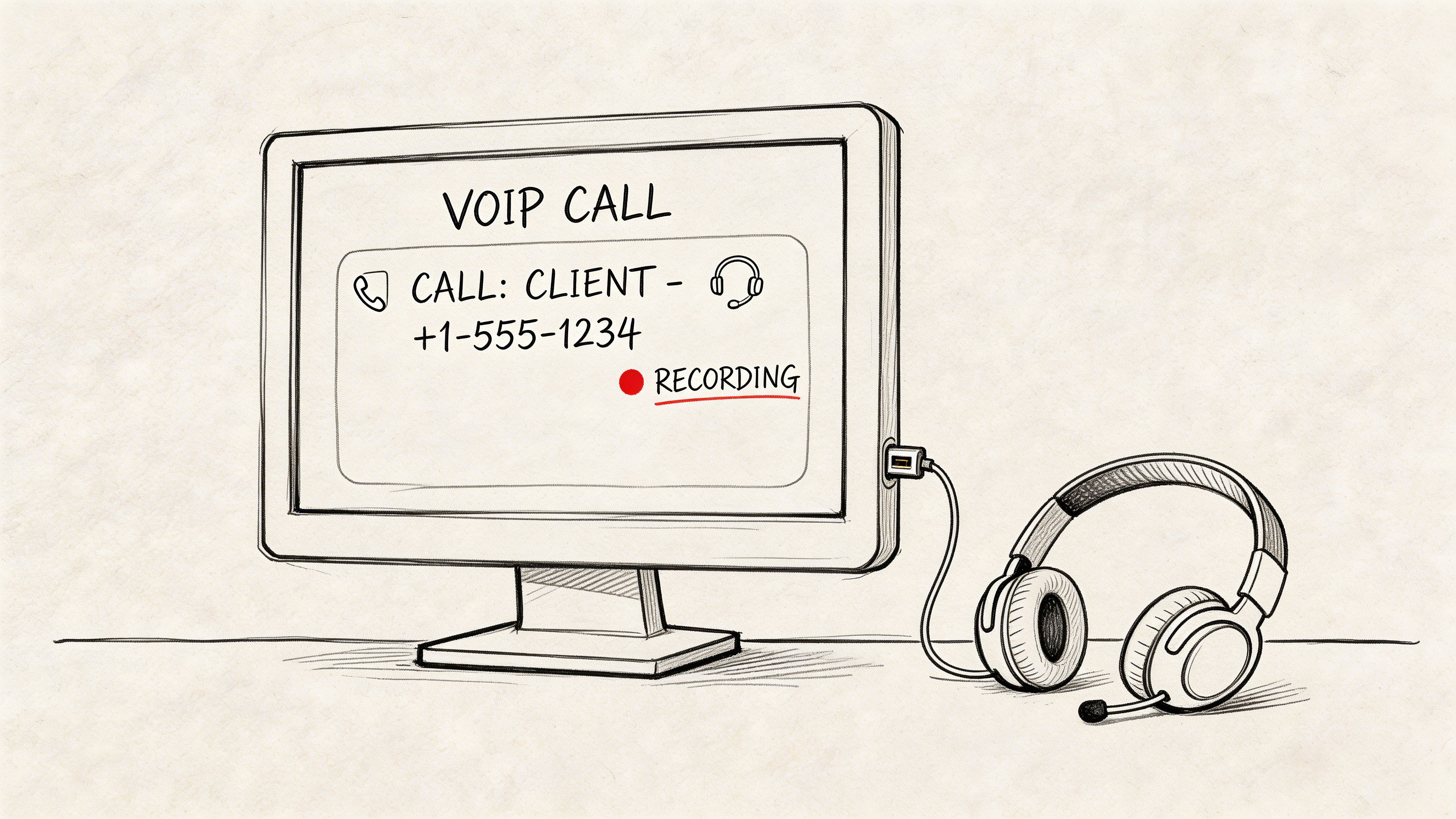
Why VoIP recording is usually cleaner
The biggest advantage is audio quality.
For high-fidelity capture, VoIP with WebRTC can record lossless stereo audio at 48kHz/16-bit, avoiding mobile carrier compression that can reduce audio to 64kbps mono. That improves downstream transcription quality, and cloud PBX systems can also provide dual-channel recording so each side of the conversation is separated into its own stream, according to Nextiva’s overview of business call recording.
That dual-channel point matters more than often acknowledged. Separate channels make review easier, improve speaker separation, and reduce the mess when people interrupt each other.
If you want a plain-English explainer before choosing a platform, this guide on What Is VoIP is a good refresher on how internet-based calling differs from traditional phone lines.
The common desktop options compared
Not every desktop calling tool handles recording the same way.
| Platform type | Typical recording behavior | Strength | Weak spot |
|---|---|---|---|
| Video meeting apps like Zoom or Google Meet | In-app record button and participant notice | Easy for interviews and meetings | Often optimized for meetings, not phone-style inbound/outbound workflows |
| Softphone apps tied to business phone systems | Automatic or policy-based recording | Better for repeatable business use | Setup can require admin access |
| Full cloud PBX systems | Queue-level, user-level, or rules-based recording | Best for sales, support, and compliance | More than many solo users need |
What works well in practice
For interviews, remote podcasts, and scheduled conversations, meeting tools are often enough. They notify participants, save files centrally, and make it obvious when recording is active.
For sales or support teams, a cloud PBX is stronger. You can define when calls are recorded, how they’re labeled, who can access them, and where they’re stored. That removes the “did someone remember to hit record?” problem.
The quality difference is also obvious once you review a few files side by side. A browser-based or app-based VoIP call captured at the source usually sounds sharper than a cellular recording routed through speakerphone.
A professional call workflow should make the legal step visible and the technical step boring. If staff have to invent a method on each call, the system is already failing.
What tends to break these setups
I’ve seen four recurring problems:
- People use the wrong tool for the call type. A mobile workaround gets used for a recurring client workflow that should live inside a PBX.
- Recordings save locally with weak naming. Nobody can find the file later.
- The notice is inconsistent. One rep discloses. Another forgets.
- Audio is mixed into one muddy track. Review becomes harder than it should be.
If you want recordings to become useful assets, source capture matters. A clean, source-level VoIP recording saves time later in editing, clipping, note extraction, and transcription.
When desktop beats mobile immediately
Choose desktop or VoIP first if any of these apply:
- You host interviews on a schedule
- You need repeatable client documentation
- Your team shares call reviews
- You care about transcription quality
- You need central storage and role-based access
For one-off personal use, mobile methods can be enough. For recurring professional calls, desktop and VoIP setups are usually the line between “we have a file somewhere” and “we have a usable record.”
Turning Your Recordings into Searchable Text with Whisper AI
A recorded file is useful. A searchable transcript is what makes the file practical.
Many users stop too early. They figure the job is done once the call has been captured. Then the recording sits in a folder with a vague filename until they need a quote, a timestamp, or the exact phrasing of a decision. At that point, they scrub through audio manually and lose more time than they saved.
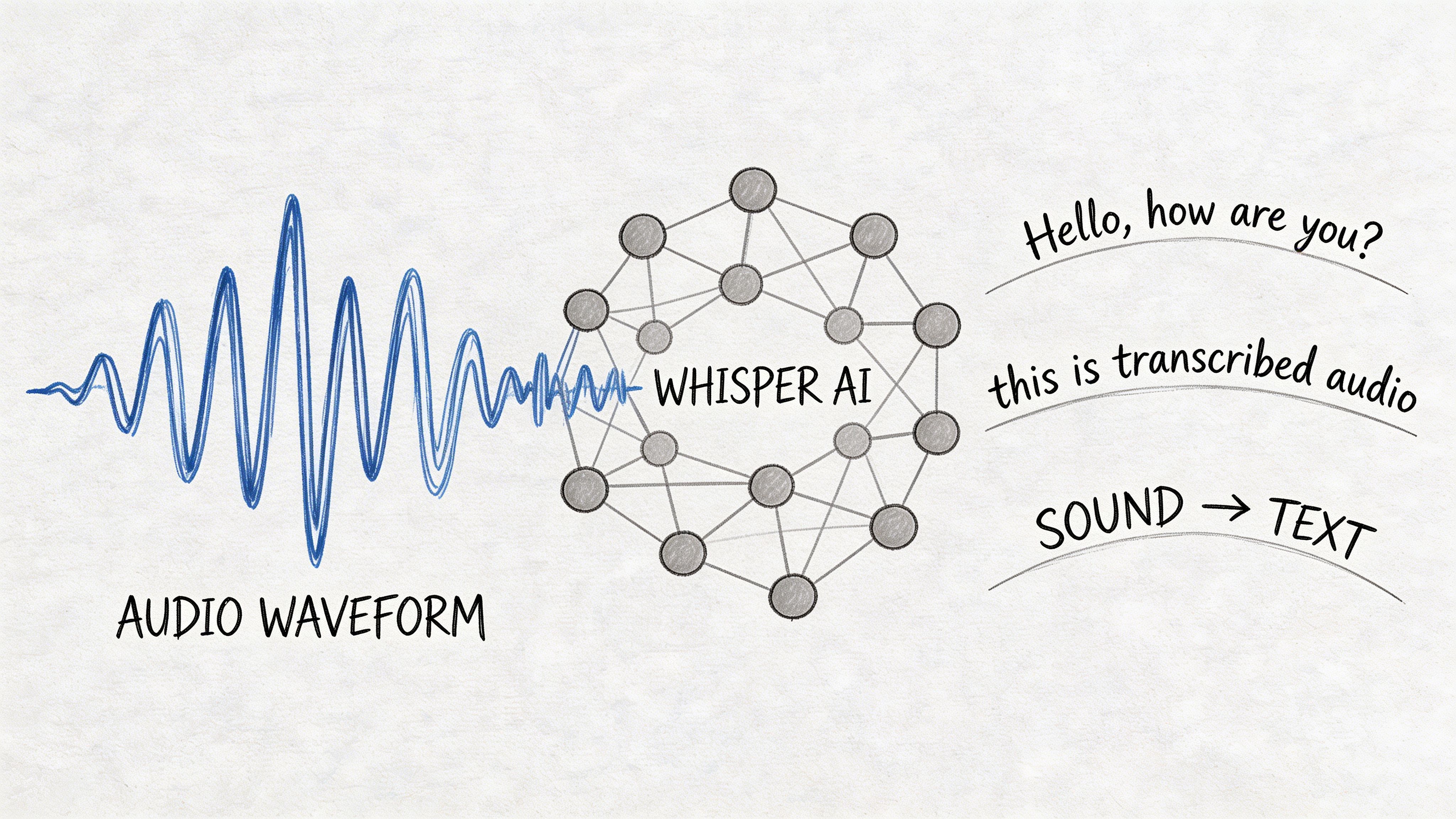
What a searchable workflow changes
Once your call becomes text, several things get easier fast:
- Journalists and researchers can find a name, phrase, or quote instead of re-listening end to end.
- Podcasters and YouTubers can pull episode descriptions, clip ideas, and timestamps from the conversation.
- Business teams can turn calls into notes, summaries, and action items without depending on one person’s memory.
The key is not just transcription. It’s transcription plus structure. Speaker labels, timestamps, and summary layers make the archive usable.
A practical workflow after the call
The cleanest post-call process looks like this:
- Export the original audio from your phone app, meeting platform, or VoIP system.
- Rename the file immediately with date, participants, and topic.
- Upload it for transcription rather than storing raw audio and hoping you’ll revisit it later.
- Review speaker separation and timestamps before sharing internally.
- Generate a summary and action list while the call is still fresh.
If you want the nuts and bolts of the platform workflow itself, this walkthrough on how to use Whisper AI covers the upload and transcript process in more detail.
The compliance issue most guides skip
This is the part many tutorials ignore. Recording consent and AI processing consent are not always treated as identical.
Uploading a recording to a cloud transcription service can be considered a form of sharing or “interception” under some state-law interpretations. California’s framework is becoming more specific here as well. According to Plaud’s summary of call recording law issues, 2026 amendments to the CCPA require specific disclosures for AI audio processing in California, and GDPR rules for global users tighten consent expectations around automated processing.
That means the safer habit is to disclose not just recording, but also transcription or AI-assisted analysis when relevant.
A simple version works well: “I’m recording this call and may use transcription software afterward for notes and accuracy. Is that okay?”
Why this step matters more over time
Audio libraries decay fast when they stay as audio.
Text libraries compound in value because you can search them. You can compare conversations across time, find recurring objections, recover exact language, and build reference material from real interactions instead of vague recollections.
The difference between an archive and a pile of files is searchability.
For creators, that means less time hunting through old interviews. For teams, it means conversations stop disappearing the moment the call ends.
Pro Tips for Capturing High-Quality Call Audio
Legal recording is only half the job. If the audio is muddy, clipped, echoing, or full of interruptions, the file won’t be much use later.
The biggest quality gains usually come from simple habits, not expensive gear.
Fix the environment before you fix the software
A bad room can ruin a good setup.
Use a quiet space with soft furnishings if possible. Hard rooms create reflections. Open offices add keyboard noise, HVAC rumble, and side conversations that make speaker separation harder later.
Do this before the call starts:
- Close the obvious noise sources. Fans, notifications, nearby tabs, and hallway doors all end up in the recording.
- Wear headphones when possible. This reduces echo and keeps the other caller’s voice from bleeding back into your mic.
- Avoid speakerphone unless it’s your fallback method. It’s workable, but it lowers clarity and raises room noise.
Speak like you want the transcript to work
People often blame the tool when the problem is turn-taking.
If two people talk at once, even a strong transcription system has less to work with. The same goes for mumbled transitions, half-finished sentences, and rapid-fire interruptions.
A few habits improve results immediately:
- Pause before responding. It reduces overlap.
- State names early on group calls. Speaker labeling gets easier later.
- Repeat unusual names or technical terms once. That helps both humans and software.
- Don’t type while you talk. Mechanical noise is more destructive than generally understood.
For people building a dedicated setup, this guide to choosing an audio recorder device is a useful reference point for understanding what hardware choices matter.
Your microphone choice matters less than placement
You don’t need a studio mic to record a phone conversation well.
You do need the microphone close enough to your mouth, consistent enough in level, and isolated enough from room noise to capture your voice cleanly. A modest wired headset often beats a laptop mic across the room.
Cleaner source audio saves time twice. Once when you review the call, and again when you transcribe it.
A quick pre-call check
Before any important conversation, test these:
- Can both sides be heard clearly?
- Is recording visibly active?
- Is your backup method ready if the primary one fails?
- Do you know where the file will save?
- Have you planned your disclosure line?
That short check prevents most of the avoidable failures.
Common Questions About Recording Phone Calls
Some call-recording problems don’t show up until you’re already in the middle of the situation. These are the ones people ask about after something gets awkward, technical, or legally fuzzy.
What if someone refuses consent after the call starts
Stop recording immediately.
If the person refuses, you have two clean choices. Continue without recording, or end the conversation and reschedule under terms both sides accept. Don’t try to keep recording “just for your own notes” if the applicable rules require consent from everyone.
If consent was given and then withdrawn, treat that withdrawal seriously. Save only the portion you were lawfully allowed to keep, and be careful about later sharing or processing.
Do video calls follow different rules
Usually the same consent logic applies to the audio component, and many platforms also display visible recording notices. The safer practice is to disclose verbally even if the platform shows a recording indicator.
That’s especially important on remote interviews, podcast guest sessions, and client meetings where people may join from different jurisdictions.
How should I store a lot of recorded calls
Use a boring naming system and stick to it.
Good example: 2026-04-13_ClientName_ProjectKickoff
Bad example: Final recording new call v2
Also separate raw files from edited versions and transcripts. If you keep everything in one folder, retrieval turns into guesswork.
For teams, access control matters too. Not everyone who can listen should be able to download, share, or delete.
Can recorded calls be used as evidence
Sometimes, yes. But usefulness and admissibility are different questions.
A recording can help establish what was said. Call logs and metadata can also help establish that a call happened, when it happened, and how long it lasted. Whether a specific recording is admissible or persuasive depends on the circumstances, the jurisdiction, authenticity questions, and whether it was obtained lawfully.
If the stakes are legal rather than operational, get legal advice before relying on the file.
Is recording on speakerphone with another device acceptable
It can be, and it’s often the emergency backup when native or app-based recording fails.
The trade-off is quality. You’re adding room acoustics, distance, and ambient noise. It’s fine for preserving content. It’s not ideal for polished archival audio.
If you use this method often, your headphones or earbuds matter because they affect clarity and echo control. If you’re comparing options for clearer conversations in general, this roundup of the best earbuds for calls is a practical place to start.
Should I tell people I’m also using transcription
Yes, especially if the call is sensitive, interstate, or likely to be shared.
That extra sentence removes ambiguity and sets expectations early. It also helps if your workflow includes summaries, speaker identification, or team access later.
What’s the simplest safe habit
Use one consistent opening line, every time.
Tell participants the call is being recorded. Mention transcription if relevant. Ask for a clear yes. Then start the main conversation.
If you want the fastest path from recorded call to clean transcript, timestamps, speaker labels, and usable summaries, try Whisper AI. It turns raw phone conversations into searchable text you can review, share, and act on without digging through audio by hand.


























































































