Speech to Text Accuracy: Improve Your Transcripts
You uploaded the file, hit transcribe, and got back a document that looks like it was assembled by a distracted intern. Speaker labels drift. Product names turn into nonsense. A simple phrase like “market share” becomes “market chair,” and now every sentence needs interpretation before it becomes useful.
That frustration is common because people treat transcription like a black box. They assume accuracy is something the model either has or doesn't. In practice, speech to text accuracy is heavily shaped by the choices you make before the file ever reaches the transcription engine.
A bad transcript usually isn't one single failure. It's stacked problems. Laptop mic. Hard room. Two people talking over each other. HVAC hum. Compressed upload. Fast delivery from speakers who assume the software will “figure it out.” Then the transcript gets blamed for all of it.
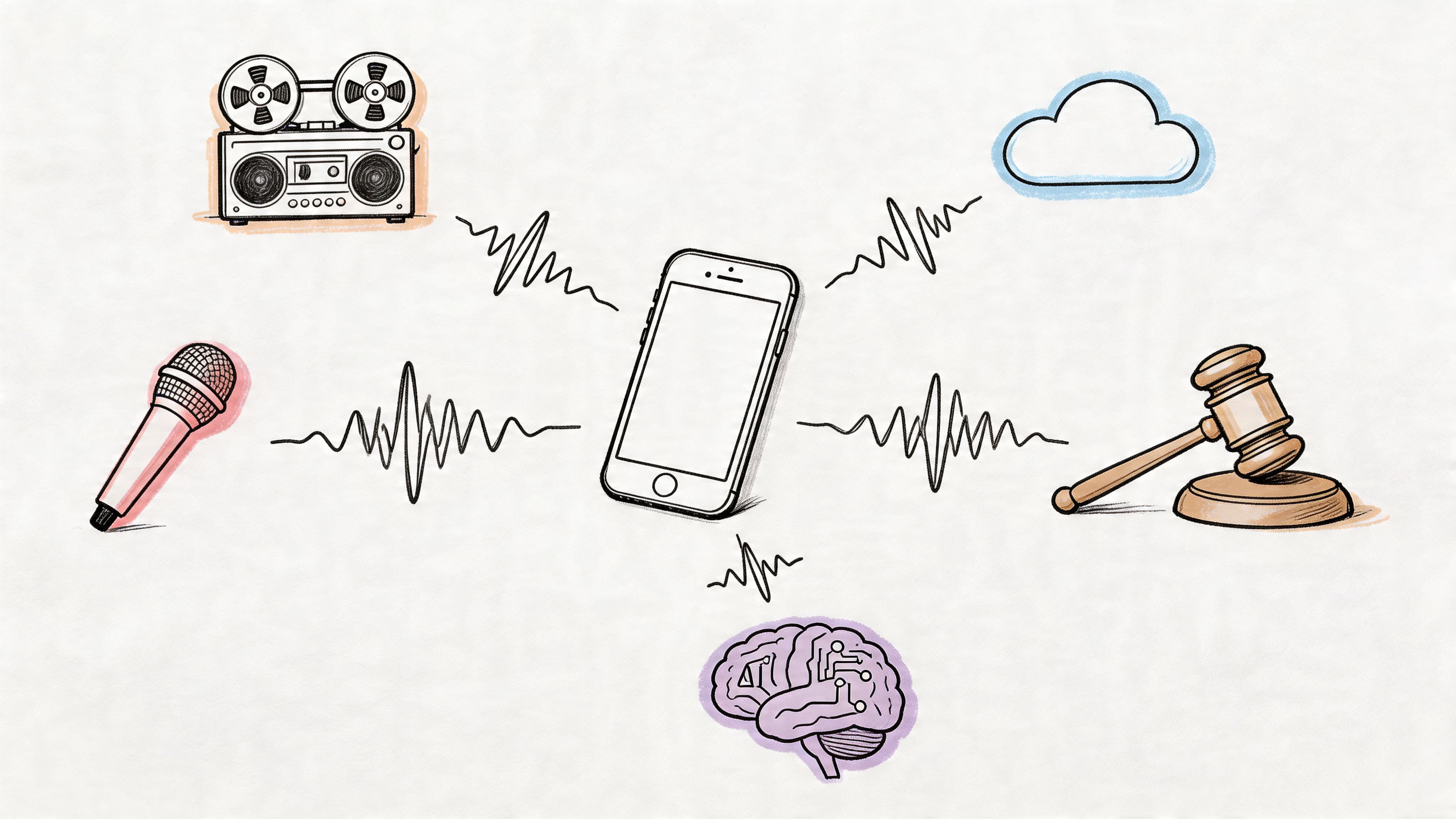
The good news is that accuracy is not a lottery ticket. You can improve it at several points: when recording, when preparing the audio, when choosing settings, and when editing the output. That's the practical way to approach transcription if you produce podcasts, record meetings, publish interviews, or repurpose spoken content into articles, captions, and summaries.
Why Your Transcript Is a Garbled Mess
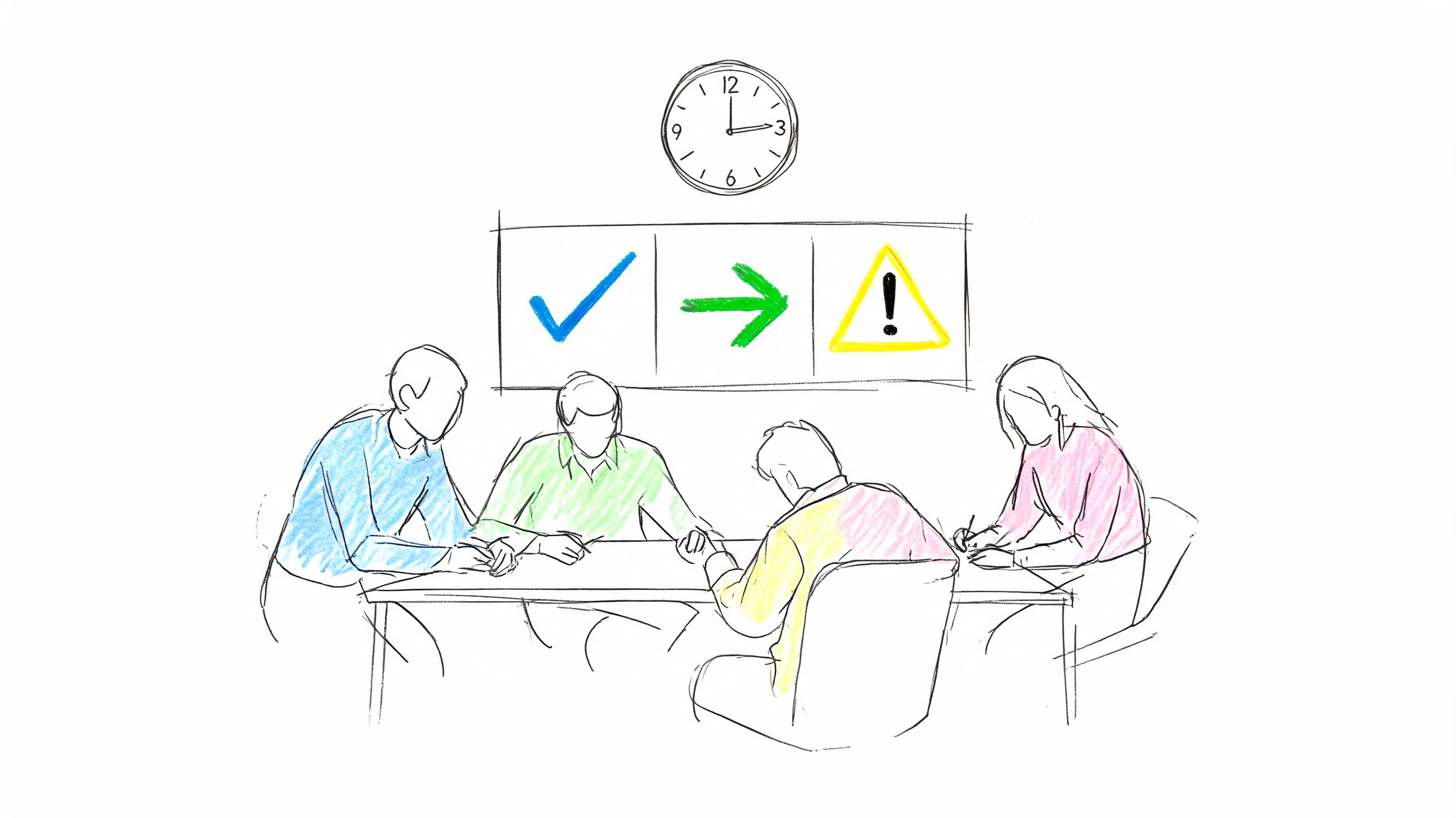
The usual scenario goes like this. A team records a strategy meeting on a laptop in a glass conference room. One person sits close to the mic, another leans back, two people interrupt each other, and someone opens a snack bag near the table. Later, they expect a clean transcript they can publish, search, or hand to leadership.
What they get is text that technically resembles language but doesn't reliably represent what was said.

I've seen the same pattern across podcasts, interviews, webinars, and clipped social content. People focus on the transcription tool and ignore the source audio. Then they spend more time fixing the transcript than they would have spent making the recording cleaner in the first place.
Garbled text usually comes from stacked failures
A transcript falls apart when several small problems land at once:
- Weak capture: The microphone is too far from the speaker or built into a device that also captures room noise.
- Messy acoustics: Echo and reverb blur consonants, which makes word boundaries harder to detect.
- Uncontrolled conversation: People overlap, change volume, trail off, or speak too quickly.
- Domain mismatch: Brand names, technical terms, and proper nouns aren't recognized cleanly.
A transcript that feels random usually isn't random. It's the audio telling you exactly where the recording process broke down.
That's why two files from the same tool can produce very different outcomes. One podcast episode sounds nearly publishable. One meeting transcript feels unusable. The engine may be the same. The inputs are not.
The useful question isn't which tool is perfect
The useful question is: what can you control right now to raise speech to text accuracy on your type of audio?
That shift matters. It moves you away from marketing claims and toward a practical workflow. Better mic choice, cleaner rooms, stronger prompts, and a smart editing pass often do more for transcript quality than endlessly switching vendors.
What Speech to Text Accuracy Really Means
“Accuracy” is frequently perceived as a vague gut feeling. The transcript either looks good or it doesn't. In professional workflows, that's not enough. You need a way to measure what went wrong and how often it happens.
The standard metric is Word Error Rate, usually shortened to WER.

WER is a spot the difference game
Think of WER as comparing two documents line by line. One is the correct human reference transcript. The other is the machine output. You count three kinds of errors:
- Substitutions: One word is mistaken for another.
- Deletions: A spoken word is missed completely.
- Insertions: The system adds a word that wasn't spoken.
WER measures those errors against the reference transcript. That's why it's more useful than a generic “accuracy score.” It shows whether the model is hearing the wrong word, skipping words, or inventing extra ones.
A detailed explainer on audio to text workflows is useful if you want to see how this fits into a broader transcription pipeline, but the key point is simple: you can't judge speech to text accuracy well without comparing output against a reliable reference.
Why headline accuracy can mislead you
A percentage can sound impressive until you convert it into actual reading experience.
Practical rule: Even a transcript that looks “mostly right” can create serious cleanup work if the wrong words land on names, numbers, technical terms, or speaker turns.
A single substituted word might not matter in casual content. It matters a lot in legal review, research interviews, meeting decisions, or any transcript you want to quote later.
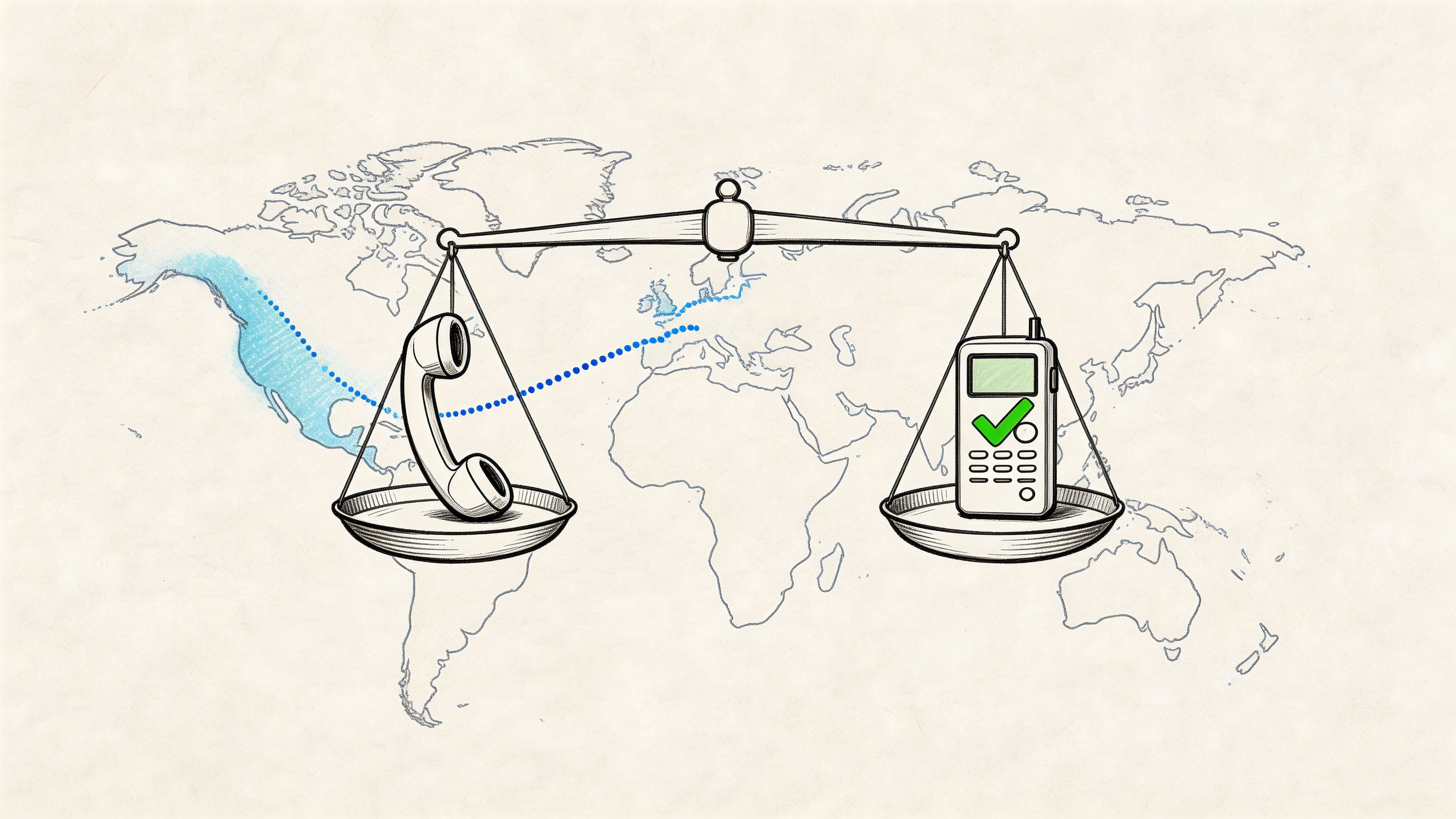
Variation between audio types is a critical factor. A 2025 review of AI transcription studies found WER as low as 8.7% in highly controlled dictation settings, but above 50% in conversational scenarios. That same review noted F1 scores ranging from 0.416 to 0.856, which reinforces that performance depends heavily on noise, overlap, and vocabulary fit rather than the model alone.
That's why benchmark bragging often disappoints in real use. Clean dictation in a controlled setting is not your weekly Zoom call, field interview, or livestream clip.
Here's a short visual overview before moving on:
Accuracy isn't only about words
There's also Character Error Rate, or CER, which is useful when character-level mistakes matter more than word-level ones. That can be relevant for some languages, codes, identifiers, or tightly formatted content.
But for most English-language podcast, meeting, and interview work, WER is the clearest starting point. It gives you a shared language for evaluating tools, settings, and edits without guessing.
The Top Factors That Wreck Your Transcripts
When a transcript is poor, the cause usually sits in one of three places: the source audio, the room, or the speakers. If you diagnose those correctly, you can stop making random fixes.
The audio source
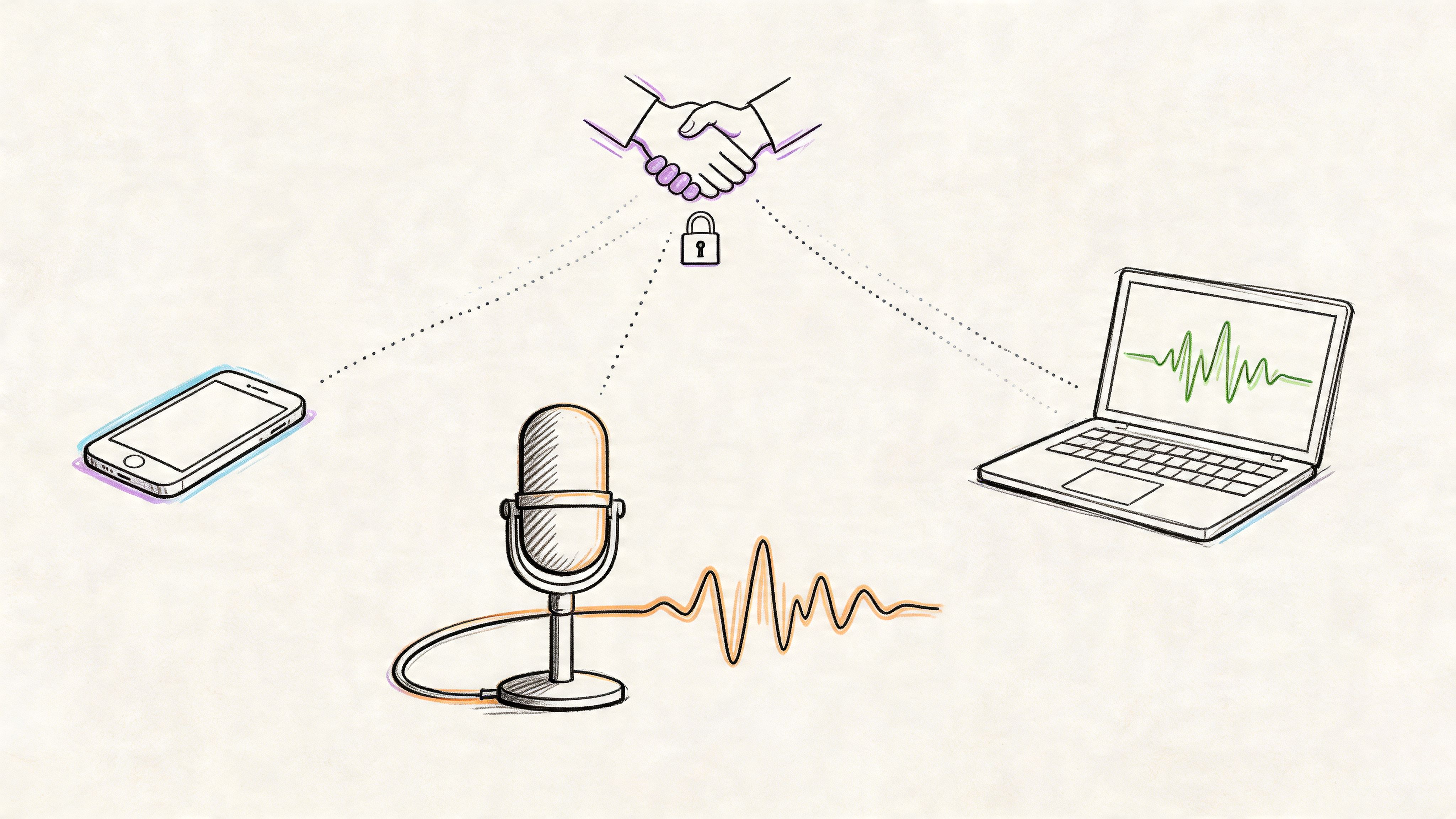
The microphone choice and recording chain do more damage than is commonly understood. A close, dedicated mic captures speech directly. A laptop mic captures speech plus keyboard taps, room reflections, fan noise, and the speaker turning away mid-sentence.
Compressed files also create trouble. If the audio has already been squeezed hard by conferencing software, social upload pipelines, or low-bitrate exports, the transcript engine has less detail to work with.
A practical comparison makes this obvious:
| Recording setup | Likely transcript behavior |
|---|---|
| Podcast recorded with close mics and stable levels | Cleaner sentence structure, fewer missed words, easier speaker separation |
| Zoom call captured from laptop mics | More confusion around quiet speakers, overlap, and proper nouns |
The recording environment
Rooms shape transcripts. Hard walls, glass, empty offices, and kitchens all add reflections that smear speech. Reverb is especially brutal because it doesn't just add noise. It blurs timing. That makes similar sounding words harder to separate.
Background noise creates a second layer of confusion:
- Constant noise: HVAC, road hum, computer fans
- Intermittent noise: Door slams, typing, dishes, notifications
- Competing speech: Side conversations or office chatter behind the main speaker
If you can hear the room, the model can hear the room too.
The mistake people make is assuming the human brain and the model listen the same way. Humans use context aggressively. Transcription systems can recover a lot, but they still depend on a clean enough signal.
The speaker behavior
Some recordings fail even with decent gear because the conversation itself is hard to transcribe.
Fast delivery causes words to run together. Strong accents or regional pronunciation can be handled well on some files and poorly on others. Multiple speakers create trouble when they interrupt, agree at the same time, or finish each other's sentences.
These patterns are especially damaging:
- Crosstalk: Two speakers overlap, and the transcript drops or mangles both.
- Uneven volume: One person booms while another fades into the room.
- Mumbled endings: Sentence-final words disappear, which often changes meaning.
- Jargon bursts: Product names, acronyms, and niche terms arrive in clusters.
If you want a quick diagnostic, listen for the moments where a human has to rewind. Those are usually the same moments where the transcript breaks.
How to Measure and Benchmark Your Real-World Accuracy
If you rely on transcripts for publishing, documentation, or research, you shouldn't trust generic performance claims. Build a benchmark using your own audio. That gives you something far more useful than marketing language. It shows how a tool performs on the files you produce.
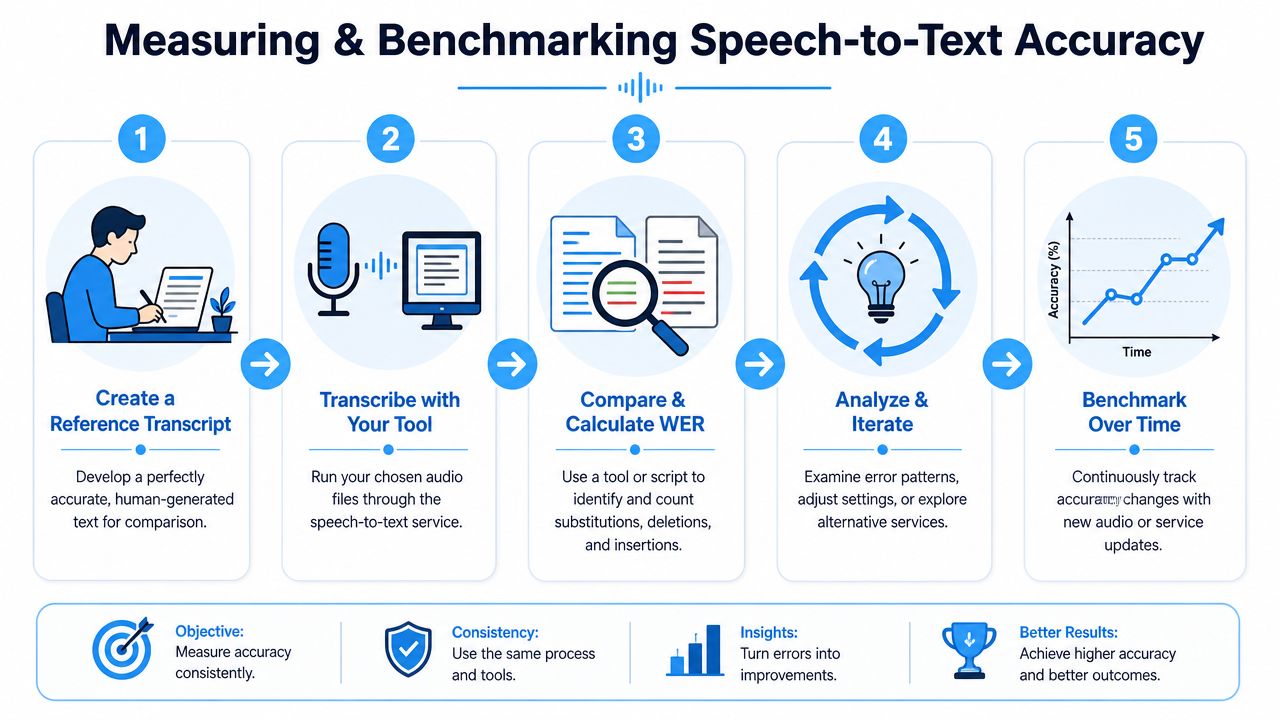
Start with representative audio
The sample has to match reality. If your real workload is remote meetings with mixed microphones, don't benchmark on your best studio interview. If your real workload is podcast episodes with two hosts and one guest, don't use a solo voice memo.
Google's guidance is straightforward: use a representative audio sample from your target environment of at least 30 minutes, because lab-like tests often miss problems caused by noise, accents, or device-specific audio.
That advice matters more than any single benchmark number.
Build a ground truth transcript
You need one reference transcript that you trust. This is often called the ground truth.
Use a small but representative slice of audio and create the transcript manually. Be consistent about spelling, punctuation, contractions, and speaker labeling. If your reference is sloppy, your comparison will be sloppy too.
A practical way to do it:
- Choose a difficult but normal sample: Not your cleanest file. Not your worst disaster.
- Transcribe it manually: Either do it yourself or have an editor create the reference.
- Normalize your formatting: Decide how you'll handle filler words, punctuation, and speaker names before comparing outputs.
Run the same file through your transcription tools
Use the exact same audio file across every system you want to test. Don't compare one tool on the WAV export and another on the compressed upload. Keep the input identical.
Many teams save time by testing a few workflows side by side, such as a basic ASR engine, a platform with speaker labels and summarization, or a tool built for content teams like AI transcription software. The goal isn't to crown a universal winner. It's to find what performs best on your audio, with your editing process, at your required level of polish.
Compare outputs and calculate WER
Once you have the machine transcript and the human reference, compare them using a WER calculator or your own script. Look beyond the headline result.
Check where the errors cluster:
- Proper nouns: People, companies, products
- Numbers and dates: Common failure points in business content
- Speaker changes: Especially in meetings
- Repeated deletions: A sign that a speaker is too quiet or too far away
- Substitution patterns: Often linked to accent, jargon, or poor mic capture
The useful output from a benchmark isn't just one score. It's the error pattern.
Benchmark over time, not once
Transcription quality shifts when your inputs shift. New microphones, new speakers, remote guests, different rooms, and software updates all change results.
A simple tracking sheet helps. Log the audio type, conditions, transcript issues, and whether the output was usable as-is, lightly edited, or heavily repaired. Over time, that record will tell you where to focus. Sometimes the right answer is changing the microphone. Sometimes it's changing the workflow. Sometimes it's accepting that one category of file always needs human review.
Actionable Strategies to Improve Transcription Accuracy
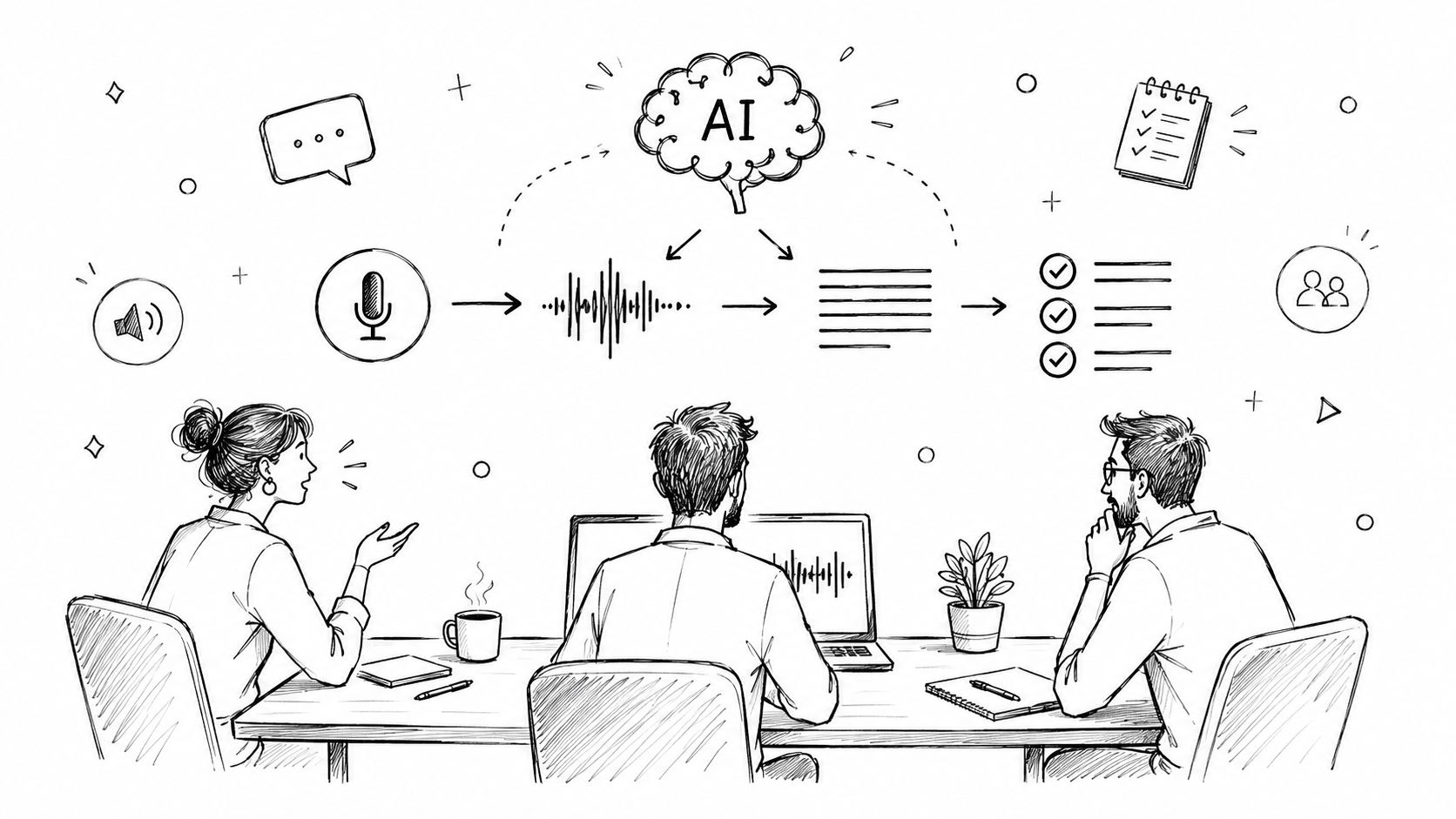
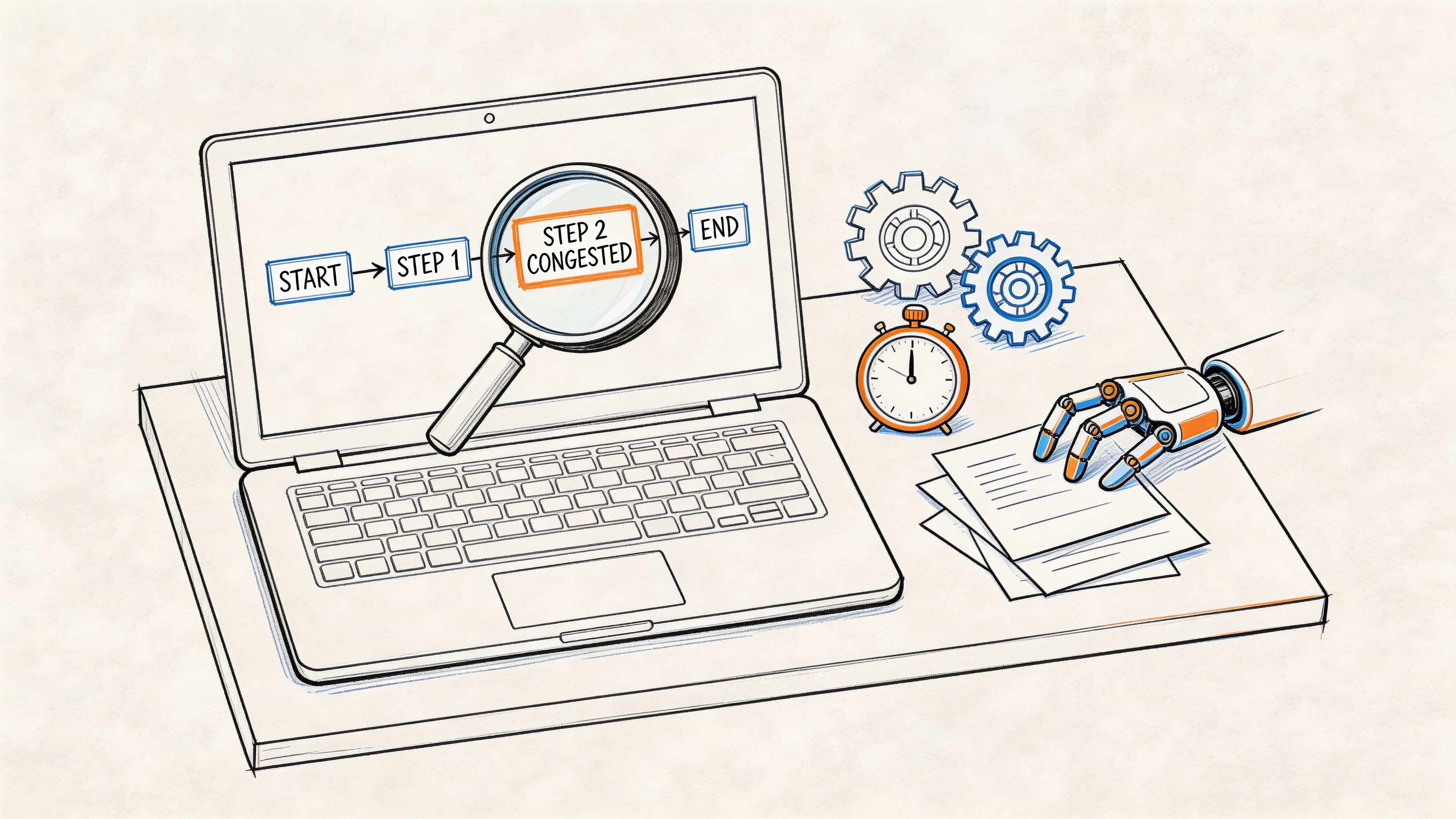
The best way to improve speech to text accuracy is to stop treating transcription as one event. It's a chain. Small gains at each stage compound. A cleaner recording, a modest audio cleanup pass, a better prompt, and a focused edit often produce a transcript that feels dramatically better than the raw output from the same model.
Fix the recording before it becomes a transcript
In this context, the biggest wins usually live.
Get the microphone close to the speaker. If you can reduce the distance between mouth and mic, you improve the ratio of voice to room. That helps with clarity before any software touches the file.
Room choice matters just as much. Soft furnishings, curtains, rugs, and bookshelves all help tame reflections. Kitchens, glass meeting rooms, and empty offices usually hurt.
For podcasters and creators, a practical prep list like these podcast recording tips is worth following because the same habits that improve a show recording also improve transcript quality.
Use this pre-recording checklist:
- Choose close capture: Prefer a headset, lav, or dedicated USB/XLR mic over a distant laptop mic.
- Control the room: Turn off what you can. Fans, AC noise, and nearby alerts all become transcript errors later.
- Set speaking rules: Ask speakers not to interrupt, not to drift away from the mic, and not to talk over each other.
- Do a short test: Listen back before the main session starts.
Clean the audio without overprocessing it
Light cleanup can help. Heavy-handed cleanup can make things worse.
What usually helps is basic level normalization, trimming long silences, and reducing obvious background noise if the processing is gentle. What often hurts is aggressive noise reduction that leaves speech watery, metallic, or phasey.
Here's the rule I use: if the cleanup makes the voice sound unnatural to you, it may also make recognition harder.
A few practical moves:
- Normalize uneven levels: Bring quiet speech into a more usable range.
- Split very long recordings: Smaller chunks can be easier to review and manage.
- Use cleaner source formats when possible: Avoid repeatedly exporting and recompressing the same file.
Guide the model during transcription
A lot of users skip the settings that matter most. If your tool supports vocabulary hints, title context, language selection, or speaker labeling, use them.
Specialized content is where this becomes especially important. Generic speech recognition often struggles with brand names, medical terms, code, acronyms, and internal jargon. Recent research on spoken code queries found that an LLM-guided refinement step reduced WER by an average of 20.95% for niche vocabulary, which shows how much post-processing and domain correction can matter for specialized material (spoken code query research).
That finding matches real-world experience. If your transcript needs to capture unusual terms, the base model is only part of the job.
Try a workflow like this:
- Add custom vocabulary: Include names, acronyms, product terms, and recurring phrases.
- Label the content type: “Podcast interview,” “sales call,” “lecture,” or “engineering meeting” can help some systems make better choices.
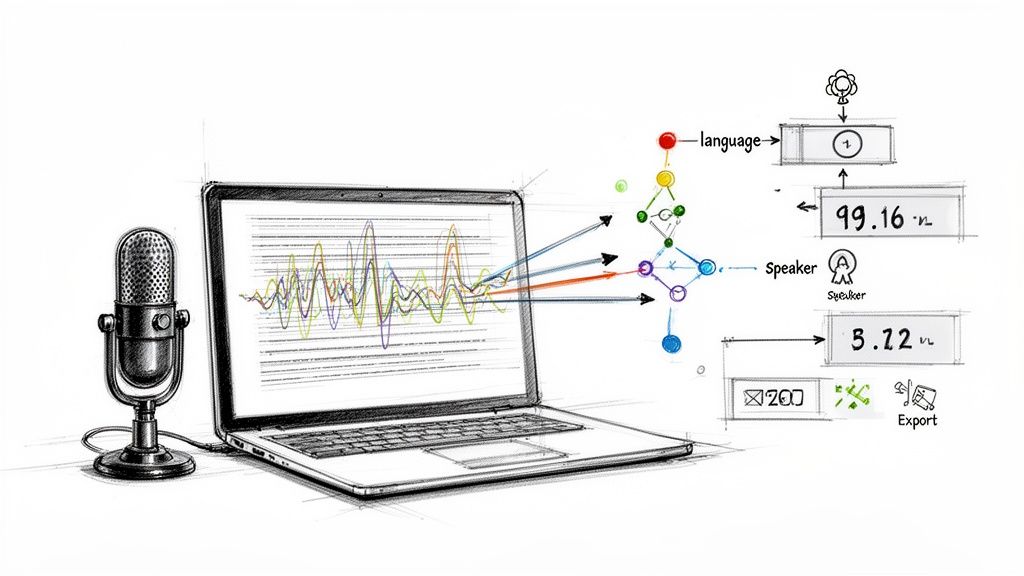
- Use diarization when speakers matter: Speaker separation isn't cosmetic. It changes how readable and editable the transcript becomes.
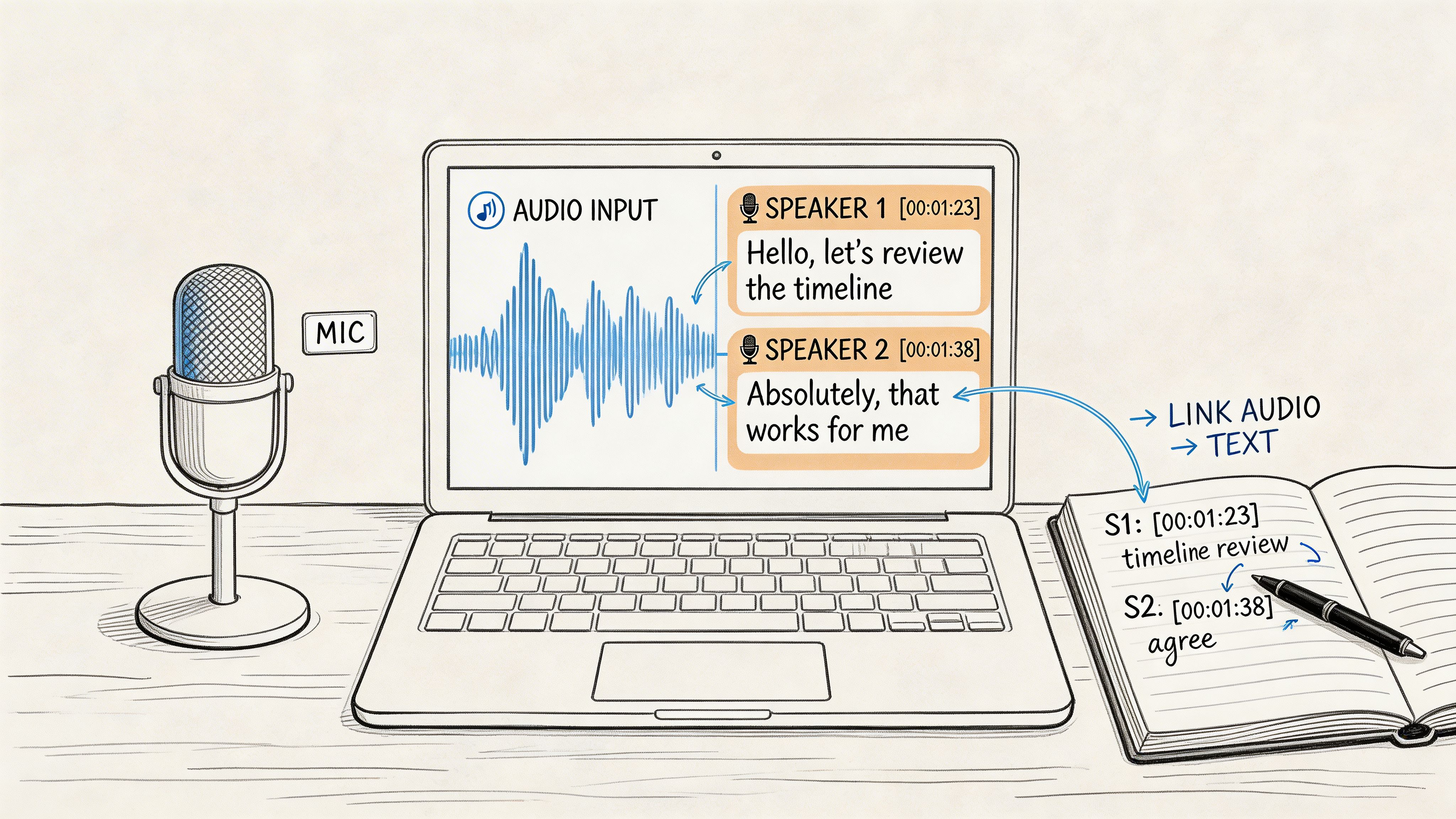
- Choose a tool that supports post-editing well: For example, Whisper AI can transcribe audio and video, detect speakers, add timestamps, and export to common document formats, which makes revision easier when the raw output still needs cleanup.
Edit the transcript where errors matter most
Not every transcript needs full verbatim perfection. A content team may only need accurate quotes, names, and sections for repurposing. A researcher may need every utterance preserved. A meeting note may only need decisions, owners, and action items.
That means your editing pass should be selective and purposeful.
Focus first on:
- Names and terminology: These create the most visible credibility problems.
- Numbers and dates: A single wrong number can break a summary.
- Negations and qualifiers: “Can” versus “can't” changes meaning fast.
- Speaker attribution: Bad labels make meetings and interviews hard to trust.
If you're building a repeatable process, a guide to proofreading in transcription can help standardize what editors check first so they don't waste time polishing low-value details while missing high-value errors.
A fast transcript with a disciplined edit usually beats a slow hunt for perfect automation.
Use a simple human-in-the-loop system
The most reliable workflow for important material is often machine first, human second. Not because the model failed, but because human review is best used where it adds the most value.
You don't need to review every word with equal intensity. Review the risky parts with intent. That includes intros, names, quotes, action items, technical sections, and any passage you plan to publish or cite.
Here's a practical checklist you can hand to a producer, editor, or assistant:
| Stage | Action Item | Impact Level |
|---|---|---|
| Pre-recording | Use a close microphone and reduce room noise | High |
| Pre-recording | Brief speakers on pace and avoiding overlap | High |
| Pre-processing | Normalize levels and remove obvious noise carefully | Medium |
| During transcription | Add custom terms, names, and context prompts | High |
| During transcription | Enable speaker labeling when multiple people speak | High |
| Post-transcription | Review names, numbers, quotes, and speaker switches first | High |
| Post-transcription | Export to an editable format and maintain a style guide | Medium |
That's the true control-you-can-control approach. Better results rarely come from one dramatic change. They come from stacking several ordinary ones.
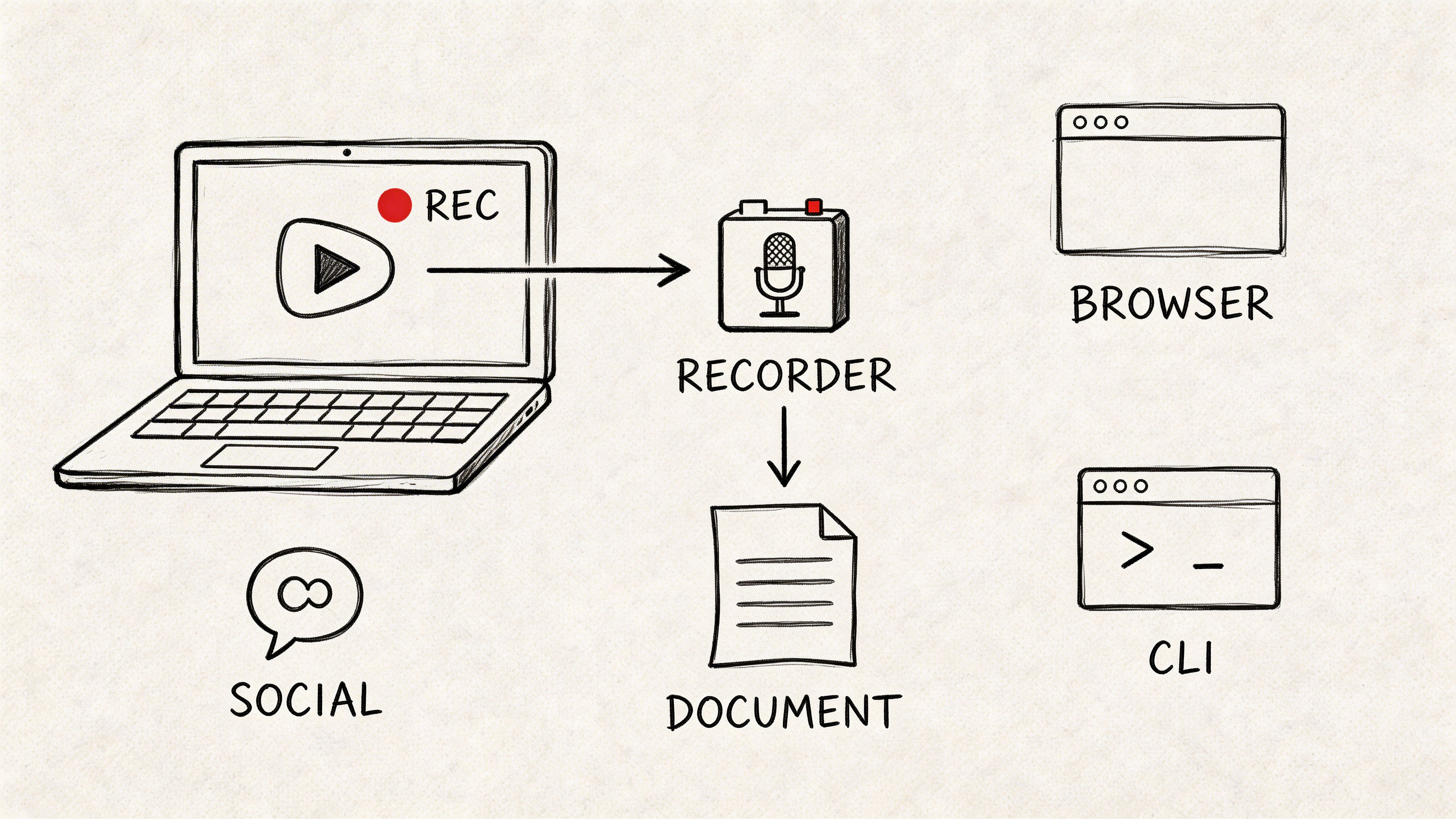
Realistic Expectations for Podcasts, Meetings, and Clips
Different audio formats fail in different ways. The smartest expectation isn't “How accurate is speech to text?” It's “How accurate is it on this kind of file?”
Podcasts
Podcasts usually give you the best shot at strong output because you can control the setup. Close mics, stable speakers, and planned turn-taking all help. The main trouble spots are guest names, niche terminology, and moments where hosts laugh over each other.
If you publish transcripts, expect to do a light editorial pass even when the raw output looks good. Podcasts often need cleanup for punctuation, proper nouns, and readability.
Meetings
Meetings are tougher because they combine almost every transcription problem at once. Mixed devices, remote participants, crosstalk, weak speakers, and inconsistent rooms create messy inputs.
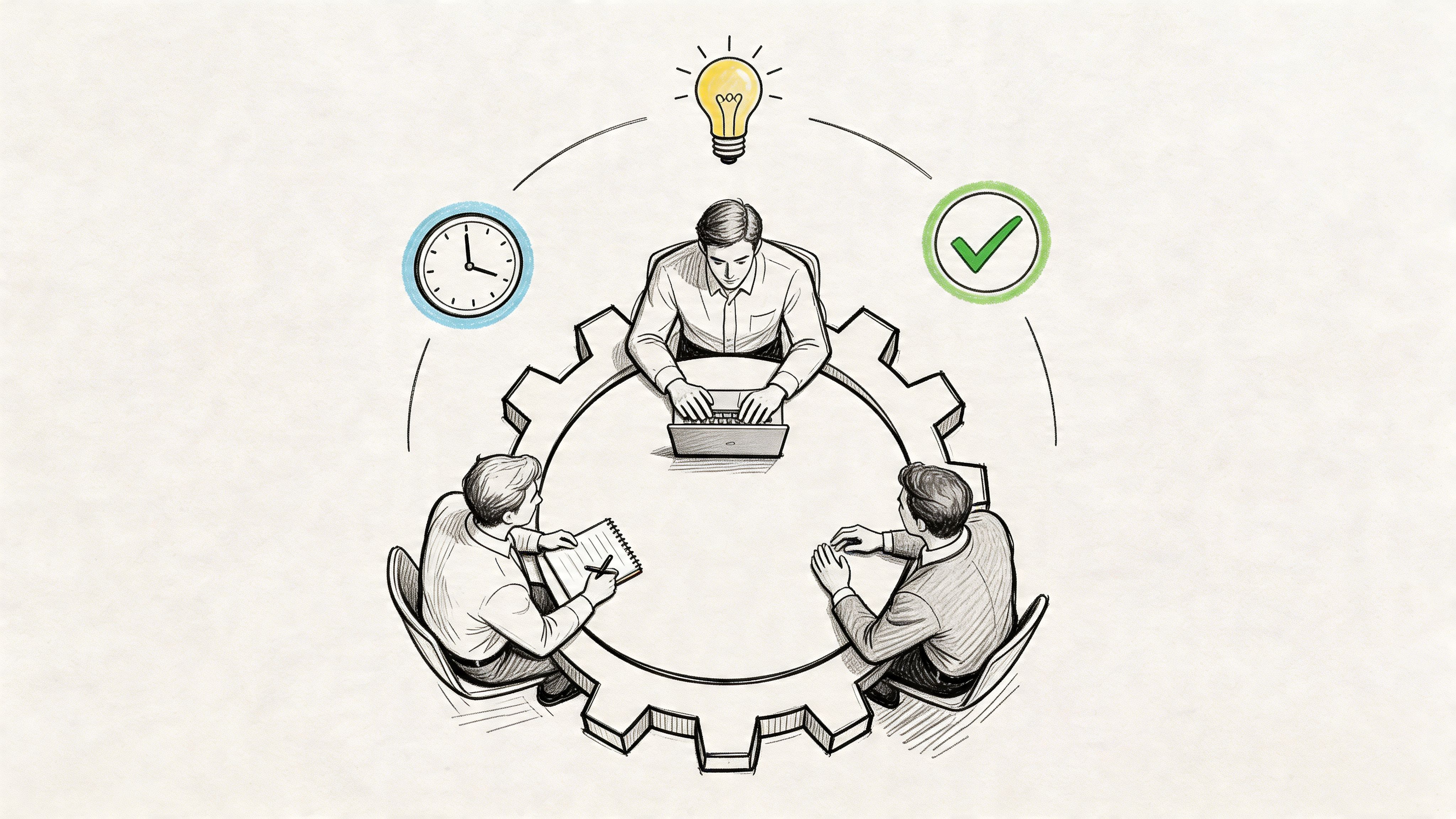
What matters most here isn't just raw recognition. It's speaker separation and deciding what the transcript is for. If the goal is searchable notes, you can tolerate more rough edges. If the goal is a defensible record of decisions, you'll need a much stricter review pass.
Social clips and short-form video
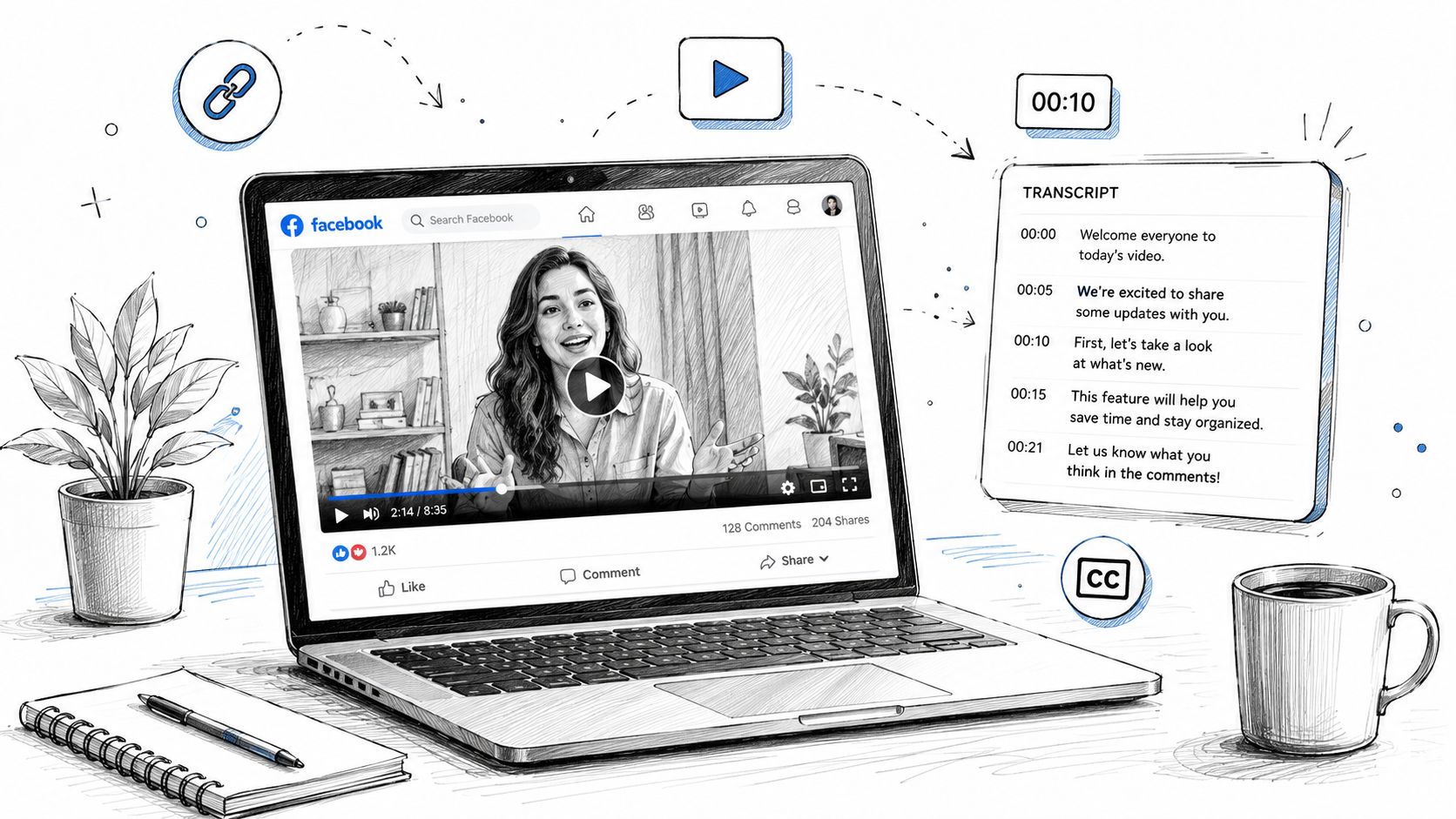
Short clips can be deceptive. They're brief, but they often include music beds, compressed audio, meme-style edits, and dialogue pulled from noisy environments. That means short doesn't automatically mean easy.
For clips, the most important question is usually whether the transcript captures the hook, key phrase, and on-screen caption cleanly. If those land, the content is usable. If they don't, the clip underperforms because the transcript and captions are where comprehension happens.
The practical takeaway is simple. Speech to text accuracy improves fastest when you stop chasing a universal promise and start improving your own workflow. Clean capture, realistic benchmarking, smart tool settings, and targeted review are what make transcripts usable.
If you want to put this into practice, try Whisper AI on a representative file from your own workflow, then compare the transcript against your current process. That's the fastest way to see where your biggest accuracy gains will come from.