Agenda for Stand Up Meetings: A 15-Minute Blueprint
If your stand-up feels like a tired roll call, the agenda is probably the problem. People join, repeat what they already typed in Jira or Slack, drift into side conversations, and leave without any real decision about what happens next.
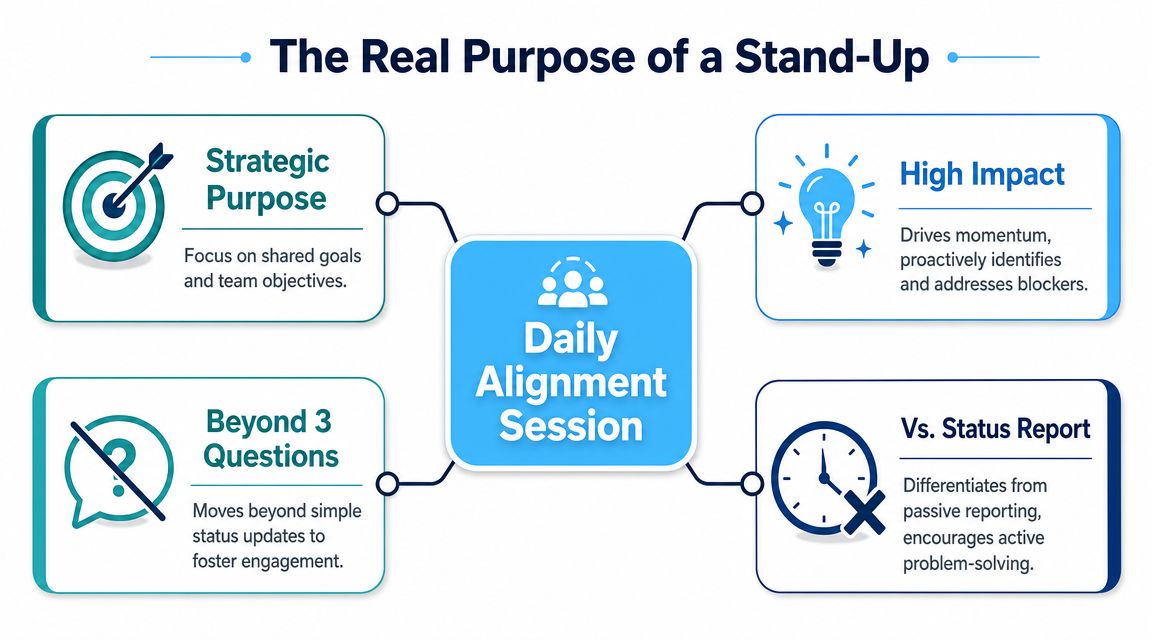
A useful stand-up does something different. It gives the team a fast daily alignment point, exposes blockers early, and makes ownership visible without turning the meeting into a mini status review for a manager. That shift sounds small, but it changes everything about how you build the agenda for stand up meetings.
The Real Purpose of a Stand-Up Meeting
The standard three questions often serve as a starting point. That's fine. The format has held up for a reason. The modern stand-up meeting agenda still centers on what was completed, what comes next, and what is blocked, and it is typically capped at 5 to 15 minutes according to Asana's stand-up meeting guide.
But the three questions aren't the point. Alignment is the point.
What a weak stand-up sounds like
A bad stand-up usually has one of these traits:
- Reporting upward: People speak to the manager instead of to each other.
- Task recital: Updates are long, detailed, and disconnected from team progress.
- Live problem solving: One blocker turns into a group debugging session.
- No outcome: Everyone talks, nobody leaves with clear follow-up.
That meeting drains energy because it asks for attention without helping the team move.
What an effective stand-up actually does
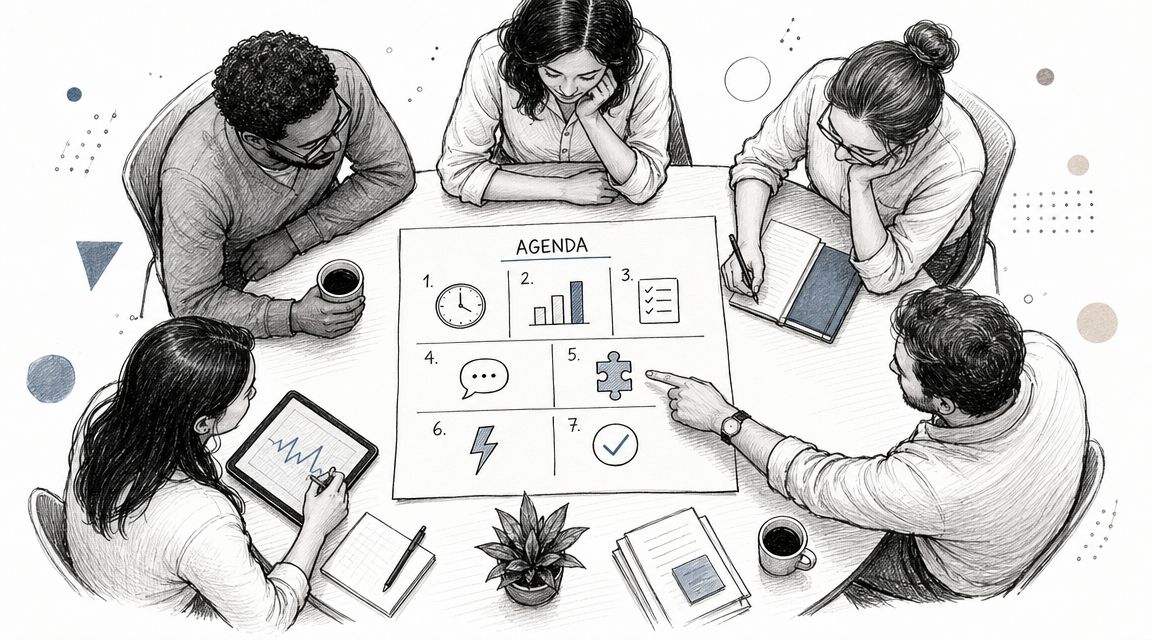
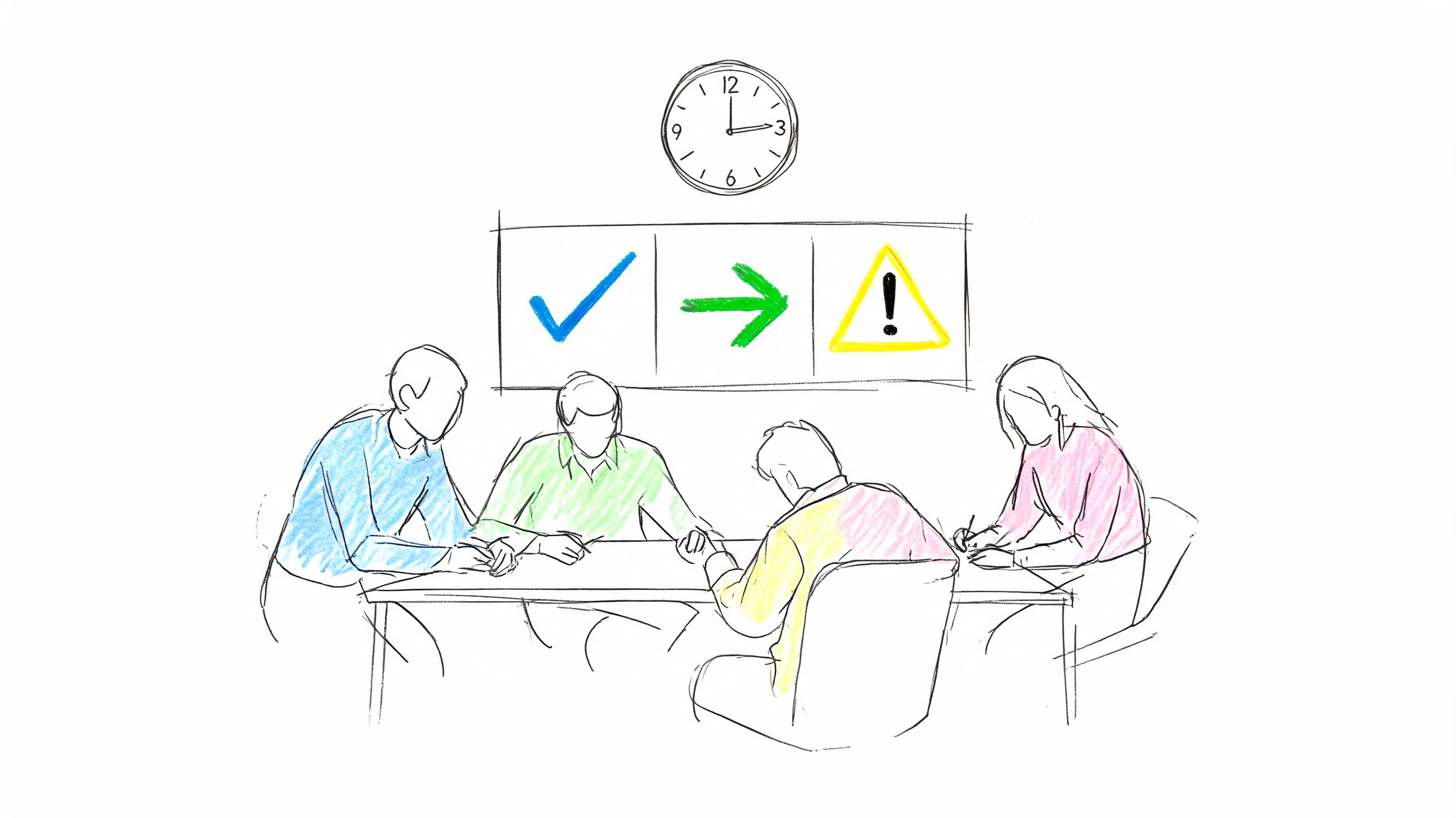
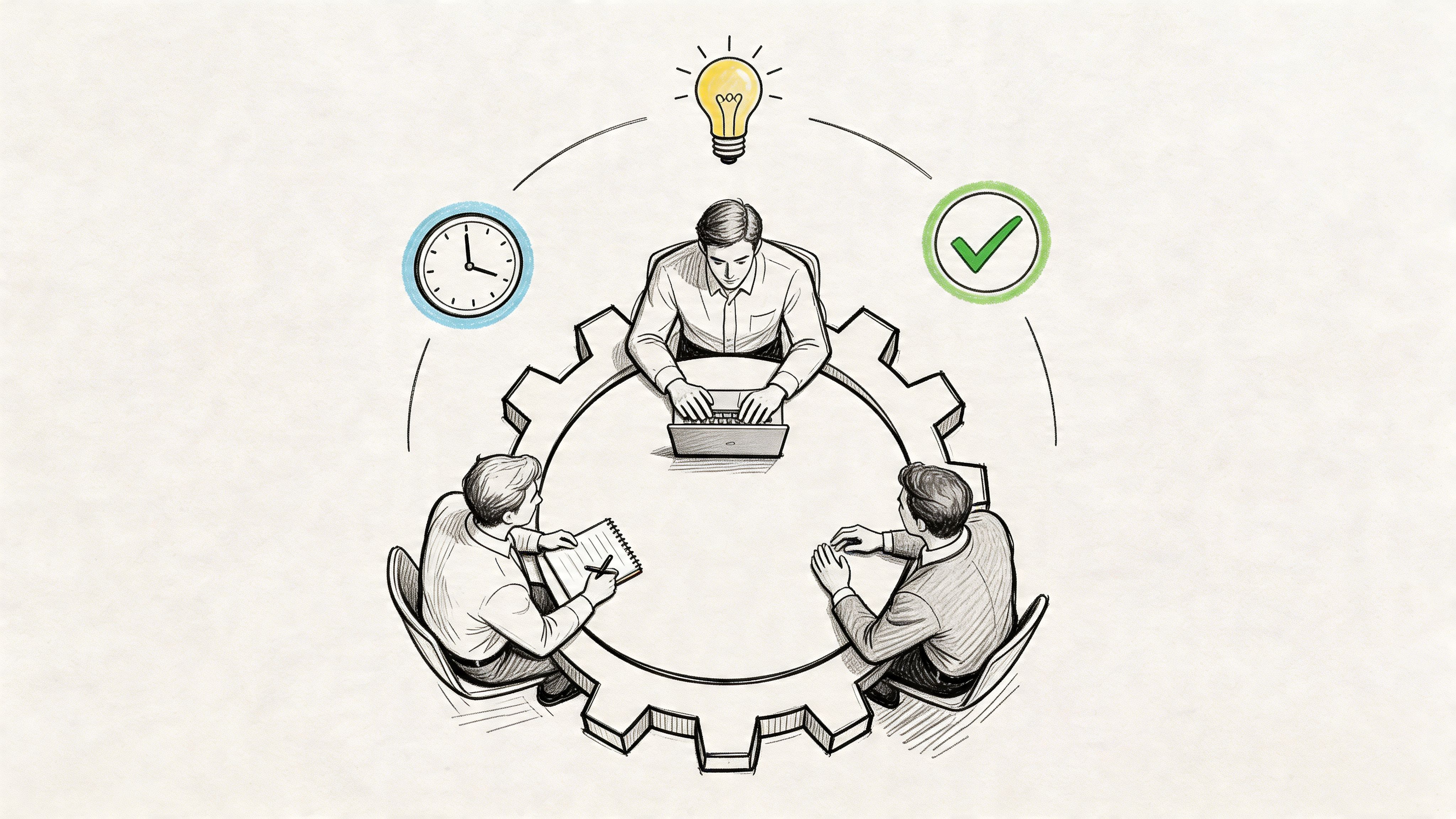
A strong agenda for stand up meetings is closer to a tactical huddle. Team members use it to answer a narrower question: what does the team need to know in the next day to keep work moving?
That means the updates should help people do three things:
- Confirm priorities so today's work lines up with the sprint or delivery goal.
- Surface dependencies before someone gets stuck waiting on design, QA, product, or another team.
- Escalate blockers fast so the right people handle them right after the meeting.
Practical rule: If an update doesn't change anyone else's decisions, it probably doesn't belong in the live stand-up.
The mindset shift that fixes most stand-ups
The easiest way to improve a stand-up is to stop asking for a personal diary of yesterday's activity. Ask for what the team needs to coordinate today.
That changes the tone of each update. Instead of "I finished two tickets and started another one," you get "I'm moving to the API task next, but I need QA input before lunch." One is a report. The other is operationally useful.
A good facilitator reinforces that difference every day. The team isn't there to prove they're busy. They're there to keep momentum.
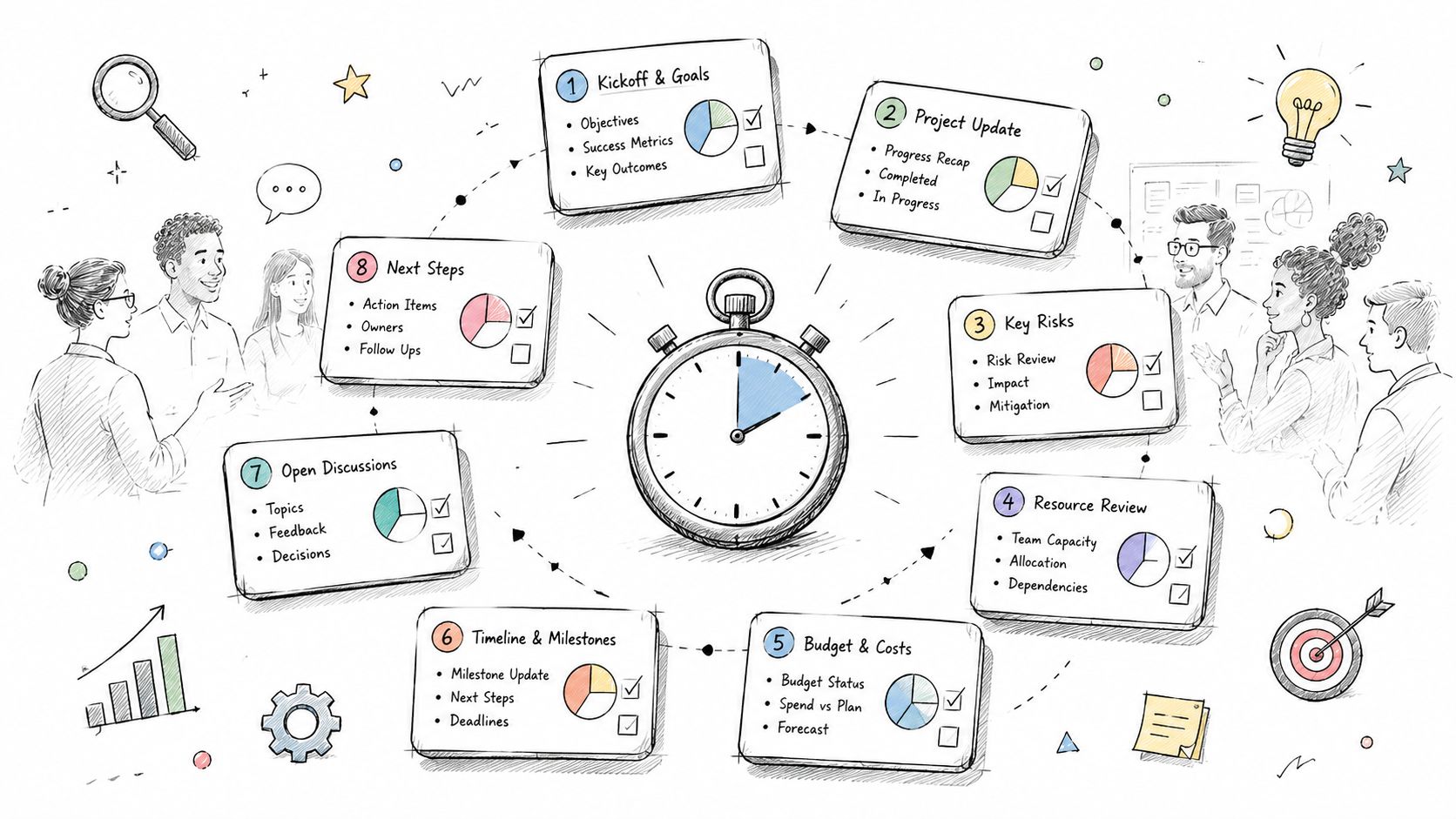
Timeboxed Agenda Templates for Any Team
One reason stand-ups go stale is that teams copy the same format no matter how they work. A colocated Scrum team, a hybrid product squad, and a cross-functional launch team don't need the exact same rhythm.
That's why the best agenda for stand up meetings is usually a template, not a script.
Stand-up agenda templates at a glance
| Template Type | Best For | Duration | Primary Focus |
|---|---|---|---|
| Daily delivery stand-up | Scrum or product delivery teams | 15 minutes | Progress, blockers, near-term coordination |
| Remote or hybrid stand-up | Distributed teams | 15 minutes | Async updates, speaking equity, time-zone handoffs |
| Cross-functional stand-up | Teams with multiple functions or stakeholders | 15 minutes | Dependencies, handoffs, decision points |
A lot of published advice still stops at the three standard prompts, even though distributed work changes how the meeting should run. Range's guide to daily stand-up agendas notes that remote and hybrid teams need more concrete patterns for cross-time-zone coordination, async updates, and equitable speaking order.
Template one: daily delivery stand-up
This is the default template for a sprint team that works closely together.
Minute 0 to 2
Facilitator opens the board, names the sprint goal, and flags any urgent delivery risk.
Minute 2 to 11
Each person gives a concise update:
- Completed: What changed since the last stand-up that matters to the team
- Next: What they're taking on today
- Blocked: Anything preventing progress
Minute 11 to 13
Facilitator recaps blockers and names owners for follow-up.
Minute 13 to 15
Confirm who stays for offline discussion and who can drop.
This version works best when the task board is visible and everyone can point to actual work items instead of speaking in abstractions.
Template two: remote or hybrid stand-up
Remote teams need less repetition and more structure. If everyone has already posted updates asynchronously, don't spend live time reading them back.
Use this format instead:
- Before the meeting: Team members post written updates in the shared workspace.
- Opening: Facilitator highlights only changes, risks, and blocked items.
- Live round: Each person answers one question: "What needs coordination today?"
- Close: The facilitator confirms follow-ups in writing.
For teams that need a model for fast written updates before the call, this short guide to a check-in meeting format is a useful reference point.
Remote stand-ups work better when the meeting handles exceptions and coordination, while routine progress lives in async updates.
Template three: cross-functional stand-up
When engineering, design, product, marketing, or operations all attend, a person-by-person round robin usually creates noise. Work through the flow of delivery instead.
Try this order:
Critical milestone check
What's shipping, launching, or handing off soon?Dependency review
What is one team waiting on from another team today?Risk scan
Which item could slip if nobody intervenes?Ownership recap
Who follows up after the meeting, and with whom?
This agenda keeps the conversation around integration points. That's what cross-functional teams usually need most.
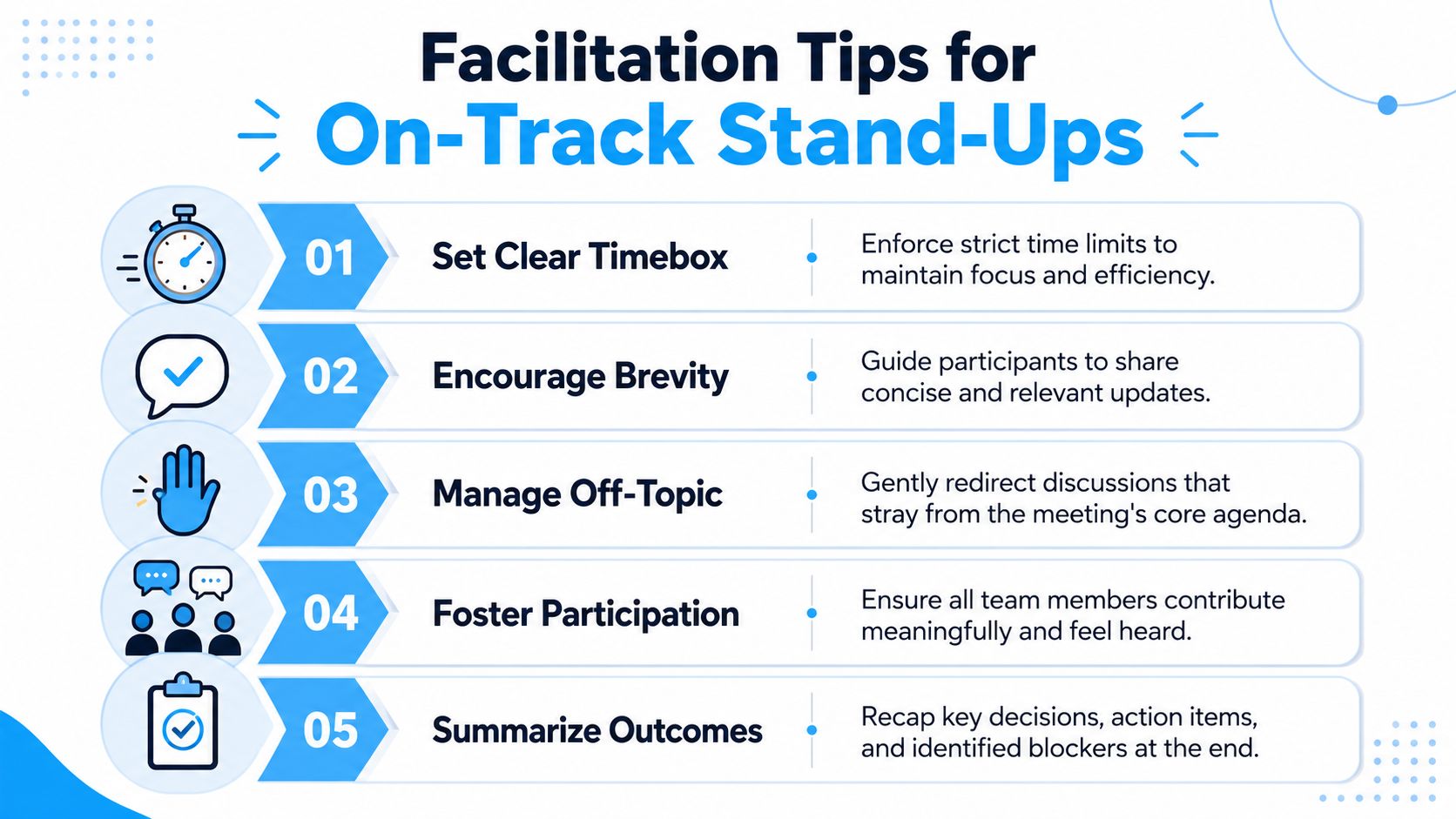
Facilitation Tips to Keep Stand-Ups on Track
A good stand-up agenda still fails without active facilitation. The person running the meeting isn't there to introduce speakers and watch the clock passively. They are protecting team focus.
Treat blockers as triage
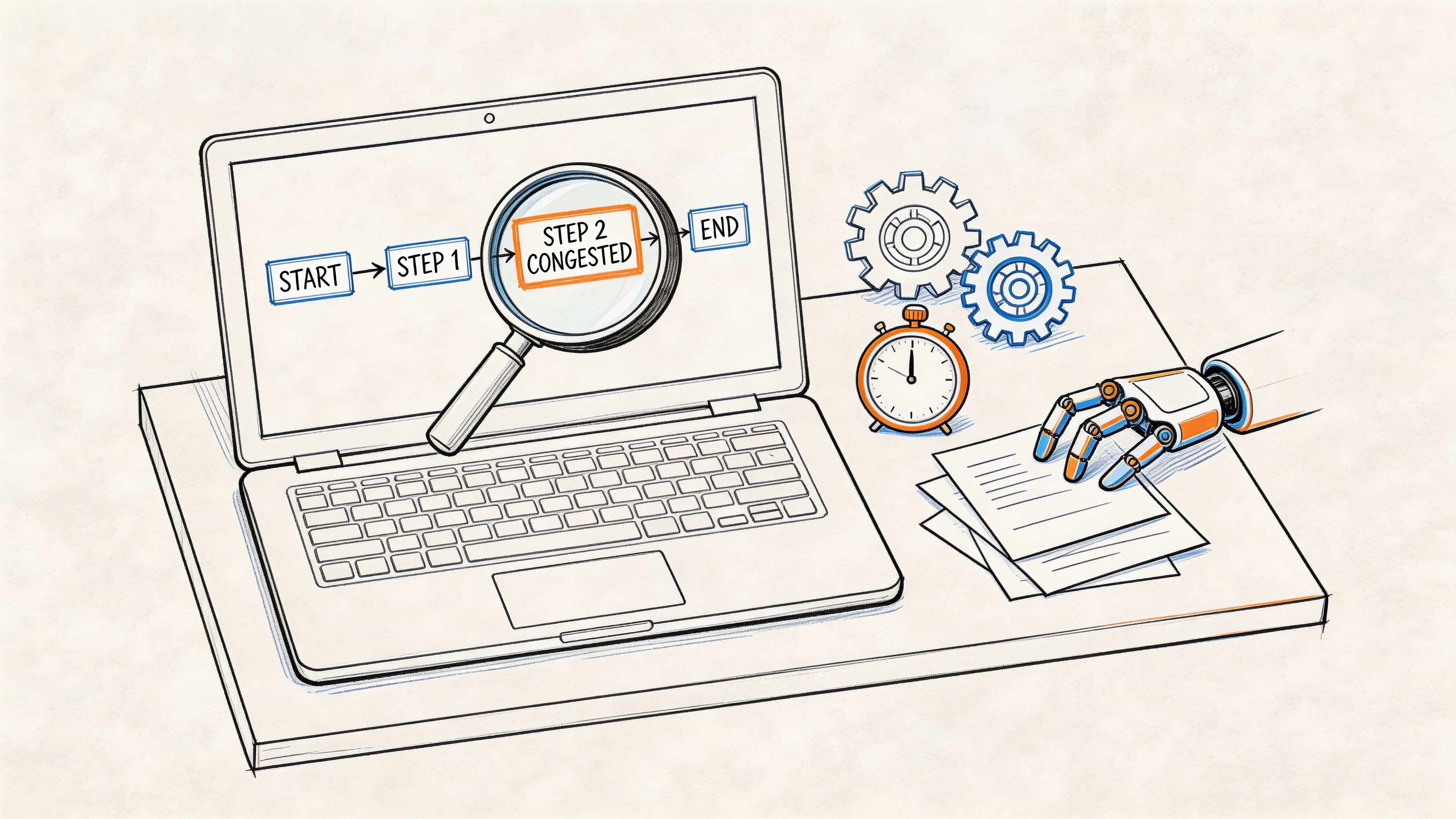
The biggest facilitation mistake is letting a blocker become a live workshop. A stronger operating model is to treat blockers as a triage process: identify the issue, assign an owner, and move the detailed discussion outside the stand-up. That same guidance also recommends a fixed speaking order, visible board, and documented follow-up path in this stand-up agenda reference.
That means the facilitator should listen for one thing: does this require team awareness, or detailed problem-solving? If it's the second, park it.
Use phrases that redirect without shutting people down
Facilitators often know they should intervene, but they wait too long because they don't want to sound rude. Use prepared language.
Try lines like these:
- For rambling updates: "Give us the short version and the risk."
- For problem-solving drift: "Let's park the solutioning and grab the right people after."
- For unclear blockers: "What exactly is stuck, and who do you need?"
- For missing ownership: "Who takes this after the call?"
- For side conversation creep: "Useful topic, wrong meeting."
Those phrases work because they are direct and operational. They don't shame anyone. They return the meeting to purpose.
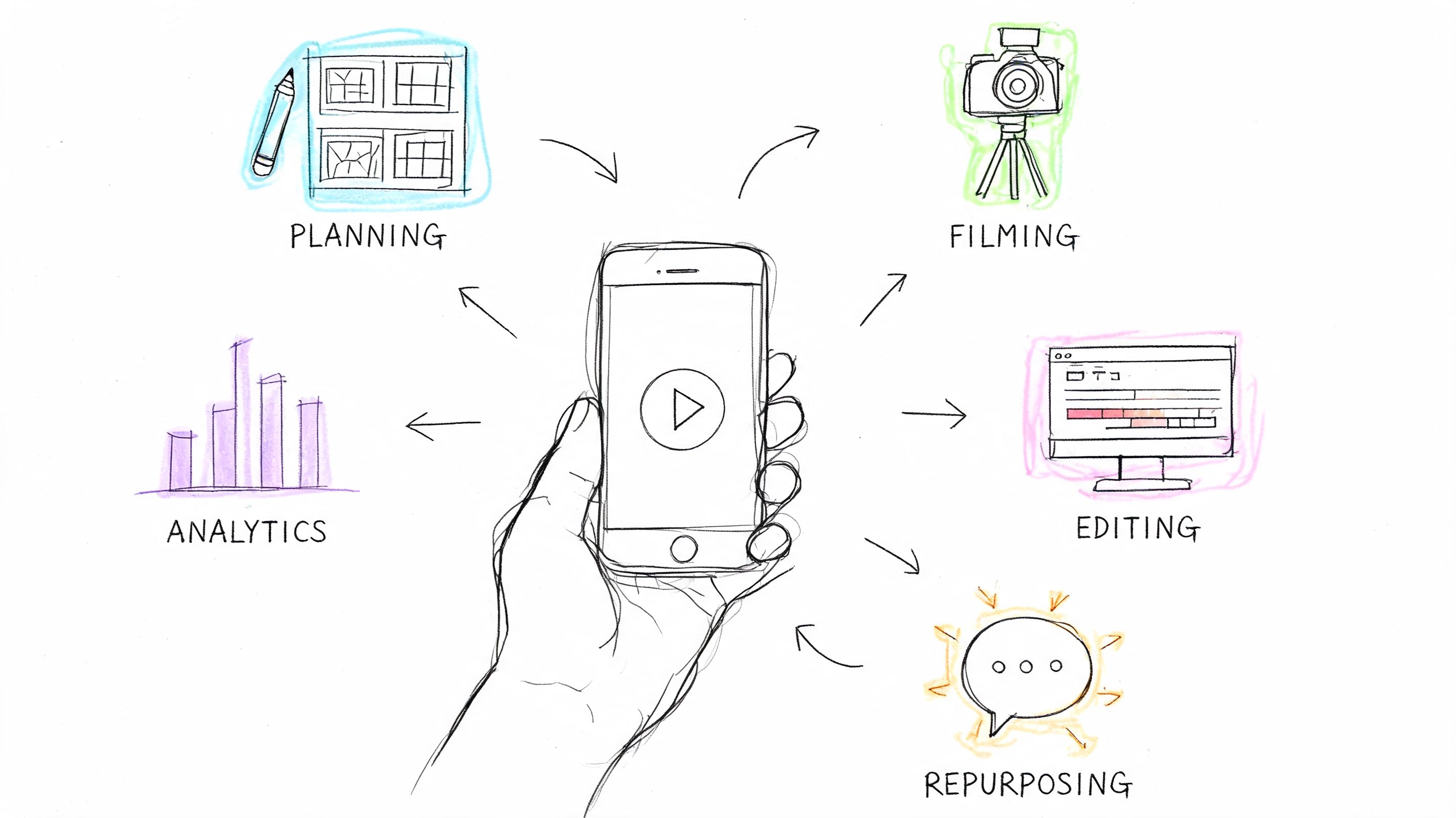
A quick visual refresher can help teams internalize those habits:
Three facilitation habits that change the pace
- Visible timer: Put the timebox where everyone can see it. People speak shorter when the constraint is visible.
- Fixed turn order: Follow the same order for a week or a sprint. Random speaking order wastes time.
- Tight close: End by summarizing owners and follow-ups, not by asking if anyone has "anything else."
The facilitator's job isn't to make the meeting feel relaxed. It's to make the meeting useful.
Common Stand-Up Pitfalls and How to Fix Them
Teams frequently don't need a brand-new ceremony. They need to stop tolerating bad patterns. Stand-ups are common in Agile work. Axify reports that about 87% of Scrum teams hold daily stand-ups, while also noting commentary that meetings designed for 15 minutes now average 30 minutes and developers lose 23 minutes of focus after each one in its article on daily stand-up meetings.
If your stand-up feels wasteful, assume there's a fixable operating problem.
Symptom and cure
| Symptom | What's really happening | Fix |
|---|---|---|
| People speak to one manager | The meeting became a status report | Have the manager or lead speak last |
| The meeting runs long every day | Nobody enforces triage | Move all deep dives into a follow-up list |
| Energy is low | Updates are repetitive and too detailed | Ask only for what changed and what needs help |
| Same blocker appears every day | No owner is assigned | Name one owner and one next action before closing |
| Half the team disengages | The agenda isn't relevant to everyone | Shift from person-centric updates to work-centric coordination |
A few anti-patterns worth killing fast
The manager audit
If people sound defensive or overly polished, they aren't collaborating. They're performing. Change the order, keep leadership from responding to every update, and make peer coordination the center of the meeting.
The everything meeting
Stand-ups collapse when teams try to cram in planning, review, decisions, and issue resolution. Use the meeting to identify what needs another conversation, not to host all conversations.
The daily replay
When everyone repeats what the task board already shows, live time adds no value. If your team needs a cleaner baseline format, this guide to a daily scrum meeting agenda gives a practical starting point.
If a stand-up consistently overruns, the problem usually isn't that the team has too much to say. It's that nobody is separating signal from discussion.
What improvement looks like
You don't need high energy or clever facilitation tricks. You need shorter updates, more visible ownership, and a hard line between identification and discussion.
When those three things are in place, the meeting starts to feel lighter. People show up prepared because they know the meeting won't waste their morning.
How to Capture and Action Stand-Up Outcomes
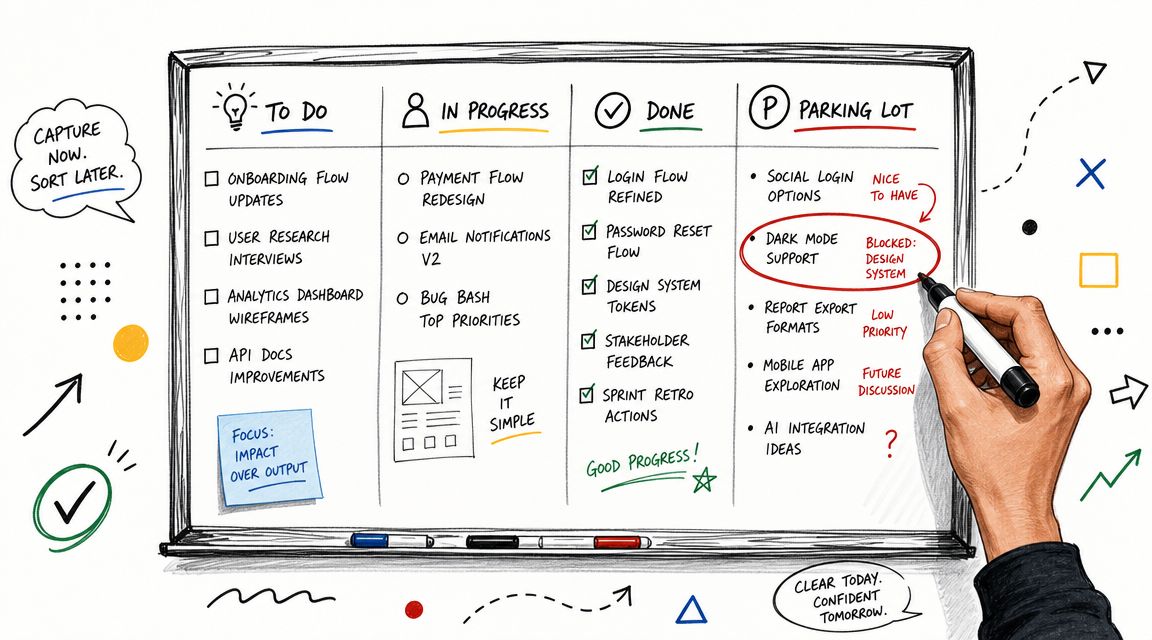
A stand-up that surfaces blockers but loses the follow-up is only half done. Teams don't struggle because they can't talk about problems. They struggle because action items disappear into memory, chat scrollback, or someone's notebook.
Manual methods that still work
You don't need a complicated system to close the loop. A simple one is enough if the team uses it consistently.
Common setups include:
- Parking lot column on the board: Add stand-up follow-ups directly beside active work.
- Dedicated Slack thread or channel: Post blocker owners and next steps immediately after the meeting.
- Shared note with checkboxes: Keep one running log of unresolved items until they are cleared.
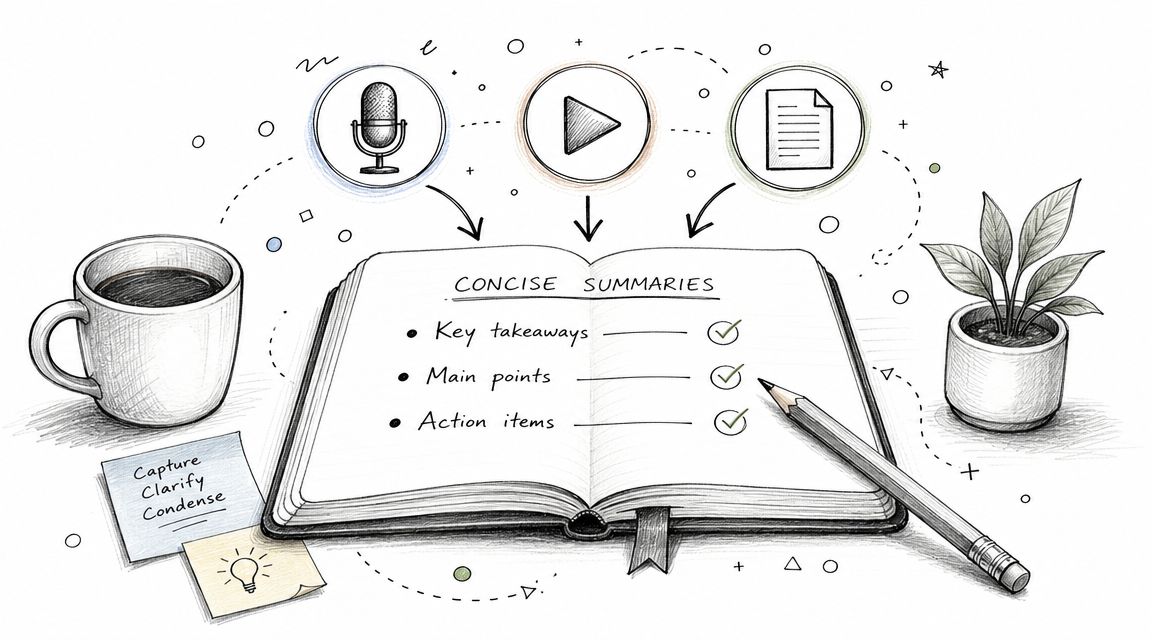
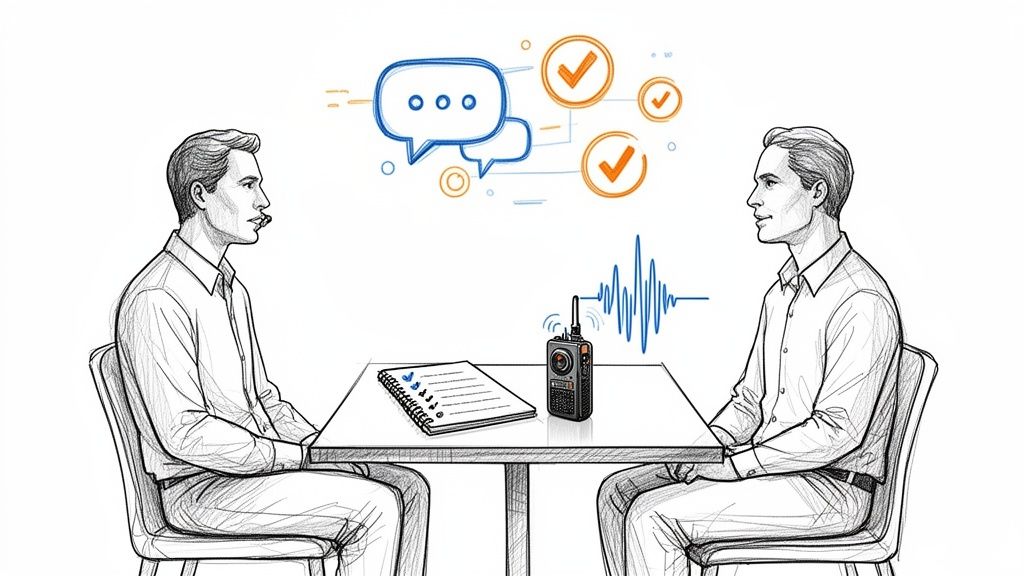
The key is to capture three things only: issue, owner, next action. Anything more detailed belongs in the follow-up discussion itself.
Modern tooling for cleaner follow-through
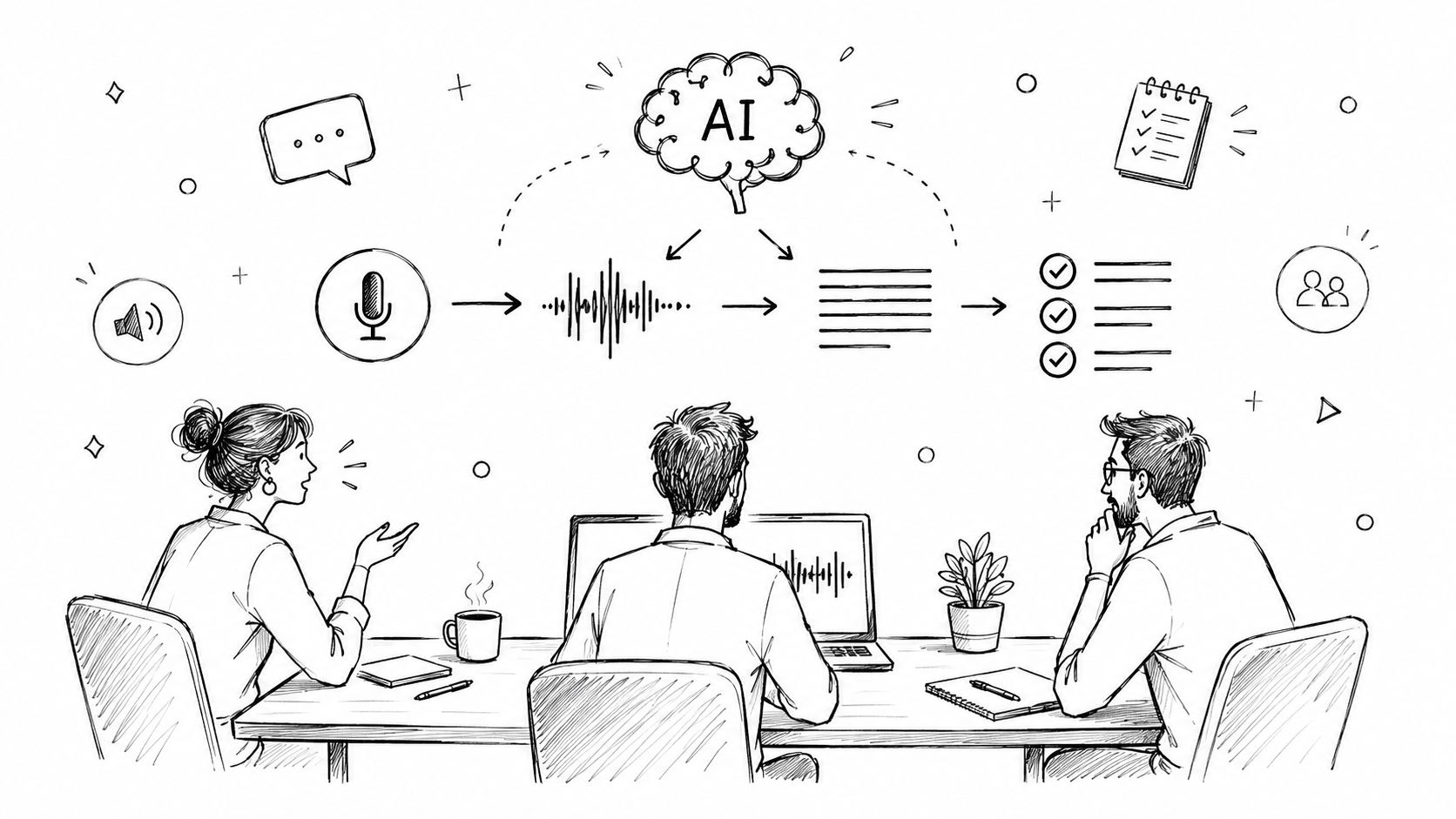
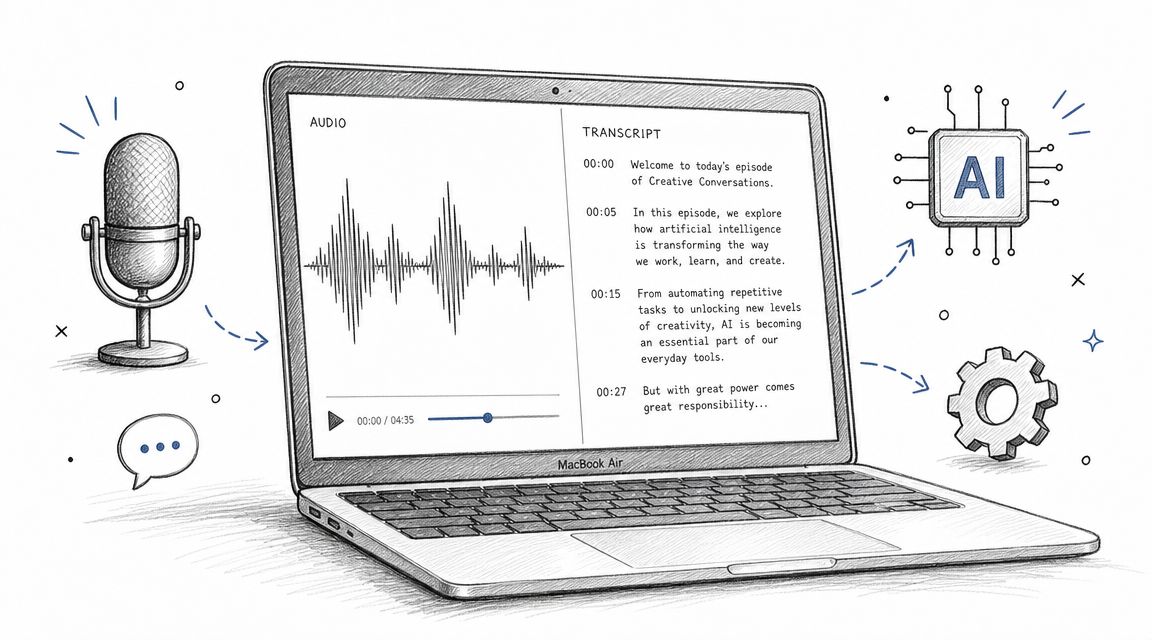
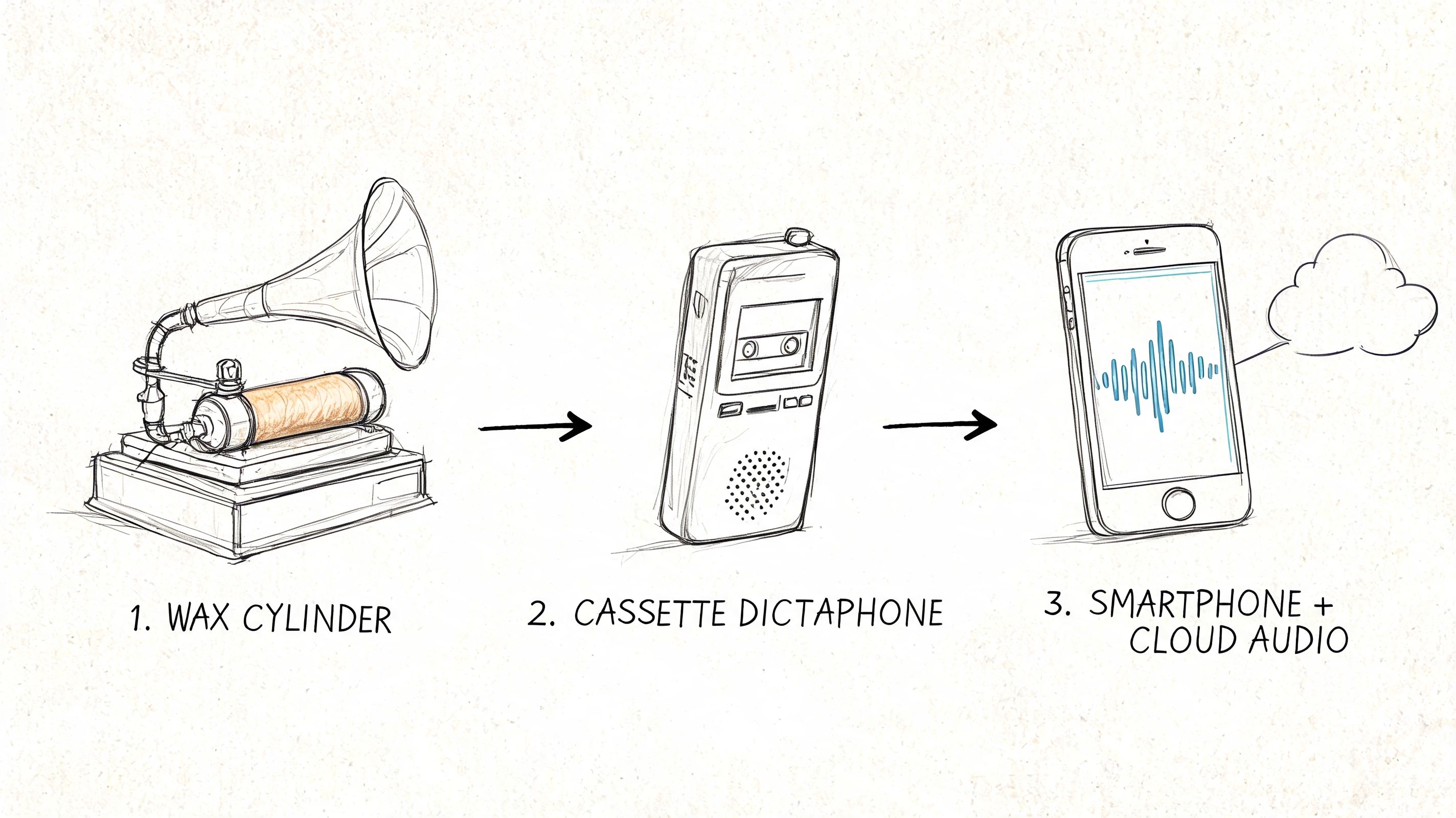
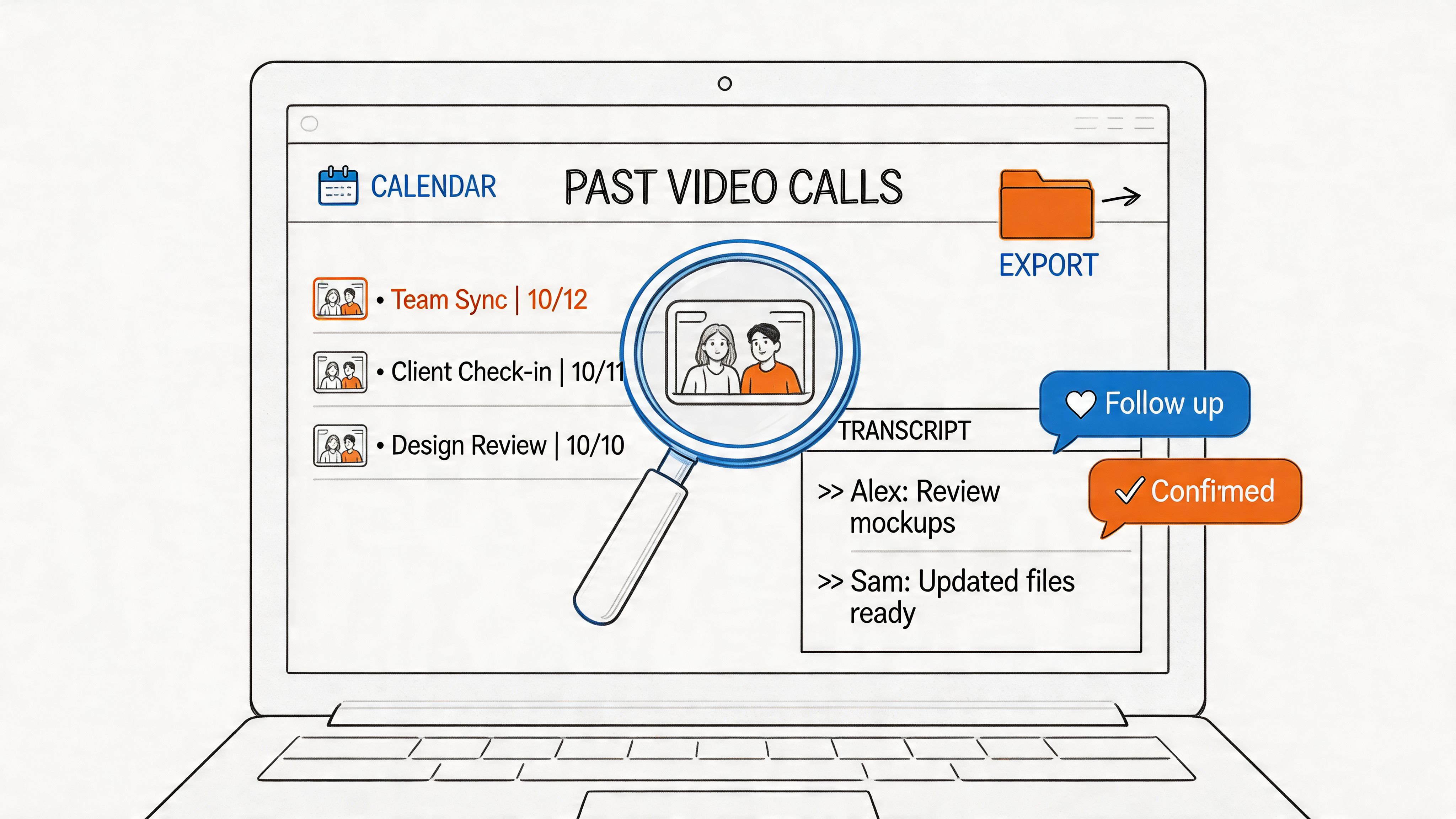
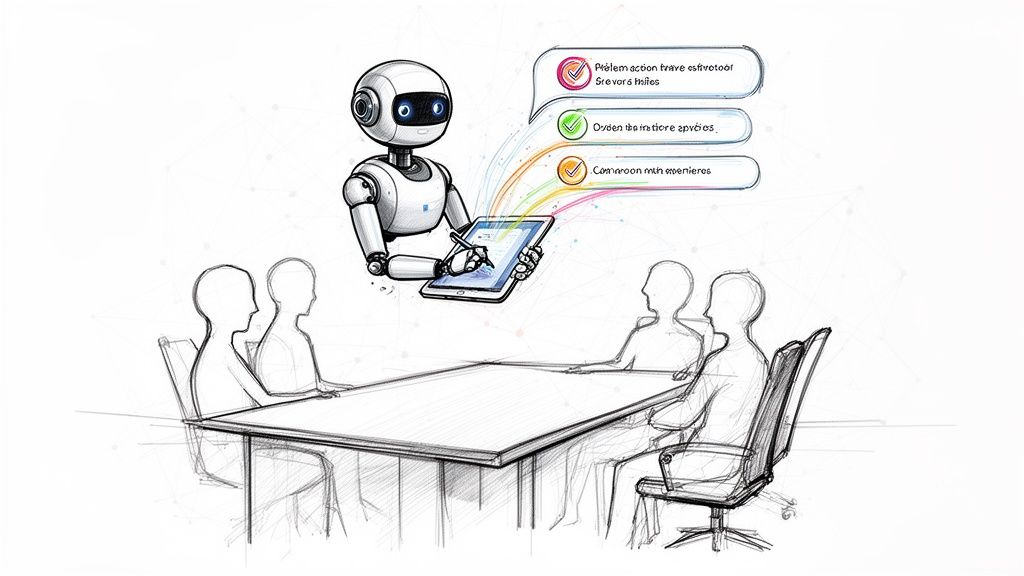
If the facilitator is also trying to lead the meeting, note blockers, assign owners, and write a recap, quality usually drops somewhere. That's where transcription and summarization tools help.
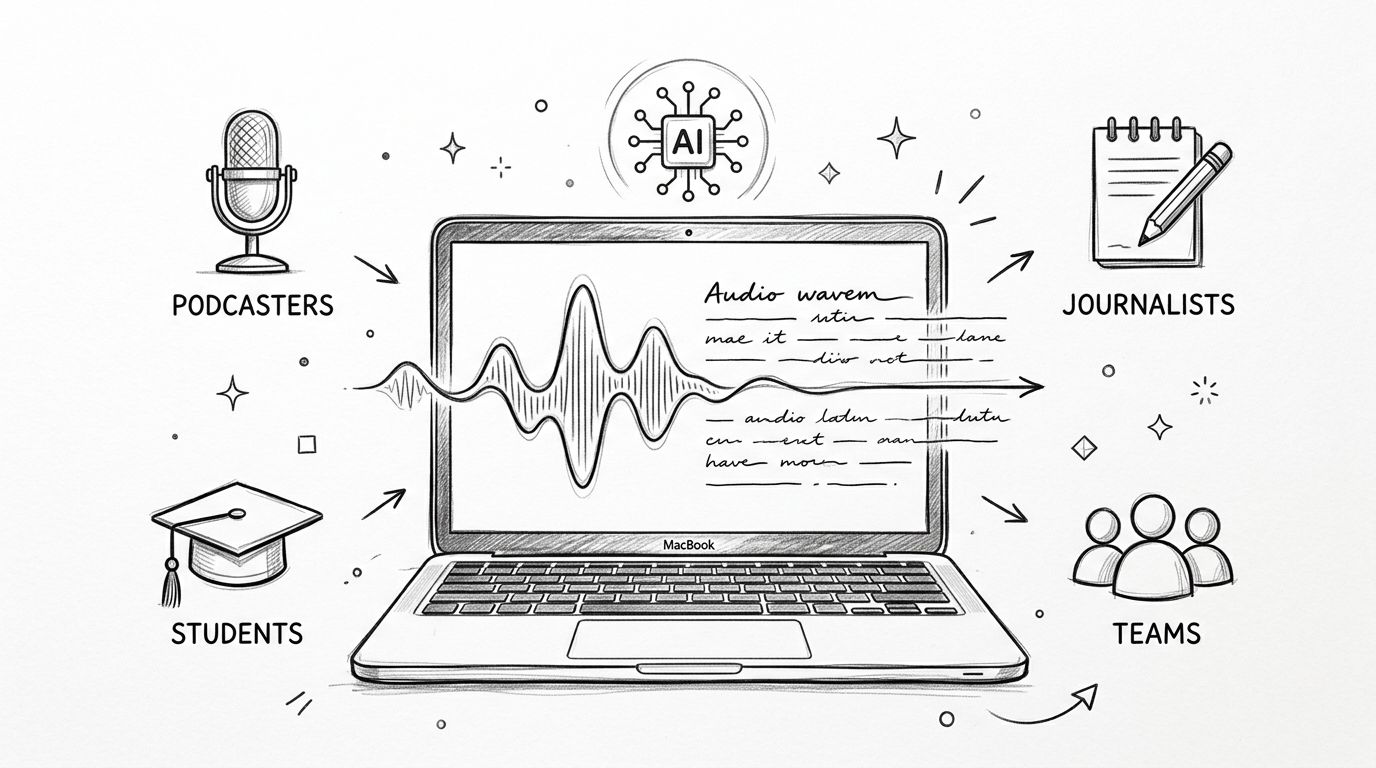
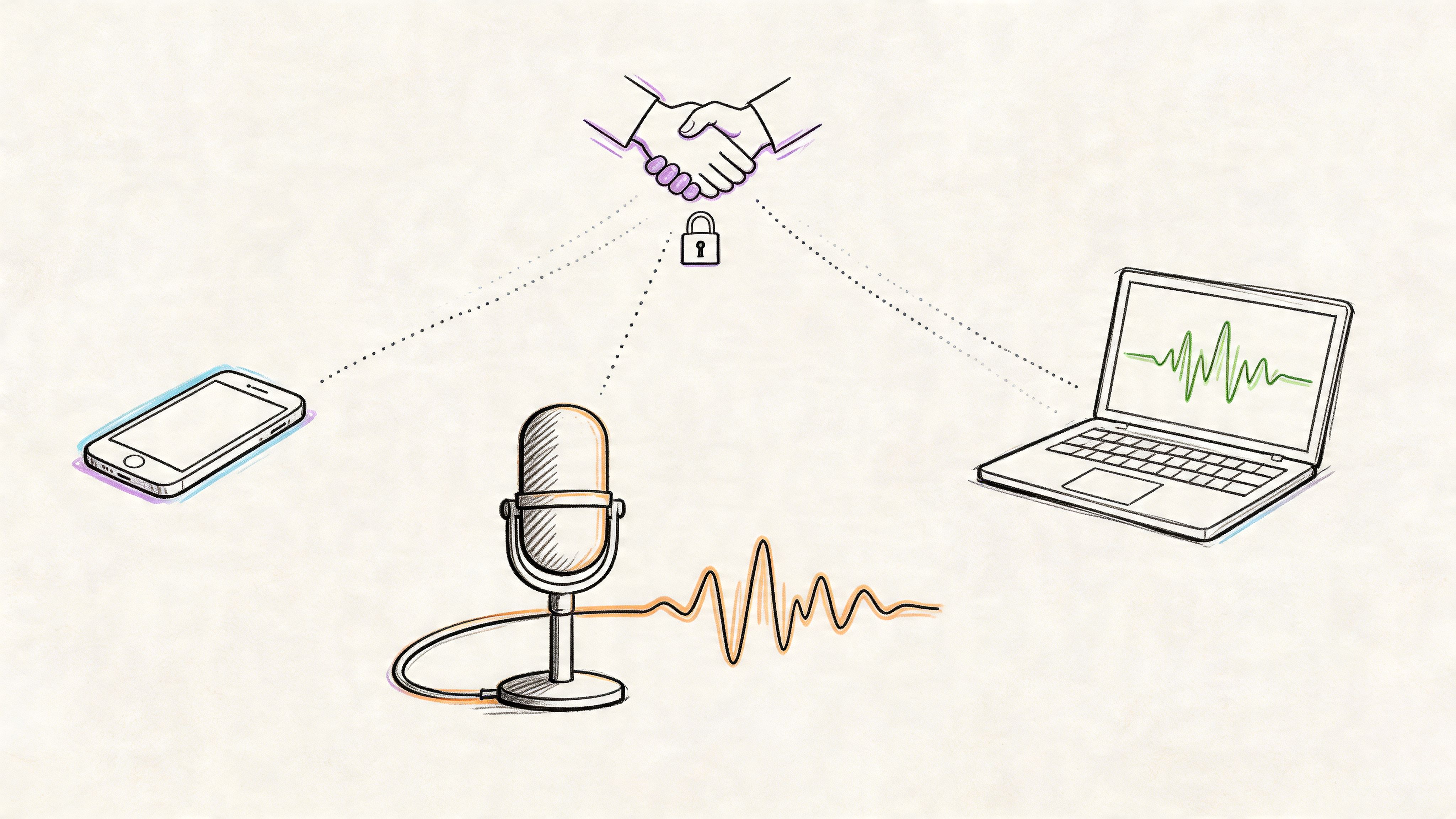
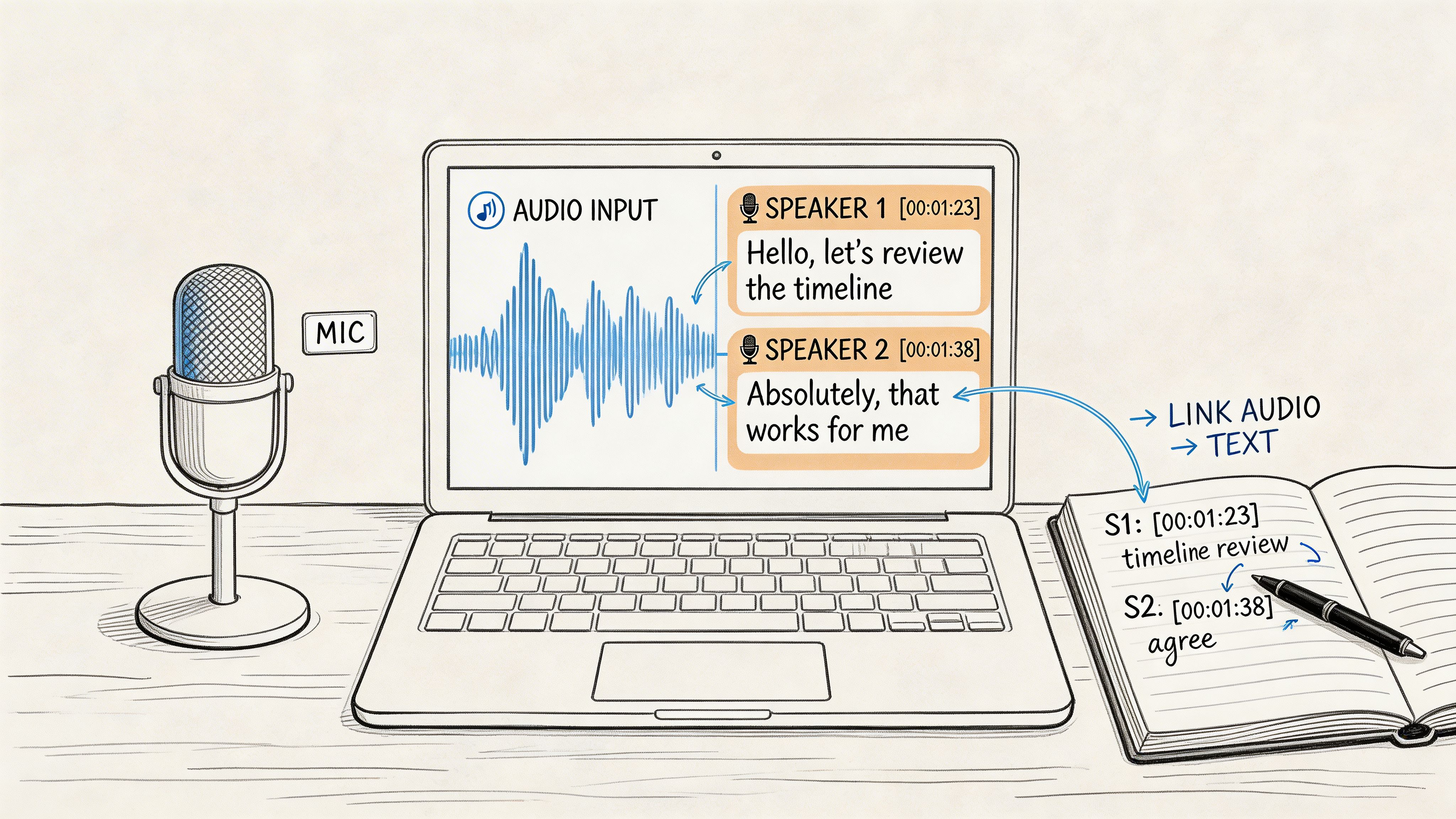
Whisper AI is one option. It can transcribe meetings, detect speakers, generate summaries, and extract action items into formats teams can reuse. If you want a simple structure for documenting next steps after each stand-up, this meeting action items template is a practical companion.
A good capture system should make it easy to answer questions like:
- What blocker was raised
- Who owns the follow-up
- What needs escalation
- What can be checked off before the next stand-up
What not to document
Don't turn the recap into minutes of meeting theater. Nobody needs a paragraph for each speaker. Capture only what changes work after the call.
That keeps the stand-up lightweight while still making the outcomes durable.
Transform Your Daily Stand-Up Today
A stand-up becomes useful when it stops acting like a daily report and starts acting like a fast coordination point. That's a fundamental change.
Keep the agenda tight. Use the classic prompts only as a frame. Push detailed problem-solving out of the room. Run the meeting with visible discipline. Then make sure every blocker, owner, and next action survives the call.
If your current stand-up drifts, don't redesign everything at once. Start with four changes:
- Refocus the purpose on team alignment, not personal reporting
- Pick one timeboxed template that fits your team's working model
- Facilitate actively with redirects, turn order, and a clear parking lot
- Capture outcomes in a system the team will review
Well-run stand-ups don't feel heavy. They feel sharp, fast, and useful. That's usually a sign that the agenda is doing its job.
If you want cleaner follow-through from your stand-ups, Whisper AI can help capture the conversation, identify speakers, summarize what changed, and turn blockers into usable action items without forcing the facilitator to take notes live.