
10 Best AI Tools for Customer Service in 2026
Grand View Research estimates the AI customer service market at USD 13.0 billion in 2024 and USD 83.9 billion by 2033. That growth reflects real budget movement inside support teams, not just vendor enthusiasm.
Adoption, however, is the easy part. Implementation is where support leaders lose time, spend budget on overlapping tools, and create automations that hand messy edge cases back to agents. A fast reply generated by AI does not help if it is wrong, out of policy, or missing the account context an agent would have caught.
This guide stays grounded in that reality. It separates all-in-one systems such as Intercom, Zendesk, Freshdesk, Salesforce, Dynamics, and Zoho from specialized AI layers such as Whisper AI, Ada, and Forethought, because those tools solve different problems and carry different setup costs. In practice, many teams get better results by combining them. A helpdesk manages workflow, permissions, SLAs, and reporting. A transcription layer can turn calls and voice notes into searchable text that feeds QA, summaries, and knowledge base updates. If you want a closer look at how a transcription-first workflow fits into support operations, see this Whisper AI guide for support teams.
The goal is not to chase the longest feature list. The goal is to choose the right category of tool for the job, then connect it to the systems your team already uses. That is also why the recommendations below focus on trade-offs: where each product fits, what it replaces, what it depends on, and what can go wrong during rollout.
For teams working through broader automation planning, this resource on mastering customer service AI strategies is a useful companion. If you're also evaluating outsourced support models, this guide on AI agent applications for BPOs adds helpful context.
1. Whisper AI
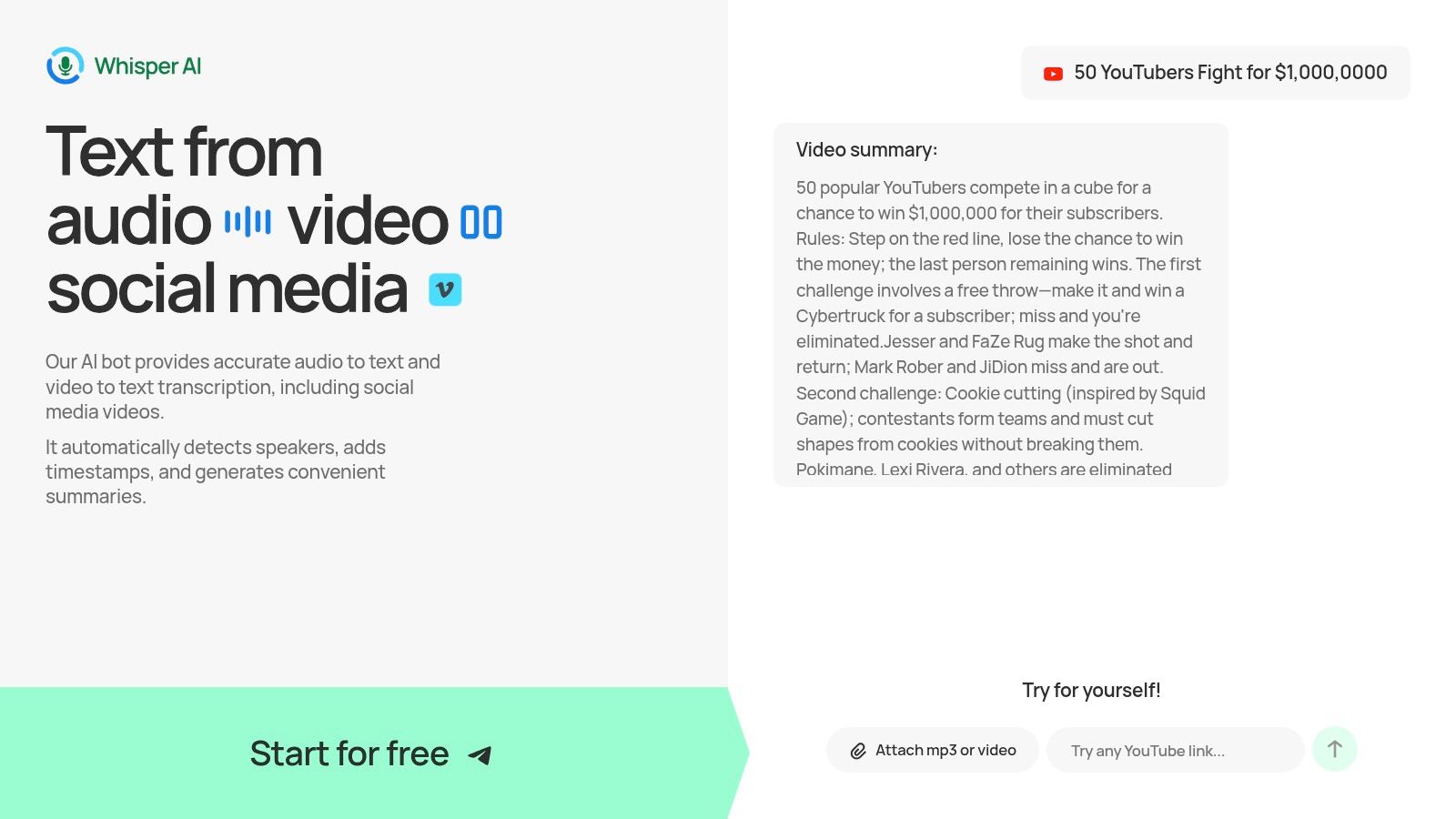
Most lists of AI tools for customer service focus on chatbots first. In practice, many teams get faster value from better conversation capture. That's where Whisper AI stands out. It turns calls, meetings, video clips, and other audio into searchable transcripts with speaker detection, timestamps, summaries, and follow-up Q&A in one workflow.
For support operations, that matters because a lot of customer service work still happens around the conversation, not just inside it. Agents write notes. Managers review calls. QA teams sample interactions. Knowledge managers pull recurring issues out of recordings. Whisper AI shortens that chain by converting messy audio into usable text quickly.
Where it fits best
Whisper AI works especially well as a specialized layer beside your helpdesk, not instead of it. If your team already uses phone support, video support, onboarding calls, or WhatsApp voice notes, you can feed those recordings into Whisper AI and turn them into searchable support intelligence.
The strongest use cases are practical:
- After-call documentation: Agents can use transcript summaries instead of writing every note from scratch.
- QA and coaching: Reviewers can scan transcripts and jump to timestamps instead of listening end to end.
- Knowledge extraction: Teams can spot repeated objections, policy confusion, and product friction from real conversations.
- Cross-functional handoff: Product, operations, and training teams can read summarized call themes without sitting through recordings.
A lot of support teams underestimate how much time gets burned on note-taking and recap work. This is one of the cleaner places to apply AI because the output is easy to inspect. You can read the transcript, check the summary, and catch mistakes before they spread.
Why I'd pick it over a broader suite for this use case
Whisper AI isn't trying to be your whole service platform. That's the advantage. It's focused on transcription, summarization, and extraction from audio and video, and it supports long-form files, social links, multiple export formats, and multilingual workflows. The product also supports in-chat follow-up questions, which is useful when you need action items or a tighter summary from a long interaction.
For teams evaluating deployment ideas, Whisper AI's own overview of how Whisper AI works gives a good sense of the workflow. If your support org handles a lot of spoken interactions, pair that with broader thinking on mastering customer service AI strategies and you'll see why transcription and summarization often deliver value sooner than autonomous resolution.
Practical rule: Use Whisper AI to reduce manual work around conversations first. Don't force it into decision-making jobs your helpdesk or CRM should own.
A fair caution. Public pricing detail isn't prominent, so procurement may need a trial or sales conversation before budgeting. And like every transcription system, output quality still depends on audio quality, overlapping speakers, and background noise.
2. Intercom
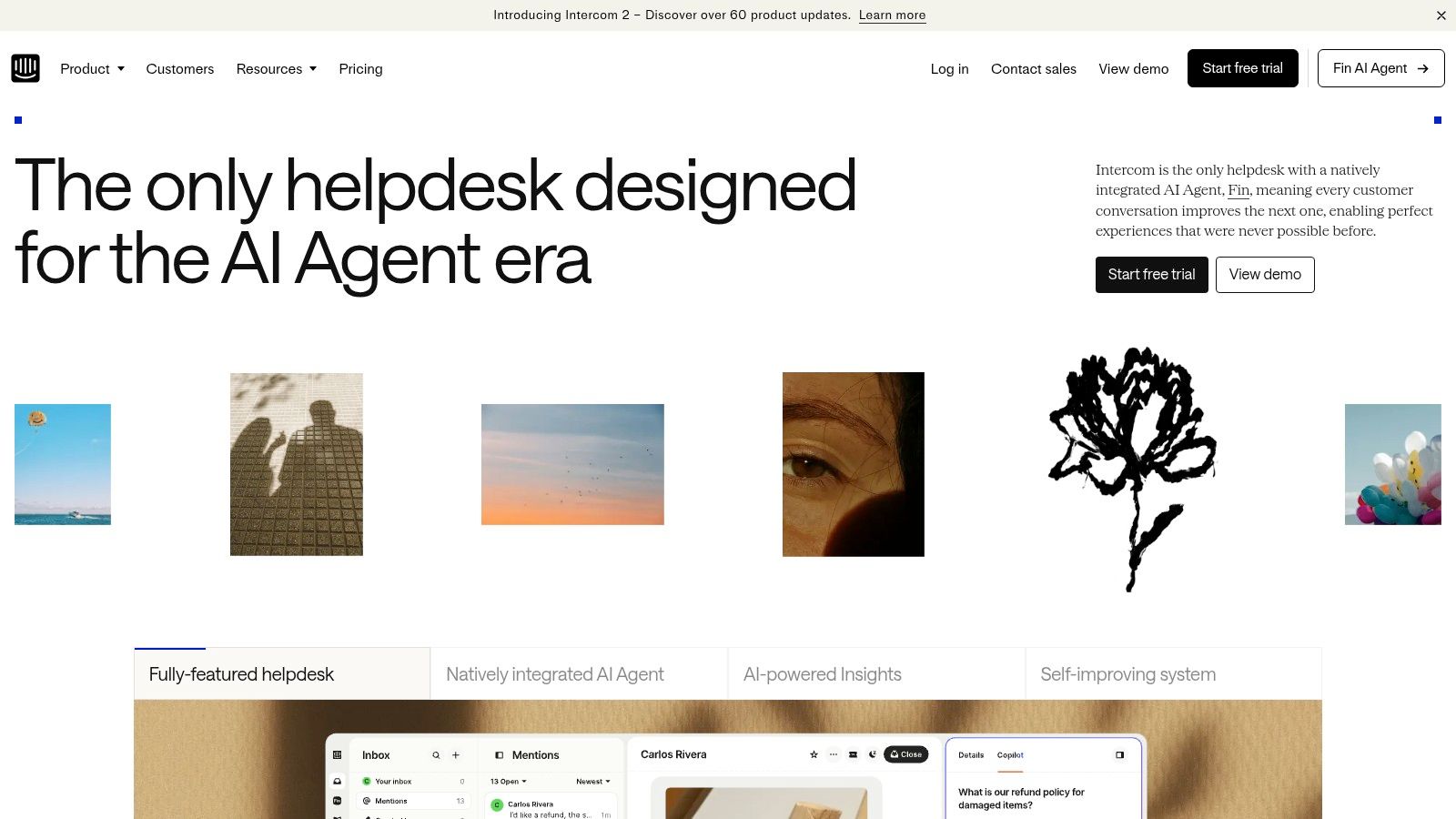
Intercom is one of the cleaner choices if you want an AI agent and a modern helpdesk in the same stack. Fin AI Agent can run inside Intercom or on top of another helpdesk, which gives support teams more flexibility than many buyers expect.
That deployment flexibility matters. Plenty of teams want better automation without replacing the rest of their support stack immediately. Intercom is good at that middle ground.
What Intercom gets right
Intercom's pricing model for Fin is tied to successful outcomes rather than just raw usage, and that's attractive if you want clearer alignment between spend and resolved conversations. The platform also gives you omnichannel support, a help center, proactive messaging, and agent assist tools in one environment.
Its AI story is broader than chatbot deflection. Intercom has been explicit that teams need to think beyond features and focus on whether AI improves the actual support operation, including handoff quality, measurement, and hidden rework costs. Their own practical framing on AI tools for customer service is one of the better explanations of why speed alone isn't enough.
If you're using Intercom with call recordings or long customer conversations, a dedicated automatic summarization tool can fill a gap that helpdesks often handle only partially.
Faster replies don't help much if the AI creates more escalations, worse summaries, or extra cleanup work for agents.
Trade-offs to watch
Intercom can get expensive as AI outcomes and seat counts rise. Some of the stronger analytics and AI capabilities also sit behind add-ons, so the attractive entry point can turn into a larger package once operations teams want deeper insight.
I'd pick Intercom when the team wants one vendor that can cover inbox, automation, agent assist, and AI agent deployment without a long enterprise implementation. I'd be more cautious if you need highly customized workflow logic across complex regulated processes.
3. Zendesk AI
Zendesk AI is the safe shortlist option for a reason. It already has the ticketing, knowledge, messaging, and voice foundation many teams know, and its AI agents are billed around automated resolutions rather than simple interaction volume.
That sounds straightforward, but the implementation detail matters. With outcome pricing, you need a clean internal definition of what counts as a real resolution. If the AI closes easy cases but creates more reopenings, the billing model can look better than the customer experience.
Where Zendesk makes sense
Zendesk is strongest for teams that want mature admin controls, a broad ecosystem, and a platform that can support both self-service and agent-assist use cases. If your support operation spans email, messaging, help center content, and structured ticket workflows, Zendesk covers that base well.
Its AI tools fit best when your knowledge base is already in decent shape. If the source material is weak, the AI layer won't rescue it. You'll just produce faster bad answers.
A practical benefit is that Zendesk gives support leaders one place to manage automation, reporting, and service workflows. That usually lowers operational friction compared with stitching together several narrower products.
Where buyers get tripped up
The biggest mistake I see with Zendesk is assuming “automated resolution” is self-explanatory. It isn't. Teams need to inspect when the AI solved the issue, when it merely delayed handoff, and when it created hidden work. Outcome-based pricing is attractive, but only if your governance is sharp enough to verify the outcome.
Zendesk is a strong fit for established support orgs that want to evolve an existing service operation, not rebuild from scratch. It's less compelling if your main requirement is a highly custom AI layer detached from the rest of the helpdesk.
4. Freshdesk with Freddy AI
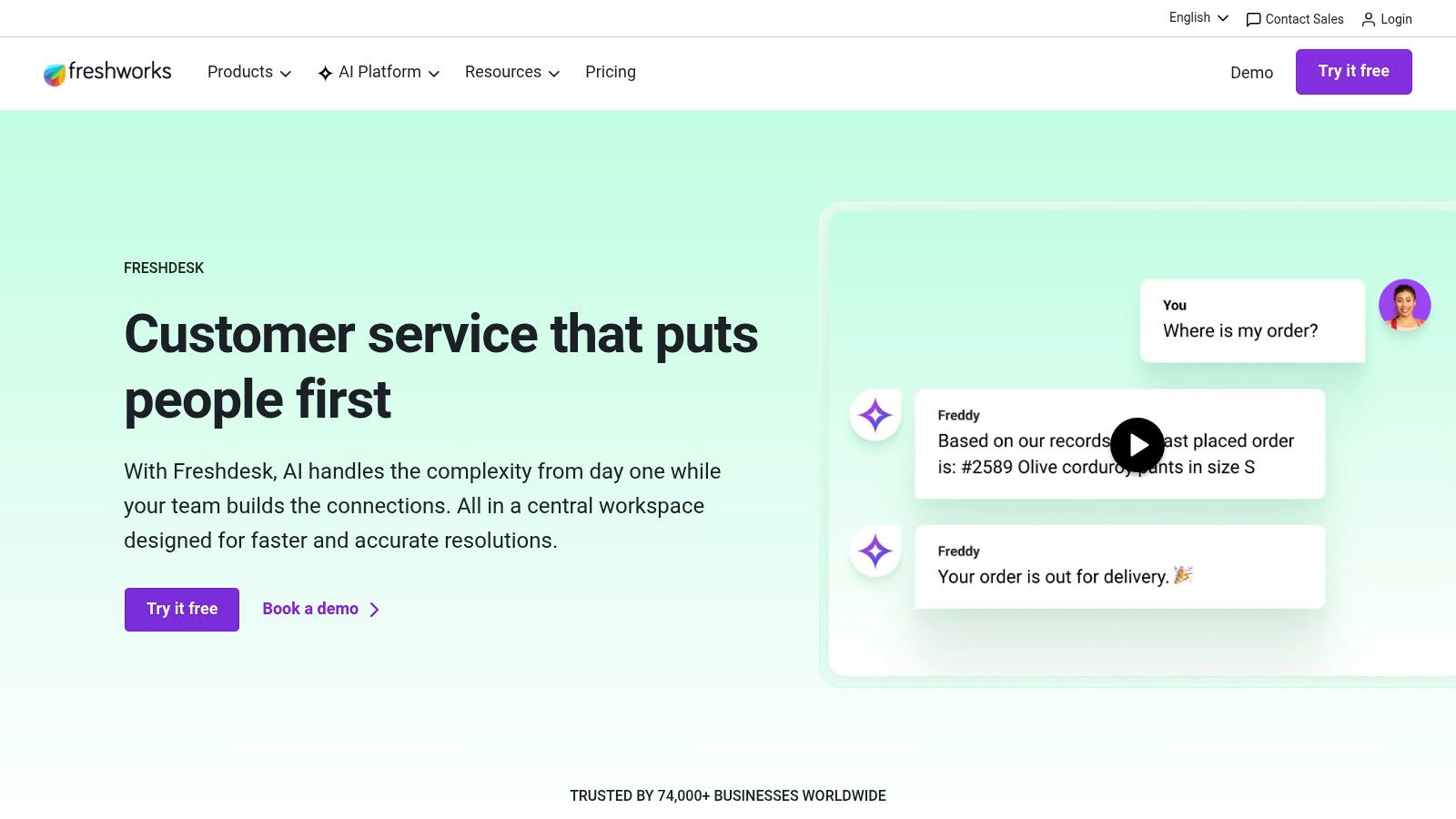
Freshdesk is usually where I point growing teams that want a practical helpdesk with AI features and less procurement drama. Freshworks does a better job than many vendors of making AI usage easier to understand, especially for SMB and mid-market teams.
Freddy AI covers agent assist, self-service, AI agents for chat and email, and insight features. That's not unique on paper. What is useful is that Freshdesk tends to feel approachable during rollout.
Why smaller teams like it
Freshdesk is good when you need modern ticketing, routing, knowledge, and omnichannel support without jumping into an enterprise-heavy stack. Teams can start with core helpdesk workflows and layer Freddy AI where they have sufficient volume to justify it.
That usually means using AI first for things like:
- Drafting replies: Help agents answer common tickets faster.
- Summaries: Reduce reading time on long cases.
- Self-service automation: Handle repetitive requests before they reach the queue.
- Insights: Surface recurring issue categories and workflow bottlenecks.
The effectiveness of support AI hinges on an organization's ability to absorb it. Freshdesk is less likely to overwhelm a team that still needs basic process discipline.
The main limitation
Session-based AI economics are easier to budget than vague custom pricing, but they still require monitoring. If volumes spike or teams use AI casually on every interaction, costs can climb in ways managers didn't plan for. Capability differences by plan can also create confusion during expansion.
Freshdesk is a practical choice for support leaders who want AI tools for customer service that can show value early without forcing a major systems project. It's not the deepest platform on this list, but that's often the point.
5. Salesforce Service Cloud
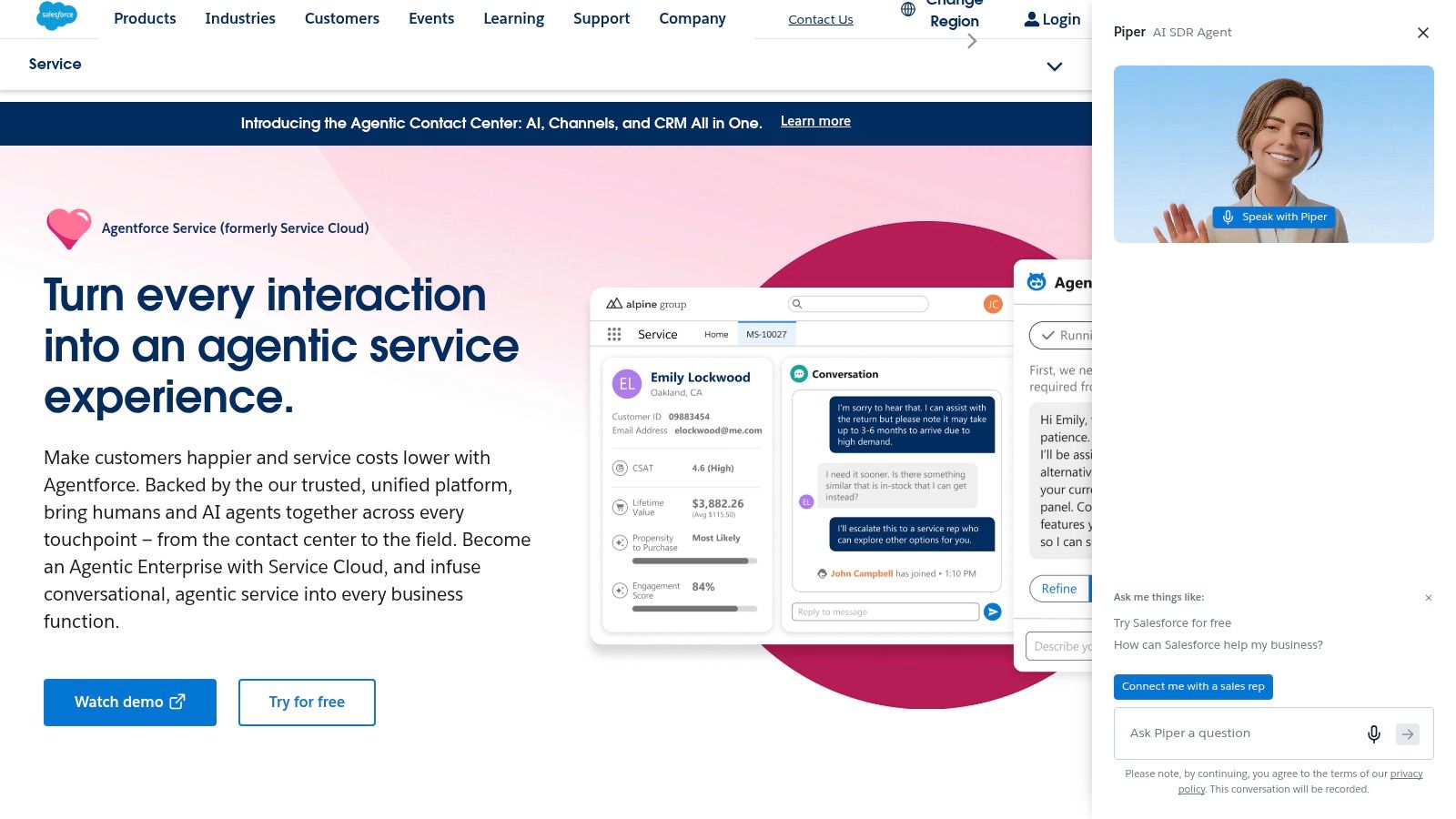
Salesforce Service Cloud fits organizations where support decisions depend on customer history, account structure, contracts, field service data, and cross-functional approvals. It is less a standalone helpdesk and more an enterprise service layer tied to the CRM record.
As noted earlier, AI adoption in support is rising fast. Salesforce matters in that shift because it can apply automation inside a shared customer data model instead of bolting AI onto an isolated ticketing tool. That distinction affects implementation. Routing, summarization, agent assist, and service automation work better when case data, sales context, and entitlement rules already live in one system.
Best for complex environments
Service Cloud works best when service operations span multiple teams and systems. That includes support organizations handling escalations with account managers, field teams, billing, compliance, or renewals. In those environments, Einstein features and Agentforce are useful because the AI can draw from more than the current ticket.
Salesforce's complexity often helps rather than hurts in this setting. Large organizations usually need detailed permissions, approval logic, auditability, and workflow control that lighter platforms struggle to support cleanly.
A practical pattern is to keep Service Cloud as the system of record, then connect specialized AI tools around it. For example, teams handling phone-heavy queues can pair Salesforce with transcription from Whisper AI, then push call summaries and key action items back into the case. That setup improves agent handoffs and reporting, especially if leaders are already working on support workflow efficiency across teams and tools.
Use Salesforce when customer context already lives in Salesforce. If it does not, the integration and change-management effort increases quickly.
The cost of that power
Salesforce rarely wins on simplicity or speed of rollout. Licensing tiers, add-ons, channel products, and AI packaging can make budgeting harder than it looks in a demo. The platform can deliver strong results, but only if the service model, data structure, and admin ownership are clear before rollout.
I would not put it in front of a lean team that needs fast time to value and minimal configuration. I would put it on the shortlist for enterprises that already run customer operations in Salesforce and want AI woven into the same record, controls, and reporting structure.
6. Microsoft Dynamics 365 Customer Service
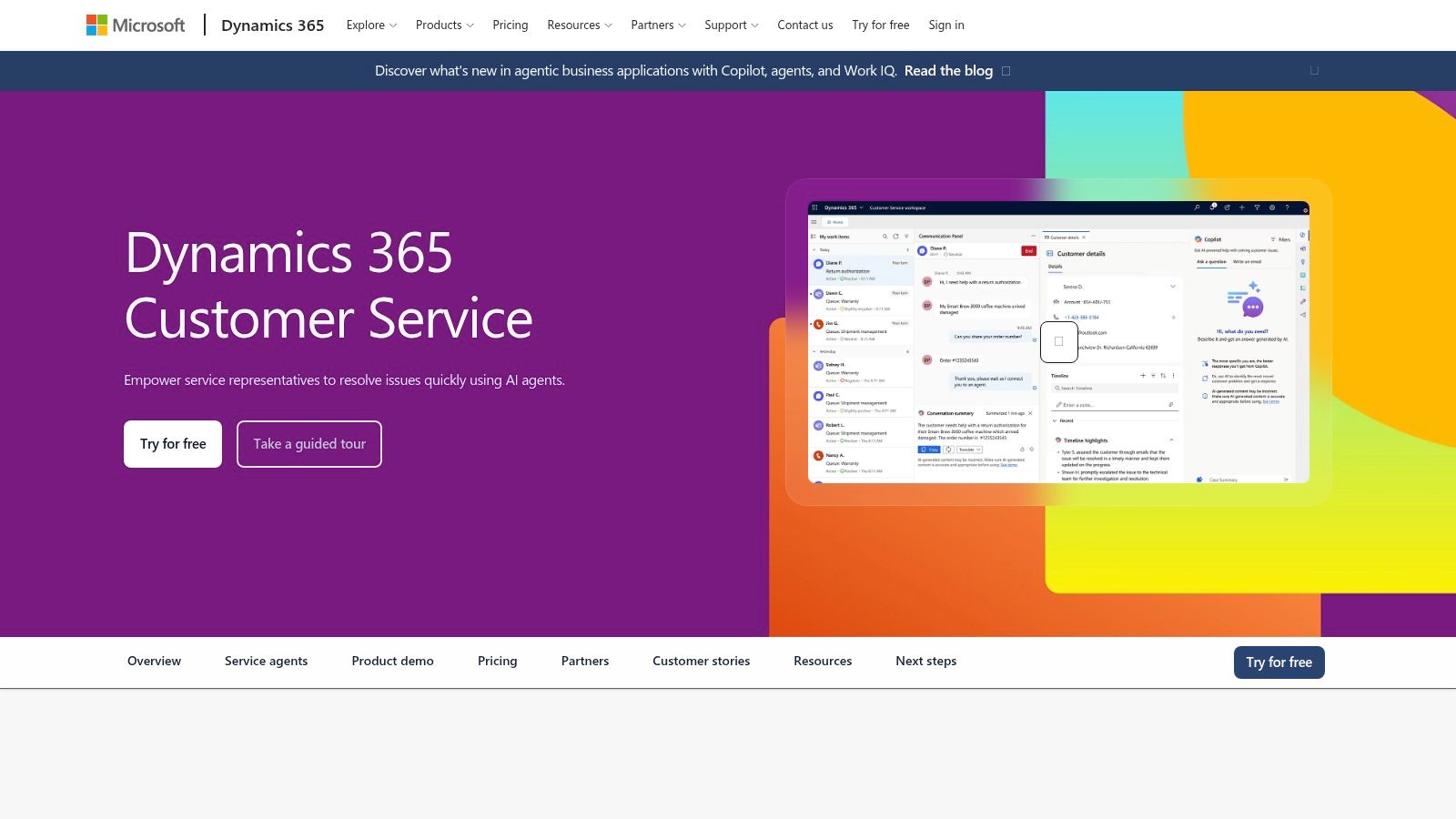
Microsoft Dynamics 365 Customer Service makes the most sense when the rest of your business already runs on Microsoft 365, Azure, Teams, and related security controls. The product itself is solid. The bigger advantage is ecosystem fit.
Copilot supports agent assistance, while Copilot Studio gives technical teams room to build and orchestrate custom agents. That flexibility is valuable if your support workflows cut across internal systems and Microsoft is already the default enterprise layer.
Where it shines
Dynamics is strongest in organizations that care about security, compliance, identity controls, and workflow extension more than a polished out-of-the-box support experience. If the business wants service AI tied tightly to Microsoft tooling, Dynamics usually becomes the practical choice.
Its omnichannel support and broader enterprise integration also make it appealing for organizations that need chat, voice, and case management under one policy framework. If your support managers are also trying to improve team coordination and documentation, this kind of stack benefits from a broader look at how to improve workflow efficiency.
What makes it harder to buy
The licensing matrix is the main obstacle. Professional, Enterprise, Premium, Contact Center, and usage-based elements can make budgeting harder than it should be. Buyers need current validation from Microsoft or a partner before assuming anything about final packaging.
I'd choose Dynamics when the IT and operations teams already trust Microsoft to run core business systems. I wouldn't choose it just because Copilot sounds familiar. Familiar branding doesn't automatically equal easier support implementation.
7. Ada
Ada is built for enterprises that want serious customer service automation with guardrails. It's less about lightweight chatbot deployment and more about controlled orchestration across channels, workflows, and brand-sensitive experiences.
That's important because the market is shifting from simple bots toward workflow-aware AI agents and multimodal support. The challenge isn't just answering questions anymore. It's deciding which tasks are safe to automate end to end and which need a human review step. Nextiva's overview of where AI customer service tools are heading captures that shift well.
Why large brands look at Ada
Ada tends to appeal to companies with heavy support volume, brand risk, or regulated processes. It emphasizes guardrails, escalation with context, and enterprise security. Those aren't flashy buying triggers, but they matter when mistakes can create customer harm or compliance exposure.
I'd shortlist Ada when the support team wants automation that can act, not just answer, but still needs boundaries around what the system is allowed to do. It's also a reasonable fit for multilingual support environments where consistency matters.
The practical downside
Ada is not a casual purchase. Pricing is sales-led, and implementation effort can be substantial. That doesn't make it a bad tool. It means you should buy it only when your support maturity matches its scope.
If your operation still struggles with basic knowledge quality and workflow ownership, Ada won't fix that foundation for you. It'll expose the weakness faster.
8. Forethought
Forethought is one of the better examples of a specialized AI layer rather than a full replacement service suite. It focuses on autonomous resolution, agent assist, triage, QA, and insights, usually by integrating with an existing helpdesk.
That model is attractive for support leaders who don't want to rip out Zendesk, Salesforce, or another core platform just to get stronger AI features.
Why this category matters
Specialized AI layers often outperform broad suites in one area because they're built around operational pain, not platform sprawl. Forethought is a good example. It tries to improve workflow quality across deflection, summaries, suggested replies, and quality monitoring.
Independent market research says the generative AI in customer service segment was valued at USD 371.1 million in 2023 and is projected to reach USD 3.23 billion by 2033, with reported productivity gains of 30% to 50% and generative systems handling about one-third of customer emails. Those use cases line up closely with Forethought's strengths around drafting, triage, and support workflow automation.
What to watch before buying
Forethought is a strong fit if your current helpdesk is good enough but your AI layer is weak. It's less attractive if you're hoping one vendor will simplify your whole stack. You'll still need thoughtful integration work and clear ownership between the helpdesk, the AI layer, and QA or operations teams.
A specialized AI layer works best when someone on the team owns the workflow end to end. Otherwise, everyone assumes someone else is tuning it.
Pricing is sales-led, so there's more procurement overhead than with SMB-oriented tools. Still, for larger support teams trying to improve operational outcomes without changing the whole service platform, Forethought is worth serious evaluation.
9. Google Cloud Conversational Agents
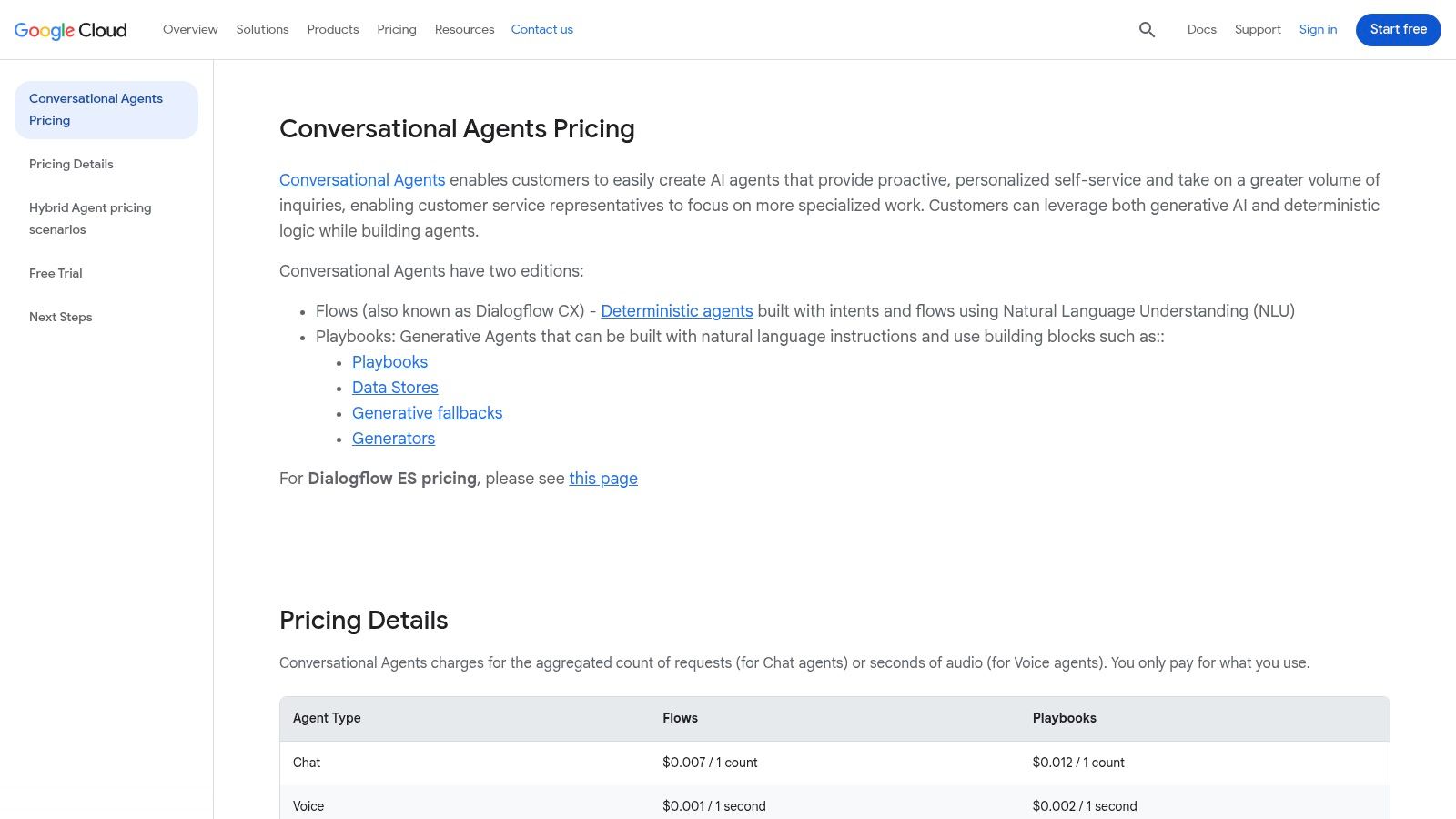
Google Cloud Conversational Agents is the builder's option. If you want a packaged support suite, look elsewhere. If you want to design custom conversational systems for chat or voice with deterministic flows and generative playbooks, this is one of the strongest platforms available.
The biggest advantage is control. The biggest drawback is that you have to use it.
Best for teams that can build
Google Cloud's approach works for organizations with technical resources, solution architects, or implementation partners who can design conversational logic carefully. You can mix guided flows with generative behavior, which is often better than going fully open-ended.
That matters because fully autonomous support agents are not always the best choice. In many customer service environments, a controlled workflow with strong escalation logic beats a more flexible model that hallucinates, overconfidently answers, or loses context.
Some support teams also prefer Google's pay-as-you-go style because it makes usage easier to map to demand. You get transparency, but you also inherit the responsibility to manage prompt design, traffic, and fallback behavior.
Who should skip it
If your team wants a fast operational win, Google Cloud Conversational Agents probably isn't the right first purchase. It demands design discipline, testing, and monitoring. This is infrastructure for a custom solution, not a plug-and-play customer support layer.
I'd recommend it to organizations building high-control chat or voice experiences at scale. I wouldn't recommend it to teams that mainly need agent summaries, faster replies, and better routing next quarter.
10. Zoho Desk with Zia
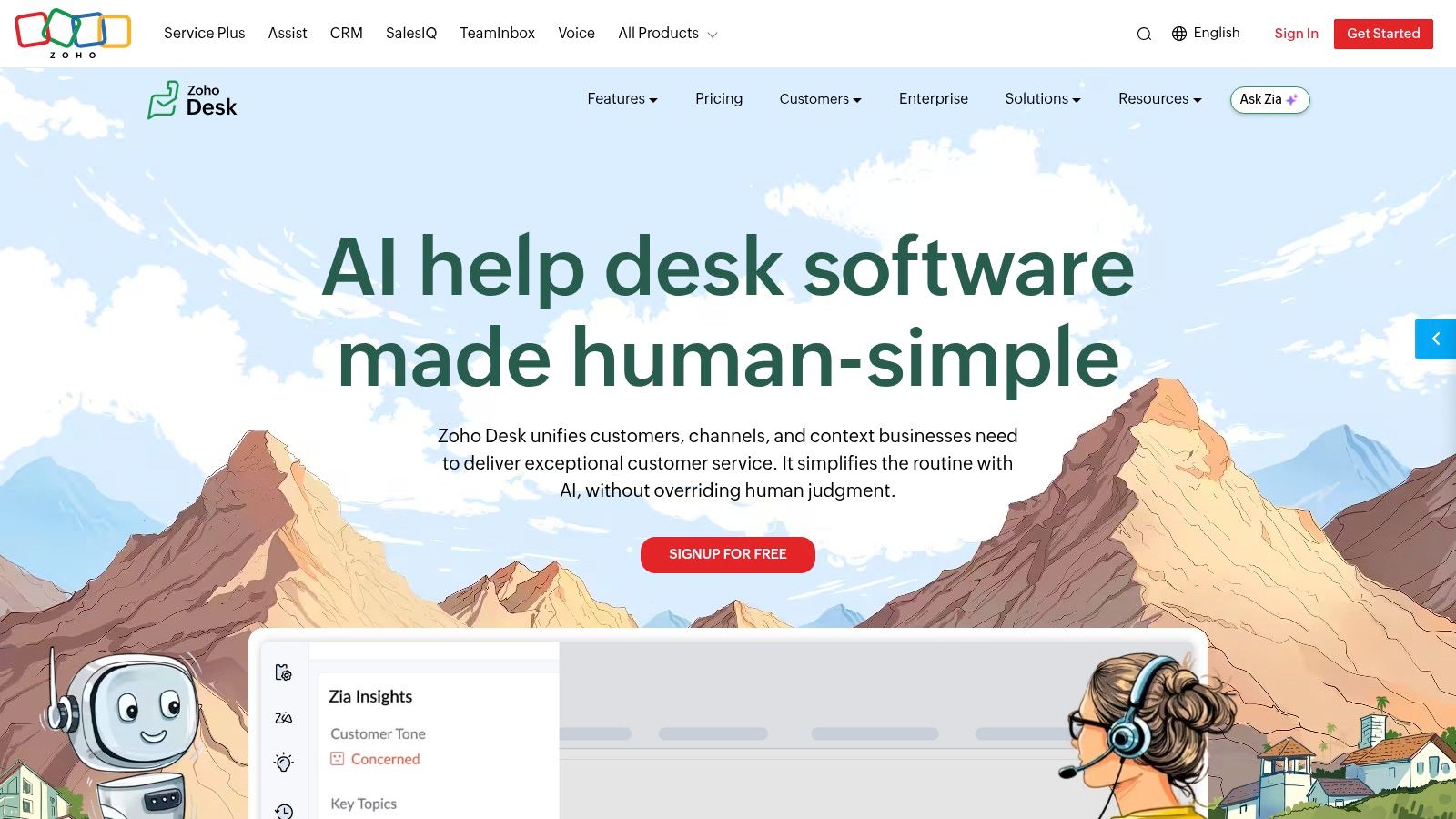
Zoho Desk is a practical choice for smaller support teams that want built-in AI without enterprise pricing complexity. Zia handles summaries, draft replies, tone analysis, and knowledge-based assistance inside the agent workflow.
That's not the deepest AI stack in this list, but for many teams it's enough. A lot of support leaders don't need autonomous agents everywhere. They need agents to read less, write less, and respond more consistently.
Why it works for lean teams
Zoho's value is straightforward. If you already use the Zoho ecosystem, Zia feels like a natural extension instead of a separate AI program. That lowers operational friction, training demands, and vendor overhead.
The feature set is especially useful when the team's bottleneck is agent efficiency rather than high-volume automation. Ticket summaries and drafting aren't glamorous, but they're often where teams feel immediate relief.
Where it falls short
Power users may outgrow Zia if they need deeper orchestration, broader enterprise guardrails, or more advanced agentic actions. Regional and plan differences can also affect which AI features are available.
Zoho Desk is one of the better budget-aware AI tools for customer service if your goal is simple: help agents move faster inside a familiar helpdesk. If your goal is large-scale autonomous resolution across complex channels, look higher up the market.
Top 10 AI Customer Service Tools: Features & Pricing
| Product | Core features | UX & accuracy | Pricing / Value | Best for / Audience | Standout / USP |
|---|---|---|---|---|---|
| Whisper AI 🏆 | Transcription, speaker diarization, timestamps, summaries, exports (Docs/PDF/MD) ✨ | Fast, near‑real‑time; high accuracy ★★★★☆ | 💰 Free starter; paid plans via signup | 👥 Creators, podcasters, social managers, researchers | ✨ Multi‑model workflow + interactive Q&A; privacy‑first 🏆 |
| Intercom (Fin + Helpdesk) | Fin AI agent, omnichannel inbox, agent assist, analytics | Proven production use; outcome verification ★★★★ | 💰 Outcome‑based AI pricing; can scale with outcomes | 👥 SMBs → mid‑market support teams | ✨ Outcome‑based billing; easy plug‑in to existing desks |
| Zendesk AI | AI agents, automated resolutions, full support suite | Mature enterprise UX; reliable at scale ★★★★ | 💰 Outcome‑based; public example ~$1.50/resolution | 👥 Enterprises with complex support needs | ✨ Enterprise admin, analytics, overage controls |
| Freshdesk + Freddy AI | Freddy Copilot, AI agents, insights, session packs | SMB‑friendly; clear UI and quotas ★★★★ | 💰 Transparent AI session packs; free quotas on higher tiers | 👥 Growing teams, SMBs | ✨ Clear session pricing and good value for scale |
| Salesforce Service Cloud | Einstein AI, deep CRM integration, omnichannel | Powerful but complex; enterprise‑grade ★★★★ | 💰 Complex licensing; higher TCO for full stack | 👥 Large enterprises, industry verticals | ✨ Deep CRM context + industry editions |
| Microsoft Dynamics 365 | Copilot, Copilot Studio, omnichannel case mgmt | Tight M365 integration; secure enterprise UX ★★★★ | 💰 Consumption Copilot credits; complex SKUs | 👥 Microsoft‑centric enterprises | ✨ Copilot Studio for custom agents + enterprise security |
| Ada | Agentic CX, multilingual automation, orchestration | Enterprise focus; brand control & guardrails ★★★ | 💰 Sales‑led pricing; typically enterprise budgets | 👥 Large consumer brands, regulated industries | ✨ Strong guardrails, security, brand controls |
| Forethought | Autonomous resolution, Autoflows, agent assist, QA | Support KPI‑driven; focused on CS outcomes ★★★★ | 💰 Sales‑led pricing; enterprise offerings | 👥 Support leaders, contact centers | ✨ AI QA + Autoflows to boost CSAT & reduce cost/res |
| Google Cloud Conversational Agents | Dialogflow CX flows + generative Playbooks, global infra | Flexible/technical; requires builders ★★★★ | 💰 Transparent pay‑as‑you‑go (per request / audio sec) | 👥 Developers, enterprises building custom agents | ✨ Hybrid deterministic + generative with clear billing |
| Zoho Desk + Zia | Zia summaries, draft replies, tone analysis, insights | Cost‑effective; integrated UI for Zoho users ★★★ | 💰 Competitive TCO; core AI on supported plans | 👥 SMBs, Zoho ecosystem teams | ✨ Core generative features included on plans |
Start Small, Scale Smartly with AI
The best AI customer service rollouts usually look less ambitious at the start than vendors would like. That's a good thing. Teams get into trouble when they buy a broad platform, switch on every automation, and only later discover that the knowledge base is weak, escalation paths are unclear, and no one has defined what success means.
A better approach is to pick one support bottleneck that already costs the team time every day. Good first targets include after-call notes, email drafting, ticket triage, FAQ handling, and conversation summaries. These are narrow enough to test, visible enough to inspect, and important enough to show value quickly.
This is also where measurement needs more discipline than most buying guides suggest. It's easy to celebrate faster replies or more automated conversations. It's harder, and more useful, to check whether first-contact resolution improves, whether CSAT holds up, whether escalations rise, and whether agents spend less time on low-value work or just different low-value work. That distinction matters. AI can improve speed without improving service quality.
I'd separate tools into three buying categories. First, all-in-one helpdesk platforms like Intercom, Zendesk, Freshdesk, Salesforce, Dynamics, and Zoho Desk. These are best when you want your inbox, automation, reporting, and AI in one place. Second, enterprise automation layers like Ada and Forethought. These make sense when your core helpdesk stays put but you need stronger AI orchestration. Third, specialist tools like Whisper AI, which solve a specific operational problem such as turning support calls, meetings, and voice interactions into searchable summaries and transcripts.
That third category is often underused. A practical workflow might look like this: your helpdesk handles intake and case ownership, your AI agent resolves repetitive text-based requests, and Whisper AI captures customer calls or voice messages so agents and managers can search transcripts, review summaries, and turn recurring issues into better help content. In many teams, that combination creates more measurable value than a larger “fully autonomous” promise.
For email-heavy support, it's also worth thinking through how AI handles drafting and follow-up quality, not just chat automation. This guide to automating email responses with AI is useful if email remains a major part of your queue.
If you're choosing among these tools now, don't ask only which platform has the most AI features. Ask which one fits your support maturity, your channel mix, and your ability to govern the output. The right tool is the one your team can implement cleanly, measure accurately, and improve over time.
Start with a pilot. Use real support data. Review failures aggressively. Expand only after the team can explain what got better and what got harder. That's how AI becomes an operational advantage instead of another layer of software to manage.
If your support team spends too much time writing call notes, reviewing recordings, or digging through long conversations for key details, Whisper AI is one of the fastest ways to remove that drag. It gives you transcripts, timestamps, summaries, and searchable conversation history in one workflow, so agents, QA leads, and managers can move from raw audio to action much faster.


























































































