Social Media Caption Generator: A Complete Guide for 2026
You've got the post ready. The visual is edited, the video is exported, the carousel looks sharp, and then the slowdown starts. You still need a caption that sounds like your brand, fits the platform, pulls people in fast, and doesn't read like filler.
That's why the social media caption generator has become part of the modern content stack. Used well, it saves time, breaks writer's block, and gives you more angles than you'd come up with staring at a blinking cursor. Used badly, it produces polished mush.
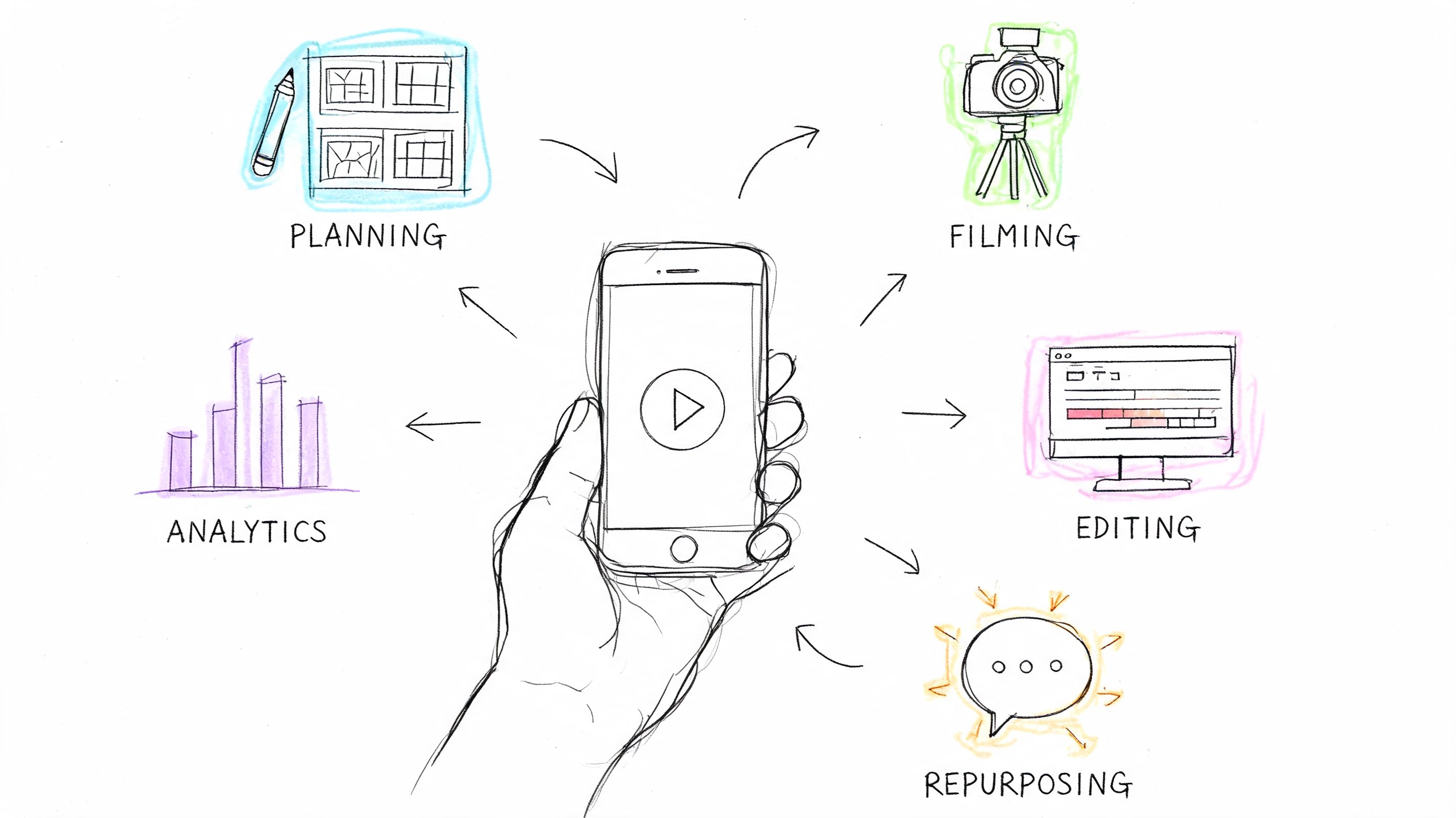
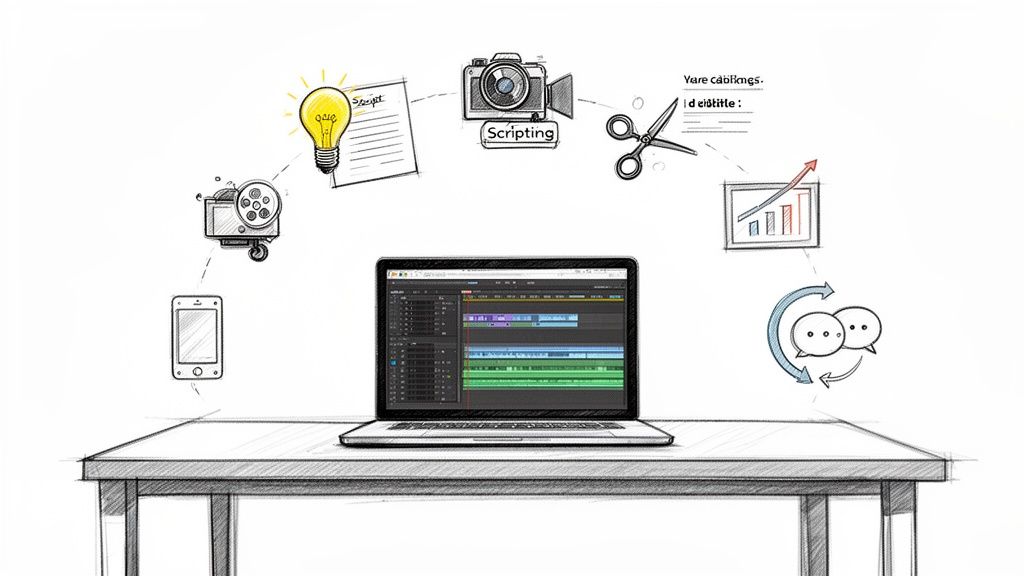
The difference isn't the tool. It's the workflow behind it. Strong teams treat AI captions as a drafting system, not a publish button. They feed the tool better context, ask for better structures, and edit with intent before anything goes live.
What Is a Social Media Caption Generator
A social media caption generator is an AI tool that drafts caption options for posts on platforms like Instagram, TikTok, LinkedIn, Facebook, and X. Most of these tools generate text from a prompt you provide, then shape the output around factors like tone, audience, platform, and length.

The useful way to think about it is not “robot writer.” Think creative assistant with zero context unless you provide it. That mindset changes how you use the tool. Instead of asking it to magically produce a great caption from a vague idea, you use it to generate hooks, rewrite clunky drafts, test different tones, and build first versions quickly.
Why this category matters now
This isn't a niche tool category anymore. The AI-generated influencer caption market was valued at USD 96.78 billion in 2024 and is projected to reach USD 405.62 billion by 2032, with a CAGR of 17.31% from 2025 to 2032, according to SNS Insider's market report on AI-generated influencer captions.
That growth matters because it signals a shift in how content teams work. Caption writing used to be treated as the last-minute part of publishing. Now it's part of a repeatable production system. Brands want speed, consistency, and enough variation to keep feeds from sounding recycled.
Practical rule: A caption generator works best when you use it to create options, not certainty.
What it's good for
In daily use, these tools help with a few specific jobs:
- Breaking the blank-page problem: You don't have to invent every caption from scratch.
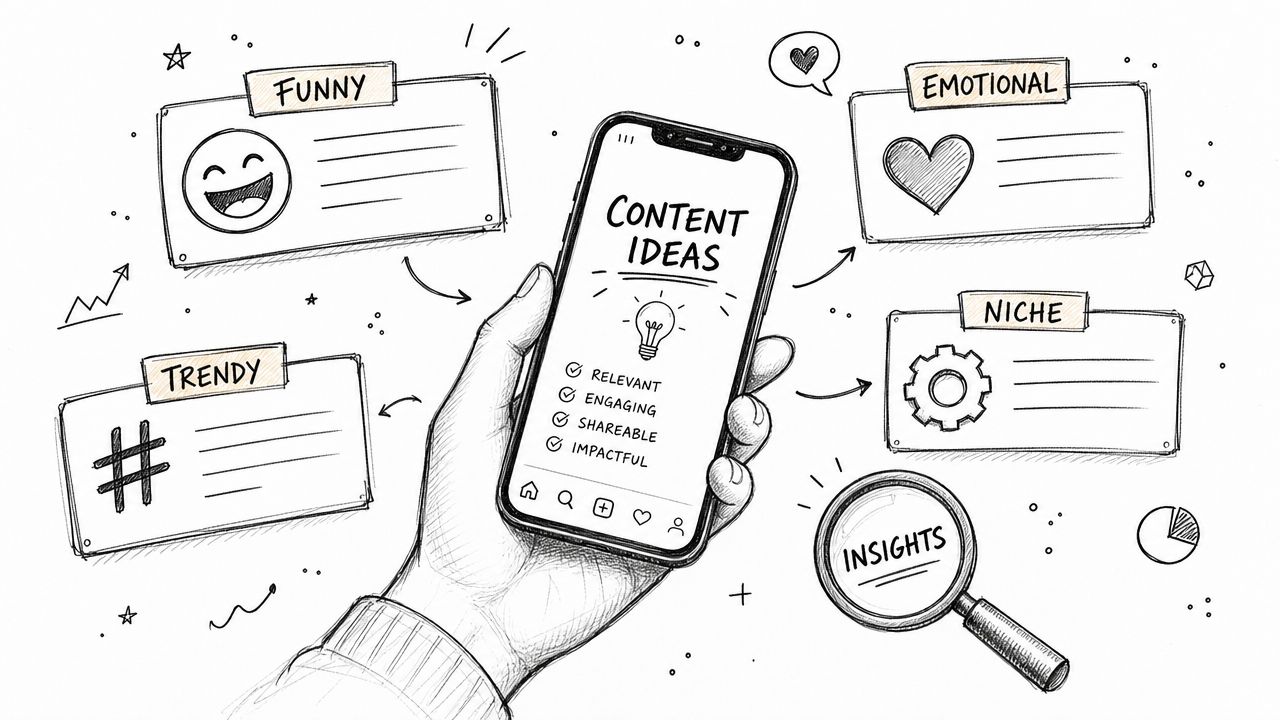
- Creating multiple angles fast: One post can become educational, witty, direct, or community-focused.
- Keeping production moving: Designers, editors, and social managers don't have to wait on a final line of copy before scheduling.
- Adapting content across platforms: The same core idea can be reframed for LinkedIn, Instagram, or TikTok.
If you want a broader view of where these tools fit into a creator workflow, this guide to AI social tools for creators is a useful companion read.
How AI Caption Generators Actually Work
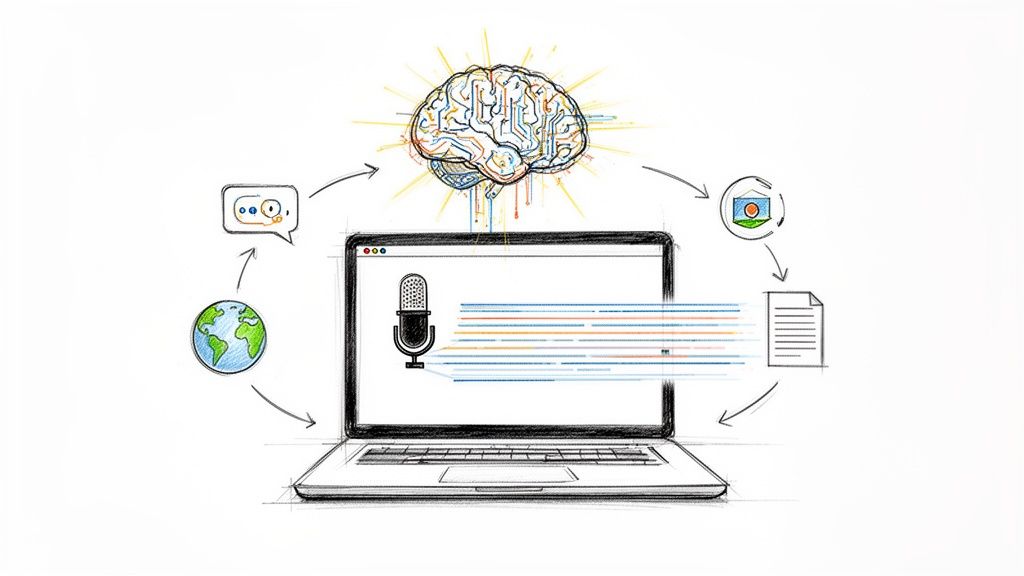
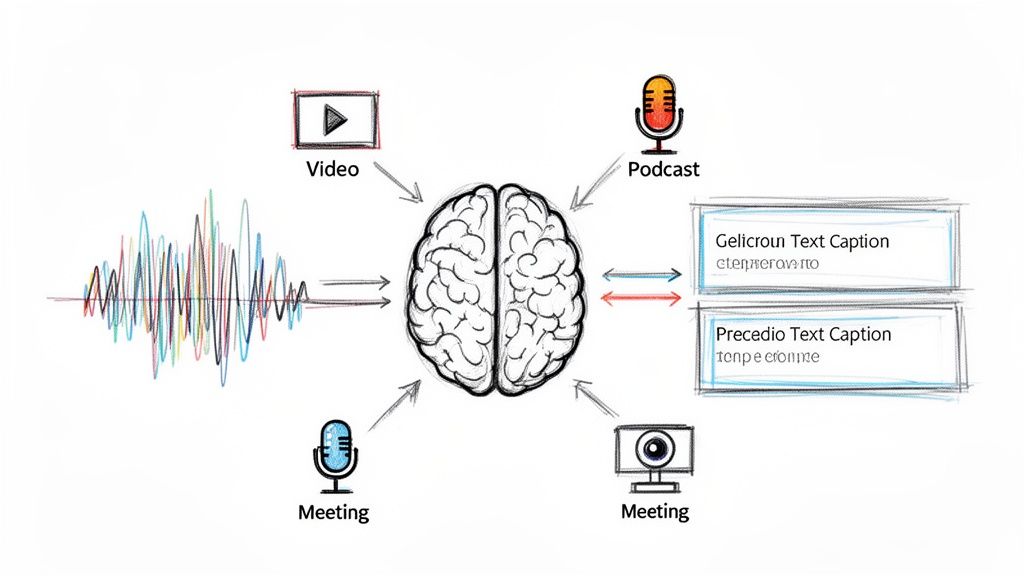
Under the hood, most caption generators rely on large language models, or LLMs. The simplest analogy is a very fast junior copywriter who has read a huge amount of text, knows common patterns, and can draft in many styles, but still needs a strong brief.
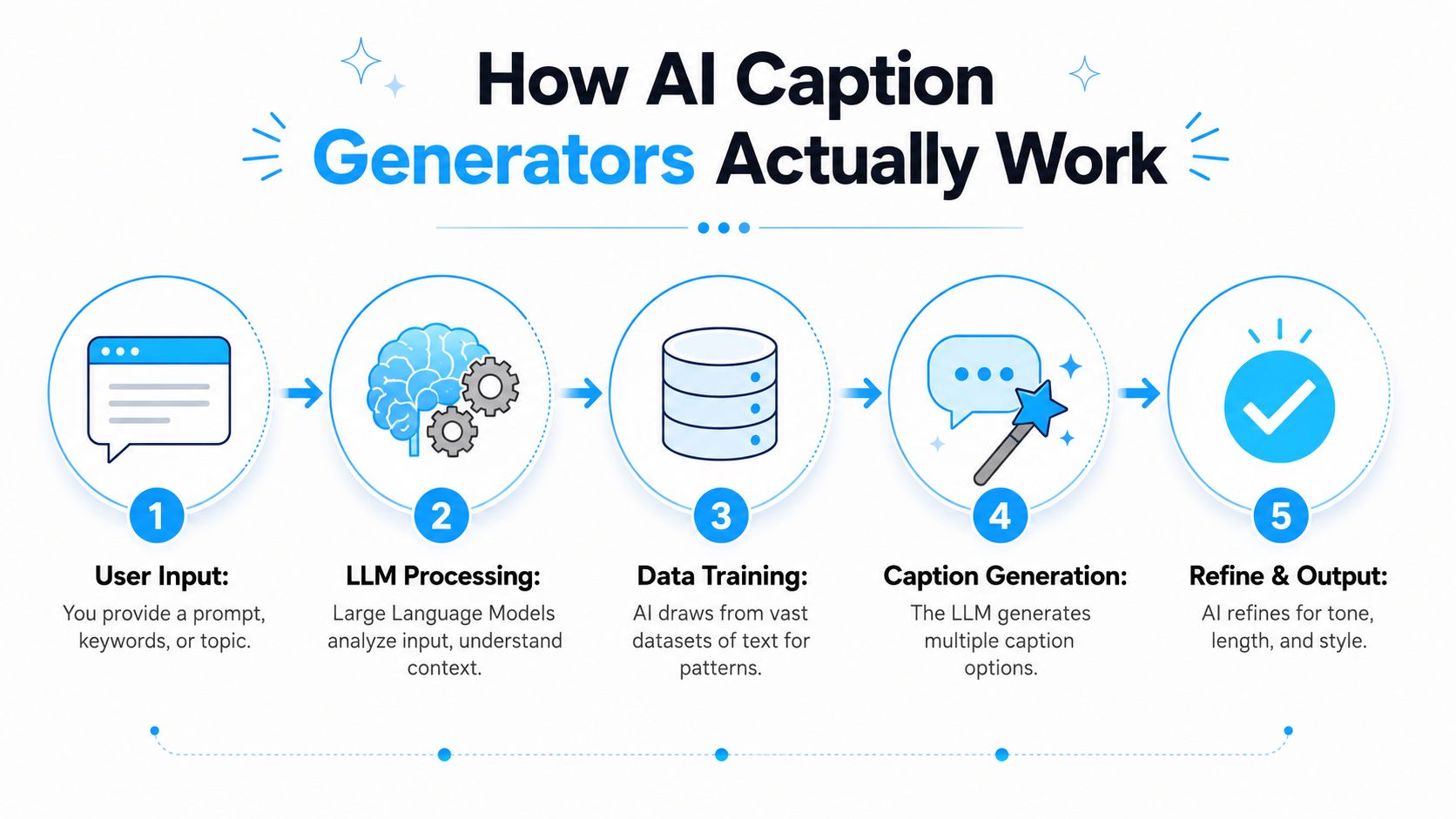
You give the tool inputs. It predicts language patterns based on those inputs. Then it returns one or more caption variations.
The inputs that shape the output
The tools that produce the best results usually ask for some version of these fields:
- Content description: What the post is about
- Target audience: Who should care
- Tone: Casual, professional, playful, direct
- Platform constraints: Instagram, TikTok, LinkedIn, X, and so on
- Length guidance: Short, medium, under a specific character target
- Hashtag or CTA preferences: Whether to include them and how many
Modern caption generators work this way because LLMs ingest user-provided context, including content description, target audience, desired tone, and platform constraints, to produce multiple caption variations. Providing only a few words tends to produce generic captions, while detailed keywords improve social SEO and discoverability, as explained in PostPlanify's guide to social media caption generators.
That cause-and-effect matters in practice. If you type “new podcast episode,” you'll get broad, forgettable copy. If you type “new podcast episode for freelance designers about pricing retainers, target audience is independent creatives, tone is direct and experienced, write for LinkedIn with one CTA,” the model has enough material to work with.
A quick walkthrough makes the process easier to visualize.
Why some tools feel smarter than others
The better products don't just complete text. Some also evaluate uploaded images and infer what's in the visual, then align the caption to likely posting context. Others let you adjust tone, regenerate specific phrases, or spin out several versions from one prompt.
That doesn't make them strategic on their own. It just means they're more responsive to instruction.
A strong prompt gives the model raw material. A strong editor gives the caption judgment.
What this means for your workflow
If your AI captions sound bland, the first problem usually isn't the model. It's the brief. Social teams often underfeed the tool, then overblame the result.
The fix is simple:
- Name the platform.
- State the audience.
- Describe the asset clearly.
- Add topic keywords.
- Set tone and length limits.
- Ask for multiple options, not one final caption.
That turns a generic generator into a useful production tool.
The Real Benefits and Limitations of AI Captions
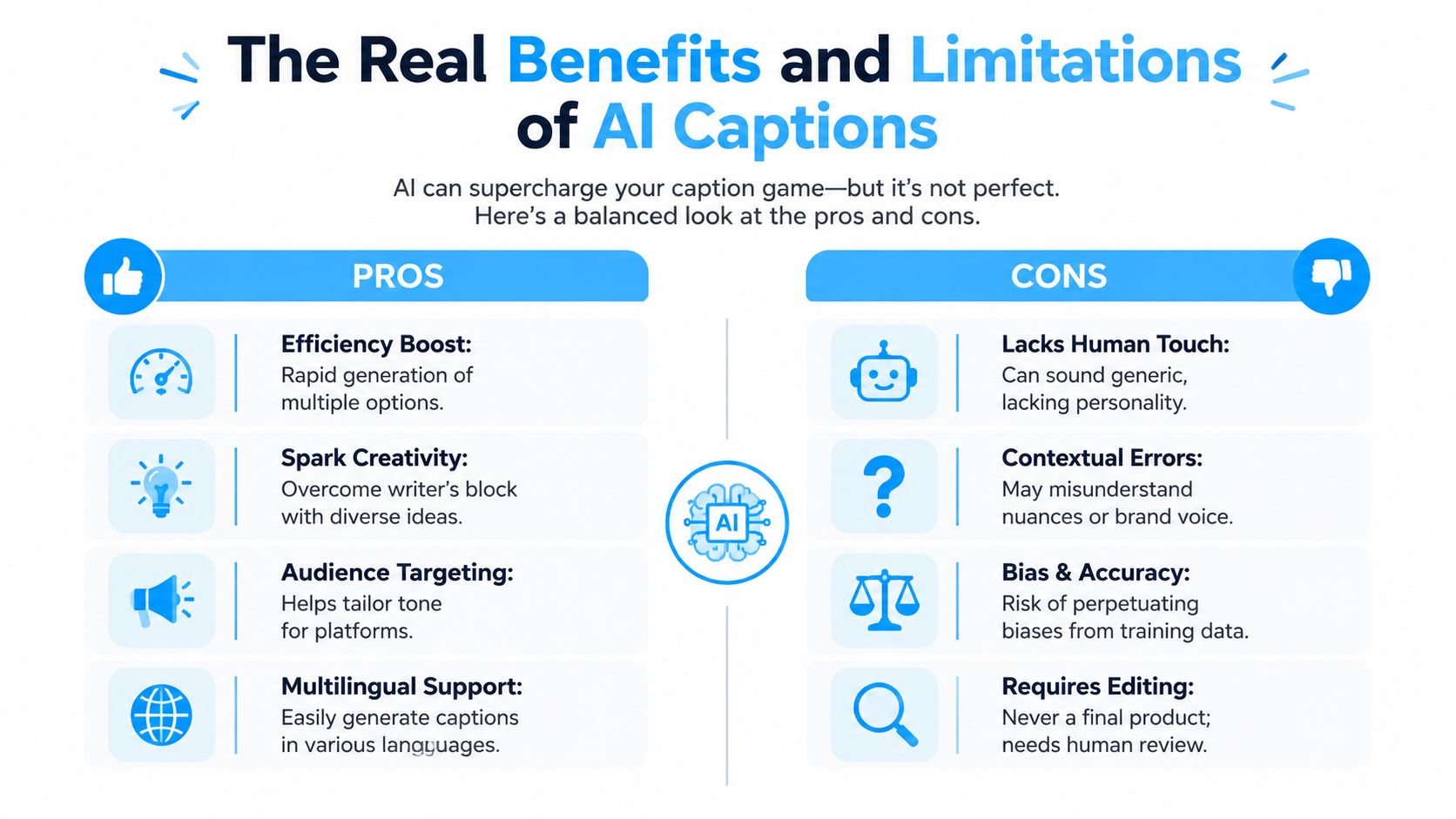
The pitch for AI caption tools is easy to understand. They save time, produce options quickly, and help teams keep publishing without draining creative energy on every post. All of that is real.
The trouble starts when people expect them to replace judgment.
Where AI captions help
For working social teams, the biggest benefit is momentum. A caption generator can turn one content asset into several usable directions in less time than writing each line manually.
That matters in real workflows because caption writing is rarely the only task on the board. Social managers are scheduling, reviewing creative, answering stakeholders, checking comments, and adapting posts across channels. AI helps clear the drafting bottleneck.
Common wins include:
- Idea generation: You get fresh openings when your first draft is flat.
- Versioning: One post can be reframed for multiple audiences or platforms.
- Tone exploration: You can test polished, witty, educational, or punchy variants quickly.
- Consistency support: A team can start from a shared framework instead of everyone improvising from scratch.
Where AI captions fall short
The biggest weakness is the authenticity gap. AI often produces language that is grammatically fine and strategically empty. It sounds like a caption, but not like your caption.
That gap isn't theoretical. A 2025 study found that 68% of users can detect AI-written captions within 3 seconds, and posts with detectable AI phrasing receive 22% fewer engagement actions, according to Microapp's discussion of AI caption detection and authenticity.
That finding lines up with what practitioners see every day. AI defaults to safe phrasing, broad claims, and polished rhythm. Real brand voice usually includes sharper opinions, concrete details, uneven sentence flow, and references only your audience would recognize.
The trade-off professionals accept
The right trade-off is not “AI or human.” It's AI for speed, human for edge.
Here's where teams get burned:
- Publishing first drafts: The copy sounds competent but forgettable.
- Using vague prompts: The output becomes generic because the input was generic.
- Skipping factual review: AI can phrase uncertainty with confidence.
- Forcing one tone across every platform: LinkedIn, Instagram, and TikTok don't reward identical caption styles.
If a caption could fit any account in your niche, it probably won't strengthen yours.
The best use of AI captions is practical, not ideological. Draft fast. Keep what's strong. Rewrite what sounds borrowed. Add specifics the model couldn't know on its own.
Writing Prompts That Generate Great Captions
Prompting is where most caption quality is won or lost. People blame the generator when the underlying issue is that they gave it almost nothing to work with.
A useful prompt has four parts: role, task, context, constraints. That structure keeps the request clear without turning it into a giant paragraph of instructions.
A prompt framework that holds up
Use this simple formula:
- Role: Tell the AI who it should act like
- Task: State what you want written
- Context: Add details about the post, audience, and goal
- Constraints: Set platform, tone, length, hashtags, and CTA rules
For example:
Write as a senior social media strategist. Create 5 Instagram caption options for a behind-the-scenes product shoot. Audience is skincare customers who like premium but approachable brands. Tone is warm and clean, not salesy. Keep captions concise, include one soft CTA, and avoid generic hype language.
That's already better than “write me a caption for Instagram.”
Use HVC to shape the draft
The HVC Formula is one of the most reliable caption structures: Hook, Value, CTA. The first line should create curiosity, the middle should explain something useful or meaningful, and the ending should direct the reader toward an action or response, as outlined in Krumzi's guide to writing social media captions that get engagement.
That gives you a strong way to instruct the generator. Instead of asking for “an engaging caption,” ask for a caption with a clear hook, a short value section, and a specific CTA.
Before and after prompt examples
The difference is easiest to see side by side.
| Element | Description | Example |
|---|---|---|
| Topic only | Too vague for quality output | “Write a caption about my new YouTube video.” |
| Audience | Tells the model who the message is for | “Write a caption for small business owners.” |
| Platform | Changes length and style | “Write a LinkedIn caption for small business owners.” |
| Angle | Gives the post a reason to exist | “Focus on one lesson about client onboarding mistakes.” |
| Tone | Prevents mismatched brand voice | “Use a direct, experienced tone. No fluff.” |
| CTA | Makes the post actionable | “End with a question asking how they handle onboarding.” |
Here's a stronger full prompt:
Write 6 LinkedIn caption options using the Hook, Value, CTA structure. The post promotes a YouTube video about three client onboarding mistakes that waste time. Audience is freelance consultants and agency owners. Tone is practical, confident, and lightly conversational. Keep the hook short. Make the value concrete. End with a question-based CTA.
Prompt for the source material you actually have
If the content is for short-form video, start with the spoken material, not just the thumbnail idea. That's especially important for TikTok and Reels. A transcript gives the caption generator real language, real phrases, and the actual message you delivered on camera.
For creators working on short-form posts, this guide to captions for TikTok is a useful reference for adapting caption structure to a faster-moving format.
Better prompts don't sound more clever. They sound more specific.
One last habit helps a lot. Ask for options in batches, then combine the best parts manually. The strongest hook from one output and the cleanest CTA from another often beat any single full draft.
Best Practices for Humanizing AI-Generated Content
Editing is where AI captions stop sounding assembled and start sounding owned. This is the step often rushed, even though it's the part the audience feels most clearly.
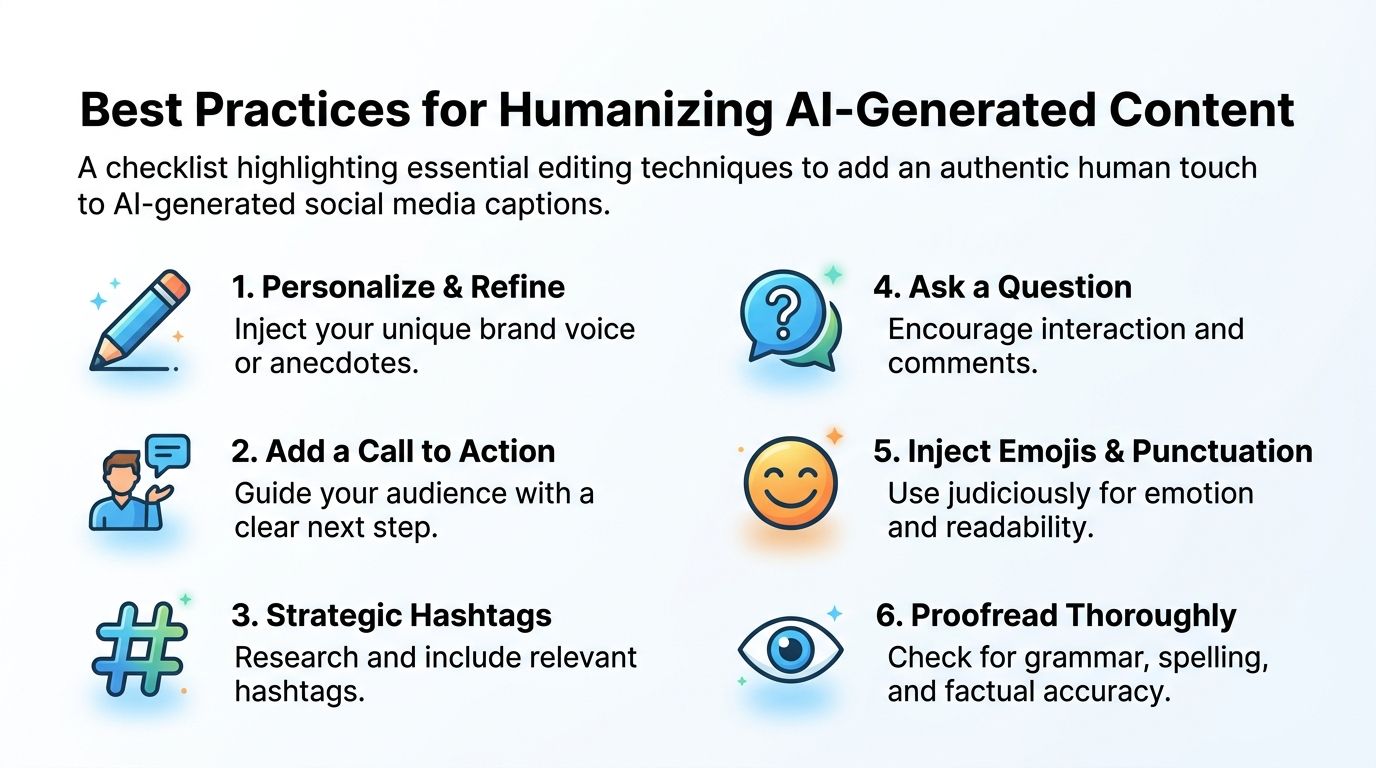
A good draft gets you moving. A human edit gives the caption texture, specificity, and credibility.
What to change before you publish
The quickest way to humanize AI copy is to replace generic language with details only you or your brand would naturally say.
Focus on these edits:
- Swap broad phrases for real specifics: Replace “exciting update” with the actual update.
- Add brand-native wording: Use the terms your team, customers, or community already use.
- Adjust the rhythm: AI often writes in evenly sized sentences. Human writing has more variation.
- Trim stacked clichés: Remove phrases such as “take your content to the next level” and other overused expressions.
- Check every factual claim: If the generator inserted a detail you didn't provide, verify it or cut it.
- Use emojis deliberately: Add them where your brand consistently uses them, not because the tool sprinkled them everywhere.
Batch the creative choices
Editing gets easier when you don't evaluate one caption in isolation. The more efficient approach is batching. Generate 10 distinct hook options for each post, choose the strongest one, then write 3 CTA options, which is the workflow recommended in HeroPost's 2026 guide to writing social media captions.
That approach works because it separates idea generation from judgment. You aren't trying to perfect the first usable line. You're comparing multiple opens, selecting one with real pull, and then giving the caption a clearer ending.
A practical editing checklist
Use this before anything goes live:
- Read it aloud. If it sounds too polished to say naturally, revise it.
- Add one concrete detail. A name, place, phrase, or observation usually helps.
- Sharpen the CTA. “Thoughts?” is weaker than a specific question.
- Match the post asset. The caption should reflect what's visible or said.
- Remove filler. Most AI drafts can lose a line and improve.
- Check tone across the batch. Scheduled posts should feel consistent, not cloned.
For creators who need fresh prompt angles during editing, resources outside the usual marketing bubble can help. I've found that idea banks built for other creative fields, like these music creation ideas, can spark more original phrasing than another round of generic “write 10 catchy captions” prompts.
If you're building a broader publishing system, these content creation best practices are worth folding into your review process.
The human touch isn't decoration. It's the part that keeps the caption from sounding rented.
A Smarter Workflow From Video to Caption with Whisper AI
Most caption generators still work best when you give them text. That's fine for static posts. It's a weak fit for video-first publishing, where the actual spoken content, pacing, and emotional beat of the clip matter just as much as the visual.
That gap shows up everywhere in short-form content. Most caption generators are optimized for static images and fail to address the unique needs of video. A 2026 Meta report shows that 74% of viral Reels use captions edited after watching the video to match visual cues, as noted in WaveGen's discussion of AI caption workflows for video.
The practical fix is a transcription-first workflow.
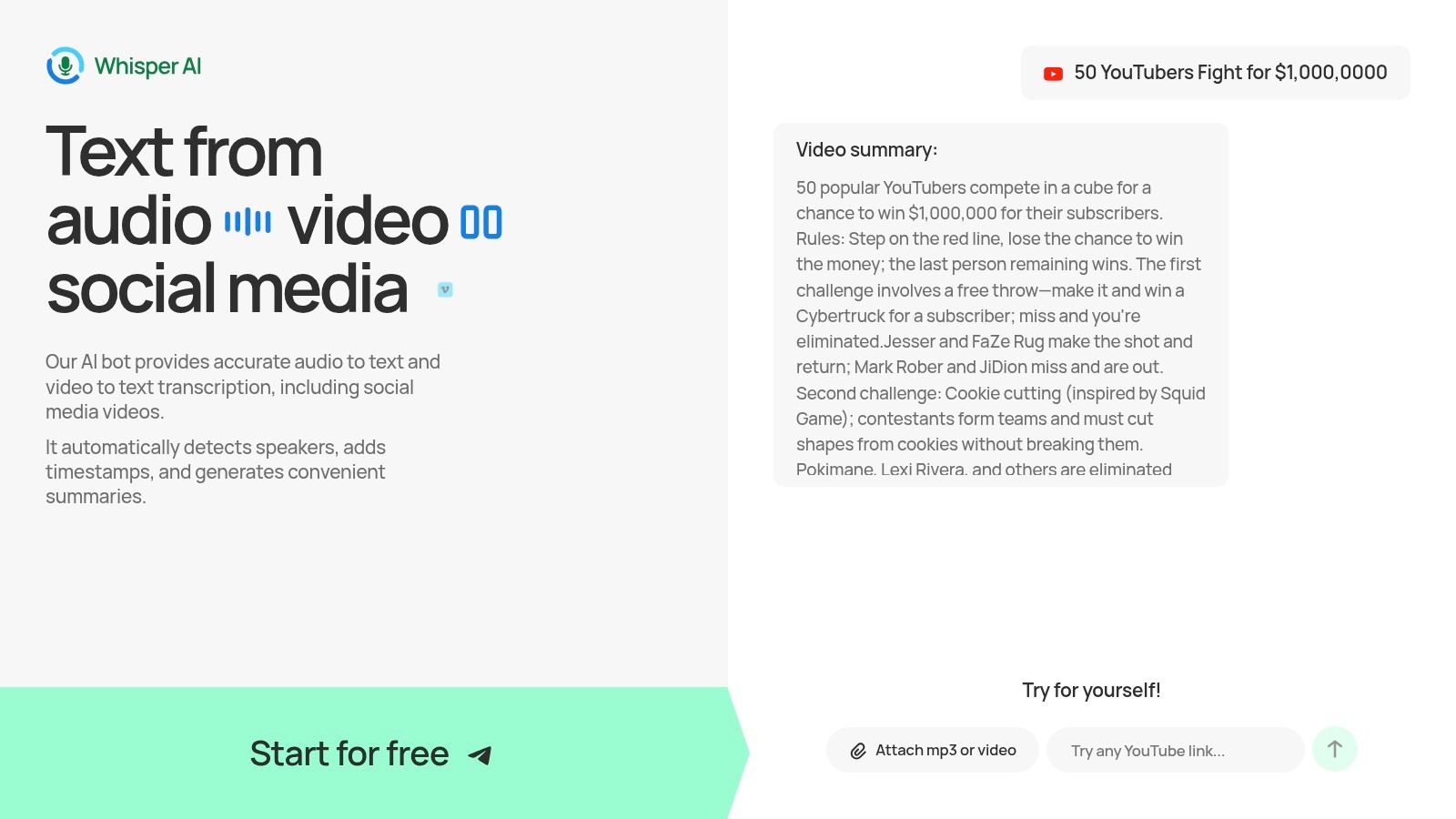
Why transcription improves caption quality
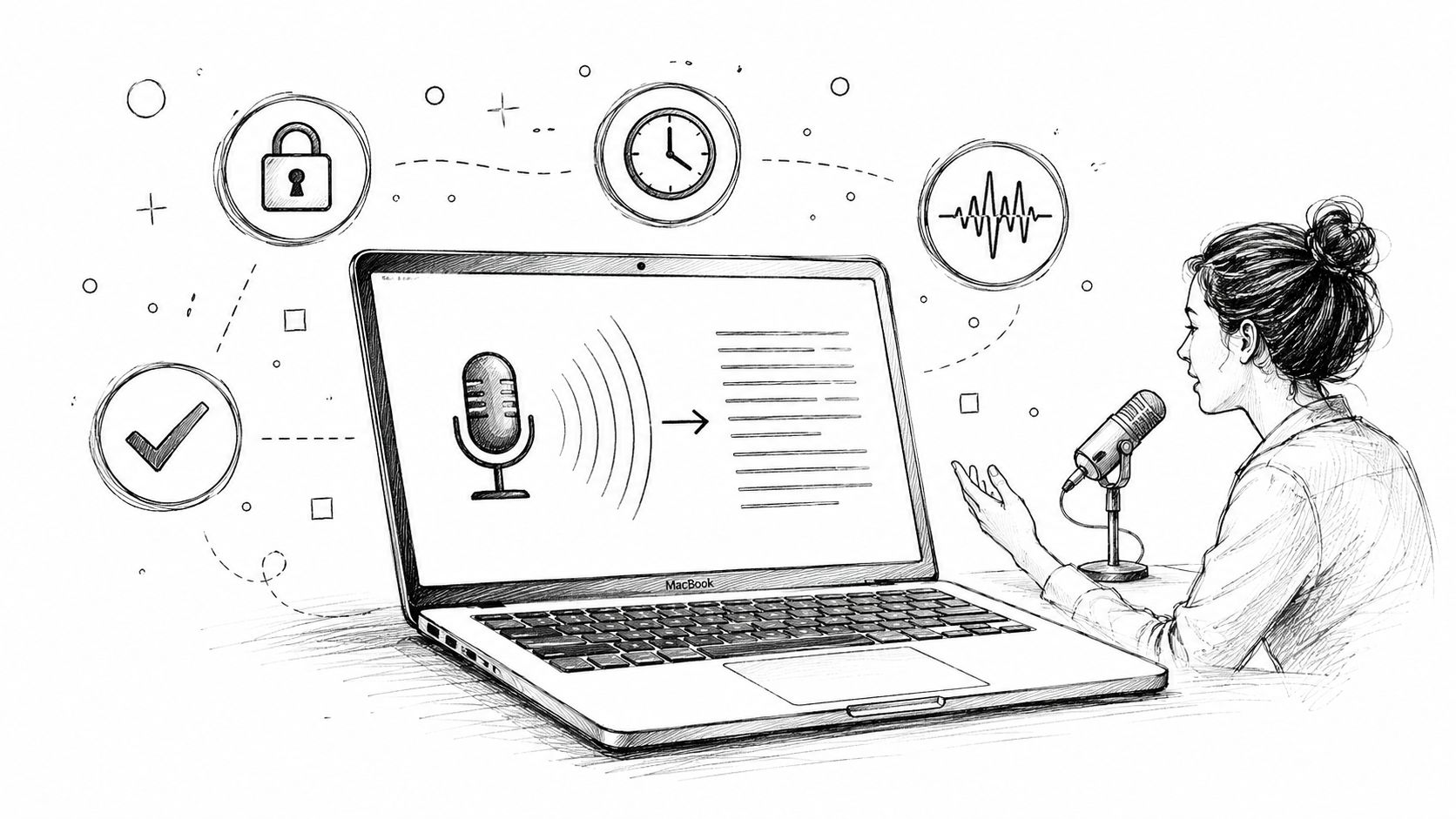
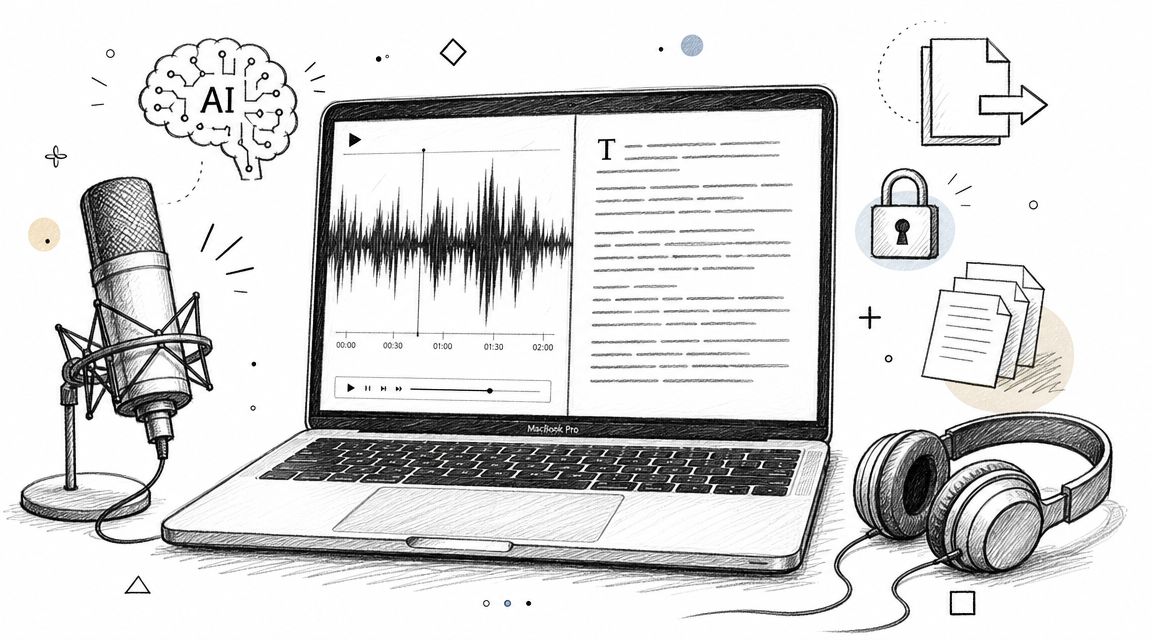
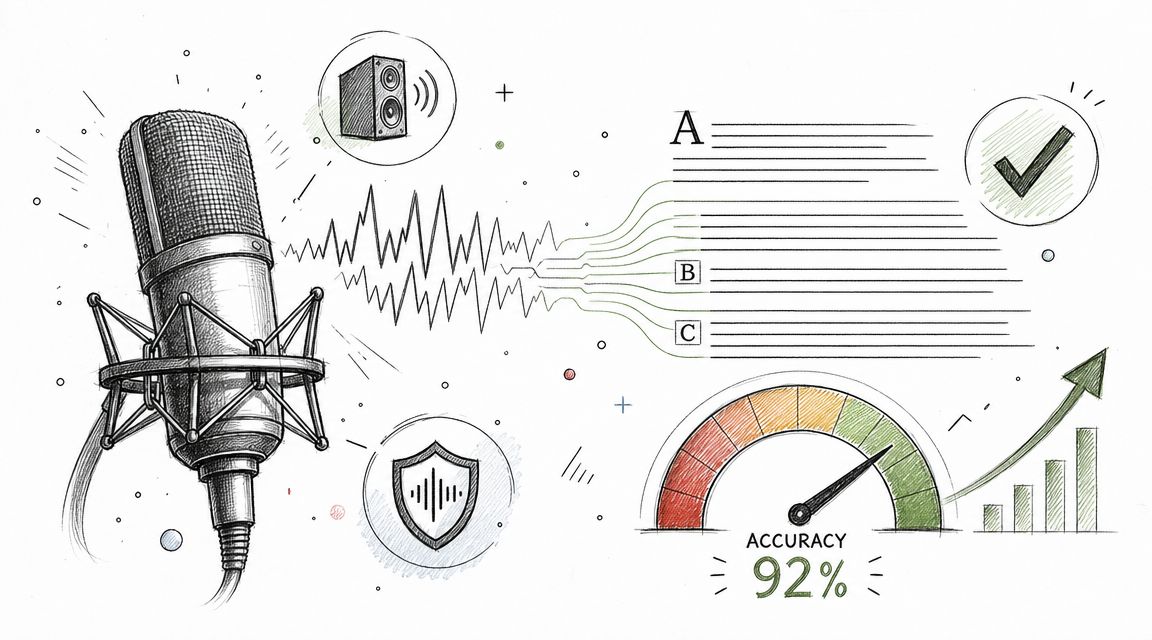
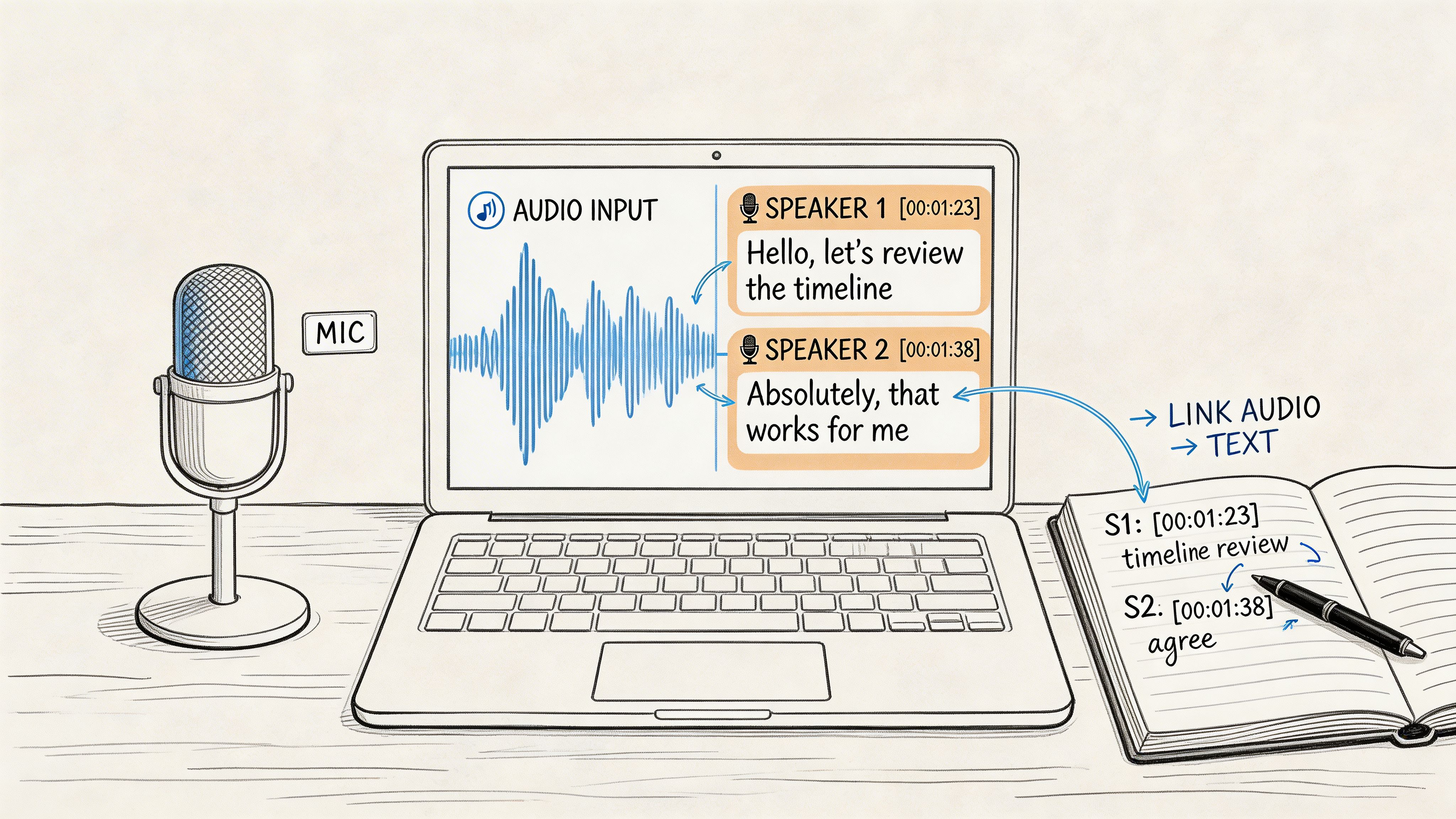
When you start with a transcript, you give your caption generator the richest possible source material. Instead of prompting from memory, you're feeding it the exact words spoken in the video, the key phrases, the topic transitions, and the natural language your audience already heard.
That changes the quality of the output in a few ways:
- The caption reflects the content itself, not a guess about the content.
- Topic keywords are stronger, which helps the post stay aligned with what the video is truly about.
- Tone is more natural, because the source language came from speech, not a blank prompt.
- Repurposing gets easier, since the transcript can produce short, long, or platform-specific variants.
A practical transcription-first process
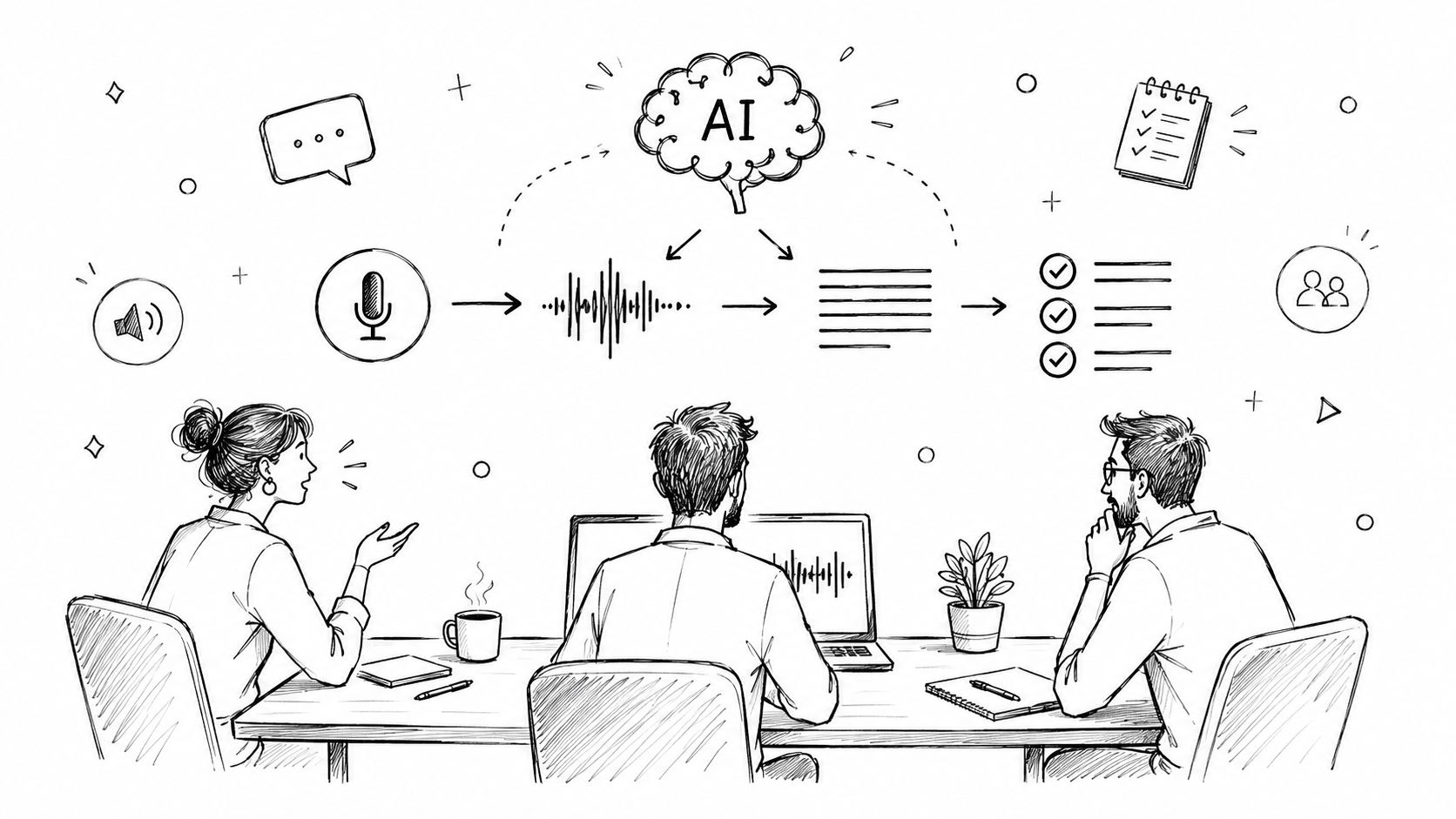
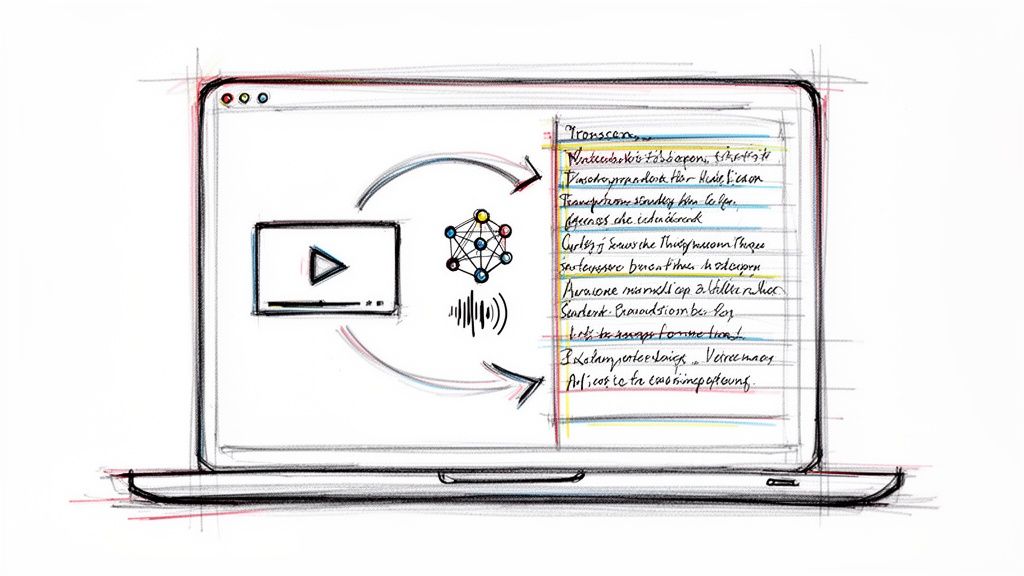
This is the workflow I'd recommend for video, podcast clips, webinars, and creator content:
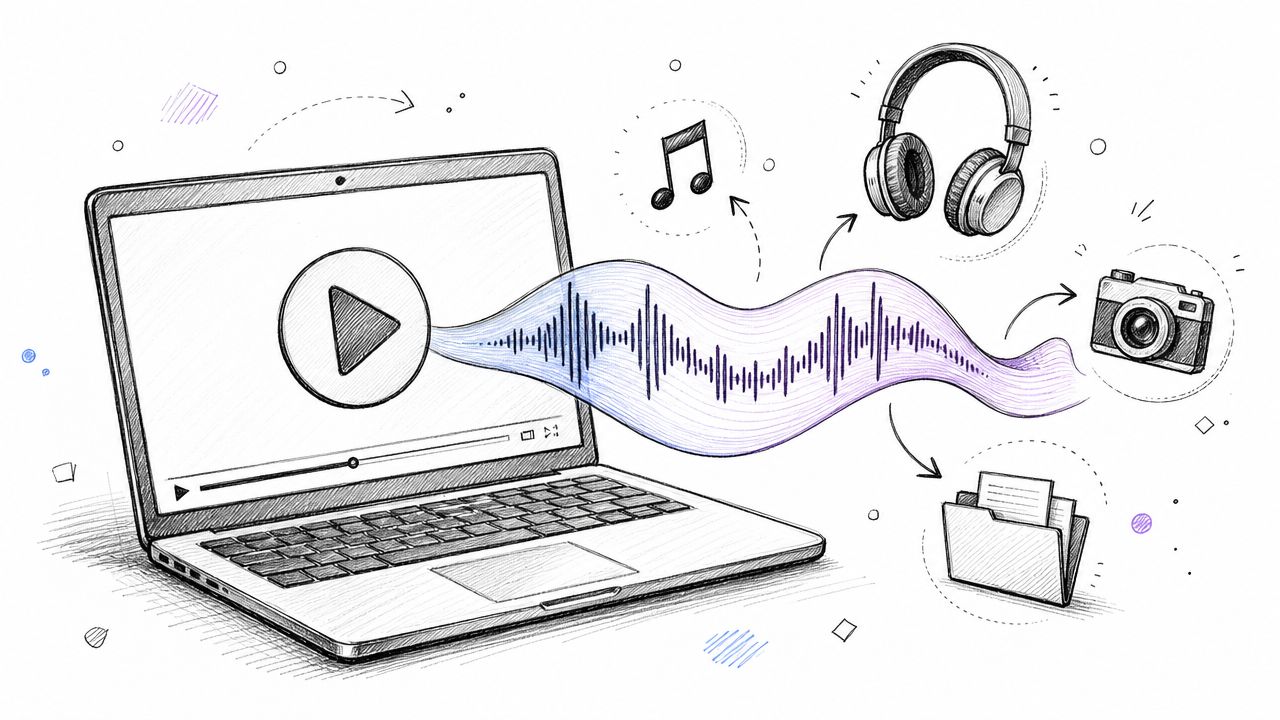
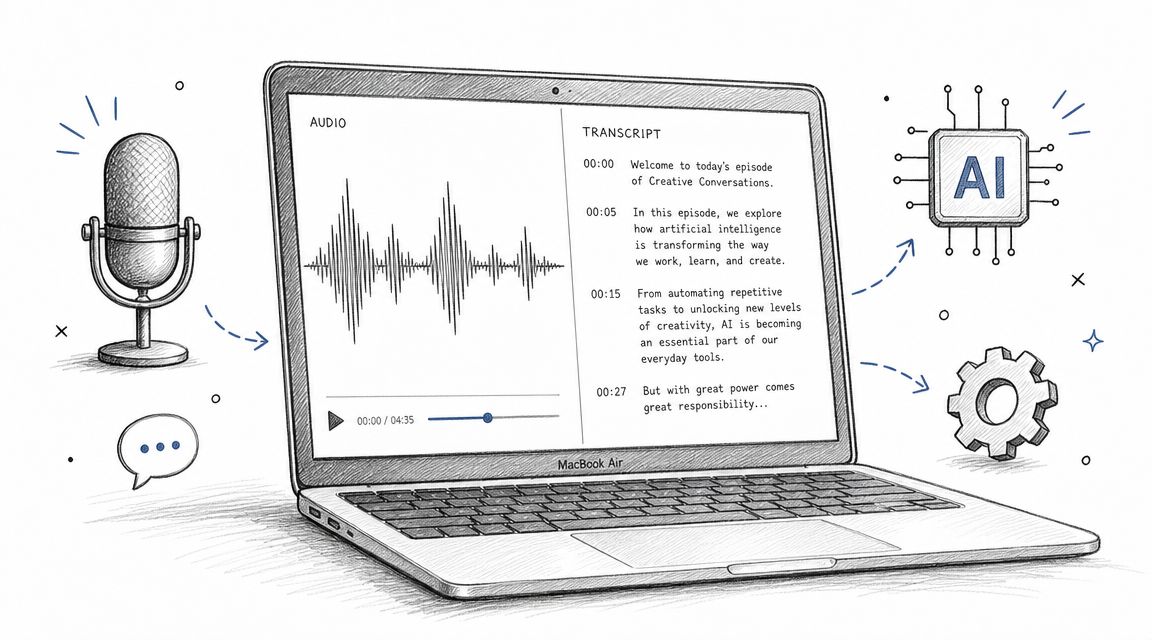
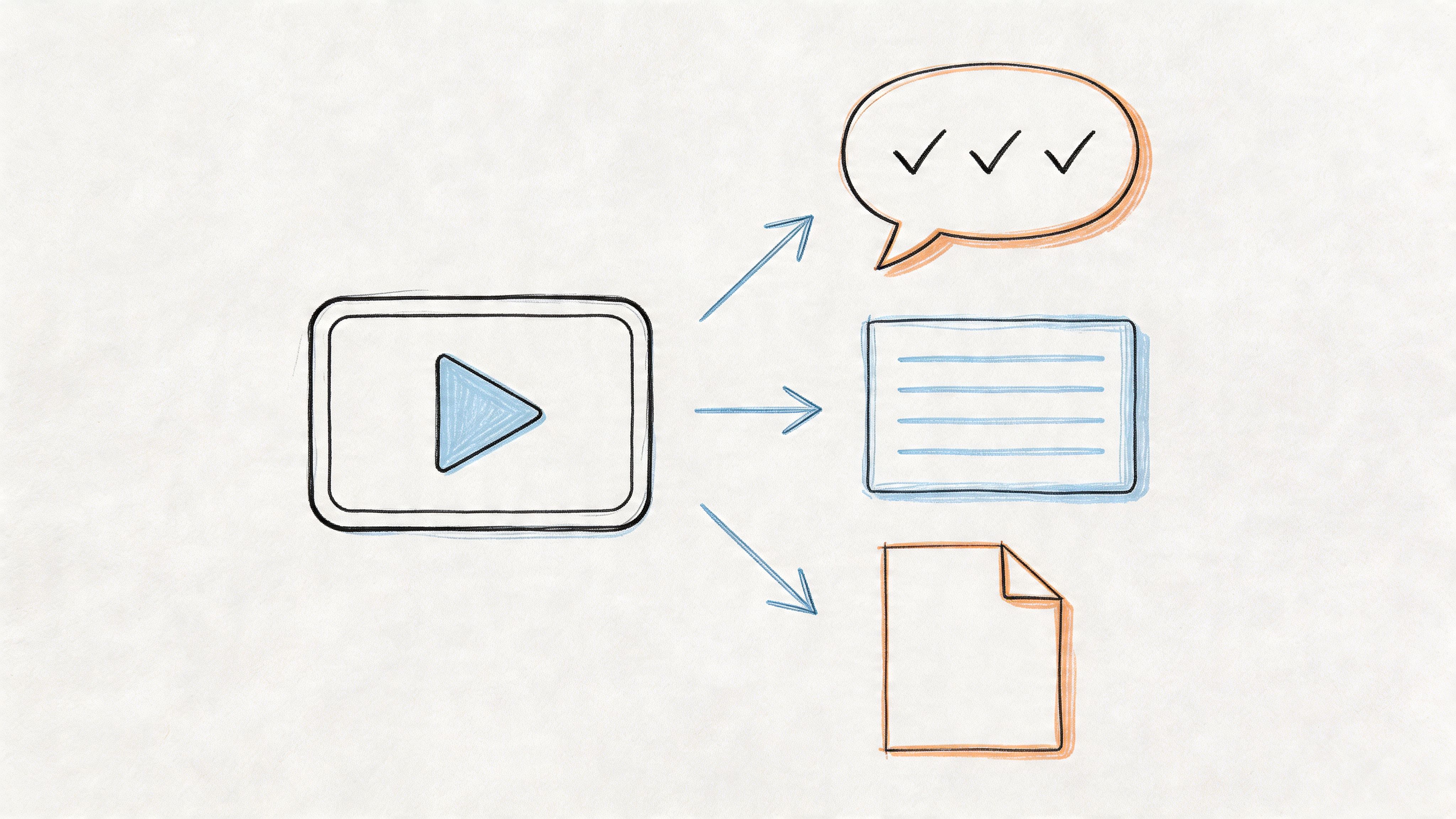
- Upload the video or audio file to a transcription tool.
- Generate the transcript and summary.
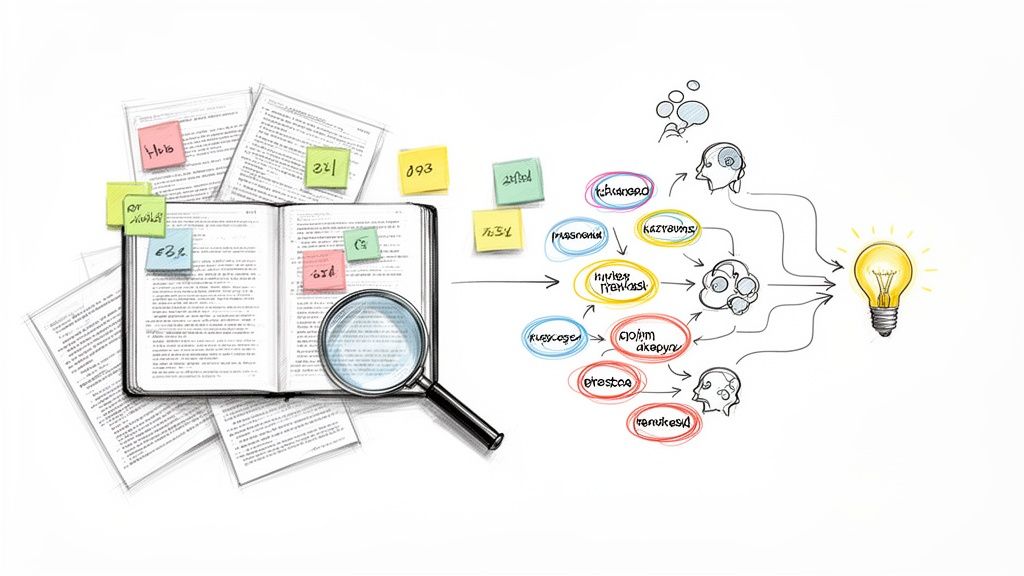
- Pull out the strongest phrases, claims, and soundbites.
- Paste that material into your caption generator as source context.
- Prompt for multiple versions by platform.
- Edit the final caption to match the visual sequence and posting goal.
The key move is step four. Don't ask the caption tool to invent context. Hand it context.
For example, instead of prompting, “Write an Instagram caption about my Reel on productivity,” prompt with a short transcript excerpt plus a direct brief:
Use this transcript excerpt from a Reel about creator burnout. Write 5 Instagram caption options. Tone should be honest, clear, and grounded. Focus on one lesson from the clip. End with a question that invites creators to share their own experience.
That workflow is especially useful if you publish spoken content regularly and want your captions to feel tied to the actual material, not bolted on afterward.
Where this fits in a professional setup
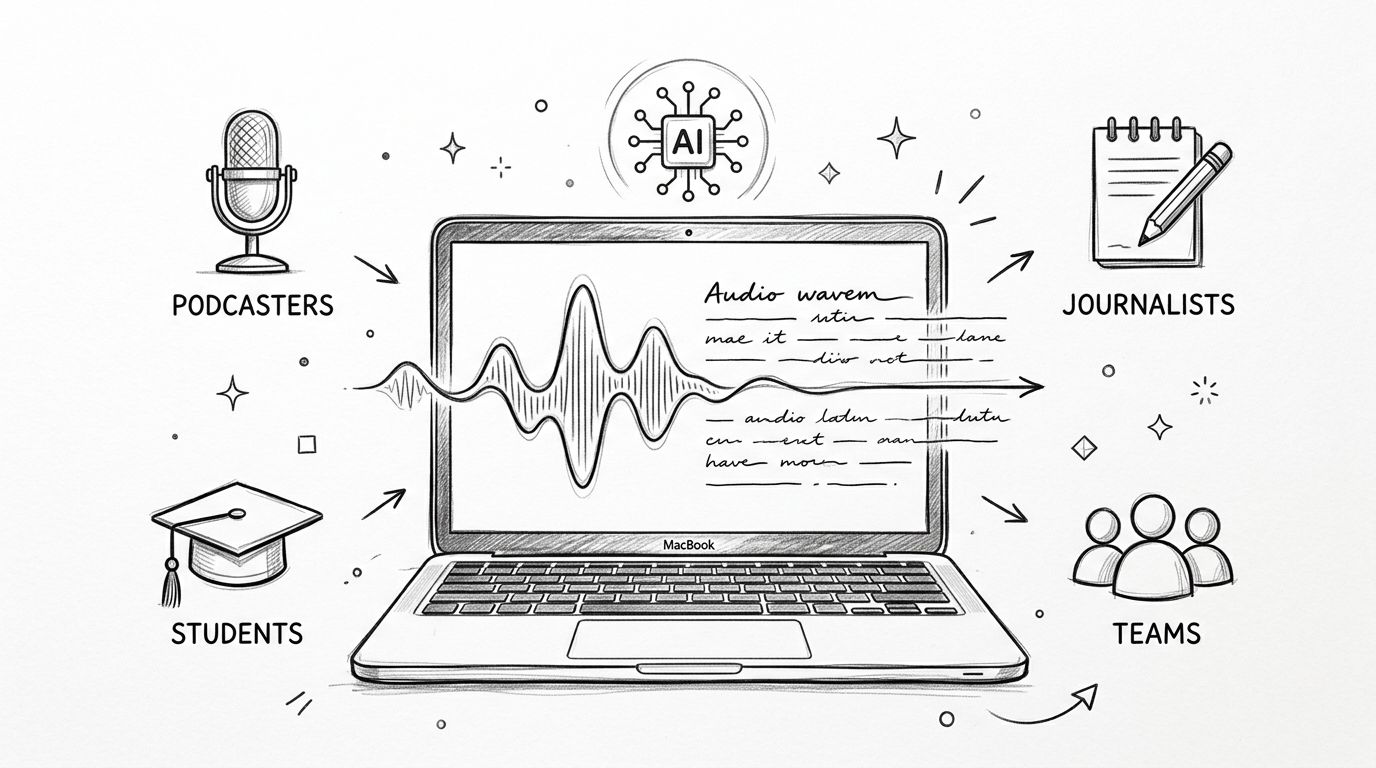
This method works well for YouTubers, podcasters, streamers, interview-based creators, and social teams cutting clips from long-form material. It also works for solo operators who don't have time to rewatch every clip and write every caption manually.
If you spend long hours editing and posting, hardware shortcuts can also tighten the workflow around clipping, review, and publishing. For streamers and video-heavy creators, this roundup of top macro pads for 2026 is a practical resource.
If you want the mechanics of the transcription process itself, this guide on how to use Whisper AI covers the setup side.
The big advantage of transcription-first captioning is simple. You stop asking AI to guess what your video means, and start giving it the evidence.
Conclusion Your Path to Effortless Captions
A social media caption generator is useful for one reason. It removes friction from a task that slows down even experienced creators and social teams. But it only becomes a real advantage when you use it with structure.
The pattern that works is consistent. Give the tool better context. Ask for multiple options. Use a clear framework like Hook, Value, CTA. Then edit the draft until it sounds like a person or brand your audience already trusts.
That's also why the strongest workflow isn't fully automated. AI is good at speed, variation, and first drafts. People are better at judgment, specificity, and knowing what their audience will respond to. When those roles are clear, caption writing gets faster without becoming generic.
For video, the smarter move is to stop treating captions like an afterthought. Transcription-first workflows give caption generators much better raw material, which leads to copy that matches the content instead of orbiting around it.
Used this way, AI doesn't replace creative thinking. It protects it. You spend less energy grinding through first drafts and more energy on positioning, storytelling, community, and the parts of social media that still need a human point of view.
If you want a faster way to turn video, podcasts, interviews, or short-form clips into high-context caption inputs, Whisper AI helps by converting audio and video into searchable transcripts and summaries you can reuse in your caption workflow. It's a practical way to move from spoken content to stronger social copy without rebuilding the message from scratch.