
10 Best Otter AI Alternatives for 2026
You start looking for otter ai alternatives when a real meeting goes sideways. A client joins from a train, two people talk over each other, someone switches between English and another language, and the transcript that looked fine in a clean demo suddenly needs manual repair before anyone can use it.
That is usually the breaking point. The issue is rarely "Otter is bad." It is that your workflow has become more specific than a general meeting note tool can handle. Teams hit this point for different reasons. Some need better speaker separation in messy calls. Some need stronger privacy controls. Others need cleaner exports for editing, publishing, or handing transcripts to customers and internal teams.
Otter.ai still matters because it helped set the standard for automatic meeting notes. But this field of tools has split into clearer categories. Some products are strongest in live meetings and follow-up summaries. Others are better for interviews, podcasts, webinars, and video editing. A few are built for organizations that care more about admin controls and compliance than flashy AI features.
That distinction shapes the right buying decision. A sales team running high-volume discovery calls should not shop the same way as a producer cutting long interviews into clips. A researcher may care most about transcript accuracy and export formats. A creator may care more about editing workflow, subtitle output, and whether the tool can support a full audio to text workflow for recorded content without bouncing between three apps. Even in the meetings category, capture method matters. Bot-based recording is convenient, but it can create approval issues with IT, make guests uneasy, or fail in environments where external bots are blocked.
This guide is built around that reality. Instead of treating every option as a variation of the same product, it separates the tools by use case, compares the core trade-offs side by side, and closes with practical advice for migrating off Otter without breaking your current workflow. That specialization is why the market feels so crowded.
The shortlist below focuses on what matters in practice: where each tool fits, where it creates friction, and what kind of team will get value from switching.
1. Whisper AI
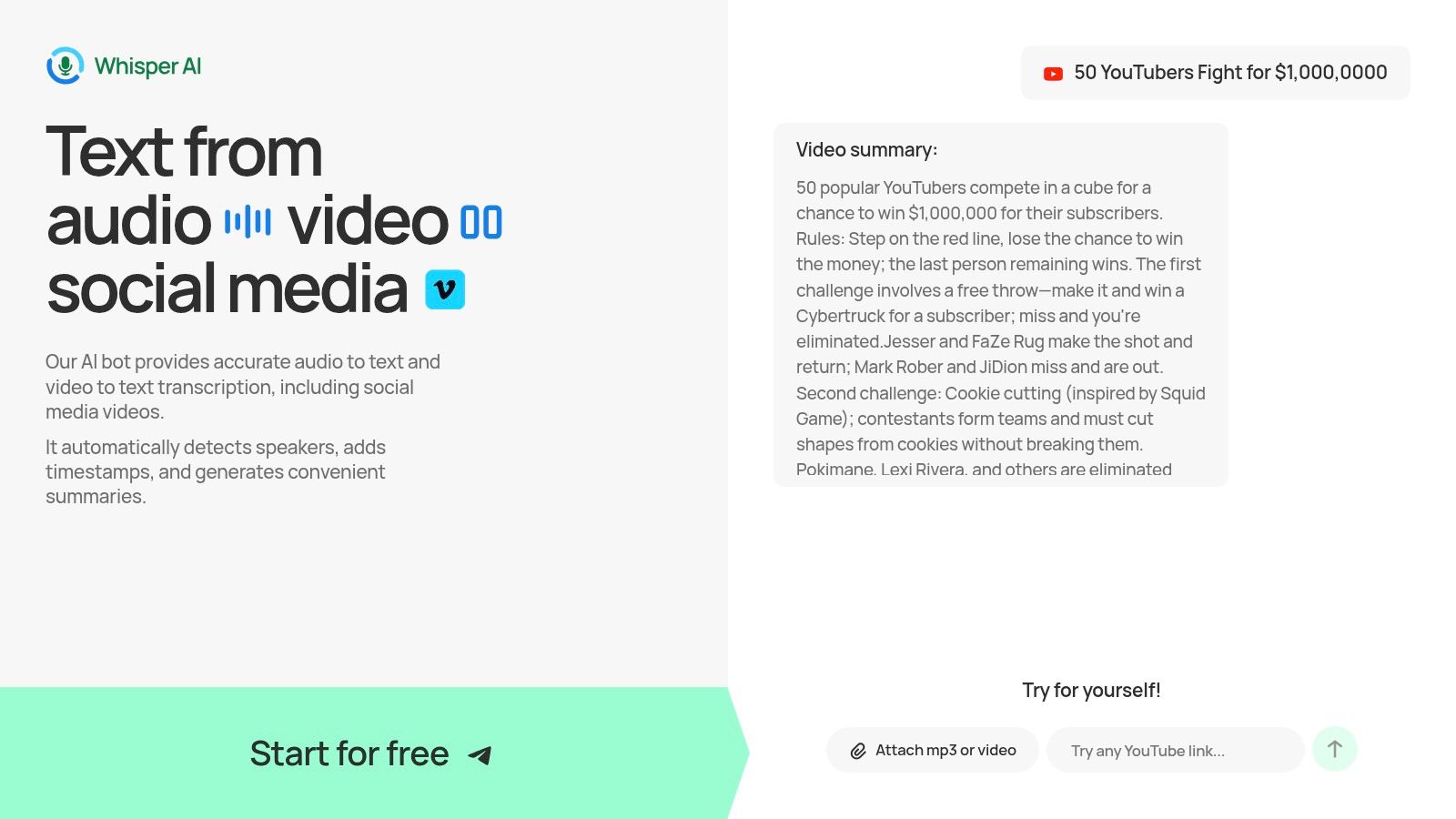
A common Otter replacement problem shows up fast. A team starts with meeting notes, then needs to transcribe a customer interview, pull quotes from a webinar, turn a podcast into a draft, and export the result into different tools. Many products handle one of those jobs well. Whisper AI is one of the few that stays useful across all of them.
Whisper AI fits teams that work across meetings and recorded media, not just one category. It can process meetings, uploaded audio and video, podcasts, social clips, and long-form content without forcing everything through a bot-first meeting workflow. That matters for people choosing a replacement strategy, not just a transcript app.
The practical advantage is fewer handoffs. You can transcribe, identify speakers, add timestamps, generate summaries, and ask questions against the transcript in one workspace. If the transcript is the starting point for notes, clips, captions, or documentation, that setup saves real time and reduces copy-paste errors.
Why it fits mixed workflows
Some Otter alternatives are optimized for one type of work. Whisper AI makes more sense when your workflow changes throughout the week. A marketing team might use it for internal calls, customer research, webinar repurposing, and short-form content production without switching systems each time.
Language coverage also helps if your content is not limited to English. That makes it easier for distributed teams and multilingual creators to keep one transcription workflow instead of splitting meetings and recorded media across separate tools.
Practical rule: Choose Whisper AI when the transcript is raw material for downstream work, not the final deliverable.
Format flexibility is another reason it stands out in this list. You can upload different file types, work from social links, and export into Google Docs, Word, PDF, TXT, or Markdown. That sounds ordinary until transcripts need to move between editors, clients, researchers, and publishing teams that all use different software.
It also aligns well with recorded-content workflows. If your team regularly turns interviews, webinars, or podcast recordings into written assets, this audio to text workflow for recorded content is closer to what Whisper AI supports well than a meeting-only note taker.
Best for
- Content repurposing: Turn long audio or video into summaries, notes, captions, and reusable text.
- Mixed use cases: Use one tool for meetings, interviews, podcasts, and social clips.
- Export-heavy teams: Move transcripts into docs, editing, publishing, or knowledge systems with less cleanup.
The trade-off is straightforward. Pricing is less transparent than some competitors, so buyers who want a simple public plan matrix will need to verify limits directly. Accuracy also still depends on source quality. Overlapping speakers, poor audio, and heavy accents can create review work, which is true for every automated transcription tool in this category.
2. Rev
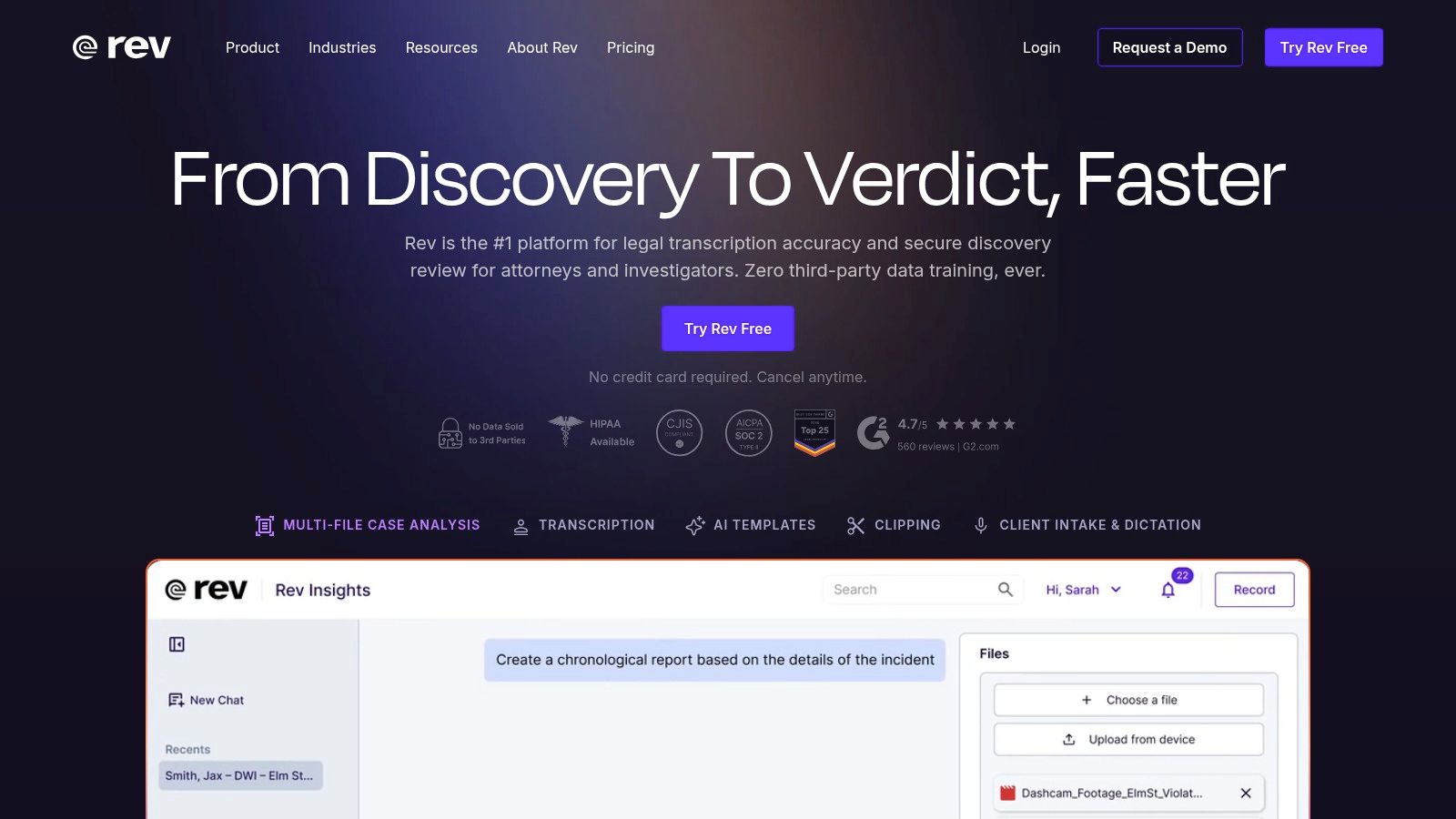
A missed quote in a newsroom transcript, a wrong speaker label in an interview, or a bad caption in a published webinar all create the same problem. Someone has to stop and verify the source. Rev earns its place on this list because it is built for teams that would rather pay more upfront than spend hours correcting a transcript later.
Rev fits a different buying decision than Otter. Otter is usually evaluated as a meeting assistant. Rev is stronger when the transcript itself is part of the deliverable, the record, or the review process. That distinction matters if you're using this guide to sort tools by workflow instead of comparing feature grids in isolation.
Where Rev beats Otter
Rev's primary advantage is its verifiable accuracy. The practical benefit is not just fewer word errors. It is less downstream cleanup in editorial, research, legal, and compliance work, especially when the audio has multiple speakers, crosstalk, or terminology that generic meeting bots often mishandle.
The service model also gives buyers a real choice. Use AI transcription for speed, then switch to human transcription when the transcript needs to be citation-ready or client-facing. That flexibility is one of Rev's clearest advantages over tools that only offer automated output.
Rev also makes sense for recorded-content teams. Captions, subtitles, and export options are mature enough for publishing workflows, and that matters if transcripts feed video, articles, training assets, or accessibility requirements. If captions are part of your production process, pair this with a dedicated AI caption generator for short-form and published video workflows.
If a transcript error will trigger legal review, editorial corrections, or stakeholder rework, the cheaper tool usually stops being cheaper.
There are trade-offs. Rev can feel heavier and more expensive than Otter for routine internal meetings, and the value drops if your team mostly wants live notes, action items, and searchable call history. In that case, a meeting-first tool is often the better fit.
For buyers building a shortlist, Rev belongs in the "high-accountability transcript" category. It is less about automating meetings and more about reducing the risk that bad transcription creates more work later.
3. Descript

A common switching moment looks like this. A team starts with Otter for meeting transcripts, then realizes the transcript is only the first step. Someone still has to cut the interview, clean up filler words, pull social clips, add captions, and turn the raw conversation into something publishable. Descript fits that workflow far better because the editing happens inside the transcript instead of after it.
Descript belongs in the content-production side of this guide, not the meeting-notes side. That distinction matters if you're choosing an Otter alternative based on workflow, not brand familiarity. Otter helps teams store and search conversations. Descript helps media teams turn those conversations into finished assets.
Better fit for production workflows
Descript is strongest for podcasts, YouTube, webinars, interviews, and internal training videos. The value is not just transcription accuracy. The primary benefit is reducing handoffs between transcription, editing, captioning, and publishing. Edit the text, and the audio or video follows. For editors and marketers, that saves time every week.
It also changes who gets value from the tool. A meeting-heavy sales or operations team may see Descript as more software than they need. A content team usually sees the opposite. The extra complexity pays off when one recording needs to become a polished episode, a short clip, a cleaned transcript, and captions for distribution.
If that repurposing step is part of your process, pair Descript with a workflow built for AI caption generation for short-form video. That combination makes more sense than treating the transcript as the final deliverable.
The trade-off
Descript asks for more setup, more editing decisions, and a stronger production habit than Otter. That is a good trade for creator workflows. It is a poor trade for teams that just want searchable meeting notes, action items, and a quick summary after a call.
Pricing can also feel heavier once you move beyond basic transcription. The more your team uses studio features, multitrack editing, screen recording, and publishing tools, the more important it is to confirm that you need an editor, not just a transcript archive.
Use Descript when transcription sits inside a content pipeline. Skip it when the transcript itself is the end product.
4. Sonix

Sonix makes the most sense for a specific kind of team. You have recordings coming in from interviews, webinars, training sessions, or customer research, and you need fast transcription without inviting a bot into every meeting. In that setup, Sonix is usually easier to control than Otter.
I like it for upload-first workflows. The product feels built for operations teams and media-heavy teams that care about turnaround, clean exports, and straightforward billing more than AI meeting theatrics.
Where Sonix stands out
The practical advantage is breadth. Sonix supports a wide range of languages, which puts it ahead of Otter for international teams, multilingual archives, and any workflow where recordings do not all arrive in English. That matters more than it sounds on a feature page. Once a team starts handling mixed-language interviews or regional training content, narrow language support becomes a daily bottleneck.
The editor is also well judged. It gives teams a browser-based place to review transcripts, make corrections, and pass files along without turning the process into a full production workflow. That puts Sonix in a useful middle ground between simple meeting note tools and heavier editorial platforms.
- Best for upload-based work: Recorded interviews, webinars, training libraries, and research sessions.
- Best for mixed-language teams: Better fit when your content does not live in one language.
- Less ideal for meeting automation: Teams that want bot joins, live summaries, and action items right after calls will usually prefer Fireflies.ai, Fathom, or Read AI.
There is a trade-off. Sonix is strongest when transcription is the job. If your process sometimes needs human review for high-stakes legal, medical, or publication-grade work, Rev gives you a clearer fallback path. Pricing can also expand once you add more advanced analysis features, so it is worth mapping your actual workflow before migrating away from Otter.
Use Sonix when you want a dependable transcript engine for recorded media. Skip it if your real priority is meeting capture and post-call coaching.
5. Trint

Trint makes sense for teams whose transcript is the start of the work, not the final output. If an interview needs to become a published article, a documentary script, or a research deliverable, the editing environment matters as much as the speech-to-text engine.
That is the primary reason to shortlist Trint. It is designed for editorial handling, with collaboration tools that help producers, journalists, and researchers move from raw conversation to usable copy.
Built for collaborative editorial workflows
Trint fits best in workflows where several people touch the same transcript. One person marks quotes, another checks wording, and an editor starts shaping a draft before the source material leaves the browser. That setup is very different from a standard meeting notes app, and it is where Trint earns its price.
Story Builder is the feature that usually justifies the switch. Teams can pull excerpts from transcripts, arrange them into a rough structure, and work on script assembly without exporting everything into separate docs too early. For editorial teams, that saves time and reduces version-control mess.
Editorial teams should optimize for quote retrieval, annotation, and assembly. Not just raw transcription.
There are real trade-offs. Trint can feel heavy for solo users who only want searchable meeting history, and the pricing model tends to make more sense once a team is collaborating regularly. It is also less inviting for casual testing than tools with a generous free tier.
Use Trint when transcript review is part of production. Skip it if your main goal is automatic meeting summaries, action items, and low-friction call capture.
6. Notta

Notta makes sense for a common switch scenario: a team likes Otter's basic meeting capture model, but needs broader language coverage and a simpler rollout than heavier enterprise tools usually require.
That positioning matters. Notta is not trying to be an editorial production workspace like Descript or Trint. It is built for meeting capture, searchable transcripts, summaries, and exports. For buyers using this guide as a framework, that puts Notta firmly in the meeting assistant camp rather than the content creation camp.
The real reason to choose Notta
Language support is the clearest reason to shortlist it.
Notta's support for dozens of languages directly addresses a common reason for users to leave Otter. If your meetings regularly include multilingual speakers, regional teams, or customers outside an English-first workflow, that difference shows up fast in adoption. A tool only works if people trust it enough to use it across the whole team.
The other advantage is operational simplicity. In testing, Notta is usually easier to introduce than platforms that pile on coaching, revenue analytics, or complex workflow layers. That makes it a practical option for small teams that want transcripts and summaries without turning meeting notes into a larger systems project.
There is still a trade-off. Notta is better suited to routine internal calls, client check-ins, and reference notes than high-stakes transcription where every word needs close verification. If legal sensitivity, broadcast-grade quoting, or detailed editorial cleanup is part of the job, a more accuracy-focused or editing-oriented tool will hold up better.
Best fit
- Small teams replacing Otter for broader language coverage
- Meeting-heavy workflows that need quick summaries and exports
- Users who want fast adoption without a lot of setup overhead
The free tier is less appealing for heavy use, and some useful workflow features sit behind paid plans. Still, for teams choosing by use case instead of feature sprawl, Notta is a sensible pick when the main job is multilingual meeting transcription.
7. Fireflies.ai
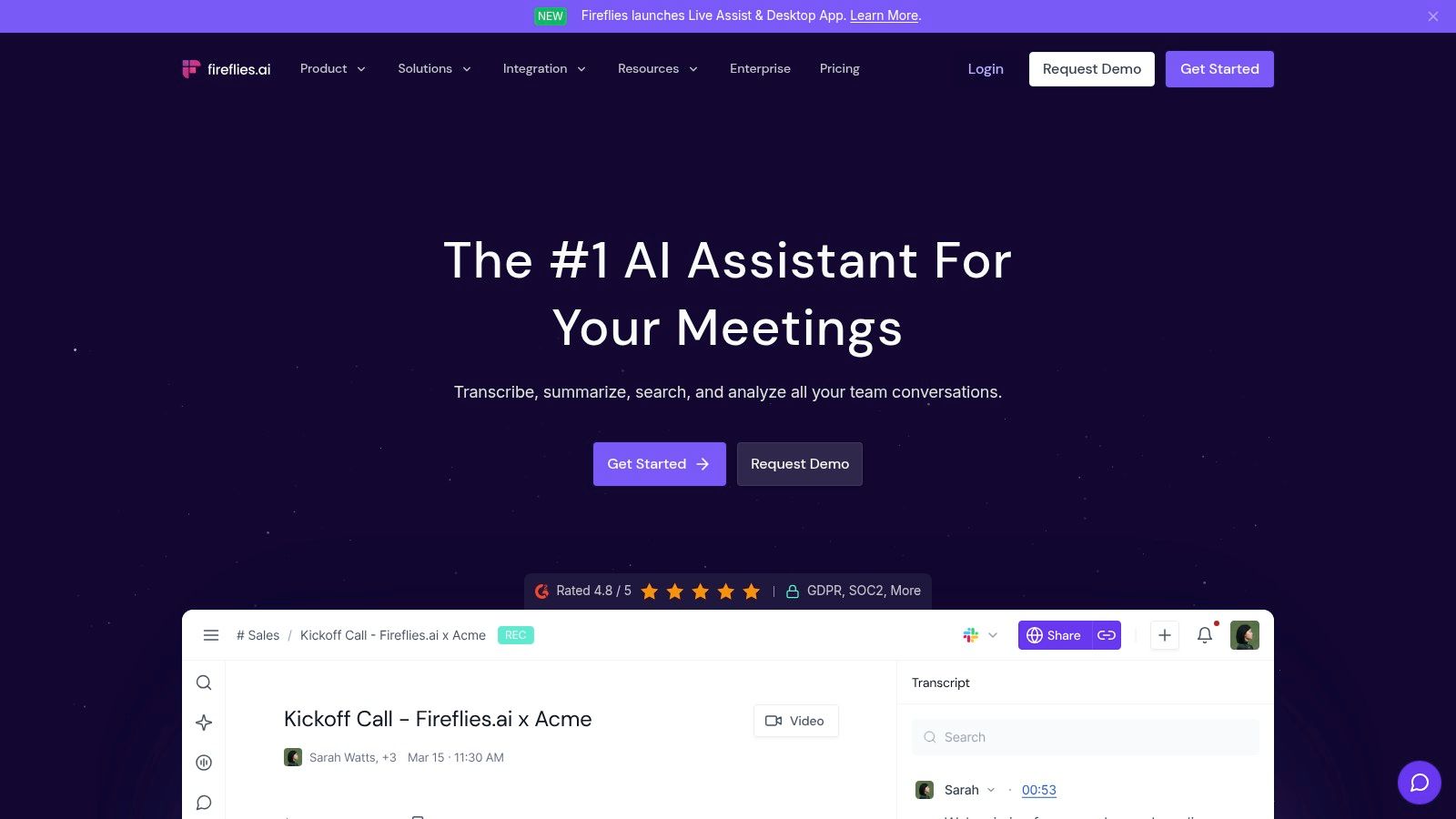
Fireflies.ai fits teams that want a meeting recorder to do more than produce a transcript. It handles auto-joining, searchable notes, summaries, and a wider set of integrations than many lighter Otter alternatives. That matters if the actual work is not note-taking alone, but getting meeting data into CRM, project, or reporting workflows without extra manual cleanup.
In practice, Fireflies makes the most sense for organizations standardizing meeting capture across sales, success, recruiting, and internal operations. A solo user can still use it, but the value shows up faster when multiple teams need one system and one archive.
Its appeal also depends on your workflow category. For meeting intelligence, Fireflies is a serious option. For content production, editorial cleanup, or transcript-first publishing, tools such as Descript or Trint usually give more control after the call ends. That distinction matters if you are choosing an Otter replacement strategically instead of chasing the longest feature list.
Why teams pick Fireflies.ai
Fireflies is usually chosen for coverage. It supports a wide range of meeting sources, offers broad language support, and gives teams enough search and tagging depth to revisit calls later without digging through raw recordings. If your evaluation framework prioritizes meeting capture, searchable history, and downstream integrations, Fireflies will likely make the shortlist.
The trade-off is operational friction.
Bot-based assistants are accepted in some companies and blocked or questioned in others. Legal review, customer consent, and admin policies can slow rollout even when the product itself is easy to set up. I have seen this become the deciding factor more than transcript quality.
- Best fit for team-wide meeting capture across departments
- Strong option if integrations and conversation analytics matter
- Weaker fit for organizations where meeting bots create compliance or trust issues
Fireflies can also get expensive once more of the team starts relying on it, especially if you need higher-tier features instead of basic transcription. That does not make it a poor choice. It means the product is easier to justify when meetings drive revenue, handoffs, or customer records, not when you just want a cheap Otter substitute.
If you are planning a move away from Otter, test Fireflies with actual edge cases first. External client calls, consent-sensitive meetings, and multilingual sessions will tell you more than a polished internal demo.
8. Sembly AI

Sembly AI is less about raw transcription and more about structured follow-up. That makes it useful for teams that don't just want to know what was said. They want tasks, issues, risks, and cross-meeting patterns pulled into something operational.
This is the kind of tool that starts making sense when meetings feed project work, research review, or recurring team rituals. Solo users may find it bulky. Mid-size teams often find that bulk productive.
Where Sembly fits
Its multi-meeting AI chat is the part I like most conceptually. Being able to work across meetings instead of inside one transcript at a time is more useful than another generic one-call summary. That especially helps managers, researchers, and operators who need patterns, not just records.
Sembly also leans into governance. Retention settings, consent tracking, and custom vocabulary are practical features, not brochure filler. If your team has internal policy requirements, those controls matter more than flashy summary formatting.
Teams that revisit the same topics across many meetings should prioritize cross-meeting search and structured follow-up over transcript polish alone.
The downside is complexity. If you just need "record this call and send me a recap," Sembly can feel like overkill. Most of the team-friendly value shows up on higher plans too, so it isn't the cheapest path to lightweight notes.
9. Fathom
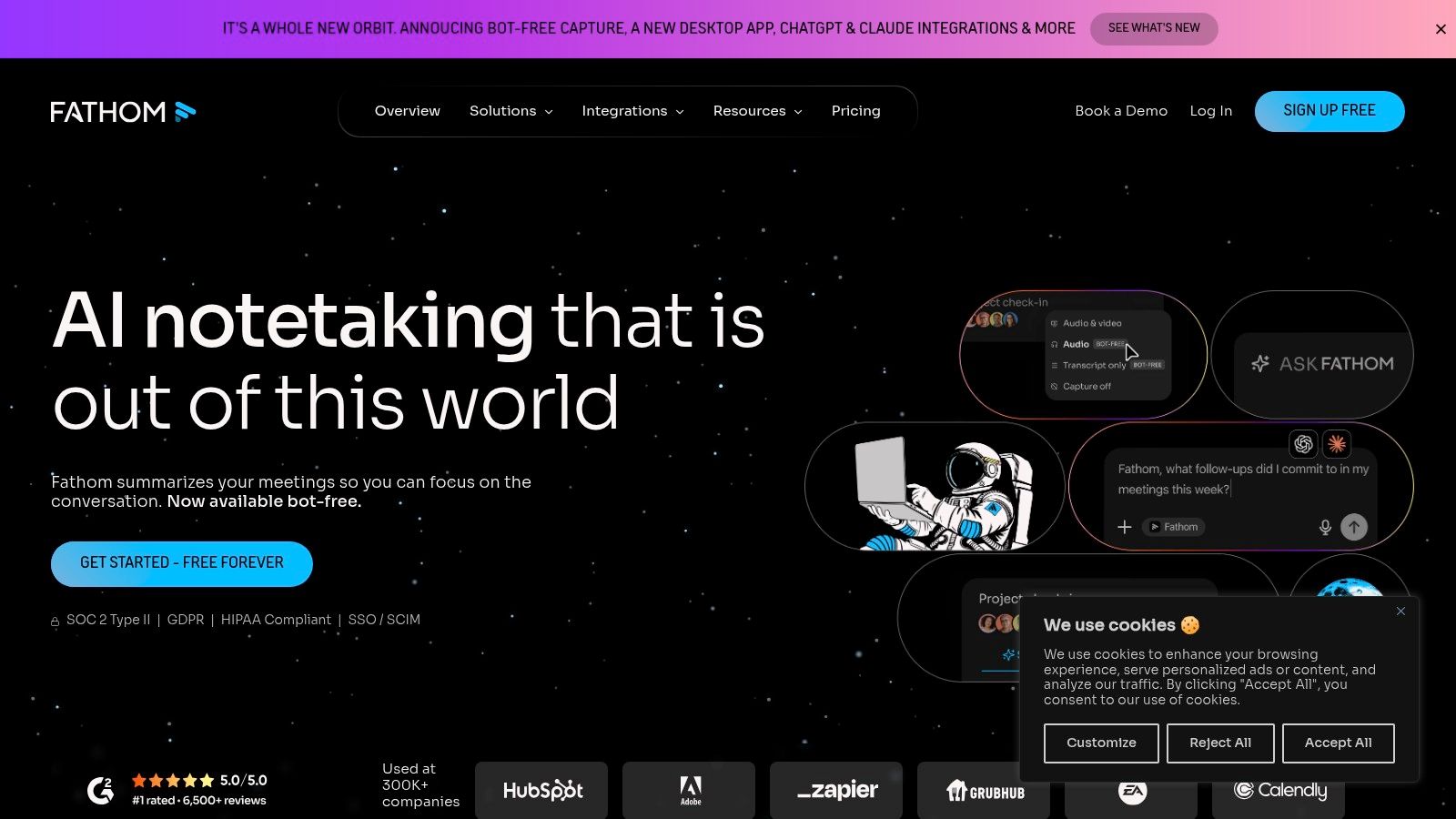
Fathom fits a common situation. A team wants meeting notes and searchable transcripts this week, not after a long admin setup or a procurement cycle. In that use case, Fathom is one of the easier Otter alternatives to adopt because the free tier is usable and the summaries are usually fast to scan.
That matters if you're choosing by workflow, not by feature count. Fathom is strongest for meeting capture and follow-up, especially for sales calls, customer conversations, and internal syncs where the goal is speed. It is less compelling if you're replacing Otter for broader transcription work, content repurposing, or heavier editorial workflows.
Where Fathom fits
What stands out in practice is adoption friction. Fathom gives teams bot-free and bot-based recording options, which solves a real rollout problem. Some organizations are fine with meeting bots. Others get pushback from clients, legal, or IT the moment a recorder joins the call. Having both options makes pilots easier to run across different meeting types.
It also does the basic job well. Capture the conversation, make it searchable, and produce a recap people will read. For teams building a repeatable post-meeting process, this practical guide to using AI for meeting notes across real workflows pairs well with what Fathom already does.
Trade-offs
Fathom is a better fit for teams that prioritize meeting intelligence over document-style transcription. That distinction matters. If your work starts with live calls and ends with CRM updates, action items, and summaries, Fathom makes sense. If your work starts with raw audio files, interviews, or publishable transcripts, tools higher on the content-creation side of this list may fit better.
Admin depth is the main thing to check before you standardize on it. The free-first experience is strong, but larger teams should test retention controls, permissions, and broader governance on the paid tiers before migrating away from Otter.
10. Read AI

A common handoff problem shows up after the meeting, not during it. The call ends, the transcript exists, but managers still need a clean recap, a participation view, and a way to track what happened across dozens of meetings. Read AI is built for that layer of the workflow.
Read AI fits teams that treat meetings as an operating system, not just a record to search later. Operations leaders, department heads, and training-heavy organizations usually get the most value because the product puts reporting and oversight near the center of the experience.
The admin controls matter more than they sound on a feature page. Teams with recurring internal calls often want tighter control over which meetings are captured, who can review outputs, and how broadly the assistant is deployed. Read AI handles that better than lighter note-taking tools that are designed mainly for individual users.
Its differentiator is structure. Instead of stopping at transcript plus summary, Read AI leans harder into meeting analytics and standardized reporting. That makes it stronger on team visibility than on editorial transcript work.
There are trade-offs. If your main job is turning interviews, webinars, or raw recordings into publishable content, Descript, Trint, or Whisper AI usually fit better because the workflow starts with the file and ends with editing. Read AI makes more sense when the outcome is managerial follow-up, coaching, or meeting process improvement.
The other check is rollout risk. Bot-based capture can create consent, security, or client-experience concerns, especially in external meetings. Before replacing Otter, test it with the meeting types that cause the most friction first, then confirm retention settings, access controls, and pricing at the plan level you need.
Top 10 Otter.ai Alternatives: Feature Comparison
| Product | Core features | Quality & UX (★) | Pricing & Value (💰) | Target audience (👥) | Unique selling point (✨) |
|---|---|---|---|---|---|
| Whisper AI 🏆 | Transcription, speaker detection, timestamps, summaries, 92+ languages | ★★★★☆ fast & accurate, privacy-first | 💰 Free starter; paid plans for heavy use | 👥 Podcasters, YouTubers, creators, teams, journalists | ✨ All-in-one models + secure one-time processing |
| Rev | AI + 99% human transcription, captions, AI Notetaker | ★★★★★ (human) / ★★★★ (AI) reliable on noisy audio | 💰 Per-minute human/AI + subscription pools | 👥 Legal, journalism, research, media teams | ✨ Human-grade accuracy & rush options |
| Descript | Text-based audio/video editing, Overdub, captions | ★★★★☆ editor-first workflow for creators | 💰 Clear monthly tiers; Pro for advanced tools | 👥 Podcasters, video editors, marketing teams | ✨ Edit audio like text + voice cloning (Overdub) |
| Sonix | AI transcription 50+ languages, translations, subtitles | ★★★★☆ predictable speed & multilingual support | 💰 Transparent per-hour & pay-as-you-go pricing | 👥 Global teams, enterprises, translators | ✨ Per-hour pricing + enterprise compliance options |
| Trint | Collaborative editor, Story Builder, bulk/API | ★★★★☆ newsroom-ready collaboration | 💰 Trial → paid plans; seat/file caps possible | 👥 Newsrooms, media teams, content producers | ✨ Story Builder for assembling quotes/scripts |
| Notta | Live meeting recorder, Chrome extension, mobile apps | ★★★★☆ simple UX, generous paid minutes | 💰 Generous minutes on paid tiers; free limits | 👥 Meeting-heavy individuals & small teams | ✨ Live capture + cross-device sync |
| Fireflies.ai | Auto-join calls, 100+ languages, analytics, AskFred | ★★★★☆ robust team features & analytics | 💰 Unlimited on paid tiers; some AI credits apply | 👥 Sales, ops, distributed teams | ✨ AskFred assistant & voice agents |
| Sembly AI | Task/issue detection, multi-meeting AI chat, governance | ★★★★☆ structured follow-ups & insights | 💰 Pro+ for team features; enterprise options | 👥 SMBs, mid-market teams needing governance | ✨ Multi-meeting AI chat + consent/retention controls |
| Fathom | Bot/local capture, instant summaries, clips & playlists | ★★★★☆ very usable free tier, clear summaries | 💰 Useful free tier; paid for SSO/features | 👥 Small teams, creators, early-stage sales | ✨ Unlimited free transcripts + fast summaries |
| Read AI | Auto-join meetings, reports, highlights, dashboard | ★★★★☆ strong automated recaps & control | 💰 In-app/plan pricing; EDU discounts available | 👥 Teams needing automated recaps; education | ✨ Central dashboard + EDU pricing options |
Choosing Your Next Transcription Partner
A team records 20 meetings a week, then still spends Friday afternoon cleaning notes, pulling action items, and pasting takeaways into half a dozen systems. Another team records only a few calls, but every transcript needs to turn into captions, quotes, or a publishable draft. Both are shopping for an Otter alternative. They should not buy the same product.
Start with the job after transcription. That is the filter that saves the most time.
Meeting-first tools fit teams that need follow-up, accountability, and searchable history. Fireflies.ai, Fathom, Sembly AI, Notta, and Read AI are built for that kind of work. In those products, transcript quality matters, but it is only part of the decision. The bigger question is whether the tool can turn a conversation into usable outputs such as summaries, tasks, CRM notes, and team records without adding cleanup work.
Content-first tools fit teams producing assets from audio or video. Descript, Trint, Sonix, Rev, and Whisper AI are stronger choices here, but for different reasons. Descript is usually the better fit for heavy editing. Trint suits collaborative editorial review. Sonix works well for browser-based multilingual production. Rev is the safer choice when human review matters more than turnaround. Whisper AI is a practical option for teams that need one workflow for interviews, creator content, short clips, summaries, and documentation without relying on a meeting bot.
Language support belongs near the top of the shortlist, not near the bottom. Otter is still limited here compared with several alternatives covered earlier in this guide. For global teams, multilingual media work, or customer calls across regions, that is not a niche requirement. It changes who can use the tool and how much manual correction your team inherits.
I usually recommend a simple migration test before any full switch. Run one real workflow through the new product from start to finish.
- Map the output first: Decide whether the team needs transcripts, summaries, clips, captions, exports, or long-term searchable records.
- Test a live use case: Use a real sales call, interview, internal sync, or podcast recording instead of a polished sample file.
- Check exports early: Confirm the output moves cleanly into Google Docs, Word, PDF, Markdown, subtitle files, or your knowledge base.
- Review capture style with stakeholders: Bot-based recording can create friction with guests, admins, or security policies. Local capture and upload-first tools often avoid that issue.
- Use difficult audio: Crosstalk, accents, weak microphones, and noisy rooms expose quality limits much faster than demo content.
Pricing also changes the decision more than feature grids suggest. Some teams need live meeting capture every day and can justify a higher seat cost. Others mostly upload files and get better value from usage-based or editor-first pricing. I have seen teams overpay for meeting automation they barely use, and I have also seen sales teams choose a cheaper transcription tool, then lose the savings because reps still had to write follow-up notes by hand.
Choose for workflow fit, not feature volume. A meeting-heavy team should care more about summaries, permissions, search, and integrations. A content team should care more about editing speed, export formats, speaker cleanup, and subtitle handling. Hybrid teams need to be stricter. If the product forces constant handoffs between recording, editing, summarizing, and exporting, the tool becomes one more step to manage instead of one less.
If you want one platform that can support meetings, interviews, podcasts, social clips, summaries, and exports in the same workflow, Whisper AI is a reasonable place to start. It covers a broader mix of use cases than many meeting-only tools, which matters for teams trying to replace Otter without stitching together multiple apps.



























































































