
12 Best Convert Speech to Text App Options for 2026
Manually transcribing audio and video content is a tedious, time-consuming process. Thankfully, it's also becoming obsolete. Modern AI-powered tools make it easy to get accurate, fast, and affordable transcripts for your projects, whether you're a YouTuber creating captions, a journalist reviewing an interview, or a team documenting a meeting. In many ways, moving away from manual transcription is a perfect example of how to automate repetitive tasks and free up your time for more important work.
Finding the right convert speech to text app can be challenging, as each one offers a different mix of features, pricing, and accuracy. This guide is designed to cut through the noise and help you make a clear decision. We've gone hands-on with the top platforms-from Whisper AI and Otter.ai to specialized tools like Fireflies.ai and Descript-to provide a detailed comparison based on real-world use cases.
This resource will help you:
- Quickly compare accuracy, speed, and language support across 12 different services.
- Understand key features like speaker identification, summarization, and export options.
- Find the best app specifically for your needs, whether you're a podcaster, student, or marketer.
- Evaluate pricing models to see which fits your budget, from free tiers to enterprise plans.
Each entry includes screenshots and direct links to the platforms, so you can see exactly how they work and try them for yourself. We'll examine the specific strengths and weaknesses of each option, helping you choose the perfect tool to turn your spoken words into accurate text, effortlessly.
1. Whisper AI
Whisper AI presents a powerful, all-in-one solution for anyone needing to convert speech to text. It stands out by combining high-accuracy transcription with intelligent summarization, making it a top-tier choice for professionals who need more than just a raw text file. The platform ingests audio, video, and even links from social media platforms, quickly turning spoken content into searchable, editable text complete with speaker labels and timestamps. This functionality is a major time-saver for podcasters, journalists, and marketing teams who frequently work with long-form media.
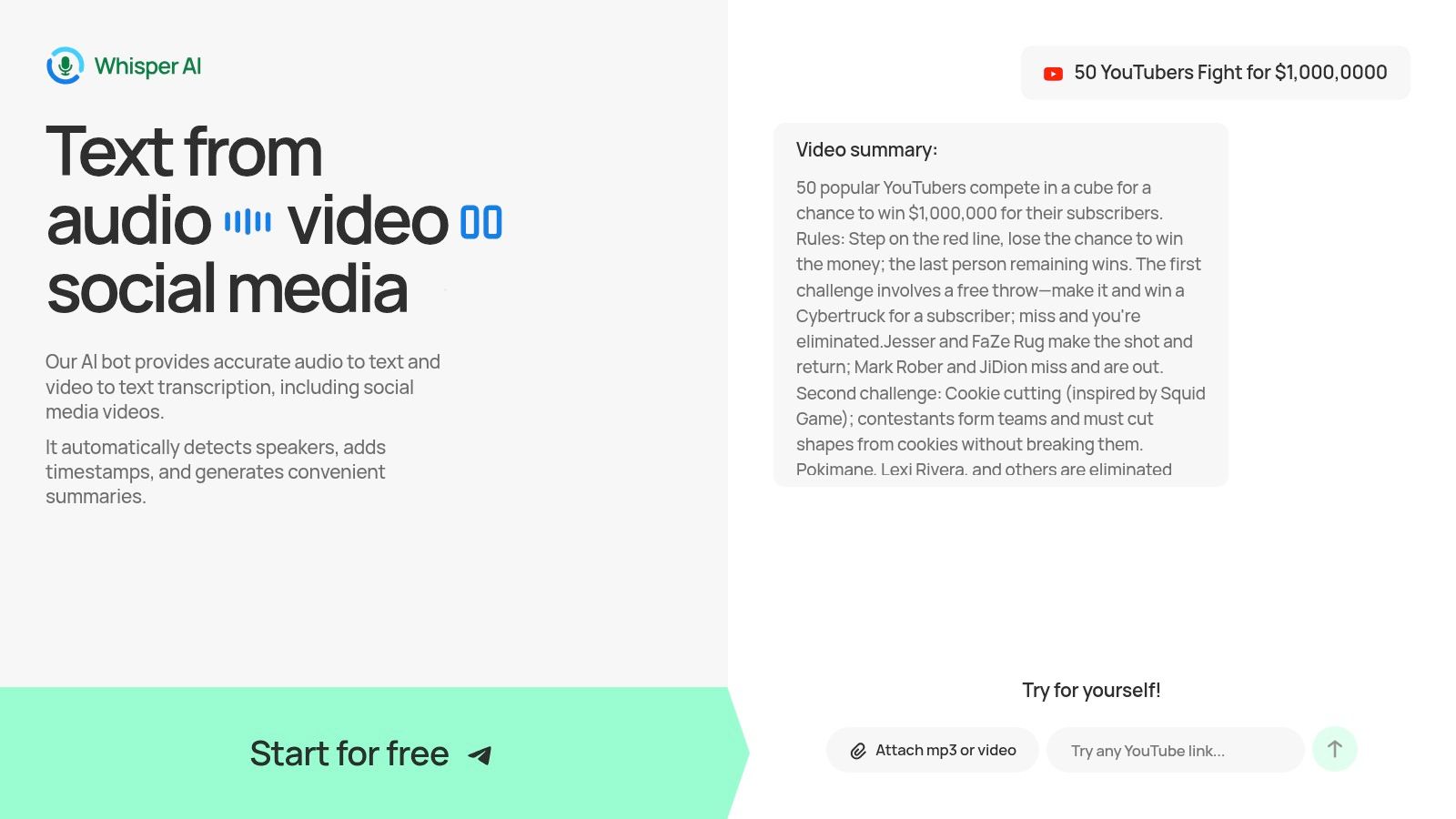
What sets Whisper AI apart is its focus on actionable insights. Beyond transcription, the tool automatically generates concise summaries and bullet-point highlights, allowing you to grasp key points without reading the entire transcript. An integrated Q&A feature lets you ask follow-up questions directly about the content, helping teams refine meeting notes or extract specific quotes. This makes it an exceptional tool for content repurposing and workflow acceleration. For a deeper dive into the technology, you can explore the fundamentals of audio transcription in their guide.
Key Strengths and Use Cases
Whisper AI’s robust feature set is tailored for a variety of professional needs. Its ability to handle over 92 languages makes it a versatile option for global teams and content creators with international audiences.
- For Content Creators: YouTubers and podcasters can generate accurate transcripts for video descriptions, create subtitles, and pull key quotes for promotional materials. The summarization feature is perfect for creating show notes or social media posts.
- For Journalists & Researchers: Quickly transcribe interviews and press conferences, even from a simple link. The Q&A function helps locate critical information and verify facts without manual scrubbing.
- For Business Teams: Turn meeting recordings into searchable notes with clear action items. The platform's security focus, including not retaining files post-processing, is a critical consideration for sensitive corporate discussions.
While Whisper AI is an excellent tool for converting audio, making all your digital content accessible is important. For visual media, other AI tools are just as essential, such as an AI alt text generator for images.
Pricing and Access
Whisper AI offers a free starting tier, which provides a great opportunity to test its capabilities on your own files before committing. However, the website does not display transparent pricing for its paid plans. To understand the specific limits, features, and costs associated with premium tiers, you will likely need to sign up for an account or contact their sales team directly.
Website: Whisper AI
2. Otter.ai
Otter.ai is a top-tier choice for teams and individuals who need a real-time transcription assistant primarily for meetings. It excels at integrating directly with platforms like Zoom, Google Meet, and Microsoft Teams, capturing conversations live as they happen. Its key strength is not just transcription but creating a collaborative, post-meeting workspace.
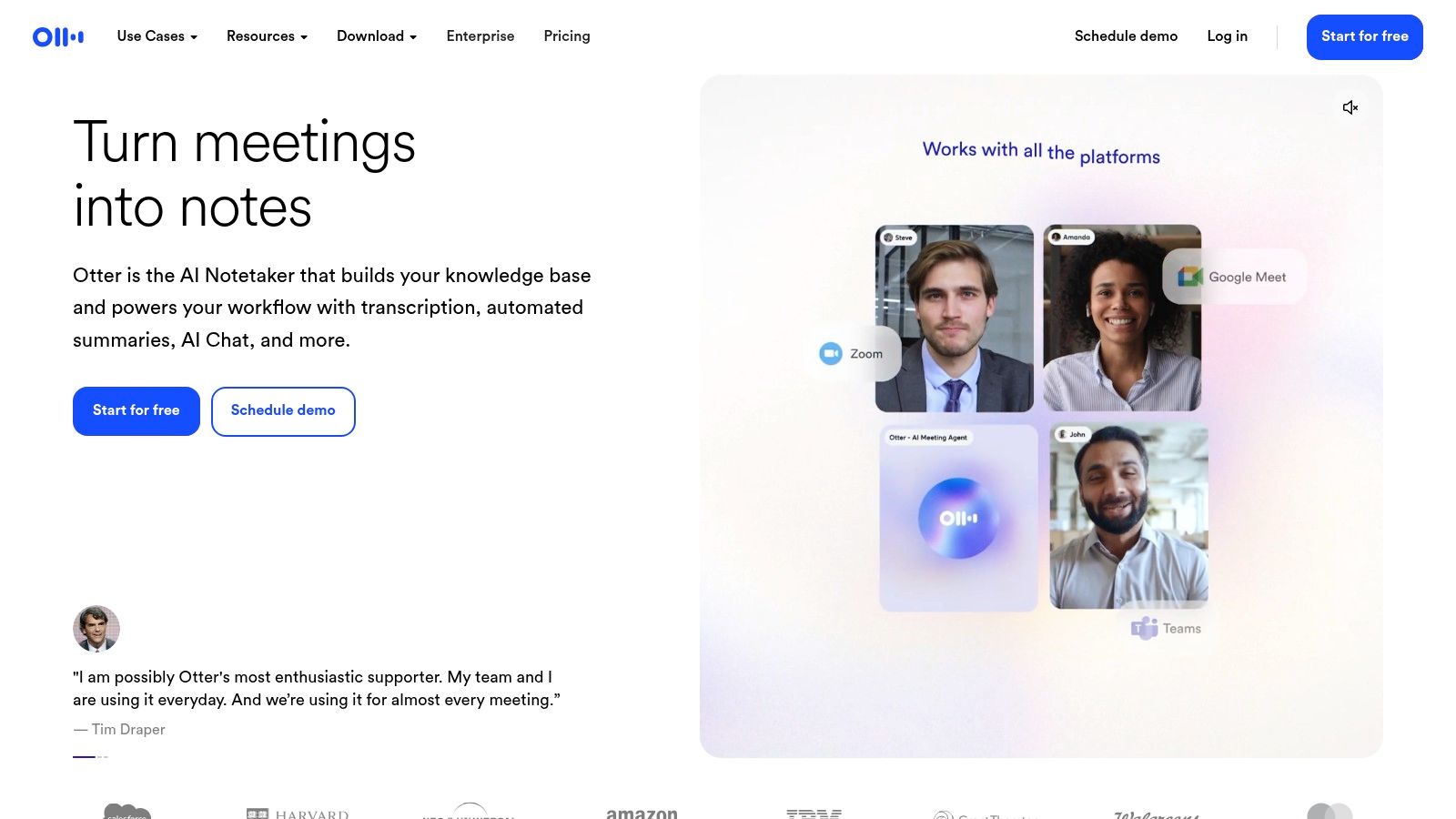
This app is built around the meeting workflow. While it transcribes, it also identifies different speakers and can automatically generate summaries, outlines, and action items from the conversation. This makes it an incredibly efficient tool for keeping track of decisions and next steps without manual note-taking. The ability to automatically join and record scheduled meetings via its calendar integration is a significant time-saver for busy professionals. For those looking to master this skill, there are some great resources available on how to effectively summarize a meeting to get the most out of these tools.
Key Features & Use Case
While a podcaster could use it to transcribe an interview, its true value is in a team environment. It is less suited for high-fidelity studio audio or creative content workflows where nuance is critical.
- Best For: Teams, project managers, and students needing automated meeting notes and action items.
- Pricing: Offers a free tier with limited monthly transcription minutes. Paid plans (Pro, Business, Enterprise) add more minutes, team features, and advanced integrations.
- Pros: Excellent real-time transcription and collaboration features for meetings. Strong integrations with major conferencing platforms.
- Cons: Language support is limited compared to other services. The feature set is heavily focused on meetings, making it less flexible for other content creators.
Website: https://otter.ai
3. Rev
Rev holds a unique position in the market by offering a hybrid model that combines a fast AI-powered service with a human-powered transcription service that guarantees 99% accuracy. This dual offering makes it an ideal choice for professionals like journalists, researchers, and legal experts who require verbatim accuracy for their audio or video files and are willing to pay a premium for it. The platform is a go-to solution when an AI-only convert speech to text app might miss critical nuance or terminology.
The workflow is straightforward. Users can upload files directly through the web interface or record audio on the go with a dedicated mobile app. What sets Rev apart is the clarity of its service tiers. You can opt for the near-instant AI transcription for drafts and general use, or you can submit your file to their network of professional transcriptionists for a polished, highly accurate document, complete with timestamps and speaker labels. This makes it especially useful for producing final-version captions and subtitles for video content where readability and precision are non-negotiable.
Key Features & Use Case
While the AI service is competitive, Rev’s core strength is its guaranteed-accuracy human transcription. It is perfect for final drafts of interviews, legal depositions, or academic research where every word matters. The AI option serves as a great, cost-effective first pass.
- Best For: Journalists, legal professionals, podcasters, and video creators needing guaranteed accuracy for final content.
- Pricing: AI transcription is charged per minute. Human transcription and captioning services cost significantly more per minute but come with accuracy guarantees and faster-than-average turnaround times.
- Pros: Offers a 99% accuracy guarantee with its human transcription service. Clear and reliable workflow for creating professional-grade captions and subtitles.
- Cons: The human-powered services are one of the more expensive options on a per-minute basis. The accuracy of the cheaper AI tier is dependent on audio clarity.
Website: https://www.rev.com
4. Descript
Descript stands apart by fully integrating transcription into a powerful audio and video editing suite. It's a complete content production tool where the transcript is the editor. This unique approach allows podcasters and video creators to edit their media simply by editing text, which dramatically lowers the barrier to entry for complex multitrack projects.
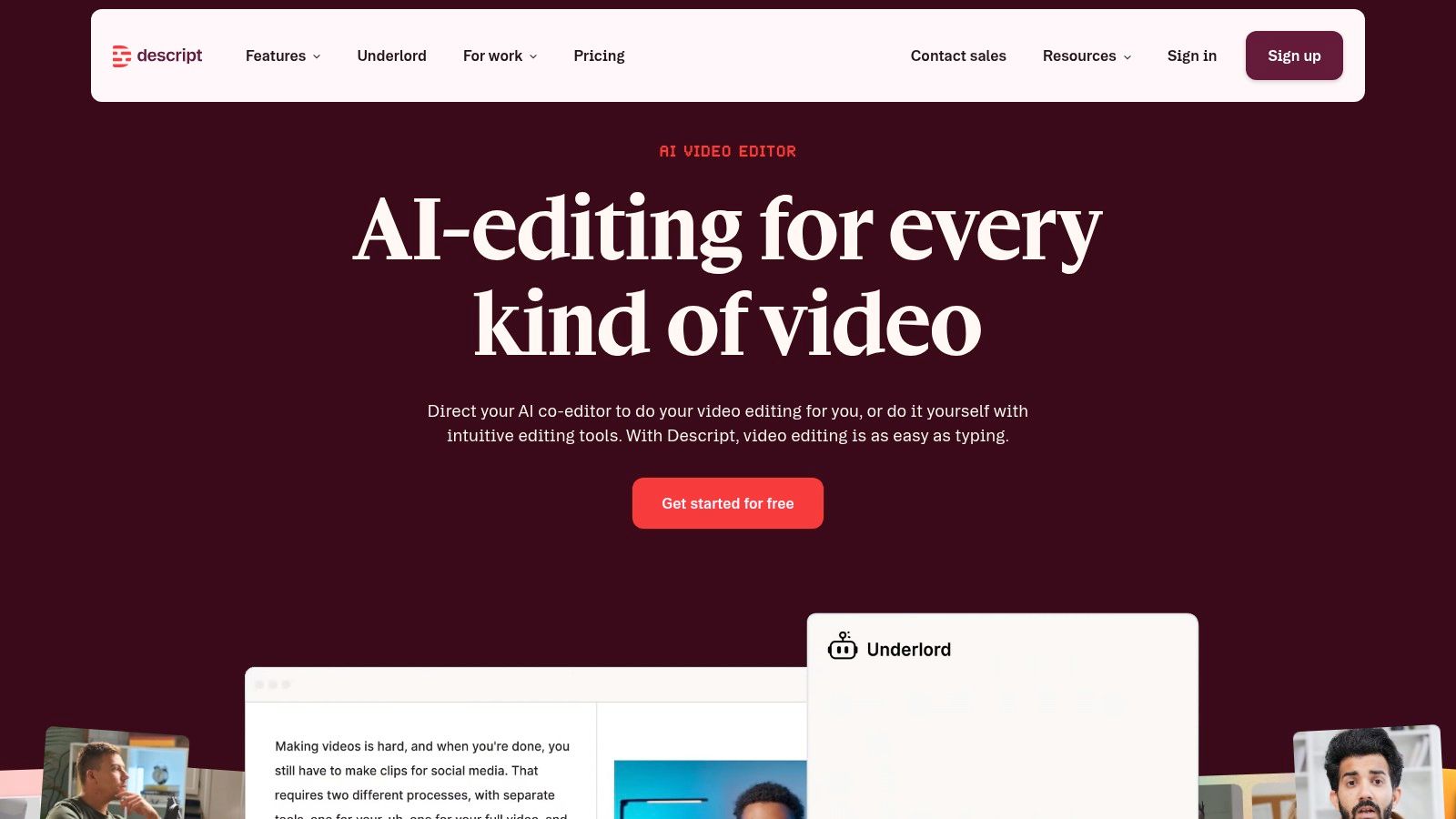
This app rethinks the entire production workflow. After getting an automatic transcription, you can delete a word from the text, and Descript will remove the corresponding audio or video clip. This text-based method is perfect for removing filler words, fixing mistakes, or rearranging segments. It also includes AI-powered features for audio cleanup and generating summaries, making it a central hub from initial recording to final publishing. For those who want to dig deeper into the technology, you can find a useful breakdown of how to use AI to transcribe video to text and apply these techniques.
Key Features & Use Case
While it is a competent convert speech to text app on its own, its main strength is connecting transcription directly to the creative process. It's less ideal for someone who just needs a simple, one-off text file from an audio recording.
- Best For: Podcasters, YouTubers, and video creators who need an all-in-one transcription and editing solution.
- Pricing: A free plan is available with limited transcription hours. Paid plans (Creator, Pro, Enterprise) add more features, higher limits, and team collaboration tools.
- Pros: Seamless integration of transcription with text-based audio/video editing. Excellent for multitrack podcast and video production workflows.
- Cons: Has a learning curve for users unfamiliar with editing concepts. Plan limits and AI credits can feel restrictive for high-volume creators.
Website: https://www.descript.com
5. Sonix
Sonix is a premium, web-based transcription service that carves out a niche with journalists, researchers, and production teams who manage large volumes of audio or video content. It is recognized for its high accuracy and organizational features, making it a strong choice for those who need to convert speech to text and then catalogue, search, and collaborate on the resulting transcripts. The platform's strength lies in its ability to handle big libraries of media with efficiency.
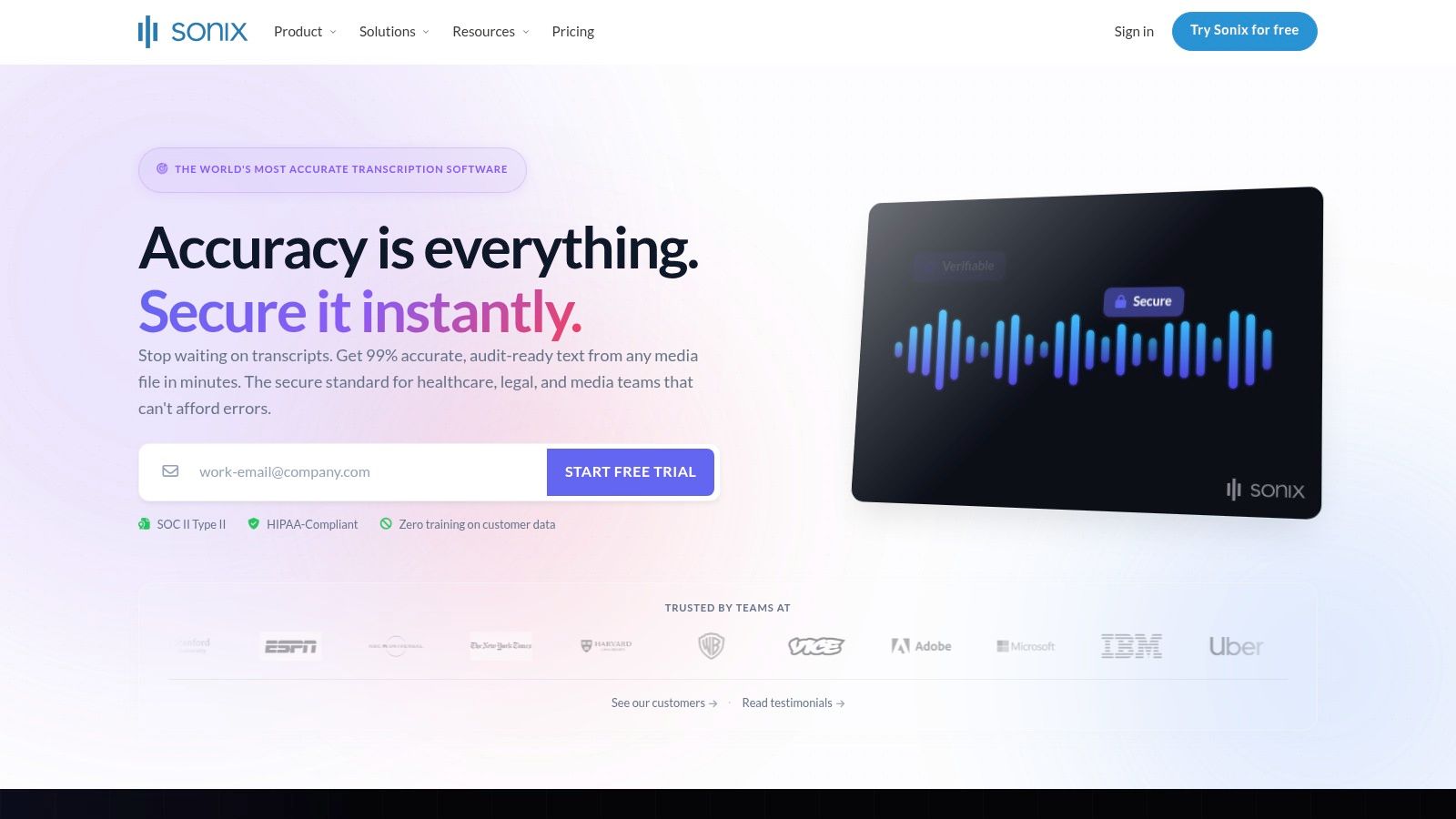
Unlike apps centered purely on real-time meetings, Sonix is built for post-production and archival workflows. It offers fast AI transcription with reliable speaker labeling and supports over 40 languages, including translation capabilities. This makes it particularly useful for global newsrooms or documentary filmmakers working with international sources. Its robust export options and collaborative tools allow team members to review, edit, and comment on transcripts together, ensuring accuracy and version control before final use.
Key Features & Use Case
The platform's features are geared toward professional content creators who treat transcripts as valuable, searchable assets. While an individual might use it for a one-off project, its true power is realized in a team setting where organizing and searching through hundreds of hours of interviews is a regular task.
- Best For: Journalists, documentary filmmakers, and academic researchers with large media libraries needing organization and collaboration.
- Pricing: A dual model that combines a monthly or annual subscription (per seat) with per-hour transcription fees. This can make budgeting tricky for users with fluctuating needs.
- Pros: High accuracy, excellent organizational tools for large content libraries, and strong collaborative features ideal for newsrooms.
- Cons: The pricing structure can be more expensive and harder to predict compared to all-inclusive minute-based plans. It might be too costly for occasional or light users.
Website: https://sonix.ai
6. Trint
Trint is a powerful, browser-based transcription platform designed specifically for media organizations, newsrooms, and content production teams. It positions itself not just as a tool to convert speech to text, but as a central hub for collaborative content creation. Its main distinction lies in its mature, integrated editor that allows teams to review, verify, and edit transcripts together in a shared workspace.
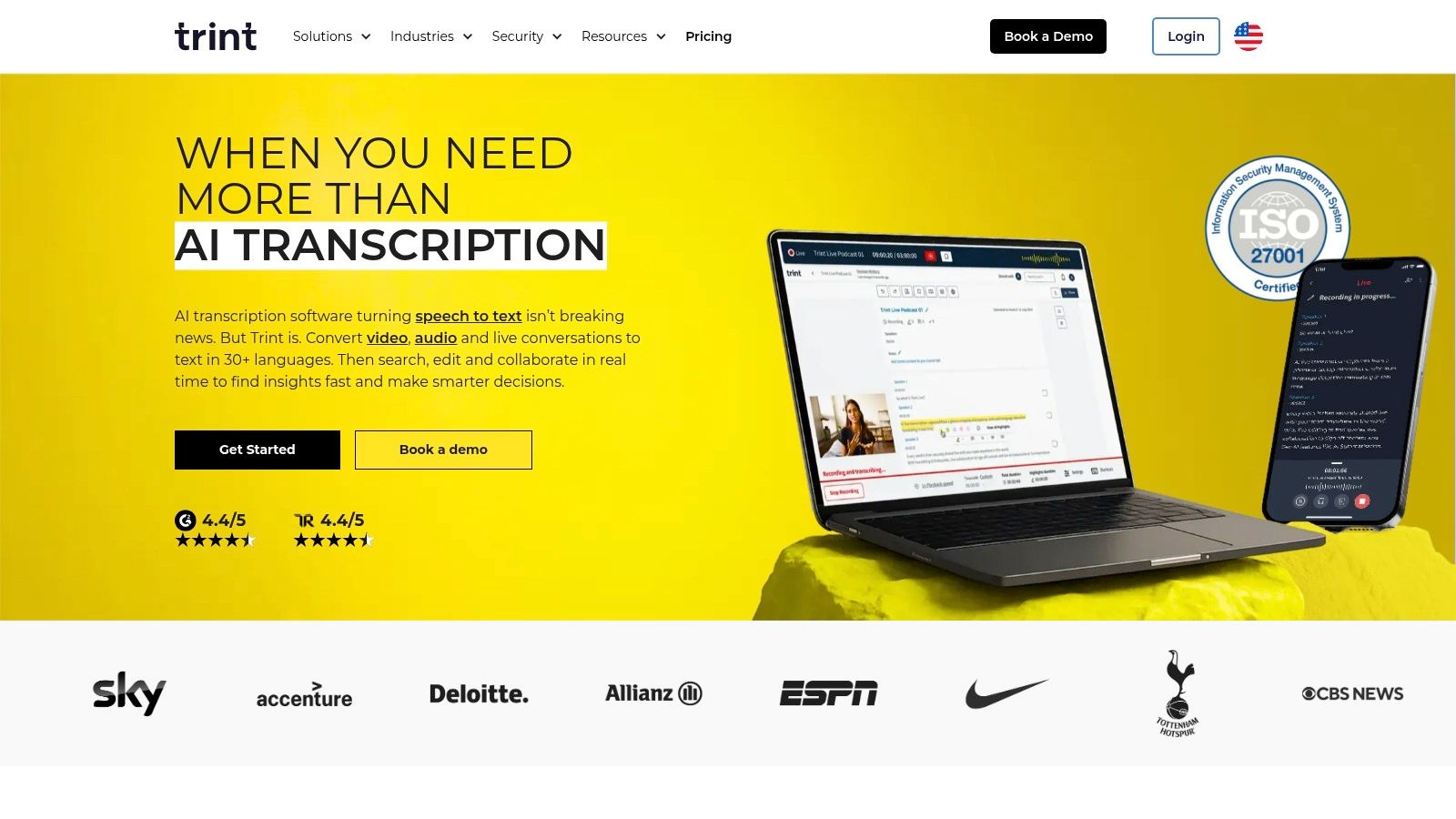
The platform's workflow is built for turning raw audio and video into finished assets like articles, scripts, and captions. After transcription, the text is linked directly to the audio, allowing for easy verification by clicking on any word to hear the corresponding sound. This makes it an excellent choice for journalists who need to pull accurate quotes or for video editors who need to generate captions and subtitles. Its features for translation and creating collaborative story drafts from transcribed interviews are particularly useful for global media teams.
Key Features & Use Case
While an individual could use it, Trint's features truly activate within a team setting that requires version control, comments, and shared access. It is an enterprise-grade solution for producing verifiable, high-stakes content from spoken word.
- Best For: Newsrooms, documentary filmmakers, marketing teams, and academic researchers needing a collaborative transcription and content-editing environment.
- Pricing: Custom and sales-led pricing for teams and enterprise. Individual plans are available, but the platform's core value is in its team features.
- Pros: Excellent team-oriented workflow with strong collaboration and editing tools. Provides a mature platform for professional content production.
- Cons: Pricing can be opaque and is generally higher, reflecting its enterprise focus. Key features like live transcription may be limited to more expensive tiers.
Website: https://trint.com
7. Notta
Notta positions itself as a clean, cross-platform transcription service perfect for individuals and small teams who need a straightforward tool without a steep learning curve. It efficiently handles real-time transcription for meetings, processes audio/video file uploads, and captures voice notes across its web, iOS, and Android applications. Its main appeal lies in its simplicity and directness.
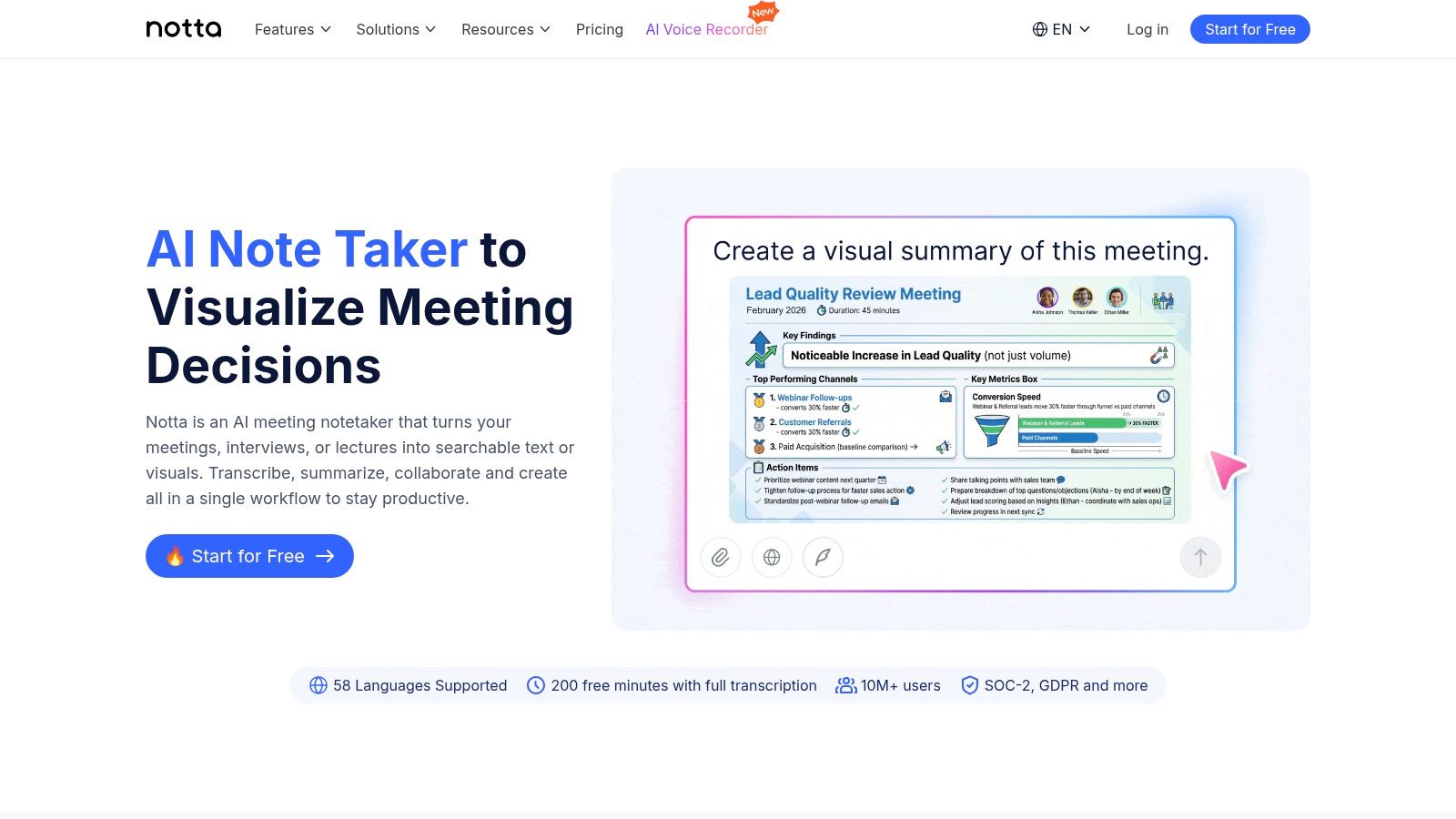
Unlike competitors that are heavily specialized, Notta provides a solid all-around experience. You can use it to live-record a lecture, upload a podcast interview for transcription, or sync notes between your phone and desktop. The organized workspace makes it easy to manage multiple projects, and its support for a wide range of languages makes it a versatile choice. This app is a reliable option for anyone needing a dependable convert speech to text app for general use.
Key Features & Use Case
The platform is designed for quick adoption and immediate use rather than complex team workflows. While it offers integrations and sharing, its core strength is personal or small-group productivity. It’s an excellent tool for journalists capturing interviews on the go or students recording lectures.
- Best For: Individuals, students, journalists, and small teams needing a simple, multi-device transcription solution.
- Pricing: A free plan is available with monthly minute limits. Paid tiers (Pro, Business) unlock more minutes, advanced export options, and greater storage.
- Pros: Very straightforward user interface and fast onboarding process. Offers competitive pricing for its feature set.
- Cons: The most useful features and higher storage limits are reserved for paid plans. Its editing and collaboration tools are simpler than heavyweight competitors.
Website: https://www.notta.ai
8. Fireflies.ai
Fireflies.ai is an AI meeting assistant built to automate the entire process of capturing and organizing conversations. It's an excellent convert speech to text app for teams, particularly in sales and operations, that want to create a searchable, analyzable memory of all their calls. The platform automatically joins, records, and transcribes meetings from major platforms like Zoom, Google Meet, and Microsoft Teams.
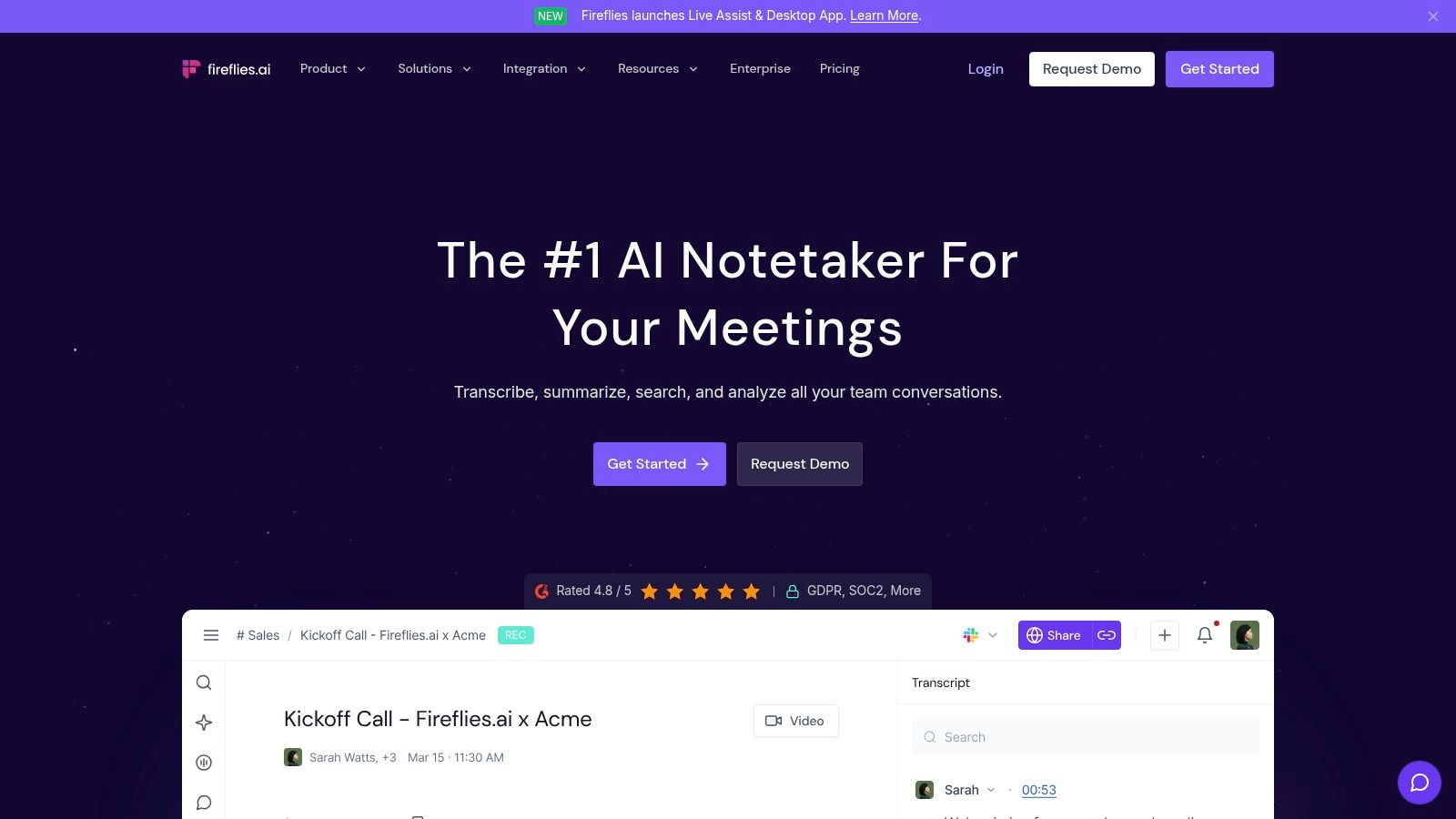
Its core function goes beyond simple transcription. Fireflies.ai analyzes the content to identify speakers, track topics, and extract key action items. The standout feature is its powerful search capability, allowing users to find specific information across all past meetings in seconds. With an AI assistant named 'AskFred', users can ask questions about their meetings and get instant answers, making it a powerful tool for review and follow-up without re-watching entire recordings.
Key Features & Use Case
While it can transcribe any audio file, its automation is designed around the meeting lifecycle. Its ability to push notes and summaries into CRMs and project management tools makes it a central hub for team communication and accountability.
- Best For: Sales teams, project managers, and organizations needing automated meeting documentation and analytics.
- Pricing: A free tier is available with limited transcription credits. Paid plans (Pro, Business, Enterprise) offer more features, unlimited transcription (subject to fair use), and deeper integrations.
- Pros: Extensive automation for meeting capture and follow-ups. Broad language support (100+ languages) and a wide array of integrations.
- Cons: The "bot-join" workflow might not comply with all corporate meeting policies. "Unlimited" features often come with fair-use policies or credit systems that can be confusing.
Website: https://fireflies.ai
9. Happy Scribe
Happy Scribe serves as a versatile bridge between automated efficiency and human-verified precision, making it an excellent convert speech to text app for content creators. The platform offers a choice: a fast AI-driven transcription for quick turnarounds or a professional human-powered service for maximum accuracy. This dual approach is perfect for users who need rough drafts quickly but require polished, error-free final transcripts for publication or subtitles.
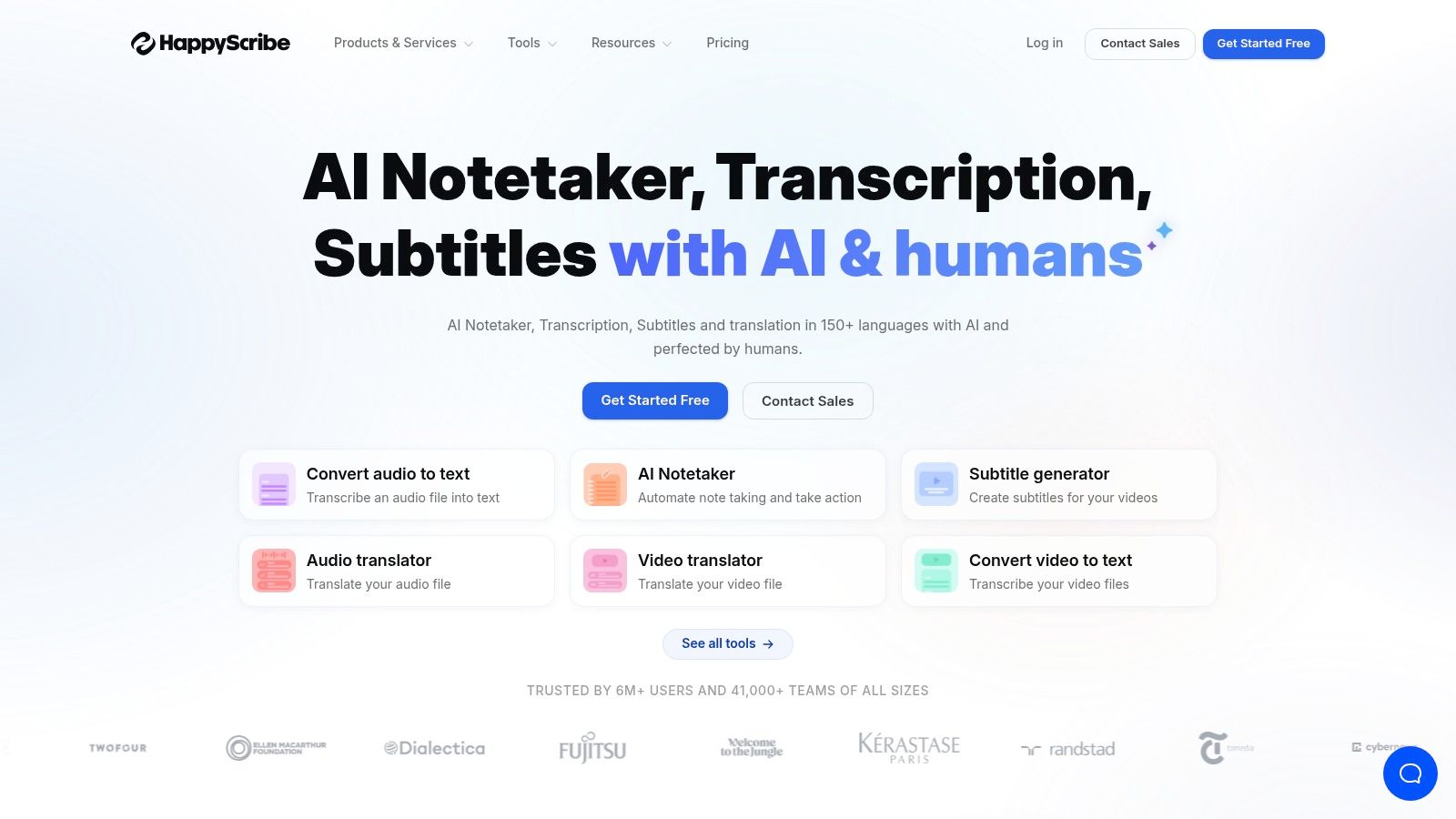
Its clean, interactive editor is a significant strength, allowing for easy correction and refinement of the AI-generated text. For YouTubers and filmmakers, the subtitling workflow is particularly well-designed. You can upload a video, generate subtitles, adjust timings, and export them in formats like SRT or VTT without needing separate software. This integration of transcription and subtitling into a single, cohesive process saves creators considerable time and effort.
Key Features & Use Case
The platform is designed around the needs of video and audio content creators rather than live meeting documentation. Its value comes from the post-production workflow, where accuracy and format flexibility are key.
- Best For: YouTubers, podcasters, and documentary filmmakers who need both transcripts and subtitles and value the option of human-level accuracy.
- Pricing: AI transcription is on a pay-as-you-go or subscription basis. Human transcription is priced per minute, with cost depending on turnaround time.
- Pros: Offers both AI and human transcription, providing flexibility between speed and accuracy. Strong, integrated subtitle editor and multiple export options.
- Cons: Human transcription adds significant cost and turnaround time. It lacks the real-time meeting features found in tools like Otter.ai.
Website: https://www.happyscribe.com
10. Adobe Premiere Pro (Speech to Text)
For video creators, YouTubers, and filmmakers already working within the Adobe ecosystem, Premiere Pro’s built-in Speech to Text feature is a game-changer. Rather than being a standalone app, it’s a powerful function integrated directly into one of the industry's leading non-linear editors (NLEs). This eliminates the need to export audio, transcribe it on a separate platform, and then re-import and sync captions, saving significant time and effort.
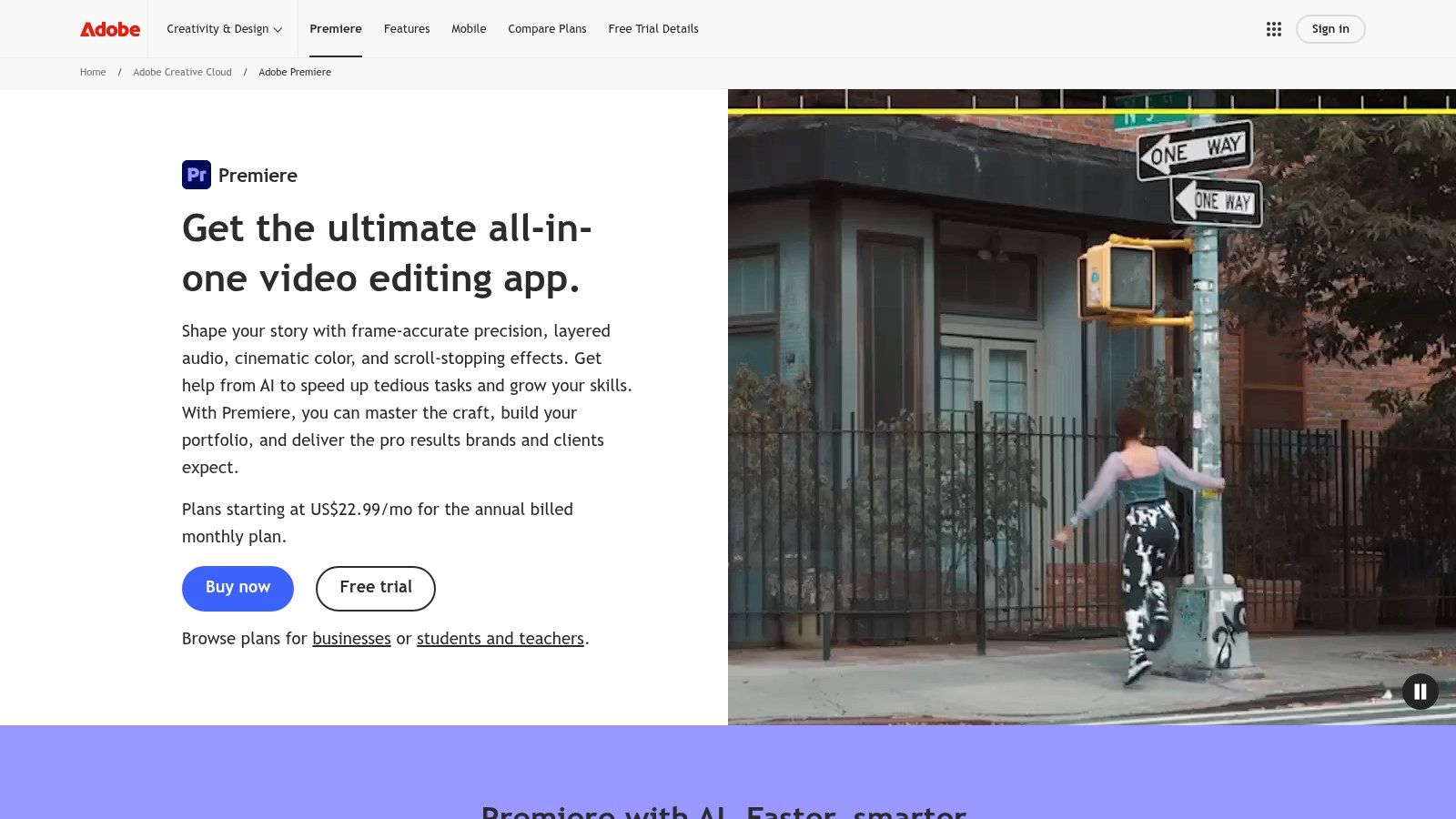
The primary advantage is its workflow integration. You can generate a full transcript of your timeline with a single click and then use that text to edit your video. This "text-based editing" allows you to cut, copy, and paste words in the transcript to automatically make corresponding edits in the video timeline, which is a remarkably intuitive way to assemble rough cuts of interviews or dialogue-heavy content. The ability to create and customize captions directly on the timeline makes it an all-in-one tool to convert speech to text and make content accessible.
Key Features & Use Case
This feature is not for someone needing a quick, standalone audio transcription; its power is unlocked within a video editing project. It’s designed specifically for editors who need to produce captioned videos efficiently.
- Best For: YouTubers, documentary filmmakers, and social media video editors who use Adobe Premiere Pro as their primary editing software.
- Pricing: Included with an Adobe Creative Cloud subscription that includes Premiere Pro (plans start around $22.99/month).
- Pros: Seamless integration within the Premiere Pro timeline. No need for third-party tools or round-tripping files. Text-based editing is a powerful feature for crafting narratives.
- Cons: Requires a recurring Adobe Creative Cloud subscription. It is overkill and not cost-effective if you only need a simple audio-to-text transcription service.
Website: https://www.adobe.com/products/premiere.html
11. Google Recorder (Pixel)
For those deeply embedded in the Android ecosystem, particularly with a Google Pixel phone, the Recorder app is a remarkably powerful and convenient tool. It stands out by performing fast, accurate transcription directly on the device, meaning your audio never needs to be uploaded to a cloud server for processing. This offline-first approach makes it an excellent choice for journalists, researchers, or anyone capturing sensitive conversations who prioritizes privacy and security.
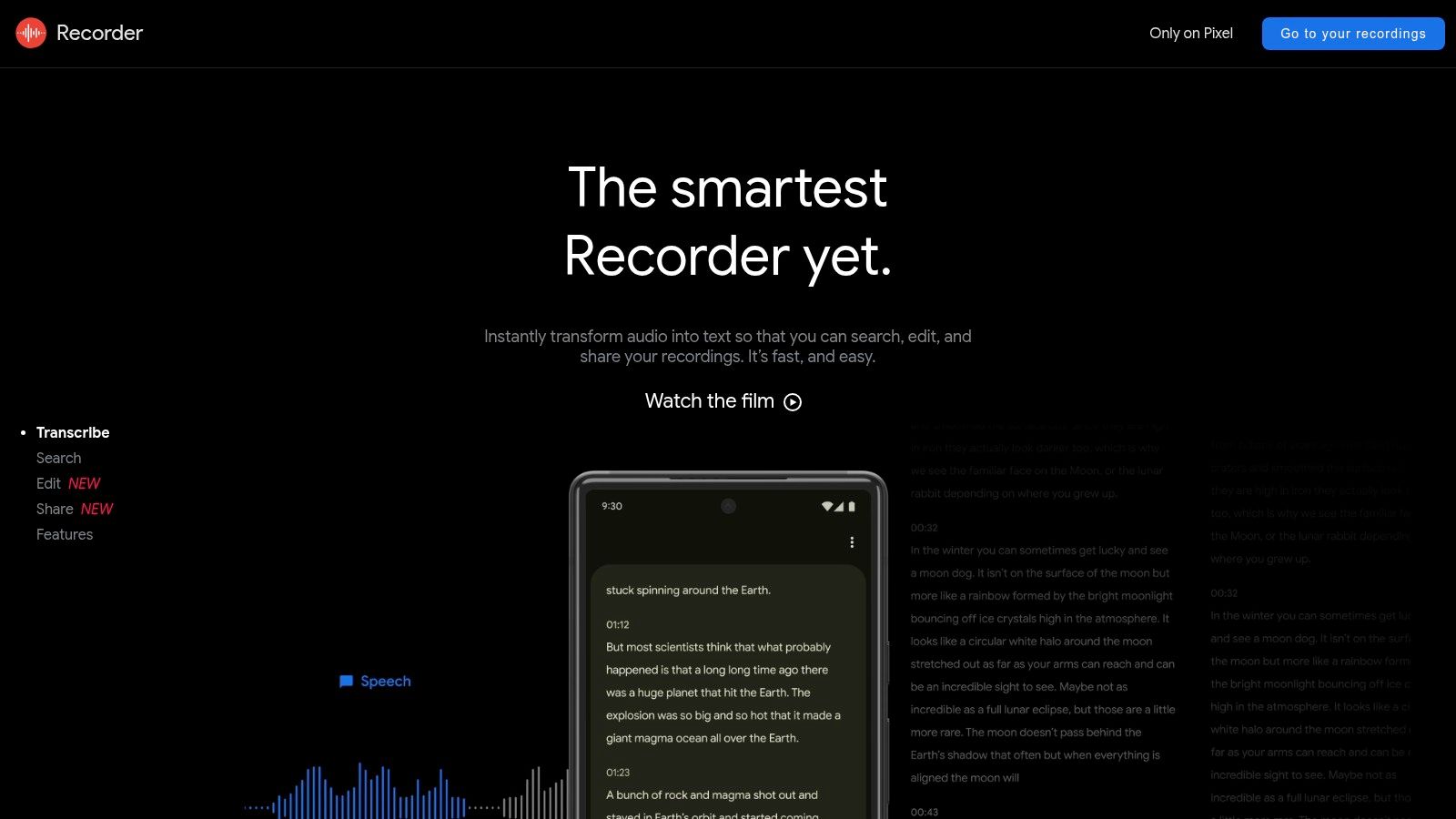
The app is built for on-the-go capture, like interviews and lectures. Its primary strength is turning your phone into an intelligent recording device. Not only does it transcribe in real-time with impressive accuracy, but it also identifies different speakers and makes the entire transcript searchable. Newer Pixel models have even introduced AI-powered summaries, giving you a quick overview of the recording. You can access, play back, and share these recordings and transcripts through a simple web interface.
Key Features & Use Case
While its core function is simple recording, the on-device processing and searchability make it a standout. It's less of a post-production tool for a podcaster and more of an in-the-field companion for capturing live audio with an immediate, private transcript.
- Best For: Journalists, students, and researchers using a Pixel phone for in-person interviews and lectures.
- Pricing: Free and pre-installed on supported Google Pixel devices. Availability and features on other Android phones are very limited.
- Pros: Excellent accuracy and speed with on-device processing. No internet connection required for transcription. Completely free.
- Cons: Primarily exclusive to the Google Pixel ecosystem. Feature set varies significantly depending on the phone model and region.
Website: https://recorder.google.com
12. Fathom
Fathom is an AI notetaker specifically designed for simplicity and efficiency in a meeting context. It operates as a lightweight assistant that records, transcribes in real time, and automatically generates summaries and highlights from your discussions on platforms like Zoom or Google Meet. Its main appeal is its straightforward, "one-click" workflow, making it a great convert speech to text app for individuals or small teams who need quick, shareable meeting notes without a complex setup.
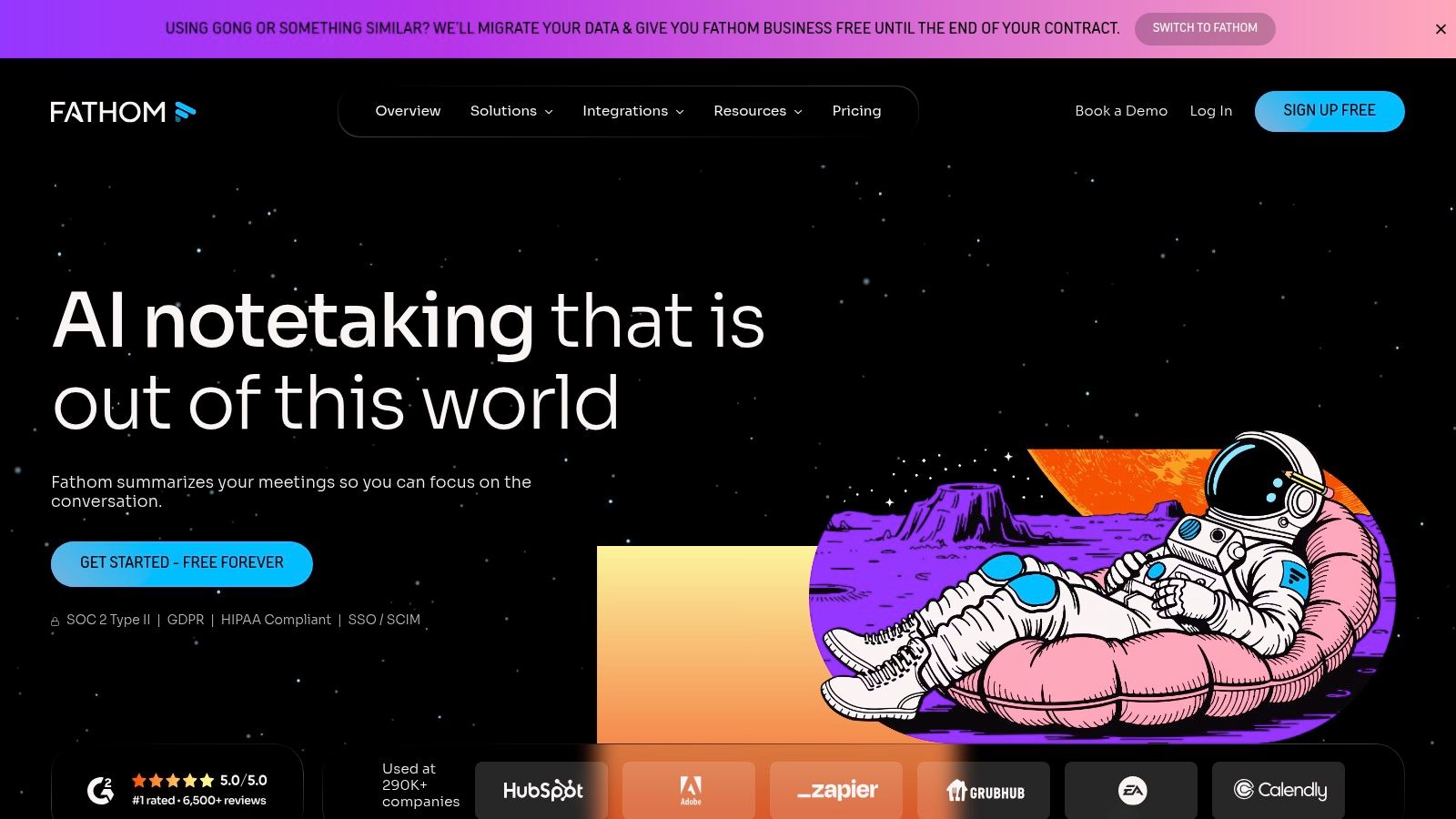
The platform is built around immediate post-meeting utility. While in a call, you can click to highlight important moments, and Fathom will automatically generate a summary with clear action items once the meeting ends. These notes and video clips are easily shareable and can be pushed directly to tools like Slack, Asana, or your CRM. This focus on easy access and distribution makes it excellent for keeping stakeholders informed without requiring them to sit through an entire recording.
Key Features & Use Case
While it provides excellent real-time transcription, Fathom is not intended for offline batch processing of pre-recorded audio files like a podcast or interview. Its strength is its live, in-meeting assistance.
- Best For: Solo professionals, small teams, and consultants who want an easy, free tool for capturing and sharing meeting highlights.
- Pricing: Fathom offers a surprisingly robust free plan for individual use. A Team Edition is available with added features like centralized billing and admin controls.
- Pros: Very easy to set up and use, with a clean interface. The free offering is generous and powerful for its target user.
- Cons: Heavily focused on live meetings, making it unsuitable for studio content or offline transcription. It lacks the deep sales analytics found in more specialized competitor tools.
Website: https://fathom.video
Top 12 Speech-to-Text Apps — Quick Feature Comparison
| Product | Core features | Quality (★) | Unique selling points (✨) | Target audience (👥) | Pricing/value (💰) |
|---|---|---|---|---|---|
| Whisper AI 🏆 | Fast multi‑model transcription, speaker detection, timestamps, summaries, exports, Q&A, 92+ languages | ★★★★☆ (high accuracy; privacy‑focused) | ✨ Multi‑model engine, broad language support, privacy/compliance, follow‑up Q&A | 👥 Creators, content teams, journalists, educators, businesses | 💰 Free tier; paid plans via sales |
| Otter.ai | Live meeting transcription, speaker labels, summaries, calendar & conferencing integrations | ★★★★☆ (strong live capture) | ✨ Real‑time capture + collaborative notes, calendar sync | 👥 Teams & meeting‑centric workflows | 💰 Freemium; per‑user subscriptions |
| Rev | AI + human transcription, timestamps, speaker labels, captions/subtitles | ★★★★★ (human 99%); ★★★★☆ (AI) | ✨ Human accuracy SLA, caption/subtitle workflows | 👥 Legal, media, accuracy‑critical teams | 💰 Per‑minute pricing; human tier premium |
| Descript | Transcription + text‑based audio/video editing, multitrack, AI cleanup | ★★★★☆ (edit‑driven workflow) | ✨ Text‑based editing & publish pipeline | 👥 Podcasters, video creators, editors | 💰 Freemium; tiers with credits/limits |
| Sonix | Fast AI transcription, translation, collaboration, search & org tools | ★★★★☆ (newsroom‑grade) | ✨ Library search/versioning, translation support | 👥 Journalists, content teams, large libraries | 💰 Seat + per‑hour model; can be pricey |
| Trint | Browser editor, shared workspaces, speaker labels, translation & captions | ★★★★☆ (team‑focused) | ✨ Mature review/edit workflows for teams | 👥 Media teams, newsrooms, enterprises | 💰 Sales‑led pricing; enterprise options |
| Notta | Live transcription, uploads, web/iOS/Android apps, simple workspace | ★★★☆☆ (good for notes & meetings) | ✨ Straightforward UI and fast onboarding | 👥 Individuals, small teams | 💰 Competitive freemium/subscriptions |
| Fireflies.ai | Automatic meeting capture, searchable transcripts, topic/action extraction, analytics | ★★★★☆ (broad integrations) | ✨ AI assistant (AskFred) + meeting analytics | 👥 Sales, ops, meeting‑heavy teams | 💰 Freemium; some “unlimited” caveats |
| Happy Scribe | AI & human transcription, subtitle generation, editor, flexible exports | ★★★★☆ (strong subtitle workflows) | ✨ Combined subtitle + human verification options | 👥 Content creators, educators | 💰 Pay‑as‑you‑go or subscription; human add‑on |
| Adobe Premiere Pro (Speech to Text) | On‑timeline transcription/captions, transcript‑driven editing, Adobe integrations | ★★★★☆ (professional NLE integration) | ✨ Native transcript‑driven editing inside NLE | 👥 Video creators using Adobe suite | 💰 Requires Adobe Creative Cloud subscription |
| Google Recorder (Pixel) | On‑device live transcription, searchable transcripts, device summaries | ★★★★☆ (excellent on supported devices) | ✨ On‑device speed & privacy (offline) | 👥 Journalists, students, in‑person recorders (Pixel users) | 💰 Free on supported Pixel devices |
| Fathom | One‑click meeting recording, live transcription, highlights, shareable clips | ★★★☆☆ (simple, meeting‑focused) | ✨ Lightweight workflow & easy sharing | 👥 Individuals, small teams | 💰 Freemium; subscription for advanced features |
Choosing the Right Tool to Reclaim Your Time
Navigating the crowded market for a great convert speech to text app can feel daunting, but as we've explored, the perfect tool for your specific needs is within reach. The journey from spoken word to written text is no longer a manual, time-consuming chore. It's an automated process that can free up hours, allowing you to focus on the creative, strategic, or analytical aspects of your work.
We've seen a spectrum of options, from the powerful, open-source foundation of Whisper AI to the collaborative, meeting-focused intelligence of Fireflies.ai and Fathom. For content creators like YouTubers and podcasters, platforms like Descript and Adobe Premiere Pro have completely changed the editing workflow, merging transcription directly with audio and video manipulation. Journalists and researchers, on the other hand, might lean toward the high-accuracy, human-verified services of Rev or the rapid, AI-driven output of Trint and Sonix for turning interviews into quotable text.
Key Takeaways for Your Decision
Making the right choice comes down to balancing your primary use case with your budget and technical comfort. Don't get distracted by a long list of features you'll never use. Instead, focus on the core function you need most.
- For Pure Accuracy and Control: If your top priority is the highest possible transcription accuracy, especially with technical jargon or diverse accents, a tool built on OpenAI's model like Whisper AI or a human-powered service like Rev is a strong starting point.
- For Collaborative Workflows: If you live in virtual meetings, an app like Otter.ai, Notta, or Fireflies.ai is designed for you. These tools don't just transcribe; they identify speakers, generate summaries, and make meeting notes shareable and actionable for your entire team.
- For Content Creation and Editing: Podcasters and video producers should look no further than Descript or Adobe Premiere Pro's built-in function. The ability to edit your media by simply editing the text is a genuine game-changer that dramatically speeds up post-production.
- For On-the-Go Simplicity: If you need a straightforward solution for personal notes or capturing thoughts on the move, the Google Recorder app on Pixel devices offers impressive offline transcription with zero fuss.
A Framework for Selecting Your App
Before you commit to a subscription, take a step back and map out your requirements. A quick self-assessment can prevent you from paying for a service that doesn't align with your workflow.
- Identify Your Primary Media: Are you transcribing clean, studio-quality podcast audio, messy real-world interviews, or multi-speaker Zoom calls? The quality of your source audio is the single biggest factor in AI transcription accuracy.
- Define Your "Must-Have" Feature: Is it speaker identification? Is it direct video subtitle export? Is it AI-powered summarization? Pinpoint the one feature that will save you the most time and filter your options based on that.
- Test with Your Own Content: Nearly every service offers a free trial or a freemium plan. Use it. Upload a challenging 5-minute clip of your own audio-one with background noise, multiple speakers, or specific terminology. This real-world test is more valuable than any marketing claim.
- Consider Your Ecosystem: Do you need the app to integrate with other software like Zoom, Google Drive, or your video editor? Check for native integrations or Zapier support to ensure a smooth workflow.
Ultimately, the best convert speech to text app is the one that fits so seamlessly into your process that you forget it's even there. It's the tool that takes a tedious task off your plate, giving you back your most valuable resource: time. By moving from manual transcription to an automated solution, you are not just optimizing a task; you are creating space for more creativity, deeper analysis, and more impactful work.
Ready to experience transcription with exceptional accuracy and control? Get started with Whisper AI, which leverages OpenAI's powerful model to provide highly precise and fast transcriptions for your audio and video files. Try it for free and see how it can transform your workflow at Whisper AI.


























































































