Court Reporting Transcription Guide for Legal Accuracy
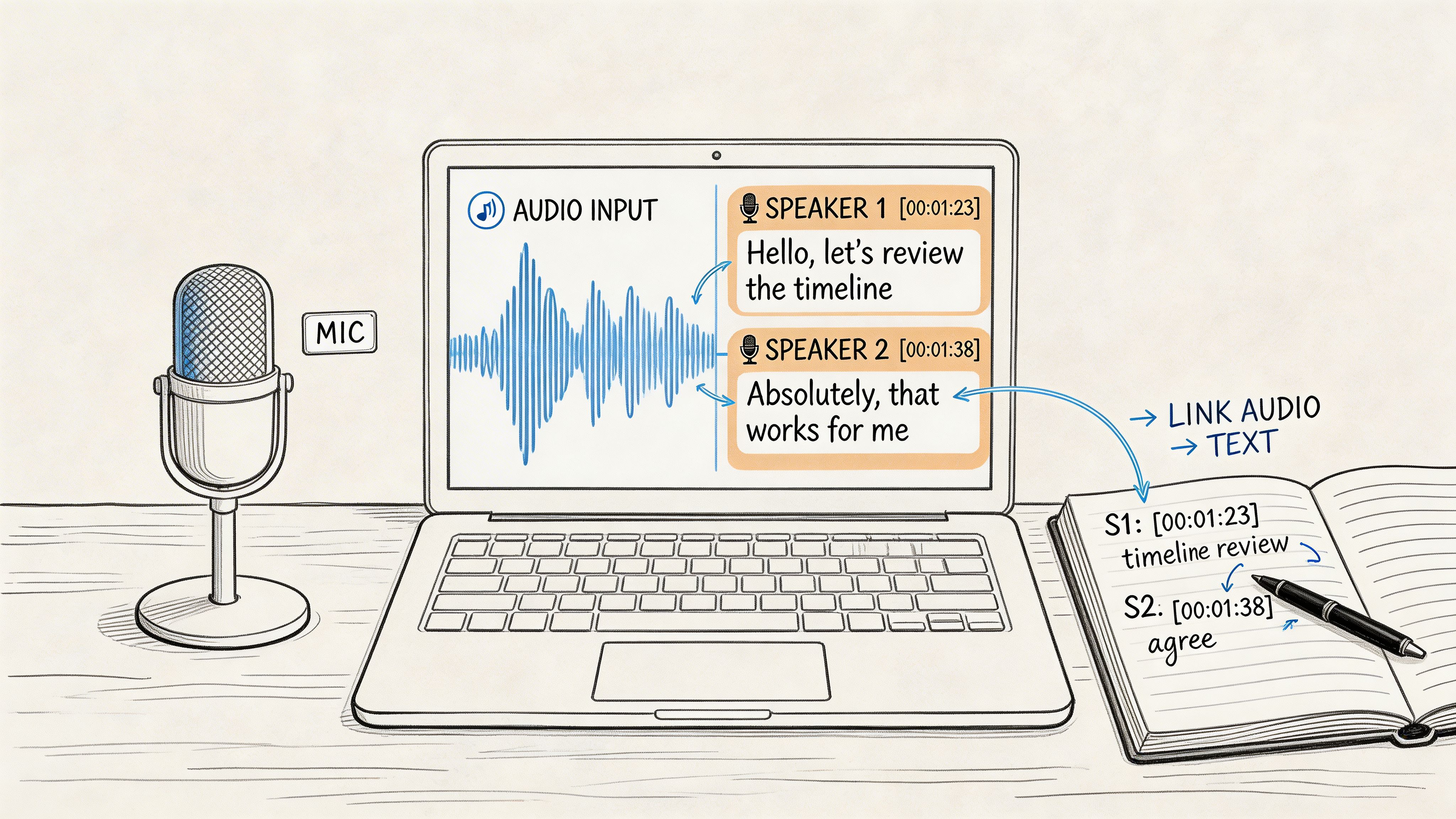
A hearing starts. One attorney speaks quickly, the witness trails off, opposing counsel interrupts, and the judge asks for the last answer to be read back immediately. In that moment, nobody needs a rough summary. They need a record that captures who said what, when they said it, what was inaudible, and whether an objection landed before or after a key answer.
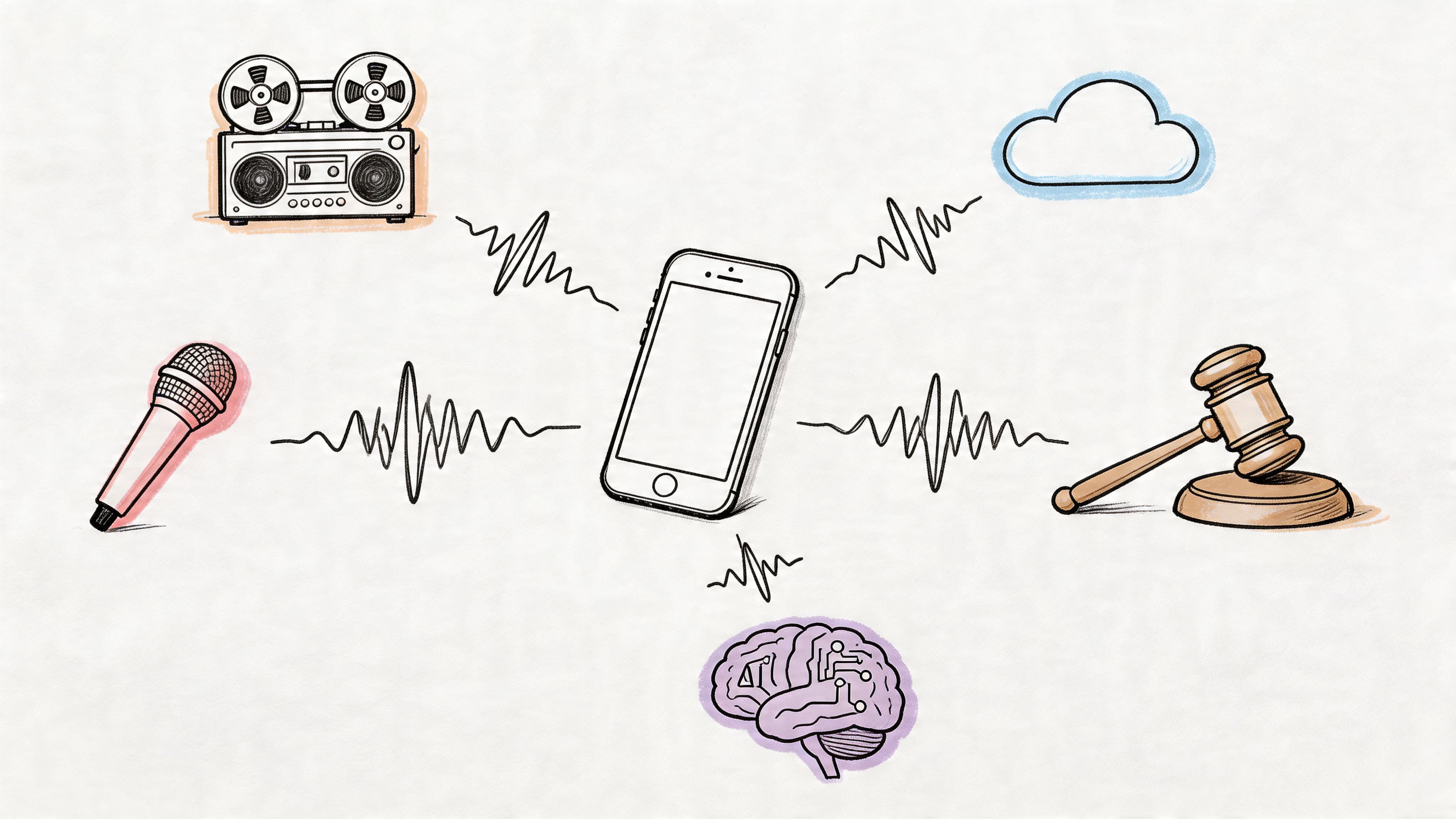
That's where court reporting transcription separates itself from ordinary transcription. It isn't just about converting speech into text. It's about preserving a legal record that can stand up to scrutiny. Small details matter. A missed speaker change can alter meaning. A bad microphone setup can turn overlapping speech into unusable audio. A fast AI transcript can still fail its ultimate purpose if no qualified human certifies it.
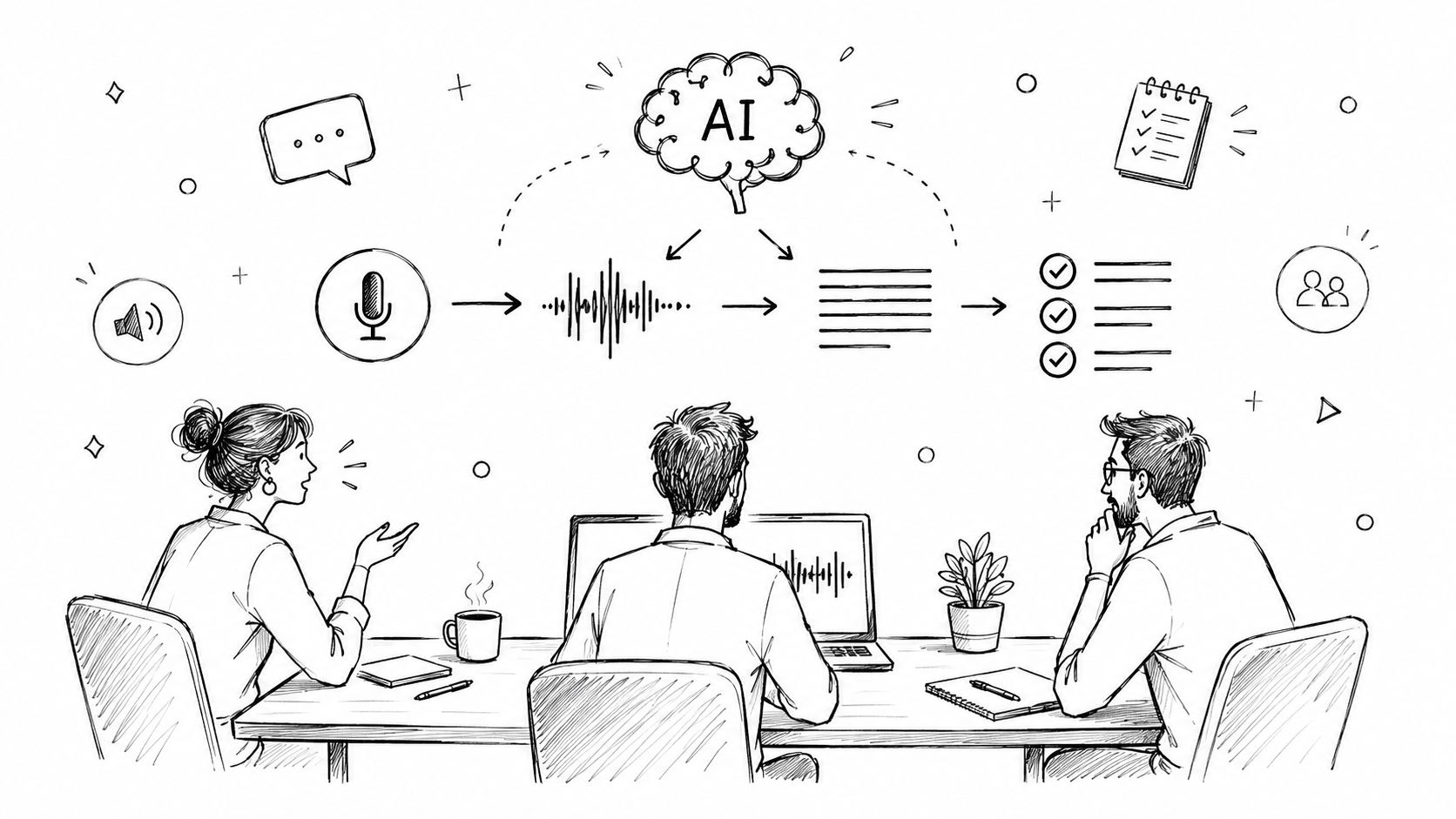
Legal professionals often focus on the visible part of the process, the transcript itself. The hidden parts are just as important. Audio capture, real-time method selection, post-session review, confidentiality controls, and the final certification step are what turn text into something the legal system can rely on. If you hire, manage, review, or deliver transcripts, those are the points where mistakes usually begin.
Introduction
During a tense proceeding, the record often becomes its own participant. Attorneys rely on it to challenge testimony, judges rely on it to resolve disputes, and clients may live with its consequences long after the hearing ends. If the transcript misses an interruption, labels the wrong speaker, or drops a non-verbal event, the damage isn't abstract. It affects arguments, rulings, and appeals.
That's why court reporting transcription has its own standards, workflows, and professional roles. It doesn't work like a podcast transcript or a meeting recap. The transcript must be verbatim. It often needs timestamps, non-verbal notations, and immediate usability in the room. In some matters, a delay of even a few moments changes what the judge can do with the record in real time.
Many teams now use AI somewhere in the process, and that can help. But speed only solves part of the problem. Legal admissibility depends on the record being captured correctly, reviewed correctly, and certified correctly.
A transcript can look polished and still be legally weak if the capture method, review process, or certification step was wrong.
Understanding Court Reporting Transcription
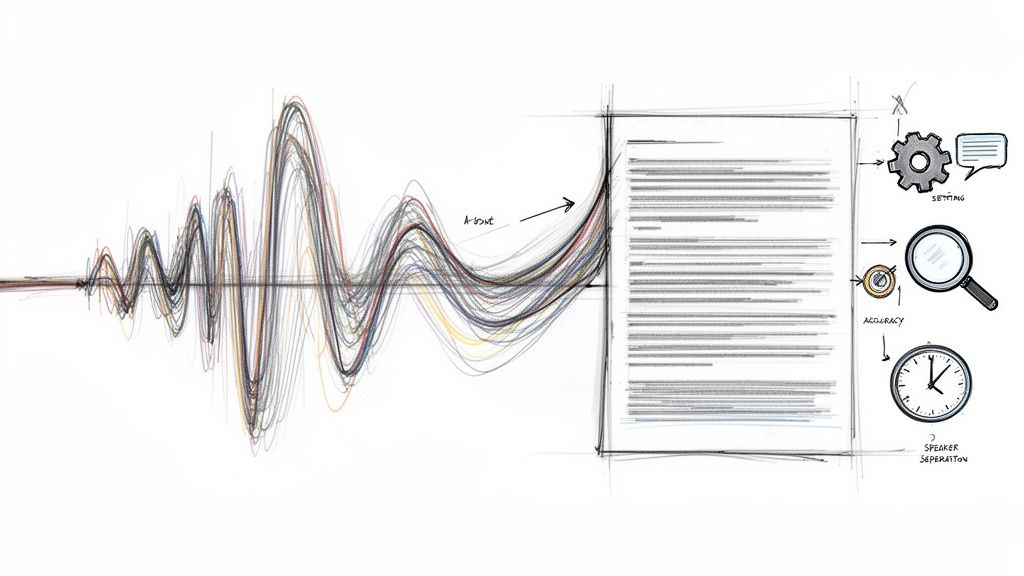
Court reporting transcription starts before anyone sees a page of text. In practice, it is a capture-and-verification process built to preserve the official spoken record of a proceeding, with enough precision that lawyers and courts can rely on it later. The transcript has to hold onto details that ordinary transcription often smooths out, such as overlapping speech, false starts, long pauses, and audible events that change meaning.
A useful comparison is a courtroom microphone system versus a phone voice memo. Both record sound. Only one is set up to produce a record that can survive legal scrutiny. Court reporting transcription works the same way. The final transcript depends on how speech was captured, how the audio was controlled, and who reviewed and certified the result.

How the three methods work
Stenography uses a stenotype machine to record sound patterns rather than typing one letter at a time. It works like chorded input on a musical instrument. One stroke can represent a syllable, word part, or phrase, which is why trained stenographic reporters can keep pace with rapid examination and courtroom exchanges.
Voice writing uses a handheld mask and a trained reporter who repeats the spoken record into that mask while adding punctuation, speaker identification, and audible notations. New readers sometimes confuse this with dictation. It is closer to live interpretation of the record into a controlled input stream, designed to preserve exactly what matters for transcript production.
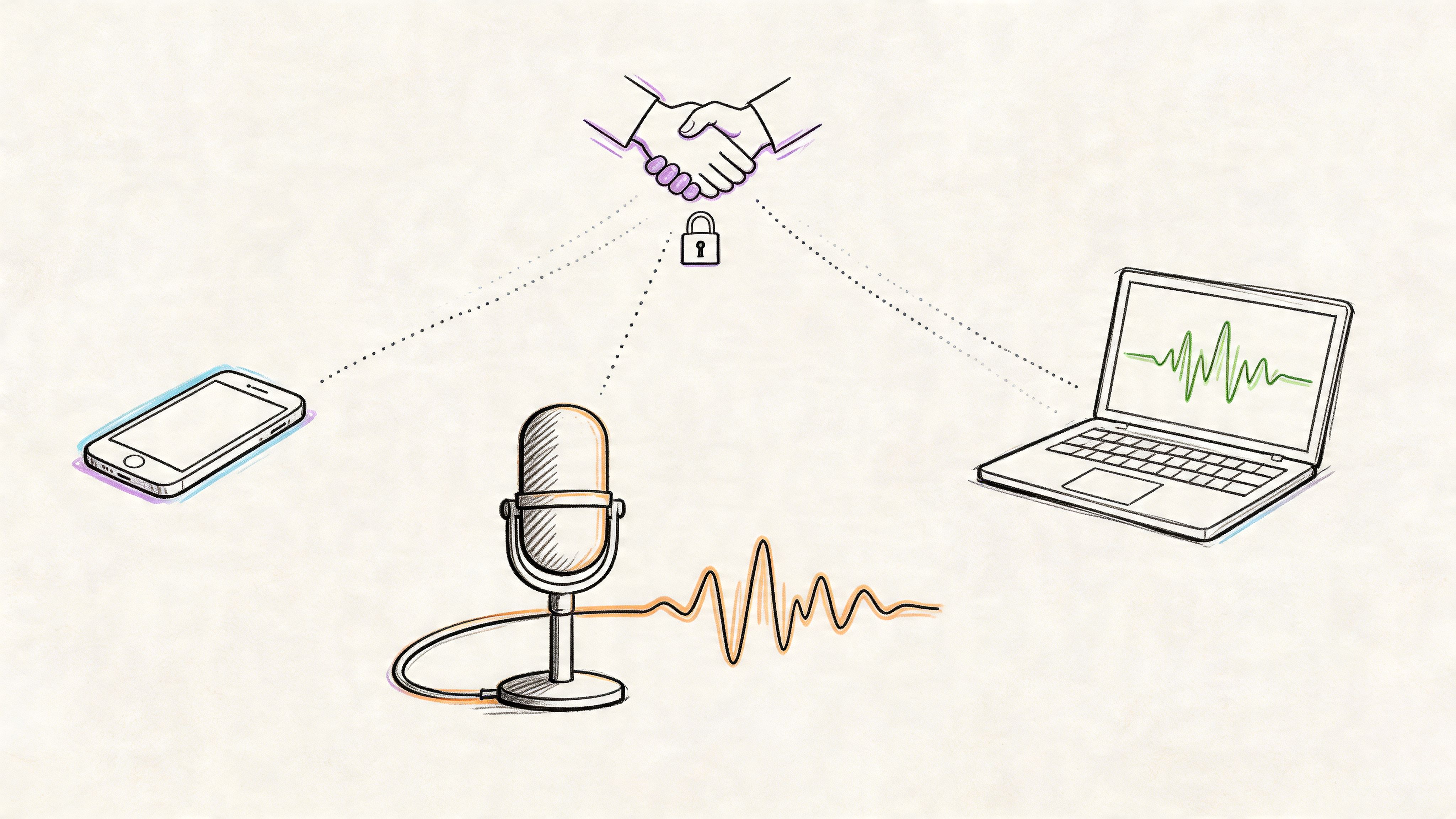
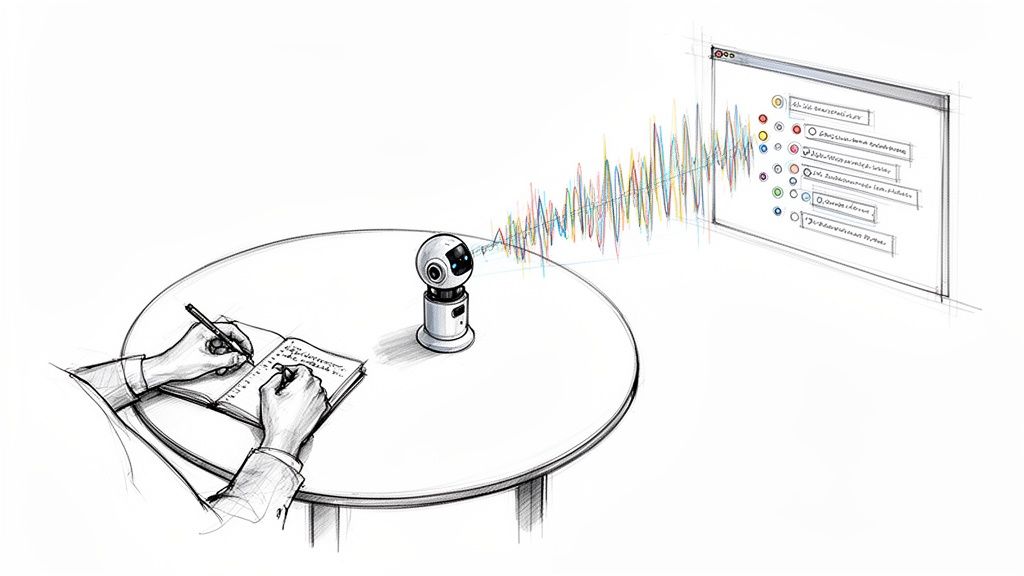
Digital reporting uses a structured audio setup, often with multiple channels, synchronized timing, and monitoring during the proceeding. That last part gets missed. A digital court record is not merely "audio was running." Someone has to place microphones well, monitor levels, catch clipping or background noise early, and make sure speakers can be distinguished later. Without that audio engineering step, even strong transcription software and skilled reviewers are forced to reconstruct muddy speech from a flawed source.
That is one of the clearest dividing lines between AI speed and legal admissibility. AI can convert clean speech to text quickly. It cannot repair a bad mic position after the hearing ends, and it cannot certify the official record on its own.
Why the role requires specialized training
The transcript carries legal weight, so the person producing it is trained for more than terminology. Court reporters and related professionals learn how to mark speakers consistently, handle interruptions, note non-verbal events, and preserve the record under pressure when several people talk at once.
The job also sits inside a regulated profession. According to the U.S. Bureau of Labor Statistics occupational outlook for court reporters, court reporters and simultaneous captioners earned a median annual wage of $67,310 as of May 2024. BLS also describes the occupation as one that may require state licensure or certification, depending on the role and jurisdiction. That matters because certification is part of the chain that turns captured speech into an official transcript a court can accept.
A clean way to frame the three methods is to separate capture from output:
| Method | Main strength | Common misunderstanding |
|---|---|---|
| Stenography | Fast phonetic capture that can feed real-time text | It gets mistaken for ordinary typing speed |
| Voice writing | Controlled spoken capture with punctuation and speaker cues added live | It gets mistaken for basic voice dictation |
| Digital reporting | High-quality audio capture that supports later transcript production | It gets mistaken for pressing record and transcribing later |
The common error is to judge the process by the finished pages alone. Court reporting transcription is built earlier, at the moment of capture, and finished later through review and human certification.
Comparing Legal and Court Reporting Transcription
Many legal teams use the phrase “legal transcription” broadly, but not every legal transcript serves the same purpose. Some transcripts are reference tools. Others are meant to become the official record. That distinction changes everything, from who captures the audio to whether the final transcript can support a ruling or filing.

The practical difference
A general legal transcription service may take an interview, deposition audio, or attorney dictation and convert it into readable text. That can be useful for internal review, investigation support, or drafting. But a court reporting transcript is built around a stricter purpose: preserving the official spoken record with recognized capture and certification practices.
Here's the cleanest comparison:
| Criteria | Court reporting transcription | Other legal transcription services |
|---|---|---|
| Core purpose | Official record for legal proceedings | Reference, review, or internal use |
| Capture method | Certified real-time method | Often recorded audio processed later |
| Speaker handling | Exact speaker identification is central | May be less formal or less granular |
| Admissibility | Built for proceedings and formal use | Often not enough on its own |
| Review burden | Tight quality control and certification | Accuracy still matters, but standards vary |
Why AI changes the market, but not the standard
The profession itself has been under pressure. The U.S. court reporting profession has experienced a sharp 45% decline in employment over the past decade, directly correlating with adoption of AI-powered transcription platforms that displaced certified stenographers in routine settings, according to this industry timeline on the decline in court reporting employment.
That shift explains why more firms are experimenting with lighter workflows. If the goal is quick review notes, AI may be enough to produce a useful draft. If the goal is a dependable court record, AI alone doesn't close the gap.
The question isn't whether text was produced. The question is whether the process behind that text will hold up when challenged.
When each option fits
Use a lighter legal transcription approach when you need:
- Internal case review: Attorneys want searchable text to scan themes or testimony.
- Early investigation support: Teams need a working draft before deciding what to designate formally.
- Non-record materials: Strategy sessions or background interviews may not require a certified record.
Use court reporting transcription when you need:
- An official proceeding record: Depositions, hearings, arbitrations, and read-back situations demand formal handling.
- Disputed language resolved precisely: Interruptions, objections, and overlapping speech need exact treatment.
- A transcript that may be challenged: If the transcript's reliability matters later, build for that now.
Workflow and Quality Standards in Court Reporting
A deposition starts on time. Ten minutes in, two attorneys begin speaking over each other, a witness turns away from the microphone, and an exhibit rustles across the table. On paper, that looks like a simple transcription job. In practice, this is the point where court reporting workflow either protects the record or leaves holes that no software can fully repair later.

The easiest way to understand quality standards is to treat the transcript like evidence packaging. If the capture is poor, the editor inherits damaged material. If the handoff is sloppy, certification loses force. AI can speed up draft creation, but admissibility depends on the less visible steps between raw audio and signed record, especially audio engineering choices and qualified human review.
The end-to-end workflow
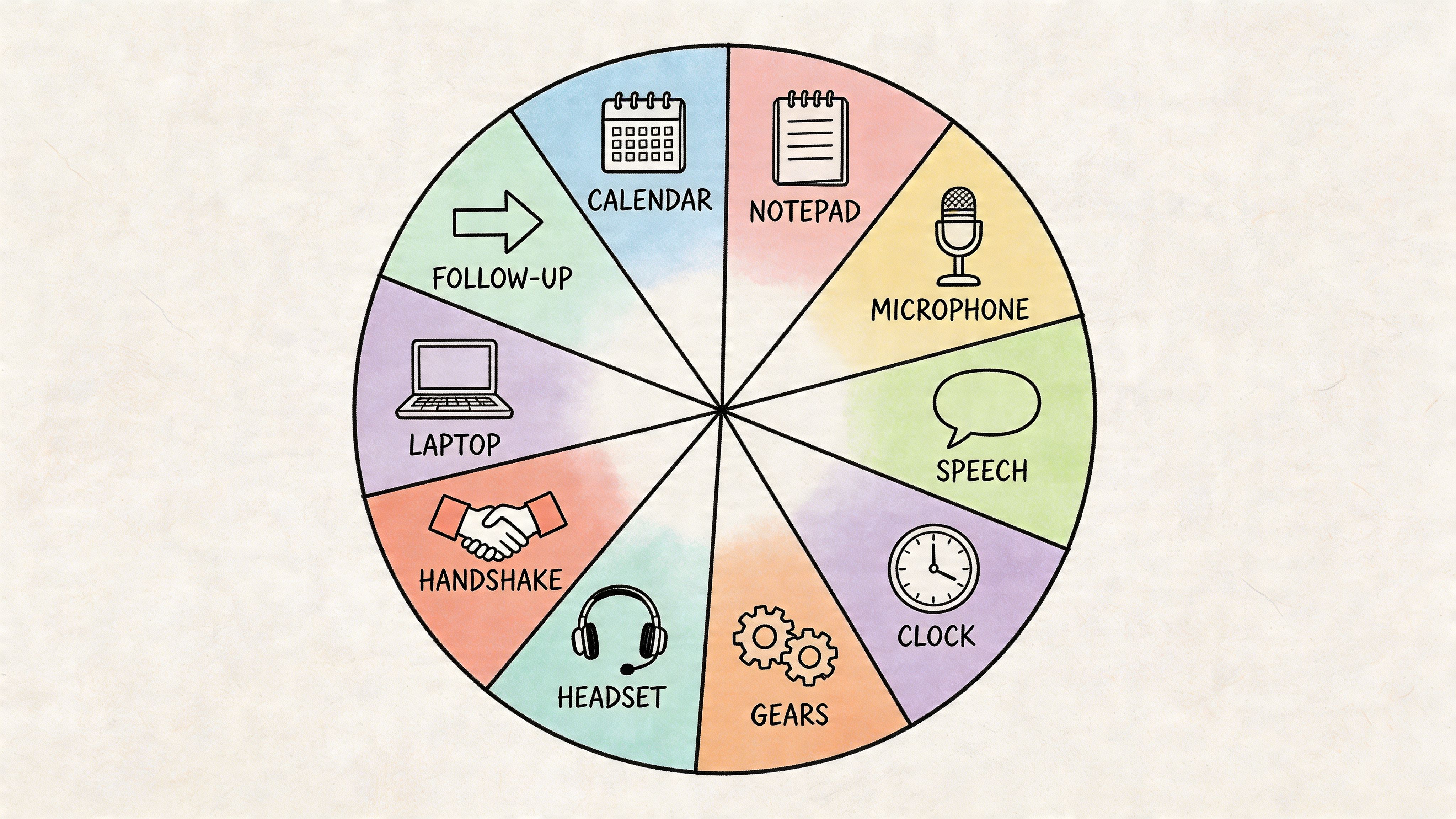
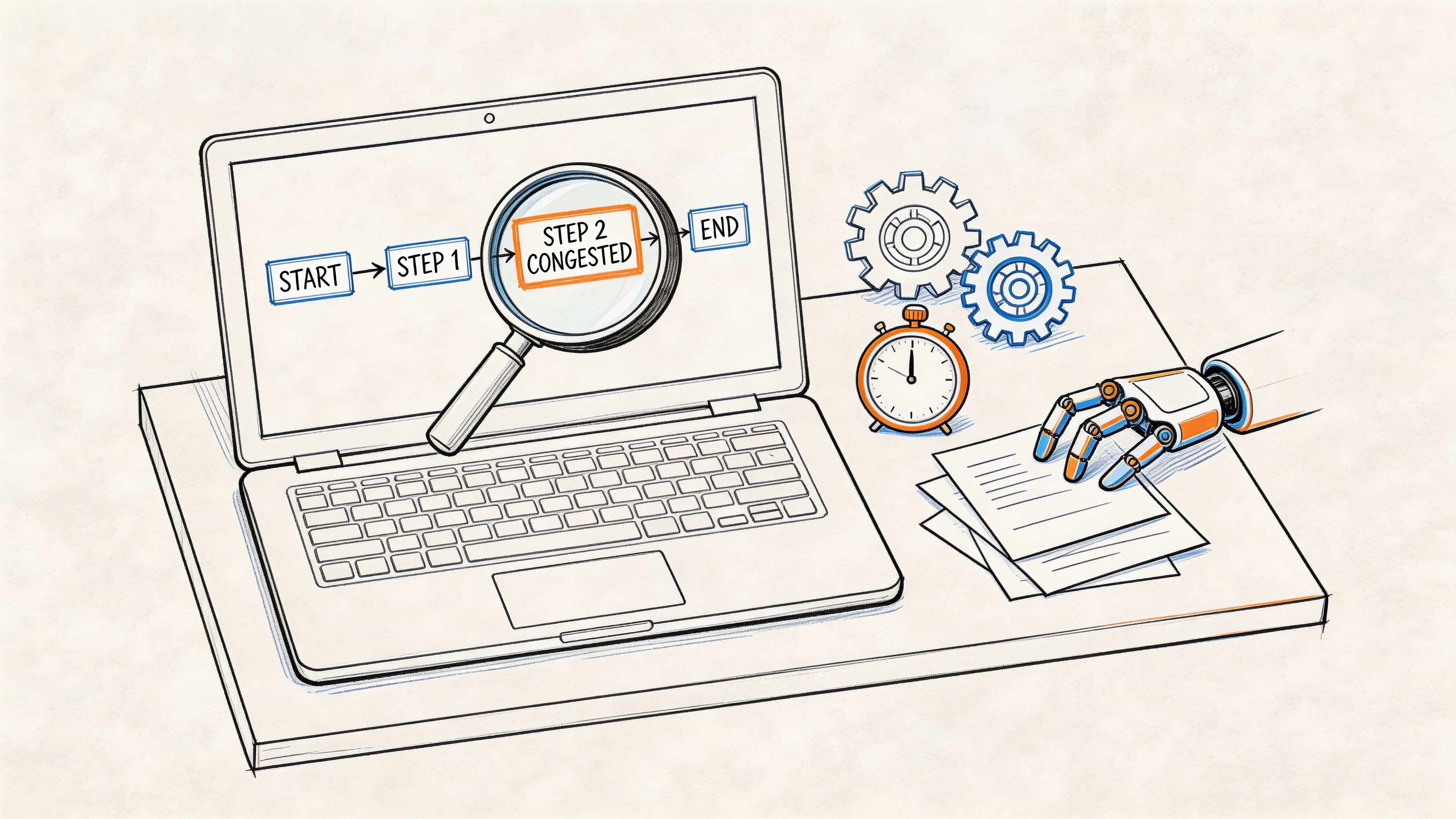
A standard court reporting transcription workflow usually follows this sequence:
Pre-session setup
Equipment is tested before the first word is spoken. Microphone placement, channel assignment, gain levels, and recording redundancy all matter here. This step is closer to audio engineering than clerical prep. A clean multi-speaker record starts with signal quality, not with later text correction.Live capture
The proceeding is captured through an approved reporting method, while the operator monitors interruptions, speaker changes, and technical failures in real time. That active monitoring is what separates record preservation from passive recording.Post-session review and correction
Names, citations, technical terms, muffled passages, and translation issues are checked against the source material. In stenographic workflows, that often means dictionary cleanup and translation correction. In AI-assisted workflows, it means verifying where the model guessed, merged speakers, or flattened overlapping speech. A tool such as an AI transcription tool for first-pass draft generation can reduce turnaround pressure, but it does not replace the review standard required for a court-ready transcript.Transcript formatting
The record is prepared in the required format, including speaker labels, line structure, timestamps when required, exhibit references, and noted non-verbal events such as pauses, laughter, or interruptions.Certification and controlled delivery
A qualified human reviews the final transcript, confirms that it reflects the proceeding, and releases it through controlled channels. That last step matters because a fast transcript and an admissible transcript are not the same product.
What the transcript must include
A court reporting transcript needs more than spoken words. It needs a reliable structure that lets other legal professionals trace who said what, when they said it, and where the unclear points remain. Lexitas explains that court reporting standards center on verbatim capture, formal formatting, and treatment of non-verbal events in ways ordinary business transcription usually does not require, as outlined in Lexitas's explanation of legal transcription versus court reporting.
That requirement changes the editor's role.
In general editorial work, a reviewer may smooth grammar, cut repetition, or clean up filler speech for readability. In court reporting, those same instincts can alter meaning, conceal hesitation, or erase the context around an objection. The safer frame is preservation first, correction second.
A useful comparison appears in understanding proofreading and editing. The distinction maps well here. Proofreading fixes presentation issues. Editing can reshape language. Court transcript review stays much closer to the first category because the record must reflect the proceeding, not improve it.
Why quality control has to be procedural
As noted earlier, certified reporting methods depend on trained humans who can defend the process behind the transcript, not just the text on the page. That is why quality control in court reporting is procedural. Each checkpoint answers a challenge before it arises.
- Capture checks identify clipped audio, channel imbalance, room noise, and sync issues before review begins.
- Speaker verification keeps testimony attached to the correct person, which becomes harder when people interrupt each other or speak off-mic.
- Terminology review catches proper names, case citations, medical language, and industry terms that automated systems often mishear.
- Timestamp and formatting checks make the record usable for citation, motion practice, and later dispute review.
- Final human certification ties the transcript to a qualified professional who can stand behind its preparation.
The key point is simple. Accuracy in court reporting is built in layers. Audio engineering creates a usable source. Human review resolves what automation cannot. Certification closes the loop from fast text generation to legally defensible record.
Tools and Technologies for Court Reporting
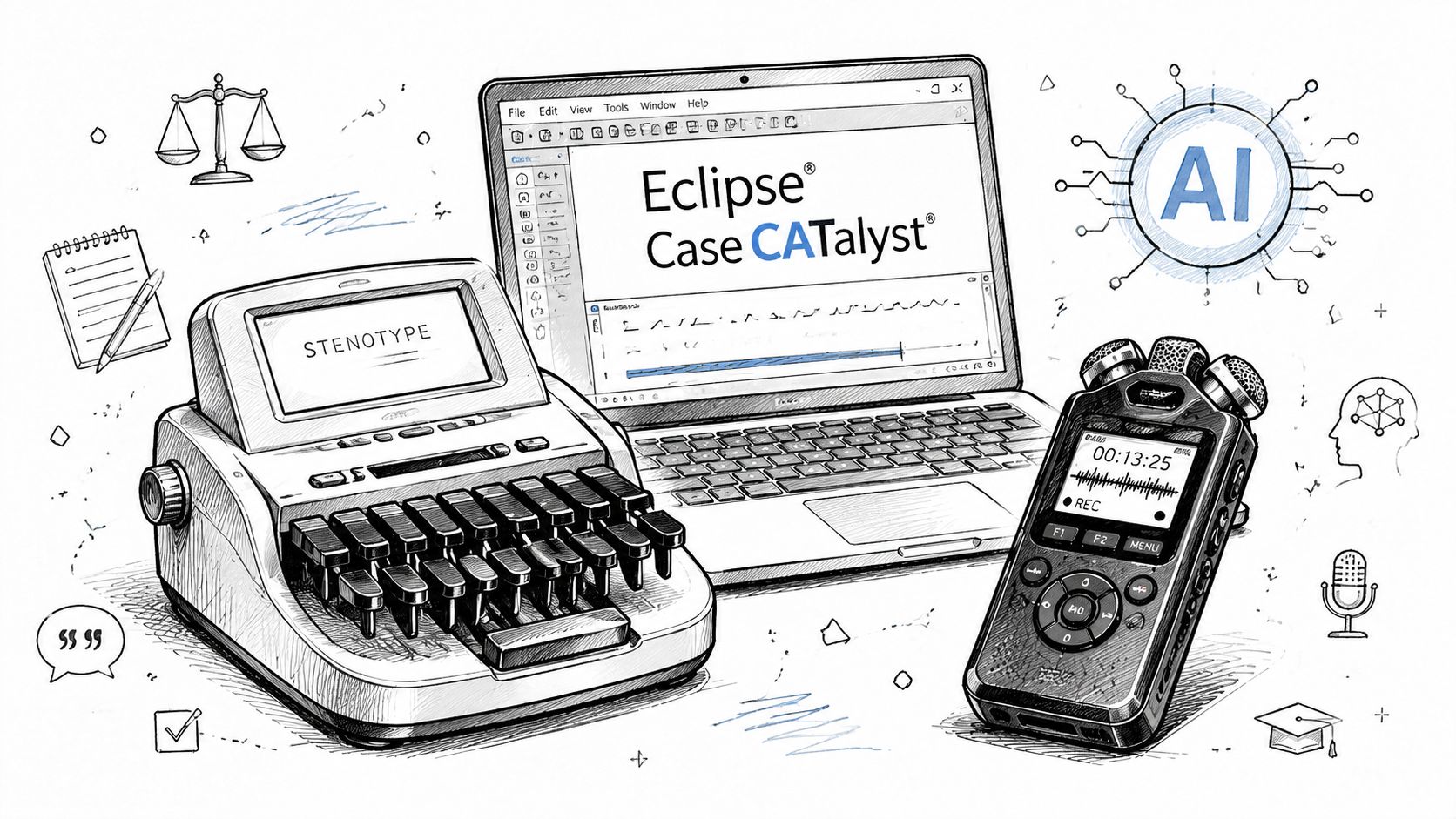
Technology in court reporting transcription isn't one thing. It's a stack. The capture device, the room audio, the translation software, the editing layer, and the export format all shape the final transcript.
Near the start of that stack, the hardware still matters.
Traditional tools still define the standard
Stenographic reporters often work with a stenotype machine connected to software such as Eclipse or Case CATalyst. Those tools translate phonetic keystrokes into readable text in real time. Their strength is immediate usability. A judge or attorney can often work from the output during the proceeding rather than waiting for a later transcript.
Voice writers rely on a different setup, typically a mask microphone and recording system designed to isolate the reporter's dictated capture. Digital reporters use multi-channel recorders, which matter because separated channels preserve speaker distinction far better than a single mixed room track.
The overlooked tool is audio engineering
This step is often overlooked, causing more downstream problems than the software itself. The foundational audio engineering steps that determine AI accuracy are frequently absent from court reporting transcription guides, despite proper microphone placement and speaker isolation being critical for eliminating crosstalk and inaudible tags, according to this guide on certified transcription for court and the role of microphone placement.
If you place one room mic in the middle of a table, you're asking every later tool to guess. If each participant has clean pickup, the transcript gets easier to build, review, and certify.
Use this quick setup logic:
- Separate speakers when possible: Individual or well-positioned directional mics reduce overlap.
- Test with actual speech, not just a sound check: A quiet “testing one two” won't reveal crosstalk the way live dialogue will.
- Monitor problem voices: Soft speakers, fast speakers, and side conversations need attention before the session starts.
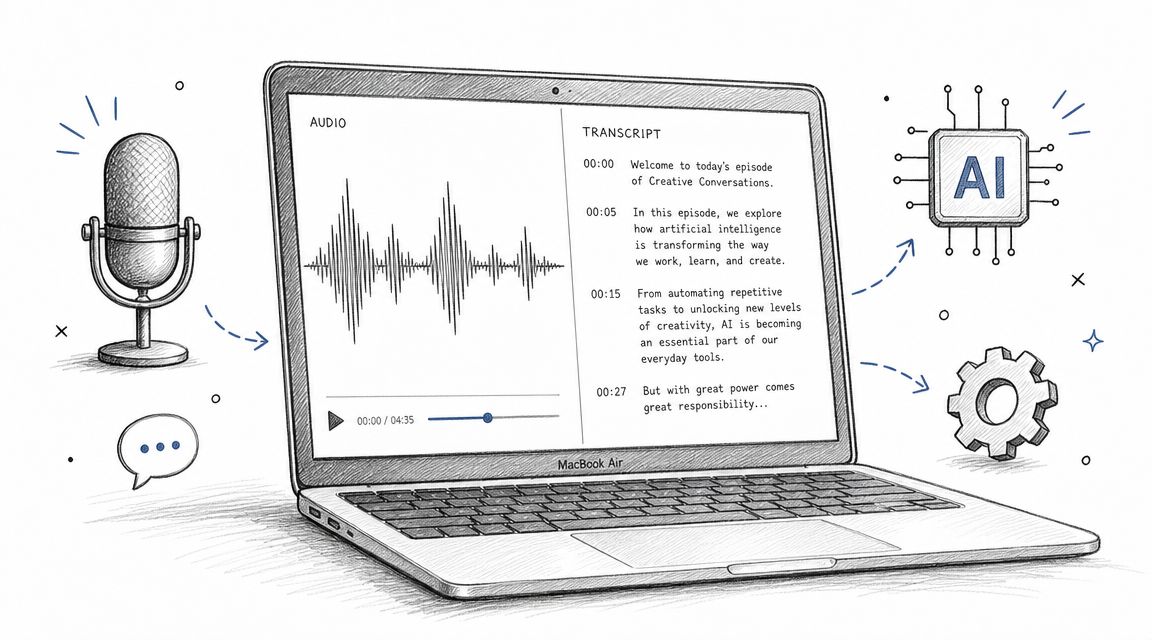
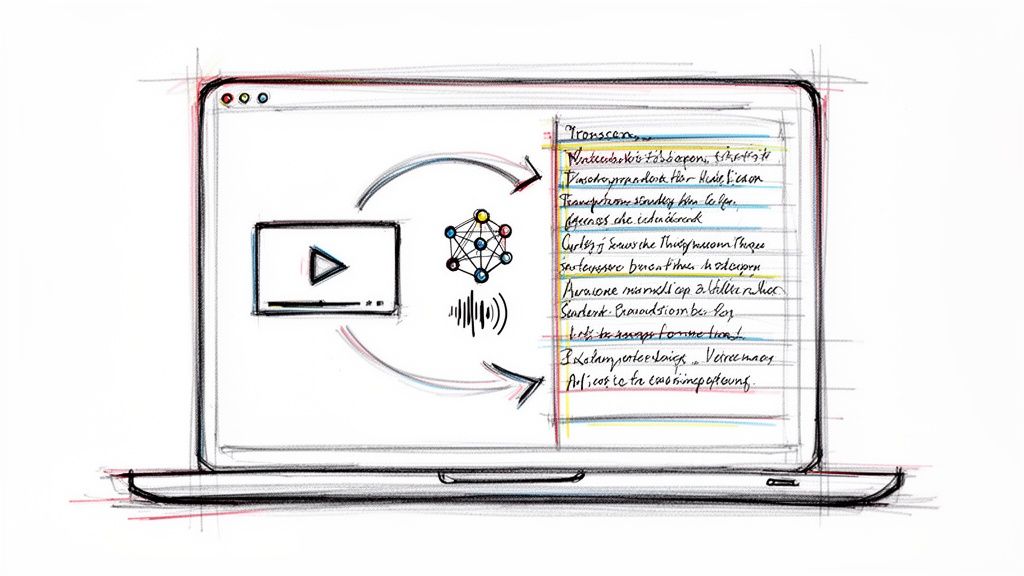
AI tools fit best after those basics are handled. For teams evaluating automated options, this overview of an AI transcription tool gives a practical sense of where automation helps and where review still matters. One example is Whisper AI, which can convert audio into searchable text with timestamps and speaker handling, making it useful as a draft or support layer inside a broader legal workflow.
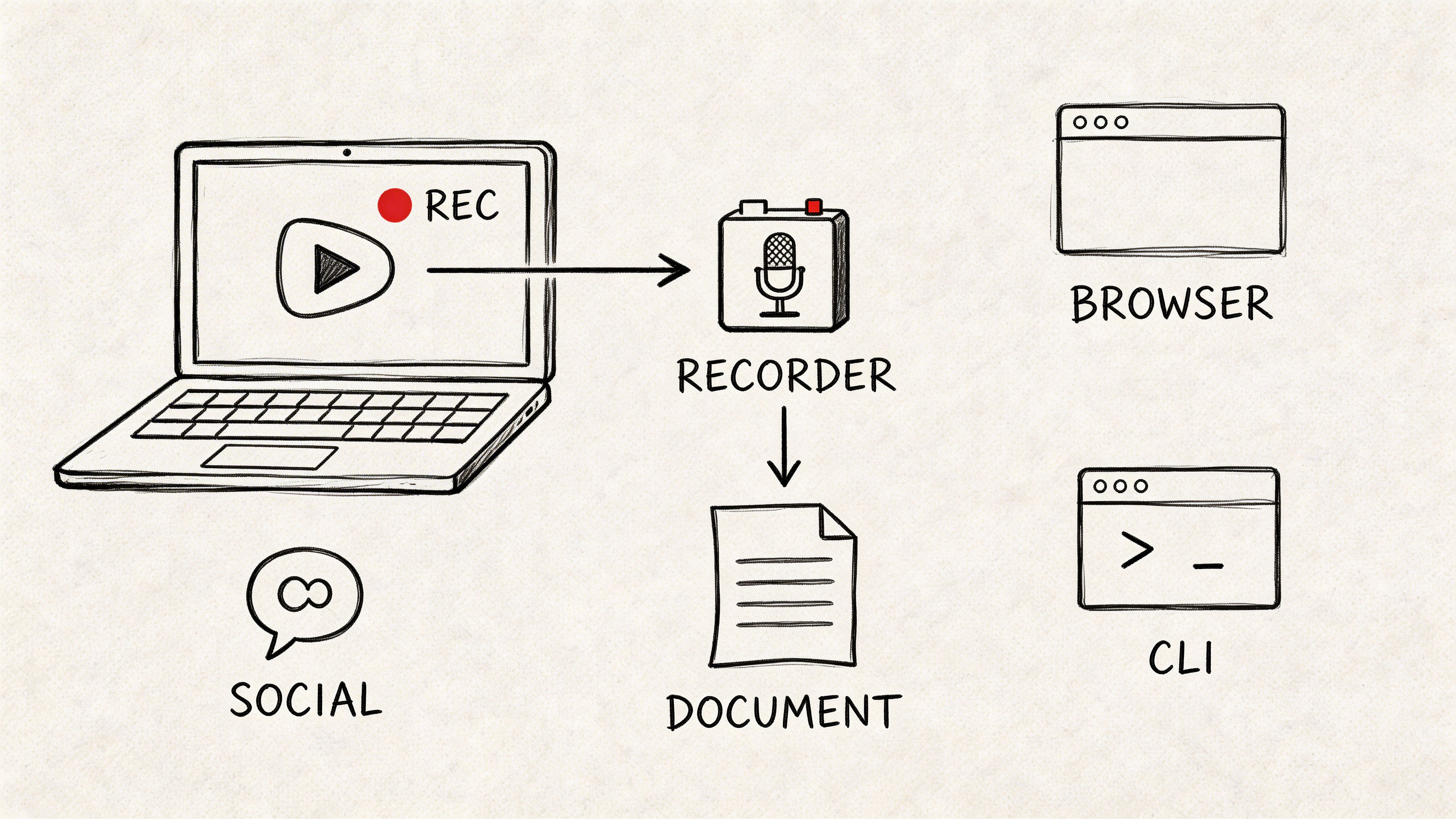
A short demonstration can help make the range of tools more concrete:
The important mindset is this: software doesn't rescue bad capture. It amplifies good capture.
Legal Chain of Custody and Confidentiality Considerations
A transcript can be accurate and still be vulnerable if nobody can show who handled the source audio, where it was stored, or whether unauthorized people had access. In legal work, record integrity isn't just about words on the page. It's about whether the process around those words was controlled.
Why chain of custody matters
Think of the audio file as evidence-adjacent material. If it moves through inboxes, personal devices, or unnamed folders without logging, the team creates avoidable risk. A challenge may focus less on the wording and more on whether the source was altered, replaced, or handled carelessly.
For legal teams that want a broader primer on documenting digital evidence, securing digital proof for your case is a useful reference because it frames chain-of-custody discipline in plain operational terms.
Human certification closes the last gap
Many AI-first workflows often fail. Even when AI-generated transcripts are used, the National Association of Legal Assistants requires that a human reporter certify and attest to the accuracy of the transcript for legal admissibility, as stated in NALA's guidance on capturing the record.
That means an AI transcript by itself is not the finish line. It may be a draft, a support file, or a speed layer. The admissibility question turns on qualified human review and attestation.
If nobody can certify the transcript, the transcript may still be useful internally, but it won't serve the same legal function.
Confidential handling practices that should be routine
Confidentiality procedures don't need to be flashy. They need to be consistent.
- Restrict access: Limit source audio and draft transcripts to named personnel on the matter.
- Preserve version control: Keep a clear line between raw capture, edited draft, and certified final.
- Use secure transfer methods: Don't move hearing audio through casual consumer workflows.
- Log key actions: Note receipt, handoff, review, certification, and delivery.
- Check recording laws separately: If your matter involves recorded calls or remotely captured conversations, this explainer on whether it's legal to record calls can help teams think through the recording side before transcription even begins.
Legal professionals sometimes treat confidentiality and certification as paperwork. They're really part of transcript quality.
Accuracy Benchmarks Turnaround and Cost Expectations
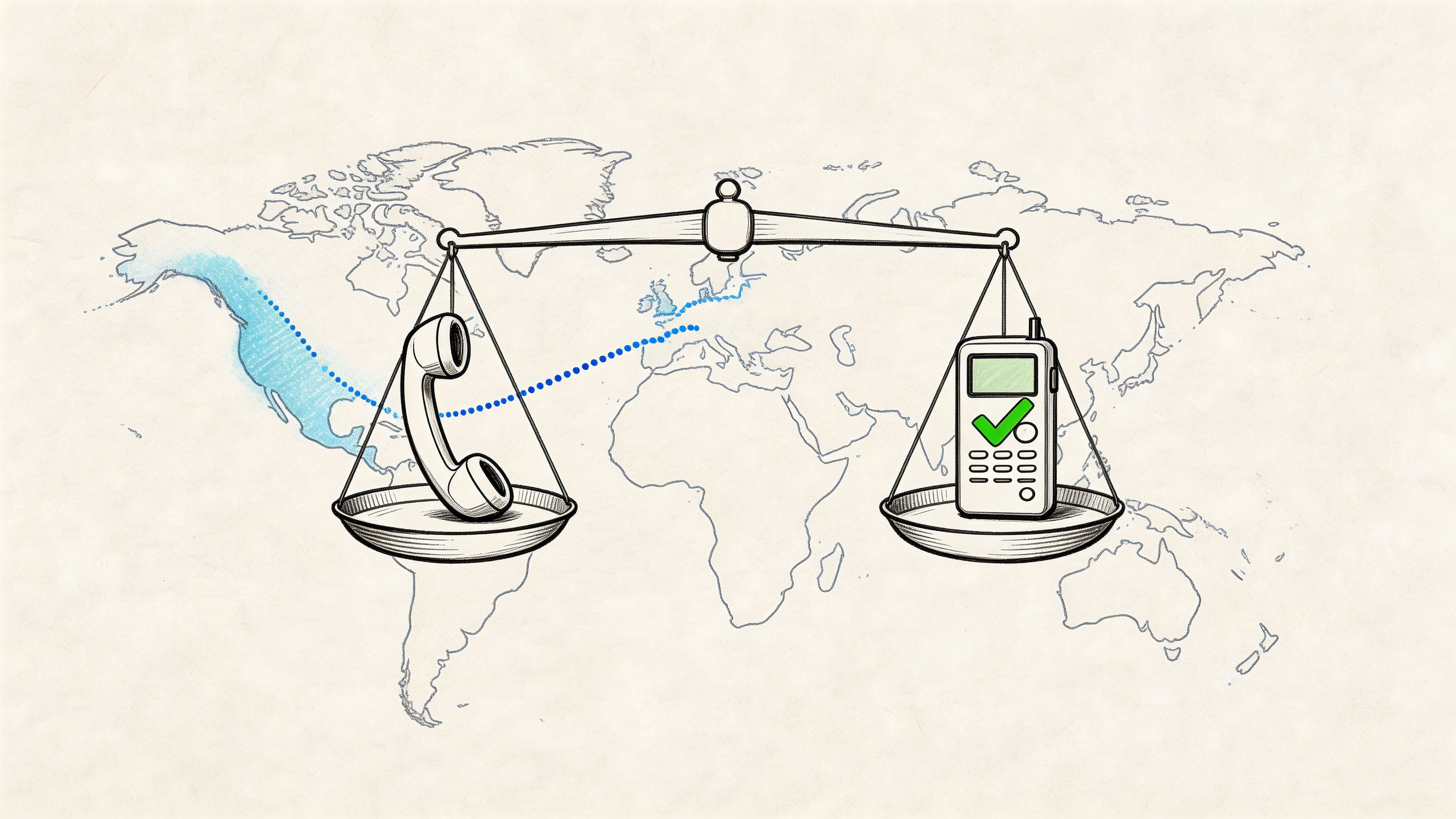
The hardest expectation to reset is this one: people want a transcript to be fast, cheap, and court-ready at the same time. In practice, those goals pull against each other. The tighter the legal standard, the more the workflow depends on careful capture, review, and certification.
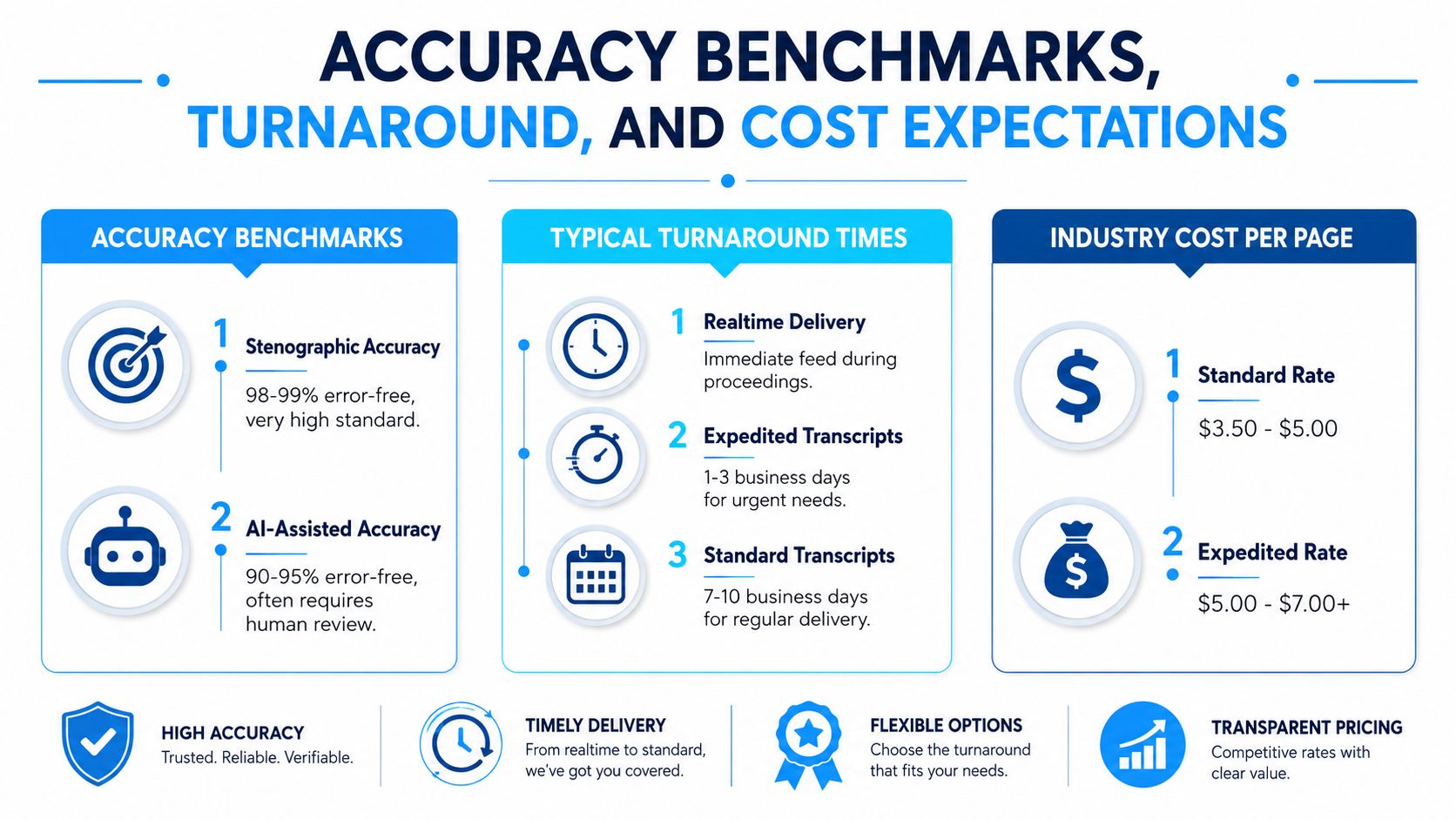
What accuracy actually means here
In certified court reporting transcription, accuracy isn't “good enough to understand.” It is measured against formal transcript requirements. As noted earlier in the Lexitas reference, the transcript must include verbatim content, non-verbal cues, timestamps at required intervals, and stay within the permitted error threshold. If you're evaluating automated output, this breakdown of speech-to-text accuracy is helpful for understanding why a readable draft and a legally sufficient transcript are not the same thing.
Turnaround and cost should be discussed qualitatively
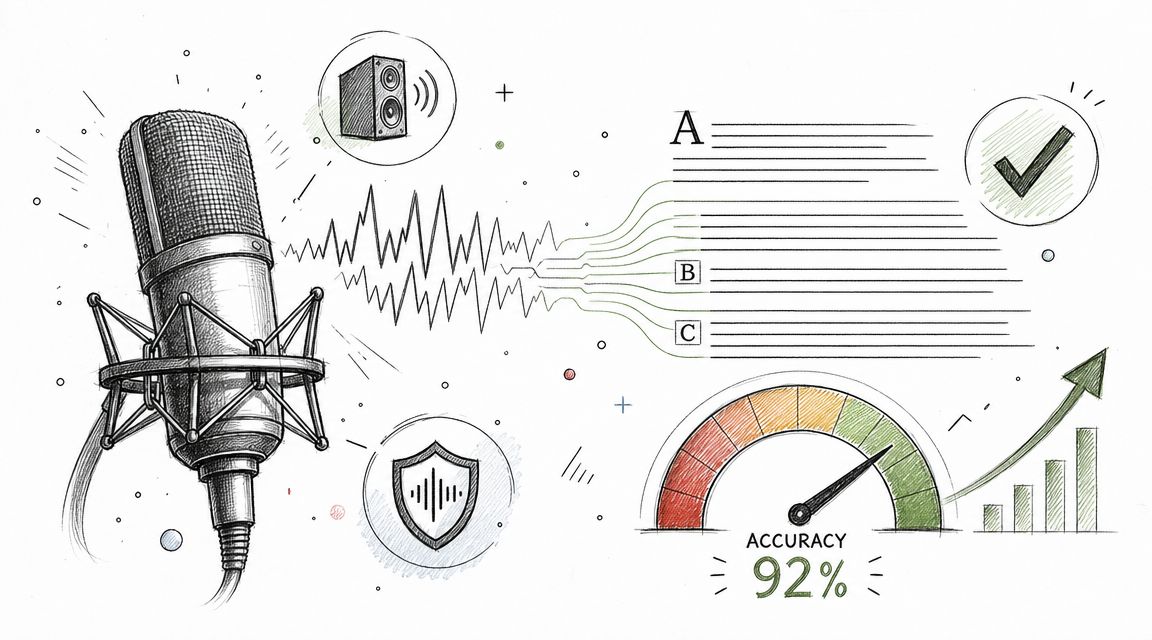
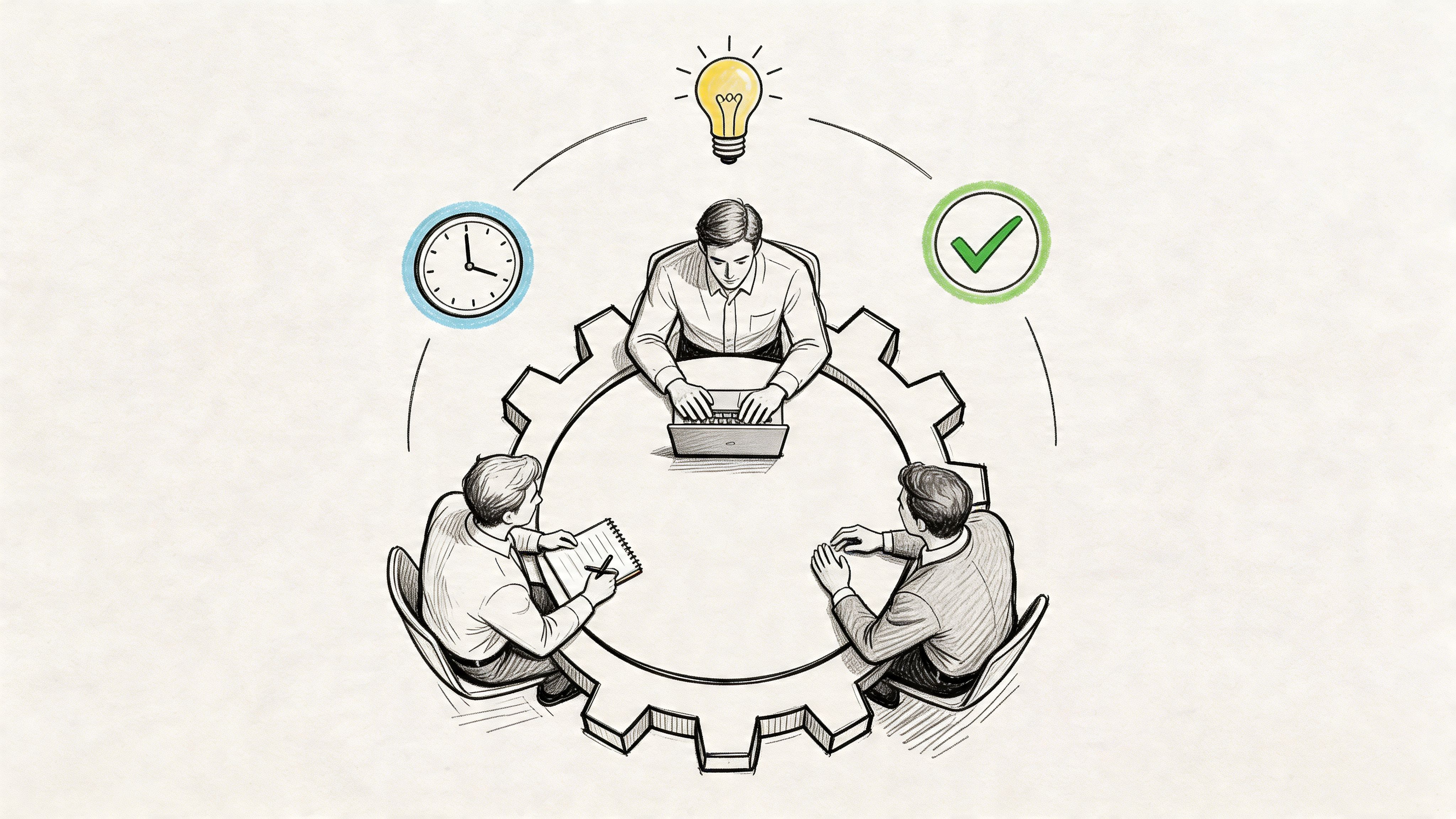
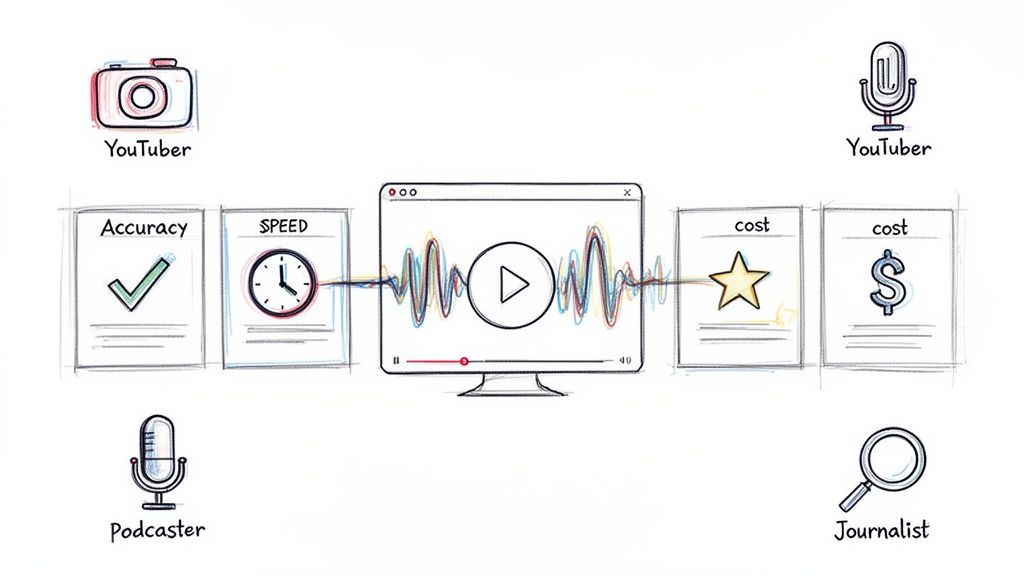
The visual above presents common market expectations, but legal teams should treat timing and pricing as matter-specific rather than fixed promises. A same-day read-back environment differs from a standard delivery transcript. A clean single-speaker record differs from contested multi-speaker audio. A certified transcript also carries labor that a plain transcript does not.
A better way to set expectations is to ask three questions up front:
| Question | Why it matters |
|---|---|
| Is this for internal review or the official record? | The answer changes the required workflow |
| How clean is the source audio? | Audio quality drives editing burden |
| Will a human need to certify the output? | Certification affects staffing and timing |
When clients ask why one transcript costs more or takes longer than another, the answer is usually simple. They're not buying typing speed. They're buying defensibility.
Actionable Best Practices and Conclusion
If you want better court reporting transcription outcomes, tighten the process before you debate tools. Most failures start with the wrong assumptions about capture, review, or certification.
A working checklist for legal teams
- Choose the right record type early: Decide whether you need internal reference text or a formal proceeding record. That decision affects every downstream choice.
- Plan the audio setup before the proceeding: Don't assume software can fix a bad room. Mic placement and speaker separation deserve advance testing.
- Match the method to the stakes: Use a certified capture method when the transcript may affect rulings, objections, or later disputes.
- Define speaker handling clearly: Identify participants in advance, especially when multiple attorneys, interpreters, or remote attendees are involved.
- Protect the source files: Keep raw audio, working drafts, and final certified transcripts separated and logged.
- Schedule human review intentionally: If AI is used anywhere in the chain, decide who verifies, corrects, and certifies the final record.
- Confirm formatting requirements before delivery: Timestamps, speaker labels, and verbatim treatment shouldn't be left to guesswork.
The simplest way to avoid expensive mistakes
Treat the transcript as a legal product, not a convenience product. That sounds obvious, but teams often slip into convenience thinking when a fast draft arrives quickly and looks polished. Legal sufficiency depends on the invisible parts: capture discipline, quality control, secure handling, and a qualified human willing to certify the result.
Court reporting transcription sits at the intersection of language, technology, and legal responsibility. AI can accelerate parts of the job. Digital systems can widen access. But the bridge between speed and admissibility still depends on two things many teams underweight: solid audio engineering and human certification.
If you remember only one principle, make it this one. The legal record is strongest when the room was captured well, the workflow was controlled, and the final transcript was reviewed by someone authorized to stand behind it.
If you want a practical starting point for drafting searchable transcripts from hearings, depositions, or other recorded legal audio, Whisper AI can help convert files into timestamped text for review before your formal certification workflow takes over.