Meeting Transcription AI: A Practical 2026 Guide
You know the feeling. The meeting ends, everyone leaves with a different memory of what was agreed, and ten minutes later you're scrolling through chat threads trying to reconstruct who owns what. Meeting transcription AI exists to stop that scramble, but the significant shift in 2026 extends beyond cleaner notes. It's becoming the layer that turns spoken discussion into a searchable record, a task list, and a shared source of truth.
That matters because this category has moved into mainstream enterprise work. A 2026 industry roundup reported that 61% of enterprise organizations had deployed AI transcription in at least one workflow by early 2026, up from 29% in 2023, and that workers in frequent-meeting roles save an average of 5.1 hours weekly when AI handles transcription and summary generation, while action-item capture improves by 38% compared with relying on memory after the call (AI meeting transcription automation statistics for 2026).
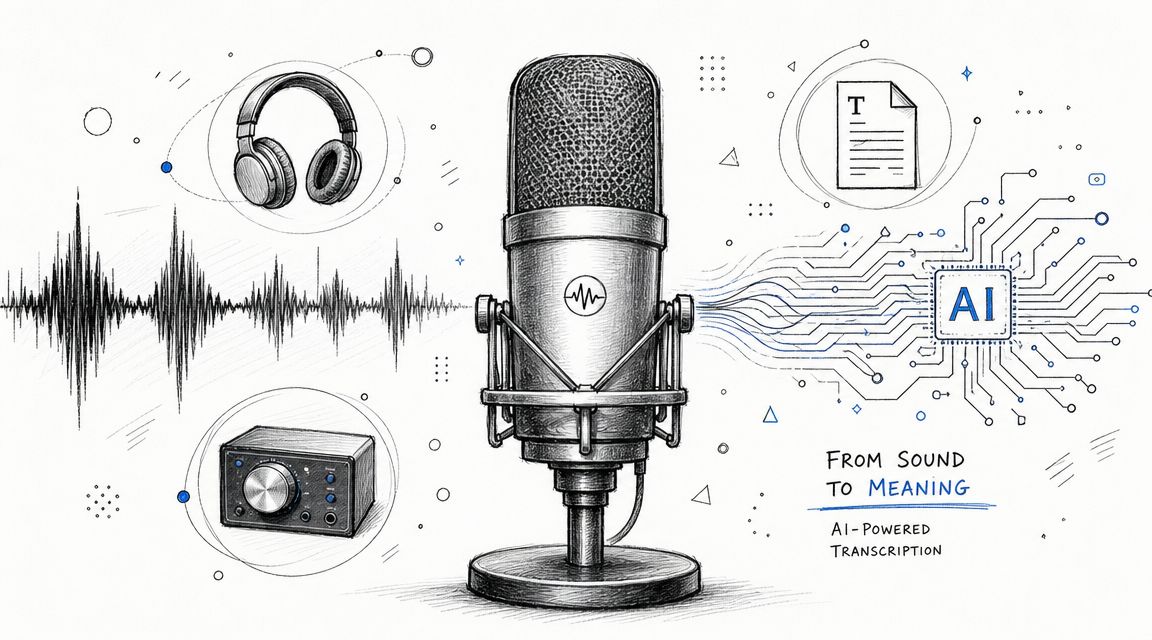
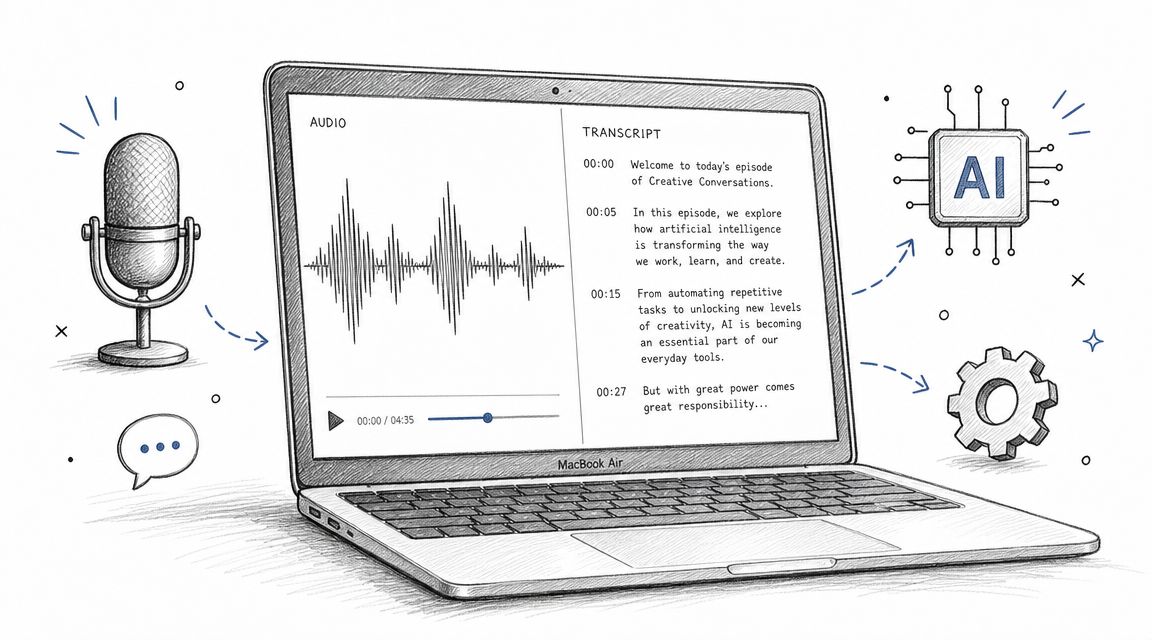
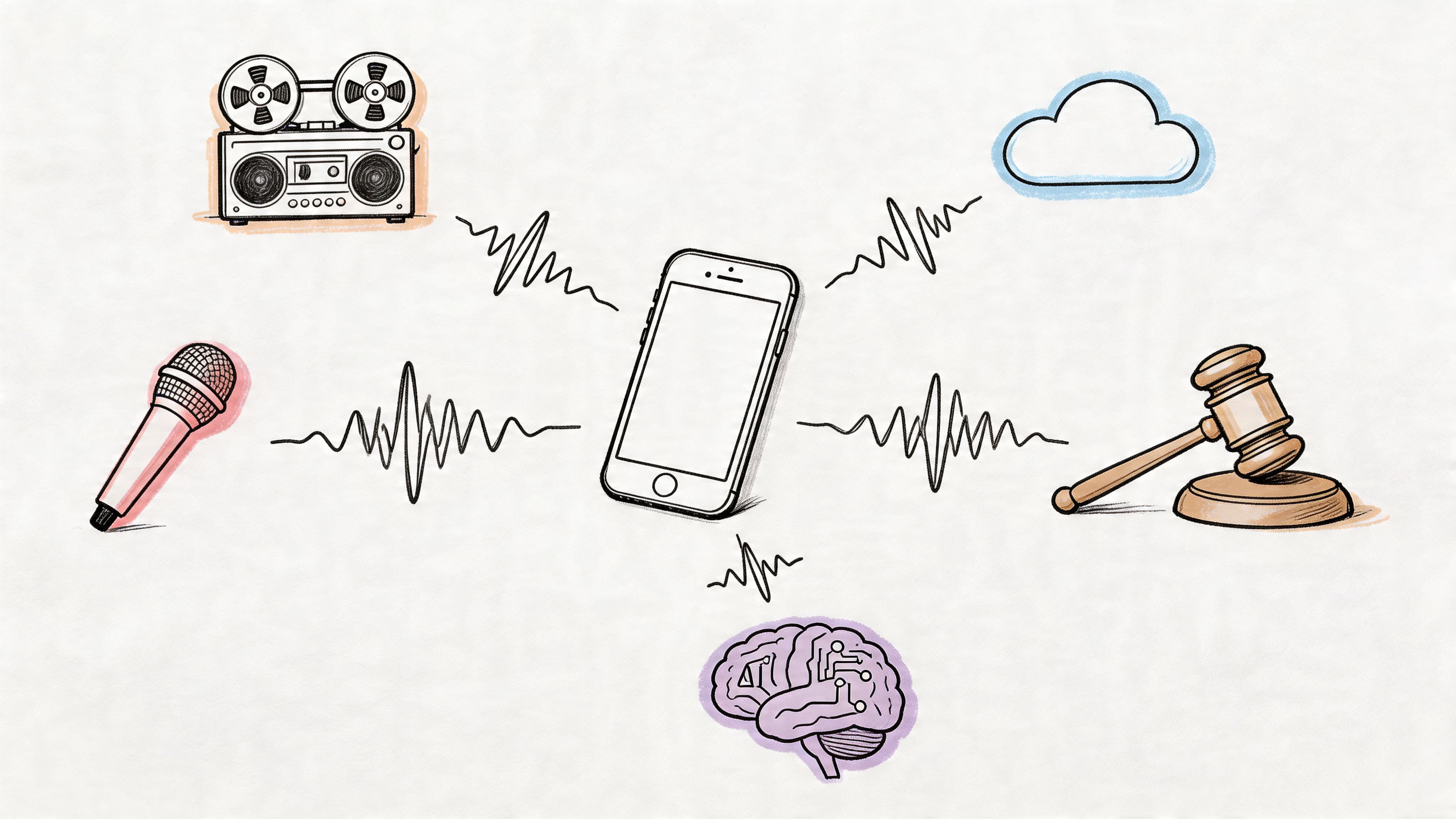
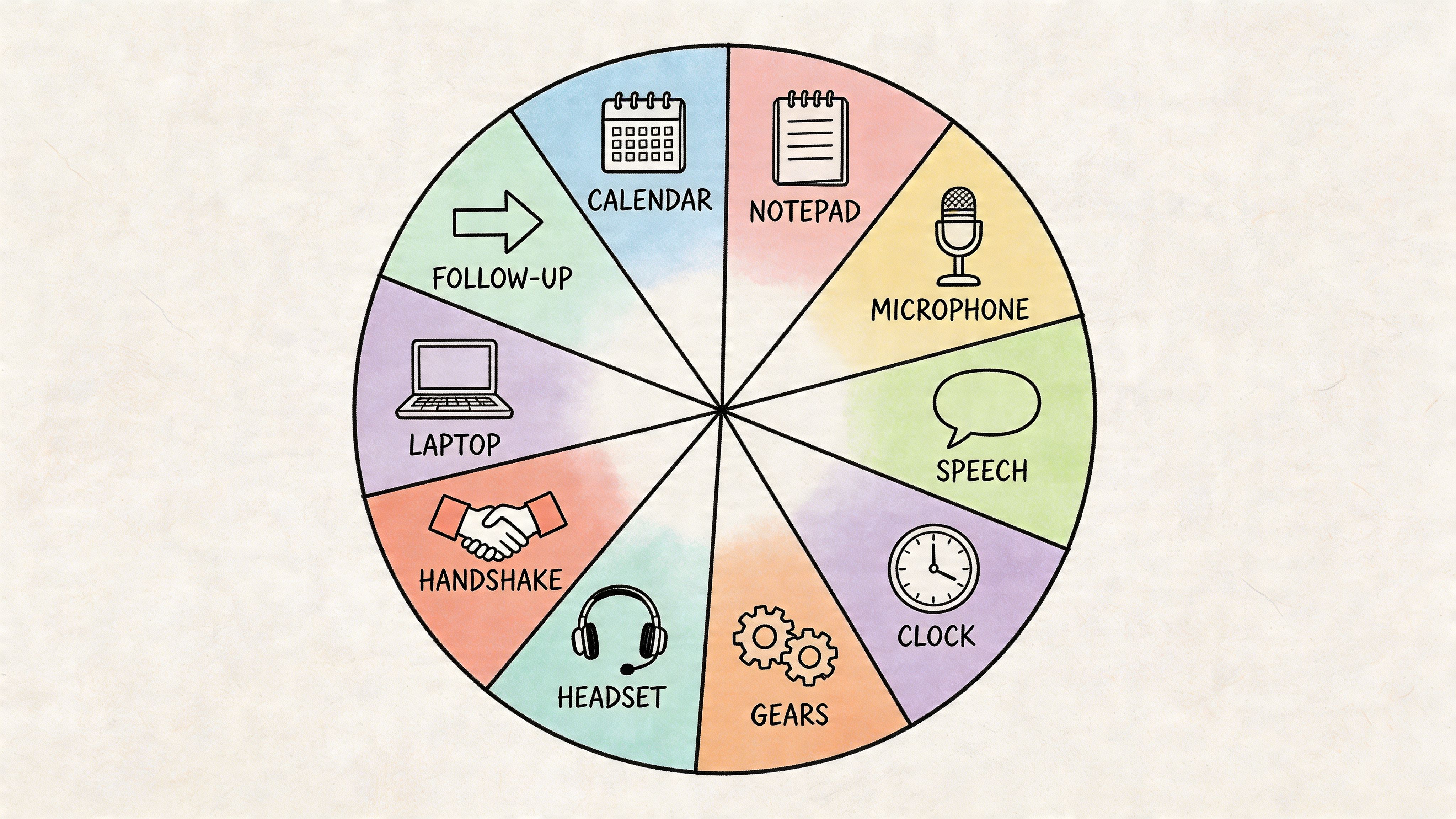
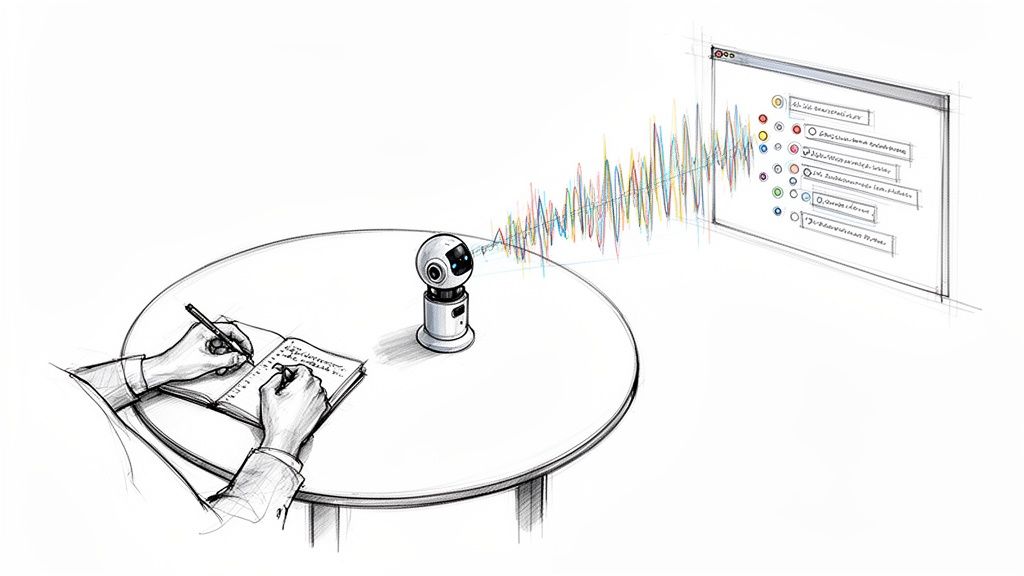
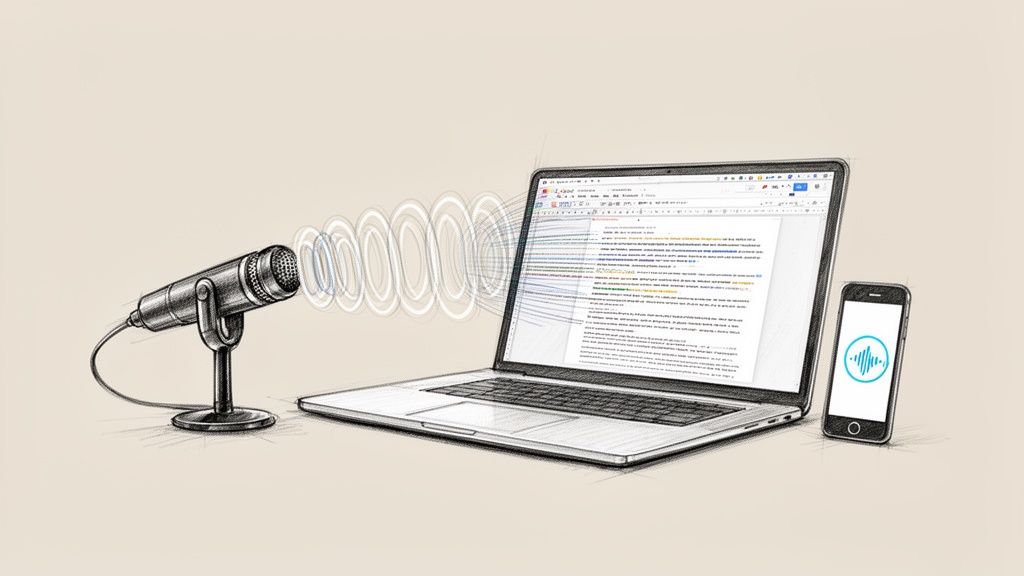
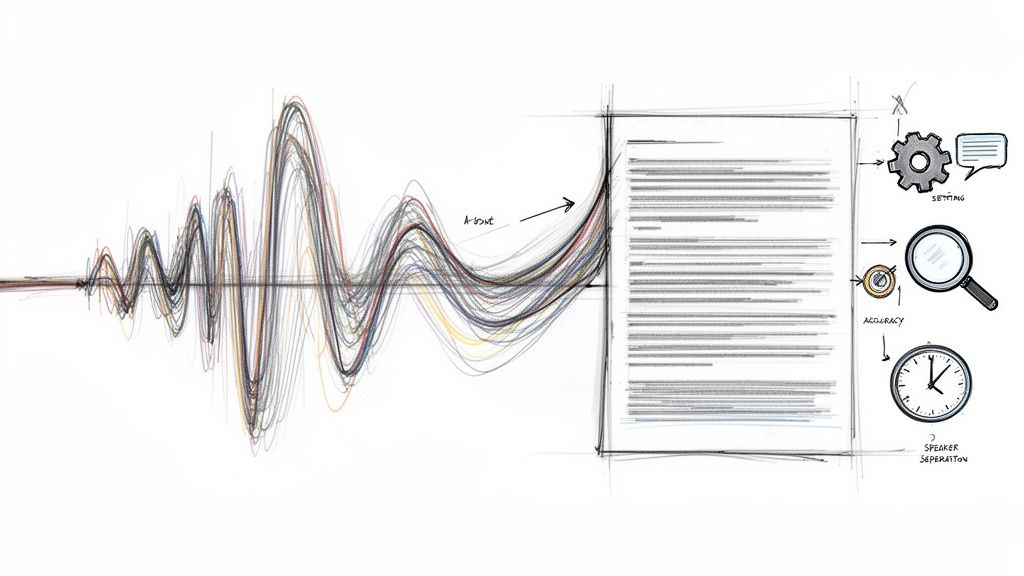
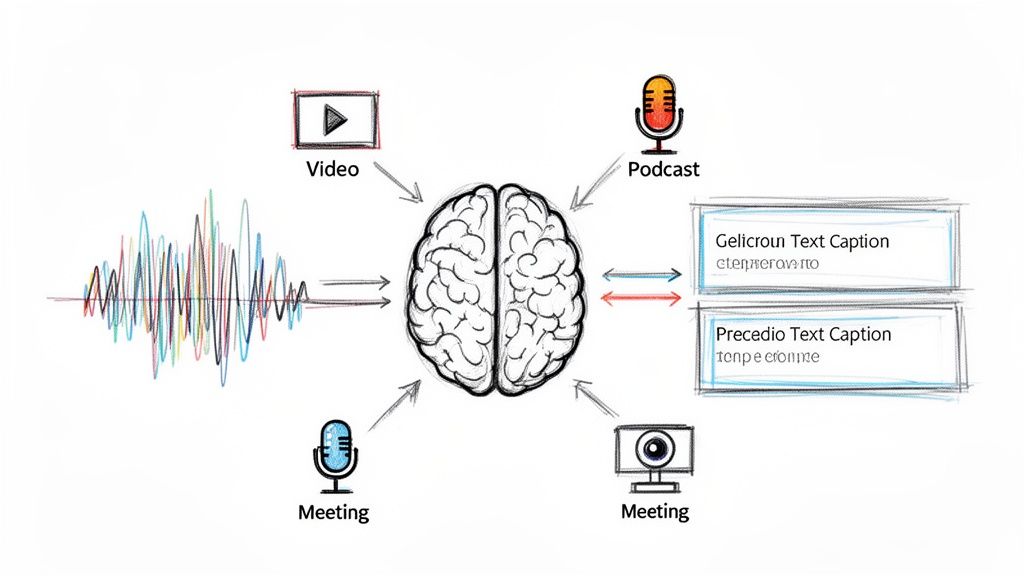
The best way to understand the tool is to treat it like a digital stenographer team. One part listens, one part identifies who said what, and one part turns the conversation into usable output. When those pieces work together, meeting notes stop being a clerical chore and start becoming operational memory.
What Is Meeting Transcription AI and Why It Matters Now
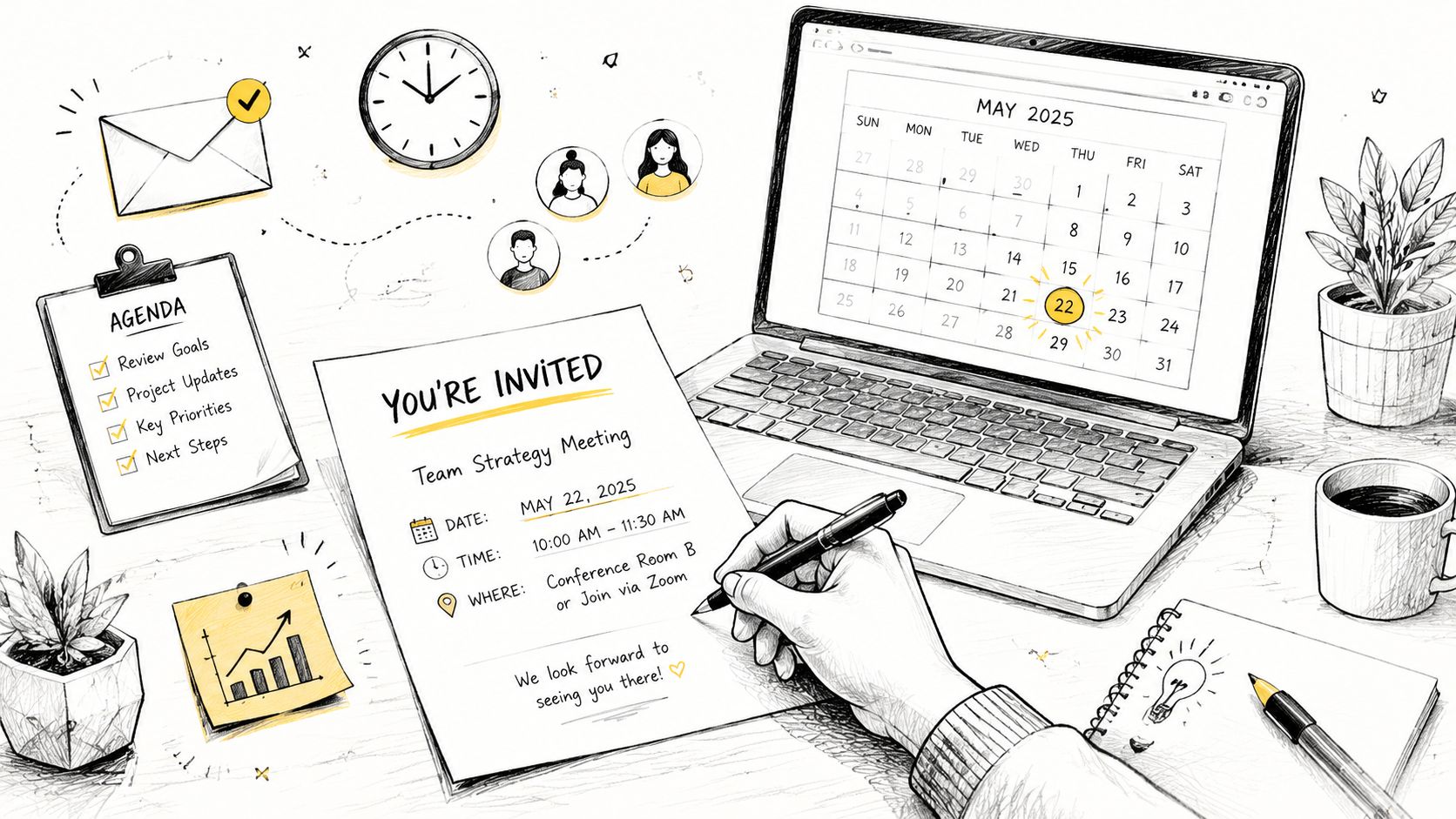
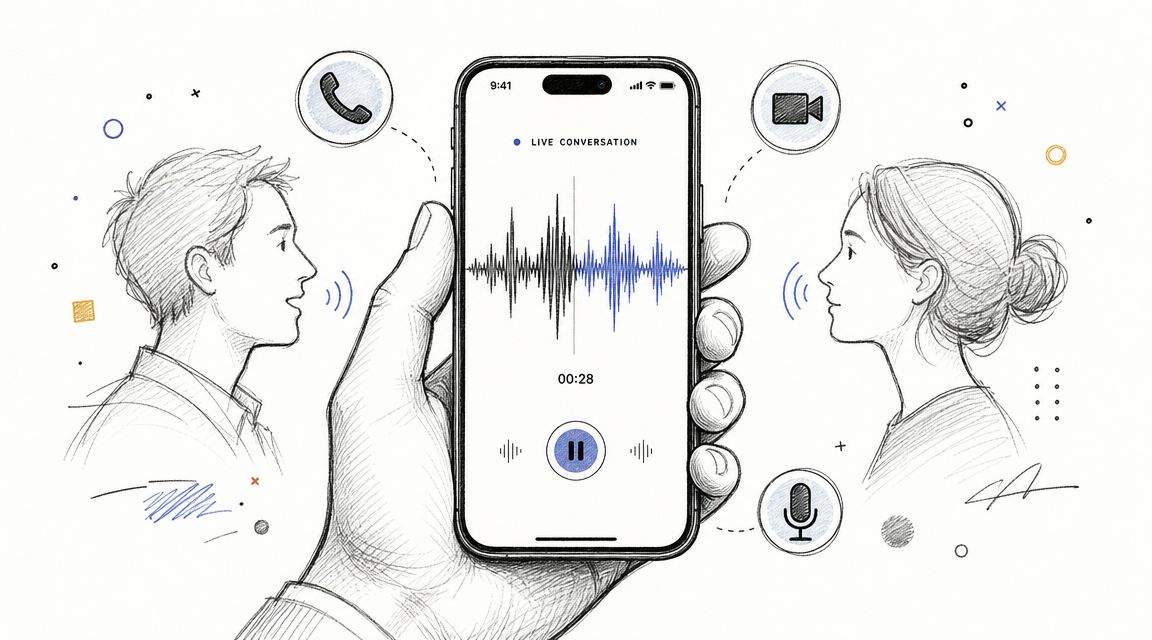
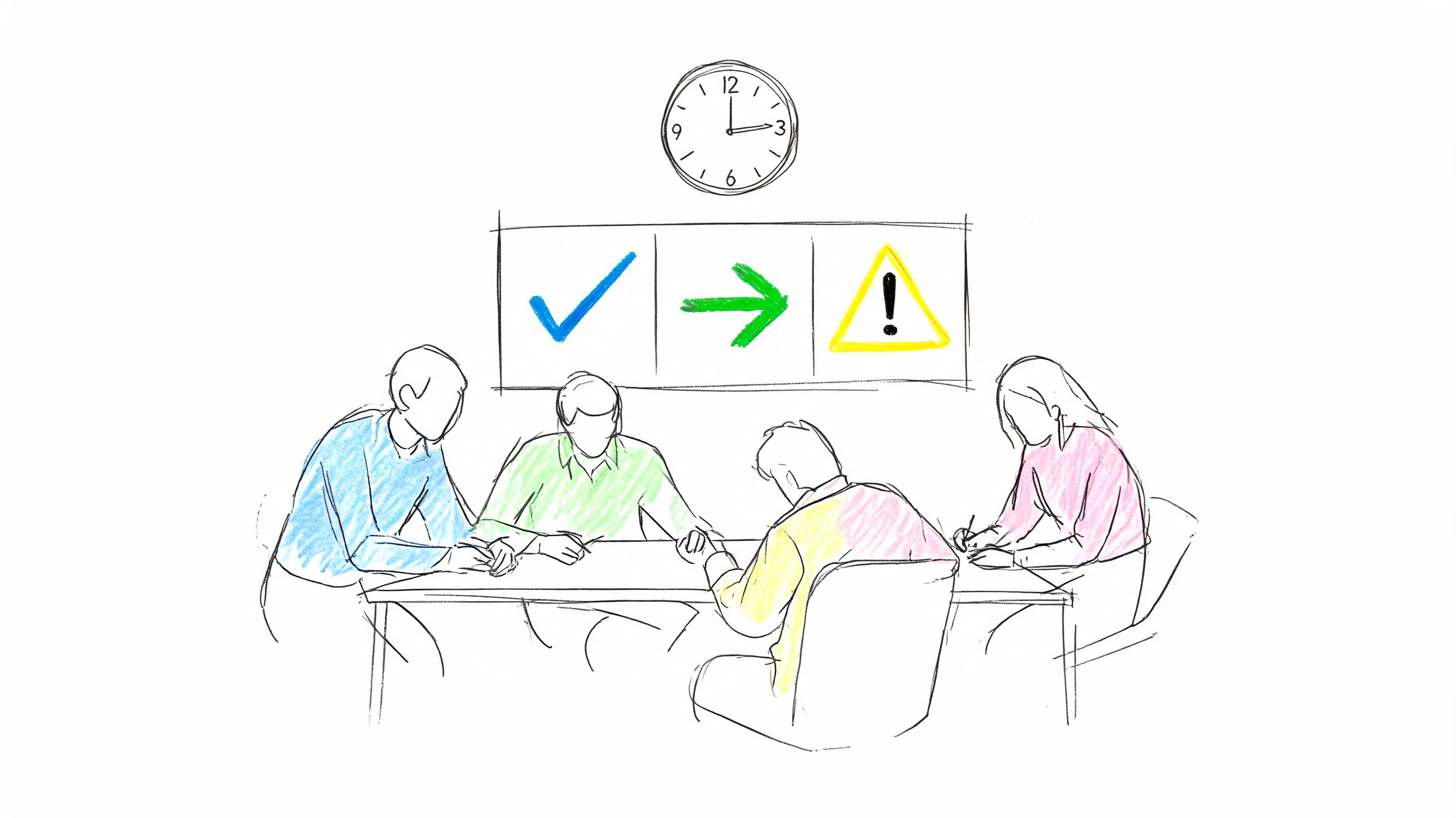
A bad meeting doesn't usually fail in the room. It fails afterward, when nobody can remember the exact decision, the deadline gets fuzzy, or the action item never makes it back to the person who owns it. Meeting transcription AI reduces that post-meeting confusion by capturing spoken conversation and turning it into text you can search, review, and share.
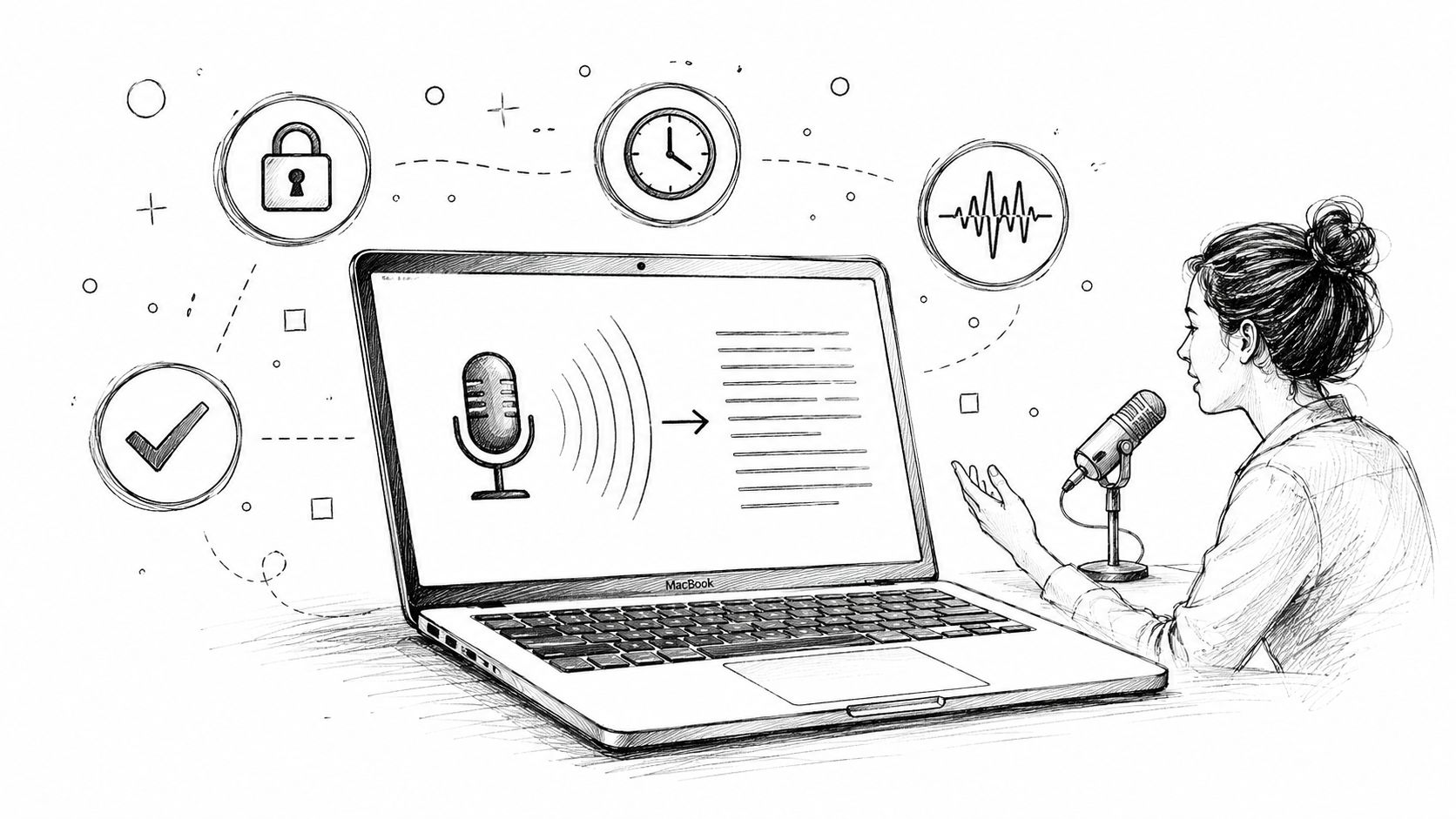
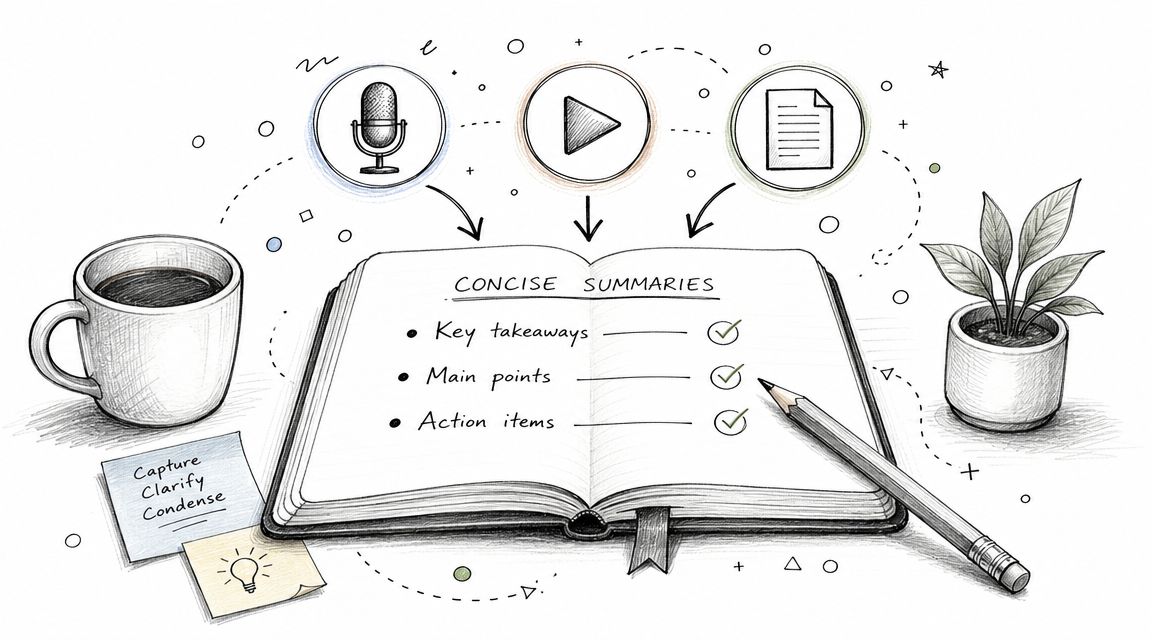
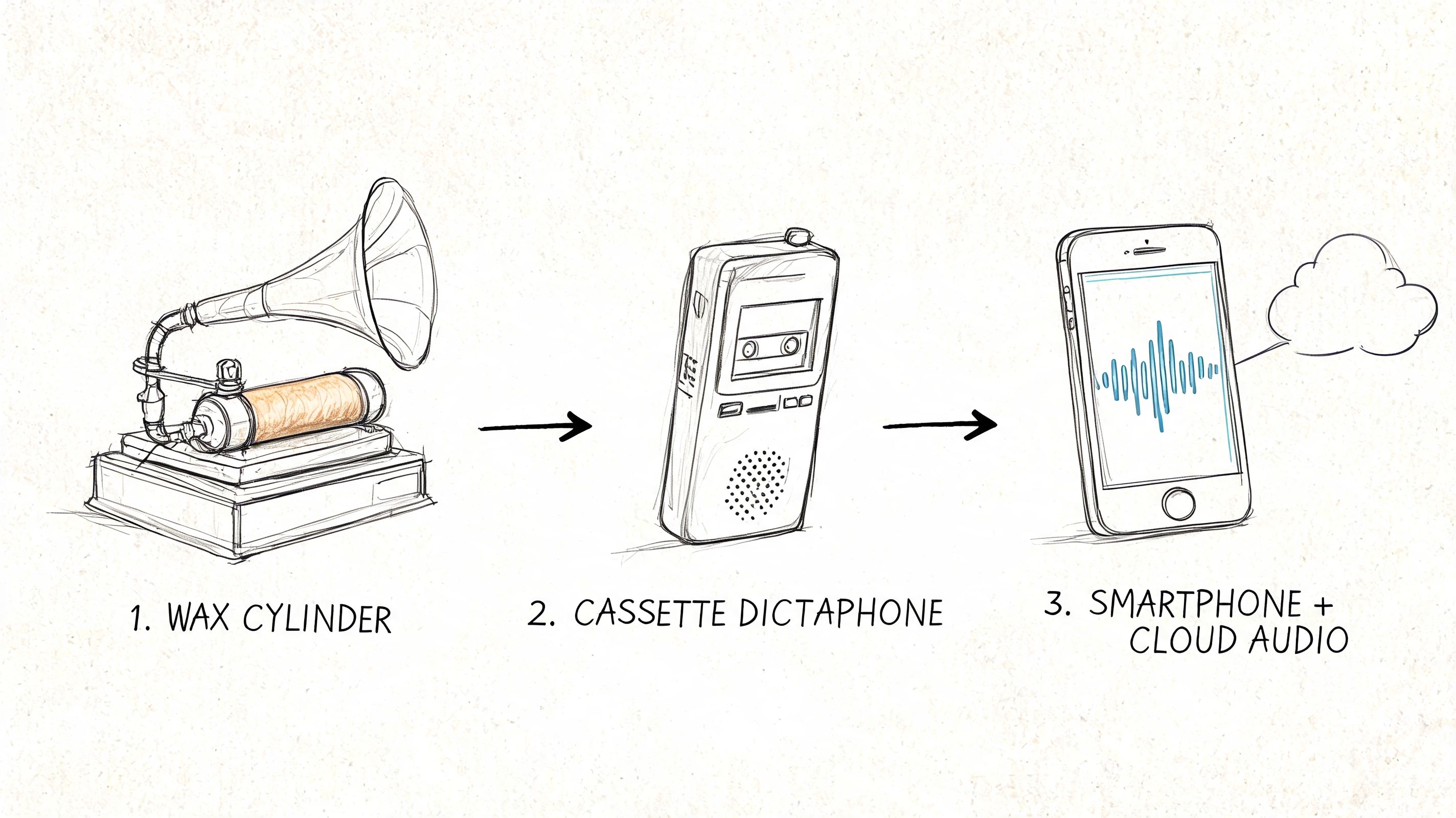
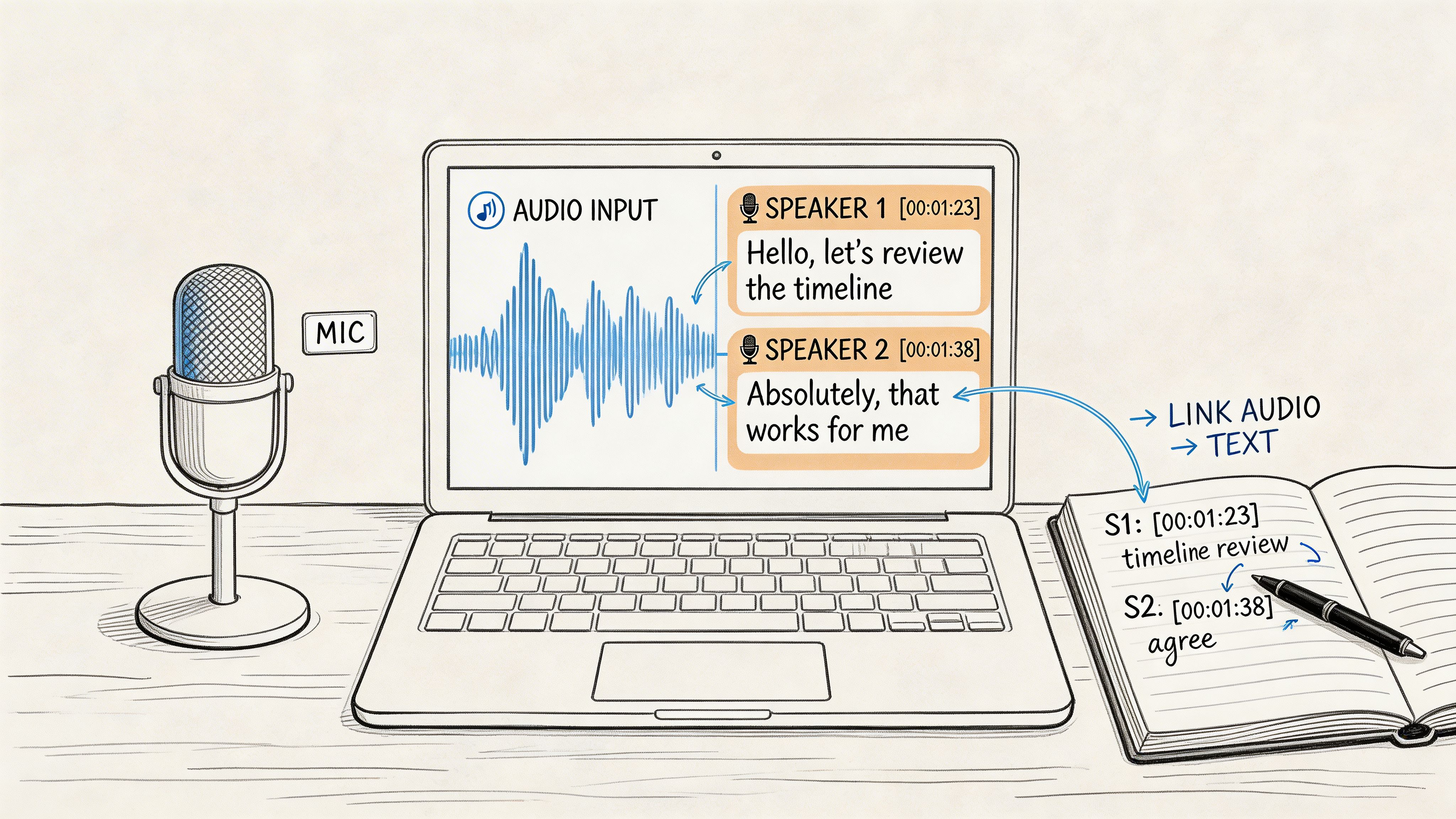
At the simplest level, it's automatic speech recognition paired with language processing. In practice, it usually produces speaker labels, timestamps, summaries, and action items, so the output isn't just a transcript dump, it's a working record (AI meeting transcription defined as searchable, editable text with added outputs). That distinction matters because a plain transcript answers “what was said,” while a useful meeting system answers “who said it, what changed, and what happens next.”
Why the timing feels different in 2026
The category is no longer niche. It's part of how teams run meetings, share decisions, and keep knowledge from disappearing into someone's calendar. The adoption numbers above show that buyers already treat this as core workflow infrastructure, not a novelty (2026 enterprise adoption and productivity figures).
A practical way to think about it is this, a meeting used to end in verbal agreement and memory. Now it can end in a structured artifact that a project manager, sales rep, legal reviewer, or absent teammate can use without asking for a recap. That's why the conversation around meeting transcription AI has shifted from “Can it type fast?” to “Can it help the organization act correctly?”
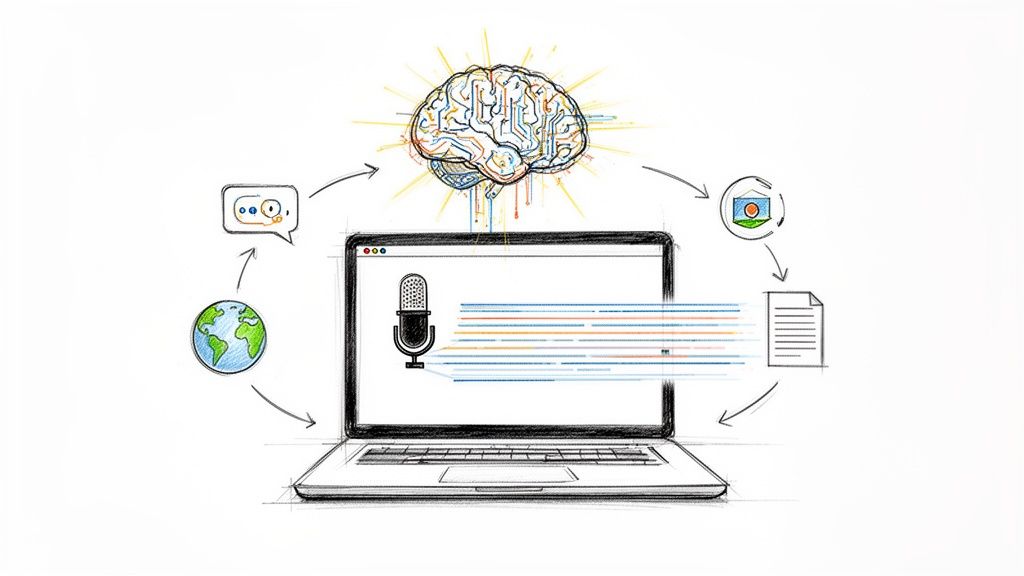
How AI Transforms Speech Into Actionable Notes
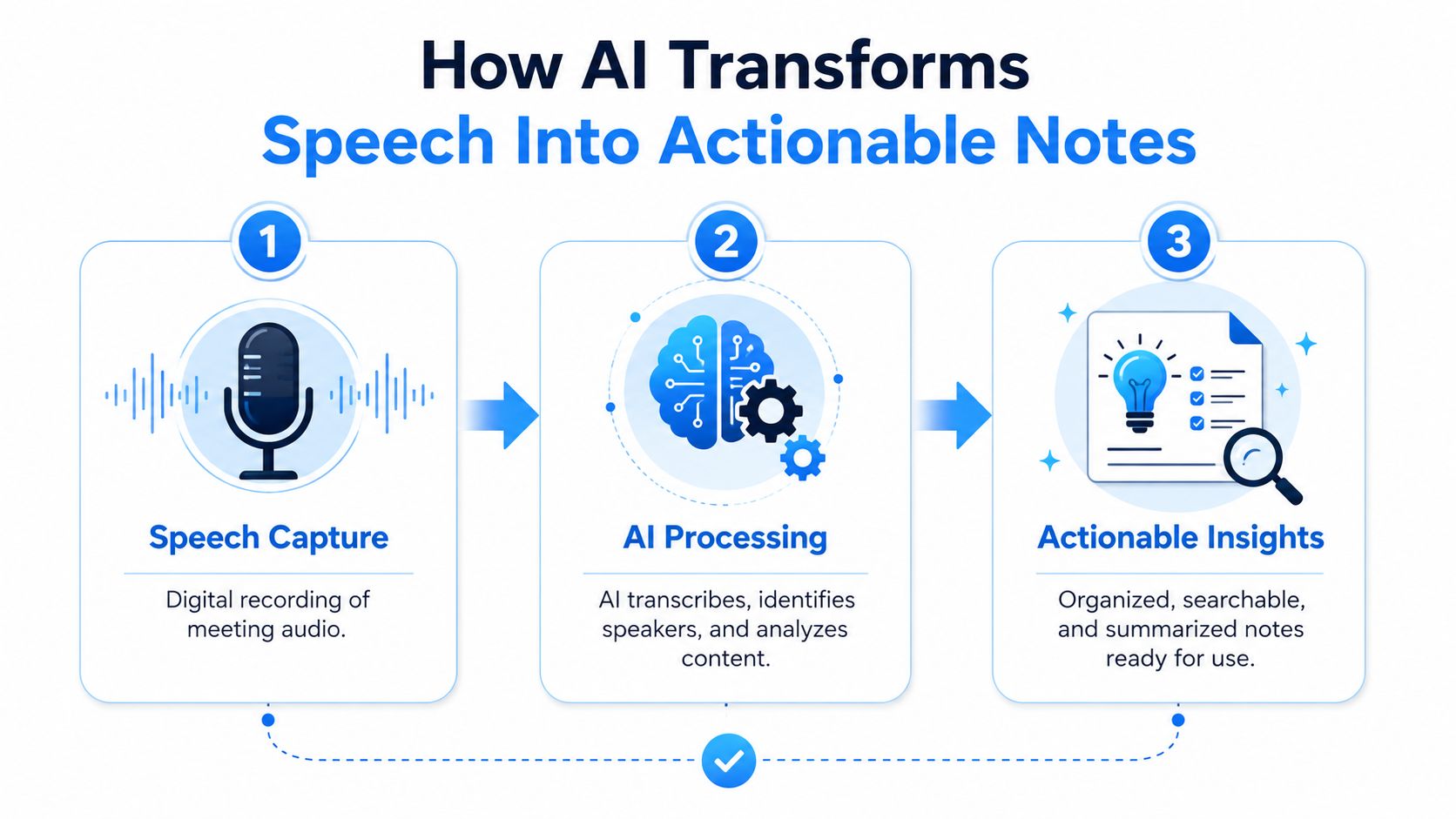
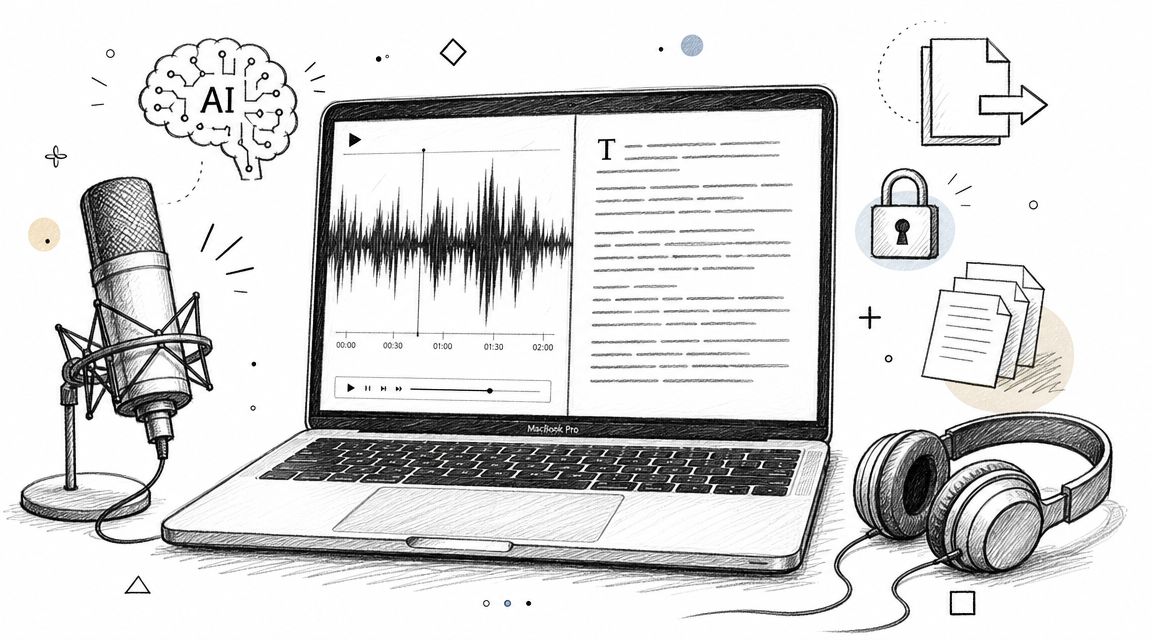
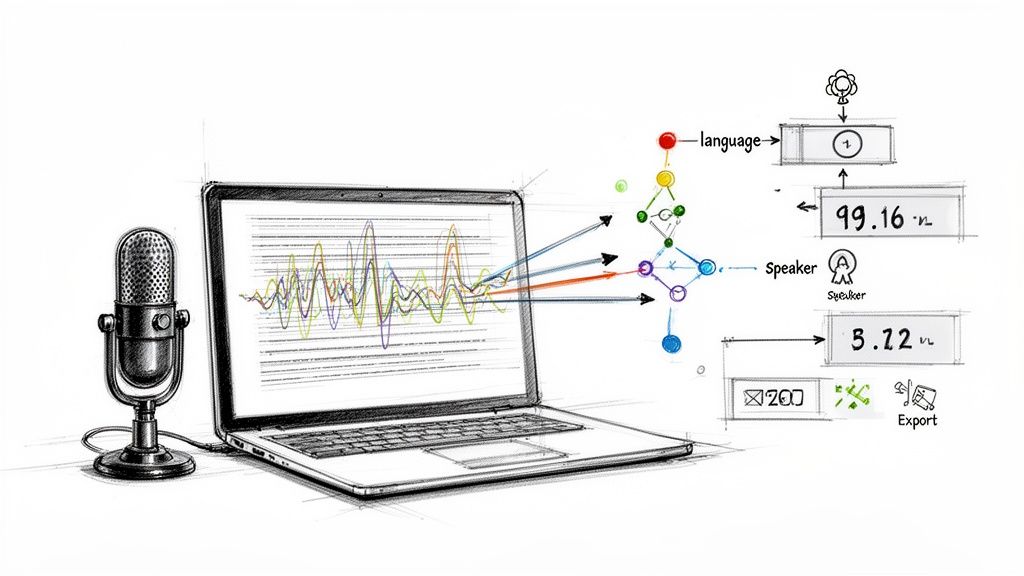
Think of the system as a digital stenographer team. The first person captures the audio, the second figures out who spoke, and the third turns the raw transcript into something useful. If any one of those people does sloppy work, the final note becomes harder to trust.
Stage 1 speech to text
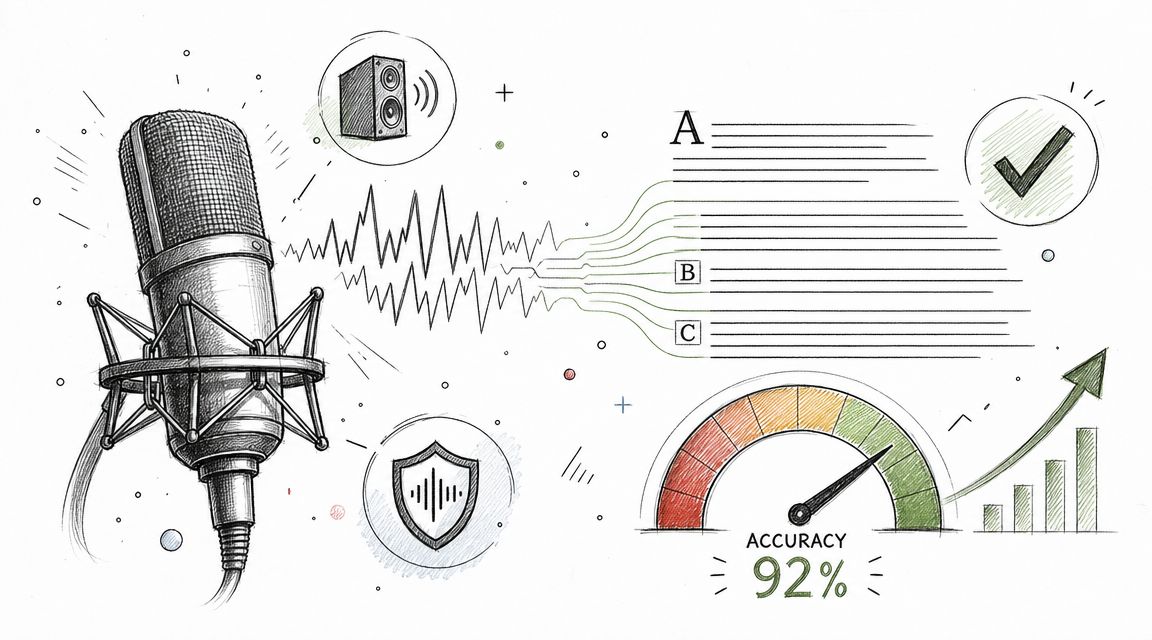
The first stage is transcription, where the system converts audio into words. One technical guide frames high-quality meeting transcription as a multi-output pipeline that starts with audio preprocessing and speech-to-text transcription, then continues into later stages (how AI meeting notes work). That matters because the audio itself drives the result, noisy rooms, overlapping voices, codec loss, and accents all make recognition harder.
A practical benchmark for production systems is under 10% WER on clean audio and under 20% WER on medium-quality audio. On degraded audio, the benchmark rises to under 35% WER, and once a system moves beyond those ranges, gains usually come more from matching the engine to the audio and adding domain vocabulary than from chasing a new core model (production WER benchmarks for meeting transcription systems). In plain English, better microphones and cleaner input often matter as much as the software.
Practical rule: if the room is messy, fix the room first. Software can only recover so much from chatter, crosstalk, and weak audio capture.
Stage 2 speaker diarization
The second stage labels who said what. That's called speaker diarization, and it's what turns “someone agreed” into “Priya agreed” or “the client pushed back on pricing.” The same pipeline source notes that diarization can add 11 to 13% error (how AI meeting notes work), which explains why speaker labels sometimes need human review even when the transcript reads smoothly.
This is also where meeting transcription starts to feel different from older dictation software. A clean paragraph with no speaker context may be fine for a lecture, but meetings depend on attribution. The question isn't only what was said, it's who committed, who objected, and who needs the follow-up.
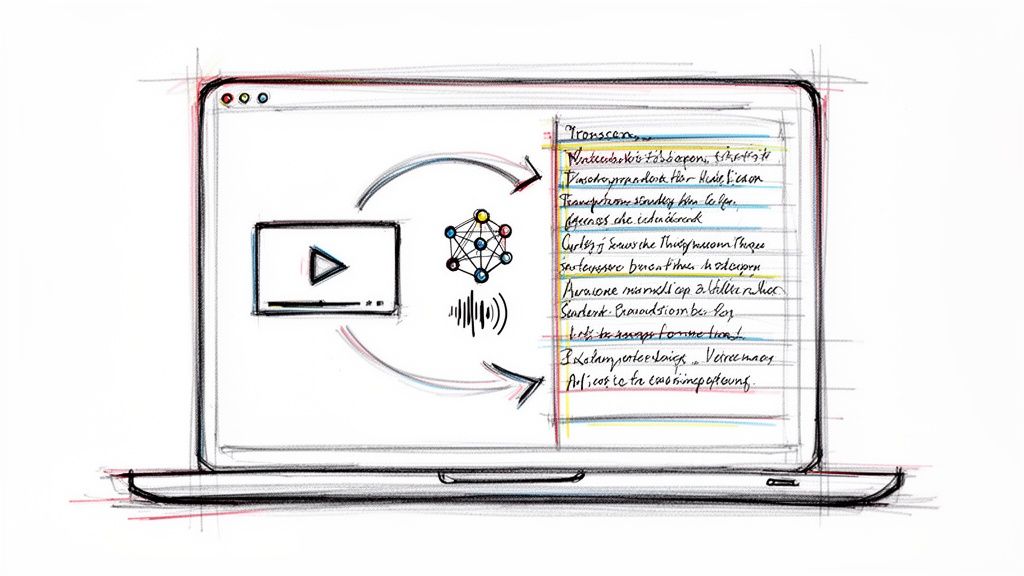
If you're curious how transcript workflows extend beyond meetings, a useful parallel is convert sermons from video to text, because the same basic steps of capture, recognition, and cleanup apply to long-form spoken content.
Stage 3 summarization and action extraction
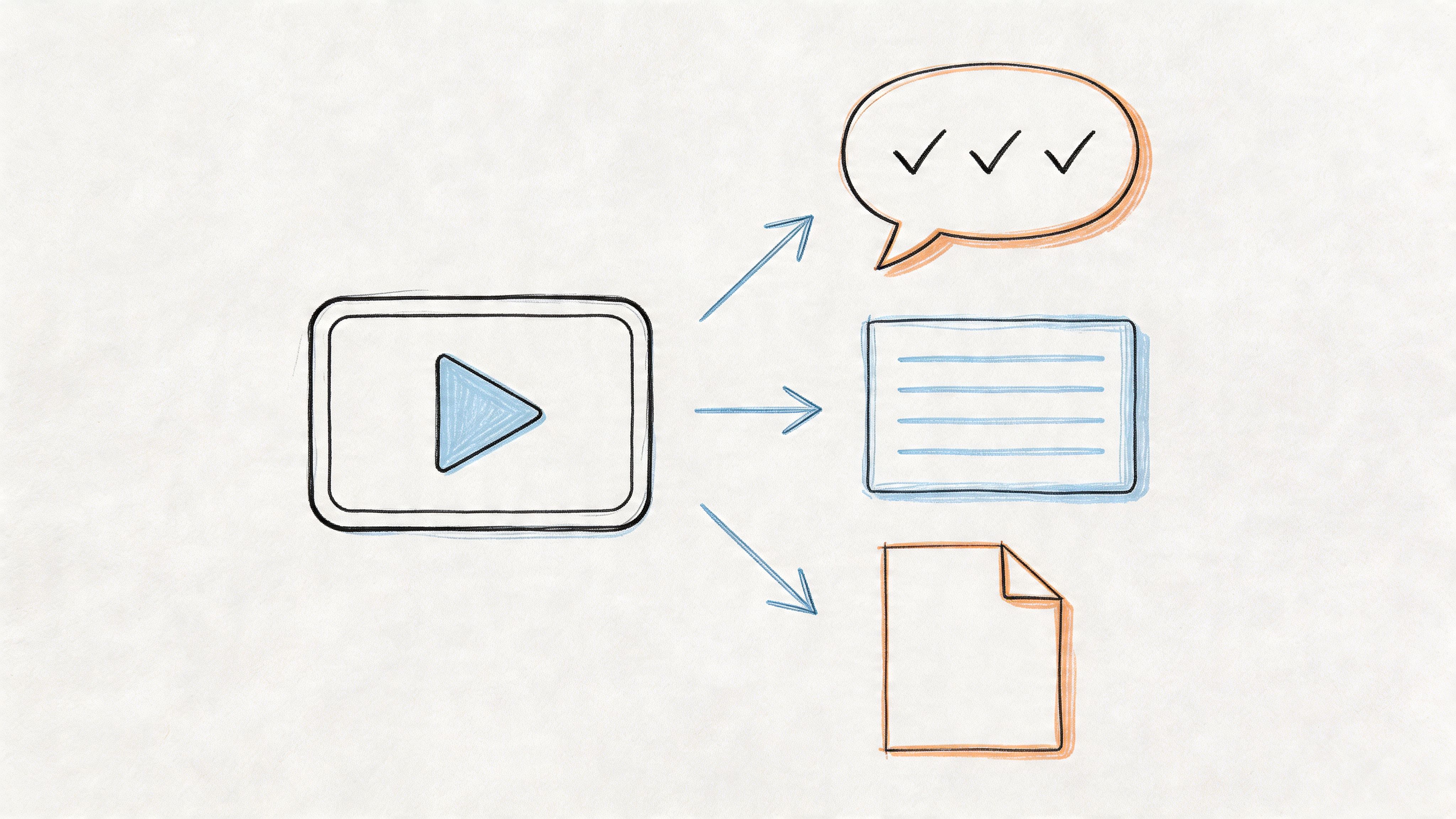
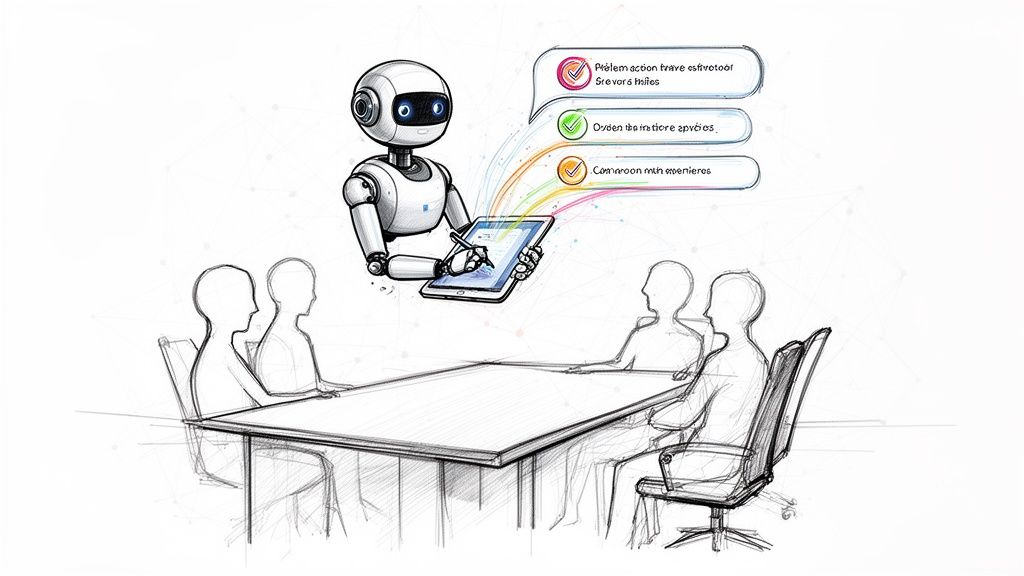
The final stage is where the system becomes a work tool instead of a transcription tool. Language models read the transcript, compress the discussion into summaries, and pull out action items or decisions. A real-world evaluation of 50 meeting recordings reported 6.3% WER for transcription, 0.71 ROUGE-L F1 for summarization, and 85.4% F1 for action extraction, which shows that the transcript quality and the downstream outputs are related but not identical problems (evaluation of an AI meeting assistant).
That's the key mental model. Transcription is input, but the business value often comes from what the system can structure afterward. If the summary misses the owner of a task, the transcript still exists. The workflow still breaks.
For users who want a lightweight entry point, one option in this category is Whisper AI, which converts audio and video into searchable text and adds timestamps, speaker detection, summaries, and bullet-point highlights. The point isn't the brand itself, it's the shape of the output, because the best tools reduce rework instead of creating another file to ignore.
Key Benefits Beyond Automated Notetaking

The biggest mistake buyers make is assuming the value ends at saving typing time. It doesn't. The deeper win is that meeting transcription AI turns spoken commitments into something a team can manage.
Accountability gets real
A transcript creates a concrete record of commitments. That sounds obvious until you've watched a deadline disappear into “I thought you were handling that.” Once an action item is captured, the conversation becomes auditable inside the team's own workflow instead of living in memory or scattered chat messages.
That's why the productivity data matters. Workers in frequent-meeting roles save an average of 5.1 hours weekly when AI handles transcription and summary generation, and action-item capture improves by 38% compared with relying on attendees to remember tasks after the meeting (2026 automation statistics). The time savings are useful, but the core operational value is that follow-through gets tighter.
Knowledge becomes searchable
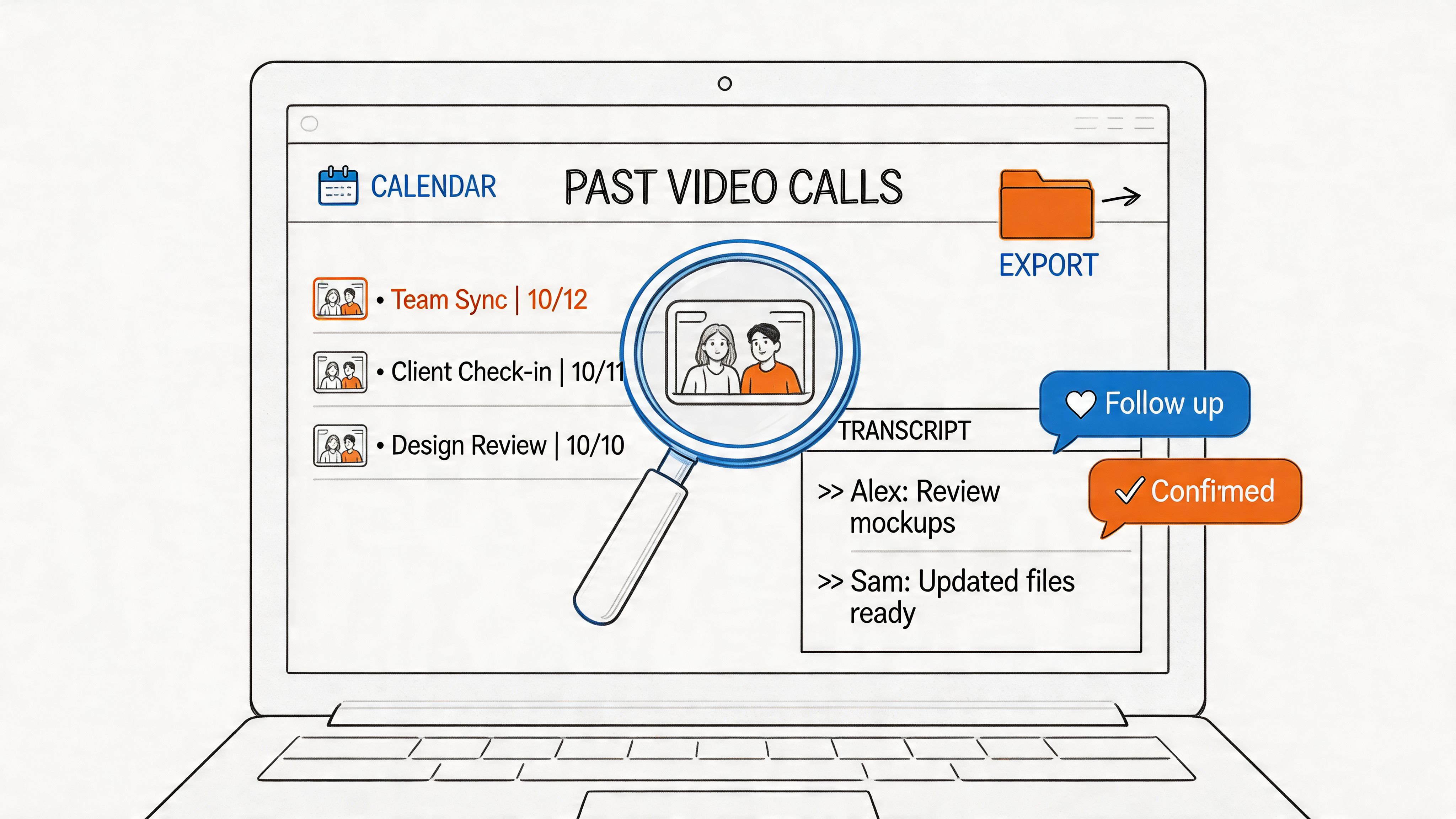
Meetings often contain the only clear record of why a decision was made. When those recordings are transcribed, the content becomes searchable across projects, customers, and teams. A 2026 Webex developer post described exports that bundle meeting details, recordings, transcripts, and AI summaries into a folder structure ready for later analysis or knowledge capture (Webex meetings export for AI archives and automation).
That's the bridge from note-taking to knowledge management. A team member who missed the call can look up the decision later. A manager can trace what changed. A researcher can search for a product objection without rewatching an hour of video.
Accessibility improves without extra effort
There's also a human benefit that gets overlooked. Transcripts help people who missed the meeting, people who process information better in text, and people who need a written record for accessibility reasons. You don't need a separate workflow for each of those cases, because the transcript already exists once the call ends.
Bottom line: the best meeting systems don't just record speech, they reduce uncertainty after the meeting.
The strategic shift is simple. Meeting transcription AI is no longer just a notetaking shortcut, it's a way to make decisions easier to find, harder to forget, and simpler to share across the organization.
Navigating Critical Privacy and Compliance Issues
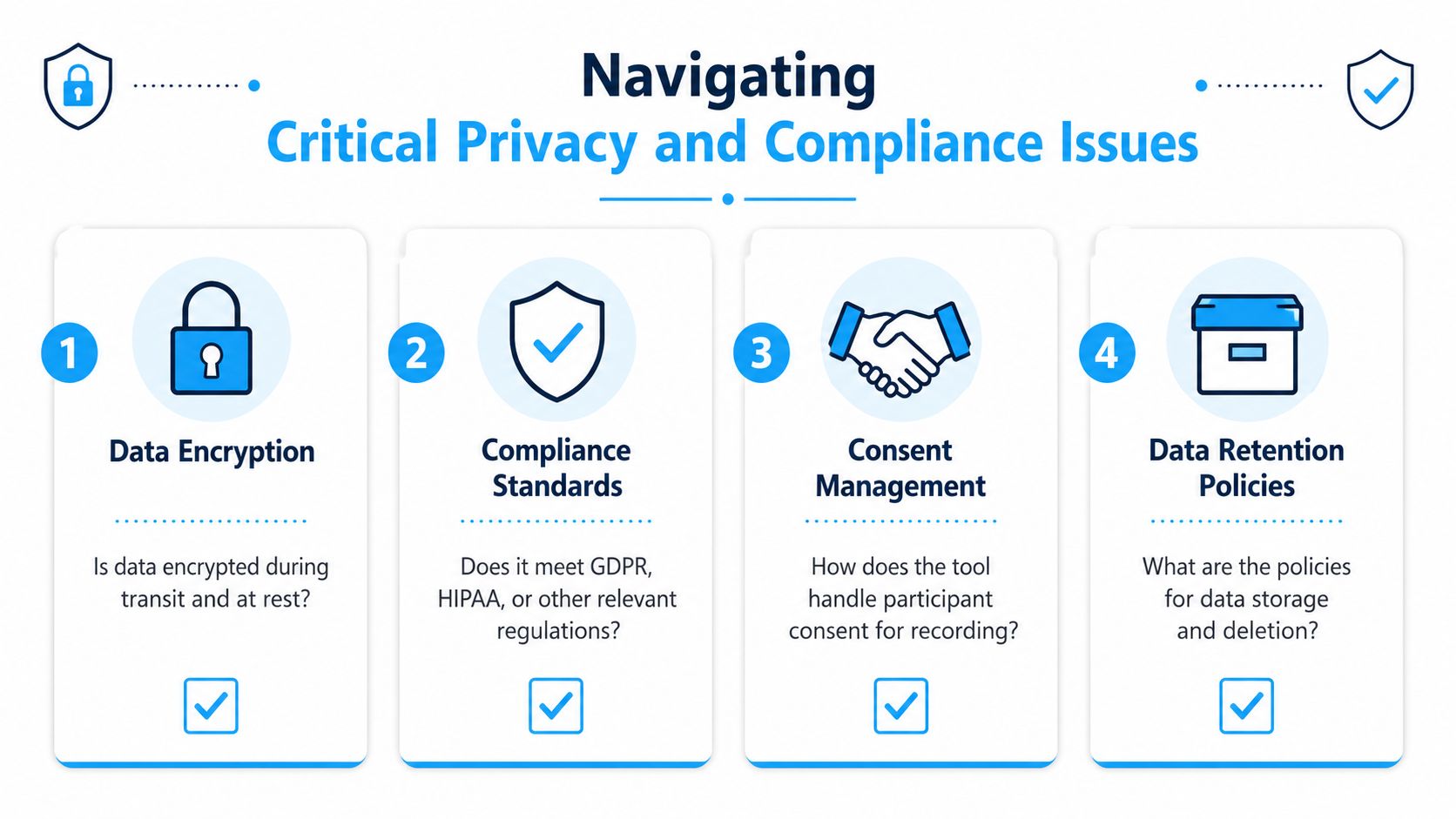
The most important question is not “Does it transcribe well?” It's “What happens to the recording afterward?” Buyers often focus on output quality and skip the governance details that legal, HR, and IT teams will ask about later.
Consent and retention are not side issues
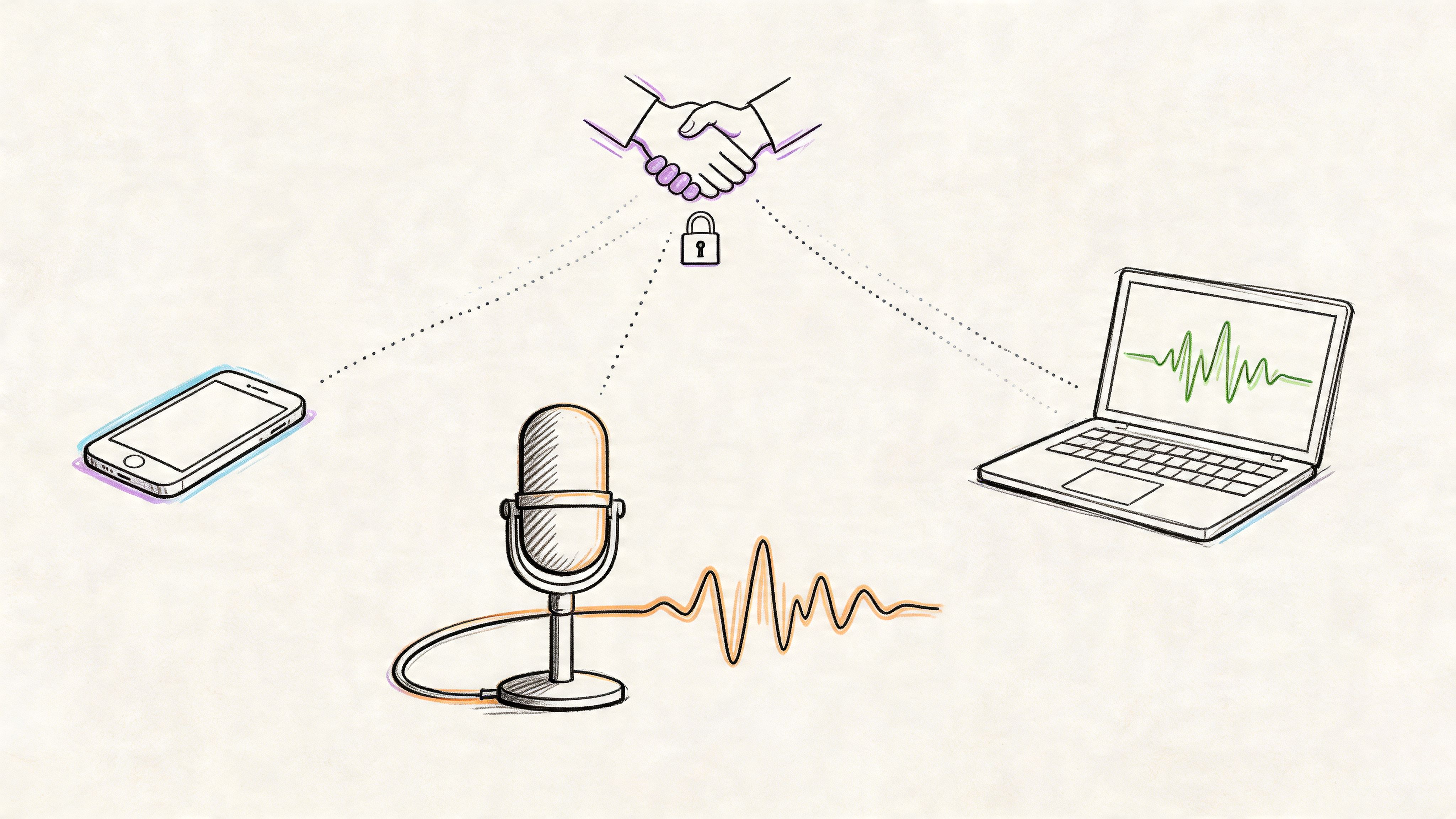
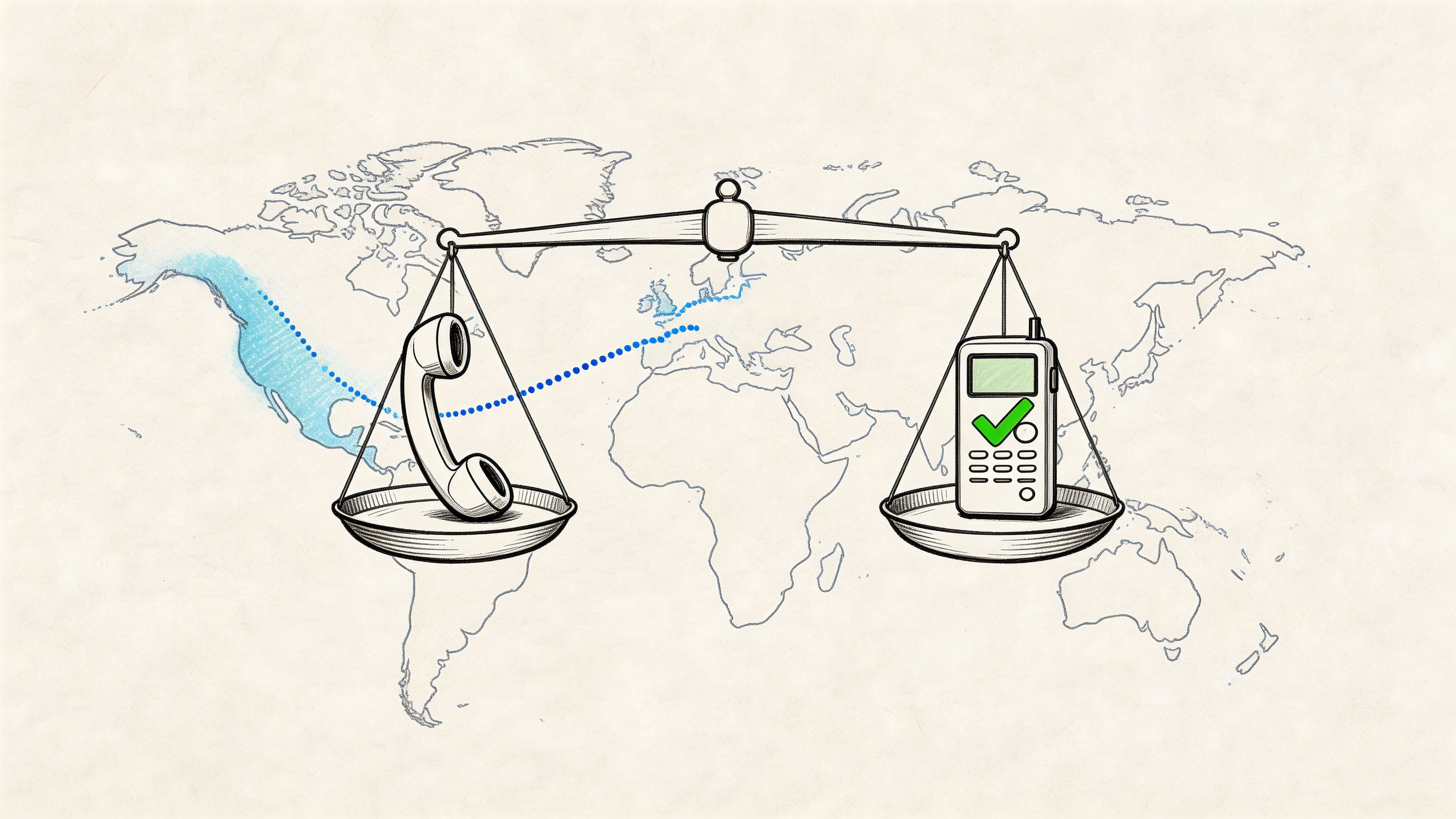
Employees routinely ask whether a meeting is authorized for recording, whether there's a written consent process, and how long the data is kept. A 2026 report said these concerns have become globally relevant procurement issues, with legal variation, including Illinois-specific concerns around storage and deletion (privacy, consent, and retention in AI notetakers). That means the decision is not just about convenience, it's about how your organization handles sensitive data.
A useful procurement habit is to ask three plain questions before you buy anything.
- Who can record: confirm how consent is obtained and logged before a meeting starts.
- Who keeps the data: find out whether recordings, transcripts, and metadata are stored, and for how long.
- Who can retrain on it: ask whether the provider uses customer data to improve models.
Those questions sound basic, but they expose the biggest risks fast.
Security posture matters as much as accuracy
The best tool in the world is a poor fit if the data handling is weak. If your organization handles customer calls, internal strategy sessions, or legal discussions, you need to know where the information goes, how it's protected, and what the deletion process looks like.
For teams weighing offline or local workflows, the topic of privacy in voice to text apps is worth understanding because local processing changes the risk profile. It doesn't remove the need for policy, but it can reduce the number of places sensitive data travels.
Practical rule: if a vendor can't explain consent, retention, and data use in plain language, keep looking.
If you want a legal framing for call recording itself, this internal guide on is it legal to record calls is a useful companion to the product review process. The central idea is simple. Accuracy gets attention, but governance is what makes deployment safe.
How to Choose the Right AI Transcription Tool
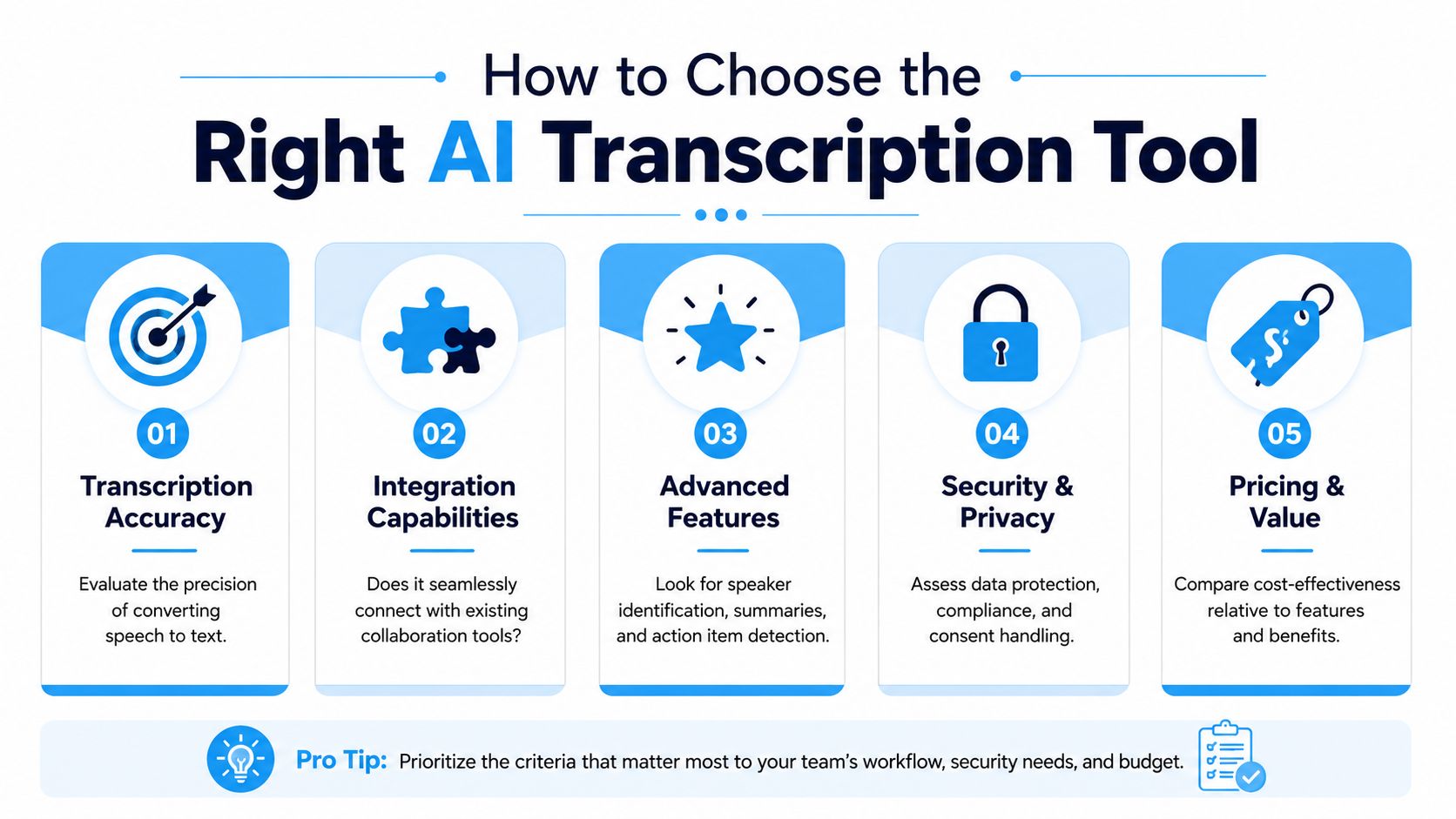
A decent demo can hide a weak product. That's why the evaluation should start with the output quality you need, then move outward to integrations and security. The right tool is the one that fits your audio, your workflow, and your risk tolerance.
Start with accuracy, not promises
For meeting transcription systems, a practical production benchmark is under 10% WER on clean audio and under 20% on medium-quality audio. If a vendor can't show how performance changes when the room gets noisy, you're not looking at a real-world answer yet (WER benchmarks for meeting transcription systems).
Accuracy also depends on the type of meeting. A board room, a customer call, and a remote brainstorming session all create different failure modes. That's why you should ask for examples from audio that resembles your own environment, not just polished demo clips.
Check the parts that affect workflow
Good transcription is useful. Good workflow integration is what keeps it from becoming another lonely document. Look for support for the tools your team already uses, whether that means file export, shared folders, or direct connections into project systems.
A meeting tool is doing the right job if it produces structured outputs like summaries, decisions, owner-tagged tasks, and fields your team can reuse elsewhere. That's where the category is heading, and it's the reason content that treats these tools as simple notetakers feels outdated (2026 state of meeting note taking).
Evaluate privacy and control with the same seriousness
Security isn't a checkbox. It's part of the product. Ask whether recordings are stored, whether retention can be controlled, whether deletion is available, and whether the vendor uses your data for model training. Those are the questions that separate a convenient assistant from a serious enterprise tool.
If you're comparing tools side by side, a good shortlist often includes a mix of cloud and local options. The right answer depends on whether your priority is speed, convenience, or tighter control over sensitive files. For some teams, Whisper AI fits that mix because it can turn uploaded audio and video into searchable transcripts, summaries, and exportable text formats without forcing everyone into the same workflow.
Selection shortcut: choose the tool that handles your worst meeting, not your best one.
What to verify before rollout
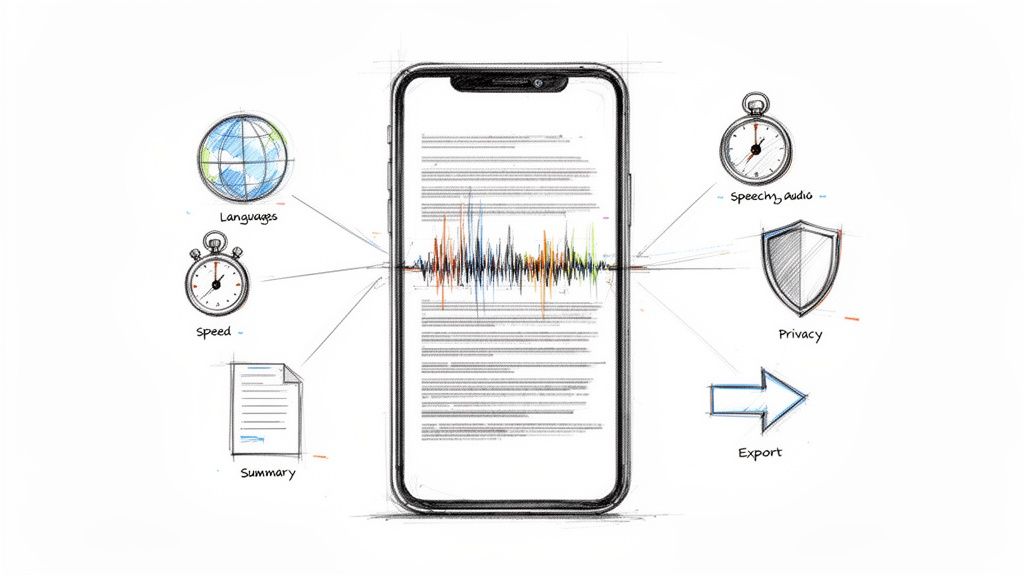
- Speaker identification: make sure the tool can separate voices reliably enough for your use case.
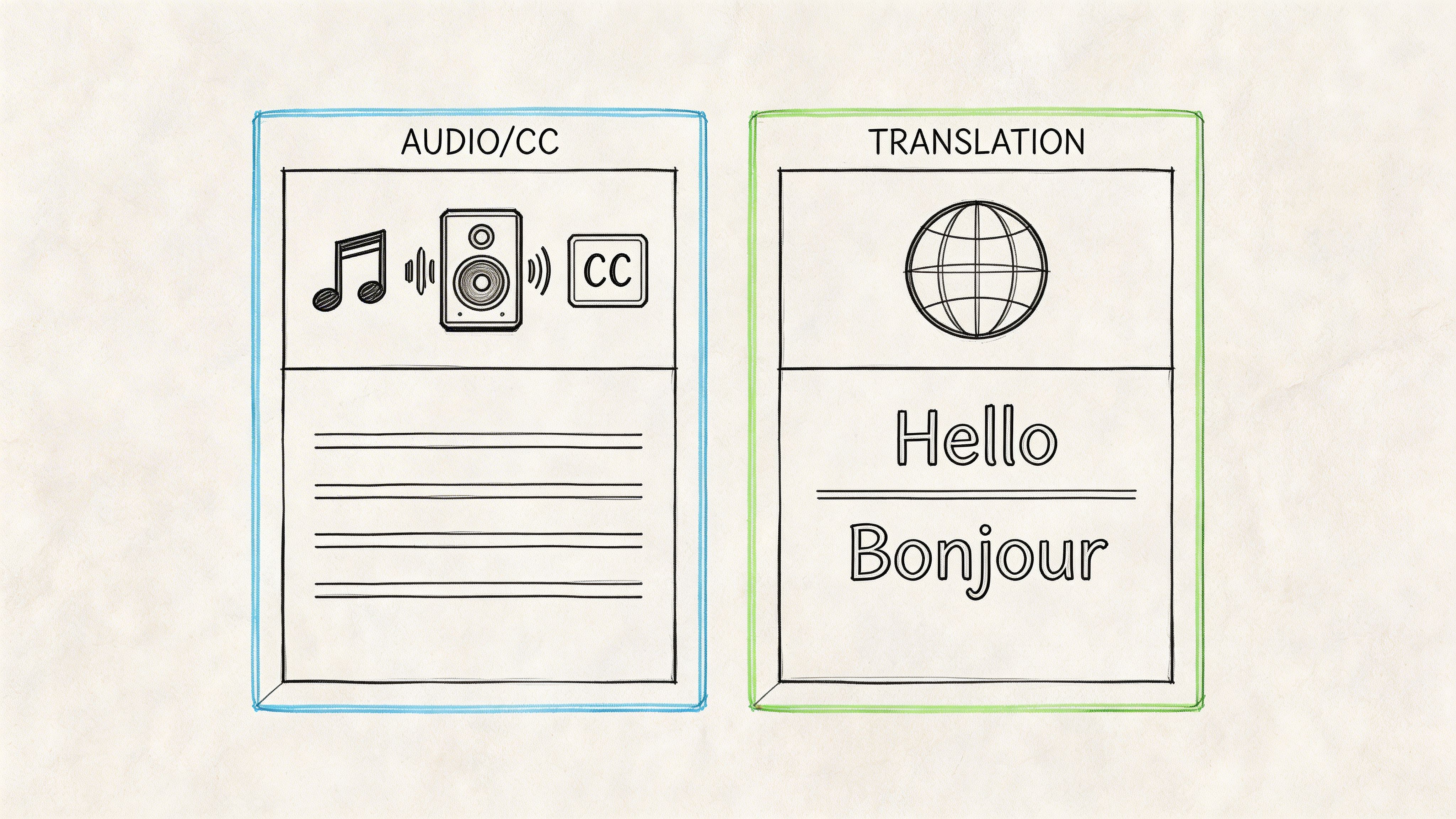
- Language support: confirm it covers the languages your team uses.
- Output formats: check whether you can reuse notes in docs, task tools, or shared storage.
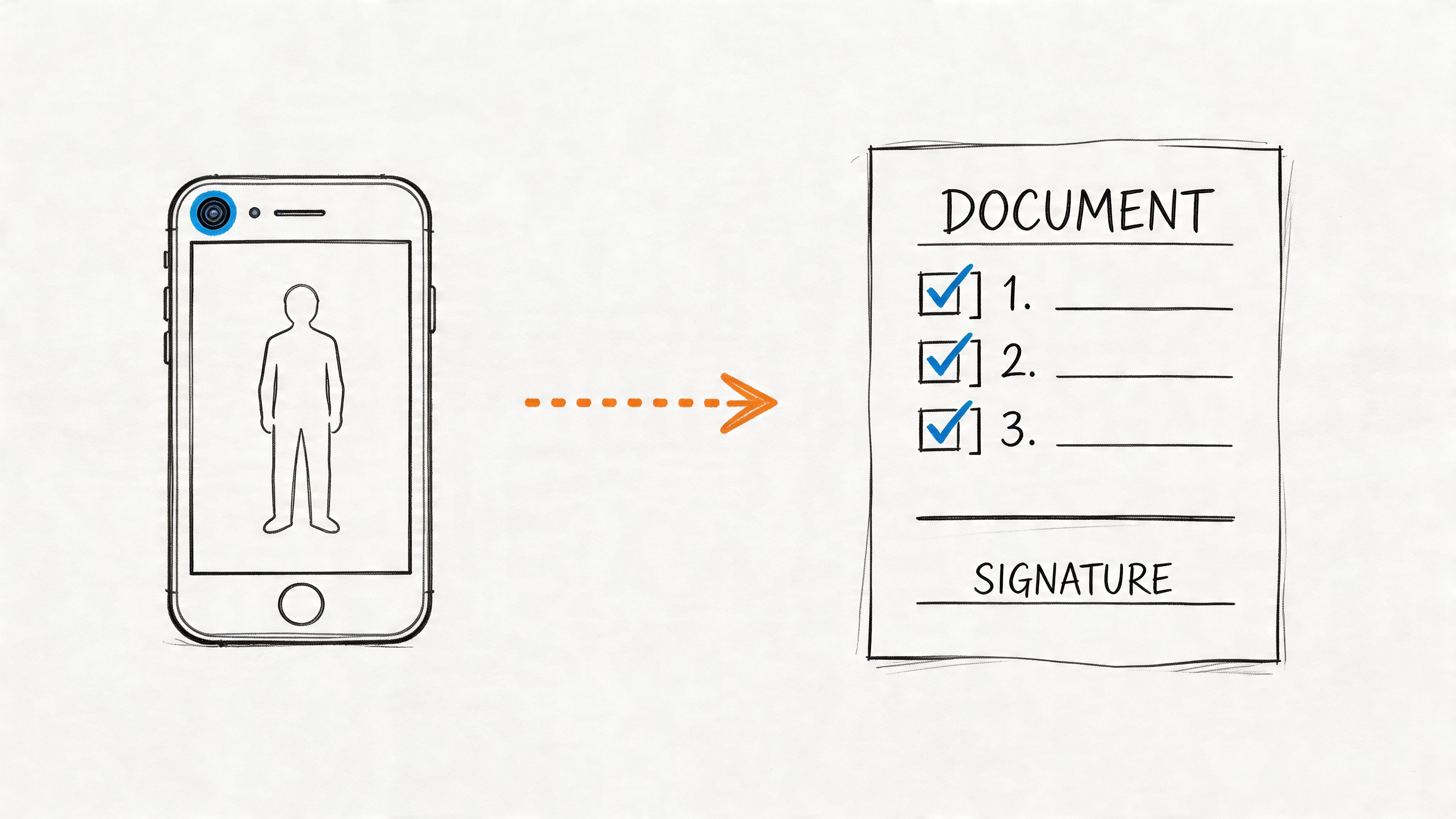
- Consent handling: verify the product gives you a clear process for recording authorization.
- Review workflow: confirm someone can correct mistakes before the transcript becomes official.
The easiest trap is buying for the demo and regretting the deployment. A strong meeting transcription AI tool should fit the way your team already works, not force a new habit that nobody keeps.
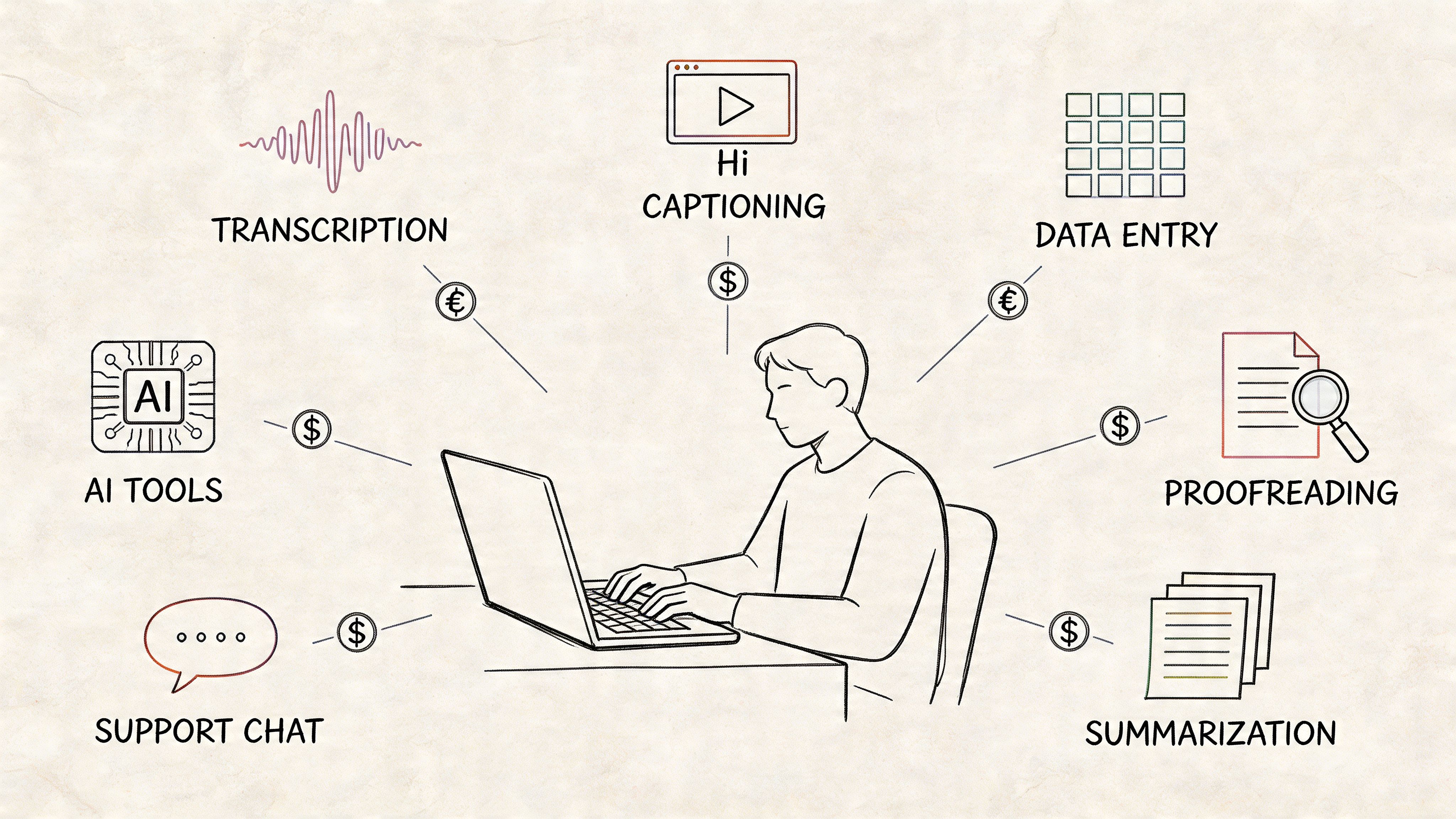
Common Use Cases for Transcription AI
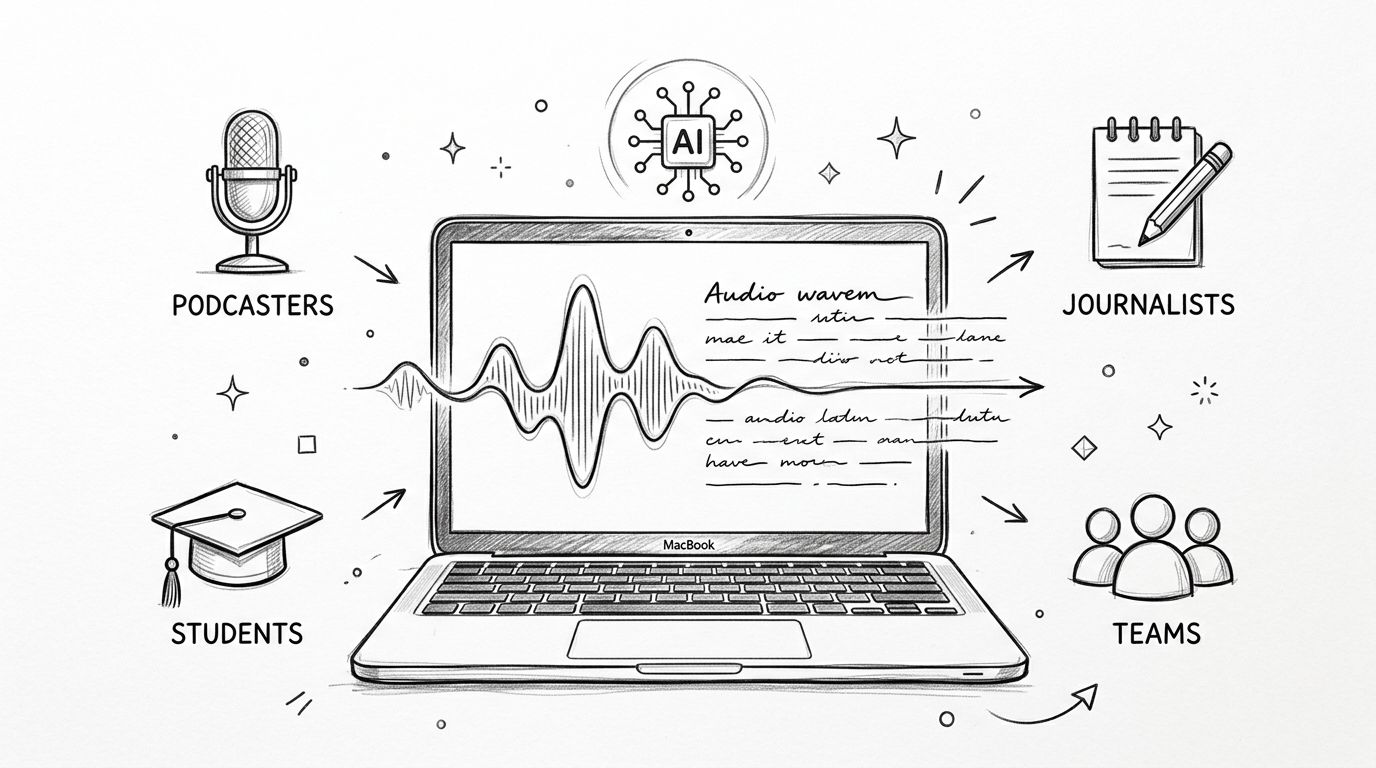
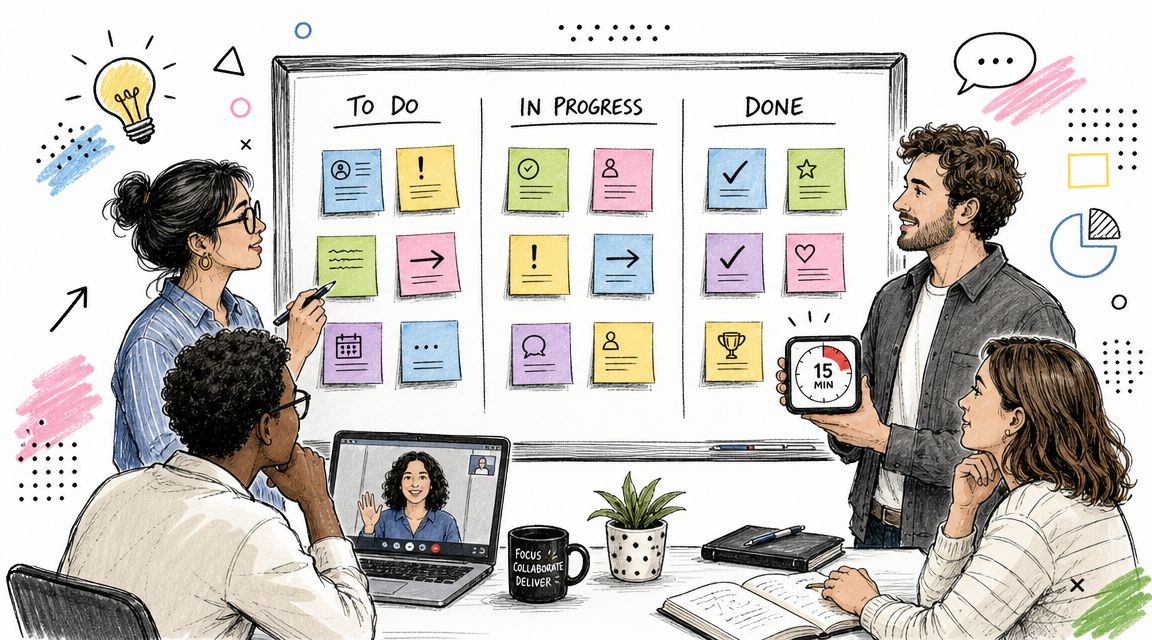
A project manager opens a weekly sync, and the note-taking job stops being manual. Instead of trying to type every promise in real time, they let the transcript capture the discussion and later pull out the action items that matter. The transcript becomes the record, and the meeting stops depending on one person's typing speed.
A journalist uses the same kind of system in a different way. An hour-long interview can be transcribed, searched, and reviewed without scrubbing through audio line by line. That means quotes, names, and important phrases are easier to find when the story is on deadline.
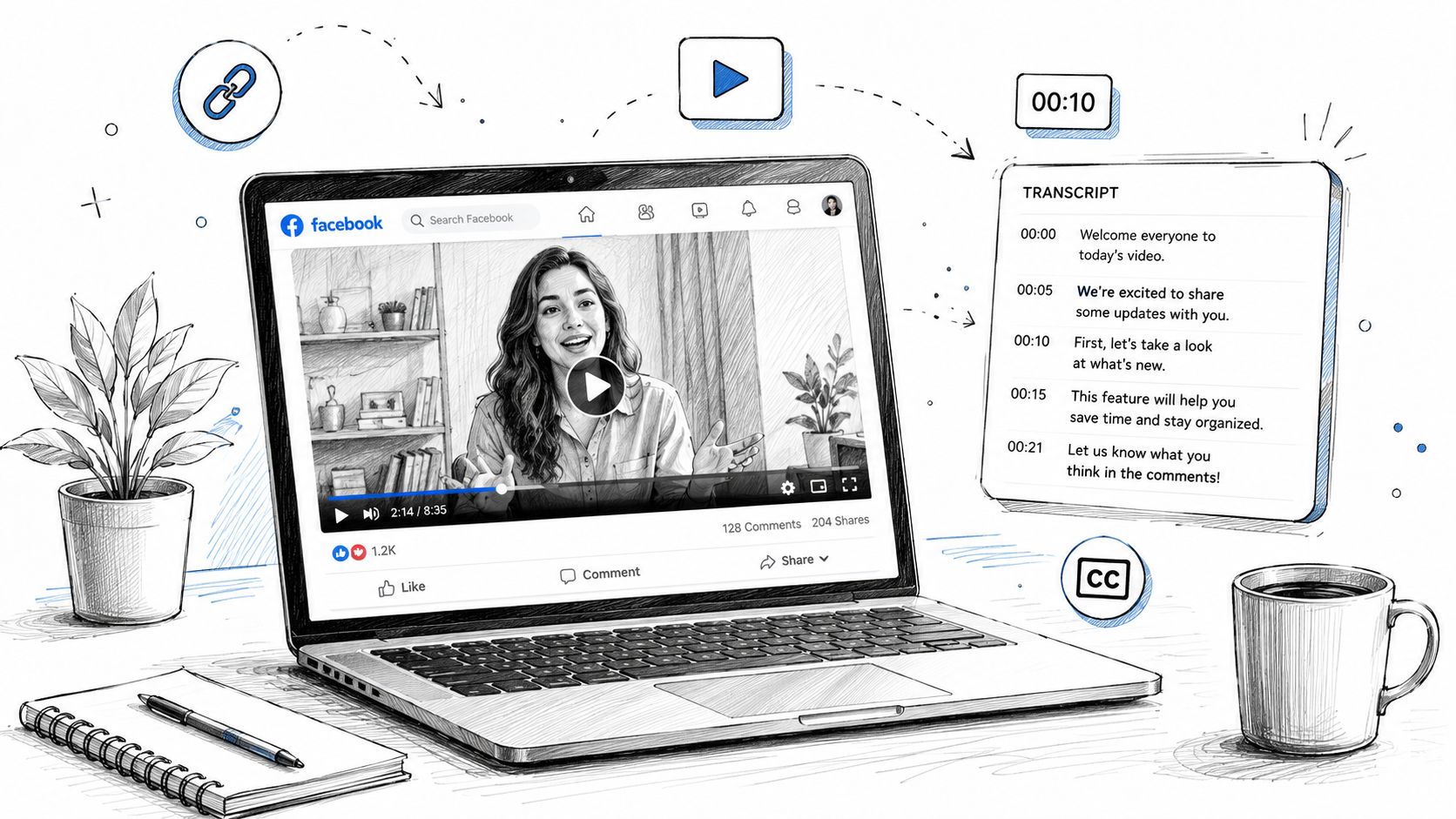
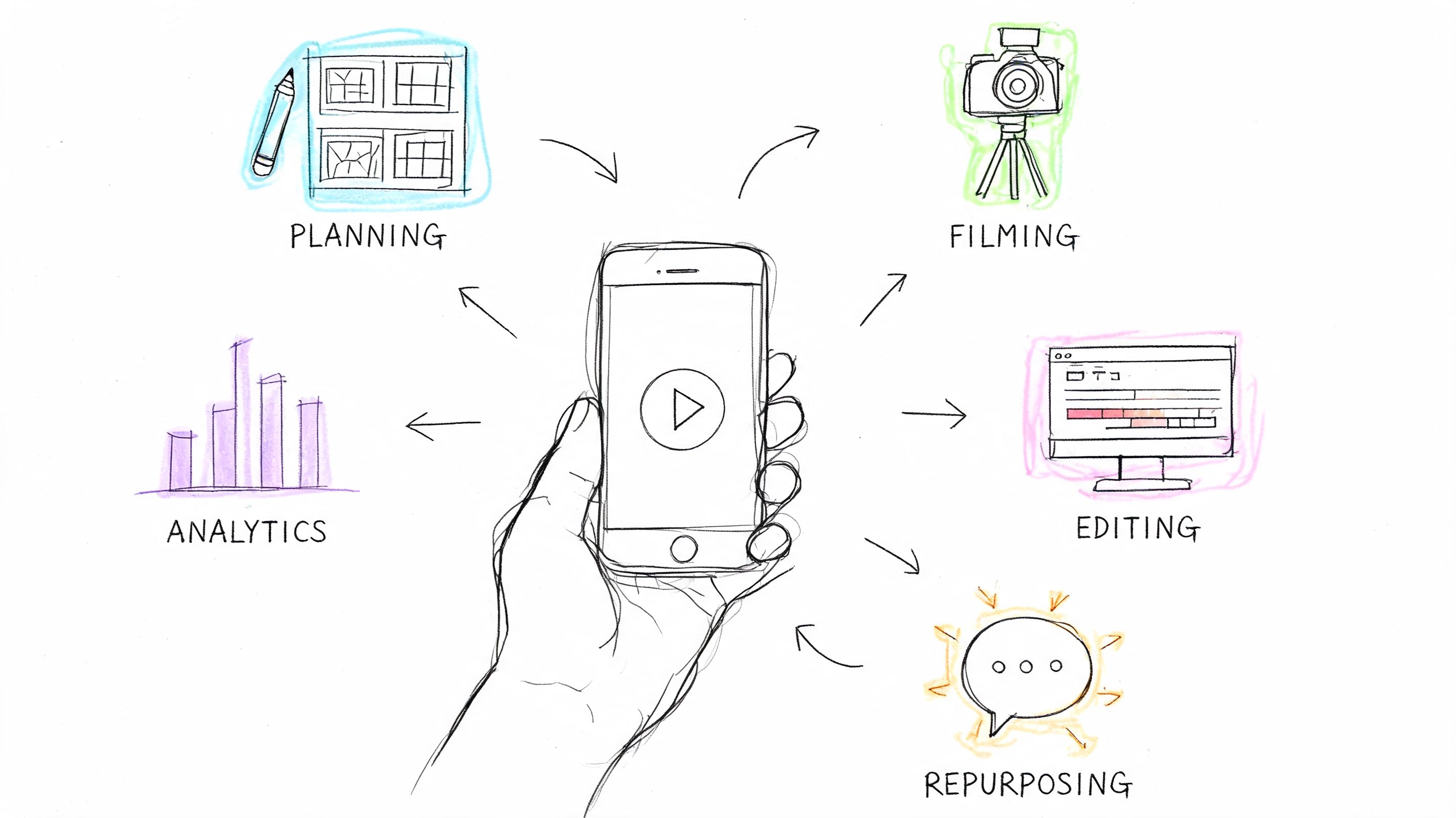
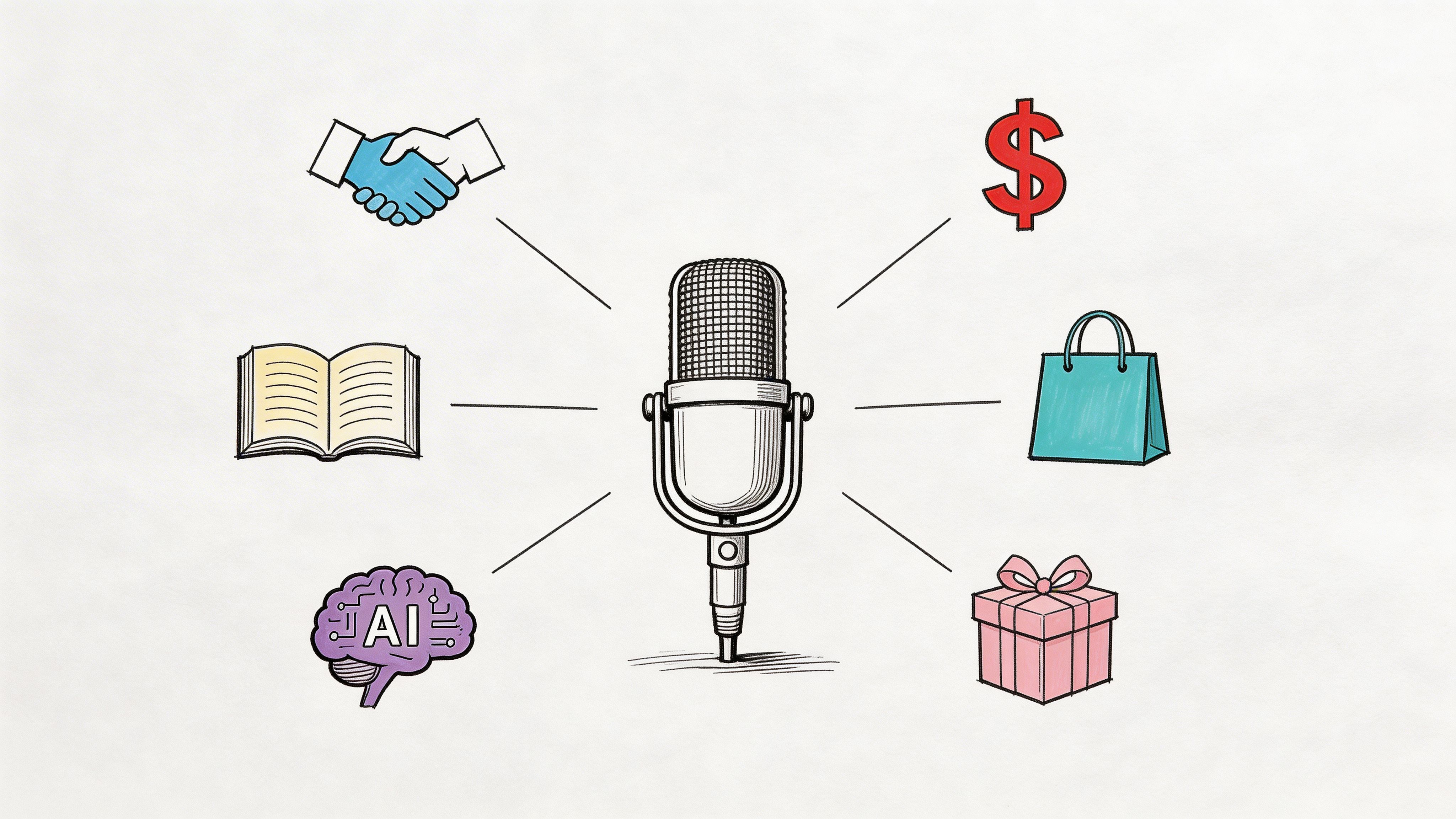
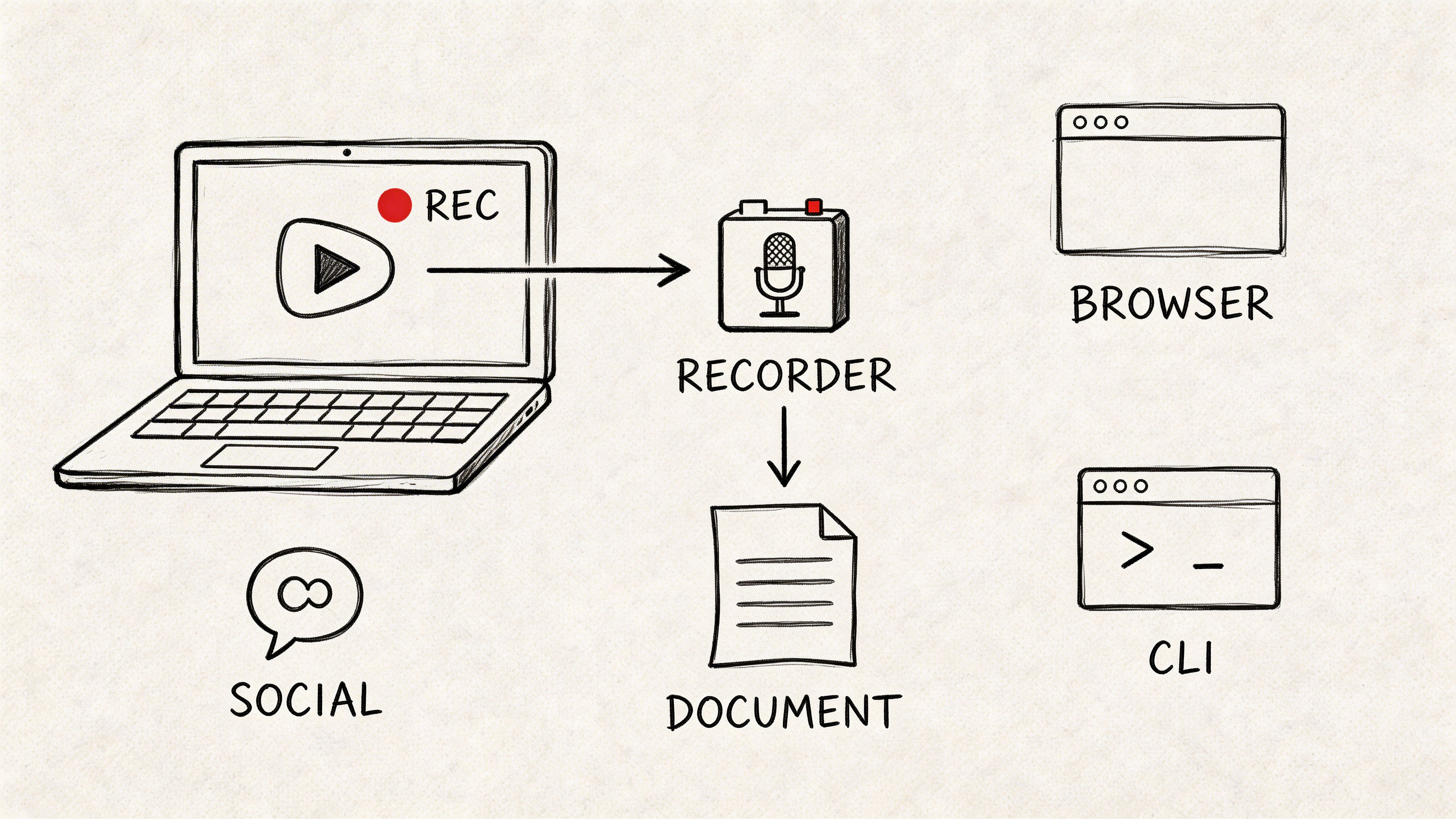
The third case is where this gets interesting for creators. A social media manager can feed a podcast or video link into a transcription workflow, get a full transcript, and then mine it for quotes, hooks, and short-form content ideas. That's not just note-taking, it's content repurposing with a searchable source file underneath.
Before the examples blur together, one thing is worth keeping in mind. The output matters more than the label on the tool.
A transcript is only useful if someone can act on it later.
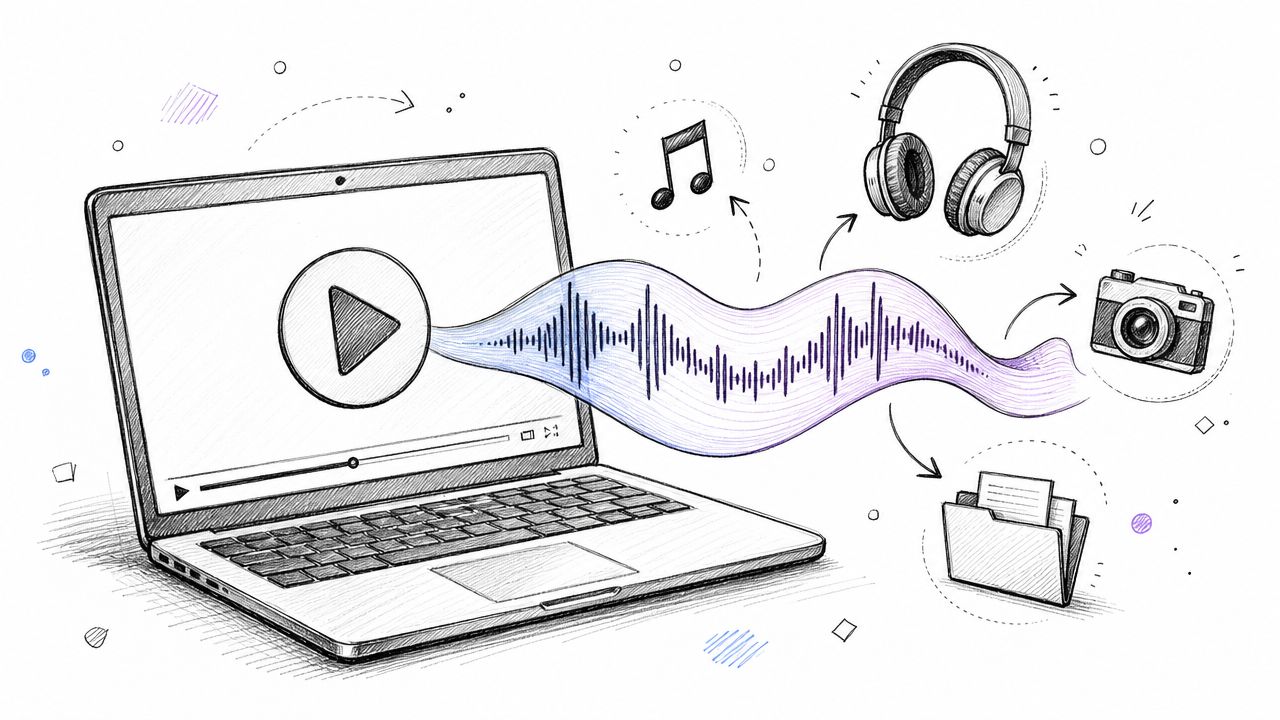
That's why the strongest use cases all share the same pattern. A spoken conversation becomes a text artifact, then a human uses that artifact to make a decision, publish content, or move work forward. If you want a deeper look at a workflow built around imported audio and exported notes, the screenshot below shows the kind of interface many users expect from Whisper AI.
The same workflow can also support research teams, educators, and anyone who needs to turn spoken material into something searchable. Once the transcript exists, it can be reused in ways the original meeting never anticipated.
Integrating AI Transcription Into Your Workflow
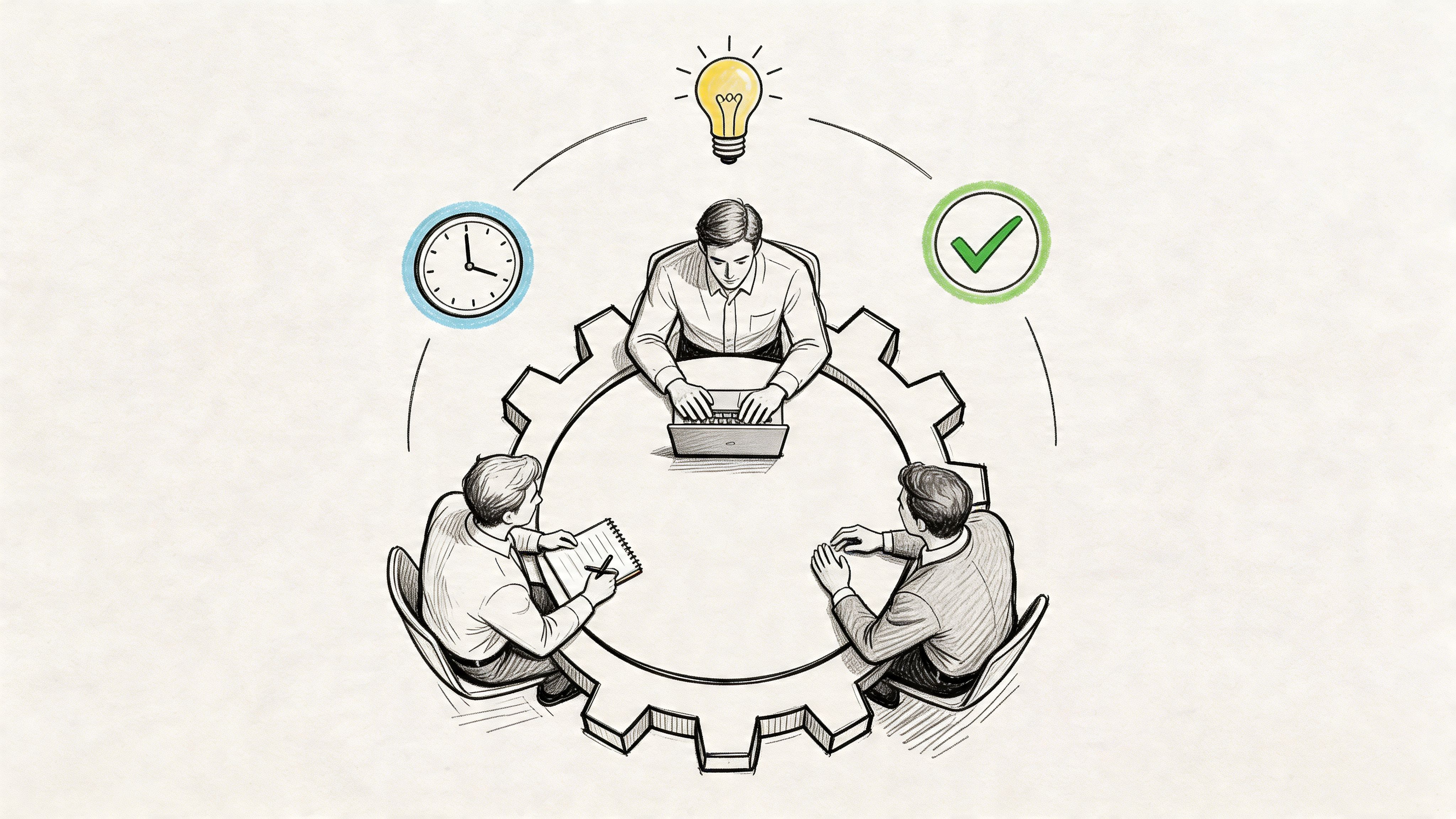
The value doesn't come from the transcript itself. It comes from what happens after the transcript is created. That's why the 2026 differentiator has shifted from raw accuracy to structured outputs like decisions, owner-tagged action items, and CRM-ready fields, because the ROI comes from operationalizing transcripts, not just generating them (state of meeting note taking in 2026).
A strong rollout starts with rules, not software. Decide which meetings are recorded, who can start the recording, where transcripts live, and who reviews them before they become official. If the team skips that step, the best transcription tool in the world just creates a new pile of ungoverned files.
Turn notes into a workflow, not an archive
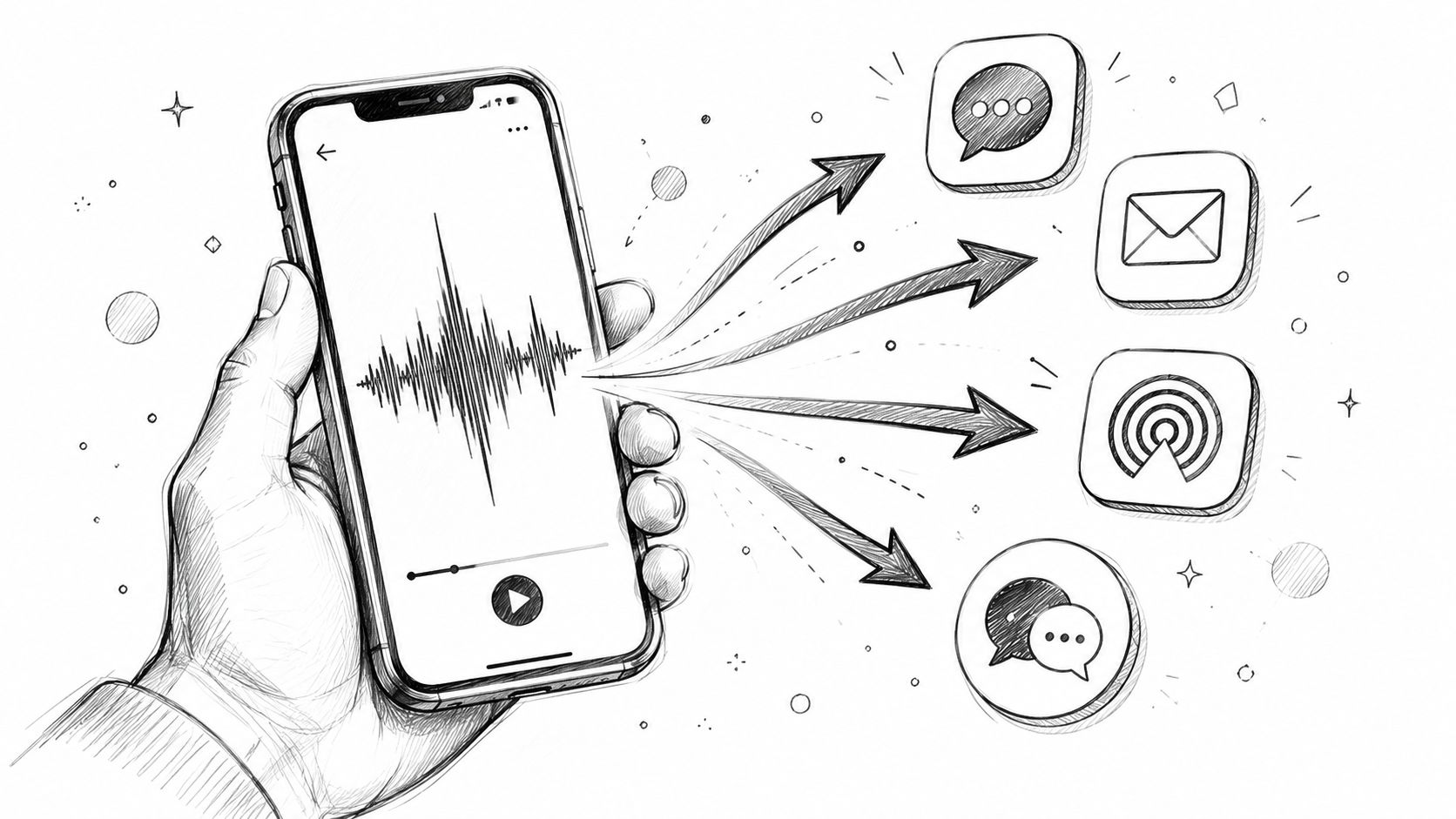
The next step is to connect the transcript to downstream work. That might mean sending action items into a project board, copying decisions into a CRM, or storing a searchable record in shared storage. A Webex automation example showed how recordings, transcripts, and AI summaries can be exported into tidy folder structures ready for analysis or follow-up, which is the right mental model for serious use (Webex export workflow for AI archives and automation).
A good review process keeps humans in the loop on critical items. That's especially important for names, dates, numbers, and ownership, because those are the fields that create downstream problems when they're wrong. Once a transcript is trusted, it can become the single source of truth for a project, customer account, or internal decision log.
Make the system easy to maintain
The workflow should be simple enough that people use it. If staff have to jump across five tools to find a summary, edit a task, and send a follow-up, the process will decay fast. The cleaner pattern is one capture point, one review step, and one destination for each type of output.
The internal guide on how to organize meeting notes is useful here because it reinforces the same principle, notes need a destination, not just a timestamp. That's the difference between documentation and action.
Meeting transcription AI works best when it becomes part of the operating rhythm, not a one-off convenience feature. If you wire it into reviews, follow-ups, and shared records, the tool does more than save time. It helps the whole team remember what it already decided.
If you're comparing options right now, start with one real meeting recording and test the full path from audio to transcript to action item, then see whether the output fits your team's review process. If you want a tool that can transcribe meetings, generate summaries, and turn long-form audio into searchable text across formats, try Whisper AI and put it through the same workflow your team uses every week.