Best Captions for TikTok: Boost Views & Engagement 2026
Is your TikTok content getting views but not enough watch time, saves, or clicks? In many cases, the caption is doing less work than it should. Creators often write captions for TikTok at the end of the process, even though the caption helps shape both viewer response and platform understanding.
A good caption pulls double duty. It gives the viewer a reason to stay, and it gives TikTok clearer context for search and categorization. Sprout Social notes that only the opening portion of a TikTok caption appears before the “more” prompt, so the first line has to carry the hook and the topic early, as explained in Sprout Social's guide to TikTok captions.
That changes how caption writing should be handled.
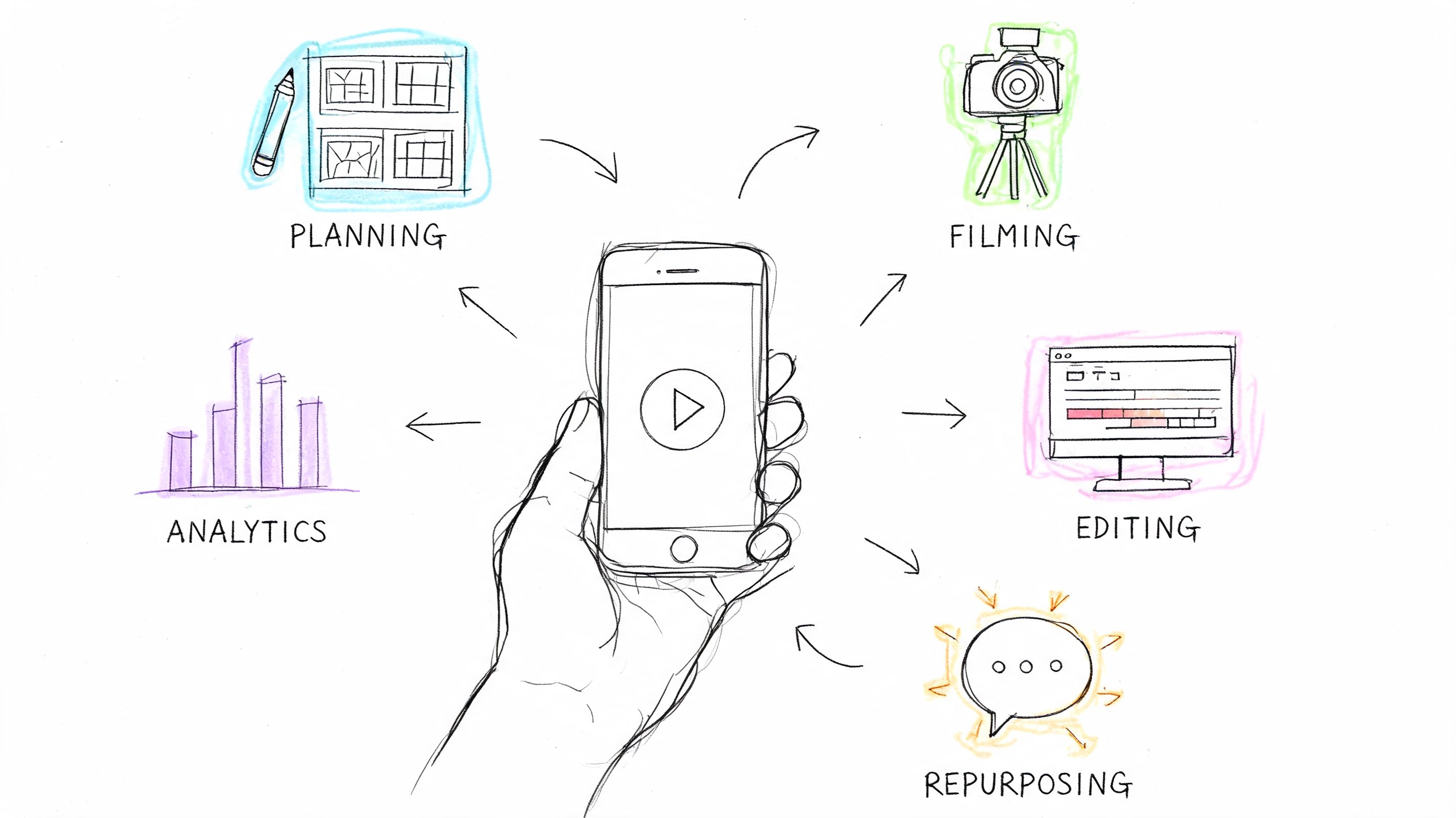
The practical approach is to treat captions as part of a content workflow, not as post-production cleanup. Start with the clip's job. Is it supposed to trigger curiosity, call out a pain point, show credibility, teach a process, or create urgency? Once that purpose is clear, the caption gets easier to write and much easier to repeat across formats.
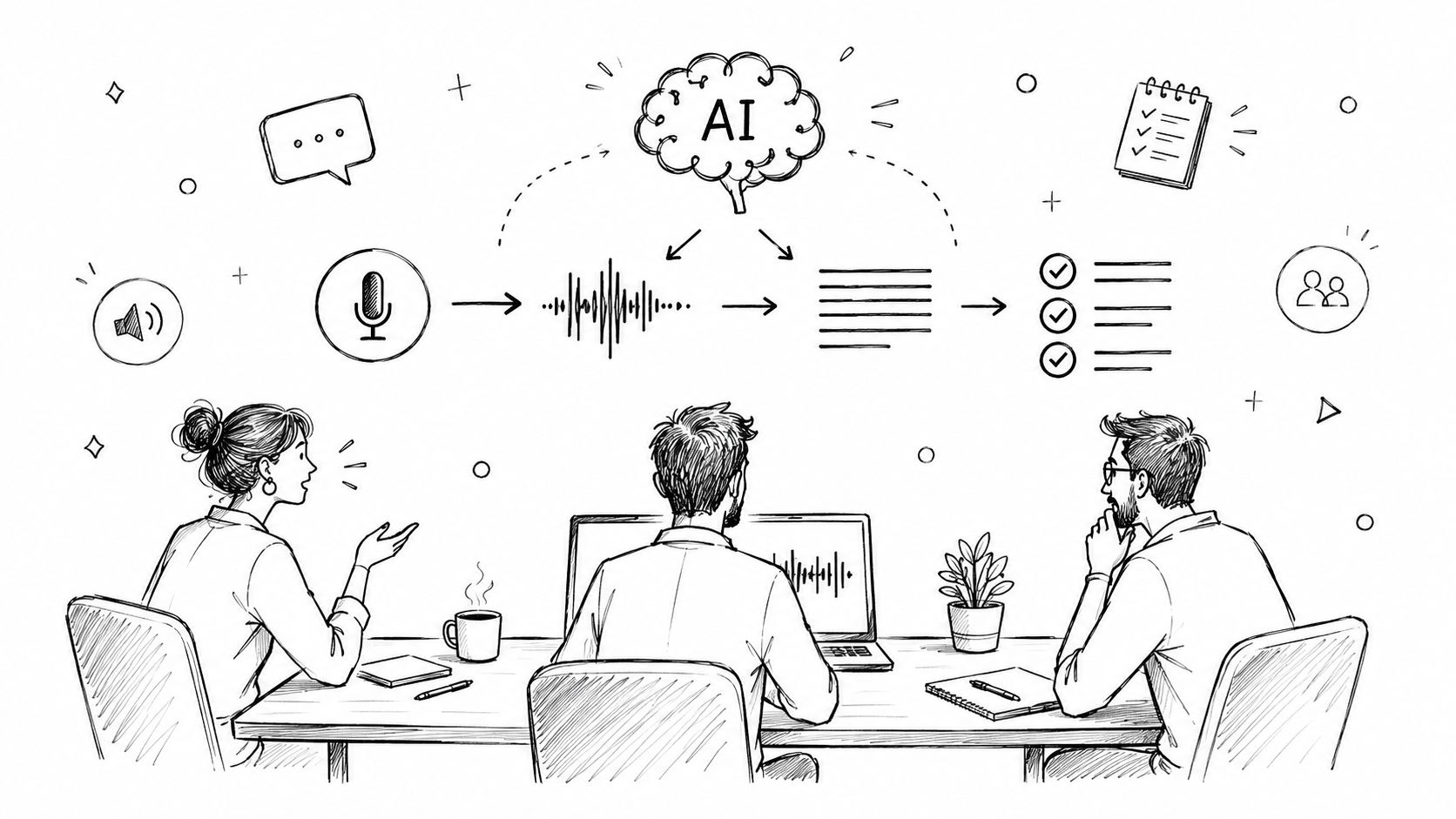
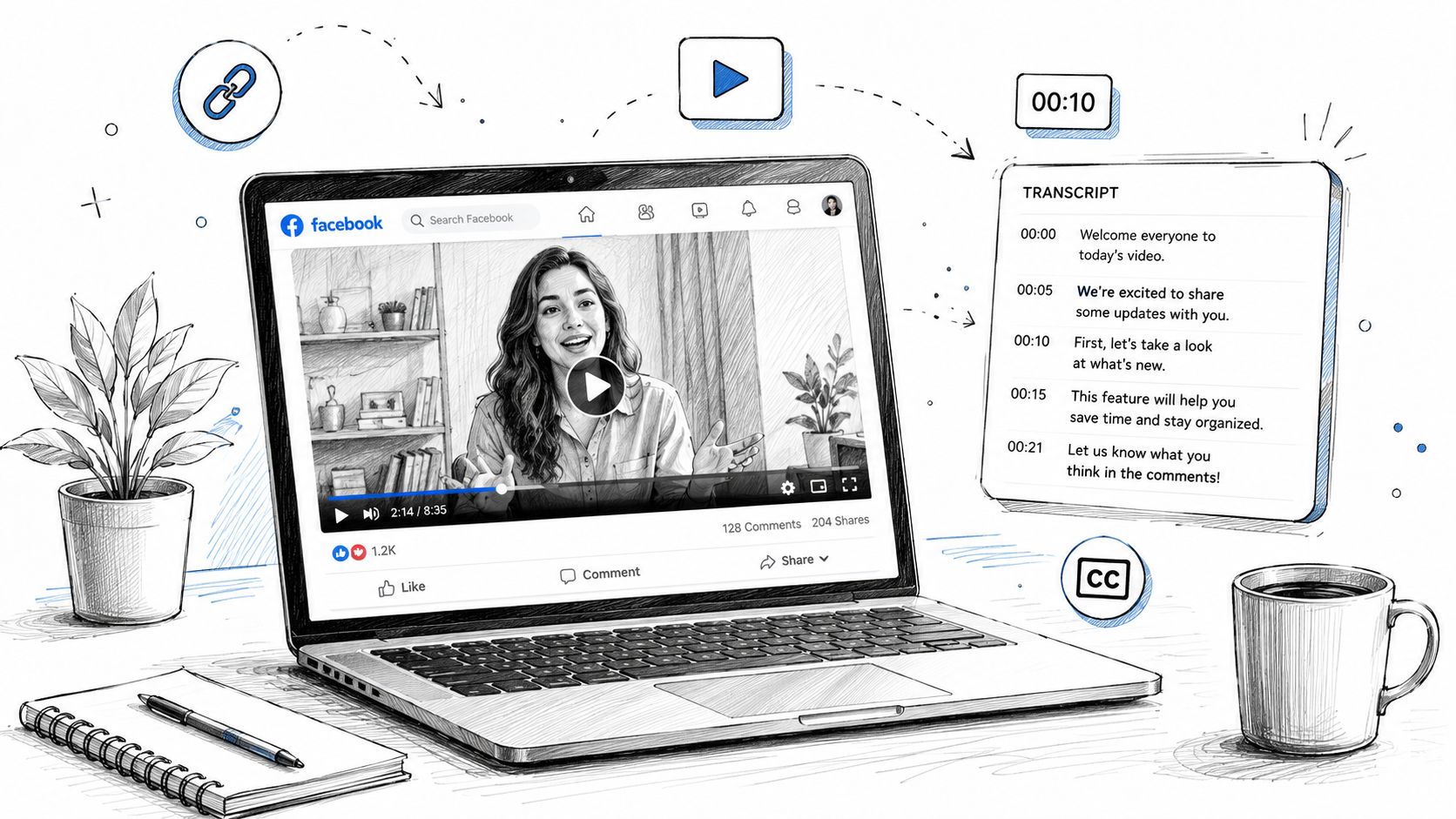
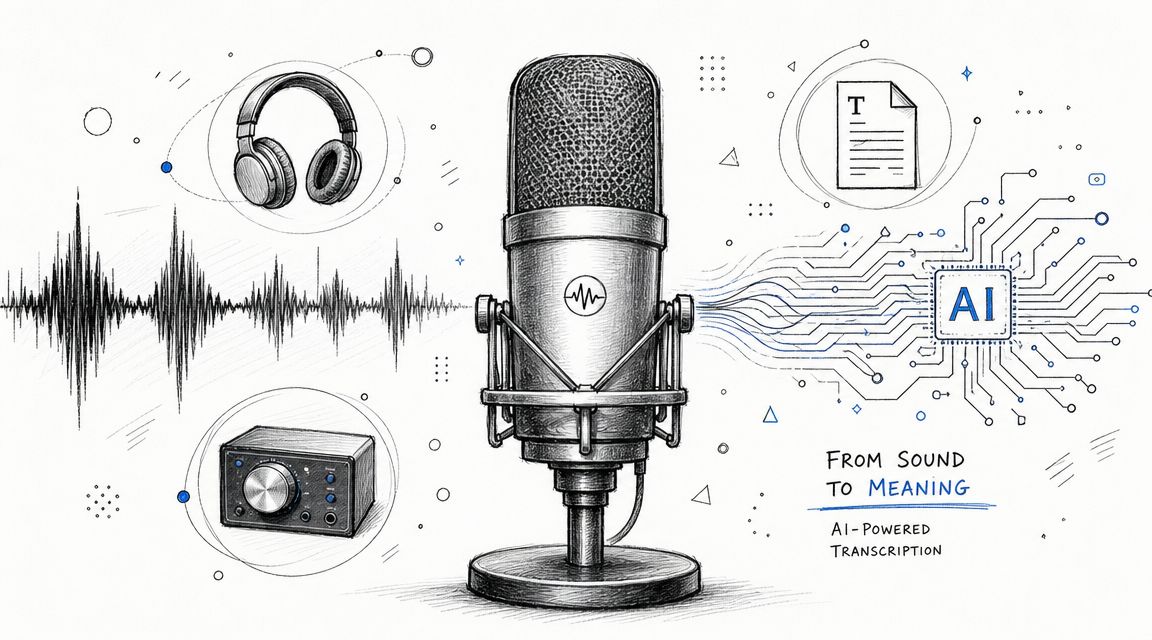
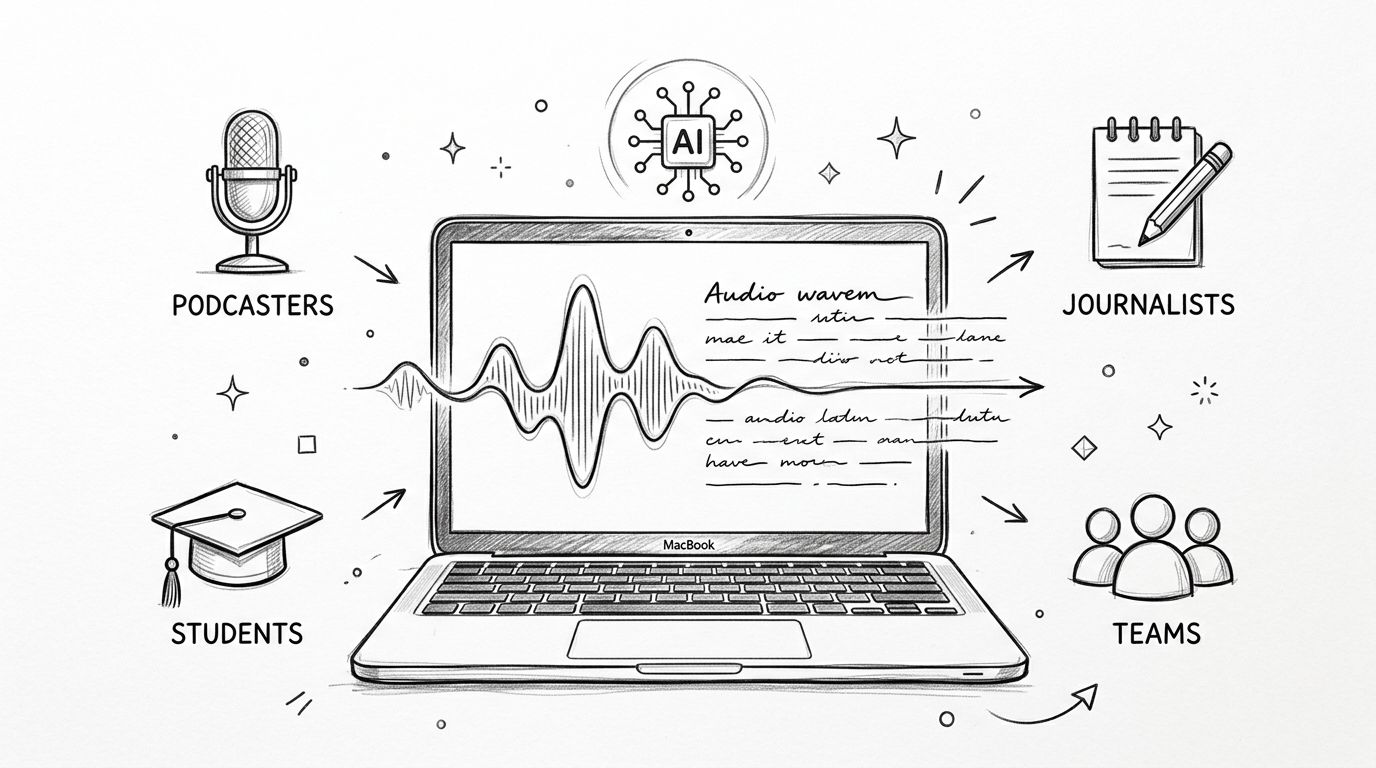
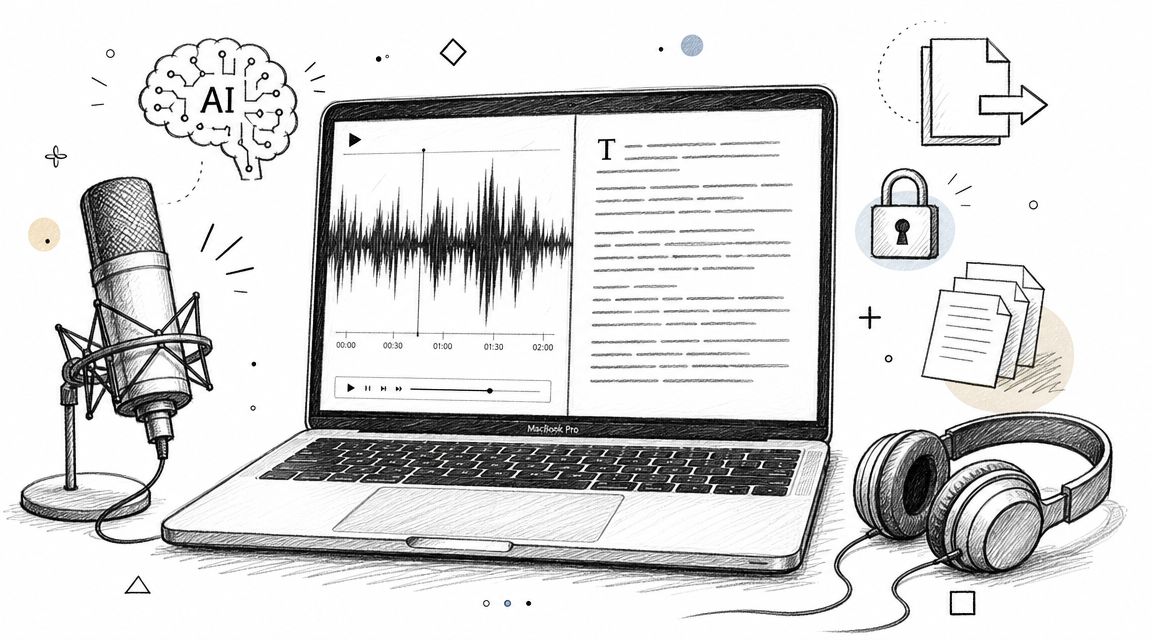
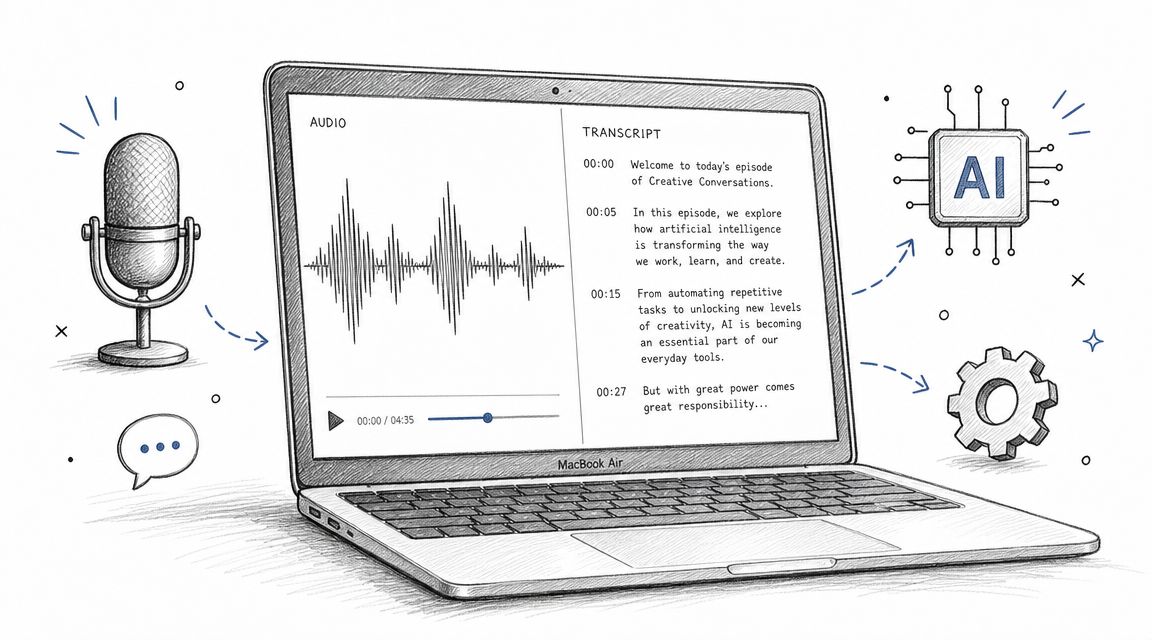
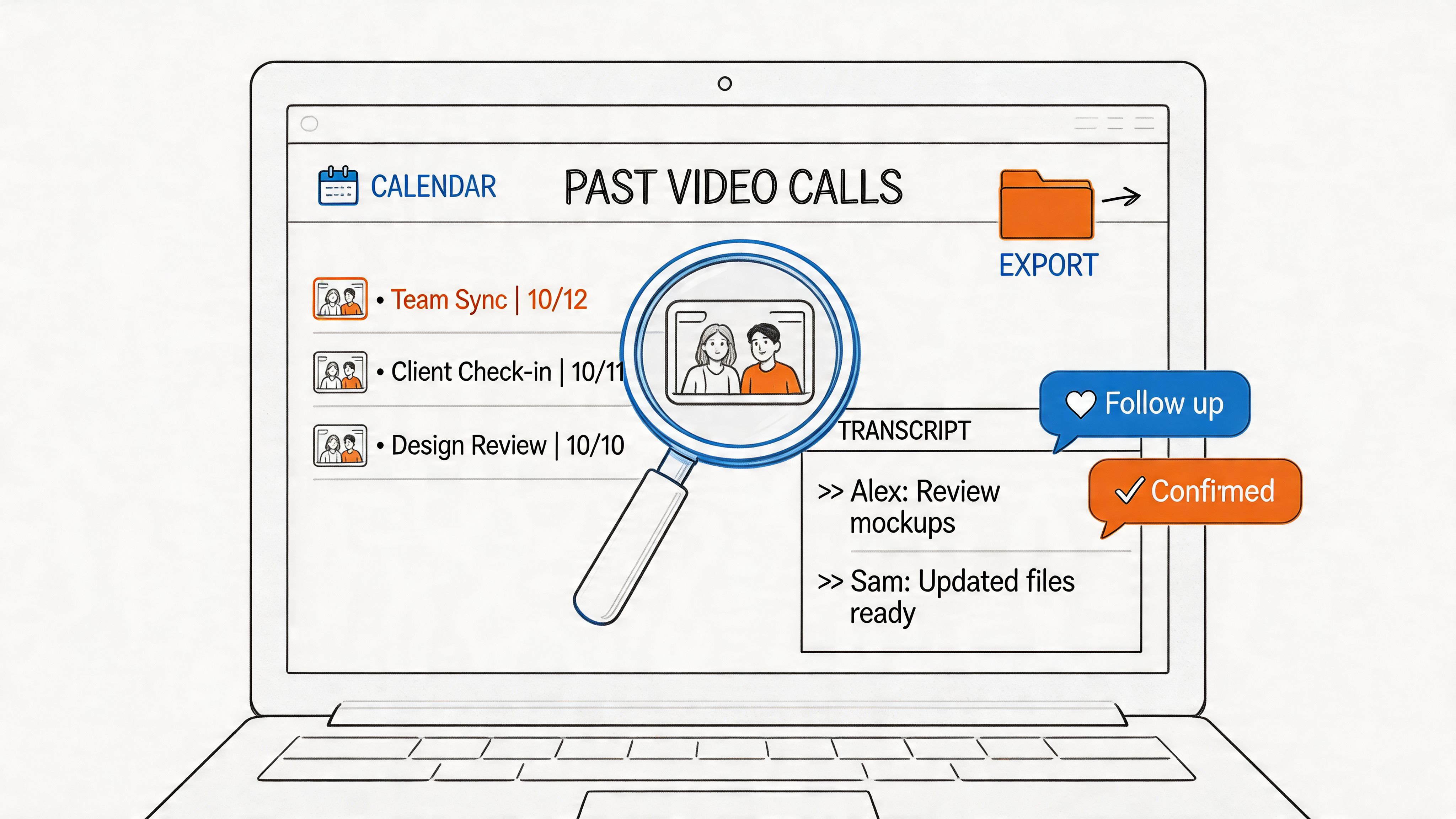
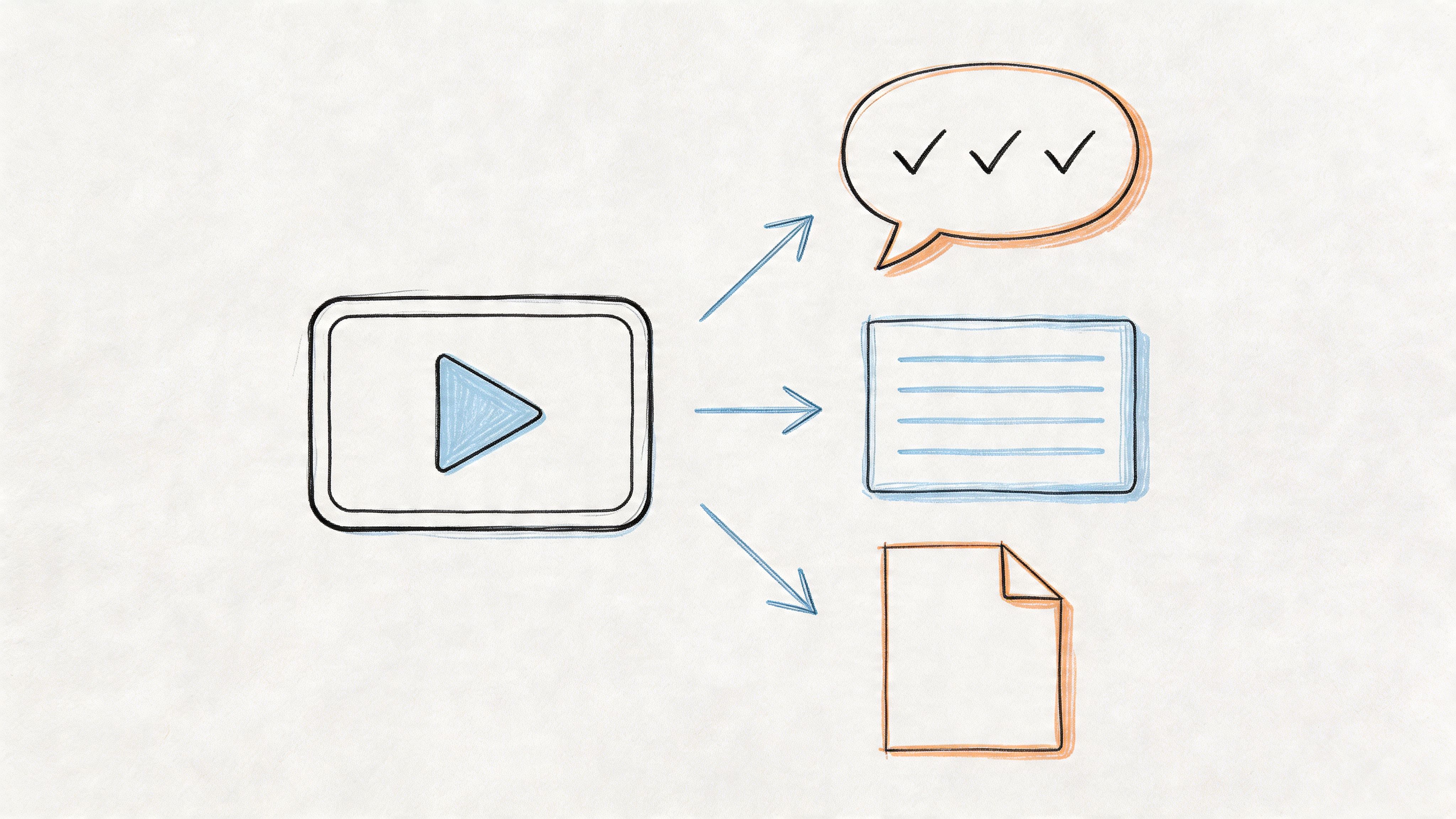
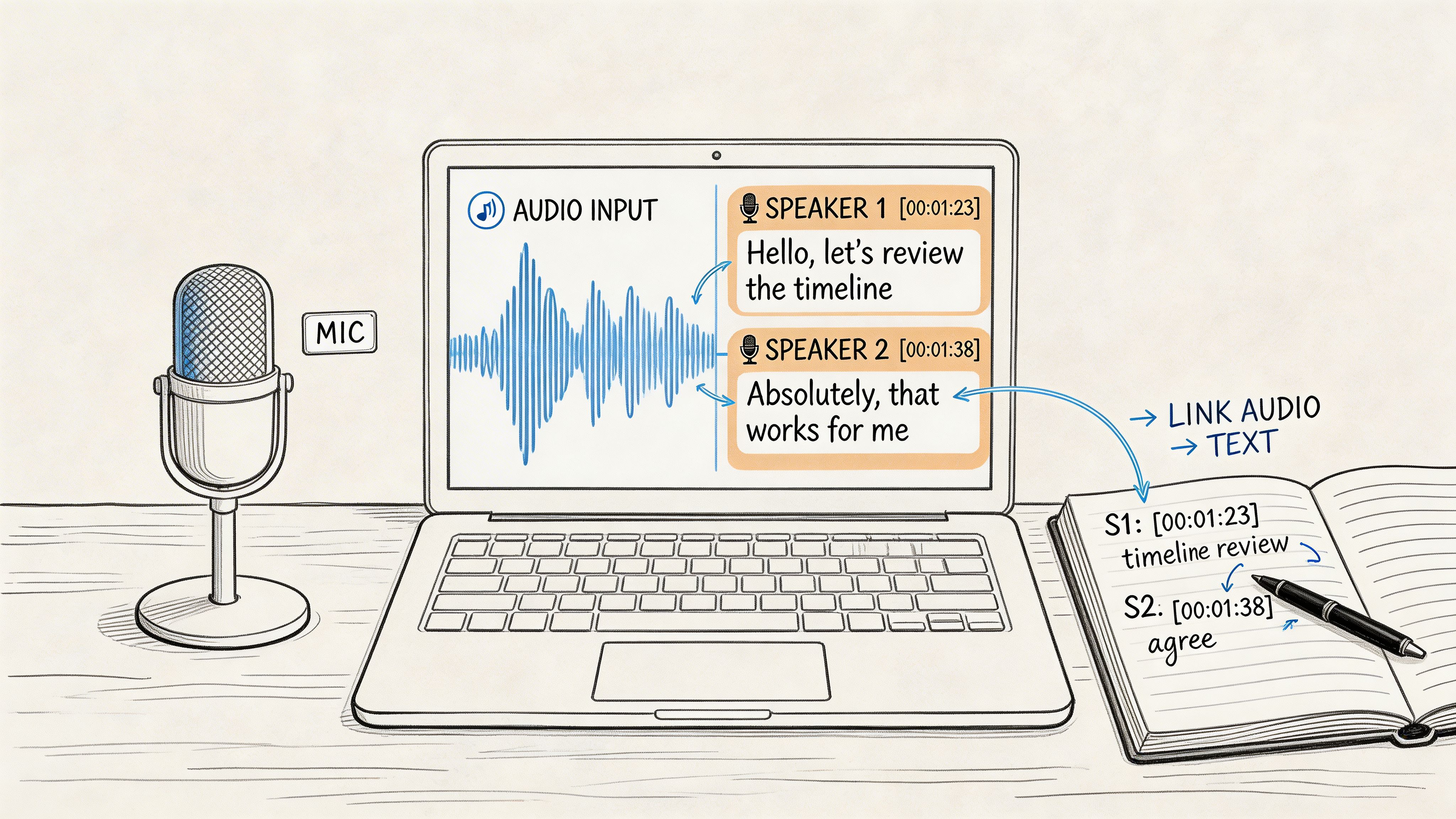
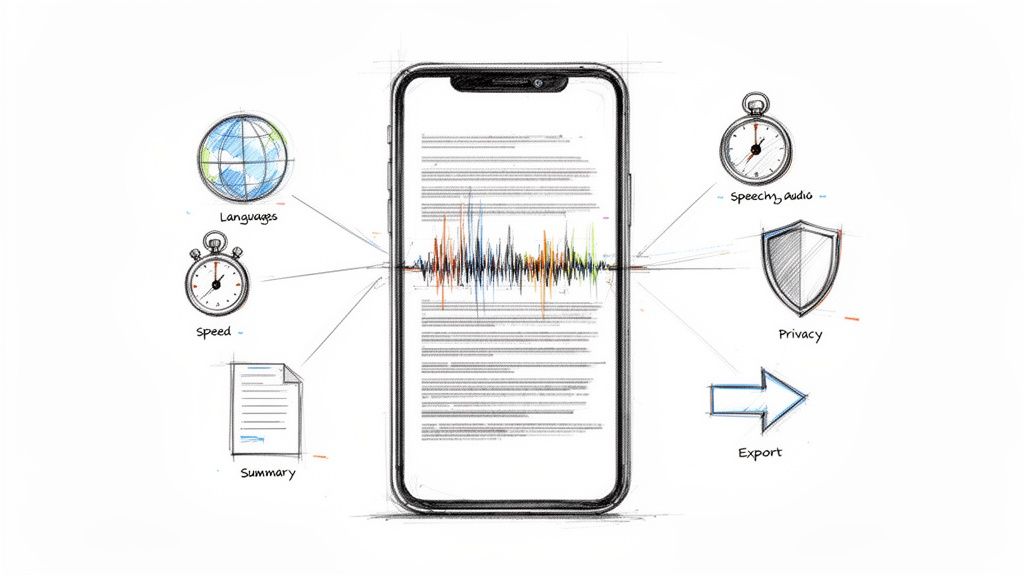
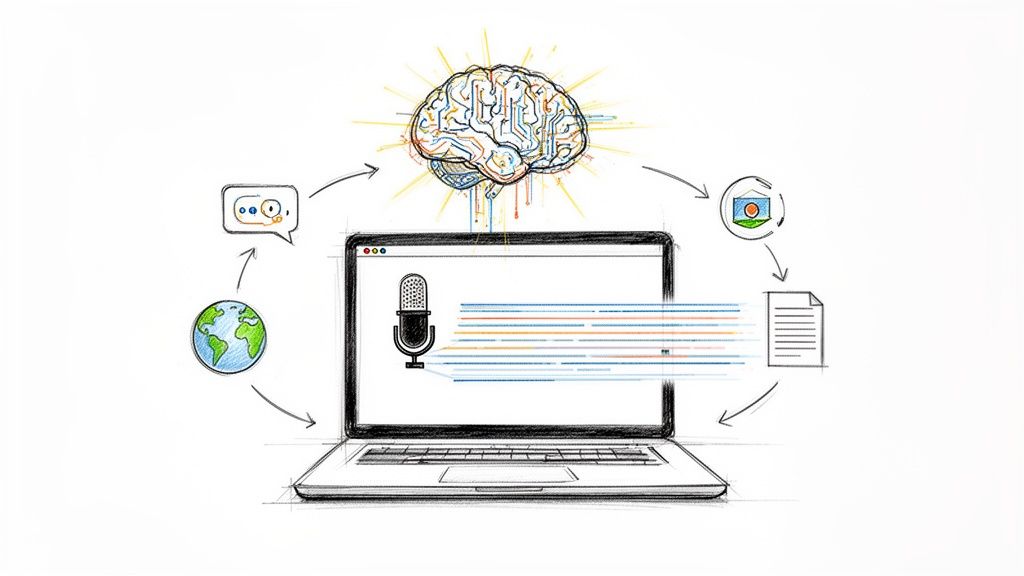
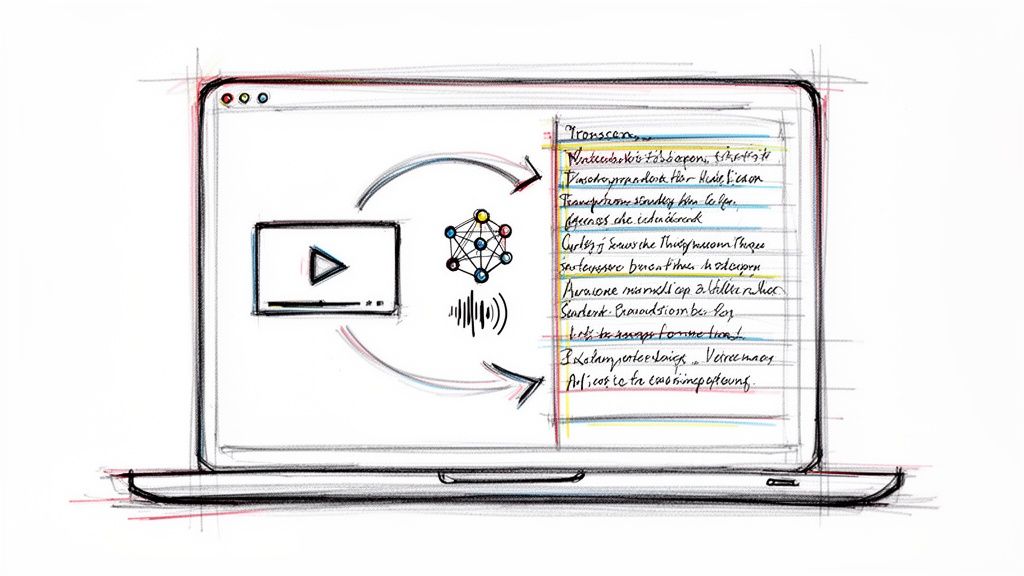
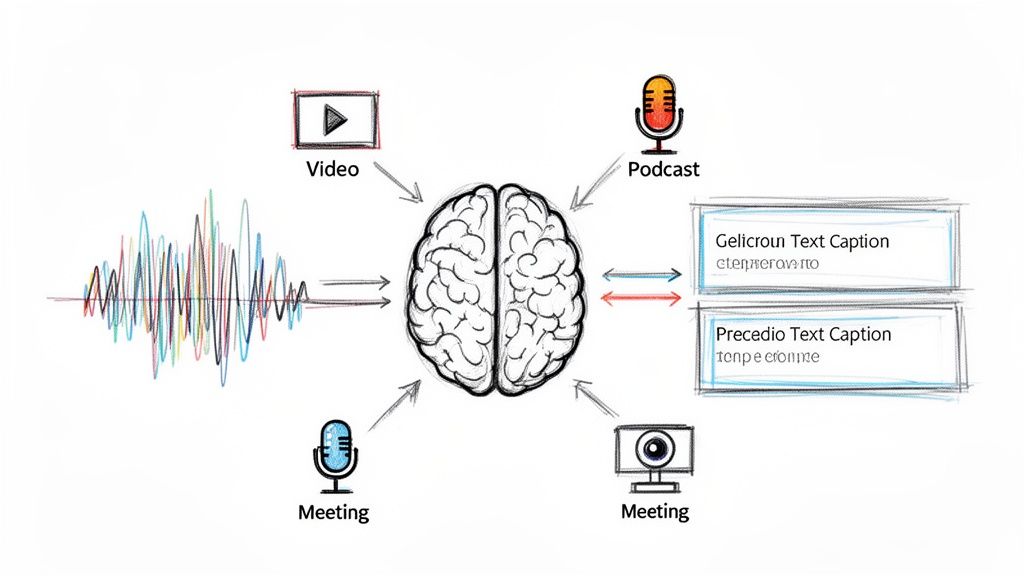
This is also where transcript-based production becomes useful in a very concrete way. With Whisper AI, a long podcast, webinar, interview, or product demo becomes raw material for multiple caption angles. Pull the transcript, find the strongest line, identify the strategic purpose behind that moment, and write the caption from that point instead of guessing from memory. The process is faster, but the bigger gain is consistency. The caption matches the actual payoff in the video.
The 10 caption types in this guide are organized by strategic purpose, not just style. That matters if you publish across different formats and need a repeatable system instead of a list of one-off ideas. Use them to turn long-form content into short-form posts that are clearer, sharper, and easier to scale.
1. Question Hook Captions
Question captions work when the answer sits inside the video, not outside it. If the clip contains a reveal, correction, or turning point, a question creates a clean curiosity gap without forcing clickbait. That's especially useful for educational content, podcast snippets, interviews, and explainers where the payoff arrives a few seconds in.
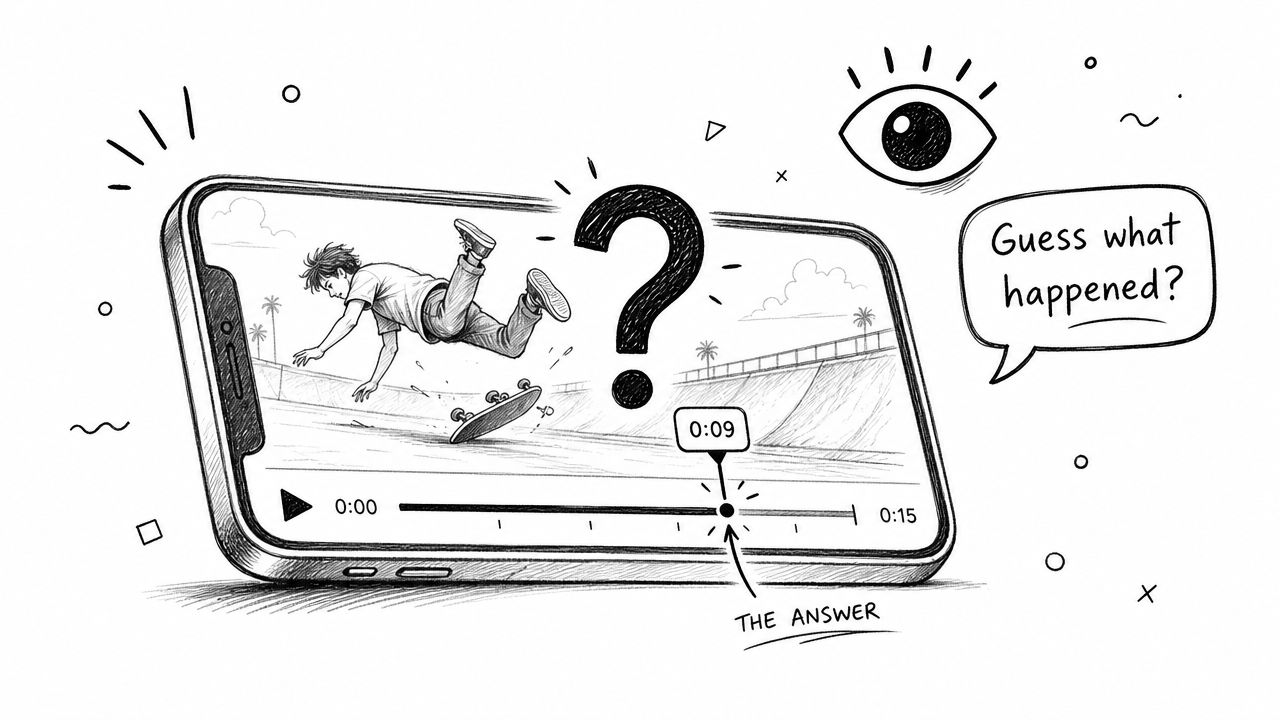
A strong version sounds like this: “Why did the CEO refuse to answer this question?” or “Can you spot the mistake in this explanation?” Both tell the viewer what kind of payoff to expect. They also fit the way TikTok rewards early retention. A 2025 creator insight report noted that videos with dynamic, animated captions retained 23% more viewers in the first 3 seconds than static text, especially among Gen Z users in the U.S. and EU markets, according to the cited TikTok creator insight reference.
How to build one from a transcript
If you're using Whisper AI on a podcast or interview, don't start by inventing the hook. Start by locating the answer moment. Find the sentence where the guest says something surprising, then write the question backward from that line.
That workflow keeps the question honest. It also helps you cut tighter because you know exactly how long the viewer needs to wait.
- Business interview clip: “Why did the founder reject the safer option?”
- Educational clip: “What's wrong with this marketing advice?”
- Podcast clip: “Guess what happened after this meeting ended?”
Practical rule: If the question can't be answered clearly within the clip, don't use it.
What works and what doesn't
Question hooks work best when the viewer can resolve the tension quickly. They fail when the question is too broad, too dramatic, or impossible to answer from the footage.
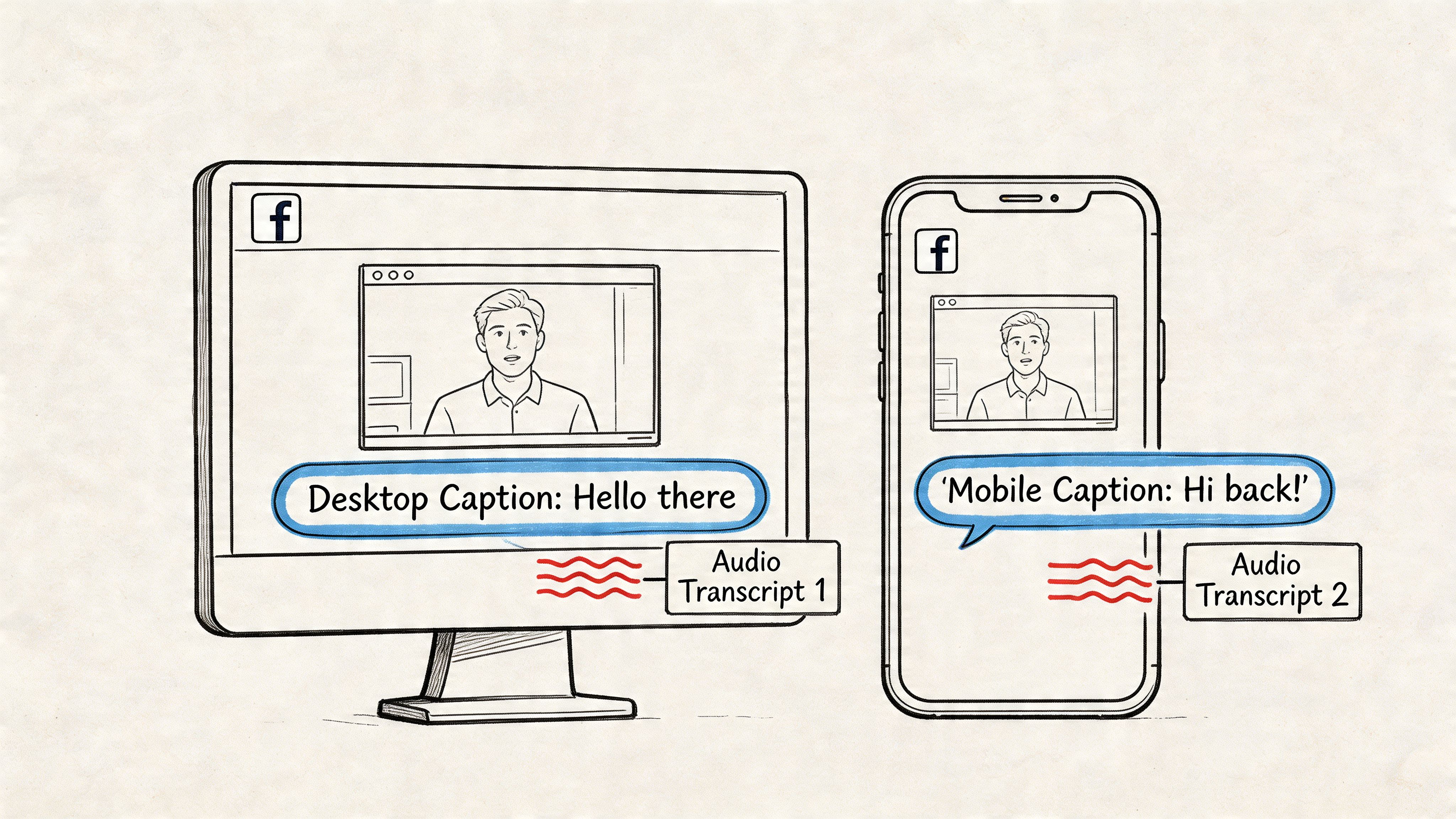
For on-screen captions, keep the spoken lines readable. Opus Clip's subtitle best practices recommend caption lines of 3 to 7 words, shown for 1 to 3 seconds, with breaks at natural pauses. That matters more than people think. A question hook loses force if viewers spend the opening seconds decoding cluttered text instead of following the video.
2. Relatable Pain Point Captions
Pain point captions work because they tell viewers, “Yes, this problem is yours, and I know exactly what it feels like.” They're direct, practical, and effective for service businesses, content teams, solo creators, and anyone selling a workflow fix rather than a lifestyle.
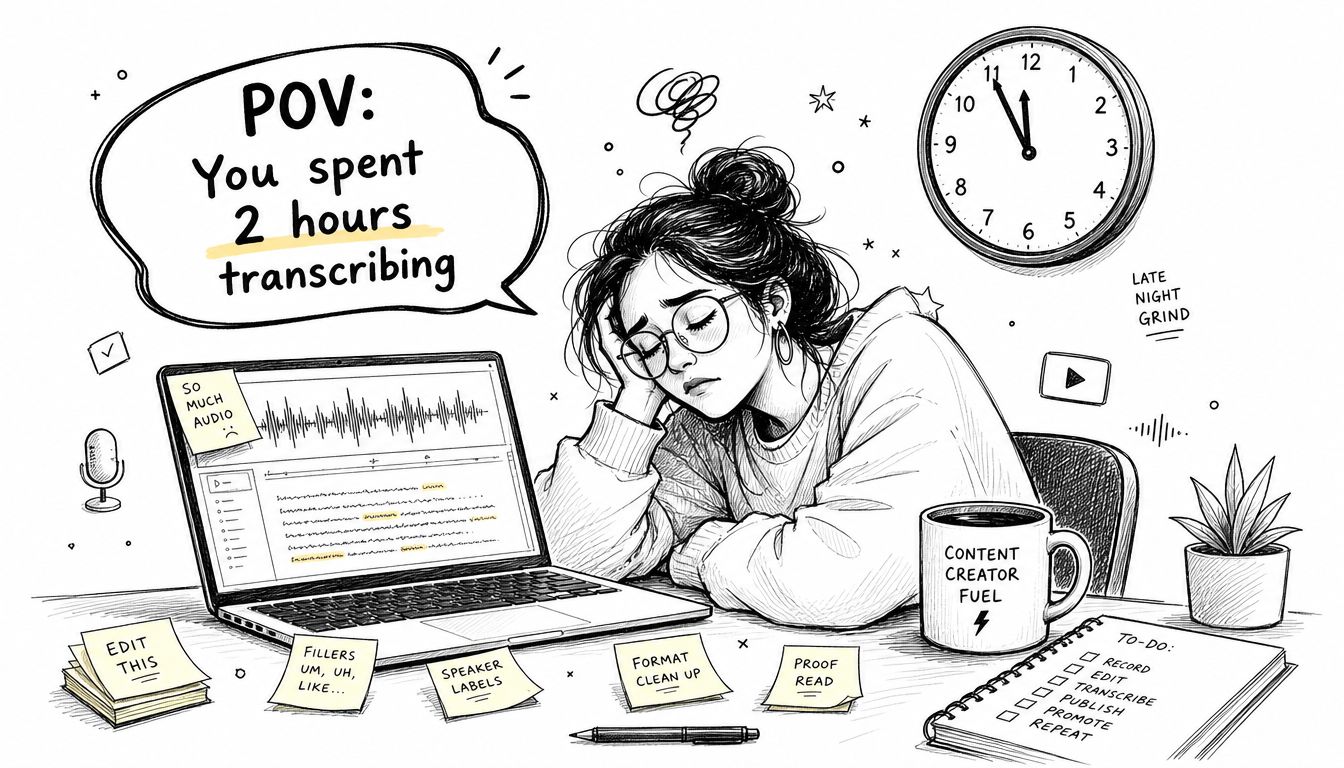
A creator captioning clips from a long webinar could open with, “POV: You forgot to caption the 45-minute video due today.” A social media manager can say, “Your team has ten interviews to process before Friday.” Those lines don't need hype. They need specificity.
The fix has to appear fast
This format breaks when you linger on the pain too long. Viewers will agree with the problem, then scroll if the solution feels delayed, generic, or salesy. The better rhythm is problem first, relief second.
That's where transcript tools help. If your clip shows the before and after clearly, the caption can do less. You can open with the pain in text, then let the video show the workflow that removes it. For teams comparing options, AI-powered transcription services are often easier to demonstrate in TikTok format than to explain abstractly.
- Manual workflow pain: “You spent your afternoon transcribing by hand.”
- Deadline pain: “You remembered captions after export.”
- Volume pain: “Your team is buried in interview footage again.”
The best pain point captions sound like something your audience has already said out loud.
One trade-off most creators miss
Pain point captions can become repetitive fast. If every post starts with “POV” and every visual shows stress, the feed gets stale. Rotate the framing. Sometimes the pain is emotional. Sometimes it's operational. Sometimes it's embarrassment, like posting a video and realizing the spoken audio isn't understandable without text.
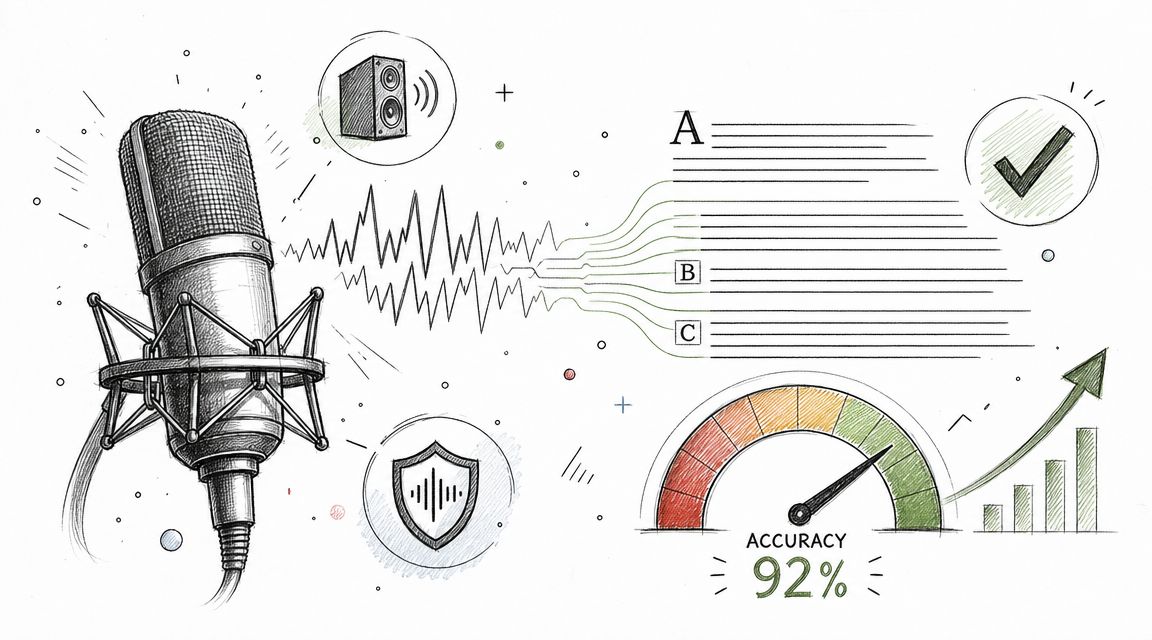
This also connects to accessibility. A 2024 ACM study found that auto-captions often misinterpret dialects, slang, and noisy speech, with weak guidance for creators on how to verify or correct errors, as discussed in the ACM research on user-driven captioning practices. So one useful pain point isn't just “captioning takes too long.” It's “the captions are wrong, and viewers can tell.”
3. Controversy or Bold Statement Captions
A bold statement can earn comments quickly, but only if the clip supports the claim. Otherwise, you get the worst outcome on TikTok. Attention without trust.
This format works best for thought leadership, industry opinions, and educational clips where you've got evidence in the transcript. Good examples sound like “Most podcasts waste the opening minutes” or “You shouldn't be manually taking meeting notes anymore.” Both create friction. Both invite response. Neither needs to pretend to be universal truth.
The line between sharp and sloppy
When I write captions like this, I frame them as a position, not a law. “I think,” “in many situations,” or “in my experience” can make the difference between a strong opinion and a weak overclaim. The post still feels confident, but viewers have room to engage instead of only defend.
What works:
- Opinion with proof: “Most interview intros are too long. Here's the exact moment attention drops.”
- Contrarian process take: “Stop clipping the loudest quote. Clip the clearest one.”
- Category critique: “A lot of ‘educational' TikToks teach less than they signal expertise.”
What doesn't work:
- Empty provocation: “Everything you know is wrong.”
- Unprovable absolutism: “This is the only caption strategy that works.”
- Claim with no payoff: “The entire industry is failing.”
Reality check: Controversy should start the conversation. It shouldn't replace the substance.
Use the transcript as your safety net
Whisper AI is useful here because transcripts let you defend the take with specifics. You can point to the exact quote, exact objection, or exact segment where the guest says something people will want to argue with. That keeps the comment section productive.
The practical test is simple. If someone challenges your caption, can the clip answer them without you jumping into a long clarification? If yes, post it. If not, tighten the claim or rewrite it as a question.
4. Behind-the-Scenes Process Captions
What makes a viewer trust your process enough to keep watching? Usually, it is specificity. Behind-the-scenes captions work when they show how the result gets made, in what order, and where judgment matters. That is different from a generic “here's our setup” post.
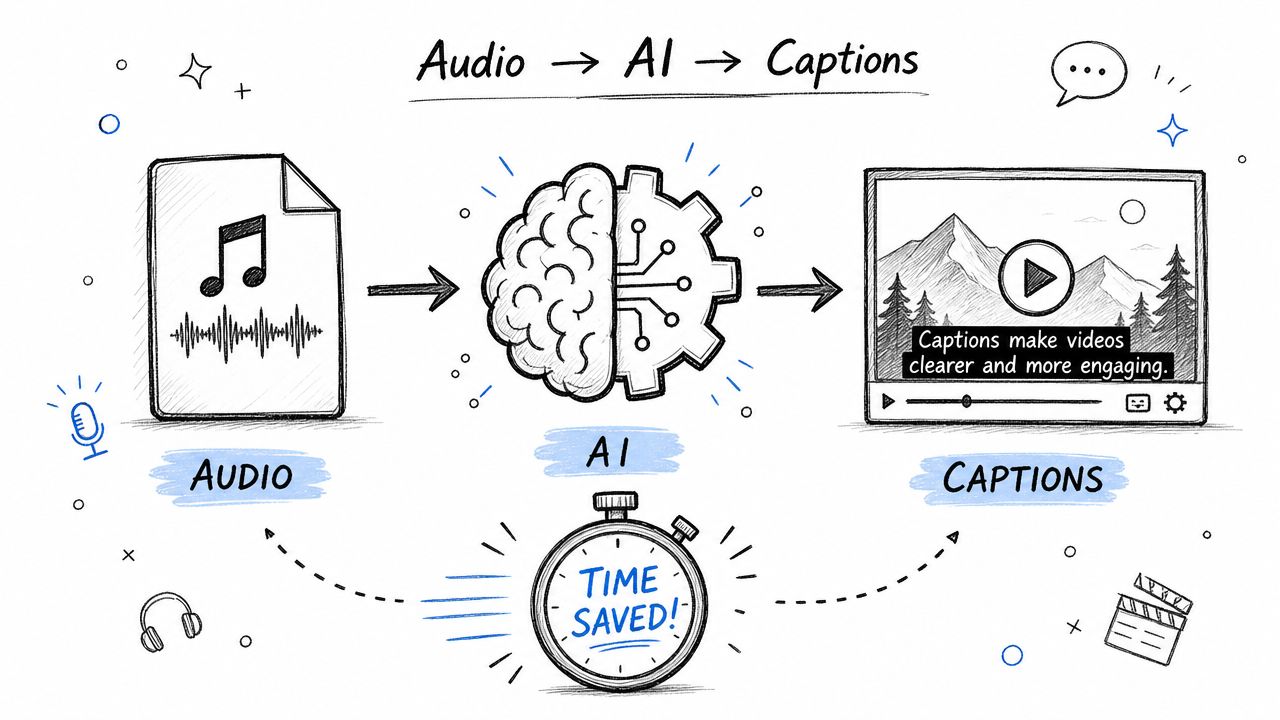
For creators, agencies, and in-house teams, this caption type does two jobs at once. It proves competence, and it makes complex production feel understandable. A caption like “How we turned one two-hour interview into eight TikTok clips” gives the audience a reason to follow the sequence instead of only judging the final edit.
Build the caption around the workflow
The strongest process captions follow a simple chain: source material, decision point, finished asset. That structure gives the viewer a story to track.
A clear example:
- Source: raw interview or podcast recording
- Decision point: transcript cleanup, quote selection, speaker labeling
- Finished asset: short clips with on-screen text and platform-ready caption copy
That sequence matters because process content holds attention when the viewer can see progress. Random screen recordings of editing software rarely do. The caption should name the transformation so the clip has direction before the first cut even lands.
Use Whisper AI to turn long-form content into process captions faster
This category gets much easier when you start with a transcript instead of a blank page. With Whisper AI, you can pull the exact moments where the workflow becomes interesting: the strong quote, the messy handoff, the point where multiple speakers need attribution, or the edit decision that changes the clip.
That gives you more useful caption angles, such as:
- “From raw audio to timestamped transcript to clipped highlights”
- “How we find the strongest 20 seconds in a 90-minute recording”
- “Our process for handling interviews with overlapping speakers”
- “What happens between recording the episode and posting the TikTok”
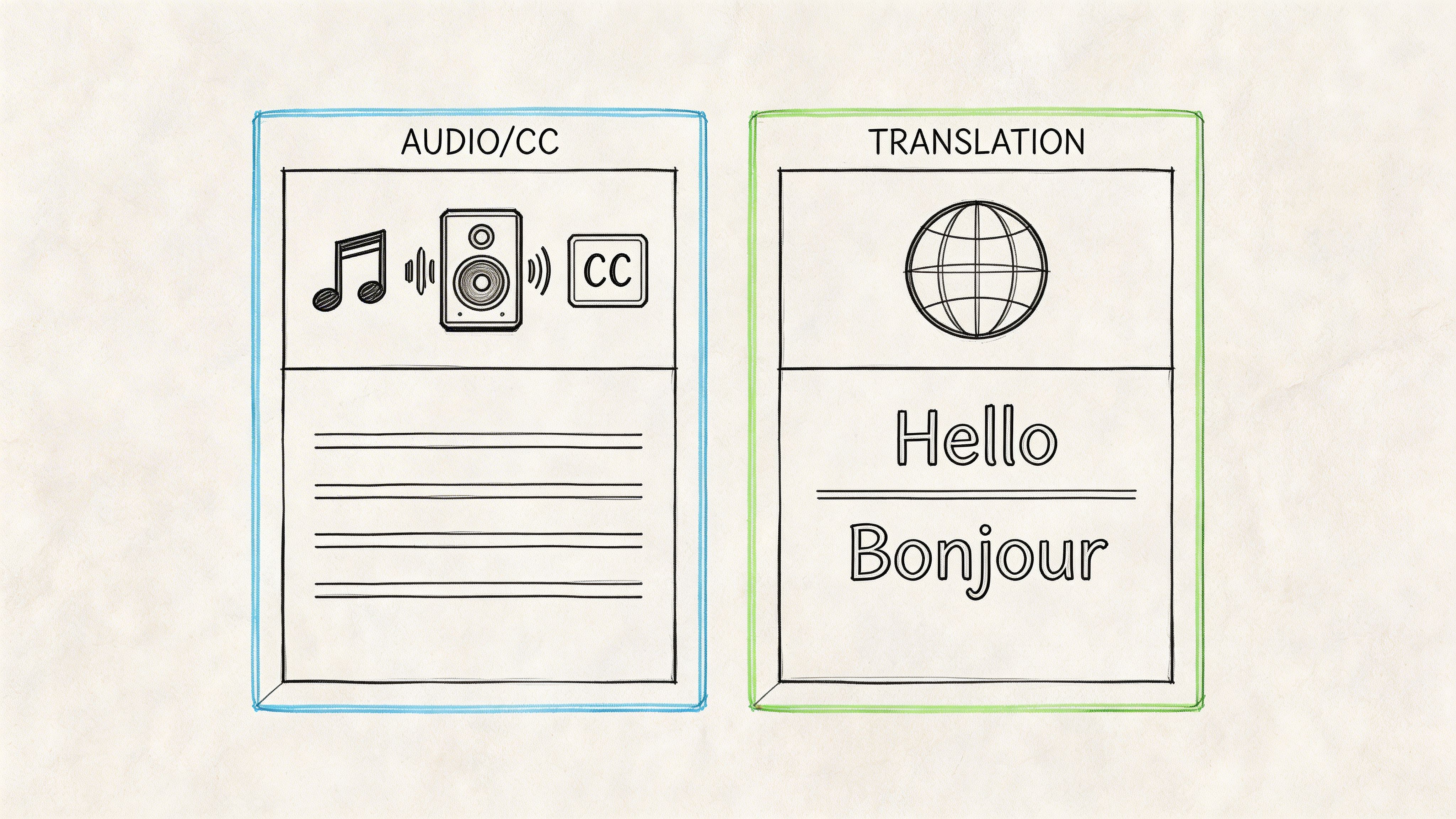
If your clip depends on readable dialogue, clean labeling matters too. A quick review of the difference between subtitles and closed captions helps when you are deciding what text should appear on screen versus what belongs in the caption field.
Show the choices, not just the tools
Tool shots are weak unless the viewer understands why a choice was made. Say what you cut, what you kept, or what signal told you a segment was worth clipping. That is the part audiences read as expertise.
Good behind-the-scenes captions make the payoff explicit:
- “We cut three minutes of setup to get to the first clear takeaway”
- “This is how we choose one quote instead of the loudest quote”
- “Why we transcript first before writing TikTok captions”
Process captions are operational. They tell the viewer what stage they are watching, what decision is being made, and why that decision improves the post. That is what separates useful behind-the-scenes content from footage that only feels internal.
5. Educational Explainer Captions
What does the viewer learn from this clip in the next 20 seconds?
That question usually decides whether an educational caption works. If the lesson is obvious, the caption earns the click. If the caption sounds broad, clever, or vague, the post gets skipped even when the video itself is useful.
Educational explainer captions work best when they name one specific concept and frame it in plain language. For creators repurposing long-form content, this is often the fastest way to turn transcript material into TikTok posts with clear search intent. A webinar, interview, podcast, or client call usually contains several teachable moments. The job is to isolate one and caption it so the value is immediate.
A transcript helps here. Instead of summarizing the whole clip, scan for the sentence where the speaker defines a term, clears up a common confusion, or answers a question people ask repeatedly. That sentence often gives you the caption.
Examples:
- “What speaker detection does”
- “The difference between subtitles and closed captions”
- “Why transcript cleanup affects clip quality”
- “What auto-captioning misses in multi-speaker audio”
Keep the lesson tight. One distinction is enough.
Creators often weaken explainer posts by trying to teach a category instead of resolving a single point of confusion. TikTok rewards clarity and completion. A viewer should feel, “I get it now,” not “I just watched the first minute of a course.”
That also changes how you write from transcripts generated with Whisper AI or similar tools. Do not pull the most formal sentence. Pull the sentence with the cleanest teaching value, then rewrite it into spoken language. Educational captions perform better when they sound like an answer, not a glossary entry.
If your clip covers accessibility or on-screen text, precise wording matters. This guide to subtitles versus closed captions is a useful reference if your team still uses those terms interchangeably.
Build explainers around one clear teaching sequence
A simple structure keeps these captions useful:
- Name the concept: “What is speaker detection?”
- Define it plainly: “It separates who said what in the transcript.”
- Show the practical result: faster edits, better attribution, fewer caption mistakes
That last step matters more than many creators think. Definitions alone feel academic. The practical result gives the viewer a reason to care and gives the post a stronger save rate.
There is also a production constraint to account for. UC Davis guidance on TikTok best practices notes that TikTok auto-generated captions recognize spoken speech, but not song lyrics or TikTok audios. If your explainer depends on audio text the platform will not transcribe, write the meaning into the caption or add the text manually on screen before publishing.
6. Pattern Recognition or Data-Driven Captions
Pattern captions are strong because they promise an insight, not just a statement. The viewer isn't only hearing your opinion. They're seeing a pattern you noticed after reviewing a lot of material.
That's useful for marketers, researchers, podcast editors, interview-based creators, and anyone with enough source material to compare examples. The caption might say, “After reviewing founder interviews, we kept seeing the same hiring mistake,” or “We noticed one phrase strong speakers almost never use.”
Don't fake scale
Creators often become reckless. If you didn't analyze a real batch of content, don't write like you did. You can still make the post work with qualitative language. “After editing a lot of coaching videos” is credible if that's true. “We analyzed 10,000 clips” isn't, unless you indeed did.
One broad benchmark is useful here. An analysis of 13.5 million viral video clips found that 80.2% of viral TikTok content uses captions, and 78.6% of those clips use animated captions, according to Opus Clip research on TikTok caption strategy. That doesn't tell you what to say in your caption. It does tell you that text is part of the visual language of winning clips.
How to turn patterns into posts
A simple formula works well:
- Observed pattern: “The best interview clips get to the point faster.”
- Evidence in the video: show two or three examples
- Takeaway: explain what to copy
You don't need a giant dataset to make a useful point. You need a real pattern and a fair explanation.
Use Whisper AI to search transcripts for repeated words, repeated objections, repeated questions, or repeated transitions. That's where pattern posts get easy. Instead of manually skimming footage, you can search for themes, pull examples, and arrange them into one short clip that feels earned rather than invented.
7. Story or Narrative Arc Captions
What makes someone watch to the end of a TikTok that starts with ordinary footage? A clear shift. Story captions work when they signal that something changed, and the video makes viewers want to see how.
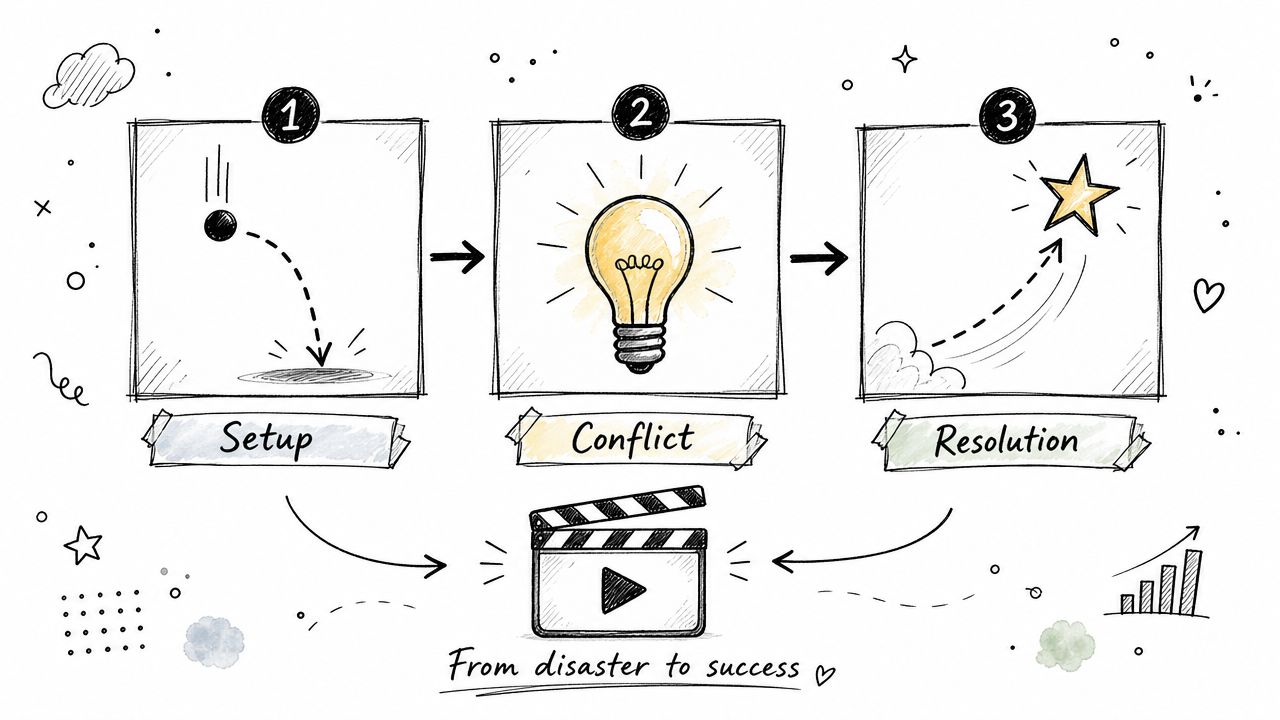
This caption type earns attention by creating forward motion. It fits founder stories, project recaps, client moments, documentary-style clips, and interview excerpts built around a turning point. Good examples sound like, “This project nearly failed. Here's what fixed it,” or “She was about to say no. Then one detail changed the conversation.”
The caption's job is to open the loop
A weak story caption gives away the whole ending. A strong one sets the scene, hints at tension, and leaves room for the edit to do its work.
Use that structure on purpose:
- Founder narrative: “He was ready to quit. Then one call changed the plan.”
- Process narrative: “The launch broke on day one. We rebuilt this part first.”
- Interview narrative: “The answer started safe. Then she said what happened.”
That trade-off matters. If the caption is too vague, people scroll. If it explains everything, retention drops because the payoff is already gone.
Build the arc from spoken turns
Whisper AI is useful here because story beats rarely arrive labeled. In podcasts, interviews, and behind-the-scenes footage, the turning point is usually buried inside a longer answer. Search the transcript for contrast language such as “but,” “then,” “until,” “except,” or “after that.” Those words often mark the moment where the story changes direction.
From there, treat caption writing like editing, not decoration. Find the setup. Isolate the conflict. Cut to the turn. Then write a caption that introduces the first beat without summarizing the resolution.
One practical workflow works well:
- Pull a transcript with Whisper AI
- Highlight the sentence where the situation changes
- Trim the clip so that turn happens early enough to reward the viewer
- Write a caption that frames the setup and tension
- Use on-screen text to label the beats, setup, problem, fix, outcome
That gives story captions a distinct role in your workflow. They are not generic hooks. They are packaging for clips with a beginning, a complication, and a visible shift.
8. Trend-Jacking or Cultural Reference Captions
What makes a trend caption worth using instead of just making your post look late?
The answer is fit. A trend, meme format, or cultural reference should give the viewer a faster way into your point. It should not carry the whole post for you. If the joke lands but the value stays fuzzy, the caption failed its job.
A weak execution looks familiar. A creator drops a trending sound on a product clip and hopes recognition does the work. A stronger version adapts the format to a real audience problem, such as “Still writing TikTok captions by hand for every clip,” then shows the workflow fix on screen. The reference gets attention. The usefulness keeps retention from collapsing.
Use trends as packaging, not strategy
Speed matters with trends, but relevance decides whether the post holds up. If the reference does not match how your audience talks, skip it. Short-term curiosity without a clear connection usually brings shallow views, weak saves, and comments that miss the point.
Caption text has to carry more context than many creators expect. Viewers need to understand the niche, the problem, and the payoff quickly, especially when the visual format starts with a joke or familiar meme structure. That is why trend captions work best when the underlying clip already says something specific.
A simple filter helps:
- Does this trend fit the audience's language and humor?
- Does the reference sharpen the message instead of competing with it?
- Will the post still make sense after the trend cools off?
If the reference dates the post faster than the insight, pass on it.
Whisper AI is useful here for a practical reason. It lets you pull long-form interviews, podcasts, or webinars into searchable transcript chunks, then spot lines that already sound current, quotable, or slightly self-aware. That gives you raw material with substance first. Then you can match a trend format to a transcript moment that already has a point, instead of forcing a serious idea into a meme template that weakens it.
That trade-off matters for teams repurposing long-form content at volume. Trend captions are not the foundation of the workflow. They are an optional wrapper for clips that already have a clear takeaway and a natural cultural fit.
9. Benefit-Focused and Urgency Captions
What does the viewer get, and why should they care now? Benefit-focused captions work when they answer both questions in plain language.
Lead with the outcome people want to achieve. “Turn one interview into five TikTok clips” gives the viewer a reason to stop. “Now with smarter timestamping” explains a feature, but it does not explain the result.
That distinction matters even more on TikTok because users often search by problem, not by product language, as noted earlier in the article. Captions that mirror those search terms tend to travel further. Use phrases your audience would type: “transcribe interviews,” “add captions to TikToks,” “repurpose podcast clips.”
A practical workflow helps here. If you are repurposing long-form content, pull the transcript first, highlight lines that already promise a clear result, then shape the caption around that promise. Tools like Whisper AI's caption generator workflow speed this up by turning long recordings into usable draft material instead of making you start from a blank page.
Urgency still has a place, but only when the deadline is real. Honest urgency sharpens a strong offer. Forced urgency makes the post sound like an ad, which lowers trust fast.
Use urgency when the timing changes the value:
- Launch windows: new feature release, early access, limited enrollment
- Time-bound events: webinar registration, live training, office hours
- Fast-moving updates: platform changes, breaking tactics, deadline-driven opportunities
Skip urgency on evergreen educational posts. If the advice will still help next month, the stronger play is a durable benefit caption that earns saves and search traffic over time.
The best urgency captions stay calm and specific. “Applications close Friday” works. “Last spots for Thursday's live teardown” works. Clear language usually beats hype.
10. Micro-Tutorial or How-To Captions
Want a caption format that earns saves, supports search, and tells the viewer exactly what they will get? Use a micro-tutorial.
This caption type works because the promise is clear at a glance. The viewer sees a specific task, a short path, and a useful outcome. On TikTok, that clarity often beats clever phrasing, especially for educational clips, tool walkthroughs, and repurposed long-form content.
Keep the lesson narrow enough to finish
The best micro-tutorial captions cover one job only. “How to caption a TikTok interview clip” works. “3 steps to turn a podcast answer into a short” works. “Everything you need to know about content repurposing” is too broad for a short video and usually weak as a caption because the outcome is vague.
That constraint is strategic. A narrow caption helps the viewer decide fast, helps TikTok understand the topic, and helps you keep the video tight.
If you are repurposing webinars, podcasts, or interviews, start with the transcript, not the blank caption box. A practical AI caption generator workflow for transcript-based drafts makes it faster to pull out one teachable moment and shape it into a usable how-to.
A structure that holds up in practice
Micro-tutorial captions perform best when the caption, spoken delivery, and on-screen text all follow the same sequence. If one says “3 steps” and the video wanders, completion drops.
Use a simple build:
- Task: name the exact job
- Steps: show 2 to 4 actions in order
- Result: state what changes at the end
For example:
- Task: How to turn an interview clip into a searchable TikTok
- Step 1: upload or trim the source clip
- Step 2: pull the transcript and find the clearest line
- Step 3: add readable on-screen captions and a front-loaded post caption
- Result: the video is easier to follow, easier to find, and easier to finish
The trade-off is speed versus completeness. A short tutorial gets more finishes. A fuller tutorial may teach more, but it often belongs in a carousel, thread, or longer video. For TikTok captions, brevity usually wins if the result is specific.
Put the promise first. Only the opening of the caption shows before expansion, so lead with “How to add clean captions fast” or “How to repurpose one podcast answer into a TikTok clip.” Save the extra context for the video itself.
Top 10 TikTok Caption Types Compared
| Caption Style | 🔄 Implementation Complexity | ⚡ Resource & Speed Efficiency | 📊 Expected Outcomes (⭐) | Ideal Use Cases | 💡 Key Tips |
|---|---|---|---|---|---|
| Question Hook Captions | Medium, needs precise setup and payoff | Low resource; fast with timestamps ⚡ | Boosted retention and shares, ⭐⭐⭐⭐ | Podcast highlights, interviews, educational clips | Use Whisper AI timestamps to reveal the answer; match question to audience |
| Relatable Pain Point Captions | Low, simple framing but requires authenticity | Low resource; quick to produce ⚡ | High comments and community engagement, ⭐⭐⭐⭐ | SaaS, content workflows, B2B marketing | State pain clearly then show the solution; pair with expressive visuals |
| Controversy / Bold Statement Captions | Medium–High, requires credible backing and moderation | Moderate resource; slower prep for evidence | High reach and debate, risky, ⭐⭐⭐⭐ | Thought leadership, industry commentary, research | Back claims with transcript timestamps; frame as opinion and moderate comments |
| Behind‑the‑Scenes Process Captions | Medium, needs process footage and clear sequencing | Moderate resource; moderate speed | Trust and credibility gains, ⭐⭐⭐ | Workflow demos, product showcases, creator BTS | Show dashboards/metrics and quantify time saved |
| Educational Explainer Captions | Medium, needs subject expertise and clarity | Moderate resource; moderate speed | High saves and authority, ⭐⭐⭐⭐ | Academic, training, technical explainers | Break complex topics into 3–5 steps; use real transcripts as examples |
| Pattern Recognition / Data‑Driven Captions | High, requires large-scale analysis and validation | High resource; slower due to data processing | Strong authority and shareability, ⭐⭐⭐⭐ | Data journalism, research, analytics insights | Use bulk Whisper AI processing, visualize findings, state sample limits |
| Story / Narrative Arc Captions | Medium, requires editing for emotional beats | Moderate resource; moderate speed | Strong retention and episodic engagement, ⭐⭐⭐⭐ | Documentaries, interviews, founder stories | Timestamp turning points; craft clear setup-conflict-resolution |
| Trend‑Jacking / Cultural Reference Captions | Low, copy adapts to trend but timing is crucial | Low resource; very fast to publish ⚡ | Quick visibility but short shelf-life, ⭐⭐⭐ | Viral growth, brand relevance, social discovery | Ensure trend fits naturally; keep templates ready and act fast |
| Benefit‑Focused & Urgency Captions | Low, clear claims needed and accurate metrics | Low resource; fast to produce ⚡ | High conversions when credible, ⭐⭐⭐⭐ | Promotions, feature launches, limited offers | Lead with precise benefits and honest scarcity; include numbers |
| Micro‑Tutorial / How‑To Captions | Low, concise structure required for clarity | Low–moderate resource; quick if steps are simple ⚡ | High saves and practical value, ⭐⭐⭐⭐ | Tool tutorials, productivity hacks, quick workflows | Number steps, show interface, end with a clear success outcome |
Automate and Elevate Your Caption Workflow
The best TikTok captions rarely come from staring at a blank box under the video. They come from the source material itself. A sharp quote from an interview. A surprising turn in a podcast. A clean explanation inside a tutorial. A useful objection inside a sales call. Once you start seeing captions as extracted assets instead of last-minute copy, the whole process gets easier.
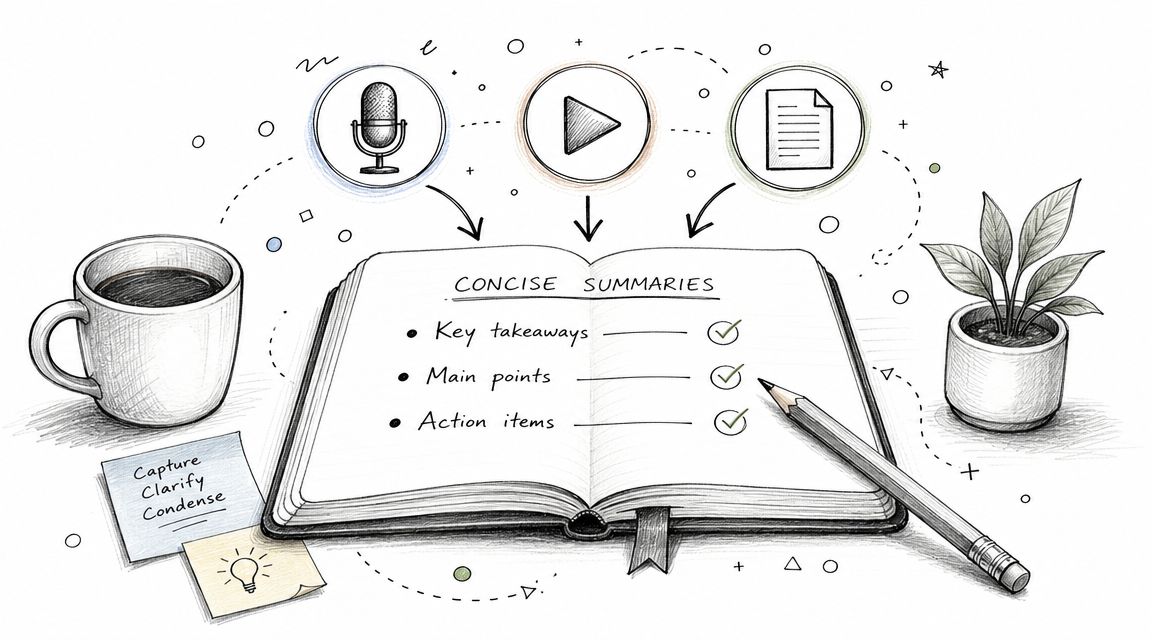
That's the fundamental shift. Most creators think about captions for TikTok as a writing problem. In practice, it's a workflow problem. If you're manually scrubbing through footage trying to remember where the strongest line was, you'll either waste time or settle for average. If you've got a transcript, timestamps, speaker labels, and a summary in front of you, you can build better hooks much faster.
Whisper AI fits into that process well because it reduces the friction between long-form content and short-form publishing. You're not guessing where the best moment is. You're searching for it. You're not listening through an entire recording to find the one usable teaching point. You're scanning the transcript, isolating the line, and matching it to the right caption format. That's a huge difference if you publish often.
The strategic part matters just as much as the automation. Not every clip needs the same caption style. A process video needs clarity. A story clip needs motion. A pain-point post needs recognition. A thought-leadership clip needs a defensible claim. Once you categorize the clip by purpose first, writing the caption gets simpler because the job is obvious.
There's also a quality benefit that people undersell. When your workflow includes transcript review, you catch mistakes that rushed captioning misses. That's especially important for industry terms, names, dialects, and any clip where accuracy affects credibility. On TikTok, sloppy text isn't a minor cosmetic issue. It changes comprehension, retention, and trust.
Another practical advantage is scale. One interview can become a question hook, a micro-tutorial, a narrative clip, and a bold-opinion post if you can pull multiple moments quickly. That's how experienced teams stay consistent without sounding repetitive. They're not inventing ten new ideas from scratch every week. They're mining one good piece of source content for multiple strategic angles.
This is also where broader AI workflows start paying off. If you're interested in streamlining operations with AI, caption creation is one of the clearest places to start because the inputs and outputs are easy to define. Raw media goes in. Searchable text, summaries, clips, and publish-ready copy come out. The time savings are useful, but the primary win is consistency.
The strongest TikTok presence usually doesn't come from one brilliant caption. It comes from a repeatable system that keeps producing relevant, readable, well-framed posts. Build that system and your captions stop being filler under the video. They start acting like what they are: hooks, context, accessibility support, and search signals working together.
If you want a faster way to create better captions for TikTok, try Whisper AI. It helps you turn podcasts, interviews, webinars, meetings, and social clips into searchable transcripts, summaries, timestamps, and caption-ready text so you can publish more consistently without doing the manual slog first.