Agenda for Stand Up Meeting: 8 Templates for 2026
Tired of standups that go nowhere? The daily standup isn't the problem itself. It's the execution: the rambling status recital that starts late, drifts into debugging, and concludes with no clear next steps.
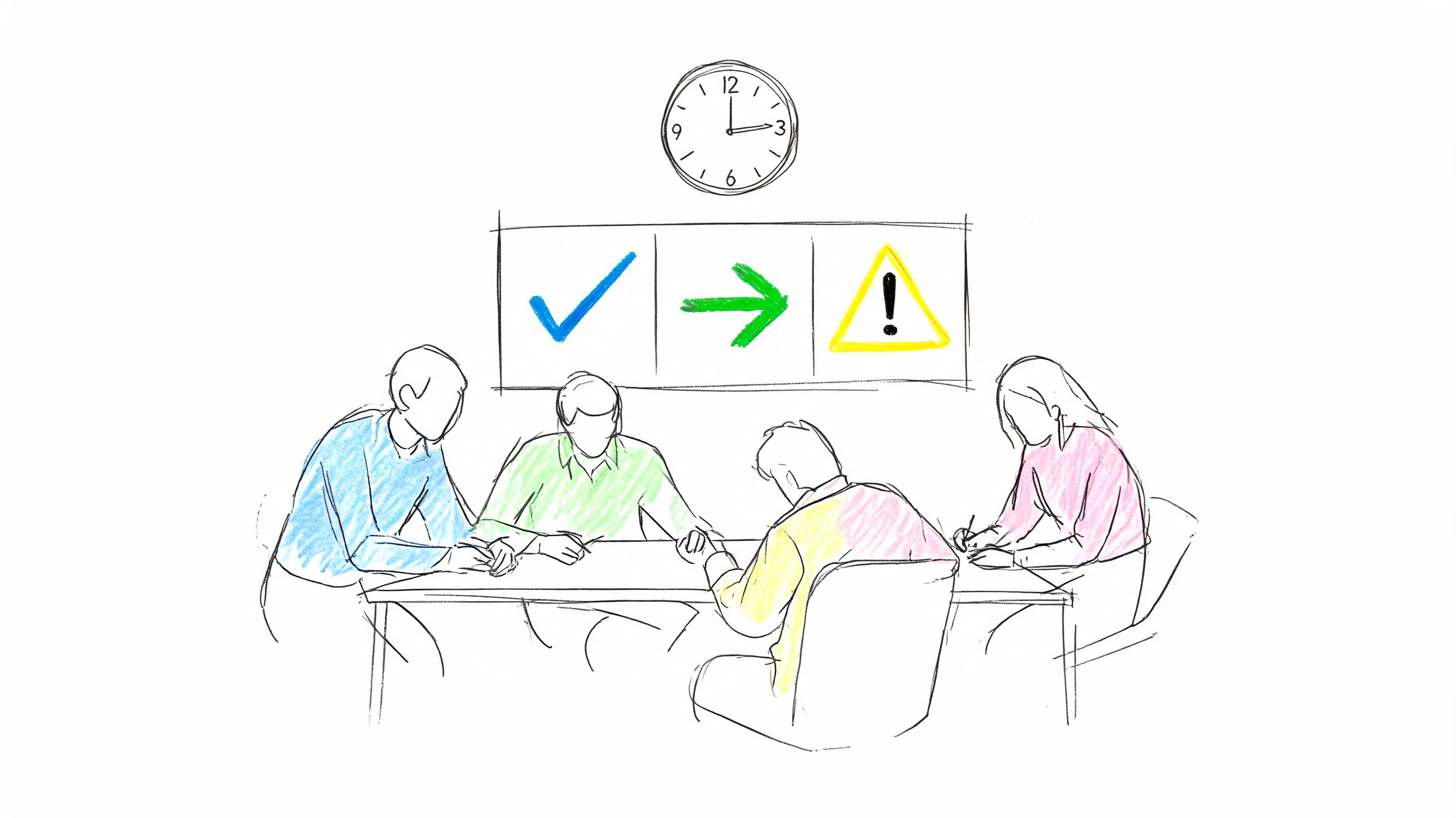
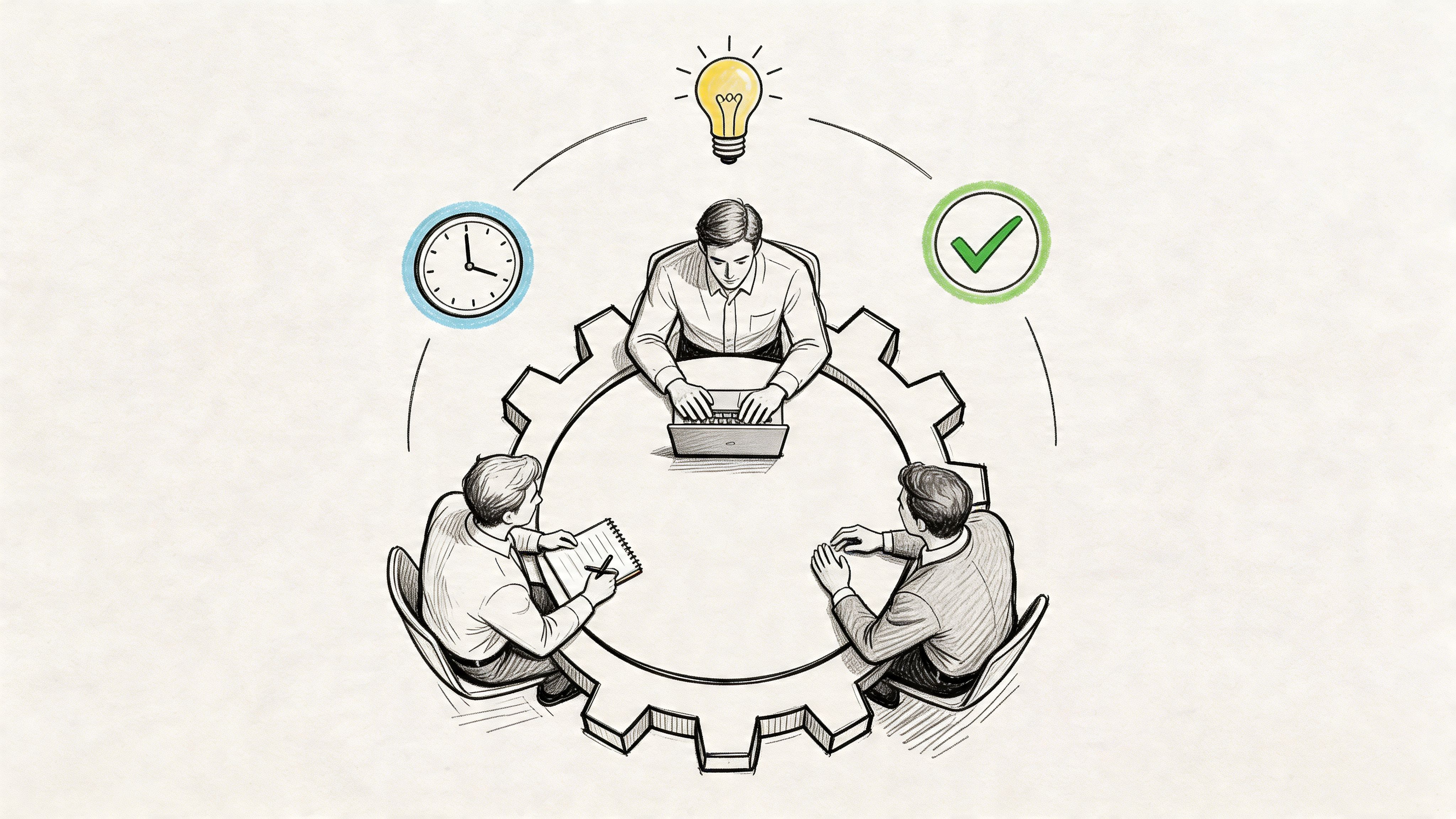
A good agenda for stand up meeting fixes that fast. The modern standup format is simple for a reason. It usually sticks to three questions, what got done, what's next, and what's blocked, and it stays short enough to keep energy up instead of draining it. Agile guidance commonly caps the Daily Scrum at 15 minutes, and that limit matters because the meeting is for alignment, not full problem-solving.
The trouble is that many teams only hear the theory. They rarely get practical scripts, timing, or a playbook for what to do when the meeting goes sideways. That's where standups usually fail. People over-explain. Managers turn it into surveillance. Remote teammates get squeezed out. Blockers come up every day and never get owned.
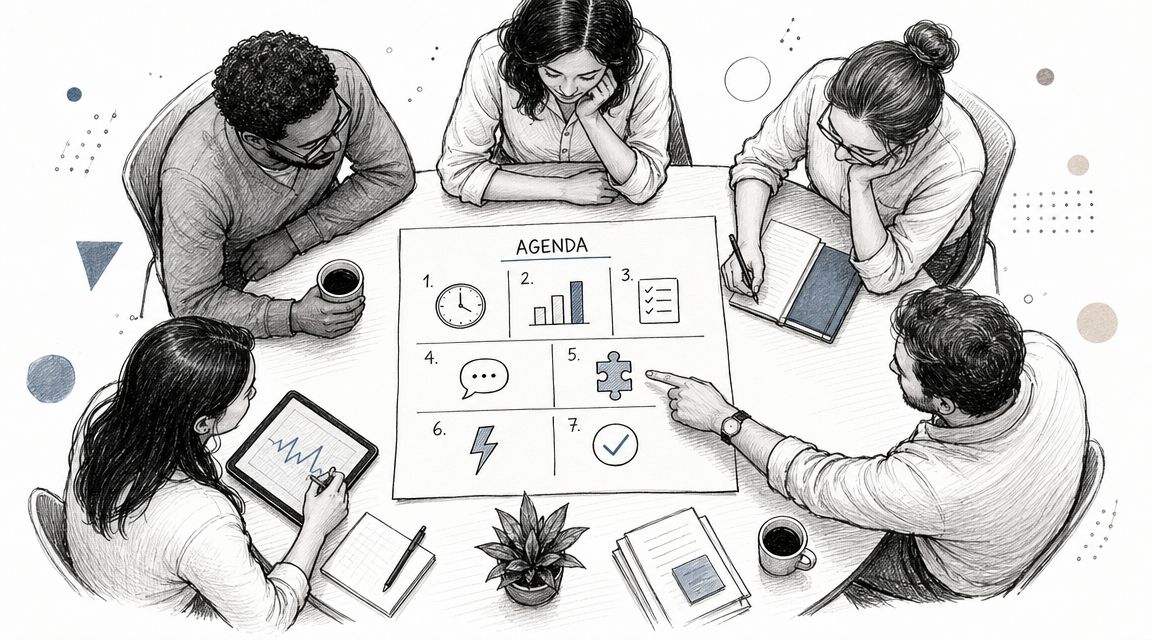
Below are eight standup agendas you can copy, paste, and run. Each one fits a different team situation. Some are best for Scrum teams. Some work better for support, content, operations, or remote groups spread across time zones. I've also included facilitation tips, example scripts, and ways to document the meeting so people who missed it can still act on it later.
If your current standup feels pointless, don't cancel it yet. Swap the agenda first.
1. The Classic 3-Question Daily Standup
This is the default for a reason. It works when a team needs a fast daily pulse check and everyone already knows the work well enough that they don't need a long recap.
The structure is established and widely recognized. A standard standup agenda centers on three prompts, what was completed yesterday, what will be worked on today, and what blockers exist, and the meeting is typically kept within 5 to 15 minutes. If you run software delivery, product, design, or support, this format is still the cleanest baseline.

Copy-paste agenda
Use this script:
- Opening: “We'll keep this tight. Share yesterday, today, and blockers. Park deep dives for after.”
- Round one: Each person gives their update in the same order every day.
- Close: Facilitator reads back blockers, owners, and side conversations.
A practical time split looks like this:
- Minute one: Facilitator sets focus and reminds people of the timebox.
- Middle of meeting: Team updates, one person at a time.
- Final minutes: Confirm blockers, assign follow-ups, end on time.
What works and what fails
What works is consistency. Same time, same order, same prompts. Teams at large software companies and remote engineering groups use this format because it reduces decision fatigue. Nobody wonders how to participate.
What fails is turning each update into a miniature presentation. If someone starts narrating every ticket touched yesterday, the meeting is already off track. The update should help the team coordinate, not prove effort.
Practical rule: If the update doesn't affect someone else's work, keep it to one sentence.
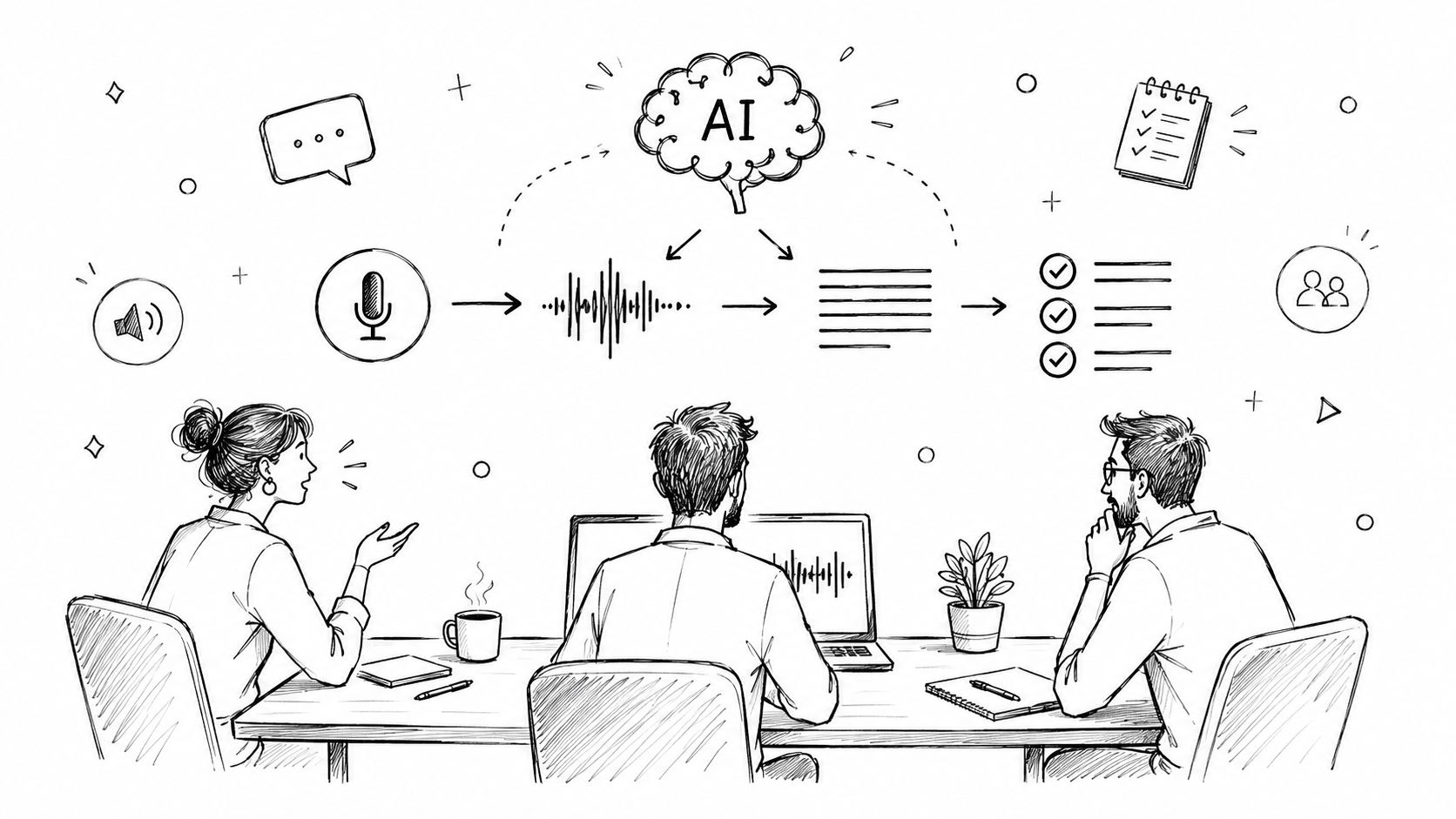
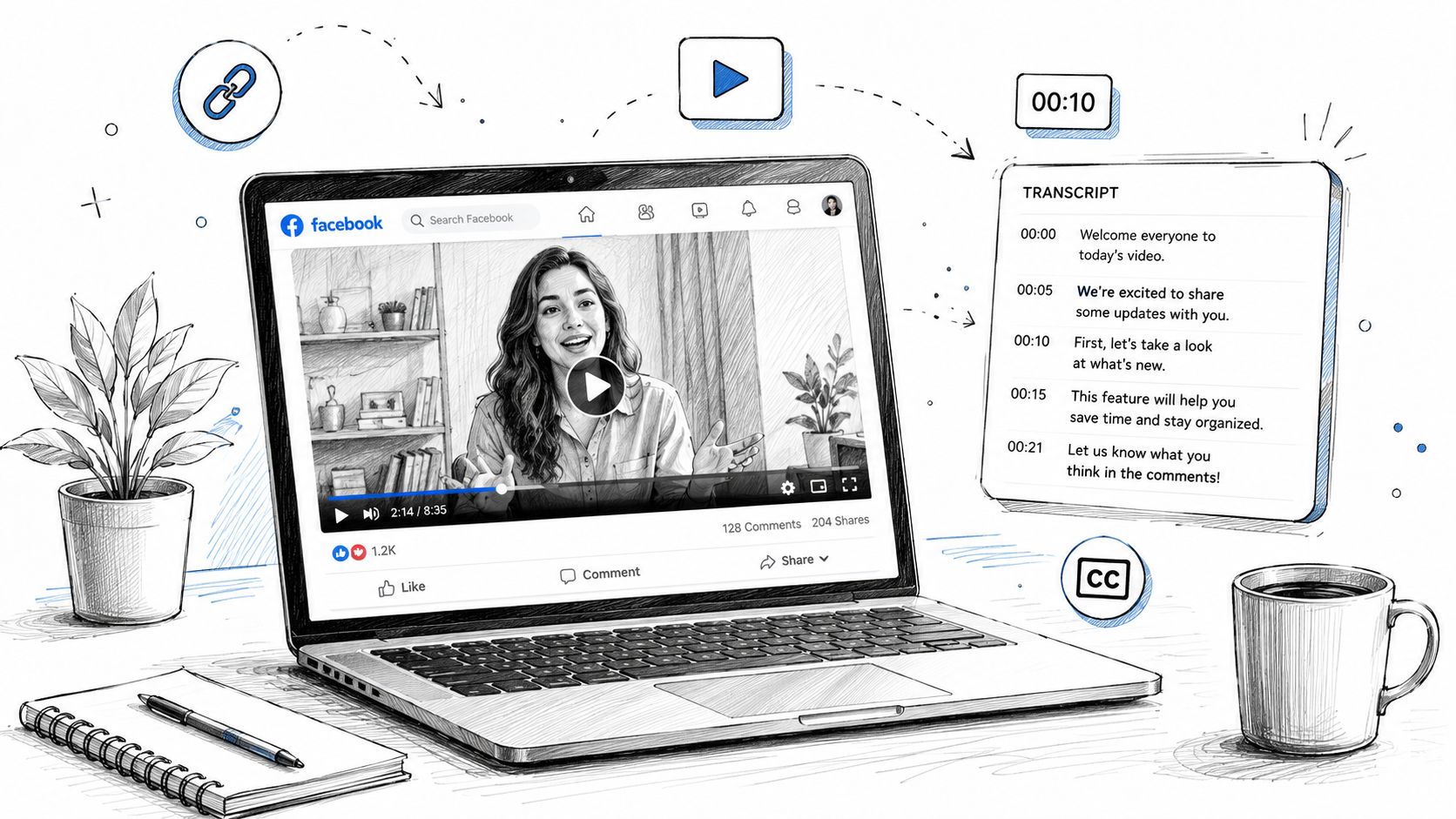
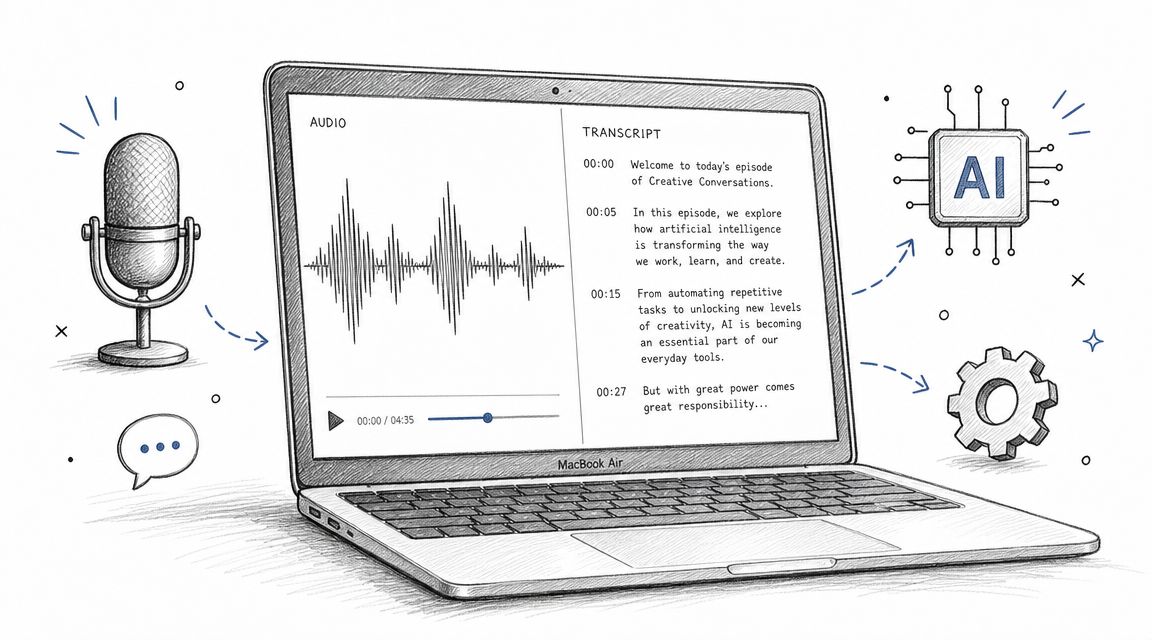
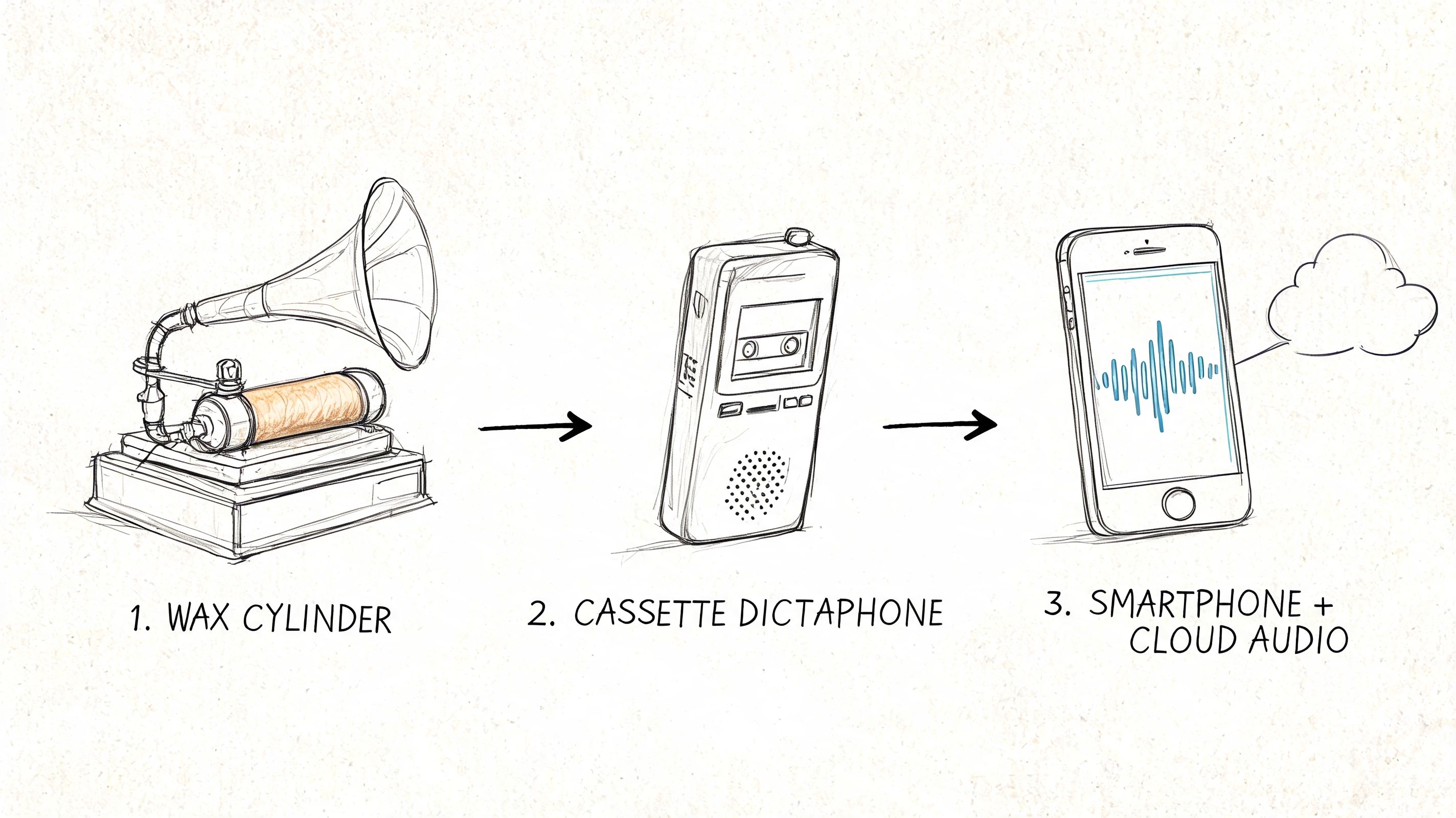
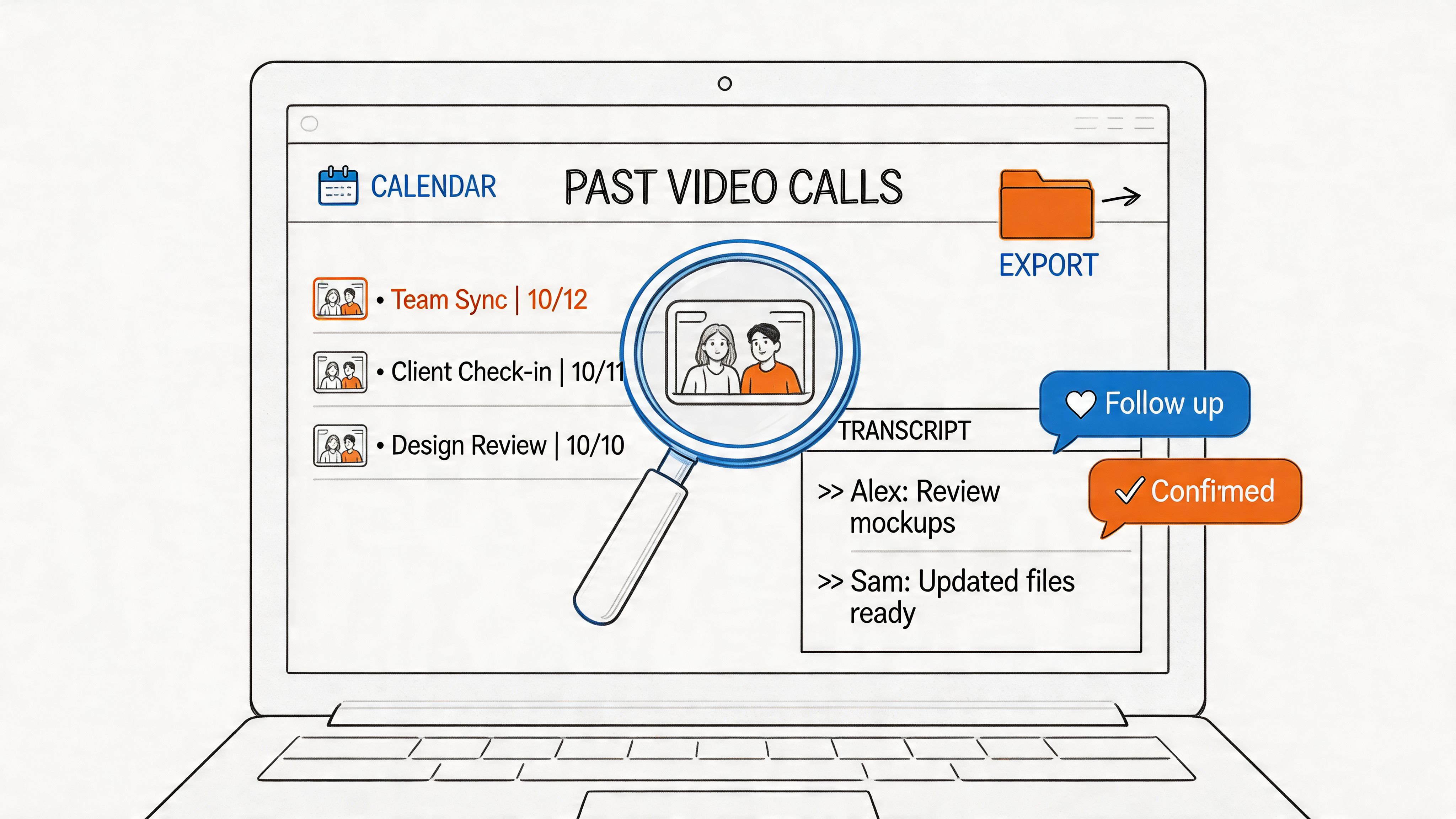
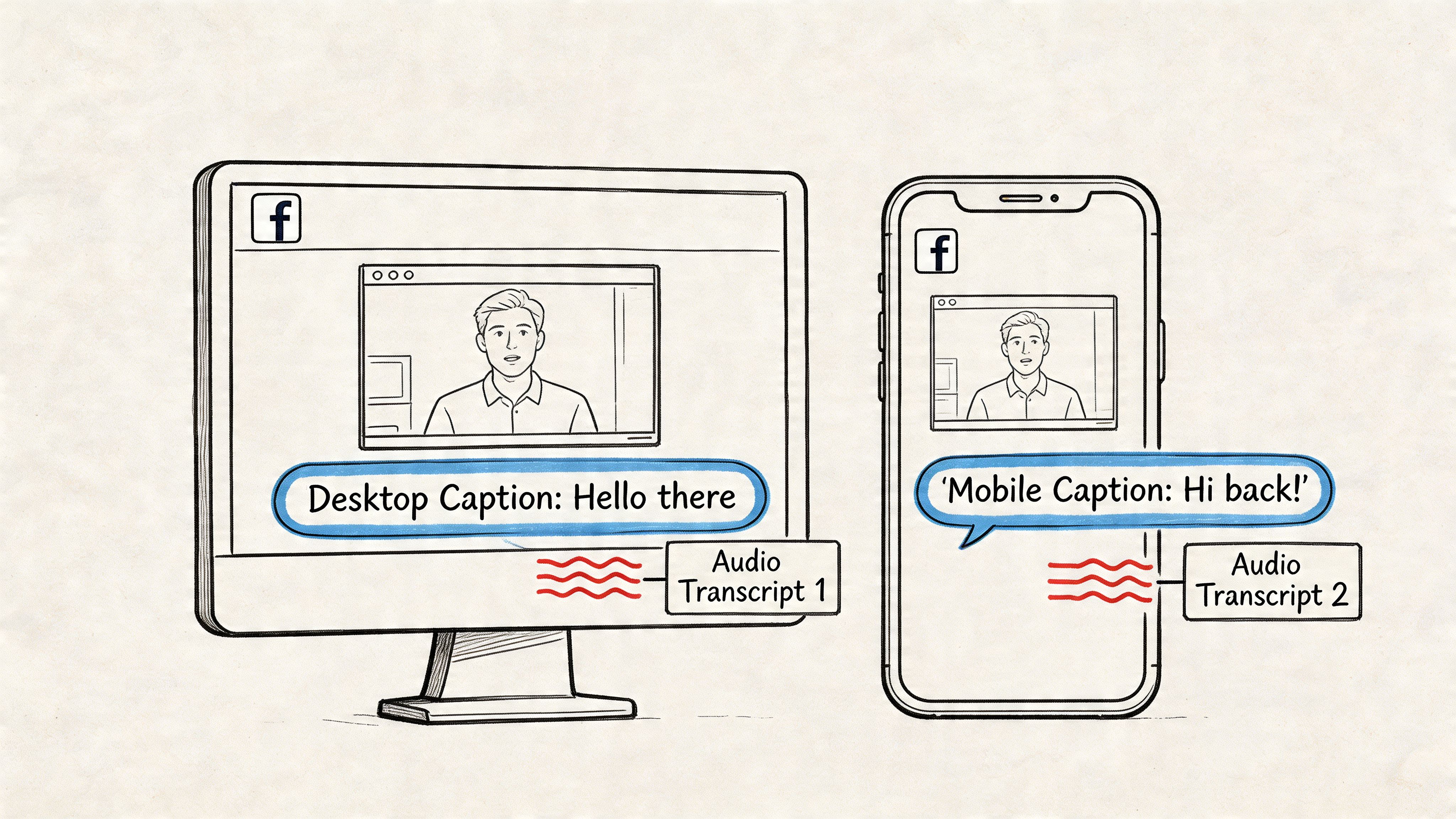
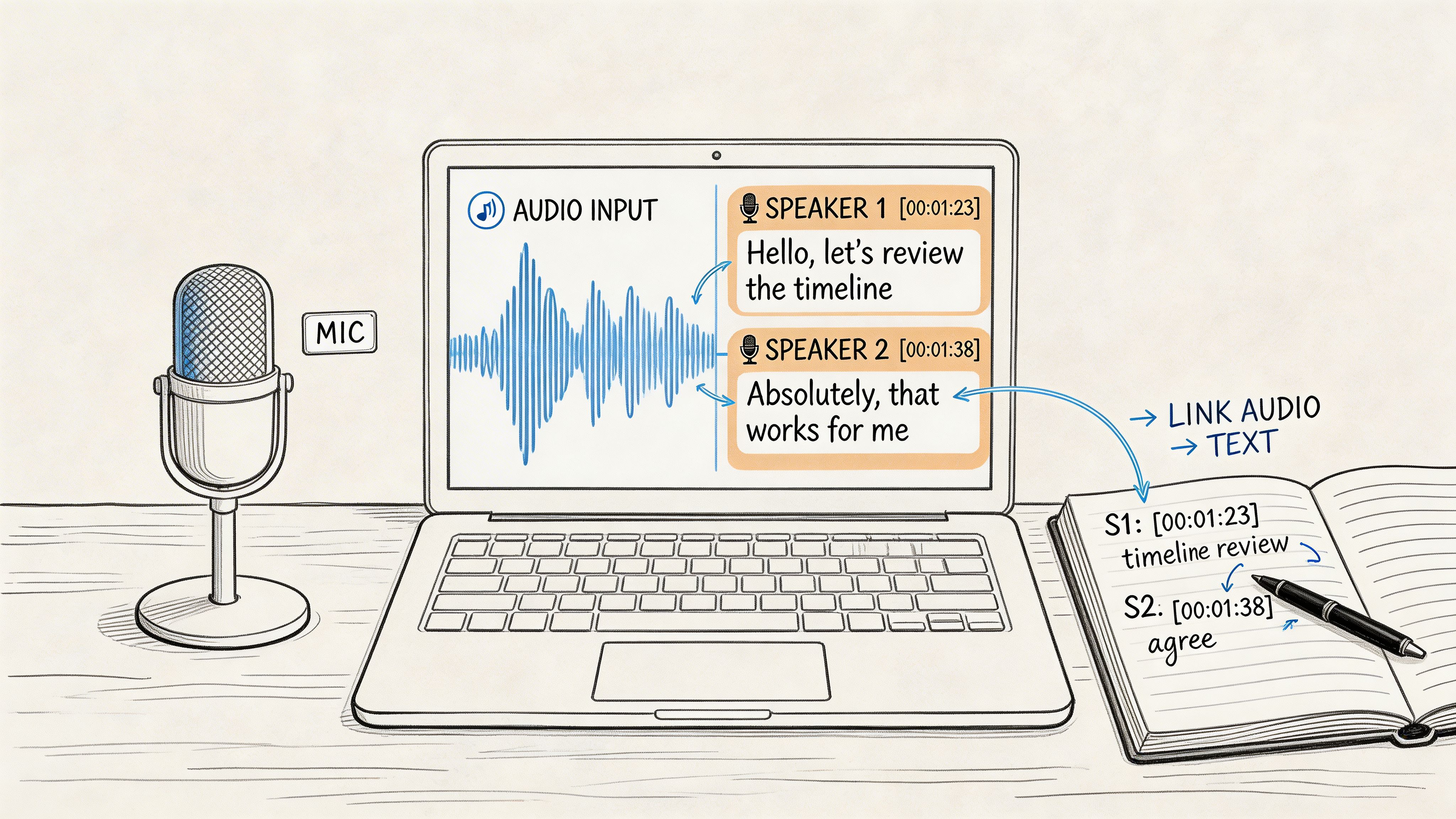
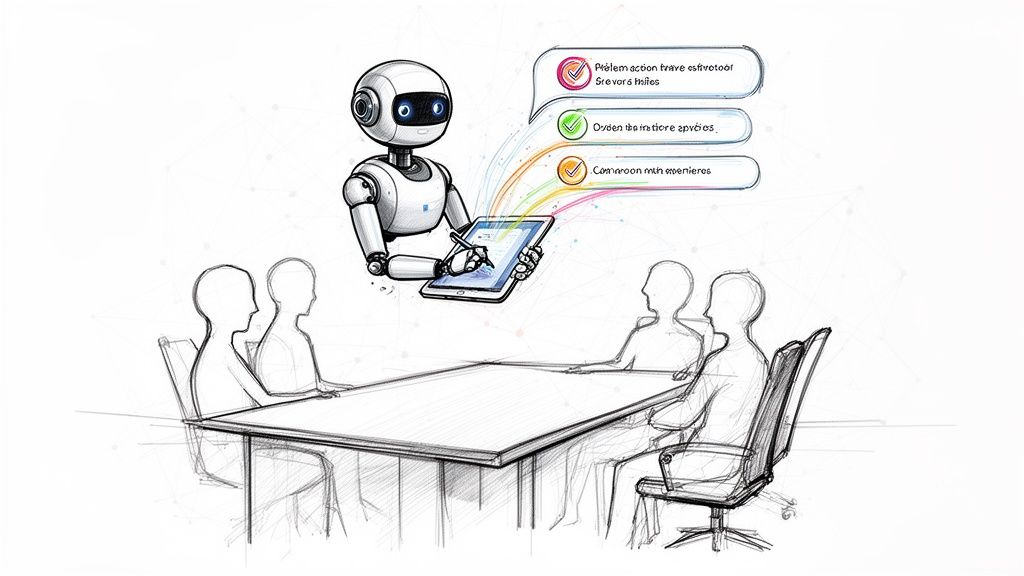
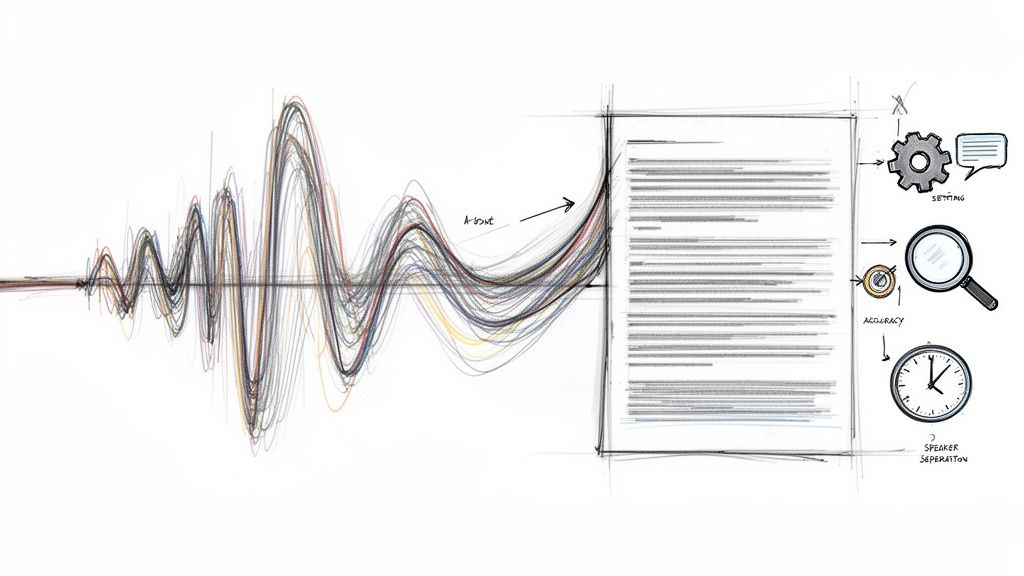
For distributed teams, record the call and publish a searchable transcript after. That gives absent teammates a clean async trail without forcing the rest of the group into a recap later. If you need a more Scrum-specific version, this daily scrum meeting agenda is a useful companion.
2. The Kanban-Style Board Walkthrough
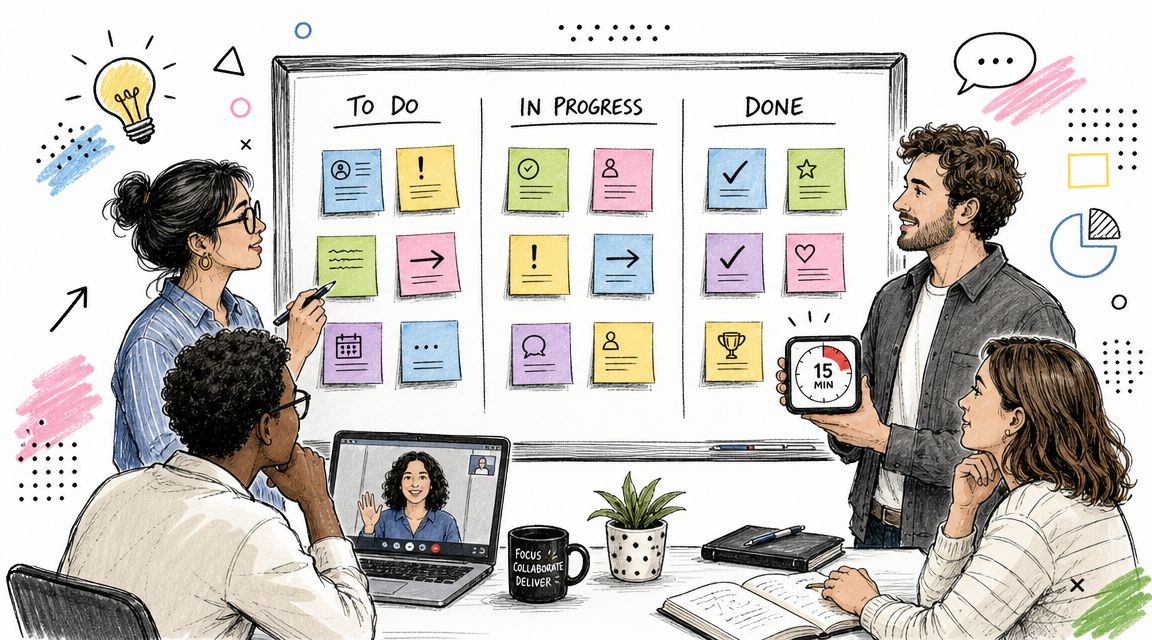
If your team's work moves through clear stages, this format usually beats person-by-person updates. Instead of asking each individual what they did, you review the work itself.
That shift matters. A board-centered agenda keeps attention on flow, not performance theater. Agile teams often use a “walk the board” approach, reviewing work from left to right so items nearest completion get attention first, and some teams monitor aging items around the 70th and 85th percentiles to catch stalled work before it sits too long.
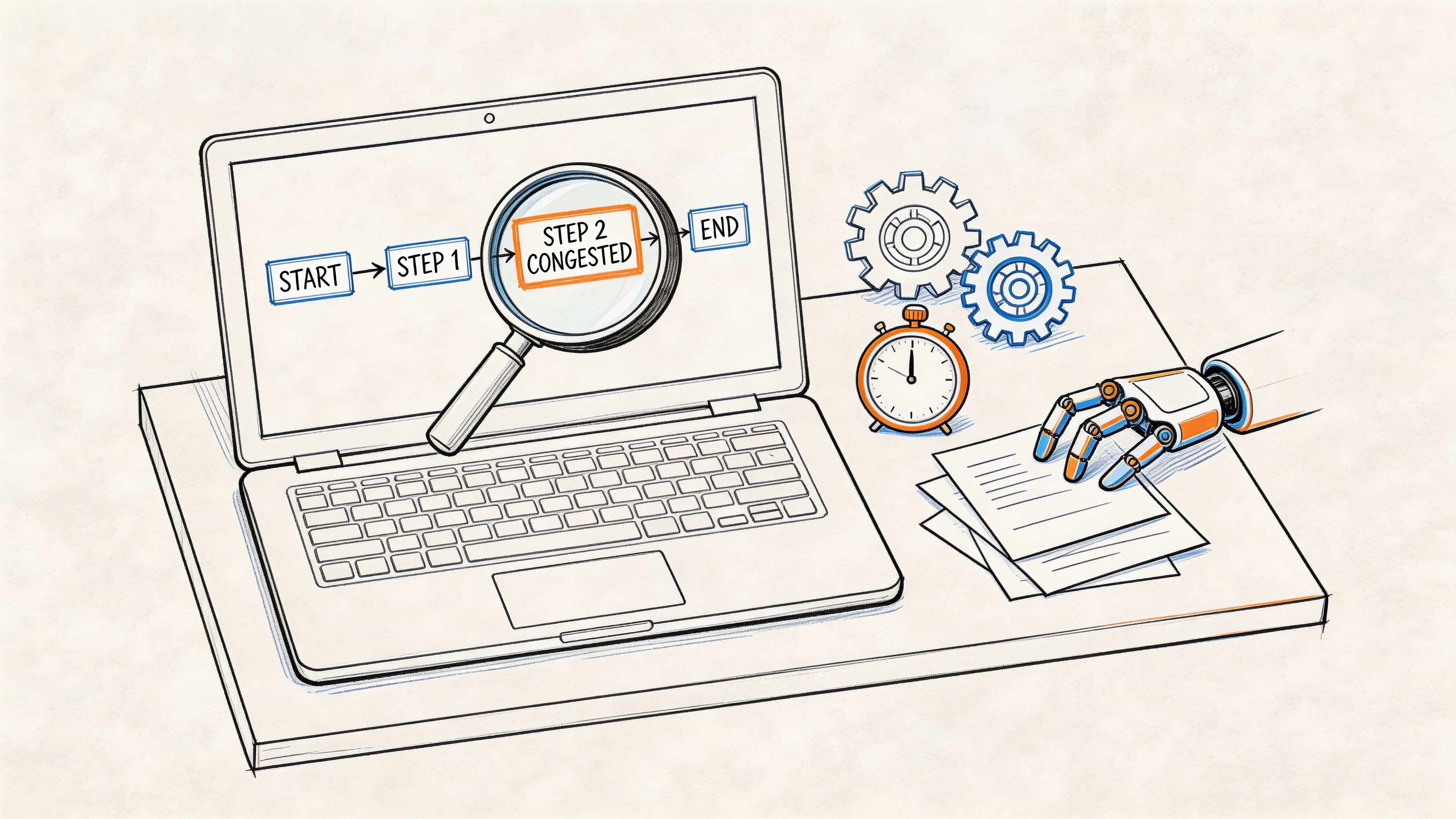
A visual helps if your board has become cluttered.

Copy-paste agenda
Run it in board order, not speaker order:
- Start at the right side: “What can we get across the finish line today?”
- Review in-progress items: “What's moving, what's waiting, what's blocked?”
- Check stuck cards: “Who owns the next action, and does it need help?”
- Skip untouched backlog items: Don't waste standup time on work nobody has started.
This is especially effective for DevOps, editorial, implementation, and operations teams. A content team managing drafts, review, legal approval, and publishing will usually get more value from discussing stuck articles than from hearing each person list their tasks.
Facilitation tips
Use your board as the meeting agenda itself. If a card didn't move and doesn't need help, don't talk about it. If a card is blocked, name the unblock action before the meeting ends.
For teams that need a stronger workflow lens, pair the standup with a visual system for project tracking. The board shouldn't just display work. It should make bottlenecks visible enough that the meeting can act on them.
Later in the week, this video is a useful refresher if your team is new to board-led standups.
3. The Outcome-Focused Standup
Some teams ship plenty of tasks and still make little real progress. That's when a task-based agenda starts hiding the problem instead of exposing it.
An outcome-focused agenda changes the language. Instead of “I finished three tickets,” the better question is “What changed for the customer or the business because of yesterday's work?” Product teams, customer success groups, and design organizations usually benefit most from this shift.
Copy-paste agenda
Try these prompts:
- Yesterday's outcome: “What value did we deliver or validate?”
- Today's priority: “What outcome are we pushing toward today?”
- Learning: “What did we learn that changes what we should do next?”
- Risk: “What might stop that outcome from happening?”
A product team at Slack or Figma would use this style to talk about adoption friction, usability feedback, or clearer workflows, not just checkboxes completed. A support-led SaaS team can use it to discuss whether yesterday's changes reduced repeated customer confusion.
Where this format shines
This agenda works best when the team has enough context to judge impact. If your team is deep in platform work, infrastructure migration, or foundational cleanup, forcing “customer value” language every morning can get artificial fast. In those situations, tie outcomes to internal value like reduced operational drag, fewer handoffs, or lower delivery risk.
Stop asking for activity updates when the real question is whether the work changed anything important.
Preparation matters more here than in a classic standup. People need to show up knowing what matters, not just what they touched. This preparation of meetings guide is useful if your team tends to improvise its updates and lose the thread.
For documentation, AI transcription can help capture recurring mentions of customer pain points or delivery wins. The key is not the transcript itself. It's the weekly pattern you can spot after several standups.
4. The Asynchronous Written Standup
A live standup isn't automatically better. If your team spans multiple regions, works flexible schedules, or spends the first overlap hour heads-down with customers, async may be the smarter default.
The usual mistake is making async feel optional or vague. It has to be structured, readable, and reviewed. Otherwise people post updates into a channel and nobody acts on them.
Copy-paste agenda
Use a shared Slack channel, template bot, email thread, or project tool with these prompts:
- Yesterday: What did you finish or move forward?
- Today: What will you focus on next?
- Blockers: What needs help, decision, or escalation?
- Links: Add the ticket, doc, or thread if context matters.
For a remote-first company or open-source team, this format cuts interruption while preserving visibility. It also creates a written archive by default, which is often more useful than trying to remember what was said on a rushed call.
The trade-off
Async standups protect focus, but they remove live energy. You lose the quick “I can help with that” moment that happens naturally in a live room. That means the manager or facilitator has to review updates actively and pull the right people into follow-up threads.
A simple operating rhythm helps:
- Submission window: Updates posted by a fixed local deadline.
- Review window: Lead reviews blockers and tags owners.
- Escalation path: Anything urgent moves into a short huddle or thread.
If some teammates prefer to send voice notes, transcribe them and publish the text version next to written updates. That preserves speed for the speaker and readability for everyone else.
Async standups fail when teams treat posting as the finish line. Posting is only step one. Review and follow-through are the real job.
5. The Problem-Solving Standup
Purists will say standups shouldn't solve problems. In theory, they're right. In practice, some teams face one blocker so central that pretending it belongs entirely outside the meeting wastes time.
The fix is to be deliberate. Don't let every standup become a workshop. Reserve a short deep-dive segment for one issue that affects multiple people or threatens the day's plan.
Copy-paste agenda
This version works well:
- First portion: Rapid updates from everyone.
- Middle portion: One shared blocker gets focused discussion.
- Close: Name decisions, owner, and next checkpoint.
A practical script is simple. “Quick updates first. Then we'll spend the rest of the meeting on the release blocker affecting three teams. If it needs more time, only the relevant people stay.”
This works for engineering incidents, launch risks, migration issues, and handoff failures. A team debugging an API integration problem or a broken deployment pipeline can often save time by aligning once together instead of spawning four separate side conversations.
Guardrails that matter
Pick the problem before the meeting starts. If you decide in the moment, you'll waste half the time choosing which fire is hottest.
Then document the outcome immediately. Frequently, teams neglect this crucial step. They surface the blocker, discuss it, then trust memory. A simple meeting action items template solves a lot of repeat confusion because it forces ownership, due dates, and next steps into writing.
The main risk is obvious. Once teams get comfortable with this format, every issue starts feeling important enough for group debate. Be strict. One topic only. Everyone else gets parked.
6. The Metrics-Driven Standup
This format is useful when the team shares a dashboard and needs to react to movement, not just report activity. Sales, support, operations, growth, and platform teams often work better from visible indicators than from open-ended verbal updates.
It's also one of the easiest ways to make cross-functional standups less subjective. People stop arguing about whether things feel fine and start discussing where attention is needed.
Copy-paste agenda
Open the dashboard on screen and run the meeting like this:
- Metric review: “What moved since yesterday?”
- Variance check: “What's outside the normal range?”
- Cause: “Do we know why it changed?”
- Action: “Who owns the response today?”
A support team might review backlog health, escalations, and response bottlenecks. A growth team might review campaign pacing, conversion friction, and lead quality. A platform team might use service health and incident trends as the lead signal.
What to avoid
Don't turn this into a metric recital. If every number gets read aloud every day, people tune out fast. The point is to discuss exceptions, anomalies, and decisions.
Use color-coding or simple thresholds in your dashboard so the meeting goes directly to what needs attention. For hybrid teams, screen-sharing is usually enough. For distributed teams, publish a short written summary right after the call with any decisions that affected priorities.
This agenda for stand up meeting is strongest when the team can influence the metrics directly. If the numbers move too slowly or depend heavily on external factors, the meeting starts to feel disconnected from daily work.
7. The Customer-Centric Standup
A lot of standups become inward-looking. People talk about sprint tasks, handoffs, or internal blockers and go days without mentioning a customer once. That's a problem, especially for product, support, onboarding, and service teams.
A customer-centric agenda keeps the team grounded in what users are experiencing. It doesn't replace delivery tracking. It reframes it.
Copy-paste agenda
Use a short customer-first script:
- Customer signal: “What did we hear from customers since the last standup?”
- Customer impact: “What issue, request, or success matters most today?”
- Team response: “What are we doing about it now?”
- Escalation: “What needs product, engineering, or leadership attention?”
This works well for companies that rely on support conversations, onboarding feedback, or interview notes. A product team at Airbnb might highlight host friction. A support-led growth company might focus on repeated onboarding confusion or a spike in feature requests tied to one workflow.
How to keep it practical
Don't let “voice of customer” become a storytelling segment. Bring one or two concrete examples, then tie them to action. If the same friction appears repeatedly, assign an owner to investigate instead of admiring the pattern.
You can also rotate a weekly customer spotlight. One day might feature a support thread. Another might use notes from a sales call or interview transcript. If you record those conversations elsewhere, AI tools can help turn them into searchable snippets for the standup.
The best customer-centric standups don't just share feedback. They change priorities because of it.
This format is especially useful when teams are at risk of optimizing internal process while missing external pain.
8. The Hybrid Standup With Async Option
Most modern teams don't need a rigid choice between live and async. They need both. A hybrid standup gives the team one shared daily moment while still making room for people who can't attend because of time zones, customer calls, or focus blocks.
This is often the most realistic agenda for stand up meeting in global organizations. The key is designing one process, not two separate ones.
Copy-paste agenda
Run the workflow like this:
- Before the live meeting: Non-attendees submit written updates in the same template.
- During the live meeting: Facilitator includes async updates in the review.
- After the meeting: Publish one merged recap with blockers, owners, and follow-ups.
A manager can open with, “I'll read the async submissions first so those teammates are included in the same flow. Then we'll hear live updates and resolve blockers.”
This works well for international consulting teams, remote product organizations, and mixed-location engineering groups. People get the benefits of live clarification without punishing colleagues who don't share the same working hours.
The operational detail that matters
The async deadline has to come before the live session. If written updates trickle in afterward, nobody in the meeting can respond to them. Keep the submission template short, use the same prompts every day, and publish a recap in one place.
This is also where AI transcription tools become useful. Record the live portion, merge it with written submissions, and store the combined summary in a searchable system. That creates one source of truth instead of scattered chat messages, notes, and memory.
The hidden advantage is cultural. Hybrid standups reduce the “real meeting happened without me” feeling that remote teammates often get in sync-heavy teams.
Comparing 8 Standup Agenda Formats
| Format | Implementation 🔄 (complexity) | Resources ⚡ (requirements) | Expected outcomes 📊 | Ideal use cases ⭐ | Key advantages 💡 |
|---|---|---|---|---|---|
| The Classic 3-Question Daily Standup | Low, simple, time-boxed routine | Low, team members, timer, optional transcript tool | Daily visibility, quick blocker surfacing | Small-to-mid engineering/product teams | Fast to adopt; keeps meetings focused and accountable |
| Kanban-Style Board Walkthrough | Medium, board discipline and cadence | Medium, digital/physical board, upkeep, integrations | Visual flow clarity; bottleneck identification | Workflow-heavy teams (DevOps, content pipelines) | Focuses on work-in-motion; reduces unnecessary status reports |
| Outcome-Focused Standup | Medium–High, mindset and metric alignment | Medium, customer/metric inputs, prep time | Strong alignment to customer value and strategy | Product-led orgs and teams tracking impact | Encourages impact-driven prioritization and learning |
| Asynchronous Written Standup | Low–Medium, process & deadlines for submissions | Low, messaging tools, optional audio + Whisper AI | Flexibility, searchable archive, reduced meeting load | Distributed/remote-first teams across timezones | Time-zone friendly; lowers meeting fatigue; thoughtful updates |
| Problem-Solving Standup | Medium, blocker selection and facilitation | Medium, subject-matter experts, prep, longer focus | Faster resolution of critical blockers; team learning | Teams facing recurring technical/operational blockers | Dedicated deep-dives that solve issues, not just report them |
| Metrics-Driven Standup | High, dashboards, data pipelines, instrumentation | High, analytics tools, dashboards, data ownership | Objective tracking, trend detection, measurable accountability | Growth, ops, and cross-functional teams reliant on KPIs | Data-backed decisions and early detection of issues |
| Customer-Centric Standup | Medium, ongoing feedback collection & curation | Medium, CS/support input, interviews, transcripts | Increased customer empathy; prioritized roadmap items | Teams focused on UX, retention, and customer success | Keeps customer needs central; improves product–market fit |
| Hybrid Standup with Async Option | Medium, coordinating sync + async workflows | Medium, collection tools, merging process, transcripts | Balance of real-time interaction and flexible participation | Global teams with partial overlap hours | Flexible participation with unified records and preserved sync value |
Your Next Standup Starts Now
The right agenda for a stand up meeting isn't the most popular one. It's the one that fits the work your team is doing right now.
If your team needs a daily pulse check and shared rhythm, the classic three-question format still holds up well. If your work moves across visible stages, a board walkthrough will usually create better discussion than person-by-person reporting. If your team is mature enough to think in terms of customer value, the outcome-focused version can stop people from confusing busyness with progress. And if your team is spread across locations, async or hybrid formats are often the difference between inclusion and constant meeting friction.
What matters most is intentionality. Standups go bad when nobody decides what the meeting is for. Then they absorb every need at once. Status reporting, problem-solving, escalation, documentation, team bonding, stakeholder visibility. That's when the meeting drags and people start resenting it.
A better approach is to pick one primary purpose and design around it. If the standup is for alignment, keep it short and move discussions offline. If it's for flow management, use the board as the agenda. If it's for operational response, lead with metrics. If it's for customer empathy, bring customer signals into the room every day. The format should serve the decision-making your team needs, not some generic best practice copied from another company.
Follow-through is where many teams still miss. Raising blockers is useful, but only if someone owns the next step. Recent practical guidance on standups emphasizes not just keeping discussion focused, but also using visual aids, post-meeting notes, and clearer follow-up so the same blockers don't repeat without resolution, as discussed in this stand-up meetings best practices article. In real teams, that often matters more than the agenda itself.
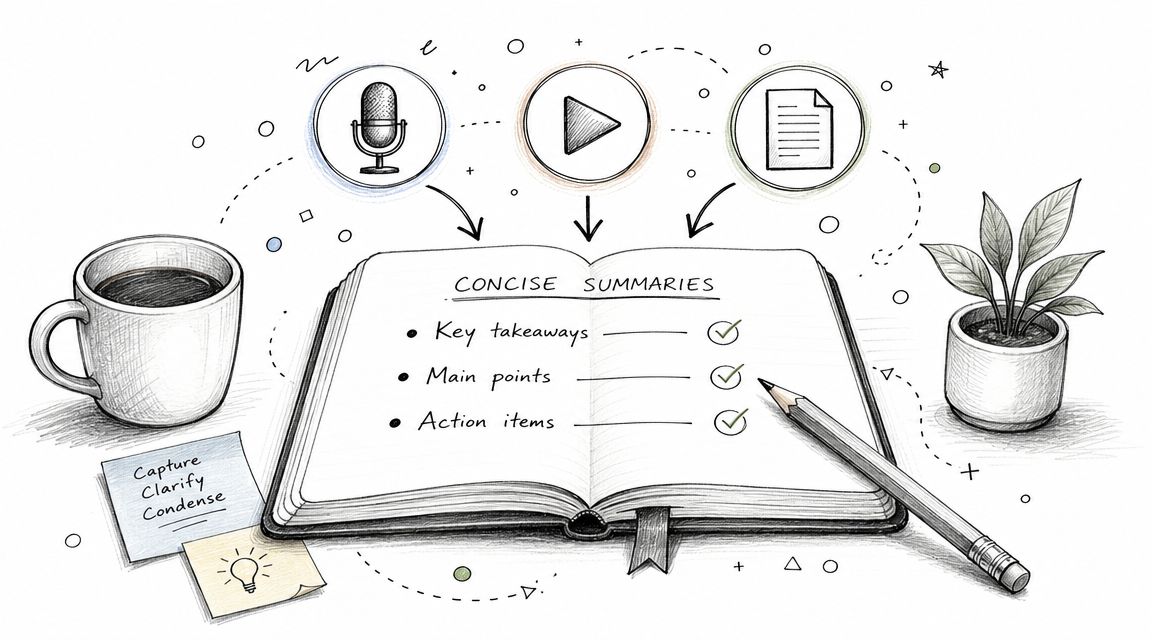
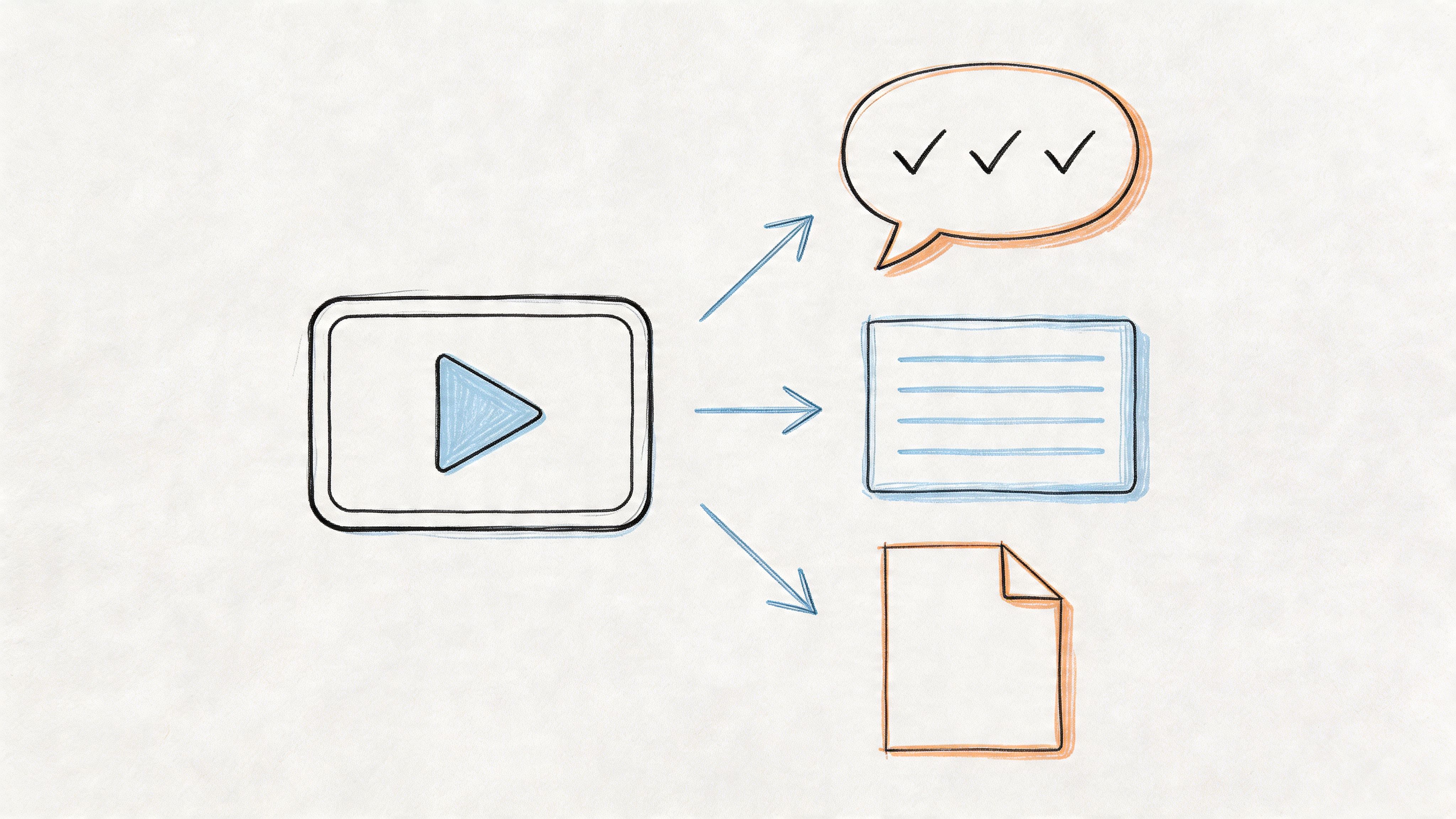
That's also why documentation deserves more attention than it usually gets. A standup shouldn't disappear the moment the call ends. Even a brief meeting creates decisions, requests, dependencies, and side conversations. If those aren't captured, the team pays for the same confusion twice. Searchable notes, transcripts, and action item summaries help remote teammates catch up and help managers notice patterns instead of isolated incidents.
If you want a practical next step, don't redesign your whole meeting system this week. Pick one template from this list and run it for several cycles. Keep the parts that improve clarity. Drop the parts that create drag. Then decide whether your team needs more structure, more async flexibility, or better follow-through after the meeting.
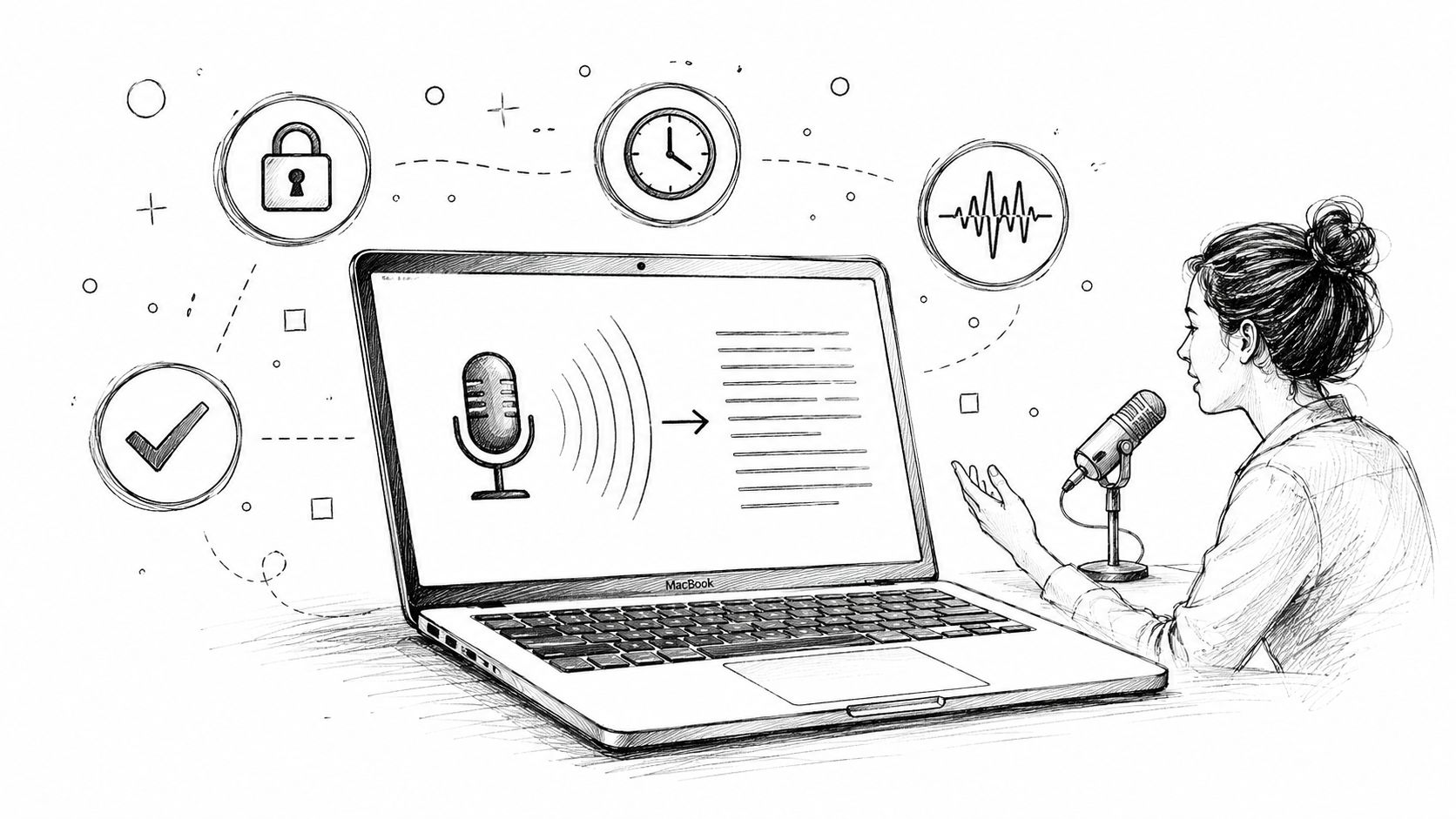
Whisper AI is one option that fits naturally into that workflow because it can record, transcribe, summarize, and export standup discussions into formats teams already use. That won't fix a bad agenda on its own. But paired with a clear structure, it can make standups easier to review, easier to share, and harder to forget.
If you want your standups to leave behind usable notes instead of fading from memory, try Whisper AI. It can help turn live or async updates into searchable transcripts, summaries, and action items your team can use after the meeting ends.