
Best Free Sound Recorder App for Android: Top 10 Picks 2026
Your phone can capture a client interview, a melody idea, a lecture, or a meeting recap just fine. The hard part isn't hitting record. It's picking an app that won't bury the file, mangle the audio, or lock the useful bits behind upgrades you didn't expect.
That's why the search for the best free sound recorder app for Android gets frustrating fast. The category is crowded, and Android users already expect free access and broad everyday use from recorder apps, as reflected in Google Play descriptions for apps such as Voice Recorder on Google Play. In other words, “free” is the baseline. What separates the better apps is workflow fit.
If you just need a quick memo, almost anything will work. If you need an interview you can transcribe later, or clean music ideas without extra gear, your choice matters a lot more. I also think too many roundups stop at record buttons and file formats, then ignore what happens next, especially when you need to find the saved file later or turn it into text.
If you also make rough demos or idea sketches, this pairs well with a practical guide on how to create music without gear.
1. Recorder by Google (Pixel-only)
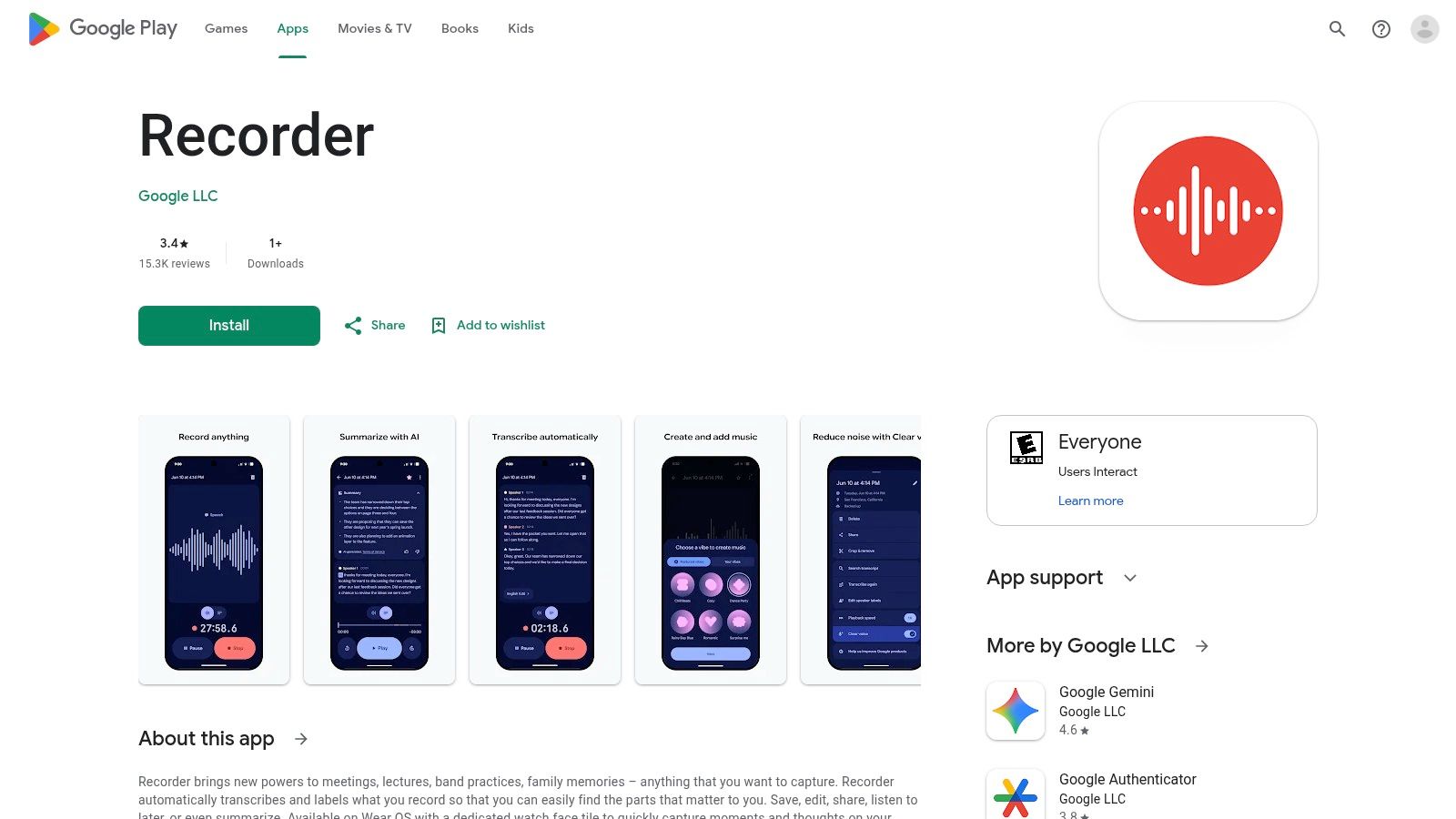
If you use a Pixel, Recorder by Google is the easiest recommendation in this whole list. It's one of the few recorder apps that feels built around what happens after recording, not just during it. You capture the audio, search the words later, and jump straight to the moment you need.
That changes how you work with interviews, class notes, and meeting audio. Instead of replaying a long file from the top, you treat the recording more like a document. For spoken-word use, that's a huge difference.
Why it stands out
Recorder by Google is best when you want the shortest path from speech to usable notes. On supported Pixel devices, live transcription and speaker-aware features make it much more useful than a plain memo app. If your workflow depends on searchable recordings, this is the benchmark on Android.
I also like how naturally it fits into a broader device workflow. If you're comparing phones and dedicated hardware, this article on audio recorder device options gives useful context for when a phone app is enough and when it isn't.
Practical rule: Use Google Recorder for clean speech in controlled rooms. It's less about fancy audio controls and more about getting spoken information back out quickly.
The trade-off is simple. It's Pixel-only, and older Pixel models can lag behind newer feature rollouts. If you're not on Pixel hardware, you're out.
- Best for interviews and lectures: Search inside recordings and jump to specific words during playback.
- Best for low-friction capture: The app feels immediate. Open it, record, stop, save.
- Less suited to music work: This isn't the app I'd choose for tonal nuance or detailed manual settings.
You can find it on the Recorder by Google Play listing.
2. Samsung Voice Recorder
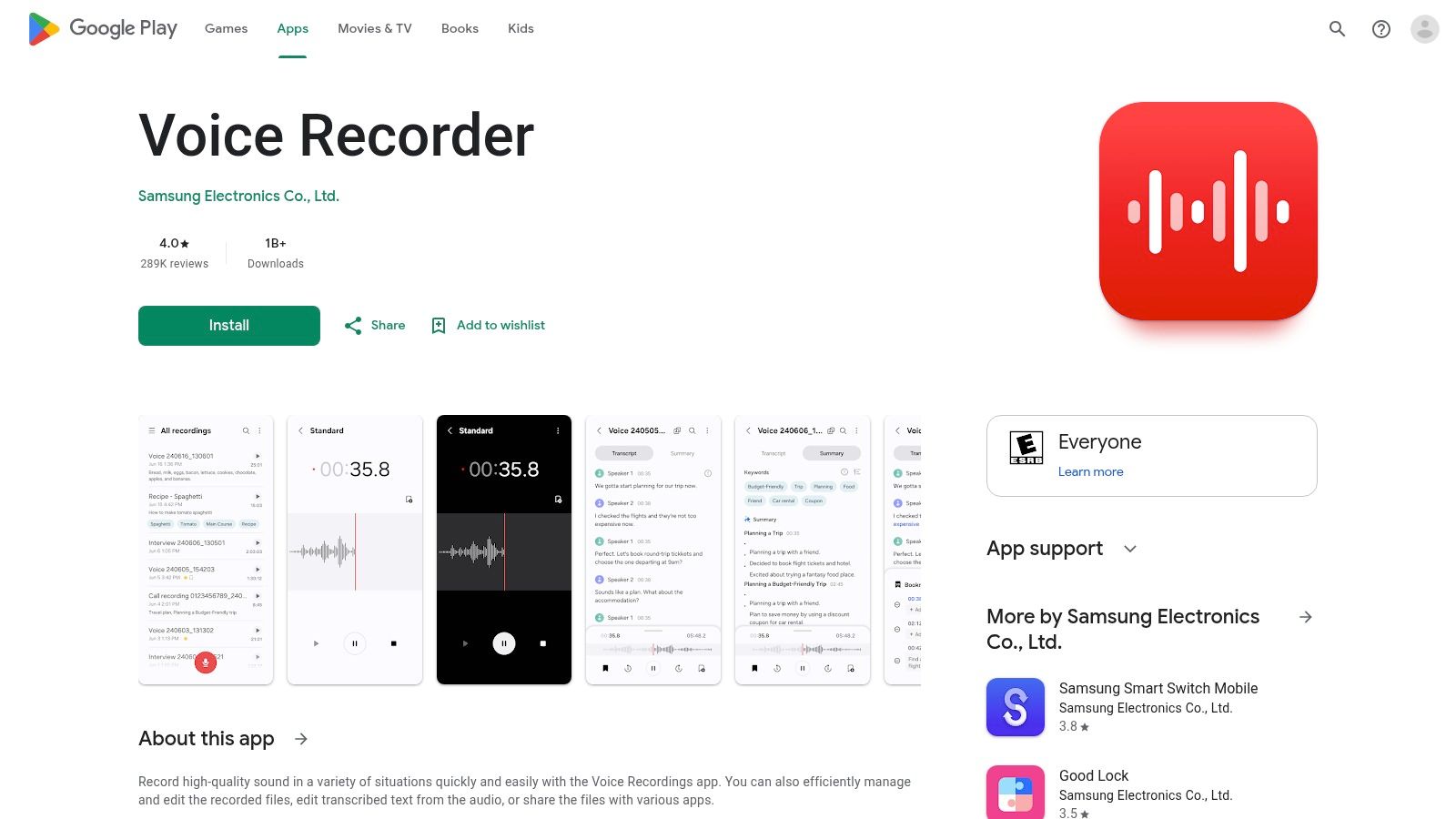
Samsung users often don't need to overthink this. Samsung Voice Recorder is one of those rare default apps that's already good enough for serious everyday use, especially for speech. It feels tuned for people who record meetings, conversations, and notes regularly.
Its interview-oriented mode is the main reason to care. On the right Galaxy phone, that setup is more useful than another generic third-party recorder with more settings but worse day-to-day ergonomics.
Where it fits best
For journalists, students, and anyone who records two-person conversations often, Samsung's app is practical in a way feature-list apps sometimes aren't. Bookmarks and trimming are the kind of tools you'll put to good use. They save time when you're pulling one quote or one decision point from a longer discussion.
If your use case includes legal or personal considerations around spoken interactions, this explainer on how to record conversations is worth reading before you rely on any recorder app.
Samsung's weakness is platform lock-in. It's not an Android-wide answer. It's a Galaxy answer.
On Samsung phones, I usually tell people to start with the first-party app before installing anything else. The integration is often the bigger advantage than extra format options.
A few practical trade-offs matter:
- Good default for Galaxy owners: Reliable, simple, and already aligned with Samsung hardware.
- Useful for spoken content: Interview mode and bookmarks are more valuable for speech than for ambient or music recording.
- Not ideal if you switch brands often: Your workflow becomes tied to Samsung's ecosystem.
You can access it through the Samsung Voice Recorder app page.
3. Easy Voice Recorder (Digipom)
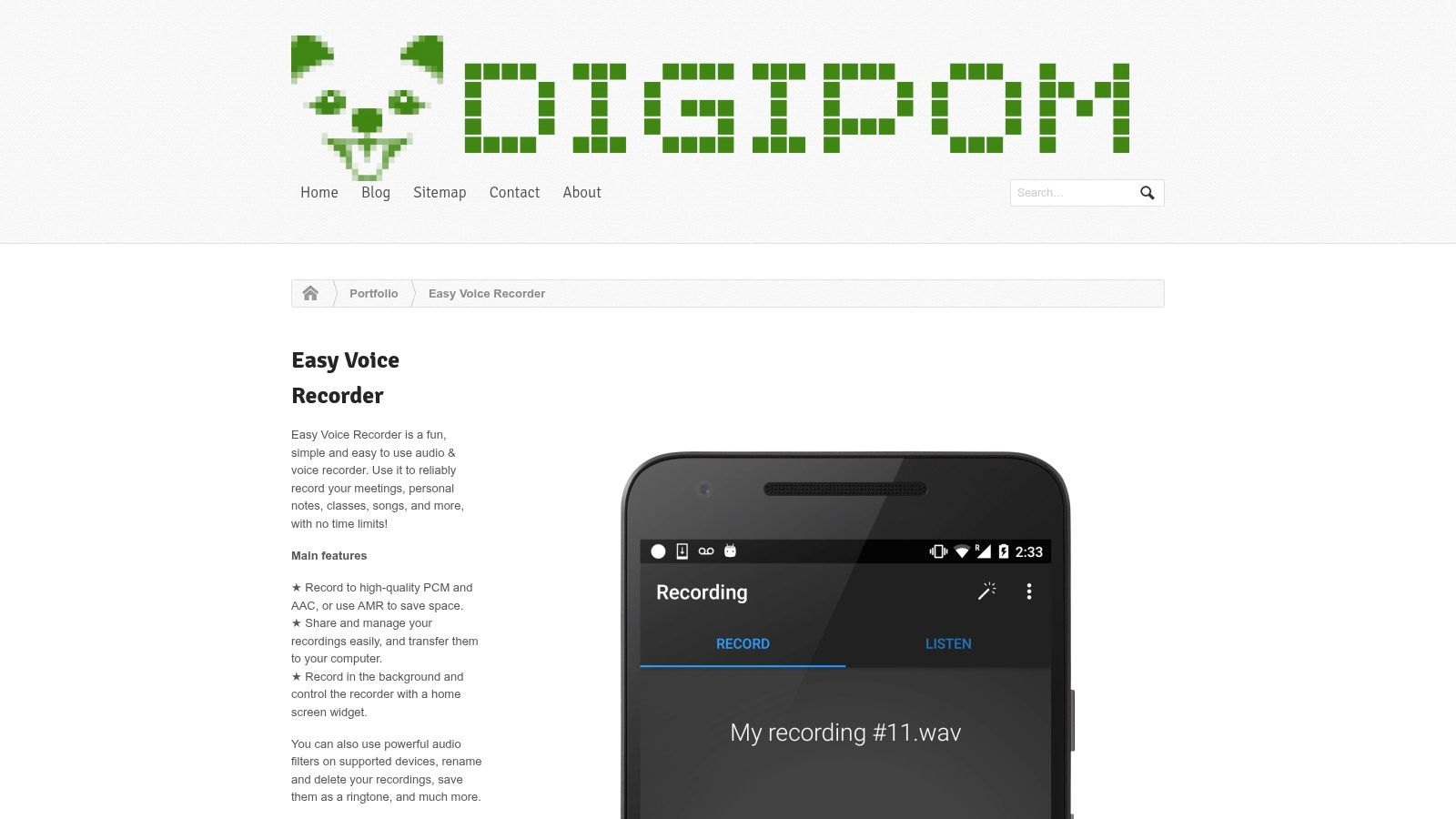
You are halfway into a lecture, interview, or project meeting. You need a recorder that opens fast, stays stable, and saves a file you can find later. That is the lane Easy Voice Recorder serves well.
I recommend it as the general-purpose option for people who are not tied to Pixel-only or Samsung-only tools and do not need music-first processing. It is built for capture first. That matters more than flashy controls if your real job is documenting speech, sorting files, and handing recordings off for notes or transcripts.
Best for everyday recording and transcription workflows
Easy Voice Recorder earns its place by keeping the free version usable for common work. Speech recording, file sharing, and basic organization are all straightforward. For students, journalists, and anyone collecting voice notes across a busy week, that reliability usually beats an app with deeper menus and more ways to set the wrong format.
It also fits neatly into a record-to-text workflow. Record the conversation, clean up filenames while the context is fresh, then run the file through a tool that converts speech into text. If that is your process, this guide on how to transcribe audio to text covers the practical next step.
The trade-off is clear. Some of the controls that heavier users want sit behind the Pro upgrade. That is not a problem for meetings, classes, and personal notes. It does matter if you expect advanced recording options from a free app and do longer-form field work every day.
I like it most for spoken content that needs to move quickly from capture to organization to transcription. I would not choose it first for music recording, aggressive editing, or situations where you want unusually fine control over input behavior.
- Best fit for everyday speech capture: Meetings, lectures, reminders, and interviews are the sweet spot.
- Good handoff for transcription: Files are easy to manage and export, which saves time later.
- Limited for power users: The free tier covers the basics well, but advanced control is not the main draw.
You can check the developer's overview on the Easy Voice Recorder website.
4. Dolby On
Dolby On is the app I recommend when someone says, “I want it to sound better immediately.” Not more editable. Not more searchable. Better.
That makes it a different kind of recorder. Most apps on this list are document tools for audio. Dolby On is closer to an instant polish tool for creators, musicians, spoken-word clips, and social content drafts.
Best for music ideas and polished voice
Its automatic processing can make a rough phone capture feel much more finished. That's useful for song ideas, rehearsal snippets, voiceovers, acoustic demos, and short performance clips. If you don't want to learn EQ, compression, and cleanup first, Dolby On does the heavy lifting.
The limitation is the same thing that makes it appealing. Automatic processing isn't neutral. Sometimes it sounds great. Sometimes it smooths or colors the recording more than you wanted.
If the recording is the final product, Dolby On makes sense. If the recording is raw material for later editing, I usually prefer a cleaner capture app.
That distinction matters. For interviews and transcripts, polish is less important than faithful speech capture. For music and creator content, polish can be the whole point.
- Best for creators: Music, spoken clips, and social-ready audio benefit most.
- Less ideal for archive-quality raw files: You don't always want the app making aesthetic decisions for you.
- Good when speed matters: One tap, decent result, minimal tinkering.
You can explore it on the Dolby On app page.
5. Hi-Q MP3 Voice Recorder
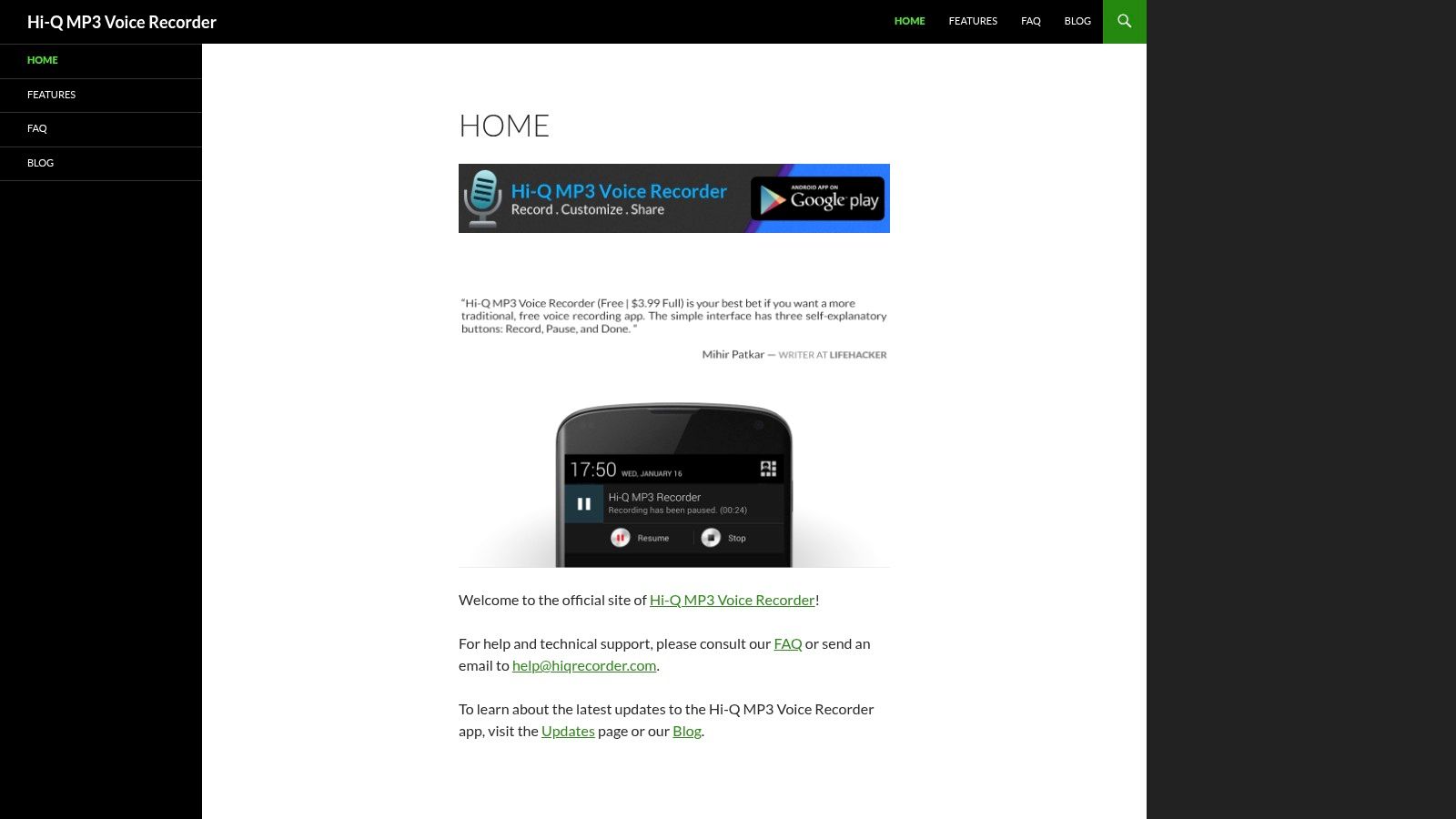
Hi-Q MP3 Voice Recorder has been around long enough to earn a reputation with users who care about the recording itself, not just the interface. If your question is “Which app gives me a more usable file for later work?” this one belongs near the top.
That matters even more if transcription is part of the workflow. One independent roundup highlights Hi-Q MP3 Voice Recorder for high-fidelity capture and recommends judging recorder apps by format support, transcription performance in noisy spaces, language coverage, and export options such as TXT, PDF, and Word in downstream workflows, as discussed in this Umevo guide to free Android voice recorders.
Best for long lectures and clean source files
Hi-Q's appeal is straightforward. It gives power users enough control to balance quality and file size without becoming annoying to operate. That's especially useful for long lectures, interviews, and spoken recordings you'll move into another system later.
I like it most for speech that needs to remain intelligible after upload, transcription, compression, or editing. A clean source file saves time later. That's not glamorous, but it's real.
Its free version may not expose every advanced feature, and Android storage behavior can feel less predictable than it used to across devices. Still, if you care more about the recorded file than the app's personality, Hi-Q is a serious contender.
- Best for audio-first users: You care about source quality and manageable file sizes.
- Better than memo apps for later processing: Strong fit for transcript and archive workflows.
- Less beginner-friendly than ultra-simple apps: It expects you to care about settings at least a little.
You can learn more on the Hi-Q MP3 Voice Recorder website.
6. ASR Voice Recorder (NLL)
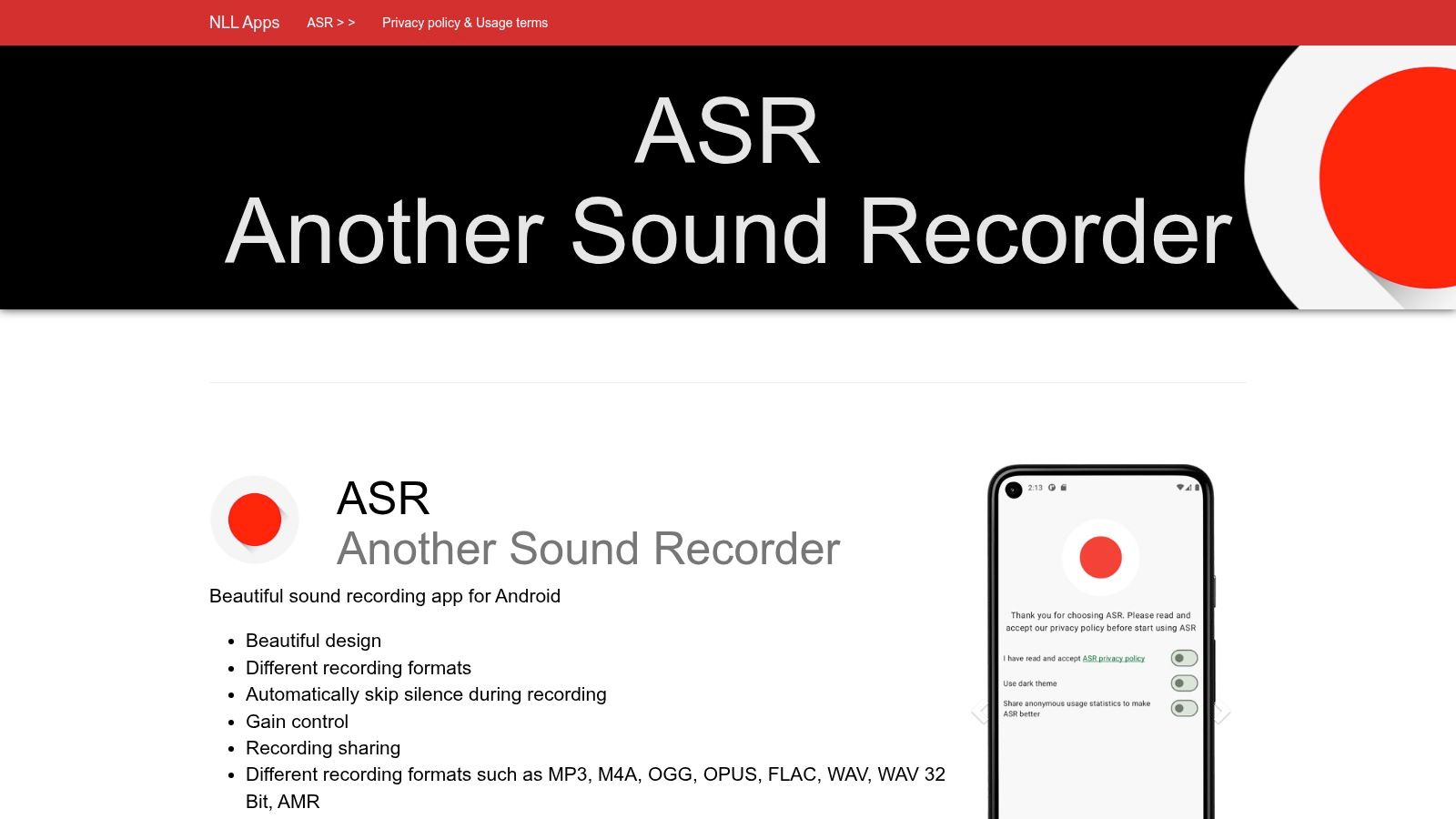
ASR Voice Recorder is for people who get irritated when an app assumes too much. Want a different format? Fine. Need silence skipping, labels, notes, or bitrate control? It's there. Need a lightweight one-button experience? This isn't that.
I wouldn't call ASR elegant. I would call it capable.
Best for format flexibility
This is the recorder I suggest when someone already knows their workflow. Maybe they need MP3 for easy sharing, WAV for editing, FLAC for archiving, or M4A for a specific app chain. ASR is good because it doesn't force a single idea of what recording should look like.
There's also a broader market reason it keeps showing up in recommendations. Android recorder roundups consistently place free tools like ASR, Smart Recorder, Anchor, Lexis Audio Editor, and Auphonic in the same competitive group, while Google Play also shows different positioning styles such as open-source speed-first recorders and meeting-friendly tools, which reinforces how fragmented this category is in practice, as seen on the Audio Recorder Play listing.
That fragmentation helps explain ASR's value. There isn't one dominant winner for everyone. There are workflow winners.
Field note: ASR is the app I'd choose when I need control over output format first and interface elegance second.
Its downsides are predictable. The interface can feel busy, and some conveniences sit behind Pro. But if you want a utility recorder rather than a lifestyle app, ASR delivers.
- Best for power users: Format support is the main draw.
- Good for mixed workflows: Handy if your files move between editing, cloud, and transcription tools.
- Overkill for casual memos: Many users won't touch half its options.
You can get details from the ASR Voice Recorder website.
7. Smart Voice Recorder (SmartMob)
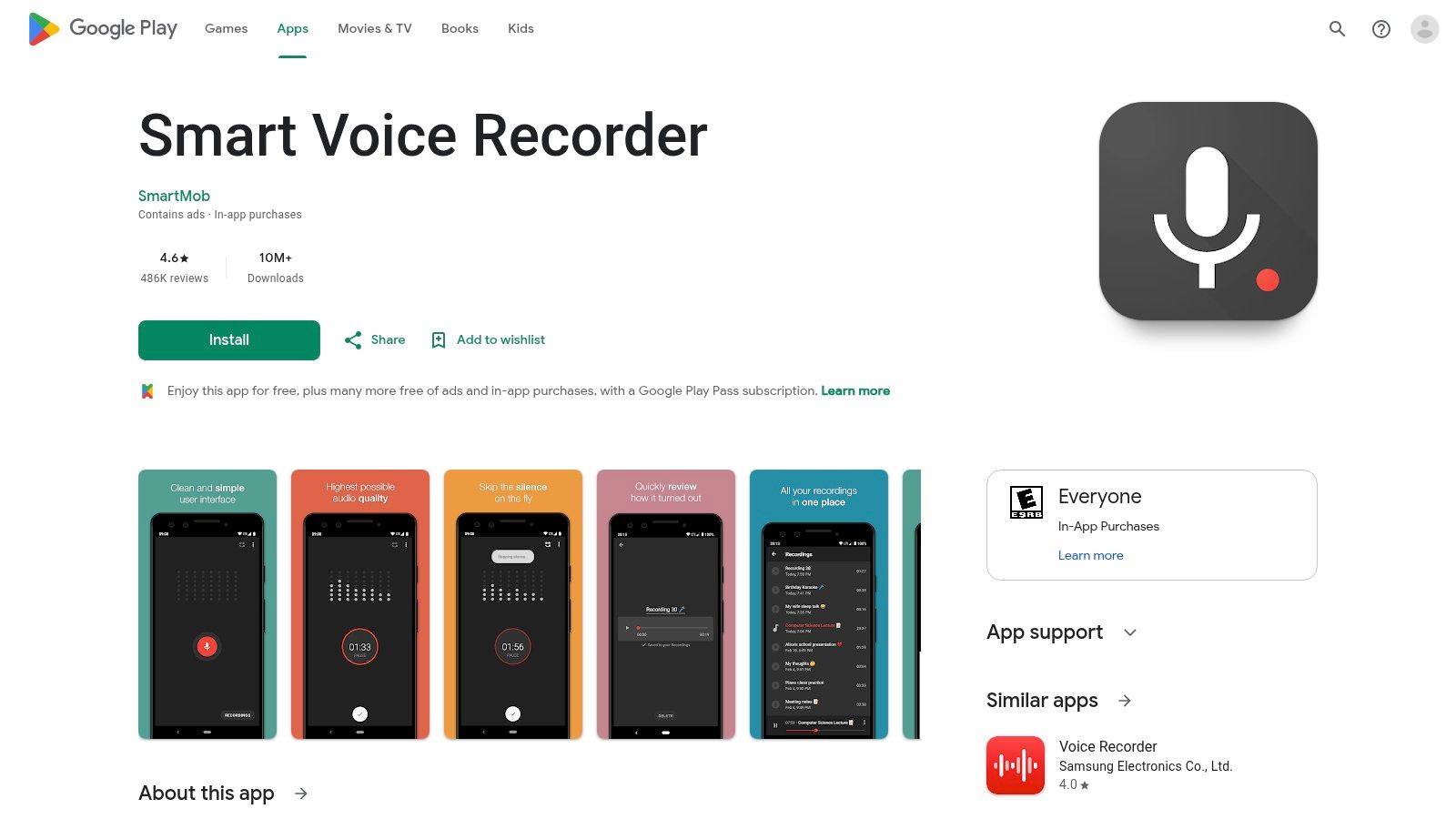
A two-hour lecture, a rehearsal run-through, a deposition prep session. These are the moments when flashy features stop mattering and recorder stability starts to matter a lot.
Smart Voice Recorder is built for that kind of work. It opens fast, records for long stretches, and stays focused on spoken-word capture. That makes it a good fit for students, reporters, and anyone collecting material they plan to sort later instead of edit on the phone.
Best for long-form capture
What stands out here is endurance. The app keeps the path from record button to saved file short, which is exactly what I want when I am logging extended speech in a real room with HVAC noise, chair movement, and unpredictable pauses. Some versions also include silence-skipping behavior, which can help with note-taking or lectures, but it is not something I would trust for legal, documentary, or interview work where every second may matter.
That trade-off is the whole story with Smart Voice Recorder. It is efficient at capture, but limited once the take is finished. If your workflow includes trimming, noise cleanup, level correction, or exporting clean files for delivery, plan to move the audio into another app or desktop editor. It also fits nicely into a transcription workflow. Record here, export the file, then send it through Whisper AI or another speech-to-text tool if your goal is searchable notes rather than polished audio.
- Best for lectures and seminars: Long recordings are its strongest use case.
- Useful for transcription-first workflows: Good if the recording is just step one before export and speech-to-text.
- Less suited to production work: You will want another tool for editing and cleanup.
You can check it on the Smart Voice Recorder Play listing.
8. Simple Voice Recorder (Simple Mobile Tools)
Some people don't want cloud hooks, account prompts, or feature creep. They want a recorder that opens fast, saves locally, and leaves them alone. Simple Voice Recorder fits that mindset.
Its appeal isn't maximum capability. It's restraint.
Best for privacy-minded everyday use
If you mostly capture voice notes, reminders, rough ideas, and occasional meeting clips, this app is refreshingly direct. The open-source ethos matters to people who prefer offline-first tools and minimal tracking. Even when the app is basic, that can be a decisive factor.
This is not a power-user recorder. You won't get the same depth as ASR or the polish angle of Dolby On. But that's also why some users prefer it. There are fewer moving parts and fewer surprises.
Use Simple Voice Recorder when trust and simplicity matter more than format depth or advanced processing.
That said, “simple” can also mean limited. If you regularly work with external mics, careful gain choices, or downstream editing, you may outgrow it.
- Best for local-first recording: Good for users who want control without complexity.
- Strong everyday memo app: Fast, clear, and easy to manage.
- Not built for advanced audio work: Keep expectations realistic.
You can visit the Simple Mobile Tools website.
9. Voice Recorder by Splend Apps
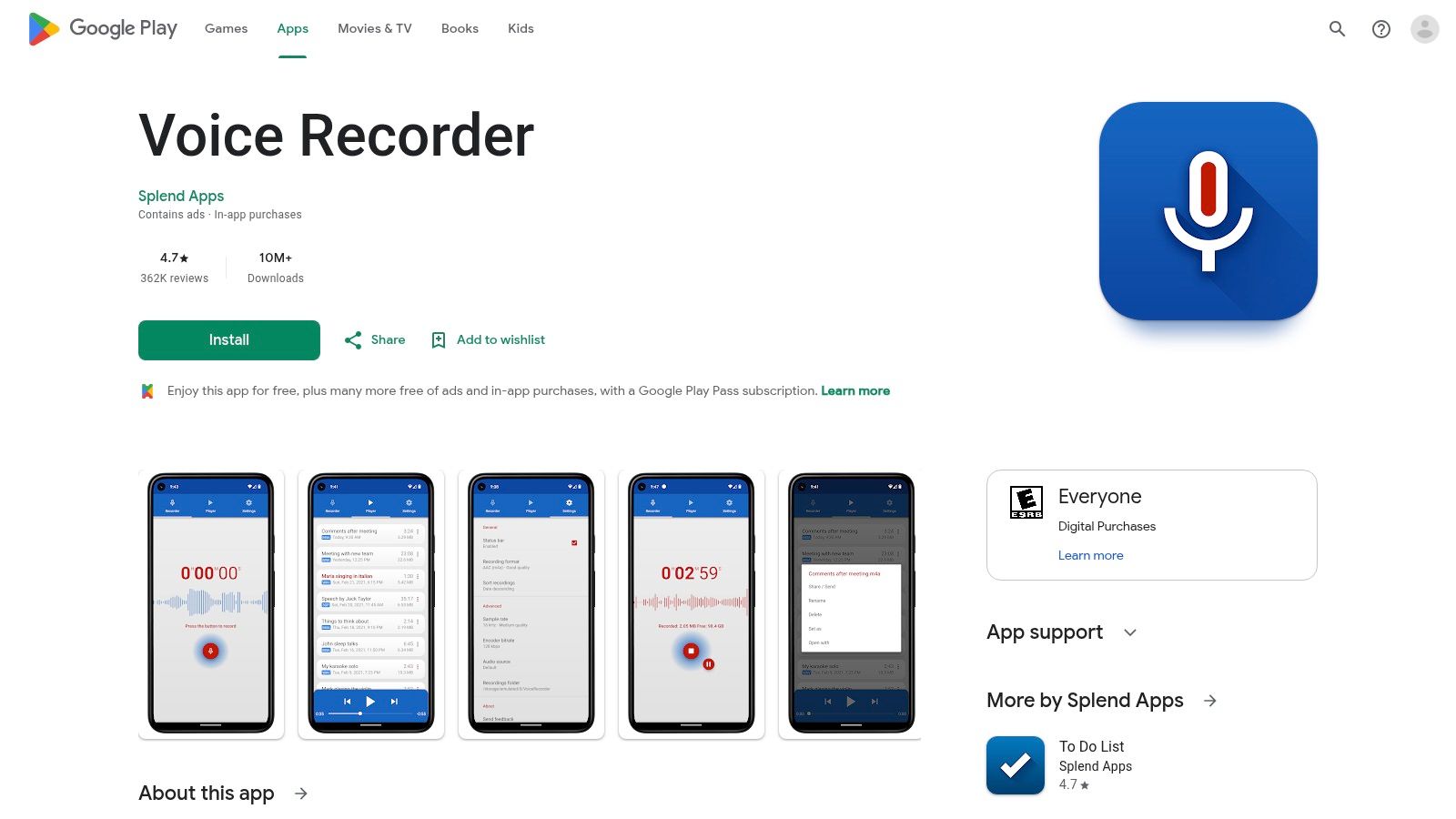
Voice Recorder by Splend Apps is the kind of app that wins on accessibility. Open it, hit record, trim the result, share it, move on. For a lot of people, that's enough.
I don't think it's the strongest specialist app in any single category. I do think it's a decent general tool for notes, interviews, and quick ideas when you want basic editing built in.
Best for beginners who want a little editing
The built-in trimming and organizing tools are the main reason to choose this one. They remove the need to bounce into another app just to clean the start and end of a clip. That's especially handy for students, casual creators, and anyone sending voice clips to other people.
The compromise is ads in the free version. Some users can ignore that. Others can't. For a recorder app, interruptions and clutter matter more than they would in a game or shopping app.
It's also less appealing if you already know you want high-fidelity capture, heavy format control, or detailed workflow settings. Splend Apps stays in the beginner-friendly lane.
- Best for casual use: Notes, reminders, quick interviews, and rough idea capture.
- Handy post-recording tools: Trim and share without leaving the app.
- Ads are the cost of entry: That alone will push some users toward alternatives.
You can see it on the Voice Recorder by Splend Apps Play page.
10. WaveEditor Record & Edit Audio (Sound-Base Audio)
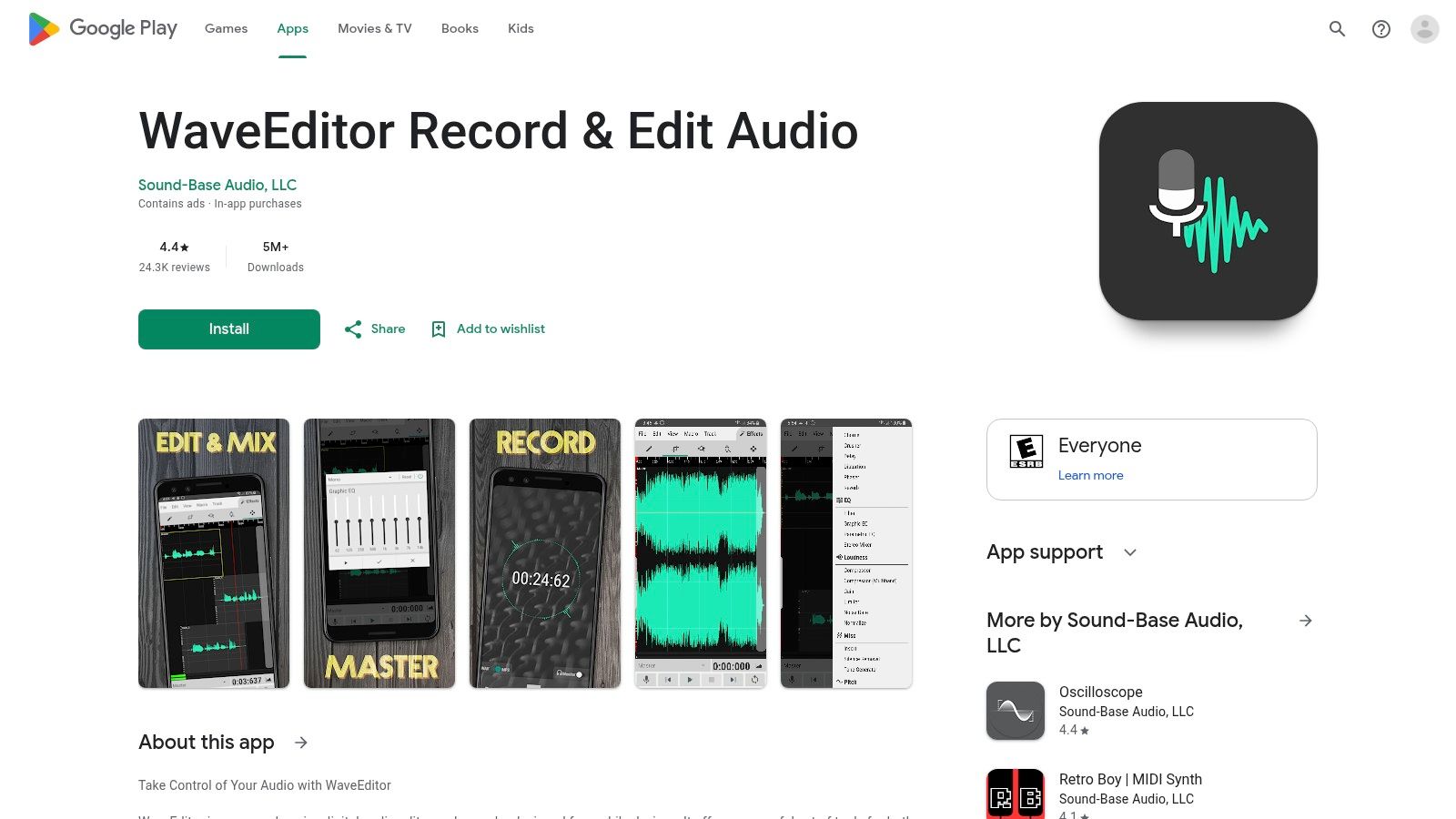
WaveEditor is what I'd call a working app, not a casual app. If you want to record and then immediately clean, cut, inspect, and export on the phone itself, this is one of the more capable options.
That matters when you don't want the usual two-step mobile workflow of “record here, edit somewhere else.” For podcasters, field interviewers, and anyone doing rough production on Android, that can save real time.
Best for record-and-edit on one device
Waveform and spectrogram views give you a more precise way to find noise, breaths, dead air, and bad cuts than a simple memo app ever will. If you know even a little audio editing, these tools are useful. If you don't, the interface can feel like too much app all at once.
WaveEditor sets itself apart from the rest of the list. It isn't trying to be the best free sound recorder app for Android for everyone, but rather the best recorder for people who also want editing depth on-device.
The downside is the learning curve. You'll spend more time understanding the app before it pays off. Some advanced functions may also sit behind in-app purchases.
- Best for mobile editing: Strong fit for podcasters and creators working directly on Android.
- Useful visual tools: Waveform and spectrogram views help with more exact cleanup.
- Not ideal for quick memos: Too much interface for simple reminders.
You can explore it on the WaveEditor Play listing.
Top 10 Free Android Voice Recorder Comparison
| App | Core features ✨ | Quality ★ | Price/Value 💰 | Best for 👥 | Standout 🏆 |
|---|---|---|---|---|---|
| Recorder by Google (Pixel-only) | On-device live transcription, searchable words, web sync | ★★★★★ (instant & accurate) | 💰 Free (Pixel required) | 👥 Journalists, students on Pixel | 🏆 Instant on-device transcripts & search |
| Samsung Voice Recorder | Interview/dual‑mic mode, bookmarks, trimming, ecosystem sync | ★★★★☆ (reliable on Galaxy) | 💰 Free (Galaxy only) | 👥 Interviewers & Galaxy users | 🏆 Dedicated interview/multi-waveform mode |
| Easy Voice Recorder (Digipom) | Multiple codecs, skip silence, basic editing | ★★★★☆ (stable & simple) | 💰 Freemium (Pro adds features) | 👥 Students, reporters, meetings | 🏆 Lightweight, dependable UI |
| Dolby On | One‑tap noise reduction, EQ, compression, presets | ★★★★★ (polished sound) | 💰 Free core processing | 👥 Musicians, podcasters, creators | 🏆 Automatic Dolby audio processing |
| Hi‑Q MP3 Voice Recorder | MP3/WAV, adjustable bitrates, auto-upload options | ★★★★☆ (good quality, small files) | 💰 Free/paid pro features | 👥 Lecturers & power users | 🏆 Reliable MP3 capture & bitrate control |
| ASR Voice Recorder (NLL) | Wide format support, labels, skip‑silence, converter | ★★★★☆ (feature‑rich, busy UI) | 💰 Freemium (Pro for cloud) | 👥 Power users needing formats/tools | 🏆 Broad format + built-in converter |
| Smart Voice Recorder (SmartMob) | Minimal UI, long-duration optimization, skip silence | ★★★★☆ (very stable for long sessions) | 💰 Free / lightweight | 👥 Lectures, ambient recordings | 🏆 Battery-friendly long recordings |
| Simple Voice Recorder (Simple Mobile Tools) | Offline-first, minimal permissions, open-source | ★★★☆☆ (clean & privacy-focused) | 💰 Free / open-source | 👥 Privacy-conscious users | 🏆 Open-source, minimal tracking |
| Voice Recorder by Splend Apps | Friendly UI, trimming, sharing, widgets | ★★★★☆ (easy for beginners) | 💰 Free with ads / paid opt‑out | 👥 General users & quick notes | 🏆 User-friendly post-record editing |
| WaveEditor Record & Edit Audio | Live monitoring, waveform/spectrogram, multitrack edits | ★★★★☆ (powerful, steeper learning) | 💰 Freemium (IAPs for effects) | 👥 Creators needing on-device editing | 🏆 Recorder + precision editing tools |
The Right Recorder for the Job
You record a 45 minute interview, leave the room, and then hit the real test. Can you find the file, play it back without surprises, and get it into a transcript without wasting time? That is the job. The app itself is only one part of it.
Recorder by Google is still the easiest spoken-word pick for Pixel users. Samsung Voice Recorder is a strong default on Galaxy phones because it is built into the phone well and works well for interviews. Easy Voice Recorder is the safer all-purpose choice for classes, voice notes, and meetings. Dolby On fits music ideas, social clips, and any situation where cleaner sound on the spot matters more than raw control. ASR and Hi-Q suit people who care about formats, bitrate settings, and file handling. Smart Voice Recorder remains one of the better long-session tools if stability and battery use matter more than extras.
Choose by recording job first.
That sounds obvious, but many Android recorder comparisons flatten everything into one ranking. In practice, interview recording, music sketching, lecture capture, and on-phone editing are different jobs with different failure points. I would not judge Dolby On by the same standard as ASR, and I would not pick a lecture recorder the same way I pick an app for field notes.
Storage is the part many users only notice after a problem. A recorder is only useful if the file is easy to retrieve later, and Android still handles this differently across phone brands and file managers. Rev's Android recording walkthrough shows the kind of folder-hunting people still run into, including Samsung My Files and common Recordings paths. If the material matters, run a short test, save one clip, and confirm exactly where it lands before you start the actual session.
A practical workflow looks like this:
- Record with the app that matches the use case: Built-in app for speed, Dolby On for processed sound, ASR or Hi-Q for more format control.
- Rename the file right away: Timestamps are fine until you have ten similar clips from the same day.
- Check the save location: Android skins and app settings do not always handle storage the same way.
- Transcribe if the content needs to be searchable: Spoken audio becomes far more useful once you can scan, edit, and quote it.
Whisper AI is one option for that last step if you want to turn recordings into text, summaries, and exportable notes. That is the full workflow this guide is built around. Pick the recorder for the job, then move the file into transcription while the context is still fresh.
If you already have audio from one of these Android recorder apps, Whisper AI can help you turn it into searchable text, speaker-labeled transcripts, summaries, and export-ready notes for research, interviews, meetings, podcasts, and class recordings.


























































































