10 Best Practices for Documentation to Master in 2026
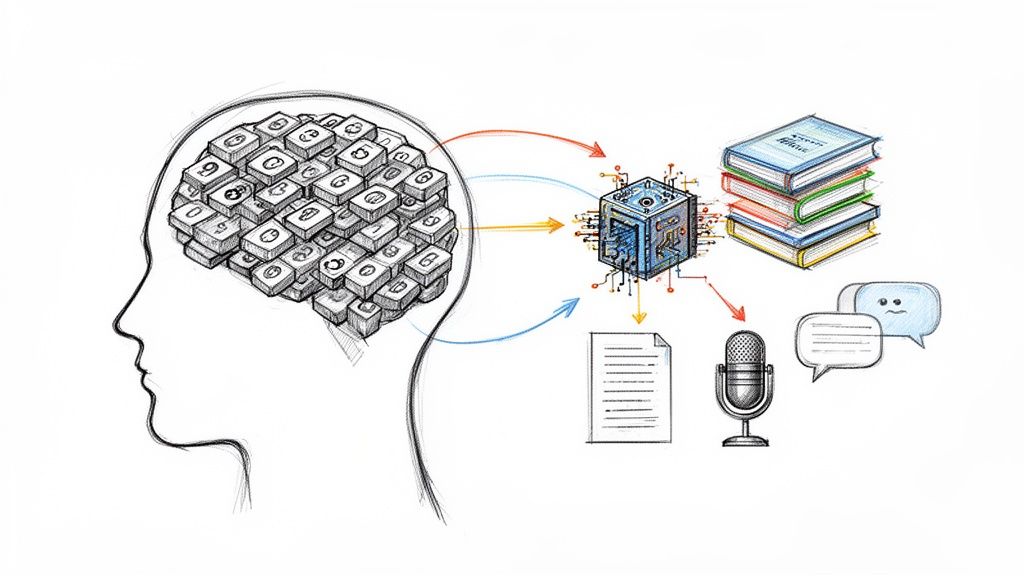
In a world saturated with meetings, podcasts, and video content, simple transcripts are no longer enough. The sheer volume of information we generate demands a more intelligent approach to how we record and manage knowledge. From my experience, effective documentation isn't just about recording what was said; it's about making that information findable, understandable, and actionable for everyone, now and in the future.
Without a solid strategy, valuable insights get buried in endless audio files, messy meeting notes, and unsearchable video captions. I've seen this lead directly to wasted time, repeated work, and lost opportunities as teams struggle to locate key decisions or creators try to repurpose old content. The cost of disorganized information is steep, impacting productivity and preventing teams from building on past successes.
This guide moves beyond generic advice to provide a concrete, experience-based roadmap. We will explore 10 best practices for documentation that turn raw media into a strategic asset. You will learn specific, actionable methods for:
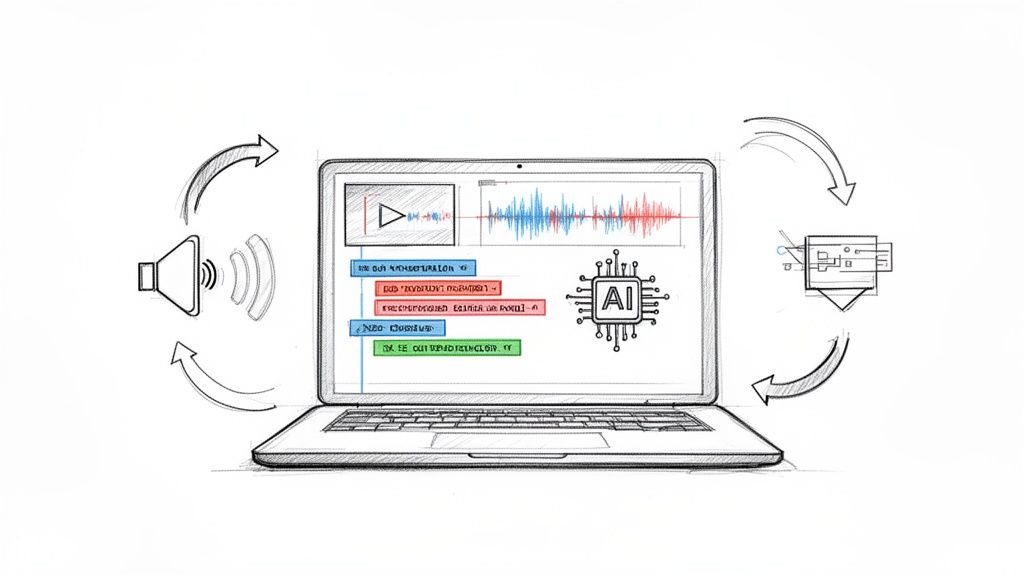
- Automating transcription and summarization with AI tools.
- Implementing structured metadata and version control.
- Ensuring your documentation is secure, accessible, and easily searchable.
From establishing multi-format export standards to applying semantic chunking for better organization, these practices will help you build a knowledge base that works as hard as you do. By adopting these techniques, you ensure every conversation, meeting, and piece of content delivers lasting, measurable value.
1. Comprehensive Transcription with Speaker Identification
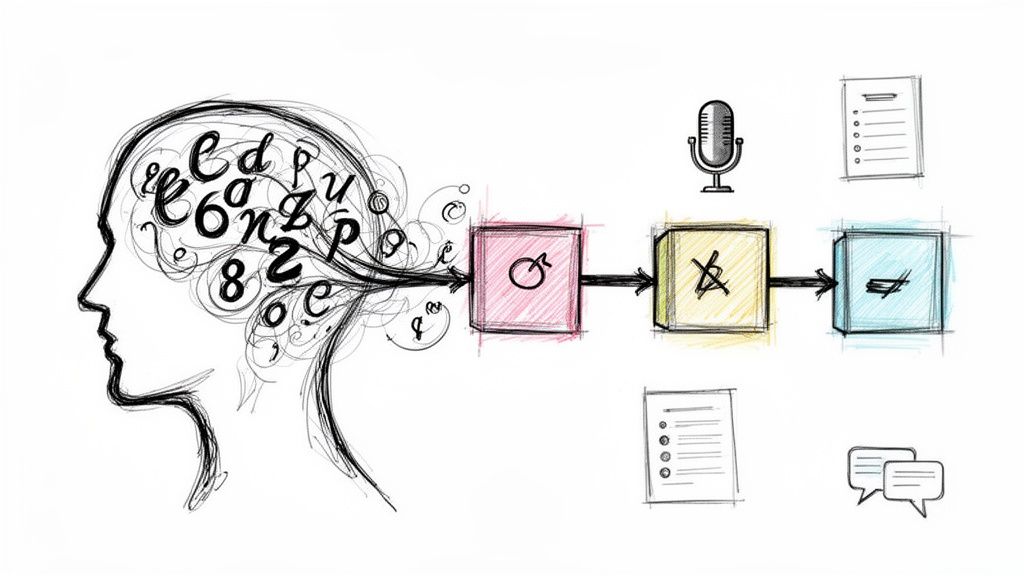
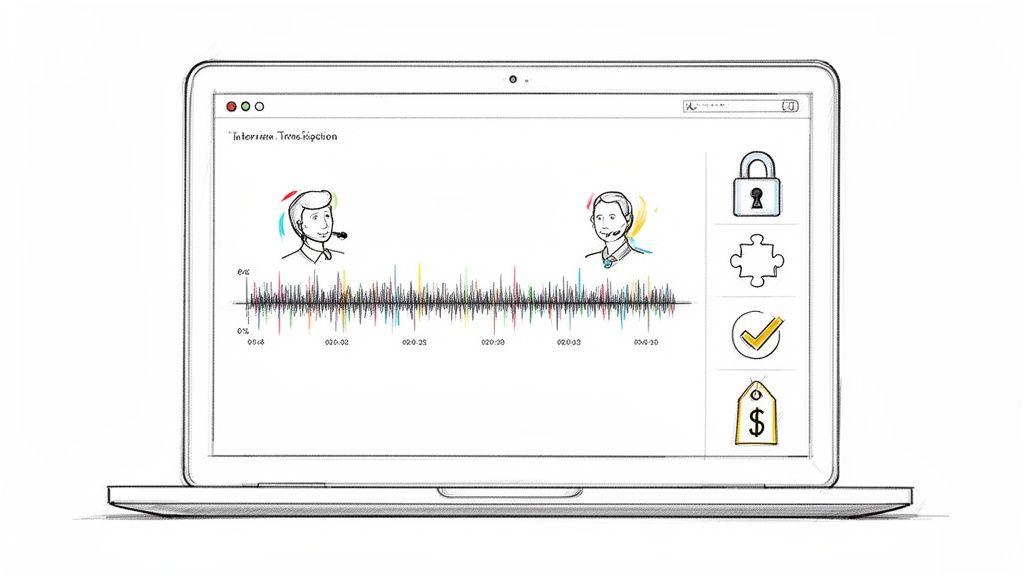
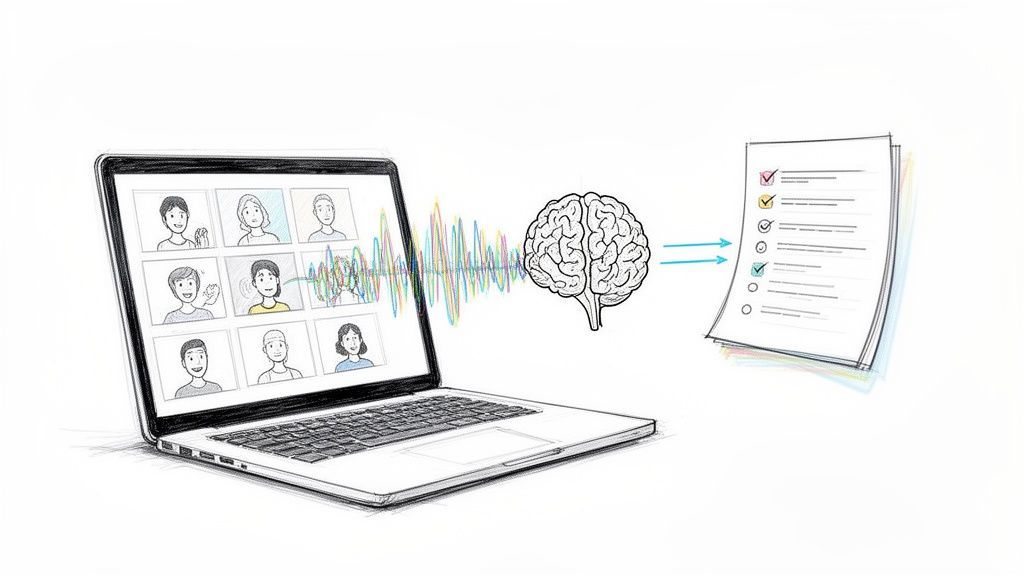
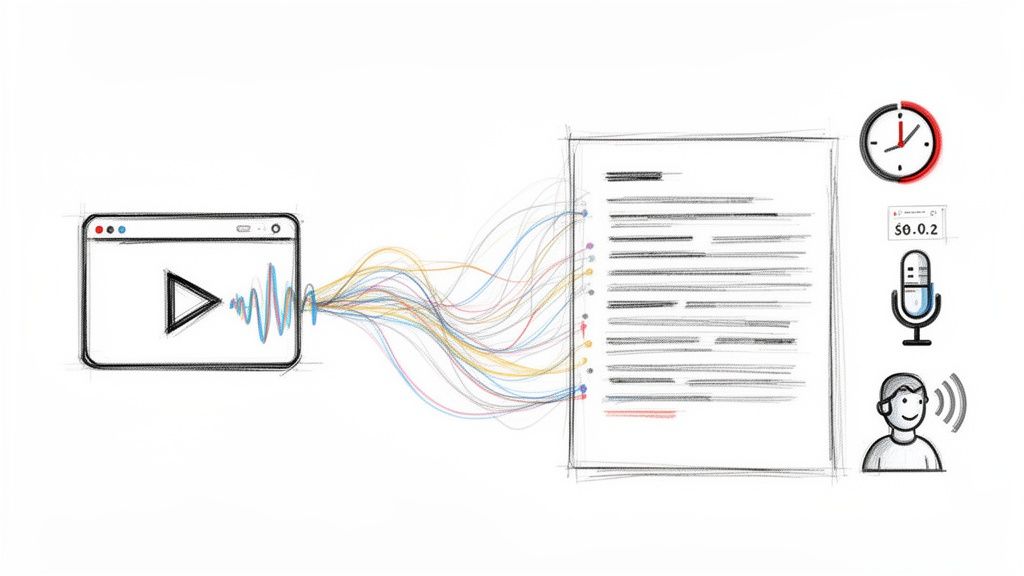
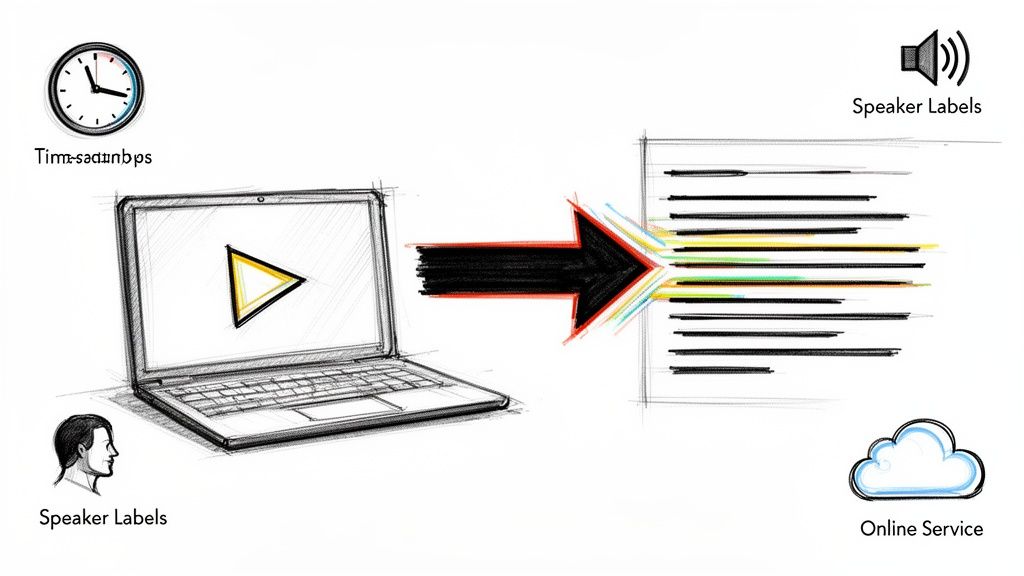
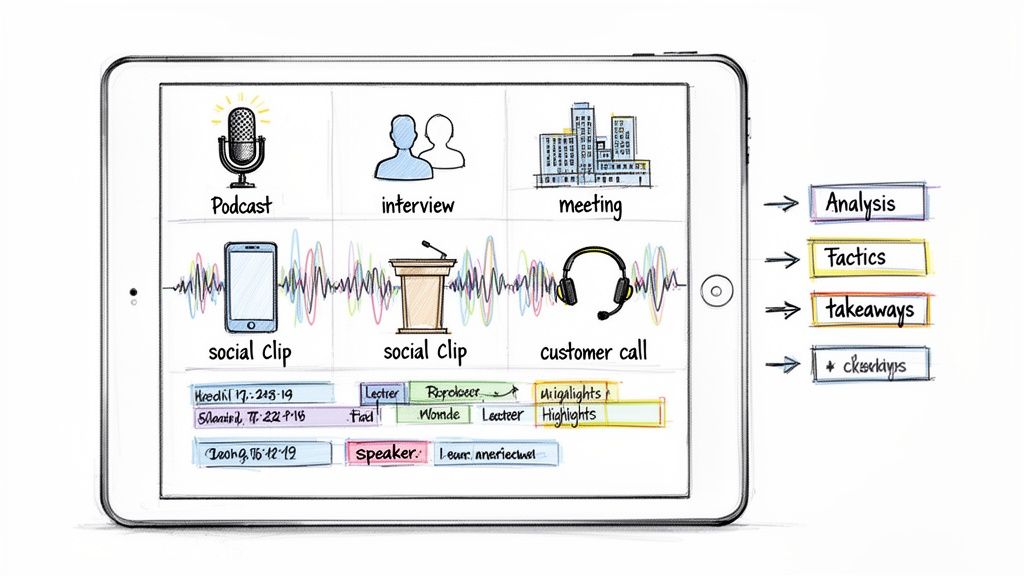
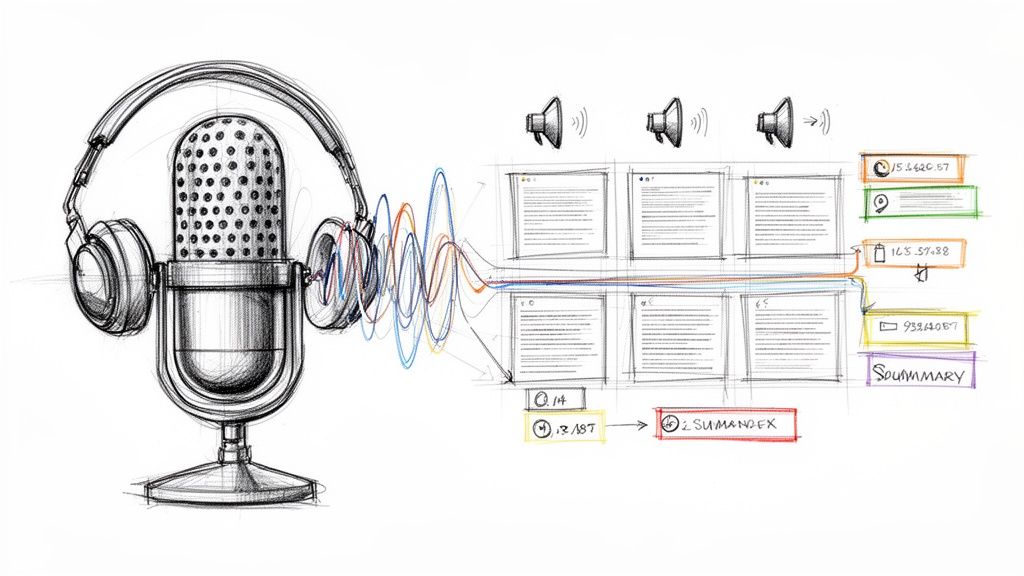
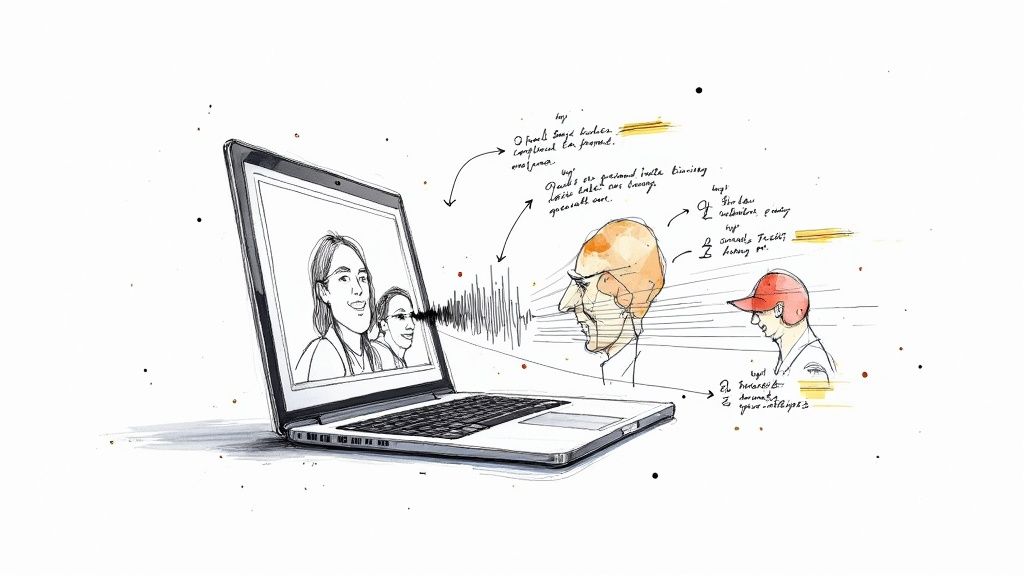
One of the most effective best practices for documentation is to create detailed transcripts that do more than just capture words. Comprehensive transcription involves accurately converting audio to text while also identifying who is speaking and when. This method ensures that statements are correctly attributed, which is essential for interviews, team meetings, podcasts, and any video content where understanding the context of the conversation is key.
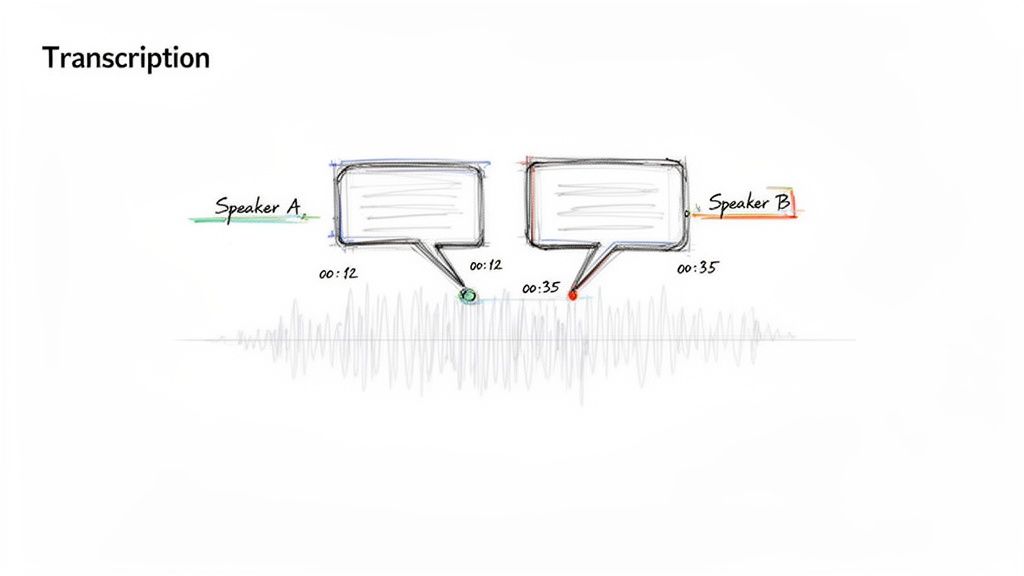
This level of detail turns a simple text file into a searchable, referenceable record. For example, a journalist can quickly pull quotes from a specific source, or a project manager can review action items assigned to individual team members without re-watching an entire meeting. Based on my work with content creators, this has become a standard practice, recognized for its immense value for repurposing content and keeping accurate records.
How to Implement This Practice
Successfully integrating speaker identification into your transcription workflow is straightforward with the right approach. Whether you're using an automated tool or a manual service, these tips will improve the accuracy and utility of your final document.
- Introduce Speakers: At the beginning of a recording, have each participant state their name clearly. This simple step provides a clean voice sample for AI transcription tools like Whisper AI to learn and assign speaker labels accurately throughout the session.
- Review and Correct: Spend the first few minutes of a generated transcript reviewing and correcting any mislabeled speakers. Most transcription software learns from these initial corrections, improving its accuracy for the remainder of the file.
- Create a Table of Contents: Use the timestamps associated with speaker changes to build a clickable table of contents for long-form content. This allows viewers to jump directly to relevant sections, saving significant time. You can learn more about turning audio into well-structured text by exploring different transcription from audio to text methods.
- Tag Key Moments: During your review, tag moments where important topics are discussed or key speakers make critical points. This creates an easy-to-scan reference for follow-up questions or content creation.
2. Multi-Format Export and Compatibility Standards
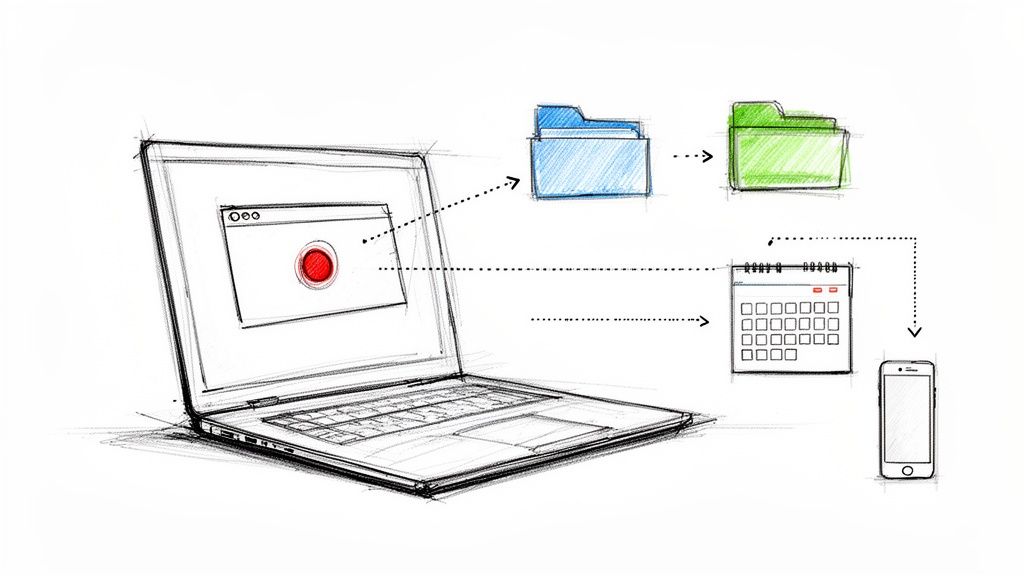
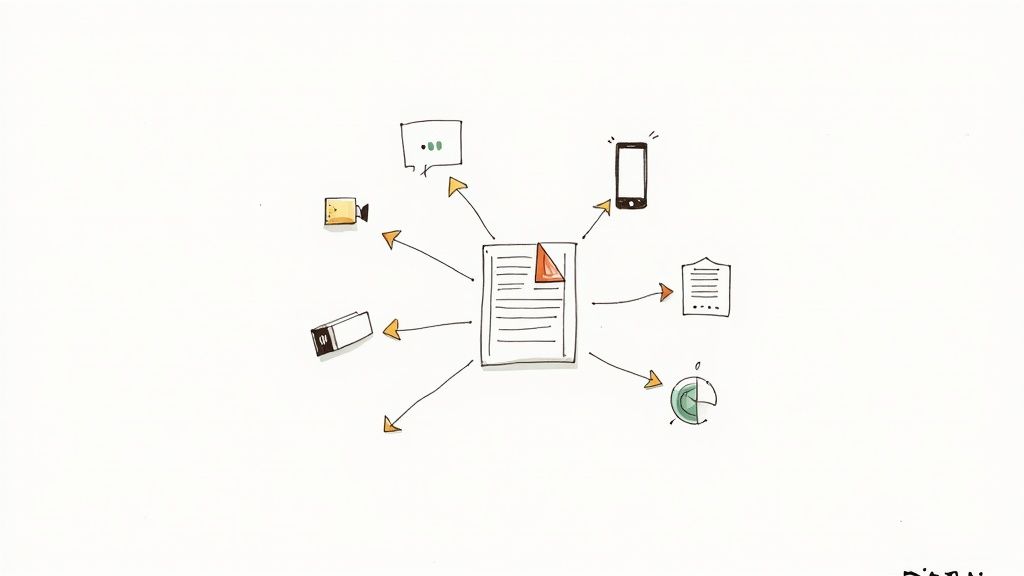
Effective documentation is not static; it needs to be accessible and usable across various platforms and teams. This is why establishing multi-format export and compatibility standards is a crucial best practice for documentation. It means ensuring that your source material, such as a meeting transcript or research notes, can be easily converted into different file types like Google Docs, Word, PDF, TXT, and Markdown without losing critical information. This flexibility prevents format-conversion headaches and ensures your documents integrate smoothly into existing workflows.
This practice allows different stakeholders to use the documentation in the environment they are most comfortable with. For instance, a content team might prefer a Google Doc for collaborative editing, while a developer may need Markdown for a GitHub repository. Tools with native exports to multiple formats and versatile export options have made this a standard expectation for modern documentation systems, ensuring that valuable information remains fluid and adaptable.
How to Implement This Practice
Integrating multi-format exports into your documentation strategy ensures your content remains useful and shareable. By thinking ahead about where your documentation will live and who will use it, you can avoid frustrating compatibility issues and data silos.
- Use Markdown for Future-Proofing: For content destined for blogs, wikis, or code repositories like GitHub, start with or export to Markdown (.md). Its plain-text nature is universal and easily converted to other formats, making it an excellent archival standard.
- Export to PDF for Archival: When you need to share a final, read-only version of a document, a PDF is the gold standard. It preserves formatting across all devices and is ideal for official records, contracts, or reports that should not be altered.
- Choose Google Docs for Collaboration: For documents requiring team input, feedback, or real-time editing, exporting to Google Docs is the most practical choice. Its commenting and suggestion features are purpose-built for collaborative work.
- Standardize File Naming Conventions: Create and enforce a clear naming convention for all exported files (e.g.,
ProjectName_Meeting-Notes_YYYY-MM-DD_v1.pdf). This simple step helps track versions and makes files easily searchable, regardless of their format. - Export to SRT for Video Captions: When dealing with video or audio, having an SRT export option is vital for accessibility. If you need to understand the specifics of this format, you can learn more about what SRT files are and how they are structured to add captions to your content.
3. Searchable and Indexed Content Documentation
Effective documentation isn't just about capturing information; it's about making that information accessible. One of the most important best practices for documentation is to ensure all content is fully searchable and indexed. This transforms a static archive into a dynamic resource, enabling users to find specific details, quotes, or topics instantly without reading or listening to entire files. By implementing full-text search capabilities, you empower stakeholders to pinpoint what they need, when they need it.
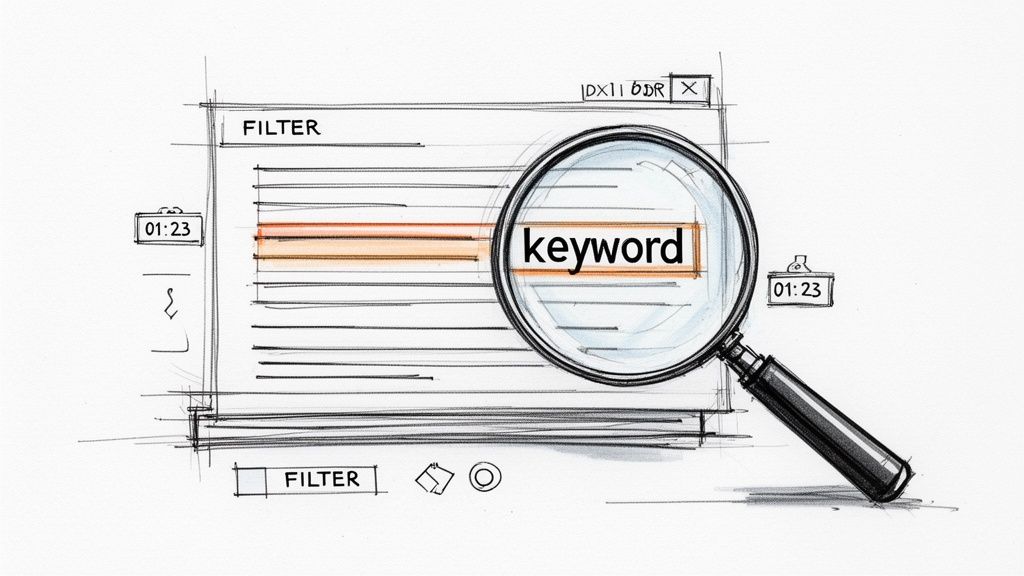
This practice is fundamental to modern information management. For example, some platforms allow users to search across a massive library of transcribed files, while YouTube's searchable captions let viewers jump to the exact moment a topic is mentioned. Similarly, legal discovery platforms depend on indexed transcripts to find critical evidence, and academic databases rely on full-text search to facilitate research. The goal is to eliminate friction and make data retrieval as simple as a Google search.
How to Implement This Practice
Integrating robust search functionality into your documentation workflow makes your content exponentially more valuable. Whether you're working with transcripts, meeting notes, or research archives, these strategies will improve discoverability.
- Build a Central Knowledge Base: Consolidate your documentation into a single system or platform that supports indexing. This allows users to search across multiple files simultaneously, revealing connections and patterns that would otherwise remain hidden in isolated documents.
- Use Custom Tags: Create and apply consistent tags for recurring projects, themes, or speakers. This allows users to filter and retrieve all related content with a single click, which is far more efficient than relying solely on keyword searches.
- Encourage Natural Language Queries: Modern search tools are optimized for conversational queries. Advise your team to search for information as if they were asking a question, such as "What were the Q3 marketing budget decisions?" This often yields more relevant results than simple keywords.
- Combine Keywords with Filters: For more precise results, teach users to combine keyword searches with filters like date ranges, speaker names, or file types. This narrows down the search pool and delivers the exact information needed much faster. Just as SEO enhances video discovery, you can explore other YouTube SEO best practices to improve content accessibility.
4. Automated Summarization and Highlight Extraction
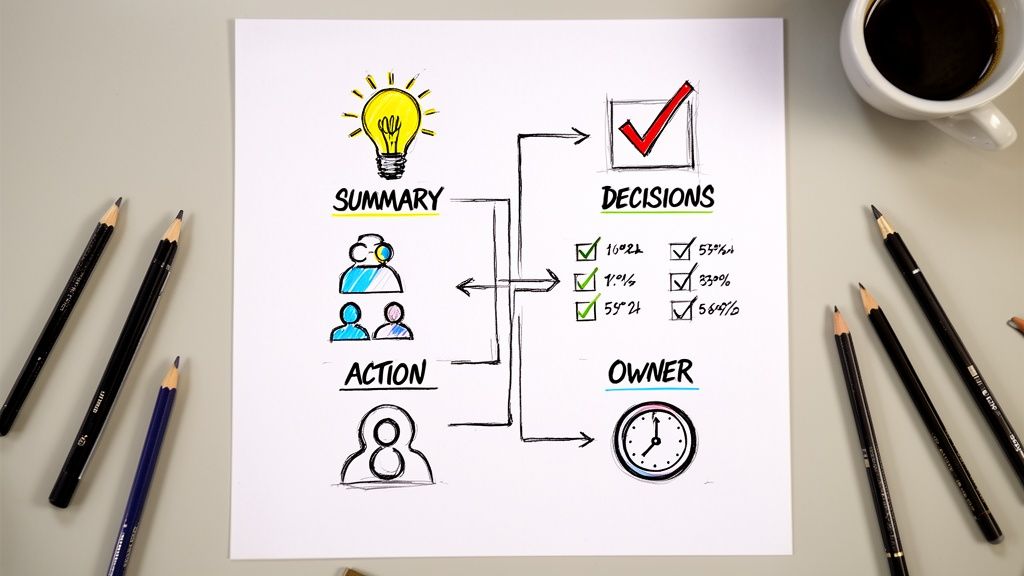
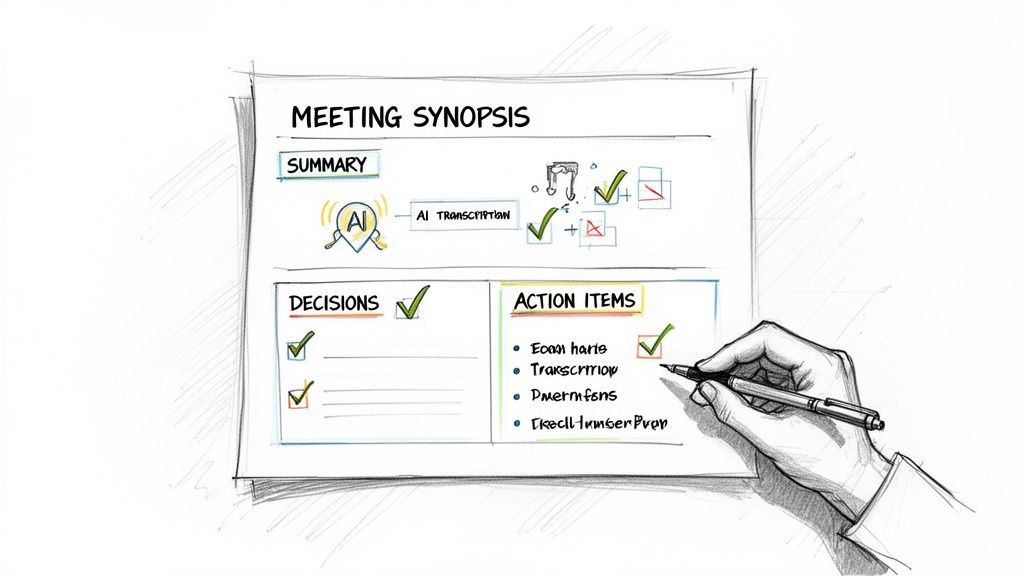
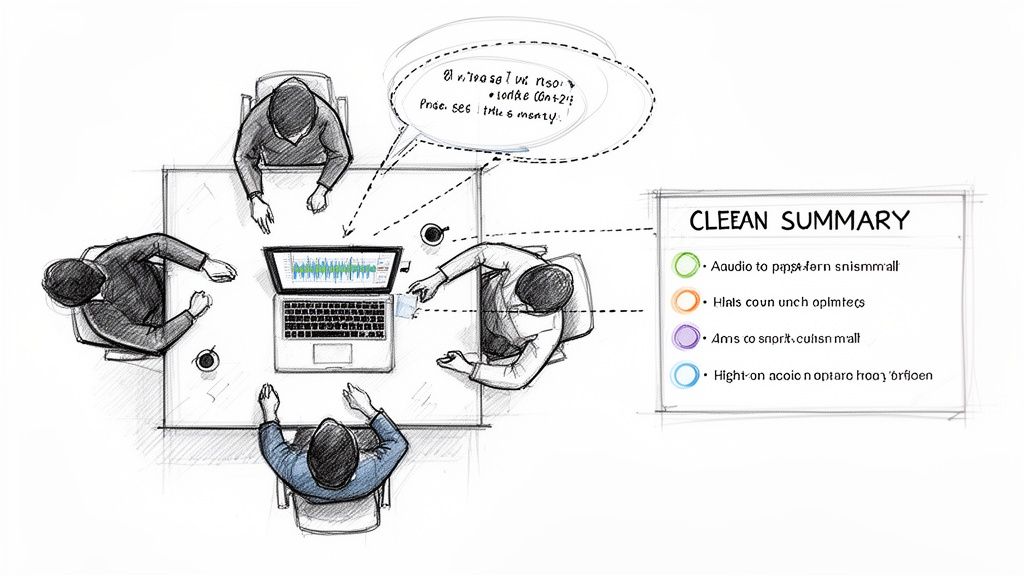
One of the most valuable best practices for documentation is using AI to create automated summaries and extract key highlights. This method transforms lengthy transcripts, meeting notes, or articles into concise, scannable content. It allows busy professionals, from executives to content creators, to quickly understand the core message, identify action items, and find important quotes without reading or watching the source material in its entirety.
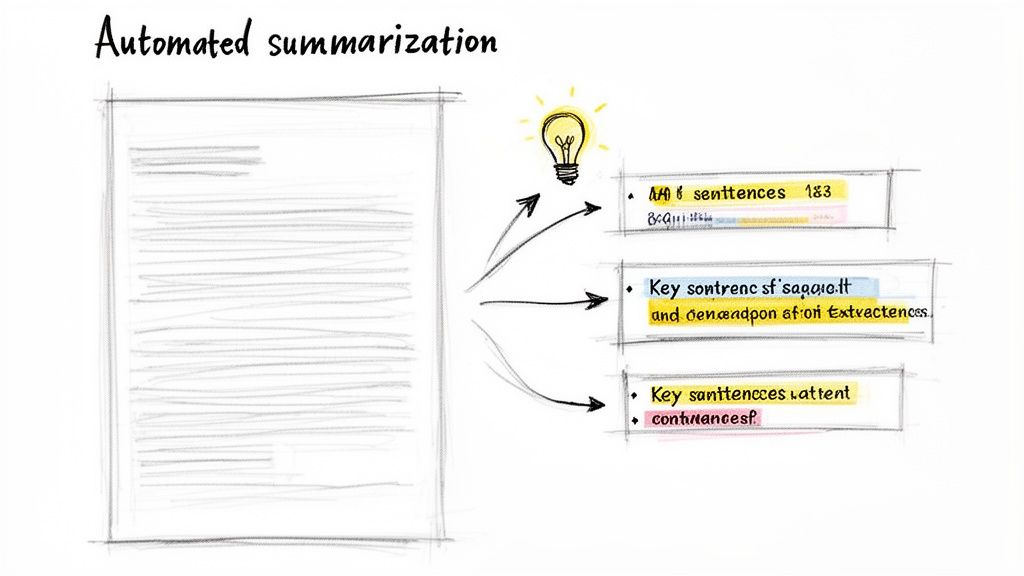
This approach makes information far more accessible and actionable. Imagine turning a one-hour project meeting into a five-point summary with assigned action items, or a long-form podcast interview into a series of shareable highlights for social media. In my work, I've seen tools that integrate features like this save teams countless hours and ensure critical information doesn't get lost in the noise.
How to Implement This Practice
Integrating automated summarization into your documentation process is straightforward and yields immediate benefits. By using AI tools thoughtfully, you can produce accurate, audience-specific summaries that drive action and engagement.
- Verify for Accuracy: Always treat AI-generated summaries as a first draft. Review them against the original source to correct any misinterpretations, factual errors, or loss of critical context before sharing them with stakeholders.
- Tailor Summaries for Different Audiences: A single document can serve multiple purposes. Generate a high-level executive summary for leadership and a more detailed, technical summary with specific data points for the project team. This ensures everyone gets the information they need.
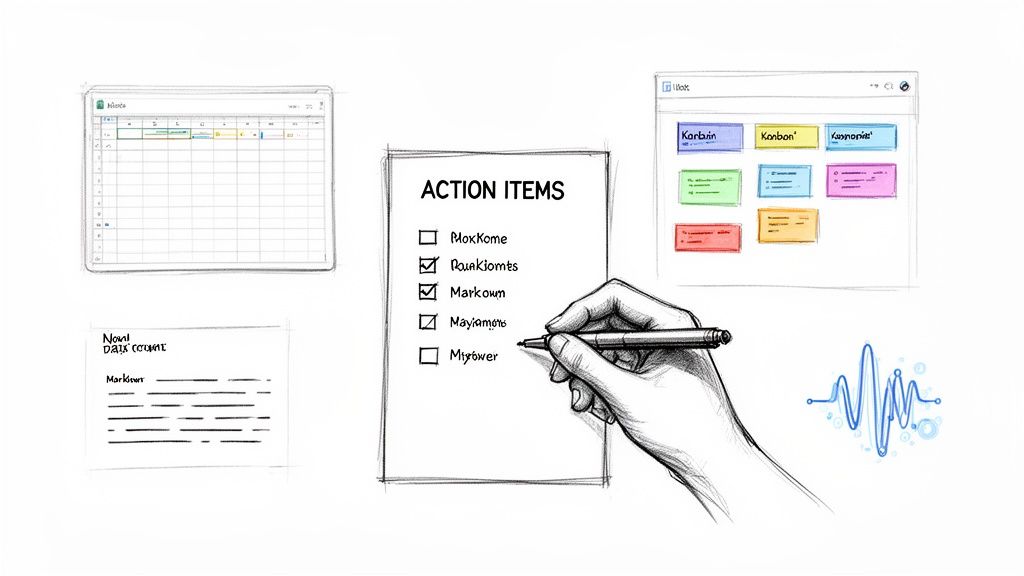
- Extract Action Items Separately: Don't bury tasks inside a narrative summary. Use AI to pull out all action items and list them separately, often with a responsible person and deadline. This makes them easy to import into project management tools like Asana or Trello.
- Use Highlights for Content Repurposing: Extracting the most impactful sentences or "sound bites" is a goldmine for content creation. These highlights can be quickly turned into social media posts, quote graphics, video clips, or email newsletter snippets, extending the life of your original content.
5. Multi-Language Support and Documentation Accessibility
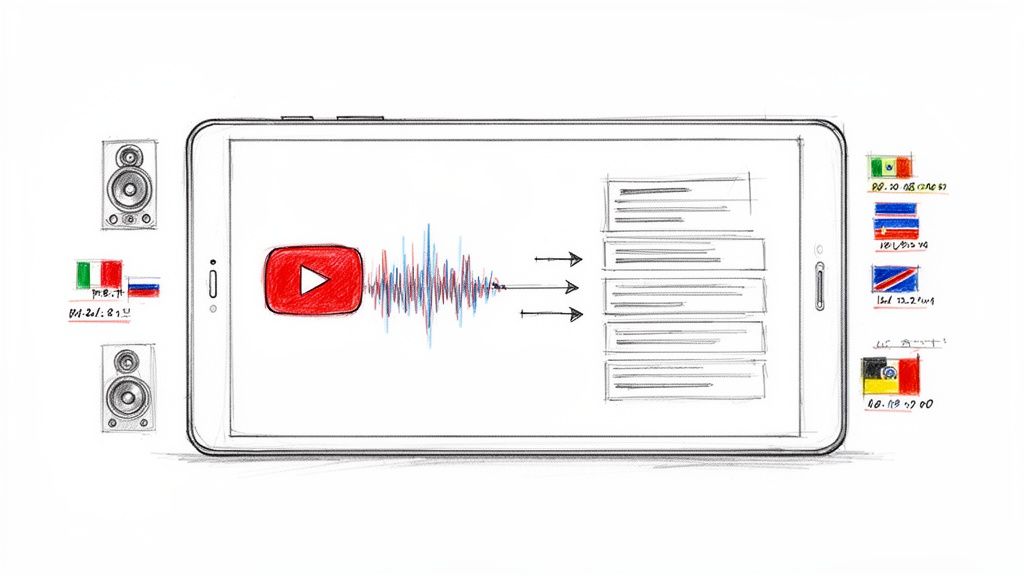
One of the most impactful best practices for documentation is extending your content's reach through multi-language support. This involves making information accessible to global audiences by transcribing, translating, and formatting it for diverse linguistic communities. By breaking down language barriers, you ensure your podcasts, meeting notes, tutorials, and research are understood by anyone, anywhere, regardless of their native tongue.
Adopting this practice turns your documentation into a truly global asset. For instance, a corporation can distribute a single set of training materials to its international offices, or a researcher can share findings with colleagues worldwide without the risk of misinterpretation. Many tools and services now support dozens of languages, making multilingual content a standard for effective communication. This approach not only expands your audience but also promotes inclusivity.
How to Implement This Practice
Integrating multi-language support into your documentation workflow is achievable with a methodical process. Whether you are using automated translation tools or working with professional translators, these steps will help preserve the accuracy and context of your original message.
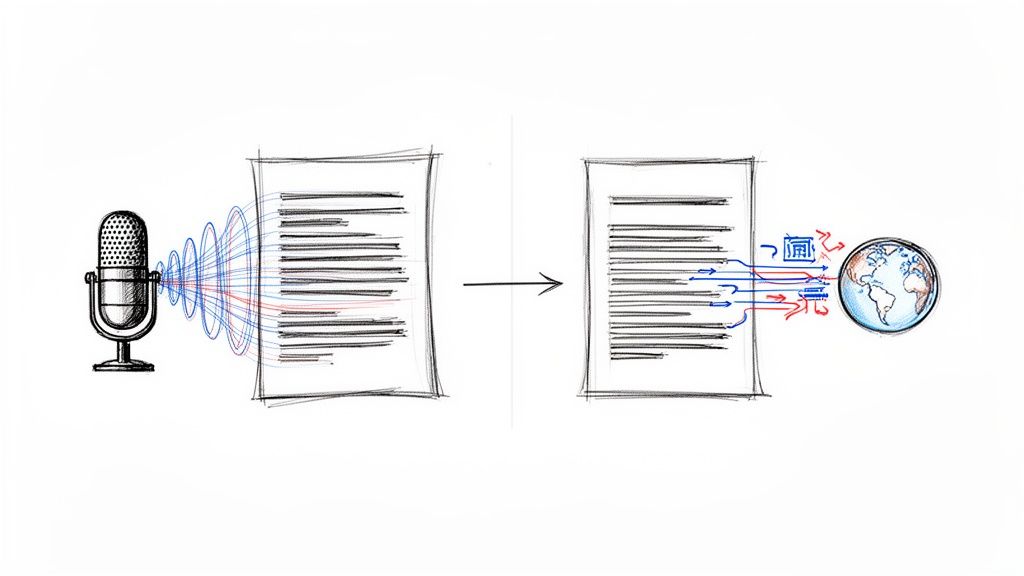
- Transcribe First, Translate Second: Always start by creating a highly accurate transcript of the content in its original language. This clean source document provides a reliable foundation for translation, minimizing errors that could be compounded in the next step.
- Use Native Speaker Reviews: Automated translations are a great starting point, but they can miss cultural nuances and specific jargon. Have a native speaker review the translated document to ensure it sounds natural, is culturally appropriate, and maintains the intended meaning.
- Maintain Consistent Terminology: Create a glossary of key terms, brand names, and technical phrases. Ensure this glossary is used consistently across all translated versions of your documentation to avoid confusion and maintain brand integrity.
- Preserve Original Timestamps: When creating translated transcripts or captions for video and audio, keep the original timestamps. This allows users to switch between languages while following along with the media, a feature especially useful in multilingual meetings or international academic conferences.
6. Contextual Follow-Up Questions and Iterative Refinement
Effective documentation should not be a static, one-way street. A top-tier best practice for documentation is to treat it as a conversation, allowing for iterative refinement through follow-up questions. This method enables users to clarify points, expand on concepts, or dive deeper into specific topics directly from the source material, turning a simple transcript or set of notes into an interactive knowledge base.
This conversational approach means stakeholders can extract precisely the information they need without sifting through irrelevant content. For example, a project manager can ask their meeting notes, "What were the final delivery dates for Project Apollo?" and get a direct answer. From my experience, I’ve found tools that include this capability let users ask questions of their transcribed audio, while conversational interfaces have shown how valuable this direct interaction can be for information retrieval.
How to Implement This Practice
Integrating a conversational layer into your documentation makes it more dynamic and useful. By encouraging interaction, you create a system that continually adapts to user needs and clarifies complex information on demand.
- Ask Focused Questions: Encourage specific, focused questions rather than broad ones. Instead of "What was the meeting about?" ask, "What were the key action items assigned to the marketing team?" This yields more precise answers.
- Drill Down on Complexity: Use follow-up questions to break down complex topics into understandable parts. If a transcript mentions a technical term, ask the documentation tool to "Explain what 'isomorphic rendering' means" to get an immediate, contextual definition.
- Generate Actionable Outputs: Frame questions to produce concrete tasks. Asking "What should we do about the Q3 budget shortfall?" can help synthesize a discussion into a clear list of proposed solutions or action items.
- Build an Evolving FAQ: Pay attention to the questions users frequently ask. These common queries are a goldmine for creating a living FAQ document that addresses the most pressing information needs of your audience. This is a core component of modern documentation best practices.
7. Secure, Compliant, and Privacy-First Documentation Practices
Beyond accuracy and organization, one of the most critical best practices for documentation is prioritizing security, compliance, and privacy. This means implementing robust measures to protect sensitive information, adhere to regulatory standards like GDPR and HIPAA, and build trust with a privacy-first approach. Whether you are handling customer data, confidential research, or personal notes, ensuring your documentation process is secure is non-negotiable.
This practice involves using tools and establishing workflows that protect data from unauthorized access at every stage. It covers secure file processing, strong encryption, clear data retention policies, and transparent privacy statements. For instance, transcription services with a privacy-first architecture, which avoids permanent data storage, give users confidence that their information remains private. Similarly, healthcare providers rely on HIPAA-compliant transcription to protect patient confidentiality.
How to Implement This Practice
Integrating security and privacy into your documentation workflow protects you, your audience, and your clients. These actionable steps help you build a secure foundation for managing all types of information.
- Choose Privacy-First Tools: Scrutinize the privacy policies of any documentation or transcription software you use. Opt for services that explicitly state they do not store your data permanently or use it for training models without your consent.
- Enable Multi-Factor Authentication (MFA): Secure your accounts on documentation platforms and cloud storage services by enabling MFA. This adds a critical layer of defense against unauthorized access, especially for documents containing sensitive information.
- Verify Vendor Certifications: When selecting a third-party service for handling documentation, ask if they hold relevant security certifications like SOC 2 or ISO 27001. These attestations confirm that the vendor meets high standards for data security and operational integrity.
- Encrypt Sensitive Files: Before uploading or sharing files containing personal, financial, or confidential information, use encryption. This ensures that even if a file is intercepted, its contents remain unreadable without the proper decryption key.
- Audit Access and Purge Old Data: Regularly review who has access to your documentation and remove permissions that are no longer needed. Additionally, establish and follow a data retention schedule to securely delete documentation that is no longer required, minimizing your compliance risk.
8. Structured Metadata and Tagging Systems
Effective documentation isn't just about what you write; it's about how you organize it for future access. Implementing structured metadata and tagging systems is a core practice for turning a collection of documents into a searchable, interconnected knowledge base. This involves creating consistent naming conventions, categorization schemes, and taxonomies that make information easy to find, filter, and understand across different teams and platforms.
This approach is what powers discoverability on major platforms. YouTube's categorization and video tags, GitHub's issue labels, and Notion's database properties all rely on structured data to help users navigate massive amounts of information. By applying this same logic to your own documentation, you make it more maintainable and prevent valuable insights from getting lost in a disorganized archive. This is one of the most critical best practices for documentation when managing a growing library of content.
How to Implement This Practice
Building a robust metadata system requires a thoughtful, standardized approach. Whether for meeting notes, research interviews, or video transcripts, these steps will create a system that scales with your needs and improves knowledge management for everyone.
- Create a Standardized Tagging Guide: Document your system. Create a simple guide that outlines your categories, defines key tags, and provides examples. This ensures everyone on the team applies metadata consistently.
- Use Hierarchical Categories: Organize information from broad to specific (e.g., Topic > Subtopic > Specific Issue). For instance, a meeting note could be tagged
Marketing > Q3 Campaign > Content Strategy. - Limit Tag Sprawl: Avoid creating too many unique tags, which can make the system messy. Aim for a curated list, and perhaps allow 5-10 relevant tags per document to keep it focused. For effective information retrieval and content categorization, you can draw inspiration from how authors utilize specialized tags for books to boost discoverability and reach their target audience.
- Tag by Content Type and Project: Use tags to identify the document's format (
Tutorial,Interview,Meeting Notes) and associate it with specific initiatives (Project Phoenix,2024 Rebrand). This allows for powerful cross-referencing.
9. Version Control and Documentation Change Tracking
Effective documentation isn't static; it evolves. One of the best practices for documentation is maintaining a clear version history and tracking changes. This process ensures accountability by showing who made what change and when, enables rollback capabilities if an error is introduced, and provides a crucial audit trail for collaborative projects or compliance needs. Without it, documents can become a tangled mess of conflicting edits and lost information.
This practice turns your documents into living records with a complete lineage. For instance, a marketing team can see how a campaign brief evolved, a legal team can trace modifications to a compliance document, and a development team can manage its technical documentation alongside its code. Tools like Google Docs with its version history, Git for code-based documentation, and Notion's page history have made this a standard, accessible practice.
How to Implement This Practice
Integrating version control into your documentation workflow is essential for maintaining accuracy and collaboration. Whether you are using a dedicated version control system or the built-in features of a word processor, these steps will help you manage changes effectively.
- Use Meaningful Commit Messages: When saving a new version or committing a change, describe what was altered and why. Instead of "updated doc," write "corrected speaker name in Q2 financial summary" or "added new section on project scope."
- Tag Significant Versions: Create clear milestones by tagging or labeling important versions. For example, mark a document as "v1.0-Final-Approval" or "2024-Q3-Report-Submitted." This makes it easy to find and reference specific point-in-time copies.
- Use Branching for Major Edits: For significant rewrites or experimental changes, use a branching feature if available (common in Git). This allows you to work on a separate copy without affecting the main document until the changes are reviewed and approved for merging.
- Document the 'Why': When making substantial changes, leave a comment or note in the change log explaining the reasoning. This context is invaluable for future collaborators who need to understand why a decision was made.
10. Semantic Chunking and Topic-Based Content Organization
Another cornerstone of effective documentation is organizing content not by arbitrary length but by meaning. Semantic chunking involves breaking down large documents or recordings into smaller, topic-based sections. This practice moves beyond simple time-based divisions and instead identifies natural shifts in conversation or subject matter, making the information far more intuitive to navigate and understand.
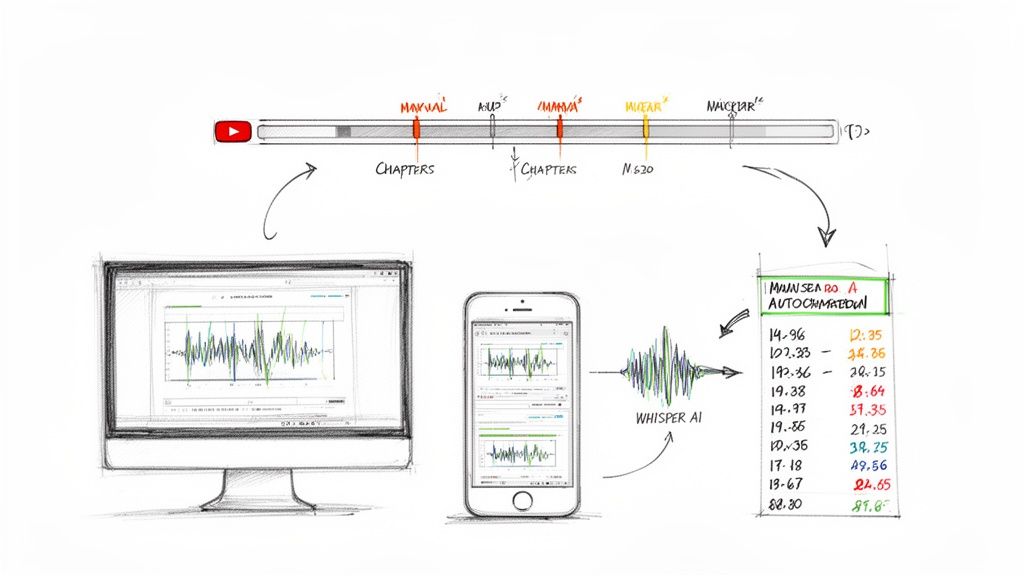
This method transforms dense, monolithic files into well-structured, accessible resources. For instance, a one-hour project kickoff meeting can be segmented into chapters like "Project Goals," "Team Roles," and "Next Steps." This allows team members to quickly find the specific information they need without scrubbing through the entire recording. This is one of the best practices for documentation because it directly improves user experience and content discoverability.
How to Implement This Practice
Integrating semantic chunking into your documentation process makes your content more digestible and easier to repurpose. The key is to think like your audience and anticipate how they will look for information.
- Identify Natural Transitions: Pay attention to shifts in topic during a conversation. These are your natural boundaries for creating chunks. Some automated tools can even detect these topic changes and generate chapters automatically, saving significant time.
- Write Descriptive Headers: Each chunk should have a clear, concise header that summarizes its content. Good headers act as signposts, guiding users directly to the information they need, much like YouTube's popular chapter feature.
- Build a Table of Contents: For any long-form content like a podcast, webinar, or meeting recording, create a clickable table of contents using the timestamps of your semantic chunks. This allows users to jump to relevant sections instantly.
- Repurpose Individual Chunks: Each semantically defined chunk can become a standalone piece of content. A section on "Q&A" from a webinar can be exported as a short video for social media or a text-based FAQ for your website.
Top 10 Documentation Best Practices Comparison
From Chaos to Clarity: Implementing Your Documentation Strategy
We've covered a significant amount of ground, exploring ten distinct best practices for documentation that can pull your team's knowledge out of scattered files and into a cohesive, accessible system. Moving beyond simple record-keeping, these methods create a robust framework for everything from transcripts and meeting notes to research and creative content. The core idea is to stop treating documentation as an afterthought and start seeing it as a strategic asset.
The journey from informational chaos to operational clarity is built on a foundation of consistency and intentionality. By adopting practices like comprehensive transcription with speaker identification and structured metadata systems, you ensure that every piece of information is not only captured but also enriched with context, making it instantly findable and useful. Similarly, implementing automated summaries and semantic chunking directly addresses information overload, allowing team members to grasp key insights without sifting through hours of raw data.
Key Takeaways for Building Your System
The most effective documentation strategies are not built overnight. They are assembled piece by piece, with each new practice reinforcing the last. Think of it as a flywheel:
- Start with Capture: Begin by perfecting how you record information. Standardizing on a tool that provides accurate transcriptions, speaker labels, and timestamps creates a high-quality foundation.
- Enhance with Structure: Apply structured metadata, version control, and multi-format export capabilities. This step makes your information organized, auditable, and shareable across different platforms and teams.
- Activate with Intelligence: Once you have a clean, structured data set, you can apply automated tools for summarization, highlight extraction, and even contextual follow-up questions. This turns your static archive into an interactive knowledge base.
This methodical approach prevents the overwhelm of trying to fix everything at once. To effectively implement your documentation strategy, it's vital to learn from common pitfalls and understand robust methodologies, for example, by reviewing a guide on SharePoint Migration Best Practices. While a different context, the principles of planning, phased rollouts, and managing stakeholder expectations are universal.
The True Value of Smarter Documentation
Ultimately, mastering these best practices for documentation does more than just clean up your folders. It cultivates a culture of transparency, efficiency, and informed decision-making. For content creators, it means effortlessly repurposing a single interview into a dozen different assets. For business teams, it means new hires can get up to speed in days, not weeks, by accessing a searchable history of key decisions. For researchers and students, it means turning hours of lectures into a queryable study guide.
The real goal is to create a system that works for you, one that reduces friction and multiplies the value of your team's collective knowledge. The initial investment in setting up these practices pays dividends in saved time, improved collaboration, and the ability to find the exact piece of information you need, right when you need it. By moving from messy notes to a clear, structured system, you unlock your content's true potential and empower your team to do their best work.
Ready to automate the most tedious parts of your documentation workflow? Whisper AI handles transcription, speaker identification, summarization, and more, letting you focus on creating, not just capturing. Try Whisper AI today and build your foundation for smarter documentation.